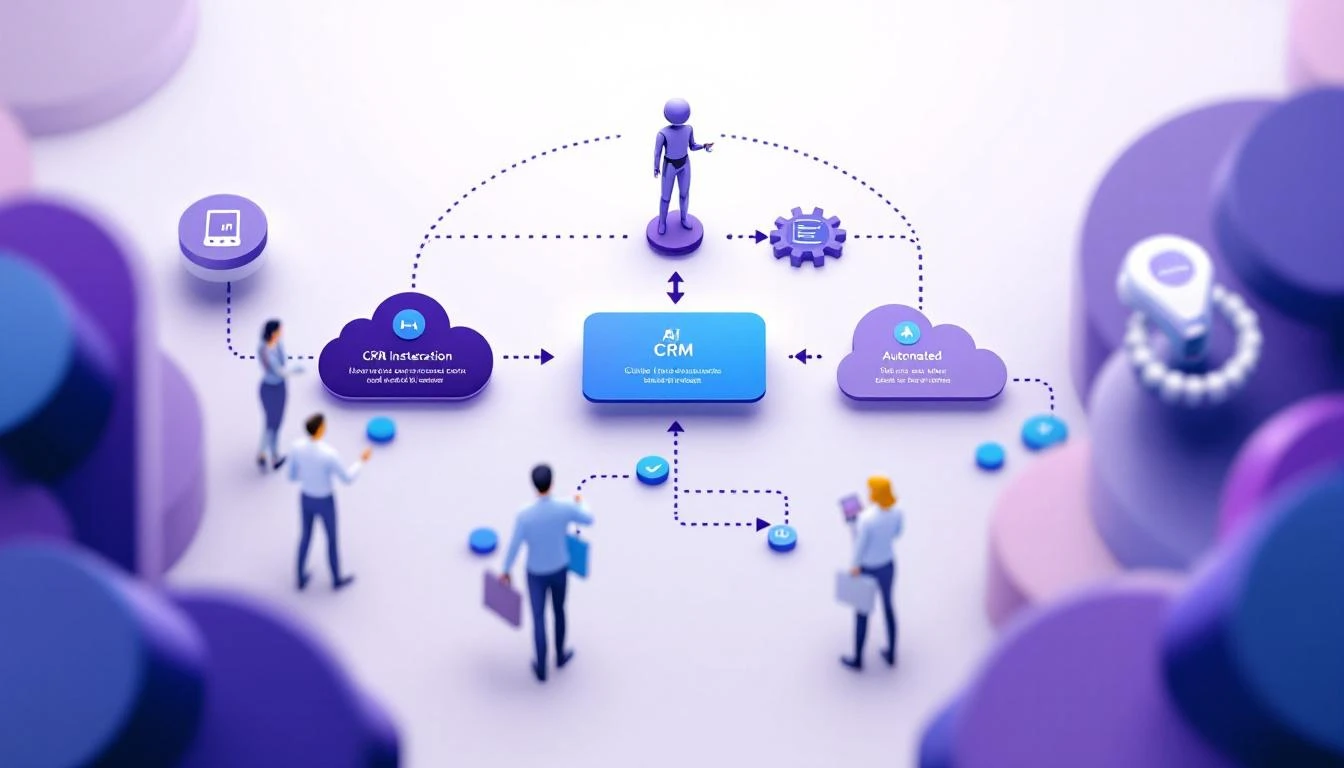
7 posts tagged with "gtm"

View All Tags

Why Cursor's ChatGTM Won't Work for Your Sales Team [2026]

· 7 min read
sunder
Founder, marketbetter.ai

One AI build succeeds while dozens fail — the survivorship bias behind ChatGTM

Published July 2026.

Every GTM leader in my feed is sharing the same story: Cursor built an internal sales AI called ChatGTM, and it booked 3x more qualified meetings while cutting AE ramp time by more than half. The takeaway everyone is drawing is seductive and simple — "stop buying sales tools, build your own."

I want to be the person who says the quiet part out loud: that's survivorship bias, and copying it will burn most teams that try.

Let me be clear up front — I'm not here to trash Cursor. What they built is genuinely impressive, and the results are real. But the lesson people are extracting from it is wrong, and it's wrong in a way that will cost you two quarters and a lot of goodwill with your sales team.

First, credit where it's due

ChatGTM is a legitimately good piece of engineering. From what's been shared publicly, it queries Salesforce, Gong, and other systems live via tool calls instead of pre-loading a static repository someone has to babysit. That's the right architecture — no staleness, no sync jobs rotting in the background. It surfaces morning account briefs, drafts personalized outbound, and answers rep questions during live calls. Their SDRs report 3x qualified meetings; AEs ramp in half the time. Across a 400-plus person sales org, that's a serious outcome.

So why am I telling you not to copy it?

Because the reasons it worked at Cursor are the exact reasons it won't work at your company.

The survivorship bias trap

When a story goes viral, you only hear about the one build that worked. You don't hear about the hundred sales teams that spun up an internal "sales copilot," burned a quarter of engineering time, and quietly killed it when the SDRs stopped opening it. Those stories don't get LinkedIn posts. They get buried in a Notion doc labeled "learnings."

ChatGTM is the visible rocket that launched. The grounded, broken ones you never see are the actual base rate — and the actual base rate is brutal.

The five preconditions Cursor had that you probably don't

ChatGTM didn't succeed because "internal builds are better." It succeeded because Cursor sat at the intersection of five conditions that almost no other company has all at once:

PreconditionCursorYour company
World-class AI engineers to spareBuilding AI dev tools is literally their businessYour engineers are heads-down on your actual product roadmap
A sales team that is technically fluentThey sell to developers and often are developersYour reps want fewer tabs, not a plain-English automation IDE
Clean, structured data in Salesforce and GongWell-instrumented, disciplined CRM hygieneHalf your opportunities are missing a stage or a next step
AI is core differentiation, not overheadEvery hour on internal AI compounds their core expertiseEvery hour you spend on this is an hour off your roadmap
Appetite to fund maintenance foreverBuilding and maintaining models is their normalThe moment your builder gets promoted, the tool rots

If you can't honestly check all five, you are not Cursor — you are the base rate. And the base rate has data behind it.

What the data actually says

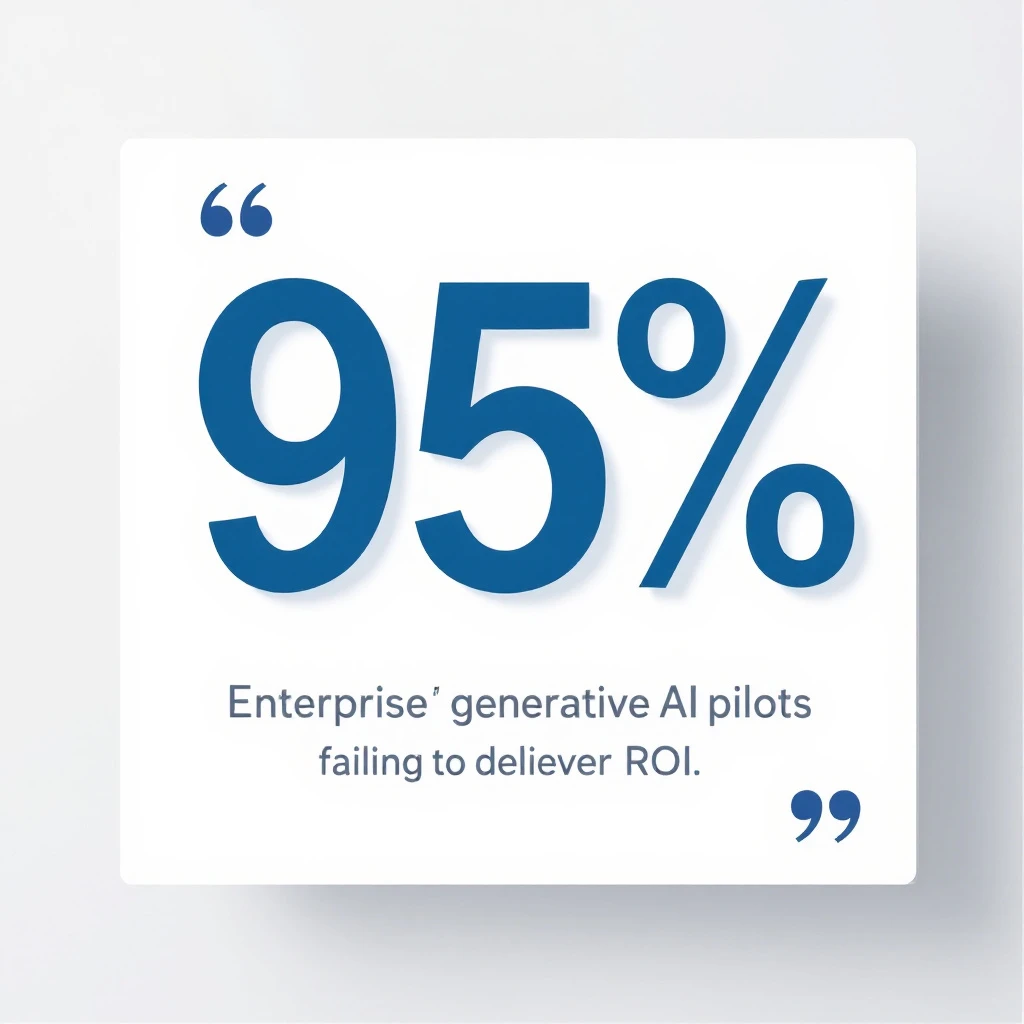
This is where the "just build it" crowd goes quiet. MIT's NANDA State of AI in Business 2025 report studied 300 public AI deployments alongside interviews and surveys of enterprise leaders. The headline finding:

95% of enterprise GenAI pilots deliver no measurable P&L impact — MIT NANDA 2025

95% of enterprise GenAI pilots delivered no measurable P&L impact. Not "underperformed" — no measurable impact at all.

And when you split by who built the thing, the gap is stark:

  • Tools bought from external vendors succeeded roughly twice as often as internal builds.
  • Blended teams (internal specialists plus outside expertise) hit a 67% success rate.
  • IT-only internal builds succeeded just 22% of the time.

Read that again. When your own team builds a sales AI in-house with no outside expertise, it fails nearly four times out of five. Cursor is in the winning 22% precisely because their internal team is world-class AI expertise. Yours, on this specific problem, probably isn't — and that's not an insult, it's just not your core competency.

The failure mode is almost never the model. It's the "learning gap" — the integration, the data hygiene, the workflow adoption, and the endless maintenance that a viral demo never mentions.

The real question isn't build vs buy

Here's the reframe that matters. "Build vs buy" is the wrong debate. The right question is: is a sales AI system your differentiating product, or is it internal overhead you need to just work?

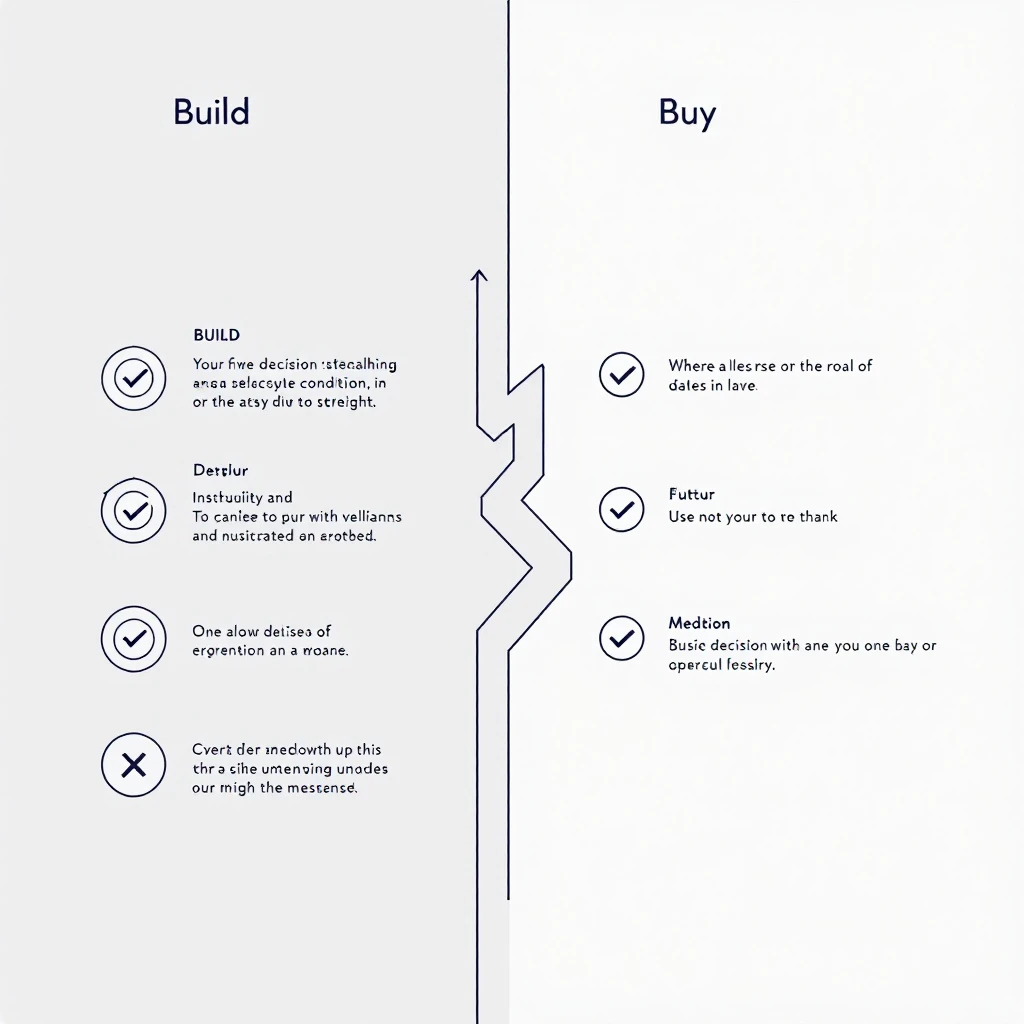
Build vs buy decision framework for sales AI — five conditions that favor building

Build only if you can honestly say yes to all of these:

  1. The sales AI system is itself part of your product or core moat.
  2. You already run a production ML or applied-AI team with cycles to spare.
  3. Your CRM and call data are genuinely clean and well-instrumented today.
  4. You can fund 15-30% of the build cost, every year, forever, just on maintenance.
  5. Your reps will actually adopt a tool they have to help shape.

Miss even one, and building is a slow-motion way to arrive at the 95%.

Buy if any of these are true — and for most teams, they are:

  • Your engineers are needed on the product customers pay for.
  • Your data hygiene is a work in progress (whose isn't?).
  • You need results this quarter, not after a two-quarter internal project.
  • You want someone else absorbing the maintenance and model upgrades.
  • You want your reps live in days, not after an internal adoption slog.

Buying gets you the outcome Cursor built — the morning briefs, the signal-aware outreach, the "tell me what to do next" — without staffing an internal AI team to build and babysit it.

What you actually wanted was the outcome

Nobody wants ChatGTM. They want what ChatGTM does: an SDR who walks in every morning knowing exactly which accounts are heating up, what to say, and what to do next — without opening seven tabs and re-explaining context to a generic chatbot.

That's the entire reason MarketBetter exists. It watches your buying signals — website visitors, intent, engagement — and hands each rep a daily playbook of who to contact, why now, and exactly what to send across email, LinkedIn, and phone. It's the ChatGTM outcome, productized, maintained, and live in days instead of quarters. You get the winning 22% odds by not building it yourself.

If you're weighing your options, these will help:

The honest bottom line

Cursor's ChatGTM is a great story and a bad template. The next time someone in a GTM Slack says "we should just build our own," send them this: the version of you that copies Cursor is far more likely to join the 95% than the 5%. The version of you that recognizes you wanted the outcome, not the project, ships pipeline this quarter.

Build only if sales AI is your product. Everyone else — buy the outcome and get back to your roadmap.

Want the ChatGTM outcome without the ChatGTM build? See MarketBetter in action — signal-driven playbooks your reps will actually open, live in days.

What AI SDR Tools Actually Cost in 2026: We Analyzed Pricing Across 30+ Platforms

· 10 min read
MarketBetter Team
Content Team, marketbetter.ai

Every AI SDR vendor leads with a friendly number. "$49 a month." "Starts at $99." "Book a demo to see pricing." Then you get the contract and the math looks nothing like the pricing page.

We pulled the real numbers on 30+ AI SDR, sales engagement, intent data, and sales intelligence platforms — the tiers, the credit systems, the minimum seats, the annual lock-ins, and the add-ons that don't show up until you're in the room with a sales rep. This is the consolidated view: what these tools actually cost a B2B sales team in 2026, and how to budget without getting surprised.

Every price below links to our full breakdown of that specific tool, so you can verify the details yourself.

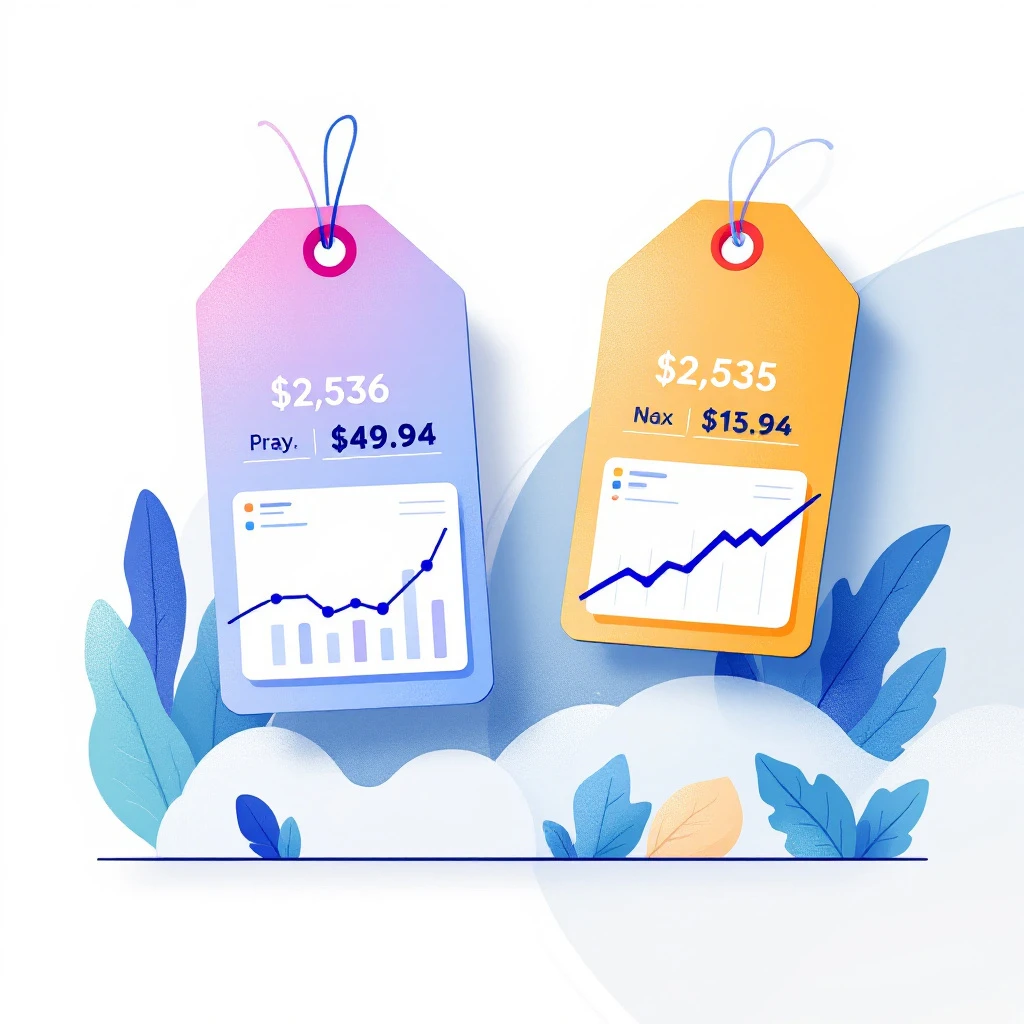
AI SDR pricing comparison across 20+ platforms in 2026

The headline price is almost never the real price

Here is the single most important thing we found: across the entire category, the gap between the advertised entry price and what teams actually pay is enormous — often 3x to 10x.

The reasons are consistent:

  • Credit systems. Apollo and Clay look cheap per seat, then meter you on enrichment credits. Clay teams routinely pay roughly 3x the headline once real prospecting volume kicks in.
  • Minimum seats and annual lock-in. Amplemarket starts around $600/mo but bills annually. Most "monthly" AI SDR tools are annual contracts wearing a monthly sticker.
  • Add-on modules. Outreach and Salesloft publish a per-seat number, then charge separately for conversation intelligence, dialer, and analytics.
  • Auto-renewal traps. Seamless.AI buyers repeatedly report auto-renewals and cancellation friction that lock in a full extra year.

If you budget off the pricing page, you will be wrong. Budget off the real cost below.

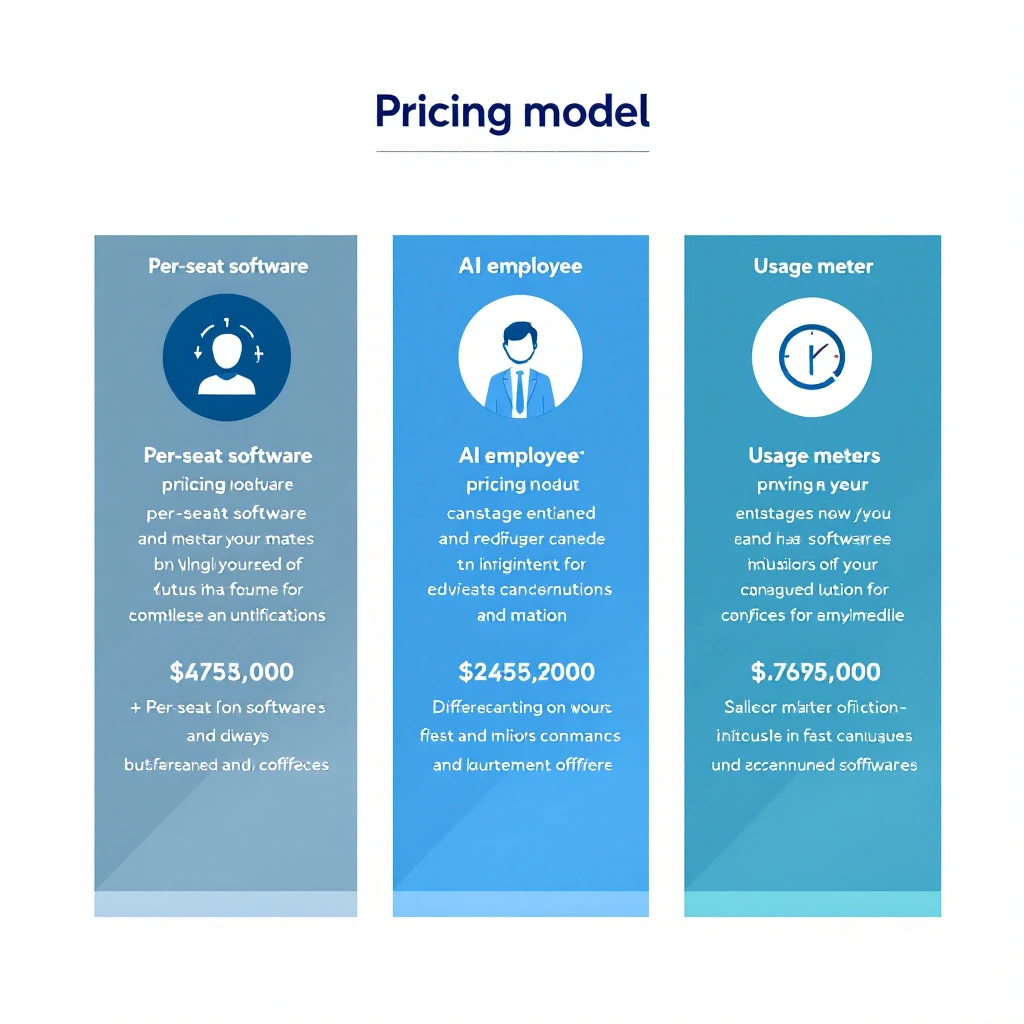
Three pricing models in the AI SDR market

Before comparing individual tools, understand which of three models a vendor uses. It tells you far more about your real cost than the entry price does.

Three AI SDR pricing models: per-seat SaaS, autonomous AI employee, and usage-based

1. Per-seat SaaS (cheap headline, scales with seats and credits)

The classic model. You pay per user per month, plus data credits. Cheap to start, expensive at team scale because every rep is another seat and every list pull burns credits.

Examples: Apollo, Reply.io, Instantly, Lemlist, Smartlead.

2. Autonomous "AI employee" (priced like headcount)

The newer autonomous AI SDR category — tools that claim to research, write, and send on their own. These are priced like a person, not software: roughly $900 to $5,000+ per month, usually on an annual contract. You're buying an outcome, not seats.

Examples: 11x (Alice), Artisan (Ava), AiSDR, Regie.ai.

If you're weighing this category, read our AI SDR vs AI BDR breakdown first — the labels are used loosely and the pricing follows the label.

3. Usage / credit-based (cost balloons with volume)

You pay for what you consume — enrichment, messages, or AI actions. Predictable at low volume, unpredictable at scale, and the vendor's incentive is for you to consume more.

Examples: Clay, Amplemarket, and the credit tiers inside Apollo.

The full pricing breakdown

Here's the consolidated table. "Headline" is what the pricing page implies. "Real cost" is what teams actually pay once credits, seats, and add-ons are included, based on our per-tool research.

Autonomous AI SDR platforms

PlatformHeadline / entryReal costBilling model
11x (Alice)Custom$60K/year ($5,000/mo)Annual contract
Artisan (Ava)Custom~$2,000 to $3,000/mo entryAnnual, per-lead math
AiSDR$900/mo floor~$10.8K/yearQuarterly billed
Regie.aiCustom~$5,000/mo and upEnterprise annual
AmplemarketFrom $600/mo~$7.2K/year plus creditsAnnual lock-in
NooksCustom~$4,000 to $5,000 per user/yearAnnual
Qualified (Piper)Custom~$68K/year list; ~$40K to $50K negotiatedAnnual, "hire" not seat
DriftCustom~$2,500/mo floor plus Salesloft bundleAnnual
LandbaseCustom~$2,000 to $5,000+/mo (estimated)Contact sales

Sales intelligence and data

PlatformHeadline / entryReal costNotes
Apollo.io$49 to $79/userHigher after credit caps and add-onsCredit-metered
ZoomInfoCustom~$15K/year floorAnnual, seat minimums
CognismCustom~$15K (Grow) to $25K+ (Elevate)Per-user tiers
Seamless.AI$147 to $299/userLocked by auto-renewalCancellation friction
ClayFrom $149/moMost pay ~3x headlineCredit-based
LeadIQ$36 to $45/userMedian deal ~$26.4K/yearPer-user plus credits

Sales engagement and dialers

PlatformHeadline / entryReal costNotes
SalesloftCustom~$165/user/mo and upAdd-on modules
Outreach~$50/userEffectively enterprise annualModules priced separately
Reply.io$49/user~$139/user effectivePer-seat creep
Instantly$37/mo$97 to $199/mo typicalAdd-ons
Smartlead$39/mo$500 to $700/mo at scaleSending volume
Lemlist$63/user~$87/user realPer-seat
OrumCustom~$250/user (dialer)Parallel dialing

Intent data, ABM and visitor identification

These tools tell you which accounts are in-market. They price like enterprise data — high floors, annual contracts, and steep jumps between tiers.

PlatformHeadline / entryReal costNotes
6senseCustom~$25K to $120K/yearAnnual, tiered by data
DemandbaseCustom~$18K to $300K+/yearAnnual, contract-scaled
KoalaFree tier~$250 to $500/mo (Growth)Product-led entry
DealfrontFree tierFrom $99/mo (Web Visitors)Visitor ID, EU data

Revenue and conversation intelligence

Priced as a platform fee plus per-user seats. The platform fee is the number that surprises teams.

PlatformHeadline / entryReal costNotes
GongCustom~$5K to $50K platform fee plus ~$1,300 to $1,920/user/yearAnnual
ClariCustom~$100 to $400+/user/moModule-based (Core, Copilot, Groove)

What a real AI SDR budget looks like

Stack the categories and the picture gets honest. A typical mid-market team that wants "an AI SDR setup" is rarely buying one tool. They're buying:

  • A data/intelligence layer (Apollo, ZoomInfo, or Cognism): roughly $15K/year and up at team scale.
  • Optionally an intent/ABM layer (6sense or Demandbase): another ~$25K/year and up if you want in-market account signals.
  • A sequencing/engagement layer (Salesloft, Outreach, or a lighter tool like Smartlead): roughly $2K to $30K/year depending on seats.
  • Optionally an autonomous AI SDR (11x, Artisan, AiSDR): roughly $10K to $60K/year.

Add it up and the "$49/month" fantasy becomes a $30K to $100K+ annual GTM stack. That's before anyone measures whether the autonomous layer actually books meetings.

For a deeper look at assembling these pieces, see our complete SDR tech stack guide and our end-to-end AI sales platforms buyer's guide.

The question pricing pages don't answer

Here's what none of these price tags tell you: what does your team actually do with the output?

A $15K/year intent-data tool gives you a dashboard of accounts showing signals. A $60K/year autonomous AI SDR sends emails you can't fully see or steer. In both cases the expensive part isn't the software — it's the interpretation gap. Someone still has to decide who to contact, what to say, and when. Most tools hand you data and walk away.

This is where the buying decision should actually be made. Cheaper tools that dump raw signals cost less on the invoice and more in wasted rep hours. Autonomous tools that act on their own cost more and remove the human judgment that closes B2B deals.

That gap is exactly what MarketBetter is built to close. Instead of another dashboard to interpret or a black box you can't control, MarketBetter tells your reps who to contact and what to do next — the specific action, on the specific account, at the specific moment the signal fires. You keep human oversight; you lose the busywork. Compare the approaches in our best AI SDR tools and best AI BDR tools roundups.

How to evaluate AI SDR pricing without getting burned

Five questions to ask every vendor before you sign:

  1. Is this monthly or annually billed? Almost every "monthly" AI SDR price is a 12-month commitment. Confirm the term.
  2. What's metered? Credits, messages, enrichments, seats — find the meter and model your real volume against it.
  3. What's an add-on vs included? Dialer, conversation intelligence, and analytics are frequently separate line items.
  4. What's the renewal behavior? Ask directly about auto-renewal windows and cancellation notice periods.
  5. What does a rep do with the output? If the answer is "interpret a dashboard," factor in the rep hours. That's the hidden cost bigger than any add-on.

Bottom line

The AI SDR market's pricing is deliberately hard to compare, and the entry prices are the least useful number on the page. Budget off real cost: expect a serious team stack to land between $30K and $100K+ per year once data, engagement, and any autonomous layer are combined.

And before you pay for either a data dump or a black box, decide which problem you're actually solving. If it's "my reps have data but don't know what to do with it," more data won't fix it — direction will.

See what direction-first looks like. Book a demo and we'll show you exactly how MarketBetter turns signals into the next action for your reps — no dashboard interpretation required.

30 Best Codex Prompts for Sales & GTM Teams [2026]: The Complete Library

· 16 min read
MarketBetter Team
Content Team, marketbetter.ai

Most "AI prompt" lists are the same ten generic prompts rewritten a hundred times. This isn't that.

Below are 30 Codex prompts organized by the actual job you're trying to do — research a prospect, write the email, prep the meeting, clean the pipeline, win the deal. Each one is copy-paste ready and built for GPT-5.3-Codex. At the end, you'll get the reusable prompt template that lets you write your own from scratch, so you're never dependent on someone else's list again.

If you want the shorter starter set first, our 10 Codex prompts that 10x SDR productivity is the fastest place to begin. This library goes deeper and covers the full GTM motion.

Codex prompt library for sales and GTM teams

Before You Start: 60-Second Setup

Install the Codex CLI:

npm install -g @openai/codex

Or run Codex in the browser at codex.openai.com. New to the tool? Our OpenAI Codex CLI GTM guide walks through the full setup, and if you're deciding between models, read Codex vs Claude vs ChatGPT for GTM before you commit.

Three rules that make every prompt below work better:

  1. Fill in every [BRACKET]. The prompts are templates. Vague inputs get vague outputs.
  2. Steer mid-generation. When Codex drifts, interrupt and correct it — don't restart. See mid-turn steering for GTM.
  3. Iterate in one session. Codex holds context. Follow up with "tighten this" or "add a data point" instead of starting over.

Category 1: Research & Prospecting

The prep work that eats your morning. These four prompts turn an hour of tab-switching into a few minutes.

Prompt 1: Account Deep-Dive Brief

Use case: A full account brief before you touch the phone.

Build a research brief on [COMPANY]. Structure it as:

1. One-line description of what they sell and to whom
2. Company stage (headcount, funding, growth signals)
3. Top 3 strategic priorities you can infer from recent news, job posts, and their site
4. The single team most likely to feel the pain [YOUR PRODUCT] solves
5. One specific, non-generic opener referencing something real from the last 90 days

Only include facts you can support. Mark anything speculative as "inferred."

Prompt 2: Buying-Committee Map

Use case: Know who to multithread before you send a single email.

For [COMPANY] evaluating [PRODUCT CATEGORY], map the likely buying committee:

- Economic buyer (title + why they care)
- Champion (title + the win that makes them look good)
- Technical evaluator (title + their top concern)
- Likely blocker (title + their objection)

For each, give me one message angle that resonates with that specific role.

Pair this with our multithreading stakeholder playbook to turn the map into a sequence.

Prompt 3: Trigger-Event Scanner

Use case: Find a real reason to reach out today.

Given these recent signals about [COMPANY]:
[PASTE NEWS / JOB POSTS / FUNDING / PRODUCT LAUNCHES]

Rank the top 3 as outreach triggers. For each, tell me:
- Why it creates urgency for [YOUR PRODUCT]
- The exact first sentence of an email that references it
- What NOT to say so it doesn't feel like I'm just name-dropping the news

Prompt 4: ICP Look-Alike Builder

Use case: Turn your best customer into a target list definition.

My best customer is [CUSTOMER + why they're ideal]. Reverse-engineer the
firmographic and technographic profile that made them a great fit:

- Industry, size band, and growth stage
- Tech stack signals that indicate readiness
- Org signals (roles hiring, team structure) that predict need
- 3 disqualifiers that mean "don't bother"

Output as a checklist I can score prospects against.

For scoring the list you build, see AI lead scoring with Codex.

Prompt 5: Rep-Ready Research Digest

Use case: Compress five sources into one scannable card.

Turn the raw notes below into a 5-bullet pre-call card an SDR can read in
20 seconds. No fluff, no restating the company name. Lead with the most
useful fact for booking a meeting.

[PASTE RAW RESEARCH]

Category 2: Personalized Outreach & Email

Volume is easy. Relevance is hard. These prompts optimize for reply rate, not send count.

Codex outreach prompt workflow

Prompt 6: First-Touch Cold Email

Use case: One email, one idea, one ask.

Write a cold email to [TITLE] at [COMPANY] about [PROBLEM YOU SOLVE].

Constraints:
- Under 90 words
- Subject line under 40 characters, no clickbait
- One specific observation about their business (use: [TRIGGER])
- One clear, low-friction CTA (not "hop on a 30-min call")
- No "hope this finds you well," no "just reaching out," no "circling back"

Tone: peer-to-peer, direct, mildly curious. Not salesy.

Prompt 7: Reply-Rate Rewrite

Use case: Fix an email that isn't landing.

Here's an email getting a [X]% reply rate:
[PASTE EMAIL]

Diagnose why it's underperforming, then rewrite it. Show:
1. The 3 biggest problems (be blunt)
2. A rewritten version
3. One A/B variation with a different angle

Keep it human. If it reads like AI wrote it, you failed.

Prompt 8: Multi-Touch Sequence with a Thesis

Use case: A sequence where every email earns the next.

Build a 5-touch sequence for [ICP] selling [PRODUCT]. Each touch must
introduce a NEW idea, not repeat the last one:

- Touch 1: Provocative observation about their world
- Touch 2: Proof (customer story or stat)
- Touch 3: Reframe the problem they think they have
- Touch 4: Direct, specific ask
- Touch 5: Honest breakup

Under 90 words each. Mark personalization with [BRACKETS]. One CTA per email.

Prompt 9: LinkedIn-to-Email Bridge

Use case: Convert a LinkedIn interaction into a real conversation.

I [connected with / got a like from / commented alongside] [NAME], [TITLE]
at [COMPANY]. Context: [WHAT HAPPENED].

Write a short follow-up that references the interaction naturally, adds value,
and earns a reply — without pitching in the first message.

Prompt 10: Objection-Preempting P.S.

Use case: Neutralize the obvious objection before they raise it.

For an email to [TITLE] about [PRODUCT], the most likely brush-off is
"[OBJECTION]." Write 3 one-line P.S. options that quietly defuse it without
sounding defensive.

Category 3: Discovery & Meetings

Walk in prepared, run a tighter call, follow up faster.

Prompt 11: Discovery Question Set

Use case: Questions that surface real pain, not surface-level nods.

Generate a discovery guide for a [MEETING TYPE] with [TITLE] at [COMPANY].

Give me:
- 3 situation questions (fast, build rapport)
- 4 problem questions (surface pain)
- 3 implication questions (make the cost of inaction real)
- 2 vision questions (paint the after-state)

For each, add a one-line note on what a good answer tells me.

Prompt 12: Live Meeting Prep One-Pager

Use case: Everything you need on a single screen.

Meeting with [NAME] at [COMPANY] about [TOPIC]. Build a one-pager:

- 3 key facts about them
- 2 likely objections + my response
- Top 3 discovery questions
- Who else they might be evaluating
- 3 next-step options if it goes well

Keep every section to bullets. Prioritize what helps me advance the deal.

Selling the demo itself? Pair this with demo personalization with Codex.

Prompt 13: Real-Time Objection Handler

Use case: A comeback sheet you can glance at mid-call.

For [PRODUCT] sold to [ICP], generate a comeback sheet for the 6 most common
objections. For each: a 1-line acknowledgment, a reframe, a proof point, and
a question that moves the conversation forward. Conversational, not scripted.

Want a repeatable in-call diagnostic? See our discovery call diagnostic: 8 signals that predict close.

Prompt 14: Post-Call Follow-Up in 60 Seconds

Use case: Send the recap while the call is still warm.

Turn these call notes into a follow-up email:
[PASTE NOTES]

Include: a one-line recap of their goal, the 2-3 points that mattered most
to them, the agreed next step with a date, and nothing they didn't actually
say. Under 120 words. Founder-to-buyer tone.

Prompt 15: Deal Recap for the Champion

Use case: Arm your champion to sell internally without you.

My champion [NAME] needs to pitch [PRODUCT] to their [BOSS/COMMITTEE].
Write a short internal-forward doc they can paste into Slack or email:

- The problem in their words
- The 3 outcomes that matter to leadership
- The cost of doing nothing
- The simple next step

Make my champion look smart. Zero jargon.

Category 4: Pipeline, CRM & Ops

The unglamorous work that quietly kills quota. Automate it.

Codex CRM and pipeline automation

Prompt 16: Pipeline Hygiene Audit

Use case: Find the deals lying to your forecast.

Given this pipeline export:
[PASTE DEALS: name, stage, amount, last activity, close date]

Flag every deal that is: stalled (no activity in 14+ days), slipping (close
date pushed twice), or mis-staged (stage doesn't match activity). For each,
give me the one action that unsticks it. Output as a prioritized list.

More on this in Codex CRM pipeline cleanup and CRM hygiene automation with Codex.

Prompt 17: CRM Field Standardizer

Use case: Fix messy data without hand-editing rows.

Write a Node.js script that reads a CRM contact export (CSV) and:
- Standardizes phone numbers to E.164
- Title-cases names and job titles
- Flags (does not auto-change) email domains that don't match company domain
- Outputs a change-preview report before writing anything

Include error handling and a dry-run flag.

Prompt 18: Weekly Forecast Summary

Use case: Turn a spreadsheet into a narrative your manager reads.

From this deal list [PASTE], write a 6-line forecast summary:
- Committed vs best-case number
- The 2 deals most likely to close this period and why
- The 2 biggest risks
- The one thing I need help with

No hedging. If the number is soft, say so.

For accuracy tuning, see AI sales forecasting accuracy with Codex.

Prompt 19: Lead Router

Use case: Route inbound to the right rep instantly.

Design routing logic for inbound leads. Inputs available: [LIST FIELDS].
Rules I care about: [e.g., enterprise by headcount to AE tier 1, SMB to SDR
pod, existing customers to CSM]. Output a decision tree plus edge-case
handling for missing data.

Deeper build in AI lead routing system with Codex.

Prompt 20: Activity-to-Insight Rollup

Use case: Turn raw activity logs into coaching signal.

Here are my last 2 weeks of activity [PASTE: calls, emails, meetings].
Tell me: where I'm spending time vs where deals actually move, my highest
and lowest ROI activity, and the one habit to change next week. Be direct.

Category 5: Competitive & Deal Strategy

Win the deals that are genuinely up for grabs.

Prompt 21: Battle Card Generator

Use case: A tactical card for a competitor you hit weekly.

Build a battle card for competing against [COMPETITOR] when selling [PRODUCT]:

1. How they position vs how we should
2. Their real strengths (be honest)
3. Their weaknesses with specific examples
4. 4 discovery questions that expose the gaps
5. 3 traps to set early that hurt them later
6. Quick comebacks to their 5 most common claims

Tactical and specific. This is for reps, not marketing.

Automate the whole thing with AI sales battle card automation.

Prompt 22: Deal Risk Diagnosis

Use case: Get an honest second opinion on a stuck deal.

Here's a deal: [CONTEXT — stage, stakeholders, timeline, what's happened].
Play skeptical sales manager. Tell me: the 3 biggest risks, the question I'm
avoiding, whether this is real or happy ears, and the single next move with
the highest leverage.

Prompt 23: Mutual Action Plan

Use case: A shared close plan that keeps the deal on rails.

Create a mutual action plan to get [COMPANY] from [CURRENT STAGE] to signed
by [DATE]. List every step, owner (us or them), and date working backward
from close. Flag the 2 steps most likely to slip.

Prompt 24: Pricing & Packaging Framer

Use case: Present price as value, not sticker shock.

For [PRODUCT] priced at [PRICE MODEL], and a prospect who cares most about
[THEIR PRIORITY], write 3 ways to frame the investment around ROI and cost
of inaction. Include the exact language for the "why this is worth it" moment.
No discounting.

Prompt 25: Loss Post-Mortem

Use case: Extract a lesson from every closed-lost.

We lost [DEAL] to [COMPETITOR / no-decision] because [WHAT HAPPENED].
Diagnose the real root cause (not the stated one), the earliest point I could
have changed the outcome, and the one process change that prevents a repeat.

Category 6: Manager & Team Enablement

For the people who carry a number and a team.

Prompt 26: 1:1 Coaching Prep

Use case: Walk into every 1:1 with a plan.

My rep [NAME] has this pipeline and activity [PASTE]. Prep my 1:1:
- 2 genuine wins to open with
- The single metric holding them back
- 3 coaching questions (not lectures)
- One deal to inspect together and why

Coach, don't manage.

Prompt 27: Playbook Builder

Use case: Codify what your best rep does.

Turn these notes on our top performer's process [PASTE] into a repeatable
playbook: the motion stage by stage, the "if this, then that" plays, and the
3 habits that separate them from the median rep. Written so a new hire can run it.

Full walkthrough in AI sales playbook generator with Codex.

Prompt 28: Onboarding Ramp Plan

Use case: Get new reps productive faster.

Design a 30-60-90 ramp for a new [ROLE] selling [PRODUCT] to [ICP]. For each
phase: the outcome, the skills to build, the certifications to pass, and the
leading indicator that predicts they'll hit quota.

Prompt 29: Team Performance Benchmark

Use case: See where the team really stands.

Given this team's metrics [PASTE], benchmark each rep on activity, conversion,
and deal velocity. Identify the top pattern among winners, the common failure
mode among laggards, and the one team-wide change with the biggest upside.

See SDR performance benchmarking with Codex for the full method.

Prompt 30: Cold Call Script Optimizer

Use case: A talk track that doesn't sound like a robot.

Write a cold call framework for calling [TITLE] at [COMPANY TYPE]:
opening (5 sec), permission ask, 15-second hook on [PAIN], 2 qualifying
questions, bridge to meeting, top 3 objection handlers, graceful exit.
Give exact language, not concepts. Make it sound like a human, not a script.

More at AI cold call script optimizer with Codex.


The Anatomy of a Great Codex Prompt (Steal This Template)

The prompts above work because they share a structure. Once you internalize it, you'll stop hunting for lists and start writing better prompts than any list gives you.

Here's the reusable template:

[ROLE / CONTEXT]      -> Who you are and the situation
[TASK] -> The one job, stated plainly
[INPUTS] -> The real data, marked with [BRACKETS]
[CONSTRAINTS] -> Length, tone, format, and what to avoid
[OUTPUT FORMAT] -> Exactly how you want it back
[EXCLUSIONS] -> What NOT to do (the secret weapon)

Filled in, it looks like this:

You're an SDR selling [PRODUCT] to [ICP].
Task: write a first-touch cold email.
Inputs: prospect is [TITLE] at [COMPANY]; trigger is [EVENT].
Constraints: under 90 words, one CTA, peer tone.
Output: subject line + body.
Don't: use "hope this finds you well," buzzwords, or a hard ask.

Five rules that separate good prompts from great ones:

  1. State the exclusions. Telling Codex what to avoid improves output more than piling on requirements. "No buzzwords, no generic openers" does more than three extra instructions.
  2. Give real inputs, not placeholders. The prompt is a template; your data makes it useful. Paste the actual trigger, the real notes, the true numbers.
  3. Specify the output format. "Return a 5-bullet card" beats "summarize this" every time.
  4. Constrain length up front. Unbounded prompts produce unbounded fluff. Set the word count.
  5. Iterate, don't restart. Codex keeps context in a session. "Tighten this" and "make it more specific" refine faster than a fresh prompt.

For choosing the right tool for these prompts, compare Codex vs Claude Code for sales automation. If you lean Claude, our Claude SDR daily routine and how to use Claude for lead generation cover the same motion.


From Prompts to Autopilot

Prompts save you minutes. Automation saves you the job entirely.

Each prompt above can become a trigger:

  • New lead lands in the CRM → run the Account Deep-Dive Brief (Prompt 1) automatically
  • Meeting booked → generate the Live Meeting Prep One-Pager (Prompt 12)
  • Every Friday → run the Pipeline Hygiene Audit (Prompt 16)

Chain them and the prompts stop being things you run and start being work that runs itself.

Free Tool

Try our AI Lead Generator — find verified LinkedIn leads for any company instantly. No signup required.

The Real Unlock

Even the best prompt is only as good as the input you feed it. "Research this company" gets you public info anyone can find. The reps who win know who's actually on their site right now and what those buyers care about — then feed that into prompts like the ones above.

That's the gap MarketBetter closes. We tell you who's showing intent and what to do next, so your Codex prompts run on real buying signals instead of guesses.

Want to feed your prompts real buyer intent? Book a demo →

We Priced Out Every B2B Sales Stack in 2026 — Here's What Teams Actually Pay

· 14 min read
sunder
Founder, marketbetter.ai

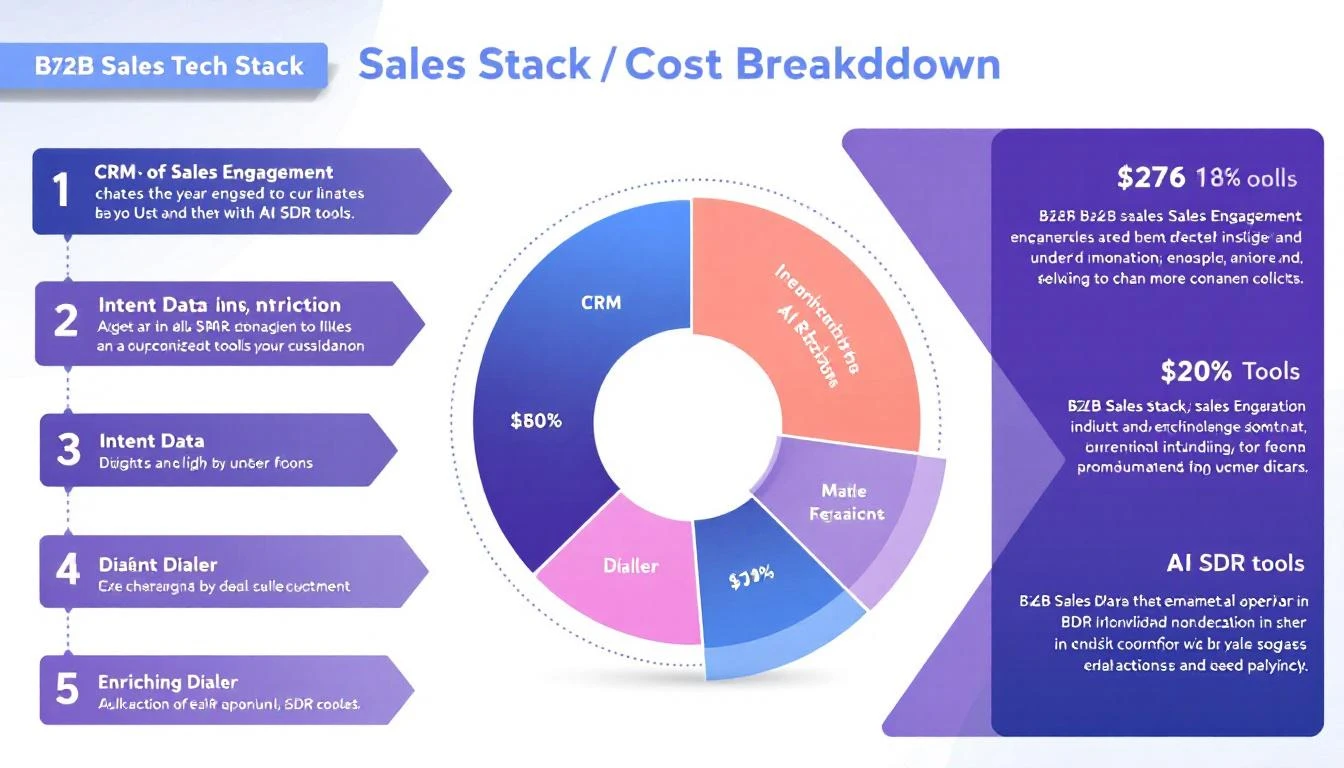
B2B GTM stack cost breakdown for 2026

The average B2B SDR uses 4 to 10 different tools every day (Source: UpLead, 2025). That's 4–10 logins, 4–10 tabs, 4–10 invoices.

But here's the number nobody talks about: what does all of that actually cost?

Not the "starting at $49/mo" from landing pages. The real number — after annual commitments, per-seat fees, credit overages, add-ons, and the enterprise pricing wall that shows up the moment you ask for a demo.

We did the math. We pulled real pricing data from 15+ sales tools across six categories — CRM, sales engagement, intent data, enrichment, dialers, and AI SDR platforms — and calculated the true total cost of ownership (TCO) for SDR teams of different sizes.

The results aren't pretty.


The Six Categories Every SDR Stack Needs

Before we get into the numbers, here's what a modern B2B sales development stack typically includes:

  1. CRM — Where deals live (HubSpot, Salesforce, Pipedrive)
  2. Sales Engagement — Sequence automation, email cadences (Outreach, SalesLoft, Apollo)
  3. Intent Data / Signals — Who's in-market right now (6sense, Bombora, MarketBetter)
  4. Data Enrichment — Contact info, firmographics (ZoomInfo, Cognism, Clearbit)
  5. Dialer — Calling at scale (Orum, Nooks, MarketBetter Smart Dialer)
  6. AI SDR / Automation — AI-assisted prospecting and outreach (11x, Artisan, MarketBetter AI)

Most teams cobble together one tool from each category. Some use two. A few brave souls try to use all-in-ones.

Let's price out each layer.


Layer 1: CRM — The Foundation You Can't Skip

ToolStarting PriceMid-Market (5 Seats)Notes
HubSpot Sales Hub$20/user/mo (Starter)$500/mo (Professional)Professional tier required for sequences, automation
Salesforce Sales Cloud$25/user/mo (Essentials)$825/mo (Professional)Most teams need Professional at $165/user/mo
Pipedrive$14/user/mo$250/mo (Professional)Good value, but limited enterprise features
Close$49/user/mo$495/mo (Professional)Built-in calling — reduces dialer need

Realistic CRM cost for a 5-SDR team: $250–$825/mo

The gotcha with CRM pricing is that the "Starter" tier almost never has the features SDR teams need. Sequences, workflow automation, reporting dashboards — all gated behind Professional or Enterprise tiers. HubSpot's jump from $20/user to $100/user at Professional is the most dramatic.


Layer 2: Sales Engagement — Where the Bills Start Climbing

This is where most SDR budgets blow up. Sales engagement platforms handle email sequences, call tasks, and multi-touch cadences.

ToolPer Seat/Month5-Seat Annual CostOur Deep Dive
Outreach$100–$150/user/mo$6,000–$9,000/yrFull pricing breakdown →
SalesLoft$83–$125/user/mo$5,000–$7,500/yrFull pricing breakdown →
Apollo$49–$79/user/mo$2,940–$4,740/yrFull pricing breakdown →
Instantly$30–$78/user/mo$1,800–$4,680/yrFull pricing breakdown →
Lemlist$32–$79/user/mo$1,920–$4,740/yrFull pricing breakdown →
SmartLead$39–$94/user/mo$2,340–$5,640/yrFull pricing breakdown →

Realistic sales engagement cost for a 5-SDR team: $250–$750/mo

The hidden cost here isn't the seat price — it's the annual commitment. Outreach and SalesLoft don't offer monthly contracts. You're signing a 12-month deal on day one, and renewal increases of 10–20% are standard.

Apollo is the budget-friendly option, but once you need advanced features (AI scoring, dialer, advanced analytics), you're back to $79/user/mo — which puts it on par with the "expensive" platforms.


Layer 3: Intent Data — The Most Expensive Layer Nobody Budgets For

Intent data is where the sticker shock hits. These platforms tell you which accounts are actively researching solutions like yours. The problem? They price like it.

ToolStarting PriceMid-Market AnnualOur Deep Dive
6sense$25,000+/yr$40,000–$100,000/yrFull pricing breakdown →
Bombora$25,000+/yr$36,000–$60,000/yrEnterprise-only, no self-serve
ZoomInfo + Intent$15,000+/yr (base)$30,000–$60,000/yrFull pricing breakdown →
Common RoomCustom pricing$24,000–$48,000/yrFull pricing breakdown →
Warmly$700/mo$8,400–$15,000/yrFull pricing breakdown →
MarketBetter$500/mo$6,000–$18,000/yrBook a demo →

Realistic intent data cost for a 5-SDR team: $700–$5,000+/mo

Here's the uncomfortable truth about intent data pricing: you're paying for the signal, not the seat. 6sense and Bombora don't scale with your team size — they scale with your TAM size, data volume, and integration requirements. A 5-person SDR team at a mid-market company easily spends $40K–$60K/year on intent data alone.

This is also the category with the most buyer's remorse. According to G2 reviews, the #1 complaint about 6sense and Bombora is "hard to prove ROI." You're paying enterprise prices for data that your SDRs may or may not act on.

The consolidation opportunity is massive here. Tools like MarketBetter bundle visitor identification, intent signals, AND the SDR playbook that tells reps what to do with those signals — starting at a fraction of the standalone intent data cost. Learn more in our Complete Guide to B2B Intent Data.


Layer 4: Data Enrichment — The Credit Trap

Enrichment tools provide contact details (emails, phone numbers, firmographics). They all look affordable until you run out of credits.

ToolStarting PriceReal Cost (5 SDRs)Our Deep Dive
ZoomInfo$15,000/yr (3 seats)$30,000–$60,000/yrFull pricing breakdown →
CognismCustom (est. $15K+/yr)$20,000–$40,000/yrMarketBetter vs Cognism →
Clearbit (now Breeze)Bundled with HubSpot$0 (if HubSpot) or $12K+/yr standaloneMarketBetter vs Clearbit →
ApolloIncluded in platform$2,940–$4,740/yrCredits-based, overages common
Clay$149–$800/mo$1,788–$9,600/yrFull pricing breakdown →

Realistic enrichment cost for a 5-SDR team: $250–$2,500/mo

ZoomInfo is the gorilla here. At $15K minimum (annual-only contracts), it's often the single most expensive tool in an SDR's stack. And that's the starting price — real-world costs typically land between $30K and $60K once you factor in credit overages and add-ons.

The credit model is designed to upsell. You start with 5,000 credits, burn through them in month two, and suddenly you're negotiating a mid-contract upgrade. Every enrichment vendor does this.


Layer 5: Dialer — Calling Isn't Dead, But It's Expensive

SDR teams that do phone outreach (and the data says you should — cold calls convert at 2.0–3.5%) need a dedicated dialer.

ToolPer Seat/Month5-Seat AnnualNotes
Orum$200–$300/user/mo$12,000–$18,000/yrAI parallel dialer, premium tier
Nooks$150–$250/user/mo$9,000–$15,000/yrVirtual sales floor + dialer
PhoneBurner$127–$152/user/mo$7,620–$9,120/yrPower dialer, lower-end
Close (built-in)$0 extraIncluded with CRMBasic power dialer
MarketBetter Smart DialerIncluded$0 extraIncluded in platform →

Realistic dialer cost for a 5-SDR team: $0–$1,500/mo

Dialers are the category where consolidation pays off the most. If your CRM or sales engagement platform includes one, you save $9K–$18K/year. If you're paying for a standalone parallel dialer like Orum on top of Outreach on top of ZoomInfo... your per-SDR tooling cost is going to be eye-watering.

Check out our Best Sales Dialers for SDR Teams for a deeper comparison.


Layer 6: AI SDR Platforms — The New (Expensive) Category

AI SDR tools promise to automate prospecting, personalization, and outreach. They're also the most aggressively priced category in 2026.

ToolStarting Price5-SDR EquivalentOur Deep Dive
11x (Alice)$50,000+/yr$50,000+/yrFull pricing breakdown →
Artisan (Ava)$750+/mo$9,000+/yrFull pricing breakdown →
MonacoCustomEst. $24,000+/yrMarketBetter vs Monaco →
UnifyCustomEst. $18,000+/yrMarketBetter vs Unify →
MarketBetter$500/mo$6,000/yrBook a demo →

Realistic AI SDR cost: $500–$4,000+/mo

The AI SDR category is the Wild West of pricing. 11x charges $50K+ per year for a single AI agent — roughly the cost of a junior human SDR. Artisan is more accessible but still commands $9K+ annually. Most of these tools are so new that pricing changes quarter to quarter.

The key question isn't "can AI replace my SDRs?" — it's "does the AI tool integrate with my existing stack, or is it yet another silo?" More on this in our Best AI SDR Tools comparison.


The Total: Three Real-World GTM Stacks, Priced Out

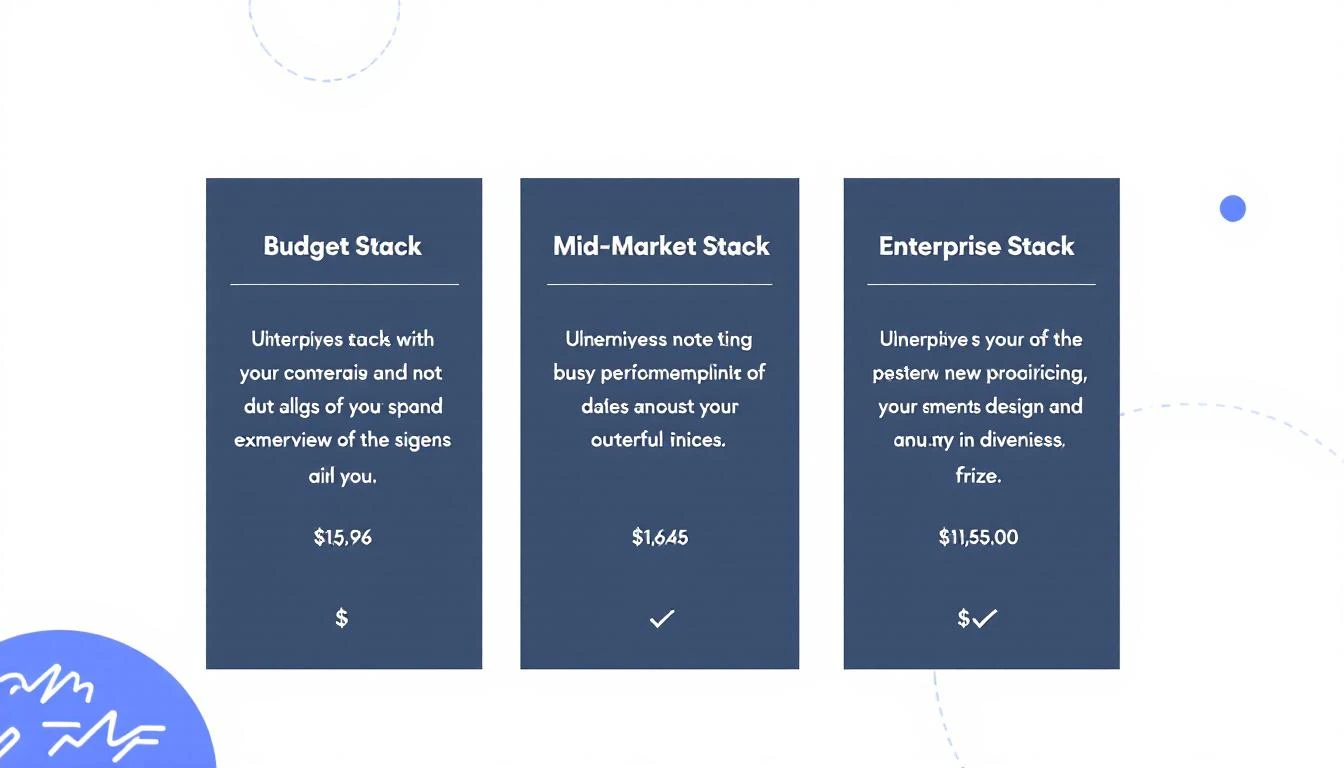
GTM stack tier comparison — Budget vs Mid-Market vs Enterprise

Here's what it actually costs to equip a 5-SDR team in 2026, across three common configurations:

Stack A: "Bootstrap Budget" — $1,200–$2,400/mo

CategoryToolMonthly Cost
CRMHubSpot Starter or Pipedrive$100–$250
Sales EngagementApollo or Instantly$200–$400
Intent DataMarketBetter (includes visitor ID + signals)$500
EnrichmentApollo (included) or Clay Starter$0–$150
DialerIncluded with MarketBetter$0
AI AutomationMarketBetter (included)$0
Total$800–$1,300/mo
Per SDR$160–$260/mo

This stack works for seed-stage and early Series A companies. The trade-off: you're running lean, which means your SDRs are doing more manual work — but your tooling cost per rep is under $260/mo.

Stack B: "Mid-Market Standard" — $3,500–$5,500/mo

CategoryToolMonthly Cost
CRMHubSpot Professional or Salesforce$500–$825
Sales EngagementOutreach or SalesLoft$500–$750
Intent DataWarmly or MarketBetter Growth$700–$1,500
EnrichmentZoomInfo (basic) or Cognism$1,250–$2,000
DialerIncluded with Outreach or standalone$0–$500
AI AutomationNone or basic$0
Total$2,950–$5,575/mo
Per SDR$590–$1,115/mo

This is where most Series B and established mid-market companies land. The jump from Stack A is dramatic — enrichment alone can add $15K–$25K annually. And notice: no AI SDR automation. Most companies at this tier can't afford to layer AI on top of their existing stack.

Stack C: "Enterprise Full-Send" — $8,500–$15,000+/mo

CategoryToolMonthly Cost
CRMSalesforce Enterprise$1,650+
Sales EngagementOutreach + Gong$1,500–$2,500
Intent Data6sense or Bombora$2,000–$5,000
EnrichmentZoomInfo Advanced$2,500–$5,000
DialerOrum or Nooks$1,000–$1,500
AI Automation11x or custom$1,000–$4,000
Total$9,650–$19,000/mo
Per SDR$1,930–$3,800/mo

Enterprise stacks routinely hit $100K–$200K+ per year for a 5-person SDR team. That's before headcount. A fully-loaded SDR (salary + tools + management overhead) at this tier costs the company $150K–$200K annually.

Read our outbound sales strategy guide for how to actually make this investment pay off.


The Tool Sprawl Tax: What Nobody Measures

SDR tool sprawl — the hidden cost of too many tabs

Beyond the dollar cost, there's a productivity cost that's almost impossible to measure:

Context switching. Every time an SDR Alt-Tabs between ZoomInfo, Outreach, Salesforce, and Gong, they lose focus. Research from the American Psychological Association estimates that task-switching can consume up to 40% of productive time.

At the Optifai benchmark of 8–10 qualified meetings per month for a median SDR, that means 3–4 meetings per month are lost to tool friction alone.

Here's what that looks like in practice:

  • Step 1: Check intent signals in 6sense (Tab 1)
  • Step 2: Enrich the contact in ZoomInfo (Tab 2)
  • Step 3: Build a sequence in Outreach (Tab 3)
  • Step 4: Log the activity in Salesforce (Tab 4)
  • Step 5: Review the last call recording in Gong (Tab 5)
  • Step 6: Update the deal stage in your CRM (back to Tab 4)

Six steps, four tools, zero flow state.

This is why the industry is moving toward consolidation. Platforms that combine signals + engagement + dialer into one workflow — like what we've built at MarketBetter — eliminate the tab-switching tax and let SDRs stay in one place.

Our SDR Playbook Template Guide shows exactly how a consolidated workflow operates.


The Consolidation Math: Where the Real Savings Are

Here's the financial case for stack consolidation, using real numbers:

Fragmented stack (Mid-Market Standard):

  • 5 tools × 5 SDRs = 25 licenses to manage
  • Annual cost: $35,000–$67,000
  • Admin overhead: 1 RevOps person managing integrations (~$80K/yr fully loaded)
  • Total annual cost: $115K–$147K

Consolidated platform approach:

  • 1-2 tools × 5 SDRs = 5–10 licenses
  • Annual cost: $10,000–$25,000
  • Admin overhead: Minimal (one platform, native integrations)
  • Total annual cost: $10K–$25K

Annual savings: $90K–$120K — enough to hire another SDR.

This isn't theoretical. Only 19% of companies increased SDR headcount in 2025 (Source: SaaStr), the lowest growth rate across all sales functions. Teams are consolidating tools and doing more with less.

The question isn't "which is the best tool in each category?" It's "which platform eliminates the most categories?"


Our Take: The Stack That Wins in 2026

Based on our analysis of pricing across 15+ tools, here's what we'd recommend for a 5-SDR team targeting $500K–$5M ACV deals:

The essentials (pick your approach):

  1. CRM: HubSpot Professional ($500/mo) or Salesforce Professional ($825/mo) — you need a CRM, period
  2. Everything else: A consolidated platform that combines signals + engagement + dialer + AI

Why "everything else" should be one platform:

  • Intent data as a standalone category is dying. Bombora's third-party intent data is being questioned by the very teams that buy it
  • Sales engagement platforms (Outreach, SalesLoft) are adding AI features, but they don't have their own intent signals
  • Enrichment providers (ZoomInfo) are adding engagement features, but they're bolted on, not native
  • The winner is whoever combines signal detection + recommended action + execution in a single workflow

This is exactly what MarketBetter's Daily SDR Playbook does: identifies who's on your site, enriches the contact, surfaces the intent signal, and tells your SDR exactly what to do next — all in one screen. No tab-switching. No context loss. No $60K ZoomInfo invoice.

Start with our Best Sales Prospecting Tools guide to see how we compare across every category.


Methodology

This analysis used pricing data from the following sources:

  • Official pricing pages (accessed February–March 2026)
  • Vendr marketplace data for enterprise negotiated rates
  • G2 and Capterra reviews mentioning specific price points
  • Reddit r/sales threads with real user-reported costs
  • Our own published pricing breakdowns (linked throughout)

All prices are in USD. "Per seat" pricing assumes annual billing unless noted. Enterprise quotes are estimated ranges based on multiple sources — actual quotes vary by company size, use case, and negotiation leverage.

For tool-specific deep dives, visit our pricing breakdown series:


Ready to Simplify Your Stack?

If your SDR team is drowning in tools and your per-rep tooling cost is north of $1,000/mo, there's a better way.

MarketBetter combines visitor identification, intent signals, the daily SDR playbook, smart dialer, AI chatbot, and email automation — starting at $500/mo. One platform. One login. One invoice.

Book a demo →

The Real Cost of Building a B2B Sales Tech Stack in 2026: A Data-Driven Breakdown

· 12 min read
MarketBetter Team
Content Team, marketbetter.ai

Here's a number that should terrify every VP of Sales: sellers who feel overwhelmed by their tech stack are 43% less likely to hit quota. Not slightly less likely. Nearly half as likely.

Yet somehow, the average B2B sales organization keeps adding tools. More point solutions. More logins. More invoices. The 2025 B2B sales benchmarks show organizations now average 8.3 tools per SDR at roughly $187 per rep per month — and that's the conservative estimate.

We dug into the actual pricing of every major sales tool category to answer a question nobody wants to ask out loud: What does it really cost to equip an SDR team in 2026?

The answer isn't pretty.

B2B Sales Tech Stack Cost Breakdown

The 7 Tool Categories Every SDR Team Pays For

Before we get to the numbers, let's map the categories. A fully equipped outbound SDR team typically needs tools across seven distinct functions:

  1. CRM — The system of record (Salesforce, HubSpot)
  2. Data Provider — Contact and company information (ZoomInfo, Apollo, Cognism)
  3. Sales Engagement — Email sequences, cadences, multi-channel orchestration (Outreach, SalesLoft)
  4. Visitor Identification — Website deanonymization and intent signals (Warmly, Clearbit, 6sense)
  5. Dialer — Power/parallel dialing for phone outreach (Orum, Nooks, Kixie)
  6. Enrichment — Data append, job change tracking, technographic data (Clearbit, Clay, Lusha)
  7. Conversation Intelligence — Call recording, coaching, deal insights (Gong, Chorus)

Some teams add an eighth: chatbot or live chat for inbound conversion. Others add a ninth: ABM/advertising for targeted display campaigns. The sprawl adds up fast.

What Each Category Actually Costs

We pulled publicly available pricing data, G2 reviews, analyst reports, and vendor disclosures to build a realistic picture of what each tool category costs per seat, per year. Where vendors hide pricing (looking at you, ZoomInfo and 6sense), we used reported ranges from customer reviews and industry benchmarks.

1. CRM: $0–$1,800/user/year

ToolAnnual Cost Per UserNotes
HubSpot (Free)$0Limited features, fine for tiny teams
HubSpot Sales Hub Pro$1,080/yr ($90/mo)Most common SMB choice
Salesforce Sales Cloud Pro$1,200/yr ($100/mo)Enterprise standard
Salesforce Enterprise$1,980/yr ($165/mo)With forecasting + pipeline inspection
Pipedrive Advanced$396/yr ($33/mo)Budget-friendly alternative

Typical mid-market spend: $1,000–$1,500/user/year

2. Data Provider: $600–$15,000+/user/year

This is where the sticker shock hits. Data is the most expensive variable in any sales stack.

ToolAnnual Cost Per UserNotes
Apollo.io Basic$588/yr ($49/mo)Limited credits, common starter
Apollo.io Professional$1,188/yr ($99/mo)Uncapped emails, better data
Cognism$1,500–$3,000/yr (est.)European data strength
Lusha Pro$432/yr ($36/mo)Phone number focused
ZoomInfo Professional$14,995+/yr (platform)Per-seat pricing unclear, annual contracts
ZoomInfo Advanced$24,995+/yr (platform)With intent data

Typical mid-market spend: $1,200–$5,000/user/year (varies wildly by vendor)

3. Sales Engagement: $1,200–$1,800/user/year

ToolAnnual Cost Per UserNotes
Outreach Standard$1,200–$1,800/yr (est.)Custom pricing, annual only
SalesLoft Advanced$1,500–$1,800/yr (est.)Now owned by Vista Equity
Apollo.io (built-in)Included in data planBasic sequencing
Instantly$360/yr ($30/mo)Email-only, volume play
Reply.io$708/yr ($59/mo)Multi-channel

Typical mid-market spend: $1,200–$1,800/user/year for dedicated engagement platforms

4. Visitor Identification: $4,200–$100,000+/year

This category has the widest pricing range in all of B2B sales tech. It's also where teams often get the least value for their spend.

ToolAnnual Cost (Platform)Notes
Warmly$8,400–$18,000/yr ($700–$1,500/mo)SMB-focused
Clearbit$12,000–$50,000+/yrNow part of HubSpot
6sense Growth$25,000–$60,000+/yrEnterprise ABM platform
6sense Enterprise$60,000–$100,000+/yrFull suite
Demandbase$30,000–$80,000+/yrEnterprise only
RB2B$4,200/yr ($350/mo)Startup, person-level ID

Typical mid-market spend: $8,000–$30,000/year (platform-level, not per seat)

5. Dialer: $600–$1,800/user/year

ToolAnnual Cost Per UserNotes
Orum$1,200–$1,800/yr (est.)AI parallel dialer
Nooks$1,200–$1,500/yr (est.)Virtual sales floor + dialer
Kixie$420/yr ($35/mo)Click-to-call, basic
PhoneBurner$1,668/yr ($139/mo)Power dialer

Typical mid-market spend: $1,000–$1,500/user/year

6. Enrichment: $1,200–$12,000/year

ToolAnnual CostNotes
Clay$4,788–$9,588/yr ($399–$799/mo)Waterfall enrichment, usage-based
Clearbit (standalone)$12,000–$50,000+/yrEnterprise enrichment
Lusha (enrichment)$432–$1,068/yrPhone + email append
People Data LabsUsage-basedAPI pricing

Typical mid-market spend: $3,000–$8,000/year (platform-level)

7. Conversation Intelligence: $1,200–$3,600/user/year

ToolAnnual Cost Per UserNotes
Gong$1,200–$3,600/yr (est.)Market leader, custom pricing
Chorus (ZoomInfo)Bundled with ZoomInfoHard to price standalone
Fireflies.ai Pro$228/yr ($19/mo)AI meeting notes
Clari Copilot$1,200+/yr (est.)Revenue intelligence

Typical mid-market spend: $1,200–$2,400/user/year

The Total: What a 5-Person SDR Team Actually Pays

Let's put it all together. Here's what a typical B2B company with 5 SDRs spends across three common stack configurations:

Scenario A: Budget Stack (Startup, Series A)

CategoryToolAnnual Cost
CRMHubSpot Sales Hub Starter$900 (2 seats free + 3 paid)
Data + EngagementApollo.io Professional$5,940 (5 × $99/mo)
Visitor IDRB2B$4,200
DialerKixie$2,100 (5 × $35/mo)
EnrichmentIncluded in Apollo$0
Conversation IntelFireflies.ai$1,140 (5 × $19/mo)
Total$14,280/year
Per SDR$2,856/year

Scenario B: Mid-Market Stack (Series B/C, 50-200 employees)

CategoryToolAnnual Cost
CRMSalesforce Pro$6,000 (5 × $100/mo)
DataZoomInfo Professional$14,995 (platform)
EngagementOutreach$7,500 (5 × $125/mo est.)
Visitor IDWarmly$10,800 ($900/mo)
DialerOrum$7,500 (5 × $125/mo est.)
EnrichmentClay$5,988 ($499/mo)
Conversation IntelGong$9,000 (5 × $150/mo est.)
Total$61,783/year
Per SDR$12,357/year

Scenario C: Enterprise Stack (500+ employees)

CategoryToolAnnual Cost
CRMSalesforce Enterprise$9,900 (5 × $165/mo)
DataZoomInfo Advanced$24,995 (platform)
EngagementOutreach + SalesLoft$12,000 (some teams run both)
Visitor ID6sense Growth$40,000 (platform)
DialerOrum Enterprise$10,000 (5 seats est.)
EnrichmentClearbit + Clay$18,000
Conversation IntelGong Enterprise$15,000 (5 seats est.)
ABM/AdsDemandbase$30,000
Total$159,895/year
Per SDR$31,979/year

Read that again. An enterprise sales team can easily spend $32,000 per SDR per year on software alone — before salary, benefits, or management overhead.

Fragmented vs Consolidated Tech Stack

The Hidden Costs Nobody Talks About

The tool licenses are just the invoice line items. The real costs are harder to see:

Integration Tax

Every tool needs to connect to every other tool. CRM syncs with engagement. Engagement syncs with data. Data syncs with enrichment. That's a combinatorial explosion of API connections, each one a potential failure point.

Most mid-market teams spend 10-15 hours per month managing integrations, troubleshooting sync failures, and deduplicating records across platforms. At a RevOps salary, that's $3,000-$5,000/year in hidden labor.

Context-Switching Cost

Here's the stat that should change how you think about your stack: SDRs spend only 28% of their time actually selling. The rest? Logging activities, switching between tools, finding the right data, and formatting reports.

With 8+ tools, an SDR might tab-switch hundreds of times per day. Each switch costs 23 minutes of refocused attention (according to UC Irvine research on task switching). The cumulative productivity loss is staggering.

Ramp Time Multiplication

Average SDR ramp time is already 3.1-3.2 months. But that assumes they're learning one workflow. When you add 8 separate tools — each with its own UI, its own logic, its own quirks — ramp time quietly extends to 4-5 months.

And with average SDR tenure at just 14-16 months, that means you get roughly 9-10 months of productive output before you start over. You're paying ramp costs every single year for each seat.

Vendor Lock-In and Annual Contracts

Most enterprise sales tools require annual contracts with 30-60 day cancellation windows. If a tool isn't working after month 3, you're paying for 9 more months of shelfware. ZoomInfo and 6sense are notorious for this — teams report paying for features they never implemented.

The Real Fully Loaded Cost Per SDR

Let's combine tool costs with the human costs from industry benchmarks to see the full picture:

Cost ComponentConservativeMid-RangeEnterprise
Cash compensation (base + variable)$75,000$85,000$95,000
Benefits and payroll taxes (28%)$21,000$23,800$26,600
Tech stack (from scenarios above)$2,856$12,357$31,979
Management + enablement allocation$10,000$18,000$25,000
Recruiting + ramp + turnover (annualized)$10,000$20,000$30,000
Fully Loaded Annual Cost Per SDR$118,856$159,157$208,579

The turnover line is the killer. Replacing a single SDR costs an estimated $100,000+ when you factor in recruiting fees, lost pipeline, onboarding time, and management bandwidth. With average tenure at 14-16 months, you're essentially baking $35,000-$50,000 in annual churn cost into every SDR seat.

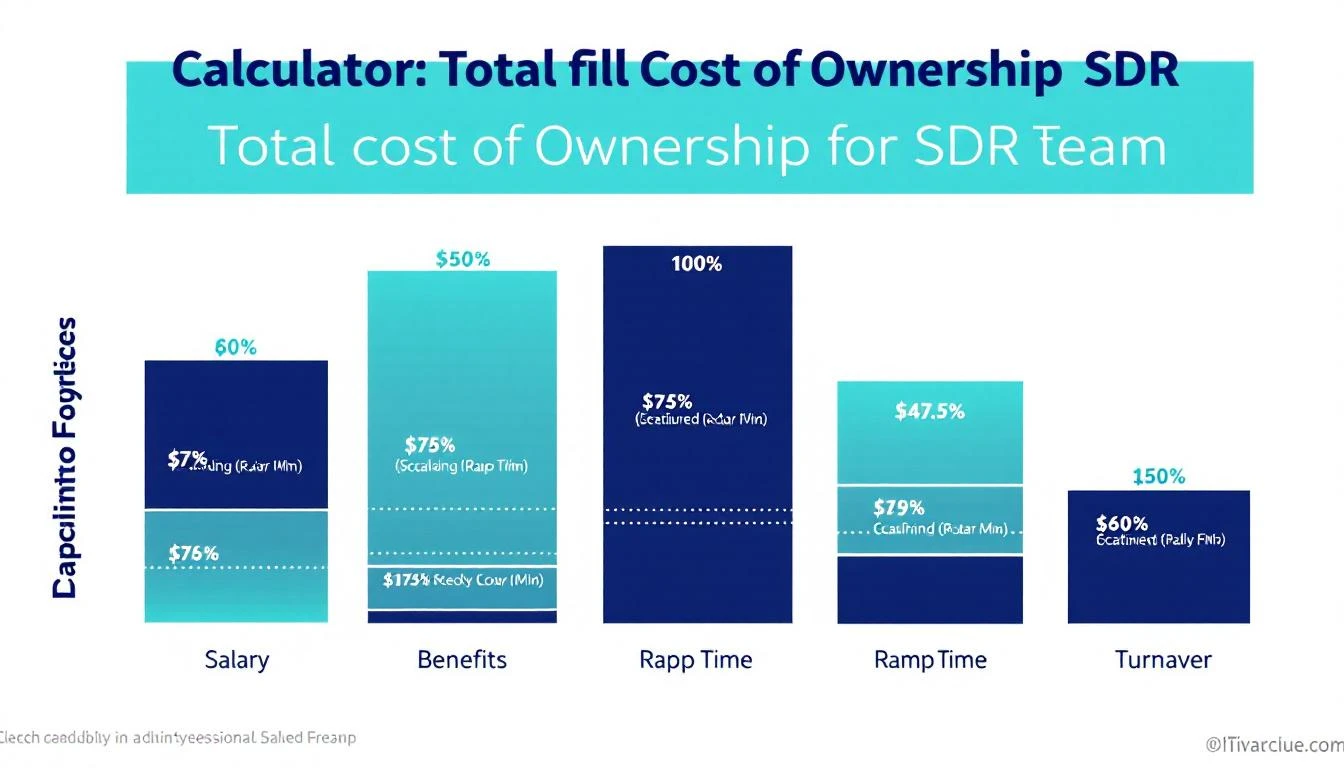
SDR Total Cost of Ownership

The Consolidation Opportunity

Here's what the data tells us: most of the cost isn't in individual tools — it's in having too many of them.

The hidden costs (integration tax, context-switching, extended ramp, shelfware) dwarf the visible ones. A team running 8 tools at $8,000/year each isn't actually paying $64,000 — it's paying $64,000 + $15,000 in integration labor + $30,000 in lost productivity + $10,000 in extended ramp. The real cost is closer to $119,000.

What if you could collapse 5-6 of those tools into one?

That's the thesis behind platform consolidation in sales tech. Instead of a CRM + separate data provider + separate engagement platform + separate visitor ID + separate dialer + separate enrichment, you run a unified system that handles the full workflow:

  • Signal capture (visitor ID + intent data + job changes) → no separate 6sense or Warmly subscription
  • Contact enrichment (email + phone + firmographics) → no separate ZoomInfo or Clearbit contract
  • Sequence orchestration (email + phone + LinkedIn) → no separate Outreach or SalesLoft license
  • Dialer (click-to-call with AI prep) → no separate Orum subscription
  • Daily playbook (prioritized actions, not raw data) → no separate dashboard to interpret

The math gets compelling fast. A mid-market team paying $61,783/year across 7 tools could consolidate to a unified platform at $15,000-$25,000/year — a 60-75% reduction in tool spend, plus the elimination of integration tax, faster ramp, and less context-switching.

The Decision Framework: Should You Consolidate?

Not every team should consolidate tomorrow. Here's how to think about it:

Consolidate If...

  • You have 6+ tools and your SDRs complain about tab-switching
  • Your RevOps team spends more than 10 hours/month on integration maintenance
  • New SDR ramp takes more than 3 months due to tool complexity
  • You're paying for features you don't use across multiple platforms
  • Your cost per held meeting is above $500

Stay Fragmented If...

  • You have a dedicated RevOps team that manages integrations well
  • You've negotiated strong enterprise discounts with existing vendors
  • Your team is 20+ SDRs and switching costs are prohibitive in the short term
  • Specific tools are deeply embedded in your workflow with no alternative

The Audit Checklist

Run this audit quarterly to find consolidation opportunities:

  1. List every tool with per-seat cost and actual monthly active users
  2. Identify overlap — are 2+ tools providing the same data or function?
  3. Calculate integration hours — how much RevOps time goes to keeping tools in sync?
  4. Survey your SDRs — which tools do they actually open daily vs. never?
  5. Measure cost per held meeting — the only metric that connects tool spend to pipeline

What the Smartest Teams Are Doing in 2026

The trend is unmistakable. Only 19% of companies increased SDR headcount in 2025 — the lowest growth rate across all sales functions (SaaStr). Teams aren't adding reps. They're making existing reps more productive by reducing the cognitive overhead of a fragmented stack.

The winners in 2026 are doing three things differently:

1. Choosing platforms over point solutions. Instead of best-of-breed for every function, they pick one platform that covers 70-80% of their needs and add 1-2 specialized tools for the rest. The integration savings alone pay for the trade-off.

2. Measuring cost per held meeting, not cost per tool. A $50,000/year platform that delivers 200 held meetings ($250 each) beats a $20,000 stack that only delivers 60 ($333 each). Total cost of ownership matters more than line-item pricing.

3. Prioritizing speed to lead over data volume. The MIT/InsideSales study still holds: 35-50% of sales go to the vendor that responds first. A tool that tells you WHO is interesting but useless. A tool that tells you WHO + WHAT TO DO + WHEN is worth 10x more.

The Bottom Line

The average B2B sales team is spending $47,000-$156,000/year on tools for a 5-person SDR team — and getting maybe 60% of the value they're paying for. The other 40% leaks out through integration failures, context-switching, shelfware, and extended ramp times.

The question isn't "which tools should I buy?" It's "how few tools can I run while capturing 90% of the functionality?"

Every tool you eliminate isn't just a canceled invoice. It's one fewer login for your SDRs to remember, one fewer integration to maintain, one fewer vendor to negotiate with, and one less thing standing between your rep and a booked meeting.

The most expensive sales tech stack is the one your team doesn't use.


Ready to Consolidate Your Sales Tech Stack?

MarketBetter combines visitor identification, intent signals, email sequences, smart dialer, AI chatbot, and a daily SDR playbook into one platform — starting at $99/user/month.

Stop paying for 8 tools. Start booking meetings with one.

Book a demo →

GPT-5.3-Codex: What GTM Teams Need to Know [2026]

· 8 min read
MarketBetter Team
Content Team, marketbetter.ai

OpenAI dropped GPT-5.3-Codex on February 5, 2026. Three days later, the GTM world is still figuring out what it means.

Here's the short version: This is the most capable AI coding agent ever released, and it's going to change how sales and marketing teams build automation.

GPT-5.3 Codex Overview

If you're a VP of Sales, SDR Manager, or RevOps leader wondering whether this matters to you—it absolutely does. Not because you need to become a developer, but because the barrier to building custom sales tools just dropped to near-zero.

Let me explain.

What Is GPT-5.3-Codex?

GPT-5.3-Codex is OpenAI's cloud-based AI agent designed specifically for software engineering tasks. Think of it as having a senior developer on call 24/7 who can:

  • Write complete applications from scratch
  • Refactor existing code
  • Build integrations between your tools
  • Create custom automations

But here's what makes 5.3 different from previous versions:

Mid-Turn Steering

This is the killer feature. Previous AI coding tools worked like this: you give a prompt, wait for the output, then correct mistakes and try again.

With mid-turn steering, you can redirect the agent while it's working. See it going down the wrong path? Tell it to change direction. Want to add a requirement halfway through? Just say so.

For GTM teams, this means:

  • You can describe what you want in plain English
  • Watch as the agent builds it
  • Course-correct in real-time
  • Get exactly what you need, faster

25% Faster Than GPT-5.2-Codex

Speed matters when you're iterating on sales tools. The new model generates code significantly faster, which means:

  • Quicker prototypes of new automation ideas
  • Faster debugging when something breaks
  • More experiments per sprint

Multi-File Projects

Codex can now handle complex, multi-file projects natively. This means it can build real applications—not just scripts—including:

  • Full CRM integrations
  • Multi-step email sequences
  • Dashboard applications
  • API connectors

Why This Matters for GTM Teams

GTM Workflow with AI

Here's the uncomfortable truth about sales technology in 2026: The best tools are the ones you build yourself.

Generic AI SDR platforms cost $35,000-50,000 per year. They're built for the average use case, which means they're perfect for nobody.

Meanwhile, the teams winning right now are:

  1. Identifying their specific bottlenecks
  2. Building custom automations to solve them
  3. Iterating weekly based on results

GPT-5.3-Codex makes this accessible to teams without dedicated developers.

Real Example: Custom Lead Research Agent

Let's say your SDRs spend 20 minutes researching each prospect before outreach. You could:

Option A: Pay for a generic "AI research" tool ($15-25K/year) Option B: Build exactly what you need with Codex

Here's what Option B looks like:

"Build me a lead research agent that:
1. Takes a company name and prospect name as input
2. Finds their recent LinkedIn posts (last 30 days)
3. Checks if they've raised funding recently
4. Identifies any job changes in their department
5. Outputs a 3-sentence research summary I can paste into my email"

With GPT-5.3-Codex, you can build this in an afternoon. Total cost: Your time + ~$20/month in API calls.

Real Example: Pipeline Alert System

Your VP of Sales wants to know immediately when:

  • A deal over $50K stalls for more than 7 days
  • An enterprise prospect opens a proposal 3+ times
  • A competitor is mentioned in meeting notes

Building this with traditional development: 2-4 weeks and $5-10K

Building this with Codex + OpenClaw: A weekend

"Create a HubSpot integration that monitors our pipeline and sends
Slack alerts when:
1. Any deal over $50K hasn't had activity in 7+ days
2. Proposal tracking shows 3+ opens
3. Meeting notes (from Gong or Fireflies) mention competitor names

Run this check every 4 hours."

The OpenClaw Advantage

Here's where it gets interesting. Codex is powerful, but it's a tool—it doesn't run 24/7 on its own.

OpenClaw is an open-source gateway that lets you:

  • Deploy AI agents that run continuously
  • Connect to your messaging platforms (Slack, WhatsApp, Telegram)
  • Schedule cron jobs for recurring tasks
  • Give agents memory across sessions
  • Access browser automation for web tasks

The combination of Codex + OpenClaw = DIY AI SDR infrastructure.

Build the automations with Codex. Deploy them on OpenClaw. Run them 24/7 for free (you're self-hosting).

Comparison: GPT-5.3 vs Previous

Getting Started: A Practical Roadmap

Week 1: Install and Experiment

  1. Install the Codex CLI:
npm install -g @openai/codex
  1. Start with a simple project—maybe a script that enriches a CSV of leads with company data.

  2. Practice mid-turn steering. Give vague instructions, then refine as you watch it work.

Week 2: Build Your First Sales Tool

Pick your biggest time-waster. Common candidates:

  • Manual CRM updates
  • Lead research
  • Follow-up scheduling
  • Meeting prep

Build a tool that automates 50% of it. Don't aim for perfection—aim for "better than manual."

Week 3: Deploy with OpenClaw

Set up OpenClaw on a $5/month VPS (DigitalOcean, Vultr, etc.). Deploy your automation. Connect it to Slack so you can interact with it.

Week 4: Iterate Based on Results

Your first version will be wrong. That's fine. The advantage of building your own tools is that you can change them weekly.

What Codex Can and Can't Do

Codex Excels At:

  • Building integrations between SaaS tools
  • Creating data processing pipelines
  • Writing API connectors
  • Automating repetitive code tasks
  • Generating boilerplate for common patterns

Codex Struggles With:

  • Tasks requiring deep domain expertise
  • Anything that needs real-time human judgment
  • Complex UI design (it can build functional UIs, not beautiful ones)
  • Tasks that require browsing the live web (use OpenClaw's browser tools for this)

Combine With Claude for Best Results

For GTM automation specifically, Claude Code tends to be better at:

  • Writing persuasive copy
  • Analyzing unstructured data (emails, call transcripts)
  • Making judgment calls about prospect intent

The winning stack for most teams:

  • Codex: Build the infrastructure
  • Claude: Handle the nuanced tasks
  • OpenClaw: Orchestrate everything

Cost Comparison: Build vs. Buy

SolutionAnnual CostCustomizationTime to Value
Enterprise AI SDR Platform$35-50KLimited2-4 weeks
Mid-Market AI SDR Tool$12-25KSome1-2 weeks
Codex + OpenClaw (DIY)~$500*Unlimited2-4 weeks

*Assuming $20-40/month in API costs + minimal hosting

The catch: DIY requires someone on your team who's comfortable with technical projects. But you don't need a developer—you need someone curious enough to experiment.

The Build vs. Buy Decision

Build your own when:

  • Your workflow is unique
  • You need rapid iteration
  • Budget is constrained
  • You have someone technical-adjacent on the team

Buy off-the-shelf when:

  • You need enterprise support/SLAs
  • Nobody on the team wants to maintain tools
  • Your use case is generic
  • Speed-to-value is critical

For most SMB and mid-market GTM teams in 2026, the math now favors building.

What This Means for the AI SDR Market

GPT-5.3-Codex is going to put pressure on every AI sales tool that isn't providing genuine differentiation.

If your value proposition is "we connect to your CRM and do basic automation"—teams can now build that themselves in a weekend.

The winners will be tools that provide:

  • Proprietary data (intent signals, company graphs)
  • Deep workflow expertise (not just tools, but playbooks)
  • Outcomes, not features

At MarketBetter, we've always believed in the "build your own" approach for teams that can handle it. That's why we focus on providing the intelligence layer—visitor identification, buying signals, and playbooks—rather than trying to own your entire workflow.

Free Tool

Try our AI Lead Generator — find verified LinkedIn leads for any company instantly. No signup required.

Getting Started Today

  1. Try Codex: Even if you're not technical, spend an hour with it. Ask it to build something simple for your sales process.

  2. Audit Your Workflow: Where do your SDRs lose time? Make a list of the 5 most repetitive tasks.

  3. Pick One to Automate: Start small. One successful automation builds confidence for the next.

  4. Consider OpenClaw: If you want your automations to run 24/7, OpenClaw is the easiest path.


The release of GPT-5.3-Codex isn't just a technical milestone. It's a shift in what's possible for GTM teams without dedicated engineering resources.

The question isn't whether AI will change how you sell. The question is whether you'll build your own advantage—or rent someone else's.

Ready to see how MarketBetter's intelligence layer works with your custom automations? Book a demo →

Why Your Next SDR Hire Should Be an AI Agent (But Your Current SDRs Are Safe) [2026]

· 7 min read
sunder
Founder, marketbetter.ai

Let's address the elephant in the room: AI is coming for your SDR team.

At least, that's what the headlines want you to believe.

The reality? After running a team of AI agents at MarketBetter for the past quarter—watching them research prospects, draft emails, monitor competitors, and analyze deals—I can tell you definitively:

AI won't replace your SDRs. But AI will make your top SDRs unstoppable—and your average SDRs obsolete.

Here's what's actually happening.

The AI Panic Is Real (And Mostly Wrong)

Every sales leader I talk to has the same question simmering beneath the surface: "Should I be worried about my team?"

The panic is understandable. When you see AI tools:

  • Researching 100 prospects in the time a human researches 3
  • Personalizing 500 emails while maintaining quality
  • Working 24/7 across every timezone without complaining

…it's easy to imagine a future where human SDRs are simply obsolete.

But here's what the "AI will replace everyone" crowd misses:

Sales isn't data processing. Sales is psychology.

McKinsey's latest research shows that 42% of B2B decision-makers are implementing AI for sales—but only 7% have AI "fully scaled" across their organization. Why the gap?

Because they learned what we learned: AI is phenomenal at preparation. AI is terrible at persuasion.

What AI Actually Does Well

Let's be honest about AI's strengths. At MarketBetter, our AI agents (yes, we named them—Zenith, Orbit, Recon, Signal) handle:

1. Research at Scale

Before AI, researching a single enterprise account took 30-45 minutes. Now Recon synthesizes:

  • Company news and hiring patterns
  • Tech stack from job postings
  • Competitor relationships
  • Pain signals from G2 reviews
  • LinkedIn activity from key stakeholders

Time to insight: 3 minutes. Not 30.

2. First Drafts That Don't Suck

Our AI writes the first draft of prospecting emails. Not generic templates—actual personalized messages referencing specific company events, tech decisions, and pain points.

Human SDRs used to spend 40% of their time writing emails. Now they spend 10% editing AI drafts—and the output is better.

3. Repetitive Task Automation

  • CRM data entry? Automated.
  • Meeting prep briefs? Generated.
  • Follow-up scheduling? Handled.
  • Competitor monitoring? Continuous.

The average SDR spends 66% of their time on non-selling activities. AI can reclaim most of that.

4. Pattern Recognition at Scale

AI doesn't get tired. It doesn't have bad days. It notices patterns humans miss:

  • "Prospects who mention 'consolidating vendors' convert 3x higher"
  • "Reaching out within 2 days of a leadership change increases response by 47%"
  • "This prospect's company just hired 3 SDRs—they're investing in outbound"

Humans spot these patterns eventually. AI spots them instantly.

What AI Cannot Do (And Won't Anytime Soon)

Here's where the AI-replacement narrative falls apart:

1. Build Genuine Trust

When a VP of Sales is evaluating your product, they're not just buying software. They're betting their career on a decision.

No AI can look them in the eye (metaphorically or literally) and say: "I understand. I've been there. Here's how we've helped teams like yours."

Trust is built through shared vulnerability, through admitting uncertainty, through moments of genuine human connection. AI can simulate empathy. It cannot feel it—and people can tell the difference.

2. Navigate Political Complexity

Enterprise deals involve 6-10 stakeholders with conflicting priorities:

  • The CFO wants cost reduction
  • The VP of Sales wants quota attainment
  • The IT Director wants security compliance
  • The end users want simplicity

A skilled SDR reads the room, adjusts messaging in real-time, and builds individual relationships with each stakeholder. AI sees stakeholders as data points. Humans see them as people with fears, ambitions, and hidden agendas.

3. Handle True Objections

AI can respond to common objections with pre-programmed responses. But what about:

"We tried something similar and it destroyed our team's morale."

"Our CEO's golf buddy runs your competitor."

"I'm actually getting pushed out in 3 months, so I can't champion anything."

These aren't logical objections. They're human moments requiring human intuition.

4. Create Something From Nothing

The best SDRs aren't just executing playbooks—they're inventing new approaches:

  • A creative way to get past gatekeepers
  • An unexpected angle that resonates with a specific persona
  • A referral strategy that opens doors no email ever could

AI optimizes existing patterns. Humans create new ones.

5. Adapt to the Unexpected

AI thrives on patterns. Sales is unpredictable.

When a prospect suddenly pivots the conversation, brings up an unexpected concern, or makes an off-script comment that reveals their true priority—AI flounders. Great SDRs flourish.

The Hybrid Model: 10x SDRs

Here's the insight nobody's talking about:

The future isn't AI vs. humans. It's AI + humans vs. everyone else.

The most dangerous sales teams in 2026 aren't replacing SDRs with AI. They're giving each SDR an AI co-pilot that handles:

  • 100% of research
  • 80% of first-draft writing
  • 100% of data entry
  • 100% of scheduling

This transforms what an SDR can accomplish:

MetricTraditional SDRHybrid AI+SDR
Prospects researched/day10-15100+
Personalized emails sent30-50150-200
Time on actual selling34%75%+
Response rate2-3%5-8%

That's not a marginal improvement. That's a category shift.

What This Means for Your Team

If You're a Sales Leader

Don't replace your SDRs. Augment them.

  1. Identify time sinks: Where do your SDRs waste time? Research? CRM? Scheduling? Those are AI opportunities.
  2. Invest in AI tools: Not chatbot gimmicks—real AI workflows that integrate with your stack.
  3. Upskill your team: Train SDRs on working with AI, not against it. Prompt engineering is a sales skill now.
  4. Redefine metrics: Stop measuring "activities." Start measuring "conversations" and "pipeline influence."

If You're an SDR

Your job isn't disappearing. It's getting harder—and more valuable.

The SDRs who thrive will be those who:

  • Use AI to work at 10x scale while maintaining quality
  • Focus their human time on relationship-building and complex deals
  • Develop skills AI can't replicate: empathy, creativity, strategic thinking
  • Become invaluable because they're irreplaceable, not because they're cheap

If You're a Founder (Like Me)

Your next hire might be an AI agent.

Not instead of an SDR—alongside one. At MarketBetter, our AI squad does the work of 3-4 full-time employees in research, content, and ops. The humans on our team focus exclusively on what only humans can do.

The math works. The results speak for themselves.

Free Tool

Try our AI Lead Generator — find verified LinkedIn leads for any company instantly. No signup required.

The Bottom Line

AI won't replace SDRs in 2026, 2027, or anytime soon.

But AI will make the gap between great SDRs and average SDRs exponentially wider.

The question isn't "Will AI take my job?"

The question is "Will I learn to work with AI before my competitor's SDRs do?"


Ready to see how AI can amplify your sales team? MarketBetter combines AI-powered research, personalization, and workflow automation to make your SDRs 10x more effective—without replacing them.

Book a Demo →


Related reading: