Last updated: August 28, 2026 — refreshed with McKinsey's 2026 Global B2B Pulse, the G2 2026 AI Search Insight Report, Deloitte Digital's buyer/supplier study, mid-2026 AI SDR market data, and the wave of vendor consolidation (Salesforce's Qualified acquisition, Artisan's Ava 2.0 repricing, Alta's Series A).
Everyone has an opinion about AI in sales. Vendors say it's magic. Skeptics say it's hype. SDR teams caught in the middle are just trying to figure out what to buy.
So we did something different. Instead of running another survey or publishing another vendor comparison, we analyzed 20+ independent studies, industry reports, and data sets from Salesforce, Deloitte, McKinsey, Gartner, G2, Forrester, Martal Group, MarketsandMarkets, SuperAGI, HubSpot, and others — covering hundreds of thousands of data points across B2B sales organizations. We first published this analysis in early 2026 and have now re-run it against the newest mid-2026 data.
The goal: cut through the noise and answer three questions that actually matter.
- What's genuinely working?
- What's just vendor hype?
- Where should sales leaders invest next?
Here's what the data says.
What Changed Between Early 2026 and Now
Six months is a long time in this market. Four shifts stand out from the newest data:
- AI became the buyer's front door. The G2 2026 AI Search Insight Report found that 51% of B2B software buyers now start vendor research with AI chatbots — and 69% ended up choosing a different vendor than they originally planned because of AI guidance. This is the single biggest structural change in B2B buying since search engines.
- The AI SDR market consolidated hard. Salesforce closed its acquisition of Qualified on April 1, 2026. Artisan relaunched Ava 2.0 in May 2026 with a 10x price cut (from $2,500/month to $250/month entry pricing). Alta raised a $25M Series A in July 2026. The category is separating into winners and zombie vendors.
- The performance gap between leaders and laggards widened. McKinsey's 2026 Global B2B Pulse found 60% of market leaders posted double-digit revenue growth versus just 21% of laggards — and leaders are the ones combining AI at scale with tighter go-to-market governance, not just buying more tools.
- Cold outbound got measurably harder. Average cold email reply rates fell to 3.43% in 2026 (from ~5% in 2025 and 8.5% in 2019), while signal-based, genuinely personalized campaigns still pull 15–25%. The spread between spray-and-pray and signal-first outreach has never been wider.
Everything below reflects this updated picture.
The State of AI Adoption: Near-Universal, Unevenly Applied
Let's start with the baseline. AI in B2B sales is no longer experimental — it's mainstream. But "mainstream" doesn't mean "effective."
The headline numbers:
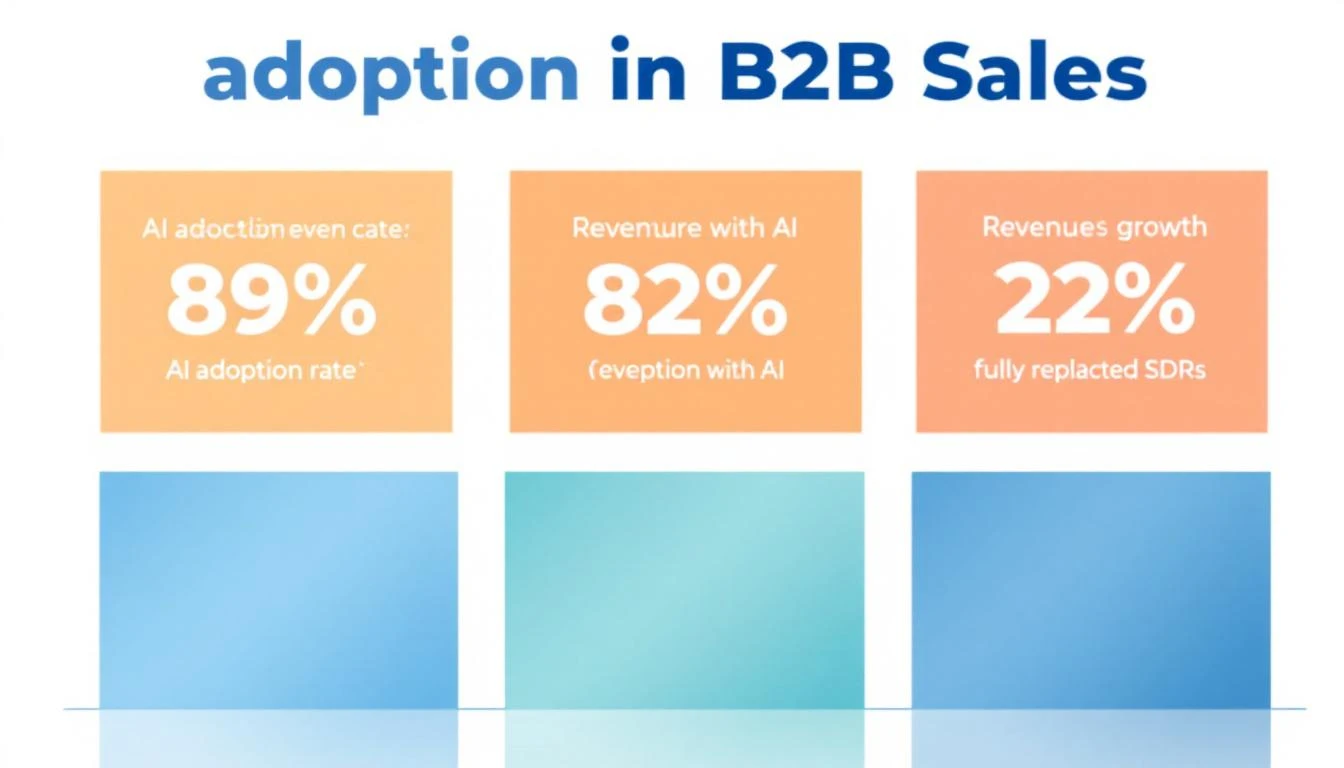
- 89% of revenue organizations now use AI in some form — up from 34% in 2023 (Martal Group, Forrester)
- 81% of sales teams have implemented or are actively experimenting with AI (Salesforce State of Sales)
- 87% of sales organizations use AI for prospecting, forecasting, lead scoring, or drafting emails (Salesforce)
- Among companies with 500+ employees, AI SDR adoption passed 55% by Q1 2026, and roughly 75% of B2B sales organizations are expected to use some form of AI-driven sales development by year-end (Laxis, Digital Applied)
That looks like universal adoption. But dig deeper and you find a critical gap.
Deloitte Digital's 2026 study — blind surveys of 530 U.S. B2B buyers and 530 U.S. B2B suppliers — found that while 45% of suppliers say they use AI in sales, only 24% have touched agentic AI, the autonomous, workflow-driving kind that actually replaces manual processes. Two-thirds of those not using agentic AI said they plan to. But planning isn't doing.
The more uncomfortable Deloitte finding: buyers are ahead of sellers. Among B2B buyers, 61% report using AI in purchasing and 38% already use agentic AI — meaning the buy side is automating faster than the sell side. And perception doesn't match reality either: 72% of suppliers described their sales processes as mostly or highly automated, while only 47% of their buyers agreed. Buyers were six times more likely than suppliers to describe B2B processes as mostly manual (Digital Commerce 360 / Deloitte Digital).
The data tells us: everyone has AI. Almost nobody has deployed it effectively — and your buyers can tell.
Here's the number that should keep every sales leader up at night.
83% of sales teams using AI saw revenue growth in the past year, versus 66% of teams without AI (Salesforce). That's a 17-percentage-point gap in revenue growth — and it's widening. Salesforce also found that high performers are 1.7x more likely to use AI agents for prospecting than underperformers, and 92% of sellers with agents say they benefit their prospecting.
More data points from across the studies:
| Metric | AI-Enabled Teams | Non-AI Teams | Gap |
|---|
| Revenue growth | 83% saw growth | 66% saw growth | +17 pts |
| Productivity improvement | Up to 40% | Baseline | +40% |
| Sales cycle length | 25% shorter | Baseline | -25% |
| Revenue increase | 13-15% | Baseline | +13-15% |
| Sales ROI improvement | 10-20% | Baseline | +10-20% |
| ROI within first year | 86% | N/A | — |
Sources: Salesforce State of Sales 2026, McKinsey, Sopro, MarketsandMarkets
McKinsey's 2026 Global B2B Pulse sharpens the divide further: 60% of market leaders reported double-digit revenue growth in 2025, compared with just 21% of laggards, and 90% of leaders said their sales effectiveness improved versus 55% of lower performers. What separates leaders isn't tool count — it's combining hyper-personalization, scaled gen AI deployment, and tight account-based governance into a single operating model (McKinsey).
Deloitte found the same pattern from a different angle. Digitally mature B2B suppliers exceeded annual sales growth targets by 110% more than low-maturity competitors. These mature organizations were five times more likely to use AI extensively and five times more likely to use agentic AI at all.
The takeaway: AI isn't a nice-to-have. It's creating a two-tier system in B2B sales. Teams with effective AI implementations are compounding their advantages while everyone else debates whether to adopt.
The New Front Door: Your Buyers Are Researching You Inside AI
This section didn't exist in our original analysis, because the data didn't exist yet. It's now arguably the most important finding in the entire meta-analysis.
How B2B buyers actually research vendors in 2026:
- 51% of B2B software buyers start vendor research with AI chatbots (G2 2026 AI Search Insight Report)
- 69% chose a different vendor than they initially planned based on AI chatbot guidance — and one-third bought from a vendor they had never heard of before the AI surfaced it
- ChatGPT dominates at 63% share of B2B research usage; Forrester's 2026 B2B Buyer Journey research found nearly three-quarters of software buyers consult ChatGPT during evaluation and 44% use Perplexity while building shortlists
- 55% compare vendors inside AI tools and 47% build internal business cases before any vendor contact
- 6sense's Buyer Experience research found 80% of B2B deals are won by the vendor the buyer favored before ever contacting sales
Connect those dots and the implication is brutal: a large share of your pipeline is now decided inside an AI answer before your SDR ever gets a chance. Companies are reporting 10–40% declines in research-stage web traffic as buyer research migrates into AI engines.
What this means practically:
- First-party signals matter more, not less. If buyers do their research invisibly, the moment they finally touch your website or content is a much stronger intent signal than it was two years ago. Identifying and acting on those visits fast is the new speed-to-lead — see our speed-to-lead guide for the response-time math.
- Your content is now your top-of-funnel SDR. AI engines cite current, specific, data-rich pages. Thin content doesn't just rank poorly — it gets skipped by the models your buyers are asking.
- Sales teams need to assume an educated buyer. The first call is no longer discovery for the buyer; it's validation. Reps who re-pitch what the buyer already read lose credibility instantly.
The AI SDR Paradox: Volume Up, Quality Down
This is where the data gets uncomfortable for AI SDR vendors.
The AI SDR market kept exploding through 2026 — from roughly $1.2 billion two years ago to an estimated $4.8 billion in 2026, with projections it could pass $5.8 billion by year-end as autonomous agent adoption accelerates (Digital Applied, Laxis). An estimated 22% of sales teams have fully replaced their human SDR function with AI. Another 55% are running AI-augmented workflows. SDR-style agents that qualify leads, send initial outreach, and book discovery calls show the fastest payback of any AI agent category — about 3.4 months.
But here's the paradox the vendors won't tell you:
AI SDR tools churn at 50-70% annually — roughly double the turnover rate of the human reps they replace (UserGems). And Gartner predicts over 40% of agentic AI projects will be canceled by the end of 2027, driven by rising costs, unclear ROI, and weak risk controls (Gartner). Gartner also flags rampant "agent washing" — vendors rebranding chatbots and RPA as "agentic AI" — estimating only about 130 vendors worldwide offer genuinely agentic products.
The root cause? A quality gap:
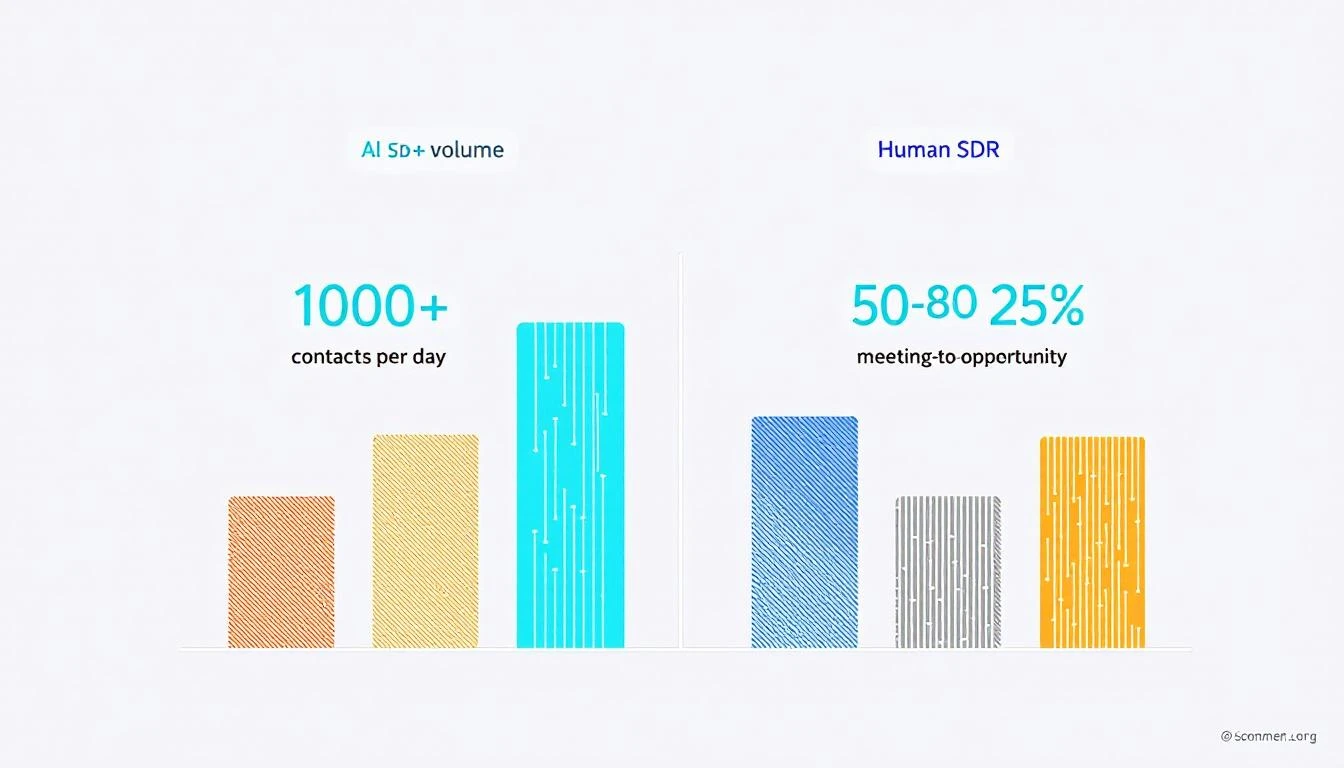
- AI SDRs process 1,000+ contacts per day vs. 50-80 for a human rep (SuperAGI)
- But AI SDRs convert meetings to opportunities at just 15% vs. 25% for human SDRs — a 40% performance gap (SuperAGI)
- Response to inbound: AI responds in seconds. First responder wins deals at 5x the rate of slower competitors
- Follow-up: 44% of human reps give up after one attempt. AI never stops following up
So AI wins on volume and consistency but loses on conversion quality. The teams getting the best results? They're not choosing one or the other.
The 2026 Shakeout: Consolidation Is Sorting Winners From Zombies
The AI SDR category matured violently in the first half of 2026. If you're evaluating vendors, this timeline matters more than any feature list:
| Date | Event | Why It Matters |
|---|
| Mar 2025 | TechCrunch reporting on 11x's revenue claims | Triggered a leadership change and a market-wide demand for verifiable ROI |
| Apr 1, 2026 | Salesforce closed its acquisition of Qualified | Inbound AI qualification is now a platform feature, not a standalone category |
| May 2026 | Artisan launched Ava 2.0, self-serve, entry price cut from $2,500/mo to $250/mo | A 10x price collapse at the top of the category — pricing pressure on every AI SDR vendor |
| Jul 2026 | Alta raised a $25M Series A | Capital is still flowing, but to fewer, more proven players |
Three lessons from the consolidation data:
- Price floors collapsed. When the category leader cuts entry pricing 10x, "we're expensive because AI is expensive" is no longer a defensible vendor position. Renegotiate.
- Platform absorption is real. Salesforce buying Qualified (and pushing Agentforce, which hit $800M ARR, up 169% year-over-year) means standalone point tools must now beat a "good enough" native option that's already in your stack.
- Verify vendor claims. Post-11x, ask every AI SDR vendor for retention numbers and meeting-to-opportunity conversion — not just meetings booked. The 50-70% churn stat exists because most buyers didn't ask.
For deeper vendor-level breakdowns, see our updated reviews of Artisan, Clari, and Outreach, plus our full AI SDR tools comparison.
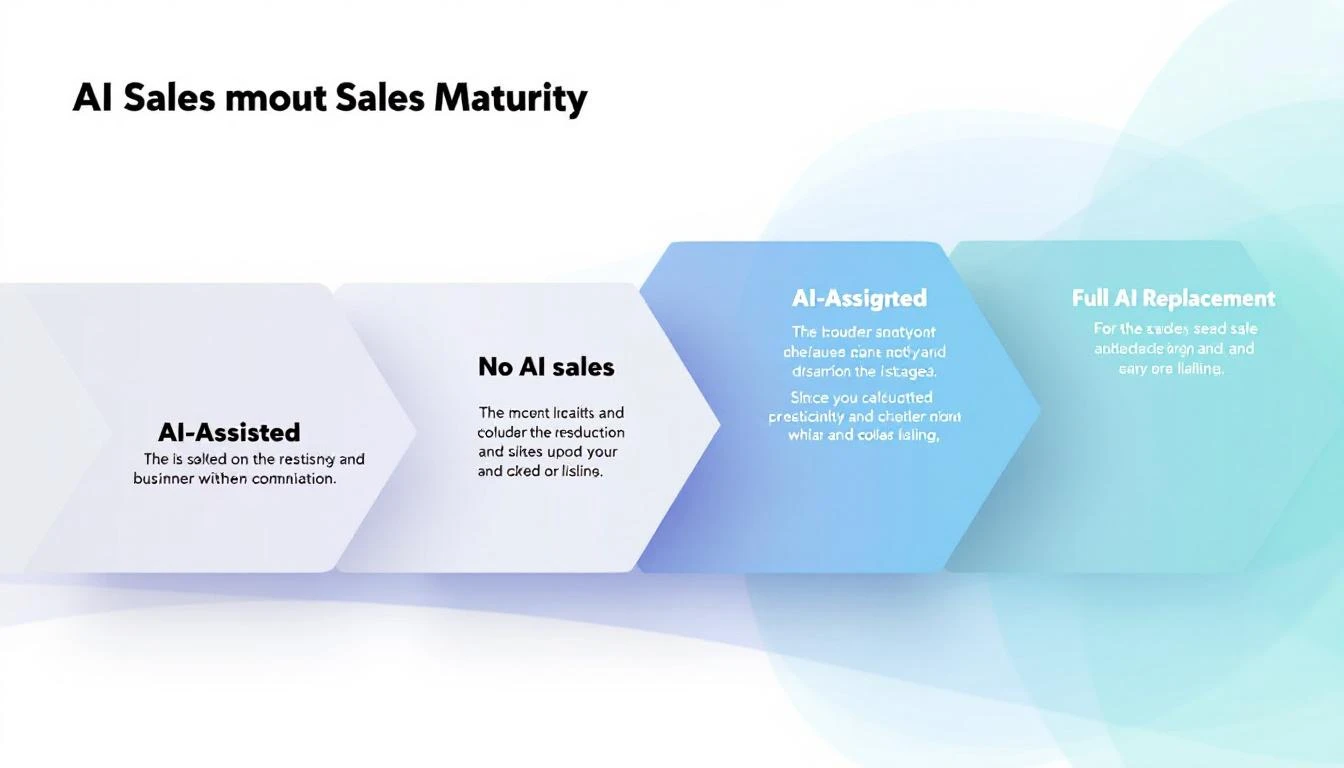
Across every study we analyzed, one pattern emerges consistently: AI-augmented teams outperform both fully automated and fully manual teams.
The adoption spectrum breaks down like this:
| Approach | % of Teams | Performance |
|---|
| Full AI replacement | 22% | High volume, lower quality |
| AI-augmented (human + AI) | ~55% | Highest overall performance |
| AI-assisted (copilot only) | ~15% | Moderate improvement |
| No AI | ~8% | Falling behind |
Source: Autobound AI SDR Buying Guide 2026, cross-referenced with Salesforce and Topo.io data
The augmented model works because it pairs AI's strengths with human strengths:
Where AI excels (let it run):
- Prospect identification and research (synthesizing SEC filings, hiring data, social activity in seconds vs. 30-60 minutes per prospect for humans)
- Consistent follow-up cadences (AI never forgets, never has a bad day)
- After-hours and surge inbound handling
- Lead scoring and signal prioritization
- Data enrichment and contact discovery
Where humans still win (keep them in the loop):
- Complex objection handling
- Relationship building and trust development
- Nuanced multi-stakeholder negotiations
- Creative problem-solving for unique prospect situations
- Reading tone and emotional context
The SignalFire team put it perfectly after testing AI SDR tools in production: "The most successful sales organizations of the future won't be the ones that replace their SDRs with AI. They'll be the ones who empower them with it."
What's Actually Delivering ROI: The Signal-First Approach
Here's where the data gets prescriptive. Not all AI sales investments deliver equal returns.
Tier 1: Proven ROI (Invest Now)
Intent signals + lead prioritization
- Conversion rates rise 20-30% when companies integrate predictive AI into their marketing and sales workflows (Sopro)
- Only 24% of teams with intent data report exceptional ROI — the difference is activation quality, not data quality (Autobound)
- Signal-based prospecting generates 5.4x more pipeline with 33% fewer calls (from our prior signal quality analysis)
- The tooling matters less than the activation — our breakdown of why intent data fails sales teams and our buyer intent data tools comparison cover how to avoid the common failure mode
AI-powered research and personalization
- AI research agents that surface job changes, funding events, and buying signals allow SDRs to write genuinely relevant outreach — not template spam
- The 2026 cold email benchmarks prove the point: average reply rates fell to 3.43%, but signal-based personalized campaigns that reference specific triggers (funding, leadership changes, hiring surges) achieve 15-25% reply rates — a 5x spread (Instantly, Martal)
- This is where the highest-performing AI-augmented teams invest first: give humans better information, not better email templates
Chatbots for inbound qualification
- The most straightforward and valuable use case according to multiple studies — validated by Salesforce paying up for Qualified in April 2026
- Responds to every inbound lead instantly, qualifies, and books meetings 24/7
- Some teams report 25-30% uplift in conversion just from better lead qualification and scoring
Tier 2: Promising But Conditional (Pilot Carefully)
AI-generated email sequences
- Volume is up. Deliverability is down. Google, Yahoo, and Microsoft now reject non-compliant mail at the receiving server instead of quietly filing it as spam; safe sending is 50-100 emails per mailbox per day, bounce rates must stay under 3%, and spam complaints under 0.3%
- Generic mass-personalized emails (name swap + company swap) get deleted immediately — we documented the mechanics in why AI email tools fail SDR teams
- What works: AI that researches THEN personalizes, not AI that templates at scale. And infrastructure discipline — see our email warmup tools guide
- Rule of thumb: if the AI writes the email AND sends it without human review, expect lower quality meetings
AI cold calling / voice agents
- Latency and robotic feel remain issues
- The winning pattern: AI makes the dial, AI qualifies interest, then transfers to a human immediately upon positive signal
- Legal risks (TCPA, consent, autodialer definitions) remain significant
Tier 3: Overhyped (Proceed With Caution)
Full SDR replacement
- The 50-70% churn rate tells you everything
- The 40% meeting-to-opportunity quality gap means you're trading SDR salary for lower-quality pipeline
- Works only for very specific use cases: high-volume, low-ACV, simple sales motions
AI forecasting as a standalone tool
- Garbage in, garbage out. AI forecasting is only as good as your CRM hygiene
- Most teams don't have clean enough data to make AI forecasting meaningful
- Better to fix pipeline stage definitions first, then add AI on top
The ERP Problem Nobody Talks About
Deloitte's research surfaced a finding that most AI sales articles completely ignore.
87% of B2B suppliers are currently upgrading, preparing to begin, or planning ERP modernization within the next year. These projects are multi-million-dollar, multi-year initiatives that absorb the IT bandwidth that AI projects need.
As Deloitte's Paul do Forno noted: "They literally don't have the time. They need to get through the ERP running their business."
This means even when sales leaders want to deploy sophisticated AI, internal IT constraints are the real bottleneck — not budget, not skepticism, not technology readiness. The suppliers pulling ahead are the ones who pair AI deployment with (not after) their ERP modernization, building tighter front-to-back integration.
For sales teams at mid-market companies: don't wait for IT to finish the ERP migration before starting your AI pilot. Choose tools that sit alongside your existing stack rather than requiring deep integration. Start with standalone signal tools and AI research assistants that don't need CRM integration to deliver value.
The Conversion Math Most Teams Get Wrong
Here's a framework from the data that most sales leaders miss.
The median B2B conversion rate across all industries is 2.9%, with most falling between 2.0% and 5.0% (Martal Group). But the real bottleneck isn't top-of-funnel — it's the middle.
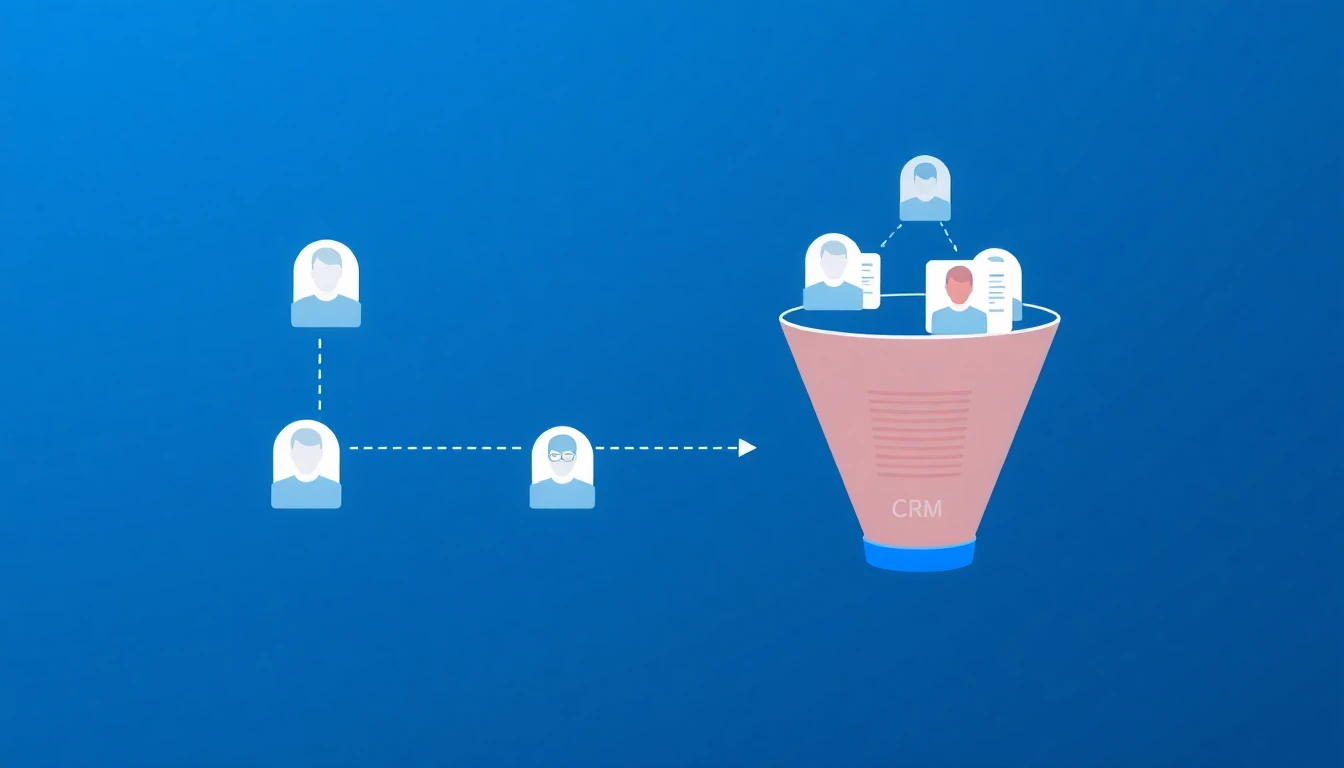
MQL-to-SQL conversion: only ~15% of marketing-qualified leads convert to sales-qualified leads.
This means pouring more AI-generated leads into the top of your funnel without fixing the qualification gap just creates more waste. The highest-ROI AI investment for most teams isn't generating more leads — it's better qualifying the leads you already have. (This is also why traditional point-scoring models keep failing — we broke down the mechanics in lead scoring is broken.)
This is where signal-based selling changes the equation:
- Visitor identification tells you WHO is on your site
- Intent signals tell you WHAT they care about
- A daily playbook tells your SDR exactly WHAT TO DO about it
Most AI sales tools give you step 1 and maybe step 2. Very few connect the signal to the action. That connection is where the 20-30% conversion lift actually comes from.
What to Do Monday Morning
Based on our meta-analysis, here's the priority stack for sales leaders who want to be on the winning side of the AI divide:
If you're spending nothing on AI sales tools:
- Start with an AI chatbot for your website (instant ROI, low risk)
- Add a signal/intent tool to prioritize your existing pipeline
- Use AI research tools to enrich prospect profiles before outreach
If you're already using AI but not seeing results:
- Stop measuring emails sent. Start measuring meetings booked and pipeline generated
- Move from full automation to human-in-the-loop augmentation
- Invest in signal quality over outreach volume
- Fix your MQL-to-SQL conversion gap before adding more top-of-funnel
If you're seeing good results and want to scale:
- Build a daily SDR playbook that converts signals into specific next actions
- Layer first-party intent (website visitors, chatbot conversations) with third-party signals
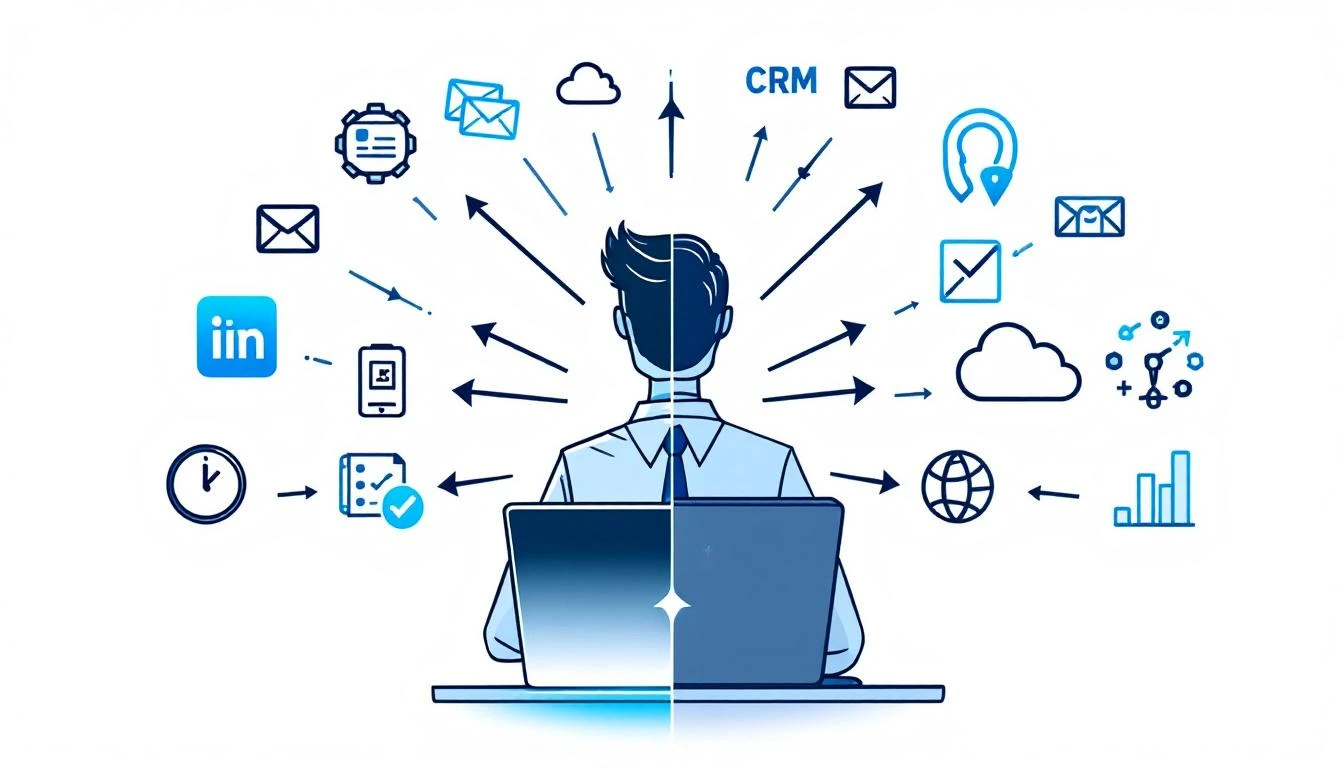
- Consolidate your tool stack — the average SDR uses 7-12 tools, but the best teams use 3-4 integrated ones. Our outbound sales tools guide covers which categories actually need a dedicated tool
FAQ: AI in B2B Sales, 2026
Are AI SDRs worth it in 2026?
Conditionally. The market data says AI SDR agents deliver the fastest payback of any agent category (~3.4 months), but tools also churn at 50-70% annually because buyers deploy them as full replacements and then discover the 40% meeting-to-opportunity quality gap. The teams keeping their AI SDRs are running them in augmentation mode: AI handles research, first-touch, and follow-up consistency; humans handle live conversations and complex objections.
Far less than a year ago. Artisan's Ava 2.0 relaunch in May 2026 cut entry pricing from $2,500/month to $250/month, and self-serve tiers are now standard across the category. Enterprise deployments with dedicated deliverability infrastructure and CRM integration still run $1,000-5,000+/month. If you're paying 2024-era pricing, renegotiate — the price floor collapsed.
What's the single highest-ROI AI investment for a B2B sales team?
Based on the cross-study data: signal activation, not lead generation. The MQL-to-SQL gap (~15% conversion) means most teams waste the leads they already have. Tools that identify website visitors, score real buying signals, and hand SDRs a prioritized daily action list produce the 20-30% conversion lifts the studies keep finding — with far less deliverability and brand risk than adding more outbound volume.
Is cold email dead in 2026?
No, but average cold email is. Reply rates have fallen every year — 8.5% in 2019, ~5% in 2025, 3.43% in 2026 — and mailbox providers now reject non-compliant mail outright. Meanwhile signal-based campaigns referencing specific triggers still get 15-25% replies. The channel works; spraying doesn't.
How is AI changing how buyers find vendors?
Dramatically. Half of B2B software buyers now start research in AI chatbots (G2), 69% changed their intended vendor based on AI guidance, and 80% of deals go to the vendor the buyer already favored before contacting sales (6sense). Your practical response: publish current, specific, data-rich content that AI engines can cite, and treat every identified website visit as a high-intent signal — because by the time buyers surface, they've already done their homework.
Will agentic AI replace sales teams?
Not on current evidence. Gartner predicts over 40% of agentic AI projects will be canceled by end of 2027, and buyers themselves (38% using agentic AI in purchasing) are automating faster than sellers. The realistic 2026-2028 trajectory is agents absorbing routine work — Gartner projects 15% of routine work decisions handled agentically by 2028 — while humans concentrate on the conversations that close.
What should I ask an AI SDR vendor before buying?
Four things the churn data says most buyers skip: (1) logo retention at 12 months, not just growth; (2) meeting-to-opportunity conversion for their booked meetings, not meetings booked; (3) whether "agentic" means autonomous workflow execution or a rebranded chatbot — Gartner estimates only ~130 vendors are genuinely agentic; (4) what happens to your domains and deliverability if you leave.
The Bottom Line
AI in B2B sales isn't hype — the 17-point revenue growth gap between AI-enabled and non-AI teams is real and widening, and McKinsey's leaders-vs-laggards data (60% vs 21% posting double-digit growth) shows the compounding has started. But how you deploy AI matters more than whether you deploy it.
The data is clear:
- Augmentation beats replacement. Human + AI outperforms AI-only and human-only.
- Signal quality beats outreach volume. Better leads beat more leads, every time — especially with average reply rates at 3.43%.
- Implementation quality is the variable. The technology works. The question is whether your team can operationalize it.
- Start with signals, not sequences. Know who's buying before you decide what to send.
- Assume an AI-educated buyer. Half of them started their research in ChatGPT before you knew they existed.
The teams winning in 2026 aren't the ones with the most sophisticated AI. They're the ones using AI to put the right signal in front of the right rep at the right time — and then letting the human do what humans do best.
Want to see signal-based selling in action? MarketBetter turns intent signals into a daily SDR playbook that tells your team exactly who to contact, how to reach them, and what to say. Book a demo →
Sources
- Salesforce, State of Sales + 40 Sales Statistics for 2026
- Deloitte Digital, B2B Buyer/Supplier Study — 530 buyers + 530 suppliers (published Feb 2026)
- G2, 2026 AI Search Insight Report
- Forrester, 2026 B2B Buyer Journey Research
- McKinsey, 2026 Global B2B Pulse + The Future of B2B Sales
- Gartner, Agentic AI Project Cancellation Forecast (40%+ by end of 2027)
- Martal Group, B2B Sales Statistics and Benchmarks 2026 + B2B Cold Email Statistics 2026
- Instantly, Cold Email Benchmark Report 2026
- Sopro, 75 Statistics About AI in Sales and Marketing
- MarketsandMarkets / Digital Applied / Laxis, AI SDR Market Data 2026
- HubSpot, State of AI in Sales
- SuperAGI, AI vs Traditional SDRs Performance Analysis
- Autobound, AI SDR Buying Guide 2026 + Cold Email Guide 2026
- UserGems, Are AI SDRs Worth It?
- SignalFire, Expert Picks: AI SDR Tools (2026)
- 6sense, Buyer Experience Report
- Digital Commerce 360, Deloitte Digital B2B agentic AI coverage (Feb 2026)
- Artisan, Ava 2.0 GA Announcement (May 2026)
- Salesforce, Qualified Acquisition (closed Apr 1, 2026) + Agentforce ARR disclosures
- Topo.io, AI SDR Adoption Survey