13 posts tagged with "thought leadership"

View All Tags

Why Cursor's ChatGTM Won't Work for Your Sales Team [2026]

Β· 7 min read
sunder
Founder, marketbetter.ai

One AI build succeeds while dozens fail β€” the survivorship bias behind ChatGTM

Published July 2026.

Every GTM leader in my feed is sharing the same story: Cursor built an internal sales AI called ChatGTM, and it booked 3x more qualified meetings while cutting AE ramp time by more than half. The takeaway everyone is drawing is seductive and simple β€” "stop buying sales tools, build your own."

I want to be the person who says the quiet part out loud: that's survivorship bias, and copying it will burn most teams that try.

Let me be clear up front β€” I'm not here to trash Cursor. What they built is genuinely impressive, and the results are real. But the lesson people are extracting from it is wrong, and it's wrong in a way that will cost you two quarters and a lot of goodwill with your sales team.

First, credit where it's due​

ChatGTM is a legitimately good piece of engineering. From what's been shared publicly, it queries Salesforce, Gong, and other systems live via tool calls instead of pre-loading a static repository someone has to babysit. That's the right architecture β€” no staleness, no sync jobs rotting in the background. It surfaces morning account briefs, drafts personalized outbound, and answers rep questions during live calls. Their SDRs report 3x qualified meetings; AEs ramp in half the time. Across a 400-plus person sales org, that's a serious outcome.

So why am I telling you not to copy it?

Because the reasons it worked at Cursor are the exact reasons it won't work at your company.

The survivorship bias trap​

When a story goes viral, you only hear about the one build that worked. You don't hear about the hundred sales teams that spun up an internal "sales copilot," burned a quarter of engineering time, and quietly killed it when the SDRs stopped opening it. Those stories don't get LinkedIn posts. They get buried in a Notion doc labeled "learnings."

ChatGTM is the visible rocket that launched. The grounded, broken ones you never see are the actual base rate β€” and the actual base rate is brutal.

The five preconditions Cursor had that you probably don't​

ChatGTM didn't succeed because "internal builds are better." It succeeded because Cursor sat at the intersection of five conditions that almost no other company has all at once:

PreconditionCursorYour company
World-class AI engineers to spareBuilding AI dev tools is literally their businessYour engineers are heads-down on your actual product roadmap
A sales team that is technically fluentThey sell to developers and often are developersYour reps want fewer tabs, not a plain-English automation IDE
Clean, structured data in Salesforce and GongWell-instrumented, disciplined CRM hygieneHalf your opportunities are missing a stage or a next step
AI is core differentiation, not overheadEvery hour on internal AI compounds their core expertiseEvery hour you spend on this is an hour off your roadmap
Appetite to fund maintenance foreverBuilding and maintaining models is their normalThe moment your builder gets promoted, the tool rots

If you can't honestly check all five, you are not Cursor β€” you are the base rate. And the base rate has data behind it.

What the data actually says​

This is where the "just build it" crowd goes quiet. MIT's NANDA State of AI in Business 2025 report studied 300 public AI deployments alongside interviews and surveys of enterprise leaders. The headline finding:

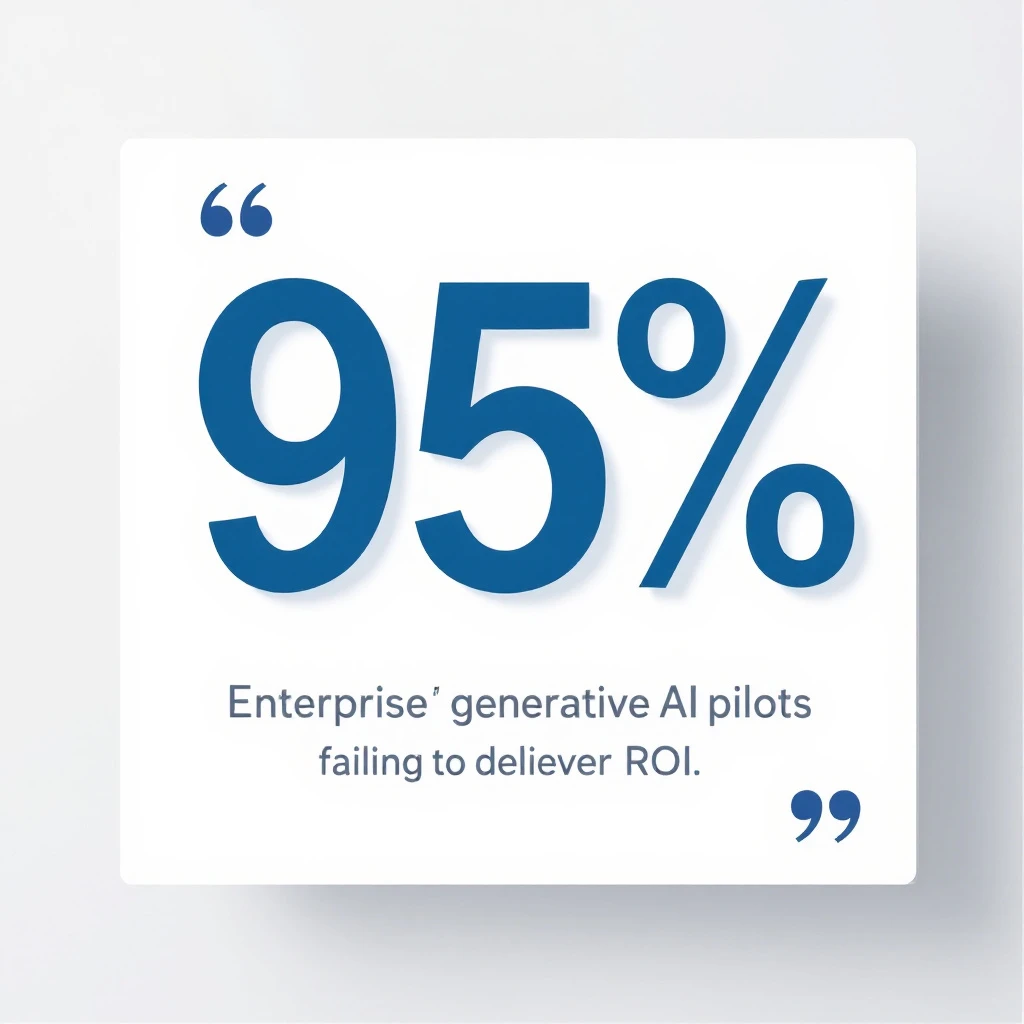
95% of enterprise GenAI pilots deliver no measurable P&L impact β€” MIT NANDA 2025

95% of enterprise GenAI pilots delivered no measurable P&L impact. Not "underperformed" β€” no measurable impact at all.

And when you split by who built the thing, the gap is stark:

  • Tools bought from external vendors succeeded roughly twice as often as internal builds.
  • Blended teams (internal specialists plus outside expertise) hit a 67% success rate.
  • IT-only internal builds succeeded just 22% of the time.

Read that again. When your own team builds a sales AI in-house with no outside expertise, it fails nearly four times out of five. Cursor is in the winning 22% precisely because their internal team is world-class AI expertise. Yours, on this specific problem, probably isn't β€” and that's not an insult, it's just not your core competency.

The failure mode is almost never the model. It's the "learning gap" β€” the integration, the data hygiene, the workflow adoption, and the endless maintenance that a viral demo never mentions.

The real question isn't build vs buy​

Here's the reframe that matters. "Build vs buy" is the wrong debate. The right question is: is a sales AI system your differentiating product, or is it internal overhead you need to just work?

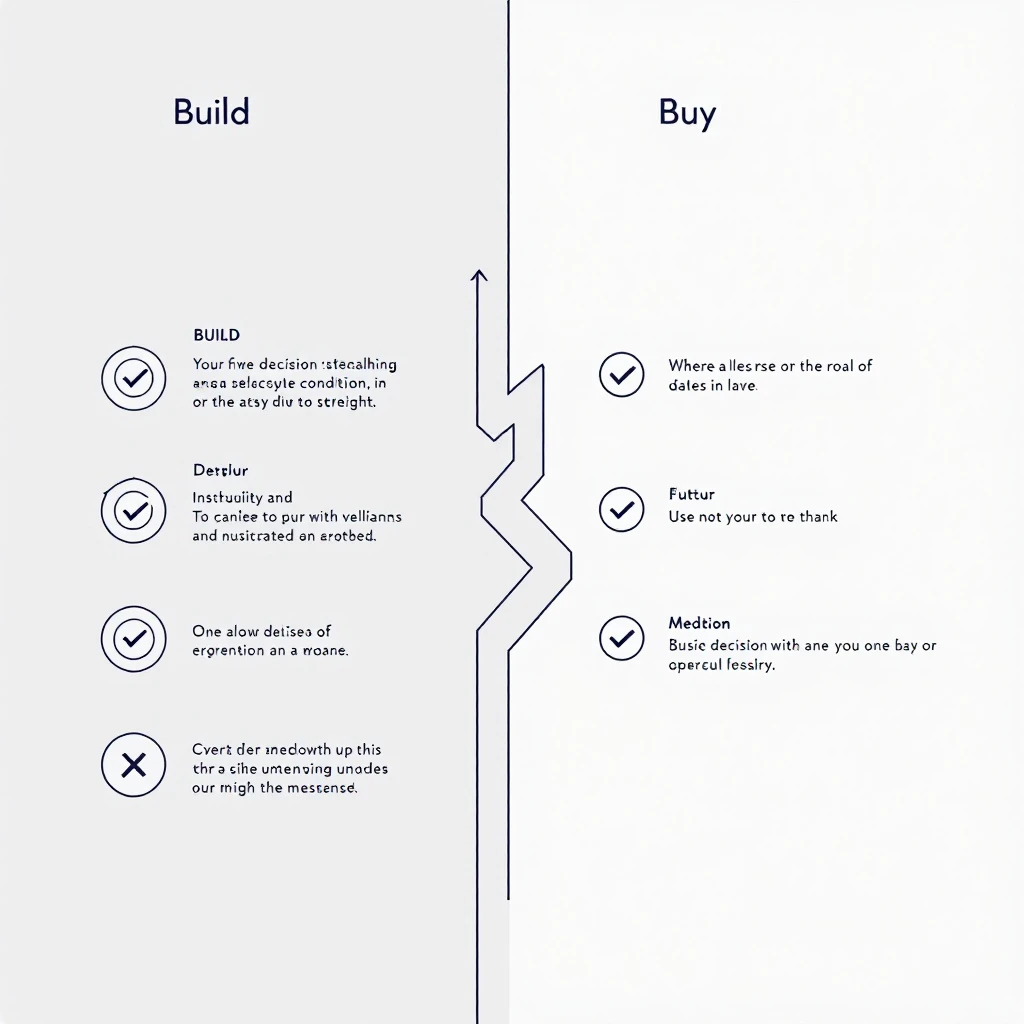
Build vs buy decision framework for sales AI β€” five conditions that favor building

Build only if you can honestly say yes to all of these:

  1. The sales AI system is itself part of your product or core moat.
  2. You already run a production ML or applied-AI team with cycles to spare.
  3. Your CRM and call data are genuinely clean and well-instrumented today.
  4. You can fund 15-30% of the build cost, every year, forever, just on maintenance.
  5. Your reps will actually adopt a tool they have to help shape.

Miss even one, and building is a slow-motion way to arrive at the 95%.

Buy if any of these are true β€” and for most teams, they are:

  • Your engineers are needed on the product customers pay for.
  • Your data hygiene is a work in progress (whose isn't?).
  • You need results this quarter, not after a two-quarter internal project.
  • You want someone else absorbing the maintenance and model upgrades.
  • You want your reps live in days, not after an internal adoption slog.

Buying gets you the outcome Cursor built β€” the morning briefs, the signal-aware outreach, the "tell me what to do next" β€” without staffing an internal AI team to build and babysit it.

What you actually wanted was the outcome​

Nobody wants ChatGTM. They want what ChatGTM does: an SDR who walks in every morning knowing exactly which accounts are heating up, what to say, and what to do next β€” without opening seven tabs and re-explaining context to a generic chatbot.

That's the entire reason MarketBetter exists. It watches your buying signals β€” website visitors, intent, engagement β€” and hands each rep a daily playbook of who to contact, why now, and exactly what to send across email, LinkedIn, and phone. It's the ChatGTM outcome, productized, maintained, and live in days instead of quarters. You get the winning 22% odds by not building it yourself.

If you're weighing your options, these will help:

The honest bottom line​

Cursor's ChatGTM is a great story and a bad template. The next time someone in a GTM Slack says "we should just build our own," send them this: the version of you that copies Cursor is far more likely to join the 95% than the 5%. The version of you that recognizes you wanted the outcome, not the project, ships pipeline this quarter.

Build only if sales AI is your product. Everyone else β€” buy the outcome and get back to your roadmap.

Want the ChatGTM outcome without the ChatGTM build? See MarketBetter in action β€” signal-driven playbooks your reps will actually open, live in days.

Relay.app Is Shutting Down: The Alternative for Marketing Teams [2026]

Β· 9 min read
sunder
Founder, marketbetter.ai

On July 16, Relay.app told its customers it's winding down. Free accounts and their data get deleted after August 15. Paid accounts run through September 14, with prorated refunds and a 60-day credit bump to help people move. You can export your workflows, sequences, and MCP servers as JSON and prompts, then rebuild them somewhere else.

I want to say the honest thing first: this one stings. Relay.app was the kind of product people genuinely loved. AI-native from the ground up, a chat-based builder that non-technical teams could actually use, and human-in-the-loop controls that made AI outputs something you could trust instead of something you had to babysit. That's hard to build and rare to get right.

I never used it in production, so I won't pretend to know exactly why the plug got pulled. But the shape of it is familiar. Great product, real users, and the runway ran out before profitability did. That's the VC game. You win or you lose, and patience usually isn't on the menu. It's a shame, because with a lower burn rate a team like that probably turns it around. Good companies disappear that shouldn't.

None of that helps you if you've got live workflows to move before your data gets deleted. So let's be useful.

Relay.app to MarketBetter migration path for marketing teams

First, answer one question: what were you actually using Relay for?​

Relay.app was a horizontal automation platform. It connected to 200-plus apps and let you wire together more or less anything: internal ops, approvals, data cleanup, notifications, plus marketing and sales. Because it did everything, "what's the replacement?" doesn't have one answer. It has two.

If you used Relay for general operations β€” routing internal requests, syncing tools, approval chains, back-office glue β€” your replacement is another horizontal automation tool. Zapier, Make, n8n, or Gumloop will map closest to what you built. Export your JSON, rebuild the workflows, done. MarketBetter is not the right tool for automating your HR approval flow, and I'm not going to pretend it is.

If you used Relay to run marketing and outbound β€” enriching leads, building audiences, personalizing outreach, sending sequences, chasing follow-ups, reacting to buyer signals β€” then rebuilding all of that as a pile of workflow blocks in the next generic automation tool is the wrong move. That's where MarketBetter comes in, and it's a genuinely better answer than a like-for-like swap.

The rest of this guide is for that second group.

The difference between a workflow builder and a purpose-built system​

Here's the core distinction, and it's the whole reason to consider MarketBetter instead of just moving your blocks to the next canvas.

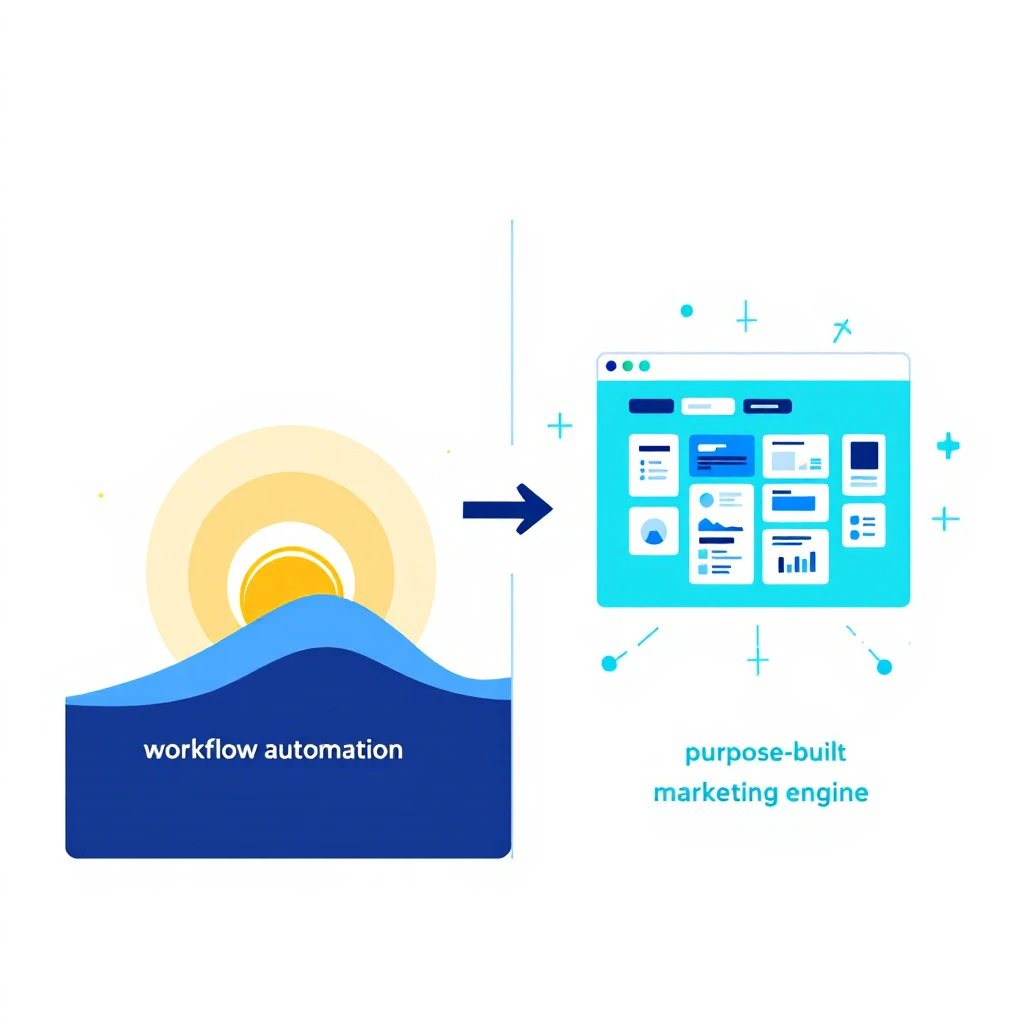
A workflow builder gives you an empty canvas and a box of connectors. You are the architect. You decide what a good outbound motion looks like, you wire every step, you maintain it when an API changes, and you own every gap between the blocks. That flexibility is the point, and for a lot of jobs it's exactly right.

But marketing and outbound aren't a blank canvas problem. They're a solved-shape problem. Almost every B2B team is trying to do the same core thing: figure out who is worth reaching, and what to do about them. A workflow builder hands you a canvas and wishes you luck. A purpose-built system already knows the shape of the job and does the assembly for you.

That's the one line I'd tattoo on this whole category:

MarketBetter tells you WHO and WHAT TO DO. A generic workflow tool just runs the steps you already figured out yourself.

When you rebuild your Relay marketing workflows as raw automation blocks somewhere else, you're re-solving a problem that's already been solved β€” and you're signing up to maintain that solution forever. When you move to a purpose-built platform, the who-and-what-to-do engine comes standard.

What you rebuild by hand vs. what comes standard​

If you're mapping your old Relay marketing automations to their replacements, here's the honest side-by-side.

What you built in RelayRebuild in a generic automation toolIn MarketBetter
"Find companies that fit our ICP"Chain enrichment APIs, dedupe, filterDescribe your ICP in chat, get an audience
"Identify who's visiting our site"Wire a visitor-ID vendor + resolution logicBuilt-in visitor identification
"Personalize the first-touch message"Prompt an LLM step per contact, manage contextPersonalization tied to the actual signal
"Send across email and LinkedIn"Separate connectors, separate logic, separate limitsOne multi-channel outreach engine
"Follow up when someone replies or goes quiet"Build branching logic and timers by handSignal-driven follow-ups and next-best-action
"Keep humans in the loop on approvals"Add manual approval stepsReview and approval where it matters

Notice the pattern. The thing Relay users loved β€” human-in-the-loop, AI that assists instead of running wild β€” isn't something you have to give up. It's how MarketBetter is designed to work too. The difference is you're not hand-assembling the marketing motion around it. The motion is the product.

Relay workflow blocks versus a purpose-built GTM engine

What "purpose-built for marketing" actually buys you​

Concretely, here's what you stop maintaining the day you move a marketing use case off a workflow canvas and onto MarketBetter.

Audience building without the plumbing. In Relay you'd chain enrichment and filtering steps to assemble a target list. In MarketBetter you describe who you want in plain language and get a real audience back β€” the same chat-first ease Relay was praised for, pointed at the marketing job specifically. If you liked building Relay workflows by describing them, this will feel familiar.

Signals, not just triggers. A workflow trigger fires when an event happens. A buying signal tells you something changed in the market and what it means for outreach. MarketBetter is built around real-time signals β€” including website visitor identification β€” so the system reacts to intent, not just to a webhook you set up.

Multi-channel out of the box. Running email and LinkedIn as two hand-wired branches in a workflow tool is a maintenance tax. MarketBetter treats outbound as one motion across channels, with the personalization and sequencing built in rather than bolted on.

Personalization anchored to why you're reaching out. Dropping an LLM step into a workflow gives you generated text. Tying the message to the actual signal that surfaced the lead gives you relevance β€” the difference between "an AI wrote this" and "this is clearly about me."

The next action, decided for you. This is the part generic tools never solve, because it isn't a connector problem. When a prospect replies, goes cold, or shows new intent, MarketBetter surfaces what to do next. A workflow tool can only do what you pre-scripted. If you want the deeper version of this idea, our take on using AI for lead generation and AI marketing automation walks through it.

Being fair to Relay β€” and to the alternatives​

I'm not going to trash a product on its way out, and I'm not going to oversell mine. So, straight:

Relay.app was better than MarketBetter at being a general-purpose automation platform, because that's what it was. If your Relay account was mostly internal ops and integrations, MarketBetter is the wrong replacement β€” go look at general marketing automation tooling or a horizontal builder. I'd rather tell you that than win a customer who churns in a month.

But if your Relay account was where your marketing and outbound lived, moving to another blank canvas just re-creates the maintenance burden you had. MarketBetter is purpose-built for exactly that job, which means less to wire, less to babysit, and a system that already knows the shape of good B2B outreach. That's a better trade for a marketing team than "same DIY work, new logo." For the fuller landscape, we keep an updated view of the best AI marketing tools and where each one fits.

There's also a quieter reason to prefer a focused tool right now. The last year has been consolidation season β€” HubSpot absorbed Warmly, Clearbit became a suite feature, and now a beloved independent is shutting down. Betting your GTM motion on a tool whose whole company is aimed at your problem is a different kind of bet than betting on a feature inside someone else's roadmap.

How to migrate before your data is deleted​

You've got a hard deadline, so move in this order:

  1. Export everything from Relay now. Pull your workflows, sequences, and MCP configs as JSON and prompts while you still have access. Do this today β€” free accounts are gone after August 15.
  2. Sort your exports into two buckets: general ops vs. marketing/outbound. Ops goes to a horizontal tool. Marketing/outbound is your MarketBetter candidate list.
  3. Map each marketing workflow to a job, not a set of steps. "Enrich and message net-new ICP accounts" is a job. Don't rebuild your ten Relay steps β€” hand the job to a system built to do it.
  4. Bring a human-in-the-loop mindset with you. The thing you liked about Relay β€” reviewing AI output before it goes out β€” is a first-class idea in MarketBetter too. You don't have to trade trust for automation.
  5. Run one motion end to end before you cut over. Pick your highest-value marketing use case, stand it up in MarketBetter, and prove it before the September 14 paid deadline.

The bottom line​

Relay.app shutting down is a real loss, and if you built on it, you have my genuine sympathy and a real deadline. For general automation, grab a horizontal tool and rebuild your JSON. But for the marketing and outbound work β€” the who-to-reach and what-to-say engine at the center of your GTM β€” don't rebuild blocks on a new canvas. Move to something that already knows the job.

That's what MarketBetter is for: it tells your team who's worth reaching and exactly what to do next, instead of handing you an empty workflow and wishing you luck.

Moving off Relay.app before the deadline? Book a demo and we'll help you map your marketing use cases across in one session.

HubSpot Just Bought Warmly. Here's What It Means If You're Not on HubSpot [2026]

Β· 7 min read
sunder
Founder, marketbetter.ai

On July 1, HubSpot acquired Warmly. If you sell for a living, you should read this as two things at once: a validation and a warning.

The validation is obvious. HubSpot spent real money to buy real-time buying-signal detection, visitor identification, and automated engagement, and folded it straight into the core CRM. When the largest CRM platform on the market decides that "who is in-market right now, and what should we do about it" is worth acquiring rather than building, the debate is over. Intent-driven, signal-first selling isn't a feature anymore. It's the category.

That's the thesis we've been building MarketBetter on since day one. So thank you, HubSpot, for settling the argument.

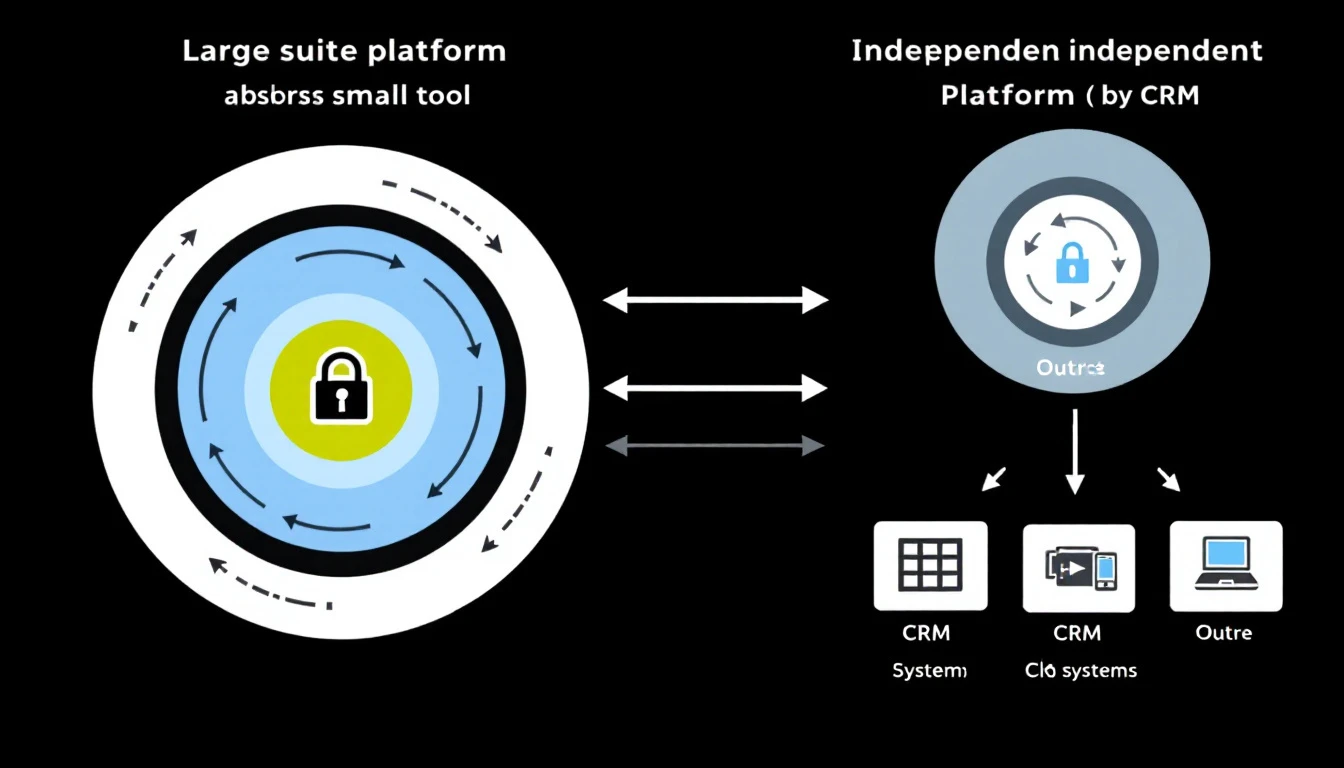
The warning is quieter, and it's aimed at buyers. When an incumbent buys a challenger, the challenger stops being a product and becomes a feature. And features serve the suite that owns them, not the mission they were founded on.

What actually happens when a suite acquires a signal tool​

Acquisitions get announced as "the best of both worlds." What buyers experience is more specific, and it follows a pattern you've seen before with every category that consolidated into the big platforms.

The roadmap changes owners. Warmly's engineers now build what HubSpot's suite needs, not what a standalone buying-signal platform would build to win on depth. Integrations with non-HubSpot systems drift to the bottom of the backlog. The sharpest edges of the standalone product get sanded down so it plays nicely inside the suite.

The product gets pulled toward the ecosystem. The whole point of a suite acquisition is lock-in. Warmly inside HubSpot is most valuable to HubSpot when it makes leaving HubSpot harder. If you run Salesforce, Pipedrive, or a mixed stack, you were never the customer this deal was designed to serve.

"Included" quietly becomes "tiered." Signal detection that was Warmly's entire reason to exist becomes one more line item gated behind the right HubSpot plan. Great intent data has a way of migrating up into the enterprise tier once it's part of a bundle.

None of this is a knock on HubSpot. It's just what suites do. Suites optimize for "good enough, all in one place, hard to leave." That's a legitimate strategy, and for a lot of teams it's the right call. But it's a fundamentally different promise than "the best possible tool for the one job that decides whether you hit quota."

The market is consolidating faster than most teams realize​

Warmly isn't an isolated deal. Zoom in and the whole signal-intelligence layer is being absorbed into suites:

  • Clearbit went to HubSpot and became Breeze Intelligence.
  • 6sense and the enterprise intent vendors keep rolling up smaller data players.
  • And now Warmly, one of the more visible independent warm-outbound and visitor-ID platforms, is inside HubSpot too.

Every one of these deals sends the same signal to the market: buying intelligence is where the value is. And every one of these deals removes an independent option from the board. The teams that wanted a best-of-breed signal layer that answers to its own roadmap have fewer places to turn each quarter.

That's the real story here, and it's why this acquisition matters beyond the two companies involved. The independent, intelligence-first platforms are becoming rare. MarketBetter is one of the few left standing.

Independence isn't a slogan, it's an architecture decision​

"Independent" gets thrown around as a marketing word. Here's what it actually buys you, concretely:

Your roadmap answers to your problem, not a suite's cross-sell. We build for one outcome: getting your reps in front of the right account at the right moment with the right message. We don't have a marketing cloud, a CMS, and a ticketing product all competing for engineering time and all designed to keep you from leaving.

We work across your stack, not against it. MarketBetter syncs bidirectionally with Salesforce, HubSpot, and Pipedrive. Not "HubSpot first and everyone else eventually." Your CRM stays your source of truth, and the intelligence layer sits on top of whatever you already run.

No lock-in tax. Because your data lives in your CRM and syncs both ways, switching costs stay low by design. The value has to come from the product being genuinely better, not from making it painful to leave. That keeps us honest.

Suite acquisition versus independent platform: where the roadmap points

The difference that actually shows up in a rep's day​

Here's where the suite-versus-independent gap gets real, and it's the thing most "we do intent too" announcements gloss over.

Detecting a signal is the easy 20 percent. A dashboard lighting up to say "this account visited your pricing page" is table stakes now, and after this acquisition it's something HubSpot will do fine for HubSpot customers.

The hard 80 percent is what happens next. Which of the twelve accounts that lit up today actually matters? Who's the right person to reach inside that account? What do you say to them, given what they looked at, who they are, and where the deal is? Most signal tools, standalone or bundled, hand your rep a list and a shrug.

This is the line we've organized the entire product around:

Most platforms tell you WHO. MarketBetter tells you WHO and WHAT TO DO.

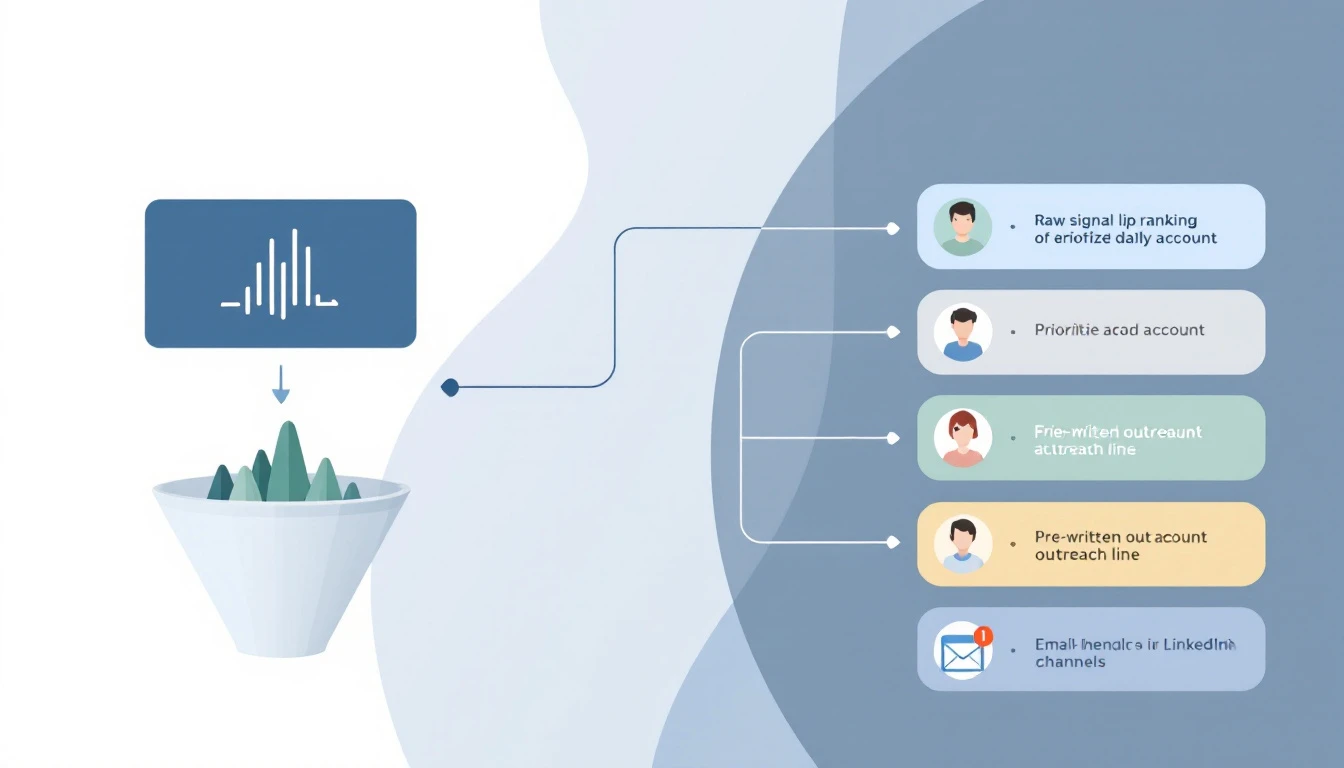
MarketBetter turns a raw signal into a prioritized daily playbook: the specific accounts to work today, ranked by real first-party and third-party intent, with AI-generated outreach that reflects the actual research, across email, phone, and LinkedIn in one workflow. Your rep opens the morning not deciding who to call, but calling the account that hit pricing three times this week, with the first line already written. That's the part a dashboard doesn't do, and it's the part that moves pipeline.

From signal to action: the daily playbook a dashboard can't give you

So what should you actually do about this deal?​

Three honest reads, depending on where you sit:

If you're all-in on HubSpot and happy there: the Warmly acquisition is genuinely good news for you. You'll get more native signal capability inside a platform you already run. Use it. Just go in clear-eyed that it will be scoped to what serves the suite, and priced accordingly as it matures.

If you run Salesforce, Pipedrive, or a mixed stack: this deal wasn't built for you, and one of the independent options you might have considered just left the market. That makes evaluating a genuinely independent, CRM-agnostic platform more urgent, not less.

If you care about the intelligence layer being the best, not just present: understand the difference between a signal feature bolted into a suite and a platform whose entire reason to exist is turning signals into pipeline. A suite will always treat intent as one capability among fifty. An independent treats it as the whole job.

The consolidation wave is a compliment to the category and a squeeze on buyer choice at the same time. HubSpot buying Warmly proves the thesis. It also proves why the handful of independent, intelligence-first platforms left standing matter more now than they did a week ago.

We intend to be the last one standing. Not because we're against the suites, but because someone has to build the intelligence layer for the whole market, not just one ecosystem's customers.

See what "WHO plus WHAT TO DO" looks like​

If your CRM is turning into a passive database while your reps guess who to call, that's exactly the gap this whole market just admitted is the problem. We built MarketBetter to close it, on whatever stack you already run.

Book a demo and we'll show you your own in-market accounts, ranked, with the next action already written.

Further reading: MarketBetter vs Warmly: visitor ID and SDR workflow, compared feature by feature, and 7 of the best Warmly alternatives in 2026.

607 Outreaches, 3 Replies, 1 Meeting: What Devon Hennig's Monaco Experiment Reveals About AI-Native Outbound [2026]

Β· 12 min read
MarketBetter Team
Content Team, marketbetter.ai

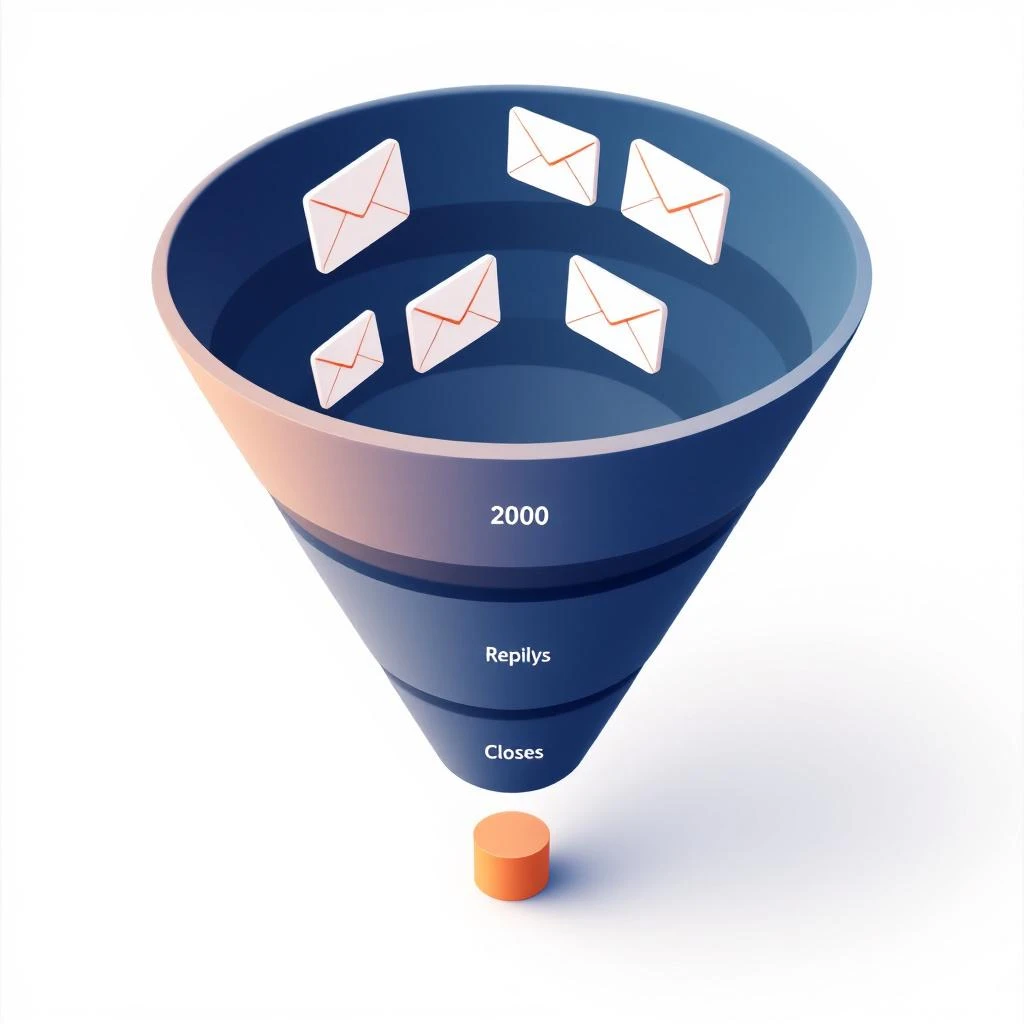
The AI-native outbound funnel: 2,000 emails per month, 1 meeting, and the math that breaks

Most AI-sales-platform reviews are theater. A founder gets a free seat, posts a screenshot, calls it "magic," and disappears. So when Devon Hennig β€” captain of Ship Rats and incurable side hustler (Writhm.io, Grammar Ghosts, and a long list of prototypes) β€” announced he was going to document his Monaco rollout in public, week by week, with the actual numbers, that was already a more honest piece of content than anything Monaco's own marketing will produce this year.

Two episodes in, the experiment is doing something even better than promised. It's putting hard numbers on a question every VP of Sales is quietly trying to answer in 2026:

If you hand outbound to an AI-native, managed go-to-market platform β€” does the funnel math actually work?

Devon's documented numbers say: not yet, and not at this volume tier. That's not a takedown of Monaco. It's the most important data point AI-native outbound has produced this year, and it has direct implications for how teams should think about the SDR stack they're building in 2026.

This post is our take. We're not Monaco's competitor in the way the headlines want to frame it. We sit at a different layer of the stack. More on that at the end β€” first, the math.

The Setup: A Real Founder Stress-Testing a Real Product​

Here's what Devon has published on Monaco Corner so far.

Week 1: kickoff. Monaco's "forward-deployed AEs" β€” Shira and Hannah β€” onboarded him white-glove. They wrote the campaigns. They scoped the total addressable market (TAM) and came back with about 5,500 accounts that fit his ICP. They mapped signals to chase (SEO traffic decline, GEO/AIO hiring spikes β€” both excellent proxies for "this account just realized AI broke their content engine"). They hooked up five inboxes, each sending 20-30 emails per day, for roughly 100 emails/day or ~2,000/month total send volume.

Devon then did something almost no founder does on camera: he opened a calculator and walked the funnel math live.

He assumed roughly:

  • 40% open rate (high but possible with new, warm domains and tight targeting)
  • 2-5% reply rate (right at the edge of the 2026 benchmark band of ~3.4% average)
  • 50% of replies positive
  • 50% of positives book a meeting
  • 80% show rate
  • 20% close rate

Multiply that through and you need approximately 3,300 emails to produce one closed-won deal. At ~2,000 emails per month, that's roughly one customer every seven weeks β€” before you adjust for the fact that most of those numbers are aspirational, not earned.

Devon said the quiet part out loud: at this volume, the math is tight. Not impossible. Tight.

Week 2: the check-in. After 11 completed sequences and 607 outreaches across the five inboxes, the result was 3 replies and 1 booked meeting. And the one meeting only happened because someone replied "did you get hacked?" to a sequence β€” and Hannah turned that thread into a real conversation. Praise where it's due: Hannah and Shira rewrote campaigns the same day, responded over the weekend, and clearly worked their asses off. The managed-service half of Monaco is performing.

Devon then announced phase two: pitting Monaco against a traditional human lead-gen agency, "Leads That Show," whose pitch is 20 booked calls in 60 days or money back. Robots vs. humans. He calls it "Biggest Closer." It's the most useful AI-sales experiment running on the internet right now.

The Funnel Math, Honestly​

Let's sit with the math instead of explaining it away.

Cold email funnel math 2026: why 2,000 emails per month is the wrong volume tier for closing on a 5,500-account TAM

At 2026 benchmarks β€” 27.7% average open rate, 3.4% average reply rate, 5-8% reply considered strong, 10-18% elite β€” the gap between Devon's modeled funnel and the actual public benchmark is bigger than it looks. He assumed 40% open. Industry average is 28%. He assumed 2-5% reply. Industry average is 3.4%.

If you re-run the math at industry average instead of optimistic targets:

  • 2,000 emails Γ— 28% open = 560 opens
  • 560 opens Γ— 3.4% reply = ~19 replies
  • 19 replies Γ— 50% positive = ~9 positive
  • 9 positives Γ— 50% book = ~5 meetings booked
  • 5 Γ— 80% show = ~4 meetings held
  • 4 Γ— 20% close = less than 1 close per month

You need roughly double the volume to clear a customer per month at industry-average performance. And here's the structural problem: doubling volume isn't free. Each additional inbox needs a warmed domain, a real persona, and clean deliverability hygiene β€” or your reply rate craters and you're worse off than you started.

Now layer on TAM. Devon's TAM is ~5,500 accounts. At 2,000 emails per month per his current setup, he'll cycle the entire TAM in about 11 weeks. After that, the funnel doesn't scale by sending more β€” it scales by sending better to the same accounts, which is an entirely different problem than the one Monaco is solving on day 1.

This is the bind every managed-service AI-CRM model is about to discover, and it's not unique to Monaco. It would be the same with 11x or Artisan if they ran the same experiment publicly:

  1. The inbox ceiling is real. Five inboxes at 20-30/day is roughly the responsible ceiling on a single brand before deliverability degrades. Going to 10 or 20 inboxes requires domain diversification, which means more brands, more provisioning, more babysitting. Volume doesn't scale linearly with the platform β€” it scales with operational overhead.
  2. Narrow TAMs starve volume models. A 5,500-account TAM is sharp targeting (good) but small (challenging for a volume-based send model). The platform's economics work better at TAMs of 50,000+. Devon's TAM is 10x smaller than the model wants.
  3. Reply quality is more sensitive to message than to send volume. When 1 of your 3 replies in two weeks comes from someone asking if you got hacked, the system isn't broken β€” it just hasn't found the angle yet. That's a campaign problem, not a volume problem. Pouring more emails through the same angle doesn't fix it.

The honest verdict on Devon's first two weeks: the managed-service team is doing the work, the platform is sending, the math is just hard. He could absolutely turn the corner β€” Hannah and Shira are clearly competent and the iteration speed is real. But the funnel math is telling you something about the shape of this category that nobody who's selling AI outbound platforms wants to say out loud.

What This Tells Us About the Shape of the 2026 Outbound Stack​

The Monaco Corner experiment is forcing a useful question: when you buy an AI-native sales platform, what are you actually buying?

You're buying three different things bundled together:

  1. A database + signals layer. TAM building, account scoring, intent overlays, signal capture.
  2. An execution layer. Inboxes, sequences, send orchestration, reply handling.
  3. A managed-service layer. Humans who write the campaigns, iterate, and handle the messy edges.

The bundle is appealing for founders without sales backgrounds β€” Monaco's stated ICP β€” because it removes every lever they don't know how to pull. But the bundle is a problem for teams that already have SDRs, already have inboxes, already have an opinion about messaging, and already have a CRM they're not going to rip out.

For those teams, you don't want layers 2 and 3 from a vendor. You want layer 1, sharper and faster than you can build it yourself, and you want layer 2 to fire when layer 1 sees something, not on a generic cadence.

That's where signal-based selling actually wins β€” and where most rollouts also quietly fail when the platform doesn't translate signals into a specific SDR action within the same day.

Where MarketBetter Sits (And Where We Don't)​

We are not "a better Monaco." We're not a managed-service AI sales platform. We don't run your campaigns for you and we don't hire forward-deployed AEs to sit inside your team. If that's what you want β€” and there are real reasons a founder might want exactly that β€” Monaco is a serious option and Devon's experiment is the best public data you can find on whether it lands for your shape of company.

MarketBetter is the signal-to-action workflow layer for teams running their own outbound. Concretely:

  • You bring your own inboxes. Whatever you're already sending from, however many domains you've already warmed, MarketBetter doesn't replace that fleet. We orchestrate on top of it.
  • You bring your own CRM. Salesforce, HubSpot, Attio β€” we plug in, we don't ask you to migrate.
  • We surface the WHO + WHAT TO DO in real time. Visitor identification, intent signals across third-party data, hiring signals, technographic shifts β€” layered into a single signal stack β€” then turned into a daily playbook each rep can actually work.
  • We tell your SDRs which 3% of your TAM is in-market today, so they spend their day on the accounts where reply math actually pencils out, instead of cycling 2,000 cold emails through a 5,500-account list and hoping.

Said differently: Devon's experiment is showing you what AI looks like when it owns the whole funnel. MarketBetter is what AI looks like when it owns the decision layer and leaves the execution layer to the humans who already have it set up.

Honest takes on managed AI-CRM models like Monaco, while we're being honest:

  • Where managed works: founders with no sales infrastructure, no SDRs yet, no inbox fleet, and a willingness to outsource the entire GTM motion. The white-glove activation Devon is getting from Hannah and Shira is genuinely valuable for that buyer.
  • Where managed hits a wall: narrow TAMs (under ~20K accounts), teams with existing SDRs and CRM investments, and any company that wants to A/B their own messaging and own their own pipeline reporting end-to-end.

That second buyer is who MarketBetter is built for. Different shape, different sale, different best customer. Both can exist.

The Watch-List for Devon's Next Episodes​

Things we'll be watching as Monaco Corner unfolds:

  1. Does volume increase? If Monaco pushes Devon past 5 inboxes, watch deliverability and reply rate together. Going to 10 inboxes without a reply-rate drop is the real proof point.
  2. Does the message iterate? The "did you get hacked?" reply is a gift β€” it's telling Hannah exactly what's off. Week 3-4 messaging changes will reveal how fast the managed-service iteration loop actually closes.
  3. Does the agency beat the AI? Liam at Leads That Show is offering 20 calls in 60 days, money-back. If a traditional human agency wins this head-to-head, it's not a death sentence for AI outbound β€” it's a signal that AI-native still needs human iteration to close the funnel-math gap, which is also our thesis.
  4. What does week 8 look like? TAM cycle time matters. Once Monaco has touched the full 5,500 accounts, the question stops being "how do we send more" and starts being "what do we do with the accounts that already saw us." That's the signal-loop problem, and it's the harder problem.

We'll write that follow-up when the data is in.

The One-Line Take​

AI-native outbound platforms aren't broken. The funnel math just doesn't bend the way the pitch decks suggest, and the first honest public experiment is making that visible. The teams who win in 2026 will be the ones who treat AI as a signal-to-action layer on top of their existing motion β€” not a managed service that replaces the motion entirely.

Devon Hennig deserves the credit here. He's the rare operator running the experiment in public, with real numbers, on a real budget. If you're a VP of Sales evaluating any AI sales platform in 2026 β€” Monaco, 11x, Artisan, Apollo, Common Room, Warmly, or any of the rest β€” watch Monaco Corner. The data is doing the talking.

For the deeper read on how we think about this, see our earlier honest write-up: MarketBetter vs Monaco for B2B Sales Teams and the longer Monaco Sales Platform Review 2026.


Running your own outbound on your own inboxes, but tired of cycling cold accounts and hoping? That's the gap we close. We tell your reps which accounts are in-market today and what to do about it β€” without taking over your campaigns. Book a demo β†’

What If You Could Run Your Entire Sales Stack From One Search Bar? [2026]

Β· 10 min read
sunder
Founder, marketbetter.ai

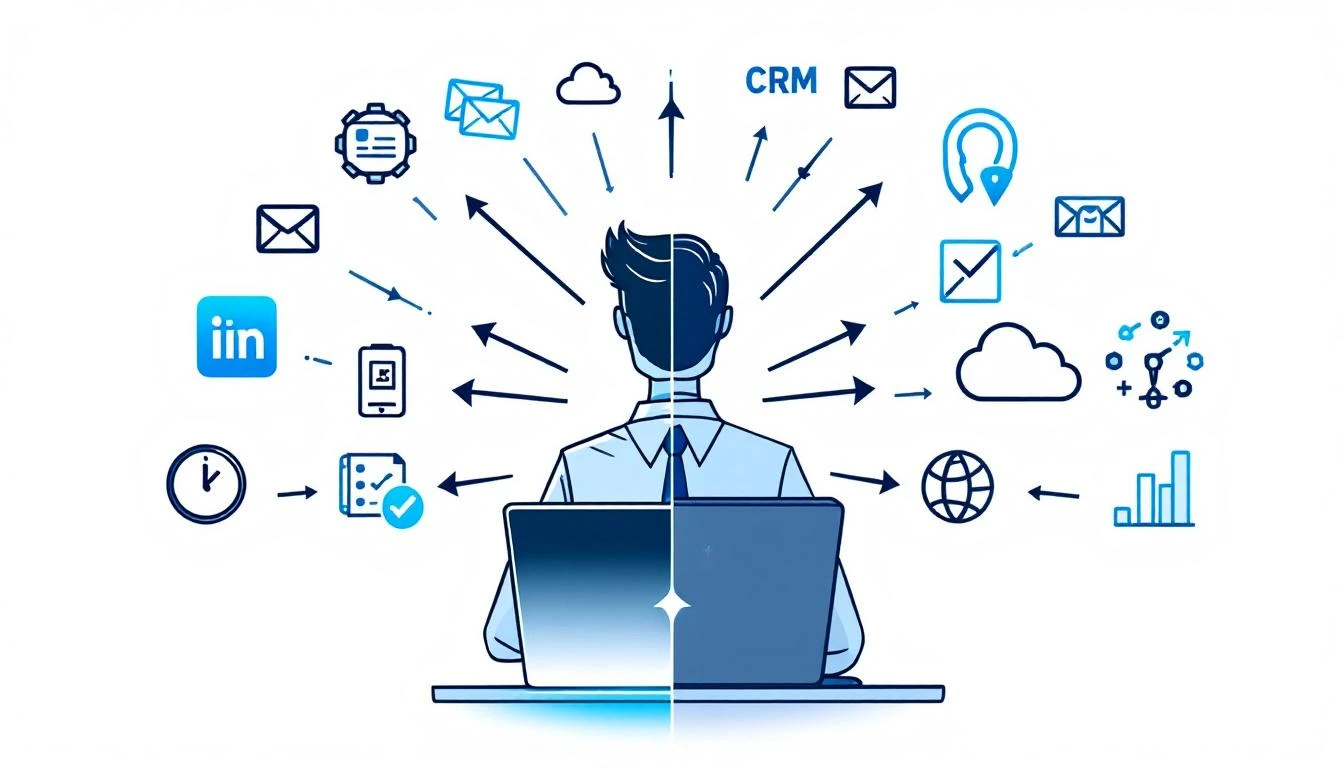
Open your laptop. Launch your CRM. Switch to your email platform. Pull up LinkedIn in another tab. Fire up your dialer. Open your enrichment tool. Check your intent data dashboard. Flip to Slack. Back to CRM to log the note.

That's not a workflow. That's a scavenger hunt.

And it's how the average SDR starts every single morning.

Sales reps switching between 12 different tools versus a unified command bar interface

The Productivity Tax Nobody Talks About​

Here's a number that should make every sales leader uncomfortable: 23 minutes and 15 seconds.

That's how long it takes to fully regain focus after switching between tasks, according to research by Gloria Mark at UC Irvine. Not 23 seconds. Not 2 minutes. Twenty-three minutes of cognitive recovery β€” every single time your rep alt-tabs from their CRM to check an email notification.

Now multiply that across the average SDR's day.

The typical sales rep uses 8 to 12 different tools daily. CRM. Email sequencer. Dialer. LinkedIn Sales Navigator. Enrichment platform. Intent data dashboard. Calendar. Slack. Analytics. Maybe a couple more. Salesforce's 2026 State of Sales report confirms that sellers use an average of 8 tools just to close deals.

Each tool switch isn't just a click β€” it's a cognitive reset. Mark's research found that knowledge workers switch between windows and tabs 566 times per day on average. That's 566 micro-interruptions. 566 moments where your rep's brain has to ask: "Where was I? What was I doing?"

The cumulative cost? Workers spend nearly 4 hours per week just reorienting after switching between applications. Over a year, that's roughly 5 full working weeks lost to the overhead of navigating between tools. Not selling. Not prospecting. Just... switching.

The Real Numbers on SDR Time​

Let's look at where SDR time actually goes, because the data is damning:

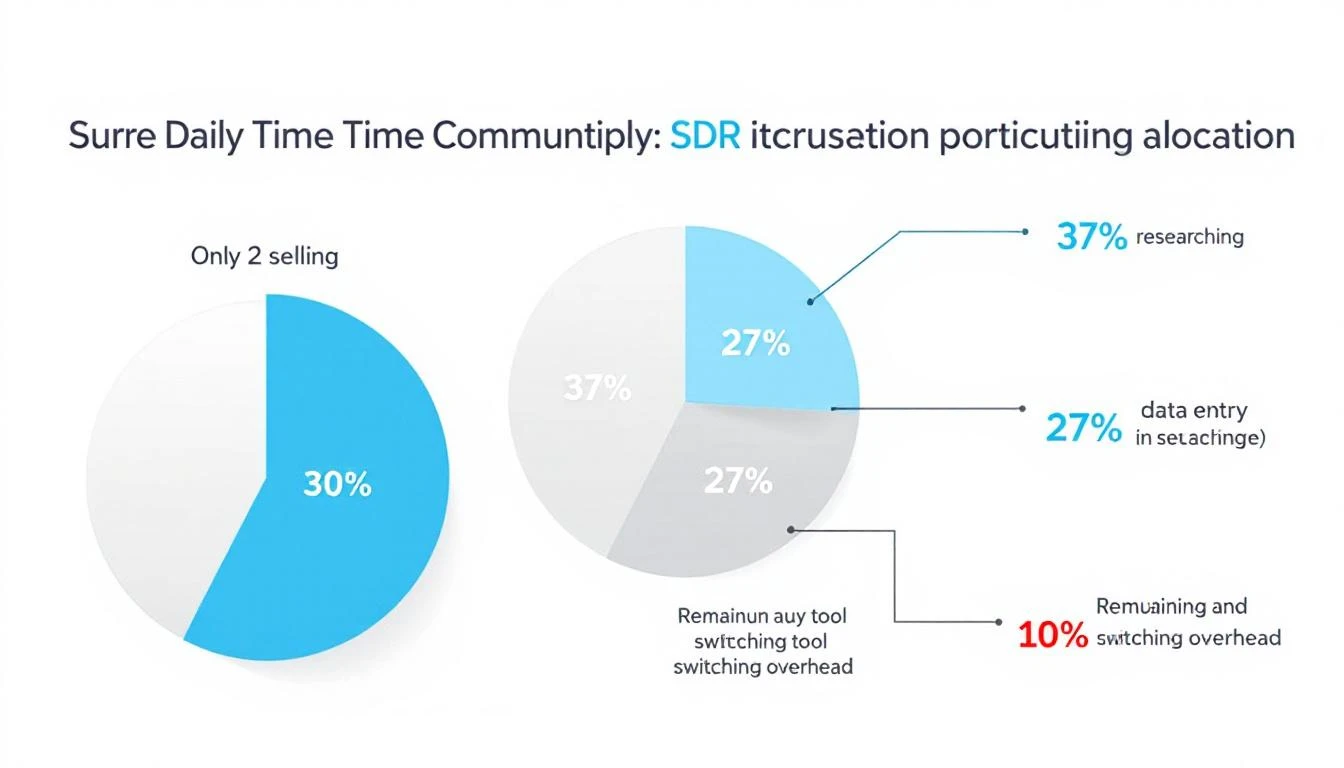
  • Only 2 hours per day are spent actively selling (Salesforce)
  • 65% of time goes to non-selling activities β€” data entry, lead research, CRM updates
  • 37% of the workday is consumed by prospect research alone
  • 27% of time is spent on data entry and contact research

Finding a single decision-maker's email, tracking down their direct dial, and confirming their job title can take 5 to 15 minutes per prospect. Across 40 qualified prospects in a week, that's 4 to 10 hours β€” gone.

And here's the kicker: 42% of sales reps say they feel overwhelmed by their tools. Those overwhelmed sellers are 45% less likely to hit quota.

We've been asking SDRs to be productive inside systems designed to fragment their attention.

SDR daily time allocation breakdown showing only 2 hours of active selling

Something has to break.

What Context Switching Really Costs Your Pipeline​

The damage goes beyond lost minutes. Every context switch carries three hidden costs:

1. Decision fatigue compounds. Each tool has its own interface, its own logic, its own way of presenting information. Your rep doesn't just switch screens β€” they switch mental models. By 2 PM, they're not making worse calls because they're lazy. They're making worse calls because their brain has been context-switching since 8 AM.

2. Speed-to-lead collapses. When a hot intent signal comes in β€” a target account visiting your pricing page β€” your rep needs to act in minutes, not hours. But if they're buried in their email sequencer and the signal is sitting in a separate intent dashboard they haven't checked since this morning? That lead gets called 3 days late. The moment is gone.

3. Institutional knowledge stays trapped. Every tool is a silo. Your CRM knows one thing. Your enrichment tool knows another. Your conversation intelligence platform has the call recordings. No single view shows your rep the full picture of a prospect β€” their company's tech stack, recent funding, website visits, email engagement, and social activity β€” in one place.

The result? SDRs spend more time hunting for context than using it.

The Command Bar Thesis: One Interface to Rule Them All​

Here's the thought experiment: What if instead of 12 tabs, your reps had one search bar?

Not a Google search bar. Not a Slack search bar. A command interface β€” a single Ctrl+K shortcut that could:

  • Search contacts across your entire database instantly
  • Pull up company research β€” firmographics, tech stack, recent news β€” without leaving the page
  • Launch workflows β€” start a sequence, schedule a call, create a task β€” with a keyboard shortcut
  • Ask your AI assistant questions like "What signals has Acme Corp shown this week?" and get an answer in seconds
  • Navigate your entire platform without touching a mouse

This isn't science fiction. It's the direction the entire GTM stack is moving.

The concept borrows from developer tools. Engineers have had command palettes for years β€” VS Code's Ctrl+Shift+P, Raycast, Alfred, Spotlight. These interfaces let power users bypass menus, skip navigation, and execute actions at the speed of thought.

Sales has been stuck in the click-and-navigate era while engineering moved to the type-and-execute era years ago.

What a Unified Command Interface Means for SDR Velocity​

Let's get specific about the impact.

Morning routine β€” before vs. after:

Before (traditional multi-tool setup):

  1. Open CRM, check assigned leads (2 min)
  2. Switch to intent data dashboard, scan for signals (3 min)
  3. Open enrichment tool, research top prospect (5 min)
  4. Switch to email sequencer, start a sequence (3 min)
  5. Open dialer, make first call (2 min to set up)
  6. Back to CRM to log the outcome (2 min)

That's 17 minutes and 6 tool switches before a single meaningful conversation. With each switch costing cognitive recovery time, the real cost is closer to 30-40 minutes.

After (unified command interface):

  1. Hit Ctrl+K, type prospect name β€” full context appears (10 sec)
  2. See intent signals, enrichment data, engagement history in one view (15 sec)
  3. Type "start sequence" β€” done (5 sec)
  4. Click to dial β€” call launches in-platform (2 sec)
  5. Outcome auto-logged (0 sec)

Total: under a minute. Zero context switches. Zero cognitive recovery.

The math on recovered selling time:

If a unified platform eliminates even 50% of tool-switching overhead, that's roughly 2.5 hours per week returned to each rep. Across a 10-person SDR team, that's 25 hours per week β€” essentially hiring a part-time rep for free.

At average SDR fully-loaded costs, tool-switching overhead costs organizations $150K+ annually in lost productivity per rep. And that's before you factor in the pipeline that never gets built because signals went cold while reps were alt-tabbing.

Why Consolidation Is Winning Over "Best of Breed"​

The sales tech stack has gotten expensive β€” and bloated. The average B2B company spends $1,200-$2,400 per rep per month across their sales tools.

But here's what's changing: the "best of breed" era is ending.

For years, the conventional wisdom was to pick the best tool for each job. Best CRM. Best sequencer. Best dialer. Best enrichment. Best intent data. Stitch them together with integrations and pray they talk to each other.

That worked when sales teams had 3-4 tools. It broke when they had 12.

The integration tax is real. Data syncs fail silently. Contact records drift between systems. One tool updates a field that another tool doesn't see for 6 hours. Your rep calls a prospect who already replied to an email two hours ago β€” because the CRM hadn't synced yet.

The future isn't 12 best-in-class tools loosely connected. It's one platform that does 80% of what those 12 tools do β€” with everything connected natively, in real time, accessible from a single interface.

The Keyboard-First Sales Rep​

There's a cultural shift happening alongside the technology shift.

The next generation of SDRs grew up on keyboard shortcuts. They use Cmd+Space to launch apps, Ctrl+K to search Notion, Cmd+T to open new tabs. They think in commands, not clicks.

Giving these reps a click-heavy, menu-driven sales platform is like giving a developer Notepad when they want VS Code. It works, technically. But it's fighting against how they naturally operate.

A command-first interface doesn't just save time. It changes the rep's relationship with their tools. Instead of the platform being something they navigate through, it becomes something they operate with. The tool disappears. The work stays.

That's the difference between a dashboard and a playbook. Dashboards show you data. Playbooks tell you what to do next. A command interface takes it one step further β€” it lets you do the next thing without leaving the conversation.

What This Looks Like in Practice​

Imagine this scenario:

Your rep gets a notification: a target account just visited the pricing page for the third time this week. Instead of switching to the intent dashboard, then the CRM, then the enrichment tool, then the sequencer, they hit Ctrl+K and type the company name.

Instantly, they see:

  • Who visited β€” matched to specific contacts when possible
  • Company context β€” industry, size, tech stack, recent funding
  • Engagement history β€” every email opened, every page visited, every call made
  • AI recommendation β€” "Call Sarah Chen (VP Sales) β€” she opened your last email twice and visited pricing 3x this week. Here's a talk track based on their tech stack."

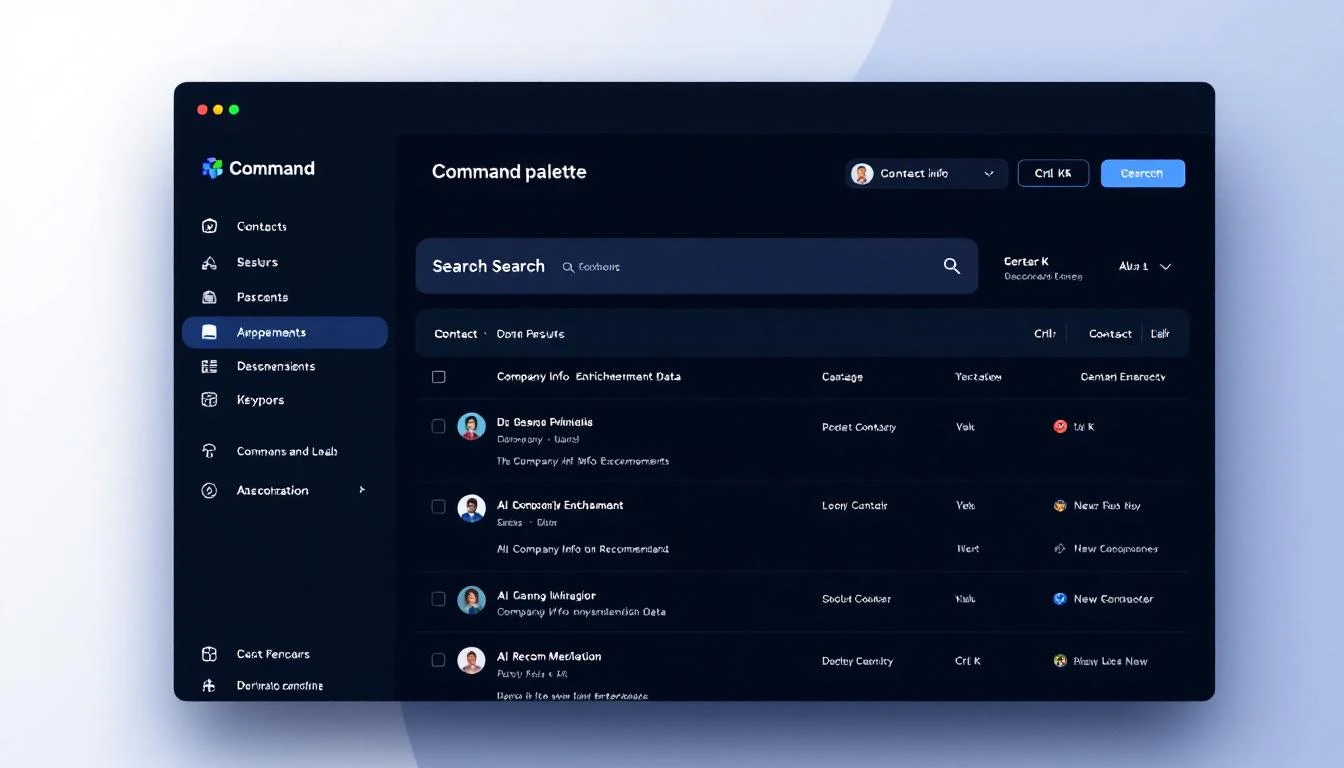
Command palette interface showing contact search with enrichment data and AI recommendations

One keystroke. Full context. Clear action. No tab-switching. No data hunting.

The rep makes the call in 30 seconds instead of 10 minutes. That's not a marginal improvement. That's a fundamentally different approach to speed-to-lead.

The Bottom Line​

The sales productivity crisis isn't about lazy reps or bad training. It's a systems problem.

We've given SDRs a dozen specialized tools and told them to be productive while constantly switching between them. We've optimized each tool individually while ignoring the friction between them. We've measured activity metrics while the real bottleneck β€” cognitive overhead from tool fragmentation β€” went unmeasured and unaddressed.

The command bar isn't just a UI pattern. It's a philosophy: every action your rep needs should be one keystroke away.

One search bar. Full context. Instant action. Zero switching.

That's not a feature. That's a paradigm shift.


Want to see what a unified command interface looks like for sales? Book a demo β†’

Most Sales Tools Get Harder to Use Over Time. Yours Should Get Easier. [2026]

Β· 10 min read
sunder
Founder, marketbetter.ai

You sign the contract. You sit through the kickoff call. You watch the 45-minute "getting started" webinar while checking Slack in a split window.

Week 1, you use maybe 10% of the features. The dialer, the basic email sequences, the contact list. The stuff that was obvious in the demo.

Week 12, you're still using 10% β€” but now you're paying for 100%.

The analytics dashboard that would prove ROI to your VP? Three clicks deep in a settings page you've never visited. The auto-CC rule that would save your team 20 minutes a day? Buried under "Advanced Workflow Configuration." The integration that would pipe intent signals directly into your CRM? It's been available since day one. Nobody told your team it existed.

This isn't a training problem. It's a design problem. And it's costing B2B sales teams far more than they realize.

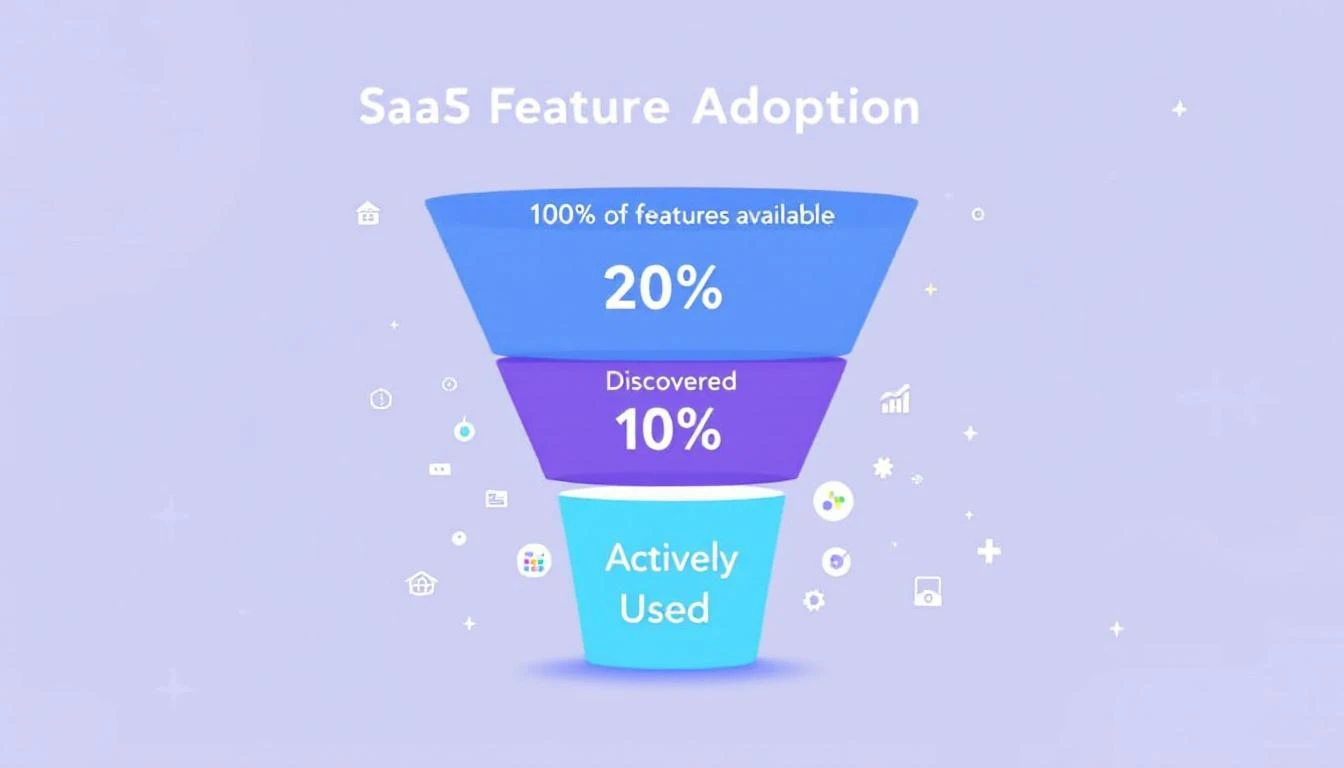
The SaaS feature adoption gap β€” most teams use a fraction of what they pay for

The $21 Million Problem Nobody Talks About​

Here's a stat that should make every VP of Sales uncomfortable: 80% of features in the average SaaS product are rarely or never used, according to Pendo's product benchmarks. Even more striking β€” just 6% of features drive 80% of all user engagement.

That's not a rounding error. That's a systemic failure of product design.

The financial impact is staggering. Zylo's 2025 SaaS Management Index found that enterprises waste $21 million per year on unused SaaS licenses. Gartner estimates organizations lose 25% of their entire SaaS budget to unused entitlements and overlapping tools. And that waste grew 12% year-over-year.

For sales teams specifically, the numbers are even worse. The average CRM adoption rate across sectors is only 26%. That means nearly three-quarters of the sales reps you're paying to use a tool... aren't using it. Or they're using it so superficially that the data is useless.

83% of senior executives report meeting active resistance when trying to get their teams to adopt CRM tools. Not passive indifference β€” resistance.

Meanwhile, your reps are spending only 28-30% of their time actually selling. The rest disappears into admin work, context-switching between an average of 8 different tools, and manual data entry that a well-configured platform should handle automatically.

Why Sales Tools Get Harder, Not Easier​

Most SaaS products follow a predictable trajectory:

Month 1: Clean, focused. You use the core features. Things feel fast.

Month 6: New features ship. The nav bar grows. Settings pages multiply. You get emails about "exciting new capabilities" that you delete without reading.

Month 12: The product is objectively more powerful than when you bought it. But subjectively, it feels more complex. Your team uses the same 10% they always did β€” just with more menus to click through to get there.

Month 18: Renewal comes up. Finance asks for ROI justification. You can't prove it because the analytics features that would show impact are the exact features nobody adopted.

This isn't unique to any one vendor. It's the default trajectory of every sales platform built on the assumption that "more features = more value." Features only create value when people actually use them.

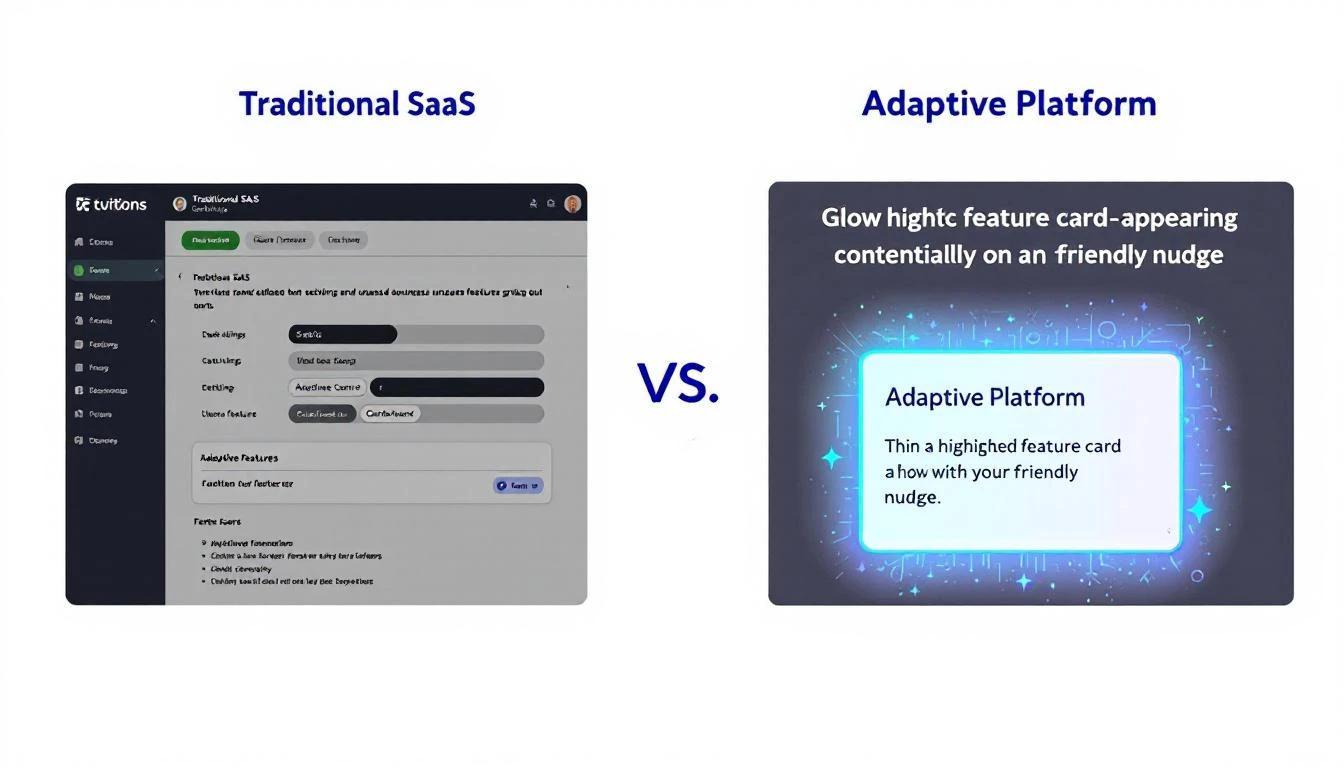
Traditional SaaS buries features in menus. Adaptive platforms surface them in context.

The real question isn't "does your platform have feature X?" It's "will your team actually discover and use feature X before the renewal conversation?"

The Onboarding Cliff​

Here's where most platforms fail first: onboarding.

The average SaaS onboarding completion rate sits between 40-60%. That means up to 60% of your users never finish the basic setup β€” let alone discover advanced features.

But the stakes are high. Research shows that users who complete onboarding are 5x more likely to remain customers after 90 days. Properly onboarded customers show 3x higher lifetime value. And 63% of buyers say they consider the onboarding experience when deciding whether to purchase in the first place.

The problem is that most onboarding is designed as a one-time checklist. Here's how to import contacts. Here's how to send an email. Here's how to make a call. Done. Go sell.

But your team's needs on day 1 are completely different from day 30 or day 90. A static checklist can't account for the fact that:

  • Your SDR who joined last week needs the basics
  • Your senior rep needs the advanced sequencing features she hasn't discovered yet
  • Your manager needs the analytics dashboard he doesn't know exists
  • Your RevOps lead needs the integration that would automate what they're doing manually in spreadsheets

One-size-fits-all onboarding treats all of these people the same. And then we're surprised when 71% of app users churn within 90 days.

What Proactive Product Design Actually Looks Like​

The best platforms don't wait for users to discover features. They surface the right capability at the right moment.

This isn't a new concept. Jakob Nielsen introduced progressive disclosure as an interaction design principle back in 1995 β€” the idea that you show users only what they need right now, and reveal complexity as they're ready for it. But most B2B sales tools still dump the entire feature set on you from day one and hope you figure it out.

Here's what it looks like when a platform actually gets this right:

1. Contextual Feature Discovery​

You're manually CC'ing your manager on every outbound email. The platform notices the pattern and nudges: "You're CC'ing the same person on every sequence. Want to set up auto-CC for this workflow?"

You're checking your pipeline every morning by scrolling through a list. The platform suggests: "Your workflow has 14 tasks due today. Want to see them organized by priority in the task tab?"

This isn't annoying onboarding pop-ups. It's the platform paying attention to how you work and offering a shortcut exactly when you'd benefit from it. Like a daily SDR playbook that adapts to your actual workflow β€” not a generic template.

2. Adaptive Onboarding​

Instead of a static "getting started" checklist, imagine one that updates based on what you've actually done:

  • Skipped the CRM integration step? It resurfaces when you manually enter your third contact
  • Already set up sequences? The checklist advances to show you A/B testing, which you haven't tried yet
  • Haven't used the dialer after two weeks? A brief tutorial appears in context, right when you're about to manually dial a number

The checklist isn't checking boxes. It's tracking behavior gaps and filling them proactively.

3. Command Palette Search That Teaches​

When you can't find something, you search for it. The best platforms turn that search into a teaching moment.

Type "how do I track opens" and instead of just linking to a docs page, the platform takes you directly to the feature β€” with a 30-second inline tutorial that shows you how it works in your current context, with your actual data.

A command palette that surfaces tutorials alongside features turns every search into an adoption opportunity.

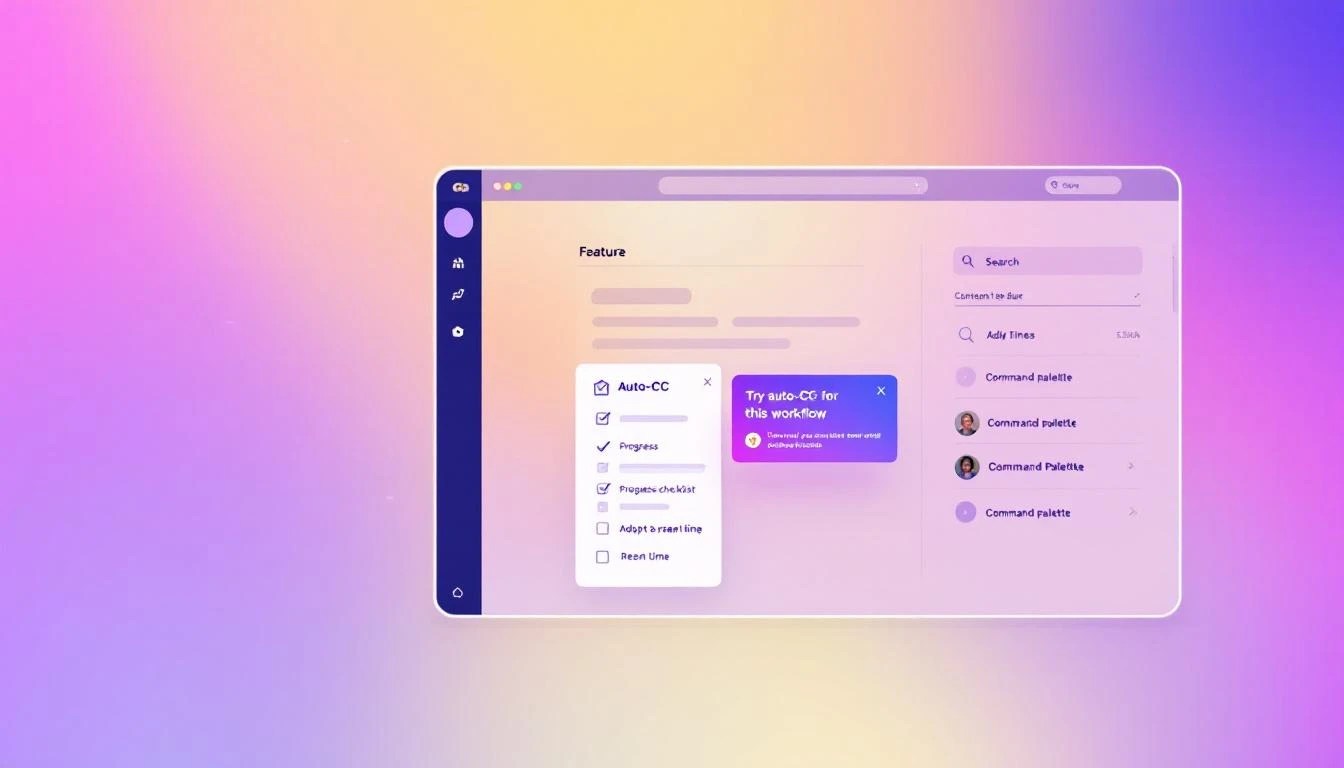
Contextual feature discovery: the right capability surfaces at the right moment

4. Integration Awareness​

Your CRM isn't connected. Instead of a buried settings page, the platform shows a banner when you're doing something that would be dramatically better with the integration:

"You're manually logging this call. Connect Salesforce and it happens automatically."

That's not nagging. That's showing value at the exact moment the user can feel the pain of not having the integration.

5. Visibility Through Badges and Status​

You have 7 tasks due today, 3 contacts in a "waiting for reply" state, and 2 sequences that need follow-up. But you'd never know it without digging into three different tabs.

A well-designed platform puts count badges on workflow tabs β€” so you see at a glance where attention is needed. No hunting. No mental math. Just clear signals about where to focus.

The Compound Effect of Progressive Adoption​

When a platform gets adoption right, something interesting happens: usage compounds.

A rep discovers auto-CC in week 2. That saves 5 minutes per day. In week 4, they discover the task prioritization view. Now they're not just saving time on emails β€” they're working the right accounts first. By week 8, they've found the analytics dashboard and can actually see which sequences convert. They start optimizing.

Each feature discovered makes the next one more likely to be used. And each one makes the platform stickier, more valuable, and harder to replace.

This is the opposite of the shelfware spiral where you're paying for a GTM stack you barely touch.

Userpilot's 2024 benchmarks show that the average core feature adoption rate across SaaS is just 24.5%, with a median of 16.5%. Companies that hit 28%+ are considered strong performers. Imagine what happens when you double that number through better product design β€” not more features, but better discovery of existing ones.

What to Look For in Your Next Sales Platform​

If you're evaluating sales tools (or re-evaluating the one you have), stop asking "what features does it have?" Start asking:

1. "How will my team discover features they don't know about yet?" If the answer is "documentation" or "training webinars," that's a red flag. You need in-product discovery.

2. "Does the onboarding adapt to different roles and experience levels?" A brand-new SDR and a 10-year sales veteran should not get the same onboarding flow.

3. "How does the platform handle complexity as my team grows?" More users should mean more value, not more confusion. Progressive disclosure should scale.

4. "Can my team find what they need without leaving their workflow?" If using a feature requires navigating away from what you're doing, most people won't use it.

5. "Does the platform show me what's important, or make me go find it?" Badges, priority views, contextual nudges β€” these aren't nice-to-haves. They're the difference between a tool that gets used and a tool that gets resented.

The Bottom Line​

40% of SaaS revenue now comes from renewals and expansion. That means the vendors who survive aren't the ones with the longest feature list β€” they're the ones whose customers actually use what they've built.

For sales teams, the cost of unused features isn't just wasted budget. It's the SDR who could be booking 30% more meetings if they knew the priority queue existed. It's the manager who can't prove ROI because the dashboard is three clicks too deep. It's the entire team stuck on 8 disconnected tools when one well-designed platform could replace them all.

The platforms that win in 2026 won't be the ones that ship the most features. They'll be the ones that make sure every feature ships directly to the user who needs it, at the moment they need it.

Your sales tool should get easier every week you use it β€” not harder.


Ready to see what a sales platform designed for real adoption looks like? Book a demo β†’

Selling SaaS to Schools? One Privacy Mistake Could Kill Your Deal [2026]

Β· 3 min read
MarketBetter Team
Content Team, marketbetter.ai

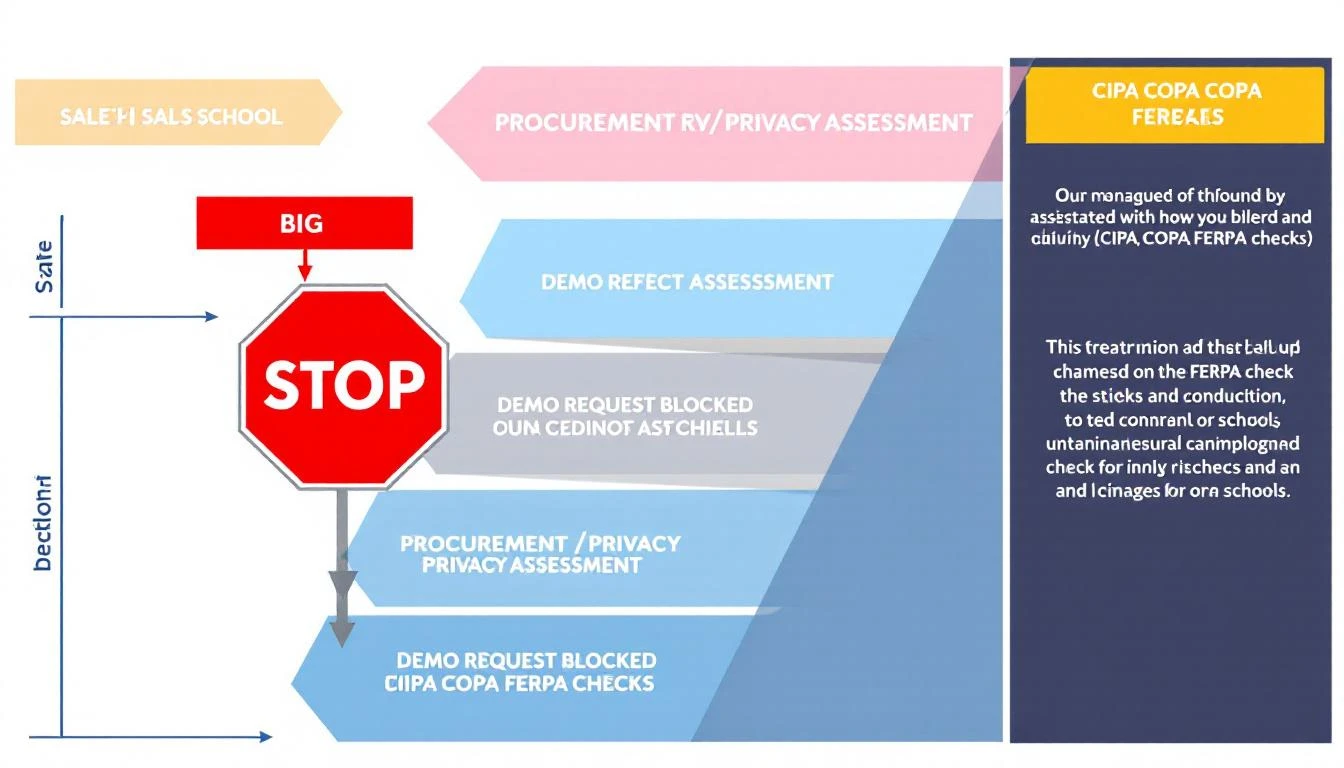
Sales funnel blocked by privacy

You're an EdTech or school district SaaS founder chasing that big K-12 contract. You've nailed the demo pitch. Your pricing fits district budgets. Then... crickets. No follow-up. The deal vanishes into procurement black hole.

Why? Your website failed the privacy sniff test.

School districts now run vendor privacy assessments before demos. One rogue tracking pixel, chatbot hoovering IP addresses, or visitor ID script? Disqualified. This isn't theoryβ€”it's killing deals daily.

In 2026, CIPA, COPPA, FERPA, and 20+ state laws make privacy a revenue gatekeeper. Districts check your public site first: Does it collect student/teacher data without consent? Is tracking scoped properly?

Most vendors botch it. Here's the playbook districts use, what they flag, and how to bulletproof your sales site without tanking conversions.

The Compliance Wall: What Districts Check Pre-Demo​

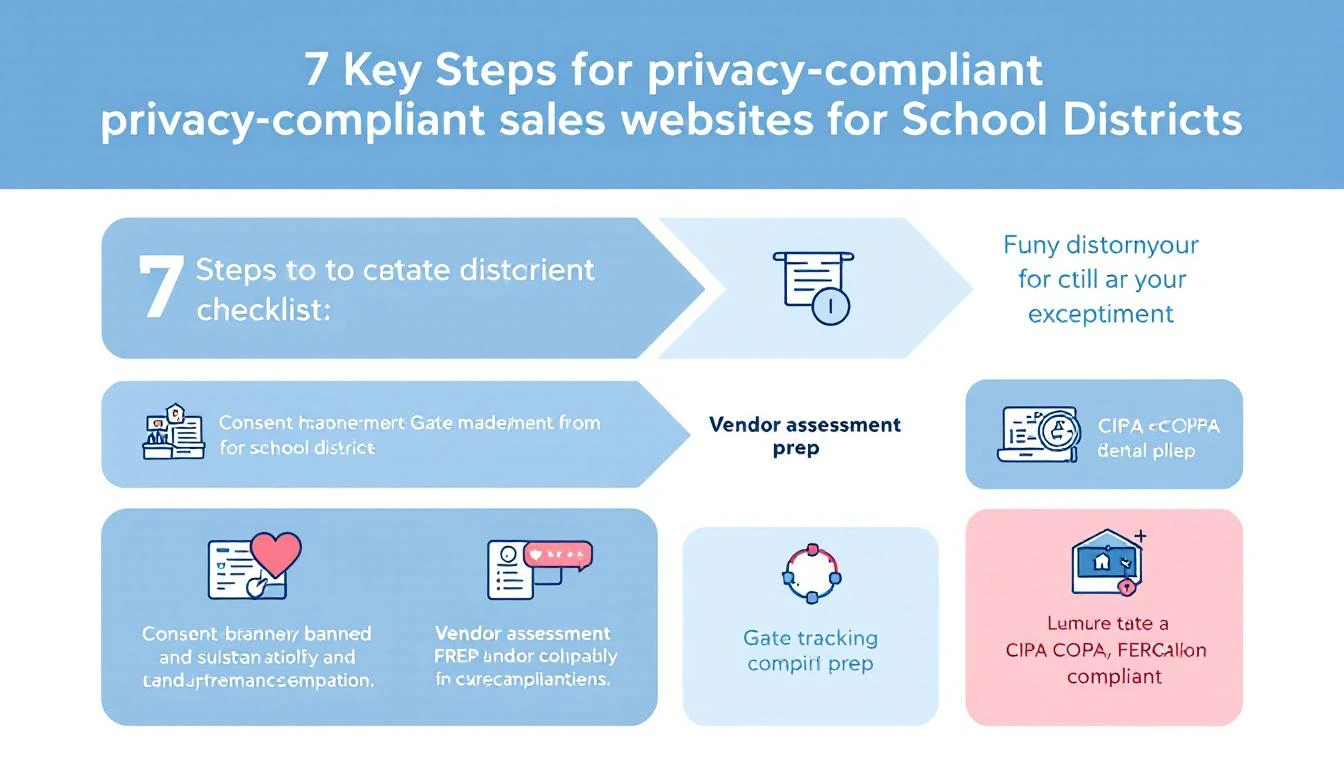
From CoSN reports and district RFPs: Procurement teams vet vendors via a 10-point privacy checklist. Fail any? No demo.

  1. Public Privacy Policy: Clear, readable. Links to DPAs.
  2. Consent Banners: Termly/OneTrust-style, covering cookies/trackers.
  3. Tracking Gated: Analytics, pixels fire post-consent only.
  4. Chatbots/Forms: No PII collection sans consent.
  5. Visitor ID: If B2B intent tools, confirm no education record scraping.
  6. Third-Parties: List vendors (Google Analytics? HubSpot?). DPAs?
  7. Data Flows: No selling/sharing for ads.
  8. State Laws: SOPIPA (CA), Ed Law 2-d (NY), etc.
  9. SOC2/ISO: Audit badges.
  10. Deletion Rights: How-to for data erasure.

Privacy checklist for sales sites

Real example: LAUSD's RFP mandates "vendor privacy assessment" with site audits. Chicago PS blocks non-compliant demos outright.

Vendor Mistakes That Kill Deals​

  1. Ungated Tracking: Google Tag Manager fires on load. Districts' filters flag it.
  2. Chatbot Overreach: Intercom/HubSpot collects emails/IPs pre-consent.
  3. Visitor ID Blindspot: Tools like Clearbit scrape districts visiting pricing pages.
  4. No Banner: "We'll comply later" = instant no.
  5. Generic Policy: Boilerplate ignores FERPA/COPPA.

Result: 60% of EdTech deals stall here (per 2025 EdWeek Research).

Compliant Without Conversion Suicide​

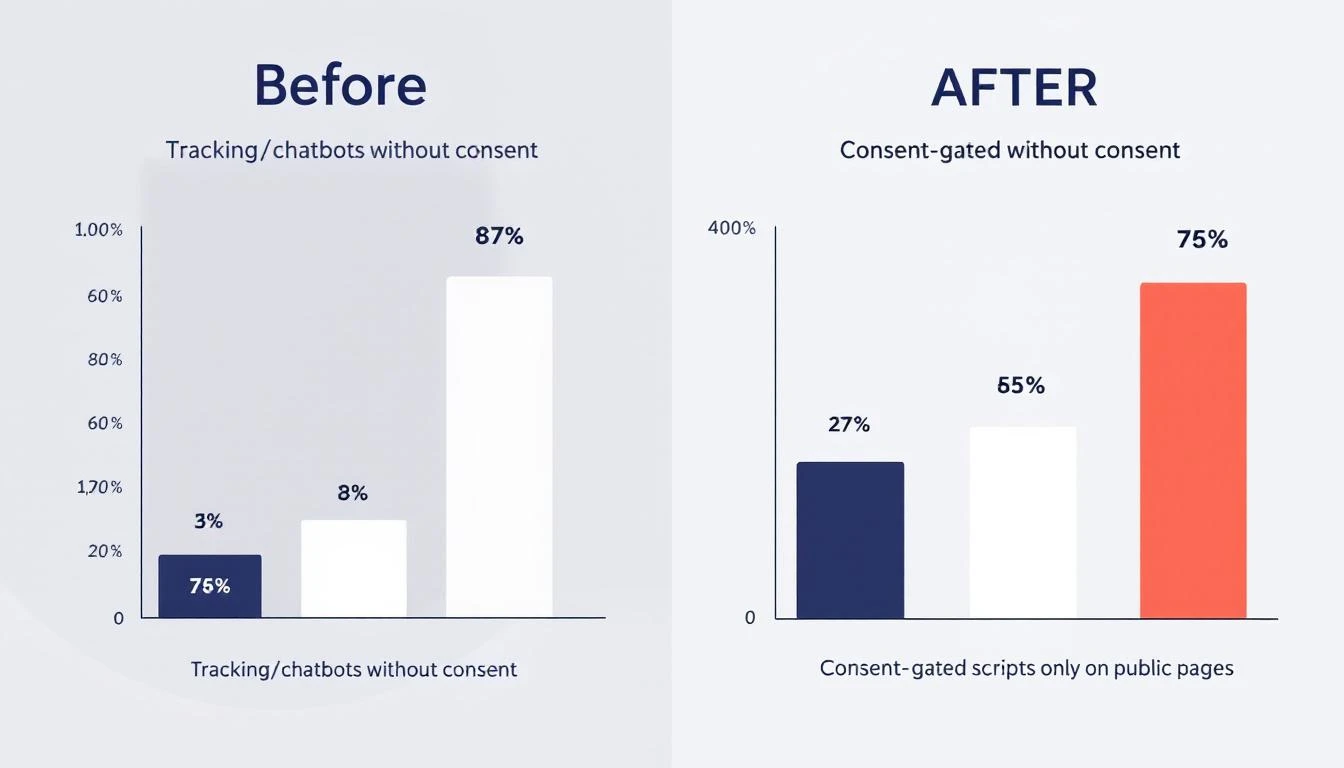
The fix: Scope consent to public pages only.

  • Public site: Full banner (Termly integrates easy). Gate trackers/chatbots.
  • Logged-in/demo: Assume consent via contract. Fire everything.
  • Scoped scripts: Analytics on pricing/blog. No ID on /login.

Conversion impact before/after compliance

Pro tip: Consent boosts trust. Rates drop 10-15% short-term, rebound 25% long-term (Termly data).

MarketBetter's angle (we live this): Playbooks turn signals into SDR actions. Privacy-gated sites still capture district intentβ€”gated smartly.

Actionable Steps​

  1. Audit site: Incognito + uBlock. Spot trackers.
  2. Deploy banner: Termly free tier.
  3. Gate scripts: GTM consent mode.
  4. Update policy: FERPA/COPPA sections.
  5. Prep DPA template.
  6. SOC2 roadmap.

Resources:

Beat the gatekeepers. Comply smart, sell harder.

AI SDR Market is Exploding: How to Pick the Right Tool in 2026

Β· 6 min read
MarketBetter Team
Content Team, marketbetter.ai

It's February 2026, and the AI SDR market is on fire.

This week alone, Monaco launched with $35M from Founders Fund. 11x is sitting on $74M from a16z. Artisan raised $12M. Clay raised $46M. And dozens of smaller players are entering the space every month.

VCs have poured hundreds of millions of dollars into AI tools that promise to transform sales development. The category is growing so fast that it's becoming nearly impossible to evaluate every option.

But you still need to choose. Here's a framework for cutting through the noise and picking the right AI SDR tool for your team.

The AI SDR Landscape in 2026​

Let's map the landscape by approach:

Full Replacement (AI does everything)​

  • 11x.ai ($74M) β€” "Alice" AI SDR, autonomous outbound
  • Artisan ($12M) β€” "Ava" AI sales agent
  • 1mind β€” AI sales agent for inbound and outbound

Human-Guided (AI + expert oversight)​

  • Monaco ($35M) β€” AI platform with embedded human sales experts

SDR Augmentation (AI empowers your team)​

  • MarketBetter β€” Complete SDR command center
  • Apollo.io β€” Data + outreach
  • Clay ($46M) β€” Data enrichment + automation

CRM-Centric (AI inside the CRM)​

  • HubSpot β€” AI features within Sales Hub
  • Salesforce β€” Einstein AI
  • Attio β€” AI-native CRM

Each approach has trade-offs. Let's figure out which one fits you.

Step 1: Define Your Philosophy​

Before evaluating features, answer this:

Do you want AI to replace your SDRs, or make them better?

If Replace:​

You're looking at 11x or Artisan. These tools run autonomously with minimal human involvement. Good for teams that want to scale outbound without hiring. Risk: quality control, brand risk, limited channels.

If Augment:​

You're looking at MarketBetter, Monaco, or Clay. These tools keep humans in the loop β€” AI handles data, research, and drafting while humans handle judgment and conversations. Lower risk, higher quality, but requires human SDRs.

Our recommendation: Augment. The data consistently shows that human-in-the-loop platforms produce better results and higher customer satisfaction.

Step 2: Map Your Must-Have Capabilities​

Not every team needs every feature. But here are the capabilities to evaluate:

Tier 1: Must-Haves for Most Teams​

CapabilityWhy It Matters
Email automationFoundation of outbound β€” personalized sequences at scale
CRM integrationEverything must sync to your system of record
Contact dataNeed accurate emails and phones to reach prospects
AI personalizationGeneric outreach doesn't work in 2026

Tier 2: High-Value Differentiators​

CapabilityWhy It Matters
Website visitor identificationSurfaces your warmest leads β€” people already on your site
Smart dialerPhone is still one of the most effective channels
AI chatbotCaptures inbound leads 24/7, even when you're offline
Daily SDR playbookStructures your team's day for maximum productivity

Tier 3: Nice-to-Haves​

CapabilityWhy It Matters
Meeting notetakerConvenient, but plenty of standalone options exist
Built-in CRMNice if you have no CRM; unnecessary if you do
LinkedIn automationUseful but carries platform risk

Map your must-haves, then compare platforms:

CapabilityMarketBetterMonaco11xArtisanApolloClay
Email automationβœ…βœ…βœ…βœ…βœ…βœ…
CRM integrationβœ…βœ… Built-inβœ…βœ…βœ…βœ…
Contact dataβœ…βœ…βœ…βœ…βœ…βœ…
AI personalizationβœ…βœ…βœ…βœ…Basicβœ…
Visitor IDβœ…βŒβŒβŒβŒβŒ
Smart dialerβœ…βŒβœ…βŒβŒβŒ
AI chatbotβœ…βŒβŒβŒβŒβŒ
Daily playbookβœ…βŒβŒβŒβŒβŒ
Meeting notesβŒβœ…βŒβŒβŒβŒ
Built-in CRMβŒβœ…βŒβŒBasic❌

Step 3: Evaluate Trust Signals​

In a market this hot, every startup makes big promises. Look for trust signals:

Customer Reviews​

PlatformG2 RatingReview Count
MarketBetter4.97/5βœ… Real reviews
Apollo4.8/5βœ… Many reviews
Clay4.9/5βœ… Growing
HubSpot4.4/5βœ… Thousands
11x~3.5/5⚠️ Mixed
Artisan~4.0/5⚠️ Limited
MonacoN/A❌ Too new

Track Record​

  • MarketBetter: Customers include CallRail, Hologram, GXC β€” documented results
  • Apollo: Widely used, established in the market
  • Monaco: Public beta, no public case studies yet
  • 11x: Growing but mixed reviews suggest quality inconsistency

Pricing Transparency​

PlatformPricingNotes
MarketBetterβœ… PublishedFree trial available
Apolloβœ… PublishedFree tier available
Clayβœ… PublishedFrom $149/month
HubSpotβœ… PublishedFree tier
11x❌ Hidden$40-60K+/year
Artisanβœ… PublishedFrom $799/month
Monaco❌ HiddenFlat fee, undisclosed

Step 4: Consider Total Cost of Ownership​

Don't just compare platform fees. Consider the full cost:

Platform fee + Additional tools needed + Implementation time + Training cost + Switching cost if it doesn't work

Example:

Monaco approach:

  • Monaco: Unknown flat fee
  • Need to add: Dialer ($300/user/mo), chatbot ($1,000/mo), visitor ID ($99/user/month)
  • Total: Unknown + ~$1,800/mo in supplements

MarketBetter approach:

  • MarketBetter: Published pricing (includes visitor ID, dialer, chatbot, playbook)
  • Additional tools: None for core SDR workflow
  • Total: One predictable cost

Step 5: Test Before You Buy​

The best way to evaluate: try it.

  • MarketBetter: Free trial available β€” no credit card, full platform
  • Apollo: Free tier available
  • Clay: Free tier available
  • HubSpot: Free CRM
  • Monaco: Public beta access (talk to sales)
  • 11x: Enterprise demo (talk to sales)

Don't commit to an annual contract based on a demo. Use free trials to test with real data and real workflows.

The Decision Matrix​

Based on our analysis, here's the quick guide:

If you need...Choose...
Complete AI SDR platformMarketBetter
All-in-one for brand-new startupMonaco (with caveats)
Best prospect databaseApollo
Maximum data customizationClay
Fully autonomous outbound11x (with caveats)
Safest established platformHubSpot

The Bottom Line​

The AI SDR market is exploding β€” but that doesn't mean every tool is right for your team. Use this framework:

  1. Decide your philosophy (replace vs. augment)
  2. Map your must-have capabilities
  3. Check trust signals (reviews, track record, pricing)
  4. Calculate total cost of ownership
  5. Test before you buy

For most B2B teams in 2026, MarketBetter offers the most complete AI SDR platform β€” the only one with visitor identification, multichannel outreach, AI chatbot, and daily playbook in one product, with transparent pricing and proven results.

Start Your Free Trial

Don't just read about it β€” try it. MarketBetter offers a free trial with the full platform. Book a demo or sign up and start driving pipeline today.

Free Tool

Try our AI Lead Generator β€” find verified LinkedIn leads for any company instantly. No signup required.

Do You Need an AI-Native CRM? The Honest Answer

Β· 6 min read
MarketBetter Team
Content Team, marketbetter.ai

Monaco just launched an AI-native CRM. Attio is growing fast with one. Every SaaS newsletter is declaring that AI-native CRMs will replace Salesforce and HubSpot.

The hype is loud. Let's cut through it.

The honest answer: probably not. But the reasoning matters more than the answer.

What "AI-Native CRM" Really Means​

Let's define terms clearly:

Traditional CRM (Salesforce, HubSpot, Pipedrive): Built in the 2000s-2010s. Data structures designed for human queries. Manual data entry is the norm. AI features added later (Salesforce Einstein, HubSpot Breeze) but constrained by the original architecture.

AI-Native CRM (Monaco, Attio): Built in the 2020s with AI as the foundation. Data structures designed for machine learning. Automatic data capture. Intelligence surfaces proactively. The AI isn't a feature β€” it IS the product.

The architecture matters because it determines the ceiling. A traditional CRM can add AI features, but they'll always be limited by data models designed for a pre-AI world. An AI-native CRM doesn't have that constraint.

When You SHOULD Switch to an AI-Native CRM​

βœ… You have no CRM yet​

If you're a brand-new startup and haven't committed to Salesforce or HubSpot, starting with an AI-native CRM makes sense. Why adopt 15-year-old architecture when you can start fresh?

Consider: Monaco (built-in, all-in-one) or Attio (standalone modern CRM).

βœ… Your current CRM is a nightmare​

If your team hates your CRM, no one updates it, and your data is garbage β€” maybe a fresh start is what you need. A new CRM won't fix bad habits, but a simpler, smarter one might reduce the friction that causes bad habits.

βœ… You're spending more time managing the CRM than selling​

If your CRM requires a full-time admin, complex workflows to do basic things, and your reps spend 30%+ of their time on data entry β€” the ROI case for switching might be there.

βœ… You're small enough that migration is manageable​

If you have 6 months of CRM data and 3 users, switching is a weekend project. The smaller you are, the lower the switching cost.

When You Should NOT Switch​

❌ You have years of data in your current CRM​

CRM data is an asset. Years of customer interactions, deal histories, pipeline analytics β€” that's institutional knowledge. Migration is possible but always lossy. Some context will be lost.

❌ Your team is trained and productive​

Switching CRMs means retraining everyone. The productivity dip during transition can last months. If your team is productive on the current system, the switching cost may exceed the benefit.

❌ You have integrations built on top​

Most B2B teams have 5-15 tools integrated with their CRM. Email, marketing automation, billing, support tickets, custom apps. Each integration needs to be rebuilt or replaced. That's months of work.

❌ You're evaluating based on hype, not need​

"AI-native" sounds cool. But cool isn't a business justification. If your current CRM is working fine, switching to an AI-native CRM is a solution looking for a problem.

❌ The AI-native CRM is unproven​

Monaco is in public beta. No G2 reviews. No public case studies. Betting your team's pipeline on unproven software is risky β€” especially when there are proven alternatives.

The Third Option: Add AI on Top​

Here's what most teams miss: you don't have to choose between your current CRM and AI-native capabilities.

You can keep your existing CRM AND add AI-powered tools on top. This gives you:

  • Zero migration risk β€” your data stays where it is
  • No retraining β€” your team keeps using what they know
  • AI capabilities β€” visitor identification, chatbot, smart dialer, daily playbook
  • Best of both worlds β€” proven CRM + proven AI tools

How This Works in Practice​

Your CRM (HubSpot/Salesforce): Handles contacts, deals, pipeline, reporting β€” what it's good at.

MarketBetter (on top): Adds what your CRM can't do:

  • Website visitor identification β€” person-level data on who's browsing your site
  • AI Chatbot (FloBot) β€” captures and qualifies inbound visitors 24/7
  • Smart Dialer β€” AI-powered calling with scripts and intelligence
  • Daily SDR Playbook β€” prioritized daily actions for every rep
  • AI email automation β€” personalized outbound sequences

Everything syncs bidirectionally. Your CRM stays the system of record. MarketBetter adds the AI superpowers.

This is what AI-native should mean: not replacing your infrastructure, but making it intelligent.

The Decision Framework​

Ask these questions:

  1. Do I have an existing CRM?

    • No β†’ Consider AI-native (Monaco, Attio)
    • Yes β†’ Continue to question 2
  2. Am I happy with my current CRM?

    • No β†’ Evaluate switching (but consider the migration costs)
    • Yes β†’ Continue to question 3
  3. Do I need AI capabilities my CRM lacks?

    • No β†’ You're fine. Keep what you have.
    • Yes β†’ Add AI tools on top (MarketBetter)

For most teams, the answer is #3: keep your CRM, add AI on top.

What About Monaco Specifically?​

Monaco's AI-native CRM is part of its all-in-one platform. It's interesting for seed-stage startups starting from zero. But:

  • It's in public beta (risk)
  • No visitor identification (gap)
  • No multichannel outreach (gap)
  • No chatbot (gap)
  • No pricing transparency (friction)
  • Startup-only positioning (limitation)

If you're evaluating Monaco's CRM specifically, compare it against:

  • Attio β€” better standalone AI CRM
  • HubSpot β€” proven, full-featured, free tier
  • MarketBetter + your existing CRM β€” AI capabilities without CRM replacement

The Bottom Line​

You probably don't need an AI-native CRM. You need AI-native capabilities β€” and you can get those without replacing your CRM.

Keep HubSpot or Salesforce for what it does well. Add MarketBetter for what it can't do: visitor identification, AI chatbot, smart dialer, and daily SDR playbook.

That's the honest answer.

Add AI Without Replacing Your CRM

MarketBetter adds AI-native capabilities to your existing CRM. Visitor identification, chatbot, smart dialer, daily playbook β€” all syncing bidirectionally with HubSpot and Salesforce. Book a demo.

Free Tool

Try our AI Lead Generator β€” find verified LinkedIn leads for any company instantly. No signup required.

Monaco Just Launched β€” Here's What It Means for B2B Sales

Β· 6 min read
MarketBetter Team
Content Team, marketbetter.ai

Today, February 11, 2026, Monaco officially launched its AI-native sales platform with $35M in the bank.

The coverage has been everywhere β€” TechCrunch, Yahoo Finance, Business Insider. The founding team reads like a B2B sales dream team. The investor list includes the Collison brothers (Stripe), Garry Tan (YC president), and Founders Fund leading the round.

But beyond the headlines, what does Monaco's launch actually mean for B2B sales teams? Here's our take.

What Happened​

Monaco raised $35M in total funding β€” $10M seed and $25M Series A, both led by Founders Fund. The platform is now in public beta.

The founding team:

  • Sam Blond β€” formerly head of sales at Brex, then VC at Founders Fund
  • Brian Blond β€” VC at Human Capital and Sutter Hill Ventures
  • Abishek Viswanathan β€” formerly CPO at Apollo and Qualtrics
  • Malay Desai β€” formerly SVP Engineering at Clari

The product: an all-in-one AI-native sales platform combining CRM, prospect database, email outbound, and meeting notes β€” targeting seed and Series A startups.

Five Things This Means for B2B Sales​

1. AI-Native Sales Tools Are the New Standard​

Monaco's launch isn't just about Monaco. It's a signal that the market has shifted. Building from scratch with AI as the foundation β€” not bolting AI onto legacy software β€” is now the expected approach.

This matters for every existing sales tool. If you're Salesforce, HubSpot, or any incumbent CRM, Monaco's launch is a reminder that AI-native competitors are coming. Fast.

For buyers: Expect every sales platform to accelerate its AI roadmap. Competition drives innovation. You benefit.

2. Human-in-the-Loop Is Winning the Narrative​

Notice what Monaco DIDN'T promise: fully autonomous AI SDRs. Instead, they embedded experienced human salespeople to guide the AI.

This is a deliberate philosophical choice β€” and it's the right one. Sam Blond has seen enough sales tools from the Founders Fund portfolio to know that full automation doesn't work in complex B2B sales. The 11x/Artisan "replace your SDR" approach is fading in favor of "augment your SDR" or "guide your AI."

MarketBetter has been saying this for years. It's good to see the market converge on the same conclusion.

3. The All-in-One Battle Is Heating Up​

Monaco wants to be the only tool a startup needs for sales. That's ambitious β€” and it means every platform that offers a piece of the sales stack is now a competitor.

  • CRM: Salesforce, HubSpot, Attio, Pipedrive
  • Data: ZoomInfo, Apollo, Clearbit
  • Outreach: Outreach, SalesLoft, MarketBetter
  • AI SDR: 11x, Artisan, MarketBetter
  • Meeting notes: Gong, Chorus, Fireflies

Monaco wants to replace all of them. The question is whether one platform can truly do everything well, or whether best-of-breed tools integrated together deliver better results.

History suggests best-of-breed wins for most teams. But all-in-one wins for simplicity-focused teams. Both paths are valid.

4. Startup-Focused Sales Tools Are a Real Category​

Monaco is explicitly building for seed and Series A startups. Not mid-market. Not enterprise. Startups.

This is smart positioning β€” there's a clear underserved segment. Most sales tools are either too expensive (Salesforce, ZoomInfo) or too complex (HubSpot at scale) for a 5-person startup.

But it's also a limitation. Companies grow. If Monaco's ideal customer raises a Series B and hires their 50th employee, will they outgrow the platform? That's the risk of narrow positioning.

Platforms like MarketBetter avoid this by building for startup through mid-market β€” you never outgrow the tool.

5. The Feature Gaps Create Opportunities​

Monaco launched without:

  • Website visitor identification
  • Smart dialer / phone outreach
  • AI chatbot for inbound
  • Daily SDR playbook
  • Published pricing

Each of these gaps is an opportunity for other platforms. If you're evaluating Monaco and need any of these capabilities, you'll either need to supplement with additional tools (defeating the all-in-one promise) or choose a more complete platform.

What Should You Do?​

If you're a B2B sales leader watching Monaco's launch, here's our advice:

If you're a seed-stage startup:​

Monaco is worth evaluating alongside MarketBetter. Consider your specific needs β€” if email-only outbound is sufficient and you want a built-in CRM, Monaco could work. If you need visitor identification, phone, chat, or daily playbook, MarketBetter is more complete.

If you're Series B+:​

Monaco isn't building for you. Continue evaluating platforms that scale with your growth β€” MarketBetter, HubSpot, or purpose-built tools for your specific needs.

If you're already on a sales platform:​

Don't switch based on hype. Evaluate based on gaps. Does your current tool identify website visitors? Does it have an AI chatbot? Daily playbook? Smart dialer? If you're missing these, consider adding MarketBetter to your stack.

If you're watching the space:​

The AI sales category is still early. The winners haven't been decided yet. But the direction is clear: AI-native design, human-in-the-loop philosophy, and multichannel coverage. Look for platforms that check all three boxes.

Our Take​

We respect Monaco's launch. The team is excellent. The approach is philosophically sound. The funding gives them runway to iterate and improve.

But today β€” right now β€” Monaco has significant feature gaps. No visitor identification, no dialer, no chatbot, no daily playbook. For a platform promising to be all-in-one, that's a lot of missing pieces.

MarketBetter offers all of those capabilities today, with proven results (4.97/5 on G2), transparent pricing, and a track record of helping B2B teams drive pipeline.

Monaco's launch is great for the industry. It's great for competition. But if you need results now, don't wait for a beta to mature.

Don't Wait β€” Start Now

MarketBetter is ready today. Visitor identification, AI chatbot, smart dialer, daily playbook β€” all proven, all included. Book a demo and see why teams choose MarketBetter.

Free Tool

Try our AI Lead Generator β€” find verified LinkedIn leads for any company instantly. No signup required.