9 posts tagged with "SDR productivity"

View All Tags

Using OpenClaw with MarketBetter's Smart Dialer: AI-Powered Cold Calling

· 12 min read
MarketBetter Team
Content Team, marketbetter.ai

Here's the reality of cold calling in 2026: the call itself is maybe 20% of the work. The other 80% is everything that wraps around it — researching the prospect, prepping talking points, logging notes, updating the CRM, drafting follow-up emails, and figuring out who to call next.

That 80% is exactly what AI should be doing.

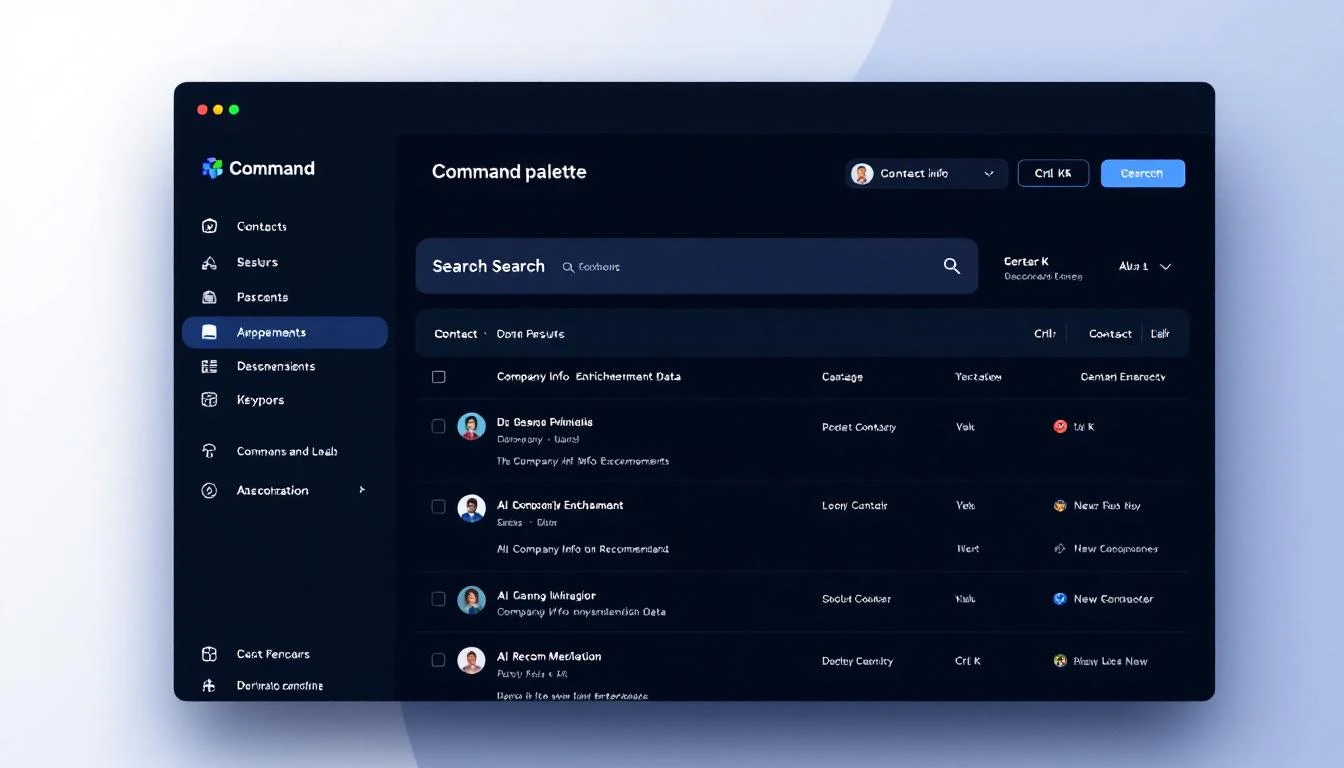
OpenClaw is an AI coding and automation agent that can handle tasks like web research, data processing, CRM updates, and content generation autonomously. MarketBetter's smart dialer prioritizes calls based on buying signals and gives SDRs a streamlined calling workflow.

Put them together, and you get something powerful: the AI SDR co-pilot. The human makes the call. AI does everything around it.

This guide shows you exactly how to set up that workflow.


The Problem: The 80/20 of Cold Calling

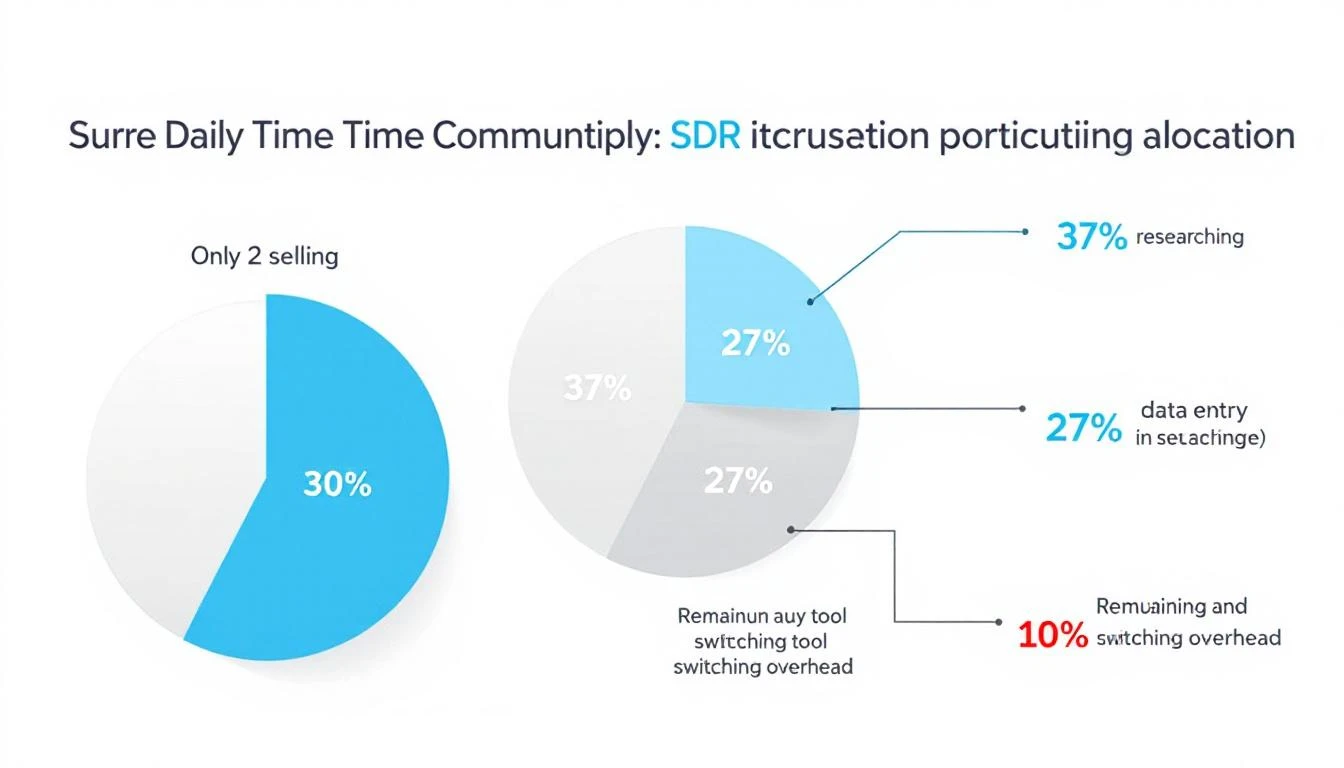
Ask any SDR how they spend their day. The answer is usually something like:

  • 30 minutes researching prospects before calls (LinkedIn, company website, recent news)
  • 15 minutes writing notes after each call
  • 20 minutes updating CRM fields and deal stages
  • 25 minutes drafting follow-up emails
  • 10 minutes figuring out who to call next
  • 60 minutes actually on the phone

That's 100 minutes of admin work for every 60 minutes of actual selling. And most of the admin work follows a predictable pattern — which means it can be automated.

MarketBetter's smart dialer already solves the "who to call next" problem by prioritizing leads based on buying signals and website visitor activity. OpenClaw can handle the rest: pre-call research, post-call processing, and follow-up automation.


What OpenClaw Can Do for Sales Teams

OpenClaw runs as an AI agent that can:

  • Search the web and pull data from any public source
  • Read and write files — process CSVs, generate reports, draft emails
  • Call APIs — interact with your CRM, pull data from enrichment tools, update records
  • Execute code — run scripts to automate data processing
  • Monitor and react — watch for triggers and take action

For SDRs, this translates into five core workflows around the smart dialer.


Workflow 1: Pre-Call Research Automation

The Manual Way

Before each call, the SDR opens LinkedIn, the prospect's company website, Crunchbase, and recent Google News results. They scan for talking points: recent funding, product launches, job postings, industry trends. This takes 5–10 minutes per prospect.

The OpenClaw Way

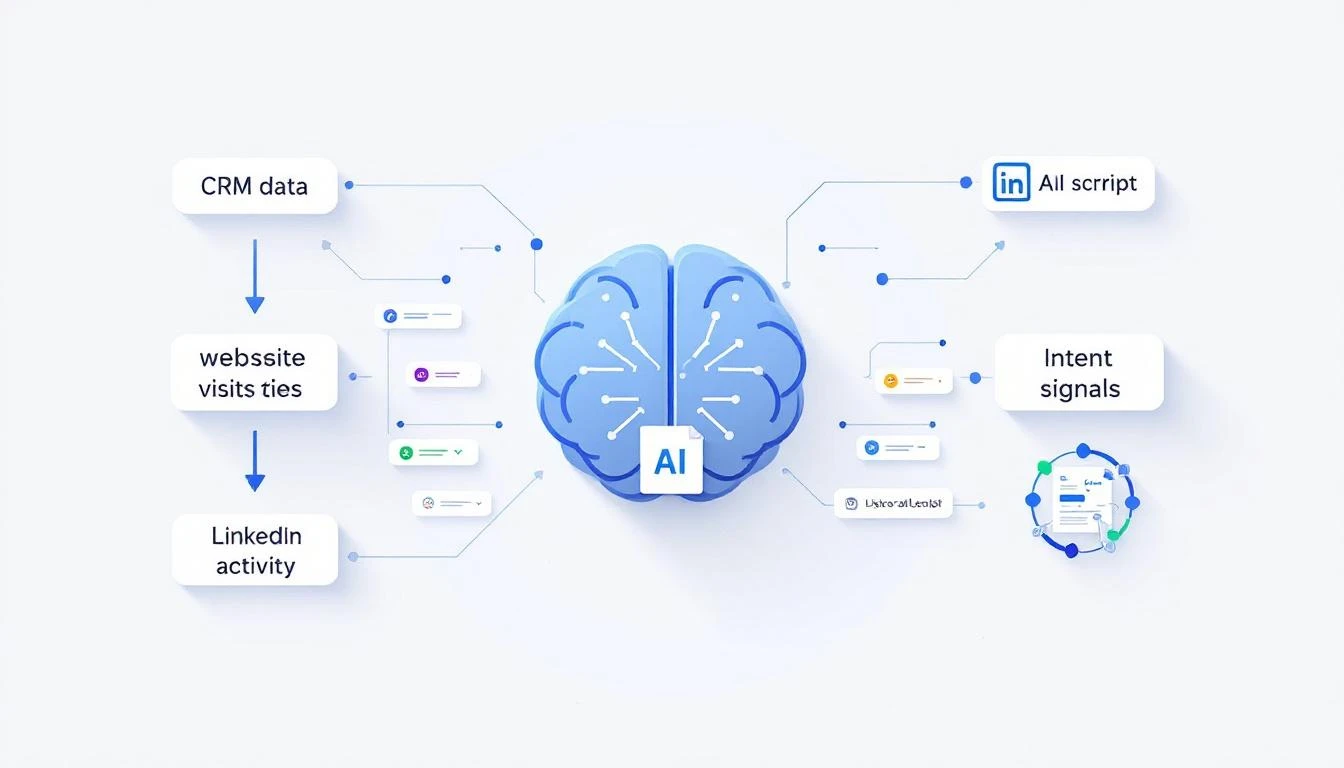
When MarketBetter's smart dialer queues up the next call, OpenClaw automatically generates a prospect briefing. Here's what the workflow looks like:

Step 1: Trigger on dialer queue OpenClaw monitors the MarketBetter dialer queue. When a new prospect moves to the top, it kicks off research.

Step 2: Pull prospect data OpenClaw gathers information from multiple sources:

  • Company website — What they do, recent blog posts, product updates
  • LinkedIn — Prospect's role, tenure, recent posts, shared connections
  • News — Recent press releases, funding announcements, executive changes
  • Job postings — What roles they're hiring for (reveals priorities and pain points)
  • Tech stack — What tools they use (via public data sources)
  • MarketBetter signals — Which pages they visited, how many times, what content they engaged with

Step 3: Generate the briefing OpenClaw synthesizes everything into a one-page brief:

═══════════════════════════════════════
PROSPECT BRIEFING: Sarah Chen, VP Sales
Acme Software | Series B | 150 employees
═══════════════════════════════════════

🏢 COMPANY SNAPSHOT
- Cloud-based project management for construction
- Raised $28M Series B (Nov 2025)
- Hiring: 3 SDRs, 1 Sales Manager, 2 AEs
- Tech stack: Salesforce, Outreach, Gong

📊 BUYING SIGNALS (MarketBetter)
- Visited pricing page 3x this week
- Downloaded "AI Sales Tools" whitepaper
- Viewed case study: "Mid-Market SaaS"

🎯 TALKING POINTS
1. They're scaling sales team (3 SDR openings) —
ask about current prospecting workflow pain
2. Series B = growth pressure, need pipeline efficiency
3. Using Outreach but visited our dialer page —
possible dissatisfaction with current stack
4. Construction vertical = long sales cycles,
reference how AI helps prioritize

⚠️ WATCH OUT
- Competitor Warmly listed on their careers page
as current vendor
- CEO posted about "tool consolidation" on LinkedIn
last week — lean into all-in-one angle

📝 SUGGESTED OPENER
"Sarah, I noticed Acme is scaling the sales team —
congrats on the Series B. Quick question: as you're
adding SDRs, how are you thinking about the tools
they'll use for prospecting?"
═══════════════════════════════════════

This briefing appears before the SDR even picks up the phone. What used to take 10 minutes of manual research is now automatic.


Workflow 2: Real-Time Call Intelligence

During the Call

While the SDR is on the phone, OpenClaw can provide real-time support by monitoring the conversation context and surfacing relevant information.

Objection handling: If the prospect mentions a competitor, OpenClaw can instantly pull up comparison points and differentiators. If they mention a specific pain point, it can surface relevant case studies or data points.

Dynamic talking points: Based on what the prospect says (captured through MarketBetter's call recording), OpenClaw can suggest follow-up questions or pivot points. "They mentioned struggling with data quality — ask about their current enrichment process."

Pricing and packaging: If the call moves toward commercial discussion, OpenClaw can pull up the relevant pricing tier, suggest appropriate packages based on company size, and flag any existing discount policies.

This isn't science fiction — it's a natural extension of the AI sales co-pilot concept that teams are already building with OpenClaw.


Workflow 3: Post-Call Summary Generation

The Manual Way

After each call, the SDR opens their CRM, tries to remember everything discussed, types fragmented notes, updates deal stages, and flags next steps. This takes 10–15 minutes. By the fifth call of the day, the notes are getting sparse.

The OpenClaw Way

MarketBetter records every call. After the call ends, OpenClaw processes the recording and generates:

Structured call summary:

CALL SUMMARY: Sarah Chen, Acme Software
Date: Feb 14, 2026 | Duration: 12:34
Outcome: Interested — Demo scheduled

KEY DISCUSSION POINTS:
• Currently using Outreach + ZoomInfo + manual research
• Pain: SDRs spending 2hrs/day on research, not calling
• Interested in smart dialer + visitor ID combo
• Budget: Reports to CRO, has discretionary budget for tools
• Timeline: Evaluating in Q1, decision by end of March

OBJECTIONS RAISED:
• "We just renewed Outreach for another year"
→ Discussed complementary positioning, not replacement
• "How is this different from Warmly?"
→ Covered dialer + email + full platform vs chatbot

NEXT STEPS:
1. Demo scheduled: Feb 19, 2026 at 2:00 PM CT
2. Send case study: Mid-market SaaS (similar company size)
3. Loop in CRO (James Liu) for demo
4. Send pricing for Growth tier (150 employees)

SENTIMENT: Positive — strong pain match,
active evaluation window

CRM update fields:

  • Deal stage: Demo Scheduled
  • Next activity: Demo — Feb 19
  • Lead score: Hot
  • Competitors mentioned: Outreach, Warmly, ZoomInfo
  • Decision timeline: Q1 2026
  • Champion: Sarah Chen (VP Sales)
  • Economic buyer: James Liu (CRO)

All of this happens automatically within minutes of hanging up.


Workflow 4: Automated CRM Updates

This deserves its own section because CRM hygiene is where most sales processes break down.

What OpenClaw Updates After Every Call

Contact record:

  • Last contact date
  • Call outcome (connected, voicemail, no answer)
  • Notes from the conversation
  • Updated job title or role (if corrected during call)

Deal/opportunity record:

  • Stage progression
  • Updated close date based on stated timeline
  • Amount (if discussed)
  • Competitors in the deal
  • Key stakeholders identified

Company record:

  • Updated employee count (if mentioned)
  • Technology stack updates
  • Budget cycle information
  • Key initiatives or projects mentioned

Task creation:

  • Follow-up email (drafted and queued — see Workflow 5)
  • Demo prep tasks
  • Internal handoff notifications
  • Calendar holds for next meetings

This integrates directly with HubSpot CRM automation workflows that many teams are already running with OpenClaw. The dialer context just makes the updates richer and more accurate.


Workflow 5: Follow-Up Email Drafting

The Manual Way

SDR finishes a call, switches to email, tries to remember the key points, writes a generic follow-up, attaches some standard collateral, and hits send. Time: 10–15 minutes per email. Quality: mediocre.

The OpenClaw Way

Within minutes of the call ending, OpenClaw drafts a personalized follow-up email based on the actual conversation:

Subject: Acme × MarketBetter — Demo Details + Case Study

Hi Sarah,

Great speaking with you today. I appreciate you walking me
through how the team is currently handling prospecting —
the 2 hours/day of manual research is exactly the problem
we built MarketBetter to solve.

As promised, here's what I'm sending over:

1. Demo confirmation: Feb 19 at 2:00 PM CT. I'll send a
calendar invite shortly. Would it make sense to include
James as well?

2. Case study: Attached is the mid-market SaaS case study
we discussed — similar team size to Acme, and they saw
a 3x increase in connected calls within the first month.

3. Quick comparison: Since you mentioned evaluating alongside
Warmly, here's a brief overview of how we differ —
particularly around the smart dialer and full-platform
approach vs. chatbot-only.

Looking forward to showing you the platform on the 19th.
In the meantime, feel free to reply with any questions or
if James has specific areas he'd like us to cover.

Best,
[SDR Name]

The SDR reviews, tweaks if needed, and sends. Total time: 2 minutes instead of 15.


Setting Up the OpenClaw + MarketBetter Integration

Here's a practical overview of how to connect these systems:

Step 1: Connect OpenClaw to Your CRM

OpenClaw can interact with HubSpot, Salesforce, and other CRMs via their APIs. Set up the connection so OpenClaw can read and write contact, company, and deal records. If you need a walkthrough, see the OpenClaw HubSpot CRM automation guide.

Step 2: Configure Pre-Call Research Sources

Tell OpenClaw which sources to check for prospect research:

  • Company website (always)
  • LinkedIn (via public profiles)
  • Recent news (Google News, press releases)
  • Job postings (LinkedIn, company careers page)
  • MarketBetter buying signals (via API)

Step 3: Set Up Call Processing

Connect OpenClaw to MarketBetter's call recordings. After each call, OpenClaw:

  1. Processes the recording/transcript
  2. Generates the structured summary
  3. Updates CRM fields
  4. Drafts the follow-up email
  5. Creates any necessary tasks

Step 4: Configure Email Templates

Give OpenClaw your email templates and brand guidelines so follow-ups match your tone. The AI adapts the template based on call content, but stays within your brand voice.

Step 5: Test with a Small Team

Start with 2–3 SDRs. Run the workflow for a week. Gather feedback on briefing quality, summary accuracy, and email draft usefulness. Iterate before rolling out to the full team.


The Impact: What Teams Are Seeing

Teams running this OpenClaw + MarketBetter workflow typically report:

  • 40–60% reduction in admin time per SDR per day
  • More calls per day — when you eliminate 90 minutes of research and admin, those minutes become call time
  • Better call quality — SDRs go into every call prepared, with relevant talking points and prospect context
  • Faster follow-ups — follow-up emails go out within minutes of the call, not hours
  • Cleaner CRM data — automated updates are more consistent and detailed than manual entries
  • Better coaching data — structured call summaries give managers visibility into what's happening on calls without listening to every recording

The math is simple. If an SDR currently makes 40 calls/day and spends 2 hours on admin, cutting admin time in half gives them an extra hour for calls. That's 15–20 more dials per day. Over a month, that's 300–400 additional conversations. Even at a modest connect rate, that's a meaningful pipeline impact.


The AI SDR Co-Pilot Vision

This isn't about replacing SDRs with AI. It's about giving every SDR a co-pilot that handles the work humans shouldn't be doing.

The best analogy: a surgeon doesn't prep the operating room, sterilize the instruments, or write the post-op notes. A team handles all of that so the surgeon can focus on the procedure — the part that requires human skill and judgment.

Cold calling works the same way. The call itself — reading the prospect's tone, adapting the pitch, handling objections, building rapport — is a deeply human skill. Everything around it is logistics. AI handles logistics beautifully.

OpenClaw is the prep team. MarketBetter's smart dialer is the operating room. The SDR is the surgeon.


Getting Started

If you're already using MarketBetter's smart dialer, adding OpenClaw to the workflow is straightforward:

  1. Set up OpenClaw — Visit openclaw.com and configure your agent
  2. Connect your CRM — Follow the OpenClaw setup guide for GTM teams
  3. Configure the pre-call briefing — Define your research sources and briefing format
  4. Enable post-call processing — Connect to MarketBetter's call recordings
  5. Start with one SDR — Validate the workflow, then scale

If you're not yet using MarketBetter, book a demo to see the smart dialer in action. We'll show you how the buying signal prioritization works and how the full platform — chatbot, dialer, email, playbook — creates a unified SDR workflow.

The future of cold calling isn't more calls. It's smarter calls, with AI handling everything except the conversation itself.


Related reading:

A Guide to AI Sales Assistants for High-Performing SDRs

· 22 min read

Let's cut through the noise. When you hear "AI sales assistant," don't picture a robot replacing your top SDR. It's not about that. The reality is much more practical—and a lot more powerful.

What Are AI Sales Assistants and Why Do They Matter Right Now?

Think of an AI sales assistant as an execution engine that lives right inside your CRM, whether that's Salesforce or HubSpot. Its job is brutally simple: take all the data, buyer signals, and noise, and turn it into a clear, prioritized list of actions for your reps. It’s the co-pilot that handles the grunt work so your sellers can focus on selling.

This isn't just another nice-to-have tool. It's become essential. Your SDRs are probably drowning in admin tasks—logging calls, researching prospects on LinkedIn, and just trying to figure out who to contact next. The AI assistant slices right through that chaos.

To make this actionable, let's compare a standard CRM to one enhanced with an AI assistant.

A standard CRM, on its own, is like a map. It shows you all the possible leads, but it doesn't tell you the best route to your destination (hitting quota). An AI sales assistant acts like a GPS for that map. It does a few critical things:

  • Analyzes real-time traffic: It monitors buyer signals like website visits, content downloads, or email opens.
  • Finds the fastest route: It prioritizes the leads most likely to convert right now, showing you the most efficient path to a closed deal.
  • Warns you about dead ends: It helps de-prioritize unresponsive or disqualified leads so reps don't waste time.
  • Gives you turn-by-turn directions: It serves up the "next best action" for your rep, removing all guesswork.

This shift from a passive database to an active guide is what eliminates the wasted time that plagues most sales floors.

The Big Shift Toward Intelligent Automation

The explosion of these tools isn't a random trend. It's a direct answer to a sales world that can't afford to have expensive sellers buried in manual data entry. We need smarter, more efficient workflows, and that need is driving insane growth. The market for this software is set to jump from USD 3.46 billion in 2026 to a wild USD 20.5 billion by 2035.

This isn't just hype. Modern AI can finally deliver on its promises inside the messy reality of B2B sales. If you want to dig deeper into the "why now," this podcast on why AI could replace your sales team is worth a listen, as it unpacks how these roles are fundamentally changing.

The real magic of an AI sales assistant isn't just automation. It’s prioritization at scale. It makes sure every single action a rep takes is the most strategic one they could be taking at that exact moment—based on data, not just a gut feeling.

At the end of the day, these assistants are about making your human talent better. By taking over the repetitive, soul-crushing tasks, they free up your SDRs to do what they were hired for: building relationships, having real conversations, and closing deals. And that's how you build a high-performing sales team today. Learn more about how to apply AI for sales prospecting in our deep-dive guide.

Comparing AI Sales Assistants to Your Existing Sales Tools

Your sales stack is probably crowded. With so many tools promising to boost productivity, it’s fair to ask where another one could possibly fit. Is an AI sales assistant just a fancier email writer? Or another flavor of your sales engagement platform?

The short answer is no. It fills a very specific—and very important—gap that other tools simply weren't built to address.

The key difference is that a true AI sales assistant is execution-focused and CRM-native. It isn't another tab your reps have to open. Instead, it lives right inside Salesforce or HubSpot to turn buyer signals into immediate, actionable tasks. That subtle shift, from a separate app to an embedded co-pilot, completely changes how your SDRs work.

This map gives you a good visual of how it all connects.

As you can see, the assistant’s whole job is to automate the grunt work, surface the next best action, and deliver insights without making the rep leave their main workspace.

Let's break down how this is different from the tools you're already using.

AI Assistants vs. AI Email Writers

Plenty of sales teams use AI tools like HubSpot's Breeze Assistant to draft email copy. These are great for getting past writer's block or quickly spinning up a first draft. But at their core, they're content creation tools.

An AI email writer helps you answer the question, "What should I write?"

An AI sales assistant answers a much bigger question: "Who should I contact right now, why should I contact them, and what's the fastest way to get it done?"

Actionable Comparison: An AI writer can help you polish a follow-up email. By contrast, an AI sales assistant sees that a key prospect just hit your pricing page, automatically creates a "High-Priority Follow-Up" task in your CRM, drafts a smart email that references their visit, and queues it up for your rep to send with a single click. No context switching, just action.

AI Assistants vs. Sales Engagement Platforms

Sales Engagement Platforms (SEPs) like Salesloft or Outreach are absolute beasts for managing large-scale outbound sequences. They’re designed for structured, multi-step campaigns and are fantastic for casting a wide net.

But their focus is on the pre-planned sequence, not on reacting to new buyer signals in real time. Reps end up living inside the SEP, which often leads to annoying data sync issues and a workflow that feels disconnected from your CRM—the actual system of record.

An AI sales assistant doesn't replace your SEP; it makes it smarter. It acts as the intelligent front-end that tells your sequences who to engage right now, ensuring reps strike at the moment of peak interest.

AI Assistants vs. Standalone Dialers

Standalone dialers are built to do one thing: make a ton of calls, fast. They excel at that. Their biggest limitation, however, is that they're isolated. They’re another app, another login, and another place where reps have to manually log call notes and outcomes back into the CRM. All that friction leads to messy data and wasted time.

An AI sales assistant with a CRM-native dialer completely eliminates this problem. The dialer is just part of the workflow. A rep sees a prioritized task, clicks to call directly from the contact record, and the assistant automatically logs the call, outcome, and notes. No more app-switching.

To make these differences crystal clear, here’s a quick comparison of how these tools stack up.

AI Sales Assistants vs Standard Sales Tools

Tool CategoryPrimary FunctionWorkflow IntegrationKey Limitation Addressed by AI Sales Assistants
AI Email WriterGenerates email copy based on prompts.Often a separate tool or feature within a larger platform.Lacks context-driven task prioritization and seamless CRM execution.
Sales Engagement Platform (SEP)Manages and automates pre-built outreach sequences.A separate platform that syncs with the CRM, but reps work within the SEP UI.Relies on static sequences rather than dynamic, real-time buyer signals.
Standalone DialerFacilitates high-volume calling.A separate application requiring manual data transfer back to the CRM.Creates workflow friction and leads to inconsistent activity logging.
AI Sales AssistantPrioritizes tasks and assists with execution.CRM-native, embedding tasks, email, and calling directly into Salesforce or HubSpot.Unifies the workflow, eliminates app-switching, and ensures perfect data hygiene.

When you look at it this way, you can see that AI sales assistants aren't here to replace your stack. They're here to provide the intelligent execution layer it's been missing, finally connecting the dots between your data, your tools, and your reps' daily actions.

The Core Capabilities That Supercharge SDR Productivity

So, beyond the buzzwords, what does an AI sales assistant actually do to make a sales development representative (SDR) more effective? The real magic isn't in one killer feature. It's how a few core capabilities work together to take the friction and guesswork out of an SDR's day, freeing them up to have more, better conversations.

Think about the typical salesperson's day. It's a mess of non-selling activity. One recent analysis found that reps spend just 25% of their time actually selling. The other 75% gets eaten up by manual data entry, prospect research, and logging notes in the CRM.

This is exactly where AI assistants step in. They can automate up to 65% of that administrative slog and cut the time spent on manual work by 40%. The result? Teams often see a 25% jump in sales productivity and find 25-35% more qualified leads.

The Prioritized Task Engine

The single biggest time-waster for most SDRs is staring at a long list of leads and asking, "Okay, what now?" They scroll through their CRM, check their inbox for replies, and try to stitch together a plan for the day. It's inefficient and riddled with missed opportunities.

A core feature of any modern AI sales assistant is a prioritized task engine. This isn't just another to-do list. It's a dynamic, living queue that pulls in buyer signals from all over the place—website visits, content downloads, CRM data, and third-party intent signals—to automatically build and rank the next best actions.

  • Pain Point Solved: It kills indecision and "analysis paralysis."
  • Actionable Example: Instead of a generic list of 100 leads to call, the AI surfaces a single task: "Call Jane Doe at Acme Corp. She just viewed the pricing page for the second time this week." The rep knows exactly who to call, why, and has the context to open the conversation with confidence.

An engine like this transforms your CRM from a passive library of data into an active coaching tool. It serves up the "next best action" based on what's happening right now, making sure reps are always focused on the accounts most likely to engage.

Diagrams illustrating AI-powered sales tools, including prioritized tasks, context-aware outreach, call preparation, and CRM workflows.

The real power here is the blend of clarity and context. The rep doesn't just see the "what" (call or email); they see the "why" (the buyer just did something important). That's what allows them to act decisively.

Context-Aware AI Outreach

We all know it: generic, templated emails go straight to the trash. Real outreach needs to be relevant. But who has time to write dozens of highly personalized messages every single day? It's a massive time sink.

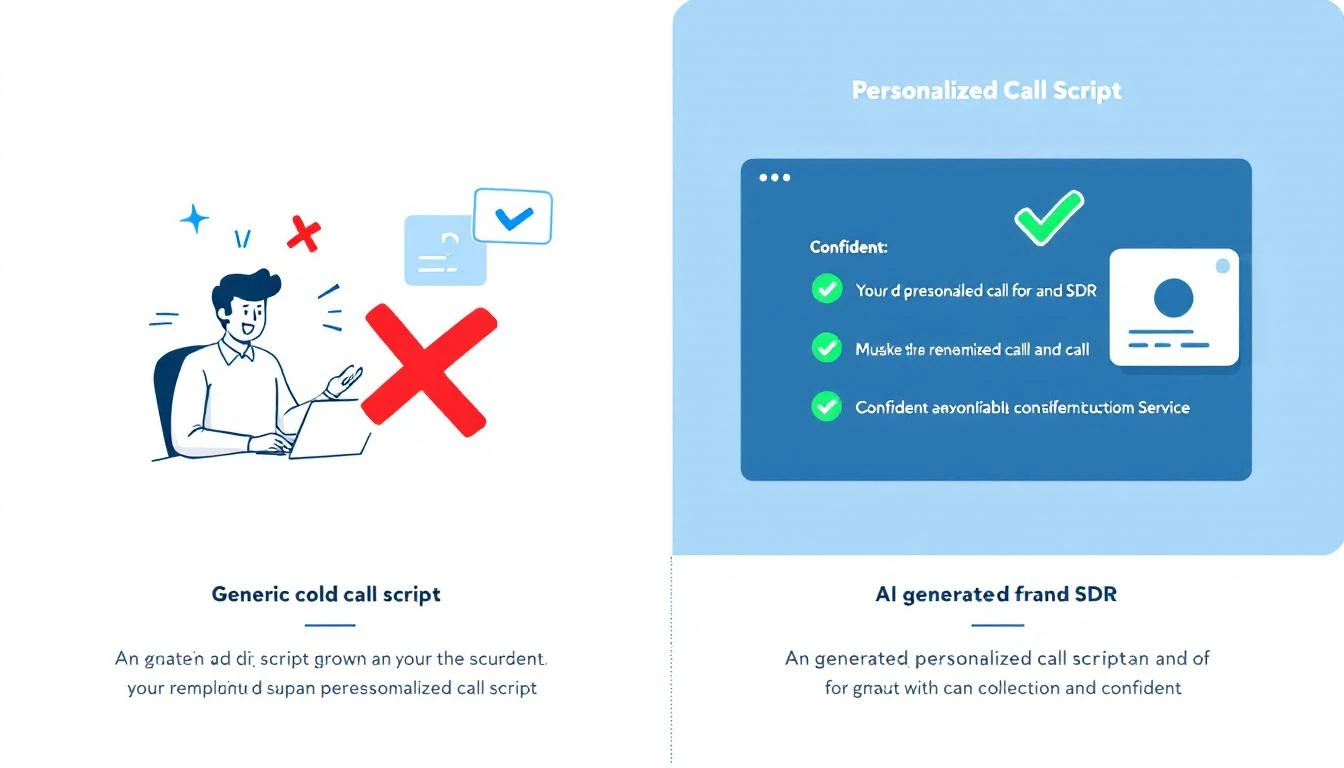
AI sales assistants fix this with context-aware AI outreach. The system connects directly to your CRM and pulls in key details—the prospect’s title, their industry, recent activities, or past account history—to draft hyper-relevant emails and call scripts on the fly. It's not just generating random copy; it's using your own data to make the message land.

  • Pain Point Solved: It crushes writer's block and the temptation to blast out generic messages.
  • Actionable Example: Let's say the prospect is in manufacturing. The AI drafts an email that references a common challenge for plant managers, pulls in a link to a relevant case study, and suggests a specific, pointed call to action. The SDR just has to give it a quick review, maybe add a personal touch, and hit send.

AI-Powered Call Preparation

Nothing kills a cold call faster than a rep who sounds like they're winging it. Fumbling for information or getting stumped by a basic objection destroys credibility in seconds. This is why the best platforms now include AI-powered call preparation.

Before a rep even picks up the phone, the assistant generates a quick, scannable brief. It includes key talking points, likely objections with suggested responses, and the latest company news or LinkedIn activity. If you want to go deeper on this, we've covered how to streamline your workflow with AI sales call prep automation in another guide. This feature turns what used to be a 15-minute research task into a 30-second review.

CRM-Native Workflow

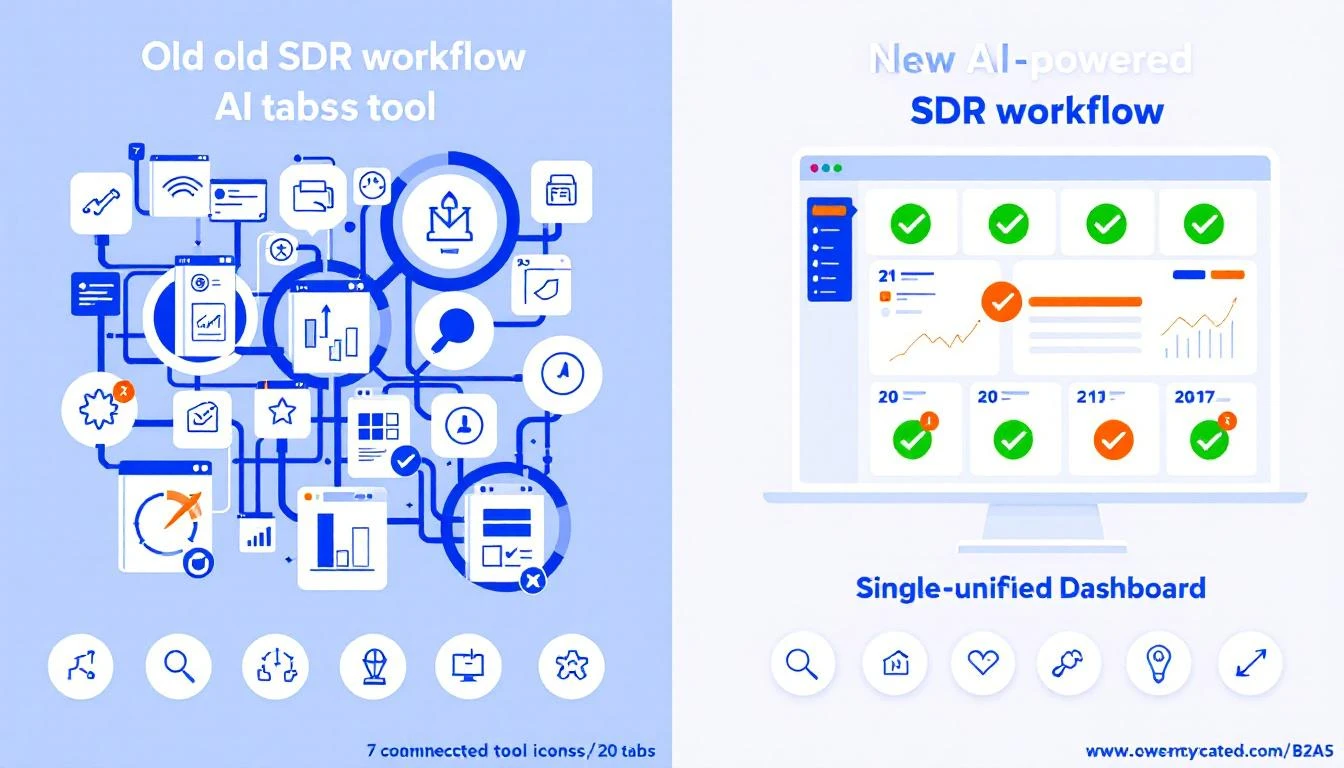
Finally, and this might be the most important part, is the CRM-native workflow. Too many sales tools force reps to live in a nightmare of open tabs: the CRM, the dialer, their email client, a research window. Every time they switch contexts, they lose a little focus and momentum. Worse, data gets lost along the way.

An AI sales assistant that lives inside your CRM—whether that's Salesforce or HubSpot—keeps reps in one place. They can click-to-call, send an AI-drafted email, and log every touchpoint without ever leaving the contact record. This simple change ensures every single activity is captured perfectly, which gives sales leaders a crystal-clear picture of what's working and keeps the CRM the undisputed source of truth.

A Practical Guide to Implementing an AI Sales Assistant

Bringing new tech into the sales floor can feel like open-heart surgery. Productivity is on the line, reps are skeptical, and nobody has time for a three-month science project. But rolling out an AI sales assistant isn't like that. It’s less of a massive overhaul and more like giving your team a cheat sheet.

The key is to aim for quick, noticeable wins. We're not talking about a "rip and replace" of your CRM. This is about adding a layer of intelligence right on top of what you already use, making your SDRs smarter and faster from day one. A good rollout plan cuts through the noise and gets your team productive, fast.

A four-step sales process diagram showing 'Connect CRM', 'Define Signals', 'Configure Workflow', and 'Onboard SDRS'.

Here’s a simple, four-step playbook to get it done right.

Step 1: Securely Connect Your CRM

Everything starts here. An AI sales assistant is only as good as the data it can access, which means it needs a solid, secure connection to your CRM—whether that’s Salesforce or HubSpot. Think of your CRM as the central nervous system of your sales motion; the assistant needs to plug directly into it.

Actionable Tip: Before connecting, perform a quick data audit. Check for duplicate contacts or outdated account information. Clean, reliable CRM data is the fuel for the AI engine; a bad connection or messy data will starve it before it can even get started. This part is usually simple, often using secure OAuth. Loop in your RevOps or IT team to confirm the tool gets read-and-write access to the right objects—Leads, Contacts, Accounts, and Activities.

Step 2: Define Your High-Impact Buyer Signals

Once you're connected, you have to tell the AI what to look for. What are the tell-tale signs that a prospect is ready for a conversation? Don't try to boil the ocean. Start with just a handful of high-impact triggers that are easy to spot and even easier to act on.

Actionable Tip: Pick signals that scream "intent" and map directly to a specific SDR action. Start with these three:

  • Website Engagement: A prospect from a target account hits your pricing page.
  • Content Downloads: Someone from a key account downloads a bottom-of-funnel case study.
  • Time-Based Triggers: It’s been 90 days since you last talked to a high-value account.

The goal is simple: turn your sales playbook's "if-then" logic into automated triggers. If a prospect does X, the AI creates a task for an SDR to do Y. This gets reps out of the business of manual monitoring for good.

Step 3: Configure Your First High-Value Workflow

Now it's time to build something. For your first workflow, pick a simple, high-impact use case that solves an SDR's biggest daily headache: figuring out who to call next. An AI-prioritized task list is the perfect place to start.

Actionable Tip: Configure the assistant to take the signals from Step 2 and automatically create and rank tasks. For example, a "Pricing Page Visit" signal should instantly generate a "High-Priority Call" task, complete with context about what that person looked at. This first workflow needs to feel like an immediate upgrade from a generic CRM task list. It’s a quick win that proves the tool's value by saving SDRs time and pointing them straight to the warmest leads. For a deeper look at how this fits into your tech strategy, check out the build vs. buy debate for your AI SDR stack.

Step 4: Onboard and Coach Your SDRs

A tool is only as good as its adoption. A great rollout starts with the "why," not the "how." Show your SDRs that this assistant is here to kill their most boring tasks so they can focus on what matters—and hit their numbers faster.

  1. Launch with a Pilot Group: Start small. Pick a few of your most motivated SDRs to be the pioneers. Their feedback and success stories will build momentum and help you iron out the kinks before going team-wide.
  2. Focus on One Workflow: In the first training session, talk only about the prioritized task list. For the first week, their only job is to work through their new, intelligent to-do list. Nothing else.
  3. Provide a Cheat Sheet: Give them a one-page guide that shows the new workflow. Make it visual, simple, and focused on the exact actions they need to take.
  4. Coach, Don't Just Manage: Use your 1:1s to review their AI-powered task list. Ask questions like, "Why do you think the AI flagged this account?" This builds their trust in the system and reinforces the data-driven mindset.

Measuring the ROI of Your AI Sales Assistant

Look, any time you bring a new tool into the sales floor, the CFO is going to ask one question: "What's the ROI?" It's not enough to say the team feels more productive. You need to show leadership the hard numbers that connect the dots between the software and real business results.

To build a rock-solid business case, you have to move past vanity metrics. The trick is to track KPIs across three critical areas, showing a clear progression from daily rep activity all the way to bottom-line pipeline growth.

Activity and Efficiency Gains

The first place you'll see a return is in pure, raw output. An AI sales assistant is built to kill the tedious, time-sucking tasks that drain an SDR's day. We're talking about removing the friction that keeps them from their most important job: selling.

Actionable Metrics to Track:

  • Daily Outbound Actions Per Rep: How many calls are they making? How many emails are they sending? Compare the before-and-after numbers. A good task engine should light a fire under these metrics.
  • Time Spent on Manual CRM Logging: This one is huge. When call notes, outcomes, and task updates log automatically, you get time back. Even saving 30 minutes per rep per day adds up to a massive payroll saving across the team.

The real goal here is to quantify reclaimed time. If your AI assistant helps each SDR make 15 more calls and send 20 more emails every single day, you have a direct, powerful metric that proves its value from week one.

Quality and Engagement Improvements

More activity is great, but smarter activity is what wins deals. This is where an AI sales assistant starts to separate itself from a simple dialer. It gives reps the context they need, right when they need it, so they can have truly relevant conversations.

Actionable Metrics to Track:

  • Connect Rate: When reps call a prospect the moment they hit the pricing page, guess what? More people pick up the phone. You're no longer just burning through a cold list; you're calling with intent.
  • Meeting Booked Rate: Keep a close eye on the percentage of conversations that turn into a booked discovery call. Higher-quality outreach and better talking points should push this number up.

This is where the assistant's intelligence really pays off. It's arming your reps with AI-powered talking points and objection-handling tips, helping them turn more cold "hellos" into qualified meetings.

Pipeline and Revenue Impact

At the end of the day, every sales tool lives or dies by its ability to generate pipeline. This is the final, most important piece of the ROI puzzle. While more calls and better conversations are great leading indicators, new pipeline is the metric that gets executives to sign the check.

Actionable Metrics to Track:

  • Qualified Opportunities Sourced: How many new, sales-accepted opportunities is the SDR team generating? This is the clearest measure of their contribution to the business.
  • Sales Cycle Velocity: Track how quickly leads sourced by the AI assistant move through the early funnel stages. Faster is always better.

Actionable Tip: Build a custom dashboard in Salesforce or HubSpot. Create a report that pits a group of SDRs using the assistant against a control group that isn't. Tracking their KPIs side-by-side creates a powerful, data-backed story that leaves no doubt about the tool's impact on the bottom line.

Common Questions on AI Sales Assistants

Even with all the excitement, it's smart to ask tough questions before bringing a new tool into your sales motion. Here are the straight answers to the questions sales and RevOps leaders ask us most.

Will an AI Sales Assistant Replace My SDRs?

Absolutely not. The real goal is to make your existing team better, not smaller. An AI sales assistant is like a co-pilot for each rep, handling the soul-crushing admin work that eats up their day—logging calls, updating fields, and basic research.

This frees your SDRs to do what humans do best: build real relationships, have smart conversations, and crush their quota. Think of it as giving every rep a personal operations assistant, allowing them to be more strategic and way more effective.

We Already Use a Sales Engagement Platform. Do We Need This Too?

Yes, because they solve two different problems that actually feed each other. A Sales Engagement Platform (SEP) like Salesloft or Outreach is fantastic for building and managing long-term, pre-planned sequences. It’s a system for campaigns, but it forces reps to live in a separate tab, pulling them away from their CRM.

An AI sales assistant is the execution layer that sits inside your CRM and makes your SEP sequences even smarter. While your SEP runs the long-term plan, the assistant uses real-time buyer signals to tell reps the single most important action to take right now. It helps them execute that call or email instantly from within Salesforce or HubSpot and logs everything perfectly, closing the gap between your planned campaigns and the opportunities that pop up today.

How Do AI-Generated Emails Avoid Sounding Robotic?

The good ones don't use generic templates. The key is the data they pull from. Instead of working off a simple prompt, a modern AI assistant dives deep into your CRM, analyzing account history, buyer personas, recent company news, and past conversations.

The best platforms don't just spit out a finished email. They provide a smart first draft that the SDR can review and tweak in seconds. This preserves their unique voice and expertise while still saving a ton of time.

This ensures the outreach is hyper-relevant right from the get-go, not just another piece of generic spam.

How Quickly Can We Expect to See a Return on Investment?

You'll see an immediate ROI on pure efficiency, often in the first few weeks. This shows up as a jump in the number of outbound activities per rep, per day, and a massive improvement in your CRM data quality as tasks like call logging get automated.

The bigger, strategic ROI—the stuff your CFO cares about, like more pipeline and revenue—starts to become clear within one to two quarters. That's the result of your reps consistently connecting with more of the right people and turning those conversations into qualified meetings. We always suggest tracking the initial efficiency gains first, then mapping them directly to pipeline growth to build an undeniable business case.


Ready to stop the busywork and start building more pipeline? marketbetter.ai turns buyer signals into prioritized tasks and helps your SDRs execute instantly with an AI-powered dialer and email writer inside Salesforce and HubSpot. Learn more and book a demo.

Signal-Based Selling: The Complete Guide to Signal-Based Market (SBM) for Sales Teams

· 18 min read
sunder
Founder, marketbetter.ai

Your SDRs have a list of 30,000 accounts. They're calling, emailing, and LinkedIn-ing their way through it — one cold outreach at a time, praying that someone picks up.

Here's the math nobody talks about: at 80 activities per day, it takes a single rep 375 business days to touch every account once. That's 18 months. And by the time they circle back to account #1, whatever signal triggered the initial outreach is long dead.

This is the fundamental problem with traditional outbound. You're treating every account the same. The company that visited your pricing page three times this week gets the same generic sequence as the company that hasn't thought about your category in two years.

Signal-based selling fixes this. Instead of working a static list, you work a dynamic, living market — the accounts showing real buying behavior right now. We call this your Signal-Based Market (SBM), and it changes everything about how modern sales teams operate.

What Is Signal-Based Selling?

Signal-based selling is a GTM strategy where every sales action — who to call, what to say, when to reach out — is driven by real-time buying signals rather than static lists or gut instinct.

Instead of asking "Who's on my list today?", signal-based sellers ask: "Who's showing buying behavior today?"

Those signals include:

  • First-party engagement: Website visits, pricing page views, content downloads, demo page visits
  • Behavioral patterns: Repeat visits, increasing session depth, multi-stakeholder browsing
  • Champion movements: Key contacts changing jobs to new companies (they already know your product)
  • Firmographic changes: Funding rounds, hiring patterns, tech stack changes
  • Conversation intelligence: What prospects say on calls — pain points, timeline, budget mentions

The shift is subtle but profound. Traditional selling is push-based — you push your message to a list and hope for the best. Signal-based selling is pull-based — you let buyer behavior pull you toward the accounts most likely to convert.

The best salespeople have always done this instinctively. Signal-based selling just makes it systematic, scalable, and available to every rep on the team — not just the top 10%.

Understanding the Signal-Based Market (SBM)

The Signal-Based Market is the core concept that makes this work. Think of it as a funnel — but instead of a marketing funnel, it's a focus funnel that tells your sales team exactly where to spend their time.

The TAM → ICP → SBM Funnel

Here's how a Signal-Based Market narrows the aperture from "everyone" to "right now":

StageWhat It RepresentsExample SizeHow You Define It
TAM (Total Addressable Market)Every company that could buy your product~150,000 accountsIndustry, company size, geography
ICP (Ideal Customer Profile)Companies that should buy your product~30,000 accountsFirmographic fit, technographic match, budget indicators
SBM (Signal-Based Market)Companies showing buying behavior today~100-150 accountsReal-time engagement + readiness signals overlaid on ICP

Read that last row again. From 150,000 accounts to ~100 that matter today. That's not a marginal improvement — that's a 1,500x increase in focus.

Your TAM is everyone. Your ICP narrows it by fit. Your SBM narrows it by timing. And timing is everything in sales.

The Three-Signal Venn Diagram

Your Signal-Based Market lives at the intersection of three signal categories:

🎯 Circle 1: ICP / Firmographic Fit Does this account match your ideal customer profile? Right industry, right size, right tech stack, right budget range? This is the foundational filter — if they don't fit, no amount of intent signal matters.

📊 Circle 2: Engagement Score Is this account actively engaging with your brand? Visiting your website, reading your content, clicking your emails, attending your webinars? Engagement signals tell you they know you exist and are actively researching.

⚡ Circle 3: Readiness Score Are they showing signals that suggest they're ready to buy soon? Pricing page visits, competitor comparison research, multi-stakeholder engagement, expansion hiring, budget cycle timing? Readiness signals separate browsers from buyers.

The center of this Venn diagram — where all three circles overlap — is your Signal-Based Market. These are accounts that fit your ICP, are actively engaging with your brand, AND are showing readiness to buy. This is where your SDRs should spend 80%+ of their time.

An account that fits your ICP but isn't engaging? Nurture them. An account that's engaging but doesn't fit? Let marketing handle it. An account that's ready but doesn't fit? Pass.

But an account that fits, is engaging, AND is ready? That's a phone call. Today. Right now.

Why Traditional Prospecting Is Broken

Let's be honest about why most SDR teams struggle. It's not a people problem — it's a system problem.

The Spray-and-Pray Reality

The average SDR workflow looks like this:

  1. Get assigned a territory of 5,000-30,000 accounts
  2. Build sequences in a sales engagement platform
  3. Blast those sequences to as many contacts as possible
  4. Hope that sheer volume produces enough responses
  5. Cherry-pick the replies and book meetings
  6. Repeat until quota or burnout (usually burnout)

The conversion math is brutal: 1-2% reply rates on cold outbound means you need 5,000 emails to generate 50-100 replies, which yield maybe 10-15 meetings, which close 2-3 deals.

And here's the kicker — those 2-3 deals would have likely come in anyway, because those prospects were already in a buying cycle. You didn't create demand. You just happened to catch them at the right time through brute force.

The Real Cost of Unfocused Outbound

The hidden costs go beyond low conversion rates:

  • Rep burnout: SDRs churn at 35-40% annually. The #1 reason? Feeling like they're spinning their wheels
  • Brand damage: Every bad-fit email erodes your brand reputation. Recipients who aren't a fit don't just ignore you — they remember you negatively
  • Opportunity cost: Every minute spent on a cold account is a minute NOT spent on a warm one
  • Data decay: By the time you circle back through 30K accounts, the data is stale

Signal-based selling doesn't just improve efficiency — it fundamentally changes the experience of being an SDR. When reps know their outreach is going to people who are actually in-market, everything improves: response rates, conversation quality, confidence, and ultimately, retention.

The Signal Hierarchy: Not All Signals Are Created Equal

This is where most intent data strategies go wrong. Teams buy a third-party intent data feed, light up a dashboard of "hot accounts," and expect magic. It doesn't work because they're using commoditized signals.

Commoditized vs. Proprietary Signals

Think of signals like stock market alpha. Public information is priced in. Everyone has access to the same job posting data, the same LinkedIn activity feeds, the same Bombora surge topics. When every competitor sees the same "intent signal," nobody has an advantage.

Signal TypeExamplesCompetitive Advantage
Commoditized (Public)Job postings, LinkedIn posts, press releases, G2 reviewsLow — everyone sees these
Semi-ProprietaryThird-party intent data (Bombora, etc.), technographic changesMedium — requires a subscription, but many competitors have it
Proprietary (Your Alpha)YOUR website visitors, YOUR content engagement, YOUR pricing page views, YOUR call recordingsVery High — only YOU have this data
Compound SignalsProprietary signals layered with firmographic fit + timing triggersMaximum — this is your Signal-Based Market

The real alpha in signal-based selling is in proprietary, compound signals. A company visiting YOUR pricing page three times in a week while also matching your ICP and having a champion who previously used your product at another company — that's a signal stack that no competitor can replicate because it's built from YOUR data.

First-Party Signals Are Your Competitive Moat

This is why website visitor identification is so critical to signal-based selling. Your website traffic is the highest-quality intent signal available because:

  1. It's exclusive to you: Only you know who's visiting YOUR site
  2. It's high-intent by definition: They found you, not the other way around
  3. It's timely: You see the visit when it happens, not weeks later in a third-party report
  4. It compounds: A single visit is interesting. Three visits with a pricing page view is a buying signal. Five visits with multiple stakeholders from the same company is a red alert

MarketBetter customers typically see 35,000+ website visits tracked monthly, with 5,000+ companies identified — and these aren't random visitors. These are companies actively researching your solution.

Building Your Signal-Based Market: A Practical Framework

Enough theory. Here's how to actually build and operationalize a Signal-Based Market for your sales team.

Step 1: Define Your ICP with Precision

Your ICP is the foundation of your SBM. Get this wrong and you'll be chasing signals from accounts that will never close.

Go beyond basic firmographics. A modern ICP includes:

  • Firmographic fit: Industry, employee count, revenue range, geography
  • Technographic fit: Current tech stack (do they use tools that complement or compete with yours?)
  • Behavioral fit: How do your best customers find you? What content do they consume? What's their buying journey look like?
  • Negative filters: Who should you explicitly EXCLUDE? (Too small, wrong industry, already using a competitor with a 3-year contract)

Pro tip: Analyze your last 20 closed-won deals. What do they have in common beyond the obvious? Look for patterns in tech stack, hiring velocity, funding stage, and growth trajectory. These are your hidden ICP dimensions.

With MarketBetter's Audience Builder, you can define these ICP criteria and use AI enrichment to automatically score every account in your database against your ideal profile — no manual research required.

Step 2: Instrument Your Engagement Signals

Once your ICP is defined, you need to capture engagement signals from accounts that match:

Website Visitor Identification (Your #1 signal source)

  • Track anonymous website visitors and resolve them to companies
  • Identify which pages they visit (pricing = high intent, blog = research phase)
  • Track visit frequency and recency (3+ visits in a week = active buying cycle)
  • Identify multi-stakeholder visits (multiple people from the same company = committee forming)

Content Engagement

  • Which accounts are downloading your whitepapers?
  • Who's watching your webinars?
  • Which companies are engaging with your LinkedIn content?

Email and Outreach Engagement

  • Opens and clicks are noisy — focus on reply sentiment and multi-touch engagement
  • An account that opens 5 emails without clicking is not engaged; an account that clicks once and visits your site is

Step 3: Layer Readiness Signals

Engagement tells you who's interested. Readiness tells you who's ready to buy. The difference matters.

Key readiness signals:

  • Pricing page visits: The clearest buying signal in B2B. If they're on your pricing page, they're evaluating budget
  • Repeat visits with increasing depth: Going from blog → features → pricing → about us → pricing again = active evaluation
  • Champion job changes: When a former customer or power user moves to a new company, that's a warm introduction waiting to happen
  • Competitive research signals: Visiting your comparison pages or G2 reviews
  • Internal momentum: Multiple stakeholders from the same account engaging simultaneously = buying committee activation
  • Conversation intelligence: On calls, listen for pain point articulation, timeline mentions, budget discussions, and stakeholder references

MarketBetter's GTM signal engine captures these readiness signals automatically and feeds them into a unified scoring model — so your reps don't have to stitch together data from 8 different tools.

Step 4: Create the Daily SDR Playbook

This is where SBM comes to life. Every morning, your SDRs should see a prioritized list of ~100-150 accounts that are:

✅ ICP fit (firmographic + technographic match) ✅ Actively engaging (website visits, content consumption, email interaction) ✅ Showing readiness (pricing page views, repeat visits, champion moves, multi-stakeholder engagement)

This is the Daily SDR Playbook — and it eliminates the single biggest productivity killer in sales: deciding who to call.

Instead of browsing through thousands of accounts wondering where to start, your reps open their playbook and see exactly who needs attention TODAY, ranked by signal strength. The #1 account might be a perfect-fit company whose VP of Sales just visited your pricing page for the third time this week. The #50 account might be a good-fit company with rising blog engagement.

Both are better than cold outreach to a random account on a static list.

MarketBetter's Daily SDR Playbook does exactly this — it synthesizes ICP fit, engagement signals, and readiness indicators into a single prioritized view. Reps see who to call, why they should call, and what to say. Every morning. Automatically.

Step 5: Personalize Outreach Based on Signals

Signal-based selling doesn't stop at prioritization. The signals themselves tell you what to say.

Instead of: "Hi [Name], I noticed [company] is growing fast and thought you might be interested in..."

Try: "Hi [Name], I saw that a few folks from [Company] have been looking at our pricing and integration docs this week. Looks like you're evaluating solutions for [specific use case]. Would it help if I walked you through how companies like [similar customer] set this up?"

That's not creepy — that's relevant. And relevance drives 3-5x higher response rates than generic personalization.

Signal-aware messaging templates:

Signal DetectedMessaging Approach
Pricing page visitLead with ROI and implementation ease
Competitor comparison pageDifferentiate on your unique value prop
Champion job changeReference their previous experience with your product
Multiple stakeholders browsingAcknowledge the evaluation and offer a team demo
Repeat blog visitor moving to product pagesBridge from their content interest to a product conversation
High engagement + no demo bookedAsk directly — they're clearly interested, remove the friction

Signal-Based Selling Metrics: What to Track

If you're shifting to signal-based selling, you need new metrics. The old ones (activities per day, emails sent, calls made) measure effort. SBM metrics measure impact.

Activity Metrics → Signal Metrics

Old Metric (Activity-Based)New Metric (Signal-Based)Why It Matters
Emails sent per daySignal-triggered outreach %What % of your outreach is based on a real signal? Target 70%+
Calls per dayConversations per signalHow many signals convert to actual conversations?
Accounts touchedSBM coverageAre you working ALL your hot accounts, or leaving signals on the table?
Response rate (overall)Response rate (signal vs. cold)Side-by-side comparison proves the model works
Meetings bookedSignal-to-meeting conversionHow efficiently do signals convert to pipeline?
Pipeline generatedPipeline per signal sourceWhich signals generate the most valuable pipeline?

Benchmarks for Signal-Based Selling

Based on data from teams running signal-based workflows:

  • Signal-triggered outreach response rate: 3-5x higher than cold outbound
  • Time to first meeting: 40-60% faster when working signal-prioritized accounts
  • SDR ramp time: Reduced significantly — new reps don't need to "learn" the territory because the signals tell them where to focus
  • Rep retention: Higher — reps who feel productive and have meaningful conversations stay longer
  • Pipeline quality: Deals from signal-sourced accounts close at higher rates because the timing is right

Common Mistakes in Signal-Based Selling

Mistake 1: Treating All Intent Data as Equal

Buying a third-party intent data subscription and calling it "signal-based selling" is like buying a gym membership and calling yourself fit. The data is just the raw material — you need to layer it with your own first-party signals and ICP scoring to create real intelligence. Read more about why generic intent data fails sales teams.

Mistake 2: Overcomplicating the Signal Stack

You don't need 15 signal sources. Start with three:

  1. Website visitor identification — your highest-quality, most actionable signal
  2. ICP scoring — firmographic and technographic fit
  3. Engagement scoring — email, content, and website engagement combined

That's enough to build a functioning SBM. You can add champion tracking, conversation intelligence, and third-party intent data later.

Mistake 3: Not Acting Fast Enough

Signals have a half-life. A pricing page visit from 30 minutes ago is a hot lead. A pricing page visit from 30 days ago is a historical footnote. Your SBM needs to feed into a daily (ideally real-time) workflow, not a weekly report that sits in someone's inbox.

Mistake 4: Ignoring Signal Decay

Related to above: signals decay. A company that was hot last month may be ice cold today (they chose a competitor, the project got shelved, the champion left). Your SBM must be dynamic — accounts should move in AND out of your active market based on current signals, not historical ones.

Mistake 5: Not Connecting Signals to CRM

If your signals live in a dashboard that's separate from your CRM and sales engagement tools, reps won't use them. The signal has to appear where reps already work — in Salesforce, HubSpot, or their daily workflow tool. MarketBetter pushes signals and daily playbook tasks directly into your CRM, eliminating the "another tab to check" problem.

Signal-Based Selling vs. Traditional Approaches

DimensionTraditional OutboundABMSignal-Based Selling
Account selectionStatic list, territory-basedCurated list, committee-basedDynamic, signal-driven
PrioritizationAlphabetical, round-robin, or gut feelTier 1/2/3 based on fitReal-time signal scoring
TimingWhen the sequence firesWhen the campaign launchesWhen the buyer shows intent
PersonalizationName and company merge fieldsAccount-specific content and adsSignal-specific messaging
Daily rep workflow"Work through the list""Run the plays for target accounts""Here are 100 accounts showing buying signals TODAY"
AdaptabilitySlow — requires list rebuildsMedium — requires campaign updatesReal-time — SBM updates continuously
SDR experienceGrindingStructured but slowFocused and productive

Signal-based selling isn't replacing ABM — it's making it dynamic. You still need account selection and personalized engagement. But instead of running static plays against a fixed target account list, you're running signal-triggered plays against a live market.

How MarketBetter Powers Signal-Based Selling

We built MarketBetter specifically for signal-based selling because we lived the pain of the alternative. Every feature maps to a piece of the SBM framework:

Audience Builder + AI Enrichment → ICP Fit (Circle 1) Define your ICP criteria — industry, size, tech stack, growth signals — and let AI enrichment automatically score and segment your entire addressable market. No manual research. No spreadsheet gymnastics.

Website Visitor Identification → Engagement Score (Circle 2) Track every company visiting your website. See which pages they view, how often they return, and how many stakeholders are engaging. Our customers track 35,000+ visits and identify 5,000+ companies monthly — all feeding directly into their SBM.

GTM Signal Engine → Readiness Score (Circle 3) Pricing page visits. Repeat visits with increasing depth. Champion job changes. Conversation intelligence from call recordings. All synthesized into a readiness score that tells you who's ready to buy.

Daily SDR Playbook → The Center of the Venn (Your SBM) Every morning, your reps see a prioritized list of the ~100 accounts sitting at the intersection of ICP fit, engagement, and readiness. No guessing. No list-surfing. Just focused, signal-driven outreach to the accounts most likely to convert today.

CRM Integration → Signal-to-Action Every signal, every playbook recommendation pushes directly into Salesforce and HubSpot. Reps never need to leave their workflow to access their SBM.

This isn't theoretical. MarketBetter holds a 4.97 rating on G2 — the highest-rated platform in our category — because teams using signal-based selling with our platform see real results: higher response rates, more meetings booked, faster ramp times, and reps who actually enjoy their jobs.

Getting Started with Signal-Based Selling

You don't need to overhaul your entire GTM motion overnight. Here's a practical 30-day ramp:

Week 1: Foundation

  • Define your ICP (or sharpen the one you have)
  • Implement website visitor identification
  • Identify your top 3 signal sources

Week 2: Instrumentation

  • Set up engagement scoring based on website visits + email engagement
  • Configure readiness signals (pricing page alerts, repeat visit tracking)
  • Build your first Daily SDR Playbook

Week 3: Activation

  • Train reps on signal-based workflow (who to call, what signals mean, how to personalize)
  • Run signal-based outreach alongside traditional outbound to benchmark results
  • Start tracking signal-based metrics (response rates, conversion rates by signal type)

Week 4: Optimization

  • Analyze which signals correlate with pipeline creation
  • Adjust signal weights and ICP scoring based on results
  • Scale what works, cut what doesn't

Beyond 30 days:

  • Add champion tracking and conversation intelligence
  • Build signal-based sequences (different messaging triggered by different signals)
  • Layer in AI SDR capabilities for automated follow-up on lower-priority signals

The Future of Signal-Based Selling

Signal-based selling isn't a trend — it's the inevitable evolution of B2B sales. As buying cycles become more complex, more digital, and more committee-driven, the teams that win will be the ones that can:

  1. See buying signals in real-time across every channel
  2. Prioritize the right accounts at the right moment
  3. Act with speed and relevance that matches the buyer's urgency
  4. Learn which signals drive pipeline and continuously refine their SBM

The SDR role isn't going away. But the SDR who manually prospects from a spreadsheet is going the way of the door-to-door salesman. The future belongs to signal-driven reps — armed with real-time intelligence, working a dynamic market, and spending every minute on accounts that actually want to hear from them.


Ready to Build Your Signal-Based Market?

MarketBetter gives you the complete signal-based selling stack: ICP scoring, website visitor identification, GTM signal engine, and a Daily SDR Playbook that tells your reps exactly who to work today.

Stop spraying and praying. Start signal-based selling.

👉 Book a demo and see your Signal-Based Market in action

Your Actionable Sales enablement strategy Playbook

· 26 min read

Let's be honest, a sales enablement strategy isn't some abstract business school concept. It's the playbook that stops your sales team from running in circles and starts them closing deals. Think of it as the difference between a garage band making a racket and a symphony orchestra creating something powerful. Without a conductor—your strategy—you just have a lot of talented people playing their own tune, making noise instead of revenue.

A strategy without actionable steps is just a wish. A sales team without a clear strategy is just a group of individuals making calls. This guide will give you both: a clear strategy and the actionable steps to implement it.

Why You Can't Afford to Ignore Sales Enablement Anymore

A diagram illustrating a central CRM system orchestrating content, training, coaching, and a sales team.

Cutting through the jargon, a sales enablement strategy is all about systematically removing friction from the sales process. It attacks the biggest problem on most sales floors: your reps are drowning in busywork and spending way too little time actually selling.

Let’s compare the two realities:

  • Without a Strategy: "Sales support" is chaotic. Marketing creates content that sales never uses. A great training session is forgotten by next week. Expensive new tools gather digital dust. The team runs on gut feelings, leading to inconsistent results and frustrated reps.
  • With a Strategy: The entire process is proactive and predictable. The right asset is delivered to the right rep at the right time. Training sticks because it’s reinforced. Tools are adopted because they eliminate work, not create it. The team operates as a cohesive, revenue-generating machine.

A well-executed sales enablement strategy transforms this reactive chaos into a proactive, predictable sales machine. It’s not just about giving reps more stuff; it’s about delivering the right asset, at the right time, in the right context to move a deal forward.

From Disconnected Tools to an Integrated Engine

Picture a typical sales development representative (SDR). They're juggling a CRM, a separate dialer, a messy folder of outdated PDFs, and their email client. This chaos forces them to toggle between a dozen tabs and manually log every single activity, burning through precious selling time.

It's a bigger problem than you think. In today's B2B world, reps spend just 30% of their time selling. The rest is lost to admin tasks, internal meetings, and wrestling with their CRM. But there's good news: companies with formal enablement programs see 49% higher win rates on forecasted deals because they reclaim that lost time. You can dig into more sales enablement statistics and their impact on team performance to see the full picture.

A modern sales enablement strategy tackles this mess head-on by integrating tools and processes right where reps work. Instead of a clunky, standalone dialer, imagine a click-to-call button inside the CRM that automatically logs every conversation. Instead of reps digging through folders for a case study, picture the perfect one being suggested based on the deal stage and prospect's industry.

This is where a CRM-native execution engine changes the game. It embeds productivity directly into the daily workflow by connecting three critical areas:

  • Signals: Spotting buyer intent from things like website visits or content downloads.
  • Tasks: Turning those signals into a prioritized to-do list for each rep.
  • Execution: Giving them the tools—like an integrated dialer or AI-assisted email writer—to complete those tasks efficiently, all without leaving the CRM.

By tying these pieces together, a strong enablement strategy does more than just support your sales team. It becomes the central nervous system that guides every action, ensuring reps spend their days building pipeline, not fighting their tech stack.

Core Pillars Of A Modern Sales Enablement Strategy

PillarCore PurposeKey Activities & Tools
Content EnablementTo arm reps with the right marketing and sales assets at the perfect moment in the buyer's journey.- Content Management Systems (CMS): Highspot, Seismic
- Activities: Creating battle cards, case studies, one-pagers, ROI calculators, and organizing them for easy access.
Sales TrainingTo build foundational knowledge and skills, from product expertise to mastering the sales methodology.- Learning Management Systems (LMS): Lessonly, Brainshark
- Activities: Onboarding programs, product training, certification courses, and competitive intelligence sessions.
Sales CoachingTo provide personalized, real-time feedback that reinforces training and improves rep performance on live deals.- Conversation Intelligence: Gong, Chorus.ai
- Activities: Call shadowing, deal reviews, role-playing, and one-on-one coaching based on call recordings.
Tools & TechnologyTo automate administrative tasks and streamline workflows, freeing up reps to focus on selling.- CRM-Native Execution Engines: marketbetter.ai
- Activities: Implementing dialers, email automation, lead routing, and reporting dashboards directly within the CRM.

Ultimately, these four pillars aren't separate functions; they're interconnected parts of a single engine designed to make your entire sales organization more effective and predictable.

The Four Pillars Of A Powerful Enablement Program

A killer sales enablement strategy doesn’t just happen. It's built on four pillars that have to work together, feeding off each other to create a high-performance sales engine. When these pillars are solid, your team is set up to win. When they're wobbly or disconnected, all you get is friction, wasted time, and missed quotas.

Enough with the theory. Let's look at what actually makes each pillar work by comparing the broken, old-school approach with a modern, actionable one.

Pillar 1: Content

First up is Content. At its core, this is all about giving your reps the right thing to say at exactly the right moment.

The old way is a dumpster fire of decentralized folders. Picture a shared drive choked with outdated PDFs, slide decks with names like Final_Deck_v9_USE_THIS_ONE, and case studies from three years ago. Reps burn more time hunting for a decent asset than they do talking to prospects. Eventually, they just give up and create their own rogue materials.

A modern content strategy is the polar opposite. It’s a living, breathing, central hub where every single asset is current, on-brand, and dead simple to find.

Ineffective Content ApproachEffective Content Strategy
Decentralized & Chaotic: Assets are lost in shared drives, ancient email threads, and local desktops.Centralized & Organized: A single source of truth, usually a content management system (CMS), where reps know to go.
Static & Outdated: Content gathers dust, leaving reps to share wrong pricing or obsolete product features.Dynamic & Contextual: Assets are updated in real-time and even suggested to reps based on deal stage or a competitor's name.
Generic & Irrelevant: One-size-fits-all materials that land with a thud because they don't speak to specific buyers.Personalized & Timely: Battle cards, ROI calculators, and industry-specific case studies are available instantly.

Actionable Tip: Don't just build a content library; build a playbook. For each stage of your sales process, define the one key asset reps need to move the deal forward. Make that the priority.

Pillar 2: Training

Next is Training, which is how you build and lock in the skills your team needs to actually close deals.

Bad training is all about one-off events. The classic example is the annual sales kickoff—a high-energy workshop packed with information that everyone forgets within two weeks. Without reinforcement, the knowledge just evaporates, and reps slide right back into their old habits.

A winning training program, on the other hand, builds a culture of continuous learning.

The goal of training isn't just to dump information on people; it's to change their behavior. The best training is reinforced daily, right inside the tools reps already use, connecting the dots between theory and the live deals they're working on.

Instead of one huge event, think of an ongoing drip of micro-learnings. A new rep gets short, video-based lessons on handling objections delivered to their inbox weekly, maybe with a quick quiz. This approach makes learning stick because it's bite-sized and directly tied to the challenges they're facing right now. For more on this, you can dig into various sales enablement best practices that champion this continuous approach.

Actionable Tip: Implement a "certification" program for core skills like your elevator pitch or a key objection response. Have reps record themselves, submit it, and get direct feedback from a manager. This turns passive learning into active practice.

Pillar 3: Coaching

While training builds the foundation, Coaching is what sharpens the skills. This pillar is all about personalized, one-on-one guidance that actually moves the needle on performance.

Poor coaching is vague and runs on gut feelings. A manager listens to one call and offers useless advice like, "You need more confidence," or "Just build more rapport." That kind of feedback is impossible to act on and almost never leads to improvement.

Data-driven coaching delivers specific, actionable insights. Using a tool like Gong or Chorus to analyze call recordings, a manager can pinpoint the exact moment a deal started to go south.

  • Vague Feedback: "You lost control of the call during the pricing part."
  • Data-Driven Coaching: "I noticed you did 90% of the talking after the prospect mentioned price. Next time, let's try asking an open-ended question right there to figure out their budget concerns before you present our numbers."

Actionable Tip: Dedicate a specific part of your weekly 1:1s to reviewing one call recording. Don't just talk about deals; listen to them. This makes coaching a consistent, expected part of the rhythm of the business.

Pillar 4: Technology

Finally, the Technology pillar holds everything else up. This is the infrastructure that automates the grunt work and connects workflows so your reps can spend their time, you know, selling.

A fragmented tech stack is the enemy of productivity. When reps have to bounce between their CRM, a separate dialer, an email tool, and a content portal, they waste a ton of time on context switching and manual data entry. Adoption tanks because the tools create more work than they save.

An integrated tech stack kills that friction. The most powerful setup is a CRM-native execution engine. Instead of bolting on yet another standalone tool, it embeds key functions—like a dialer or an AI email writer—directly within the CRM. When a rep needs to make a call, they click a button right on the contact record in Salesforce. The call is made, logged, and dispositioned without ever leaving the screen.

Actionable Tip: Before buying any new sales tool, ask one question: "Does this integrate seamlessly into our CRM and remove a manual step, or does it add one?" If it adds a step, it will likely fail.

How To Build Your Sales Enablement Strategy

Building a killer sales enablement strategy isn't about flipping a switch. It's a deliberate process, like building a high-performance engine piece by piece, designed to create a revenue machine that actually lasts. For sales leaders and RevOps pros, this means getting beyond random acts of sales support and finally building a real framework. You can't just bolt on new tools and hope for the best. You need a blueprint.

That blueprint follows four distinct phases: Audit, Align, Build, and Integrate.

This isn’t just a checklist; it’s a flow.

A four-step process for building a sales strategy: audit, align, build, integrate.

Each stage stacks on the one before it, making sure your strategy is built on solid data, backed by the right people, and actually has the teeth to drive results.

Phase 1: Audit And Goal Setting

Before you can build anything, you have to know what you're working with. The audit phase is about getting brutally honest about where your sales process is leaking money. This isn't about pointing fingers; it's about finding the friction that grinds your reps to a halt and quietly kills deals.

Actionable Steps for Your Audit:

  1. Map the Sales Process: Identify every single step from lead to close. Where do deals consistently get stuck or slow down?
  2. Interview Your Team: Ask SDRs and AEs to walk you through their day. Where do they waste the most time? What manual tasks are slowing them down? Use a simple survey if needed.
  3. Analyze Content Usage: Run a report in your CMS or shared drive. Which assets are used most? Which are never touched? Ask reps why.
  4. Review the Tech Stack: List every tool the sales team uses. Which ones have high adoption? Which are being ignored?

This process will uncover the ugly truth about productivity gaps. Once you’ve pinpointed the real problems, you can set goals that matter.

A vague goal like "improve sales" is completely useless. An actionable goal is "increase meetings booked per SDR by 15% this quarter by cutting call prep time in half."

That level of clarity turns a simple review into a strategic weapon. It gives your entire enablement effort a clear target to hit.

Phase 2: Stakeholder Alignment

A sales enablement strategy built in a silo is dead on arrival. You absolutely need buy-in from every single department that touches the revenue journey. This alignment phase is all about getting everyone rowing in the same direction, with shared goals and a crystal-clear understanding of their part to play.

Actionable Steps for Alignment:

  1. Form an Enablement Council: Schedule a recurring meeting with leaders from Sales, Marketing, Product, and RevOps. This is not a one-time thing.
  2. Share the Audit Findings: Present the data from Phase 1. Frame the problems in terms of shared business impact (e.g., "Our outdated content is costing us deals, which affects both Marketing ROI and sales quota.").
  3. Define a Shared Charter: Create a one-page document that outlines the enablement program's mission, primary goal for the quarter, and each department's role.

Alignment isn't a one-off meeting; it's an ongoing conversation. By setting up a cross-functional "enablement council," you create a permanent feedback loop where marketing learns what content actually moves the needle and sales understands the why behind new campaigns.

Phase 3: Content And Training Development

With your goals locked in and your teams aligned, it’s time to start building the actual assets. This phase is all about creating the resources your reps will lean on every single day to be more effective.

First, focus on building a practical content library, not a digital graveyard where PDFs go to die. This is all about quality over quantity.

Actionable Steps for Content:

  • Prioritize Based on Gaps: Use your audit findings. If reps are losing to a specific competitor, make that battle card the #1 priority.
  • Build Reusable Templates: Create email templates for common scenarios (e.g., post-demo follow-up, breaking up with a prospect) and load them into your sales engagement tool.
  • Launch an "Asset of the Week": Highlight one new or underused piece of content in your weekly sales meeting to drive awareness and adoption.

Next, design an SDR onboarding and training program that actually sticks. Forget those week-long bootcamps crammed with theory. The modern approach is all about continuous, in-workflow learning. New reps should get bite-sized lessons on objection handling, immediately followed by role-play sessions with managers who can give instant, data-backed feedback.

Phase 4: Technology Integration

Finally, you need the right tech to bring your strategy to life. This is where so many companies stumble. The old way was to just bolt another standalone tool onto an already bloated tech stack. This just creates more friction, kills adoption, and forces reps to work outside the one system they live in all day—the CRM.

A modern, integrated approach is the only way to win. When you’re choosing your tools, think consolidation and workflow. You can find some of the best CRM software options to serve as your foundation.

Actionable Steps for Technology:

  1. Conduct a Tech Audit: Review your existing tools. Are there overlapping functionalities you can consolidate to save money and reduce complexity?
  2. Prioritize CRM-Native Solutions: When evaluating new tech, make "deep integration with our CRM" a non-negotiable requirement.
  3. Focus on Adoption, Not Just Implementation: A tool isn't "launched" when it's turned on. It's launched when reps are using it consistently. Build a simple dashboard to track weekly active usage for every key tool.

There's a reason over 90% of high-growth companies now run dedicated sales enablement programs. The most mature functions see 32% higher quota attainment because they've cracked this code of integration and efficiency.

How To Measure The ROI Of Your Sales Enablement

Figuring out if your enablement strategy is actually working can feel like trying to nail Jell-O to a wall. But proving its value to the C-suite isn't about fuzzy feelings or vanity metrics. It’s about drawing a straight, undeniable line from your efforts to the company's bottom line.

To do that, you need to track what matters. This means splitting your KPIs into two buckets: leading indicators (the activities) and lagging indicators (the results).

  • Leading indicators are your early warning system. They track adoption and behavior—is the team doing the things you enabled them to do?
  • Lagging indicators are the final score. They measure business outcomes like revenue, win rates, and quota attainment.

Leading Indicators: Are We On The Right Track?

Leading indicators give you a real-time pulse check. Is the team actually using the new content, tools, and processes you rolled out? These metrics are your secret weapon for course-correcting mid-quarter, long before you miss a target.

Here's what to keep an eye on:

  • Content Adoption Rate: What percentage of reps are actively using the new battle cards in live deals?
  • Training Program Completion & Certification: Are reps not just finishing modules but also passing skill certifications?
  • Key Tool Adoption: How many reps are logging in and using the new dialer or content portal daily?

If you ignore these, you're basically flying blind. A low adoption rate is a sign that your initiative is irrelevant or too complex, and you can fix it before the quarter is lost.

Lagging Indicators: Did We Actually Make More Money?

While leading indicators track the doing, lagging indicators measure the winning. These are the results you march into the boardroom with to justify your budget and prove the ROI of your entire strategy.

Focus on these heavy hitters:

  • Quota Attainment Percentage: What slice of your sales team is hitting or crushing their number?
  • Win Rate: Of all the qualified opportunities your team works, what percentage do they actually close?
  • Average Sales Cycle Length: How long does it take to get a deal done, from the first "hello" to a signed contract?

The data backs this up. Organizations where sales and marketing are tightly aligned through enablement see 20% annual revenue growth, while misaligned teams can actually see a 4% revenue decline. Some studies on the financial returns of mature enablement programs show they can deliver as high as a 4:1 return on investment.

Leading vs Lagging Indicators For Enablement ROI

This table breaks down how to think about both types of metrics. Leading indicators tell you if your process is working today, while lagging indicators confirm it's impacting the business tomorrow.

Metric TypeKPI ExampleWhat It MeasuresHow An Integrated System Helps
LeadingContent Adoption RateAre reps using the right assets in active deals?Automatically links content usage to CRM opportunities.
LeadingTraining Assessment ScoresIs knowledge from training being retained and applied?Tracks completion and ties performance to rep activity data.
LeadingCRM Activity LoggingAre calls and emails being captured accurately?Auto-logs all activities, eliminating manual data entry.
LaggingWin Rate PercentageHow effective are reps at closing qualified deals?Provides clean data to connect winning deals to specific plays.
LaggingSales Cycle LengthHow efficient is the sales process from start to finish?Clearly shows how new processes impact deal velocity.
LaggingQuota AttainmentWhat percentage of the team is hitting their target?Connects individual rep performance to their adoption of tools.

Ultimately, you need both. Leading indicators let you coach and fix problems in real-time, while lagging indicators prove the long-term value of your program.

The Manual Nightmare vs. Integrated Clarity

Let's be honest about how this data gets collected in most companies.

  • The Old Way (Manual Nightmare): The RevOps leader spends half their week begging reps to log their calls. The data is messy and incomplete. Trying to connect which email template drove the most meetings is a pipe dream.
  • The Modern Way (Integrated Clarity): A CRM-native system auto-logs activities. When a rep uses a tool like marketbetter.ai to make a call from inside Salesforce, the activity is captured automatically. The data is clean and reliable.

This is how you stop guessing about your impact and start knowing it. The principles for tracking sales enablement ROI are closely related to proving the value of any GTM function. You can explore a deeper dive in our guide on how to calculate marketing ROI.

Common Sales Enablement Traps That’ll Kill Your Momentum

Even the smartest sales leaders fall into them. A sales enablement plan looks great on a whiteboard, but it can quickly unravel in the real world. It usually isn't one big disaster that sinks the ship; it's a series of small, well-intentioned mistakes that create drag, frustrate reps, and ultimately fail to move the needle on revenue.

Let's walk through the most common traps and, more importantly, how you can sidestep them.

Pitfall 1: Launching "Random Acts of Enablement"

This is the classic, number-one mistake. A sales leader sees a problem—call connect rates are down—and their first move is to buy a shiny new dialer. Problem solved, right? Wrong. This is a “random act of enablement.” It’s a knee-jerk reaction that treats a symptom without ever diagnosing the actual disease.

The Trap (What Not To Do)The Fix (What To Do Instead)
Reactive Problem-Solving: Buying a new tool for every little hiccup. The result? A messy, expensive, and fragmented tech stack that nobody fully uses.Strategic Diagnosis: Hit pause. Ask why connect rates are low. Is it bad data? Are we calling at the wrong times? Are the talk tracks stale? Or is the tool actually the issue?
Siloed Decisions: The sales manager buys the dialer without talking to RevOps, marketing, or the very reps who have to use it every single day.Cross-Functional Huddle: Get a small group together from sales, marketing, and ops. Make sure every new initiative solves a real, agreed-upon problem that everyone sees.

Actionable Tip: Before launching any new initiative, force yourself to complete this sentence: "We are doing this because [insert data-backed problem from your audit] in order to achieve [insert specific, measurable goal]." If you can't fill in the blanks, don't do it.

Pitfall 2: Drowning Reps in Theory, Not Practice

So many enablement programs feel like a college course. Reps get fire-hosed with hours of PowerPoints on sales methodologies, product specs, and competitor battle cards. That knowledge is important, but it has a shockingly short half-life if it’s not put into practice immediately.

You end up with reps who can ace a multiple-choice quiz but freeze up when a real prospect hits them with an objection they weren't expecting.

The goal isn't to create reps who are certified academics. The goal is to build reps who can consistently run the right play when a deal is on the line. Training is measured by behavior change, not by certificates of completion.

Actionable Tip: Follow the "3:1 Rule." For every three hours of theoretical training, schedule at least one hour of practical application like role-playing, call reviews, or a certification exercise. This ensures knowledge is immediately put into practice.

Pitfall 3: Picking Tech That Reps Hate (and Ignore)

This trap is the direct result of the first two. You buy that standalone dialer or a separate content portal, thinking you’ve checked a box. But because it doesn't live inside the CRM—the place where your reps spend 90% of their workday—it gets ignored. Forcing reps to constantly juggle tabs is a workflow killer.

Think about the classic standalone dialer fail: A manager rolls out a new dialer. Reps have to alt-tab out of Salesforce, find the contact, make the call, then tab back to Salesforce to manually log the activity. By week three, adoption has flatlined.

Now, compare that with an integrated approach: With a CRM-native task engine like marketbetter.ai, the dialer is built right into the Salesforce interface. A rep clicks a button on the contact record, the call connects, and the outcome is logged automatically. Zero friction.

Actionable Tip: Create a "Day in the Life" map of your reps' workflow. Before buying any new tech, physically map out how it will fit into that day. How many extra clicks does it add? If it adds friction instead of removing it, it's the wrong tool.

The Future Of Enablement Is Integrated

A whimsical sketch of a software interface with floating digital icons, representing content management.

If this playbook makes one thing clear, it's this: modern sales enablement isn’t just another department. It's the operational engine that drives your entire revenue team. The days of fragmented tools and siloed initiatives are over. Frankly, they create more friction than they solve.

The future belongs to integrated—or embedded—enablement. This is where your content, your coaching, and your execution tools live directly inside the platforms your reps use all day, every day. Think CRM.

Instead of forcing reps to hunt for a battle card in one portal and log a call in another, an integrated system surfaces the right asset and auto-logs the activity without them ever leaving their workflow.

This approach just makes sense. It kills the friction that tanks tool adoption and gives leadership a crystal-clear, real-time view of what actually drives performance.

The takeaway is simple: stop adding more tabs to your tech stack. It's time to build a unified system that makes your sales process smarter from the inside out. A huge piece of this puzzle is making sure your core systems are set up for it. You can see how the best tools achieve seamless integration with SFDC to make this a reality.

Common Questions, Answered

If you're building a sales enablement program, you've probably got questions. Here are a few of the most common ones I hear from leaders trying to get it right.

What’s The Biggest Mistake People Make In Sales Enablement?

Without a doubt, it's launching what I call "random acts of enablement." This is when leaders buy a shiny new tool or create a one-off training deck without first tying it to a real business problem. It’s a solution in search of a problem.

A great strategy doesn't start with a tool. It starts by diagnosing the friction in your sales process. A reactive approach just buys a new dialer. A strategic one digs in and asks why call volume is low—is it bad data? Clunky workflows? Weak talk tracks?—and then builds a focused plan to fix it.

How Is Sales Enablement Different From Sales Operations?

This one comes up all the time, and it's a critical distinction. The easiest way to think about it is like a Formula 1 race team.

  • Sales Operations is the pit crew chief. They build and maintain the car—territory planning, comp plans, forecasting, and keeping the CRM running. Ops makes sure the machine is in perfect working order.
  • Sales Enablement is the driver's coach. Their job is to make the driver faster and smarter on the track. They provide the right training, content, and in-the-moment coaching to help the driver navigate every turn and win the race.

They work hand-in-glove, but Ops owns the process and infrastructure, while Enablement owns the rep’s effectiveness and productivity.

How Do You Actually Measure If An Enablement Strategy Is Working?

You measure success by drawing a straight line from your enablement activities to real business outcomes. Forget vanity metrics like how many times a PDF was downloaded.

The only way to prove value is by tracking both leading and lagging indicators. Leading indicators—like tool adoption or reps completing a new training module—show if your team is engaging. Lagging indicators—like higher quota attainment, better win rates, and shorter sales cycles—prove it's actually hitting the bottom line.

Modern enablement makes this easy. Instead of guessing, you can see clear proof, like reps who use a specific battle card having a 10% higher win rate. That's an undeniable ROI.

What Does The Future Of Enablement Look Like?

The future is all about being integrated and AI-driven. Standalone tools and one-off training are on their way out. The next evolution is "embedded enablement," where support lives directly inside the tools your reps use every single day, like the CRM.

Instead of a rep digging through a content library to find the right case study, AI will surface it for them in the middle of a live call. The focus is shifting from simply equipping reps to actively helping them execute in the moment, automating the grunt work so they can spend all their energy selling.


Ready to embed an execution engine directly into your CRM? marketbetter.ai turns buyer signals into prioritized tasks and helps SDRs execute faster with an AI-powered dialer and email writer inside Salesforce and HubSpot. Stop chasing reps to log activities and start building a predictable outbound motion. Learn more at marketbetter.ai.

10 Codex Prompts That 10x SDR Productivity [2026]

· 9 min read
MarketBetter Team
Content Team, marketbetter.ai

GPT-5.3-Codex isn't just for developers. It's the most capable AI assistant for anyone willing to describe what they want in plain English.

These 10 prompts are battle-tested. Copy them, modify them for your workflow, and start saving hours every week.

SDR Productivity Prompts

Before You Start: Quick Setup

Install the Codex CLI:

npm install -g @openai/codex

Or use Codex directly in the OpenAI dashboard at codex.openai.com.

Pro tip: Use mid-turn steering. When Codex starts going in the wrong direction, just interrupt with corrections.


Prompt 1: Instant Company Research Summary

Use case: Before reaching out, get a 60-second briefing on any company.

Research [COMPANY NAME] and create a sales briefing. Include:

1. What they do (2 sentences max)
2. Recent news (funding, acquisitions, product launches, leadership changes)
3. Their likely tech stack (based on job postings)
4. Pain points companies like them typically face
5. Potential conversation starters based on recent events

Format as bullet points. Be specific. Skip anything you can't verify.

Output example:

Acme Corp Briefing

  • B2B logistics software for mid-market freight companies (Series B, 200 employees)
  • Recent: Raised $45M in January, expanding to European markets
  • Tech stack: Salesforce, Snowflake, AWS (based on job postings)
  • Likely pains: Scaling customer support, data integration complexity, international compliance
  • Conversation starter: "Congrats on the European expansion—how's the team handling GDPR compliance for your customer data?"

Time saved: ~15 minutes per prospect


Prompt 2: LinkedIn Profile Analyzer

Use case: Understand your prospect's priorities and communication style.

Analyze this LinkedIn profile and tell me:

[PASTE LINKEDIN PROFILE TEXT]

1. What they care about (based on posts, interests, experience)
2. Their communication style (formal/casual, technical/business)
3. Best topics to lead with
4. What NOT to mention (based on their apparent values)
5. Suggested subject line for a cold email

Be specific. Don't guess—only include what's supported by the profile.

Why it works: Codex picks up on subtle signals in how people present themselves. The "what NOT to mention" is often the most valuable insight.

Time saved: ~10 minutes per prospect


Prompt 3: CRM Data Cleanup Script

Use case: Fix inconsistent data in your CRM without manual editing.

Write a script that:
1. Connects to HubSpot using their API (I'll provide API key later)
2. Finds all contacts where:
- Job title is blank but company is filled
- Phone number format is inconsistent
- Email domain doesn't match company domain
3. For job titles: Enriches using the company's LinkedIn page
4. For phone numbers: Standardizes to E.164 format
5. For mismatched emails: Flags for review (don't auto-change)

Output a report of what would change before actually making changes.

Use Node.js with proper error handling.

Why it works: Codex handles the tedious API work. You get a working script instead of spending hours in the HubSpot UI.

Time saved: 5+ hours of manual cleanup


Prompt 4: Meeting Prep One-Pager

Use case: Walk into every meeting prepared without the prep work.

I have a meeting with [PROSPECT NAME] at [COMPANY] about [TOPIC/PRODUCT].

Create a one-page meeting prep doc:

1. **Key Facts** — Company size, industry, recent news (3-5 bullets)
2. **Likely Objections** — What will they push back on?
3. **Discovery Questions** — 5 questions that uncover real pain
4. **Competitive Position** — Who else might they be talking to?
5. **Success Metrics** — What would make this a "win" for them?
6. **Next Step Options** — 3 logical next steps if the meeting goes well

Keep each section to 3-5 bullets. Prioritize actionable info.

Time saved: ~20 minutes per meeting


Prompt 5: Objection Response Generator

Use case: Never get caught off-guard by common objections.

Generate responses for these sales objections in [INDUSTRY].

For each objection, provide:
1. A brief acknowledgment (show you understand)
2. A reframe (shift the perspective)
3. A proof point (specific example or stat)
4. A question to continue the conversation

Objections:
- "We're already using [COMPETITOR]"
- "We don't have budget this quarter"
- "We need to talk to [OTHER STAKEHOLDERS] first"
- "Can you just send me some info?"
- "The timing isn't right"

Keep responses conversational, not scripted. SDRs need to sound human.

Why it works: You get battle-tested frameworks, not generic scripts. The "question to continue" keeps the conversation moving.


Prompt 6: Email Sequence Builder

Use case: Create a multi-touch sequence in minutes.

SDR Prompts Checklist

Build a 5-email sequence for [ICP DESCRIPTION] selling [PRODUCT/SERVICE].

Sequence structure:
- Email 1: Pattern interrupt (day 1)
- Email 2: Social proof (day 3)
- Email 3: Pain agitation (day 6)
- Email 4: Different angle/use case (day 10)
- Email 5: Breakup email (day 14)

Requirements:
- Subject lines under 40 characters
- Body under 100 words each
- One clear CTA per email
- Personalization placeholders marked with [BRACKETS]
- Tone: professional but not corporate, direct but not pushy

Don't use: "Hope this email finds you well," "Just following up," or "Checking in"

Why it works: The constraints force quality. Specifying what NOT to include prevents generic AI-speak.

Time saved: 1-2 hours per sequence


Prompt 7: Call Script Framework

Use case: Structure your cold calls without sounding robotic.

Create a cold call framework for calling [ICP TITLE] at [COMPANY TYPE].

Structure:
1. **Opening** (5 seconds) — Pattern interrupt, state name/company
2. **Permission** (5 seconds) — Brief reason for call + ask for 30 seconds
3. **Hook** (15 seconds) — Specific pain point or insight
4. **Qualify** (30 seconds) — 2-3 questions to confirm fit
5. **Bridge to meeting** — How to transition if qualified
6. **Objection handlers** — Top 3 objections and responses
7. **Exit** — Graceful close if not interested

Include exact language options, not just concepts. Make it sound natural.

Time saved: 30+ minutes crafting talk tracks


Prompt 8: Lead Prioritization Logic

Use case: Build a scoring system for your specific pipeline.

Create a lead scoring model for my sales process.

Context:
- We sell [PRODUCT] to [ICP]
- Average deal size: [AMOUNT]
- Average sales cycle: [LENGTH]
- Our best customers tend to have: [CHARACTERISTICS]

Build a scoring system (1-100) that weighs:
- Company fit signals (industry, size, tech stack)
- Behavioral signals (website visits, content downloads, email opens)
- Timing signals (funding, hiring, tech changes)

Output as a decision matrix with specific thresholds:
- 80+ → Hot lead, prioritize
- 60-79 → Warm lead, nurture
- 40-59 → Potential, needs more info
- Below 40 → Low priority

Include the logic so I can implement it in my CRM.

Why it works: Codex creates a customized scoring model based on YOUR sales process, not a generic template.


Prompt 9: Competitive Battle Card

Use case: Win more deals against specific competitors.

Create a battle card for competing against [COMPETITOR NAME].

Include:

1. **Positioning Summary** — How they describe themselves vs. how we do
2. **Their Strengths** — What they're actually good at (be honest)
3. **Their Weaknesses** — Where they fall short (with specific examples)
4. **Common Objections** — What prospects say when evaluating them
5. **Discovery Questions** — Questions that expose their weaknesses
6. **Landmines to Plant** — Things to mention early that hurt them later
7. **Proof Points** — Specific wins/case studies against them
8. **Quick Comeback Sheet** — 5 common competitor claims and how to respond

Be specific and tactical. This is for reps who encounter them weekly.

Time saved: 2-3 hours of competitive research


Prompt 10: Proposal Customization Engine

Use case: Customize templates instantly for each prospect.

I have a proposal template for [PRODUCT]. Customize it for [COMPANY NAME].

Original template sections to customize:
- Executive summary (make it about THEIR goals)
- Problem statement (reference THEIR specific challenges)
- Solution overview (connect features to THEIR use case)
- Timeline (adjust for THEIR urgency)
- Investment section (frame ROI for THEIR situation)

Context about this deal:
- [DEAL CONTEXT]

Maintain my company's voice and formatting. Only change the content to reflect this specific prospect's situation.

Output the full customized proposal with changes highlighted.

Why it works: You keep your proven template structure but personalize the substance. Prospects feel like it was written for them—because it was.

Time saved: 45+ minutes per proposal


Bonus: Combining Prompts with OpenClaw

These prompts are powerful on their own. They're unstoppable when automated.

With OpenClaw, you can:

Trigger prompt 1 automatically when a new lead enters your CRM

Run prompt 3 on a weekly schedule to keep data clean

Chain prompts together:

  1. New deal created → Run company research (Prompt 1)
  2. Meeting scheduled → Generate prep doc (Prompt 4)
  3. Proposal requested → Customize template (Prompt 10)

The prompts become agents that work while you sleep.


Tips for Better Prompt Results

1. Be Specific About What You Don't Want

Listing exclusions ("don't use buzzwords," "no generic openers") improves output more than adding requirements.

2. Include Examples

When asking for a specific format or style, paste an example of what good looks like.

3. Use Mid-Turn Steering

GPT-5.3-Codex lets you redirect while it's generating. If you see it going off-track, just tell it.

4. Iterate in the Same Session

Codex maintains context within a session. Follow up with "make it more concise" or "add more specific data points" instead of starting over.

5. Save Your Best Prompts

Build a library of prompts that work for YOUR sales process. They get better as you refine them.


The Productivity Math

TaskManual TimeWith CodexWeekly OccurrencesWeekly Time Saved
Company research15 min2 min204.3 hours
Meeting prep20 min3 min82.3 hours
Email sequences90 min15 min22.5 hours
CRM cleanup3 hours30 min12.5 hours
Proposal customization45 min10 min31.75 hours

Total weekly time saved: ~13 hours

That's 13 hours back for actual selling—calls, meetings, relationship building.


Want to supercharge these prompts with real buyer intent data? MarketBetter shows you who's on your site and what they care about, so your AI-powered outreach hits even harder. Book a demo →

A Practical Guide to Logging Phone Calls in Salesforce and HubSpot

· 17 min read

Let's be blunt: most sales reps hate logging phone calls. It feels like boring admin work you have to do after the real work of selling is over. But skipping this step sends ripples of chaos through the entire sales operation.

So, what exactly is call logging? It’s the process of recording the key details of a call—duration, outcome, notes—right inside your CRM. Think of it as creating a reliable history for every conversation with a prospect. Done manually, it's a chore. Done automatically, it's your secret weapon.

Why Consistent Call Logging Is Non-Negotiable

Image illustrating the transition from messy handwritten notes to efficient digital logging of phone calls.

When reps don't log their calls, you get a mess. Inconsistent data entry leads to wildly inaccurate forecasts, deals that fall through the cracks, and managers who are completely blind to what’s actually happening on the ground.

Every unlogged call is a missing piece of the puzzle. Without that data, you lose priceless intel on customer objections, what competitors are up to, and the subtle buying signals that tell you a deal is ready to close.

The Contrast Between Chaos and Clarity

Picture two different sales floors.

On the first, reps rely on a messy mix of handwritten notes, random spreadsheets, and their own memory. A manager trying to coach a struggling rep has zero data to figure out what's going wrong. Compare this to a team with a clean, well-maintained CRM where every call is logged. A sales leader can see which scripts are actually converting prospects into meetings. They can spot team-wide weaknesses based on common objections and coach reps effectively. That's the difference between guessing and knowing.

Actionable Tip: Audit your team's logged calls from last week. Can you confidently explain why a key deal stalled just by reading the CRM history? If not, you have a clarity problem that consistent logging can solve.

Proper call logging is the engine for a scalable, data-driven sales process. It transforms individual effort into collective intelligence, empowering everyone from the SDR on the front lines to the VP of Sales in the boardroom.

The Scale of the Problem

The need for smart call logging is only getting bigger. Globally, an incredible 13.5 billion calls are made every single day. For sales teams, that massive volume makes the pain of manual data entry feel even worse. Reps end up wasting hours that could have been spent selling.

This isn't just a time-suck; it's a costly mistake. Poor data hygiene is a huge financial drain on businesses, and inconsistent call logging is one of the main culprits. Consider this comparison: a clean database is like a well-oiled machine, where every outreach is precise. A messy one is like trying to drive with a foggy windshield—you're moving, but you can't see where you're going.

Clean data is the fuel for a high-performing sales machine. You can explore our guide on sales enablement best practices to see just how critical it is. When done right, call logging turns raw activity into predictable pipeline and attributable revenue.

Choosing Your Workflow: Manual vs. Automated Call Logging

When it comes to logging calls in your CRM, you’re at a fork in the road. Do you stick with the old-school, manual process baked into Salesforce or HubSpot, or do you bring in automation? This isn’t just about saving a few clicks—it’s a fundamental choice that impacts your team's rhythm, productivity, and the quality of your data.

Manual logging is that clunky, multi-step shuffle every rep has had to learn. In contrast, an automated system makes the process invisible. Let's compare the two approaches directly.

The Gritty Reality of Manual Entry

Let’s walk through a real-world scenario. An SDR just wrapped up a discovery call. To log it in Salesforce, they have to:

  1. Navigate away from their call list to find the contact's page.
  2. Hunt for and click the "Log a Call" button.
  3. Fill in the subject line, recall the key conversation points for notes, and just hope they don't forget a critical detail.
  4. Scroll through a dropdown to find a disposition like "Connected" or "Meeting Booked."
  5. Click save, then navigate all the way back to their list to find the next person to dial.

That whole sequence can easily take two to five minutes. Multiply that by dozens of calls per day, per rep, and the lost productivity is staggering. Even worse, the data quality tanks. When rushed, reps scribble vague notes or pick the wrong disposition, making the data totally useless for managers trying to spot trends or coach effectively.

The biggest flaw in manual call logging is that it relies on perfect discipline after every single interaction. In the real world of sales, that’s an unrealistic expectation. It sets both reps and leaders up for failure with incomplete, unreliable data.

The Alternative: Automated Logging

Automated logging, on the other hand, is all about making the process invisible. When you use an integrated dialer that lives right inside your CRM, the system does the admin work for you. A rep clicks to dial from a contact record, and the tool is already primed to capture everything.

The moment the rep hangs up—bam. The call is instantly logged to the right contact with the duration, time, and outcome recorded automatically. This is a night-and-day comparison to the manual scramble. The best tools even use AI to generate structured call summaries and pull out next steps, completely wiping out the need for manual note-taking.

This workflow doesn't just save time; it enforces consistency. Adoption skyrockets because the easiest path is finally the correct one. Reps stay locked in on selling, and managers get the clean, reliable data they need to coach, forecast, and win.

Manual vs. Automated Call Logging Workflow Comparison

Looking at the two workflows side-by-side really brings the differences into focus. It's not just about speed; it's about the entire operational impact on your sales team.

FeatureManual Logging (Standard CRM)Automated Logging (Integrated Dialer)
Rep WorkflowPost-call data entry; requires navigating to different screensClick-to-call from the CRM record; logging happens in the background
Time Per Call Log2-5 minutes of administrative work~5-10 seconds; instant and automatic
Data AccuracyProne to human error, incomplete notes, and incorrect dispositionsHighly accurate; captures call time, duration, and outcome perfectly
Note TakingRelies on rep's memory; often rushed and inconsistentAI-generated summaries, transcripts, and action items
Adoption RateLow; seen as a chore that slows reps downHigh; becomes the path of least resistance for reps
Data ConsistencyVaries wildly from rep to rep, making analysis difficultStandardized format for all logged calls, enabling clean reporting
Productivity ImpactDrains selling time and creates constant context switchingMaximizes selling time by eliminating administrative tasks

Ultimately, the table tells the story. Manual logging is a constant tax on your team's time and your data's integrity. An automated, integrated system pays dividends by keeping your sellers focused on what they do best: selling.

How to Automate Your Call Logging in Salesforce and HubSpot

Let's be honest: moving away from manual call logging is all about getting your team's time back. Ditching the sluggish, post-call admin work frees them up to do what you hired them for—sell.

The key is finding an integrated dialer that lives inside your CRM. It needs to make logging phone calls a completely invisible background process, not another chore on the to-do list.

The best tools plug right into Salesforce or HubSpot via their API. Compare this to external tools that force reps to open another tab or fire up a separate app. The goal is a zero-click action where the system handles all the grunt work.

Configuring Your Automated Workflow

Setting up automation isn’t just flipping a switch. It’s about molding the system to fit your actual sales process. Once you’ve connected your dialer, the first real step is mapping your call dispositions. This is where you tell the system exactly what to do when a rep marks a call with a specific outcome.

Actionable Tip: Get your sales leaders and top-performing reps in a room for 30 minutes. Map out your 5-7 most critical call outcomes and define a clear automated action for each.

  • When a call is marked "Connected," the system should instantly create a completed call activity on the contact’s record.
  • If the outcome is "Left Voicemail," it can log the call and automatically create a follow-up email task for the next day.
  • A "Meeting Booked" disposition is the big one. This should automatically update the contact's lifecycle stage and create a calendar event.

This kind of setup turns simple call outcomes into powerful workflow triggers. Your CRM data suddenly becomes not just complete but genuinely actionable.

This flowchart lays out the stark difference between the tedious, multi-step manual process and a slick, single-click automated one.

Flowchart illustrating manual versus automated call logging processes, showing steps, CRM integration, and outcomes.

As you can see, automation just wipes out all the administrative friction. Reps can move straight from one call to the next without breaking their focus or losing momentum.

Leveraging AI for Smarter Call Notes

Real automation goes way beyond just logging that a call happened. Modern tools use AI to create structured call summaries, turning what used to be a five-minute scramble to type up notes into an instant action.

Compare the old way—reps struggling to recall key details—to the new way, where AI can transcribe the entire call and pull out the good stuff:

  • Key customer objections
  • Mentions of specific competitors
  • Explicitly defined next steps
  • Critical budget and timeline information

By using AI-powered templates, you ensure every single call summary is consistent, structured, and actually useful. This isn't just about saving a few minutes here and there; it's about building a uniform dataset that sales leaders can use to spot trends, coach reps, and refine their strategy.

An AI-powered system like MarketBetter, for instance, can generate these summaries and log them to the correct Salesforce or HubSpot record automatically. Our guide to AI for cold calls digs into how this technology is completely changing the game for rep productivity.

The result is a workflow so seamless your reps won’t just use it—they’ll wonder how they ever survived without it. It's the kind of built-in efficiency that turns good reps into great ones by letting them focus 100% on selling.

Crafting High-Quality Call Notes and Dispositions

Let's be blunt: just logging that a call happened is useless. A checkmark in your CRM doesn't tell you anything. It’s the intelligence inside that log that fuels your whole sales motion.

Compare a log that says "Connected" with one that details a specific budget objection. The first is a data black hole; the second is actionable coaching material. That’s what separates the teams that guess from the teams that know.

Think of call notes as the story of the conversation. Vague entries like "Good chat" are a waste of keystrokes. A good note is a scannable brief for your future self or the new AE who takes over the deal in six months.

A hand-drawn sketch of a structured call note template with sections for objections, competitors, and next steps.

A Framework for Actionable Call Notes

To get this right across the whole team, you need a framework. It’s not complicated, but it turns rambling thoughts into strategic assets.

Actionable Tip: Create a mandatory, three-part template in your CRM for all call notes. Train your team to use it for one week and measure the difference in data quality. The template should capture:

  • Key Objections: What roadblocks came up? "Pricing Objection" or "Timing Isn't Right"? Documenting this helps managers spot trends.
  • Competitor Mentions: Did they name-drop a rival? Note who it was and why. This is pure gold for your product and marketing folks.
  • Explicit Next Steps: Never write "follow up." Define the action. "Send case study on Project Management integration by EOD Thursday; schedule 15-min follow-up for next Tuesday." That’s a plan.

This structure transforms every CRM entry from a chore into a piece of competitive intelligence.

Why Structured Dispositions Are a Manager’s Best Friend

While notes give you the story, call dispositions give you the data. Dispositions are just the standardized labels you stick on every call—think 'Connected,' 'Left Voicemail,' 'Wrong Number.'

Used the right way, they become a sales manager's most powerful reporting tool. Imagine your team's connect rate suddenly tanked. Compare the nightmare of reading thousands of individual call notes to the ease of filtering by disposition. With structured data, you can instantly see a spike in "No Answer - Direct Line," pointing you straight to a problem with your data provider.

A well-designed set of dispositions lets you slice and dice your call data instantly. A manager can pull a report of every call with a 'Pricing Objection' disposition to see which reps need coaching on value selling. Raw activity becomes a targeted training plan.

The AI Advantage in Capturing Call Details

So, what's the catch? The biggest problem with getting high-quality notes and dispositions is the mountain of admin work it dumps on reps after every call. This is where modern AI tools completely change the game.

Compare a rep's memory and typing speed to an AI that transcribes the call, pinpoints key topics, and fills out your note template without the rep lifting a finger. It yanks out objections, competitor names, and action items, then summarizes the whole conversation.

This guarantees every call log is consistent, detailed, and captured the second the call ends. The human bottleneck is gone. Your team can maintain perfect data hygiene while spending 100% of their time actually selling. It’s the bridge between what reps should do and what they actually have time to do.

Let's be blunt: how you log calls is just as critical as why. In a world filled with data privacy regulations and skeptical customers, your approach to compliance and security isn't just about checking a legal box. It's the foundation of trust.

This isn't just about dodging fines; it’s about respecting your customers' privacy. The second you hit "record" on a call, you're wading into a complex legal landscape shaped by consent laws that change dramatically from one place to the next.

The first thing every sales leader needs to drill into their team is the difference between one-party and two-party consent. This single distinction dictates how your reps must handle the start of every recorded conversation.

  • One-Party Consent: In these states or countries, only one person on the line—your sales rep—needs to know the call is being recorded.
  • Two-Party (or All-Party) Consent: In these regions, everyone on the call has to give their explicit permission. That familiar "This call may be recorded for quality assurance" isn't just a courtesy; it's a legal requirement.

Actionable Tip: Create a simple cheat sheet that lists the consent laws for your top 10 sales territories. Make it a mandatory part of your new-hire onboarding and require reps to review it quarterly.

Navigating compliance isn't just a box-ticking exercise. It's about creating an auditable record that protects your business and proves your commitment to ethical communication, building customer confidence in the process.

Securing Your Call Data

Once you have the recording and notes, your responsibility has only just begun. You have to protect that data.

Regulations like GDPR in Europe and CCPA in California are incredibly strict about how customer data is stored, processed, and secured. When you log call details in your CRM, that information must be guarded with the same intensity as any other sensitive customer data. You can explore how data management intersects with CRM tools in our article on customer data platform integration.

This job is made harder by the rampant distrust in phone calls today. One report flagged a staggering 13.7 billion suspected spam calls in a single quarter. It’s no wonder SDRs face a 79% unanswered rate for unidentified calls.

Using a professional, integrated system for logging calls helps secure that data and protects your team from potential disputes down the line. Beyond the big-name regulations, your overall information security posture matters. Frameworks like the ISO 27001 and ISO 27002 standards offer a rock-solid playbook for managing security risks.

Call Logging FAQs

Even the best-laid plans run into questions on the ground. When you're rolling out a new system for logging calls, here are some of the most common things that pop up for sales leaders, reps, and ops managers.

How Long Should It Take a Rep to Log a Call?

Manually, you’re looking at anywhere from two to five minutes per call. That’s the time it takes to find the right contact, create the activity, type out notes, and pick a disposition. Compare that to an automated system, where the log is created instantly in the background the second the call ends. Those few minutes saved on every single call quickly turn into hours of additional selling time each week, for every rep on your team.

Does Call Logging Software Work with VoIP Systems?

Yes, absolutely. Most modern call logging tools are built specifically for Voice over Internet Protocol (VoIP) systems. In fact, the best solutions—the ones that live right inside your CRM—often use VoIP to power their own click-to-call features.

Actionable Tip: When evaluating a tool, ask this specific question: "Does your software operate as a native element within the Salesforce/HubSpot UI, or does it run in a separate tab or iFrame?" A tool that’s embedded in Salesforce or HubSpot is infinitely better than one that forces reps to juggle multiple apps.

Can We Automatically Log Calls from Microsoft Teams?

You can. Plenty of teams are using Microsoft Teams for external calls, and there are integrations that connect it back to your CRM to log those activities. But there's a catch.

Let's compare the performance: A native dialer built for your CRM logs data in real time. In contrast, many third-party connectors have a significant delay. For instance, HubSpot's own documentation points out that call data can take an average of 15 minutes to sync. When speed and data accuracy are everything, "eventually" isn't good enough.

What’s the Best Way to Get Reps to Adopt a New System?

Make the right way the easiest way. It’s that simple. If your new call logging process has fewer clicks, less typing, and less friction than the old way, your reps won't just adopt it—they'll thank you for it.

Actionable Tip: Don't just announce a new tool. Run a pilot with a few reps. Have them track their time spent on admin before and after. Use that data to demonstrate the time savings to the rest of the team. Show them it removes work from their plate; don't just add another meeting to their calendar.


Ready to kill manual data entry and give your reps back hours of selling time? marketbetter.ai puts an AI-powered dialer and task engine right inside Salesforce and HubSpot, making perfect call logging an automatic process that runs in the background.

See how you can boost rep productivity and finally get clean CRM data by visiting https://www.marketbetter.ai.

A Guide to Automated Dialler Software for Sales Teams

· 24 min read

Imagine your best sales rep is stuck playing switchboard operator for half the day. Manually digging up numbers, dialing, waiting, listening to voicemails, and then logging every single attempt. It’s a soul-crushing grind and the exact problem that automated dialer software was built to solve.

At its core, this software is a strategic lever that takes the entire outbound calling process off your reps' plates, freeing them up to focus on what they were hired to do: have high-value conversations.

What Is Automated Dialer Software?

Think of automated dialer software as an intelligent system that surgically removes all the manual, repetitive junk from an SDR's workflow. Instead of reps burning precious minutes on admin, the software handles the dialing and only connects them when a real, live human picks up the phone.

It transforms a slow, clunky process into a high-speed workflow for generating conversations.

A manual setup is like a messy workshop. A rep has to find the raw materials (the contact number), operate the machinery (dial the phone), wait for it to run (the ringing), and then package the final product (log the call). An automated dialer turns this into a clean assembly line, handling the first three steps instantly and delivering a ready-to-talk prospect right to your rep.

This shift has a massive impact on daily output. Industry studies consistently show that sales reps spend only about 30% of their time actually selling. The rest gets eaten up by non-revenue tasks like data entry and call prep—precisely where a dialer creates its value.

How The Automation Process Works

The magic behind the software is simple but incredibly powerful. It connects to a list of contacts, usually sitting in your Customer Relationship Management (CRM) system, and starts placing calls for your reps. As soon as a person answers, the system instantly routes the call to an available agent.

This solves several critical pain points in one go:

  • No More Manual Dialing: Reps aren't typing or clicking numbers anymore. Those seconds saved on every single attempt add up fast.
  • Filters Out the Noise: The system automatically weeds out busy signals, disconnected numbers, and voicemail boxes. Reps only spend time with live prospects.
  • Kills Idle Time: By teeing up the next call the second one ends, the software wipes out the downtime between conversations, keeping reps in a productive rhythm.

The whole point of this technology is workflow optimization. It’s not just about making more calls; it's about radically increasing the number of meaningful conversations per hour by removing every last bit of friction from the process.

Comparing Manual vs. Automated Dialing

Let’s make this real. A sales rep dialing by hand might muscle through 60-80 calls in a day. Most of that time is spent listening to phones ring and fumbling around in the CRM. It’s a slog.

Now, give that same rep automated dialer software. They can easily triple that volume. But more importantly, the quality of their time skyrockets. They aren't just making more dials; they're having more conversations.

This efficiency lets teams cover more ground, follow up relentlessly, and build more pipeline without having to hire more people. The entire focus shifts from "How many numbers can I dial?" to "How many meetings can I book?"—which is the only metric that really matters.

Comparing the Different Types of Automated Diallers

Picking the right automated dialler isn't about grabbing the one with the most bells and whistles. It's about matching the tech to your sales motion. A high-octane dialer built for a hundred calls an hour will absolutely crush a team doing deep, research-heavy outreach. On the flip side, a one-call-at-a-time system is a guaranteed bottleneck for a team that lives and dies by call volume.

The first step is understanding the core logic behind each type. They're all built for different jobs—some for pure speed, others for rep focus, and the best ones for deep, seamless workflow integration.

This isn't just a minor upgrade; it's a fundamental shift in how a sales floor operates. Moving from manual dialing to an automated system is the first real step toward a truly efficient workflow.

Flowchart illustrating sales process efficiency, comparing manual dialing leading to wasted time with auto dialler for more selling.

As you can see, sticking with the old way—clicking numbers one by one—is a direct path to wasted time. Adopting an auto dialler clears the runway, giving your reps more time for what actually matters: selling.

Predictive Diallers: The Volume Kings

Think of predictive diallers as the speed demons of the calling world. They use an algorithm to dial multiple numbers for every single available agent, gambling on when a rep will be free to take the next live conversation. The entire system is engineered to slash agent idle time to almost nothing.

But that raw efficiency has a sharp edge. If two people pick up before an agent is free, the system has to drop one of them. That "ghost call" creates a terrible experience for a potential customer and can land you in hot water with compliance regulations.

The demand for this kind of speed is undeniable. The global predictive dialer market was valued at USD 3.20 billion in 2024 and is expected to grow at a blistering 42.3% CAGR from 2025 to 2030. It's a massive market for a reason, but it's not a fit for everyone.

Power and Progressive Diallers: The Pacesetters

For a more controlled rhythm, you have power diallers. The logic here is simple and effective: as soon as a rep hangs up, the system immediately dials the next number on the list. No predictive algorithm, just a steady, sequential cadence that keeps reps focused and moving.

Progressive diallers are a slight but important variation. They also dial one number at a time for each rep, but they pop the contact's record on screen just before the call connects. This gives the rep a precious few seconds to scan key details and add context to the conversation without killing the momentum.

The Modern Choice: The In-CRM Dialler

For most modern sales teams, the smartest move is the In-CRM Dialler. This isn't a standalone piece of software you have to patch into your workflow. Instead, it operates as a native function right inside your CRM, like Salesforce or HubSpot. It turns your CRM from a simple database into the central command center for your entire outbound operation.

The whole point of an In-CRM Dialler is to kill context switching. Your reps live in one system. They work from a prioritized task list, click a button to call, log the outcome, and instantly move to the next task—all without ever leaving the CRM.

This approach is a massive win for efficiency, but its real superpower is data hygiene. Every call, every note, every outcome is automatically and perfectly logged to the right record, every single time. No exceptions.

Automated Dialler Comparison Chart

To make the decision crystal clear, it helps to see how these diallers stack up side-by-side. Each one has a time and a place, but for a typical B2B sales team, the differences are stark.

Dialler TypeHow It WorksIdeal ForProsCons
PredictiveDials multiple numbers per agent, connecting only live answers.High-volume, low-complexity B2C call centers where talk time is the only KPI.Maximizes agent talk time and raw call volume like nothing else.High risk of dropped calls, which annoys prospects and can lead to compliance issues.
PowerDials one number immediately after the previous call ends.SDRs who need to maintain a consistent, fast pace through a targeted list.Wipes out manual dialing and keeps reps in a productive rhythm.Can feel relentless and leaves no room for pre-call prep.
ProgressiveDials one number at a time, showing the contact record just before the call.Sales teams that need a moment for context before each dial.Balances speed with the context needed for more thoughtful outreach.Slower than a power dialer, which means a lower daily dial count.
In-CRM DiallerReps execute calls from a task list directly inside the CRM.Any B2B sales team that lives in their CRM (e.g., Salesforce, HubSpot).Guarantees perfect data logging and eliminates all context switching.Its effectiveness is tied to the quality of your CRM data and workflows.

While these four are the main players, you'll sometimes run into more specialized tools. For instance, voice broadcast software lets you send pre-recorded messages to large lists automatically. But for the day-to-day grind of B2B sales, your decision will almost always come down to one of the core four diallers we've compared here.

What Makes a Modern Dialer Actually Work?

A great automated dialer isn't just about making more calls; it's a productivity engine for your sales team. The real difference between a basic tool and something that truly multiplies performance comes down to a core set of features. These are the tools designed to erase friction and keep reps focused on what they do best: having high-value conversations.

When you're looking at different options, it's easy to get distracted by flashy add-ons that don't actually move the needle. The features that really matter are the ones that slide right into a rep's daily workflow, making their job faster, simpler, and way more effective. Let's break down the non-negotiables.

Icons representing essential dialler features: Click-to-Dial, Automatic Call Logging, Voicemail Drop, Local Presence, Call Disposition.

Core Workflow Accelerators

These are the foundational pieces that give you immediate time back and, just as importantly, keep your CRM the single source of truth. Think of them as the automation that kills manual drudgery, freeing up your reps to focus purely on selling.

  • Click-to-Dial from the CRM: This is the absolute baseline. Instead of fumbling with copy-pasting or manually typing numbers, reps just click a button in Salesforce or HubSpot. That tiny action saves 5-10 seconds per dial, which quickly adds up to hours of reclaimed selling time every single week.

  • Automatic Call Logging: Manually logging calls is a notorious productivity black hole and the number one reason CRM data gets messy. A modern dialer must automatically log every single attempt, conversation, and outcome to the right contact record. This is how you get activity reports you can actually trust for coaching and forecasting.

  • Configurable Call Dispositioning: After a call, a rep needs to tag the outcome with a single click—"Connected," "Left Voicemail," "Meeting Booked." These dispositions are mission-critical for triggering the next step, like adding a prospect to a follow-up sequence or taking them off a list. It’s how you make sure no lead ever slips through the cracks.

High-Impact Productivity Boosters

Once you've automated the core workflow, the next layer of features is all about making every dial count. These tools directly juice up key metrics like connect rates and conversation quality, turning good outreach into great results. A solid dialer makes it easy to learn more about advanced cold calling techniques to really level up performance.

One of the biggest time-sinks for any SDR is leaving voicemails. Voicemail Drop is the antidote. It lets reps leave a perfectly recorded, studio-quality message with a single click. The second they hear the beep, they click "drop," and the system leaves the message while the rep is already dialing the next number.

This isn't just a time-saver; it’s about consistency. Every prospect gets the exact same polished, on-brand message, freeing up your reps' mental energy for the live conversations that matter.

Another game-changer is Local Presence Dialing. This tech automatically shows a local area code when calling a prospect, which has been proven to boost answer rates by as much as 400%. People are just far more likely to pick up a number they recognize, giving your team a much better shot at actually starting a conversation.

Advanced Capabilities and Integrations

Top-tier dialers don't just stop at making calls; they help you analyze and coach on them, too. Call recording is pretty standard, but the real value is in how you use it. Managers can jump into recordings to pinpoint coaching opportunities or share examples of a perfect pitch with the rest of the team.

Many modern platforms also bring in advanced tools like speech-to-text to make sense of all those recordings. You can check out a great professional's guide to speech to text software to see how deep this technology goes. It can automatically transcribe calls, making it dead simple to search for keywords, spot trends, and give reps specific, actionable feedback. This turns your call recording archive into a priceless coaching library.

Why Deep CRM Integration Is a Non-Negotiable

Let's be blunt: an automated dialer that lives outside your CRM is a recipe for operational chaos. Raw dialing speed and flashy features might look good on a demo, but they mean absolutely nothing if the tool forces your reps to constantly jump between screens.

This is where deep, native integration stops being a nice-to-have and becomes the single most critical factor for success.

Think about a sales rep’s day. It’s a relentless cycle of researching, calling, and logging notes. A standalone dialer shoves another clunky step right in the middle of that flow. The rep has to export a list from the CRM, import it into the dialer, make their calls, and then—if you’re lucky—manually dump the results back into the CRM. This workflow is fundamentally broken.

The real killer here is context switching. Every time a rep has to toggle between their CRM and a separate dialing app, they lose focus and momentum. It might feel like a tiny interruption, but multiply that by hundreds of calls a day, and you're looking at a massive productivity sinkhole.

The True Cost of a Disconnected Workflow

In the world of sales operations, there's a simple mantra that holds true: "If it's not in Salesforce, it didn't happen." When your automated dialer software operates on its own island, your CRM data integrity immediately starts to crumble.

Standalone tools almost always lead to the same set of crippling problems:

  • Poor Adoption: Reps are wired to find the path of least resistance. If a tool makes their job more complicated, they'll find a way around it, reverting to old, less efficient habits that feel easier in the moment.
  • Messy Data: Manual call logging is a disaster waiting to happen. Reps forget to log calls, enter the wrong disposition notes, or simply don't have the time between dials. The result is an incomplete and untrustworthy picture of your sales activity.
  • Broken Workflows: Your RevOps team builds sophisticated processes that depend on accurate data triggers. A disconnected dialer snaps those chains, killing automated follow-up sequences, lead routing, and everything else that relies on good data hygiene.

On the other hand, a dialer that lives and breathes inside your CRM turns it into the central nervous system for all outbound activity. It becomes the single source of truth, not just a passive database. This alignment unlocks a powerful, frictionless workflow that actually drives results.

An in-CRM dialer isn't just a feature; it’s a strategy. It prioritizes the rep's workflow above all else, recognizing that seamless execution is the key to unlocking sustainable ROI from your sales tech stack.

How In-CRM Execution Changes Everything

When the dialer is part of the CRM, the whole game changes. Reps no longer see two separate tools; they see one unified workspace designed to make them faster and smarter. This tight integration delivers real, tangible benefits across the entire revenue team.

For Sales Reps The biggest win is working from a single, unified task list. Reps see their prioritized calls for the day, click a button to dial directly from the contact record, and log the outcome—all without ever leaving their CRM screen. This keeps them in a state of flow, which means more focus and better conversations. You can see how this ripples across the entire customer lifecycle by understanding customer data platform integration strategies.

For Sales Managers Suddenly, managers get accurate, real-time reporting they can actually trust. Since every single call is automatically logged with a precise timestamp and disposition, they can see what’s really happening on the ground. This data is gold for coaching, performance reviews, and building a forecast that isn't just a wild guess.

For RevOps Teams RevOps can finally build and maintain a clean, reliable data environment. Automated logging ensures every touchpoint is captured correctly, providing the pristine data needed for attribution models, workflow automation, and strategic planning. This is where you see efficiency gains really start to multiply. In fact, some sources suggest that predictive dialer software can boost agent productivity by as much as 300% just by cutting out wasted time.

How to Choose the Right Automated Dialler for Your Team

Picking the right automated dialer is more than just a software purchase. It's a strategic bet on your team's productivity. The market is absolutely flooded with options, and it’s way too easy to get lost in a sea of feature lists that don't actually solve your core problems. To make a smart call, you need a clear, no-nonsense evaluation framework.

This guide is your step-by-step vendor scorecard. We’ll cut through the marketing fluff by focusing on five critical criteria. The goal is to help you find a partner whose tech actually fits your day-to-day sales process, ensuring your team actually uses it and you see a real return.

A hand-drawn vendor scorecard showing ratings for CRM integration, user experience, and support.

1. Depth of CRM Integration

Let's be blunt: this is the single most important factor. How deeply does the automated dialer software actually live inside your CRM? A surface-level integration that just logs calls isn't good enough. It creates data chaos and forces reps to constantly switch between tabs, which kills momentum and guarantees poor adoption.

True integration means the dialer drives workflows within the CRM. Your reps should live in Salesforce or HubSpot, hammering out their call blocks from a prioritized task list without ever leaving their main screen. This is the only way to ensure perfect data hygiene and max out their efficiency.

Critical Questions to Ask Vendors:

  • "Show me, click-by-click, how a rep runs their entire call block without leaving the CRM."
  • "How do your call dispositions automatically kick off the next step in our sequence?"
  • "Can you demonstrate your dialer updating custom fields on our contact records in real-time?"

2. User Experience and Adoption

The most powerful features in the world are completely useless if your team finds them clunky or confusing. The user experience (UX) has to be so intuitive that a brand-new Sales Development Representative (SDR) can get the hang of it in less than an hour. Anything more complicated is an adoption killer. Period.

Look for a clean, simple interface that screams "next best action." The whole point is to remove cognitive load, not add to it. A great UX lets reps focus on the conversation, not on fighting the software.

Your dialer should feel like a natural extension of the CRM, not a bolted-on accessory. If it takes more than a few clicks to start a call, log an outcome, and jump to the next task, the workflow is fundamentally broken.

3. Reporting and Analytics

You can't fix what you can't see. A solid dialer gives you clear, actionable analytics that tell you what’s really working. You need to get past vanity metrics like "dials made" and zero in on the data that actually builds pipeline.

The reporting should be easy to pull up and customize. Can you quickly build a dashboard showing connect rates by time of day? Can you A/B test the performance of different call scripts? The right analytics turn managers into better coaches and give RevOps the insights they need to fine-tune the entire sales motion.

Key Metrics to Track:

  • Dials-to-Connection Rate: How many dials does it take to get a human on the line?
  • Conversations per Hour: What’s the real conversational output for each rep?
  • Connection-to-Meeting Rate: Of the conversations you're having, how many turn into booked meetings?

4. Scalability and Future-Proofing

Your team is going to grow, and your process will change. The automated dialer software you pick today needs to be able to handle your team tomorrow. This isn't just about tech—it’s about the business model, too.

Will the platform choke when you add more users and ramp up call volume? How does the pricing change as you scale? Look for a partner with a transparent product roadmap and a track record of listening to customers. You aren't just buying a tool; you're getting into a long-term relationship.

5. Vendor Support and Implementation

Getting your team up and running fast depends entirely on a smooth implementation. A great vendor acts like a partner, not just a software provider. They should offer structured onboarding, solid training resources, and technical support that actually responds.

Before you sign anything, get a clear picture of what the first 90 days will look like. What resources will be available? Who is your go-to person for help? Strong support is often the difference between a tool that collects digital dust and one that becomes the backbone of your sales team's success.

Measuring Success and Avoiding Common Implementation Pitfalls

Putting new automated dialer software in place is the easy part. The real test is knowing if it's actually working and steering clear of the common traps that can sink your investment. Success isn't just about cranking up the call volume; it's about building more qualified pipeline. That means you need to be laser-focused on the right metrics from day one.

The first big mind-shift is moving beyond raw dial count. Sure, seeing that number jump is an early win, but the metrics that truly matter are the ones tied to outcomes. Your job is to get the team focused on what happens after the phone connects.

Defining Your Key Performance Indicators

To figure out the real return on your investment (ROI), your dashboards need to tell a story about both efficiency and effectiveness. The big question is simple: are your reps having more of the right conversations?

  • Connect Rate: This is your dial-to-conversation ratio. If it’s low, you might have a problem with your list quality, the time of day you're calling, or even your numbers getting flagged as spam.
  • Conversations Per Hour: This is a pure productivity metric. It tells you exactly how much dead air the dialer is cutting out for each rep.
  • Meeting-Booked Rate: This is the money metric. Out of all those conversations, how many are turning into actual demos or meetings? This KPI ties your team's activity directly to pipeline.

Focusing only on call volume is a trap. It just encourages reps to burn through calls without thinking. The real goal is to drive up meaningful interactions that lead to tangible sales outcomes.

Common Pitfalls and How to Avoid Them

Even the slickest software will collect dust if it's rolled out poorly. Getting ahead of these common failure points is the key to making sure the tool sticks.

Pitfall 1: Poor Rep Training Just dropping a new tool on your reps and expecting them to figure it out is a recipe for disaster. They need to understand not just how to click the buttons, but why this new workflow is better and how it’s going to help them crush their quota.

  • Actionable Solution: Block off time for hands-on training that’s all about workflows, not just a feature tour. Create quick-reference guides and run role-playing drills to build their confidence. For more ideas, you can check out our guide to effective outbound strategies.

Pitfall 2: Quantity Over Quality If the only thing managers cheer for is high dial counts, reps will quickly learn that speed is all that matters. This leads straight to sloppy conversations, zero discovery, and a terrible meeting-booked rate, completely defeating the purpose of the dialer.

  • Actionable Solution: Build your spiffs, commission plans, and recognition around outcome-based metrics like meetings booked or opportunities created. Use call recordings to coach on quality, not just activity numbers from a dashboard.

A Few Common Questions About Automated Dialers

If you're a sales leader or an SDR evaluating new tech, you've probably got some sharp questions. That's a good thing. Here are the straight answers to the questions we hear most often about automated dialer software.

Power Dialer vs. Predictive Dialer: What’s the Real Difference?

The difference boils down to one thing: control versus raw volume.

A power dialer is your methodical workhorse. It calls one number at a time for one specific rep. This guarantees your SDR is on the line the second a prospect answers, which is crucial for the kind of targeted, high-value B2B conversations where context is everything.

A predictive dialer, on the other hand, is a high-volume machine. It dials multiple numbers at once and uses an algorithm to route any answered calls to the next free agent. While it absolutely maximizes talk time, it introduces the risk of "ghost calls"—when a prospect picks up but no one is there. That’s a fast way to burn your reputation.

For most B2B sales teams running a strategic outbound motion, the focused approach of a power or progressive dialer wins. It strikes the right balance between efficiency and the control you need to have a real conversation.

Will an Automated Dialer Get My Numbers Flagged as Spam?

This is a huge concern, and rightly so. Reputable automated dialer software is built with features to help you avoid this, like local presence dialing and automatic phone number rotation. These tools are designed to keep your caller reputation healthy.

But the software is only half the story. The two most important factors are the quality of your calling list and your team’s discipline in following compliance rules like the TCPA. At the end of the day, smart, responsible calling practices are your best defense against getting flagged.

What Kind of Productivity Lift Can I Realistically Expect?

Teams moving away from dialing by hand often see a 60-300% increase in live conversations per rep, every single day.

The biggest gains don't come from dialing faster, but from clawing back all the hidden time-wasters. Those few seconds spent manually typing a number, clicking around the CRM, and logging a call note might seem small. But add them up, and you're losing hours of prime selling time every week. A dialer gives that time back to your team so they can focus on what they were hired to do: talk to people.


Ready to stop wasting time and start having more conversations? See how marketbetter.ai integrates an AI-powered task engine and an in-CRM dialer to keep your SDRs focused on what matters most—booking meetings. Learn more at marketbetter.ai.

A Modern, Actionable Playbook for Boosting Sales Rep Productivity

· 22 min read

Improving a sales team's productivity isn’t about cracking a whip; it’s about clearing a path. The core challenge is that most reps are drowning in administrative tasks, leaving only a sliver of their day for the work that actually generates revenue.

This playbook provides an actionable, step-by-step process to fix that.

Confronting the Hidden Drain on Sales Rep Productivity

Every sales leader knows the feeling. The team is grinding, the activity logs are full, but the pipeline isn't growing at the same pace. This isn't a new problem—it's the old productivity paradox. But simply asking reps to work harder is a losing strategy. The "more is more" approach, a holdover from traditional sales floors, fails when compared to modern, efficiency-focused methods.

The issue is a painful imbalance between selling and non-selling work. Reps spend only 28-30% of their week actually selling. Think about that. A staggering 70% of their time gets eaten up by manual research, CRM data entry, and internal meetings. It’s a statistic that has barely budged, showing that traditional solutions aren't working.

A Day in the Life: Traditional vs. Modern SDRs

To see how deep the problem runs, let's compare how a typical SDR spends their day in two different systems. The table below breaks down the time suck of a traditional workflow compared to a modern, integrated one.

| A Day in the Life: A Traditional vs. Modern SDR | | :--- | :--- | :--- | | Activity | Traditional SDR (Hours/Day) | Modern SDR (Hours/Day) | | Prospect Research & Prep | 2.5 | 0.5 | | Email & Call Execution | 3.0 | 5.5 | | CRM Data Entry & Admin | 2.0 | 0.5 | | Internal Meetings & Planning | 0.5 | 0.5 | | Total Revenue-Generating Time | ~3.0 | ~6.5 |

The difference is stark. A traditional SDR starts their day sifting through a massive lead list, juggling a dozen browser tabs for research, and then trying to write compelling emails from scratch. After every single call, they have to manually log notes in the CRM—if they even remember to. This constant context-switching is a productivity killer.

In contrast, a modern, tech-enabled SDR logs in and sees a prioritized task list built from real buyer signals. AI helps draft a personalized email. A native CRM dialer lets them make calls with one click, and it logs the activity automatically.

The goal is to shift your team from just being busy to being effective. That means obsessively optimizing their workflow to maximize time spent on what we call Revenue-Generating Activities (RGAs)—the specific actions that build pipeline and close deals.

Why Revenue-Generating Activities (RGAs) Are All That Matter

RGAs are the lifeblood of your sales team. They are the high-impact tasks that separate the top performers from everyone else. This focus is a cornerstone of any high-functioning team, a topic we explore more in these sales enablement best practices.

Here’s an actionable way to define your RGAs:

  • Prospecting & Outreach: Making cold calls, sending personalized first-touch emails, and engaging with prospects on social media.
  • Buyer Conversations: Running discovery calls, giving demos, and presenting proposals.
  • Nurturing Relationships: Following up with qualified leads and staying connected with key stakeholders in active deals.

Everything else—from pulling internal reports to manual CRM updates—is secondary. While these tasks might feel necessary, they should be minimized or automated out of existence. For more on this, check out these effective strategies to drive sales productivity.

The rest of this playbook will walk you through exactly how to diagnose your team's workflow gaps and build a system that keeps your reps locked in on RGAs.

How to Pinpoint the Friction in Your Sales Workflow

Before you can fix rep productivity, you have to become a detective. Your sales process is the crime scene, and hidden friction points are the culprits stealing your team's most valuable asset: time. A hands-on productivity audit is the only way to figure out what's actually slowing your reps down.

This isn't about micromanaging. It's about mapping their daily journey from the moment a buy signal pops up to the second they log a conversation. Generic advice won't cut it. You need to get granular and ask the tough questions that expose the tiny inefficiencies that snowball into massive productivity drains.

From Buyer Signal to First Conversation

First, you need to see the workflow for what it is. Don't assume you know how your reps spend their day—actually watch them. Actionable Step: Sit with a top performer, a mid-tier rep, and a new hire for one hour each. Document every click, tab switch, and tool they touch to complete a core task, like prepping and making five cold calls.

Your map should trace these key moments:

  • Signal Identification: How do they know who to call? Is it a new lead from marketing? An inbound? Or are they acting on proactive triggers? For a deeper look at this, you can dig into what intent data is and how it can kick off the whole process.
  • Research & Prep: What info are they gathering before the first touch? And where are they finding it?
  • Execution: What does the actual act of sending an email or making a call look like, step-by-step?
  • Logging & Follow-up: How does the activity get into the CRM? How is the next step scheduled?

Asking the Right Questions to Find the Bottlenecks

Once you have the map, it's time to interrogate the process. The goal is to find and quantify "workflow friction"—any action that forces a rep to slow down, switch context, or do a manual, low-value task.

Workflow friction is the silent killer of sales momentum. A process that requires ten clicks to log a single call might seem minor, but across 50 calls a day and an entire SDR team, you're losing hundreds of hours of selling time each month.

Use these questions as your guide:

CategoryQuestions to Ask
Context SwitchingWhere do reps have to leave the CRM to find information? How many browser tabs are open during prospect research?
Manual Data EntryHow many clicks does it take to log a call or email? How often is activity data incomplete because logging is a pain?
Tool FragmentationAre they using a separate dialer or email tool that doesn’t sync automatically with your CRM?
Decision FatigueHow much time is spent each morning just trying to decide who to contact first from a giant, unsorted list?

Let me give you a real-world example. A B2B SaaS company I know ran this exact audit and found something shocking. Their reps were spending an average of four minutes per prospect just bouncing between LinkedIn Sales Navigator, their CRM, and a company news site to prep for a single cold call.

For a rep making 50 calls a day, that’s over three hours of dead time. Every single day. By bringing in a tool that put all that context right inside the CRM, they reclaimed over ten hours per rep each week. That time went straight back into actual conversations. That’s how you turn diagnostics into dollars.

How to Build a Frictionless, Signal-Based Workflow

Alright, you’ve dug in and found the friction points slowing your sales team down. What's next? You need to build a system that gets rid of them for good.

The whole point is to shift your reps away from staring at overwhelming, static lead lists and move them toward a dynamic, prioritized task queue. A queue that literally tells them the next best person to contact, right now. This is the single biggest lever you can pull for rep productivity.

Let's compare the old way to the new. In a traditional system, reps look at a list of 500 names and the internal monologue starts: "Who do I call first? Who’s even going to pick up? Who actually needs what we sell today?" That hesitation, that constant low-grade decision-making, is a massive productivity killer.

A modern, signal-based workflow flips that entire model on its head. Instead of reps pulling from a list, the system pushes prioritized tasks to them based on what buyers are doing in real-time.

From Static Lists to Dynamic Tasks

The magic here is turning buyer signals into immediate, context-rich tasks.

When a high-value prospect hits your pricing page, a task should instantly pop into the right rep's queue. A key champion at a target account just changed jobs? That’s another trigger. You're building a workflow that’s proactive and intelligent, not reactive and manual.

The difference is night and day:

Classic 'Spray and Pray' CadenceSignal-Based Prioritized Workflow
Reps manually dig through long, static lead lists.Tasks are auto-generated from real-time buyer signals.
Prioritization is a gut feeling or based on simple demographics.Prioritization is driven by intent, engagement, and ICP fit.
High potential for decision fatigue and wasted time.Reps are always focused on the "next best action."
Context is scattered across a dozen browser tabs.All relevant context is embedded directly within the task.

This process flow shows the kind of audit you need to run first—mapping your current motion, finding the friction, and putting a number to the impact—before you can build a better workflow.

A sales audit process flow diagram showing three steps: map motion, find friction, and quantify impact, with data examples.

As you can see, a truly productive system doesn't just start with new tech; it starts with a deep understanding of what's broken in your current process.

Embedding Context to Eliminate Research Time

Think about one of the biggest time sucks for any SDR: research. The constant screen-switching just to figure out who someone is and why they should care is exhausting. A genuinely actionable workflow kills this problem by putting all the necessary context right inside the task itself.

When a rep gets a task to call a prospect, they shouldn't have to open four new browser tabs. Actionable Step: Define the 3-5 key data points your reps need for every call (e.g., job title, a recent LinkedIn post, company tech stack, triggering event). Then, find a way to surface those data points directly within their CRM task view. The task should tell them everything they need to know at a glance:

  • The Triggering Signal: Why this, why now? (e.g., "Visited pricing page 15 minutes ago.")
  • Key Persona Details: Job title, relevant skills from their LinkedIn, and recent posts.
  • Account Information: Company size, recent funding news, and their current tech stack.
  • Past Interactions: A quick log of previous emails and calls with others on their team.

By putting the "why" and the "what" directly into the task, you eliminate nearly all of the manual prep time. Reps can stop being glorified researchers and focus their energy on executing high-quality, relevant outreach.

Modern platforms are designed to automate this entire process, turning your CRM from a passive database into an active execution engine. For any sales leader, exploring the many workflow automation benefits is a critical step toward freeing up reps to focus on what they do best: selling.

Using AI to Craft High-Quality Outreach That Scales

Let’s be honest, the hesitation around AI in sales is completely understandable. Most leaders I talk to are worried it’s going to turn their carefully crafted, human outreach into a firehose of generic, robotic spam.

But that fear compares outdated AI with modern generative tools. It’s not about replacing your reps; it’s about giving them a co-pilot to scale their best work, not their worst.

When used right, AI is an amplifier. It gives your reps the power to be more relevant and timely, boosting sales rep productivity without ever sacrificing quality. The key is to stop thinking of AI as an autopilot and start treating it like a hyper-efficient research assistant that handles the soul-crushing grunt work of research and drafting.

This frees up your team to focus on what humans do best: building real rapport and closing deals.

From a Blank Page to a Smart First Touch

Think about a typical SDR’s morning. They’re staring at a blank email draft, getting ready to start the research grind. They have to bounce between their CRM, a prospect’s LinkedIn profile, and the company’s "News" page just to find one relevant nugget to build an email around. The whole process is painfully slow and wildly inconsistent from rep to rep.

Now, contrast that with an AI-assisted workflow.

The AI, which you’ve already pointed at your CRM and key personas, can generate a genuinely relevant first-touch email in seconds. It instantly pulls in things like recent company funding news, a prospect’s latest LinkedIn post, or specific pain points common to their industry and role.

The rep’s job completely changes. They go from being a writer to being an editor.

  • Traditional Method: "Hi [Name], I saw you work at [Company] and wanted to introduce our solution..." (Generic, low-impact)
  • AI-Assisted Method: "Hi [Name], noticed on LinkedIn that your team at [Company] is hiring more data analysts. That usually points to a challenge with scaling insights. Our platform helps teams like yours automate reporting without adding more headcount."

See the difference? The AI-generated version isn't just "personalized" with a name tag; it’s rooted in a real business signal, making it exponentially more likely to earn a reply.

The real power of AI isn't its ability to write a perfect email. It's the ability to consistently produce a high-quality, relevant first draft that a sharp rep can quickly polish into something exceptional. This is how you scale your A-player’s best practices across the entire team.

Your AI-Powered Call Prep Partner

The same logic holds true for call preparation. Let’s face it, for most reps, call prep is either rushed or skipped entirely. They jump on the phone with minimal context, hoping to "wing it." We all know how that ends: generic discovery questions and fumbling when a tough objection comes up.

An AI-powered system completely changes the game by acting as an on-demand research analyst.

Actionable Step: Before your next team call blitz, have reps use an AI tool to generate three key talking points and one potential objection for each of their top five prospects. Compare the quality and speed of this prep to your team's usual manual process. An AI can instantly generate:

  • Key Talking Points: Pulled from the prospect’s role, industry, and previous interactions logged in the CRM.
  • Likely Objections: Common pushback you hear from similar personas, along with proven ways to handle them.
  • Smart Questions: A list of open-ended questions designed to uncover specific pain points.

This isn’t about handing reps a rigid script. It's about arming them with the intel they need to walk into every conversation with confidence.

And when the call is over? The AI can summarize the notes, highlight action items, and log everything cleanly back into the CRM. That alone solves one of the biggest data hygiene headaches sales teams have struggled with for years. Teams that deploy this kind of automation see an average 14.5% increase in productivity. High-performing teams use nearly three times as much sales tech as underperforming ones. If you want to dig in more, you can check out tons of other statistics on sales team performance that confirm the trend.

Impact of AI on SDR Outreach Activities

This table clearly compares the productivity gains you can expect when moving from a manual approach to an AI-assisted workflow.

MetricManual ApproachAI-Assisted WorkflowProductivity Gain
Email Personalization Time5-10 minutes per email< 30 seconds per email~95% reduction in time
Call Prep Time10-15 minutes per call1-2 minutes per call~85% reduction in time
Daily Outreach Volume50-75 personalized touches150-200+ personalized touches200-300% increase in capacity
CRM Data Entry30-60 minutes dailyAutomated in real-time100% elimination of manual entry
Meeting Book Rate1-2% on average3-5% on average2-3x improvement

Ultimately, implementing AI for outreach comes down to a choice. The old mindset sees technology as a threat to human skill. The smarter, modern one sees it as an amplifier. By embracing AI as a co-pilot, you empower your reps to do more of what they were hired to do: sell.

Integrating Native Tools to Drive Real Adoption

Even the most powerful AI co-pilot is useless if your reps refuse to fly the plane. Low user adoption is the graveyard where expensive sales tools go to die.

The primary culprit is almost always friction. If a tool forces a rep to leave their primary workspace—the CRM—it's already fighting a losing battle. This is why focusing on native tool integration isn't just a "nice-to-have." It’s fundamental to boosting sales rep productivity.

The moment you ask a rep to open another tab, log into a separate system, or manually copy-paste information, you've introduced a workflow disruption that kills their momentum.

The Hidden Costs of Non-Native Tools

External dialers and standalone logging tools look like a quick fix, but they often create more problems than they solve. A rep working through a task list in Salesforce has to stop, switch apps to make a call, and then remember to come back and manually log the outcome.

This constant context switching leads directly to real business problems:

  • Incomplete Data: Reps inevitably forget to log calls or rush through notes, leaving your CRM with massive data gaps.
  • Wasted Time: The cumulative effect of these extra clicks adds up. Over a week, you're losing hours of precious selling time per rep.
  • Frustrated Reps: Forcing reps into clunky, inefficient workflows is a surefire way to hurt morale and increase churn.

In contrast, a native CRM dialer lives inside the CRM. A rep sees a task, clicks a button, and the call starts. The activity and notes are automatically logged. The difference is a fundamentally better way to work.

The best sales tools don't feel like separate tools at all. They feel like a natural extension of the CRM, enhancing the core workflow instead of disrupting it. This is the key to driving real, sustained adoption.

A sketched UI shows a 'Call' button, automatic activity logging, and integration with an external system.

Comparing Workflows: A Native vs. External Dialer

Let's get practical and compare the exact steps for making and logging a single cold call with both approaches. The difference is stark.

Native CRM Dialer WorkflowExternal Dialer Workflow
1. Click "Call" on the contact record.1. Open the external dialer application.
2. Talk to the prospect.2. Search for the contact's phone number.
3. Add notes and select outcome in CRM.3. Copy the number.
Total Clicks ~3-44. Paste the number into the dialer.
Time Spent ~10-15 seconds (post-call)5. Talk to the prospect.
Data Accuracy High (auto-logged)6. Switch back to the CRM.
7. Find the correct contact record.
8. Manually create a new activity log.
9. Add notes and select the outcome.
Total Clicks ~10-15
Time Spent ~60-90 seconds (post-call)
Data Accuracy Low (prone to human error)

The numbers don't lie. For a rep making 50 calls a day, that external tool costs them nearly an hour of extra administrative work.

That’s an hour they could have spent having more conversations. By consolidating your tech stack around tools that live inside the CRM, you’re not just buying software; you’re buying back your team's time.

How to Measure Your New Productivity Engine

Look, implementing a new workflow is just the start. The real work is proving it actually moves the needle. To measure the impact on sales rep productivity, you have to get past the fluffy vanity metrics and dig into the numbers that directly build pipeline and drive revenue.

It's so easy to get fixated on raw activity—calls dialed, emails sent. But those numbers don't tell you a thing about effectiveness. I've seen reps make 100 junk calls and book zero meetings, while another makes 40 sharp, targeted calls and books five. The second rep is infinitely more productive.

Moving Beyond Vanity Metrics

Your measurement framework has to shift from the quantity of raw activity to the quality and outcomes of that activity. That’s the only way to get a clear picture of your team's efficiency.

Here’s a direct comparison of old vs. new productivity metrics:

Old Metric (Measures Busyness)New KPI (Measures Productivity)Why It Matters
Total Dials MadeConversations-to-Meetings RateThis tells you if your reps are connecting with the right people and having real conversations, not just burning through a call list.
Emails SentPipeline Generated Per RepThe ultimate gut check. This ties a rep’s day-to-day grind directly to the bottom line, showing their true impact on the business.
Tasks CompletedDaily High-Value Actions Per RepThis tracks whether reps are actually executing the specific, revenue-generating activities you’ve prioritized.

The Secret Weapon: Slashing New Hire Ramp Time

One of the most powerful ways to prove the ROI of a better system is by tracking new hire ramp time. This has always been a slow, expensive grind for sales teams.

The data is pretty staggering—it can take a new sales rep 11 months to become fully productive. In their first quarter, they’re often hitting just 10% of a veteran’s productivity. You can dive into the empirical data on sales rep ramp time yourself.

A streamlined, tech-enabled workflow can completely change this game.

When new hires are guided by a system that prioritizes their tasks, tees up call prep, and automates the admin nonsense, they start contributing to the pipeline in months, not quarters. Proving you can cut ramp time from nearly a year down to just three or four months builds an undeniable business case for your new productivity engine.

This metric, combined with those outcome-focused KPIs, gives you a repeatable playbook for scaling your team’s performance without burning everyone out.

Common Questions from the Sales Floor

Rolling out a new process always brings up good questions. Here are some of the most common ones I hear from sales leaders, with actionable answers based on what actually works.

How Do I Get My Team to Actually Use New Tools?

Getting reps on board with new software is where most initiatives fall flat. The classic mistake is talking about features, not freedom.

Actionable Tip: Don't just demo the tool; show them the before-and-after of their own workflow. Sit down and map it out: "Right now, it takes you seven clicks and four minutes to log a call. With this, it's one click, zero minutes. That's an extra hour a week you get back for selling."

Even better, run a small pilot with a couple of your reps first. Let them be the heroes. When they start booking more meetings because they're not bogged down in research, their success stories will do more to convince the rest of the team than any top-down mandate ever could.

We Need to Boost Productivity. Where Do We Start?

Before you even think about buying a new tool, you need to do a workflow audit. Seriously, grab a coffee and sit with your reps. Watch them work. Map out every single step, click, and tab-switch it takes to get from a fresh lead to a logged call in the CRM.

I guarantee you'll find some shocking black holes of wasted time.

Actionable Tip: Once you see the friction, put a number on it. It’s not just "prep is slow." It's "It takes an average of seven minutes and four browser tabs to prep for one cold call." That data is gold. It gives you a crystal-clear business case and points you directly to the biggest fire you need to put out first.

Which KPIs Actually Matter for Productivity?

Stop chasing vanity metrics like raw dial numbers. It just encourages busywork. You need to measure what actually moves the needle and puts pipeline on the board.

Actionable Tip: If you're starting out, focus on these three powerful KPIs:

  • Daily High-Value Actions Per Rep: Are they spending time on revenue-generating tasks, or are they just clicking around? This tells you.
  • Conversation-to-Meeting Rate: This is the ultimate test. It shows whether your team is having quality conversations that lead to next steps, not just dead-end chats.
  • New Hire Ramp Time: A clean, efficient workflow is the fastest way to get new reps productive. If this number goes down, your process is working.

Ready to eliminate the busywork and let your reps focus on what they do best? See how marketbetter.ai turns buyer signals into prioritized tasks and helps your team execute flawlessly with an AI-powered task engine and a native CRM dialer. Learn more at marketbetter.ai.

Boost Your Results with Marketing Automation with AI - A Practical Guide

· 20 min read

When we talk about marketing automation with AI, we're not just talking about fancier email software. It’s about using artificial intelligence to handle marketing tasks by turning manual, repetitive work into smart, data-driven workflows. Traditional automation follows rigid "if-then" rules. In contrast, AI-powered automation analyzes real buyer behavior, anticipates customer needs, and personalizes outreach in a way that just isn't humanly possible, telling sales reps the best action to take next to build real pipeline.

From Manual Grind To Intelligent Outbound

Think about the daily life of a typical Sales Development Representative (SDR). It's a grind. Hours are lost to researching leads, writing generic emails that rarely get a reply, and then manually logging every single activity in the CRM. This high-effort, low-reward cycle feels like shouting into a void, just hoping you hit the right person at the right time.

That old-school approach is a world away from what's possible now with AI in the mix. Today's sales teams are flipping the script entirely, ditching the guesswork. Instead of blasting every lead with the same message, they use AI to pick up on critical buying signals—like when a target account lands on your pricing page or a key decision-maker downloads a case study.

Illustration contrasting a messy desk with manual tasks and a man experiencing AI-driven email prioritization based on buyer intent.

The Shift From More To Smarter

The real difference here isn't about sending more emails or making more calls. It's about making sure every single thing an SDR does is timely, relevant, and actually makes an impact. AI becomes a prioritization engine, taking a messy sea of data and turning it into a clean, actionable to-do list. If you want to get a better handle on the fundamentals, here's a practical guide on what sales automation entails.

This isn't just a fleeting trend; it's a massive shift in the market. The global AI in marketing space is on track to hit a staggering $107.5 billion by 2028. What’s more, 88% of marketers report they're already using AI in their daily work. This explosive growth signals a fundamental change in how businesses connect with their customers. You can explore more of these trends with these AI in marketing statistics.

Answering The Most Critical Sales Question

At the end of the day, the goal is to give your sales team intelligence, not just another tool. This reframes AI from some complex, futuristic concept into a practical tool for getting things done.

AI’s true value in sales is its ability to definitively answer the most critical question for any rep at the start of their day: 'What should I do right now to generate real pipeline?' It removes ambiguity and replaces it with data-backed direction.

Instead of staring at a giant, overwhelming list of leads, an SDR sees a prioritized queue. The system tells them: "Contact Jane Doe at Company X; she just spent 10 minutes on our integration page." That's the power of marketing automation with AI—it turns raw data into revenue-generating activity.

Crafting Your AI Automation Game Plan

Jumping into AI-powered automation without a clear strategy is like setting sail without a map—you'll burn through resources and end up completely adrift. Before you write a single check, you need a solid game plan that moves beyond vague goals like "increase sales" and defines specific, measurable outcomes that will actually resonate with leadership.

AI automation game plan showing objectives, data quality, CRM, and strategic steps with arrows.

This is about building a real business case. Instead of a general desire for more pipeline, pinpoint the exact operational bottlenecks you want to crush. This kind of clarity is what turns a cool tech experiment into a strategic investment.

Defining Your North Star Metrics

Your Key Performance Indicators (KPIs) need to be sharp and actionable. These are the numbers that will prove the ROI to the C-suite and justify scaling the program down the line.

Look at the difference between a fuzzy goal and a specific, AI-driven KPI:

Vague GoalActionable AI KPI
"Improve SDR efficiency""Increase meetings booked per SDR by 20% in Q3."
"Get to leads faster""Reduce MQL response time from 4 hours to under 30 minutes."
"Boost outbound activity""Increase personalized outbound emails sent per rep by 40%."

When you focus on metrics like these, you give your team a clear target. It also connects the sales development function directly to revenue, making it way easier to show how your AI automation efforts are actually moving the needle.

The Critical Data and Tech Stack Audit

Let's be blunt: your AI is only as smart as the data you feed it. A crucial first move is a frank audit of your tech stack and, more importantly, your data hygiene. Can an AI tool actually make sense of the information locked inside your Salesforce or HubSpot instance?

Messy, incomplete, or siloed data is the number one reason AI initiatives fall flat.

Before you can automate, you have to aggregate and clean. An AI can’t generate a relevant, personalized email if it doesn’t know a lead’s industry, job title, or recent website activity. Your CRM data is the fuel for the entire engine.

Start by asking the hard questions. This isn't just some technical checklist; it's the foundation of your entire project.

Your Data Readiness Checklist

Use this list to score your current setup. Be honest—finding the gaps now will save you a world of pain later.

  • Data Completeness: Are essential fields like Job Title, Industry, Company Size, and Phone Number filled out for at least 80% of your target accounts?
  • CRM Integration: Is your core activity data (emails, calls, meetings) logged centrally in your CRM? Or is it scattered across disconnected dialers and email clients?
  • Activity Tracking: Can you easily see the last touchpoint with any lead? Is that information reliable, or does it require manual cross-checking?
  • Standardization: Do you have standardized values for fields like Lead Status or Country? Inconsistent data (e.g., "USA," "United States," "U.S.") will absolutely confuse an AI model.
  • Data Accessibility: Can a third-party tool securely tap into your CRM data via an API? Are there permission hurdles or internal IT policies that could kill an integration before it starts?

If you answered "no" to a few of these, your first project isn't buying an AI platform—it's data cleanup. That might mean a data enrichment project or just better training for your team on data entry.

Get your data house in order first. It's the only way to build an AI automation strategy that delivers real, scalable results.

How To Choose The Right AI Sales Platform

Navigating the crowded market of AI sales tools feels overwhelming. Let's be honest, everyone is waving the "AI" flag, but not all of it means the same thing for a B2B sales team. The real trick is to see past the buzzwords and distinguish between tools that just spit out content and those built to drive intelligent sales execution.

Your choice here directly impacts SDR adoption, efficiency, and—most importantly—your pipeline.

The right platform isn't just another tab for your reps to open; it's an engine that lives where they work—inside the CRM. This is the first and most critical filter. If a tool forces your team out of Salesforce or HubSpot to do their job, adoption will plummet, and your data will turn into a fragmented mess.

Beyond Generic Content Creation

The market is flooded with generic AI content writers. They're great at producing an email or a script on command. While that has its place, these tools often lack the deep integration and contextual awareness you need for effective outbound sales.

A true AI sales execution platform does more than just write. It interprets buyer intent signals and turns them into concrete, prioritized tasks for your reps.

Think about the difference this way:

  • A content generator gives your SDR a block of text and says, "Here's something you could send."
  • An execution engine creates a task and says, "Contact this person now because they just visited the pricing page, and here are three AI-generated talking points based on their role and our last interaction."

This distinction is crucial. It shifts the focus from creating more activity to creating smarter activity.

The Litmus Test: CRM Integration and Data Handling

A platform's real power is revealed by how deeply it integrates with your CRM and how it handles your existing data—messy bits and all. Deep, native integration means the tool doesn't just sync with your CRM; it operates as a natural extension of it. This keeps reps efficient and ensures every action is automatically logged, preserving the integrity of your data.

The most important question you can ask during a demo is: "Does this tool keep my reps inside the CRM for their core workflow?" If the answer is no, you're not looking at a sales execution tool. You're looking at another disconnected app that will create more admin work.

On top of that, a sophisticated AI platform should be able to work with imperfect data. It needs to fill in the gaps or make intelligent inferences from incomplete records rather than grinding to a halt. That resilience is the hallmark of a tool built for the realities of B2B sales, not a pristine laboratory environment.

AI Content Generators vs. AI Execution Engines

To make this crystal clear, let's break down the core differences between a generic AI writer and a platform built for sales execution. Understanding these distinctions will help you cut through the noise during vendor evaluations.

Here’s a practical comparison to guide your thinking.

CapabilityGeneric AI Content WriterAI Sales Execution Platform
Primary FunctionCreates text based on prompts.Converts buyer signals into prioritized tasks.
CRM IntegrationSuperficial (copy-paste or basic sync).Deep and native (operates within the CRM).
WorkflowReps must manually find a lead, generate content, then log activity.Automatically creates and prioritizes tasks with AI assistance built-in.
Data HandlingRequires clean, complete data to be effective.Designed to handle and enrich incomplete or messy CRM data.
Main OutputA piece of content (e.g., an email draft).An executable task (e.g., "Call this lead now").
Core ValueSpeeds up the writing process.Increases timely and relevant outbound activity.

Choosing the right platform is more than a tactical decision, especially as marketing automation with AI becomes standard practice. The market reflects this urgency; it's valued at $6.7 billion in 2024 and is projected to more than double to $15.5 billion by 2030. With top-performing automated email workflows generating nearly 9x the revenue of average campaigns, picking an execution-focused tool is a direct investment in your bottom line. You can explore more data on the ROI of AI in marketing to see the impact.

Ultimately, your goal is to equip your sales team with a tool that drives high adoption and delivers results. For a detailed comparison of platforms that get this right, check out our guide on top AI marketing automation tools. By focusing on deep CRM integration, intelligent task creation, and robust data handling, you can select a platform that truly empowers your sales team.

Launching Your First High-Impact AI Workflow

Alright, enough with the strategy. Let's get our hands dirty. The real "aha!" moment with AI in marketing automation comes when you build your first workflow and see it work. So, let's walk through a killer scenario from start to finish: turning a simple website visit into a sales call booked on the calendar.

This isn't about just firing off a notification that gets lost in a sea of Slack messages. It’s about creating a smart, seamless handoff that gives your sales development reps (SDRs) everything they need to act, right inside the CRM they live in all day.

The Trigger: Separating Signal from Noise

Every great workflow starts with a specific, high-intent buyer signal. Forget generic website visits—that's just noise.

For this example, our trigger is razor-sharp: a key decision-maker from a target account visits your pricing page for more than 30 seconds.

Think about that. It’s not just anyone; it's someone who fits your ideal customer profile. They’re not just clicking around; they’re lingering on the page that talks about money. This is what a buying signal looks like. A smart AI platform catches this, instantly cross-references it with your CRM, and confirms it’s a priority account worth chasing.

That’s when the magic starts.

From Signal to an Actionable Task in Seconds

Once the signal is validated, the AI doesn't just ping a channel. That's old-school automation. Instead, it creates a high-priority task directly in Salesforce or HubSpot and assigns it to the right account owner.

This is a huge difference. The task isn't just a simple reminder. It’s a pre-packaged command center for the SDR, loaded with everything they need:

  • Account Context: Key details pulled straight from the CRM—company size, industry, past interactions.
  • Contact Info: The exact person who was on the page, with their title and verified contact details.
  • AI-Generated Talking Points: Quick-fire insights tailored to that person's role and their most likely pain points.

This simple step completely wipes out the 20 minutes of manual research that kills an SDR's momentum. They get a ready-to-go task, rich with context, teed up for them.

Closing the Loop with AI-Assisted Execution

Now the SDR clicks into the task. The AI has already drafted a short, relevant opening script. A one-click dialer is embedded right there, so they can make the call without ever leaving the CRM record.

The whole point of a well-designed AI workflow is to kill the click-and-drag death march. Every second a rep spends switching tabs or logging data is a second they aren't selling. This keeps them focused and fast.

After the call, the AI helps with the final, often-skipped step: logging the outcome. Instead of typing out clunky notes, the rep can use voice-to-text to summarize the chat. The AI then neatly structures these notes, updates the lead status, and even schedules the next follow-up task automatically.

This diagram breaks down how to think about connecting these pieces when you're looking at different platforms.

AI sales platform selection process flowchart: Integrate CRM, Personalize interactions, Execute automated workflows.

It really comes down to three things: deep CRM integration, genuine personalization powered by AI, and a relentless focus on making execution easier for your team.

This whole sequence—from website visit to logged call—closes the loop. Your data stays clean, you know exactly what’s working, and you’ve built a repeatable playbook you can scale across the entire sales floor. For more ideas, we've got a whole list of other marketing automation workflows you can steal from.

As you get going, you can also fold in tools like an AI Newsletter Generator to handle other parts of your content process, freeing up even more time. When you connect all the dots, you create a powerful cycle that just keeps getting better.

Proving The ROI Of Your AI Investment

Buying new tech is the easy part. The real challenge? Walking into a meeting with your leadership team and proving it was worth the money. If you can’t connect your AI automation investment to actual business results, you won’t get the budget to keep it, let alone expand it.

It’s time to get serious about the numbers that matter.

Let's be clear: this isn't a niche trend anymore. A solid 64% of marketers have already brought AI into their automation stack, and 62% say it's essential to their strategy. The market is projected to hit $13.97 billion by 2030. Early adopters are already seeing tangible wins, with 43% optimizing their overall strategy and 37% cleaning up their data quality. You can dig into more of these powerful marketing automation statistics if you need more ammo.

The takeaway is simple: proving ROI isn't just good practice; it's a competitive necessity.

Moving Beyond Vanity Metrics

Forget about email open rates or how many "activities" your reps logged. Those metrics show busyness, not business impact. To build a case that resonates with the C-suite, you need to tie your AI tool directly to pipeline and revenue.

Start by building a dashboard that answers the questions executives actually care about.

  • Time-to-First-Action on MQLs: How fast are we engaging hot leads? AI should shrink this from hours down to minutes.
  • Activity Volume and Quality per Rep: Are reps having better conversations? Track not just the number of calls, but how many of them actually turn into meetings.
  • Pipeline Sourced from AI-Initiated Sequences: This is your golden metric. How much new pipeline can you directly attribute to workflows and tasks kicked off by your AI platform?

When you can confidently say, "Our AI engine generated tasks that directly sourced $250,000 in new pipeline this quarter," you're speaking their language.

A Sample ROI Calculation

You don't need a complex financial model to prove your point. A simple "before and after" comparison is often all it takes to build a powerful business case. Focus on the two things every sales leader cares about: efficiency gains and pipeline growth.

Here’s a simple framework you can steal and adapt:

MetricBefore AI (Monthly)After AI (Monthly)Impact
SDR Admin Time per Day2.5 hours0.5 hours+2 hours selling time
Meetings Booked per Rep812+50% increase
Pipeline from SDRs$100,000$150,000+$50,000 pipeline

This table makes the story crystal clear. A tool like marketbetter.ai doesn't just save time; it converts that reclaimed admin work into more meetings and more pipeline. For a deeper dive, check out our guide on how to calculate marketing ROI.

Your ROI story isn't just about saving money; it's about making money. Frame your investment around how AI unlocks new revenue opportunities by enabling your team to act faster and smarter on key buying signals.

Data Governance and CRM-Native Tools

One last piece of the ROI puzzle often gets overlooked until it's too late: data governance and security. Your IT and leadership teams will absolutely want to know how a new tool handles sensitive customer data. This is where a CRM-native platform gives you a massive, built-in advantage.

By operating directly inside your Salesforce or HubSpot environment, a CRM-native tool eliminates the need to sync massive amounts of data to a separate, third-party database. This drastically reduces security risks, compliance headaches, and the potential for data breaches.

This isn't just a feature; it's a core part of the value proposition. You can assure your leadership that your most valuable asset—your customer data—stays exactly where it belongs.

Got Questions About AI in Sales? Let's Talk.

Stepping into AI-powered sales automation can feel like a big leap, and it's smart to have questions. Sales leaders are rightfully protective of their teams' workflows and, most importantly, their customer data. You hear the buzz, you see the promises, but you need to know what this looks like on the ground.

It's totally normal to be skeptical. Let's cut through the noise and tackle the real-world concerns I hear from leaders all the time.

Is My Customer Data Secure With An AI Platform?

This is always the first question, and it should be. The thought of plugging your hard-won CRM data into a third-party AI is enough to give anyone pause. The answer, however, really comes down to the architecture of the tool you're considering.

There’s a massive difference between a disconnected tool and a CRM-native platform.

  • Disconnected Tools: A lot of apps require you to sync huge chunks of your customer data to their own servers. This instantly creates another attack vector and a whole new set of headaches around data governance and compliance.
  • CRM-Native Platforms: A much smarter approach is a platform that operates inside your existing Salesforce or HubSpot environment. With this model, your data never leaves its secure home. The AI does its work within your CRM's security walls, which dramatically shrinks your risk profile.

When you're vetting vendors, make this a deal-breaker. Ask them straight up: "Does my customer data leave my CRM instance to be processed?" Their answer will tell you everything you need to know about their security philosophy.

How Do I Get My Reps To Actually Use It?

The graveyard of failed sales tech is littered with powerful tools that were too clunky for anyone to adopt. Your SDRs live and die by their numbers, and any tool that pulls them out of their core workflow or adds even a few extra clicks is dead on arrival.

This is where the design of the tool is everything.

The key to adoption isn't more training; it's making the tool the path of least resistance. The right action needs to be the easiest action.

For example, an AI email writer is useless if a rep has to log into another platform to use it. But if AI-generated suggestions pop up right inside the task they’re already working on in Salesforce? Now you’re saving them time. A dialer is the same story—if it isn't a simple click-to-call button inside the CRM, they'll just pick up their phone.

Where Do I Even Start Without Boiling The Ocean?

The idea of rolling out a massive, company-wide AI initiative is completely overwhelming. Don't do that. The most successful AI implementations I’ve seen all started with a small, focused pilot program.

Find one specific, nagging problem you can measure.

  • Is lead response time killing your conversion rates? Start with a simple workflow that automatically creates and prioritizes tasks for new MQLs the second they come in.
  • Are your reps struggling to personalize outreach at scale? Give a small team an AI email assistant to help them craft more relevant messages.
  • Is your CRM a black hole of activity data? Pilot a simple call-logging workflow that automatically captures call notes and outcomes.

Pick one clear pain point. Prove the value with a small, motivated group. Once you can show a concrete win—like a 25% increase in meetings booked for your pilot team—you’ll have all the evidence and internal buy-in you need to expand it across the floor.


Ready to see how an AI-powered SDR task engine can streamline your outbound motion without pulling your team out of the CRM? marketbetter.ai turns buyer signals into prioritized tasks and helps reps execute faster with AI-assisted emails and calls directly inside Salesforce and HubSpot.

Discover marketbetter.ai today