
Most Sales Tools Get Harder to Use Over Time. Yours Should Get Easier. [2026]

You sign the contract. You sit through the kickoff call. You watch the 45-minute "getting started" webinar while checking Slack in a split window.
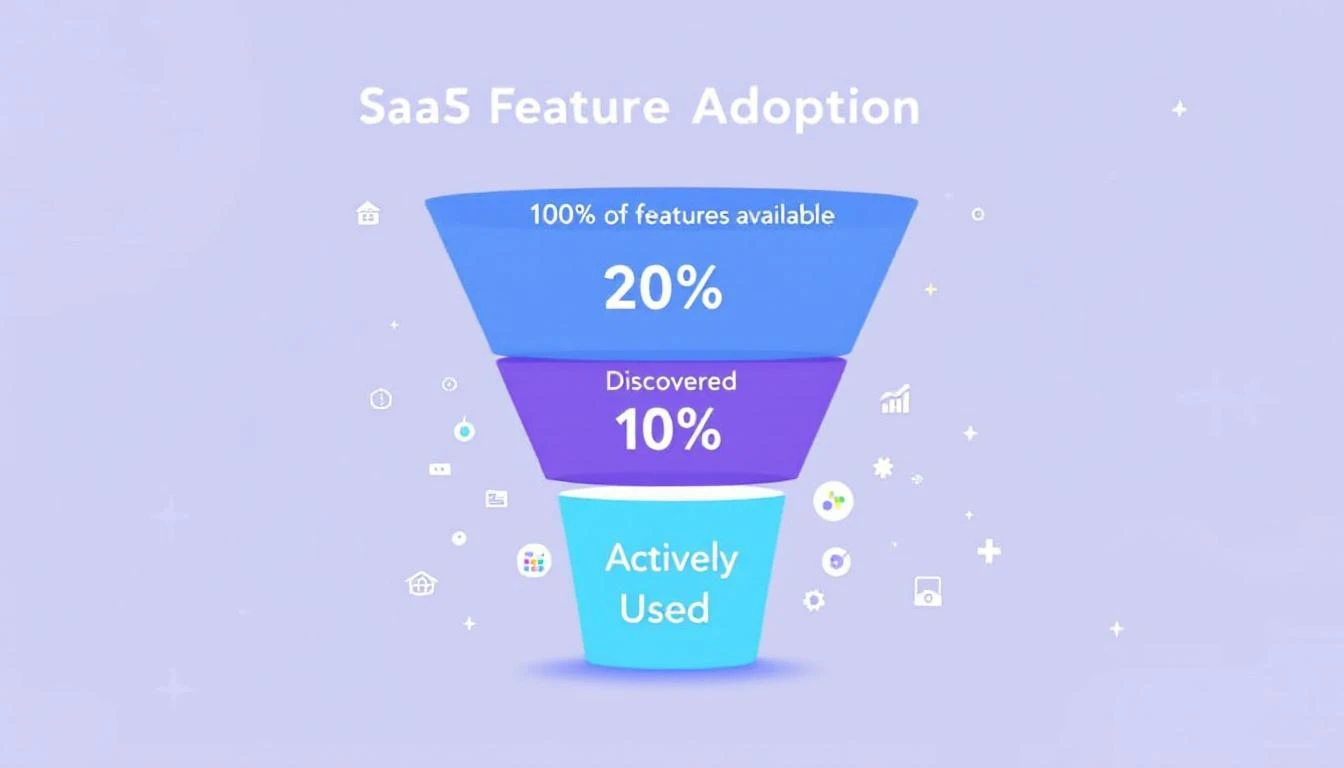
Week 1, you use maybe 10% of the features. The dialer, the basic email sequences, the contact list. The stuff that was obvious in the demo.
Week 12, you're still using 10% — but now you're paying for 100%.
The analytics dashboard that would prove ROI to your VP? Three clicks deep in a settings page you've never visited. The auto-CC rule that would save your team 20 minutes a day? Buried under "Advanced Workflow Configuration." The integration that would pipe intent signals directly into your CRM? It's been available since day one. Nobody told your team it existed.
This isn't a training problem. It's a design problem. And it's costing B2B sales teams far more than they realize.
The $21 Million Problem Nobody Talks About
Here's a stat that should make every VP of Sales uncomfortable: 80% of features in the average SaaS product are rarely or never used, according to Pendo's product benchmarks. Even more striking — just 6% of features drive 80% of all user engagement.
That's not a rounding error. That's a systemic failure of product design.
The financial impact is staggering. Zylo's 2025 SaaS Management Index found that enterprises waste $21 million per year on unused SaaS licenses. Gartner estimates organizations lose 25% of their entire SaaS budget to unused entitlements and overlapping tools. And that waste grew 12% year-over-year.
For sales teams specifically, the numbers are even worse. The average CRM adoption rate across sectors is only 26%. That means nearly three-quarters of the sales reps you're paying to use a tool... aren't using it. Or they're using it so superficially that the data is useless.
83% of senior executives report meeting active resistance when trying to get their teams to adopt CRM tools. Not passive indifference — resistance.
Meanwhile, your reps are spending only 28-30% of their time actually selling. The rest disappears into admin work, context-switching between an average of 8 different tools, and manual data entry that a well-configured platform should handle automatically.
Why Sales Tools Get Harder, Not Easier
Most SaaS products follow a predictable trajectory:
Month 1: Clean, focused. You use the core features. Things feel fast.
Month 6: New features ship. The nav bar grows. Settings pages multiply. You get emails about "exciting new capabilities" that you delete without reading.
Month 12: The product is objectively more powerful than when you bought it. But subjectively, it feels more complex. Your team uses the same 10% they always did — just with more menus to click through to get there.
Month 18: Renewal comes up. Finance asks for ROI justification. You can't prove it because the analytics features that would show impact are the exact features nobody adopted.
This isn't unique to any one vendor. It's the default trajectory of every sales platform built on the assumption that "more features = more value." Features only create value when people actually use them.
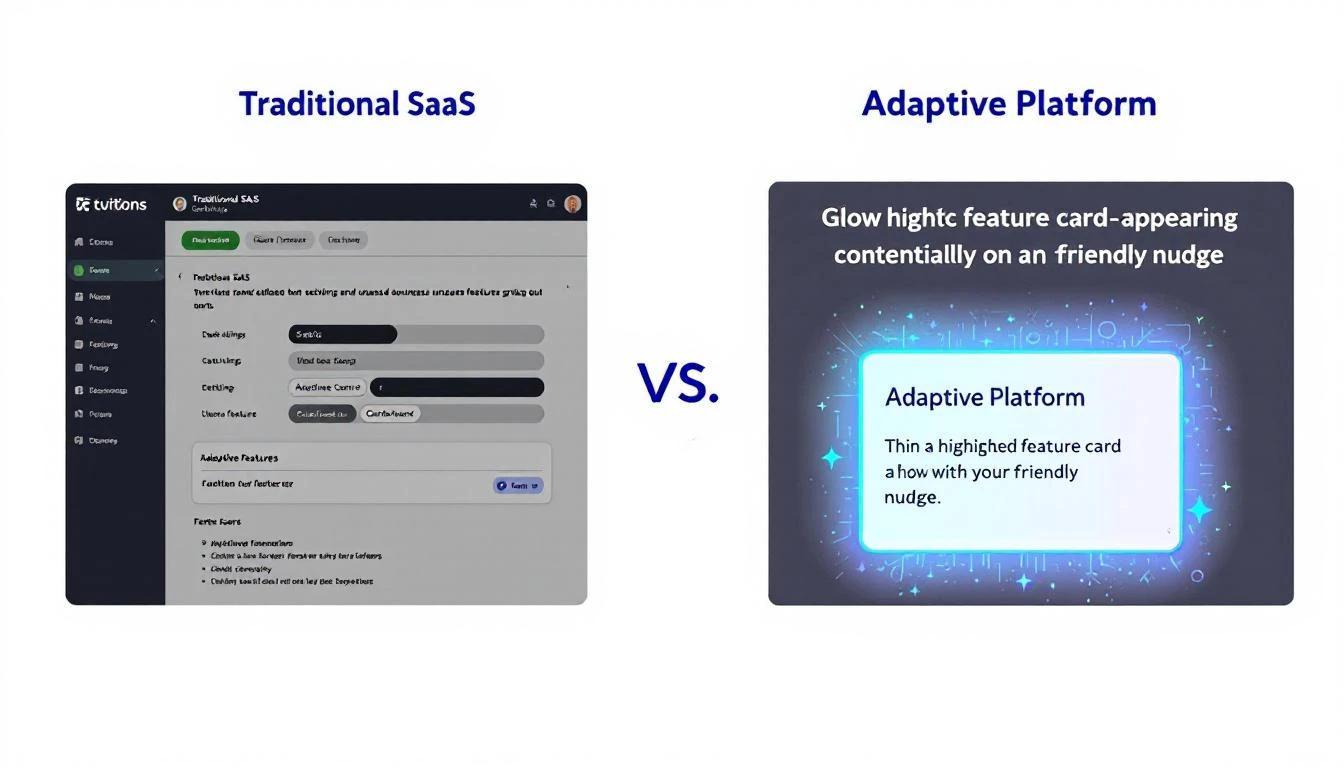
The real question isn't "does your platform have feature X?" It's "will your team actually discover and use feature X before the renewal conversation?"
The Onboarding Cliff
Here's where most platforms fail first: onboarding.
The average SaaS onboarding completion rate sits between 40-60%. That means up to 60% of your users never finish the basic setup — let alone discover advanced features.
But the stakes are high. Research shows that users who complete onboarding are 5x more likely to remain customers after 90 days. Properly onboarded customers show 3x higher lifetime value. And 63% of buyers say they consider the onboarding experience when deciding whether to purchase in the first place.
The problem is that most onboarding is designed as a one-time checklist. Here's how to import contacts. Here's how to send an email. Here's how to make a call. Done. Go sell.
But your team's needs on day 1 are completely different from day 30 or day 90. A static checklist can't account for the fact that:
- Your SDR who joined last week needs the basics
- Your senior rep needs the advanced sequencing features she hasn't discovered yet
- Your manager needs the analytics dashboard he doesn't know exists
- Your RevOps lead needs the integration that would automate what they're doing manually in spreadsheets
One-size-fits-all onboarding treats all of these people the same. And then we're surprised when 71% of app users churn within 90 days.
What Proactive Product Design Actually Looks Like
The best platforms don't wait for users to discover features. They surface the right capability at the right moment.
This isn't a new concept. Jakob Nielsen introduced progressive disclosure as an interaction design principle back in 1995 — the idea that you show users only what they need right now, and reveal complexity as they're ready for it. But most B2B sales tools still dump the entire feature set on you from day one and hope you figure it out.
Here's what it looks like when a platform actually gets this right:
1. Contextual Feature Discovery
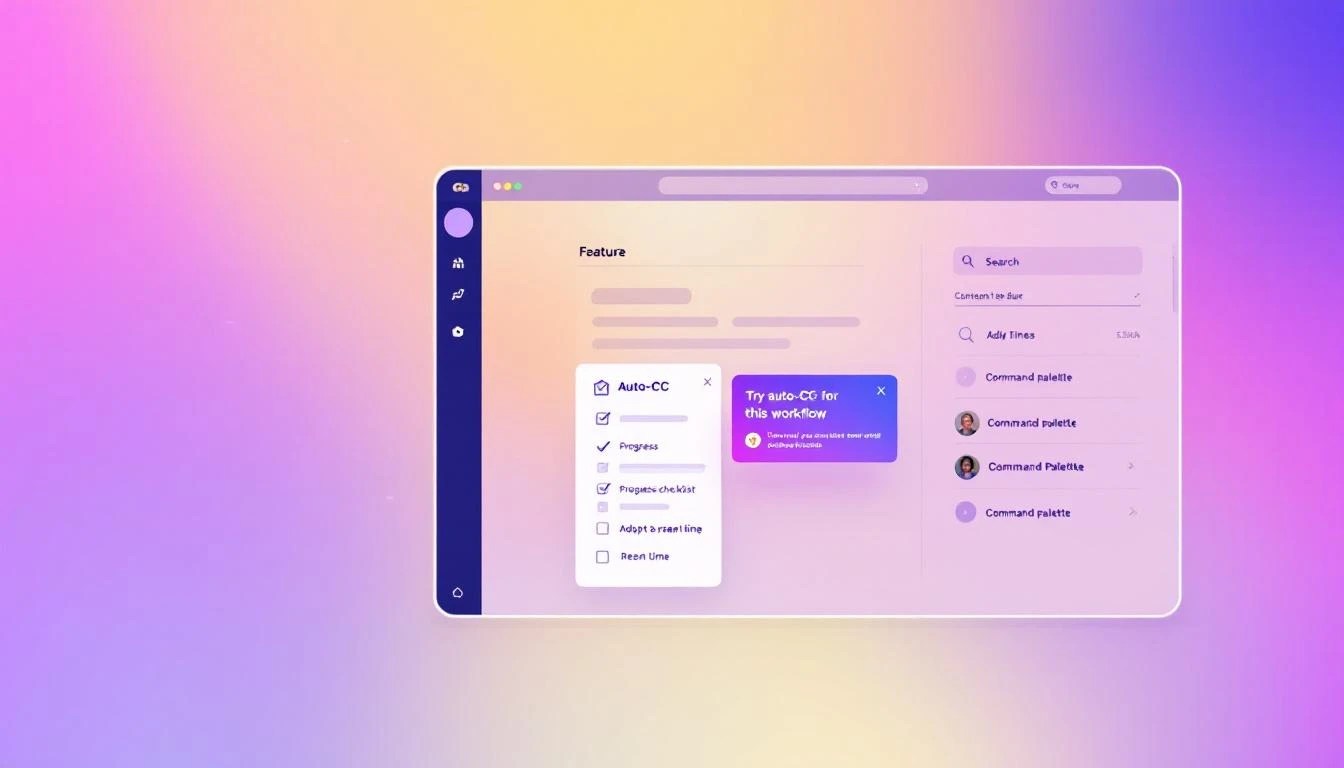
You're manually CC'ing your manager on every outbound email. The platform notices the pattern and nudges: "You're CC'ing the same person on every sequence. Want to set up auto-CC for this workflow?"
You're checking your pipeline every morning by scrolling through a list. The platform suggests: "Your workflow has 14 tasks due today. Want to see them organized by priority in the task tab?"
This isn't annoying onboarding pop-ups. It's the platform paying attention to how you work and offering a shortcut exactly when you'd benefit from it. Like a daily SDR playbook that adapts to your actual workflow — not a generic template.
2. Adaptive Onboarding
Instead of a static "getting started" checklist, imagine one that updates based on what you've actually done:
- Skipped the CRM integration step? It resurfaces when you manually enter your third contact
- Already set up sequences? The checklist advances to show you A/B testing, which you haven't tried yet
- Haven't used the dialer after two weeks? A brief tutorial appears in context, right when you're about to manually dial a number
The checklist isn't checking boxes. It's tracking behavior gaps and filling them proactively.
3. Command Palette Search That Teaches
When you can't find something, you search for it. The best platforms turn that search into a teaching moment.
Type "how do I track opens" and instead of just linking to a docs page, the platform takes you directly to the feature — with a 30-second inline tutorial that shows you how it works in your current context, with your actual data.
A command palette that surfaces tutorials alongside features turns every search into an adoption opportunity.
4. Integration Awareness
Your CRM isn't connected. Instead of a buried settings page, the platform shows a banner when you're doing something that would be dramatically better with the integration:
"You're manually logging this call. Connect Salesforce and it happens automatically."
That's not nagging. That's showing value at the exact moment the user can feel the pain of not having the integration.
5. Visibility Through Badges and Status
You have 7 tasks due today, 3 contacts in a "waiting for reply" state, and 2 sequences that need follow-up. But you'd never know it without digging into three different tabs.
A well-designed platform puts count badges on workflow tabs — so you see at a glance where attention is needed. No hunting. No mental math. Just clear signals about where to focus.
The Compound Effect of Progressive Adoption
When a platform gets adoption right, something interesting happens: usage compounds.
A rep discovers auto-CC in week 2. That saves 5 minutes per day. In week 4, they discover the task prioritization view. Now they're not just saving time on emails — they're working the right accounts first. By week 8, they've found the analytics dashboard and can actually see which sequences convert. They start optimizing.
Each feature discovered makes the next one more likely to be used. And each one makes the platform stickier, more valuable, and harder to replace.
This is the opposite of the shelfware spiral where you're paying for a GTM stack you barely touch.
Userpilot's 2024 benchmarks show that the average core feature adoption rate across SaaS is just 24.5%, with a median of 16.5%. Companies that hit 28%+ are considered strong performers. Imagine what happens when you double that number through better product design — not more features, but better discovery of existing ones.
What to Look For in Your Next Sales Platform
If you're evaluating sales tools (or re-evaluating the one you have), stop asking "what features does it have?" Start asking:
1. "How will my team discover features they don't know about yet?" If the answer is "documentation" or "training webinars," that's a red flag. You need in-product discovery.
2. "Does the onboarding adapt to different roles and experience levels?" A brand-new SDR and a 10-year sales veteran should not get the same onboarding flow.
3. "How does the platform handle complexity as my team grows?" More users should mean more value, not more confusion. Progressive disclosure should scale.
4. "Can my team find what they need without leaving their workflow?" If using a feature requires navigating away from what you're doing, most people won't use it.
5. "Does the platform show me what's important, or make me go find it?" Badges, priority views, contextual nudges — these aren't nice-to-haves. They're the difference between a tool that gets used and a tool that gets resented.
The Bottom Line
40% of SaaS revenue now comes from renewals and expansion. That means the vendors who survive aren't the ones with the longest feature list — they're the ones whose customers actually use what they've built.
For sales teams, the cost of unused features isn't just wasted budget. It's the SDR who could be booking 30% more meetings if they knew the priority queue existed. It's the manager who can't prove ROI because the dashboard is three clicks too deep. It's the entire team stuck on 8 disconnected tools when one well-designed platform could replace them all.
The platforms that win in 2026 won't be the ones that ship the most features. They'll be the ones that make sure every feature ships directly to the user who needs it, at the moment they need it.
Your sales tool should get easier every week you use it — not harder.
Ready to see what a sales platform designed for real adoption looks like? Book a demo →