4 posts tagged with "sales"

View All Tags

The 14-Day Post-Demo Window: A Daily AE Playbook to Close Active Deals Before They Stall [2026]

Β· 15 min read
sunder
Founder, marketbetter.ai

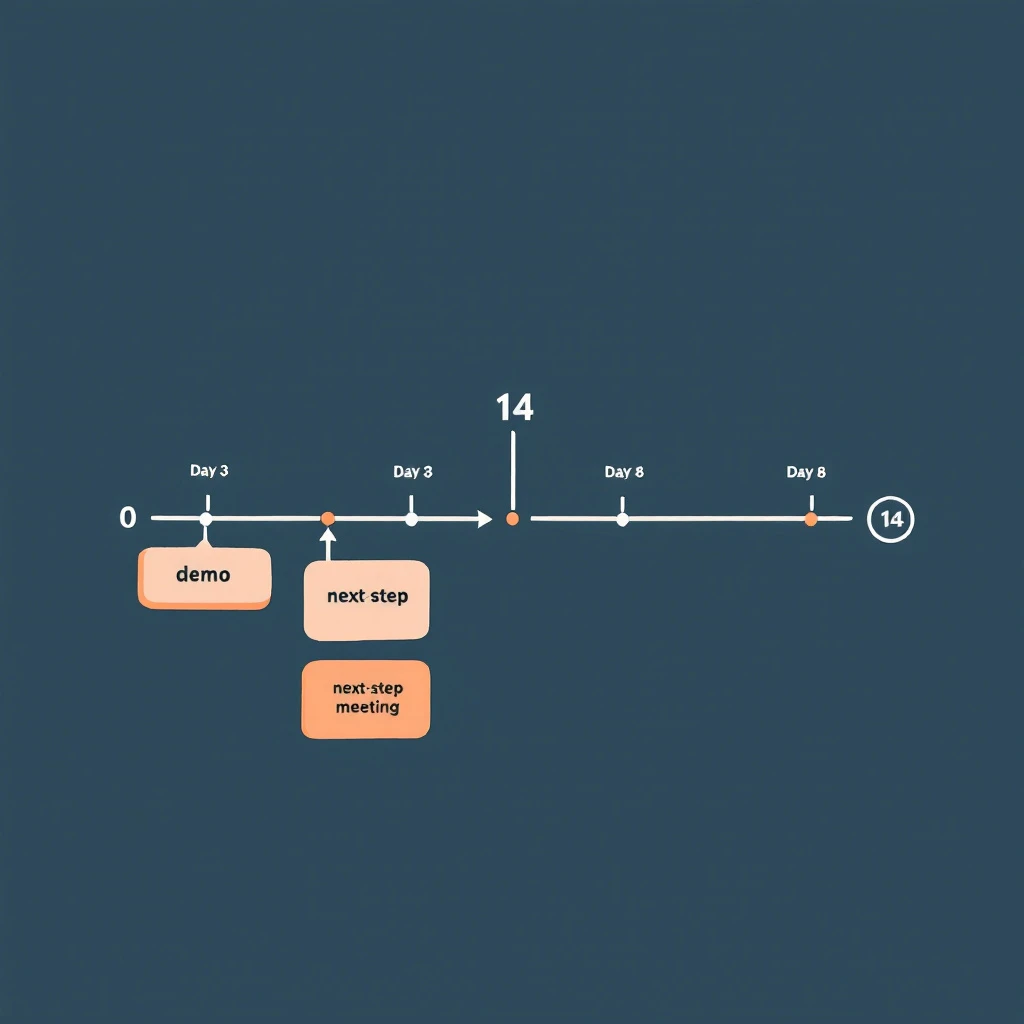
14-day post-demo window β€” daily AE workflow that keeps deals moving from demo to next-step before they go quiet

Most deals don't die at the demo. They die in the 14 days after it.

The demo went well. The champion was nodding. They asked smart questions. They said something like "let me sync with the team and circle back next week." The AE marked the opp as committed for the quarter and moved on to the next demo. Two weeks later, the champion has stopped replying, the deal slipped to next quarter, and the AE is staring at a forecast call wondering what changed.

Nothing changed at the demo. What changed is what the AE did β€” or didn't do β€” between Day 1 and Day 14.

This is the most under-instrumented stretch of the B2B sales cycle. There are entire books about discovery. There are templates for closed-lost reactivation. There are playbooks for stalled deal re-engagement once the silence has set in. But the two weeks immediately after a strong demo β€” when momentum is highest and the deal is most steerable β€” usually run on autopilot. A thank-you note on Day 0, a "any thoughts?" email on Day 5, a "still alive?" on Day 12, then radio silence on Day 21.

This post is a day-by-day AE playbook for those 14 days. It's a workflow, not a cadence. The difference: a cadence is a list of touches you fire regardless of what the prospect does. A workflow is a sequence of actions that branch based on what they do β€” and what they don't.

Why 14 Days Is the Window That Matters​

If you've read the signal decay curve, the framing here will be familiar. Buying intent is not a constant β€” it decays. A buyer who just saw a demo is, by definition, at peak intent for your product. Every day after that demo, intent erodes. Other priorities surface. Competing initiatives win attention. Memory of your differentiation fades. A demo that scored an 8/10 on Day 0 is a 4/10 by Day 14 unless you actively reinforce it.

Gartner's research on B2B buying shows that 77% of B2B buyers describe their latest purchase as very complex or difficult. The complexity isn't in the demo. It's in the negotiation between buyer-side stakeholders that happens after the demo. Your champion has to sell internally β€” to peers, to procurement, to finance, to their boss. Every day you're absent from that internal conversation, your competitor (which is usually "do nothing") wins ground.

14 days is also when most buyer-side decision processes resolve into either active momentum or active de-prioritization. Research from Forrester on B2B buyers consistently shows that committed buyers move to a next-step within two weeks of a key meeting, and buyers who haven't moved in 14 days are statistically much more likely to slip into no-decision. The window isn't arbitrary β€” it's where the deal physics actually bend.

The job of the playbook below is to keep your deal in front of your champion every working day in that window, without spamming them, while surfacing the objections that will kill the deal if they go unsurfaced.

The Three Buyer States You're Steering Between​

Before the day-by-day, you need a model. After a demo, every buyer sits in one of three states, and the play you run depends on which state they're actually in:

Buyer stateWhat's happening internallyWhat you'll see externally
Active momentumChampion is socializing internally, building business case, scheduling stakeholder meetingsQuick email replies, new contacts pulled in, asks for collateral, scheduling activity
Quiet evaluationChampion is interested but blocked or distracted β€” comparing alternatives, waiting on input, no urgency yetPolite delays, "give me a few days," no new contacts surfacing, light website re-visits
Drift to no-decisionChampion has effectively de-prioritized; deal is competing with "do nothing"Slow or no replies, generic "still interested" answers, no internal motion, no return visits

Most AEs treat all three the same: send the same templated follow-up, then mark commit and pray. This is the original sin of post-demo follow-up.

The playbook below pivots based on what you're seeing. By Day 3, you should know which state you're in. By Day 7, you should be acting on that knowledge. By Day 14, you either have a next step or you've made the call to actively reposition the deal.

Day-by-Day: The 14-Day Post-Demo Playbook​

The dates below assume Day 0 is the demo. Skip weekends β€” this is 14 business days, not 14 calendar days. Adjust if your prospect is in a different country or operating cadence.

Day 0 (demo day): Capture While It's Fresh​

The single biggest leverage point in the entire 14 days is the hour right after the call ends. Do not move to your next meeting until you finish this:

  1. Send the recap email within 90 minutes. Specific, not templated. Reference one thing they said by exact phrasing β€” "you mentioned your team is spending 4 hours per rep per week on manual list-building" β€” and the implication you discussed. This proves you listened.
  2. Confirm one next step in writing. Even if it's soft. "Sounds like the next step is for you to share this with [name] β€” does Wednesday work for me to follow up?" A vague next step is still a next step.
  3. Log the meeting brief into CRM the same day. What was said, who attended, what was the energy, what objections came up. If you wait until tomorrow, half of this is gone. The brief is the source of truth for the next 14 days of plays.
  4. Identify the silent attendees. Anyone on the call who didn't speak. They're either rubber-stampers or the people whose objection will kill the deal. Find them on LinkedIn. Add to the account list in your CRM.

If the demo had multiple stakeholders, this recap goes to all of them, with one or two lines personalized to what each person specifically asked about.

Day 1: Asynchronous Reinforcement​

Champion just got a 30-minute pitch. Their boss didn't. Their procurement team didn't. Today is when you make it stupidly easy for them to socialize the deal.

  • Send a 2-minute Loom or Vidyard summary they can forward. Not the full demo recording β€” a 90-second highlight reel of the three slides that resonated. AEs hate doing this. The buyers who get it almost always forward it.
  • Send the one-pager, but a custom one with their company's metrics in the ROI section. Templated one-pagers go in the trash. Customized ones get screenshot into Slack.
  • Connect on LinkedIn. If you weren't connected before. Personal note referencing the call.

Day 2: Multi-Thread Without Asking Permission​

This is the day most AEs lose deals they don't realize they're losing. They wait for the champion to introduce them to the rest of the buying group. The champion almost never does β€” because making internal introductions is awkward and the champion is busy.

Don't wait. Multi-thread directly, today, with the help of a champion tracking workflow that surfaces who else at the account is engaging:

  • The silent attendees from the demo get a tailored note: "Saw you on yesterday's call β€” wanted to share the slide on [the thing relevant to their function]."
  • The people who weren't on the call but who logically own the decision (CFO for budget, IT for security, Head of RevOps for integration). Soft outreach, not a pitch β€” share something useful and signal you're available.
  • This is also where website visitor identification earns its keep. If new contacts from the account are quietly visiting your pricing page today, you want them on your radar before they form an opinion without you.

Day 3: The First Decision Point​

By end of day 3, you should be able to bucket the deal into one of the three states above.

Signals you're in active momentum:

  • Champion replied to the recap within 24 hours
  • One or more silent attendees have engaged with your LinkedIn or replied to outreach
  • New contacts from the account visited your site in the last 48 hours

Signals you're in quiet evaluation:

  • Champion replied politely but with "give me a few days"
  • No internal motion visible
  • Light re-engagement (one or two website visits, no new contacts)

Signals you're drifting:

  • No reply to recap
  • No internal motion
  • No website activity

The play for Day 4–7 splits based on what you're seeing. Do not run the same sequence for all three.

Day 4–7: The Branch​

If active momentum: Push for a next concrete step. A scoping call with their RevOps team. A security review with their IT. A pricing discussion with their CFO. Each of these is a meeting, not an email exchange. The objective is to convert demo interest into a calendar-blocked decision process.

If quiet evaluation: Send value, not pressure. The temptation here is to fire off a "checking in" β€” resist it. Instead: a relevant case study from their industry, a benchmark report, a one-line note referencing news about their company ("saw the funding round β€” congrats β€” this might be relevant to your scale-up plans"). You're staying present without forcing a decision.

If drifting: Run a silent diagnostic. What changed at the account in the last 7 days? Is the champion still in role? Is the company in a layoff cycle? Did a competitor announce something? Are they on a hiring freeze? You're not sending an email today β€” you're gathering intelligence so the Day 8 email lands with something the champion can't ignore.

Day 8: The Re-Engagement Pivot​

If you're still in active momentum, Day 8 is a scheduled stakeholder meeting day. Skip ahead.

If you're in quiet evaluation, Day 8 is the pattern-interrupt. Not a follow-up. A new angle:

  • A pointed question grounded in something specific they said on the demo
  • A short clip of a customer with their exact use case talking about ROI
  • A direct ask for the one objection holding things up: "Most teams at your stage that don't move forward after a demo have one of three reasons β€” which one is yours?"

That last one is uncomfortable. It's also the highest-converting follow-up email AEs run. Buyers respect the directness. The worst outcome is the truth, which is more useful than another week of polite silence.

If you're drifting, Day 8 is the re-engagement push, informed by the intelligence you gathered Day 4–7. Reference what you learned: "Saw [news event] β€” wanted to check if that shifts priority for what we discussed." You're earning a reply by demonstrating you're paying attention.

Day 9–11: Tighten the Loop​

By now, you've either:

  • Booked a follow-on meeting (the deal is in motion β€” focus on prep)
  • Surfaced a real objection (now you're selling, not following up)
  • Confirmed the deal is sleeping (Day 12 onward is for active re-priorization, not nurture)

For the deals with surfaced objections: build the materials that answer the objection. ROI model. Security questionnaire response. Reference call. Whatever it is, the material lands by Day 11, not Day 21.

For deals that booked follow-ons: prep harder than the prospect expects. Bring a custom one-pager for each new stakeholder. Don't rerun the demo β€” assume they watched the Loom from Day 1.

Day 12: The Last Real Touch in the Window​

Day 12 is your last touch where the demo is still warm enough to anchor on. The standard play here is whatever brings the deal to a yes-or-defer decision:

  • A proposal, even if rough
  • A trial offer with a defined evaluation period
  • A side-by-side comparison with the next-best alternative they mentioned

If you can't put one of these in front of them on Day 12, you're going to spend Day 15–30 chasing instead of selling.

Day 13–14: Set the Disposition​

You're making a call now: this deal is either a Q-this-quarter close, a confirmed next-quarter timeline, or a stall that needs the champion-went-quiet workflow starting next week.

The disposition isn't about your forecast β€” it's about how you allocate the next 14 days of your time. Deals that aren't moving by Day 14 don't deserve the same effort as deals that are. AEs who run this discipline close more revenue per hour than AEs who treat every deal as equally promising forever.

The Three Mistakes That Kill the 14-Day Window​

If you take only one thing from this post, take this: most AEs lose deals in the 14-day window for the same three reasons.

  1. Treating the recap as optional. The same-day recap with a written next step is the highest-leverage email an AE sends in the entire deal cycle. AEs who skip it because they have back-to-back demos lose deals their peers close. If you only do one thing differently, do this.

  2. Waiting for the champion to multi-thread. They won't. They want to but they're busy and the introductions are awkward. Multi-thread directly, with the air-cover of a soft, value-add outreach. The deal that's single-threaded on Day 7 is a deal at risk by Day 14.

  3. Running the same cadence regardless of buyer state. Active momentum, quiet evaluation, and drifting all need different plays. Treating them the same is how you lose deals you could have saved. Use the Day 3 decision point to branch.

Where This Fits in the Larger Workflow​

This playbook is the bridge between two other workflows in this blog. Upstream, you're running the signal-to-meeting workflow β€” turning a buying signal into a booked demo in 24 hours. Downstream, when a deal does stall past Day 14, you're running the champion-went-quiet re-engagement workflow to reopen the conversation.

The 14-day post-demo window is where most of those signal-to-meeting wins are won or lost. A great SDR motion that hands over a great demo is wasted if the AE goes quiet for two weeks afterward. The handoff doesn't end at the demo β€” it ends when the deal has either closed or been actively repositioned.

It also pairs with the buying signal hierarchy: the signals you're looking for in Day 3 β€” internal motion, new contacts, pricing-page returns β€” are exactly the high-tier signals that predict closed-won. The 14-day window is the highest-signal window in the entire deal cycle. Instrument it.

The Daily Discipline That Compounds​

The point of the workflow isn't the calendar. It's the daily discipline: every demo gets the same-day recap, every demo gets multi-threaded on Day 2, every deal gets bucketed by Day 3, and every deal has a defined disposition by Day 14.

AEs who run this consistently report two things:

  • Their post-demo-to-next-step conversion rate climbs from ~30% to ~55%
  • Their no-decision losses drop materially because they're forcing the question earlier

Neither is magic. It's just refusing to let the highest-leverage stretch of the sales cycle run on autopilot.

The demo isn't the close. The demo is the start of the close. The next 14 days are the close. Plan accordingly.


Related reading:

Your CRM Has 3 Records for the Same Company β€” And Your Reps Are Fighting Over Them [2026]

Β· 3 min read
MarketBetter Team
Content Team, marketbetter.ai

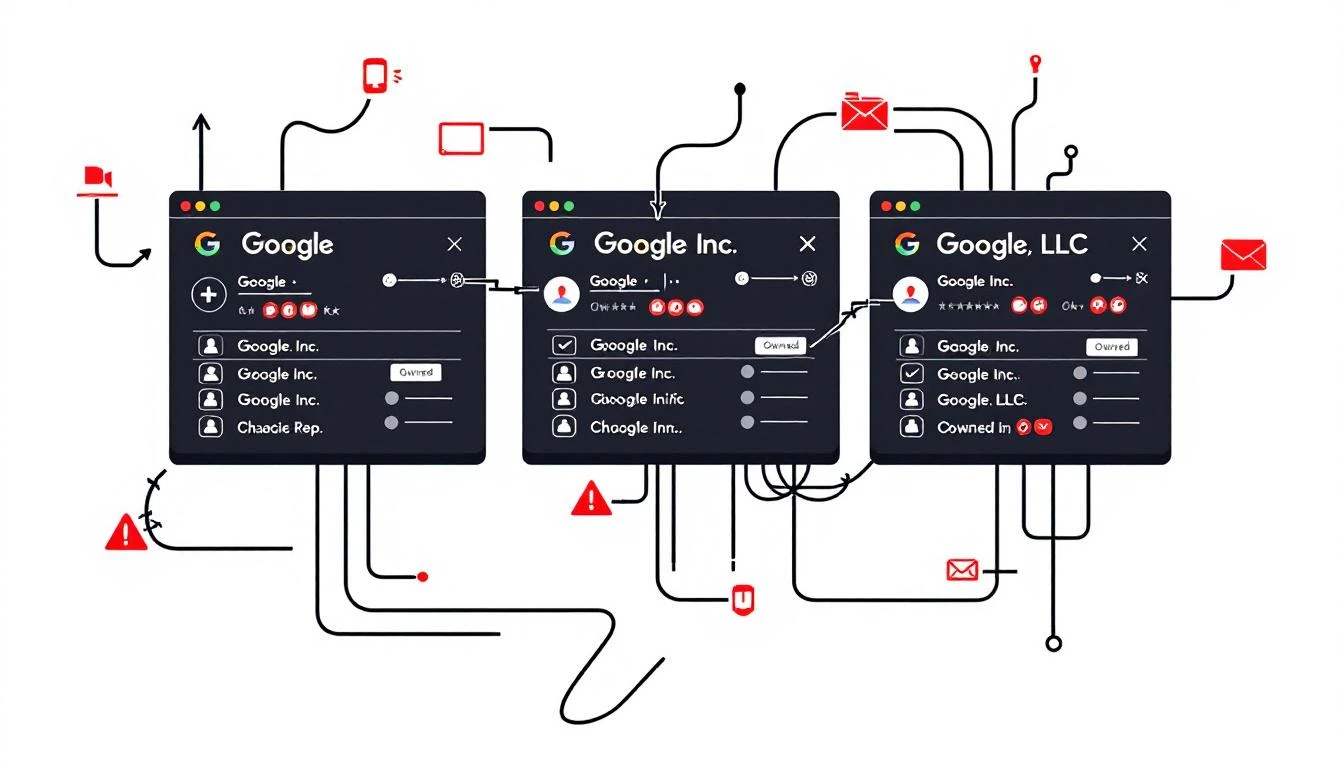
Chaotic CRM duplicates

Imagine this: Rep A calls the VP of Sales at "Google". Rep B calls the same VP at "Google Inc.". Both log activities. One enriches the contact with LinkedIn data. Then someone merges "Google LLC" into the mixβ€”wiping the enrichment.

Your Salesforce (or HubSpot, etc.) now has fragmented histories across three records. Reporting shows "Google" as three separate accounts. Pipeline velocity tanks. Reps waste hours deduping instead of selling.

This isn't hypothetical. It's your CRM right now. And it's costing you.

The Scale of the Problem: Hard Data​

CRM data decays at 30% per year on average (DataScienceCentral). In tech? 35-45% (SparkDBI 2026 guide).

Duplicates are the silent killer. Salesforce's own docs highlight running duplicate jobs across orgs because they're that common. Trailhead modules teach admins how to fight themβ€”implying everyone's losing.

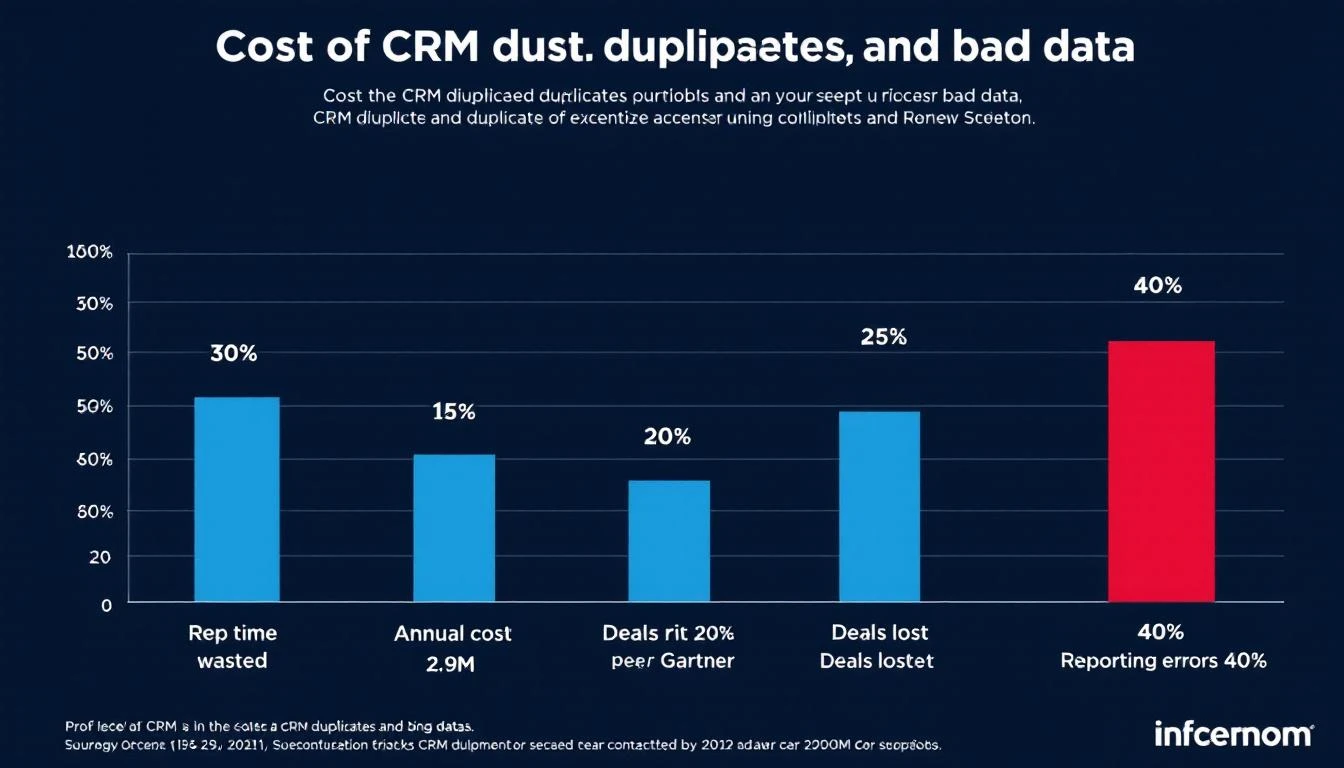
Gartner: Poor data quality costs orgs $12.9M annually. (Cited across RevOps802, CambridgeSpark, Plauti). That's not pocket change.

Quantified Costs​

  • Rep Time Wasted: 30% of selling time chasing ghosts (our analysis + industry benchmarks).
  • Deals Lost: Conflicting outreach kills 20% of pipeline (ZoomInfo Pipeline).
  • Reporting Errors: 40% inaccuracy from dupes skews forecasts.

CRM costs chart

For a 50-person sales team ($100k/rep ACV):

  • $1.2M/year rep time lost.
  • 15 deals tanked quarterly from double-calls.
  • $500k pipeline invisibility.

See our related posts:

Why Native CRM Tools Fail​

Salesforce Duplicate Rules? They warn post-entry. Merging? Discards fields arbitrarily.

Result: Enriched data (tech stack, funding) vanishes. Activities split.

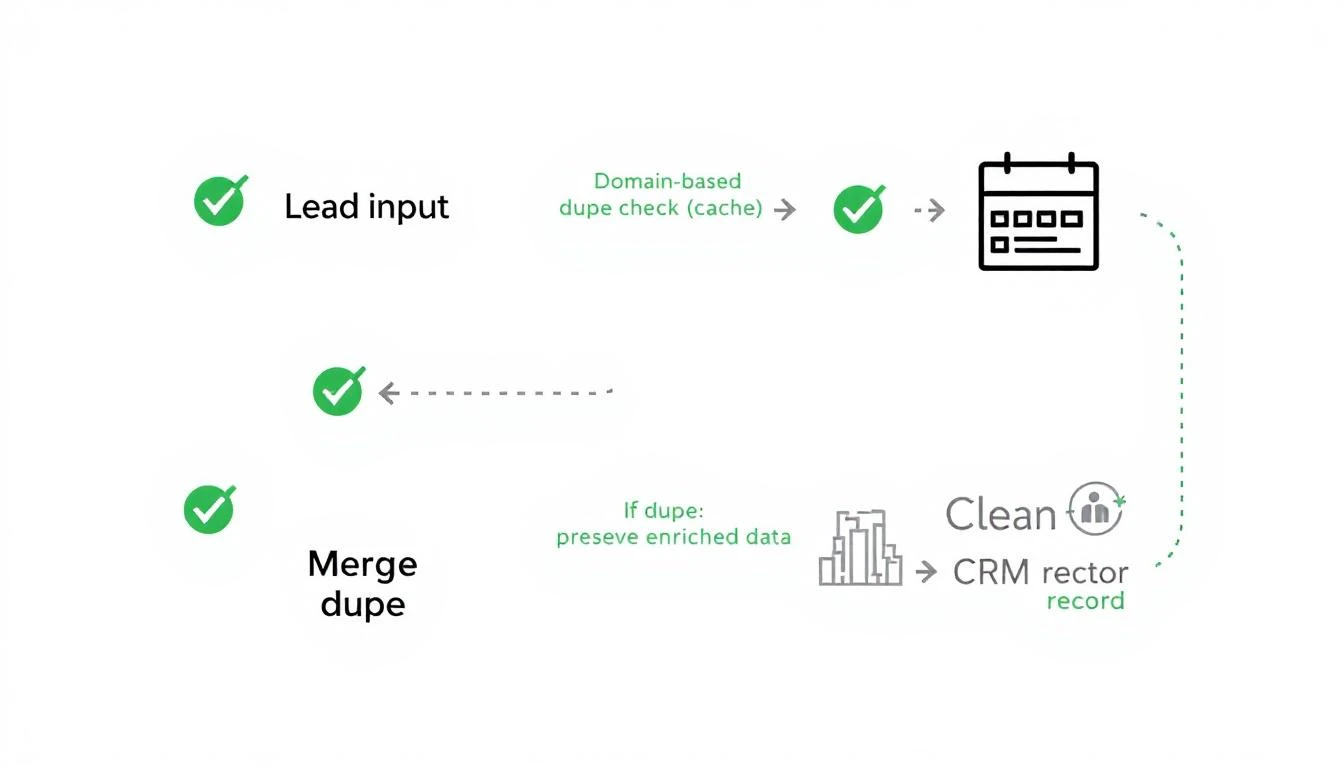
Smart Deduplication: Prevention + Preservation​

Fix it upstream:

  1. Domain-Based Pre-Entry Check: Cache domains. "google.com"? Route to existing.
  2. Preserve Best Data on Merge: Keep enriched fields, latest activity.
  3. Handle Locks Gracefully: No contention crashes.

Smart dedup workflow

MarketBetter implements this natively. Leads hit our system β†’ dupe scan β†’ single clean record in your CRM.

No more triple-Googles. Reps aligned. Reporting accurate.

Real-World Impact​

Teams using proactive dedup see:

  • 27% faster pipeline velocity.
  • 18% higher close rates (internal benchmarks).
  • Zero manual merges.

Book a demo to see it prevent dupes live.


Sources: SparkDBI, Gartner via multiple studies, Salesforce Docs, ZoomInfo, DataLadder.

Selling SaaS to Schools? One Privacy Mistake Could Kill Your Deal [2026]

Β· 3 min read
MarketBetter Team
Content Team, marketbetter.ai

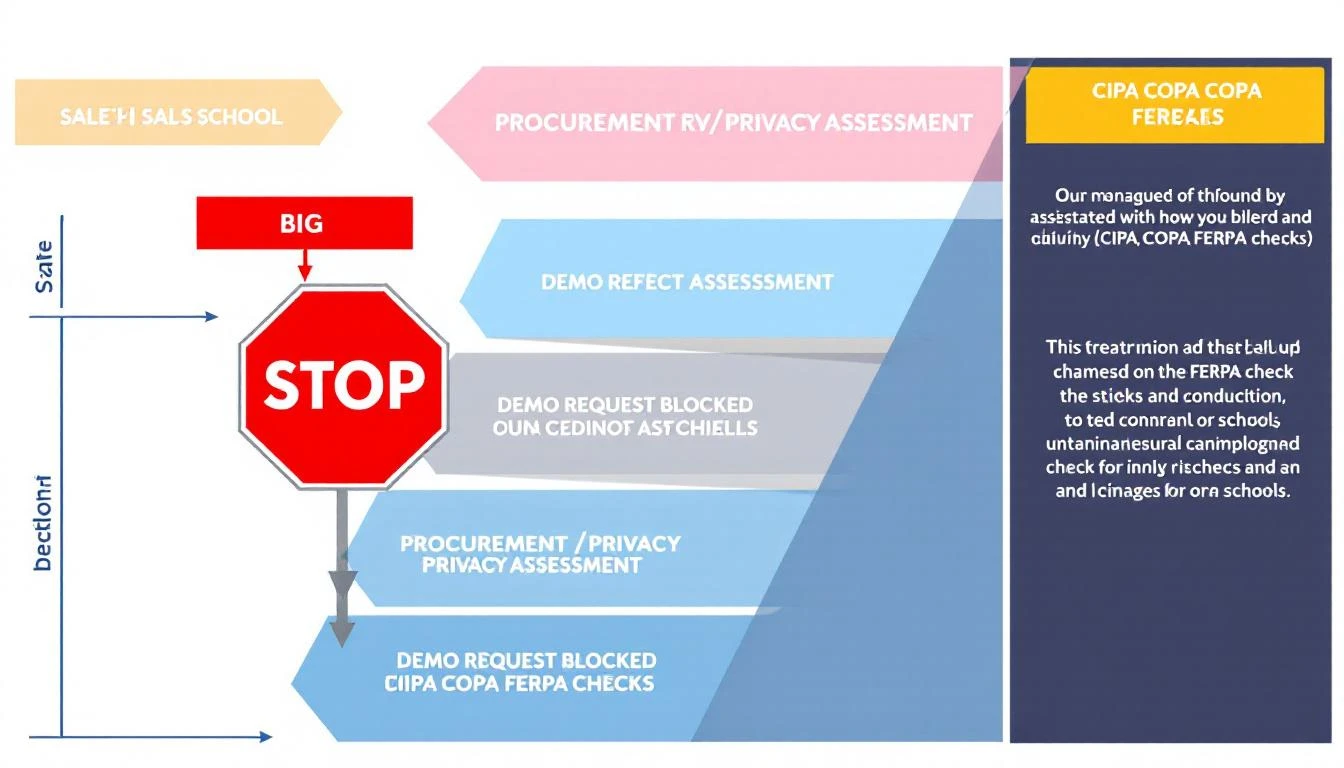
Sales funnel blocked by privacy

You're an EdTech or school district SaaS founder chasing that big K-12 contract. You've nailed the demo pitch. Your pricing fits district budgets. Then... crickets. No follow-up. The deal vanishes into procurement black hole.

Why? Your website failed the privacy sniff test.

School districts now run vendor privacy assessments before demos. One rogue tracking pixel, chatbot hoovering IP addresses, or visitor ID script? Disqualified. This isn't theoryβ€”it's killing deals daily.

In 2026, CIPA, COPPA, FERPA, and 20+ state laws make privacy a revenue gatekeeper. Districts check your public site first: Does it collect student/teacher data without consent? Is tracking scoped properly?

Most vendors botch it. Here's the playbook districts use, what they flag, and how to bulletproof your sales site without tanking conversions.

The Compliance Wall: What Districts Check Pre-Demo​

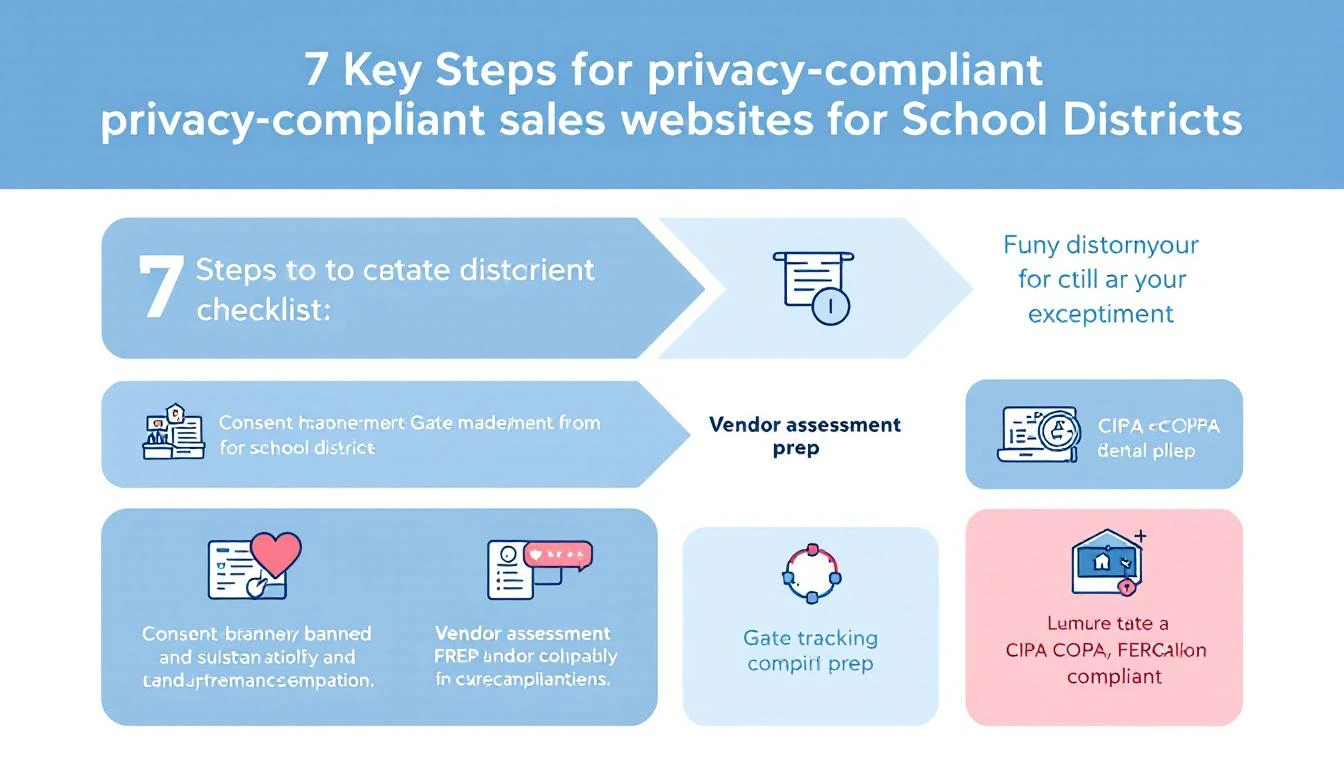
From CoSN reports and district RFPs: Procurement teams vet vendors via a 10-point privacy checklist. Fail any? No demo.

  1. Public Privacy Policy: Clear, readable. Links to DPAs.
  2. Consent Banners: Termly/OneTrust-style, covering cookies/trackers.
  3. Tracking Gated: Analytics, pixels fire post-consent only.
  4. Chatbots/Forms: No PII collection sans consent.
  5. Visitor ID: If B2B intent tools, confirm no education record scraping.
  6. Third-Parties: List vendors (Google Analytics? HubSpot?). DPAs?
  7. Data Flows: No selling/sharing for ads.
  8. State Laws: SOPIPA (CA), Ed Law 2-d (NY), etc.
  9. SOC2/ISO: Audit badges.
  10. Deletion Rights: How-to for data erasure.

Privacy checklist for sales sites

Real example: LAUSD's RFP mandates "vendor privacy assessment" with site audits. Chicago PS blocks non-compliant demos outright.

Vendor Mistakes That Kill Deals​

  1. Ungated Tracking: Google Tag Manager fires on load. Districts' filters flag it.
  2. Chatbot Overreach: Intercom/HubSpot collects emails/IPs pre-consent.
  3. Visitor ID Blindspot: Tools like Clearbit scrape districts visiting pricing pages.
  4. No Banner: "We'll comply later" = instant no.
  5. Generic Policy: Boilerplate ignores FERPA/COPPA.

Result: 60% of EdTech deals stall here (per 2025 EdWeek Research).

Compliant Without Conversion Suicide​

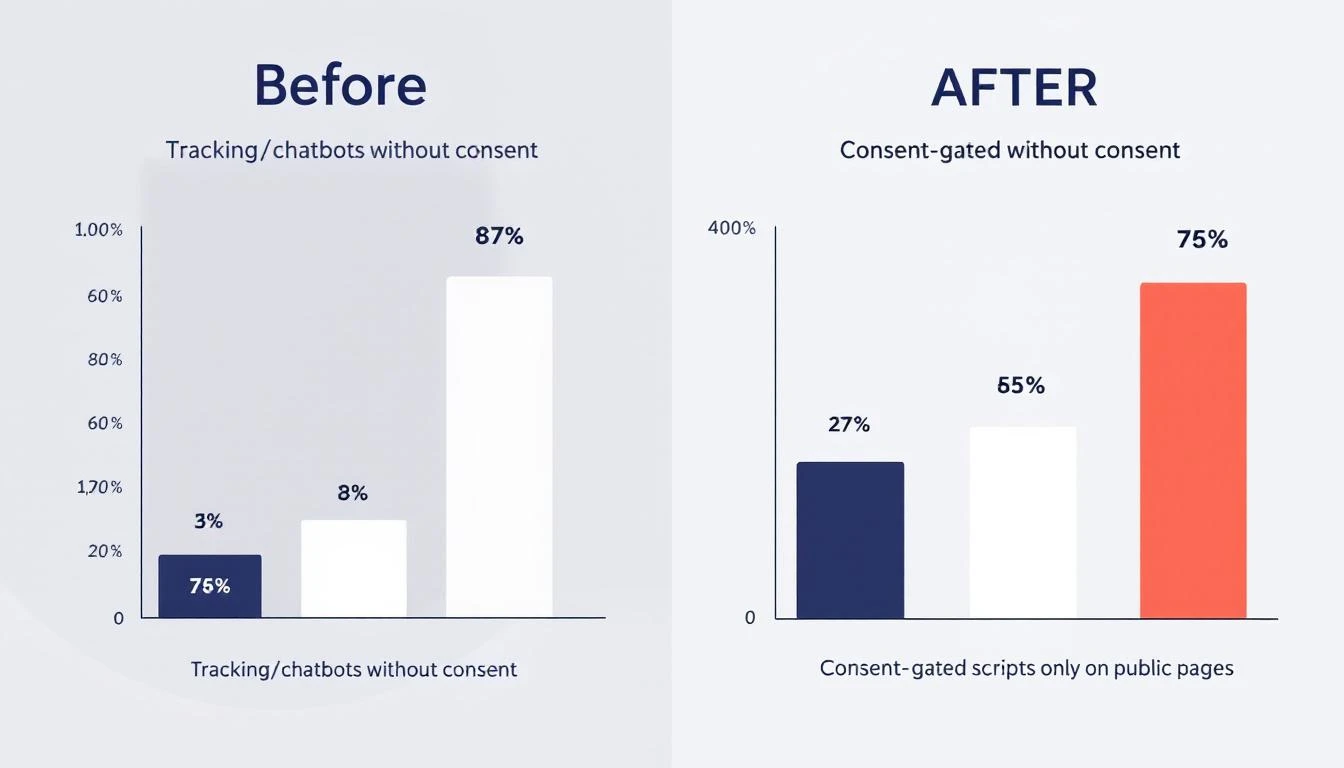
The fix: Scope consent to public pages only.

  • Public site: Full banner (Termly integrates easy). Gate trackers/chatbots.
  • Logged-in/demo: Assume consent via contract. Fire everything.
  • Scoped scripts: Analytics on pricing/blog. No ID on /login.

Conversion impact before/after compliance

Pro tip: Consent boosts trust. Rates drop 10-15% short-term, rebound 25% long-term (Termly data).

MarketBetter's angle (we live this): Playbooks turn signals into SDR actions. Privacy-gated sites still capture district intentβ€”gated smartly.

Actionable Steps​

  1. Audit site: Incognito + uBlock. Spot trackers.
  2. Deploy banner: Termly free tier.
  3. Gate scripts: GTM consent mode.
  4. Update policy: FERPA/COPPA sections.
  5. Prep DPA template.
  6. SOC2 roadmap.

Resources:

Beat the gatekeepers. Comply smart, sell harder.

B2B Email Deliverability: The Anti-Spam Playbook [2026]

Β· 17 min read
MarketBetter Team
Content Team, marketbetter.ai

Here's a number that should keep every SDR manager up at night: 17% of cold emails never reach the inbox. That's nearly one in five messages your team sends vanishing before a prospect even has the chance to ignore them.

And it's getting worse. Google and Yahoo rolled out strict sender authentication requirements that moved from "best practice" to "enforced or rejected." Microsoft Outlook's inbox placement dropped to 75.6% β€” the lowest of any major provider. The SaaS industry specifically sees only 80.9% deliverability.

If your outbound pipeline depends on email (and in B2B, it does), deliverability isn't a technical nice-to-have. It's the foundation everything else sits on. The best copy, the sharpest personalization, the most compelling offer β€” none of it matters if your emails hit spam.

This guide covers everything a B2B sales team needs to know about email deliverability in 2026: the technical setup, the benchmarks that matter, the warming process, and the ongoing practices that separate teams landing in the inbox from teams burning domains.

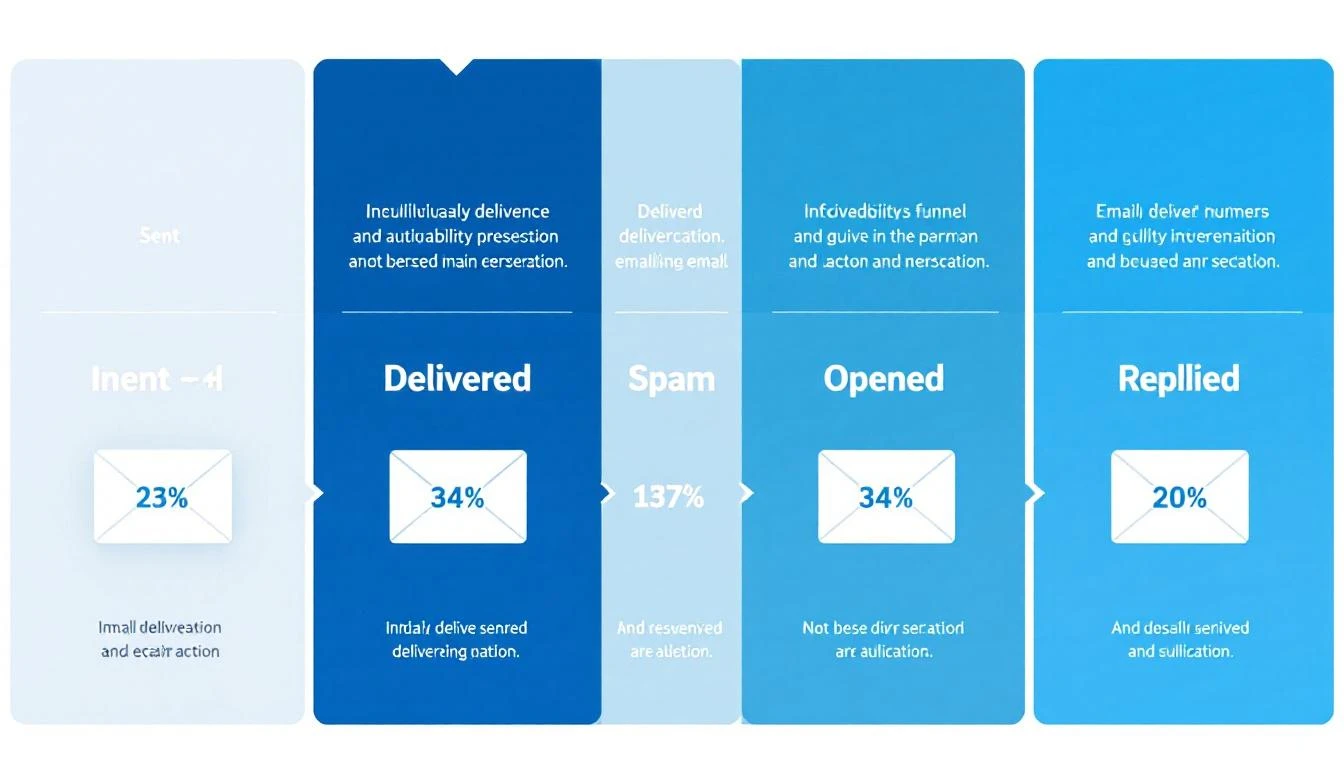
Email deliverability funnel showing the journey from sent to replied

What Email Deliverability Actually Means (And Why Most Teams Get It Wrong)​

Most sales teams confuse "delivery rate" with "deliverability." They're not the same thing.

Delivery rate tells you an email was accepted by the receiving server. Your ESP might show 98% delivery β€” but that includes emails dumped into spam folders, promotions tabs, and quarantine. It means the server took the email. Not that anyone saw it.

Deliverability (or inbox placement rate) measures whether your email landed in the primary inbox where someone might actually read it. This is the number that matters for outbound sales.

Here's how the funnel typically breaks down for B2B cold email in 2026:

StageAverage RateWhat It Means
Delivery Rate92-98%Server accepted the email
Inbox Placement75-87%Email reached the primary inbox
Open Rate15-28%Recipient saw and opened it
Reply Rate1-8%Recipient responded
Meeting Conversion0.2-2%Reply turned into a booked call

The gap between delivery (98%) and inbox placement (75-87%) is where deals disappear. That 11-23% gap represents emails sitting in spam folders β€” delivered but invisible.

Why SDR leaders should care: If your team sends 1,000 emails per week and 15% land in spam, that's 150 prospects who never see your message. At even a conservative 5% reply rate on those lost emails, that's 7-8 conversations β€” potentially 2-3 meetings β€” gone every single week.

The 2026 Deliverability Landscape: What Changed​

The email deliverability landscape shifted dramatically starting February 2024, when Google and Yahoo began enforcing new sender requirements. By 2026, these aren't optional guidelines β€” they're table stakes.

Google and Yahoo's Sender Requirements​

For anyone sending more than 5,000 emails per day:

  • SPF and DKIM authentication are mandatory on every sending domain
  • DMARC records must be published (minimum p=none)
  • One-click unsubscribe (RFC 8058 compliant) required on marketing emails
  • Spam complaint rate must stay below 0.3% β€” exceed it and your emails face rate limiting or outright rejection
  • TLS encryption for email transmission
  • Valid forward and reverse DNS records on sending IPs

For all senders (even below 5,000/day), SPF or DKIM authentication is now required. The days of sending unauthenticated email are over.

Microsoft's Tightening Grip​

Microsoft Outlook has become the hardest inbox to reach, with deliverability dropping to 75.6% β€” compared to Google's 87.2% and Yahoo's 86%. Outlook's spam filtering has become more aggressive, and their Sweep functionality moves bulk emails out of the primary inbox.

For B2B teams, this matters disproportionately. Enterprise prospects often use Microsoft 365 / Outlook. If your emails consistently hit spam on Outlook, you're missing a huge slice of your TAM.

Industry-Specific Reality​

Deliverability varies dramatically by industry (source: Validity 2025 Benchmark Report):

IndustryInbox PlacementSpam Rate
Mining & Minerals98%1.7%
Healthcare94.7%4.5%
Construction93.4%4.5%
Telecom88.9%5%
Software/SaaS80.9%7.6%
Manufacturing82.2%7.8%

If you're selling software to software companies β€” which describes most of MarketBetter's ICP β€” you're operating in one of the hardest deliverability environments. Your technical setup needs to be flawless.

The Technical Foundation: SPF, DKIM, and DMARC​

Email authentication is no longer optional. 57.3% of B2B emailers now authenticate their emails to meet Google and Microsoft's sender rules (up from roughly 30% two years ago). If you're in the other 42.7%, you're actively hurting your inbox placement.

Here's what each protocol does and how to set it up correctly.

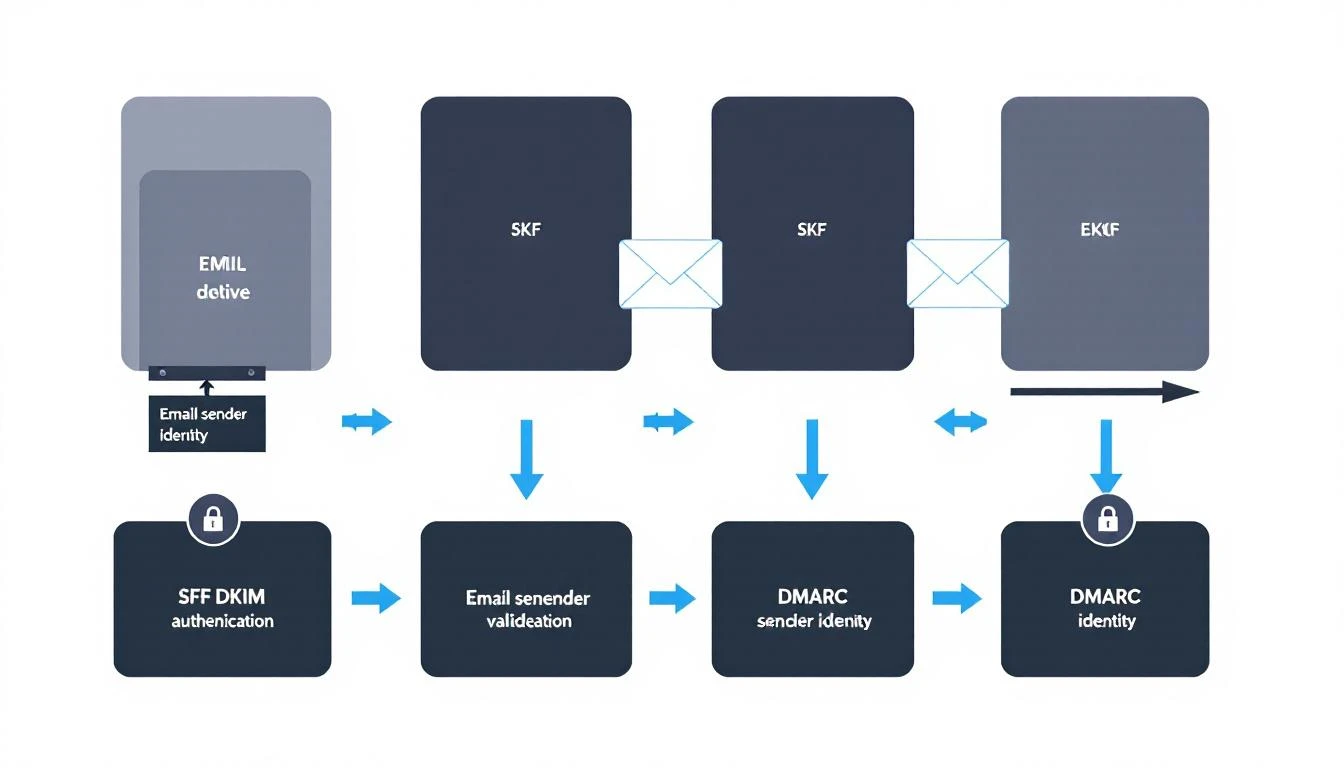
SPF, DKIM, and DMARC authentication flow diagram

SPF (Sender Policy Framework)​

What it does: Tells receiving servers which IP addresses are authorized to send email from your domain.

How it works: You publish a DNS TXT record listing every server that legitimately sends mail for your domain. When a recipient's server gets an email claiming to be from your domain, it checks your SPF record. If the sending IP isn't listed, the email fails SPF.

Setup checklist:

  • Identify every service that sends email from your domain (CRM, marketing platform, sales engagement tool, transactional email service)
  • Create a single SPF record that includes all authorized senders
  • Keep your SPF record under 10 DNS lookups (the protocol limit)
  • Test with nslookup -type=txt yourdomain.com or MXToolbox

Common mistakes:

  • Multiple SPF records (only one is allowed per domain)
  • Exceeding the 10-lookup limit by including too many third-party services
  • Forgetting to add new sending tools when you adopt them

DKIM (DomainKeys Identified Mail)​

What it does: Adds a cryptographic signature to your outgoing emails that proves the message wasn't tampered with in transit and genuinely came from your domain.

How it works: Your email server signs each outgoing message with a private key. The corresponding public key lives in your DNS records. Receiving servers use the public key to verify the signature.

Setup checklist:

  • Generate DKIM key pairs through your email service provider
  • Publish the public key as a DNS TXT record (usually at selector._domainkey.yourdomain.com)
  • Use 2048-bit keys minimum (1024-bit is increasingly rejected)
  • Rotate keys annually as a security best practice

Why it matters for sales teams: DKIM is the strongest signal to inbox providers that your emails are legitimate. Without it, even well-crafted cold emails look suspicious to spam filters.

DMARC (Domain-based Message Authentication, Reporting, and Conformance)​

What it does: Ties SPF and DKIM together and tells receiving servers what to do when emails fail authentication checks.

How it works: Your DMARC record specifies a policy:

  • p=none β€” Monitor only (report failures but deliver anyway)
  • p=quarantine β€” Send failing emails to spam
  • p=reject β€” Block failing emails entirely

Recommended approach for sales teams:

  1. Start with p=none to see what's happening without blocking anything
  2. Review DMARC reports for 2-4 weeks to identify legitimate senders that might fail
  3. Move to p=quarantine once you've fixed any issues
  4. Eventually move to p=reject for maximum protection

The minimum for Google's requirements: A DMARC record with p=none and either SPF or DKIM alignment. But the recommendation is to have both SPF and DKIM passing with DMARC alignment.

The Authentication Checklist​

Before sending a single cold email, verify:

  • SPF record published and valid (single record, under 10 lookups)
  • DKIM keys generated and DNS records published for every sending service
  • DMARC record published (start with p=none and rua for reports)
  • SPF and/or DKIM aligned with your From domain
  • TLS enabled on your sending infrastructure
  • Forward and reverse DNS (PTR records) match on sending IPs
  • Test with Mail-Tester, MXToolbox, or Google Postmaster Tools

Domain Architecture for Outbound Sales​

One of the most impactful (and underrated) deliverability decisions is how you structure your sending domains. Never send cold outbound from your primary domain.

The Subdomain Strategy​

Use dedicated subdomains for different email types:

  • mail.yourcompany.com β†’ Transactional emails (signup confirmations, password resets)
  • outreach.yourcompany.com β†’ Cold outbound (SDR prospecting)
  • news.yourcompany.com β†’ Marketing newsletters
  • yourcompany.com β†’ Internal and 1:1 business communication only

Why this matters: If your cold outbound damages the reputation of outreach.yourcompany.com, your primary domain stays clean. Your CEO's emails still land in the inbox. Your customer success team's renewals still get delivered. You've contained the blast radius.

Multiple Domain Strategy (For High-Volume Teams)​

If you're sending more than 100 cold emails per day per SDR, consider multiple sending domains:

  • yourcompany-team.com
  • your-company.io
  • tryyourcompany.com

Each domain gets its own authentication (SPF, DKIM, DMARC), warming schedule, and reputation. If one gets burned, the others keep running.

Important: These domains should be visually similar to your main domain. Recipients should recognize them as belonging to your company. Random domains that don't match your brand look phishy and hurt trust.

Dedicated IPs vs. Shared IPs​

Shared IPs (what most email services provide by default): Your reputation is pooled with other senders. Good for teams sending under 50K emails per month β€” the shared pool typically has better aggregate reputation than a new dedicated IP would.

Dedicated IPs: Your reputation is entirely yours. Better for teams sending 50K+ emails per month. Requires careful warming and ongoing monitoring, but gives you full control.

For most B2B sales teams (sending 500-5,000 emails per week), shared IPs through a reputable provider are the right call.

The Domain Warming Playbook​

A new domain with zero sending history is a red flag to inbox providers. Warming builds trust gradually β€” mimicking natural email behavior until your domain has enough positive signals to handle cold outbound volume.

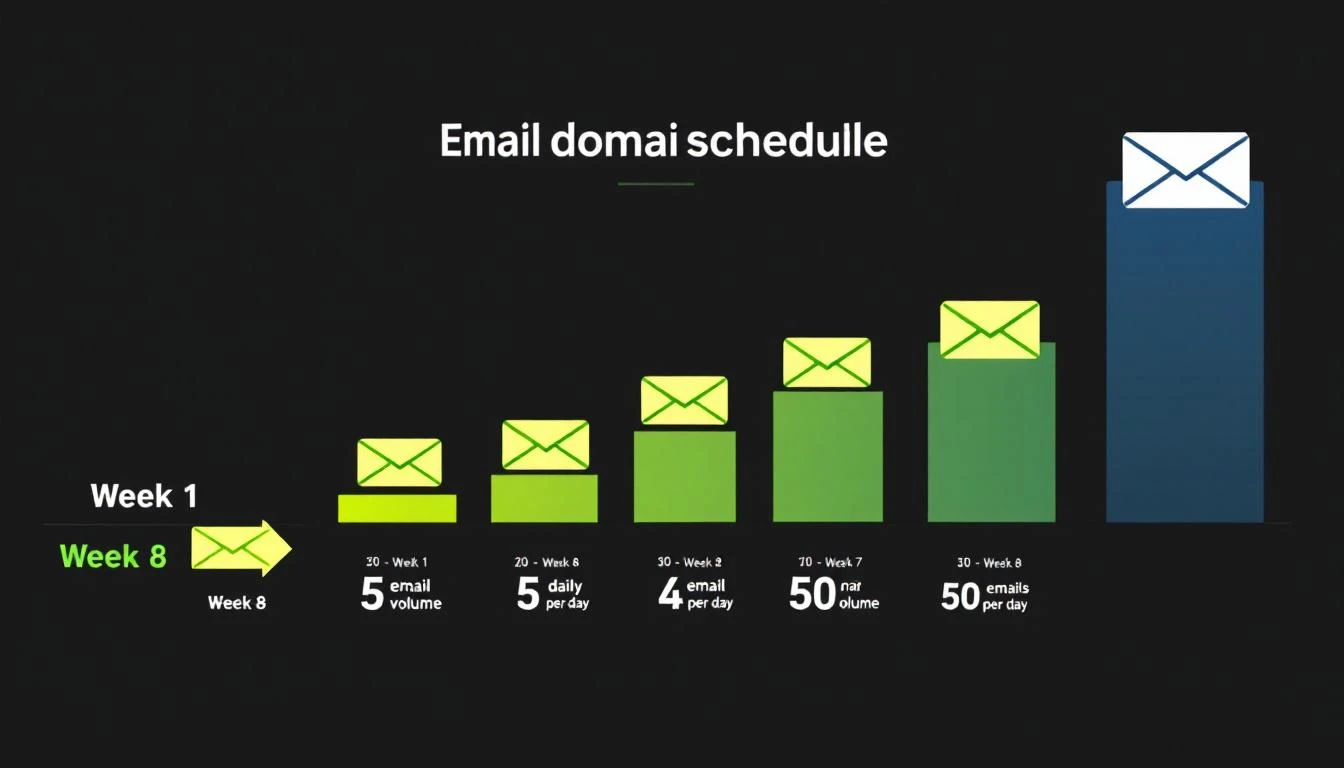
Email domain warming schedule from Week 1 to Week 8

The 8-Week Warming Schedule​

Here's a proven warming schedule for new outbound domains:

WeekDaily Volume Per InboxWho to EmailGoal
Week 1-25-10 emailsInternal team, friends, known contactsGenerate opens + replies
Week 3-415-25 emailsWarm prospects, newsletter subscribersMaintain high engagement
Week 5-630-40 emailsMixed warm + cold prospectsTest cold engagement
Week 7-840-50 emailsFull cold outreachReach steady state

Critical rules during warming:

  • Never skip straight to high volume. A brand-new domain sending 500 emails looks like a spammer's tactic.
  • Engagement matters more than volume. Opens, replies, and clicks signal legitimacy. Send to people who will actually respond during the first 2-3 weeks.
  • Monitor bounce rate daily. If bounces exceed 3%, pause and clean your list.
  • Use warming tools. Services like Instantly's warmup network, Warmup Inbox, or TrulyInbox automatically generate engagement signals on your domain.

Signs Your Domain Is Ready​

Move to full cold outbound only when:

  • Warming tool shows 90%+ inbox placement for 3-5 consecutive days
  • Google Postmaster Tools shows your domain reputation as "Medium" or "High"
  • Your bounce rate on test sends is under 2%
  • You're getting genuine replies (not just warming tool responses)

Signs Your Domain Is Burning​

Stop sending and investigate immediately if:

  • Inbox placement drops below 80%
  • Bounce rate exceeds 5% on any day
  • You receive a spam complaint notification from Google Postmaster Tools
  • Your domain shows up on a blacklist (check via MXToolbox)

List Quality: The Deliverability Multiplier​

The single fastest way to destroy deliverability is sending to bad data. 60% of B2B senders now clean their email lists regularly to avoid spam traps and bounces (Mailgun 2025 Survey).

The Math on Bad Data​

Average B2B contact data decays at 22-30% per year β€” people change jobs, companies get acquired, domains expire. If your list is 12 months old and hasn't been cleaned, nearly a third of your emails are going to invalid addresses.

High bounce rates trigger spam filters fast. Here's the risk curve:

Bounce RateImpact
Under 2%Healthy β€” no deliverability impact
2-5%Warning zone β€” clean your list immediately
5-8%Dangerous β€” active damage to sender reputation
Over 8%Critical β€” pause all outbound, full list audit required

List Hygiene Best Practices​

  1. Verify before you send. Run every new list through an email verification tool (ZeroBounce, NeverBounce, Hunter) before loading into your sequence. Remove invalid, catch-all, and role-based addresses.

  2. Re-verify monthly. Even verified addresses go bad. Set a monthly cadence to re-check addresses that haven't engaged.

  3. Remove non-engagers. If a contact hasn't opened any email in 3+ months across multiple attempts, remove them. Continued sends to non-engagers signal spam behavior.

  4. Watch for spam traps. ISPs seed fake addresses into public databases. If you're scraping emails rather than using verified enrichment, you're at high risk of hitting traps.

  5. Don't buy lists. Purchased lists have the highest bounce rates and spam trap density of any data source. Use intent-based prospecting instead.

Content and Sending Practices That Protect Deliverability​

Technical setup gets you to the inbox. Your sending behavior keeps you there.

What Triggers Spam Filters in 2026​

Modern spam filters use machine learning, not keyword matching. But certain patterns still raise red flags:

High-risk behaviors:

  • Sending identical copy to hundreds of recipients (even with {{first_name}} tokens)
  • Including more than 2 links in a cold email
  • Using link shorteners (bit.ly, etc.) β€” these are heavily penalized
  • Attachments in cold outreach (PDF prospecting decks are a spam magnet)
  • All-caps subject lines or excessive punctuation (!!! ???)
  • Image-heavy emails with minimal text

Low-risk best practices:

  • Plain-text or minimal HTML formatting
  • One clear CTA per email
  • Personalization beyond just the first name (reference their company, role, recent activity)
  • Natural language that reads like a human wrote it
  • Consistent sending volume (no sudden spikes)

The Volume Discipline​

Once your domain is warmed, maintain sending discipline:

  • Per inbox: Max 50 cold emails per day
  • Per domain: Don't exceed 200 emails per day across all inboxes
  • Spacing: Minimum 60-second gap between sends (random intervals are better)
  • Weekly pattern: Send Tuesday-Thursday for best engagement, avoid Mondays and Fridays

Platforms like MarketBetter handle this automatically through built-in email automation with intelligent throttling and domain health monitoring. Instead of managing sending limits manually across multiple tools, the daily SDR playbook orchestrates outreach volume within safe deliverability thresholds.

Follow-Up Sequences and Deliverability​

Follow-ups are essential β€” reply rates improve by 50%+ with consistent follow-ups, yet 48% of reps never send a second message. But follow-ups also multiply your sending volume and deliverability risk.

Follow-up rules:

  • Cap sequences at 3-4 emails total (initial + 2-3 follow-ups)
  • Space follow-ups 3-5 business days apart
  • Vary your copy significantly between touches (don't just re-send)
  • Auto-remove contacts who reply or bounce from the sequence
  • Don't follow up on contacts who've unsubscribed from a prior campaign

Monitoring and Maintaining Deliverability​

Deliverability isn't a "set it and forget it" setup. It requires ongoing monitoring.

Essential Monitoring Tools​

ToolWhat It MonitorsCost
Google Postmaster ToolsDomain reputation, spam rate, DMARC pass rateFree
MXToolboxBlacklist status, DNS records, authenticationFree/Paid
SenderScoreIP reputation score (0-100)Free
Mail-TesterPer-email spam score analysisFree (limited)
Validity EverestInbox placement testing across ISPsPaid

A SenderScore of 80+ means you're likely to land in the inbox. Below 70, and you're in trouble.

The Weekly Deliverability Audit​

Every Monday, check:

  1. Google Postmaster Tools β€” Is domain reputation still "Medium" or "High"?
  2. Bounce rates β€” Did any day last week exceed 2%?
  3. Spam complaints β€” Are you under 0.1%? (0.3% is the maximum, but you want headroom)
  4. Blacklist status β€” Run a quick MXToolbox check on your sending IPs and domains
  5. Authentication β€” Spot-check that SPF, DKIM, and DMARC records are still valid (DNS changes can break them)

When Things Go Wrong: The Recovery Playbook​

If you discover deliverability problems:

  1. Stop sending immediately on the affected domain/IP
  2. Diagnose the cause β€” Check bounce logs, spam complaints, blacklist status
  3. Fix the root cause β€” Bad list? Authentication failure? Content trigger?
  4. Request blacklist delisting if applicable (most blacklists have a removal process)
  5. Re-warm the domain from a reduced volume, following the warming schedule
  6. Monitor daily until reputation recovers (typically 2-4 weeks)

How Deliverability Fits Into Your Broader Sales Stack​

Email deliverability doesn't exist in isolation. It's one layer in the sales execution stack β€” and how your tools work together matters as much as any individual configuration.

The best-performing outbound teams in 2026 don't just optimize deliverability. They layer it with intent signals to send fewer, better-targeted emails. When you know which companies are actively researching solutions like yours, you can reduce volume while increasing relevance β€” which improves deliverability AND conversion simultaneously.

This is the approach that platforms like MarketBetter take: instead of sending 10,000 generic emails and hoping the deliverability math works out, the daily SDR playbook identifies the 50 accounts showing real buying signals and tells your team exactly who to contact and what to say. Fewer emails, higher engagement, better deliverability, more meetings.

Related resources for building your outbound stack:

The Deliverability Scorecard: Where Does Your Team Stand?​

Score your current setup (1 point each):

Technical Foundation (5 points)

  • SPF record valid and under 10 lookups
  • DKIM enabled with 2048-bit keys on all sending services
  • DMARC record published with at least p=none
  • Separate sending domain/subdomain for cold outbound
  • TLS enabled, DNS records valid

Domain Health (5 points)

  • Domain warmed for 4+ weeks before cold outbound
  • SenderScore above 80
  • Not on any blacklists
  • Google Postmaster Tools domain reputation "Medium" or higher
  • Spam complaint rate below 0.1%

List Quality (5 points)

  • All emails verified before first send
  • Bounce rate under 2% over last 30 days
  • Non-engagers removed after 3 months
  • No purchased or scraped lists in use
  • Monthly re-verification cadence in place

Sending Practices (5 points)

  • Max 50 cold emails per inbox per day
  • 60+ second spacing between sends
  • Follow-up sequences capped at 3-4 emails
  • Personalization beyond {{first_name}}
  • No link shorteners, minimal attachments

Scoring:

  • 16-20: Deliverability pro β€” you're in the top tier
  • 11-15: Solid foundation β€” fix the gaps before scaling
  • 6-10: At risk β€” prioritize fixes before sending more volume
  • 0-5: Stop sending β€” your emails are almost certainly hitting spam

What to Do Next​

If you scored below 16 on the scorecard above, here's your priority list:

  1. Today: Check your SPF, DKIM, and DMARC records. Fix any that are missing or broken.
  2. This week: Set up Google Postmaster Tools and check your domain reputation.
  3. Next two weeks: If you don't have a separate outbound domain, buy one and start warming.
  4. Ongoing: Implement weekly monitoring using the audit checklist above.

For teams that want deliverability managed automatically as part of a complete outbound sales platform β€” including visitor identification, intent signals, email sequences, and daily SDR prioritization β€” book a demo with MarketBetter to see how it works.


Sources: Validity 2025 Benchmark Report, Mailgun 2025 State of Email Deliverability, Mailmodo B2B Email Stats 2025, Instantly.ai 2026 Cold Email Benchmark Report, Martal Group 2025 B2B Cold Email Statistics, Google Workspace Email Sender Guidelines, Belkins 2025 Cold Email Response Rate Study.