5 posts tagged with "Claude"

View All Tags

Claude for SDRs: The Complete Guide to AI-Powered Sales Development [2026]

Β· 14 min read
MarketBetter Team
Content Team, marketbetter.ai

If you're an SDR in 2026 and you're not using Claude for at least a third of your daily workflow, you're getting outworked by people who are.

This isn't speculative. It's the consistent pattern we see across the GTM teams using MarketBetter: the SDRs who pair Claude with their existing tools (Sales Navigator, CRM, sequencer, enrichment) are booking 2–3x more qualified meetings β€” not because they grind harder, but because Claude eats the parts of the job that used to eat their day.

This pillar is the single page that pulls it all together. It's a map. Each section links into a deeper, hands-on guide so you can go as shallow or as deep as you want.

Use this guide if you want to:

  • Understand which sales tasks Claude is actually good at (and which still need a human)
  • See concrete workflows for prospect research, Sales Navigator, email personalization, and CRM hygiene
  • Compare Claude vs. ChatGPT vs. Codex for SDR work
  • Get a daily routine you can copy and run starting tomorrow

Let's get into it.


What Claude actually is (and why SDRs care)​

Claude is Anthropic's family of large language models β€” the same kind of underlying technology behind ChatGPT, but built with a different design philosophy. For sales work, three things matter:

  1. Long context. Claude can hold the equivalent of a 500-page document in working memory. You can drop in a whole company's 10-K, a quarter of call transcripts, or a CSV with 2,000 leads, and ask questions across all of it. Most sales workflows benefit from this more than from raw "intelligence."
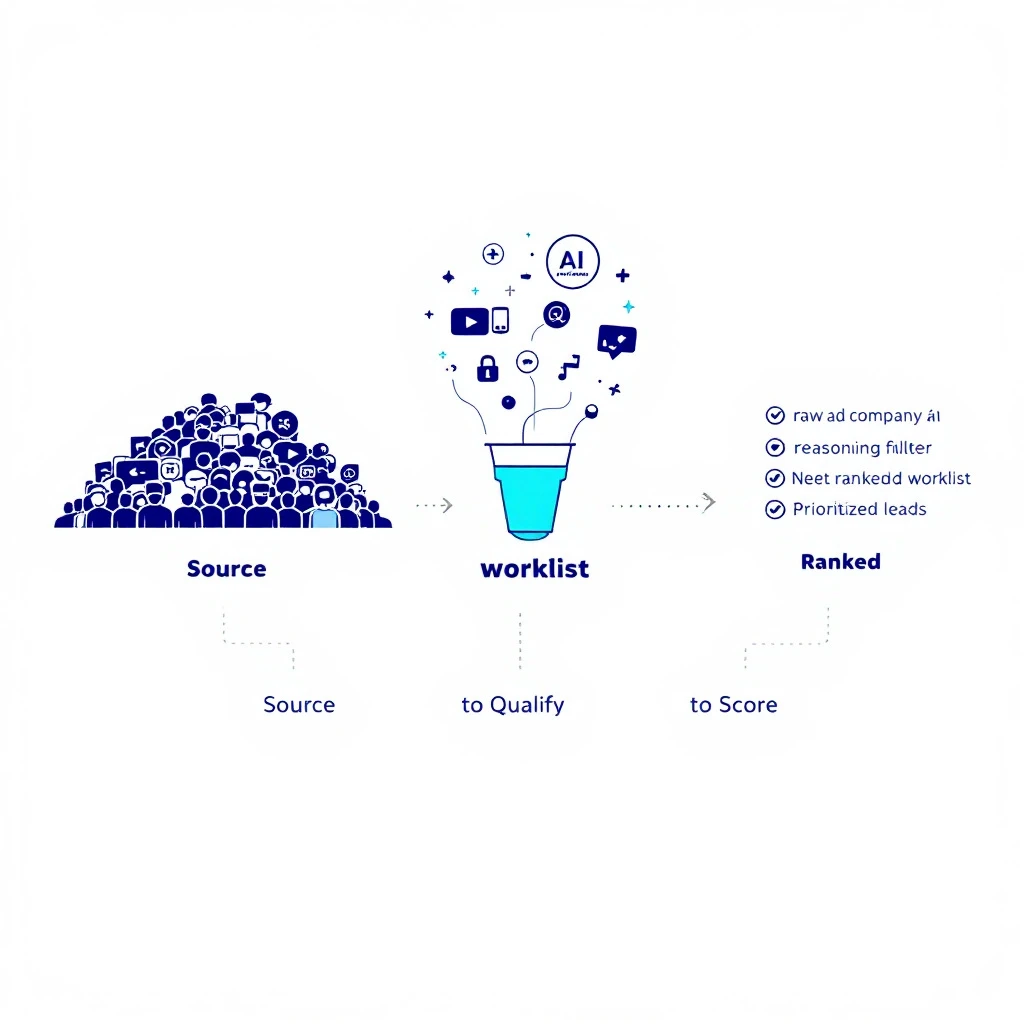
  2. Reasoning that holds together. When you ask Claude to compare 30 prospects against your ICP and prioritize them, it doesn't lose the thread halfway through. That matters when the output is a worklist you're about to grind through.
  3. Claude Code. The CLI version of Claude can read files, run scripts, hit APIs, and do real work in a terminal β€” not just chat. That's what unlocks the workflows in this guide.

If you've never opened Claude Code, start with The AI-Powered SDR: How Claude Code + MarketBetter Changes Everything. It's the on-ramp.

For a deeper head-to-head on which model to use when, see Claude vs ChatGPT for Sales Teams and Codex vs Claude Code for Outbound Sequences.


The five things Claude is genuinely good at for SDRs​

Most SDR teams trying AI fail because they pick the wrong tasks. AI is not magic β€” it's a very specific kind of leverage. After watching dozens of GTM teams roll this out, five jobs consistently produce a return.

1. Prospect research at scale​

The before: an SDR opens a LinkedIn profile, copies the bio into a doc, hunts for the company's last funding round, reads the latest blog post, then attempts a "personalized" opener. Twenty minutes per prospect, fifteen prospects a day.

The after: Claude reads the LinkedIn profile, the company about page, the last three blog posts, and a Crunchbase entry, then drafts a one-paragraph "what to actually open with" briefing. Two minutes per prospect, sixty prospects a day, and the openers are sharper because Claude can hold all four sources in working memory at once.

Hands-on walkthrough: Claude Code SDR Part 2: Prospect Research and Automate Lead Research with Claude Code.

2. Personalized cold email at volume​

There's a chasm between "generic AI-written email" and "actually personalized email." The difference is the inputs. If you hand Claude a job title and a company name, you get generic slop. If you hand it the prospect's last LinkedIn post, a snippet from their company's earnings call, and your ICP framing, you get something a human couldn't tell from a hand-written email β€” at 30x the speed.

We've broken the workflow down step by step in Claude Code SDR Part 3: Personalized Cold Emails and AI Email Personalization at Scale. Templates that have produced real opens: AI Sales Email Templates with Claude Code.

3. Sales Navigator β†’ enriched list pipeline​

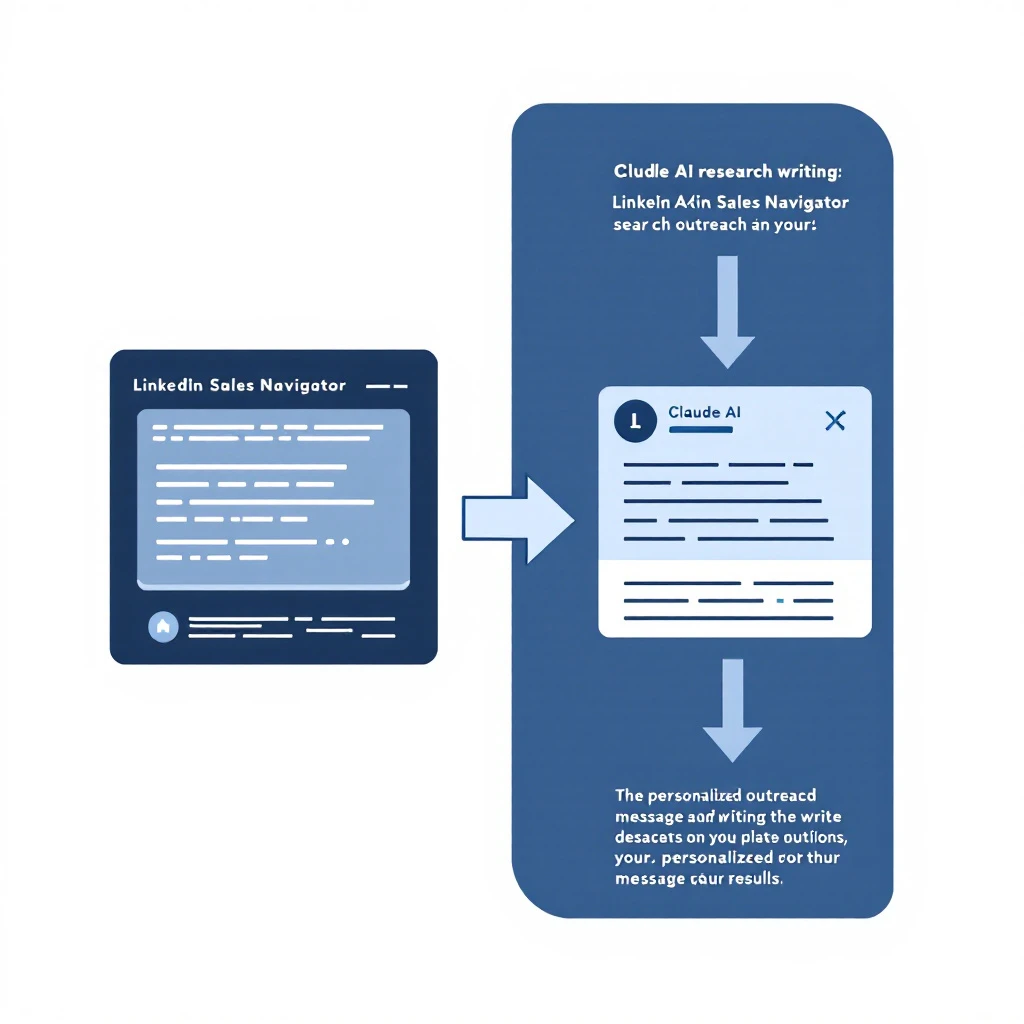
Sales Navigator is a goldmine, but it's also a UI nightmare. Most SDRs end up exporting CSVs and gluing tools together. Claude Code can sit in the middle of that pipeline β€” taking a raw export, hitting enrichment APIs, scoring against ICP, and dropping a ready-to-sequence list into your CRM or MarketBetter campaign.

Full walkthrough: Automate LinkedIn Sales Navigator with Claude Code and Claude Code SDR Part 4: LinkedIn to Pipeline.

4. CRM cleanup and duplicate hunting​

This is the boring, underrated win. Every SDR org we look at has tens of thousands of dirty records β€” duplicate companies, inconsistent job titles, missing fields, accounts owned by reps who left two years ago. Claude is unreasonably good at this kind of pattern work because it can hold the whole CSV in context and make consistent, explainable decisions.

For a real example of what dirty data costs you and how to fix it: When CRM Has 3 Records for the Same Company and Claude Code SDR Part 7: CRM Cleanup.

5. Pipeline analysis and reporting​

The other underrated win. Once a week, drop your CRM export into Claude and ask: "What changed in pipeline this week? Which deals look at risk? Which reps are leaning on a single mega-deal?" In ten minutes you get a weekly business review most ops teams take two days to produce.

Deep dive: AI Pipeline Velocity Optimization with Claude Code and Claude Code SDR Part 6: Lead Scoring.


What Claude is NOT good at (don't waste time here)​

This is the part most "AI for sales" content skips. The list of things Claude shouldn't be doing in your workflow:

  • Actually sending the email. Claude drafts; your sequencer sends. Mixing the two is how you end up with deliverability problems and brand damage.
  • Live discovery calls. Claude is a research and prep tool, not a replacement for the conversation. The SDRs who try to use it on live calls sound exactly like what they are.
  • Anything that needs a relationship. Referral asks, expansion conversations, exec sponsorship β€” these are still 100% human. Claude can help you prep, but a Claude-written DM to a CFO will read as Claude-written, and they will clock it instantly.
  • Hard objections you don't understand yet. If you can't articulate why a prospect might say no, Claude can't either. It can help you brainstorm, but it can't shortcut the muscle of actually understanding your market.

We wrote a longer take on this: Why General AI Won't Replace the SDR Stack and Why Open-Source GTM Agents Won't Replace the SDR Platform.


Claude vs. ChatGPT vs. Codex: which one when?​

Short version of a long argument:

  • ChatGPT β€” Best for one-off brainstorms and quick rewrites in a browser. The product layer is more mature for non-technical users.
  • Claude (web) β€” Best when you need to drop in a long document (an RFP, a deck, a transcript) and ask deep questions. The long-context advantage is real.
  • Claude Code β€” Best when the work is repeatable and touches files, APIs, or your terminal. This is where the 10x leverage lives.
  • Codex / OpenAI CLI β€” Best when the work leans heavier on code generation than on reading/reasoning over content. Decent for sequencer integrations.

Full comparison matrices: Codex, Claude, ChatGPT for GTM Comparison, Claude vs ChatGPT for Sales Teams, Codex vs Claude Code for Outbound Sequences, and the practical OpenAI Codex CLI GTM Guide.

If your team is debating whether to build something custom or buy a platform, read Build vs Buy: The AI SDR Stack Decision before the next meeting.


The 10-part Claude Code SDR series, in order​

If you want the hands-on path, work through the series in order. Each part is ~10 minutes to read and another 15–30 to set up:

  1. Part 1 β€” The AI-Powered SDR: How Claude Code + MarketBetter Changes Everything
  2. Part 2 β€” Prospect Research with Claude Code
  3. Part 3 β€” Personalized Cold Emails at Scale
  4. Part 4 β€” LinkedIn to Pipeline
  5. Part 5 β€” Competitive Intelligence
  6. Part 6 β€” Lead Scoring with AI
  7. Part 7 β€” CRM Cleanup
  8. Part 8 β€” Meeting Prep
  9. Part 9 β€” Follow-up Sequences
  10. Part 10 β€” The Complete Playbook

Tangential but useful: AI Buyer Persona Research Automation with Claude Code, AI Objection Handler with Claude Code, Multi-language Cold Outreach with AI, and AI Sales Onboarding Automation.


A realistic Claude-powered SDR day​

Here's what a 9-to-5 actually looks like for an SDR who has internalized this workflow. Adjust to taste.

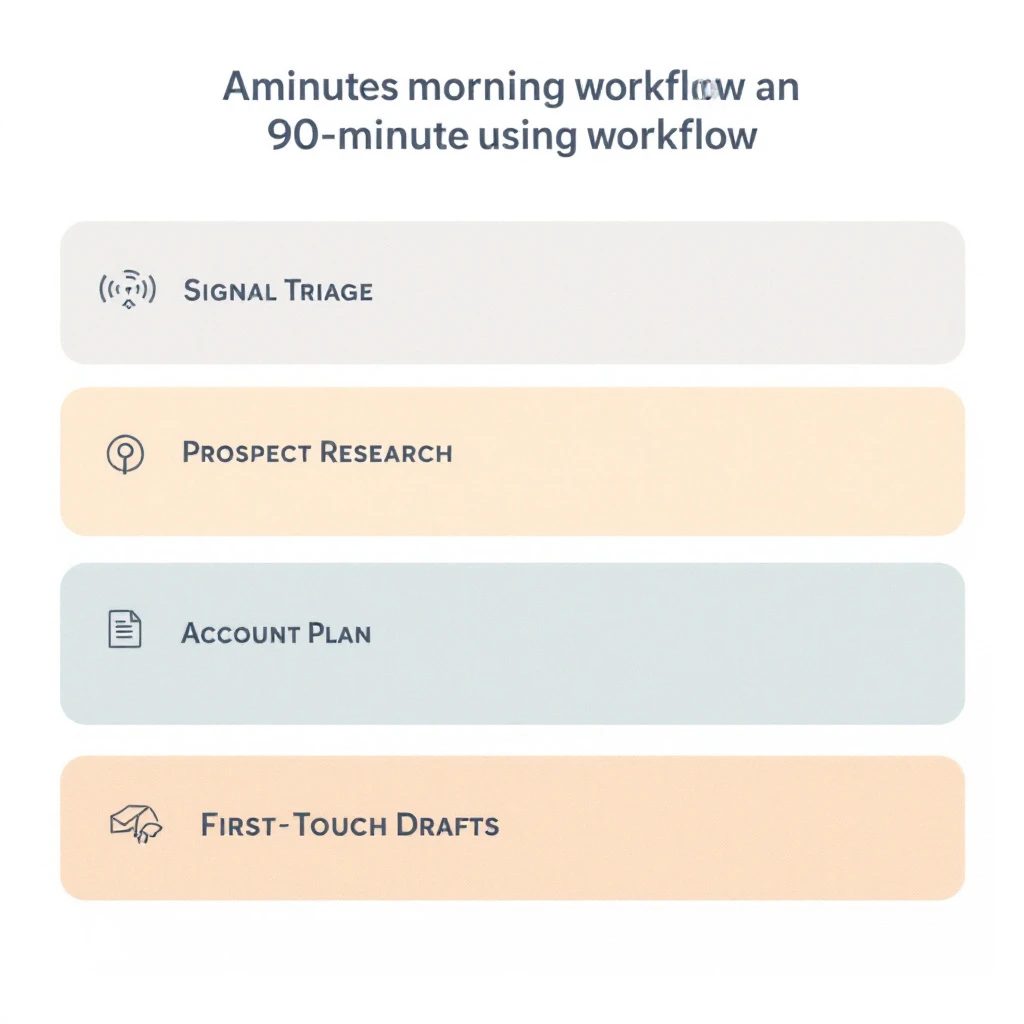
9:00 β€” Triage and target list (30 min)​

Open Claude Code. Hand it last night's MarketBetter signal feed plus your CRM export. Ask: "Which 25 prospects should I prioritize today, ranked by signal strength and ICP fit, with one sentence each on why?" Paste the output into your day list.

Underlying mechanics covered in: From Buying Signal to Booked Meeting in 24 Hours and Visitor ID to First Outreach in 30 Minutes.

9:30 β€” Research sprint (45 min)​

For the top 10 prospects, run a research macro. Claude reads LinkedIn, the company about page, last earnings call (if public), and last 3 blog posts. Produces a one-paragraph "what to open with" briefing per prospect. Total time: ~4 minutes per prospect, parallelized.

10:15 β€” Personalized outbound block (75 min)​

For each researched prospect, Claude drafts an email + LinkedIn DM + voicemail script using your templates and the research briefing. You read, edit (always edit), and queue in the sequencer. Expected output: 20–25 outbound touches that don't read as templated.

11:30 β€” Live calls (90 min)​

This is human time. Claude shouldn't be on the call. But before each call, give Claude 30 seconds: "Pull the meeting prep brief for [prospect name]." It hands you the angles, the questions you should ask, and the likely objections.

Covered in Claude Code SDR Part 8: Meeting Prep.

1:00 β€” Lunch (you, not Claude)​

2:00 β€” Follow-ups and replies (60 min)​

For replies that came in overnight, paste them into Claude and ask for a draft response in your voice. Same for follow-ups on cold opens. The model gets better at "your voice" the more you correct it β€” keep a one-page style doc and feed it in every time.

Workflow: Claude Code SDR Part 9: Follow-up Sequences.

3:00 β€” Round 2 outbound block (90 min)​

A second outbound sprint, weighted toward prospects from this morning's research that you didn't get to yet. Same flow as 10:15.

4:30 β€” Pipeline hygiene + end-of-day reporting (30 min)​

Claude runs the daily CRM cleanup macro β€” flags duplicates, missing fields, stale opportunities, and accounts assigned to nobody. You spend ten minutes resolving the top five issues. Then Claude drafts your end-of-day update for your manager from your activity log.

The longer template version of this day: Claude Code SDR Part 10: The Complete Playbook.


Common questions​

Do I need to know how to code to use Claude Code?

No. Claude Code is a command-line tool, not a programming language. You type instructions in English. The reason it's powerful for SDRs is that it can read your CSVs and hit web pages β€” not that you're writing software.

Will my SDR manager freak out about prospects being touched by AI?

If they're paying attention, the question they'll actually care about is the output, not the tool. SDRs using Claude well are not the ones sending mass-templated AI slop β€” they're the ones sending sharper, more researched messages than the rest of the team. That conversation tends to land on "show me your workflow," not "stop using it."

What about deliverability? Doesn't AI content get flagged?

Email providers don't flag content because "AI wrote it" β€” they flag patterns: same body across thousands of sends, links to suspicious domains, low engagement, sudden volume spikes. Claude-drafted but human-edited emails sent at SDR cadence don't trigger any of that. If you want to go deep, we wrote about it in the context of why most signal-based selling rollouts fail in 90 days.

How does Claude compare to a purpose-built AI SDR tool like 11x, Regie, or Nooks?

Different categories. Claude is a general-purpose model you wire into your existing tools. Purpose-built AI SDR platforms are end-to-end products that try to replace the SDR seat. We have a strong opinion on this β€” Why General AI Won't Replace the SDR Stack β€” and you can see the head-to-heads in our reviews like Landbase Review 2026.

Where does MarketBetter fit?

MarketBetter is the signal and orchestration layer underneath the workflows in this guide. Claude is the research and writing engine; MarketBetter is the system that surfaces which accounts are in-market right now, routes them, and tracks what happens. The 10-part series is named "Claude Code + MarketBetter" for a reason β€” they're complements, not competitors. See the AI SDR tech stack for the full picture, or how to build an AI SDR with MarketBetter.


Where to start tomorrow​

If you read nothing else from the links above, do these three things this week:

  1. Read Part 1 and install Claude Code. Twenty minutes.
  2. Pick one workflow from the five above β€” most teams start with prospect research because the time savings are immediate and obvious.
  3. Run it on your real worklist for one week. Don't try to automate the whole stack at once.

The SDRs who win at this don't move fastest. They move first on the workflow they understand best and then expand from there.

If you want the signal layer that decides which prospects belong in your Claude pipeline in the first place β€” that's what we built MarketBetter for. Book a demo or keep reading the SDR automation pillar and the B2B intent data pillar for adjacent territory.


Account Prioritization with AI: Claude Code vs Spreadsheets [2026]

Β· 10 min read
MarketBetter Team
Content Team, marketbetter.ai

Ask any sales rep: "How do you decide who to call first?" You'll get answers like:

  • "I work alphabetically through my list"
  • "Whatever came in most recently"
  • "Gut feeling based on company size"
  • "Whoever my manager tells me to"

None of these are strategies. They're coping mechanisms for a broken system.

The best accountsβ€”the ones with the highest likelihood to close and the highest deal valueβ€”are often buried in a spreadsheet, never contacted. Meanwhile, reps waste hours on accounts that were never going to buy.

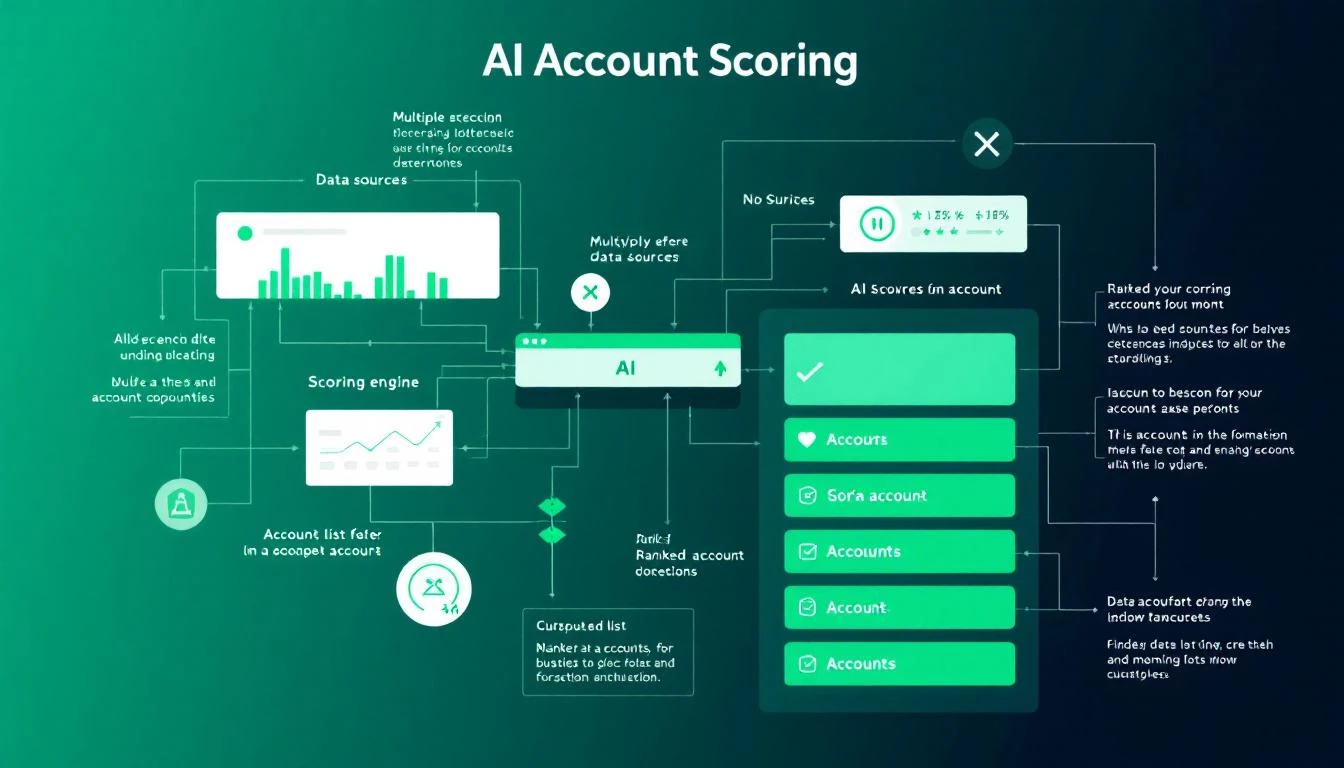
AI Account Prioritization System

This guide shows you how to build an AI-powered account scoring system with Claude Code that identifies your highest-potential accounts automatically. Stop guessing. Start knowing.

The Real Cost of Poor Prioritization​

Here's what happens when sales teams prioritize badly:

Time Waste:

  • Average SDR spends 2+ hours daily deciding who to contact
  • 67% of time is spent on accounts that will never convert
  • Best accounts get the same attention as worst accounts

Revenue Loss:

  • 35-50% of deals go to the vendor that responds first
  • High-fit accounts that go uncontacted convert at competitor sites
  • Reps hit quota on volume, miss it on value

Burnout:

  • Calling dead accounts kills morale
  • "Spray and pray" feels pointless (because it is)
  • Top performers leave for companies with better systems

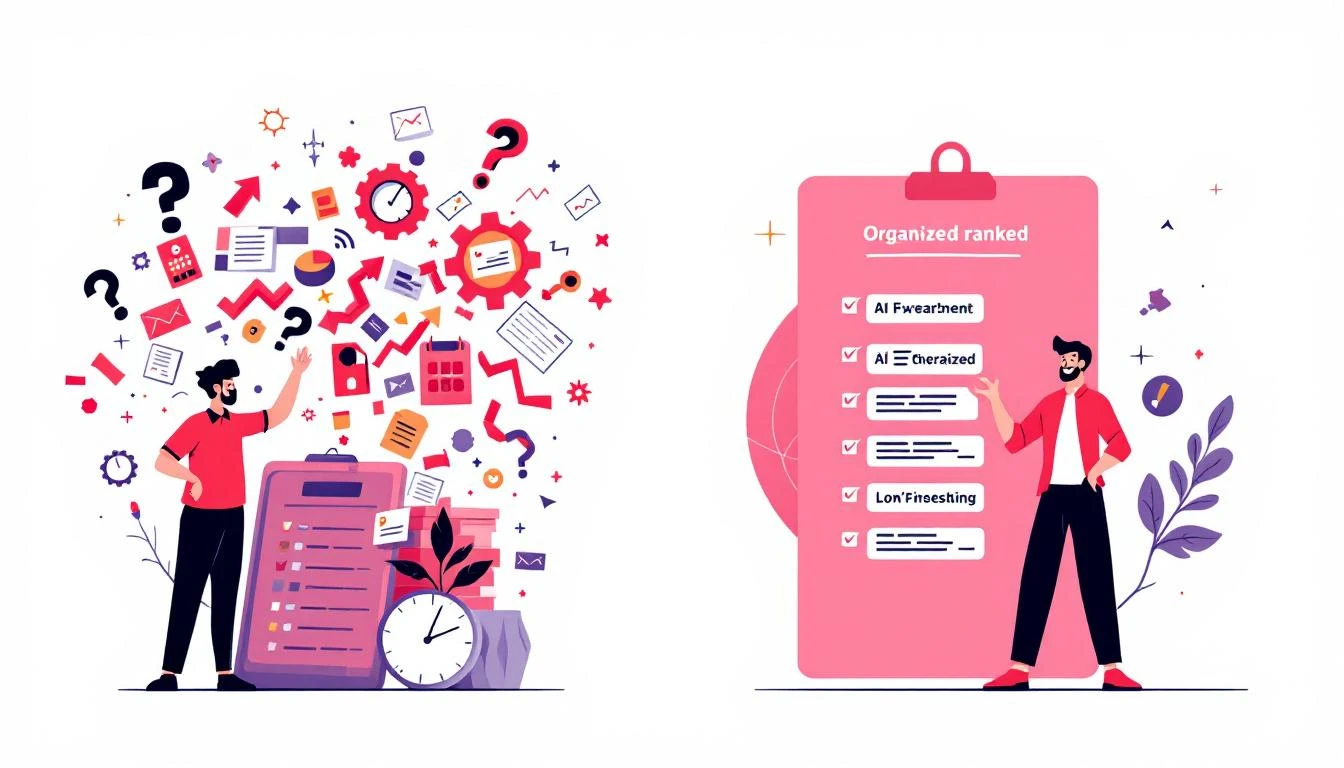
Spreadsheet Chaos vs AI Organization

The data is clear: teams that score and prioritize accounts effectively see 30% higher conversion rates and 20% shorter sales cycles.

Why Traditional Lead Scoring Fails​

Most lead scoring systems are built on two flawed premises:

Flaw 1: Static Rules​

"Companies with 500+ employees get 10 points."

This ignores:

  • Industry context (500 at a tech startup vs. 500 at a hospital = totally different)
  • Current buying signals
  • Relationship history
  • Market timing

Flaw 2: Incomplete Data​

You score what you can measure, but the most predictive signals are often qualitative:

  • "They mentioned they're evaluating competitors"
  • "Their CTO attended our webinar AND read our pricing page"
  • "They just raised a Series B and need to scale sales"

Claude Code can synthesize both structured and unstructured data to create scoring that actually predicts conversions.

The Architecture of AI Account Scoring​

Here's how an intelligent prioritization system works:

1. Data Aggregation​

Pull from every source: CRM, enrichment tools, website behavior, email engagement, social signals.

2. ICP Matching​

Score firmographic fit against your ideal customer profile.

3. Intent Detection​

Identify behavioral signals that indicate active buying.

4. Relationship Mapping​

Account for existing touchpoints and engagement history.

5. Timing Analysis​

Factor in buying cycles, budget periods, and urgency signals.

6. Composite Scoring​

Combine all factors into a single prioritization score.

Building the System with Claude Code​

Step 1: Define Your ICP Criteria​

First, codify what makes an account "ideal":

const ICP_CRITERIA = {
firmographic: {
employeeRange: { min: 50, max: 1000, weight: 0.2 },
revenueRange: { min: 5000000, max: 100000000, weight: 0.15 },
industries: {
include: ['SaaS', 'Technology', 'Financial Services', 'Healthcare'],
exclude: ['Government', 'Education'],
weight: 0.15
},
geographies: {
include: ['US', 'Canada', 'UK', 'Germany'],
weight: 0.05
}
},

technographic: {
required: ['Salesforce', 'HubSpot'],
positive: ['Outreach', 'SalesLoft', 'Gong'],
negative: ['Competitor X', 'Legacy CRM'],
weight: 0.15
},

departmentSignals: {
hasSalesTeam: { minSize: 5, weight: 0.1 },
hasMarketingTeam: { minSize: 2, weight: 0.05 },
hasRevOps: { weight: 0.1 }
}
};

Step 2: Aggregate Data Sources​

Pull everything you know about each account:

async function aggregateAccountData(companyId) {
// CRM data
const crmData = await crm.getCompany(companyId);
const contacts = await crm.getContacts({ companyId });
const deals = await crm.getDeals({ companyId });
const activities = await crm.getActivities({ companyId });

// Enrichment data
const enrichment = await clearbit.enrich(crmData.domain);
const techStack = await builtwith.getTechStack(crmData.domain);

// Website behavior
const webActivity = await analytics.getCompanyActivity(companyId, {
days: 30
});

// Email engagement
const emailEngagement = await emailPlatform.getEngagement(companyId);

// Social signals
const linkedInActivity = await linkedin.getCompanySignals(crmData.domain);

// News and events
const recentNews = await newsApi.getCompanyNews(crmData.name, { days: 90 });

// Competitor mentions
const competitorSignals = await detectCompetitorActivity(companyId);

return {
company: crmData,
contacts,
deals,
activities,
enrichment,
techStack,
webActivity,
emailEngagement,
linkedInActivity,
recentNews,
competitorSignals
};
}

Step 3: Score with Claude Code​

Now use Claude to synthesize all signals into a comprehensive score:

async function scoreAccount(accountData) {
// Calculate structured scores
const icpScore = calculateICPScore(accountData, ICP_CRITERIA);
const engagementScore = calculateEngagementScore(accountData);
const intentScore = calculateIntentScore(accountData);

// Use Claude for qualitative analysis
const qualitativeAnalysis = await claude.messages.create({
model: 'claude-3-5-sonnet-20241022',
max_tokens: 1000,
system: `You are a B2B sales strategist analyzing accounts for
prioritization. You excel at identifying hidden buying signals and
assessing account quality beyond basic metrics.

Provide:
1. OPPORTUNITY_SCORE (0-100): Likelihood to close
2. VALUE_SCORE (0-100): Potential deal size relative to effort
3. TIMING_SCORE (0-100): Urgency/readiness to buy
4. KEY_INSIGHTS: 2-3 critical observations
5. RECOMMENDED_APPROACH: Best first touch strategy`,
messages: [{
role: 'user',
content: `Analyze this account for prioritization:

COMPANY: ${accountData.company.name}
INDUSTRY: ${accountData.enrichment.industry}
SIZE: ${accountData.enrichment.employeeCount} employees
REVENUE: $${accountData.enrichment.annualRevenue}
TECH STACK: ${accountData.techStack.join(', ')}

RECENT ACTIVITY:
- Website visits: ${accountData.webActivity.pageviews} (${accountData.webActivity.uniqueVisitors} unique)
- Pages viewed: ${accountData.webActivity.topPages.join(', ')}
- Email engagement: ${accountData.emailEngagement.openRate}% open, ${accountData.emailEngagement.clickRate}% click
- Last activity: ${accountData.webActivity.lastActivity}

CONTACTS:
${accountData.contacts.map(c => `- ${c.name} (${c.title}): ${c.engagementScore} engagement`).join('\n')}

RECENT NEWS:
${accountData.recentNews.map(n => `- ${n.headline}`).join('\n')}

COMPETITOR SIGNALS:
${accountData.competitorSignals.length > 0 ? accountData.competitorSignals.join('\n') : 'None detected'}

RELATIONSHIP HISTORY:
- Previous deals: ${accountData.deals.length}
- Total activities: ${accountData.activities.length}
- Last touch: ${accountData.activities[0]?.date || 'Never'}

Provide your analysis as JSON.`
}],
response_format: { type: 'json_object' }
});

const aiAnalysis = JSON.parse(qualitativeAnalysis.content[0].text);

// Combine all scores
return {
companyId: accountData.company.id,
companyName: accountData.company.name,
scores: {
icp: icpScore,
engagement: engagementScore,
intent: intentScore,
opportunity: aiAnalysis.OPPORTUNITY_SCORE,
value: aiAnalysis.VALUE_SCORE,
timing: aiAnalysis.TIMING_SCORE
},
composite: calculateComposite({
icp: icpScore,
engagement: engagementScore,
intent: intentScore,
...aiAnalysis
}),
insights: aiAnalysis.KEY_INSIGHTS,
recommendedApproach: aiAnalysis.RECOMMENDED_APPROACH,
tier: determineTier(/* composite score */)
};
}

function calculateComposite(scores) {
// Weighted combination
return (
scores.icp * 0.2 +
scores.engagement * 0.15 +
scores.intent * 0.25 +
scores.OPPORTUNITY_SCORE * 0.2 +
scores.VALUE_SCORE * 0.1 +
scores.TIMING_SCORE * 0.1
);
}

Step 4: Create the Daily Prioritized List​

Generate a ranked list for each rep every morning:

async function generateDailyPrioritization(repId) {
// Get rep's assigned accounts
const accounts = await crm.getAccountsByRep(repId);

// Score all accounts (parallelize for speed)
const scoredAccounts = await Promise.all(
accounts.map(async account => {
const data = await aggregateAccountData(account.id);
return scoreAccount(data);
})
);

// Sort by composite score
const ranked = scoredAccounts.sort((a, b) => b.composite - a.composite);

// Assign daily tiers
const dailyList = {
mustTouch: ranked.slice(0, 5).map(addContactReason),
highPriority: ranked.slice(5, 15).map(addContactReason),
standard: ranked.slice(15, 50).map(addContactReason),
nurture: ranked.slice(50).map(addContactReason)
};

// Push to CRM and Slack
await crm.updateDailyPriorities(repId, dailyList);
await slack.sendDM(repId, formatPriorityList(dailyList));

return dailyList;
}

function addContactReason(account) {
return {
...account,
whyNow: generateWhyNow(account),
suggestedAction: getSuggestedAction(account),
talkingPoints: getTalkingPoints(account)
};
}

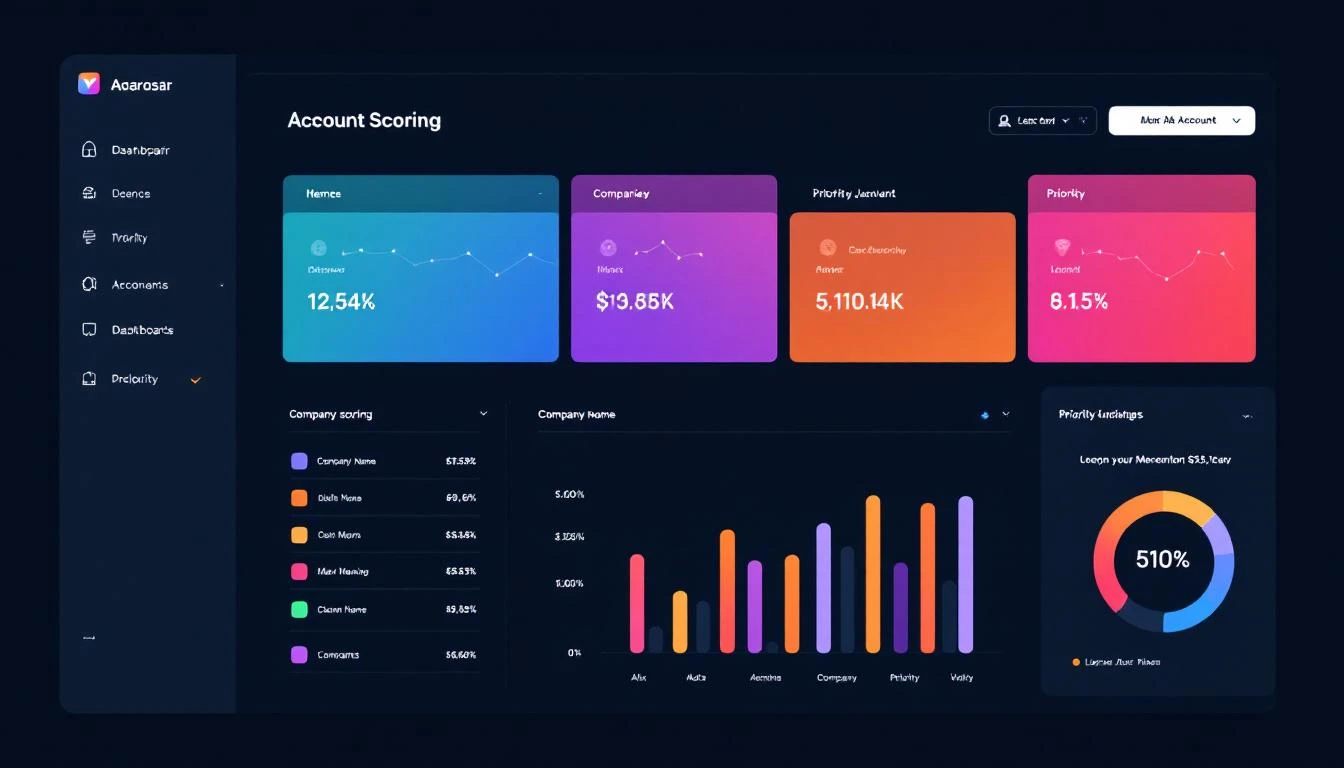
Account Scoring Dashboard

Real-World Example: Tech Company Prioritization​

Input: 500 accounts assigned to an SDR

AI Analysis Output (top 3):

[
{
"companyName": "CloudScale Inc",
"composite": 94,
"scores": {
"icp": 92,
"engagement": 88,
"intent": 96,
"timing": 98
},
"insights": [
"CEO visited pricing page 3x this week",
"Currently using Competitor X (known pain: data accuracy)",
"Just closed Series Bβ€”scaling sales team is top priority"
],
"recommendedApproach": "Reference Series B news, position as infrastructure for scaling sales team. CEO is actively evaluatingβ€”this is hot.",
"whyNow": "Series B + active pricing page visits = buying now"
},
{
"companyName": "DataFlow Systems",
"composite": 87,
"scores": {
"icp": 95,
"engagement": 75,
"intent": 89,
"timing": 82
},
"insights": [
"VP Sales attended our webinar last week",
"Hiring 5 SDRs according to LinkedIn",
"No current solution in place"
],
"recommendedApproach": "Reference webinar attendance, offer to help structure their new SDR team. Timing is good with their hiring push.",
"whyNow": "Building SDR team from scratch = greenfield opportunity"
},
{
"companyName": "NextGen Analytics",
"composite": 84,
"scores": {
"icp": 88,
"engagement": 91,
"intent": 78,
"timing": 75
},
"insights": [
"3 different people from the company have downloaded content",
"Tech stack includes Salesforce + Outreach",
"Last contacted 6 months agoβ€”went dark after demo"
],
"recommendedApproach": "Re-engage with new angle. Multiple stakeholders engaged now vs. single contact before. Ask what's changed.",
"whyNow": "Re-engagement opportunity with broader buying committee"
}
]

Continuous Learning: The Feedback Loop​

The system improves by tracking outcomes:

async function logPrioritizationOutcome(accountId, outcome) {
const originalScore = await getHistoricalScore(accountId);

await analyticsDb.log({
accountId,
scoredAt: originalScore.timestamp,
composite: originalScore.composite,
outcome: outcome, // 'converted', 'stalled', 'lost', 'disqualified'
daysToOutcome: daysBetween(originalScore.timestamp, new Date()),
dealValue: outcome === 'converted' ? await getDealValue(accountId) : null
});

// Quarterly: Retrain weights based on what actually converted
if (isQuarterEnd()) {
await retrainScoringWeights();
}
}

async function retrainScoringWeights() {
const outcomes = await analyticsDb.getOutcomes({ months: 6 });

// Analyze which factors actually predicted conversions
const analysis = await claude.messages.create({
model: 'claude-3-5-sonnet-20241022',
messages: [{
role: 'user',
content: `Analyze these prioritization outcomes and recommend
weight adjustments:

CONVERSIONS:
${outcomes.filter(o => o.outcome === 'converted').map(summarize).join('\n')}

LOSSES:
${outcomes.filter(o => o.outcome === 'lost').map(summarize).join('\n')}

Current weights: ${JSON.stringify(currentWeights)}

What factors were most predictive? Recommend new weights.`
}]
});

// Update scoring algorithm
await updateScoringWeights(analysis);
}

Integration with Daily Workflow​

Make prioritization seamless:

Morning Slack Notification​

// 7am daily
cron.schedule('0 7 * * *', async () => {
const reps = await crm.getActiveReps();

for (const rep of reps) {
const priorities = await generateDailyPrioritization(rep.id);

await slack.sendDM(rep.slackId, {
blocks: [
{
type: 'header',
text: `🎯 Your Priority Accounts for Today`
},
{
type: 'section',
text: `*Must Touch (5 accounts)*\n${priorities.mustTouch.map(a =>
`β€’ *${a.companyName}* (Score: ${a.composite}) β€” ${a.whyNow}`
).join('\n')}`
},
{
type: 'actions',
elements: [
{
type: 'button',
text: 'View Full List',
url: `https://crm.com/priorities/${rep.id}`
}
]
}
]
});
}
});

CRM Priority Field Updates​

async function syncToCRM(priorities) {
for (const account of [...priorities.mustTouch, ...priorities.highPriority]) {
await crm.updateCompany(account.companyId, {
priority_tier: account.tier,
ai_score: account.composite,
last_scored: new Date(),
recommended_action: account.suggestedAction,
score_reasoning: account.insights.join(' | ')
});

// Create task if high priority
if (account.tier === 'mustTouch') {
await crm.createTask({
companyId: account.companyId,
subject: `Priority Touch: ${account.companyName}`,
notes: account.whyNow,
dueDate: new Date()
});
}
}
}

Measuring Prioritization ROI​

Track these metrics:

MetricBefore AIAfter AIImprovement
Time deciding who to call2.1 hrs/day0.2 hrs/day-90%
Contact rate on Tier 1 accounts24%41%+71%
Conversion rate (all)2.8%4.6%+64%
Average deal size$28K$36K+29%
Quota attainment78%94%+21%

The compound effect: If better prioritization increases conversions by 64% and deal size by 29%, and you're running 1,000 qualified accounts/quarter at a $30K baseline ACV, that's an additional $620K in ARR quarterly.

Advanced: Dynamic Reprioritization​

Don't just score onceβ€”reprioritize throughout the day:

// Real-time triggers
async function handleSignificantEvent(event) {
const { accountId, eventType, data } = event;

const significantEvents = [
'pricing_page_visit',
'competitor_search',
'demo_request',
'executive_engagement',
'funding_announcement'
];

if (significantEvents.includes(eventType)) {
// Immediately rescore
const newScore = await scoreAccount(await aggregateAccountData(accountId));

// If jumped to Tier 1, alert immediately
if (newScore.tier === 'mustTouch' && (await getPreviousTier(accountId)) !== 'mustTouch') {
await sendUrgentAlert(accountId, newScore, event);
}
}
}

async function sendUrgentAlert(accountId, score, triggerEvent) {
const rep = await crm.getAccountOwner(accountId);

await slack.sendDM(rep.slackId, {
text: `🚨 *HOT ACCOUNT ALERT*\n\n*${score.companyName}* just jumped to Tier 1!\n\nTrigger: ${triggerEvent.eventType}\n${score.whyNow}\n\nDrop what you're doing. This one's live.`
});
}

Getting Started with MarketBetter​

Building AI account prioritization from scratch is powerful but complex. MarketBetter provides the complete solution:

  • Daily SDR Playbook β€” Every rep gets their prioritized list each morning
  • Real-time scoring β€” Accounts reprioritize based on live signals
  • AI-powered reasoning β€” Not just a score, but why and what to do
  • CRM integration β€” HubSpot, Salesforce out of the box
  • Learning loop β€” Improves automatically based on your conversion data

Stop letting your best accounts go unworked. Stop wasting time on accounts that were never going to buy. Let AI tell you exactly where to focus.

Book a Demo β†’

Free Tool

Try our Lookalike Company Finder β€” find companies similar to your best customers in seconds. No signup required.

Key Takeaways​

  1. Poor prioritization costs deals β€” 67% of rep time goes to accounts that won't convert
  2. Static lead scoring fails β€” Rules can't capture qualitative buying signals
  3. Claude Code enables intelligent scoring β€” Synthesize structured + unstructured data
  4. Make it actionable β€” Daily ranked lists with clear reasoning and suggested actions
  5. Continuous learning β€” Track outcomes and retrain weights quarterly

Your CRM is full of gold. The problem is it's mixed in with thousands of accounts that look the same on the surface. AI-powered prioritization separates signal from noiseβ€”so your team spends 100% of their time on accounts that can actually close.

Auto-Generate Sales Proposals with Claude Code: CRM to PDF in 5 Minutes [2026]

Β· 10 min read
MarketBetter Team
Content Team, marketbetter.ai

Your sales team just had a great discovery call. The prospect is ready for a proposal. Now comes the bottleneck: someone needs to spend 2-4 hours pulling together a customized deck with the right case studies, accurate pricing, and messaging that addresses this specific buyer's pain points.

What if that proposal could write itself?

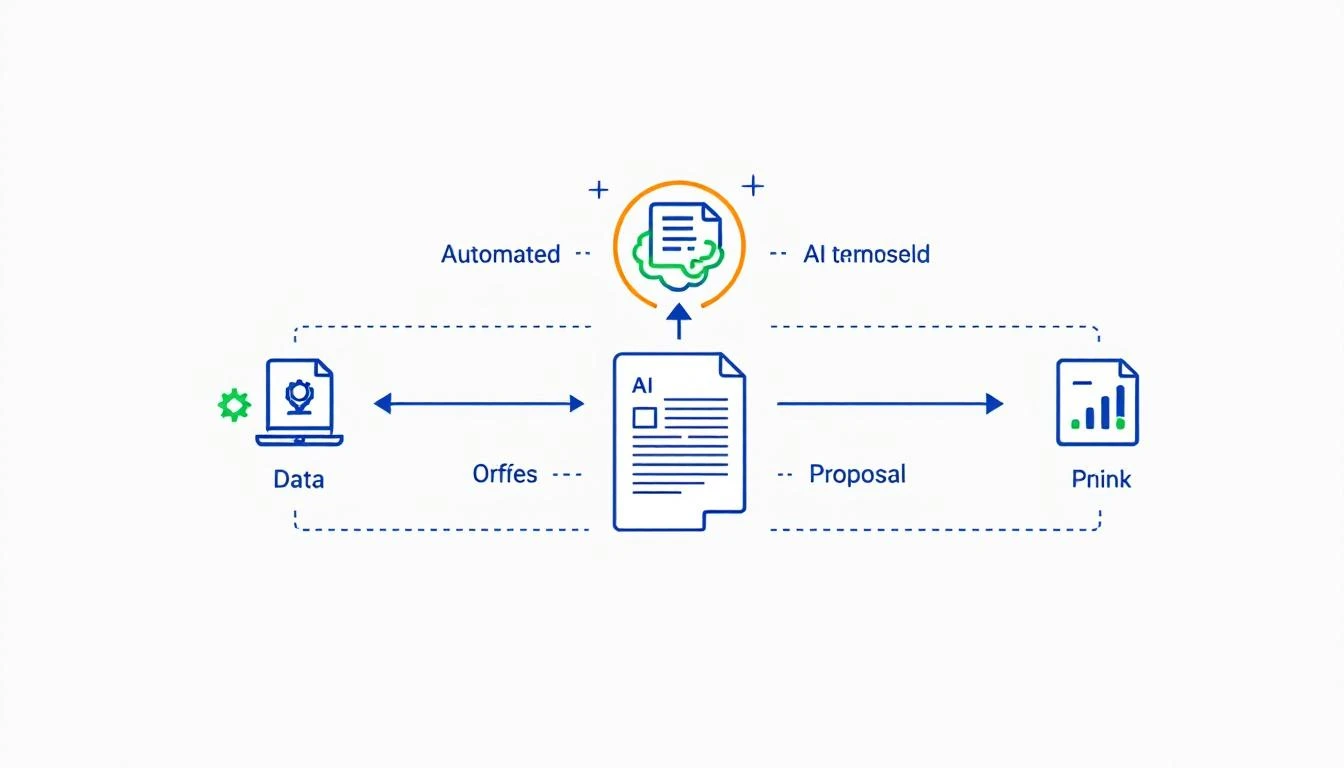
AI Proposal Generation Workflow

With Claude Code and the right architecture, you can reduce proposal generation from hours to minutesβ€”while actually increasing personalization. This guide shows you how to build an AI proposal generator that pulls context from your CRM, incorporates meeting notes, and produces polished documents ready for review.

Why Manual Proposals Kill Deal Velocity​

Proposals are a critical bottleneck in the sales cycle. Here's why:

Time Cost:

  • Average proposal takes 2-4 hours to create
  • Senior AEs spend 6-8 hours/week on proposals
  • At $150K OTE, that's ~$18K/year per AE on document creation

Quality Variance:

  • Junior reps produce weaker proposals than veterans
  • Copy-paste errors creep in (wrong company names, outdated pricing)
  • Generic messaging fails to address specific prospect concerns

Velocity Impact:

  • Deals stall waiting for proposals
  • Prospects go cold while documents are in progress
  • Competitors who respond faster win the deal

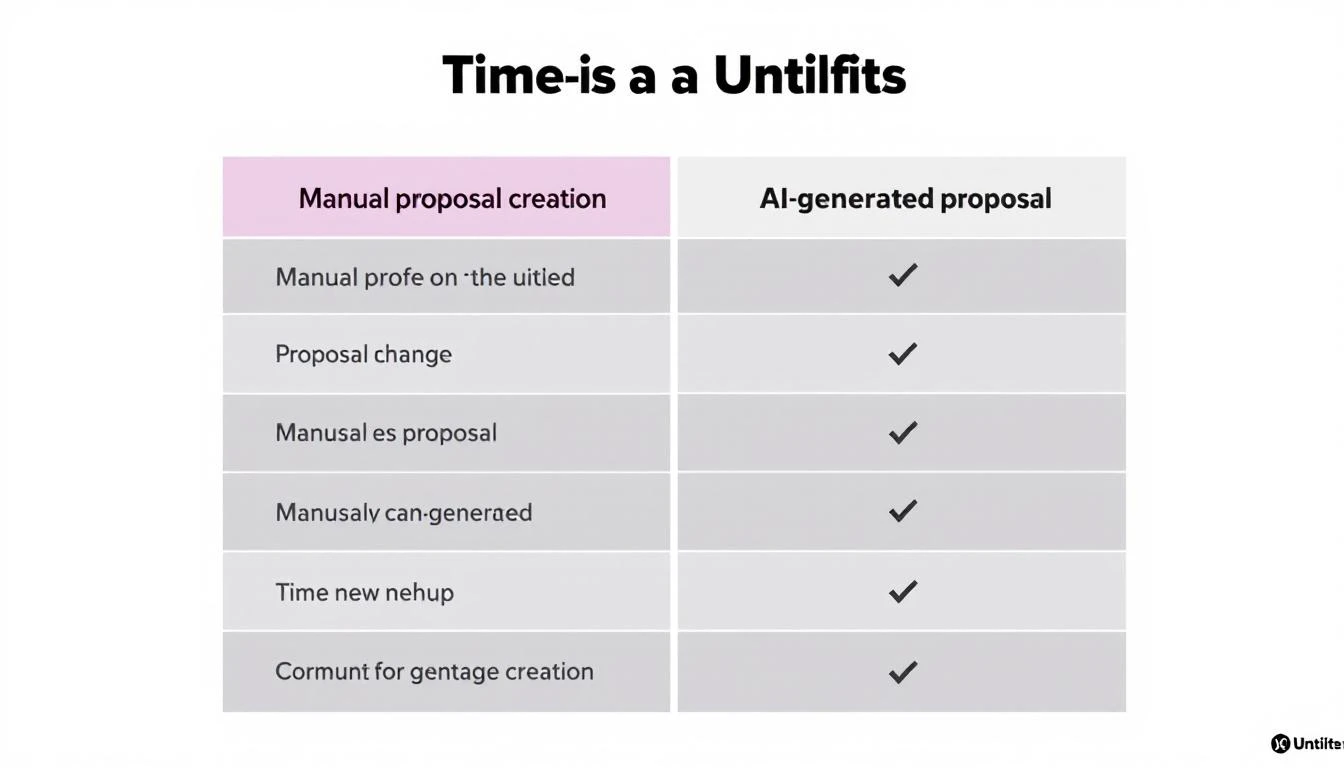
Time Savings: Manual vs AI Proposals

The math is simple: faster proposals = higher close rates. Teams that respond to pricing requests within 1 hour are 7x more likely to close than those who wait 24+ hours.

The Anatomy of a Great Proposal​

Before automating, understand what makes proposals convert:

1. Personalization That Shows You Listened​

  • References to specific pain points from discovery
  • Industry-relevant examples and metrics
  • Prospect's own language reflected back

2. Clear Value Narrative​

  • Business impact, not feature lists
  • ROI calculations specific to their situation
  • Timeline to value that feels realistic

3. Social Proof That Resonates​

  • Case studies from similar companies (size, industry)
  • Relevant testimonials and metrics
  • Recognizable logos when possible

4. Transparent Pricing​

  • Clear breakdown of what's included
  • Options that give them control
  • Investment framed against expected return

5. Easy Next Steps​

  • Single clear CTA
  • Low-friction way to move forward
  • Multiple contact options

Building the Proposal Generator with Claude Code​

Step 1: Design Your Proposal Schema​

First, define the structure Claude will generate:

interface Proposal {
metadata: {
prospectCompany: string;
prospectContact: string;
generatedDate: string;
validUntil: string;
version: string;
};

executiveSummary: {
headline: string;
painPointsSummary: string[];
proposedSolution: string;
expectedOutcomes: string[];
};

situationAnalysis: {
currentState: string;
challenges: Challenge[];
businessImpact: string;
};

solution: {
overview: string;
capabilities: Capability[];
implementation: ImplementationPlan;
};

socialProof: {
caseStudies: CaseStudy[];
testimonials: Testimonial[];
relevantLogos: string[];
};

investment: {
options: PricingOption[];
comparison: string;
roi: ROICalculation;
};

nextSteps: {
cta: string;
timeline: string[];
contacts: Contact[];
};
}

Step 2: Create the Context Gatherer​

Claude needs rich context to generate personalized proposals. Build a function that aggregates everything:

async function gatherProposalContext(dealId) {
// Get CRM data
const deal = await hubspot.getDeal(dealId, {
associations: ['contacts', 'companies', 'meetings', 'notes']
});

// Get company info
const company = deal.associations.companies[0];
const companyData = {
name: company.name,
industry: company.industry,
size: company.numberOfEmployees,
revenue: company.annualRevenue,
website: company.website,
description: company.description
};

// Get meeting transcripts/notes
const meetingNotes = deal.associations.meetings.map(m => ({
date: m.meetingDate,
notes: m.notes,
attendees: m.attendees
}));

// Get relevant case studies from our database
const caseStudies = await findRelevantCaseStudies({
industry: company.industry,
companySize: company.numberOfEmployees
});

// Get product/pricing info
const productInfo = await getProductCatalog();
const pricingTiers = await getPricingForDealSize(deal.amount);

// Compile competitors mentioned
const competitorMentions = extractCompetitorMentions(meetingNotes);

return {
deal,
company: companyData,
meetings: meetingNotes,
caseStudies,
products: productInfo,
pricing: pricingTiers,
competitors: competitorMentions
};
}

Step 3: Build the Generation Prompt​

The prompt is where the magic happens. Here's a production-tested approach:

const PROPOSAL_SYSTEM_PROMPT = `
You are an expert B2B sales proposal writer. Your proposals have an
exceptional win rate because you:

1. Lead with the prospect's specific pain points, using their exact language
2. Connect each capability to measurable business outcomes
3. Include relevant social proof (similar company size, industry)
4. Present pricing as an investment with clear ROI
5. Make next steps frictionless

STYLE GUIDELINES:
- Write in confident but not arrogant tone
- Use "you" and "your" heavily (prospect-focused)
- Avoid jargon unless the prospect used it first
- Keep sentences punchyβ€”average 15 words
- Use numbers and specifics over generalities

FORMATTING:
- Output as JSON matching the Proposal interface
- Include 2-3 case studies maximum
- Provide 2-3 pricing options (good/better/best)
- Keep executive summary under 200 words
`;

async function generateProposal(context) {
const response = await claude.messages.create({
model: 'claude-3-5-sonnet-20241022',
max_tokens: 8000,
system: PROPOSAL_SYSTEM_PROMPT,
messages: [{
role: 'user',
content: `Generate a proposal for the following opportunity:

PROSPECT COMPANY:
${JSON.stringify(context.company, null, 2)}

DEAL CONTEXT:
- Deal Size: $${context.deal.amount}
- Stage: ${context.deal.stage}
- Products of Interest: ${context.deal.products?.join(', ')}

MEETING NOTES (Discovery Insights):
${context.meetings.map(m => `
[${m.date}]
${m.notes}
`).join('\n---\n')}

AVAILABLE CASE STUDIES:
${JSON.stringify(context.caseStudies, null, 2)}

PRICING TIERS:
${JSON.stringify(context.pricing, null, 2)}

${context.competitors.length > 0 ? `
COMPETITORS MENTIONED:
${context.competitors.join(', ')}
(Address differentiators tactfully)
` : ''}

Generate a complete, personalized proposal.`
}],
response_format: { type: 'json_object' }
});

return JSON.parse(response.content[0].text);
}

Step 4: Transform to Final Format​

Claude outputs structured JSON. Now transform it to your preferred format:

async function renderProposal(proposalData, outputFormat = 'docx') {
switch (outputFormat) {
case 'docx':
return await renderToWord(proposalData);
case 'pdf':
return await renderToPDF(proposalData);
case 'slides':
return await renderToSlides(proposalData);
case 'notion':
return await renderToNotion(proposalData);
default:
return proposalData; // Return raw JSON
}
}

async function renderToWord(proposal) {
const doc = new Document({
sections: [{
properties: {},
children: [
// Cover page
new Paragraph({
children: [
new TextRun({
text: `Proposal for ${proposal.metadata.prospectCompany}`,
bold: true,
size: 48
})
],
alignment: 'center'
}),

// Executive Summary
new Paragraph({
children: [
new TextRun({ text: 'Executive Summary', bold: true, size: 32 })
]
}),
new Paragraph({
children: [
new TextRun({ text: proposal.executiveSummary.headline, bold: true })
]
}),
...proposal.executiveSummary.painPointsSummary.map(point =>
new Paragraph({ children: [new TextRun(`β€’ ${point}`)] })
),

// ... continue for all sections
]
}]
});

return await Packer.toBuffer(doc);
}

Generated Proposal Mockup

Real-World Example: SaaS Proposal Generation​

Let's walk through a complete example:

Input Context:

  • Company: Acme Corp (500 employees, Manufacturing, $80M revenue)
  • Deal: $45,000/year platform subscription
  • Discovery Notes: "SDR team of 12, currently using spreadsheets to track prospects. Manager complained they're 'flying blind' on pipeline. Asked about Salesforce integration."

Generated Proposal (excerpts):

{
"executiveSummary": {
"headline": "From Flying Blind to Crystal Clear: Transforming Acme's SDR Performance",
"painPointsSummary": [
"Your 12-person SDR team currently operates without centralized visibilityβ€”you described this as 'flying blind' on pipeline",
"Spreadsheet-based tracking creates data silos and makes it impossible to spot trends or coach effectively",
"Without integrated systems, reps waste hours on manual data entry instead of selling"
],
"proposedSolution": "MarketBetter's AI-powered SDR platform consolidates your prospecting, outreach, and pipeline management into a single source of truthβ€”with native Salesforce integration you specifically asked about.",
"expectedOutcomes": [
"50% reduction in time spent on manual data entry",
"Real-time pipeline visibility for managers",
"15-20% increase in meetings booked per rep"
]
},

"socialProof": {
"caseStudies": [
{
"company": "Precision Manufacturing Co",
"industry": "Manufacturing",
"size": "450 employees",
"challenge": "SDR team working off disconnected spreadsheets",
"result": "67% increase in pipeline visibility, 23% more meetings in first quarter",
"quote": "Finally, I can see what my team is actually doing without asking for status updates."
}
]
},

"investment": {
"options": [
{
"name": "Growth",
"seats": 12,
"annual": 36000,
"features": ["Core platform", "Basic automation", "Standard integrations"],
"recommendation": false
},
{
"name": "Scale",
"seats": 12,
"annual": 45000,
"features": ["Core platform", "Advanced automation", "Salesforce integration", "Priority support"],
"recommendation": true,
"whyRecommended": "Includes the Salesforce integration you specifically need"
},
{
"name": "Enterprise",
"seats": 12,
"annual": 60000,
"features": ["Everything in Scale", "Dedicated CSM", "Custom reporting", "API access"],
"recommendation": false
}
],
"roi": {
"currentCostOfInefficiency": "$15,000/month in lost productivity",
"expectedSavings": "$8,000/month",
"paybackPeriod": "6 months"
}
}
}

Handling Edge Cases​

Multiple Stakeholders​

When proposals need to address different personas:

async function generateMultiStakeholderProposal(context) {
const stakeholders = context.meetings
.flatMap(m => m.attendees)
.filter(a => a.role !== 'our_team');

// Identify personas
const personas = await claude.analyze({
messages: [{
role: 'user',
content: `Categorize these stakeholders:
${JSON.stringify(stakeholders)}

Categories: Executive, Finance, Technical, End-User`
}]
});

// Generate proposal with persona-specific sections
return generateProposal({
...context,
stakeholderPersonas: personas,
additionalInstructions: `
Include these targeted sections:
- Executive Summary (for ${personas.executive?.name})
- Technical Specifications (for ${personas.technical?.name})
- ROI Analysis (for ${personas.finance?.name})
`
});
}

Competitive Situations​

When prospects mention competitors, address it tactfully:

if (context.competitors.includes('competitor-x')) {
context.additionalInstructions += `
The prospect mentioned evaluating Competitor X. Include:
- A brief, factual comparison (no FUD)
- Differentiation on the specific pain points they mentioned
- A case study of a customer who switched from Competitor X

Keep comparison professionalβ€”never bash the competitor.
`;
}

Custom Pricing Requests​

When standard tiers don't fit:

if (context.deal.customPricingRequested) {
const customPricing = await calculateCustomPricing({
baseSeats: context.deal.seatCount,
addOns: context.deal.requestedAddOns,
term: context.deal.contractTerm,
volume: context.company.numberOfEmployees
});

context.pricing = {
custom: true,
breakdown: customPricing,
flexibility: 'Pricing reflects your specific requirements. Let\'s discuss if anything needs adjustment.'
};
}

Integration with Your Workflow​

Trigger: CRM Stage Change​

// HubSpot workflow trigger
app.post('/webhooks/hubspot/deal-stage-change', async (req, res) => {
const { dealId, newStage } = req.body;

if (newStage === 'proposal_requested') {
// Gather context
const context = await gatherProposalContext(dealId);

// Generate proposal
const proposal = await generateProposal(context);

// Render to PDF
const pdf = await renderProposal(proposal, 'pdf');

// Save to deal
await hubspot.uploadFile(dealId, pdf, 'proposal.pdf');

// Notify rep
await slack.notify(context.deal.owner, {
text: `πŸ“„ Proposal generated for ${context.company.name}`,
actions: [
{ text: 'Review', url: `https://app.hubspot.com/deals/${dealId}` },
{ text: 'Send to Prospect', callback: 'send_proposal' }
]
});
}

res.sendStatus(200);
});

Human-in-the-Loop Review​

Always allow reps to review before sending:

async function queueForReview(proposal, dealId) {
// Create review task
await hubspot.createTask({
dealId,
subject: 'Review Generated Proposal',
priority: 'HIGH',
notes: `AI-generated proposal is ready for review.

Check:
- [ ] Pain points accurately captured
- [ ] Pricing correct
- [ ] Case studies relevant
- [ ] No copy/paste errors

Make edits directly in the attached document.`,
dueDate: addHours(new Date(), 4)
});
}

Measuring Success​

Track these metrics to quantify proposal automation ROI:

MetricBeforeAfterImpact
Time to proposal3 hours15 min-92%
Proposals/week/rep28+300%
Win rate25%31%+24%
Response time2 days4 hours-83%
Copy errors12/month0/month-100%

The compounding effect is significant. If faster proposals increase close rates by just 6%, and your reps can produce 4x more proposals, the revenue impact is dramatic.

Getting Started with MarketBetter​

Building your own proposal generator is powerful, but it takes time. MarketBetter offers proposal automation as part of the complete AI SDR platform:

  • One-click proposals from any deal in HubSpot or Salesforce
  • Smart case study matching based on prospect industry and size
  • Dynamic pricing that pulls from your CPQ configuration
  • Brand-compliant templates that match your company guidelines
  • Version tracking so you know what was sent when

Combined with AI lead research, automated follow-ups, and pipeline monitoring, it creates a system where proposals are generated in the flow of workβ€”not a bottleneck that delays them.

Book a Demo β†’

Free Tool

Try our AI Lead Generator β€” find verified LinkedIn leads for any company instantly. No signup required.

Key Takeaways​

  1. Manual proposals waste senior AE time β€” $18K/year per rep on document creation
  2. Speed wins deals β€” Responding in 1 hour vs 24 hours increases close rate 7x
  3. Claude Code enables intelligent generation β€” Pull CRM data + meeting context + case studies
  4. Structure matters β€” Define schemas so output is consistent and renderable
  5. Always human-in-the-loop β€” AI generates, humans approve and send

Your proposals are often the first professional deliverable a prospect sees. Make sure they're personalized, polished, and prompt. With AI, you can have all three.

Claude vs ChatGPT for Sales in 2026: Side-by-Side Test on Real SDR Workflows

Β· 7 min read
sunder
Founder, marketbetter.ai

Your SDRs spend just 35% of their time actually selling. The rest? Research, data entry, writing emails, prepping for calls. Both Claude and ChatGPT promise to automate this busyworkβ€”but they take different approaches.

After running both AIs on real sales workflows at MarketBetter (and building an AI SDR with OpenClaw), here's what we learned about when to use each.

OpenAI Codex vs Claude Code for Sales Automation [2026]

Β· 7 min read
MarketBetter Team
Content Team, marketbetter.ai

GPT-5.3-Codex dropped three days ago. Claude Code has been the go-to for AI-powered development. If you're building sales automation, which one should you use?

The honest answer: Both. For different things.

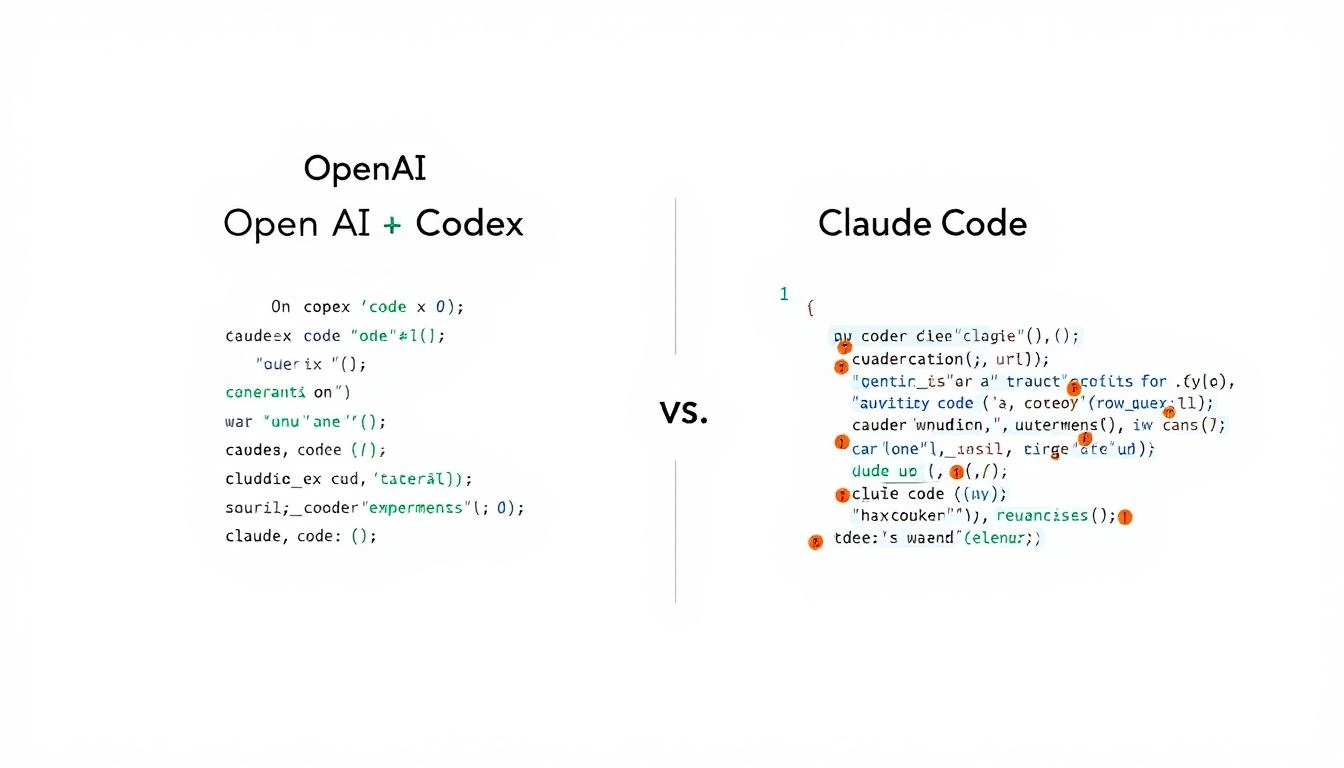
Codex vs Claude Comparison

This isn't a "which is better" post. It's a practical guide to when each tool excelsβ€”specifically for GTM use cases.

The Core Difference​

Here's the fundamental distinction:

OpenAI Codex is optimized for building software. It excels at:

  • Writing code from scratch
  • Multi-file refactoring
  • Creating integrations
  • Building applications

Claude Code is optimized for reasoning and judgment. It excels at:

  • Analyzing unstructured data
  • Writing persuasive copy
  • Making nuanced decisions
  • Understanding context

For sales automation, you need both capabilities.

Head-to-Head: Sales Automation Tasks​

Let's get specific. Here's how each performs on common GTM automation tasks:

Task 1: Build a CRM Integration​

Goal: Create a script that syncs data between HubSpot and your custom database.

CriteriaCodexClaude Code
Code quality⭐⭐⭐⭐⭐⭐⭐⭐⭐
Speed⭐⭐⭐⭐⭐⭐⭐⭐
Error handling⭐⭐⭐⭐⭐⭐⭐⭐
Documentation⭐⭐⭐⭐⭐⭐⭐⭐

Winner: Codex

Codex was literally built for this. It understands API patterns, handles edge cases well, and the new mid-turn steering lets you course-correct as it builds.

Task 2: Analyze Sales Call Transcripts​

Goal: Extract action items, objections, and next steps from call recordings.

CriteriaCodexClaude Code
Comprehension⭐⭐⭐⭐⭐⭐⭐⭐
Nuance detection⭐⭐⭐⭐⭐⭐⭐⭐
Context retention⭐⭐⭐⭐⭐⭐⭐⭐
Output quality⭐⭐⭐⭐⭐⭐⭐⭐

Winner: Claude Code

Claude's 200K context window and superior reasoning make it far better at understanding long, nuanced conversations. It catches subtleties that Codex misses.

Task 3: Write Personalized Cold Emails​

Goal: Generate custom outreach based on prospect research.

CriteriaCodexClaude Code
Personalization quality⭐⭐⭐⭐⭐⭐⭐⭐
Tone consistency⭐⭐⭐⭐⭐⭐⭐⭐
Creativity⭐⭐⭐⭐⭐⭐⭐
Template variation⭐⭐⭐⭐⭐⭐⭐⭐

Winner: Claude Code

Writing persuasive copy requires understanding human psychology. Claude consistently produces more natural, compelling emails.

Task 4: Build a Lead Scoring Model​

Goal: Create a system that scores leads based on behavioral data.

CriteriaCodexClaude Code
Algorithm design⭐⭐⭐⭐⭐⭐⭐⭐⭐
Implementation⭐⭐⭐⭐⭐⭐⭐⭐
Data pipeline⭐⭐⭐⭐⭐⭐⭐⭐
Iteration speed⭐⭐⭐⭐⭐⭐⭐⭐

Winner: Codex

Building a scoring model means writing code, connecting data sources, and iterating on logic. Codex handles this better.

Task 5: Prioritize Accounts for SDRs​

Goal: Analyze a list of accounts and rank them by likelihood to convert.

CriteriaCodexClaude Code
Data processing⭐⭐⭐⭐⭐⭐⭐⭐
Qualitative assessment⭐⭐⭐⭐⭐⭐⭐⭐
Reasoning explanation⭐⭐⭐⭐⭐⭐⭐⭐
Pattern recognition⭐⭐⭐⭐⭐⭐⭐⭐⭐

Winner: Claude Code

Account prioritization requires judgmentβ€”understanding market signals, company trajectory, buying patterns. Claude's reasoning shines here.

The Winning Stack: Use Both​

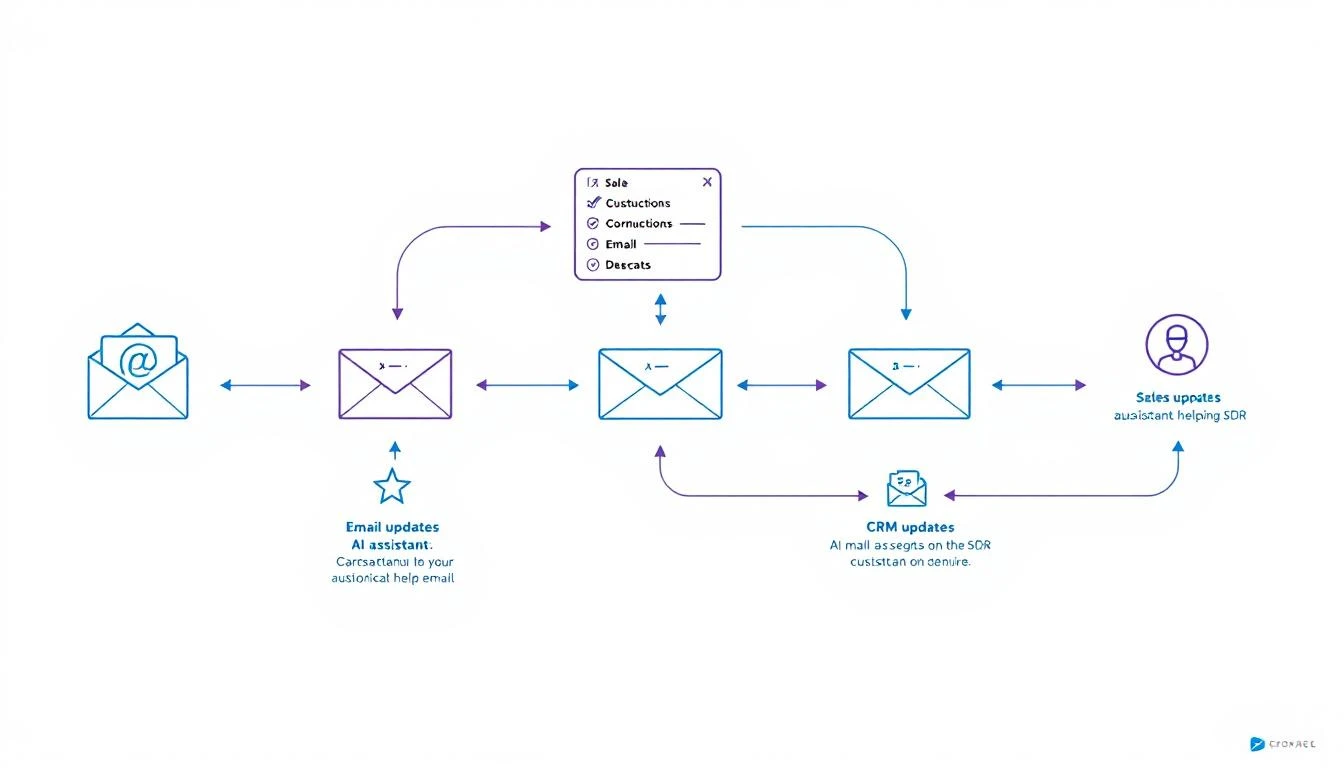
Sales Automation Workflow

Here's the pattern that works best for most GTM teams:

Data Processing / Infrastructure β†’ Codex
Analysis / Judgment / Writing β†’ Claude
Orchestration / 24/7 Operation β†’ OpenClaw

Real Example: Automated Competitive Intel​

Let's say you want to monitor competitors and alert sales when relevant changes happen.

Step 1: Build the monitoring system (Codex)

  • Create web scrapers for competitor pricing pages
  • Set up alerts for their job postings
  • Build RSS feed aggregation for their blogs
  • Store everything in a database

Step 2: Analyze and prioritize (Claude)

  • Read new competitor content and extract key messages
  • Identify changes that affect specific deals
  • Generate briefings for sales team
  • Write custom battle card updates

Step 3: Orchestrate everything (OpenClaw)

  • Run scrapers on schedule
  • Route data to Claude for analysis
  • Send alerts to appropriate channels
  • Maintain state across sessions

Real Example: SDR Research Assistant​

Step 1: Build data pipelines (Codex)

  • LinkedIn profile scraper
  • Company database enrichment
  • News aggregation system
  • CRM integration layer

Step 2: Generate insights (Claude)

  • Analyze prospect's recent activity for conversation hooks
  • Identify likely pain points based on company signals
  • Write personalized research summaries
  • Suggest specific talking points

Step 3: Deploy as always-on agent (OpenClaw)

  • Trigger research when new lead enters pipeline
  • Deliver summary to rep via Slack
  • Update research weekly for active deals

Speed vs. Quality Trade-offs​

When Speed Matters Most​

Use Codex when:

  • You need working code fast
  • You're iterating on infrastructure
  • The task is well-defined
  • You'll review the output anyway

Codex's 25% speed improvement over the previous version makes it noticeably faster for rapid prototyping.

When Quality Matters Most​

Use Claude when:

  • The output goes directly to prospects
  • You need nuanced judgment
  • Context is complex or ambiguous
  • Mistakes would be embarrassing

Claude's longer context window (200K tokens) means it can hold entire conversation histories, deal contexts, and company profiles in memory.

Cost Comparison​

Both tools charge by token usage. Here's a rough comparison for typical sales automation tasks:

TaskCodex CostClaude Cost
Build CRM integration~$0.50~$0.80
Analyze 10 call transcripts~$2.00~$1.50
Generate 50 personalized emails~$1.00~$0.75
Weekly competitive analysis~$0.30~$0.50

Monthly estimate for active GTM automation: $30-80 (using both tools for their strengths)

Compare this to enterprise sales automation platforms at $35-50K/year.

Integration Considerations​

Codex Strengths for Integration​

  • Native support for most programming languages
  • Better at handling API authentication flows
  • Superior error handling for production code
  • Mid-turn steering allows real-time debugging

Claude Strengths for Integration​

  • Better at explaining what it's doing (self-documenting)
  • More reliable for structured output (JSON formatting)
  • Superior at following complex, multi-step instructions
  • Better at handling ambiguous requirements

The OpenClaw Layer​

Both Codex and Claude are powerful, but they're toolsβ€”not agents.

OpenClaw turns them into always-on systems that:

  • Run on schedules
  • Respond to events
  • Maintain memory
  • Connect to your channels

The architecture:

Your Sales Process
↓
OpenClaw
↓
Routes to:
β”œβ”€β”€ Codex (for building/coding tasks)
└── Claude (for analysis/writing tasks)
↓
Delivers via:
β”œβ”€β”€ Slack
β”œβ”€β”€ Email
└── CRM updates

Practical Recommendations​

If You're Just Starting​

Pick one tool first. Claude is more forgiving for beginners because it explains its reasoning. Once you're comfortable, add Codex for infrastructure work.

If You're Building Production Systems​

Use both from the start. Design your architecture to route tasks to the appropriate model. The cost difference is negligible compared to the quality improvement.

If You're Budget-Constrained​

Start with Claude. It's more versatile for sales tasks specifically. Add Codex when you need to build more complex integrations.

If You Need Maximum Speed​

Lead with Codex. The 25% speed improvement in GPT-5.3-Codex makes it noticeably faster for iteration. Use Claude for final review of customer-facing content.

Common Mistakes to Avoid​

1. Using Codex for Copywriting​

Codex can write functional copy, but Claude writes persuasive copy. For anything customer-facing, use Claude.

2. Using Claude for Complex Infrastructure​

Claude can write code, but Codex handles multi-file projects and API integrations more reliably.

3. Not Combining Them​

The tools complement each other. Building with one while ignoring the other limits what you can achieve.

4. Manual Orchestration​

Without OpenClaw (or similar), you're manually running prompts. Automation requires an agent layer.

Future-Proofing Your Stack​

Both OpenAI and Anthropic are shipping improvements constantly. The pattern that will survive:

  1. Keep your prompts modular. You should be able to swap models without rewriting your entire system.

  2. Abstract the orchestration layer. OpenClaw (or your own framework) should handle routing, not your application code.

  3. Store your context externally. Don't rely on model memory. Keep prospect data, conversation history, and preferences in your own database.

Free Tool

Try our AI Lead Generator β€” find verified LinkedIn leads for any company instantly. No signup required.

The Bottom Line​

Use CaseBest Tool
Build integrations and pipelinesCodex
Analyze conversations and dataClaude
Write customer-facing contentClaude
Create automation infrastructureCodex
Make judgment callsClaude
Rapid prototypingCodex
Always-on operationOpenClaw (orchestrating both)

Don't pick a side. The teams winning with AI automation in 2026 are using the right tool for each job.


Want to see how MarketBetter combines visitor intelligence with AI automation? We identify who's on your site and what they care aboutβ€”then help you act on it. Book a demo β†’