
The Claude SDR Daily Routine: A 90-Minute Morning Block That Replaces 4 Tools [2026]

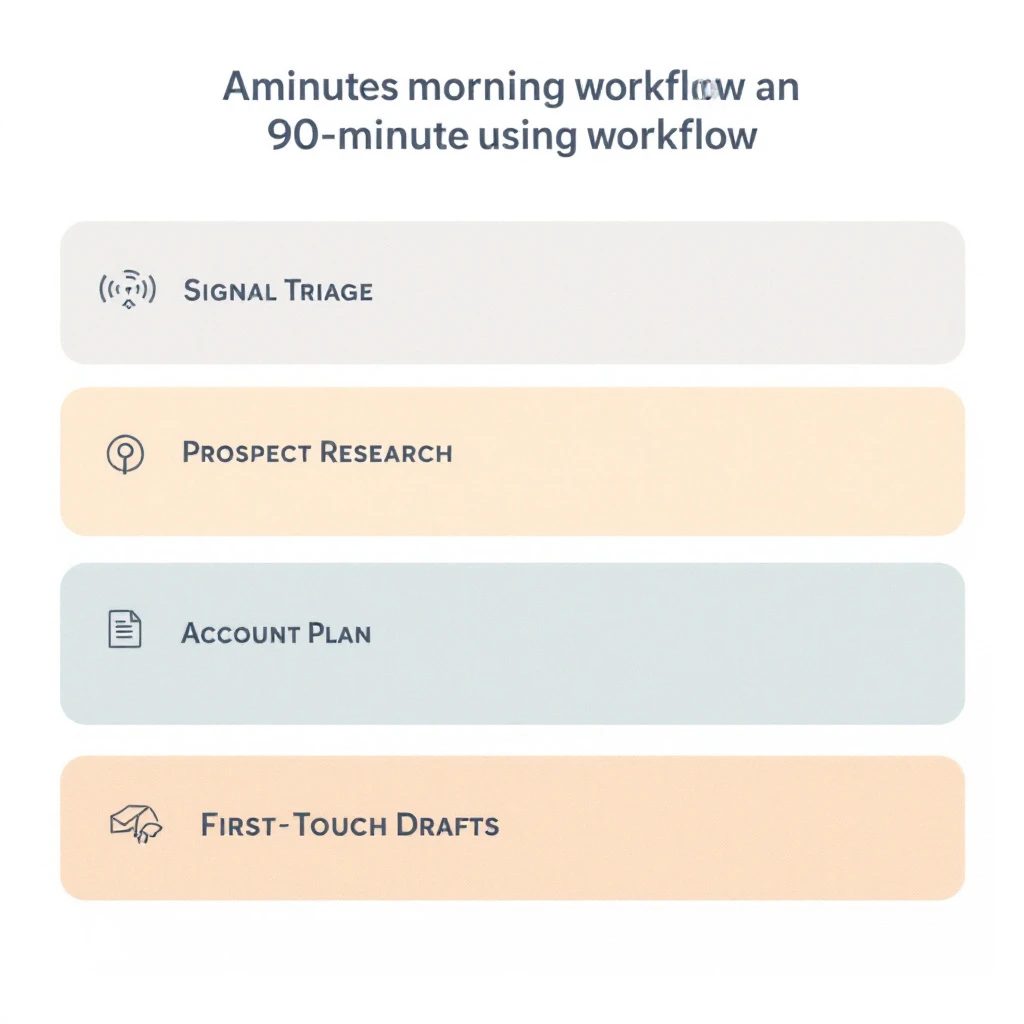
Most SDRs we talk to use Claude the same way they use ChatGPT — open a tab, paste a question, copy the answer, repeat. That works, but it leaves most of Claude's value on the floor.
The SDRs who get a real multiplier out of Claude don't treat it as a faster Google. They treat it as a morning copilot — a fixed 90-minute block, the same five sub-tasks every day, with prompts they've sharpened over months. The output isn't "AI content." It's a stack of ready-to-send messages, a triaged signal queue, a clean account plan, and an inbox at zero.
This post is the exact routine. Five blocks. The prompts. What they're actually replacing.
If you want the broader strategic case, the complete Claude-for-SDRs pillar guide walks through why Claude wins for SDR work. This post is the operating manual.
The 4 tools this routine replaces
Before the breakdown, what the 90 minutes is actually compressing:
| Replaced workflow | Old time | New time inside Claude |
|---|---|---|
| Prospect research (LinkedIn + company site + news) | 20-30 min per account | 4-6 min per account |
| Sales Navigator list triage | 30-45 min daily | 10-15 min |
| Account plan write-up | 45-60 min per account | 8-10 min |
| Inbox triage + reply drafting | 45-60 min daily | 15-20 min |
Total replaced: roughly 3 hours of common SDR busywork compressed into a 90-minute block, before your first dial.
The catch: every minute saved comes from prompt structure, not from Claude being magic. The prompts below assume you've fed Claude your ICP, your product positioning, and three or four "good email" examples in a saved project. If you haven't, start here on prospect research and here on cold email personalization.
Block 1 — Signal triage (15 minutes)
What you're doing: sorting overnight signals — visitor ID hits, intent topic spikes, job change alerts, replies — into three buckets: call-now, sequence-today, snooze.
Why Claude is good at this: it's pattern recognition over noisy fields, exactly the kind of thing a human gets bored doing by 9:05 AM.
Prompt:
You are my SDR signal triage copilot. I will paste a CSV/list of overnight signals.
For each row, classify into one of: CALL_NOW, SEQUENCE_TODAY, SNOOZE_7D.

Rules:
- CALL_NOW: returning visitor on /pricing or /book-demo, OR open champion at a target account who just changed roles, OR an intent spike on a top-3 use case at an account already in pipeline.
- SEQUENCE_TODAY: first-touch ICP fit signals — new visitor on a product page, fresh intent spike, persona-fit job change at a fit account.
- SNOOZE_7D: weak signals — single page view on /blog, off-ICP firmographics, signals at accounts already in late-stage with another seller.

Return a table with: account, contact, signal, classification, 1-line "why this bucket".
At the bottom, list the CALL_NOW accounts with the strongest "first 90 seconds" opener I should use, referencing the specific signal.
What replaces this otherwise: a 30-minute scroll through Sales Navigator + your visitor ID tool + your intent platform, trying to remember which accounts are already in flight. If you're doing this manually every morning, you're paying the same cost twice — the platform fee and the SDR's morning.
For the deeper case on why signal-first SDRs out-book signal-blind ones, see From Buying Signal to Booked Meeting in 24 Hours.
Block 2 — Targeted prospect research (20 minutes)
What you're doing: taking your 3-5 CALL_NOW or top-priority accounts from Block 1 and turning each into a one-screen account brief.
Why batch: a single research session with context loaded once is faster than five context switches.
Prompt (one per account):
Research brief for [ACCOUNT NAME]. I'm an SDR selling [your product, 1 line].
Contact I'm reaching is [NAME, TITLE].

Pull from the company site, recent press, their LinkedIn page posts, and the contact's
LinkedIn activity in the last 90 days. Return:

1. Company snapshot — 2 lines max. What they actually do, not their tagline.
2. Recent "why now" — top 3 events in the last 90 days that justify outreach today.
3. Strategic priorities — what leadership is publicly talking about.
4. Personal hook for [NAME] — something they personally posted, said, or shipped that
   I can reference without being weird about it.
5. Three opener angles, ranked by likely reply rate, with the explicit pitch each implies.

If a section has nothing solid, say "no clean signal" — do not invent.
That last instruction matters. Hallucinations are 90% prompt-permission errors. If you give Claude an explicit out, it takes it. If you don't, it fills the gap. (More on that pattern in our writeup on Claude vs ChatGPT for sales teams.)
Block 3 — Account plan drafting (15 minutes)
What you're doing: for the 2-3 hottest accounts, converting the research brief into a one-page plan you can drop in your CRM or hand to an AE.
Prompt:
Convert the research brief above into a one-page account plan in this structure:

- Account: name, segment, size, deal-trigger event
- Buying committee — likely roles, who I have, who I'm missing
- Use-case fit — which 1-2 of our use cases match their stated priorities
- Risks — what kills this deal at each stage (no demo, no champion, no budget cycle)
- 14-day plan — day-by-day, what I do, what I expect back, when to escalate to AE
- Discovery questions — 5 I would actually ask on a first call, ranked by signal value

Be specific. No platitudes. If a section is weak, write "needs more research" — do not pad.
This is the step that makes the AE conversation different. Most SDRs hand over a contact and a paragraph. The AEs who book repeat business get a 14-day plan with a discovery agenda. For more on what that handoff actually looks like, see the SDR-to-AE handoff playbook and the 15-minute pre-demo prep playbook.
Block 4 — Inbox at zero (20 minutes)
What you're doing: processing replies, scheduling pings, and "soft no" responses. Every reply gets one of four actions: book, nurture, re-engage, archive.
Prompt:
I will paste replies from overnight. For each reply, return:

- Intent classification: HOT, WARM, COLD, NEGATIVE, OUT_OF_OFFICE, REFERRAL
- Suggested action: book meeting / send Loom / soft re-engage in 30d / mark closed-lost / forward to AE
- A 3-sentence draft reply in my voice (matching the examples I gave you in the project), ready to paste.
- A "do not send if" line — the 1-2 conditions that should make me NOT send the draft.

Group output by intent. Put HOT and REFERRAL at the top.
The "do not send if" line is the only reason this block stays at 20 minutes instead of 45. It tells you which drafts to skim past versus which to actually review. Without it, every Claude-drafted reply gets the same level of scrutiny — and you end up reading 30 drafts to decide on 8.
For replies where the prospect went quiet mid-cycle, the Champion Goes Quiet playbook has the specific re-engagement sequences worth pasting in as Claude context.
Block 5 — Personalized first-touch drafts (20 minutes)
What you're doing: drafting first-touch sequences for the 8-12 accounts you'll add to your active list today. Three-touch sequence per account: cold email, LinkedIn note, follow-up email.
Prompt:
For each account in the list below, draft a 3-touch personalized outbound sequence:

Touch 1: Cold email, max 90 words. Open with the specific "why now" from the research
brief — not a flattery line. CTA is a soft ask (book 15 min OR a specific question).
Touch 2: LinkedIn note, max 280 chars. Reference touch 1 obliquely, not directly.
Touch 3: 4 days later, plain-text follow-up. New angle, not "just bumping this up."
Reference a different "why now" if one exists.

Voice: match the examples in the project. No "I hope this finds you well." No "saw you
guys are doing great things." Concrete or skip the line.

For each account, also output the 1-line subject line you'd actually open with.
Two non-obvious things matter here:
- Voice examples in the project beat any prompt instruction. Telling Claude "write in my voice" without 3-5 saved examples produces marketing copy. With examples, it produces something you'd actually send. We dig into this in the Claude 200K context for sales workflows post.
- The "new angle on touch 3" rule is what stops the sequence from feeling like a follow-up. Most AI-generated sequences fail at touch 3 because they reuse the touch-1 hook. Force a different angle and reply rates climb.
What this routine doesn't do
It doesn't replace dials. It doesn't replace your call recording review. It doesn't replace 1:1 coaching from your manager. And it doesn't make a bad ICP fit into a good account.
It compresses the administrative and research overhead that's traditionally eaten 60% of an SDR's day, so you can spend more of the remaining day on the things only a human does well: phone, video, and judgment.
The teams getting outsized returns from Claude pair this routine with a platform that surfaces the right signals into the morning queue in the first place. That's the gap MarketBetter fills — every account in your CALL_NOW bucket came from visitor ID, intent, or champion-tracking signals the platform pushed to you, not a list you remembered to check. Claude turns those signals into ready-to-send work in 90 minutes. The rest of your day is selling.
Where to go next
If you want to keep going deeper into Claude-for-SDR specifically:
- Claude for SDRs: The Complete Guide — the pillar that ties everything together
- Claude Code SDR Part 1: AI-Powered SDR — the 10-part hands-on series
- Claude Code SDR Part 2: Prospect Research
- Claude Code SDR Part 3: Personalized Cold Emails
- Claude Code SDR Part 9: Follow-up Sequences
- Claude vs ChatGPT for Sales Teams — why we keep going back to Claude
- Visitor ID to First Outreach in 30 Minutes — pairs with Block 1
- The Inbound Triage Tier System — adjacent triage framework for inbound
Want a signal queue that actually fills your CALL_NOW bucket every morning? That's what MarketBetter does for the SDRs running this routine. Book a demo and we'll show you what your morning queue would look like with real visitor ID, intent, and champion-tracking signals running into it.