
How to Use Claude With LinkedIn Sales Navigator: The No-Code SDR Workflow [2026]

Most guides about "Claude and Sales Navigator" jump straight to browser bots, Playwright scripts, and API keys. That is one valid path — we wrote the deep technical version in Automate LinkedIn Sales Navigator with Claude Code — but it is not where most SDRs should start, and it is not what most of you are searching for.
If you are a rep who lives inside Sales Navigator every day, you do not need to build a scraper. You need a repeatable, manual workflow where Claude does the research and writing while you stay in control of the account. No code. No automation tools that get your profile restricted. Nothing that violates LinkedIn's terms.
This is that workflow. Copy the prompts, run it on your real saved searches this week, and you will cut the research-and-writing half of your day down to a fraction of it.
The rule that keeps your account safe
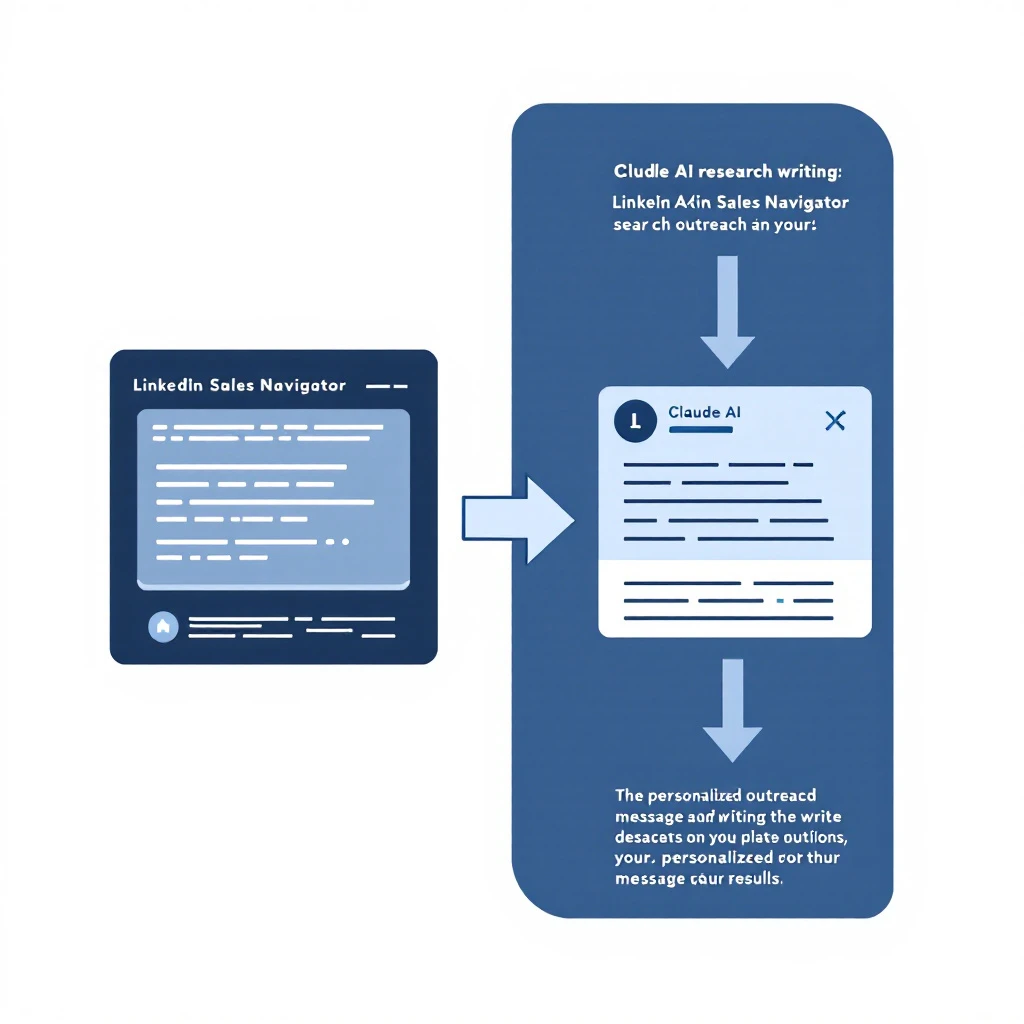
Before any workflow, one hard line: Claude never touches LinkedIn directly in this method. You do the searching, the profile reading, and the sending inside Sales Navigator like a normal human. Claude works on the text you paste to it.
Why this matters: LinkedIn detects and restricts automated browsing. Tools like Dux-Soup, LinkedHelper, and Expandi live in a permanent cat-and-mouse game with LinkedIn's detection, and when they lose, your account — your book of business — gets locked. The no-code workflow sidesteps all of that because there is no bot. You are just a rep who happens to write faster and research deeper than everyone else on the floor.
If you're still weighing your options, Can Claude connect to LinkedIn? compares all three integration paths — copy-paste, third-party MCP servers, and the official API — ranked by account risk.
If you later decide the volume justifies real automation, go read the technical automation guide and make that call deliberately. Until then, manual is safer and, for most reps, plenty fast.
The four-step workflow
Here is the whole loop. Each step has a prompt you can lift verbatim.
- Segment — Turn a saved search into a prioritized worklist.
- Research — Turn each profile into a one-paragraph angle.
- Write — Turn the angle into an email, a connection note, and a DM.
- Reply — Turn inbound responses into fast, on-voice follow-ups.
Step 1: Segment a saved search into a worklist
Open your saved search in Sales Navigator. Select a page of results and copy the visible rows — name, title, company, and any snippet Navigator shows you. Paste that block into Claude with this prompt:
You are helping me prioritize outbound. Here is a list of prospects pulled from a LinkedIn Sales Navigator search. My ICP is [describe your ICP — e.g., "VP or Director of Sales at B2B SaaS companies, 50 to 500 employees, that run an outbound SDR team"]. Rank these prospects from most to least worth contacting today. For each, give a one-line reason tied to their title, company, or any signal in the row. Flag anyone who is clearly out of ICP so I can skip them.
You now have a ranked list instead of a wall of names. This is the same prioritization logic that anchors the morning block in the Claude SDR daily routine — start every session by deciding who before you touch how.
Step 2: Research each prospect into an angle
For your top prospects, open the profile in Sales Navigator, then copy the parts that matter: the About section, current role, a recent post if there is one, and the company's tagline or recent news. Paste it in and ask:
Here is a LinkedIn profile and some company context for a prospect I want to reach. Write me a three-sentence briefing: (1) what this person likely cares about right now based on their role and recent activity, (2) the single most credible reason my product could matter to them, and (3) one specific detail I can reference in an opener so it does not read as templated. My product: [one-line description]. Do not invent facts — only use what is in the text I gave you.
That last sentence — do not invent facts — is the whole game. Claude will happily hallucinate a funding round if you let it. Constrain it to the source material and it becomes a research assistant instead of a liability. This is the same discipline we cover in depth in Prospect Research with Claude Code and Automate Lead Research with Claude Code.
Step 3: Write the first touch
Now you have an angle. Turn it into copy:
Using this briefing, write three things for me in my voice: (1) a cold email under 90 words with a specific opener, one clear value sentence, and a soft ask for 15 minutes; (2) a LinkedIn connection note under 300 characters that references the same detail; (3) a short follow-up DM to send after they accept. Keep it plain and human — no buzzwords, no "I hope this email finds you well," no fake urgency. Here is my briefing: [paste].
Read every draft before it goes out. Edit one line in each so it sounds like you and not like a model. The reps who get flagged as "AI slop" are the ones who send raw output; the reps who win are the ones who use Claude to get to a strong 80% draft in ten seconds and spend their judgment on the last 20%. The mechanics of doing this at volume without sounding robotic are in Personalized Cold Emails at Scale, and the LinkedIn-specific version — connection notes and DMs at volume without tripping LinkedIn's automation detection — is in Claude LinkedIn Outreach Without Getting Banned.
Step 4: Reply and follow up
When responses come in — including the "not right now" and "who are you" replies — paste the thread into Claude:
Here is a reply from a prospect. Draft a response in my voice that moves toward a meeting without being pushy. If they raised an objection, address it honestly in one or two sentences. Keep it short. Thread: [paste].
Keep a one-page "voice doc" — three of your best real emails — and paste it in alongside these prompts. The more you feed Claude examples of how you write, the less editing you do over time.
What this replaces (and what it does not)
This workflow eats the two biggest time sinks in an SDR's day: research and first-draft writing. It does not replace judgment, relationships, or the actual conversation. Claude is a prep and drafting engine, not a rep.
Do not use it for:
- Sending. Your sequencer sends; Claude drafts. Keep those separate for deliverability.
- Live calls. Claude preps you before the call — see Meeting Prep with Claude Code — but it should never be on the call.
- Anything relational. Referral asks, exec sponsorship, expansion talks. A Claude-written DM to a CFO reads as Claude-written, and they clock it instantly.
We made the full argument for where the human line sits in Why General AI Won't Replace the SDR Stack.
Claude, ChatGPT, or something else for this?
For the Sales Navigator workflow specifically, Claude's long context is the edge: you can paste a full profile, a company page, and three of your past emails all at once, and it holds the whole picture while it writes. If you want the honest head-to-head on model choice for sales work, we broke it down in Claude vs ChatGPT for Sales Teams.
If your goal is broader than Sales Navigator — sourcing net-new accounts, not just working a saved search — pair this with How to Use Claude for Lead Generation.
Where this fits in the bigger picture
Sales Navigator tells you who exists. It does not tell you who is in-market right now, and that is the difference between a cold list and a warm one. The workflow above makes you faster at working any list; the leverage compounds when the list itself is prioritized by real buying signals.
That is the layer MarketBetter sits in: it surfaces the accounts showing intent, routes them, and tracks what happens after the touch — so your Claude-powered outreach lands on the prospects most likely to reply. See how the pieces fit in the AI SDR tech stack and the way a signal becomes a booked meeting in From Buying Signal to Booked Meeting in 24 Hours.
For the full map of everything Claude can do across the SDR role — research, email, CRM cleanup, pipeline reporting — start with the pillar: Claude for SDRs: The Complete Guide.
Start this week
Do not automate anything yet. This afternoon:
- Open one saved search and run the Step 1 segmentation prompt on a single page of results.
- Take your top three prospects through Steps 2 and 3.
- Send three genuinely researched touches before you log off.
Get the manual loop working on real prospects first. If the time savings are obvious — and they will be — then decide whether the volume justifies going technical.
If you want the signal layer that decides which prospects belong in your Claude pipeline in the first place, that is what we built MarketBetter for. Book a demo and we will show you the whole loop end to end.