
Automate Lead Research with Claude Code: 6 Hours of SDR Work in 4 Minutes [Tutorial]

The average SDR spends 6 hours per week researching prospects. That's 6 hours of:
- Googling company names
- Scanning LinkedIn profiles
- Reading news articles
- Looking for pain points to reference
What if you could do all that in 30 seconds?
Claude Code—Anthropic's AI with tool use and code execution—can turn a prospect name into a complete research brief automatically. Here's exactly how to set it up. Lead research is stage one of the bigger workflow in our guide to using Claude for lead generation.
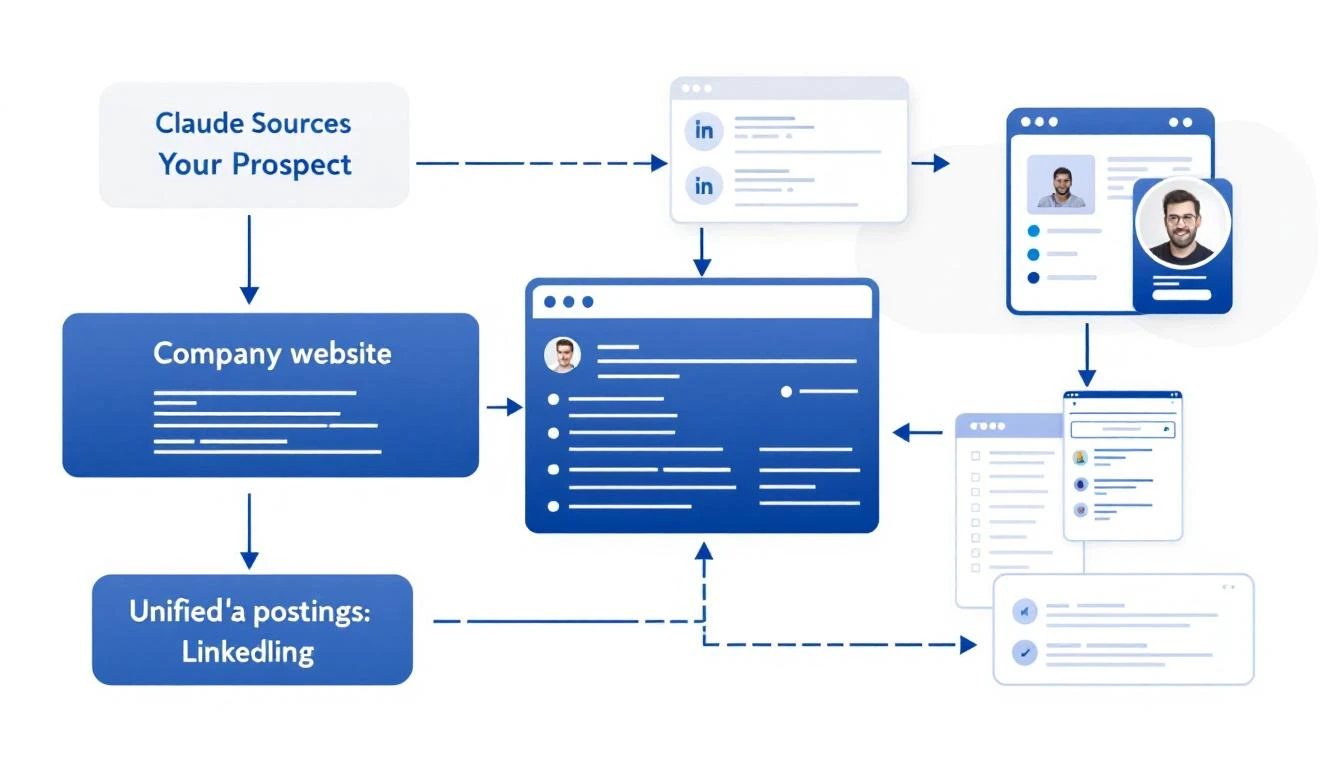
What Good Lead Research Actually Looks Like
Before we automate, let's define what we're building. A great prospect brief includes:
- Company Overview: What they do, company size, industry
- Recent News: Funding, product launches, leadership changes
- Tech Stack: What tools they already use (if visible)
- Pain Point Signals: Job postings, complaints, market trends
- Personalization Hooks: Specific details for your outreach
This used to take 10-15 minutes per prospect. Now it takes seconds.
The Claude Code Approach
Claude Code can:
- Execute searches and aggregate results
- Read web pages and extract key information
- Structure unstructured data into useful formats
- Reason about what matters for your use case
Here's a prompt template that generates complete prospect briefs:
Research this company for a B2B sales outreach:

**Company:** {\{company_name\}}
**Our Product:** AI-powered SDR platform that turns intent signals into pipeline

**Create a prospect brief with:**

1. **Company Overview**
   - What they do (one sentence)
   - Employee count and headquarters
   - Industry and target market

2. **Recent Activity (Last 6 Months)**
   - Funding or acquisitions
   - Product launches
   - Leadership changes
   - Press coverage

3. **Sales-Relevant Signals**
   - Are they hiring for SDRs, sales ops, or demand gen?
   - Any complaints about lead quality or outbound efficiency?
   - What CRM/sales stack do they use? (check job postings)

4. **Personalization Hooks**
   - 3 specific details I can reference in an email
   - Potential pain points based on their situation
   - Suggested angle for outreach

5. **Recommended Next Step**
   - Best channel to reach them (email, LinkedIn, phone)
   - Suggested first message angle

Be specific. Use actual data, not generic statements.
Setting Up Automated Research
Option 1: OpenClaw + Claude (Always-On)
If you want research to run automatically when new leads come in:
# OpenClaw config
cron:
  jobs:
    - name: "New Lead Research"
      schedule:
        kind: every
        everyMs: 900000  # Every 15 minutes
      payload:
        kind: agentTurn
        message: |
          Check HubSpot for contacts added in the last 15 minutes.
          For each new contact, create a prospect brief and add it
          to the contact notes field.
This runs in the background, enriching leads as they arrive.
Option 2: Claude Code CLI (On-Demand)
For manual research when you need it:
# Install Claude Code
npm install -g @anthropic-ai/claude-code

# Run research
claude-code research "Acme Corp"
Option 3: VS Code Extension
If you work in VS Code, Claude Code integrates directly:
- Highlight a company name
- Cmd+Shift+P → "Claude: Research Prospect"
- Get a brief in your sidebar
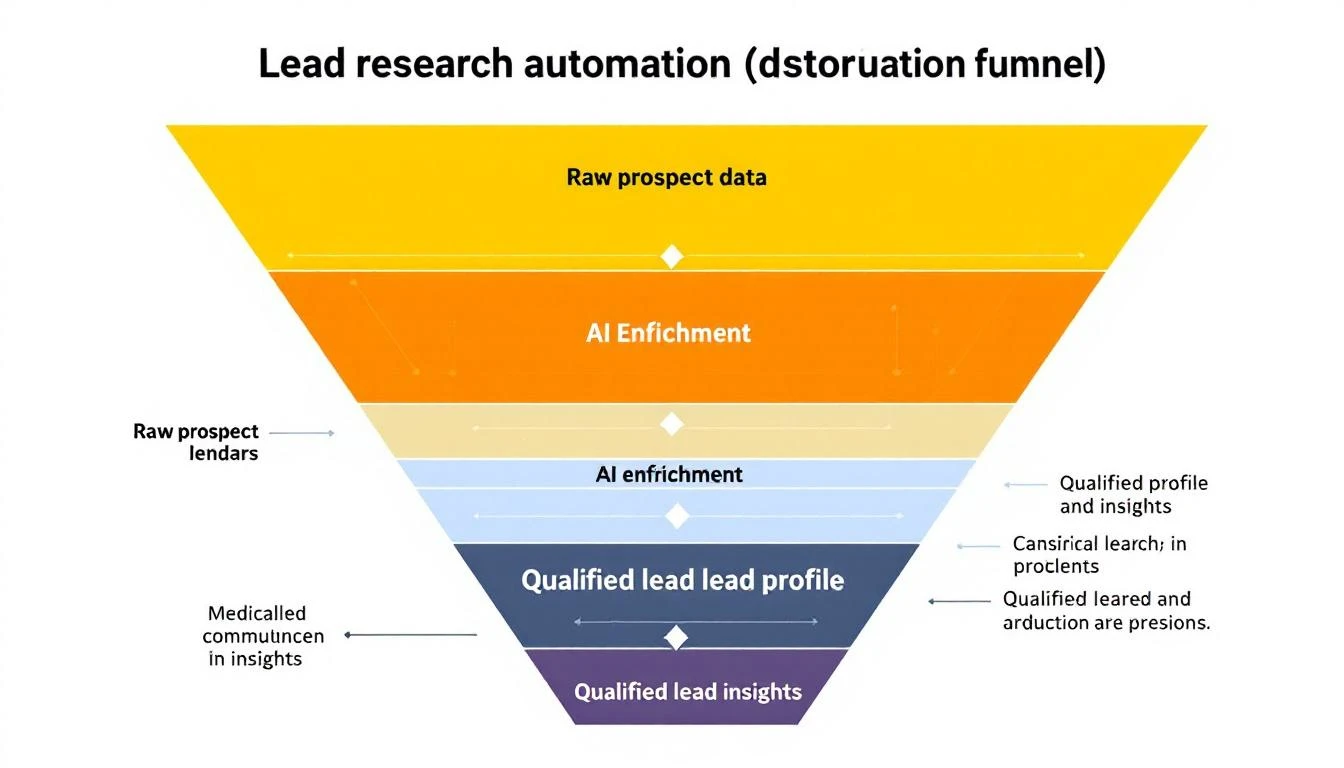
Real Research Output Example
Here's what Claude Code actually produces for a real company:
Company: Hologram (hologram.io)
Overview: IoT connectivity platform providing global cellular for devices. ~150 employees, HQ in Chicago. Series B ($65M from Battery Ventures).
Recent Activity:
- Feb 2026: Launched Hyper network for low-latency IoT
- Jan 2026: Partnership with AWS IoT Core announced
- Hiring: 3 open SDR roles, 2 demand gen positions
Sales Signals:
- Job posting mentions "scaling outbound motion" and "improving lead quality"
- Uses HubSpot (seen in job req), Outreach for sequences
- Active on G2 responding to reviews (cares about buyer perception)
Personalization Hooks:
- Reference the Hyper launch: "Saw the Hyper network announcement—congrats"
- Note the hiring push: "Looks like you're scaling the SDR team"
- Connect to IoT/connectivity angle: "We work with several IoT companies..."
Recommended Approach: LinkedIn → Email sequence. Their team is active on LinkedIn. Reference specific content they've posted.
This took 15 seconds to generate. A human would need 10-15 minutes minimum.
Enrichment Sources Claude Code Can Access
When you give Claude Code research tasks, it can pull from:
| Source | What It Finds |
|---|---|
| Company website | Products, pricing, team page |
| Employee count, org structure, recent posts | |
| Job boards | Hiring signals, tech stack clues |
| News sites | Funding, partnerships, launches |
| G2/Capterra | Reviews, complaints, competitor comparisons |
| Crunchbase | Funding history, investors, competitors |
The key is structuring your prompt to tell Claude what matters for your specific outreach.
Advanced: Building a Research Pipeline
For high-volume prospecting, build a full pipeline:
[New Lead]
    ↓
[Basic Enrichment]
    - Company size, industry
    - Contact title, seniority
    ↓
[ICP Scoring]
    - Match against ideal customer profile
    - Score 1-100
    ↓
[Deep Research] (if score > 70)
    - Full prospect brief
    - Personalization hooks
    ↓
[Routing]
    - Hot leads → Slack alert + call queue
    - Warm leads → Automated sequence
    - Cold leads → Nurture list
Each step can be automated with Claude Code + OpenClaw.
Common Mistakes to Avoid
1. Researching Every Lead Equally
Not every lead deserves 10 minutes of research. Use basic enrichment to score first, then deep-dive on high-potential prospects only.
2. Ignoring Negative Signals
Good research includes disqualifying information. If a company just laid off their sales team, that's important context.
3. Stale Data
Information decays. Set up refresh cycles for long-nurture prospects.
4. Over-Personalizing
Mentioning 5 specific details in an email feels creepy. Pick the ONE most relevant hook.
Measuring Research Quality
Track these metrics:
- Time per lead: Should drop from 10-15 min to under 1 min
- Reply rates: Better research → better personalization → higher replies
- Qualification accuracy: Are AI-scored leads actually converting?
- Rep adoption: Is your team actually using the briefs?
The MarketBetter Advantage
MarketBetter does this automatically for every website visitor:
- Identify: Know which companies visit your site
- Enrich: Pull firmographic and technographic data
- Research: AI generates prospect briefs
- Prioritize: Score and route to the right rep
- Act: Get a daily playbook of exactly who to contact
No manual research required. No copy-pasting between tools.
Ready to automate your lead research? See how MarketBetter turns visitor identification into actionable prospect intelligence. Book a demo.