6 posts tagged with "workflow"

View All Tags

The 14-Day Post-Demo Window: A Daily AE Playbook to Close Active Deals Before They Stall [2026]

ยท 15 min read
sunder
Founder, marketbetter.ai

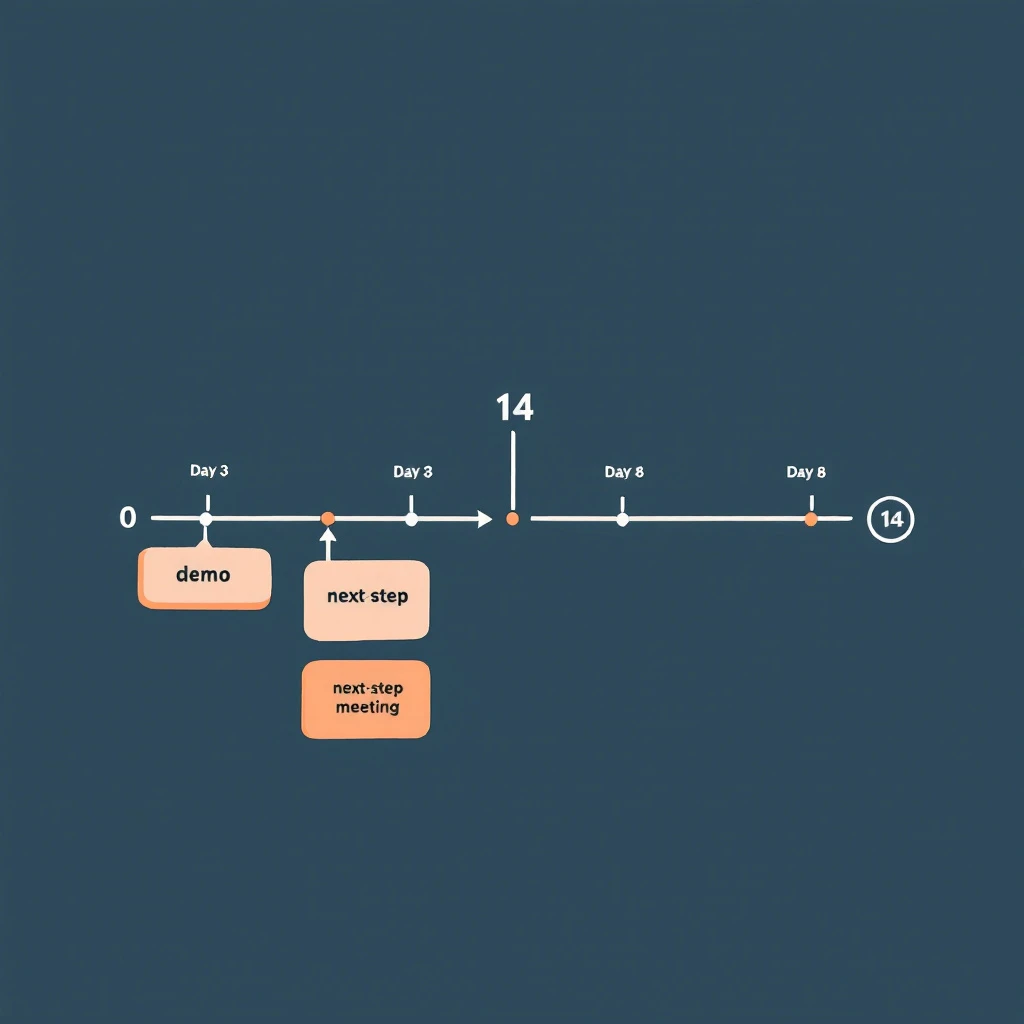
14-day post-demo window โ€” daily AE workflow that keeps deals moving from demo to next-step before they go quiet

Most deals don't die at the demo. They die in the 14 days after it.

The demo went well. The champion was nodding. They asked smart questions. They said something like "let me sync with the team and circle back next week." The AE marked the opp as committed for the quarter and moved on to the next demo. Two weeks later, the champion has stopped replying, the deal slipped to next quarter, and the AE is staring at a forecast call wondering what changed.

Nothing changed at the demo. What changed is what the AE did โ€” or didn't do โ€” between Day 1 and Day 14.

This is the most under-instrumented stretch of the B2B sales cycle. There are entire books about discovery. There are templates for closed-lost reactivation. There are playbooks for stalled deal re-engagement once the silence has set in. But the two weeks immediately after a strong demo โ€” when momentum is highest and the deal is most steerable โ€” usually run on autopilot. A thank-you note on Day 0, a "any thoughts?" email on Day 5, a "still alive?" on Day 12, then radio silence on Day 21.

This post is a day-by-day AE playbook for those 14 days. It's a workflow, not a cadence. The difference: a cadence is a list of touches you fire regardless of what the prospect does. A workflow is a sequence of actions that branch based on what they do โ€” and what they don't.

Why 14 Days Is the Window That Mattersโ€‹

If you've read the signal decay curve, the framing here will be familiar. Buying intent is not a constant โ€” it decays. A buyer who just saw a demo is, by definition, at peak intent for your product. Every day after that demo, intent erodes. Other priorities surface. Competing initiatives win attention. Memory of your differentiation fades. A demo that scored an 8/10 on Day 0 is a 4/10 by Day 14 unless you actively reinforce it.

Gartner's research on B2B buying shows that 77% of B2B buyers describe their latest purchase as very complex or difficult. The complexity isn't in the demo. It's in the negotiation between buyer-side stakeholders that happens after the demo. Your champion has to sell internally โ€” to peers, to procurement, to finance, to their boss. Every day you're absent from that internal conversation, your competitor (which is usually "do nothing") wins ground.

14 days is also when most buyer-side decision processes resolve into either active momentum or active de-prioritization. Research from Forrester on B2B buyers consistently shows that committed buyers move to a next-step within two weeks of a key meeting, and buyers who haven't moved in 14 days are statistically much more likely to slip into no-decision. The window isn't arbitrary โ€” it's where the deal physics actually bend.

The job of the playbook below is to keep your deal in front of your champion every working day in that window, without spamming them, while surfacing the objections that will kill the deal if they go unsurfaced.

The Three Buyer States You're Steering Betweenโ€‹

Before the day-by-day, you need a model. After a demo, every buyer sits in one of three states, and the play you run depends on which state they're actually in:

Buyer stateWhat's happening internallyWhat you'll see externally
Active momentumChampion is socializing internally, building business case, scheduling stakeholder meetingsQuick email replies, new contacts pulled in, asks for collateral, scheduling activity
Quiet evaluationChampion is interested but blocked or distracted โ€” comparing alternatives, waiting on input, no urgency yetPolite delays, "give me a few days," no new contacts surfacing, light website re-visits
Drift to no-decisionChampion has effectively de-prioritized; deal is competing with "do nothing"Slow or no replies, generic "still interested" answers, no internal motion, no return visits

Most AEs treat all three the same: send the same templated follow-up, then mark commit and pray. This is the original sin of post-demo follow-up.

The playbook below pivots based on what you're seeing. By Day 3, you should know which state you're in. By Day 7, you should be acting on that knowledge. By Day 14, you either have a next step or you've made the call to actively reposition the deal.

Day-by-Day: The 14-Day Post-Demo Playbookโ€‹

The dates below assume Day 0 is the demo. Skip weekends โ€” this is 14 business days, not 14 calendar days. Adjust if your prospect is in a different country or operating cadence.

Day 0 (demo day): Capture While It's Freshโ€‹

The single biggest leverage point in the entire 14 days is the hour right after the call ends. Do not move to your next meeting until you finish this:

  1. Send the recap email within 90 minutes. Specific, not templated. Reference one thing they said by exact phrasing โ€” "you mentioned your team is spending 4 hours per rep per week on manual list-building" โ€” and the implication you discussed. This proves you listened.
  2. Confirm one next step in writing. Even if it's soft. "Sounds like the next step is for you to share this with [name] โ€” does Wednesday work for me to follow up?" A vague next step is still a next step.
  3. Log the meeting brief into CRM the same day. What was said, who attended, what was the energy, what objections came up. If you wait until tomorrow, half of this is gone. The brief is the source of truth for the next 14 days of plays.
  4. Identify the silent attendees. Anyone on the call who didn't speak. They're either rubber-stampers or the people whose objection will kill the deal. Find them on LinkedIn. Add to the account list in your CRM.

If the demo had multiple stakeholders, this recap goes to all of them, with one or two lines personalized to what each person specifically asked about.

Day 1: Asynchronous Reinforcementโ€‹

Champion just got a 30-minute pitch. Their boss didn't. Their procurement team didn't. Today is when you make it stupidly easy for them to socialize the deal.

  • Send a 2-minute Loom or Vidyard summary they can forward. Not the full demo recording โ€” a 90-second highlight reel of the three slides that resonated. AEs hate doing this. The buyers who get it almost always forward it.
  • Send the one-pager, but a custom one with their company's metrics in the ROI section. Templated one-pagers go in the trash. Customized ones get screenshot into Slack.
  • Connect on LinkedIn. If you weren't connected before. Personal note referencing the call.

Day 2: Multi-Thread Without Asking Permissionโ€‹

This is the day most AEs lose deals they don't realize they're losing. They wait for the champion to introduce them to the rest of the buying group. The champion almost never does โ€” because making internal introductions is awkward and the champion is busy.

Don't wait. Multi-thread directly, today, with the help of a champion tracking workflow that surfaces who else at the account is engaging:

  • The silent attendees from the demo get a tailored note: "Saw you on yesterday's call โ€” wanted to share the slide on [the thing relevant to their function]."
  • The people who weren't on the call but who logically own the decision (CFO for budget, IT for security, Head of RevOps for integration). Soft outreach, not a pitch โ€” share something useful and signal you're available.
  • This is also where website visitor identification earns its keep. If new contacts from the account are quietly visiting your pricing page today, you want them on your radar before they form an opinion without you.

Day 3: The First Decision Pointโ€‹

By end of day 3, you should be able to bucket the deal into one of the three states above.

Signals you're in active momentum:

  • Champion replied to the recap within 24 hours
  • One or more silent attendees have engaged with your LinkedIn or replied to outreach
  • New contacts from the account visited your site in the last 48 hours

Signals you're in quiet evaluation:

  • Champion replied politely but with "give me a few days"
  • No internal motion visible
  • Light re-engagement (one or two website visits, no new contacts)

Signals you're drifting:

  • No reply to recap
  • No internal motion
  • No website activity

The play for Day 4โ€“7 splits based on what you're seeing. Do not run the same sequence for all three.

Day 4โ€“7: The Branchโ€‹

If active momentum: Push for a next concrete step. A scoping call with their RevOps team. A security review with their IT. A pricing discussion with their CFO. Each of these is a meeting, not an email exchange. The objective is to convert demo interest into a calendar-blocked decision process.

If quiet evaluation: Send value, not pressure. The temptation here is to fire off a "checking in" โ€” resist it. Instead: a relevant case study from their industry, a benchmark report, a one-line note referencing news about their company ("saw the funding round โ€” congrats โ€” this might be relevant to your scale-up plans"). You're staying present without forcing a decision.

If drifting: Run a silent diagnostic. What changed at the account in the last 7 days? Is the champion still in role? Is the company in a layoff cycle? Did a competitor announce something? Are they on a hiring freeze? You're not sending an email today โ€” you're gathering intelligence so the Day 8 email lands with something the champion can't ignore.

Day 8: The Re-Engagement Pivotโ€‹

If you're still in active momentum, Day 8 is a scheduled stakeholder meeting day. Skip ahead.

If you're in quiet evaluation, Day 8 is the pattern-interrupt. Not a follow-up. A new angle:

  • A pointed question grounded in something specific they said on the demo
  • A short clip of a customer with their exact use case talking about ROI
  • A direct ask for the one objection holding things up: "Most teams at your stage that don't move forward after a demo have one of three reasons โ€” which one is yours?"

That last one is uncomfortable. It's also the highest-converting follow-up email AEs run. Buyers respect the directness. The worst outcome is the truth, which is more useful than another week of polite silence.

If you're drifting, Day 8 is the re-engagement push, informed by the intelligence you gathered Day 4โ€“7. Reference what you learned: "Saw [news event] โ€” wanted to check if that shifts priority for what we discussed." You're earning a reply by demonstrating you're paying attention.

Day 9โ€“11: Tighten the Loopโ€‹

By now, you've either:

  • Booked a follow-on meeting (the deal is in motion โ€” focus on prep)
  • Surfaced a real objection (now you're selling, not following up)
  • Confirmed the deal is sleeping (Day 12 onward is for active re-priorization, not nurture)

For the deals with surfaced objections: build the materials that answer the objection. ROI model. Security questionnaire response. Reference call. Whatever it is, the material lands by Day 11, not Day 21.

For deals that booked follow-ons: prep harder than the prospect expects. Bring a custom one-pager for each new stakeholder. Don't rerun the demo โ€” assume they watched the Loom from Day 1.

Day 12: The Last Real Touch in the Windowโ€‹

Day 12 is your last touch where the demo is still warm enough to anchor on. The standard play here is whatever brings the deal to a yes-or-defer decision:

  • A proposal, even if rough
  • A trial offer with a defined evaluation period
  • A side-by-side comparison with the next-best alternative they mentioned

If you can't put one of these in front of them on Day 12, you're going to spend Day 15โ€“30 chasing instead of selling.

Day 13โ€“14: Set the Dispositionโ€‹

You're making a call now: this deal is either a Q-this-quarter close, a confirmed next-quarter timeline, or a stall that needs the champion-went-quiet workflow starting next week.

The disposition isn't about your forecast โ€” it's about how you allocate the next 14 days of your time. Deals that aren't moving by Day 14 don't deserve the same effort as deals that are. AEs who run this discipline close more revenue per hour than AEs who treat every deal as equally promising forever.

The Three Mistakes That Kill the 14-Day Windowโ€‹

If you take only one thing from this post, take this: most AEs lose deals in the 14-day window for the same three reasons.

  1. Treating the recap as optional. The same-day recap with a written next step is the highest-leverage email an AE sends in the entire deal cycle. AEs who skip it because they have back-to-back demos lose deals their peers close. If you only do one thing differently, do this.

  2. Waiting for the champion to multi-thread. They won't. They want to but they're busy and the introductions are awkward. Multi-thread directly, with the air-cover of a soft, value-add outreach. The deal that's single-threaded on Day 7 is a deal at risk by Day 14.

  3. Running the same cadence regardless of buyer state. Active momentum, quiet evaluation, and drifting all need different plays. Treating them the same is how you lose deals you could have saved. Use the Day 3 decision point to branch.

Where This Fits in the Larger Workflowโ€‹

This playbook is the bridge between two other workflows in this blog. Upstream, you're running the signal-to-meeting workflow โ€” turning a buying signal into a booked demo in 24 hours. Downstream, when a deal does stall past Day 14, you're running the champion-went-quiet re-engagement workflow to reopen the conversation.

The 14-day post-demo window is where most of those signal-to-meeting wins are won or lost. A great SDR motion that hands over a great demo is wasted if the AE goes quiet for two weeks afterward. The handoff doesn't end at the demo โ€” it ends when the deal has either closed or been actively repositioned.

It also pairs with the buying signal hierarchy: the signals you're looking for in Day 3 โ€” internal motion, new contacts, pricing-page returns โ€” are exactly the high-tier signals that predict closed-won. The 14-day window is the highest-signal window in the entire deal cycle. Instrument it.

The Daily Discipline That Compoundsโ€‹

The point of the workflow isn't the calendar. It's the daily discipline: every demo gets the same-day recap, every demo gets multi-threaded on Day 2, every deal gets bucketed by Day 3, and every deal has a defined disposition by Day 14.

AEs who run this consistently report two things:

  • Their post-demo-to-next-step conversion rate climbs from ~30% to ~55%
  • Their no-decision losses drop materially because they're forcing the question earlier

Neither is magic. It's just refusing to let the highest-leverage stretch of the sales cycle run on autopilot.

The demo isn't the close. The demo is the start of the close. The next 14 days are the close. Plan accordingly.


Related reading:

When Your Champion Goes Quiet: The 5-Play Re-Engagement Workflow for Stalled B2B Deals [2026]

ยท 13 min read
sunder
Founder, marketbetter.ai

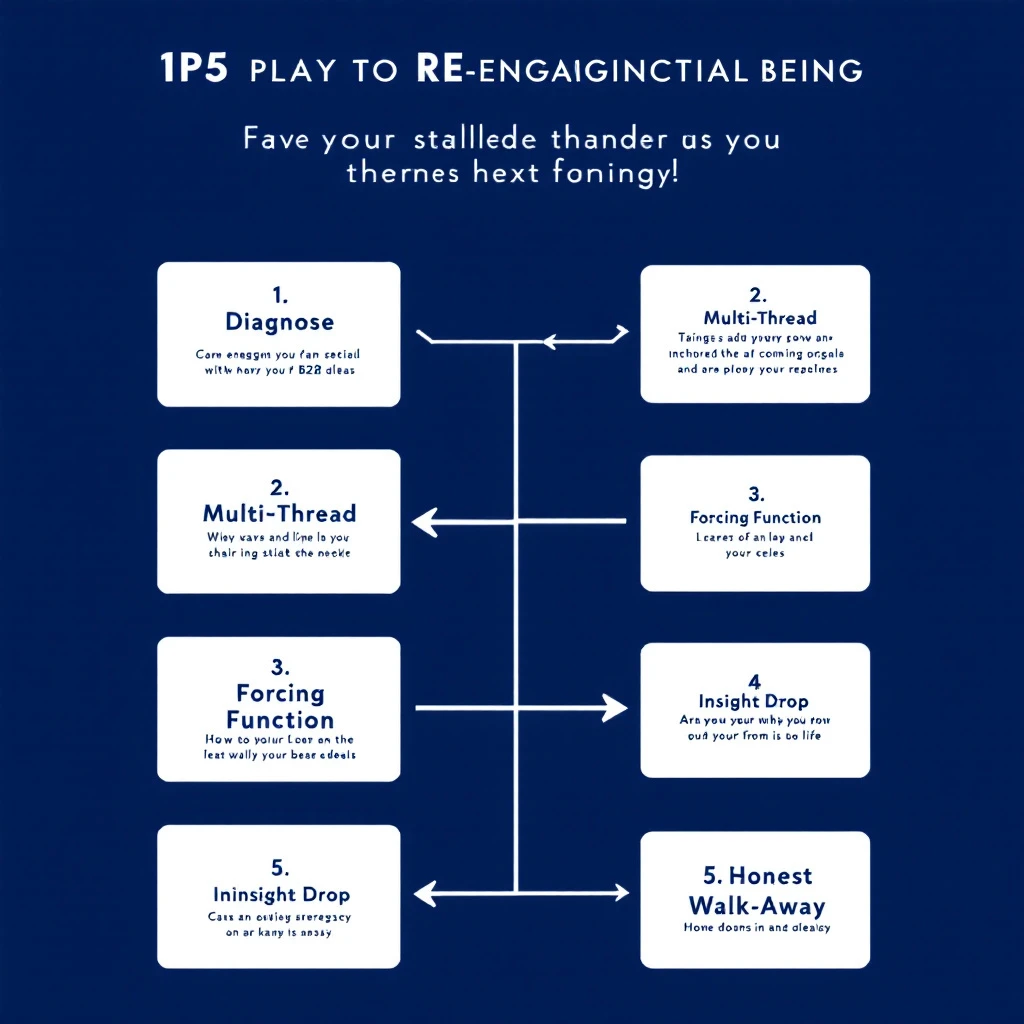
Stalled deal re-engagement workflow โ€” diagnose silence, multi-thread, surface what changed

Your champion replied to every email for three weeks. Demo went great. Pricing was sent. Maybe a verbal yes. Then โ€” silence. Seven days. Twelve. Twenty-one.

The deal isn't in closed-lost yet. It's worse: it's sitting in the slack space between "qualified pipeline" and "lost to no-decision." Every forecast call, your AE moves the date out another two weeks. Nobody has the heart to mark it dead. Nobody has a plan to revive it.

This is the most expensive failure mode in B2B sales. Gartner's research shows the average B2B buying group has 6โ€“10 people, and the journey now averages 11.5 months for considered purchases. Champions go quiet not because they hate you โ€” they go quiet because something changed inside their org that you can't see.

This playbook is a 5-play workflow for AEs and SDRs to systematically re-engage stalled deals. Not a "just check in" template. Specific diagnostic plays that surface what actually changed and re-open the conversation when generic follow-ups won't.

It pairs with the signal decay curve โ€” buying intent has a half-life, and the longer your deal sits in silence, the more aggressively you need to instrument for fresh signal.

Why Champions Actually Go Quietโ€‹

Before the plays, the diagnosis. Champions disappear for four reasons, and the right play depends on which one you're dealing with:

ReasonWhat's actually happeningSignal you'll see
Priority shiftA higher-priority project (often forced by leadership) pulled their attention. Your deal didn't get worse โ€” it got out-prioritized.Champion still active on LinkedIn / posting about new initiatives unrelated to your space
Internal blockerProcurement, security, finance, or a peer raised an objection your champion couldn't answer. They're stuck and embarrassed to come back without a path forward.Job postings in adjacent functions, new hires in procurement or IT, vendor consolidation news
Champion changed rolesPromoted, moved internally, or left the company. The replacement doesn't know you and your deal lost its sponsor.LinkedIn role change, new title, "open to work" updates
Buying group expandedA new exec or department got pulled into the decision, and your champion is now waiting on their input before re-engaging.New executives showing up on website visits, new contacts viewing pricing pages

The plays below tell you how to spot which one you're in and what to do.

If you only run one generic follow-up cadence, you treat all four the same โ€” and you lose three of them. The whole point of this workflow is to diagnose before you write.

Play 1: The Silent Diagnostic (Day 7โ€“10 of Silence)โ€‹

Before you send anything, instrument. The biggest mistake AEs make is firing off a "just checking in" before they know what's actually happening inside the account.

What to check, in this order:

  1. Your champion's LinkedIn activity in the last 14 days. Are they posting? Liking? Commenting? Active = priority shift or internal blocker. Inactive = role change risk.
  2. Their role/title. Same as it was on the demo call? Use LinkedIn Sales Navigator job change alerts if you have them set up. If not, search their profile manually.
  3. Other contacts at the account. Who else from the org has visited your site, opened recent emails, or shown up in your CRM in the last 30 days? This is where website visitor identification earns its keep โ€” you want to know if buying group activity continued without your champion.
  4. Public signals. Funding round? Layoffs? New executive hire? Acquired? Search Google News for the company name plus "announce" in the last 30 days. Anything material reshuffled their priorities.
  5. Your own CRM. Did anyone else from the account open your last 3 emails? View pricing pages? Get added to the opportunity?

You're building a 5-minute brief: what changed at the account between the last reply and today. The brief decides which play comes next.

This is the same diagnostic logic from the three-layer signal stack โ€” you're stacking public, behavioral, and account-level signals before you act.

Play 2: The Multi-Thread Pivot (When the Champion Is Inactive)โ€‹

If your diagnostic shows the champion has been quiet on LinkedIn too, you have a role-change or burnout problem. Don't waste another email on them. Pivot to multi-threading.

The play:

  • Identify 2โ€“3 other contacts at the account: their boss, a peer in the same function, or someone in a department that would benefit from your product.
  • Send a separate, short email to each, referencing the champion by name but not assuming they're still the decision-maker.
  • The hook: "I've been working with [Champion] on [specific outcome]. Wanted to make sure this initiative continues to have a path forward โ€” wondering if it makes sense to loop you in directly."

This works because it gives the other contact two safe options: "Yes, [Champion] is no longer driving this โ€” let's talk" or "Yes, [Champion] is still on it, they're just busy โ€” here's the status." Either answer unsticks you.

The trap to avoid: sending the same email to five contacts at once. That reads as desperation and gets your domain marked as spam. One email at a time, each tailored to that person's function.

If the contact you reach out to isn't on LinkedIn or in your CRM, the B2B data enrichment workflow is what gets you their direct email in 30 seconds.

Play 3: The Forcing-Function Email (When You Suspect a Priority Shift)โ€‹

If the champion is active everywhere except your deal, it's a priority shift. They didn't lose interest โ€” your deal just got bumped. Generic check-ins reinforce the bump because they require them to context-switch back to your problem without giving them a reason.

The fix: give them a forcing function. Something with a hard deadline that requires action, not just attention.

Variants that work:

  • The expiring price/term. "The Q3 pricing we discussed locks on July 1. Want to confirm whether you'd like to extend the conversation or revisit in Q4 so we don't accidentally lose the discount."
  • The pulled resource. "We're moving our implementation team to a new project on July 15. If onboarding doesn't start by then, the next start window is September. Wanted to flag so you can plan accordingly."
  • The departing context. "Our [solutions engineer / product lead] who scoped your environment is rolling off this account on [date]. If you have any technical questions, this week is the right window to get them answered while the context is fresh."

Two rules: it has to be real (don't fake a deadline โ€” your reputation is on the line), and it has to give them an honest "no, not now" exit. The point isn't to pressure โ€” it's to give them permission to make a decision instead of indefinitely deferring.

A forcing function works because it converts an open-ended ask ("hey, status?") into a closed question ("do A or B by date X"). Closed questions get answered.

Play 4: The Insight Drop (When You Suspect an Internal Blocker)โ€‹

The most common failure mode for stalled deals: a peer or boss raised an objection your champion couldn't answer, so they froze. They're not ghosting you โ€” they're stuck. They'll only come back when they have a way to come back.

Your job is to hand them that way back. Not a check-in. An insight that arms them for the next internal conversation.

Examples:

  • A short customer story from a peer company that hit the same objection and overcame it. Specifics, not "lots of companies do this."
  • A new benchmark, data point, or industry report that addresses the likely objection (security, ROI, integration, change management).
  • A pre-built ROI calculator or business case template, filled in with their numbers based on what you already know.
  • A 2-paragraph FAQ on the specific concern, formatted so they can forward it to their internal stakeholder without rewriting it.

The structure of the email is short:

"Hey [Champion] โ€” saw [trigger / news / report] and thought of our conversation. [One sentence on why it matters to their internal case.] No reply needed โ€” figured it'd be useful when this comes back up internally."

The "no reply needed" matters. You're not asking them for energy. You're giving them energy. That's how you re-open a door that was closed by internal politics.

This is the same logic behind the signal-to-meeting workflow โ€” you respond to context, not arbitrary intervals.

Play 5: The Honest Walk-Away (Day 30+)โ€‹

If three of the above plays produced nothing, run the honest walk-away. Counterintuitively, this is the play that re-engages the most stalled deals in our experience.

The email:

"Hey [Champion] โ€” I haven't heard back in a few weeks, so I'm going to assume the timing isn't right and pause our outreach. No hard feelings at all. If something changes on your side and you want to pick this up, my calendar is here: [link]. Otherwise I'll plan to circle back in [Q]."

Three things this does:

  1. Removes the pressure that was keeping them from replying. Most "I'm going quiet" silence is guilt. You just absolved it.
  2. Forces a status update. Anyone who's actually interested will reply within 48 hours with "wait, don't pause โ€” here's where we are." Anyone who doesn't reply genuinely wasn't going to close.
  3. Frees your forecast. Whatever happens, you now have signal. Either you re-open with a real path, or you move the deal to closed-lost and stop dragging it through forecast calls.

The data from the reopen closed-lost playbook backs this up: deals that go to honest closed-lost status and re-engage later close at higher rates than deals that linger indefinitely in "pipeline." Honesty is faster.

The Underlying Principle: Silence Is Dataโ€‹

The thread connecting all five plays: silence is not nothing. Silence is data. The question isn't "should I follow up?" โ€” the question is "what does the silence tell me, and what specific play does it call for?"

Most stalled-deal recovery fails because reps treat all silence the same and run the same cadence. The 5-play workflow forces a diagnosis first, then a targeted play.

Here's the simplified decision tree:

You seeRun
Champion inactive on LinkedIn / role changePlay 2: Multi-Thread Pivot
Champion active, deal not moving, no internal newsPlay 3: Forcing-Function Email
Champion active, but recently a peer/exec joined the dealPlay 4: Insight Drop
You've run 2+ plays with no responsePlay 5: Honest Walk-Away
You haven't diagnosed yetPlay 1: Silent Diagnostic โ€” never skip this

How This Fits Into a Weekly Pipeline Reviewโ€‹

Run Play 1 (Silent Diagnostic) on every stalled deal during your weekly pipeline review. Five minutes per deal. By the end of an hour, you've classified every silent deal in the pipe by which play it needs.

Then batch the work. All Play 2 multi-threads go on the same morning. All Play 3 forcing functions go out together. Play 4 insight drops are the highest-leverage emails in your week โ€” schedule them when you're freshest.

This pairs naturally with the first 30 minutes morning workflow for SDRs and the daily SDR playbook for prioritized task lists. Stalled-deal work is recurring work โ€” bake it into the calendar, don't wait until forecast day to panic about it.

A Note on Toolingโ€‹

You can run this playbook in any CRM. The bottleneck isn't software โ€” it's the discipline to diagnose before you write.

That said, two pieces of instrumentation make this dramatically faster:

  1. Visitor identification on your site. When a stalled account quietly visits your pricing page or a case study, you know the conversation is alive even when the champion isn't replying. That's a Play 4 trigger you'd otherwise miss.
  2. Job change alerts on your champion list. A LinkedIn role change inside an account is the single highest-confidence trigger for Play 2 multi-threading. Most CRMs don't surface this. Either set up Sales Navigator alerts or use a tool that pushes the signal into your daily task list.

MarketBetter does both natively โ€” visitor ID plus signal-based task routing for stalled accounts. The pitch isn't "use our tool." It's: if your stalled-deal recovery rate matters, instrument the two signals above, in whatever tool you can. The plays above don't work without them.

What to Stop Doingโ€‹

If you take one thing from this playbook, it's the things to stop doing:

  • Stop running the same "checking in" cadence for every stalled deal. It treats role changes and priority shifts the same as internal blockers. It works for none of them.
  • Stop letting stalled deals sit in forecast for 60+ days. Either run Play 5 and move on, or run Plays 1โ€“4 with intent. Drifting is the worst outcome โ€” it inflates your forecast and saps team morale.
  • Stop sending bulk follow-ups across multiple contacts at once. This is the fastest way to get your domain marked as spam and tank deliverability across your entire pipeline.
  • Stop assuming silence means "not interested." In our experience, the majority of stalled deals have an internal cause that's recoverable if you diagnose correctly.

The Bigger Pictureโ€‹

Stalled deals are pipeline rot. They don't show up as lost revenue on a dashboard โ€” they show up as forecast accuracy you can't fix and quota stress you can't explain. The teams that fix this don't have magic templates. They have a workflow that converts silence from a black box into a structured diagnosis.

The 5 plays above are that workflow. Pair them with the signal-based selling principles we've written about all year, the inbound triage tier system for the front of the funnel, and the follow-up email templates for the cadences themselves.

The deals you're worried about right now aren't dead. They're undiagnosed.


Want help instrumenting the signals that surface stalled-deal risk before it's terminal? Book a 20-minute demo and we'll walk through how MarketBetter routes silent-account signals into your reps' daily task list โ€” so champions going quiet becomes a triggered workflow instead of a forecast surprise.

The Inbound Triage Tier System: How SDR Teams Hit 5-Minute Response Without Calling Every Lead [2026]

ยท 12 min read
sunder
Founder, marketbetter.ai

Inbound triage tier system โ€” routing leads by signal intensity, not arrival order

Every SDR leader has heard the rule: respond to inbound leads in under 5 minutes or you lose them. The MIT study on lead response times is gospel โ€” 21x more qualification, 78% of buyers go with whoever responds first.

So teams chase 5-minute SLAs on every lead. They route everything to a human. They build dashboards that turn red when a form sits for 6 minutes.

And then their best SDRs quit, because they're spending half their day calling people who downloaded a whitepaper out of curiosity.

The 5-minute rule is real. The way most teams implement it is broken.

This playbook is the fix: a 4-tier triage system that gets you to 5-minute response on the leads that matter, automates the middle, and stops your reps from hand-dialing tire-kickers. Built from the signal quality data we've been writing about all year and the daily SDR playbook we run internally.

The Problem With "5 Minutes On Every Lead"โ€‹

A typical mid-market B2B funnel looks like this in a given week:

  • 12 demo requests (high intent, ready-to-buy signal)
  • 40 content downloads (mixed intent โ€” some buyers, some researchers)
  • 60 newsletter subscriptions (low intent, mostly tire-kickers)
  • 200 pricing page visits with no form fill (variable intent โ€” depends on company)

That's 312 "leads" hitting your funnel. If you apply a uniform 5-minute SLA to all of them, you need roughly 4-5 SDRs working full-time just to handle inbound. Most teams have 2-3.

So what actually happens? Two failure modes:

  1. The SDR team picks favorites. They prioritize demos and ignore everything else. Half the funnel goes dark for 48 hours. Plenty of pipeline-worthy signals get missed.
  2. The SDR team tries to do everything. They call newsletter subscribers at 2 PM on a Tuesday, get hung up on, and eventually start treating every inbound lead as a low-priority chore. Quality of outreach collapses across the board.

The fix isn't more SDRs. It's better triage.

The 4-Tier Triage Systemโ€‹

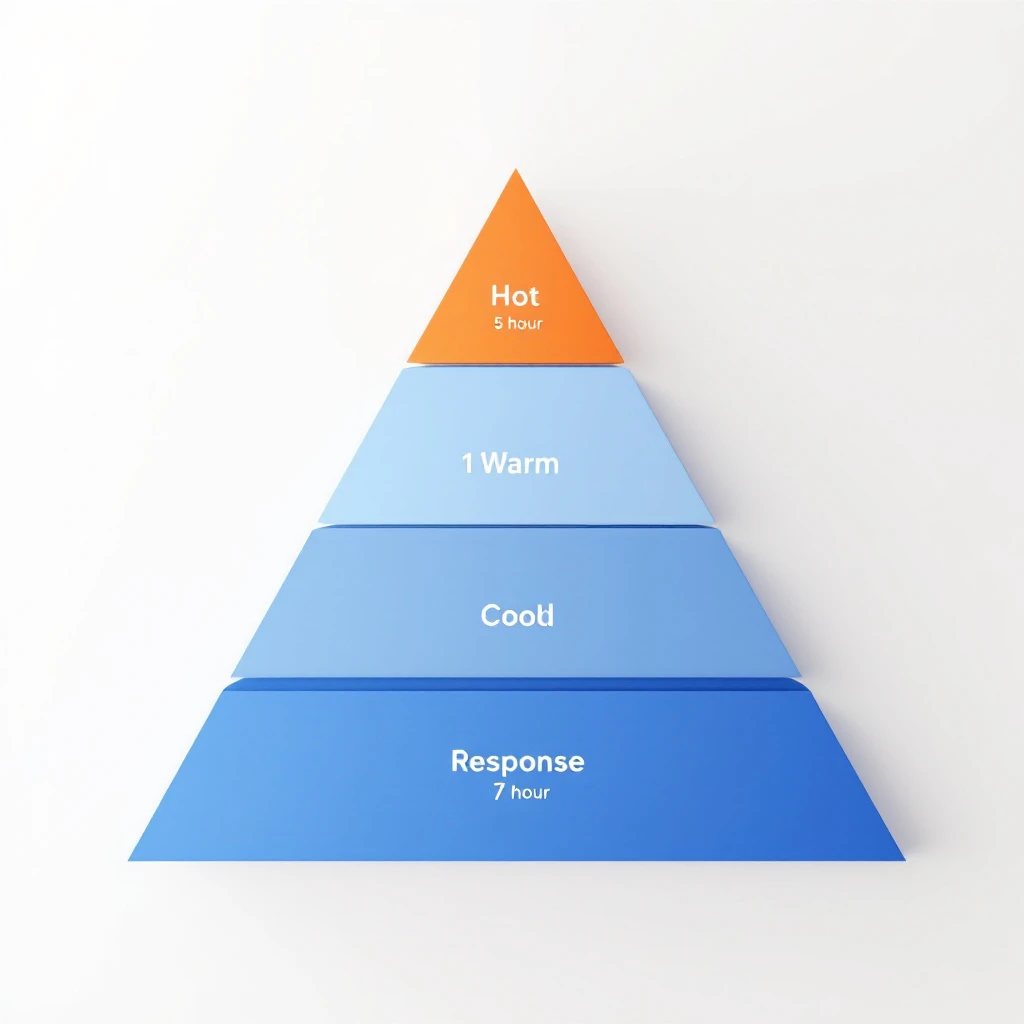
Treat inbound the way an ER treats patients. Not first-come-first-served โ€” most acute first, with response times calibrated to the urgency of the signal.

TierSignal ExamplesResponse SLAHandlerChannel
Tier 1 โ€” HotDemo request, pricing page visit + ICP match, "talk to sales"5 minutesHuman SDRPhone + email + LinkedIn
Tier 2 โ€” WarmContent download + ICP fit, repeat visitor with intent pages, webinar attendee1 hourAI agent drafts, human approvesEmail + LinkedIn
Tier 3 โ€” CoolSingle content download, non-ICP form fill, light intent24 hoursAutomated sequenceEmail only
Tier 4 โ€” ColdNewsletter signup, blog comment, anonymous traffic7 days or nurtureMarketing automationEmail nurture

The point isn't the exact response times โ€” those depend on your ACV and sales cycle. The point is that the same SLA cannot apply to every lead. Signal intensity determines speed. Speed determines headcount allocation.

What Goes Into Each Tierโ€‹

Tier 1 โ€” Hot (5-minute response, human)

These are the only leads where the 5-minute rule literally applies. Characteristics:

  • Explicit purchase intent (demo, sales, pricing inquiry)
  • ICP match (right industry, right size, right title)
  • Recent on-site behavior showing active evaluation

For a mid-market B2B company, this is usually 3-8% of total inbound volume. It is by far the highest-converting bucket. Every minute of delay here is measurable pipeline lost. This is where you spend your speed budget.

Tier 2 โ€” Warm (1-hour response, AI-assisted)

These leads are evaluating, but haven't asked to talk yet. They downloaded the buyer's guide. They came back to your site twice this week. They attended your webinar and stayed for the Q&A.

The mistake here is treating Tier 2 like Tier 1. A 5-minute call to someone who just downloaded a PDF feels stalker-ish and converts worse than a thoughtful email 45 minutes later.

The right pattern: an AI agent drafts a personalized email referencing the content they consumed and their company context. An SDR scans the draft, edits if needed, and sends. The whole loop takes 90 seconds of human time. Response goes out within an hour while the topic is fresh.

This is the workflow we walked through in Visitor ID to First Outreach in 30 Minutes โ€” same logic applies to any Tier 2 signal.

Tier 3 โ€” Cool (24-hour response, automated)

Low-intensity signals. Single content downloads, non-ICP form fills, leads from outside your serviceable territory. These go into an automated sequence โ€” 3 to 5 emails over 2-3 weeks, designed to either escalate them up the tier system (by triggering a Tier 1 or 2 signal) or filter them out.

No human SDR time spent. Period. If they raise their hand later, they move up the tier system and get re-routed.

Tier 4 โ€” Cold (nurture)

Newsletter signups, blog readers, anonymous traffic, top-of-funnel content engagement. Marketing automation handles this entirely. They are not yet leads โ€” they are subscribers. Treat them accordingly. They escalate into Tier 3 or higher only when behavior signals it.

The Routing Logic (How Leads Move Between Tiers)โ€‹

Static tier assignment is brittle. Real lead behavior is dynamic โ€” a newsletter subscriber today might be a demo request next week. The system has to move them.

Three routing rules govern movement:

  1. Up-tier on intent escalation. Any Tier 2-4 lead that submits a higher-intent action (pricing visit, demo request, "contact sales" click) jumps immediately to Tier 1. The clock restarts.
  2. Down-tier on disengagement. Any Tier 1-2 lead that goes silent through three touches drops one tier. This frees SDR capacity for fresher signals.
  3. Re-rank weekly. Pull the full active-lead list every Monday. Re-score against the tier criteria. Reroute anyone whose behavior has shifted.

Most teams skip rule 3 and end up with a queue full of dead Tier 1 leads. Re-ranking is the maintenance pass that keeps the system honest.

This is the same intent-tier logic we used in the signal-based SDR routing post โ€” applied to inbound instead of outbound.

How To Automate Tiers 2 and 3 (Without Sounding Like a Bot)โ€‹

The tier system is only useful if Tier 2 and 3 don't need human attention. Here is the workflow that makes that real.

For Tier 2 (AI-drafted, human-approved)โ€‹

  1. Signal detected. Content download, repeat visit, webinar attendance โ€” whatever your trigger is.
  2. Enrichment fires. Company data, role data, recent on-site behavior, mutual connections, news mentions in the last 90 days.
  3. AI drafts the response. A short email referencing the specific content consumed, the company context, and one specific reason your platform fits their stack. Includes a soft CTA โ€” "happy to share how others at companies like yours used this โ€” open to a 15-min call next week?"
  4. SDR reviews draft. Should take 30-90 seconds. Approve, edit, or skip.
  5. Send + log. Goes into the SDR's sent folder so the next touch is from them, not a generic inbox.

The pattern we covered in From Buying Signal to Booked Meeting in 24 Hours is the template here โ€” same enrichment, same drafting loop, different SLA.

For Tier 3 (Fully automated)โ€‹

  1. Signal detected. Low-intensity action.
  2. Sequence enrolled. Lead enters a 4-touch sequence calibrated to the content they engaged with. Touch 1 references the asset. Touch 2 (4 days later) shares a related case study. Touch 3 (10 days) offers a soft CTA. Touch 4 (21 days) is a breakup email.
  3. Behavior monitored. Any open, click, or site revisit that crosses a threshold up-tiers them. They get pulled from the sequence and routed accordingly.
  4. Quiet exits. No re-engagement after 4 touches? They drop to Tier 4 and join the newsletter nurture.

The risk in Tier 3 automation is sounding generic. Avoid it by enriching the sequence with company-specific lines from public sources โ€” recent news, hiring activity, tech stack changes. Two or three concrete references per email is enough to feel human.

Why This Matters (The Capacity Math)โ€‹

Run the numbers for a typical mid-market SaaS team:

  • 312 weekly inbound leads
  • 4% Tier 1 = 12 leads โ†’ 1 hour of SDR time each = 12 hours of focused work
  • 18% Tier 2 = 56 leads โ†’ 2 minutes of SDR review each = ~2 hours total
  • 38% Tier 3 = 119 leads โ†’ 0 SDR time (fully automated)
  • 40% Tier 4 = 125 leads โ†’ 0 SDR time (marketing nurture)

Total SDR inbound load: ~14 hours/week. One SDR can handle the inbound queue with time left over for outbound. Without the tier system, the same 312 leads require 3-4 SDRs and still produces worse outcomes โ€” because the Tier 1 leads get the same treatment as the newsletter subscribers, and nothing gets the attention it deserves.

That's the unlock. Not faster response on everything. Faster response on the leads that pay back the speed.

Common Failure Modesโ€‹

A few patterns I've seen kill tier systems even when they're well-designed:

1. Tier 1 over-population. Sales leaders push to flag more leads as Tier 1 because it feels like progress. Within a quarter, 25% of leads are "hot" and SDRs are back to chasing volume. Fix: gate Tier 1 promotion on hard signals only, not gut feel.

2. No re-ranking. The Monday re-score pass falls off when the team gets busy. Within a month, the active queue is full of stale Tier 1 leads that should have been demoted. Fix: automate the re-rank. Make it a system event, not a calendar reminder.

3. Tier 2 drafts that read like spam. AI drafts without enrichment produce form-letter outreach. The whole point of Tier 2 is human-quality response at machine speed. Without enrichment, you've just built a slow spam cannon. Fix: invest in the enrichment layer first, then turn on drafting.

4. Routing without a CRM source of truth. If the tier lives in a spreadsheet, it dies in a spreadsheet. The tier must be a field on the lead record that every system reads from. Fix: pick one system of record and make tier a first-class field there.

The Tooling Layerโ€‹

You can run this system manually if your volume is small. Past about 50 weekly inbound leads, you need automation. The capability set you need:

  • Visitor identification โ€” who is on your site, even without a form fill
  • Real-time enrichment โ€” company + person data within seconds of trigger
  • Intent scoring โ€” assigns a tier based on signal combinations
  • AI drafting with context โ€” pulls enrichment + content history into the draft
  • Routing engine โ€” sends Tier 1 to humans, Tier 2 to drafts, Tier 3 to sequences, all automatically
  • Behavior-based re-tiering โ€” moves leads between tiers based on action

Several tools cover parts of this. Best lead routing software in 2026 and the ChiliPiper alternative breakdown both go deeper. Most teams stitch together 3-5 tools โ€” visitor ID, enrichment, MAP, AI assistant, scheduler.

This is what MarketBetter consolidates. We don't just identify the visitor and score the signal โ€” we draft the response, route to the right rep, and tell them exactly what to do next. The difference between knowing who's hot and acting on it in under an hour is the whole game.

The 30-Day Rolloutโ€‹

If you're starting from a flat 5-minute-everything SLA, here's the migration:

  • Week 1: Define your tier criteria. Pull last 90 days of inbound. Manually classify into 4 tiers. Confirm the distribution feels right.
  • Week 2: Set up Tier 3 automation. Build the 4-touch sequence. Stop manually responding to single-content-download leads.
  • Week 3: Set up Tier 2 enrichment + AI drafting. Pilot with one SDR. Measure response quality.
  • Week 4: Roll Tier 2 to the team. Establish the Monday re-rank pass. Lock in Tier 1 as the only human-priority queue.

By day 30, your SDRs should be spending 70% of their inbound time on Tier 1 and Tier 2 reviews. The previous 70% โ€” the busywork on Tier 3 and 4 โ€” is now automated.

The Bottom Lineโ€‹

The 5-minute rule isn't wrong. It's just narrowly true. It applies to hot, ICP-fit, ready-to-buy leads โ€” and almost nobody else.

Build the tier system. Reserve speed for the leads that pay it back. Automate the rest. Your SDRs get their best hours back, your hot leads get the response time the data says they need, and the leads who weren't going to buy this quarter don't burn capacity that should have closed deals.

The teams winning inbound in 2026 aren't the fastest on everything. They're the most disciplined about what deserves speed and what doesn't.


Want to see how MarketBetter automates Tier 1 and Tier 2 inbound response โ€” including visitor ID, AI drafting, and routing? Book a demo.

Related reading:

The Daily SDR Playbook: Why Your Reps Should Never Decide Who to Call Next

ยท 11 min read
MarketBetter Team
Content Team, marketbetter.ai

Sit behind an SDR for an hour. Not on a call โ€” before the calls. Watch what they actually do in the first 60 minutes of their day.

Here's what you'll see:

Tab 1: CRM, checking assigned leads. Tab 2: Email, scanning for replies and bounces. Tab 3: LinkedIn, searching for triggers and connections. Tab 4: Intent data platform, reviewing new signals. Tab 5: Enrichment tool, looking up company details. Tab 6: Sequence tool, checking who's due for a follow-up. Tab 7: Slack, reading team updates. Tab 8: Calendar, reviewing the day's meetings. Tab 9: Sales navigator, building new lists. Tab 10: Another CRM tab, because the first one timed out.

And that's just the first ten. Most SDRs I've worked with have 15-20 tabs open before they make their first call.

This isn't selling. This is deciding who to sell to. And it's consuming 60% of your SDRs' working day.

I've built SDR teams at three different startups. The pattern is always the same: you hire great reps, give them great tools, build great sequences โ€” and then watch them spend most of their time navigating between those tools instead of using them.

The tools aren't the problem. The fragmentation is.

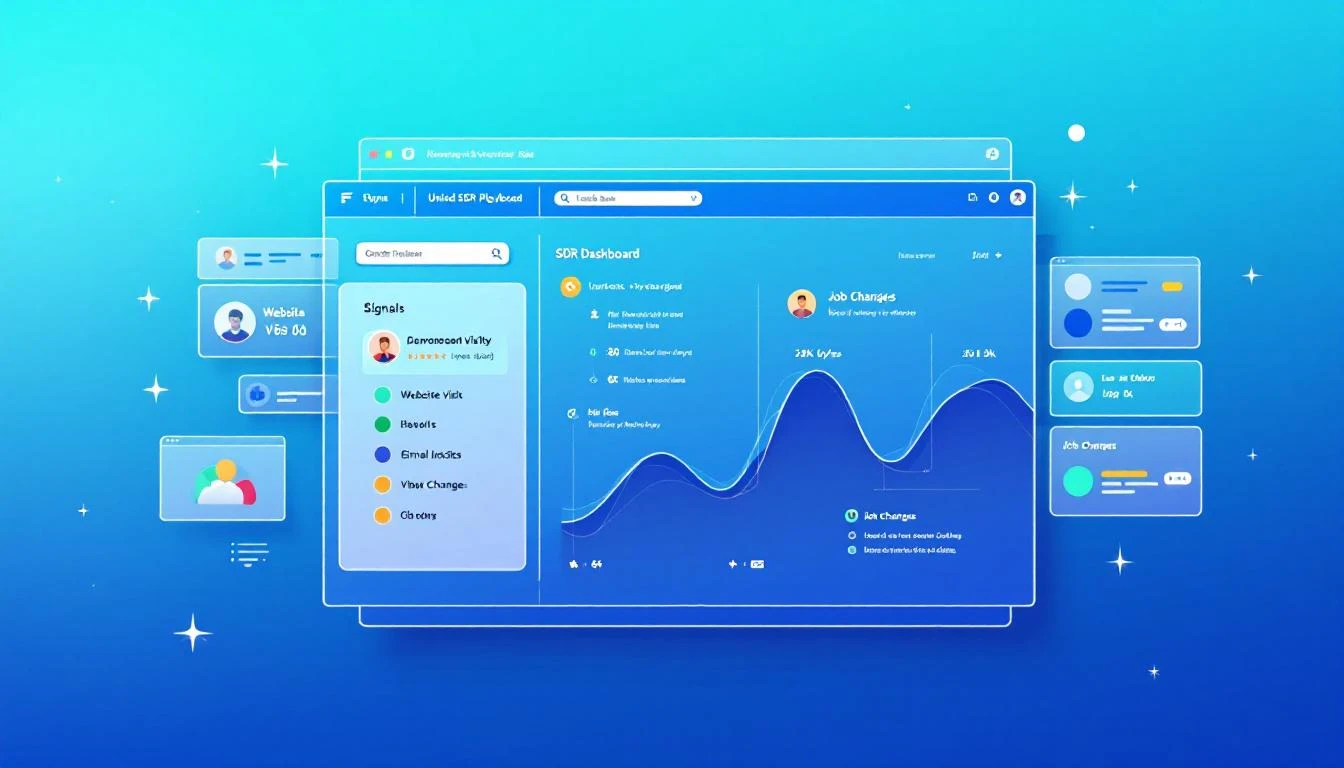
Unified SDR dashboard consolidating signals into one prioritized playbook

The 60% Tax on Selling Timeโ€‹

Let me put a number on this because the data on SDR productivity is damning.

The average SDR spends roughly 60% of their day on non-selling activities. Not admin. Not CRM data entry. Decision-making. Specifically, deciding:

  • Who should I contact next?
  • What channel should I use?
  • What should I say?
  • Is this person worth my time right now?
  • Did something change since I last checked?

These are important questions. But they shouldn't require toggling between a dozen tools to piece together an answer.

Think about what this means economically. If you're paying an SDR $75,000 per year, and 60% goes to non-selling activities, you're paying $45,000 per rep for them to decide what to do. On a team of eight, that's $360,000 per year in decision-making overhead.

That's not a productivity problem. That's a strategy problem.

The Core Issue: Signals Are Everywhere, Synthesis Is Nowhereโ€‹

B2B sales teams have never had more signal data available to them. Website visits. Email engagement. Social interactions. Intent data from third-party providers. Job changes. Company news. Funding announcements. Technology adoptions. Conference attendance.

The problem isn't data scarcity. The problem is that every signal lives in a different tool, and no tool synthesizes them into a single prioritized view.

Your website visitor identification tool tells you someone from Acme Corp visited your pricing page yesterday. To act on that, your SDR checks the CRM for account status, checks the sequence tool for active cadences, checks LinkedIn for contacts, checks enrichment for email and phone, then checks intent data for broader signals.

That's five tool switches to act on one signal. Your SDR has 50 signals today.

Multiply the number of tools by the number of signals, and you understand why SDRs are paralyzed by choice before they even pick up the phone.

What If Your SDRs Opened One Tab?โ€‹

MarketBetter's Daily Playbook takes every signal from every source and collapses them into one thing: a prioritized task list for each rep.

When your SDR starts their day, they don't open 20 tabs. They open one. And in that tab, they see:

  1. Their top tasks for today, ranked by signal strength and likelihood of conversion
  2. Why each task is there โ€” what triggered it, what's the signal
  3. The recommended channel โ€” call, email, LinkedIn, or multi-touch
  4. A suggested message or talking points based on the prospect's context
  5. Everything they need to execute โ€” contact info, company background, engagement history

That's it. No hunting. No synthesizing. No deciding. Just executing.

The Daily Playbook doesn't replace your SDR's judgment. It focuses it. Instead of spending an hour deciding who deserves attention, the rep spends that hour giving attention to the people most likely to convert.

The Signals That Feed the Playbookโ€‹

Here's what flows into each rep's daily playbook:

Website Visitor Intelligenceโ€‹

When someone from a target company visits your website โ€” especially high-intent pages like pricing, demo request, or product comparison โ€” that visit becomes a task in the playbook.

But not just "someone from Acme Corp visited your site." The playbook tells the rep:

  • Which pages they viewed
  • Whether the company is an existing account or net-new
  • If it's existing, who owns it and what's the current status
  • If it's net-new, whether it matches your ICP
  • Recommended next action based on intent strength

Identifying anonymous website visitors is only valuable if someone acts on it. The playbook makes sure they do, and that the right rep does it at the right time.

Email Engagement Signalsโ€‹

Your SDRs are running sequences with dozens or hundreds of active contacts. The playbook tracks every engagement signal:

  • Opens: Who opened your email three or more times? That's interest. Call them now.
  • Replies: Obviously high priority โ€” but the playbook also flags negative replies for suppression so reps don't waste time on dead leads.
  • Link clicks: What did they click? A case study link signals different intent than a pricing page link. The playbook adjusts the recommended next step accordingly.
  • Sequence position: Is this prospect about to exit your sequence without a reply? That might warrant a different approach โ€” phone call, LinkedIn touch, or a breakup email.

These signals exist in your sequence tool today. But they're buried in dashboards that your SDR has to proactively check. The playbook surfaces them as prioritized tasks.

Champion Job Changesโ€‹

This is one of the most underutilized signals in B2B sales, and it's one of the most powerful.

Here's the scenario: six months ago, your SDR had great conversations with Sarah at Company A. Sarah loved your product, was pushing for a deal internally, but ultimately the timing wasn't right โ€” they had a contract locked in with a competitor.

Now Sarah moves to Company B. She's still a believer. She knows your product. She has relationship equity with your team. And she's starting fresh at a new company where the existing contract doesn't apply.

That job change is worth more than 100 cold leads. It's a warm introduction to a new company through someone who already trusts you.

The Daily Playbook tracks champion job changes automatically. When a previous contact moves to a new company, it shows up as a high-priority task:

"Sarah Johnson moved from Company A (closed-lost, Q3 2025) to Company B (VP Sales Ops). ICP match. Recommended: warm outreach referencing previous relationship."

Your SDR doesn't need to monitor LinkedIn or set up Google alerts. The playbook remembers, connects the dots, and tells the rep what to do.

Intent Data Signalsโ€‹

Third-party intent data โ€” topics being researched, content being consumed, technology evaluation signals โ€” flows into the playbook as prioritized tasks.

But here's the key: intent data alone is noisy. Most intent data platforms generate far more signals than any SDR team can act on. The playbook doesn't just surface intent signals โ€” it stacks them.

A company researching your category? Low priority on its own. The same company researching your category and visiting your website and opening your emails? That's stacked intent. Top of the list. Call them today.

The playbook's ranking algorithm considers signal strength, signal recency, and signal stacking to ensure that the tasks at the top of each rep's list represent the highest likelihood of conversion.

The "Here's Why" Factorโ€‹

Every task in the Daily Playbook comes with context. Not just "call this person" but why.

This matters more than most people realize. When an SDR picks up the phone with zero context, they're starting cold. When they pick up the phone knowing that this prospect's company visited the pricing page twice this week, opened the last three emails, and matches the ICP on company size, vertical, and tech stack โ€” they start warm.

The "here's why" context transforms cold calls into warm calls. It gives the SDR a reason to call that they can articulate to the prospect: "I noticed your team has been evaluating solutions in our space โ€” wanted to see if I could answer any questions." That's not a lie. It's genuine signal intelligence, delivered naturally.

The difference in connect-to-meeting conversion between a contextless cold call and a signal-informed warm call is typically 3-5x. Same SDR, same phone skills. Different hit rate because the rep has information instead of a script.

From 20 Tools to One Task Listโ€‹

The promise of the Daily Playbook is fundamentally simple: your SDRs go from 20 tabs to one.

One tab. One list. Every signal consolidated. Every task prioritized. Every next action recommended.

Here's what a typical day looks like:

8:00 AM โ€” Open the Playbook Today's list: 12 high-priority tasks, 8 medium, 15 low. Start at the top.

8:05 AM โ€” Task 1: Call Dave at TechCorp Why: Pricing page 3x this week. Opened last 2 emails. Former champion (lost deal Q2). Stacked signal. SDR calls Dave. Gets voicemail. Leaves a message referencing pricing research. Sends follow-up email. Next.

8:15 AM โ€” Task 2: Email Sarah at FinServ Inc. Why: New website visitor, ICP match, first visit to case study page. SDR sends contextual email referencing FinServ's industry challenges. Next.

8:20 AM โ€” Task 3: LinkedIn touch with Mike at HealthCo Why: Changed jobs last week. Previously engaged at MedTech (3 meetings, no close). New role: VP Sales at HealthCo. ICP match. SDR sends LinkedIn connection with warm message referencing previous conversations. Next.

8:25 AM โ€” Task 4...

By 10:00 AM, the SDR has completed 12 high-priority outreach tasks across phone, email, and LinkedIn. Zero research time. Zero tab switching. Zero decision paralysis.

Compare this to the traditional workflow: by 10:00 AM under the old model, the SDR is still in tabs 6-12, trying to figure out who to call first.

The Compound Effect of Daily Executionโ€‹

The Daily Playbook doesn't just make individual days more productive. It creates a compound effect over time.

When reps consistently execute on the highest-value signals every day, three things happen:

1. Response rates climb. Because the playbook surfaces the warmest prospects โ€” the ones with stacked signals, recent engagement, and ICP fit โ€” reps are reaching out to people who are more likely to respond. Over weeks, this compounds into significantly higher reply and connect rates compared to reps who self-select their outbound targets.

2. No signals fall through the cracks. Without the playbook, an intent signal from last Tuesday gets buried under today's new leads. With the playbook, every unactioned signal persists until it's addressed or deprioritized.

3. Coaching gets easier. When every rep works from a standardized, signal-driven playbook, managers can see exactly what's happening. Instead of asking "what did you work on today?" managers review playbook completion and conversion metrics in real time.

What About Rep Autonomy?โ€‹

I get this question every time I talk about the playbook model. Experienced SDRs push back: "I know my territory. I know who to call. I don't need a system telling me what to do."

Fair. And wrong.

Fair, because great reps do develop intuition about their territory.

Wrong, because intuition can't process the volume and velocity of signals that a modern B2B sales motion generates. Your best rep might intuitively know that Acme Corp is a good target. But they don't know that someone from Acme Corp visited the pricing page at 11 PM last night, that their former champion just moved to a competitor, and that intent data shows Acme Corp is researching your category at 3x the normal rate.

The playbook doesn't override rep autonomy. It informs it. Reps can still reprioritize, skip tasks, or add their own outreach. But they start from a foundation of complete signal intelligence rather than partial intuition.

The One-Tab Promiseโ€‹

Here's what I want every VP of Sales to hear: your SDRs should never be deciding who to call next. That decision should be made for them by a system that sees more signals, processes more data, and updates more frequently than any human could.

The Daily Playbook is that system. Every signal in one place. Every task prioritized. Every rep starting their day with clarity instead of chaos.

It's the simplest upgrade you can make to your SDR org โ€” because you're not adding a new tool. You're replacing the 20 tools your reps are drowning in.

One tab. That's the promise. And it changes everything.


Adam Grant leads GTM at MarketBetter, where he helps SDR teams stop drowning in tabs and start selling โ€” one prioritized task at a time.

The Rise of the GTM Agent Stack: From 10 Tools to One AI Workflow

ยท 9 min read
MarketBetter Team
Content Team, marketbetter.ai

Here's a quick experiment. Open your company's tech stack spreadsheet โ€” you know, the one finance keeps asking about. Count the tools your revenue team uses.

If you're a typical B2B company in 2026, the number is somewhere between 8 and 15. A CRM. An enrichment tool. A sequencing platform. An intent data provider. A dialer. An email warmup service. A LinkedIn automation tool. A conversation intelligence platform. Maybe a sales engagement layer on top. Maybe a data warehouse underneath.

Each tool does one thing. Each tool has its own login, its own billing, its own onboarding, its own integrations. Your ops person spends half their week maintaining the glue between them. Your reps spend 30 minutes a day just switching contexts between tabs.

This is the SaaS stack model. And it's dying.

What's Replacing Itโ€‹

Something interesting is happening in the open source AI community that most revenue leaders haven't noticed yet. It's a leading indicator of where the entire GTM technology market is headed.

Developers are building AI agent repositories โ€” not organized by tool category, but by workflow. Instead of "here's a dialer tool" and "here's an email tool" and "here's an enrichment tool," they're creating agents named things like cold-email-sequence, pipeline-health-check, account-research-brief, and intent-signal-orchestration.

See the difference? The organizing principle isn't the technology. It's the job to be done.

One of the most notable examples โ€” a repo with 92 AI agents and 67 Claude Code plugins โ€” maps the entire GTM function into workflow-based agents covering prospecting, pipeline management, content creation, ABM orchestration, churn prediction, and more. Each agent represents a complete workflow, not a feature.

This isn't just an open source trend. It's the blueprint for how the next generation of GTM platforms will be built.

Why the SaaS Stack Model Is Breakingโ€‹

The tool-per-function model made sense when each function was genuinely specialized and no single platform could do everything well. In 2018, you needed Outreach for sequences, ZoomInfo for data, 6sense for intent, and Gong for call recording because no one product was good at more than one of those things.

Three things have changed:

1. AI collapsed the intelligence layer. The hardest part of most sales tools was the analytical engine โ€” scoring leads, personalizing messages, detecting patterns, recommending next actions. LLMs now handle these tasks at a level that equals or exceeds purpose-built ML models. You don't need five specialized AI engines anymore. You need one good foundation model connected to the right data.

2. Integration tax became unbearable. Every tool in your stack requires bi-directional sync with your CRM. Every sync has lag, data loss, and edge cases. Every edge case creates bad data. Bad data creates bad decisions. The integration tax isn't just a technical cost โ€” it's a revenue cost. How many deals have stalled because a signal in one tool didn't flow to the platform where the rep would actually see it?

3. Context switching kills conversion. Reps who work in a single unified workflow convert at measurably higher rates than reps who bounce between tabs. The data on this is clear: every context switch adds cognitive load, and cognitive load kills the urgency and momentum that drive outbound success. When a rep has to leave their sequence tool to check intent data in a different tool, the moment is often lost.

The Agent Workflow Modelโ€‹

The emerging agent-based model flips the stack on its head. Instead of buying tools and wiring them together, you define workflows and let agents execute them end to end.

Here's what that looks like in practice:

Morning pipeline review. An agent scans your CRM, flags deals that have stalled for 14+ days, identifies accounts with recent activity spikes, and generates a prioritized list of the 10 accounts that need attention today โ€” with specific recommendations for each one. No rep had to open a dashboard, run a report, or cross-reference intent data. The workflow just runs.

Account research. A rep enters an account name. An agent pulls firmographic data, recent news, tech stack information, key stakeholders, and any existing engagement history from your CRM. It synthesizes all of it into a one-page brief with suggested talk tracks. What used to take 20 minutes of clicking through LinkedIn, Crunchbase, and your CRM now takes 30 seconds.

Cold outreach sequence. An agent takes a target list, enriches each contact, personalizes a multi-touch sequence based on the prospect's role, company context, and any available intent signals, and schedules the sequence across email and phone โ€” all with deliverability guardrails built in. The rep reviews and approves. The whole thing runs.

Deal coaching. An agent reviews call transcripts, email threads, and CRM notes for a specific opportunity. It identifies risk factors (competitor mentions, stakeholder gaps, timeline concerns), generates suggested next steps, and even drafts follow-up emails. A rep gets AI-powered deal strategy without hiring a $300/hour sales consultant.

Notice what's absent in all of these workflows: tool names. The rep doesn't care whether the enrichment came from Clearbit or Apollo or a proprietary database. They don't care whether the email sends through SendGrid or a custom SMTP relay. They care that the workflow worked.

What the Open Source Movement Gets Rightโ€‹

The AI agent repos flooding GitHub are onto something real, even if most of them aren't production-ready. What they get right:

Workflow-first architecture. Organizing by outcome rather than function is the correct design philosophy. A "pipeline-health-check" agent is more useful than a "dashboard tool" because it embeds the analytical work directly into the workflow.

Composability. Good agent frameworks let you chain agents together. The output of a research agent feeds the input of a personalization agent feeds the input of a sequence agent. This is how workflows actually work โ€” as chains, not as isolated tools.

Customizability. Every sales team sells differently. Open source agents let you tune prompts, adjust scoring criteria, modify templates, and add custom logic. You're not locked into some PM's idea of what "good outbound" looks like.

Transparency. With open source, you can see exactly what the agent is doing. No black box scoring. No mystery algorithms. If the agent is making bad recommendations, you can see why and fix it.

What the Open Source Movement Gets Wrongโ€‹

For all their architectural elegance, open source GTM agents have a fundamental problem: they're brains without bodies.

The agents can think โ€” analyze data, generate text, make recommendations. But they can't do โ€” send deliverability-safe emails, make phone calls through an integrated dialer, capture website visitor data, or sync activities back to a CRM in real time.

The doing requires infrastructure that doesn't exist in a GitHub repo:

  • Email sending infrastructure with warmup, rotation, and reputation management
  • Phone systems with local presence, parallel dialing, and recording
  • Website tracking with visitor identification and behavioral data capture
  • CRM integration that's bidirectional, real-time, and reliable
  • Compliance frameworks for GDPR, CAN-SPAM, and TCPA

This is the gap. And it's exactly the gap that the next generation of GTM platforms is rushing to fill.

The Unified Platform Playโ€‹

The winning architecture in 2026 isn't "open source agents" or "legacy SaaS stack." It's a unified platform that combines the workflow-first design philosophy of the agent movement with the execution infrastructure that only a purpose-built platform can provide.

MarketBetter is a good example of what this looks like in practice. Instead of selling separate tools for intent data, email sequences, visitor identification, and phone โ€” it orchestrates the entire workflow. A daily AI playbook surfaces the right accounts. An integrated chatbot qualifies inbound in real time. Email sequences execute with deliverability infrastructure baked in. A smart dialer handles the phone channel. Everything flows through one system.

The key insight: the AI layer and the infrastructure layer aren't separate products. They're the same product. The AI is only as good as the data it can access and the channels it can activate. The infrastructure is only as efficient as the intelligence directing it.

What to Look Forโ€‹

If you're evaluating your GTM stack in 2026, here's the framework I'd use:

Does the platform organize by workflow or by feature? If the sales page talks about "our dialer" and "our sequencer" and "our intent data" as separate value props, that's a legacy architecture wearing a modern UI. Look for platforms that talk about outcomes: "prioritized daily playbook," "AI-powered account research," "automated multi-channel sequences."

Can the AI access first-party data? The biggest limitation of generic AI agents is they don't have access to your data โ€” your website visitors, your CRM history, your engagement signals. A platform that combines AI with proprietary first-party data will always outperform a generic agent connected to public APIs.

Is the execution infrastructure integrated? If you still need a separate email warmup tool, a separate dialer, or a separate deliverability monitoring service, the platform isn't really unified. Execution infrastructure should be invisible โ€” it just works.

How fast is the feedback loop? The best AI workflows learn from results. When a sequence converts, the system should adjust future personalization. When a call connects, the system should update account scoring. Tight feedback loops are what separate "AI-assisted" from "AI-powered."

Can you customize the workflows? Every team is different. A good platform gives you default workflows that work out of the box, plus the ability to tune prompts, adjust scoring weights, modify sequence logic, and add custom steps. You want guardrails, not handcuffs.

The Consolidation Waveโ€‹

We're at the beginning of a massive consolidation wave in B2B sales technology. The 10-tool stack is collapsing into 2-3 platforms. CRM stays (Salesforce and HubSpot aren't going anywhere). A unified GTM execution platform replaces the rest.

The catalyst is AI. When a single intelligence layer can handle enrichment, personalization, scoring, and analysis โ€” the only differentiation left is data and infrastructure. And data and infrastructure favor consolidated platforms over fragmented point solutions.

The companies that figure this out in 2026 will have a structural advantage: lower tool costs, less integration overhead, faster rep ramp, and tighter feedback loops between execution and results.

The companies that don't will still be debugging Zapier integrations while their competitors book meetings.

Your move.


Ready to consolidate your GTM stack into one AI-powered workflow? MarketBetter combines visitor ID, intent signals, AI playbook, smart dialer, and deliverability-safe email โ€” no integration duct tape required.

How to Turn Website Visitors Into Pipeline in 24 Hours: A Step-by-Step Workflow [2026]

ยท 12 min read
MarketBetter Team
Content Team, marketbetter.ai

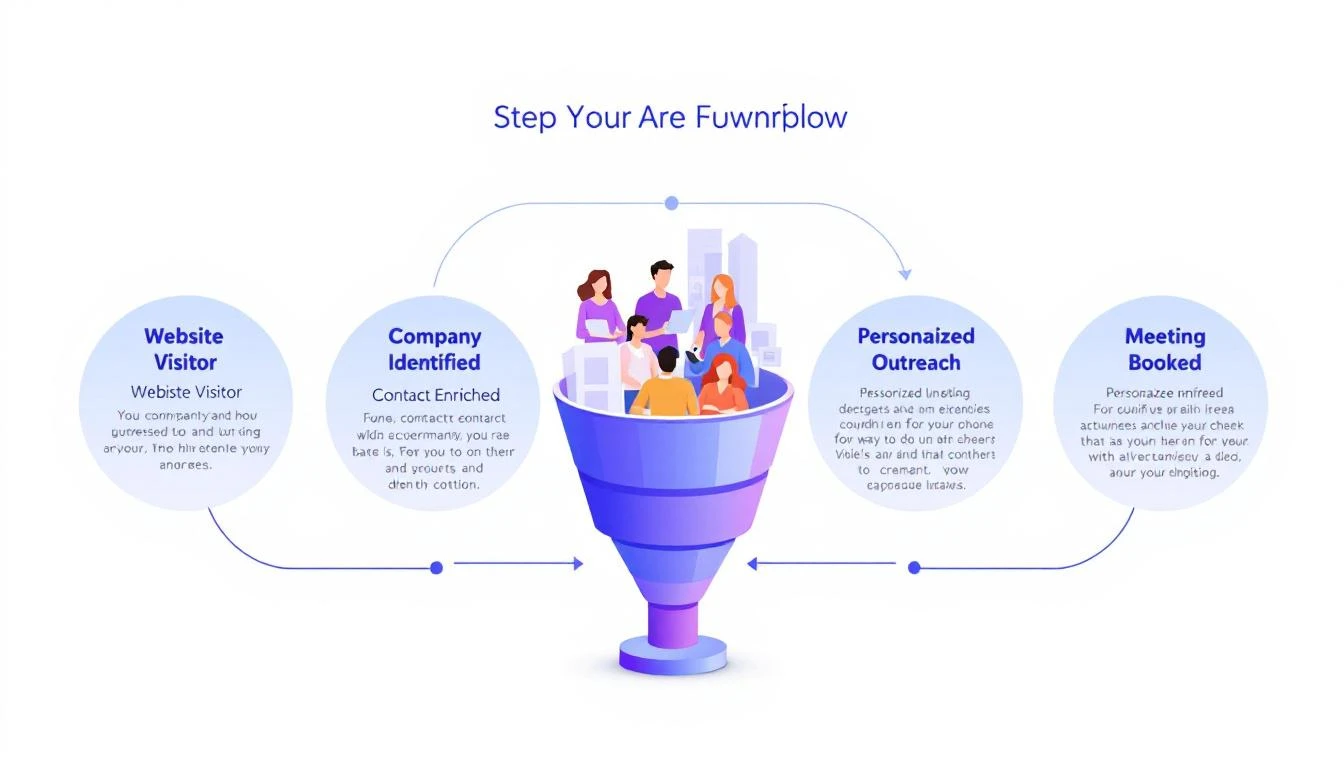
5-step workflow: Website Visitor to Meeting Booked

Here's a stat that should make every sales leader uncomfortable: 90% of website visitor identification data sits unused in dashboards. Companies pay $500โ€“$2,000 per month for visitor ID tools, identify hundreds of companies visiting their site, and then... do nothing with it.

The problem isn't identification. The technology for website visitor identification works. Companies show up. Names get matched. Firmographic data populates.

The problem is what happens next.

Your sales team sees a notification that "Company X visited your pricing page." Great. Now what? Who at Company X should they contact? What should they say? How do they personalize outreach when they know nothing about the visitor's specific pain?

Most teams either ignore the data entirely or blast generic "I noticed you visited our website" emails that get deleted on sight.

This guide walks you through a repeatable 5-step workflow that takes you from anonymous website traffic to a booked meeting โ€” consistently, in under 24 hours.

Why Most Visitor ID Programs Failโ€‹

Before we fix the workflow, let's understand why it breaks.

The typical visitor ID program looks like this:

  1. Install a pixel on your website
  2. Wait for data to populate a dashboard
  3. Check the dashboard (maybe once a day, maybe once a week)
  4. See a list of companies โ€” some recognizable, most not
  5. Feel overwhelmed by the volume and close the tab

The gap between "identified" and "contacted" is where pipeline goes to die. According to research from Opensend, IP-to-company matching delivers 70โ€“80% accuracy for B2B identification. That means the identification layer works. But identification without action is just expensive analytics.

Three structural problems kill most visitor ID programs:

1. No prioritization framework. Not every visitor is equal. Someone who spent 12 minutes on your pricing page and came back twice is a completely different signal than a bot crawler hitting your homepage for 3 seconds. Without scoring, every lead looks the same.

2. No enrichment workflow. Visitor ID gives you the company. You need the person. That means enrichment โ€” finding the right contacts, their roles, their email addresses, their LinkedIn profiles. Doing this manually for 50+ identified companies per day isn't realistic.

3. No speed. The data that speed-to-lead research has proven for years applies here: 78% of buyers choose the vendor that responds first. If you're checking your visitor dashboard on Monday morning and reaching out Tuesday afternoon, your competitor who automated the response already booked the meeting.

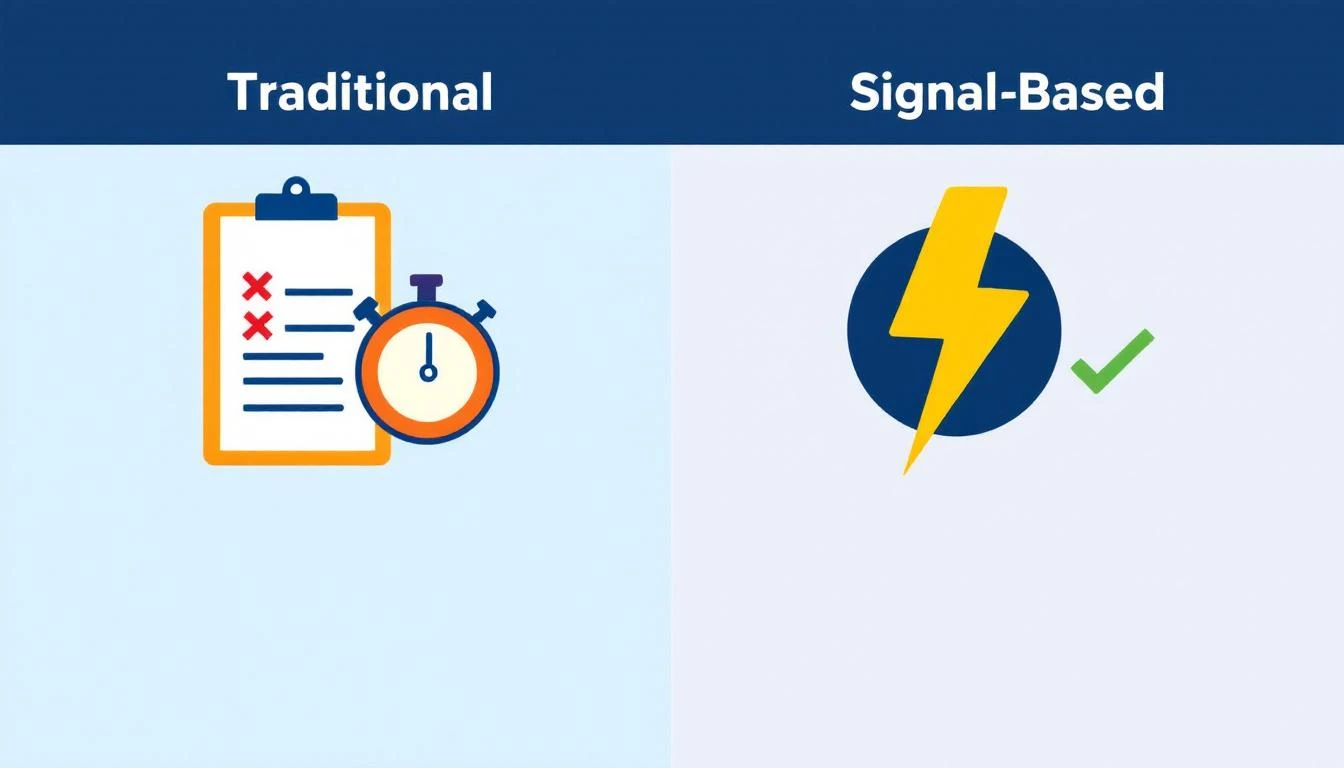
Traditional vs. Signal-Based Approaches

The 5-Step Visitor-to-Pipeline Workflowโ€‹

Here's the workflow that actually converts. Each step builds on the previous one, and the entire process should take less than 24 hours from first visit to first outreach.

Step 1: Identify and Filter (Automated โ€” 0 Minutes)โ€‹

Your visitor identification tool captures company-level data: company name, industry, size, pages visited, time on site, and session frequency.

But raw visitor data is noise. You need a filter.

Set up qualification criteria before you start outreach:

SignalWeightWhy It Matters
Visited pricing pageHighActive buying signal
Returned 2+ times in 7 daysHighPersistent interest
Spent 5+ minutes on siteMediumEngaged, not bouncing
Company size matches ICP (50โ€“500 employees)HighRight fit
Viewed product/feature pagesMediumEvaluating capabilities
Homepage only, single visitLowCould be anything
Blog post only, single visitLowContent consumer, not buyer

The rule: Only pass visitors that hit at least two "High" signals or one "High" plus two "Medium" signals to the enrichment step. Everything else goes into a nurture bucket.

This filter alone eliminates 60โ€“70% of noise and lets your team focus on the visitors who are actually evaluating solutions.

If you're using a platform with a daily SDR playbook, this filtering happens automatically. The playbook surfaces the visitors worth contacting, ranked by intent strength, so your reps don't waste time sorting through raw lists.

Step 2: Enrich to Contact Level (5โ€“10 Minutes per Account)โ€‹

Company-level identification is necessary but insufficient. You need names.

The enrichment workflow:

  1. Identify the buying committee. For a B2B SaaS sale, this typically includes:

    • The end user (SDR Manager, Demand Gen Manager)
    • The economic buyer (VP Sales, VP Marketing, CRO)
    • The technical evaluator (RevOps, Sales Ops)
  2. Find 2โ€“3 contacts per identified company. Don't email one person and hope for the best. Multi-thread from the start.

  3. Gather enrichment data for each contact:

    • Work email (verified, not guessed)
    • LinkedIn profile URL
    • Current role and tenure
    • Recent activity (job change, promotion, company news)

The best lead enrichment tools can do this in seconds. Manual research on LinkedIn Sales Navigator takes 5โ€“10 minutes per account. At scale, you need automation โ€” researching 20 accounts manually every day burns 2+ hours that your SDR should spend on actual conversations.

Pro tip: Prioritize contacts who recently changed jobs. Job change signals are one of the strongest buying indicators โ€” someone new in a role is 5x more likely to purchase new tools in their first 90 days. If your visitor ID catches a company where the VP Sales just started 2 months ago, that's a red-hot lead.

Step 3: Build Hyper-Personalized Context (10 Minutes per Account)โ€‹

This is where most teams fail. They skip this step entirely and send generic outreach. Don't.

Here's the context you need to build for each qualified, enriched account:

From your visitor data:

  • What specific pages did they visit? (This tells you their pain)
  • How long did they spend? (This tells you their urgency)
  • Did they return multiple times? (This tells you they're evaluating)
  • What content did they engage with? (This tells you their knowledge level)

From enrichment data:

  • What does this person's LinkedIn say about their priorities?
  • Has their company raised funding, made acquisitions, or announced growth?
  • Are they hiring for roles that indicate the problem you solve?

Combine into a "context brief":

"Sarah, VP Sales at Acme Corp (150 employees, SaaS). Visited pricing page + visitor ID feature page 3 times in 5 days. Company just raised Series B. Currently hiring 4 SDRs. Sarah joined 3 months ago from Gong."

That brief takes 10 minutes to build. But it gives your SDR everything they need to write outreach that feels personal โ€” because it is personal.

This is fundamentally different from the "I noticed your company visited our website" approach. You're not leading with surveillance. You're leading with relevance.

Step 4: Execute Multi-Channel Outreach (15โ€“20 Minutes per Account)โ€‹

Single-channel outreach is dead. Email-only response rates hover around 1โ€“2% for cold outreach. But research from SalesHive shows that multi-channel sequences โ€” layering email, phone, and LinkedIn โ€” can drive up to 287% more engagement and 300% more conversions compared to email alone.

Here's a 5-touch sequence framework for visitor-sourced leads:

Day 1 (within 4 hours of identification):

  • LinkedIn: Connect with a personalized note referencing their role, not your product
  • Email #1: Reference the specific problem your visitor data suggests, share a relevant insight

Day 2:

  • Phone call: Direct dial. Reference the email. Keep it to 30 seconds โ€” the goal is a conversation, not a pitch

Day 4:

  • Email #2: Share a customer story from a similar company/industry. Include a specific metric

Day 7:

  • LinkedIn: Engage with their content (comment, like). Send a follow-up message referencing something they posted

Day 10:

  • Email #3: "Break-up" email. Direct ask: "Is this a priority for your team right now, or should I check back in Q3?"

Critical rules:

  • Never mention you saw them on your website. It feels invasive. Instead, reference the problem their behavior suggests
  • Lead with value, not features. "Companies your size typically lose 35% of leads to slow response time" beats "We have an AI chatbot"
  • Personalize every touch. If your email could be sent to 100 people without changing a word, it's not personalized enough
  • Email deliverability matters more than email volume. A 95% delivery rate beats a 70% delivery rate with 3x the sends

For teams running this at scale, multi-channel orchestration platforms automate the timing and channel switching. The SDR's job shifts from "manage the sequence" to "have the conversation when someone responds."

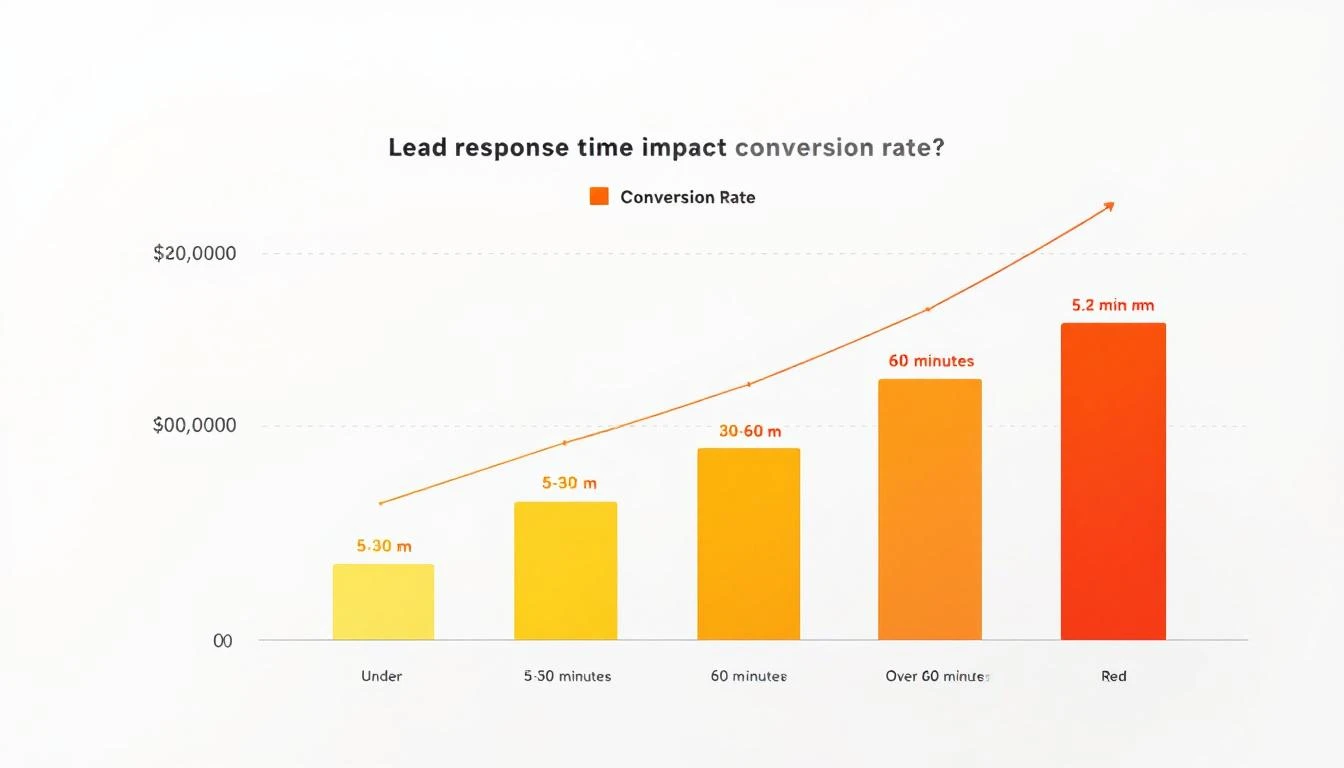
Lead Response Time Impact on Conversion Rates

Step 5: Measure, Learn, Iterate (Weekly โ€” 30 Minutes)โ€‹

The workflow doesn't end when outreach goes out. You need a feedback loop.

Track these metrics weekly:

MetricBenchmarkWhat It Tells You
Visitors identified โ†’ outreach sent>80%Is the workflow running?
Outreach sent within 24 hours>90%Is speed-to-lead fast enough?
Email reply rate>5%Is personalization working?
Meeting booked rate (from visitor leads)>3%Is the full funnel converting?
Visitor-sourced pipeline as % of total>25%Is this channel material?

For more on the metrics that matter, see our complete SDR metrics and KPIs guide.

Weekly iteration questions:

  1. Which page-visit patterns most often lead to meetings? Double down on driving traffic there
  2. Which outreach templates get the highest reply rates? Replicate the structure
  3. Which companies visit but don't convert? Analyze why โ€” wrong ICP? Wrong messaging? Wrong timing?
  4. What's the average time from first visit to meeting booked? Target under 72 hours

Real Numbers: What This Workflow Actually Producesโ€‹

Let's run the math on a realistic scenario.

Assumptions:

  • 200 unique companies identified per month (common for B2B SaaS with 10K+ monthly visitors)
  • 30% pass the qualification filter from Step 1 = 60 qualified visitors
  • Each enriched to 2.5 contacts = 150 contacts in outreach
  • Multi-channel sequence gets 8% reply rate = 12 conversations
  • 25% of conversations convert to meetings = 3 meetings per month

Three meetings per month from a channel that didn't exist before. At a $30K ACV with a 25% close rate, that's $22,500 in new annual revenue per month โ€” from website traffic you were already getting.

Scale the inputs (more traffic, better content driving ideal visitors to high-intent pages) and the math compounds. Companies running this workflow consistently report visitor-sourced pipeline becoming 15โ€“30% of total pipeline within 6 months.

Compare this to the industry average: SDRs book 15 meetings per month across all channels. Adding 3 high-quality, warm meetings from visitor data is a 20% lift โ€” from prospects who already showed buying intent by visiting your site.

The Two Approaches: DIY Stack vs. All-in-Oneโ€‹

You can build this workflow two ways.

The DIY stack approach:

  • Visitor ID: Leadfeeder, RB2B, or Clearbit Reveal ($200โ€“$1,000/mo)
  • Enrichment: Apollo, ZoomInfo, or Cognism ($500โ€“$2,500/mo)
  • Sequencing: Outreach, SalesLoft, or Instantly ($100โ€“$500/mo per seat)
  • CRM: HubSpot or Salesforce ($50โ€“$300/mo per seat)
  • LinkedIn: Sales Navigator ($100/mo per seat)
  • Total: $1,000โ€“$5,000/mo + significant integration and workflow management time

The DIY approach works, but you're stitching together 5 tools, managing data flow between them, and relying on your SDR to manually connect signals to actions. The real cost of a B2B sales tech stack often exceeds what teams budget.

The all-in-one approach: Platforms like MarketBetter consolidate visitor identification, enrichment, outreach, and a daily SDR playbook into one workspace. The visitor shows up, gets scored, contacts get enriched, and a prioritized task with personalization context lands in the SDR's daily playbook โ€” automatically.

The difference isn't just cost. It's time-to-action. In the DIY stack, the handoff between identification and outreach takes hours or days. In a consolidated platform, it takes minutes.

For teams evaluating options, our best AI SDR tools guide and website visitor tracking software comparison break down the options in detail.

Common Mistakes (and How to Avoid Them)โ€‹

Mistake 1: Treating every visitor equally. Fix: Implement the scoring framework from Step 1. Your pricing page visitor and your blog reader are not the same lead.

Mistake 2: Leading with "I saw you on our website." Fix: Never reference the visit directly. Lead with the problem your data suggests they have. "Companies scaling their SDR team often struggle with..." is better than "I noticed your team was on our site."

Mistake 3: Single-threaded outreach. Fix: Always contact 2โ€“3 people per company. If the VP ignores you, the Director might not. Multi-threading increases deal velocity by 25-40% across industries.

Mistake 4: Waiting too long. Fix: First outreach within 4 hours of identification. The speed-to-lead data is unambiguous โ€” response in the first 5 minutes is 21x more effective than responding after 30 minutes.

Mistake 5: No feedback loop. Fix: Review metrics weekly. If reply rates drop below 3%, your personalization needs work. If meetings drop off, your qualification criteria are too loose.

The Bottom Lineโ€‹

Website visitor identification isn't a strategy. It's an ingredient. The strategy is the workflow that turns that ingredient into pipeline.

The 5-step workflow โ€” Identify โ†’ Enrich โ†’ Contextualize โ†’ Execute โ†’ Iterate โ€” gives you a repeatable process for converting anonymous interest into booked meetings. The teams that do this well don't just have better tools. They have better systems.

Most of your competitors have visitor ID installed. Almost none of them have a systematic workflow for acting on the data. That's your advantage โ€” if you actually build the workflow.

Ready to see how MarketBetter automates this entire workflow? Book a demo and see your visitor data turned into a prioritized SDR playbook โ€” automatically.