23 posts tagged with "Sales Automation"

View All Tags

How OpenClaw Replaces ChiliPiper: AI-Powered Lead Routing Without the $1,000/Month Platform Fee

· 14 min read
MarketBetter Team
Content Team, marketbetter.ai

Let's get one thing out of the way: ChiliPiper is a good product. It does exactly what it promises — qualify leads from web forms, route them to the right rep, and book meetings instantly. Thousands of B2B teams rely on it every day.

But here's the uncomfortable question nobody at ChiliPiper wants you to ask: why are you paying $1,000+ per month for what's essentially if/then routing logic?

Lead routing isn't rocket science. It's pattern matching. A lead comes in. You check a few fields — company size, industry, territory, existing account owner. You look up a rep's calendar. You send a calendar invite. You update the CRM. That's it.

ChiliPiper wraps this logic in a polished UI and charges you a per-seat fee plus a platform fee that scales with your lead volume. For a 10-person sales team processing 1,000+ leads per month, you're looking at $1,300 to $2,500 per month. That's $15,600 to $30,000 per year — for routing logic.

OpenClaw is an open-source AI agent platform that can replicate every core ChiliPiper workflow through automation. No per-seat fees. No platform fees. No lead volume tiers. Just an AI agent that talks to your CRM, your calendar, and your messaging tools.

This article breaks down exactly how — workflow by workflow.

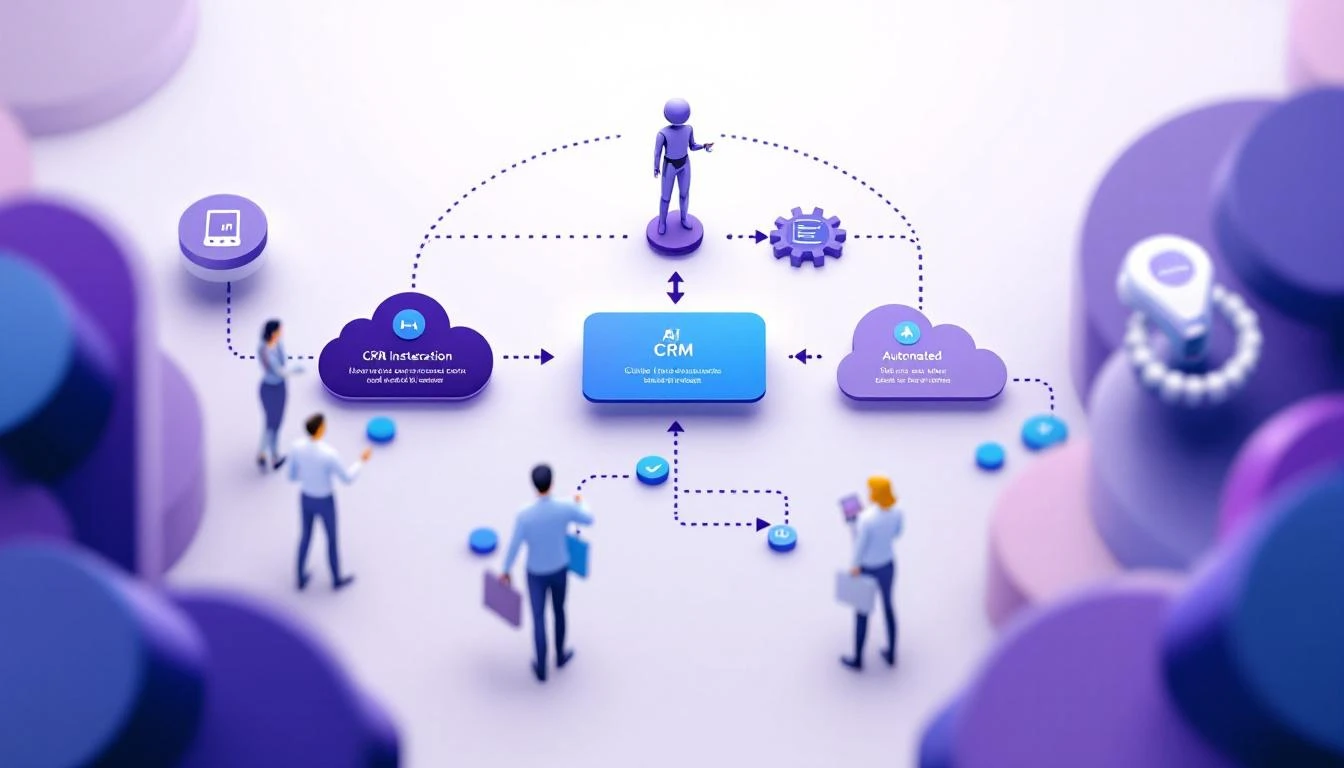
AI agent automating lead routing and scheduling workflows

What ChiliPiper Actually Does (And What You're Paying For)

Before we replace anything, let's understand what ChiliPiper's product suite includes:

  • Form Concierge — When a prospect fills out a form on your website, ChiliPiper instantly qualifies them, routes them to the right rep based on territory/account ownership, and shows available calendar slots. The prospect books a meeting before they leave the page.

  • Lead Routing — Round-robin distribution, account owner assignment, lead-to-account matching using CRM data. Ensures the right rep gets every lead.

  • Chat — AI-powered chat journeys on your website that qualify visitors and route them to live reps or booking pages.

  • Handoff — Automates the SDR-to-AE handoff. SDR books a discovery call, and ChiliPiper automatically finds AE availability and schedules the next meeting.

  • Concierge Live — Instant phone or video connection with qualified prospects the moment they fill out a form.

  • CRM Sync — Auto-logs all meetings, updates contact records, creates activities in Salesforce/HubSpot.

  • Enrichment — Auto-fills lead data from enrichment providers before routing decisions.

  • Spam Filtering — Filters out bot submissions and spam before they reach your team.

That's a solid product. But every single one of these capabilities is an API call, a calendar check, or a conditional rule. And that's exactly what AI agents are built to do.

ChiliPiper Pricing: What You're Actually Spending

Let's break down the real cost of ChiliPiper for a mid-market sales team:

Per-seat costs:

  • Concierge: $30-45/user/month
  • Chat: $30-45/user/month
  • Handoff: $30-45/user/month

Platform fees (on top of per-seat):

  • Concierge: $150-$1,500/month (tiered by lead volume)
  • Chat: $1,000-$1,500/month platform fee
  • Handoff: Separate platform fee

Real-world example — 10-person sales team, 1,000+ leads/month:

  • 10 users × $35/user = $350/month in seat fees
  • Platform fee at higher lead volume tier: $1,000-$1,500/month
  • Total: $1,350-$1,850/month ($16,200-$22,200/year)

If you add Chat or Handoff modules, that number climbs to $2,000-$2,500/month.

OpenClaw cost for the same functionality:

  • OpenClaw: Free (open source)
  • LLM API costs for routing logic: ~$5-15/month (most routing decisions are simple and cheap)
  • Calendar API: Free (Google/Microsoft)
  • CRM API: Already included in your Salesforce/HubSpot plan
  • Total: $5-15/month

That's a 99% cost reduction. Not a typo.

Workflow-by-Workflow Replacement Guide

Here's how OpenClaw replaces each ChiliPiper capability with specific, practical workflows.

1. Form Concierge → OpenClaw Form Handler

What ChiliPiper does: Intercepts form submissions, qualifies the lead based on form fields, routes to the right rep, displays calendar availability.

How OpenClaw does it:

OpenClaw can monitor form submissions through webhooks or by polling your CRM for new contacts. When a new lead arrives, the agent:

  1. Reads the form data (company, title, email, use case)
  2. Runs qualification logic (minimum company size? right industry? not a competitor?)
  3. Checks CRM for existing account matches (lead-to-account matching)
  4. Determines the right rep based on territory rules, round-robin, or account ownership
  5. Queries the rep's Google/Outlook calendar via API for available slots
  6. Sends the prospect a booking link or calendar invite automatically

The qualification rules are just natural language instructions to the AI agent. No complex rule builders. No drag-and-drop workflow editors. You tell the agent: "If company size is under 50 employees, send them to the self-serve signup. If they're in EMEA, route to the EMEA team. If they match an existing account, route to the account owner."

The agent handles the rest.

For teams that want the instant in-page scheduling experience, you can pair OpenClaw with MarketBetter's AI chatbot to qualify visitors in real time and trigger booking workflows through OpenClaw.

2. Lead Routing → OpenClaw CRM Logic

What ChiliPiper does: Round-robin assignment, territory-based routing, lead-to-account matching, weighted distribution.

How OpenClaw does it:

Lead routing is the core value proposition of ChiliPiper, and it's also the simplest thing to replicate with an AI agent. Here's why: routing is just decision logic applied to CRM data.

OpenClaw connects directly to Salesforce or HubSpot via API. When a new lead enters the system, the agent:

  • Checks for existing accounts — Queries the CRM for matching company domain or name. If a match exists, routes to the account owner. This is lead-to-account matching, and it's a single API call.

  • Applies territory rules — Reads the lead's location, industry, or company size and matches it against your territory definitions. These can be as simple as a document the agent references.

  • Runs round-robin — Maintains a simple rotation counter. Rep A got the last lead, so Rep B gets this one. OpenClaw's memory system persists this state between sessions.

  • Handles weighted distribution — Senior reps get 40% of leads, junior reps get 20%. The agent tracks distribution and adjusts assignments accordingly.

The beauty of the AI agent approach is flexibility. With ChiliPiper, you're constrained by their routing rules engine. With OpenClaw, you can express any routing logic in plain English. "Route enterprise leads (500+ employees) to the enterprise team, but if the lead is a past customer, always route to the win-back specialist regardless of size." Try building that in a dropdown menu.

For a deeper dive on building intelligent routing, check out our guide on building an AI-powered lead routing system.

3. Chat Qualification → OpenClaw + AI Chatbot

What ChiliPiper does: Deploys an AI chat widget on your website that qualifies visitors through conversation, then routes qualified prospects to live reps or booking flows.

How OpenClaw does it:

This is where MarketBetter's AI chatbot and OpenClaw work together as a powerful combination. MarketBetter already provides an AI chatbot that engages website visitors, asks qualifying questions, and identifies high-intent prospects.

OpenClaw adds the automation layer:

  • When the chatbot identifies a qualified lead, it triggers an OpenClaw workflow
  • OpenClaw enriches the lead (company data, technographics, intent signals)
  • The agent routes the qualified lead to the right rep
  • If the rep is available, it facilitates a live handoff
  • If not, it books a meeting on the rep's calendar and confirms with the prospect

ChiliPiper charges $1,000-$99/user/month just for the platform fee on their Chat product. MarketBetter's chatbot with OpenClaw automation delivers the same outcome at a fraction of the cost.

4. SDR→AE Handoff → OpenClaw Meeting Scheduler

What ChiliPiper does: When an SDR books a discovery call, Handoff automatically finds the assigned AE's availability and schedules the follow-up meeting. No back-and-forth emails.

How OpenClaw does it:

This is one of ChiliPiper's best features — and one of the easiest to replicate. The entire workflow is:

  1. SDR completes a discovery call and marks the deal as qualified in the CRM
  2. OpenClaw detects the stage change (via CRM polling or webhook)
  3. The agent determines the assigned AE (based on territory, round-robin, or account assignment)
  4. Queries the AE's calendar API for available slots in the next 3-5 business days
  5. Sends a calendar invite to both the AE and the prospect
  6. Updates the CRM deal record with the scheduled meeting
  7. Sends a Slack notification to the AE with meeting context

Total time from qualification to scheduled AE meeting: seconds. No manual coordination. No "Hey, when are you free?" messages. No scheduling ping-pong.

OpenClaw can even include context in the meeting invite — discovery call notes, key pain points mentioned, relevant case studies — so the AE walks into the meeting fully prepared. Try getting ChiliPiper to write custom meeting prep notes. That's the advantage of an AI agent over a rigid SaaS tool.

For more on automating the post-meeting workflow, see our guide on AI meeting follow-up automation.

5. CRM Auto-Logging → OpenClaw CRM Writes

What ChiliPiper does: Every meeting booked through ChiliPiper automatically creates/updates records in your CRM. Activities are logged, contact records are updated, deal stages advance.

How OpenClaw does it:

OpenClaw writes directly to your CRM via API. Every action the agent takes — routing a lead, booking a meeting, updating a contact — is logged in Salesforce or HubSpot automatically.

But here's where OpenClaw goes further: because it's an AI agent, it doesn't just log structured data. It can:

  • Write contextual notes on contact records based on form responses
  • Update custom fields with enrichment data
  • Create tasks and reminders for reps based on deal context
  • Generate meeting summaries and attach them to deal records

ChiliPiper logs that a meeting was booked. OpenClaw logs why the meeting was booked, what the prospect cares about, and what the rep should prepare. That's the difference between a logging tool and an intelligent assistant.

We covered this in depth in our OpenClaw + HubSpot CRM automation guide.

6. Lead Enrichment → OpenClaw API Orchestration

What ChiliPiper does: Auto-fills lead data from enrichment providers before routing decisions are made. Company size, industry, revenue — filled in before the rep sees the lead.

How OpenClaw does it:

OpenClaw can call any enrichment API — Clearbit, Apollo, ZoomInfo, or any of the best lead enrichment tools — as part of its routing workflow. When a new lead comes in:

  1. Agent receives the lead with basic info (name, email, company)
  2. Calls enrichment API to pull company data (size, industry, revenue, technographics)
  3. Updates the CRM record with enriched fields
  4. Uses the enriched data to make better routing decisions
  5. Includes relevant context in the rep notification

This isn't just replicating ChiliPiper's enrichment — it's improving on it. OpenClaw can call multiple enrichment sources and merge the results. It can cross-reference enrichment data with intent signals. It can even use the enriched data to pre-qualify leads before routing, saving your reps time on unqualified conversations.

7. Spam Filtering → OpenClaw Intelligence Layer

What ChiliPiper does: Filters bot submissions and obvious spam before they reach your sales team.

How OpenClaw does it:

An AI agent is actually better at spam detection than rule-based filters. OpenClaw can:

  • Analyze email domains (free email = lower priority, not spam)
  • Check company names against known spam patterns
  • Cross-reference against CRM for existing legitimate contacts
  • Use enrichment data to verify company existence
  • Apply intelligent heuristics that adapt over time

ChiliPiper uses static rules. OpenClaw uses AI judgment. For borderline cases — the ones that actually matter — AI wins every time.

When ChiliPiper Still Makes Sense

We said this isn't a hit piece, and we meant it. Here's when ChiliPiper is the better choice:

You want zero setup. ChiliPiper is plug-and-play. Install the JavaScript snippet, configure your rules in the UI, and you're live. OpenClaw requires some configuration — defining workflows, connecting APIs, testing routing logic. If your team doesn't have anyone comfortable with basic API setup, ChiliPiper's purpose-built UI is genuinely easier.

You need enterprise reporting. ChiliPiper has built-in analytics — conversion rates by routing rule, time-to-book metrics, rep performance dashboards. OpenClaw can generate reports, but you'll need to build the reporting layer yourself or use your CRM's native analytics.

You're already deep in the ChiliPiper ecosystem. If your entire revenue operations workflow runs through ChiliPiper and your team is trained on it, switching costs are real. The savings need to justify the transition effort.

You process massive volume at enterprise scale. ChiliPiper has been battle-tested with companies routing tens of thousands of leads per month. They've handled the edge cases, the race conditions, the timezone nightmares. OpenClaw can handle high volume too, but you'll want to test thoroughly at your specific scale.

When OpenClaw Is the Clear Winner

You're already using OpenClaw or MarketBetter. If you have OpenClaw running for other sales automation — pipeline monitoring, deal alerts, lead qualification — adding routing and scheduling is incremental. One more workflow for an agent that's already running. No new vendor, no new contract, no new per-seat fee.

You need custom logic. The moment your routing rules go beyond what ChiliPiper's UI supports, you're stuck. OpenClaw handles any routing logic you can describe in English. Seasonal rules, product-specific routing, multi-factor qualification, dynamic territory adjustments — it's all just instructions to an AI agent.

You're cost-conscious. Saving $15,000-$25,000 per year is material for most B2B teams. That budget can go toward reps, tools, or marketing spend that directly generates pipeline.

You want a unified platform. Instead of ChiliPiper for routing, a separate tool for enrichment, another for CRM automation, and another for deal alerts — OpenClaw does all of it. One agent, multiple workflows, zero additional vendors.

Getting Started: Replace ChiliPiper This Week

Here's a practical roadmap for migrating from ChiliPiper to OpenClaw:

Day 1-2: Set up OpenClaw and connect your CRM. Follow our OpenClaw setup guide for GTM teams to get running. Connect your Salesforce or HubSpot API credentials.

Day 3: Build your routing logic. Define your territory rules, round-robin assignments, and lead-to-account matching logic. Start with your most common routing scenario and expand from there.

Day 4: Add calendar integration. Connect Google Calendar or Microsoft Outlook API. Test the booking flow end-to-end — new lead arrives, agent qualifies, checks calendar, sends invite.

Day 5: Run in parallel. Keep ChiliPiper active but run OpenClaw alongside it for a week. Compare routing decisions. Verify that OpenClaw routes leads the same way (or better).

Week 2: Go live. Once you're confident in the routing accuracy, turn off ChiliPiper and let OpenClaw handle the full workflow. Watch your SaaS bill drop by $1,000+ per month.

Free Tool

Try our AI Lead Generator — find verified LinkedIn leads for any company instantly. No signup required.

The Bigger Picture: SaaS Tools vs. AI Agents

ChiliPiper vs. OpenClaw isn't just about lead routing. It's about a fundamental shift in how B2B teams think about software.

The SaaS model gave us purpose-built tools for every workflow. Lead routing? That's a $1,500/month tool. CRM enrichment? Another tool. Meeting scheduling? Another tool. Deal alerts? Another tool. Each one charges per-seat, each one has a platform fee, and each one does exactly one thing.

AI agents collapse this entire stack. One agent that can route leads, enrich contacts, schedule meetings, update your CRM, send alerts, and generate reports. Not because it's a Swiss Army knife of half-baked features, but because all of these workflows are fundamentally the same thing: reading data, applying logic, taking action.

ChiliPiper built a great business turning routing logic into a SaaS product. But the era of paying $1,000/month for if/then logic is ending. AI agents do it better, cheaper, and with more flexibility.

The question isn't whether AI agents will replace point solutions like ChiliPiper. It's whether your team will be early or late to the shift.

Ready to see how MarketBetter and OpenClaw can replace your entire lead routing stack? Book a demo and we'll show you the exact workflows your team needs — configured and running in under an hour.
24/7 Lead Nurture Sequences with OpenClaw: Build an Always-On Follow-Up System [2026]

· 8 min read
MarketBetter Team
Content Team, marketbetter.ai

Your leads don't sleep. Neither should your follow-up.

The average B2B buyer needs 8-12 touches before they're ready to talk to sales. But here's the problem: your SDR team works 8 hours a day, 5 days a week. That's 40 hours out of 168.

76% of the week, your leads are getting zero attention.

OpenClaw changes this. It's a free, self-hosted gateway that runs AI agents 24/7 with memory, scheduling, and multi-channel reach. Here's how to build lead nurture sequences that never stop working.

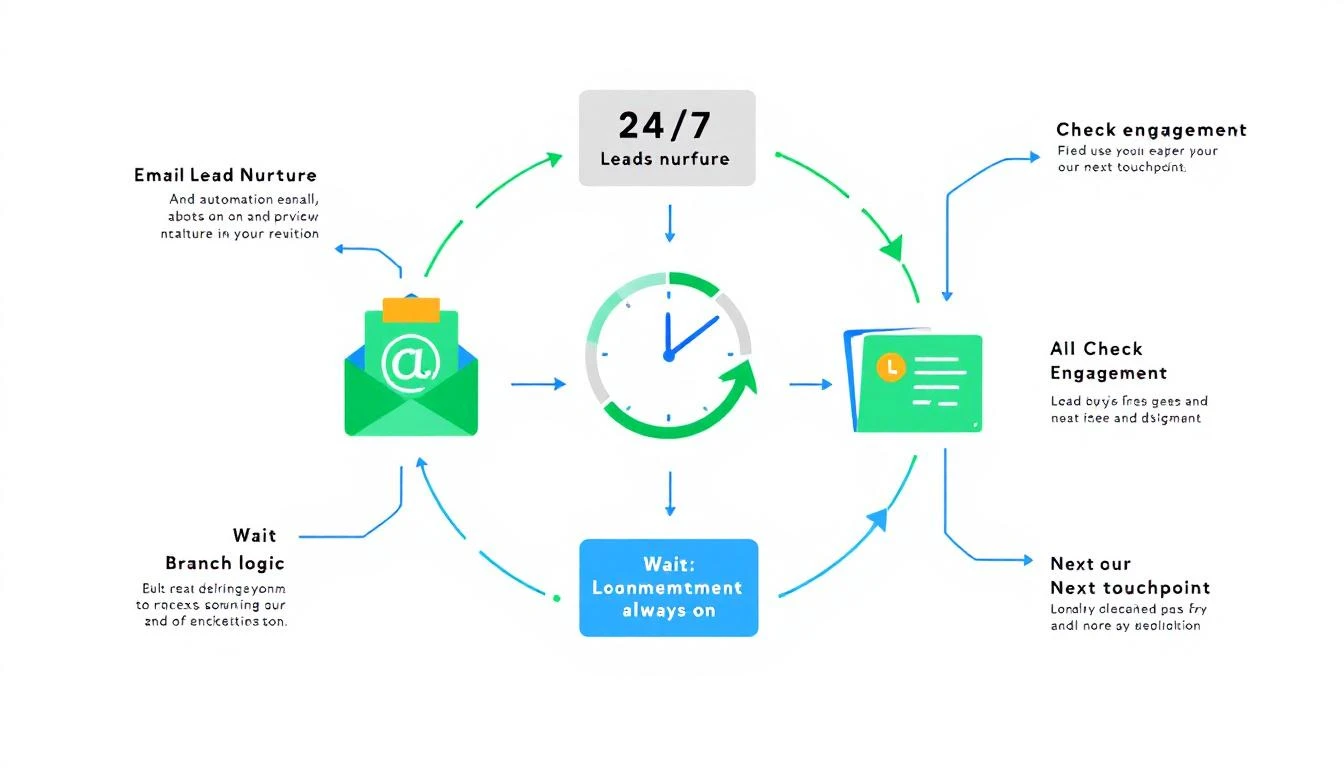
24/7 lead nurture automation cycle showing email touchpoints, engagement checks, and branching logic

Why Traditional Sequences Fail

Before building the solution, let's understand what's broken:

The "Set and Forget" Problem

Most email sequences are dumb pipes:

  • Day 1: Send email A
  • Day 3: Send email B
  • Day 7: Send email C

No awareness of:

  • Did they open previous emails?
  • Did they visit your website?
  • Did they engage on LinkedIn?
  • Did their company just raise funding?
  • Is their competitor in the news?

The Personalization Paradox

Generic sequences get ignored. But truly personalized sequences at scale require:

  • Research time per lead (15-30 minutes)
  • Customization time per email (5-10 minutes)
  • Monitoring for engagement signals
  • Adjusting based on response

That math doesn't work for SDR teams handling 200+ leads.

The Timing Trap

Your sequence says "send at 9 AM" but:

  • The lead is in a different time zone
  • They're in meetings all morning
  • They check email at 6 AM before the chaos starts
  • They're on PTO this week

Static timing = missed opportunities.

The OpenClaw Nurture Architecture

Here's what we're building:

Lead Enters Sequence → OpenClaw Agent → Intelligent Nurture

[Continuously monitors:]
- Email engagement
- Website visits
- Social activity
- Intent signals
- Competitor moves

[Adapts:]
- Message content
- Send timing
- Channel selection
- Escalation triggers

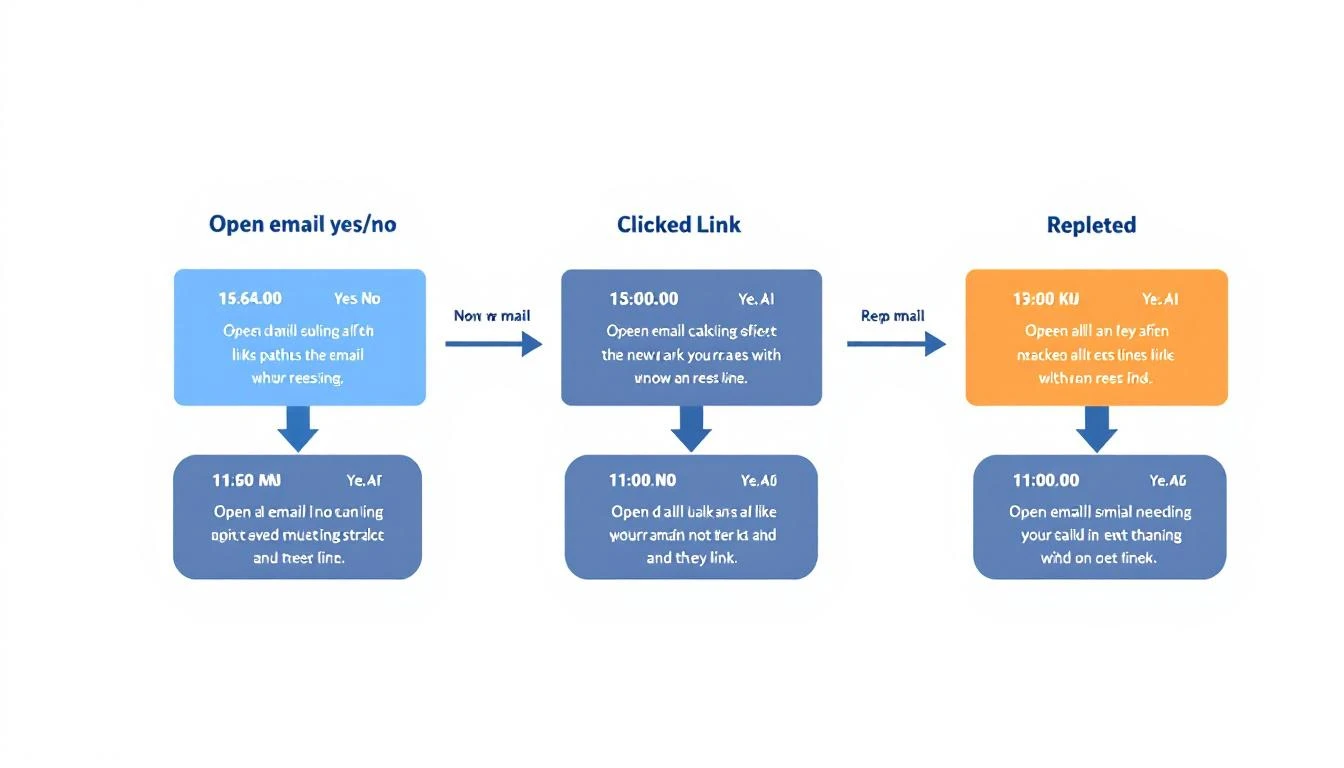
Lead nurture branching logic showing different paths based on engagement signals

Setting Up Your Nurture Agent

Step 1: Install OpenClaw

npm install -g @anthropic/openclaw
openclaw init

OpenClaw provides:

  • Persistent memory - Your agent remembers every interaction
  • Cron scheduling - Trigger actions at any time
  • Multi-channel - Email, Slack, WhatsApp, SMS
  • Browser control - Monitor websites, scrape signals
  • Free & self-hosted - No per-seat pricing

Step 2: Define Your Nurture Sequences

Create a sequence configuration:

# sequences/inbound-demo-request.yml
name: "Inbound Demo Request"
trigger: "demo_request_form"
duration: 21 # days

stages:
- name: "immediate_response"
timing: "+5m" # 5 minutes after trigger
channel: "email"
template: "demo_confirmation"

- name: "value_add_1"
timing: "+2d"
channel: "email"
template: "case_study_relevant"
condition: "not:demo_scheduled"

- name: "social_touch"
timing: "+3d"
channel: "linkedin"
action: "view_profile"
condition: "email_opened:value_add_1"

- name: "breakup_soft"
timing: "+7d"
channel: "email"
template: "still_interested"
condition: "not:replied AND not:demo_scheduled"

- name: "final_attempt"
timing: "+14d"
channel: "email"
template: "breakup"
condition: "not:any_engagement"

escalation:
- trigger: "pricing_page_visit"
action: "alert_sdr"
priority: "high"

- trigger: "competitor_mention"
action: "send_comparison"

- trigger: "reply_received"
action: "pause_sequence"

Step 3: Build the Nurture Agent

// agents/nurture-agent.js
const { OpenClaw } = require('@anthropic/openclaw');

const nurtureAgent = new OpenClaw.Agent({
name: 'NurtureBot',
memory: 'persistent',

async onNewLead(lead) {
// Store lead context
await this.memory.set(`lead:${lead.id}`, {
company: lead.company,
role: lead.role,
source: lead.source,
entered_sequence: new Date(),
engagement: []
});

// Start appropriate sequence
const sequence = this.selectSequence(lead);
await this.startSequence(lead.id, sequence);
},

async onEngagementSignal(leadId, signal) {
// Update lead context
const lead = await this.memory.get(`lead:${leadId}`);
lead.engagement.push({
type: signal.type,
timestamp: new Date(),
details: signal.details
});
await this.memory.set(`lead:${leadId}`, lead);

// Check for escalation triggers
await this.checkEscalations(leadId, signal);

// Adapt sequence if needed
await this.adaptSequence(leadId, signal);
},

selectSequence(lead) {
if (lead.source === 'demo_request') return 'inbound-demo-request';
if (lead.source === 'content_download') return 'content-nurture';
if (lead.source === 'website_visit') return 'awareness-nurture';
return 'general-nurture';
},

async adaptSequence(leadId, signal) {
const lead = await this.memory.get(`lead:${leadId}`);

// High engagement → accelerate
if (this.isHighEngagement(lead.engagement)) {
await this.accelerateSequence(leadId);
}

// No engagement → adjust channel
if (this.isLowEngagement(lead.engagement)) {
await this.tryAlternateChannel(leadId);
}

// Competitor research → send battlecard
if (signal.type === 'competitor_page_visit') {
await this.injectCompetitorResponse(leadId, signal.competitor);
}
}
});

Step 4: Configure Intelligent Timing

// Optimal send time calculation
async function calculateOptimalSendTime(lead) {
const timezone = await detectTimezone(lead.company);
const historicalOpens = await getHistoricalEngagement(lead.industry);
const calendarBusyness = await estimateScheduleBusyness(lead.role);

// Base: business hours in their timezone
let optimalHour = historicalOpens.peakHour || 9;

// Adjust for role patterns
if (lead.role.includes('CEO') || lead.role.includes('Founder')) {
optimalHour = 6; // Executives check email early
}
if (lead.role.includes('Engineer') || lead.role.includes('Developer')) {
optimalHour = 10; // After morning standup
}

// Avoid meeting-heavy times
if (calendarBusyness[optimalHour] > 0.7) {
optimalHour = findLowBusynessHour(calendarBusyness);
}

return convertToTimezone(optimalHour, timezone);
}

Personalization at Scale

Dynamic Content Generation

OpenClaw agents can generate personalized content for each lead:

async function generateNurtureEmail(lead, stage) {
const context = await gatherLeadContext(lead);

const prompt = `
Generate a nurture email for:
- Company: ${context.company}
- Role: ${context.role}
- Industry: ${context.industry}
- Recent activity: ${context.recentActivity}
- Sequence stage: ${stage.name}

Previous emails sent:
${context.previousEmails.map(e => `- ${e.subject}: ${e.opened ? 'Opened' : 'Not opened'}`).join('\n')}

Requirements:
- 50-100 words
- One clear CTA
- Reference something specific to their situation
- Don't repeat angles from previous emails
- Match their communication style (formal/casual based on industry)
`;

return await claude.generate(prompt);
}

Context Gathering

The agent continuously gathers signals:

async function gatherLeadContext(lead) {
return {
// Company research
company: await fetchCompanyInfo(lead.company),
recentNews: await searchNews(lead.company, { days: 30 }),
funding: await checkFundingEvents(lead.company),
hiring: await checkJobPostings(lead.company),

// Person research
linkedin: await fetchLinkedInProfile(lead.email),
publications: await searchPublications(lead.name),
socialActivity: await monitorSocialMentions(lead.name),

// Engagement data
emailHistory: await getEmailHistory(lead.id),
websiteVisits: await getWebsiteVisits(lead.email),
contentDownloads: await getContentDownloads(lead.email),

// Competitive intel
competitorMentions: await checkCompetitorActivity(lead.company)
};
}

Multi-Channel Orchestration

Channel Selection Logic

async function selectChannel(lead, stage) {
const channels = {
email: await getEmailDeliverability(lead.email),
linkedin: await getLinkedInConnectivity(lead),
phone: await getPhoneViability(lead.phone),
sms: await getSmsConsent(lead)
};

// Primary channel preference
if (stage.channel && channels[stage.channel].viable) {
return stage.channel;
}

// Fallback based on engagement
if (channels.email.opens < 0.1) {
// Low email engagement → try LinkedIn
if (channels.linkedin.connected) return 'linkedin';
if (channels.linkedin.canConnect) return 'linkedin_request';
}

// High intent → phone
if (lead.intentScore > 80 && channels.phone.viable) {
return 'phone';
}

return 'email'; // Default
}

Coordinated Touches

// Avoid overwhelming the lead
async function scheduleCoordinatedTouch(lead, channel, content) {
const recentTouches = await getTouchesInWindow(lead.id, { days: 3 });

// Max 2 touches per 3-day window
if (recentTouches.length >= 2) {
return scheduleForLater(lead.id, channel, content, { days: 2 });
}

// Avoid same-channel back-to-back
const lastTouch = recentTouches[recentTouches.length - 1];
if (lastTouch?.channel === channel) {
return scheduleWithChannelSwitch(lead.id, content);
}

// Good to send
return sendNow(lead.id, channel, content);
}

Escalation & Handoff

Intent Signal Detection

const escalationRules = [
{
signal: 'pricing_page_visit',
action: 'alert_sdr',
message: '🔥 Hot lead alert: ${lead.company} viewing pricing',
priority: 'immediate'
},
{
signal: 'demo_video_watched',
condition: 'watched > 50%',
action: 'schedule_sdr_call',
message: 'Demo video engagement - time to reach out'
},
{
signal: 'competitor_comparison_view',
action: 'send_battlecard',
followUp: 'sdr_call_in_24h'
},
{
signal: 'multiple_stakeholders',
condition: 'unique_visitors >= 3',
action: 'alert_sdr',
message: 'Buying committee forming at ${lead.company}'
},
{
signal: 'reply_positive',
action: 'pause_sequence',
handoff: 'sdr_immediate'
}
];

Smooth SDR Handoff

async function handoffToSDR(lead, trigger) {
// Compile complete context
const briefing = await generateSDRBriefing(lead);

// Alert via Slack
await slack.send({
channel: '#sdr-alerts',
blocks: [
{
type: 'header',
text: '🎯 Lead Ready for Human Touch'
},
{
type: 'section',
text: `*${lead.company}* - ${lead.name}\n*Trigger:* ${trigger}`
},
{
type: 'section',
text: `*Briefing:*\n${briefing.summary}`
},
{
type: 'context',
text: `Emails sent: ${briefing.emailCount} | Opens: ${briefing.opens} | Last activity: ${briefing.lastActivity}`
}
]
});

// Assign in CRM
await crm.assignLead(lead.id, await selectAvailableSDR());

// Pause automation
await pauseSequence(lead.id);
}

Monitoring Your Sequences

Key Metrics Dashboard

MetricTargetAlert Threshold
Sequence completion rate85%+&lt; 70%
Average touches to conversion6-8> 12
Email open rate30%+&lt; 15%
Reply rate5%+&lt; 2%
Escalation-to-meeting rate40%+&lt; 25%
Time to first response&lt; 5 min> 30 min

Continuous Optimization

// Weekly sequence optimization
cron.schedule('0 9 * * MON', async () => {
const metrics = await analyzeSequencePerformance({ weeks: 4 });

for (const sequence of metrics.sequences) {
// Identify underperforming stages
const weakStages = sequence.stages.filter(s => s.engagement < 0.15);

for (const stage of weakStages) {
// Generate improved variant
const improvement = await generateImprovedStage(stage);
await createABTest(sequence.id, stage.id, improvement);
}
}

// Report to Slack
await slack.send('#marketing-ops', formatOptimizationReport(metrics));
});

Results to Expect

Teams running OpenClaw nurture sequences typically see:

MetricBeforeAfterImpact
Lead response rate8%23%3x improvement
Touches to meeting14750% fewer
SDR time per lead45 min8 min82% saved
After-hours conversions5%18%3.6x more
Sequence completion34%78%2.3x higher

The key insight: humans are better at closing deals. Let AI handle the 90% of nurture that's about persistence and timing.

Free Tool

Try our AI Lead Generator — find verified LinkedIn leads for any company instantly. No signup required.

Getting Started

  1. Audit your current sequences - What's the completion rate? Where do leads drop off?

  2. Define your escalation triggers - What signals indicate buying intent?

  3. Start with one high-volume sequence - Inbound demo requests are perfect

  4. Run parallel with manual - Compare AI vs. human performance

  5. Expand based on results - Roll out to all sequences once proven


Ready to build always-on lead nurture? Book a demo to see how MarketBetter handles intelligent follow-up at scale.

Related reading:

AI-Powered Sales Commission Calculator with Claude Code: Automate RevOps Complexity [2026]

· 8 min read
MarketBetter Team
Content Team, marketbetter.ai

The average RevOps team spends 40+ hours per month calculating commissions.

Spreadsheets break. Formulas have errors. Reps dispute their payouts. And when comp plans change mid-quarter, everything needs to be rebuilt from scratch.

Meanwhile, your sales team loses trust every time their commission is wrong—even by a few dollars.

Claude Code offers a better way. Its 200K context window can hold your entire comp plan, deal data, and calculation logic in a single session. Here's how to build a commission calculator that handles real-world complexity.

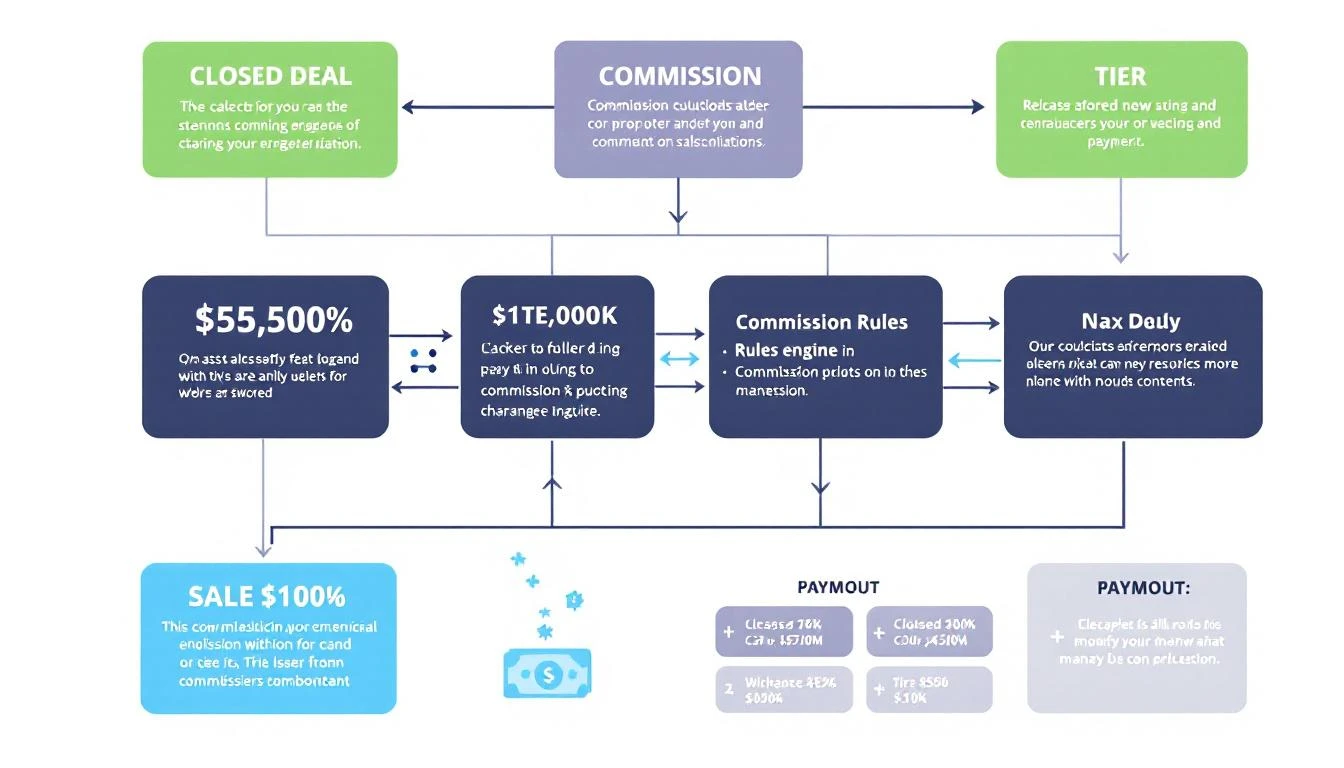
Sales commission calculation flow showing deal closure, rules engine, tier calculations, and payout

The Commission Calculation Problem

Before we solve it, let's acknowledge why it's hard:

Complexity Layers

A "simple" commission structure often includes:

  • Base rates that vary by product, region, or segment
  • Tiers that accelerate as reps hit quota thresholds
  • Splits between AEs, SDRs, SEs, and CSMs
  • SPIFs for strategic initiatives (new product push, multi-year deals)
  • Clawbacks for churned customers
  • Overrides for managers on team deals
  • Caps and floors on certain deal types
  • Pro-ration for mid-quarter hires or territory changes

The Spreadsheet Trap

Most teams start with Excel. By month 6, you have:

Commission_Calculator_v14_FINAL_FINAL_v2_JohnFix_ACTUALLY_FINAL.xlsx

With nested IFs that no one understands:

=IF(AND(B2="Enterprise",C2>50000,D2="New"),
IF(E2>1,G2*0.12*1.15,G2*0.12),
IF(AND(B2="Mid-Market",C2>25000),
IF(F2="SPIF",G2*0.10*1.25,G2*0.10),
G2*0.08))

When something breaks—and it will—good luck debugging that.

The Trust Problem

57% of sales reps have received an incorrect commission statement (Xactly). When reps don't trust their comp, they:

  • Spend time manually verifying every deal
  • Lose motivation during payout disputes
  • Leave for companies with "cleaner" comp plans

Trust in compensation is trust in leadership.

The Claude Code Solution

Claude Code's strengths align perfectly with commission calculation:

  1. Natural language rules - Describe your comp plan in English, not formulas
  2. 200K context - Hold the entire comp plan + all deals in one session
  3. Explainable logic - Ask "why did this deal pay $X?" and get a real answer
  4. Adaptable - Change the plan mid-quarter without rebuilding

Step 1: Document Your Comp Plan

Instead of nested formulas, describe your plan clearly:

# Sales Commission Plan - Q1 2026

## Base Rates

### Account Executives
- New Business: 10% of first-year ACV
- Expansion: 8% of expansion ACV
- Renewal: 3% of renewal ACV

### SDRs
- Qualified Meeting: $100 per SAL
- Opportunity Created: $250 per SQL that converts to opportunity
- Deal Credit: 2% of won ACV (capped at $2,000 per deal)

### Sales Engineers
- Technical Win: $500 per closed-won where SE was primary
- Deal Credit: 3% of won ACV for complex deals (>$50K)

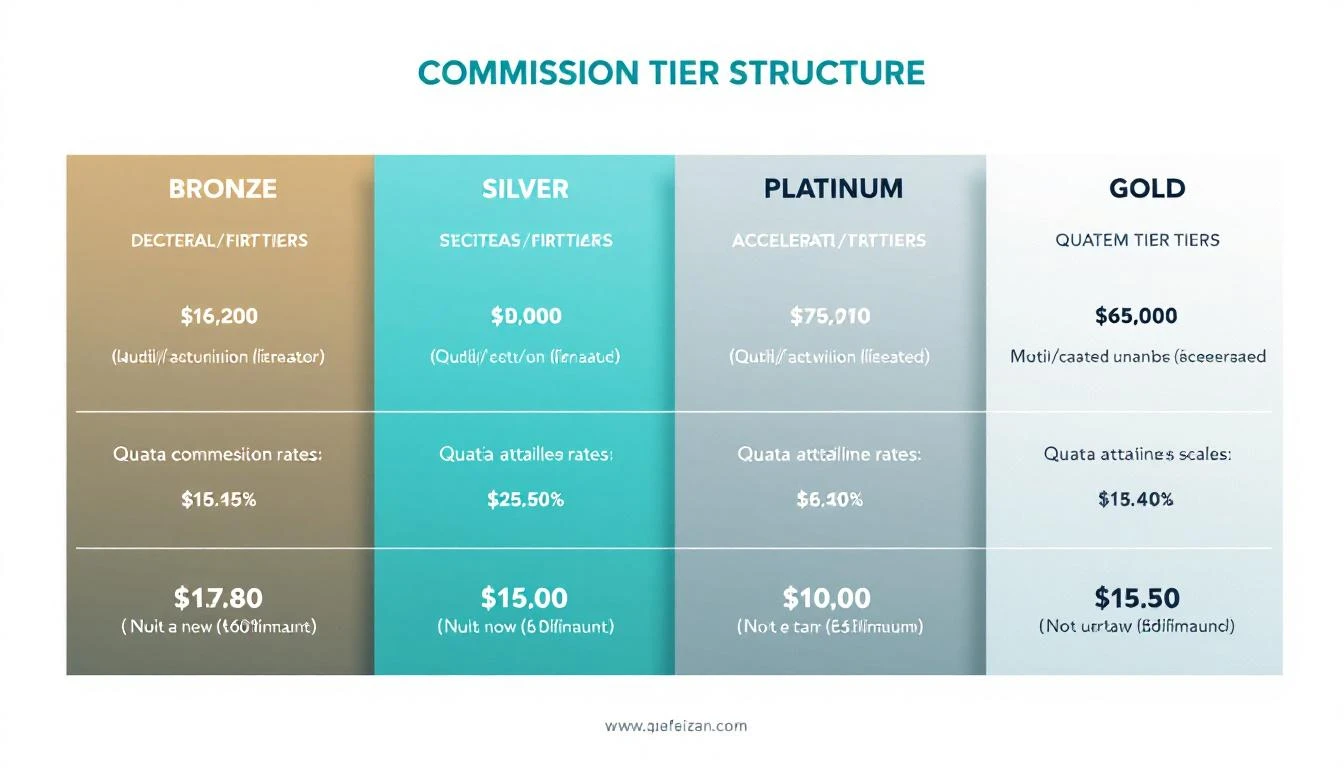
## Tier Accelerators

| Quota Attainment | Multiplier |
|------------------|------------|
| 0-80% | 1.0x |
| 80-100% | 1.15x |
| 100-120% | 1.30x |
| 120%+ | 1.50x |

## SPIFs (Q1)
- New product (DataSync): Additional 2% on any deal including DataSync
- Multi-year: Additional 5% for 2+ year commitments
- Competitive displacement: Additional $1,000 for wins against Competitor X

## Splits
- SDR + AE on same deal: SDR gets meeting bonus + 2% deal credit; AE gets standard rate
- AE + SE on complex deal: SE gets technical win bonus; AE gets standard rate
- Two AEs on deal: Split based on documented territory/role agreement

## Clawbacks
- Customer churns within 6 months: 100% clawback
- Customer churns 6-12 months: 50% clawback
- Downgrade within 12 months: Clawback on difference

## Caps and Floors
- No cap on accelerated earnings
- Minimum $500 payout per closed-won deal (protects small deal motivation)
- Manager override: 5% of team deals, capped at $50K/quarter

Commission tier structure showing progression from base rate through accelerator levels

Step 2: Build the Calculator

Feed your comp plan to Claude Code:

You are a commission calculator for a B2B SaaS sales team. 

COMMISSION PLAN:
[Paste your entire comp plan document]

CALCULATION RULES:
1. Apply base rates first
2. Apply tier multipliers based on current quota attainment
3. Apply applicable SPIFs
4. Calculate splits according to deal roles
5. Check for clawbacks on previously paid commissions
6. Apply caps/floors
7. Show your work at each step

For each deal, output:
- Gross commission before modifiers
- Applicable tier multiplier
- SPIFs applied
- Split breakdown (if multiple parties)
- Final commission per person
- Reasoning for each decision

If anything is ambiguous, flag it for human review rather than guessing.

Step 3: Process Deals

async function calculateCommission(deal, repProfile) {
const prompt = `
Calculate commission for this deal:

DEAL:
- Company: ${deal.company}
- ACV: $${deal.acv}
- Type: ${deal.type} (New/Expansion/Renewal)
- Products: ${deal.products.join(', ')}
- Contract term: ${deal.termMonths} months
- Close date: ${deal.closeDate}
- Displaced competitor: ${deal.displacedCompetitor || 'None'}

REP:
- Name: ${repProfile.name}
- Role: ${repProfile.role}
- Quota: $${repProfile.quota}
- YTD Closed: $${repProfile.ytdClosed}
- Current attainment: ${repProfile.attainment}%

OTHER PARTIES ON DEAL:
${deal.splits.map(s => `- ${s.name} (${s.role}): ${s.contribution}`).join('\n')}

Show all calculations step by step.
`;

return await claude.calculate(prompt);
}

Step 4: Handle Edge Cases

Claude Code shines on the weird stuff:

EDGE CASE HANDLING:

Deal: Multi-year with mid-contract expansion
- Customer signed 3-year deal in January ($100K ACV)
- Expanded in March (+$25K ACV, same rep)

Question: How do we calculate the expansion commission?

REASONING:
1. Original deal: 3-year, so multi-year SPIF applies (10% + 5% = 15%)
2. Expansion: Same contract term, inherits multi-year status
3. Expansion rate: 8% base + 5% multi-year = 13%
4. Rep attainment: Now at 125% with original deal
5. Tier multiplier: 1.50x applies to expansion

CALCULATION:
$25,000 × 13% × 1.50x = $4,875

FLAG: Verify if expansion should inherit multi-year SPIF
(policy may differ by team).

Practical Workflows

Monthly Commission Run

async function runMonthlyCommissions(month, year) {
// Get all closed deals
const deals = await crm.getClosedDeals({ month, year });

// Get all rep profiles
const reps = await getRepProfiles();

// Calculate each deal
const commissions = [];
for (const deal of deals) {
const calc = await calculateCommission(deal, reps[deal.ownerId]);
commissions.push({
deal: deal,
calculation: calc,
breakdown: parseBreakdown(calc)
});
}

// Check for clawbacks
const clawbacks = await checkClawbacks(month, year);

// Generate report
return {
totalPayout: sum(commissions.map(c => c.breakdown.finalAmount)),
byRep: groupByRep(commissions),
clawbacks: clawbacks,
flaggedForReview: commissions.filter(c => c.breakdown.hasFlags)
};
}

Rep Self-Service

Let reps verify their own commissions:

async function repCommissionQuery(repId, question) {
const repProfile = await getRepProfile(repId);
const recentDeals = await getRecentDeals(repId);
const commissionHistory = await getCommissionHistory(repId);

const prompt = `
A sales rep is asking about their commission.

REP PROFILE:
${JSON.stringify(repProfile)}

RECENT DEALS:
${JSON.stringify(recentDeals)}

COMMISSION HISTORY (Last 3 months):
${JSON.stringify(commissionHistory)}

QUESTION:
${question}

Answer clearly, show relevant calculations, reference
specific deals and comp plan provisions.
`;

return await claude.answer(prompt);
}

Example queries:

  • "Why did the Acme deal only pay $2,400?"
  • "What's my commission if I close the pending BigCorp deal?"
  • "Am I on track for the 120% accelerator this quarter?"

Plan Modeling

Model comp plan changes before implementing:

async function modelPlanChange(proposedChange, historicalDeals) {
const prompt = `
We're considering this comp plan change:
"${proposedChange}"

Analyze the impact using last quarter's deals:
${JSON.stringify(historicalDeals)}

Show:
1. Total payout difference (old plan vs new)
2. Impact per rep
3. Which deal types are affected most
4. Potential unintended consequences
5. Recommendation
`;

return await claude.analyze(prompt);
}

Example: "What if we increase the new business rate from 10% to 12% but cap it at 110% attainment?"

Advanced Patterns

Multi-Currency Handling

CURRENCY RULES:
- All commissions paid in USD
- Deals closed in other currencies: use exchange rate at close date
- Exchange rate source: Company treasury rates (monthly)

EXAMPLE:
Deal closed in EUR: €50,000
Close date: February 15, 2026
Treasury rate (Feb 2026): 1.08 EUR/USD
USD equivalent: $54,000

Commission calculated on $54,000 USD value.

Territory Changes Mid-Quarter

TERRITORY CHANGE HANDLING:

Rep A had Territory X from Jan 1 - Feb 15
Rep B took over Territory X on Feb 16

Deal in Territory X closed March 10

RULE:
- If deal was in pipeline before transfer:
Original rep (A) gets full commission
- If deal entered pipeline after transfer:
New rep (B) gets full commission
- If deal was in active stage during transfer:
Split 50/50 or per documented agreement

This deal entered pipeline Jan 25, so Rep A gets full commission.

Clawback Automation

async function processClawbacks() {
// Find churned customers
const churns = await crm.getChurns({ lookbackMonths: 12 });

for (const churn of churns) {
// Find original commission
const originalCommission = await findCommission(churn.dealId);

// Calculate clawback
const monthsSinceDeal = monthsBetween(
originalCommission.closeDate,
churn.churnDate
);

let clawbackRate;
if (monthsSinceDeal <= 6) clawbackRate = 1.0;
else if (monthsSinceDeal <= 12) clawbackRate = 0.5;
else clawbackRate = 0;

if (clawbackRate > 0) {
await createClawback({
repId: originalCommission.repId,
dealId: churn.dealId,
amount: originalCommission.amount * clawbackRate,
reason: `Customer churned at ${monthsSinceDeal} months`
});
}
}
}

Results to Expect

Teams using AI-powered commission calculation typically see:

MetricBeforeAfterImpact
Calculation time40+ hrs/month2-4 hrs/month90% reduction
Error rate8-12%<1%90%+ fewer disputes
Rep trust score62%91%47% improvement
Time to resolve disputes3-5 daysSame day80% faster
Plan change implementation2-3 weeks1-2 days85% faster

The biggest win: reps stop wasting mental energy worrying about comp. That energy goes back into selling.

Free Tool

Try our AI Lead Generator — find verified LinkedIn leads for any company instantly. No signup required.

Getting Started

  1. Document your current plan - Write it in plain English, not spreadsheet formulas

  2. Identify edge cases - What causes disputes today? Document the rules

  3. Start with one team - Run parallel calculations for one month

  4. Build rep self-service - Let them query their own commissions

  5. Add clawback automation - Remove manual tracking of churns


Ready to automate your commission complexity? Book a demo to see how MarketBetter helps RevOps teams operate at scale.

Related reading:

Automate Lead Research with Claude Code: 6 Hours of SDR Work in 4 Minutes [Tutorial]

· 6 min read
MarketBetter Team
Content Team, marketbetter.ai

The average SDR spends 6 hours per week researching prospects. That's 6 hours of:

  • Googling company names
  • Scanning LinkedIn profiles
  • Reading news articles
  • Looking for pain points to reference

What if you could do all that in 30 seconds?

Claude Code—Anthropic's AI with tool use and code execution—can turn a prospect name into a complete research brief automatically. Here's exactly how to set it up. Lead research is stage one of the bigger workflow in our guide to using Claude for lead generation.

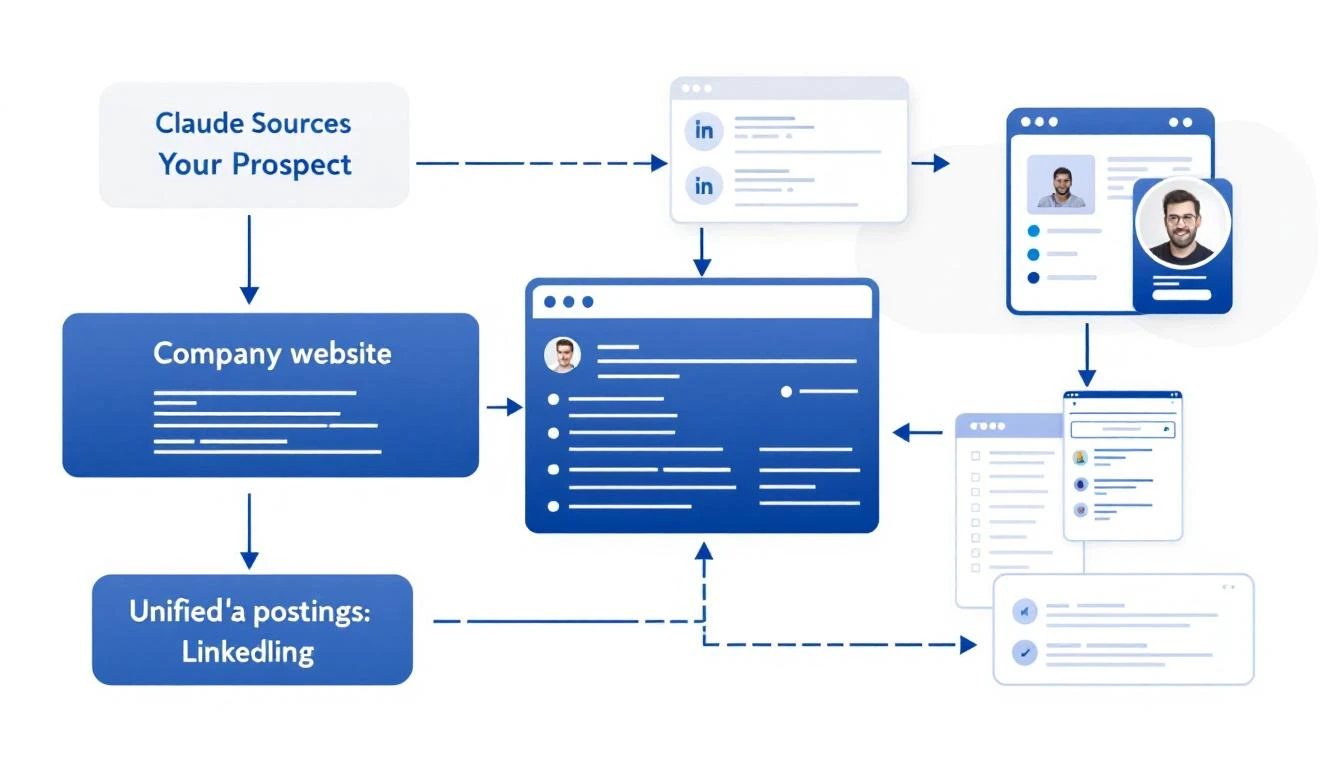
Claude Code researching prospects from multiple data sources

What Good Lead Research Actually Looks Like

Before we automate, let's define what we're building. A great prospect brief includes:

  1. Company Overview: What they do, company size, industry
  2. Recent News: Funding, product launches, leadership changes
  3. Tech Stack: What tools they already use (if visible)
  4. Pain Point Signals: Job postings, complaints, market trends
  5. Personalization Hooks: Specific details for your outreach

This used to take 10-15 minutes per prospect. Now it takes seconds.

The Claude Code Approach

Claude Code can:

  • Execute searches and aggregate results
  • Read web pages and extract key information
  • Structure unstructured data into useful formats
  • Reason about what matters for your use case

Here's a prompt template that generates complete prospect briefs:

Research this company for a B2B sales outreach:

**Company:** {\{company_name\}}
**Our Product:** AI-powered SDR platform that turns intent signals into pipeline

**Create a prospect brief with:**

1. **Company Overview**
- What they do (one sentence)
- Employee count and headquarters
- Industry and target market

2. **Recent Activity (Last 6 Months)**
- Funding or acquisitions
- Product launches
- Leadership changes
- Press coverage

3. **Sales-Relevant Signals**
- Are they hiring for SDRs, sales ops, or demand gen?
- Any complaints about lead quality or outbound efficiency?
- What CRM/sales stack do they use? (check job postings)

4. **Personalization Hooks**
- 3 specific details I can reference in an email
- Potential pain points based on their situation
- Suggested angle for outreach

5. **Recommended Next Step**
- Best channel to reach them (email, LinkedIn, phone)
- Suggested first message angle

Be specific. Use actual data, not generic statements.

Setting Up Automated Research

Option 1: OpenClaw + Claude (Always-On)

If you want research to run automatically when new leads come in:

# OpenClaw config
cron:
jobs:
- name: "New Lead Research"
schedule:
kind: every
everyMs: 900000 # Every 15 minutes
payload:
kind: agentTurn
message: |
Check HubSpot for contacts added in the last 15 minutes.
For each new contact, create a prospect brief and add it
to the contact notes field.

This runs in the background, enriching leads as they arrive.

Option 2: Claude Code CLI (On-Demand)

For manual research when you need it:

# Install Claude Code
npm install -g @anthropic-ai/claude-code

# Run research
claude-code research "Acme Corp"

Option 3: VS Code Extension

If you work in VS Code, Claude Code integrates directly:

  1. Highlight a company name
  2. Cmd+Shift+P → "Claude: Research Prospect"
  3. Get a brief in your sidebar

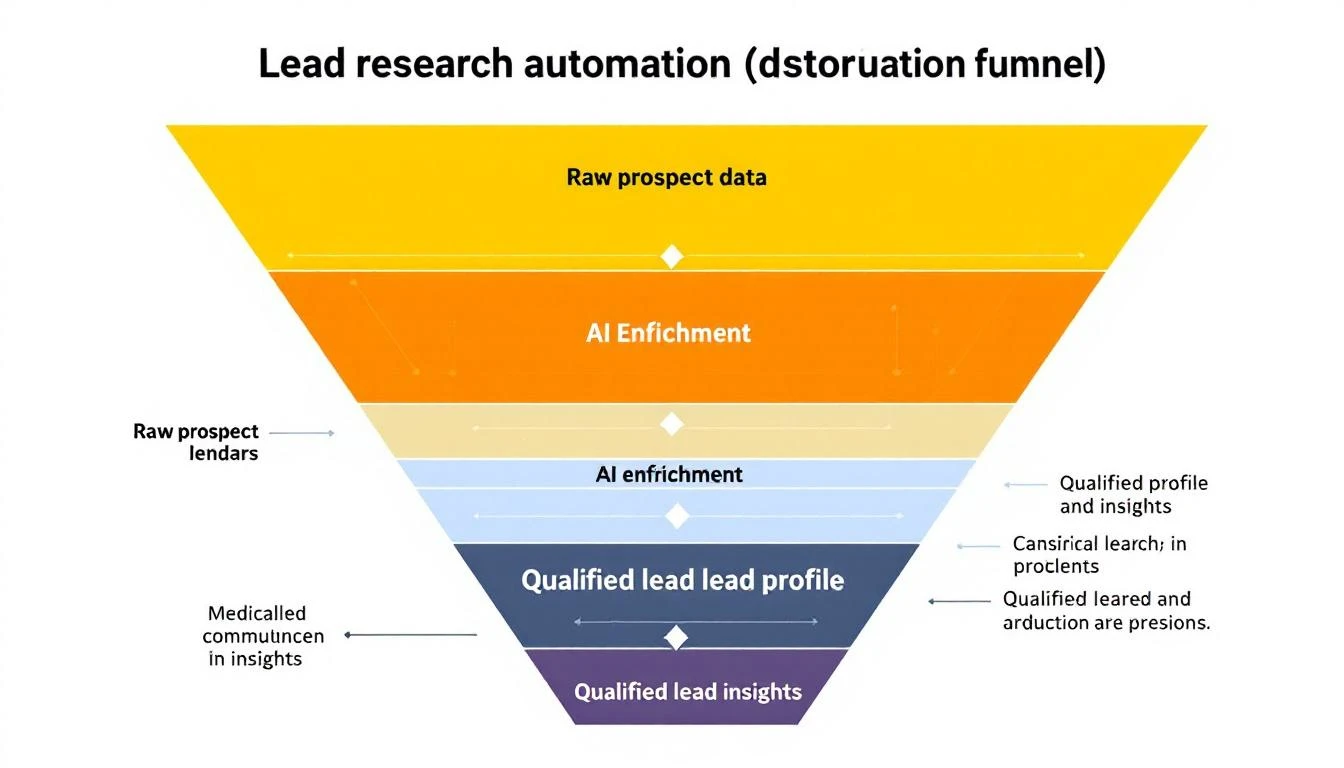
Lead research funnel: Raw data to enriched profile

Real Research Output Example

Here's what Claude Code actually produces for a real company:


Company: Hologram (hologram.io)

Overview: IoT connectivity platform providing global cellular for devices. ~150 employees, HQ in Chicago. Series B ($65M from Battery Ventures).

Recent Activity:

  • Feb 2026: Launched Hyper network for low-latency IoT
  • Jan 2026: Partnership with AWS IoT Core announced
  • Hiring: 3 open SDR roles, 2 demand gen positions

Sales Signals:

  • Job posting mentions "scaling outbound motion" and "improving lead quality"
  • Uses HubSpot (seen in job req), Outreach for sequences
  • Active on G2 responding to reviews (cares about buyer perception)

Personalization Hooks:

  1. Reference the Hyper launch: "Saw the Hyper network announcement—congrats"
  2. Note the hiring push: "Looks like you're scaling the SDR team"
  3. Connect to IoT/connectivity angle: "We work with several IoT companies..."

Recommended Approach: LinkedIn → Email sequence. Their team is active on LinkedIn. Reference specific content they've posted.


This took 15 seconds to generate. A human would need 10-15 minutes minimum.

Enrichment Sources Claude Code Can Access

When you give Claude Code research tasks, it can pull from:

SourceWhat It Finds
Company websiteProducts, pricing, team page
LinkedInEmployee count, org structure, recent posts
Job boardsHiring signals, tech stack clues
News sitesFunding, partnerships, launches
G2/CapterraReviews, complaints, competitor comparisons
CrunchbaseFunding history, investors, competitors

The key is structuring your prompt to tell Claude what matters for your specific outreach.

Advanced: Building a Research Pipeline

For high-volume prospecting, build a full pipeline:

[New Lead] 

[Basic Enrichment]
- Company size, industry
- Contact title, seniority

[ICP Scoring]
- Match against ideal customer profile
- Score 1-100

[Deep Research] (if score > 70)
- Full prospect brief
- Personalization hooks

[Routing]
- Hot leads → Slack alert + call queue
- Warm leads → Automated sequence
- Cold leads → Nurture list

Each step can be automated with Claude Code + OpenClaw.

Common Mistakes to Avoid

1. Researching Every Lead Equally

Not every lead deserves 10 minutes of research. Use basic enrichment to score first, then deep-dive on high-potential prospects only.

2. Ignoring Negative Signals

Good research includes disqualifying information. If a company just laid off their sales team, that's important context.

3. Stale Data

Information decays. Set up refresh cycles for long-nurture prospects.

4. Over-Personalizing

Mentioning 5 specific details in an email feels creepy. Pick the ONE most relevant hook.

Measuring Research Quality

Track these metrics:

  • Time per lead: Should drop from 10-15 min to under 1 min
  • Reply rates: Better research → better personalization → higher replies
  • Qualification accuracy: Are AI-scored leads actually converting?
  • Rep adoption: Is your team actually using the briefs?

The MarketBetter Advantage

MarketBetter does this automatically for every website visitor:

  1. Identify: Know which companies visit your site
  2. Enrich: Pull firmographic and technographic data
  3. Research: AI generates prospect briefs
  4. Prioritize: Score and route to the right rep
  5. Act: Get a daily playbook of exactly who to contact

No manual research required. No copy-pasting between tools.


Ready to automate your lead research? See how MarketBetter turns visitor identification into actionable prospect intelligence. Book a demo.

How to Build a Custom Sales Copilot with OpenClaw [2026 Tutorial]

· 7 min read
MarketBetter Team
Content Team, marketbetter.ai

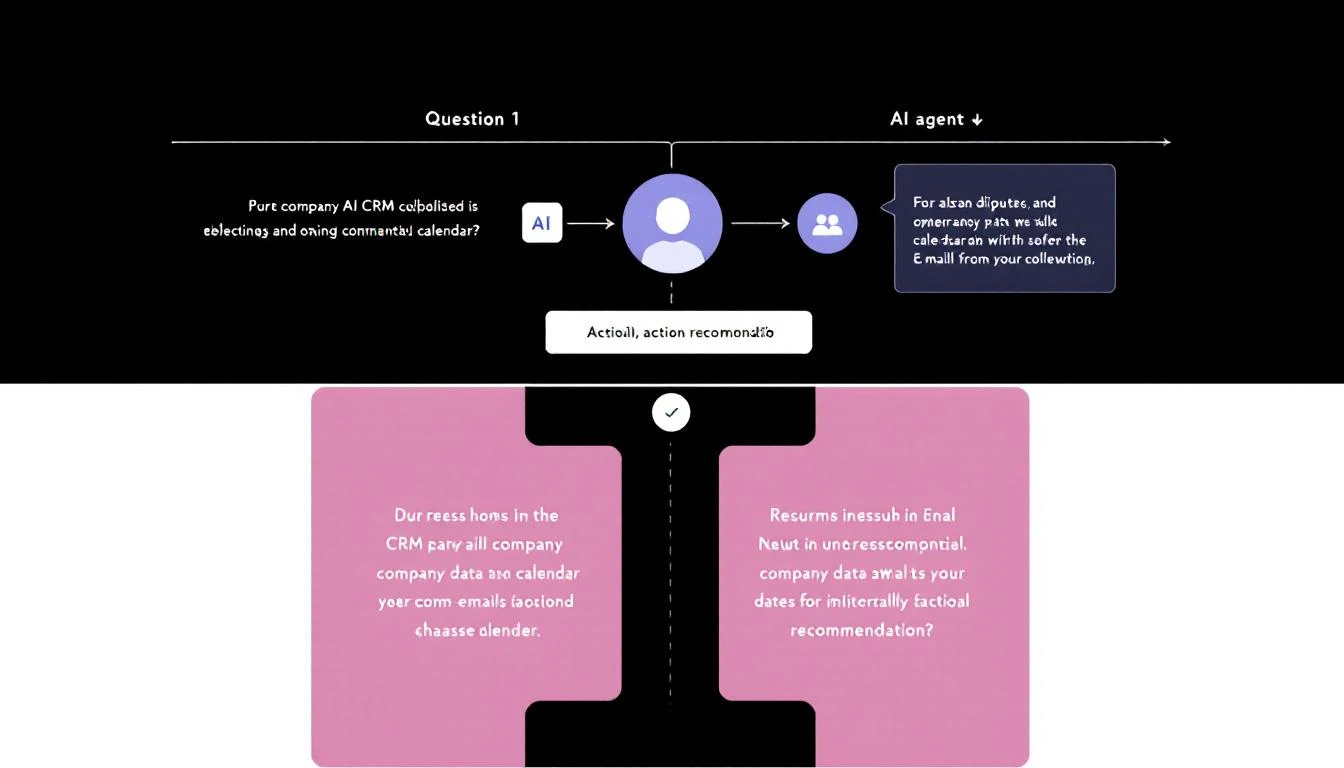
"Who should I call next?"
"What's the context on this deal?"
"Draft me a follow-up email."

What if you could ask these questions and get instant, accurate answers—based on YOUR CRM, YOUR email history, YOUR calendar?

That's what a sales copilot does. And with OpenClaw, you can build one for free.

Sales copilot workflow: User query to AI-powered recommendation

What is a Sales Copilot?

A sales copilot is an AI assistant that knows your business context:

  • Your deals: Pipeline stages, deal values, next steps
  • Your contacts: Communication history, preferences, pain points
  • Your calendar: Upcoming meetings, prep needed
  • Your emails: Recent exchanges, follow-ups due

Unlike generic ChatGPT, a copilot doesn't need you to paste context every time. It already knows.

Why Build Your Own (vs. Buying)?

Off-the-shelf AI SDR tools cost $35,000-50,000/year. They come with:

  • Features you don't need
  • Limitations on customization
  • Data that lives on someone else's servers

OpenClaw is free and open source. You:

  • Build exactly what you need
  • Own your data completely
  • Customize endlessly

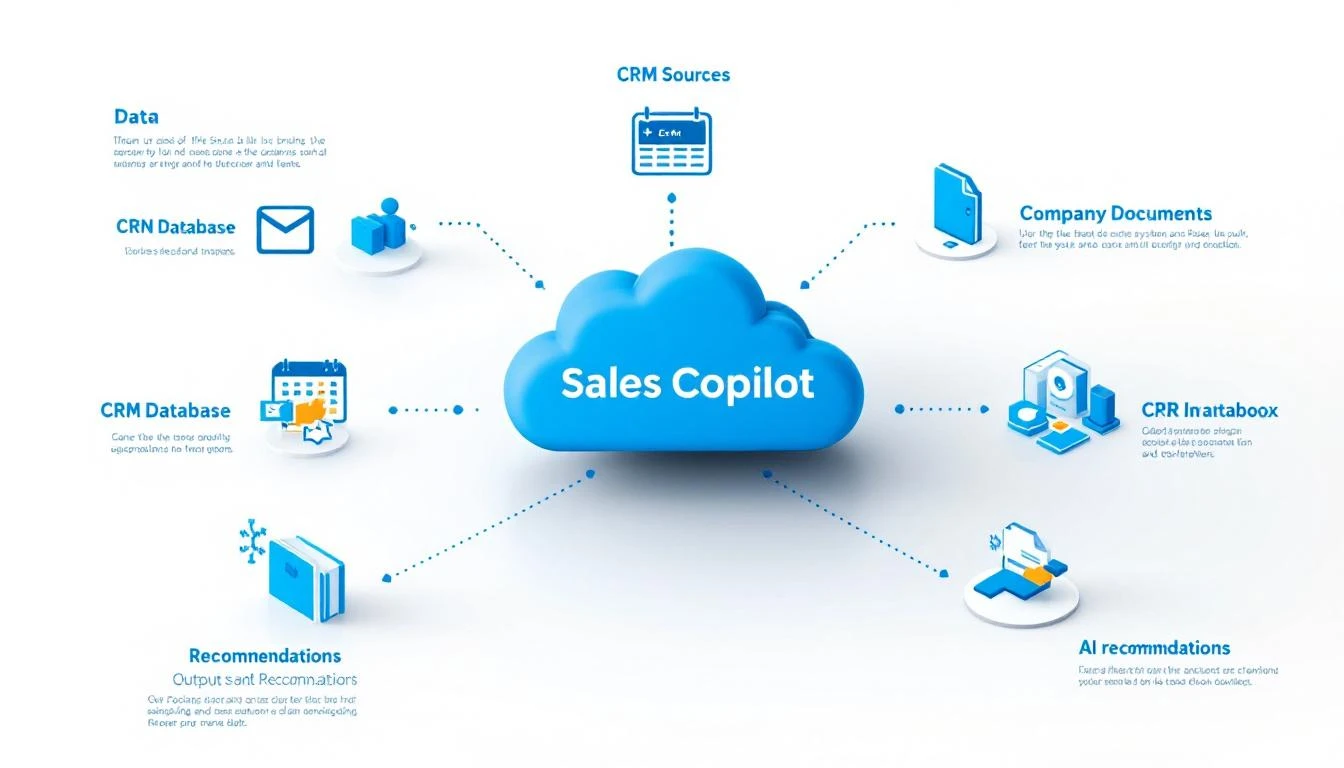
Architecture Overview

Here's what we're building:

[You via WhatsApp/Slack/Telegram]

[OpenClaw]

[Claude/GPT-4 API]

┌─────────────────────┐
│ Your Data Sources │
│ • HubSpot CRM │
│ • Gmail/Outlook │
│ • Google Calendar │
│ • Company Docs │
└─────────────────────┘

[Context-Aware Response]

OpenClaw acts as the bridge, connecting the AI to your tools.

Data sources feeding into the sales copilot AI

Step 1: Install OpenClaw

npx openclaw@latest init

This creates your workspace with:

  • Configuration files
  • Memory system
  • Agent definitions

Step 2: Connect Your Data Sources

HubSpot CRM

Create a Private App in HubSpot and add to your config:

# .openclaw/config.yaml
plugins:
hubspot:
enabled: true
token: ${HUBSPOT_TOKEN}

Email (Microsoft 365)

Set up Graph API access:

plugins:
ms365:
enabled: true
clientId: ${MS365_CLIENT_ID}
tenantId: ${MS365_TENANT_ID}
clientSecret: ${MS365_CLIENT_SECRET}

Google Calendar

plugins:
gcal:
enabled: true
credentials: ${GCAL_CREDENTIALS_PATH}

Step 3: Define Your Copilot's Personality

Create a SOUL.md file that defines how your copilot behaves:

# SOUL.md - Sales Copilot

## Who I Am
I'm your sales copilot. I know your pipeline, your contacts,
and your calendar. I help you sell smarter.

## How I Communicate
- Direct and actionable
- I give specific recommendations, not generic advice
- I cite my sources (which deal, which email, etc.)
- I flag urgency when it matters

## What I Can Do
- Pull deal info from HubSpot
- Summarize email threads
- Check upcoming meetings
- Draft follow-up messages
- Alert you to stale deals

## What I Won't Do
- Send emails without your approval
- Make changes to CRM without confirmation
- Share your data anywhere

Step 4: Create Core Commands

Define common queries your copilot can handle:

"Who should I call today?"

# In your agent config
prompts:
call_priority:
message: |
Check my HubSpot pipeline and identify:
1. Deals that haven't had activity in 7+ days
2. Deals with meetings scheduled this week
3. High-value deals (>$10K) in negotiation stage

Rank by urgency. For each, tell me:
- Company name and deal value
- Last contact date and method
- Suggested talking point based on history

"Prep me for my next call"

prompts:
meeting_prep:
message: |
My next meeting is in {{time_until}} with {{contact_name}}.

Pull together:
1. Company overview (from HubSpot + web research)
2. Deal history and current stage
3. All email exchanges in last 30 days
4. Key talking points based on their pain points
5. Potential objections to prepare for

Format as a quick-reference briefing I can scan in 2 minutes.

"Draft a follow-up email"

prompts:
follow_up:
message: |
I just finished a call with {{contact_name}} at {{company}}.

Based on our email history and CRM notes, draft a follow-up email that:
1. Thanks them for the call
2. Summarizes key points we discussed
3. Proposes clear next steps
4. Maintains my usual tone (check recent sent emails)

Keep it under 150 words.

Step 5: Set Up Proactive Alerts

Your copilot shouldn't just respond—it should reach out when needed:

# Cron jobs for proactive alerts
cron:
jobs:
- name: "Morning Pipeline Brief"
schedule:
kind: cron
expr: "0 8 * * 1-5" # 8am weekdays
payload:
kind: agentTurn
message: |
Good morning! Here's your pipeline brief:

1. Meetings today (with quick context)
2. Deals needing attention (stale or slipping)
3. Follow-ups due
4. Any hot signals (new website visitors, email opens)

Keep it to 5-7 bullet points max.

- name: "Stale Deal Alert"
schedule:
kind: cron
expr: "0 14 * * 1-5" # 2pm weekdays
payload:
kind: agentTurn
message: |
Check for deals over $5K that haven't been touched in 10+ days.
If you find any, alert me with:
- Deal name and value
- Last activity
- Suggested re-engagement approach

Step 6: Connect Your Messaging Channel

OpenClaw supports multiple channels:

WhatsApp (Personal)

openclaw whatsapp link
# Scan QR code with your phone

Slack

plugins:
slack:
enabled: true
token: ${SLACK_BOT_TOKEN}
channel: "#sales-copilot"

Telegram

plugins:
telegram:
enabled: true
token: ${TELEGRAM_BOT_TOKEN}

Real Conversation Examples

Here's what interacting with your copilot looks like:

You: Who needs follow-up today?

Copilot: 3 follow-ups due:

  1. Acme Corp ($24K) - Demo was 3 days ago, promised to send proposal. Send it now.

  2. Initech ($12K) - They went quiet after pricing. Suggest: value-focused check-in email.

  3. Hooli ($45K) - Contract review since Monday. Time for a nudge.

Want me to draft emails for any of these?


You: Yes, draft Acme proposal email

Copilot: Based on your call notes from Thursday:


Subject: Acme proposal as promised

Hi Sarah,

Great speaking Thursday about reducing your SDR ramp time. As promised, I've attached our proposal.

Key points covered:

  • Visitor identification for 5K monthly visitors
  • HubSpot integration (you mentioned this was critical)
  • 90-day pilot option

Want to find 15 minutes next week to walk through it?

Best, [Your name]


Send, edit, or scrap?

Advanced: Adding Custom Tools

OpenClaw supports custom tools. Example: Add a "competitor check" tool:

// tools/competitor-check.js
module.exports = {
name: 'check_competitor',
description: 'Check if a prospect uses a competitor product',
parameters: {
company: { type: 'string', required: true }
},
async execute({ company }) {
// Check BuiltWith, job postings, etc.
const techStack = await fetchTechStack(company);
return techStack.filter(t => COMPETITORS.includes(t));
}
};

Now your copilot can answer: "Does Acme use any competitor products?"

Common Pitfalls

1. Too Much Context Don't dump your entire CRM into every prompt. Be selective about what context matters for each query.

2. No Memory Structure Use OpenClaw's memory files to store persistent context (ICP, competitors, etc.) so you don't repeat yourself.

3. Forgetting Permissions Your copilot has access to sensitive data. Keep it on a secure channel. Don't expose it to shared workspaces.

4. Over-Automation Start with assisted workflows (copilot drafts, you approve). Don't go full autonomous until you trust the outputs.

What's Next?

Once your basic copilot works, extend it:

  • Add competitive intelligence lookups
  • Connect to Gong/Chorus for call analysis
  • Build a deal coaching mode
  • Create a forecasting assistant

The foundation is the same—you're just adding more context and capabilities.


Don't want to build from scratch? MarketBetter comes with AI-powered playbooks built in. Visitor identification, lead prioritization, and recommended actions—no coding required. Book a demo.

Free Tool

Try our AI Lead Generator — find verified LinkedIn leads for any company instantly. No signup required.

Claude vs ChatGPT for Sales in 2026: Side-by-Side Test on Real SDR Workflows

· 7 min read
Sunder Iyer
Founder, marketbetter.ai

Your SDRs spend just 35% of their time actually selling. The rest? Research, data entry, writing emails, prepping for calls. Both Claude and ChatGPT promise to automate this busywork—but they take different approaches.

After running both AIs on real sales workflows at MarketBetter (and building an AI SDR with OpenClaw), here's what we learned about when to use each.

Codex vs Claude Code vs ChatGPT for Sales: The 2026 GTM Showdown

· 6 min read
MarketBetter Team
Content Team, marketbetter.ai

Three AI tools. All capable. But which one should your GTM team actually use?

With GPT-5.3-Codex dropping February 5, 2026, the landscape just shifted. Again. This guide breaks down OpenAI Codex, Claude Code, and ChatGPT for sales and marketing use cases—with specific recommendations for each workflow.

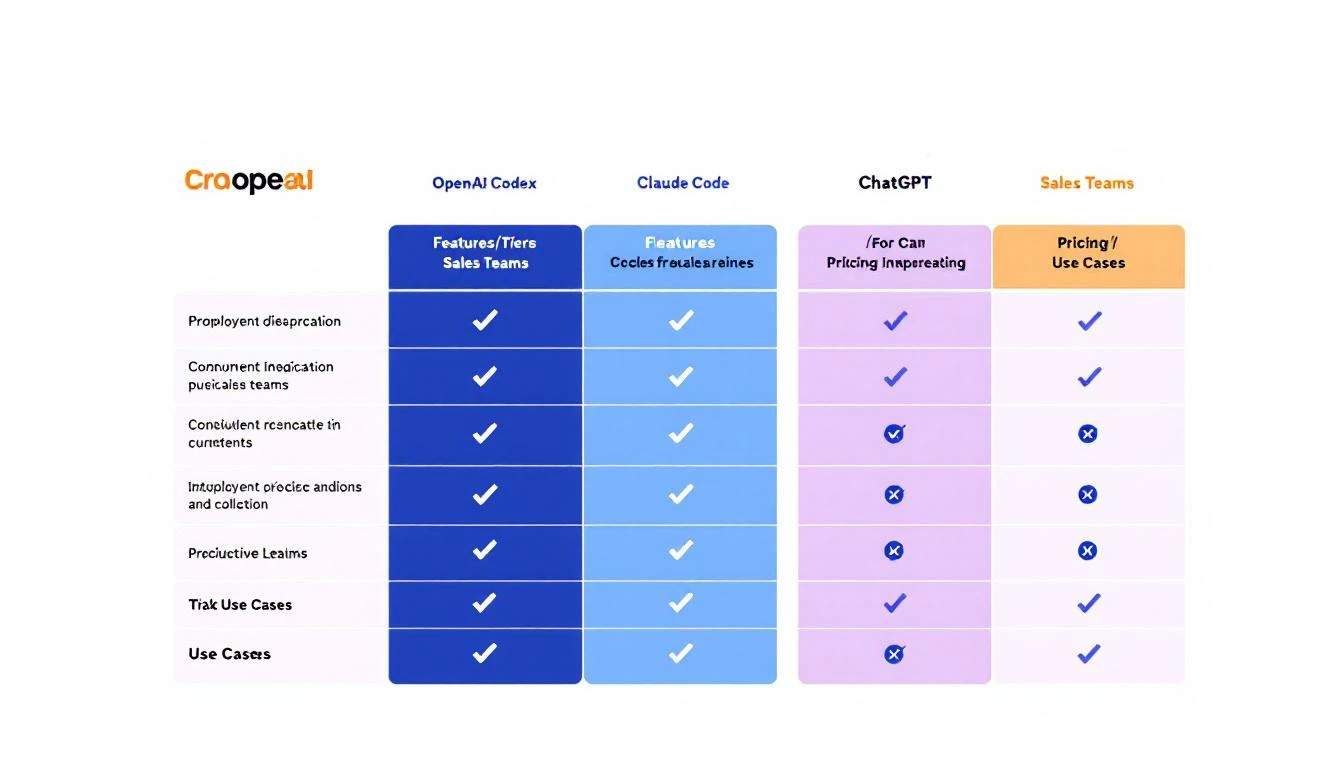
Comparison matrix: Codex vs Claude vs ChatGPT for GTM

Quick Summary: Which AI for Which Task

Use CaseBest ToolWhy
Code generation/scriptsCodexPurpose-built, best performance
Long research/analysisClaude200K context, better reasoning
Quick answers/chatChatGPTFast, good enough for simple tasks
Email personalizationClaudeNuanced writing, follows instructions
Pipeline automationCodex + OpenClawAgentic capabilities, mid-turn steering
Sales call prepClaudeBetter at synthesis and summary
Proposal generationClaudeLonger document handling

Now let's dig into the details.

OpenAI Codex (GPT-5.3-Codex)

Released: February 5, 2026
What it is: OpenAI's most capable agentic coding model

Key Features

  • 25% faster than GPT-5.2-Codex
  • Mid-turn steering: Direct the agent while it's working (killer feature)
  • Runs in Codex app, CLI, IDE extension, or Codex Cloud
  • Multi-file changes: Can edit entire codebases
  • Built for autonomy: Designed to work on complex tasks without constant prompting

GTM Use Cases for Codex

  1. Building Sales Automation Scripts

    • Write HubSpot/Salesforce API integrations
    • Build custom lead scoring models
    • Create data sync workflows
  2. Pipeline Monitoring Systems

    • Alert systems for stale deals
    • Automated reporting dashboards
    • Integration scripts between tools
  3. Custom Sales Tools

    • Chrome extensions for LinkedIn
    • Email template generators
    • Proposal automation systems

Codex Pricing (2026)

  • Codex CLI: Free tier available, pay per API call
  • Codex Cloud: ~$50/user/month (team features)
  • Enterprise: Custom pricing

When NOT to Use Codex

  • Simple email writing (overkill)
  • Non-technical tasks (use Claude or ChatGPT)
  • Quick research (Claude's context window is better)

Claude Code (Anthropic)

What it is: Claude 3.5/4 with tool use and code execution
Integrated into: VS Code, terminal, OpenClaw

Key Features

  • 200K context window: Can analyze entire documents, codebases, or conversation histories
  • Precise instruction following: Better at nuanced tasks
  • Constitutional AI: More reliable safety guardrails
  • Tool use: Can browse web, execute code, interact with APIs

GTM Use Cases for Claude

  1. Prospect Research

    • Deep-dive company analysis
    • Competitive intelligence reports
    • Personalization hook identification
  2. Email Writing

    • Personalized outreach at scale
    • Multi-touch sequence creation
    • Reply handling suggestions
  3. Document Analysis

    • Analyzing sales call transcripts
    • Extracting insights from RFPs
    • Summarizing long email threads
  4. Sales Coaching

    • Call analysis and feedback
    • Objection handling suggestions
    • Win/loss pattern identification

Claude Pricing (2026)

  • Claude.ai: $20/month Pro, $30/month Teams
  • API: $3-15 per million tokens (varies by model)
  • OpenClaw: Free (bring your own API key)

When NOT to Use Claude

  • Heavy code generation (Codex is faster)
  • Real-time chat (ChatGPT has lower latency)
  • Tasks requiring strict format adherence (can be verbose)

ChatGPT (GPT-4o/4-Turbo)

What it is: OpenAI's general-purpose assistant
Best for: Quick tasks, brainstorming, general questions

Key Features

  • Lowest latency: Fastest responses
  • Plugins and GPTs: Extensible for specific use cases
  • Web browsing: Built-in search
  • Voice mode: Conversational interface

GTM Use Cases for ChatGPT

  1. Quick Research

    • "What does [company] do?"
    • "Who are [competitor]'s biggest customers?"
    • "What's the average deal size in [industry]?"
  2. Brainstorming

    • Subject line ideas
    • Objection responses
    • Campaign angles
  3. Light Automation

    • Simple data formatting
    • Template generation
    • Quick calculations

ChatGPT Pricing (2026)

  • Free: Basic access
  • Plus: $20/month
  • Team: $25/user/month
  • Enterprise: Custom

When NOT to Use ChatGPT

  • Complex, multi-step workflows (use Codex)
  • Long document analysis (Claude's context is better)
  • Tasks requiring precise formatting (can be inconsistent)

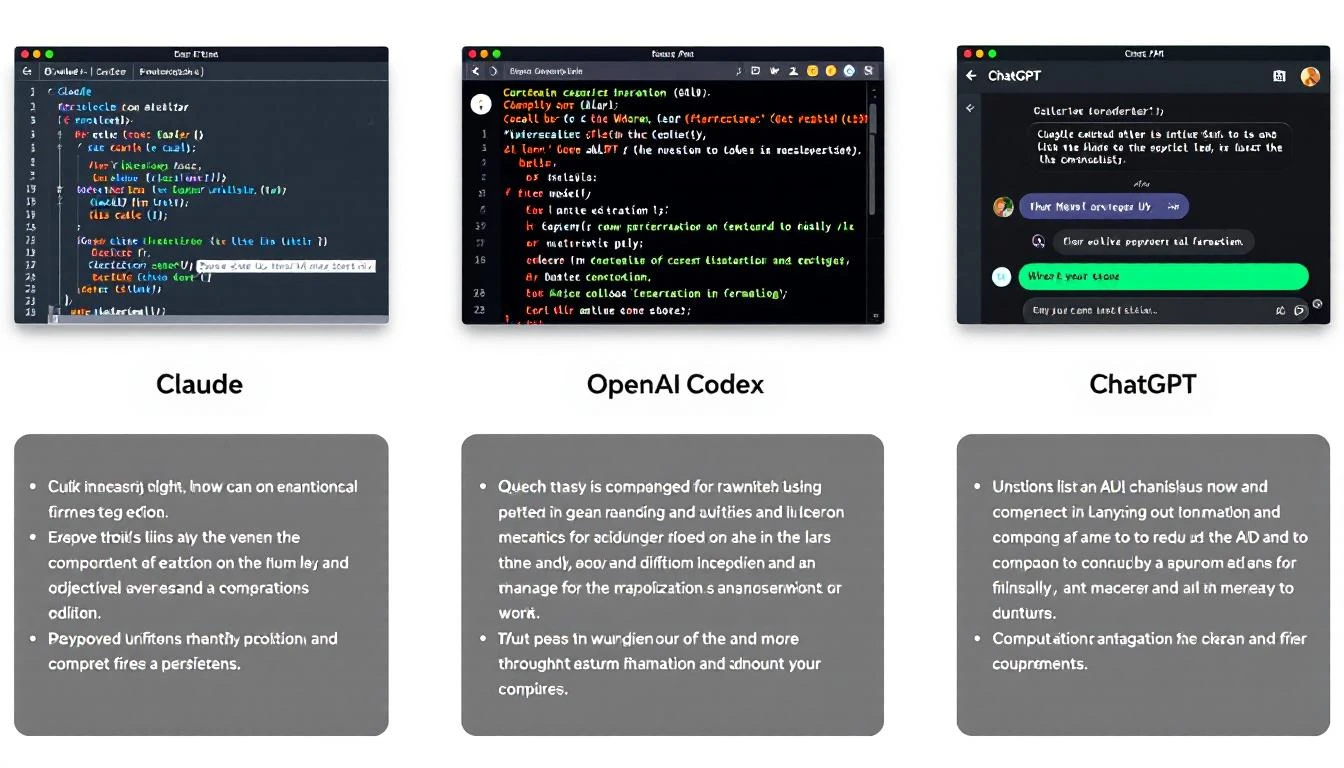
Three AI tools side by side with key differentiators

Head-to-Head: The Details

Context Window

ToolContext WindowImplication
Claude200K tokensCan analyze ~500 pages at once
ChatGPT128K tokensGood for most tasks
CodexVaries by taskDesigned for code, not documents

Winner for GTM: Claude. When researching prospects or analyzing long conversations, context matters.

Instruction Following

Claude excels at following precise instructions. If you say "write exactly 3 bullet points," you get 3 bullet points.

ChatGPT tends to add extra context or caveats.

Codex is excellent for technical instructions but can over-engineer simple requests.

Winner for GTM: Claude for content, Codex for technical tasks.

Agentic Capabilities

Codex was built for autonomous work. The mid-turn steering feature lets you redirect it without starting over.

Claude can be agentic via OpenClaw but requires more setup.

ChatGPT's agentic features are limited.

Winner for GTM: Codex for automation, Claude via OpenClaw for custom agents.

Speed

ToolResponse TimeThroughput
ChatGPTFastestBest for high-volume
ClaudeMediumGood for quality
CodexVariesDesigned for complex tasks

Winner for GTM: Depends on use case. ChatGPT for quick tasks, Codex for batch processing.

The Best Stack for GTM Teams

Based on our analysis, here's the optimal setup:

For SDRs

  • Primary: Claude (via OpenClaw for automation)
  • Secondary: ChatGPT (quick questions)
  • When needed: Codex (building custom tools)

For Sales Ops

  • Primary: Codex (building automation)
  • Secondary: Claude (analysis and research)
  • When needed: ChatGPT (quick prototyping)

For Marketing

  • Primary: Claude (content and research)
  • Secondary: ChatGPT (brainstorming)
  • When needed: Codex (programmatic SEO, automation)

Integration Comparison

OpenClaw Compatibility

ToolOpenClaw SupportSetup
ClaudeNativeAdd API key
GPT-4NativeAdd API key
CodexVia APIRequires custom config

OpenClaw works best with Claude due to Anthropic's tool use design.

CRM Integration

  • Codex: Best for building custom integrations
  • Claude: Best for enrichment and research tasks
  • ChatGPT: Limited native integration

Real-World Performance: Email Personalization

We tested all three on the same task: Write a personalized cold email for a VP of Sales at a 200-person SaaS company.

Claude Output

Followed the template exactly. Referenced specific company details. Professional but warm tone. 94 words (as requested).

ChatGPT Output

Added extra context we didn't ask for. Good personalization but verbose. 147 words (missed the target).

Codex Output

Technical and formal. Suggested code-like structures. Not ideal for email writing.

Winner: Claude for email personalization.

The Bottom Line

There's no single best tool. The right answer depends on your workflow:

  • Building automation? → Codex
  • Writing content? → Claude
  • Quick questions? → ChatGPT
  • Running AI agents 24/7? → OpenClaw + Claude

The smartest teams use multiple tools for different tasks rather than forcing one tool to do everything.


Want AI that's already integrated? MarketBetter combines visitor identification, AI-powered playbooks, and automated outreach in one platform. No prompt engineering required. Book a demo.

Free Tool

Try our AI Lead Generator — find verified LinkedIn leads for any company instantly. No signup required.

Codex Steer: What It Does & How to Redirect AI Mid-Task [2026]

· 6 min read
MarketBetter Team
Content Team, marketbetter.ai

When GPT-5.3-Codex dropped on February 5, 2026, everyone focused on the "25% faster" headline. But the real game-changer? Mid-turn steering.

This feature lets you redirect an AI agent while it's working—not after it finishes. In short, the "steer" command in Codex sends new instructions to the agent mid-task, so you can course-correct in real time instead of waiting for it to finish (or fail). For GTM teams running complex automation, this changes everything.

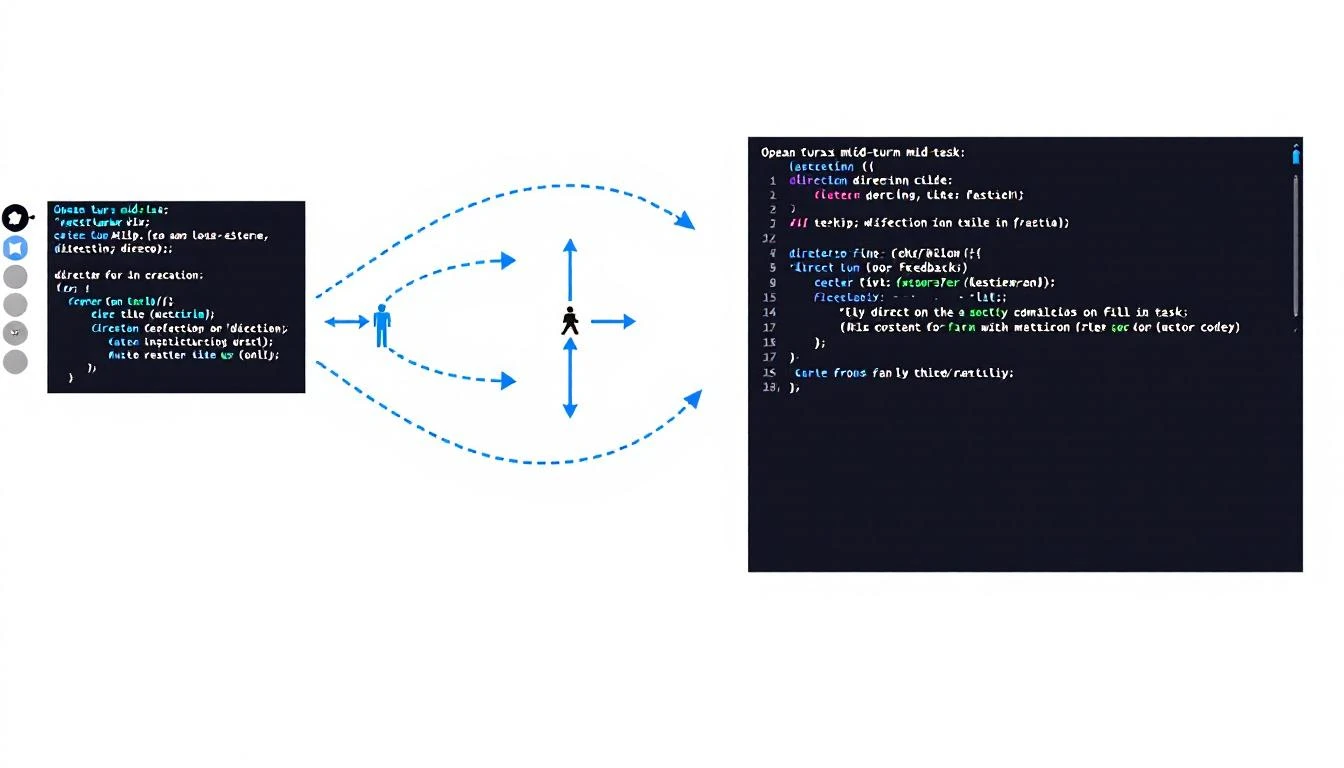
Codex mid-turn steering: Human directing AI mid-task

What is Mid-Turn Steering?

Traditionally, when you ask an AI to do something, you wait until it's done to give feedback. If it goes off track, you:

  1. Wait for completion
  2. Read the output
  3. Write a correction prompt
  4. Start over

Mid-turn steering breaks this pattern. You can intervene during execution:

You: Build a lead scoring model based on our HubSpot data

Codex: [starts working]
- Pulling contact fields...
- Analyzing conversion patterns...
- Building scoring criteria...

You: Actually, weight company size more heavily than title

Codex: [adjusts mid-task]
- Updating weight for company_size field...
- Recalculating score thresholds...
[continues with adjustment]

No restart. No lost work. Just a course correction.

Why This Matters for GTM

1. Complex Automation Doesn't Fail Silently

When building sales automation, you often don't know exactly what you want until you see the first attempt. Mid-turn steering lets you:

  • Watch the agent's approach in real-time
  • Correct misunderstandings immediately
  • Guide toward edge cases as they appear

Without this, a 20-minute automation task might need 3-4 full restarts to get right.

2. Better Collaboration with AI

Mid-turn steering makes AI feel less like a black box and more like a collaborator. You're not just prompting and praying—you're actively directing.

For sales leaders building complex workflows, this means:

  • Faster iteration cycles
  • More precise outputs
  • Higher confidence in automation

3. Reduced Token Waste

Every restart burns tokens. Mid-turn steering reduces:

  • Repeated context loading
  • Duplicate work
  • Prompt engineering overhead

For teams running Codex at scale, this adds up.

Human giving mid-task feedback with course correction

GTM Use Cases for Mid-Turn Steering

Building Custom Lead Scoring

Traditional approach:

  1. Ask Codex to build a lead score
  2. Wait 10 minutes
  3. Realize it weighted "email opened" too heavily
  4. Start over with clarification
  5. Wait another 10 minutes

With mid-turn steering:

  1. Ask Codex to build a lead score
  2. Watch it start weighting criteria
  3. "Wait—de-emphasize email opens, focus on website visits"
  4. Codex adjusts in real-time
  5. Get the right model in one pass

Generating Email Sequences

Traditional approach:

  1. "Write a 5-email nurture sequence"
  2. Wait for all 5 emails
  3. Email 3 is too salesy
  4. Restart or write complex follow-up prompt

With mid-turn steering:

  1. "Write a 5-email nurture sequence"
  2. After email 2: "Make these more educational, less pitch-focused"
  3. Codex adjusts emails 3-5 accordingly
  4. Done

Building Pipeline Dashboards

Traditional approach:

  1. "Build a pipeline dashboard showing X, Y, Z"
  2. Wait for completion
  3. Visualizations aren't quite right
  4. Describe changes in detail
  5. Hope it understands

With mid-turn steering:

  1. "Build a pipeline dashboard"
  2. See the chart types being chosen
  3. "Actually, use bar charts for that, not pie"
  4. Watch it switch mid-build
  5. "Add a filter for deal size"
  6. Done with all adjustments in one session

How to Use Mid-Turn Steering

In Codex CLI

# Start a task
codex run "Build a HubSpot integration that syncs new contacts"

# While it's running, type to intervene
> Also add error handling for rate limits
> Skip the logging for now, we'll add that later

In Codex Cloud (Web UI)

The Codex dashboard shows real-time execution. A sidebar lets you:

  • See what the agent is currently doing
  • Type interventions
  • Pause/resume execution
  • Save partial progress

Via API

const session = await codex.createSession({
task: "Build lead enrichment pipeline",
onProgress: (state) => console.log(state),
allowSteering: true
});

// Intervene mid-task
await session.steer("Use Apollo for enrichment instead of Clearbit");

Best Practices for Mid-Turn Steering

1. Let It Start Before Steering

Don't intervene in the first 10 seconds. Let Codex show its approach first—you might learn something.

2. Be Specific with Corrections

❌ "That's not quite right"
✅ "Use percentage instead of raw numbers for the conversion column"

3. Steer Early, Not Late

If you see it going the wrong direction, intervene immediately. Don't wait until it's 80% done.

4. Save Checkpoints

For complex tasks, tell Codex to checkpoint progress: "After each major step, commit and show me the current state"

This lets you roll back if steering doesn't work.

5. Don't Over-Steer

Every intervention has overhead. If you're steering every 30 seconds, your initial prompt probably wasn't clear enough.

Mid-Turn Steering vs. Other Approaches

ApproachProCon
Single promptFast for simple tasksNo correction possible
Chain of promptsMore controlContext lost between prompts
Agent loopsAutonomousHard to intervene
Mid-turn steeringBest of both worldsRequires Codex

Mid-turn steering gives you the autonomy of agents with the control of manual prompting.

Real Example: Building a Competitor Alert System

Here's a real session transcript (abbreviated):

Me: Build a system that alerts me when competitors publish new content

Codex: Starting. I'll:
1. Set up RSS feeds for competitor blogs
2. Create a daily digest
3. Send via email

Setting up RSS parser...

Me: Actually, send via Slack not email

Codex: Switching to Slack webhook...
Setting up #competitor-intel channel post...

Me: Also check their Twitter, not just blogs

Codex: Adding Twitter API integration...
Will monitor @Warmly_AI, @CommonRoom...

Me: Add @6sense too

Codex: Added. Continuing with alert formatting...

[5 minutes later]

Codex: Done. System checks hourly, posts to #competitor-intel
when new content detected.

That would have been 3-4 restarts without mid-turn steering.

Limitations to Know

1. Not All Tasks Support Steering

Some operations (like API calls mid-flight) can't be interrupted. Codex will tell you when steering isn't possible.

2. Token Cost Still Applies

Steering doesn't reduce total tokens—it just uses them more efficiently.

3. Requires Real-Time Attention

If you're not watching, you can't steer. For hands-off automation, traditional approaches might be better.

The Bottom Line

Mid-turn steering is Codex's competitive moat for complex GTM automation. It transforms AI from "prompt and pray" to "collaborative building."

For teams building:

  • Custom integrations
  • Complex workflows
  • Multi-step automation

This feature alone justifies using Codex over alternatives.


Want AI that works out of the box? MarketBetter combines visitor identification, automated playbooks, and AI-driven outreach—no prompting required. Book a demo.

Free Tool

Try our AI Lead Generator — find verified LinkedIn leads for any company instantly. No signup required.

GPT-5.3-Codex: What GTM Teams Need to Know [2026]

· 8 min read
MarketBetter Team
Content Team, marketbetter.ai

OpenAI dropped GPT-5.3-Codex on February 5, 2026. Three days later, the GTM world is still figuring out what it means.

Here's the short version: This is the most capable AI coding agent ever released, and it's going to change how sales and marketing teams build automation.

GPT-5.3 Codex Overview

If you're a VP of Sales, SDR Manager, or RevOps leader wondering whether this matters to you—it absolutely does. Not because you need to become a developer, but because the barrier to building custom sales tools just dropped to near-zero.

Let me explain.

What Is GPT-5.3-Codex?

GPT-5.3-Codex is OpenAI's cloud-based AI agent designed specifically for software engineering tasks. Think of it as having a senior developer on call 24/7 who can:

  • Write complete applications from scratch
  • Refactor existing code
  • Build integrations between your tools
  • Create custom automations

But here's what makes 5.3 different from previous versions:

Mid-Turn Steering

This is the killer feature. Previous AI coding tools worked like this: you give a prompt, wait for the output, then correct mistakes and try again.

With mid-turn steering, you can redirect the agent while it's working. See it going down the wrong path? Tell it to change direction. Want to add a requirement halfway through? Just say so.

For GTM teams, this means:

  • You can describe what you want in plain English
  • Watch as the agent builds it
  • Course-correct in real-time
  • Get exactly what you need, faster

25% Faster Than GPT-5.2-Codex

Speed matters when you're iterating on sales tools. The new model generates code significantly faster, which means:

  • Quicker prototypes of new automation ideas
  • Faster debugging when something breaks
  • More experiments per sprint

Multi-File Projects

Codex can now handle complex, multi-file projects natively. This means it can build real applications—not just scripts—including:

  • Full CRM integrations
  • Multi-step email sequences
  • Dashboard applications
  • API connectors

Why This Matters for GTM Teams

GTM Workflow with AI

Here's the uncomfortable truth about sales technology in 2026: The best tools are the ones you build yourself.

Generic AI SDR platforms cost $35,000-50,000 per year. They're built for the average use case, which means they're perfect for nobody.

Meanwhile, the teams winning right now are:

  1. Identifying their specific bottlenecks
  2. Building custom automations to solve them
  3. Iterating weekly based on results

GPT-5.3-Codex makes this accessible to teams without dedicated developers.

Real Example: Custom Lead Research Agent

Let's say your SDRs spend 20 minutes researching each prospect before outreach. You could:

Option A: Pay for a generic "AI research" tool ($15-25K/year) Option B: Build exactly what you need with Codex

Here's what Option B looks like:

"Build me a lead research agent that:
1. Takes a company name and prospect name as input
2. Finds their recent LinkedIn posts (last 30 days)
3. Checks if they've raised funding recently
4. Identifies any job changes in their department
5. Outputs a 3-sentence research summary I can paste into my email"

With GPT-5.3-Codex, you can build this in an afternoon. Total cost: Your time + ~$20/month in API calls.

Real Example: Pipeline Alert System

Your VP of Sales wants to know immediately when:

  • A deal over $50K stalls for more than 7 days
  • An enterprise prospect opens a proposal 3+ times
  • A competitor is mentioned in meeting notes

Building this with traditional development: 2-4 weeks and $5-10K

Building this with Codex + OpenClaw: A weekend

"Create a HubSpot integration that monitors our pipeline and sends
Slack alerts when:
1. Any deal over $50K hasn't had activity in 7+ days
2. Proposal tracking shows 3+ opens
3. Meeting notes (from Gong or Fireflies) mention competitor names

Run this check every 4 hours."

The OpenClaw Advantage

Here's where it gets interesting. Codex is powerful, but it's a tool—it doesn't run 24/7 on its own.

OpenClaw is an open-source gateway that lets you:

  • Deploy AI agents that run continuously
  • Connect to your messaging platforms (Slack, WhatsApp, Telegram)
  • Schedule cron jobs for recurring tasks
  • Give agents memory across sessions
  • Access browser automation for web tasks

The combination of Codex + OpenClaw = DIY AI SDR infrastructure.

Build the automations with Codex. Deploy them on OpenClaw. Run them 24/7 for free (you're self-hosting).

Comparison: GPT-5.3 vs Previous

Getting Started: A Practical Roadmap

Week 1: Install and Experiment

  1. Install the Codex CLI:
npm install -g @openai/codex
  1. Start with a simple project—maybe a script that enriches a CSV of leads with company data.

  2. Practice mid-turn steering. Give vague instructions, then refine as you watch it work.

Week 2: Build Your First Sales Tool

Pick your biggest time-waster. Common candidates:

  • Manual CRM updates
  • Lead research
  • Follow-up scheduling
  • Meeting prep

Build a tool that automates 50% of it. Don't aim for perfection—aim for "better than manual."

Week 3: Deploy with OpenClaw

Set up OpenClaw on a $5/month VPS (DigitalOcean, Vultr, etc.). Deploy your automation. Connect it to Slack so you can interact with it.

Week 4: Iterate Based on Results

Your first version will be wrong. That's fine. The advantage of building your own tools is that you can change them weekly.

What Codex Can and Can't Do

Codex Excels At:

  • Building integrations between SaaS tools
  • Creating data processing pipelines
  • Writing API connectors
  • Automating repetitive code tasks
  • Generating boilerplate for common patterns

Codex Struggles With:

  • Tasks requiring deep domain expertise
  • Anything that needs real-time human judgment
  • Complex UI design (it can build functional UIs, not beautiful ones)
  • Tasks that require browsing the live web (use OpenClaw's browser tools for this)

Combine With Claude for Best Results

For GTM automation specifically, Claude Code tends to be better at:

  • Writing persuasive copy
  • Analyzing unstructured data (emails, call transcripts)
  • Making judgment calls about prospect intent

The winning stack for most teams:

  • Codex: Build the infrastructure
  • Claude: Handle the nuanced tasks
  • OpenClaw: Orchestrate everything

Cost Comparison: Build vs. Buy

SolutionAnnual CostCustomizationTime to Value
Enterprise AI SDR Platform$35-50KLimited2-4 weeks
Mid-Market AI SDR Tool$12-25KSome1-2 weeks
Codex + OpenClaw (DIY)~$500*Unlimited2-4 weeks

*Assuming $20-40/month in API costs + minimal hosting

The catch: DIY requires someone on your team who's comfortable with technical projects. But you don't need a developer—you need someone curious enough to experiment.

The Build vs. Buy Decision

Build your own when:

  • Your workflow is unique
  • You need rapid iteration
  • Budget is constrained
  • You have someone technical-adjacent on the team

Buy off-the-shelf when:

  • You need enterprise support/SLAs
  • Nobody on the team wants to maintain tools
  • Your use case is generic
  • Speed-to-value is critical

For most SMB and mid-market GTM teams in 2026, the math now favors building.

What This Means for the AI SDR Market

GPT-5.3-Codex is going to put pressure on every AI sales tool that isn't providing genuine differentiation.

If your value proposition is "we connect to your CRM and do basic automation"—teams can now build that themselves in a weekend.

The winners will be tools that provide:

  • Proprietary data (intent signals, company graphs)
  • Deep workflow expertise (not just tools, but playbooks)
  • Outcomes, not features

At MarketBetter, we've always believed in the "build your own" approach for teams that can handle it. That's why we focus on providing the intelligence layer—visitor identification, buying signals, and playbooks—rather than trying to own your entire workflow.

Free Tool

Try our AI Lead Generator — find verified LinkedIn leads for any company instantly. No signup required.

Getting Started Today

  1. Try Codex: Even if you're not technical, spend an hour with it. Ask it to build something simple for your sales process.

  2. Audit Your Workflow: Where do your SDRs lose time? Make a list of the 5 most repetitive tasks.

  3. Pick One to Automate: Start small. One successful automation builds confidence for the next.

  4. Consider OpenClaw: If you want your automations to run 24/7, OpenClaw is the easiest path.


The release of GPT-5.3-Codex isn't just a technical milestone. It's a shift in what's possible for GTM teams without dedicated engineering resources.

The question isn't whether AI will change how you sell. The question is whether you'll build your own advantage—or rent someone else's.

Ready to see how MarketBetter's intelligence layer works with your custom automations? Book a demo →

OpenClaw + HubSpot: A Self-Updating CRM No SDR Has to Touch [2026]

· 6 min read
MarketBetter Team
Content Team, marketbetter.ai

Your CRM is only as good as the data inside it. And let's be honest—most CRMs are graveyards of stale contacts, forgotten deals, and "I'll update it later" promises that never happen.

What if your CRM updated itself?

That's exactly what happens when you connect OpenClaw—the open-source AI agent gateway—to HubSpot. You get an always-on AI assistant that monitors your pipeline, enriches contacts automatically, and alerts you before deals go cold.

OpenClaw connecting to HubSpot CRM with automated data flows

Why Manual CRM Updates Are Killing Your Pipeline

The average SDR spends 28% of their week on administrative tasks. Most of that is CRM data entry:

  • Logging call notes
  • Updating deal stages
  • Adding contact information
  • Setting follow-up reminders

That's 11+ hours per week not selling.

Worse, when reps get busy (which is always), CRM hygiene drops. Deals sit in the wrong stages. Contact info goes stale. Follow-ups get missed.

The result? Pipeline visibility becomes a lie. Your forecast is based on outdated data, and winnable deals slip through the cracks.

What OpenClaw + HubSpot Actually Does

OpenClaw acts as a bridge between AI models (Claude, GPT-4, etc.) and your business tools. When connected to HubSpot, it can:

1. Auto-Enrich New Contacts

When a new contact hits HubSpot, OpenClaw can:

  • Research the contact's company
  • Find their LinkedIn profile
  • Pull recent news about their company
  • Add firmographic data (company size, industry, tech stack)

All without you touching the keyboard.

2. Monitor Deal Health

Set up cron jobs to check your pipeline daily:

  • Flag deals that haven't been updated in 7+ days
  • Alert you when a high-value deal goes silent
  • Summarize weekly pipeline changes

3. Auto-Log Meeting Notes

Connect your calendar and let OpenClaw:

  • Join meetings via transcript (Zoom, Gong, etc.)
  • Summarize key points
  • Update the HubSpot contact/deal record
  • Create follow-up tasks

4. Proactive Outreach Suggestions

Based on deal activity (or lack thereof), OpenClaw can:

  • Draft re-engagement emails
  • Suggest call scripts based on deal history
  • Recommend next best actions

Before and after: Manual CRM entry vs AI-automated updates

Setting Up OpenClaw with HubSpot

Here's how to connect them (no code required for basic setups):

Step 1: Install OpenClaw

npx openclaw@latest init

Follow the prompts to configure your AI provider (Claude recommended for CRM tasks).

Step 2: Get Your HubSpot Private App Token

  1. Go to HubSpot → Settings → Integrations → Private Apps
  2. Create a new app with these scopes:
    • crm.objects.contacts.read
    • crm.objects.contacts.write
    • crm.objects.deals.read
    • crm.objects.deals.write
    • crm.objects.companies.read
  3. Copy the access token

Step 3: Configure OpenClaw

Add to your OpenClaw config:

# In your openclaw config
agents:
defaults:
model: claude-sonnet-4-20250514

plugins:
hubspot:
enabled: true
token: ${HUBSPOT_TOKEN}

Step 4: Create Your First Automation

Example: Daily pipeline health check that messages you via WhatsApp:

cron:
jobs:
- name: "Pipeline Health Check"
schedule:
kind: cron
expr: "0 9 * * 1-5" # 9am weekdays
payload:
kind: agentTurn
message: |
Check HubSpot for:
1. Deals stuck in same stage for 7+ days
2. Deals over $10K with no activity this week
3. Contacts added yesterday that need enrichment

Summarize findings and alert me if anything needs attention.

Real-World Use Cases

Use Case 1: Automatic Lead Scoring

When a new contact comes in, have OpenClaw:

  1. Research the company
  2. Check if they match your ICP
  3. Update the lead score field in HubSpot
  4. Route hot leads to your Slack channel

Use Case 2: Stale Deal Recovery

Set up a weekly scan for deals that have gone quiet:

  • If no activity in 14 days, draft a re-engagement email
  • If no response after outreach, suggest moving to "Nurture"
  • If closed-lost, add to a win-back sequence after 90 days

Use Case 3: Meeting Prep Automation

Before any call, have OpenClaw:

  • Pull the contact's full history from HubSpot
  • Research recent company news
  • Summarize previous touchpoints
  • Suggest talking points

OpenClaw vs. Native HubSpot AI

HubSpot has its own AI features now. Here's how they compare:

FeatureHubSpot AIOpenClaw + HubSpot
PriceIncluded in paid plansFree (open source)
CustomizationLimited to HubSpot's featuresUnlimited (any AI model)
Cross-platformHubSpot onlyWorks with any CRM, messaging, calendar
Proactive alertsBasicFully customizable
Model choiceHubSpot's modelsClaude, GPT-4, Llama, etc.

The key difference: OpenClaw lets you build exactly what you need, while HubSpot AI gives you what HubSpot thinks you need.

Best Practices for CRM Automation

1. Start Small Don't automate everything at once. Start with one pain point (e.g., stale deal alerts) and expand from there.

2. Keep Humans in the Loop AI should suggest, not decide. Have agents create draft emails for your approval, not send them automatically.

3. Audit Regularly Review AI-updated fields monthly. Catch errors before they compound.

4. Document Your Automations Future you (or your replacement) will thank you. Keep a log of what agents do and why.

The Compound Effect of CRM Automation

One automated task saves 5 minutes. Multiply by 50 contacts per week, and you've saved 4 hours.

Now add:

  • Auto-enrichment (saves research time)
  • Deal monitoring (catches slipping deals early)
  • Meeting prep (better conversations)
  • Follow-up automation (nothing falls through cracks)

That's not 4 hours saved—that's a fundamentally different relationship with your CRM. It goes from a chore to a superpower.

Free Tool

Try our AI Lead Generator — find verified LinkedIn leads for any company instantly. No signup required.

Getting Started Today

  1. Install OpenClaw: docs.openclaw.ai
  2. Connect HubSpot: Use a Private App token
  3. Start with one automation: Stale deal alerts are the easiest win
  4. Iterate: Add more automations as you see what works

The best part? OpenClaw is free and open source. You're not adding another $500/month tool to your stack—you're building on infrastructure you control.


Want to see AI-powered SDR workflows in action? MarketBetter combines visitor identification, automated playbooks, and AI-driven outreach in one platform. Book a demo to see how it works.