OpenAI dropped GPT-5.3-Codex on February 5, 2026. Three days later, the GTM world is still figuring out what it means.
Here's the short version: This is the most capable AI coding agent ever released, and it's going to change how sales and marketing teams build automation.
If you're a VP of Sales, SDR Manager, or RevOps leader wondering whether this matters to you—it absolutely does. Not because you need to become a developer, but because the barrier to building custom sales tools just dropped to near-zero.
GPT-5.3-Codex is OpenAI's cloud-based AI agent designed specifically for software engineering tasks. Think of it as having a senior developer on call 24/7 who can:
Write complete applications from scratch
Refactor existing code
Build integrations between your tools
Create custom automations
But here's what makes 5.3 different from previous versions:
This is the killer feature. Previous AI coding tools worked like this: you give a prompt, wait for the output, then correct mistakes and try again.
With mid-turn steering, you can redirect the agent while it's working. See it going down the wrong path? Tell it to change direction. Want to add a requirement halfway through? Just say so.
Let's say your SDRs spend 20 minutes researching each prospect before outreach. You could:
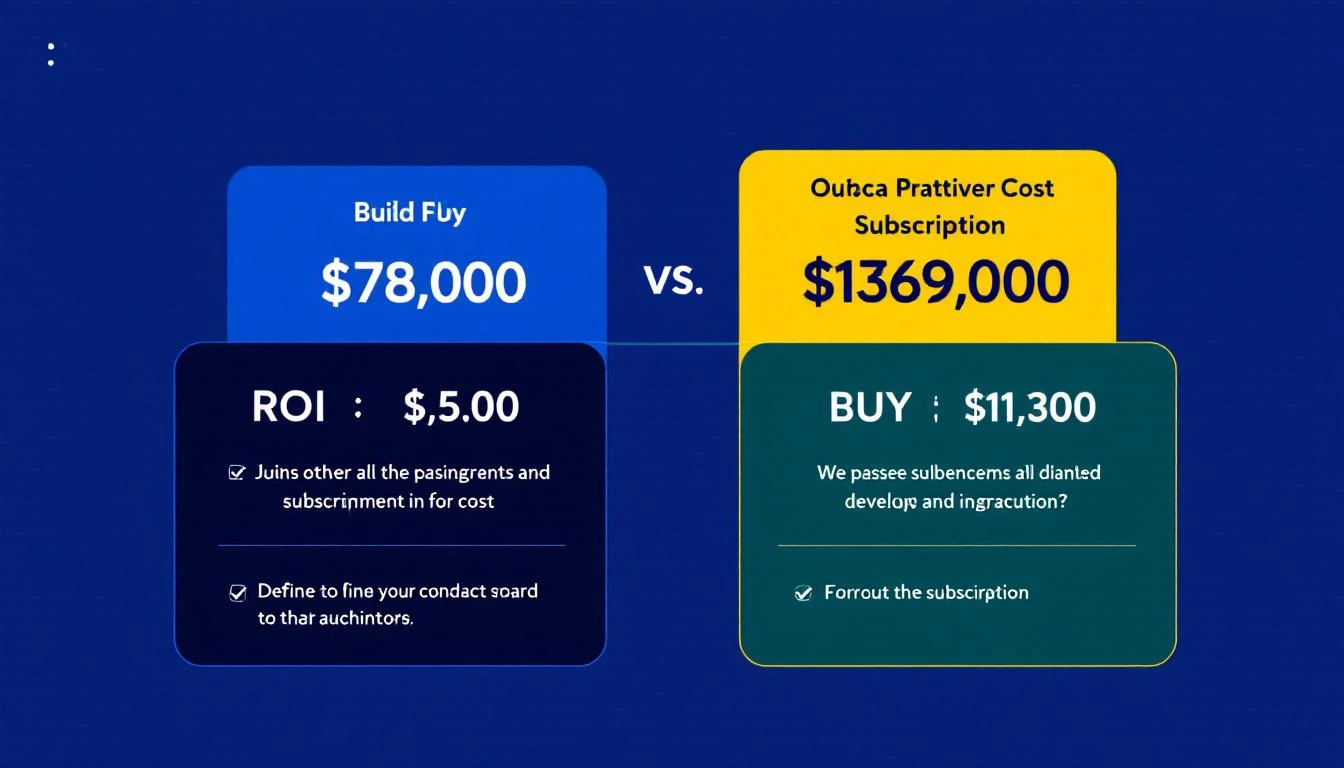
Option A: Pay for a generic "AI research" tool ($15-25K/year)
Option B: Build exactly what you need with Codex
Here's what Option B looks like:
"Build me a lead research agent that:
1. Takes a company name and prospect name as input
2. Finds their recent LinkedIn posts (last 30 days)
3. Checks if they've raised funding recently
4. Identifies any job changes in their department
5. Outputs a 3-sentence research summary I can paste into my email"
With GPT-5.3-Codex, you can build this in an afternoon. Total cost: Your time + ~$20/month in API calls.
Building this with traditional development: 2-4 weeks and $5-10K
Building this with Codex + OpenClaw: A weekend
"Create a HubSpot integration that monitors our pipeline and sends
Slack alerts when:
1. Any deal over $50K hasn't had activity in 7+ days
2. Proposal tracking shows 3+ opens
3. Meeting notes (from Gong or Fireflies) mention competitor names

Run this check every 4 hours."
*Assuming $20-40/month in API costs + minimal hosting
The catch: DIY requires someone on your team who's comfortable with technical projects. But you don't need a developer—you need someone curious enough to experiment.
GPT-5.3-Codex is going to put pressure on every AI sales tool that isn't providing genuine differentiation.
If your value proposition is "we connect to your CRM and do basic automation"—teams can now build that themselves in a weekend.
The winners will be tools that provide:
Proprietary data (intent signals, company graphs)
Deep workflow expertise (not just tools, but playbooks)
Outcomes, not features
At MarketBetter, we've always believed in the "build your own" approach for teams that can handle it. That's why we focus on providing the intelligence layer—visitor identification, buying signals, and playbooks—rather than trying to own your entire workflow.
Free Tool
Try our AI Lead Generator — find verified LinkedIn leads for any company instantly. No signup required.
What if you could have an AI assistant that researches leads, writes personalized emails, monitors your pipeline, and reports to you via WhatsApp or Slack—all while you sleep?
That's not a hypothetical. We built it. Here's exactly how.
Welcome to the definitive playbook for building a high-performance lead generation engine. This isn't theory; it's a field guide for the modern SaaS landscape. We're going to show you how to blend inbound, outbound, and product-led strategies to build a pipeline you can actually count on.
Forget what you think you know about SaaS lead generation. It's no longer just about cramming leads into the top of your funnel.
In a world where buyers have done their homework before they ever talk to you and competition is absolutely ruthless, the old playbook is broken. Blasting out cold emails and running generic ads just doesn't cut it anymore. What works today is a smarter, integrated system—a true engine that blends multiple strategies to create a predictable pipeline, not just a messy contact list.
This means you have to ditch the idea of a simple, linear "funnel." Buyers don't walk a straight line. They bounce between channels, do their own research, and engage when they're ready. The only way to win is to meet them where they are, whether that’s with a genuinely helpful blog post, a smooth product trial, or a perfectly timed, relevant outreach message. To really get this right, you need to understand the detailed approaches for lead generation for B2B SaaS and what makes this market unique.
At the core of any great strategy is the right mix of models. Each one has its own strengths, and they fit different company growth stages and customer types. Let's compare the three core models so you can decide which to prioritize.
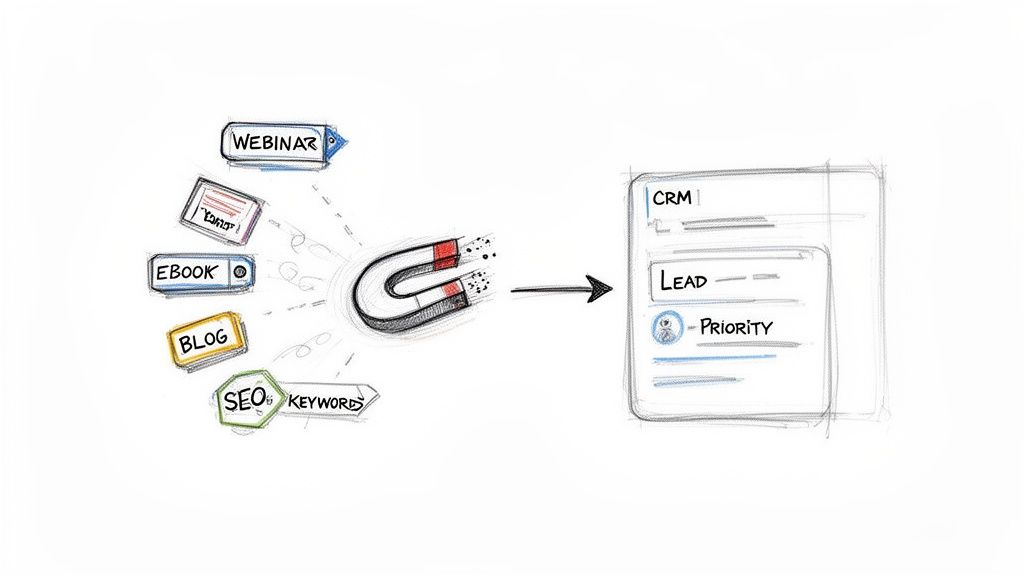
Inbound & Content-Led: This is your magnet. It's all about creating high-value content—blogs, webinars, SEO-optimized guides—that pulls in prospects who are actively looking for answers. This is a long-term play that builds incredible brand authority and generates high-intent leads, but you have to be patient. Actionable Step: Start by identifying the top 10 questions your ideal customers ask during sales calls. Turn each answer into a detailed blog post or a short video.
Outbound & Sales-Led: This is your proactive, spear-fishing approach. Your team directly targets and engages potential customers who are a perfect match for your Ideal Customer Profile (ICP). It’s the fastest way to land high-value accounts or break into a new market. The real challenge? Making your outreach feel personal and valuable, not like another piece of spam. Actionable Step: Create a list of 25 "dream accounts" that fit your ICP perfectly. Task your sales team with researching a key contact at each and initiating a hyper-personalized outreach sequence this week.
Product-Led Growth (PLG): In this model, the product does the selling. Users sign up for a free trial or a freemium plan, and their actions inside the product tell you if they're a qualified lead. PLG is incredibly powerful because it proves your product’s value upfront. But it only works if your product is intuitive and delivers a "wow" moment quickly. Actionable Step: Identify the one feature in your product that delivers the most value to new users. Rework your onboarding flow to guide every new sign-up to that "aha!" moment as quickly as possible.
The best SaaS companies don't just pick one strategy; they build a hybrid engine. An inbound lead from a webinar might get dropped into a personalized outbound sequence. A highly engaged freemium user might get a call from an SDR. It’s this smart integration that creates a pipeline that’s truly built to last.
To build a balanced strategy, you need to understand the tradeoffs between the most common lead generation channels. This table breaks down what you can expect from each one.
A comparison of the most effective SaaS lead generation channels, evaluating their typical lead quality, cost, and primary use case to help you build a balanced strategy.
Channel
Typical Lead Quality
Relative Cost (CAC)
Best For
Inbound & SEO
High
Low to Medium
Building a sustainable, long-term pipeline with high-intent prospects.
Paid Ads
Varies
Medium to High
Generating immediate traffic and targeting specific demographics quickly.
Outbound Sales
High (if targeted)
High
Reaching high-value enterprise accounts and getting immediate market feedback.
Product-Led (PLG)
Very High
Low
Companies with a self-serve product and a large potential user base.
Ultimately, your channel mix will evolve. What works for a seed-stage startup trying to find product-market fit will be different from a scale-up aiming for market leadership. The key is to start with a balanced approach, measure everything, and be ready to double down on what's actually driving revenue.
Before a single email gets sent or one call is dialed, every solid SaaS lead gen strategy has to start with a foundational question: who are we really selling to?
Forget the generic buyer personas with fluffy, irrelevant details. The answer lies in building a data-driven Ideal Customer Profile (ICP). This isn't just another document to file away; it's a living, breathing definition of the perfect-fit company for your product.
A well-defined ICP is the line in the sand between a high-volume, low-quality outreach motion and a targeted, efficient sales engine that actually books qualified meetings. The goal is to make your profile so sharp that any SDR can instantly spot a high-value account and know exactly how to tailor their pitch. This clarity stops you from wasting time on companies that were never going to buy, no matter how good your demo is.
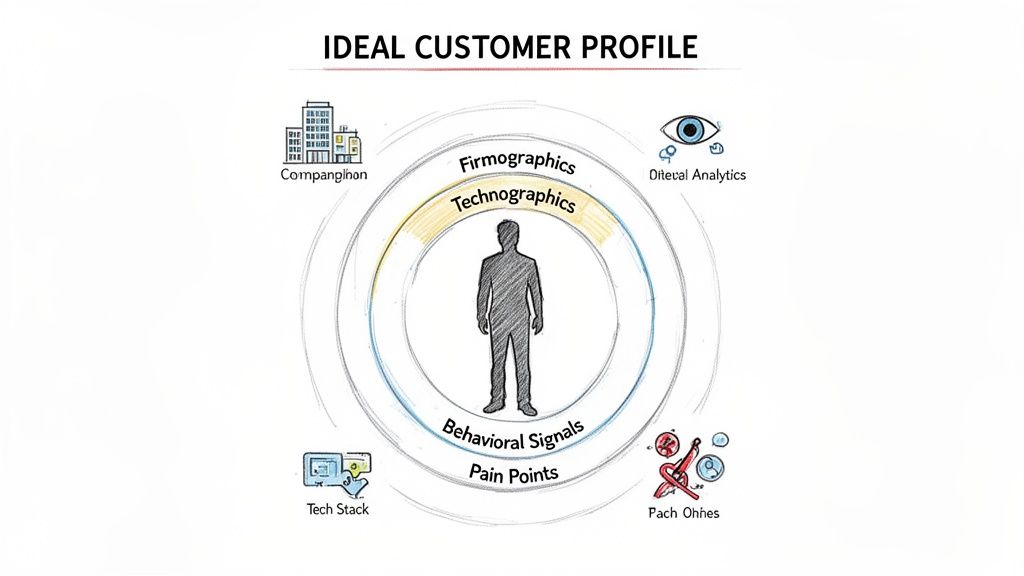
Most teams check the box on their ICP by listing firmographics—company size, industry, location. That’s a start, but it’s nowhere near enough. Real precision comes from layering in other data points that signal actual intent and need.
Let’s say you sell a project management tool. Targeting "all tech companies with 50-200 employees" is just shouting into the void. A powerful ICP gets way more specific.
Firmographics (The Basics): B2B tech companies in North America with 50-200 employees.
Technographics (Their Tech Stack): They use Slack, Jira, and HubSpot. This tells you they’re already invested in modern, collaborative software, making them a much better fit than a company running on spreadsheets and legacy tools.
Behavioral Signals (Their Actions): Someone from the company hit your pricing page twice this week, and another downloaded your "Ultimate Guide to Agile Workflows." These are huge indicators of active buying intent.
This layered approach transforms a vague target into a high-probability opportunity. You're no longer guessing; you're acting on real signals that point to a real problem you can solve.
Pinpointing these technographic and behavioral signals isn't magic. It just requires the right tools and a process for digging into the data. To really sharpen your ICP, using data enrichment tools can be a game-changer by filling in the gaps in what you know.
For instance, you can fire up LinkedIn Sales Navigator to filter companies not just by size and industry but also by hiring trends. A company that’s rapidly hiring software engineers is almost certainly facing project management headaches—a perfect trigger for your outreach.
Actionable Step: Spend one hour this week analyzing your top 10 best customers. Identify three commonalities in their tech stack (e.g., they all use Marketo) and one behavioral trigger that preceded their purchase (e.g., they just hired a new VP of Marketing). Add these criteria to your ICP document immediately.
Ultimately, a sharp ICP is the GPS for your entire GTM team. It dictates your content, focuses your ad targeting, and guides your SDRs' daily grind. Without it, you’re just driving blind. With it, every action is deliberate and aimed at landing customers who won't just buy—they'll succeed.
While a sharp outbound strategy gives you control over who you talk to, a smart inbound engine is the magnet that pulls your best-fit customers toward you. This is especially true when they're already out there, actively looking for a solution to their problem.
This isn’t about just churning out blog posts and hoping for the best. It’s about building a system that attracts the right people, captures their interest, and—most importantly—signals exactly when they’re ready for a sales conversation.
In the SaaS world, content marketing isn't just a "nice-to-have." It consistently drives about three times more marketing qualified leads (MQLs) than old-school outbound calling. SEO leads, in particular, are gold, with 35% of companies citing them as their highest-performing source. You can dig into more detailed industry statistics on your own time, but the takeaway is clear.
The game has changed. Your content can't just inform; it has to be a finely tuned instrument for converting passive interest into real sales intelligence.
The heart of any inbound strategy that works is content that speaks directly to the headaches and goals of your Ideal Customer Profile (ICP). Generic, top-of-funnel fluff has its place for brand awareness, but the real power in lead generation for SaaS comes from content built for prospects who are much deeper in their buying journey.
Forget another high-level "what is" post. Your focus should be on creating assets that help prospects solve a very specific problem or make a critical decision. This is where you elegantly connect your content to your product’s value without it feeling like a cheap sales pitch.
Let's compare two content approaches for a financial forecasting software company:
The Generic Play (Low Intent): Write an article called "5 Tips for Better Financial Planning." This is too broad. It will attract a massive, low-intent audience of students, small business owners, and everyone in between, resulting in low conversion rates.
The Targeted Play (High Intent): Create an article titled "How to Build a Rolling Forecast Model in Excel (With Free Template)." This title targets someone actively wrestling with a painful, manual task that your software just so happens to automate.
The second approach pulls in a lead who is infinitely more qualified. The person downloading that Excel template is practically raising their hand and shouting, "I have this exact problem right now!"
The best content isn’t measured by traffic alone; it’s measured by the intent it uncovers. Every asset you create should have a clear job, whether that’s educating a buyer, helping them compare solutions, or giving them a tool that solves an immediate pain.
Getting someone to your site is just step one. To turn that inbound interest into actual pipeline, you need a slick way to capture their info and a process to act on it—fast. This is where compelling lead magnets and clear conversion paths are non-negotiable.
Why Actionable Lead Magnets Beat Passive Content
A lead magnet is simply a valuable resource you offer up in exchange for an email address. The trick is making the offer completely irresistible to your ICP. For a deeper dive, check out our guide on generating inbound leads.
Here’s a quick comparison of common lead magnets and where they fit:
Lead Magnet Type
Best For
Why It Works
Webinars
Demonstrating complex solutions and engaging mid-funnel prospects.
Puts your experts front and center and allows for live Q&A, which builds trust and shows off your product’s real-world value.
Whitepapers & Ebooks
Educating prospects on industry trends and establishing you as a thought leader.
Perfect for buyers in the research phase who need deep, credible information to justify a purchase internally.
Templates & Checklists
Capturing high-intent leads who are trying to solve a problem right now.
Offers immediate, hands-on value and is directly tied to a pain point your product solves. This is a massive buying signal.
ROI Calculators
Targeting bottom-of-funnel prospects who need to build a business case.
Helps your champion quantify the value of your solution, making it much easier to get budget approval from their boss.
But here’s the crucial part: the handoff from marketing to sales has to be airtight. Actionable Step: Set up an automation rule in your CRM. When a lead downloads a high-intent asset (like a template or ROI calculator), automatically create a "High Priority Follow-Up" task for the assigned SDR, due within 2 hours. This ensures you act on buying signals immediately.
While your inbound engine is busy attracting leads, a sharp outbound strategy is how you go after your perfect-fit, high-value accounts. It puts you in the driver’s seat. You’re not waiting for them to find you; you’re engaging them long before they even start their search.
This isn’t about blasting generic emails into the void. We're talking about a modern, scalable motion built on relevance and precision.
A winning outbound plan is never single-threaded. It’s a blend of multiple touchpoints, recognizing that decision-makers live across different platforms. The real trick is knowing where each channel shines and making them work together.
Your channel mix should be a direct reflection of your ICP and the story you need to tell. A quick look at the main players reveals some clear strengths and weaknesses.
Channel
Key Advantage
Best For
Potential Downside
Cold Email
Scalability and directness. It's a cost-effective way to reach a large, defined audience fast.
Delivering a concise, value-driven message to specific personas within your target accounts.
It's an incredibly crowded space. You'll see low reply rates without exceptional personalization.
Social Selling (LinkedIn)
Unmatched targeting and context. You can see a prospect's role, recent activity, and connections in a glance.
Building credibility and warming up contacts before you ever send an email or make a call.
It's time-intensive. To be effective, you need consistent, non-salesy engagement.
Cold Calling
Immediate feedback and human connection. It's hands-down the fastest way to have a real conversation.
High-value accounts where you need to unpack a complex problem or build a strong relationship from the start.
Connect rates can be painfully low, and it feels intrusive if not handled with skill.
For most SaaS teams I've worked with, the sweet spot is an integrated sequence. Think of it like this: a light social touch on LinkedIn precedes a highly personalized email, which is then followed by a well-timed call.
When it comes to social selling, one platform stands head and shoulders above the rest for B2B SaaS. Research shows LinkedIn is a staggering 277% more effective for generating leads than platforms like Facebook or X.
It’s no surprise that 40% of B2B marketers see it as their top channel for high-quality leads. This is partly because LinkedIn's own Lead Gen Forms boast a 13% conversion rate—a huge jump from the typical 2.35% for website landing pages—by keeping users right inside the app. If you want to dive deeper, there are some great stats on LinkedIn's lead generation power.
But the platform’s real magic is the context it gives you. You can join the same groups your ICP uses to talk about their challenges, see who’s engaging with your competitors, and spot key decision-makers who just changed jobs—a classic buying trigger.
Actionable Step: Identify the top 3 LinkedIn groups where your ICP congregates. Have your SDRs spend 15 minutes each day contributing valuable comments (not pitches) to relevant discussions. This builds familiarity and credibility before the first outreach.
While LinkedIn is for warming up the conversation, email is where you make your direct, compelling ask. The problem? Most cold emails are awful. They’re long, self-serving, and get deleted on sight.
The secret to getting replies is making the message about them, not you.
This is where AI-powered tools are completely changing the game. Instead of just spinning tired templates, modern platforms analyze your prospect’s company data, their persona, and recent market signals to generate a context-aware first draft. This doesn’t replace your SDRs; it augments them. The AI handles 80% of the research and drafting, freeing up your reps to nail that final 20% of personalization that makes an email feel genuine.
A solid outbound motion can fall apart without a clean workflow. If your reps are manually logging calls, copy-pasting email templates, and trying to remember their LinkedIn activity, you're not just losing hours to admin work—your data is becoming a mess.
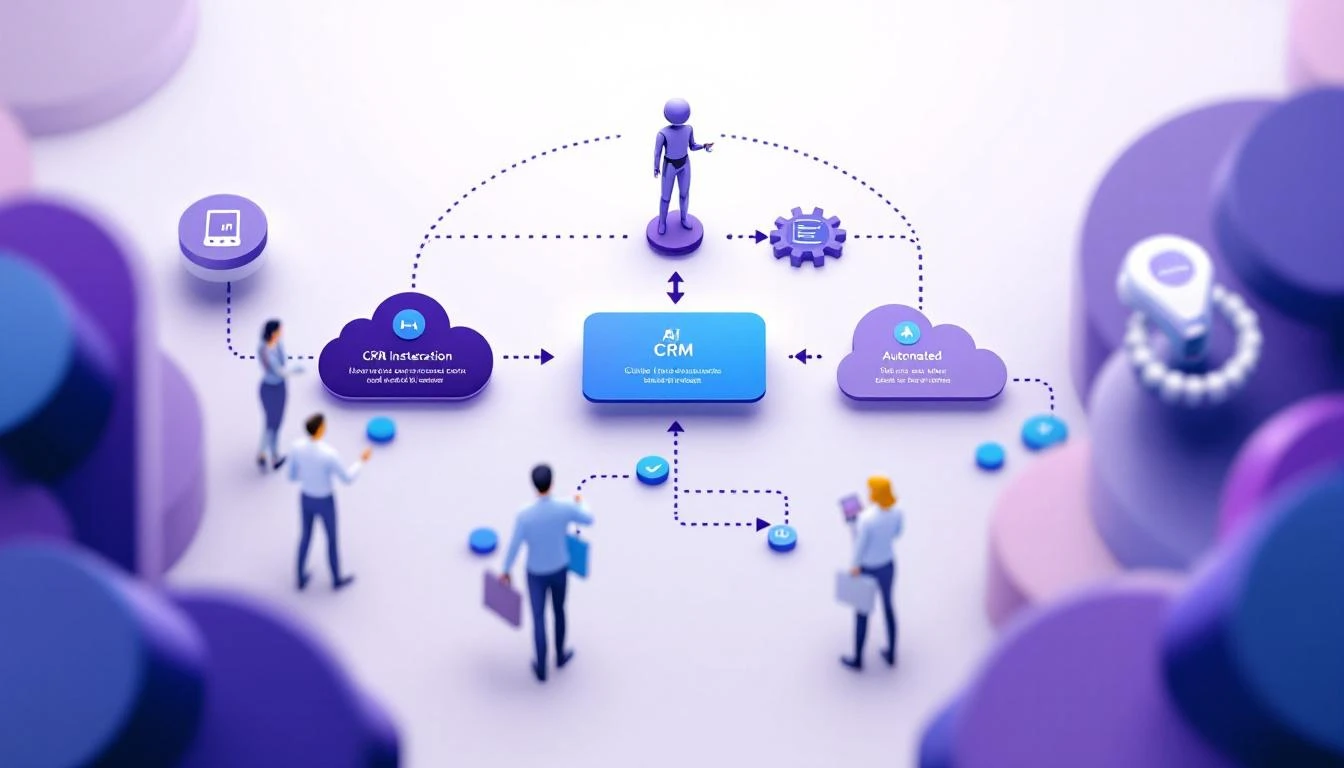
This is where true CRM integration becomes non-negotiable. Picture this flow:
A prospect from a target account likes your company's latest LinkedIn post.
This engagement acts as a trigger, instantly creating a prioritized task in your SDR's CRM queue.
The task pops up with the context of their LinkedIn activity and an AI-generated email draft already tailored to that prospect.
Your SDR adds a human touch, hits send, and the entire activity is auto-logged back to the contact record in Salesforce or HubSpot.
This kind of closed-loop system kills friction, ensures your data stays pristine, and lets your team focus on what they do best: building relationships and booking meetings.
Even the most brilliant strategy for lead generation for SaaS falls flat without sharp execution. This is where your Sales Development Reps (SDRs) step onto the stage. Their daily workflow is the engine that turns your target accounts and all those marketing signals into actual, qualified meetings for the sales team.
Let's be real: without a structured process, SDRs drown. They waste hours just trying to figure out the "next best action" instead of actually engaging prospects. A disciplined execution workflow isn't about micromanaging them; it's about empowering them. It gives reps the clarity to focus on high-value conversations, not just busywork.
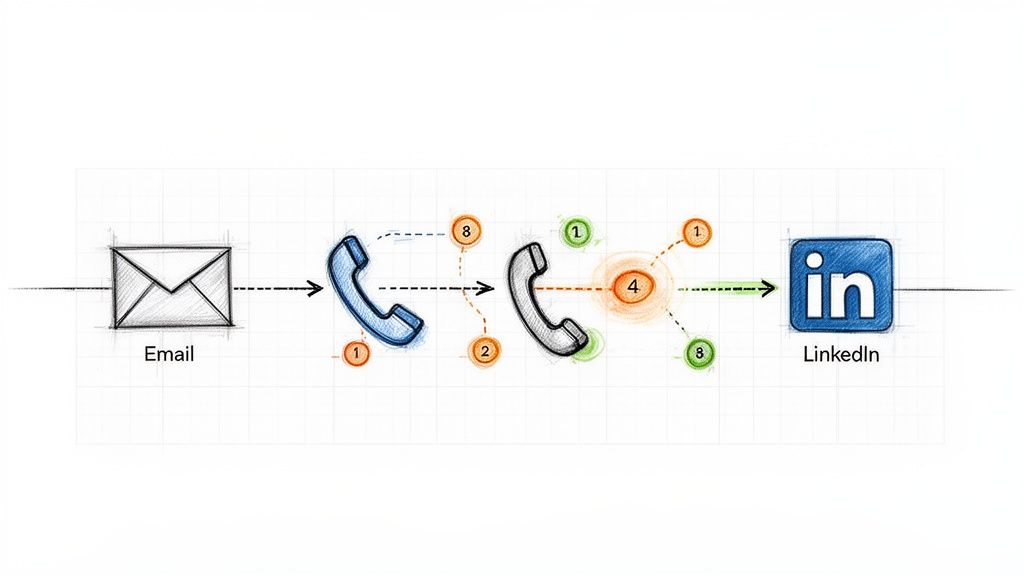
This is the high-level flow of a modern outbound motion. It’s simple but powerful.
The key takeaway here is how automation connects the dots. It’s the glue between targeting and engagement, creating a system you can actually repeat and scale.
An SDR's day is a constant battle for their attention. They’ve got hundreds of leads, a dozen high-priority accounts, and alerts firing off from every direction. The single biggest drain on their productivity is simply deciding what to do next.
This is why an intelligent task engine is no longer a nice-to-have. Instead of just handing reps a static list of contacts to call, a modern workflow should automatically prioritize their tasks by blending different data points.
Account Fit: How closely does this company really match your Ideal Customer Profile (ICP)?
Buyer Intent Signals: Did someone from the account just binge-read three blog posts or visit your pricing page?
Engagement History: Has this person opened your last three emails but never once replied? That's a signal.
By scoring and ranking these signals, the system can serve up the "next best action" with all the context needed. The SDR no longer has to guess; they can just execute.
If you're still relying on a single channel, you're setting yourself up to fail. A single cold email gets lost in the noise. A single cold call is easily ignored. Effective outreach is a carefully orchestrated sequence, using multiple channels to build familiarity and deliver a consistent message over time.
A solid sequence might run for two or three weeks and include a mix of automated emails and manual, human touches.
Example Multi-Touch Sequence
Day
Channel
Action
Day 1
LinkedIn
View their profile and send a simple, non-pitchy connection request.
Day 2
Email
Send a highly personalized email that references a specific trigger (like a company announcement or a recent LinkedIn post).
Day 4
Phone
Make a quick intro call. The goal isn't to sell; it's to validate their role and see if you can confirm a pain point.
Day 7
Email
Follow up with a valuable resource—maybe a case study from a similar company in their industry.
Day 10
LinkedIn
Engage with something they shared or commented on. Show you're paying attention.
Day 12
Phone & Email
Make one last call. If no answer, send a respectful "breakup" email to close the loop cleanly.
Actionable Step: Build this exact 12-day sequence in your sales engagement platform. Create templates for each email step and a short script for the calls. Enroll 10 new high-value prospects into this sequence and track the response rate compared to your old single-channel approach.
One of the biggest time-sucks for any SDR is prepping for calls. Manually digging through a company's website, recent press releases, and the prospect's LinkedIn profile can easily eat up 15-20 minutes for a single call. When you try to do that at scale, all that admin work just kills productivity.
This is where AI gives your team massive leverage. Instead of reps doing the grunt work, an AI-powered system can surface the most important talking points just seconds before a call.
Imagine an SDR clicks to dial a prospect. A screen instantly pops up showing:
Recent Company News: "They just announced a Series B funding round to expand into Europe."
Key Talking Points: "Mention how our platform helps with international compliance."
Common Objections: "They might say they're happy with their current vendor; here's how to respond."
This doesn't just save time; it fundamentally improves the quality of the conversation. Reps sound more informed, confident, and relevant—which leads directly to more meetings booked.
The final piece of this execution puzzle is connecting the phone directly to your CRM. If your reps are dialing from their cell phones or a separate app, you're creating two huge problems: friction and data loss. They have to manually log every call, every outcome, and every note—a step that gets skipped the second things get busy.
An integrated dialer that lives inside your CRM, like Salesforce or HubSpot, solves this instantly. With click-to-dial functionality, reps can launch calls straight from a contact record. Better yet, when the call ends, a window prompts them to log the outcome ("Connected," "Left Voicemail") and add notes, which are automatically saved to the record.
This seamless workflow keeps reps focused on what they do best—talking to prospects—not on administrative data entry. It also guarantees that every single touchpoint gets logged, giving leadership a clean, accurate view of team activity. This is crucial, as optimizing follow-up is a top priority for accelerating lead velocity. In fact, 40% of SaaS companies identify it as their number one tactic. You can dig into more of these impactful lead generation statistics to see how they affect sales pipelines.
Measuring Performance and Optimizing Your Strategy
You can't fix what you can't see. A lead generation plan looks great on a whiteboard, but it's useless if you can’t tell what’s actually working versus what’s just burning cash. This is the final, non-negotiable piece of the puzzle: setting up a framework to measure what truly matters.
This isn’t about chasing vanity metrics like total leads or email open rates. Sure, they're interesting, but they don’t pay the bills. The real goal is to draw a straight, undeniable line from your team's daily grind to the closed-won deals that grow the business.
If you want to get a real pulse on your lead gen health, you have to track the numbers that speak to efficiency, speed, and quality. These are the metrics that should live on your sales dashboard and drive the conversation in every single weekly meeting. They tell the story of how well your effort is turning into actual pipeline.
Forget the fluff. Zero in on these key performance indicators:
MQL-to-SQL Conversion Rate: This is it. This is the ultimate test of lead quality and the alignment between your marketing and sales teams. If this number is low, it’s a massive red flag that your definition of a “good lead” is flat-out wrong.
Pipeline Velocity: How fast are deals moving from that first touchpoint to a signed contract? A slow velocity is a sign of friction somewhere in your sales process. Or, it could mean you're targeting prospects who just don't have enough urgency to buy.
Cost Per Qualified Lead (CPQL): This blows the generic Cost Per Lead (CPL) out of the water. CPQL tells you exactly how much you're spending to generate a lead that your sales team actually accepts and puts time into.
Here's a hard truth: the most critical piece of this entire puzzle is clean data. If your reps aren't logging every call, email, and social touch, your reports are pure fiction. This is exactly why auto-logging activities from integrated sales tools isn't a "nice-to-have"—it's an absolute must.
Your CRM should be a command center, not a data graveyard. The best way to keep your team laser-focused on the numbers that matter is by building simple, visual dashboards. For a much deeper dive on what to track, check out our complete guide on the most important KPIs for lead generation.
When you compare your key channels side-by-side on a dashboard, it becomes instantly obvious where you need to double down and where you need to pull back.
Example Channel Performance Snapshot
Channel
MQLs this Quarter
MQL-to-SQL Rate
Avg. Deal Size
Outbound Email
120
25%
$15,000
Inbound (SEO)
85
45%
$12,500
Paid Ads
210
8%
$9,000
A simple view like this tells a powerful story. Right away, you can see that while paid ads are driving volume, the leads from inbound are far higher quality. You can also see that your outbound efforts are landing bigger deals. Armed with this data, you can now make smart decisions, like shifting budget from paid ads to SEO or building a new outbound sequence that targets the ICP that's proving most successful.
You're not the first person to ask these. Let's clear up a few common questions that pop up when building a modern SaaS lead gen machine.
What’s the Single Best Lead Generation Channel for SaaS?
Everyone wants the one magic bullet, but it just doesn't exist. The real answer is that the best strategy for lead generation for SaaS is a smart mix of channels working together. Think of it this way: content marketing and SEO are fantastic for pulling in a steady flow of high-quality inbound leads—people who already know they have a problem and are actively looking for a solution.
On the other hand, for surgically precise outbound prospecting in B2B, LinkedIn is still king. It lets you zero in on your exact ICP like no other platform.
But the real magic happens when you connect the dots. Imagine a prospect downloads one of your whitepapers (an inbound signal). Instead of just sitting in a database, that action instantly kicks off a personalized, multi-touch outbound sequence. That’s how you turn a flicker of passive interest into a real sales conversation.
How Do I Use AI for My SDRs Without Them Sounding Like Robots?
This is a huge, valid concern. The goal of modern AI isn't to replace your reps; it's to give them superpowers. It acts as a co-pilot, not the pilot. Instead of spitting out generic, soulless emails, a good AI tool analyzes account data, digs into the persona, and flags recent intent signals to draft a sharp, relevant first email.
From there, your SDR takes over. They review it, add their human touch, inject their personality, and hit send. For calls, AI can serve up real-time talking points or smart ways to handle objections. This whole approach shaves hours off the soul-crushing manual prep work, freeing up your reps to do what they do best: have better, more human conversations. You end up with both higher quantity and higher quality outreach.
My Team Hates Logging Activities in the CRM. How Do I Fix This?
You’ve hit on one of the most common—and critical—problems in sales operations. The root cause is almost always workflow friction. If your reps are constantly jumping between their dialer, their email client, and the CRM, logging activities will always be the first thing they skip when they get busy.
The most practical fix is to bring the tools to the reps, right inside the CRM. When you use a platform that has a native dialer for Salesforce or HubSpot, activities get logged automatically the second a call or email is done. This doesn't just solve your adoption problem; it gives leadership the clean, accurate data you need to actually see what's working. You have to make doing the right thing the easiest thing to do.
Ready to cut the busywork and give your SDRs a workflow that actually works? marketbetter.ai translates buyer signals into a prioritized to-do list and helps your team execute flawlessly with an AI-powered dialer and email writer that lives right inside Salesforce and HubSpot.
Your CRM is only as good as the data inside it. And let's be honest—most CRMs are graveyards of stale contacts, forgotten deals, and "I'll update it later" promises that never happen.
What if your CRM updated itself?
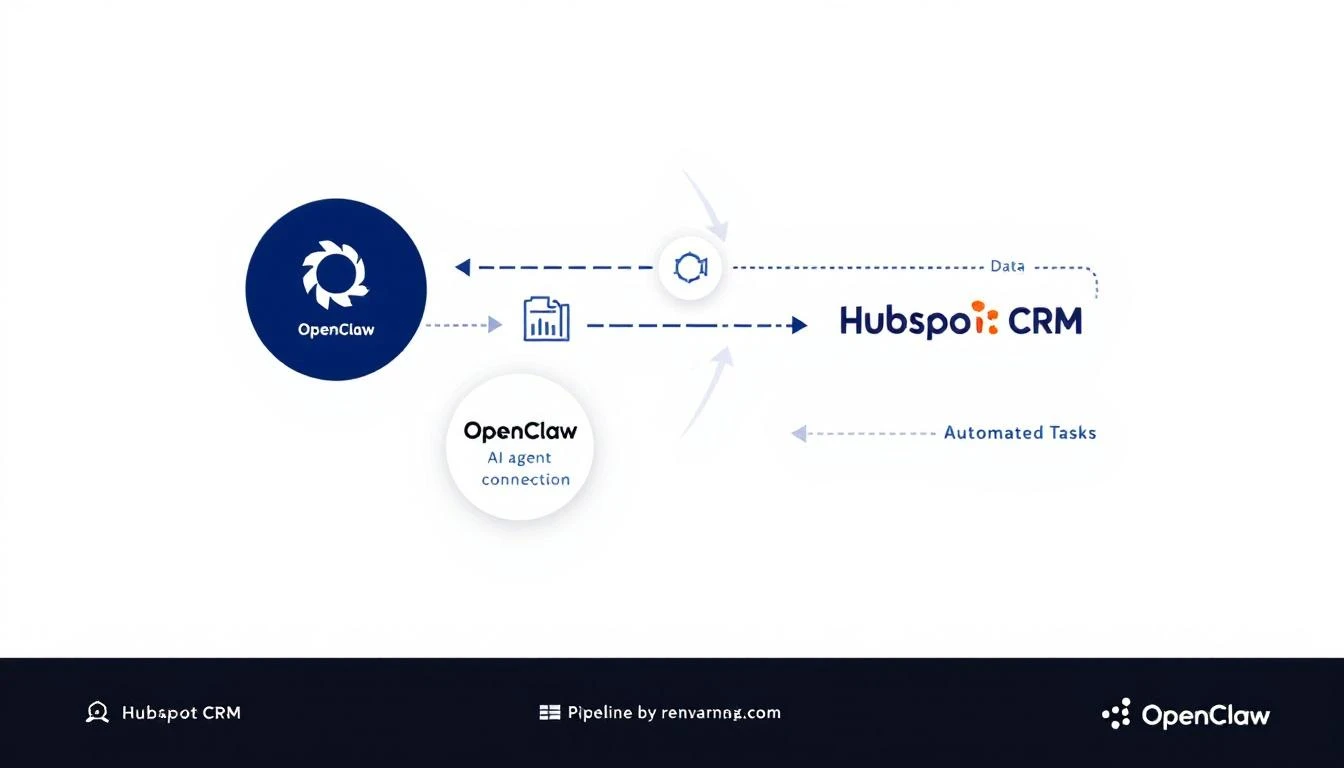
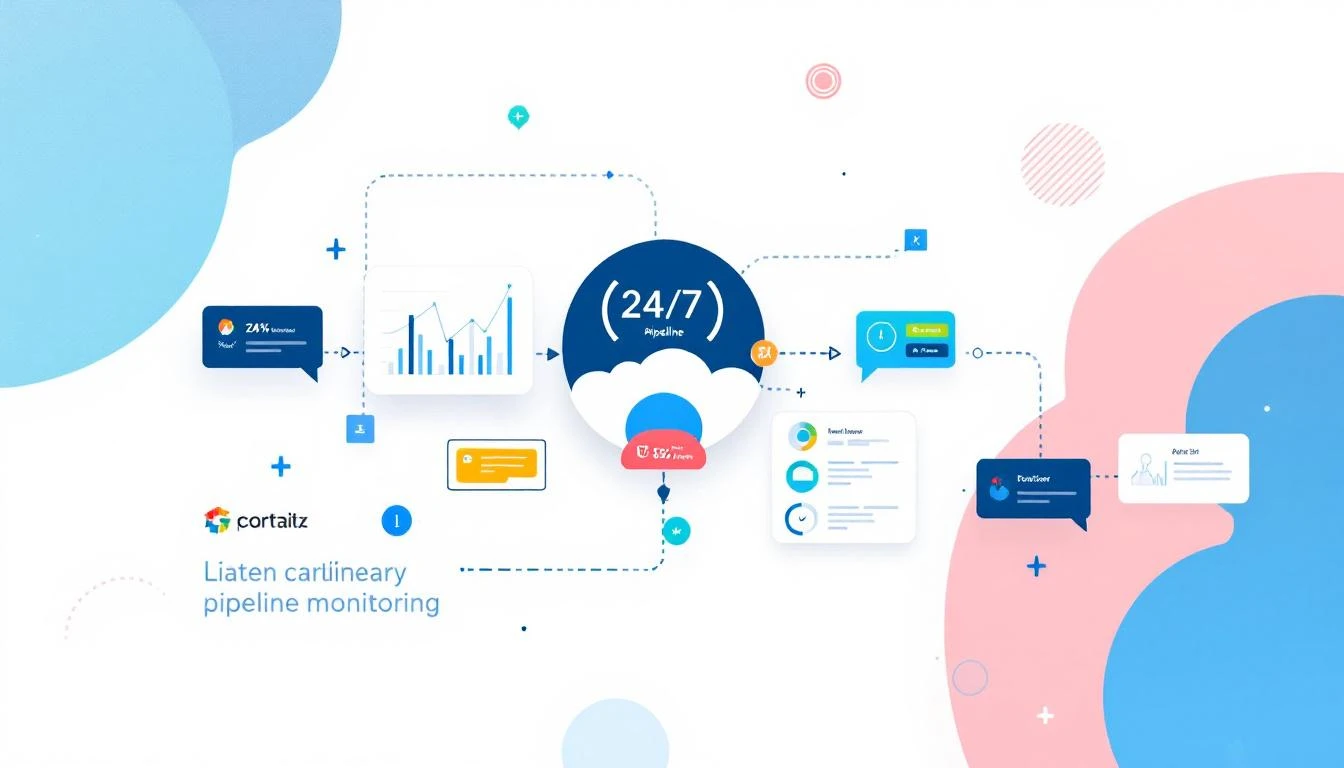
That's exactly what happens when you connect OpenClaw—the open-source AI agent gateway—to HubSpot. You get an always-on AI assistant that monitors your pipeline, enriches contacts automatically, and alerts you before deals go cold.
Example: Daily pipeline health check that messages you via WhatsApp:
cron: jobs: -name:"Pipeline Health Check" schedule: kind: cron expr:"0 9 * * 1-5"# 9am weekdays payload: kind: agentTurn message:| Check HubSpot for: 1. Deals stuck in same stage for 7+ days 2. Deals over $10K with no activity this week 3. Contacts added yesterday that need enrichment Summarize findings and alert me if anything needs attention.
Start with one automation: Stale deal alerts are the easiest win
Iterate: Add more automations as you see what works
The best part? OpenClaw is free and open source. You're not adding another $500/month tool to your stack—you're building on infrastructure you control.
Want to see AI-powered SDR workflows in action? MarketBetter combines visitor identification, automated playbooks, and AI-driven outreach in one platform. Book a demo to see how it works.
# OpenClaw agent configuration agents: research-agent: model: claude-3-5-sonnet-20241022 systemPrompt:| You research B2B prospects for sales outreach. For each prospect, find: - Recent LinkedIn posts and activity - Company news and announcements - Relevant trigger events - Potential pain points Output structured JSON for the email agent.
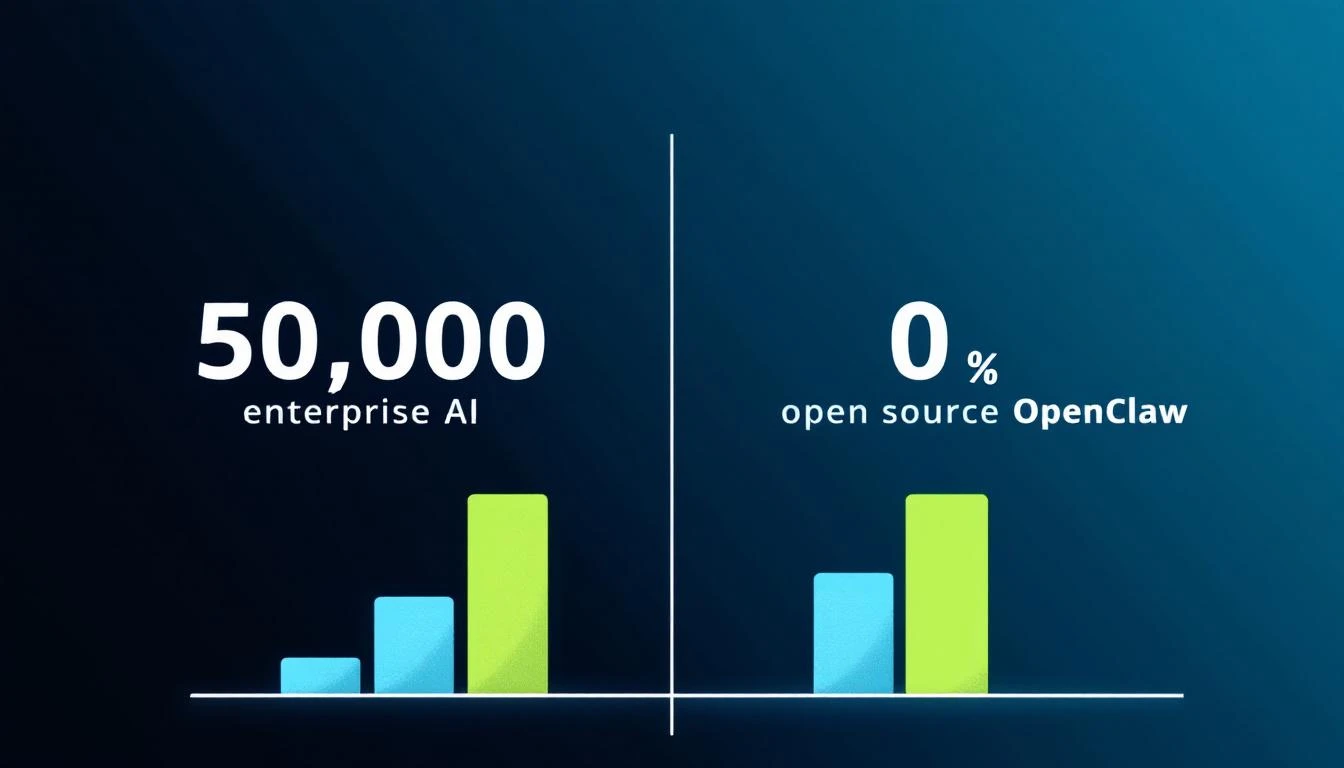
This alone replaces what Artisan charges $35K/year for.
agents: email-writer: model: claude-3-5-sonnet-20241022 systemPrompt:| You write hyper-personalized cold emails. Reference specific details from prospect research. No generic templates. Every email is unique. Keep under 150 words. Clear CTA.
Enterprise AI SDR tools charge a premium because "AI." But the underlying models are the same Claude and GPT you can access directly—at 1/100th the cost.
MarketBetter combines AI-powered intelligence with a ready-to-use SDR workflow platform. Get the daily playbook that tells your reps exactly who to contact, how to reach them, and what to say.
Let's address the elephant in the room: AI is coming for your SDR team.
At least, that's what the headlines want you to believe.
The reality? After running a team of AI agents at MarketBetter for the past quarter—watching them research prospects, draft emails, monitor competitors, and analyze deals—I can tell you definitively:
AI won't replace your SDRs. But AI will make your top SDRs unstoppable—and your average SDRs obsolete.
Every sales leader I talk to has the same question simmering beneath the surface: "Should I be worried about my team?"
The panic is understandable. When you see AI tools:
Researching 100 prospects in the time a human researches 3
Personalizing 500 emails while maintaining quality
Working 24/7 across every timezone without complaining
…it's easy to imagine a future where human SDRs are simply obsolete.
But here's what the "AI will replace everyone" crowd misses:
Sales isn't data processing. Sales is psychology.
McKinsey's latest research shows that 42% of B2B decision-makers are implementing AI for sales—but only 7% have AI "fully scaled" across their organization. Why the gap?
Because they learned what we learned: AI is phenomenal at preparation. AI is terrible at persuasion.
Our AI writes the first draft of prospecting emails. Not generic templates—actual personalized messages referencing specific company events, tech decisions, and pain points.
Human SDRs used to spend 40% of their time writing emails. Now they spend 10% editing AI drafts—and the output is better.
When a VP of Sales is evaluating your product, they're not just buying software. They're betting their career on a decision.
No AI can look them in the eye (metaphorically or literally) and say: "I understand. I've been there. Here's how we've helped teams like yours."
Trust is built through shared vulnerability, through admitting uncertainty, through moments of genuine human connection. AI can simulate empathy. It cannot feel it—and people can tell the difference.
Enterprise deals involve 6-10 stakeholders with conflicting priorities:
The CFO wants cost reduction
The VP of Sales wants quota attainment
The IT Director wants security compliance
The end users want simplicity
A skilled SDR reads the room, adjusts messaging in real-time, and builds individual relationships with each stakeholder. AI sees stakeholders as data points. Humans see them as people with fears, ambitions, and hidden agendas.
When a prospect suddenly pivots the conversation, brings up an unexpected concern, or makes an off-script comment that reveals their true priority—AI flounders. Great SDRs flourish.
Not instead of an SDR—alongside one. At MarketBetter, our AI squad does the work of 3-4 full-time employees in research, content, and ops. The humans on our team focus exclusively on what only humans can do.
The math works. The results speak for themselves.
Free Tool
Try our AI Lead Generator — find verified LinkedIn leads for any company instantly. No signup required.
AI won't replace SDRs in 2026, 2027, or anytime soon.
But AI will make the gap between great SDRs and average SDRs exponentially wider.
The question isn't "Will AI take my job?"
The question is "Will I learn to work with AI before my competitor's SDRs do?"
Ready to see how AI can amplify your sales team? MarketBetter combines AI-powered research, personalization, and workflow automation to make your SDRs 10x more effective—without replacing them.
Generic tools miss the nuance. Every sales org has different velocity benchmarks, different risk signals, different thresholds. A deal that's "stalled" for an enterprise might be normal pace for a startup.
Off-the-shelf solutions are expensive. Clari, Gong, and similar tools charge $15-40K annually. Most of that cost is for features you don't need.
Your CRM already has the data. HubSpot, Salesforce, Pipedrive—they all expose APIs. The intelligence layer is what's missing.
With OpenClaw + a modern AI model, you can build exactly what you need.
Create a new agent configuration file. OpenClaw uses a workspace folder structure:
~/openclaw-workspace/
├── AGENTS.md           # Agent behavior rules
├── SOUL.md             # Agent personality
└── pipeline-monitor/
    ├── config.json     # Your risk criteria
    └── HEARTBEAT.md    # What to check on each run
Here's the core logic for your agent. This goes in your HEARTBEAT.md file (what OpenClaw checks periodically):
## Pipeline Check

Every 4 hours:

1. Pull all active deals from HubSpot with deal size > $10,000
2. For each deal, check:
   - Days since last activity (email, call, meeting)
   - Days in current stage vs. average
   - Proposal engagement (if applicable)
3. If any deal meets 2+ risk criteria:
   - Generate a brief analysis of why it's at risk
   - Suggest 2-3 specific next actions
   - Send to #sales-alerts with deal link
4. If a deal meets 3+ risk criteria:
   - Mark as URGENT
   - Send additional notification to deal owner directly
OpenClaw can interact with any API. For HubSpot, you'll use their Deals API.
Example interaction flow (what you'd tell your agent):
Agent, fetch all deals from HubSpot where:
- Pipeline is "Sales Pipeline"
- Stage is not "Closed Won" or "Closed Lost"
- Amount is greater than $10,000

For each deal, also fetch:
- Last activity date
- Associated contacts and their last engagement
- Any notes from the past 30 days
OpenClaw's built-in exec tool can run curl commands against APIs, or you can write a simple Node.js script for more complex interactions.
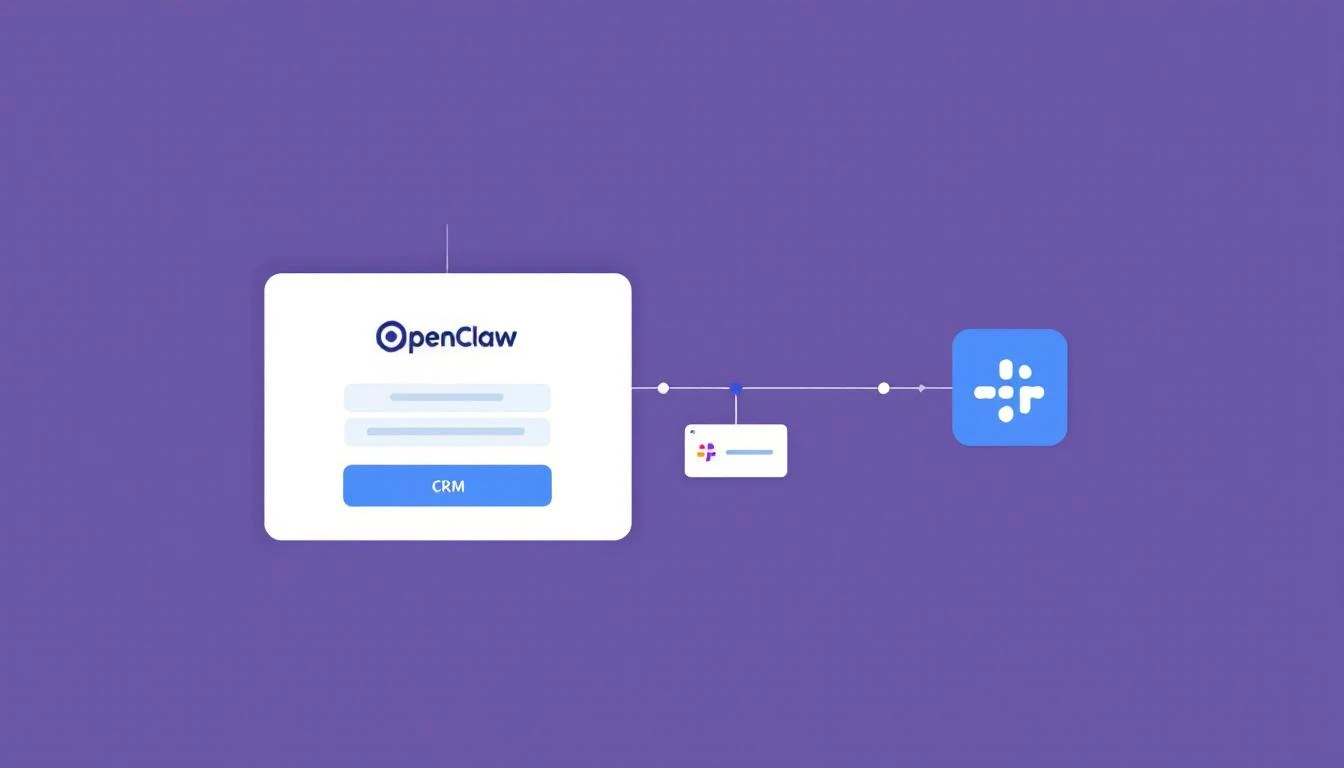
Slack webhooks make this easy. In your Slack workspace:
Go to Apps → Incoming Webhooks
Create a new webhook for your alerts channel
Copy the webhook URL
Your agent can then send alerts like:
🚨 **DEAL AT RISK: Acme Corp ($75,000)**

**Signals detected:**
- 12 days without activity (threshold: 7)
- Proposal sent 8 days ago, 0 views
- Champion hasn't opened last 3 emails

**Recommended actions:**
1. Try reaching Sarah's colleague (Mike, CTO) via LinkedIn
2. Send a breakup email to create urgency
3. Ask for a referral to re-engage

[View in HubSpot](https://app.hubspot.com/deals/...)
Agent, analyze our last 50 closed-lost deals.
Identify common patterns in the 30 days before we lost them:
- How long were they in each stage?
- What was the engagement pattern?
- Were there any warning signs we missed?

Use these patterns to score current deals.
Instead of just checking numbers, have your agent read recent communications:
For each at-risk deal:
1. Pull the last 5 emails exchanged
2. Pull meeting notes from the last 30 days
3. Analyze for sentiment and buying signals
4. Flag if you detect hesitation, competitor mentions, or budget concerns
Beyond individual alerts, generate a weekly summary:
Every Monday at 8 AM:
1. Analyze the full pipeline
2. Identify the 5 deals most likely to close this month
3. Identify the 5 deals most at risk
4. Calculate commit vs. best-case forecast
5. Send to #sales-leadership
Here's what one SDR leader reported after implementing this system:
"We caught a $120K deal that had gone quiet. The agent flagged it at day 8. Turns out our champion had switched teams and nobody told us. We re-engaged the new stakeholder and closed it two weeks later. That one alert paid for our entire setup time."
Your thresholds should match your actual sales cycle. A 7-day activity gap means something different for a 2-week sales cycle vs. a 6-month enterprise deal.
Set up a test deal in your CRM that meets the criteria
Watch the alert come through
Iterate based on real results
Your pipeline is too important to check once a week. Build a system that watches it for you, 24/7.
The tools are free. The setup takes an afternoon. The deals you'll save are worth it.
Want to add visitor identification and buying signals to your pipeline monitoring? MarketBetter shows you who's on your site and what they care about. Book a demo →
Leadpipe has carved out a niche in the visitor identification space with claims of 35-40% match rates and person-level identification. But is identifying visitors enough to drive pipeline?
This guide compares MarketBetter and Leadpipe across features, pricing, and what actually matters: turning website visitors into booked meetings.
Leadpipe is a visitor identification platform that focuses on identifying anonymous website visitors at the person level. They claim 35-40% match rates (primarily for US and Canadian traffic) and provide 53+ data points per identified visitor.
MarketBetter is an AI-powered SDR command center that combines visitor identification with workflow automation. Instead of just showing you who's on your site, MarketBetter tells your SDRs exactly what to do with that information.
What MarketBetter does:
Identifies website visitors at company and person level
Creates daily SDR task lists with prioritized actions
MarketBetter pricing is based on your full SDR workflow needs — including visitor identification, task management, AI email, dialer, and CRM sync. Contact for pricing.
Leadpipe: After identifying visitors, you're on your own. Export to CRM, build your own workflows, write your own sequences. The tool stops at identification.
If your goal is simply to know who's on your website, Leadpipe delivers. It's a solid visitor identification tool with competitive match rates.
If your goal is to turn website visitors into booked meetings efficiently, you need more than identification. You need:
Prioritization (who matters most?)
Research (what should I say?)
Workflow (what do I do next?)
Execution (where do I call/email?)
MarketBetter combines visitor identification with the entire SDR workflow — so identifying a visitor automatically becomes a prioritized, researched, actionable task.
Free Tool
Try our AI Lead Generator — find verified LinkedIn leads for any company instantly. No signup required.
Choosing between MarketBetter and Lusha? Here's the core difference:
Lusha tells you WHO to contact. MarketBetter tells you WHO to contact AND what to do next.
Lusha built its reputation on accurate B2B contact data—emails, phone numbers, and company information. It's a solid prospecting database with a popular Chrome extension.
MarketBetter takes a different approach. Instead of just providing data, it orchestrates your entire SDR workflow. It identifies website visitors, enriches them with intent signals, and delivers a daily playbook telling each rep exactly who to call, what to say, and which channel to use.
Let's break down how these tools compare and which one fits your sales team.
MarketBetter identifies companies visiting your website and the specific contacts most likely to be decision-makers. When someone from a target account hits your pricing page, you know about it—and you know who to contact.
MarketBetter offers flat monthly pricing with unlimited usage within your plan tier. No counting credits or worrying about overage charges. Book a demo for current pricing.
Lusha is a library. It stores contact information. Your reps still need to decide what book to read.
MarketBetter is a personal assistant. It hands your reps the right book, opened to the right page, at the right time.
If your SDRs are already efficient and just need better data, Lusha delivers.
If your SDRs are drowning in tabs, dashboards, and decisions—or if you want to capitalize on website visitor intent—MarketBetter turns chaos into a checklist.
You could, but there's overlap. MarketBetter includes contact enrichment. Adding Lusha would mainly give you additional LinkedIn prospecting capabilities via their Chrome extension.
Yes. MarketBetter's extension lets you enrich LinkedIn profiles and add contacts directly to your workflow.
How does MarketBetter's contact data compare to Lusha's?
MarketBetter partners with leading data providers for contact enrichment. For most B2B use cases, coverage is comparable. The difference is what happens after you have the data—MarketBetter turns it into action.
Lusha claims 81%+ email accuracy. Phone accuracy varies—some users report excellent direct dials, others find cell numbers outdated. This is a common challenge across all B2B data providers.
Yes. While MarketBetter excels at inbound (website visitors), you can also build outbound lists and run sequences. The daily playbook prioritizes all your contacts—inbound and outbound—based on signals.
Free Tool
Try our AI Lead Generator — find verified LinkedIn leads for any company instantly. No signup required.
Your sales cadence is either your most powerful pipeline-generating tool or a fast track to your prospect’s spam folder. The line between these two outcomes is razor-thin, and it’s defined by a commitment to strategic execution over repetitive, robotic outreach. If your team is stuck in a cycle of sending generic email blasts and making cold calls with no context, you’re not just losing deals; you’re actively damaging your brand’s reputation and burning out your best reps on low-impact work. The problem isn't a lack of effort, it's a lack of an intelligent framework.
This guide provides a direct, actionable blueprint to overhaul that broken process. We’re moving past the obvious advice and diving into ten proven sales cadence best practices that top-performing teams use to consistently book more meetings. You won't find vague theories here. Instead, we offer specific, implementable strategies covering every stage of the process, from designing multi-channel sequences that command attention to using CRM-native tools for flawless execution.
We'll provide side-by-side comparisons of effective versus ineffective tactics, showing you precisely how to:
Structure sequences based on prospect intent signals, not just a rigid schedule.
Personalize messaging at scale without sacrificing efficiency.
Optimize your follow-up rules based on real-time prospect behavior.
Integrate your tools to eliminate friction and maximize selling time.
These are the essential sales cadence best practices required to break through the noise, engage high-value accounts, and build a predictable revenue engine. Let's get started.
Relying solely on one communication channel, like cold email, is like fishing with a single line. One of the most impactful sales cadence best practices is to adopt a multi-channel sequence that layers different forms of outreach. This approach respects a prospect's communication preferences and significantly increases the chances of engagement by surrounding them with value across various platforms. Instead of sending five emails in a row, a multi-channel cadence might involve an email, a follow-up call, a LinkedIn connection request, and another email, all within a structured 7-10 day window.
Ineffective Tactic (Single-Channel)
Effective Tactic (Multi-Channel)
Day 1: Email 1
Day 1: Email 1
Day 3: Email 2 (Bump)
Day 3: Call (Reference Email 1)
Day 5: Email 3 (Breakup)
Day 4: LinkedIn Connection Request
Result: Low reply rate, high chance of being marked as spam.
Result: Higher engagement, multiple touchpoints, professional persistence.
This method works because it combines asynchronous touches (email, LinkedIn), which prospects can review on their own time, with synchronous ones (calls) that create opportunities for immediate conversation. Companies like HubSpot and Salesloft have built their sales development playbooks around this model, often seeing reply rates jump from a standard 2-3% on email-only sequences to over 25% with multi-touch campaigns. The key is ensuring each touchpoint builds upon the last, creating a cohesive narrative rather than a series of disjointed, repetitive pings.
Action Step 1: Map Your Sequence. Before building, sketch out the flow: Day 1: Email, Day 3: Call, Day 4: LinkedIn View + Connect, Day 6: Email 2. Define the goal for each touchpoint.
Action Step 2: Create Contextual Bridges. Your LinkedIn message should reference your email. A simple, "Hi [Name], I just sent an email regarding [topic] and wanted to connect here as well," is far more effective than a generic connection request.
Action Step 3: Use Engagement to Prioritize. If a prospect opens your email three times, move their call task to the top of your list. This focuses synchronous effort on engaged leads.
Action Step 4: Automate Logging. Ensure every touchpoint, whether an email sent via your sales engagement platform or a manual call, is automatically logged in your CRM. Platforms like MarketBetter.ai can automate this logging process, ensuring your data remains clean and actionable.
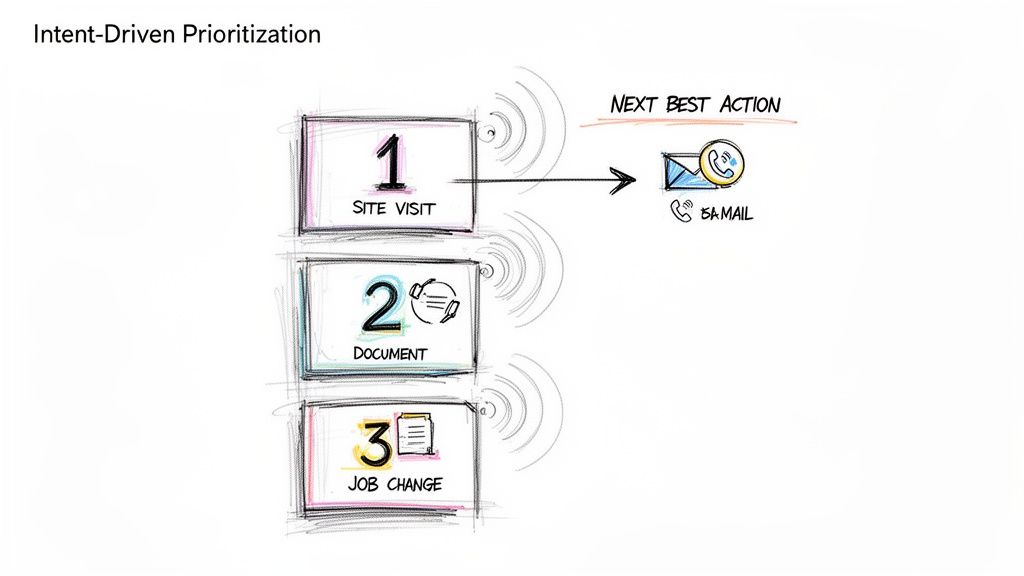
2. Intent-Driven Task Prioritization (Activity Signals → Next Best Action)
A static, alphabetical task list is a relic of the past. One of the most critical sales cadence best practices is to prioritize outreach based on real-time buyer intent signals. This data-driven approach shifts reps from a "who's next on the list" mentality to a "who's most likely to engage right now" strategy. Instead of treating all prospects equally, this model automatically surfaces and ranks targets based on high-value activities like visiting your pricing page, downloading a whitepaper, or recent job changes, ensuring reps focus their energy on the hottest leads.
Ineffective Tactic (Static List)
Effective Tactic (Dynamic Prioritization)
Reps work through a list from A-Z.
Reps are served tasks based on intent score (e.g., Pricing Page Visit = 10 points).
A "hot" lead who visited the site an hour ago might wait days for a call.
The hot lead is automatically placed at the top of the task queue for immediate follow-up.
Reps waste time on cold, unengaged accounts.
Reps spend 80% of their time on the 20% of leads most likely to convert.
This method transforms a sales cadence from a rigid schedule into a dynamic, responsive workflow. When platforms like 6sense and Outreach are integrated, they can deliver up to 40% higher SDR productivity by serving up the "next best action" based on a combination of intent, timing, and ICP fit. The goal is to align outreach with the buyer's journey, engaging them the moment their interest peaks rather than weeks later when your cadence says it's their turn.
How to Implement Intent-Driven Task Prioritization:
Action Step 1: Define Your High-Intent Signals. List the top 3-5 actions that indicate strong buying intent. Start with demo requests and pricing page visits.
Action Step 2: Set Strict SLAs. For a high-intent signal, create a rule for a rep to follow up within 2 hours. For medium-intent (e.g., webinar attendance), set a 24-hour SLA.
Action Step 3: Contextualize Your Outreach. Use the signal as your reason for outreach. “Saw you were looking at our case study on [Topic] and wanted to offer some additional details.”
Action Step 4: Filter with ICP Fit. Combine intent with your Ideal Customer Profile (ICP). A platform like MarketBetter.ai can automate this by scoring leads based on both behavioral data and firmographic fit, ensuring your team only pursues high-potential opportunities.
3. Personalized Opening Lines (Account/Persona Context in First Sentence)
Nothing kills a sales cadence faster than an opening line that screams "mass email." One of the most critical sales cadence best practices is to anchor your first sentence in specific, verifiable context about the prospect's company, recent activity, or role. This immediately signals that the outreach is a well-researched, 1-to-1 message, not a generic blast sent to thousands. Instead of a vague "I help companies like yours," a personalized opener gets straight to a relevant trigger point.
Ineffective Tactic (Generic Opener)
Effective Tactic (Personalized Opener)
"Hi John, I help VPs of Sales like you solve their pipeline challenges."
"Hi John, saw on LinkedIn your team is hiring three new AEs to expand into APAC."
Result: Instantly deleted. Reads like spam.
Result: Grabs attention. Shows research and relevance.
This strategy works because it proves you've done your homework and respects the prospect's time by connecting your solution to their immediate reality. Research from Salesloft shows that account-based emails which mention specific products or features outperform generic templates by more than 3x. The goal is to make the prospect feel understood in the first 10 seconds.
Action Step 1: Create a Trigger Checklist. Build a simple checklist for reps: 1. Check LinkedIn for recent posts/job changes. 2. Check company news for funding/launches. 3. Check G2 for recent reviews.
Action Step 2: Practice the "Trigger-to-Value" Bridge. Your first sentence states the observation, and the second connects it to your value. Example: “I noticed your team just launched a new integration with Salesforce. Typically, companies doing this face challenges with data syncing, which is where we help.”
Action Step 3: A/B Test Your Hooks. In your next 50 emails, test a hook based on a company trigger (e.g., funding) against a persona trigger (e.g., a recent LinkedIn post by the prospect). See which gets more replies.
Action Step 4: Leverage Technology for Scale. Use platforms like Amplemarket or MarketBetter.ai to create dynamic templates that pull in custom fields from your CRM, blending automation with genuine personalization.
4. Response-Triggered Sequencing (Adapting Based on Prospect Behavior)
A static, one-size-fits-all sales cadence treats every prospect the same, regardless of their interaction with your outreach. One of the most advanced sales cadence best practices is implementing response-triggered sequencing, a dynamic approach where the next step is determined by the prospect's real-time behavior. Instead of blindly following a pre-set path, this method adapts based on engagement signals like email opens, link clicks, or even a picked-up phone call that goes straight to voicemail.
Ineffective Tactic (Static Sequence)
Effective Tactic (Dynamic Sequence)
A prospect clicks your case study link. The next step is still the automated "Just bumping this" email 3 days later.
A prospect clicks your case study link. A high-priority call task is immediately created for the rep.
A prospect doesn't engage with 4 emails. They still get 4 more.
After 4 unengaged touches, the prospect is automatically moved to a long-term, low-touch nurture sequence.
This intelligent sequencing transforms your cadence from a monologue into a conversation. If a prospect clicks a link to a case study in your first email, a dynamic cadence can automatically trigger a high-priority call task for the rep to follow up with relevant insights. Platforms like Outreach.io and Salesloft have built adaptive cadence features around this concept, empowering teams to create if/then logic that scales personalization and boosts efficiency.
Action Step 1: Map Your If/Then Logic. Create a simple flowchart. If prospect clicks pricing link, then create a high-priority call task. If prospect opens email 3+ times but no click, then send follow-up email with a different value prop.
Action Step 2: Build Two Paths. Design an "Engagement Path" (more aggressive, personalized) and a "No-Engagement Path" (longer intervals, value-based content).
Action Step 3: Use Engagement Data in Your Outreach. Equip reps to use behavioral data as context. A call script can start with, "Hi [Name], I noticed you checked out the case study I sent over about [topic]..."
Action Step 4: Set an "Exit" Threshold. Define the point of diminishing returns. For example, after 5 touches with zero engagement, automatically exit the prospect from the active sequence. Tools like MarketBetter.ai can help automate this process, moving them to a quarterly check-in list to keep your pipeline clean.
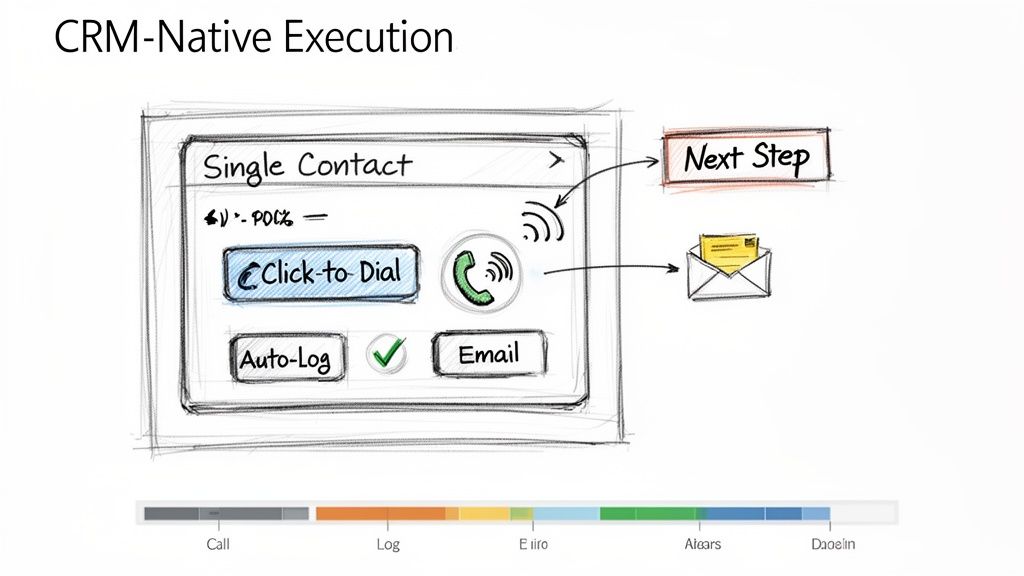
5. CRM-Native Execution (No Tab Switching; One-Click Call & Logging)
One of the biggest drags on sales productivity is friction. Constantly switching between your CRM, a separate dialer, your email client, and a note-taking app drains momentum and creates data silos. One of the most effective sales cadence best practices is to enable CRM-native execution, where all outreach activities are initiated and logged directly within your central system of record, like Salesforce or HubSpot. This unified workflow eliminates tab-switching and automates activity logging.
Ineffective Tactic (Multi-Tool Chaos)
Effective Tactic (CRM-Native Workflow)
Rep copies a number from Salesforce, pastes it into a softphone, makes the call, then returns to Salesforce to manually log it.
Rep clicks a "Call" button directly on the Salesforce contact record. The call is made and automatically logged with a disposition prompt.
Time per call: 2-3 minutes of admin work.
Time per call: 10-20 seconds of admin work.
This approach dramatically improves both adoption and efficiency. For example, when Outreach.io integrates its one-click dialer directly into a Salesforce contact page, call volume often increases by over 30% simply by removing the steps of copying and pasting numbers. The goal is to make the right action the easiest action, which means keeping reps in the one system that houses all customer data and context.
Action Step 1: Conduct a Workflow Audit. Shadow a rep for an hour and count every time they switch tabs to complete a task. Identify the top 3 friction points to solve.
Action Step 2: Configure Intelligent Auto-Logging. Set up rules to automatically log calls and emails the instant they happen. Allow reps a short window, perhaps 10 minutes post-call, to add detailed notes and context.
Action Step 3: Standardize Next Steps. Use your CRM's task management features to create templates for common follow-up actions like "Send Deck" or "Schedule Demo." This reduces manual entry and ensures consistent follow-through.
Action Step 4: Centralize Reporting. Train managers to use in-CRM dashboards for performance tracking instead of exporting data. Platforms like MarketBetter.ai can embed cadence analytics directly into the CRM, allowing for real-time coaching based on live activity data.
A structured sales cadence dictates when to call, but a pre-call talk track dictates what to say for maximum impact. One of the most critical sales cadence best practices is equipping reps with a concise, one-page talk track before every call. This isn't a rigid script; it's a strategic guide that synthesizes prospect context, a sharp opening pitch, anticipated objections, and key discovery questions into a 60-second preparatory tool.
Ineffective Tactic (Winging It)
Effective Tactic (Prepared Talk Track)
Rep opens the CRM record and dials, hoping to figure it out on the fly.
Rep spends 60 seconds reviewing a one-page summary: the prospect's trigger, a value hook, and answers to likely objections.
Result: Rambling, unfocused calls, and low confidence.
Result: Confident, concise calls that get to the point and handle pushback effectively.
Gong’s research shows that reps who are prepared with objection handles close three times more deals. The goal is to internalize the flow, not just read the words, enabling a confident and natural conversation.
Action Step 1: Create a One-Page Template. Use bullet points, not paragraphs. Sections should include: 1. Account Context (trigger), 2. Value Prop (20 seconds), 3. Top 3 Objections & Rebuttals, 4. Key Discovery Questions.
Action Step 2: A/B Test Your Openers. For your next 20 calls, try a curiosity-driven opener ("I noticed your company is expanding its logistics network..."). For the next 20, try a problem-driven one ("Many VPs of Ops are struggling with X..."). Track which leads to more conversations.
Action Step 3: Update Tracks Weekly. Review call recordings from your top performers weekly to identify what language is working. Use Conversation Intelligence to pull data-driven insights from real calls to refine objection handling.
Action Step 4: Train with Role-Playing. Run weekly 30-minute role-playing sessions. Give reps a scenario and a talk track, and have them practice delivering the key points authentically, not robotically.
7. Disposition-Based Routing (Not All Leads Go to Sales; Some Need Follow-Up)
Treating every lead outcome the same is a recipe for wasted effort and missed opportunities. One of the most critical operational sales cadence best practices is implementing disposition-based routing, a system that classifies every interaction outcome and automatically directs the lead to the appropriate next step. Instead of manually deciding what to do, reps simply log a disposition like "Not Now, Follow-Up in 6 Months," and automation takes over.
Ineffective Tactic (Manual Follow-up)
Effective Tactic (Automated Routing)
Rep makes a note in a spreadsheet to "Follow up with Jane in Q3."
Rep selects the "Nurture - Q3 Budget" disposition in the CRM.
Result: The note is forgotten, and the lead falls through the cracks.
Result: An automated task is created for the rep on July 1st with all the previous context.
This practice prevents valuable but not-yet-ready leads from falling through the cracks and ensures Account Executives (AEs) only receive leads that are genuinely sales-ready. Companies like Outreach.io have shown that clear disposition-based routing can reduce friction between SDRs and AEs by over 40% by standardizing lead handoffs.
Action Step 1: Define Your Core Dispositions. Standardize 5-7 clear options: 'Meeting Booked,' 'Schedule Follow-Up,' 'Not Now - Nurture,' 'Wrong Contact,' 'Not a Fit,' and 'Voicemail/No Answer.'
Action Step 2: Train on the Nuance. Coach your team on the difference between 'Not a Fit' (ICP mismatch, disqualify) and 'Not Now' (right fit, wrong timing, nurture).
Action Step 3: Build Automated Workflows. For each disposition, create a rule. 'Schedule Follow-Up' creates a task in 30 days. 'Not Now - Nurture' enrolls the prospect in a marketing email sequence. This automation is a key function of platforms like MarketBetter.ai.
Action Step 4: Require Contextual Comments. Make the "Comments" field mandatory for dispositions like 'Not Now.' A note like "Budget cycle ends in Q3, revisit in September" provides invaluable context for the next touchpoint.
8. Email Sequence Cadence Optimization (Testing Send Times,Frequency, and Subject Line Variants)
Treating your email sequence as a static, "set it and forget it" asset is a missed opportunity. One of the most critical sales cadence best practices is continuous optimization through systematic A/B testing. This involves rigorously testing variables like subject lines, send times, and follow-up frequency to discover precisely what resonates with your ideal customer profile. Instead of relying on assumptions, you use data to build a high-performing outreach machine.
Ineffective Tactic (Assumption-Based)
Effective Tactic (Data-Driven A/B Testing)
"I think sending emails at 9 AM is best."
"We tested 9 AM vs. 2 PM sends. For our manufacturing persona, 2 PM gets a 15% higher open rate."
The same subject line is used for months without analysis.
Two subject lines are tested weekly, and the winner becomes the new control.
This data-driven approach moves you from guessing to knowing. Salesloft research shows that simple, one-word subject lines can outperform longer ones by 10% when targeting tech buyers. By isolating and testing one element at a time, you can incrementally improve engagement. To scale this process effectively, it is crucial to Master Email Follow Up Automation and implement these data-backed insights into your outreach.
Action Step 1: Isolate One Variable. For your next campaign, test only the subject line. Keep the email body and send time identical for both variants to get clean data.
Action Step 2: Aim for Statistical Significance. Don't declare a winner after 20 sends. A good rule of thumb is to send at least 100 emails per variant to ensure the results are reliable.
Action Step 3: Track Opens and Replies Separately. A catchy subject line might boost opens, but a clear, value-driven one might generate more replies. Analyze both metrics to understand the full impact.
Action Step 4: Create a Quarterly Review Cadence. Set a recurring calendar event every quarter to review your test results, implement the winners, and plan the next round of experiments.
9. First-Response SLA (Responding to Prospect Replies Within 1 Hour)
A sales cadence doesn't end when a prospect replies; in fact, that's when the most critical phase begins. One of the most underrated sales cadence best practices is implementing a strict First-Response Service Level Agreement (SLA), committing your team to responding to all prospect replies within one hour during business hours. This discipline capitalizes on peak prospect intent.
Ineffective Tactic (Delayed Response)
Effective Tactic (Sub-1-Hour SLA)
A prospect replies at 10 AM asking for info. The rep is busy with calls and replies at 4 PM.
The prospect replies at 10 AM. An alert notifies the rep, who sends a thoughtful response by 10:30 AM.
Result: The prospect has moved on, their interest has cooled, and a competitor may have already engaged them.
Result: The conversation continues while intent is high, leading to a much higher chance of booking a meeting.
Data from platforms like Salesloft reinforces this, showing that sales teams with a sub-one-hour response SLA achieve up to 35% higher meeting-booked rates. The goal isn't just to be fast, but to be fast and effective, moving the conversation forward while the prospect's interest is at its highest.
Action Step 1: Create 'Hot Task' Alerts. Configure your sales engagement platform to create a high-priority task that appears at the top of a rep's queue the moment a prospect replies.
Action Step 2: Build Response Templates. Equip reps with pre-built templates for common replies (e.g., pricing request, scheduling inquiry). This allows for a rapid, high-quality initial response that can be personalized.
Action Step 3: Train the "Acknowledge and Ask" Method. Instead of just sending a calendar link, train reps to first acknowledge the prospect's message and then ask a clarifying question. Example: "Thanks for getting back to me. Before I send some times, what would be most helpful for us to cover on the call?"
Action Step 4: Schedule "Reply Blocks". Encourage reps to block 15 minutes on their calendar every 2 hours dedicated solely to responding to replies. This prevents constant context-switching while still meeting the SLA.
10. SLA Implementation & Coverage (Staffing, Escalation, and Quality Controls)
While outbound sequencing is crucial, one of the most overlooked sales cadence best practices is managing the inbound replies that your hard work generates. Implementing a strict First-Response Service Level Agreement (SLA), such as a 15-minute response time, requires an operational plan. This includes staffing, escalation paths for missed replies, and quality control to ensure speed doesn't sacrifice substance. Without this operational rigor, an SLA is just an empty promise.
Ineffective Tactic (Informal Expectation)
Effective Tactic (Operationalized SLA)
A manager tells the team to "respond to leads quickly."
A system is in place: replies create 'hot tasks.' If a task is unhandled for 30 mins, a Slack alert is sent. If unhandled for 45 mins, it escalates to a manager.
Result: Inconsistent response times, missed leads during busy periods or when reps are out of office.
Result: Consistent, reliable response times, with built-in redundancy to prevent dropped leads.
This strategy operationalizes urgency and ensures no lead is left behind. Organizations that implement this system often see significant improvements in lead conversion. The goal is to build a system that guarantees rapid, high-quality engagement, turning a simple reply into a qualified meeting before the lead's focus shifts elsewhere.
Action Step 1: Establish Clear Routing Rules. Use your sales engagement platform to create 'hot task' routing. Inbound replies should automatically appear at the top of a rep's task queue, prioritized above all outbound activities.
Action Step 2: Set Up Escalation Alerts. Create automated alerts. For instance, if a reply isn't actioned within 30 minutes, an alert can be sent to the rep. If it's still unhandled at 45 minutes, it can escalate to a team lead or manager for immediate intervention.
Action Step 3: Maintain Quality with Templates. Create a library of short, contextual reply templates that reps can customize with one personalized sentence. This balances speed with the consultative, value-driven tone needed to secure a meeting.
Action Step 4: Monitor and Coach. Conduct weekly audits of replies to monitor quality and coach reps on being both fast and consultative. Track metrics like meeting conversion rates for replies handled within the SLA versus those that miss it to demonstrate its direct impact on performance. Platforms like marketbetter.ai can help automate the monitoring of these SLAs.
Transitioning from understanding sales cadence theory to implementing a high-performance outbound engine is the ultimate goal. We've explored ten critical best practices that, when combined, transform a disjointed, manual effort into a predictable and scalable system for generating pipeline. The journey from a simple "email blast" approach to a sophisticated, intent-driven engagement model is what separates top-performing teams from the rest. The core theme is clear: success lies in creating a unified, data-informed, and rep-centric workflow.
An ad-hoc approach, where reps manually toggle between LinkedIn, their email client, and the CRM to piece together a sequence, is inherently inefficient and prone to error. It creates friction, slows down execution, and generates messy data. In contrast, a modern, integrated strategy built on these sales cadence best practices empowers reps to operate at peak efficiency. It’s the difference between a team guessing what to do next and a team executing the proven next-best action with precision.
Let's distill the most crucial takeaways from our list into three foundational pillars. Mastering these areas will yield the most significant impact on your team's performance and pipeline generation.
Systematize Personalization and Prioritization:
Effective outreach is no longer a volume game; it's a relevance game. Best practices like Intent-Driven Task Prioritization and crafting Personalized Opening Lines ensure your team’s effort is focused where it matters most. Instead of treating all prospects equally, you empower reps to engage high-intent accounts first, armed with specific context that resonates immediately. This shifts the dynamic from a cold interruption to a timely, valuable conversation.
Embed Responsiveness into Your DNA:
Prospects operate in real-time, and your sales process must reflect that. Implementing a First-Response SLA of under an hour and building Response-Triggered Sequencing are not just "nice-to-haves." They are competitive necessities. The team that responds fastest with the most relevant information often wins the meeting. This agile approach, supported by SLA Implementation and Coverage plans, ensures no opportunity is lost due to slow follow-up, turning passive interest into active engagement.
Unify Execution within a Single Pane of Glass:
The greatest source of lost productivity is workflow friction. Requiring reps to jump between different tools to log calls, send emails, and research contacts is a recipe for wasted time and incomplete data. CRM-Native Execution is the antidote. By enabling reps to perform all sequence tasks, from one-click calls with Call Prep Talk Tracks to logging dispositions, directly within your CRM, you eliminate the administrative burden. This not only makes reps happier and more effective but also ensures every single interaction is captured cleanly for accurate reporting and coaching.
The Strategic Imperative: From Tactics to an Integrated System
Ultimately, the power of these sales cadence best practices is not in their isolated application but in their integration. A multi-channel sequence is good, but a multi-channel sequence that adapts based on prospect responses is better. A personalized email is effective, but a personalized email sent to a prioritized, high-intent contact within a CRM-native workflow is a game-changer. This is the evolution from executing a list of tactics to orchestrating a holistic system.
By embedding these principles into your daily operations, you are building more than just a sales process; you are building a scalable revenue engine. It's a system that learns, adapts, and empowers your sales development team to spend less time on manual administration and more time building relationships and creating qualified opportunities. The result is a more efficient, predictable, and successful outbound motion that drives sustainable growth for your business.
Ready to turn these best practices into your team's daily reality? marketbetter.ai is an execution-first platform designed to embed intent signals, task prioritization, and multi-channel sequencing directly within your existing CRM. See how you can eliminate workflow friction and empower your reps to execute the perfect sales cadence by visiting marketbetter.ai today.