Every ABM team has had this moment.
You've done the work. You've built the account list. You've run the campaigns. Your dashboards are glowing green — engagement scores are up, accounts are "warming," and the data says your target list is moving through the funnel.
Then you walk into the sales standup and hear: "So... where are the meetings?"
That's the gap. And it's where most ABM programs quietly die — not from bad strategy, but from optimizing for the wrong outcome.
One enterprise ABM leader at a $3B+ company figured this out the hard way. And the moment they changed what they were optimizing for, everything clicked.
"The moment everything got easier was when I stopped optimizing for 'warm accounts' and started optimizing for meetings. If you can get meetings, pipe takes care of itself."
This isn't theory. One prioritization sprint using this approach helped an SDR team hit 75% of their monthly meeting quota in a single day.
Here's exactly how it works.
The Problem: "Warm Accounts" Don't Pay the Bills
Most ABM programs are built around a version of the same pitch to sales: "We've identified accounts showing intent. These accounts are warm. Go work them."
Sounds reasonable. But here's what actually happens:
- Marketing hands over a list of "warm" accounts based on engagement scores, intent data, or some weighted model
- Sales looks at the list and shrugs — "Great, but who do I call? What do I say? Why should they take my meeting?"
- The list sits in a spreadsheet while reps go back to working their own pipeline
- Marketing wonders why sales isn't "following up" on perfectly good accounts
The fundamental disconnect: salespeople don't care about warm accounts. They care about meetings. That's the unit of value in their world. Not an engagement score. Not an intent signal. A meeting on the calendar.
"If you optimize for pipe, it takes too long. If you can get meetings, they'll turn into pipe eventually. Sales will figure it out."
When this ABM leader stopped measuring success by "accounts showing engagement" and started measuring by "meetings booked," everything changed — not just the metrics, but how the entire GTM team operated.
The Three-Step ABM Machine
The framework that emerged is deceptively simple. Three steps, executed with discipline every single week.
Step 1: Universe of Accounts, All Scored and Tiered by ICP Fit
Before you can prioritize, you need to know your universe.
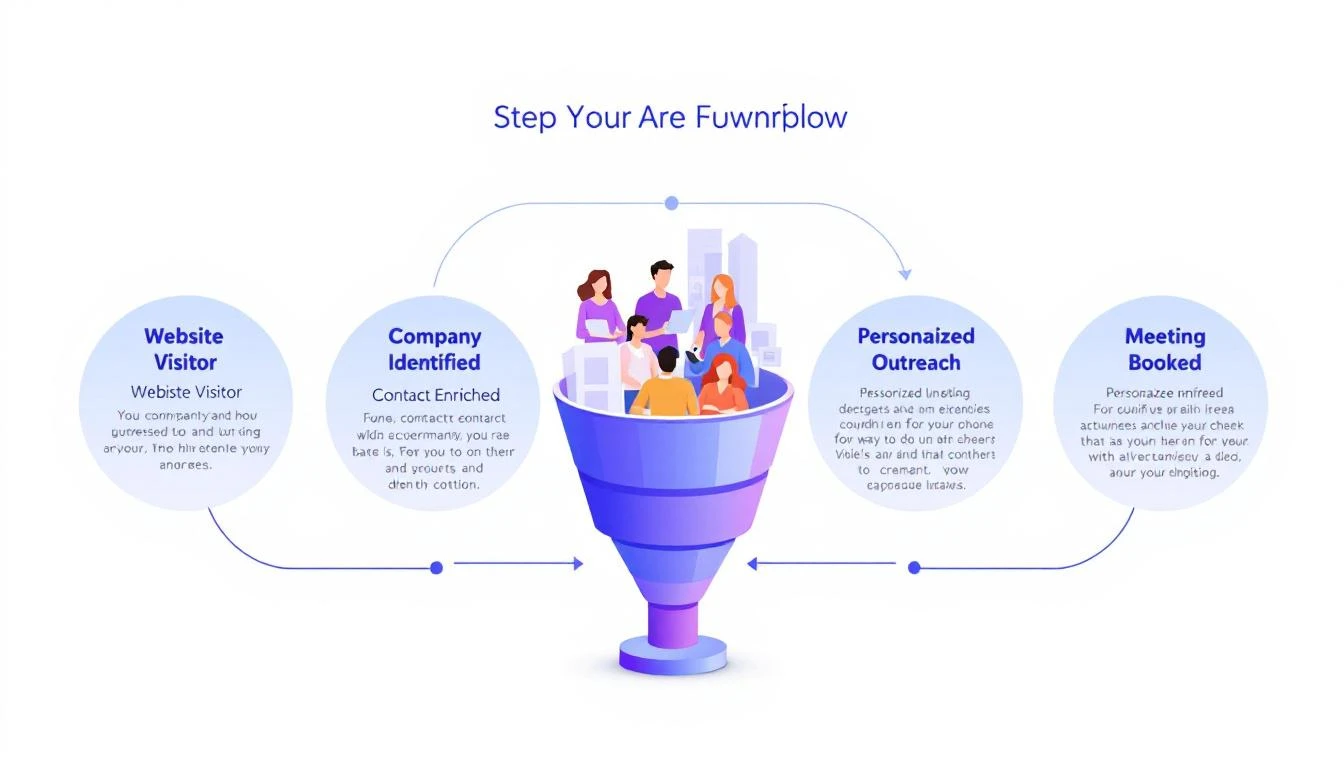
This starts with the classic funnel narrowing:
- TAM (Total Addressable Market): Every company that could buy your product
- SAM (Serviceable Addressable Market): The subset you can actually reach and serve
- ICP Accounts: The companies that look like your best customers — right industry, right size, right tech stack, right buying patterns
Every account in your CRM should be scored and tiered by how closely they match your ICP. This isn't a one-time exercise. It's a living model that gets updated as you learn what "good" actually looks like from your closed-won deals.
Why this matters for meetings: You can't prioritize who's most likely to book if you haven't already established who's worth booking with. The ICP tier is your foundation — it tells you which meetings are worth chasing and which ones are just activity for activity's sake.
Most teams have this step done (or think they do). The real magic happens in Steps 2 and 3.
Step 2: Weekly Prioritization of People Most Likely to Book a Meeting
This is where the framework gets sharp.
Every week, the ABM team runs a prioritization sprint. Not on accounts — on people. Specific humans at specific companies who are showing signals that they're likely to take a meeting right now.
The signal stack has two layers:
Contact-level signals (signals about the person):
- Intent data engagement — Are they personally researching your category or related topics?
- Web visitor identification — Have they visited your site? Which pages? How many times?
- Hiring manager activity — Are they hiring for roles that suggest they need your solution?
- Job changer signals — Did they recently move to a new company? (Champions in new seats are gold.)
- Email engagement — Are they opening and clicking your emails? Replying?
Account-level signals (signals about the company):
- Review site intent — Is the company actively evaluating solutions on G2, TrustRadius, etc.?
- News and trigger events — Funding rounds, leadership changes, expansion announcements, regulatory shifts
- Engagement scores — Overall account-level interaction with your brand across channels
- Digital projects and initiatives — Are they launching projects that create a need for what you sell?
The output of this weekly sprint isn't a warm account list. It's what we call the MLTBM list — "Most Likely to Book a Meeting." A ranked set of 15–20 specific contacts per rep, each with concise "reasons to reach out now" and AI-driven outbound cadences matched to their specific behavior and account context.
This is the key shift. You're not telling sales "this account is warm." You're telling them "this person, at this company, is showing these specific behaviors, and here's the play to get them on the phone."
Step 3: Surround Sound Micro Campaigns
Once you know who to target and why, you hit them from every angle.
"Surround sound" means the contact sees your brand across multiple channels in a compressed timeframe — not with generic brand awareness, but with specific, relevant messaging tied to the exact signal they're showing.
Here's what that looks like in practice:
- Someone researching your category on review sites? → Email with a comparison guide + LinkedIn connection + retargeting ads featuring customer proof points
- A champion who just changed jobs? → Congratulatory LinkedIn message + personalized email referencing their previous experience with your solution + phone call from their aligned rep
- A hiring manager posting roles that suggest they need your product? → Email about how your solution reduces the need for that hire + LinkedIn content about the business case + direct mail if warranted
- A contact who visited your pricing page twice this week? → Immediate phone call + email with an ROI calculator + chatbot engagement on next visit
The key word is micro. These aren't broad campaigns blasting the same message to 500 accounts. They're tight, 1-to-few plays targeting 10–20 contacts per sprint with highly specific messaging.
The channels: email, LinkedIn, phone, social, direct mail, ads, chatbot — whatever combination makes sense for the signal. The point is that when the contact is ready to engage, your brand is already everywhere they look.
Why This Works: The Meeting Math
Let's break down why optimizing for meetings is fundamentally different from optimizing for warm accounts.
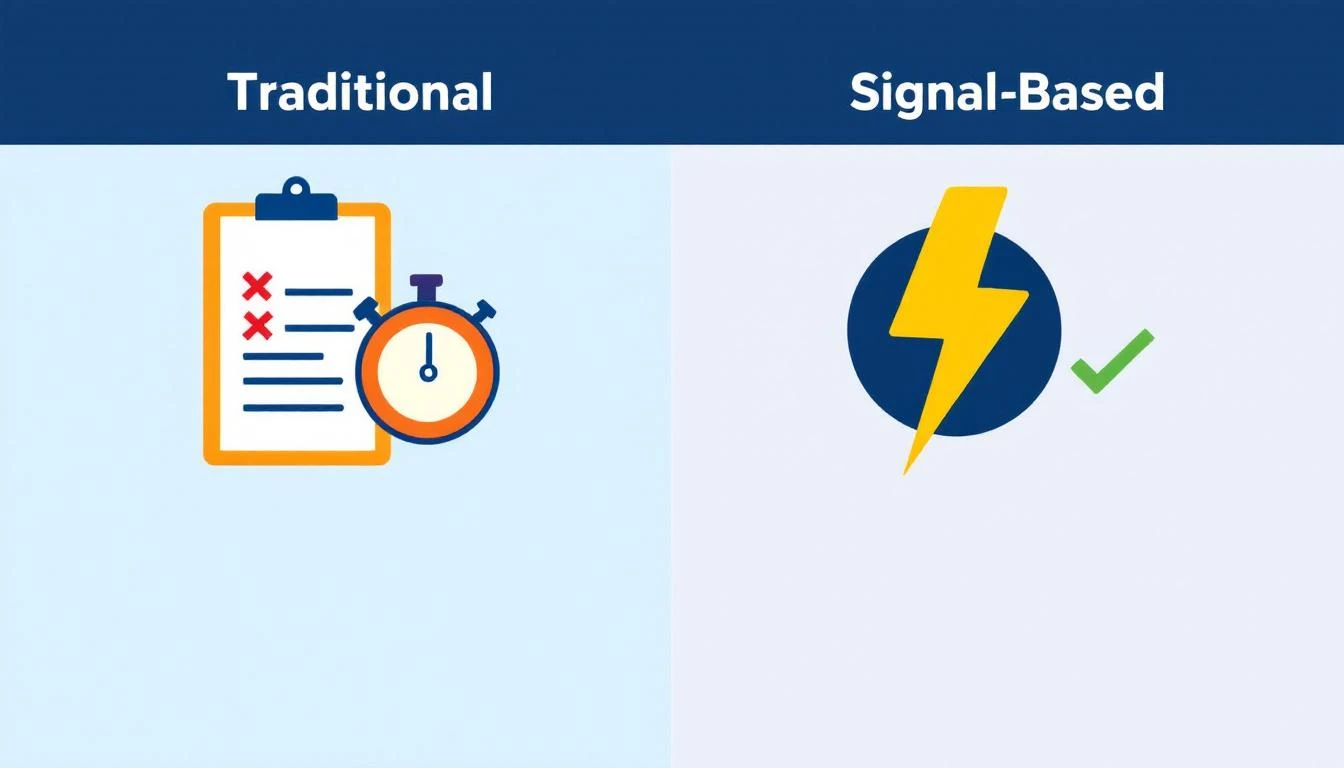
The warm account approach:
- Score accounts → 2. Declare them "warm" → 3. Hand to sales → 4. Hope for meetings → 5. Eventually, maybe, pipeline
The meeting-first approach:
- Score and tier accounts → 2. Identify specific people showing booking signals → 3. Run surround sound plays → 4. Book meetings → 5. Pipeline follows naturally
The difference isn't just semantic. It changes:
- What you measure: Meeting conversion rate per signal type, not "account engagement score"
- How you talk to sales: "Here are 15 people who are likely to book this week and why" vs. "Here are 50 warm accounts"
- What campaigns you build: Specific micro-plays per signal vs. broad nurture tracks
- How fast you iterate: Weekly sprints vs. quarterly campaign reviews
And the results speak for themselves. That 75%-of-monthly-quota-in-one-day stat wasn't a fluke. It was the natural outcome of giving SDRs a pre-prioritized list of people who were already showing signals that they wanted to talk.
"The old way was 'the accounts say we're warm now.' But salespeople don't care about warm accounts. They want meetings. The moment I shifted to giving them meetings instead of warm accounts, everything got easier."
The Signal Stack: Building Your "Most Likely to Book" List
Let's go deeper on how to actually build this signal stack, because this is where execution separates the top ABM programs from everyone else.
| Signal Type | What It Tells You | Meeting Likelihood |
|---|
| Web visitor (pricing/demo pages) | Active evaluation | 🔴 Very High |
| Job changer (champion at new company) | New budget, known advocate | 🔴 Very High |
| Email reply or click-through | Direct engagement | 🟠 High |
| Intent data (category research) | Early-stage evaluation | 🟡 Medium-High |
| Hiring for relevant roles | Building the team = building the need | 🟡 Medium |
| Social engagement (likes, comments) | Awareness, not yet active | 🟢 Medium-Low |
Layer 2: Account Signals (The Company)
| Signal Type | What It Tells You | Meeting Likelihood |
|---|
| Review site activity (G2, etc.) | Actively comparing solutions | 🔴 Very High |
| Funding/expansion news | Budget unlocked | 🟠 High |
| Engagement score spike | Multi-threaded interest | 🟠 High |
| Digital project announcements | Creates a trigger need | 🟡 Medium-High |
| Leadership change | New priorities, new budget | 🟡 Medium |
| Industry regulation change | Compliance-driven urgency | 🟡 Medium |
The combination is what matters. A contact showing intent data signals at an account with a spiking engagement score is exponentially more likely to book than either signal alone.
Your weekly sprint should stack-rank contacts by combined signal strength — the people at the best-fit accounts showing the most buying behavior right now.
Signal Alpha: The Niche Signals That Only Matter to You
Here's where the best ABM machines separate themselves from everyone else.
Most signals — intent data, job changes, funding rounds — are available to every competitor in your space. They're valuable, but they're not unique. Everyone is tracking the same triggers and hitting the same contacts at the same time.
Signal Alpha is the unique advantage you get from niche signals — the one or two signals that translate directly to intent for your business alone, because only you understand why they matter.
Think about it:
-
If you sell observability software, your best customers are companies with spikes in "tech stack complexity." A job posting for a Snowflake Engineer signals the company is investing in data infrastructure, which means their stack is getting more complex, which means they need your product. That hiring signal is meaningless to 99% of vendors — but it's gold for you.
-
If you sell EHS compliance software, a job posting mentioning "ISO 14001" or "OSHA reporting" at a manufacturing company means they're investing in safety infrastructure. Run ads and outreach talking about how you consolidate compliance across frameworks. Nobody else is tracking that signal.
-
If you sell cloud fax to healthcare systems, a hospital posting for a "HIPAA Compliance Officer" or announcing an Epic migration signals they're modernizing infrastructure. That's your moment.
-
If you sell sales intelligence, companies with a recent increase in the number of ads running across channels might signal they're scaling GTM — and struggling with targeting. That's a signal only you care about.
The formula: Find the niche signal → build messaging specifically against it → run outbound + ads to contacts showing that signal.
These niche signals won't appear in any intent data vendor's dashboard. You have to figure them out yourself, based on deep understanding of your best customers' buying journeys. But when you find them, they're devastating — because your competitors aren't tracking them, your messaging is hyper-relevant, and your timing is perfect.
How to find your Signal Alpha:
- Interview your 5 best customers: "What was happening at your company when you decided to buy?"
- Look for patterns — was there a hiring wave? A new project? A compliance deadline? A tech migration?
- Figure out where that signal shows up publicly (job boards, news, press releases, LinkedIn)
- Build tracking for it and add it to your MLTBM prioritization model
- Test outbound against it for 2-4 weeks and measure meeting conversion
The best ABM teams aren't just tracking the obvious signals. They're finding the weird, specific, nobody-else-cares-about-this signals that perfectly predict buying intent for their unique product. That's Signal Alpha.
From Weekly to Daily: Accelerating the Playbook
The enterprise ABM leader who pioneered this framework ran it on a weekly cadence. Weekly prioritization sprints. Weekly campaign launches. Weekly measurement.
But here's the thing about signals: they decay fast. The contact who hit your pricing page on Monday is a hot lead on Tuesday and a cold one by Friday. The job changer who started their new role this morning is most reachable today, not next week.
The logical evolution of this framework is a daily MLTBM playbook — the same "most likely to book a meeting" logic, but refreshed every single day, with your Signal Alpha signals baked in.
Imagine this:
Every morning, your SDR team opens a dashboard that shows them exactly who to call, email, and connect with on LinkedIn today — ranked by signal strength, with the specific signals listed next to each contact. No research required. No guessing. Just execute.
That's what the daily version of this framework looks like:
- Web visitor identification feeds you the contact signals in real-time — who visited, which pages, how many times
- Intent data integrations surface contacts actively researching your category
- The daily playbook is the weekly "most likely to book" list, but regenerated every 24 hours with fresh signal data
- Multi-channel execution (email + phone + social) is the surround sound campaign, orchestrated from a single platform
This is exactly the approach signal-based selling was built around — narrowing your total addressable market to a daily set of prioritized contacts based on live buying signals. And it's the same philosophy behind the ABM frameworks that actually work in practice.
How MarketBetter Makes This Operational
This three-step ABM machine — ICP-tiered accounts, signal-based prioritization, surround sound execution — is powerful as a framework. But running it manually is brutal. The weekly sprint alone can eat 4–6 hours of an ABM leader's time, and by the time you've finished prioritizing, the freshest signals are already stale.
MarketBetter was purpose-built to operationalize this exact playbook:
- Visitor identification captures web visitor signals automatically — you know exactly who's hitting your site and which pages they care about
- The Daily Playbook is your "most likely to book" list, regenerated every day with stacked contact and account signals, so your team always knows who to prioritize
- Email automation and the smart dialer let your reps execute surround sound campaigns across email and phone from a single screen — no tab-switching, no manual logging
- AI chatbot engages returning visitors in real-time, converting "pricing page visit" signals into live conversations before the contact bounces
Instead of a weekly manual sprint, MarketBetter runs the signal stack continuously and serves up the prioritized output to your reps every morning. The framework stays the same. The execution becomes instant.
Putting It Into Practice: Your First Week
If you want to test this approach before committing to any tooling, here's a manual version you can run starting Monday:
Day 1 (Monday): Build Your Signal Stack
- Pull your ICP-tiered account list from your CRM
- Layer in any intent data you have access to
- Check your website analytics for visitor signals from target accounts
- Scan LinkedIn for job changers and new hires at target accounts
- Review email engagement data from the past 30 days
Day 2 (Tuesday): Run Your First Prioritization Sprint
- Stack-rank contacts by combined signal strength
- Select your top 15–20 "most likely to book" contacts
- For each contact, document the specific signal(s) driving prioritization
- Share the list with your SDR team — not as "warm accounts," but as "here's who to call and why"
Days 3–5 (Wednesday–Friday): Execute Surround Sound
- Each prioritized contact gets touched across at least 3 channels
- Messaging is tied to the specific signal (not generic outreach)
- Track meetings booked, not just activities completed
End of Week: Measure and Iterate
- How many meetings did the prioritized list generate?
- Which signal types converted best?
- What channels drove the most responses?
- Feed learnings back into next week's sprint
You'll likely see results in the first sprint. The ABM leader who built this system saw it immediately:
"We ran the first prioritization sprint and handed the list to the SDR team. They hit 75% of their monthly meeting quota that day. That's when I knew we were onto something."
The Bottom Line
The best ABM programs in the world aren't optimizing for "warm accounts." They're optimizing for meetings.
The framework is three steps:
- Build your universe — every account scored and tiered by ICP fit
- Prioritize people, not accounts — weekly (or daily) sprints to identify who's most likely to book, based on stacked contact and account signals
- Execute surround sound — micro campaigns across every channel, driven by specific signals, compressed into tight windows
The mindset shift is simple but profound: stop telling sales that accounts are warm. Start getting them meetings.
If you can get meetings, pipeline takes care of itself. Sales will figure it out.
Ready to turn your signal stack into a daily meeting machine? See how MarketBetter operationalizes this exact playbook →