5 posts tagged with "how-to"

View All Tags

You Just Had a Great Sales Call. Now What? The Post-Call Workflow That Closes Deals [2026]

Β· 11 min read
sunder
Founder, marketbetter.ai

Your rep just crushed a 30-minute discovery call. The prospect was engaged, asked about pricing, mentioned they're evaluating two other vendors, and even dropped a timeline β€” "we need something in place by Q3."

Gold.

Except by the time your rep finishes their next three calls, the details are gone. The follow-up email reads like a template. The CRM notes say "Good call, will follow up." And the deal stalls because nobody captured what actually happened.

This isn't a rep problem. It's a workflow problem. And it's costing you deals every single week.
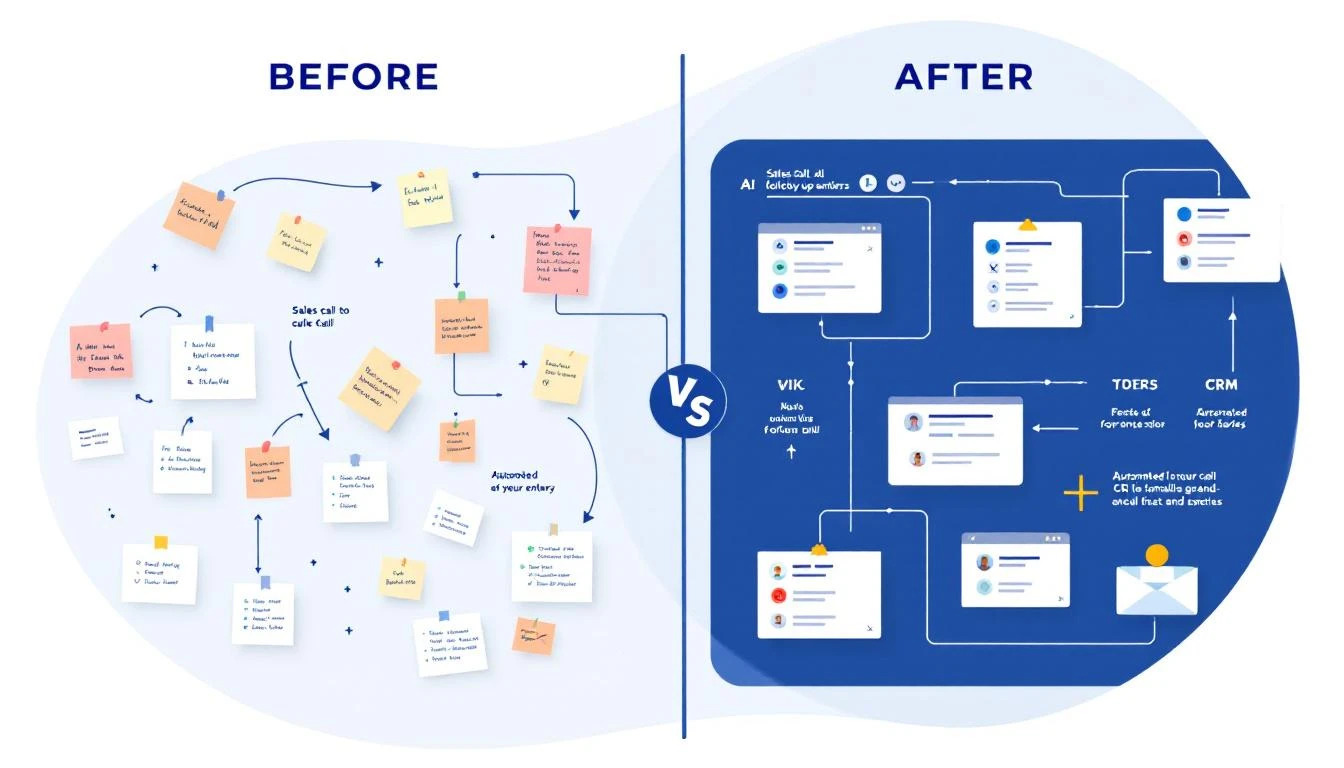
Before and after comparison of sales call follow-up workflows β€” manual chaos versus automated intelligence


The Post-Call Black Hole (By the Numbers)​

The data on what happens after sales calls is brutal:

  • Sales reps spend only 28% of their time actually selling. The rest goes to admin, CRM updates, and internal coordination (Salesforce)
  • 32% of reps spend more than an hour per day on manual data entry alone (Saleslion)
  • 68% of sales professionals cite note-taking and CRM data input as their most time-consuming task (EverReady)
  • 44% of salespeople give up after a single follow-up β€” even though 80% of deals require five or more touches (ZoomInfo)
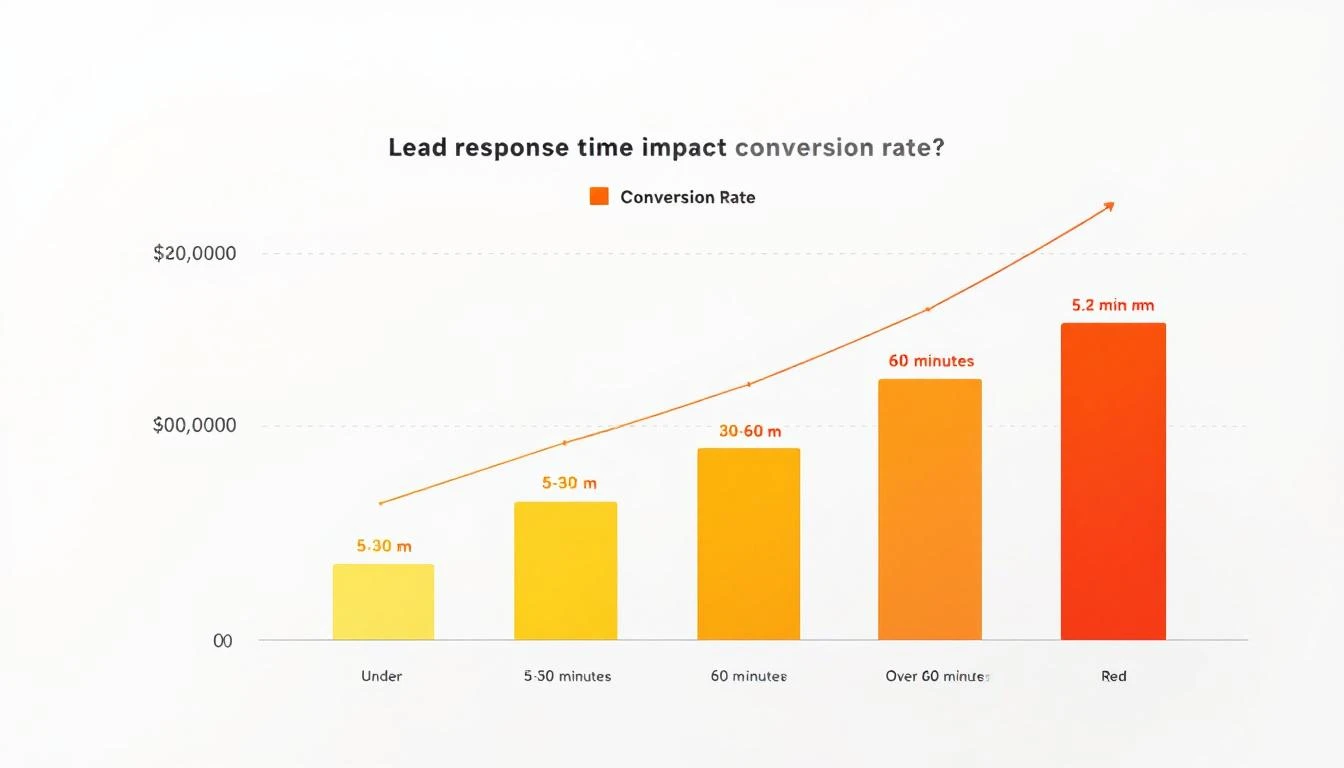
  • Responding within 5 minutes makes you 9x more likely to convert a lead. After an hour, odds drop by 10x

That means your best sales calls β€” the ones with real buying signals β€” are being fed into a black hole of forgotten details, generic follow-ups, and CRM entries that tell you nothing.

The conversation intelligence market (Gong, Chorus, Clari) exists because of this exact problem. Gong alone has crossed $300M ARR. But most of these tools give you analytics about calls after the fact. What sales teams actually need is a workflow that turns every call into immediate action.


What Should Happen After Every Sales Call​

Here's the post-call workflow that top-performing teams run β€” and what it looks like when it's automated versus manual.

Step 1: Auto-Extract Action Items and Key Moments​

The manual way: Rep opens a doc, tries to remember what was said, types up bullet points between calls. Half the details are missing. Specific quotes are gone. The action items are vague ("send pricing").

The automated way: The call recording is processed immediately. AI extracts:

  • Every action item mentioned (by either party)
  • Pricing discussions and budget signals
  • Timeline and urgency indicators
  • Specific pain points the prospect described
  • Questions that went unanswered (opportunities for follow-up)
  • Competitor mentions and what was said about them

This isn't a transcript dump. It's structured intelligence that feeds directly into the next steps.

Why it matters: A first follow-up email generates 220% higher reply rates than the initial outreach β€” but only when it's relevant. Generic "great chatting with you" emails don't move deals.
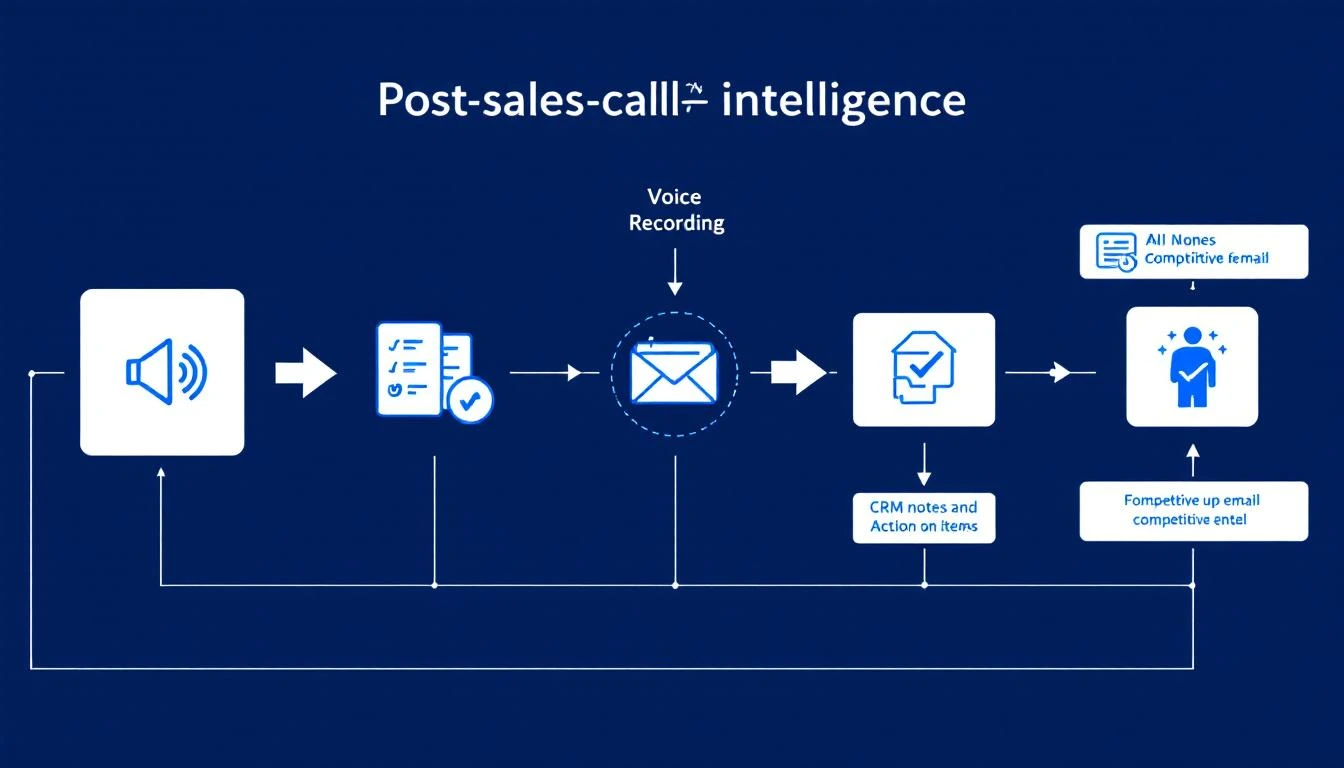
Post-call intelligence pipeline showing how voice recordings flow into AI analysis, CRM updates, follow-up emails, and competitive intel


Step 2: Update CRM With Real Notes (Not "Good Call")​

The manual way: Rep types "Good call. Interested in our platform. Will send follow-up." This tells your sales manager nothing. It tells the AE who inherits the deal nothing. In three weeks when the prospect resurfaces, nobody knows what was actually discussed.

The automated way: CRM is updated with structured, searchable notes:

  • Budget: Prospect mentioned $50K annual budget, currently spending $35K on incumbent
  • Authority: Spoke with VP of Sales, but CFO has final sign-off
  • Need: Current tool doesn't integrate with HubSpot; reps spending 2 hours/day on manual data entry
  • Timeline: Need a solution before Q3 kickoff (July)
  • Competition: Evaluating Vendor X and Vendor Y; likes Vendor X's reporting but concerned about their pricing model
  • Next Steps: Send ROI calculator by Friday; schedule demo with their SDR team lead next Tuesday

This is the difference between a CRM that's a graveyard of "Good call" notes and one that's a living deal intelligence system.

The impact: Companies using CRM systems effectively are 29% more likely to hit their sales quotas. But the CRM is only as good as the data that goes into it β€” and right now, your reps are putting in almost nothing useful.


Step 3: Generate a Personalized Follow-Up Email​

The manual way: Rep opens their email template, changes the name, maybe adds one line about the call. Sends it 4 hours later (if at all). The email reads like every other follow-up the prospect received that day.

The automated way: Within minutes of the call ending, a draft follow-up is generated that:

  • References specific things the prospect said ("You mentioned your team is spending 2 hours a day on manual CRM entry β€” here's how we eliminate that")
  • Addresses their stated concerns ("I know integration with HubSpot is a dealbreaker, so I'm attaching our integration guide")
  • Includes the specific next steps discussed ("As agreed, here's the ROI calculator. I'll send a calendar invite for next Tuesday's demo with your SDR lead")
  • Positions against the competitors they mentioned (without being aggressive)

The rep reviews and sends in 60 seconds instead of crafting from scratch in 15 minutes.

Why speed matters: 50% of email responses happen within 60 minutes of receiving. The faster your follow-up lands, the more likely it gets a response while the conversation is still fresh.


Step 4: Flag Competitive Mentions for the Team​

The manual way: Rep casually mentions in standup, "Oh yeah, they're also looking at Vendor X." The manager nods. Nobody does anything with this information. Three weeks later, the prospect chooses Vendor X because your team never addressed the comparison.

The automated way: Every competitive mention is automatically:

  • Logged with full context (what the prospect said about the competitor, what they liked, what concerned them)
  • Routed to the right people (sales manager, product marketing, competitive intel team)
  • Matched with battlecard content so the rep has specific talk tracks for the next call
  • Aggregated across all deals to show competitive trends ("Vendor X has been mentioned in 40% of our lost deals this quarter")

This turns random sales call chatter into a competitive intelligence system. When your product team asks "what are prospects saying about Vendor X?" you have real data instead of anecdotes.


Step 5: Prep the AE With a Handoff Brief​

The manual way: SDR books the meeting, sends the AE a one-liner: "Meeting with Jane at Acme Corp, they're interested." The AE walks in cold, asks the same discovery questions the prospect already answered, and the prospect mentally checks out.

The automated way: Before the next meeting, the AE receives a comprehensive brief:

  • Company snapshot: Size, industry, tech stack, recent news
  • Conversation history: Key quotes, pain points, what got them excited
  • Competitive landscape: Who else they're evaluating and why
  • Buying committee: Who else needs to be involved, their likely concerns
  • Recommended approach: Based on what worked in the discovery call, lead with the integration demo, not the analytics pitch
  • Landmines to avoid: Prospect had a bad experience with long onboarding at their last vendor β€” emphasize our time-to-value

This is the difference between an AE who looks prepared and one who looks like they didn't bother reading the notes (because there were no useful notes to read).
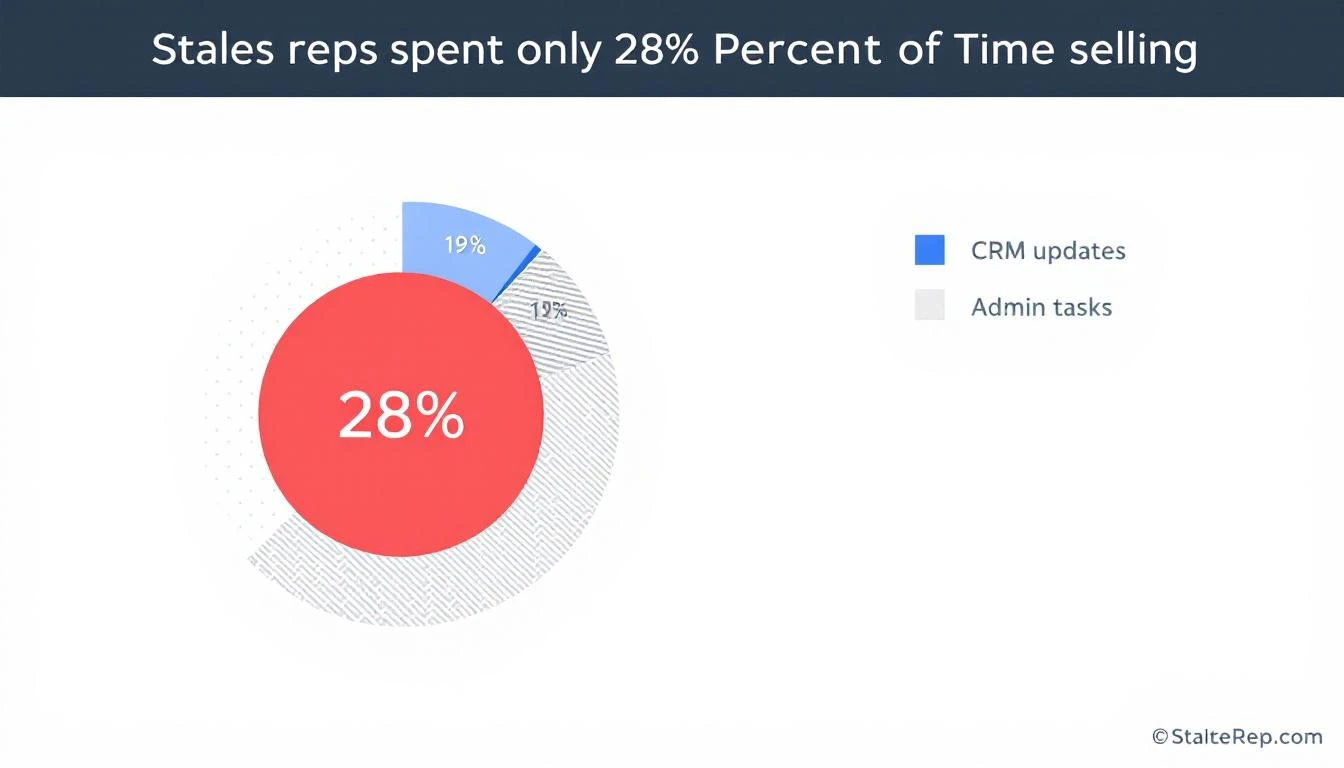
Sales rep time allocation showing only 28% spent selling, with 19% on CRM updates and the rest on admin tasks


The Before and After​

Let's make this concrete. Same deal, two scenarios.

Before: The Manual Post-Call Workflow​

StepWhat HappensTimeQuality
Call endsRep jumps to next call0 minβ€”
CRM update"Good call, interested"2 minUseless
Follow-up emailTemplate with name swapped15 min (4 hrs later)Generic
Competitive intelMentioned in standup, forgotten30 secLost
AE handoff"They're interested, go get 'em"1 minBlind
Deal outcomeStalls after 2nd call. Loses to competitor who addressed specific concerns.

After: The Automated Post-Call Workflow​

StepWhat HappensTimeQuality
Call endsRecording auto-processed0 minβ€”
CRM updateBANT notes, quotes, next stepsAutomaticRich, searchable
Follow-up emailPersonalized draft referencing specific discussion1 min to reviewHighly relevant
Competitive intelFlagged, routed, battlecard attachedAutomaticActionable
AE handoffFull brief with recommended approachAutomaticPrepared
Deal outcomeAE nails the demo, addresses competitor concerns proactively. Closes in 3 weeks.

The difference isn't one step. It's every step compounding. The personalized follow-up keeps the prospect warm. The competitive flags ensure you're never blindsided. The AE brief means the demo feels like a conversation, not an interrogation.


Why This Matters More Than You Think​

The conversation intelligence market is projected to grow at 14%+ CAGR because companies are realizing that calls are the highest-value data source in their sales process β€” and they're throwing most of that data away.

Think about it: your sales calls contain:

  • Exact words prospects use to describe their pain (use these in marketing)
  • Budget ranges and buying timelines (use these for forecasting)
  • Competitive positioning intelligence (use these for product roadmap)
  • Objections and concerns (use these for sales enablement)

Every call is a goldmine. But if the only output is "Good call, will follow up," you're literally leaving revenue intelligence on the table.

Teams that implement automated post-call workflows typically see:

  • 10-25% improvement in win rates by surfacing what top reps do differently
  • 3-5 hours per rep per week freed from manual CRM entry and note-taking
  • 40-60% faster follow-up times because the email is drafted before the rep finishes their next call
  • Significantly better AE conversion rates because handoff quality improves dramatically

How to Get Started​

You don't need to automate everything on day one. Start with the highest-impact piece and build from there:

Week 1: Fix Your CRM Notes Record every call (most conferencing tools support this natively now). Use the recordings to create structured notes β€” even if someone does it manually at first. The goal is to establish the habit of BANT-structured notes instead of "Good call."

Week 2: Templatize Your Follow-Ups (But Make Them Smart) Create follow-up email templates that have fill-in-the-blank sections for specific discussion points. This forces reps to reference the actual conversation, not send generic copy.

Week 3: Build the Competitive Intel Loop Create a shared doc or channel where reps log every competitive mention. Review it weekly in your team meeting. You'll be shocked at how much intelligence is currently being lost.

Week 4: Automate It This is where platforms like MarketBetter come in. Instead of manual processes, the AI handles the extraction, the CRM update, the follow-up draft, and the competitive flagging β€” all from the call recording. Your reps just review and approve.

The SDR teams that are winning right now aren't the ones making the most calls. They're the ones that extract the most value from every call they make. The post-call workflow is where deals are won or lost β€” and most teams are losing there without even knowing it.


The Bottom Line​

Every sales call generates intelligence. The question is whether you capture it or let it evaporate.

The difference between a rep who closes and a rep who doesn't isn't always skill β€” it's often workflow. The best closers have systems that ensure nothing falls through the cracks. The follow-up is personalized. The CRM is accurate. The next meeting is prepped. The competitive threats are addressed.

That's not magic. That's a post-call workflow that actually works.

If your reps are still typing "Good call" into Salesforce, it's time to fix that. Your pipeline will thank you.


Ready to automate your post-call workflow? See how MarketBetter turns every sales call into pipeline action β†’

Your Website Visitors Are Having Conversations β€” With Nobody [2026]

Β· 13 min read
sunder
Founder, marketbetter.ai

Traditional chatbot vs AI voice avatar engaging website visitors

It's 11:47 PM on a Tuesday. A VP of Sales at a 200-person SaaS company lands on your website. She's been researching solutions for three weeks. She's read your case studies, compared you against two competitors, and she's ready to talk pricing.

She clicks the chat widget in the bottom-right corner.

"Hi! How can I help you today?"

She types: "I have a team of 12 SDRs. What does pricing look like for annual plans with CRM integration?"

The chatbot responds: "Thanks for reaching out! Here are some helpful resources about our pricing..." followed by three links she's already read.

She closes the tab. Your competitor had a real conversation with her the next morning. You lost the deal before your sales team even knew she existed.

This is happening on your website right now. And it's costing you more than you think.

The Chatbot Graveyard: $9.5 Billion Spent, Most of It Wasted​

Here's the uncomfortable truth about B2B chatbots in 2026:

  • 70% of B2B website visitors leave without converting β€” and most never come back
  • The average B2B website converts at just 1.8% of visitors
  • B2B bounce rates sit between 30% and 55%, meaning half your paid traffic disappears instantly
  • Chatbot conversations that hit a dead end β€” where the visitor reaches a point with no clear next step β€” are the number one reason for abandonment

The chatbot market is worth $9.57 billion in 2025 and is projected to hit $11.8 billion by 2026. Companies are spending more than ever on conversational tools. But most B2B chatbots are doing what they've always done: serving up canned responses, routing people to knowledge base articles, and calling it "engagement."

It's like hiring a receptionist who can only read from a script. Sure, they're sitting at the front desk. But they're not actually helping anyone.

Why Traditional Chatbots Fail B2B Buyers​

The problem isn't that chatbots exist. It's that most chatbots are built for deflection, not conversion.

Traditional B2B chatbots are designed to reduce support tickets. They match keywords to pre-written answers. They follow rigid decision trees. They can tell someone your office hours but can't explain why your product is different from the competitor they just evaluated.

Here's what that looks like in practice:

Visitor: "How does your visitor identification compare to Warmly?" Chatbot: "Great question! Here's a link to our features page."

Visitor: "I downloaded your whitepaper last week. Can someone walk me through implementation for a team our size?" Chatbot: "Would you like to book a demo? Here's our calendar link."

Visitor: "What's the ROI look like for a 10-person SDR team?" Chatbot: "Thanks for your interest! A team member will get back to you during business hours."

Every one of these is a missed conversion. The visitor had buying intent. They asked a real question. And they got a vending machine response.

Research backs this up: businesses using AI chatbots see conversion rates 3x higher than those using basic web forms. But that stat only applies to chatbots that can actually hold a conversation. The gap between a smart conversational AI and a keyword-matching FAQ bot is the difference between a 2% conversion rate and a 6%+ conversion rate.

The Voice Avatar Difference: From FAQ Bot to AI Sales Rep​

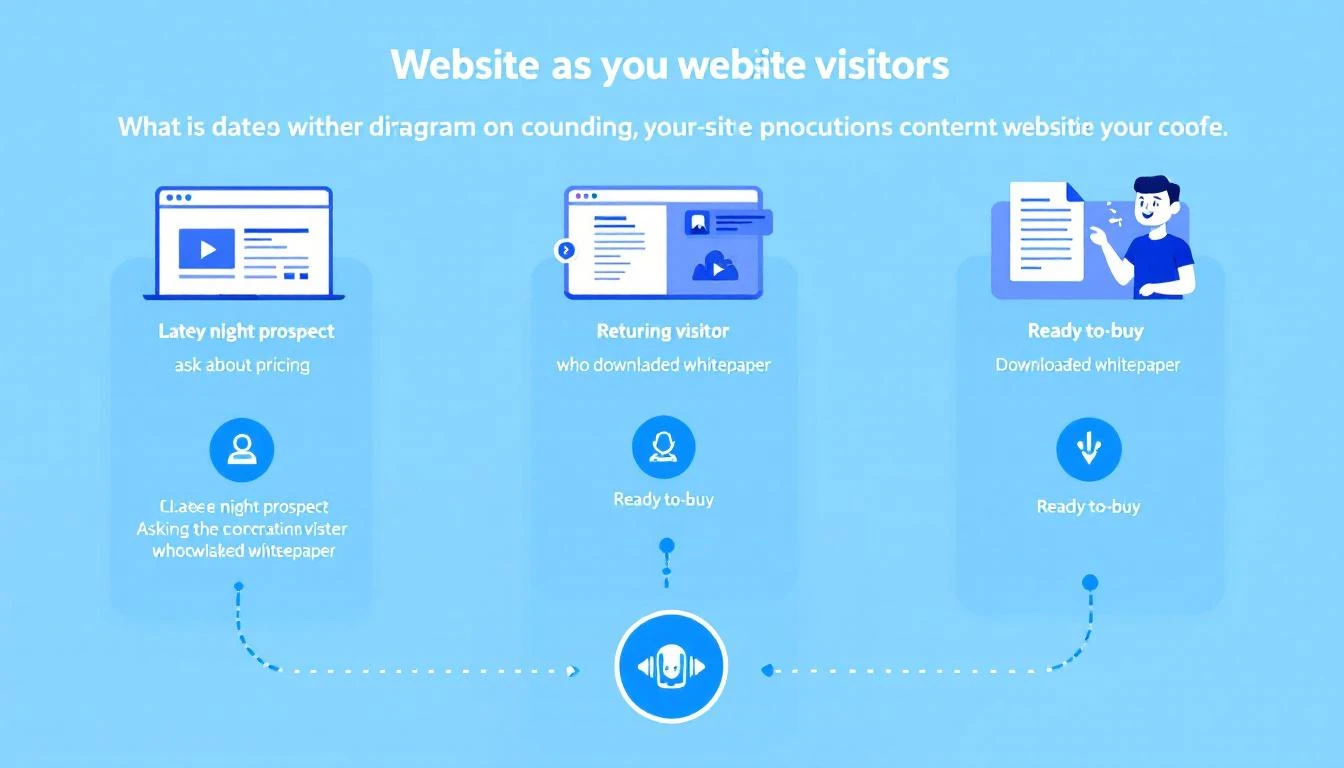
Three visitor scenarios handled by an AI voice avatar

What if your website could actually talk to visitors?

Not just display text responses. Not just route people through a decision tree. But actually speak β€” with a voice avatar that understands context, remembers previous interactions, answers nuanced questions, and takes action?

This is where voice-enabled AI changes the game for B2B websites. Instead of a text widget that visitors ignore after one disappointing interaction, you get an AI-powered sales rep that:

  • Speaks naturally in real-time, creating the feel of a real conversation
  • Understands context β€” what page they're on, what they've already looked at, and what stage of the buying journey they're in
  • Answers real questions about pricing, features, competitive differences, and implementation
  • Books meetings directly on your team's calendar without the "someone will get back to you" runaround
  • Hands off to humans when the conversation needs a real person, with full context preserved
  • Works 24/7 β€” including at 11:47 PM on a Tuesday when your best prospect is finally ready to engage

The difference isn't incremental. Organizations implementing voice AI in their sales process report 43% higher win rates and 37% faster sales cycles compared to those relying on traditional engagement tools.

Three Scenarios Where Voice Beats Text (Every Time)​

Let's walk through the exact scenarios where a voice-enabled AI avatar outperforms a traditional chatbot β€” and what the revenue impact looks like.

Scenario 1: The Late-Night Decision Maker​

The situation: It's 11 PM Central Time. A Director of Revenue Operations at a mid-market SaaS company is on your pricing page. She's been evaluating three vendors this week. Her shortlist presentation to the VP of Sales is tomorrow at 9 AM.

What a traditional chatbot does: Shows an "away" message or offers to collect her email for follow-up. She fills out the form. Your SDR sees it at 9 AM the next morning β€” by which time she's already presented her shortlist. You weren't on it.

What a voice avatar does: Engages immediately. "Hey, I can see you're looking at our Enterprise plan. Happy to walk you through pricing for your team size β€” what's your SDR headcount?" She says "twelve." The avatar explains pricing tiers, compares relevant features against the competitors she mentioned, and books a 15-minute call with your AE for 8:30 AM β€” before her presentation. You make the shortlist.

Revenue impact: The difference between being on a shortlist and being forgotten. For a $40K ACV deal, that's a conversion worth protecting.

Scenario 2: The Returning Whitepaper Reader​

The situation: Someone downloaded your "Complete Guide to B2B Intent Data" two weeks ago. Now they're back on your site, browsing the integrations page and checking out your visitor identification tools comparison.

What a traditional chatbot does: Treats them like a first-time visitor. "Hi! Welcome to our site. How can I help?" No memory. No context. The visitor has to re-explain everything from scratch β€” if they bother engaging at all.

What a voice avatar does: Recognizes the returning session. "Welcome back β€” last time you grabbed our intent data guide. Looks like you're checking out integrations now. Are you evaluating how this would fit into your current stack?" The conversation picks up where intent left off. The avatar can reference the content they've consumed and connect the dots between what they've researched and what they actually need.

Revenue impact: Returning visitors convert at 5x the rate of first-time visitors β€” but only if you treat them like returning visitors. Context-aware engagement is the difference.

Scenario 3: Tire-Kicker vs. Ready Buyer​

The situation: Two visitors are on your site at the same time. Visitor A is a marketing intern researching tools for a blog post. Visitor B is a VP of Sales who just got budget approved and needs to make a decision this quarter.

What a traditional chatbot does: Gives both of them the same experience. Same generic welcome. Same canned responses. Same "book a demo" CTA. Your SDR team wastes 20 minutes on a discovery call with the intern before realizing it's not a real opportunity.

What a voice avatar does: Within 30 seconds of conversation, the AI classifies intent. The intern gets helpful responses and relevant content links β€” a good brand experience, but no calendar push. The VP gets the red carpet: pricing specifics, ROI calculations for their team size, competitive positioning, and a meeting booked directly with a senior AE. The avatar uses real-time intent classification, not keyword matching, to route each conversation appropriately.

Revenue impact: Your SDR team spends zero time on unqualified conversations. Every meeting booked is with a real buyer.

The Conversion Math: Why This Matters at Scale​

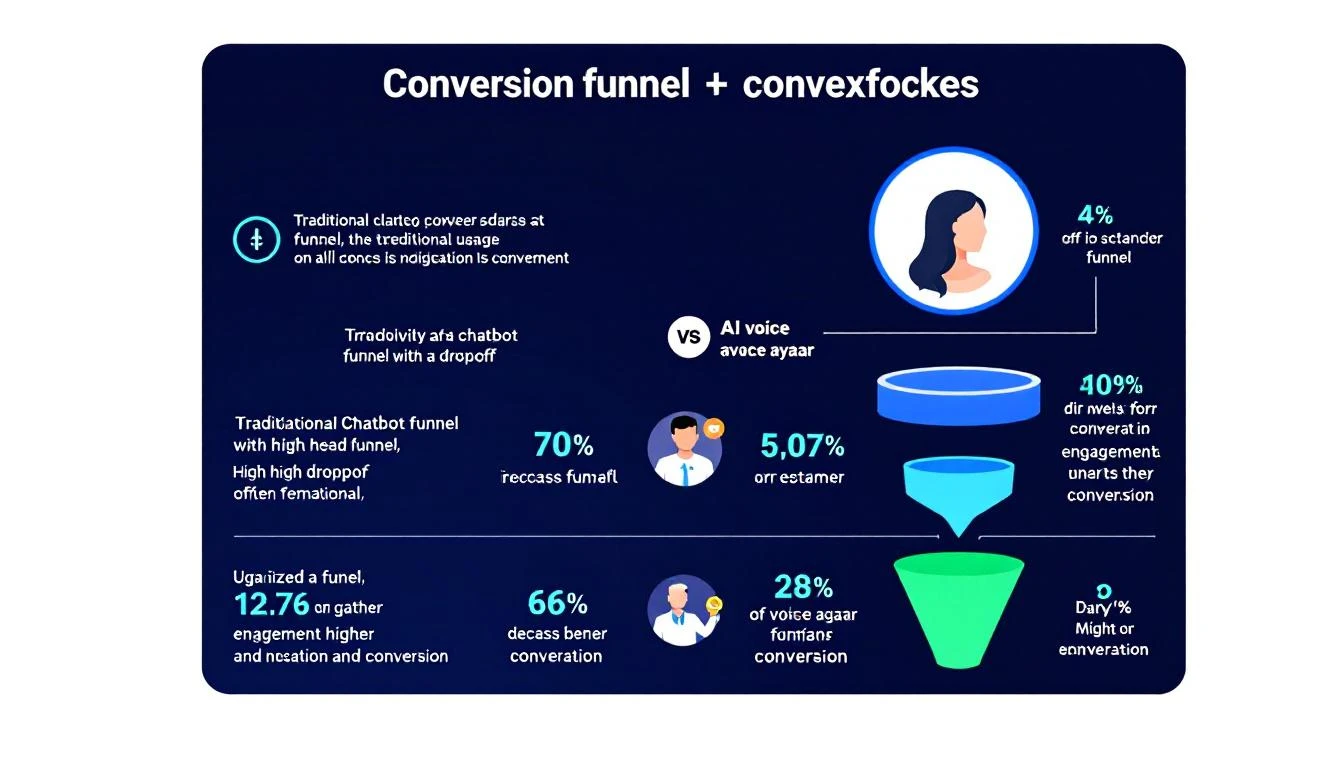
Conversion funnel comparison: traditional chatbot vs AI voice avatar

Let's run the numbers on a typical B2B website:

MetricTraditional ChatbotVoice-Enabled AI Avatar
Monthly website visitors10,00010,000
Chat/voice engagement rate2-3%8-12%
Conversation completion rate25%70%+
Meeting booking rate5% of conversations20%+ of conversations
Qualified meetings/month1-414-24
After-hours coverage❌ Form onlyβœ… Full AI voice

That's the difference between 1-4 qualified meetings per month and 14-24. At a $30K average deal size and a 25% close rate, that's the difference between $7.5K-$30K in pipeline and $105K-$180K in pipeline β€” from the same traffic you're already paying for.

The traffic isn't the problem. The conversation is the problem.

Companies that use AI-powered chatbots already see 2.5x higher conversion into sales compared to traditional approaches. Add voice β€” with natural conversation, real-time context, and instant action β€” and that multiplier goes even higher.

What a Voice-Enabled Website Actually Looks Like​

Here's what the experience looks like when it's done right:

Step 1: Visitor arrives on your site. The AI avatar appears β€” not as a jarring popup, but as a subtle, friendly presence. On high-intent pages (pricing, comparisons, case studies), it proactively offers to help.

Step 2: The conversation starts. The visitor can type or speak. The avatar responds in natural voice, creating an experience that feels like talking to a knowledgeable team member rather than navigating a phone tree.

Step 3: Context drives the conversation. The avatar knows what page they're on, what content they've consumed, whether they've visited before, and what their likely buying stage is. It asks smart follow-up questions, not generic qualifiers.

Step 4: Action happens in real-time. Need pricing? The avatar pulls relevant tier information and walks through it. Want to compare features? It presents a tailored comparison based on the specific competitor the visitor mentioned. Ready to talk to a human? The avatar checks your team's calendar and books a meeting β€” right then and there.

Step 5: Handoff is seamless. When a live rep takes over, they get the full conversation context: what the visitor asked, what they care about, what objections came up, and what stage they're in. No "so tell me about your business" restart.

Step 6: Even text interactions stay smart. Some visitors prefer typing over speaking. The avatar adapts β€” maintaining the same intelligence, context awareness, and ability to take action whether the visitor is using voice or text. It can even trigger interactive forms mid-conversation for things like team size, tech stack, or use case qualification.

Five Signs Your Website Needs a Voice Upgrade​

If any of these sound familiar, your chatbot is leaving revenue on the table:

  1. Your after-hours form submissions go cold. By the time your SDR follows up, the buyer has moved on. Speed-to-lead matters β€” response time directly correlates with conversion.

  2. Visitors engage with chat once, get a canned answer, and never return. This is the classic chatbot graveyard. One bad experience kills future engagement.

  3. Your SDR team wastes hours on unqualified discovery calls. Without intent classification, every meeting request looks the same. Your top reps spend time on conversations that were never going to close.

  4. You can't differentiate returning visitors from first-timers. If your chatbot says "Hi! How can I help?" to someone who's visited 6 times and downloaded 3 pieces of content, you're actively degrading their experience. Visitor identification should inform every interaction.

  5. Your website conversion rate is under 2%. The B2B average is 1.8%. If you're at or below average with decent traffic, the problem isn't your product or your content β€” it's that visitors can't get answers when they need them.

The Bigger Picture: Your Website as a Revenue Engine​

The shift from text chatbot to voice-enabled AI avatar isn't just a UX upgrade. It's a fundamental change in how your website participates in the sales process.

Today, most B2B websites are passive. They display information and hope visitors self-serve their way to a demo form. The website is a brochure, not a team member.

A voice-enabled AI turns your website into an active participant in the sales process. It qualifies. It educates. It overcomes objections. It books meetings. It remembers. It works while your team sleeps.

This is where the AI SDR stack is heading. Not just automating outbound emails and LinkedIn messages, but creating intelligent, always-on engagement at every touchpoint β€” starting with the one place where buyers are already raising their hand: your website.

The companies that figure this out first will have a structural advantage. While competitors are still emailing "just checking in" follow-ups to cold form fills, you'll be having real conversations with ready buyers β€” at 2 AM, at 2 PM, whenever they show up.

How to Get Started​

You don't need to rip and replace your entire tech stack. Start here:

  1. Audit your current chatbot conversations. Pull the transcripts from the last 30 days. How many conversations ended with a canned response? How many visitors asked a real question and got a link dump? That's your baseline.

  2. Identify your highest-intent pages. Pricing, comparisons, case studies, and integration pages are where buyers go when they're close to a decision. These are your priority pages for voice-enabled engagement.

  3. Map your visitor segments. First-time vs. returning. Content consumer vs. pricing researcher. SMB vs. enterprise. Each segment should get a different conversation experience β€” just like they would if they called your office and talked to a real person.

  4. Start with after-hours coverage. The fastest ROI comes from engaging visitors who currently hit an "away" message or a dead form. If 40% of your traffic comes outside business hours, that's 40% of potential conversations you're missing entirely.

  5. Measure conversations, not just clicks. Traditional chatbot metrics β€” "chat initiated," "messages sent" β€” are vanity metrics. Track conversation completion rate, meeting booking rate, and speed-to-qualified-meeting. Those are the numbers that connect to revenue.

The AI sales chatbot landscape is evolving fast. The gap between FAQ bots and genuine conversational AI is widening every quarter. The question isn't whether voice-enabled AI will become the standard for B2B websites. It's whether you'll be early enough to capture the advantage.


Your website visitors are already trying to have conversations. The only question is whether anyone's listening.

See how MarketBetter turns website visitors into booked meetings β†’

From Signal to Meeting: How Top SDR Teams Convert Intent Data Into Pipeline in 24 Hours [2026]

Β· 9 min read
sunder
Founder, marketbetter.ai

Here's the uncomfortable truth about intent data in 2026: most teams that buy it don't use it well.

They have visitor identification. They have intent signals. They have enrichment tools. And they still take 48+ hours to follow upβ€”if they follow up at all.

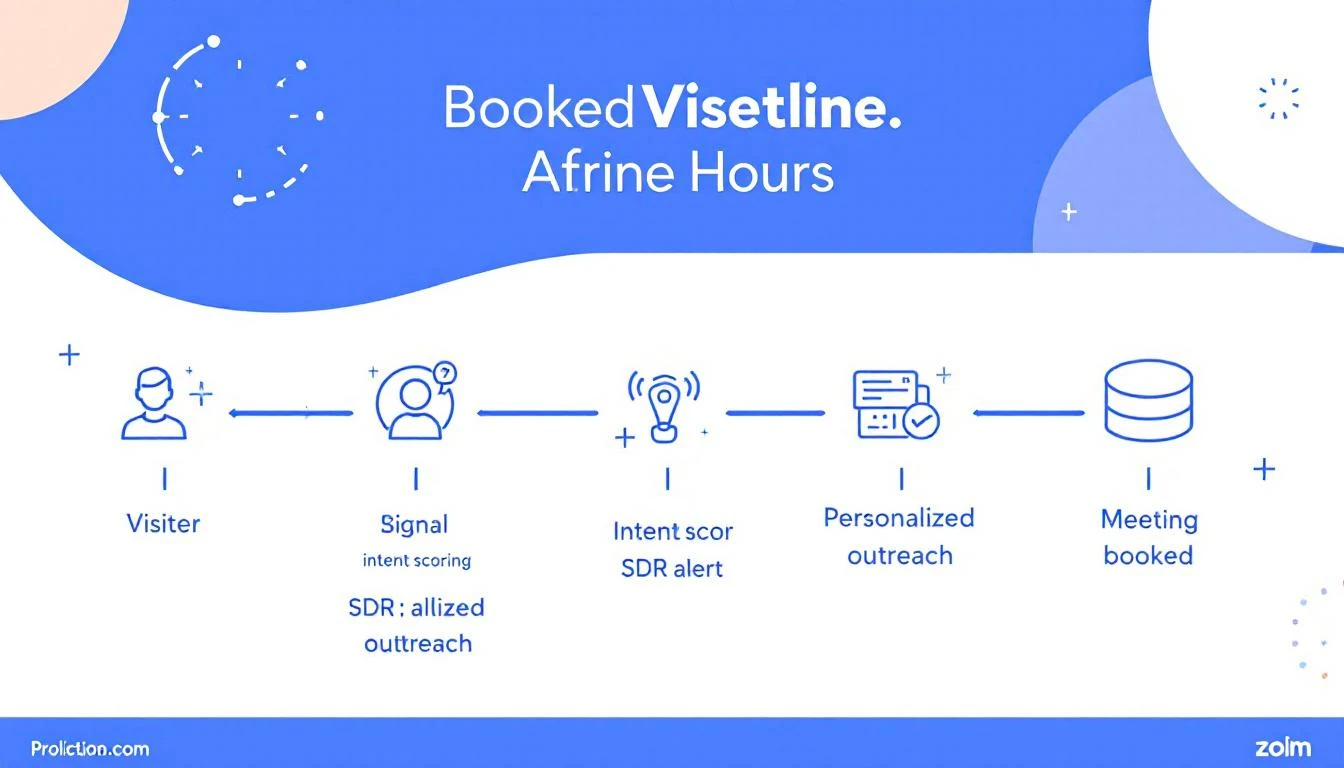
Meanwhile, the teams booking 3-5x more meetings from the same traffic aren't using better data. They're using better workflows. Specifically, they've built a system that moves from signal detection to a booked meeting in under 24 hours.

This post breaks down exactly how they do it.

Signal to meeting pipeline showing the 24-hour journey from visitor identification to booked meeting


Why Speed Kills (Your Competition)​

The data on speed-to-lead is brutal and well-documented:

  • Responding within 5 minutes makes you 21x more likely to qualify a lead than responding after 30 minutes (InsideSales/XANT research)
  • 78% of B2B buyers purchase from the vendor that responds first (Drift/Salesloft)
  • After 1 hour, your odds of meaningful contact drop by 10x
  • After 24 hours, most buying intent has cooled significantlyβ€”the prospect has moved on, talked to a competitor, or deprioritized the evaluation

Yet the average B2B company takes 42 hours to respond to an inbound lead. For anonymous visitor signals (which aren't even "leads" in the traditional sense), most companies never respond at all.

That's the gap. And it's where pipeline lives.

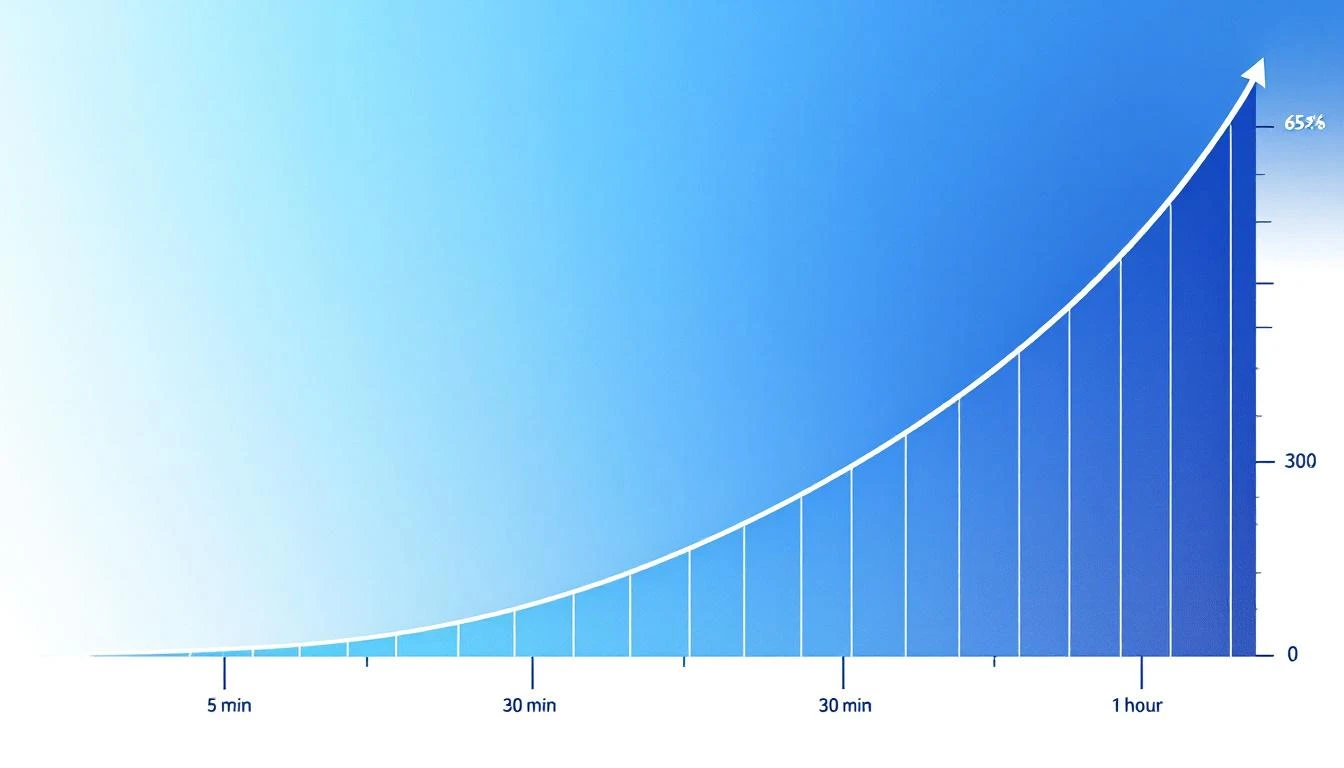
Speed to lead conversion curve showing dramatic drop-off after 5 minutes


The 24-Hour Signal-to-Meeting Framework​

The best SDR teams we've studied follow a remarkably similar pattern. Here's the framework broken into four phases:

Phase 1: Signal Detection (0-1 Hours)​

This is where most teams already have the tools but lack the filtering logic. You don't need to act on every visitorβ€”you need to act on the right visitors immediately.

What "right" looks like:

Signal TypePriorityResponse Window
Pricing page visit + ICP matchπŸ”΄ CriticalUnder 1 hour
Multiple page visits in one session🟠 HighUnder 4 hours
Return visitor (2nd+ visit this week)🟠 HighUnder 4 hours
Blog/resource visit + ICP match🟑 MediumSame day
Single page bounceβšͺ LowNurture sequence

The mistake most teams make: treating all signals equally. A pricing page visit from a VP of Sales at a 200-person SaaS company is not the same as a blog reader from a university. Your system needs to know the difference instantly.

How to set this up:

  1. Configure visitor identification with firmographic filteringβ€”company size, industry, and job title should be immediately visible
  2. Set up real-time alerts for critical signals (pricing page + ICP match should trigger a Slack/Teams notification within minutes)
  3. Auto-enrich identified visitors with company data, recent news, tech stack, and funding info before the SDR even sees the alert

The goal: when your SDR gets the notification, they should have everything they need to personalize outreach in the alert itself. Zero research required.


Phase 2: Prioritized Outreach (1-4 Hours)​

This is where workflows beat willpower.

The SDR who "checks the dashboard when they get around to it" will always lose to the SDR who has a structured morning routine built around intent signals.

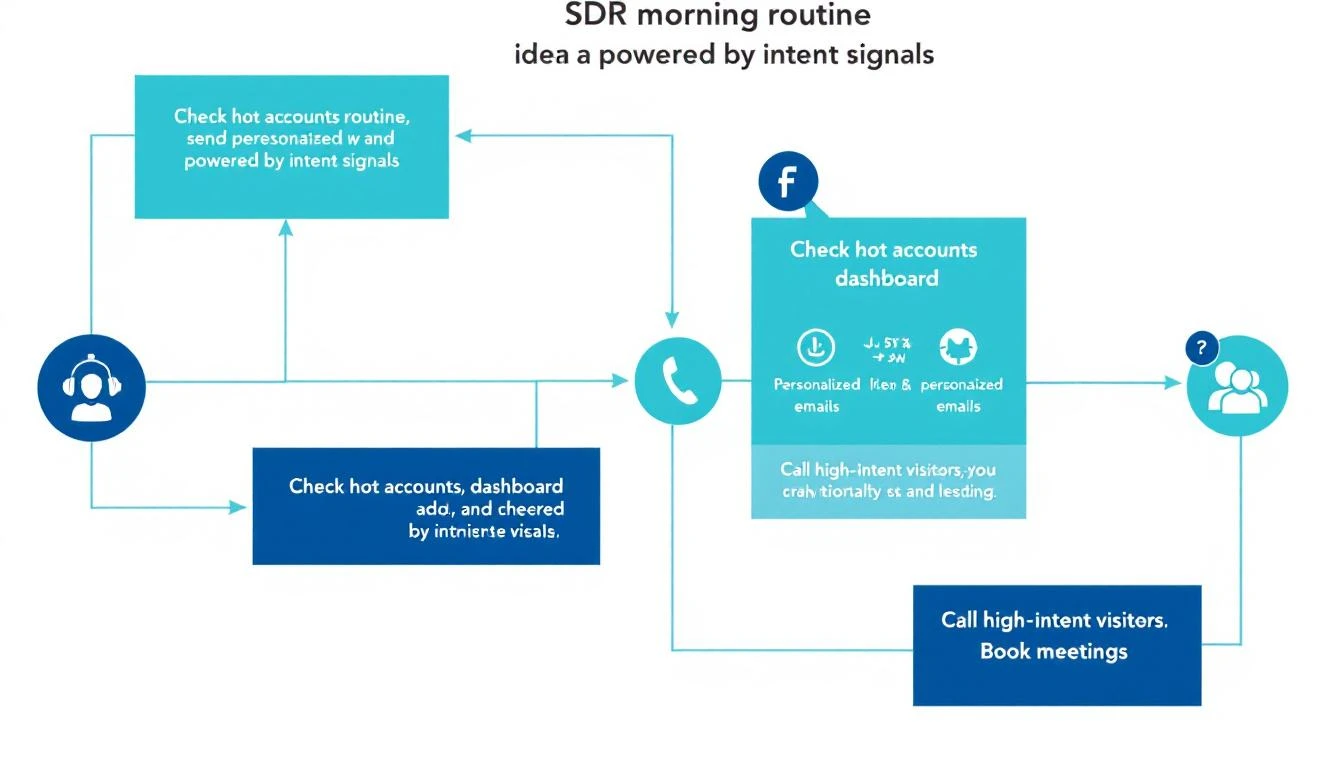
SDR morning workflow powered by intent signals

The SDR's First 30 Minutes (Daily Routine):

  1. Open your prioritized queue β€” not a raw dashboard, but a filtered, ranked list of yesterday's and overnight's high-intent visitors
  2. Review the top 5 accounts β€” each should show: company name, visitor pages viewed, time on site, firmographic match score, and a suggested talk track
  3. Send personalized outreach to the top 3 β€” email or LinkedIn, referencing what they were researching (without being creepy about it)
  4. Queue calls for the top 2 β€” phone is still the fastest path to a meeting for hot signals
  5. Move remaining accounts to automated sequences based on their signal tier

The personalization formula that works:

"Hi {first_name}, I noticed {company_name} has been evaluating {category} solutions. A lot of {industry} teams we work with were dealing with {common pain point}β€”is that on your radar too?"

Notice what this doesn't say: "I saw you visited our pricing page at 2:47 PM." That's surveillance, not sales. Reference the category and pain point, not the specific behavior.


Phase 3: Multi-Touch Acceleration (4-12 Hours)​

One email isn't a strategy. The teams converting at the highest rates run a multi-touch sequence within the first 12 hours for critical signals:

Hour 0-1: Personalized email (referencing their research area)

Hour 2-3: LinkedIn connection request with a note (keep it shortβ€”compliment something specific about their work)

Hour 4-6: Phone call attempt #1 (leave a voicemail that references the email)

Hour 8-12: Follow-up email with a specific resource relevant to what they were researching

Why multi-touch matters:

  • Email alone has a 2-5% reply rate
  • Email + LinkedIn bumps it to 8-12%
  • Email + LinkedIn + phone pushes it to 15-25% for ICP-matched, high-intent signals

The key insight: each additional channel doesn't just add impressionsβ€”it signals seriousness and competence. When a prospect sees your name in their inbox, on LinkedIn, and hears your voice on a voicemail within the same day, you're establishing that you're responsive, professional, and everywhere they need you to be.


Phase 4: Meeting Conversion (12-24 Hours)​

By hour 12, you should know which prospects are engaging (opened emails, accepted LinkedIn, visited again) and which went cold.

For engaged prospects:

  • Send a calendar link with 2-3 specific time slots (not an open calendarβ€”too much friction)
  • Reference their engagement: "Saw you checked out our case study on {topic}β€”happy to walk you through how {similar company} got {specific result}. Does Thursday at 2 PM CT work?"
  • If they visited again after your outreach, call immediatelyβ€”they're actively evaluating

For cold prospects (no engagement after 12 hours):

  • Move to a 7-day nurture sequence with value-first content
  • Set a reminder to re-engage if they visit again (this is where automation earns its keep)
  • Don't force itβ€”not every signal converts, and that's fine

The math that makes this work:

Let's say your site gets 1,000 B2B visitors per month. With visitor identification at a 20% match rate, that's 200 identified companies. Of those, maybe 40 match your ICP. With the 24-hour framework:

  • 40 ICP-matched signals per month
  • 60% outreach rate (24 contacted per month)
  • 15% meeting conversion rate
  • = 3-4 new meetings per month from existing traffic alone

That's pipeline from visitors who would have otherwise bounced forever. No ad spend. No cold lists. Just faster execution on signals you're already generating.


The 5 Mistakes That Kill Signal-to-Meeting Velocity​

1. Treating Your Dashboard Like a To-Do List​

Dashboards are for reporting, not for action. If your SDRs start their day by opening a dashboard and scrolling, you've already lost. They need a prioritized queue that tells them exactly who to contact and in what order.

2. Requiring Manual Research​

Every minute an SDR spends researching a prospect is a minute they're not reaching out. Auto-enrichment should deliver company info, recent news, tech stack, funding status, and a suggested talk track before the SDR sees the lead.

3. Waiting for "Marketing Qualified" Status​

MQL gates kill speed. If a VP of Sales at a 300-person SaaS company visits your pricing page, that's a signal worth acting on nowβ€”not after marketing scores it, nurtures it, and eventually passes it over in next week's pipeline meeting.

4. One-Channel Outreach​

Email-only follow-up is leaving meetings on the table. The data consistently shows that multi-channel sequences (email + LinkedIn + phone) convert 3-5x better than single-channel approaches.

5. No Feedback Loop​

If your SDRs don't report back which signals converted and which didn't, your system never improves. Build a simple closed-loop: signal β†’ outreach β†’ outcome β†’ adjust scoring. Over time, your system gets smarter about which signals actually predict meetings.


How to Measure Your Signal-to-Meeting Pipeline​

Track these four metrics weekly:

1. Signal-to-First-Touch Time How long between a high-intent signal firing and the SDR's first outreach? Target: under 4 hours for critical signals.

2. Multi-Touch Completion Rate What percentage of high-priority signals receive the full multi-touch sequence (email + LinkedIn + phone)? Target: 80%+.

3. Signal-to-Meeting Conversion Rate Of all high-intent signals, how many result in a booked meeting within 7 days? Target: 10-15% for ICP-matched visitors.

4. Pipeline from Signals (Attribution) How much pipeline can you directly attribute to visitor signals vs. cold outbound vs. inbound forms? This is your ROI metric.


The Bottom Line​

The gap between teams that struggle with intent data and teams that print pipeline from it isn't the data quality or the toolsβ€”it's the workflow.

Speed, prioritization, multi-channel execution, and a closed feedback loop. That's the formula.

The companies winning in 2026 don't have more data. They have faster systems for turning that data into conversations.

Your website visitors are already telling you who's interested. The question is whether your team can get to them before your competitor does.


Ready to turn your anonymous visitors into booked meetings? See how MarketBetter's signal-to-action playbook works β†’


Related reading:

How to Turn Website Visitors Into Pipeline in 24 Hours: A Step-by-Step Workflow [2026]

Β· 12 min read
MarketBetter Team
Content Team, marketbetter.ai

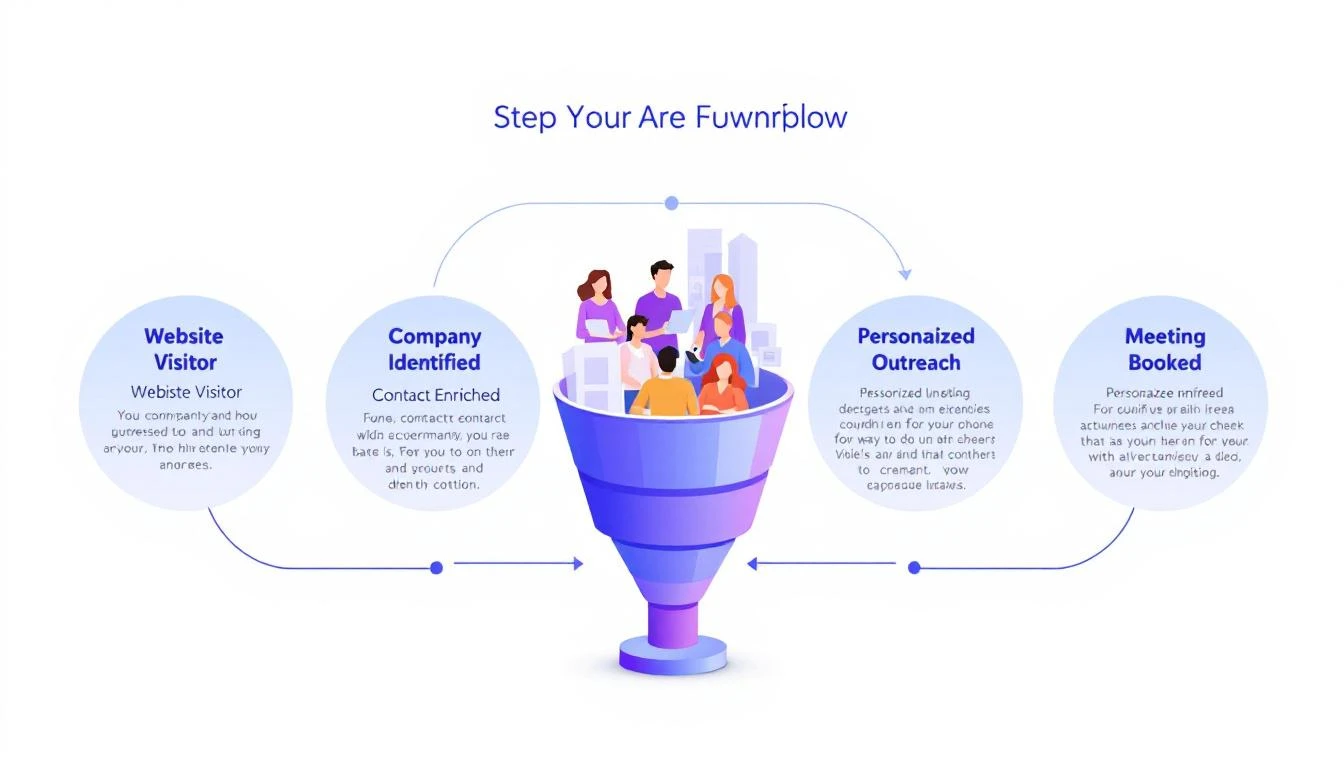
5-step workflow: Website Visitor to Meeting Booked

Here's a stat that should make every sales leader uncomfortable: 90% of website visitor identification data sits unused in dashboards. Companies pay $500–$2,000 per month for visitor ID tools, identify hundreds of companies visiting their site, and then... do nothing with it.

The problem isn't identification. The technology for website visitor identification works. Companies show up. Names get matched. Firmographic data populates.

The problem is what happens next.

Your sales team sees a notification that "Company X visited your pricing page." Great. Now what? Who at Company X should they contact? What should they say? How do they personalize outreach when they know nothing about the visitor's specific pain?

Most teams either ignore the data entirely or blast generic "I noticed you visited our website" emails that get deleted on sight.

This guide walks you through a repeatable 5-step workflow that takes you from anonymous website traffic to a booked meeting β€” consistently, in under 24 hours.

Why Most Visitor ID Programs Fail​

Before we fix the workflow, let's understand why it breaks.

The typical visitor ID program looks like this:

  1. Install a pixel on your website
  2. Wait for data to populate a dashboard
  3. Check the dashboard (maybe once a day, maybe once a week)
  4. See a list of companies β€” some recognizable, most not
  5. Feel overwhelmed by the volume and close the tab

The gap between "identified" and "contacted" is where pipeline goes to die. According to research from Opensend, IP-to-company matching delivers 70–80% accuracy for B2B identification. That means the identification layer works. But identification without action is just expensive analytics.

Three structural problems kill most visitor ID programs:

1. No prioritization framework. Not every visitor is equal. Someone who spent 12 minutes on your pricing page and came back twice is a completely different signal than a bot crawler hitting your homepage for 3 seconds. Without scoring, every lead looks the same.

2. No enrichment workflow. Visitor ID gives you the company. You need the person. That means enrichment β€” finding the right contacts, their roles, their email addresses, their LinkedIn profiles. Doing this manually for 50+ identified companies per day isn't realistic.

3. No speed. The data that speed-to-lead research has proven for years applies here: 78% of buyers choose the vendor that responds first. If you're checking your visitor dashboard on Monday morning and reaching out Tuesday afternoon, your competitor who automated the response already booked the meeting.

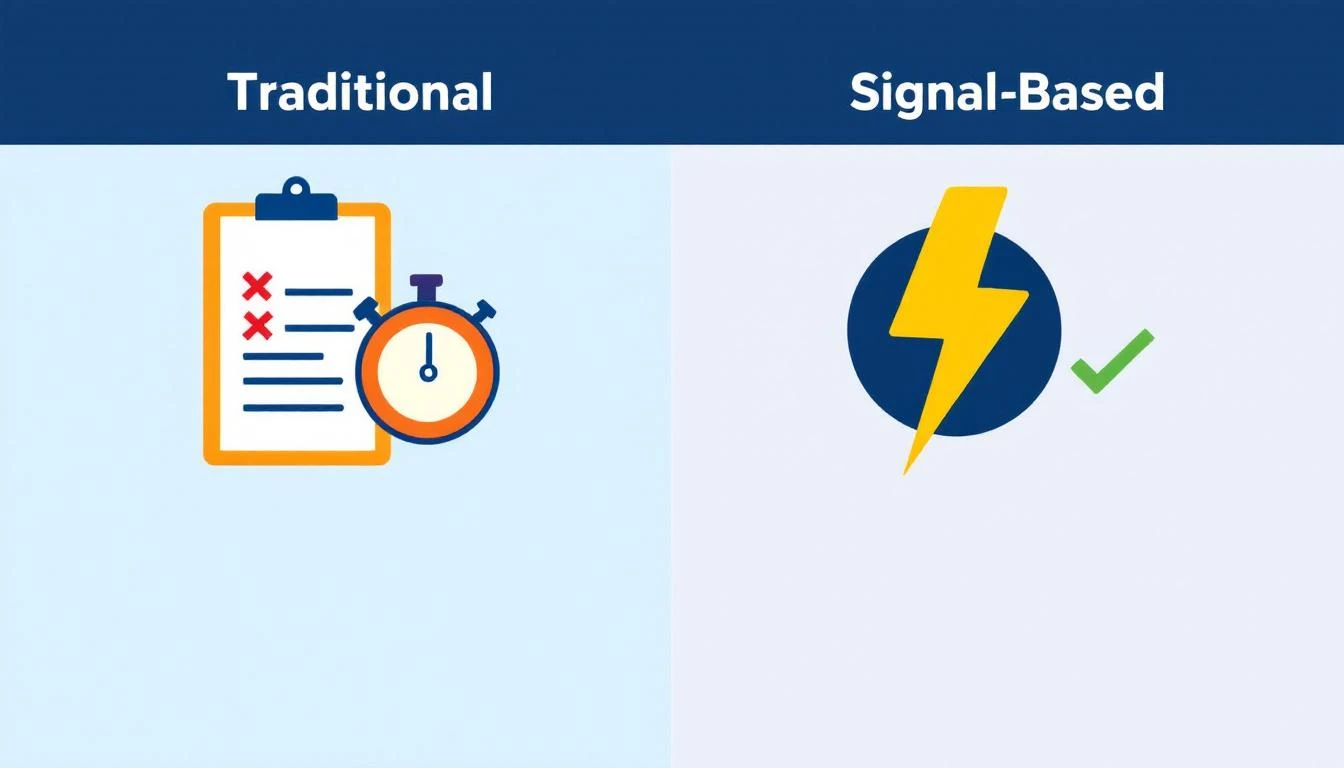
Traditional vs. Signal-Based Approaches

The 5-Step Visitor-to-Pipeline Workflow​

Here's the workflow that actually converts. Each step builds on the previous one, and the entire process should take less than 24 hours from first visit to first outreach.

Step 1: Identify and Filter (Automated β€” 0 Minutes)​

Your visitor identification tool captures company-level data: company name, industry, size, pages visited, time on site, and session frequency.

But raw visitor data is noise. You need a filter.

Set up qualification criteria before you start outreach:

SignalWeightWhy It Matters
Visited pricing pageHighActive buying signal
Returned 2+ times in 7 daysHighPersistent interest
Spent 5+ minutes on siteMediumEngaged, not bouncing
Company size matches ICP (50–500 employees)HighRight fit
Viewed product/feature pagesMediumEvaluating capabilities
Homepage only, single visitLowCould be anything
Blog post only, single visitLowContent consumer, not buyer

The rule: Only pass visitors that hit at least two "High" signals or one "High" plus two "Medium" signals to the enrichment step. Everything else goes into a nurture bucket.

This filter alone eliminates 60–70% of noise and lets your team focus on the visitors who are actually evaluating solutions.

If you're using a platform with a daily SDR playbook, this filtering happens automatically. The playbook surfaces the visitors worth contacting, ranked by intent strength, so your reps don't waste time sorting through raw lists.

Step 2: Enrich to Contact Level (5–10 Minutes per Account)​

Company-level identification is necessary but insufficient. You need names.

The enrichment workflow:

  1. Identify the buying committee. For a B2B SaaS sale, this typically includes:

    • The end user (SDR Manager, Demand Gen Manager)
    • The economic buyer (VP Sales, VP Marketing, CRO)
    • The technical evaluator (RevOps, Sales Ops)
  2. Find 2–3 contacts per identified company. Don't email one person and hope for the best. Multi-thread from the start.

  3. Gather enrichment data for each contact:

    • Work email (verified, not guessed)
    • LinkedIn profile URL
    • Current role and tenure
    • Recent activity (job change, promotion, company news)

The best lead enrichment tools can do this in seconds. Manual research on LinkedIn Sales Navigator takes 5–10 minutes per account. At scale, you need automation β€” researching 20 accounts manually every day burns 2+ hours that your SDR should spend on actual conversations.

Pro tip: Prioritize contacts who recently changed jobs. Job change signals are one of the strongest buying indicators β€” someone new in a role is 5x more likely to purchase new tools in their first 90 days. If your visitor ID catches a company where the VP Sales just started 2 months ago, that's a red-hot lead.

Step 3: Build Hyper-Personalized Context (10 Minutes per Account)​

This is where most teams fail. They skip this step entirely and send generic outreach. Don't.

Here's the context you need to build for each qualified, enriched account:

From your visitor data:

  • What specific pages did they visit? (This tells you their pain)
  • How long did they spend? (This tells you their urgency)
  • Did they return multiple times? (This tells you they're evaluating)
  • What content did they engage with? (This tells you their knowledge level)

From enrichment data:

  • What does this person's LinkedIn say about their priorities?
  • Has their company raised funding, made acquisitions, or announced growth?
  • Are they hiring for roles that indicate the problem you solve?

Combine into a "context brief":

"Sarah, VP Sales at Acme Corp (150 employees, SaaS). Visited pricing page + visitor ID feature page 3 times in 5 days. Company just raised Series B. Currently hiring 4 SDRs. Sarah joined 3 months ago from Gong."

That brief takes 10 minutes to build. But it gives your SDR everything they need to write outreach that feels personal β€” because it is personal.

This is fundamentally different from the "I noticed your company visited our website" approach. You're not leading with surveillance. You're leading with relevance.

Step 4: Execute Multi-Channel Outreach (15–20 Minutes per Account)​

Single-channel outreach is dead. Email-only response rates hover around 1–2% for cold outreach. But research from SalesHive shows that multi-channel sequences β€” layering email, phone, and LinkedIn β€” can drive up to 287% more engagement and 300% more conversions compared to email alone.

Here's a 5-touch sequence framework for visitor-sourced leads:

Day 1 (within 4 hours of identification):

  • LinkedIn: Connect with a personalized note referencing their role, not your product
  • Email #1: Reference the specific problem your visitor data suggests, share a relevant insight

Day 2:

  • Phone call: Direct dial. Reference the email. Keep it to 30 seconds β€” the goal is a conversation, not a pitch

Day 4:

  • Email #2: Share a customer story from a similar company/industry. Include a specific metric

Day 7:

  • LinkedIn: Engage with their content (comment, like). Send a follow-up message referencing something they posted

Day 10:

  • Email #3: "Break-up" email. Direct ask: "Is this a priority for your team right now, or should I check back in Q3?"

Critical rules:

  • Never mention you saw them on your website. It feels invasive. Instead, reference the problem their behavior suggests
  • Lead with value, not features. "Companies your size typically lose 35% of leads to slow response time" beats "We have an AI chatbot"
  • Personalize every touch. If your email could be sent to 100 people without changing a word, it's not personalized enough
  • Email deliverability matters more than email volume. A 95% delivery rate beats a 70% delivery rate with 3x the sends

For teams running this at scale, multi-channel orchestration platforms automate the timing and channel switching. The SDR's job shifts from "manage the sequence" to "have the conversation when someone responds."

Lead Response Time Impact on Conversion Rates

Step 5: Measure, Learn, Iterate (Weekly β€” 30 Minutes)​

The workflow doesn't end when outreach goes out. You need a feedback loop.

Track these metrics weekly:

MetricBenchmarkWhat It Tells You
Visitors identified β†’ outreach sent>80%Is the workflow running?
Outreach sent within 24 hours>90%Is speed-to-lead fast enough?
Email reply rate>5%Is personalization working?
Meeting booked rate (from visitor leads)>3%Is the full funnel converting?
Visitor-sourced pipeline as % of total>25%Is this channel material?

For more on the metrics that matter, see our complete SDR metrics and KPIs guide.

Weekly iteration questions:

  1. Which page-visit patterns most often lead to meetings? Double down on driving traffic there
  2. Which outreach templates get the highest reply rates? Replicate the structure
  3. Which companies visit but don't convert? Analyze why β€” wrong ICP? Wrong messaging? Wrong timing?
  4. What's the average time from first visit to meeting booked? Target under 72 hours

Real Numbers: What This Workflow Actually Produces​

Let's run the math on a realistic scenario.

Assumptions:

  • 200 unique companies identified per month (common for B2B SaaS with 10K+ monthly visitors)
  • 30% pass the qualification filter from Step 1 = 60 qualified visitors
  • Each enriched to 2.5 contacts = 150 contacts in outreach
  • Multi-channel sequence gets 8% reply rate = 12 conversations
  • 25% of conversations convert to meetings = 3 meetings per month

Three meetings per month from a channel that didn't exist before. At a $30K ACV with a 25% close rate, that's $22,500 in new annual revenue per month β€” from website traffic you were already getting.

Scale the inputs (more traffic, better content driving ideal visitors to high-intent pages) and the math compounds. Companies running this workflow consistently report visitor-sourced pipeline becoming 15–30% of total pipeline within 6 months.

Compare this to the industry average: SDRs book 15 meetings per month across all channels. Adding 3 high-quality, warm meetings from visitor data is a 20% lift β€” from prospects who already showed buying intent by visiting your site.

The Two Approaches: DIY Stack vs. All-in-One​

You can build this workflow two ways.

The DIY stack approach:

  • Visitor ID: Leadfeeder, RB2B, or Clearbit Reveal ($200–$1,000/mo)
  • Enrichment: Apollo, ZoomInfo, or Cognism ($500–$2,500/mo)
  • Sequencing: Outreach, SalesLoft, or Instantly ($100–$500/mo per seat)
  • CRM: HubSpot or Salesforce ($50–$300/mo per seat)
  • LinkedIn: Sales Navigator ($100/mo per seat)
  • Total: $1,000–$5,000/mo + significant integration and workflow management time

The DIY approach works, but you're stitching together 5 tools, managing data flow between them, and relying on your SDR to manually connect signals to actions. The real cost of a B2B sales tech stack often exceeds what teams budget.

The all-in-one approach: Platforms like MarketBetter consolidate visitor identification, enrichment, outreach, and a daily SDR playbook into one workspace. The visitor shows up, gets scored, contacts get enriched, and a prioritized task with personalization context lands in the SDR's daily playbook β€” automatically.

The difference isn't just cost. It's time-to-action. In the DIY stack, the handoff between identification and outreach takes hours or days. In a consolidated platform, it takes minutes.

For teams evaluating options, our best AI SDR tools guide and website visitor tracking software comparison break down the options in detail.

Common Mistakes (and How to Avoid Them)​

Mistake 1: Treating every visitor equally. Fix: Implement the scoring framework from Step 1. Your pricing page visitor and your blog reader are not the same lead.

Mistake 2: Leading with "I saw you on our website." Fix: Never reference the visit directly. Lead with the problem your data suggests they have. "Companies scaling their SDR team often struggle with..." is better than "I noticed your team was on our site."

Mistake 3: Single-threaded outreach. Fix: Always contact 2–3 people per company. If the VP ignores you, the Director might not. Multi-threading increases deal velocity by 25-40% across industries.

Mistake 4: Waiting too long. Fix: First outreach within 4 hours of identification. The speed-to-lead data is unambiguous β€” response in the first 5 minutes is 21x more effective than responding after 30 minutes.

Mistake 5: No feedback loop. Fix: Review metrics weekly. If reply rates drop below 3%, your personalization needs work. If meetings drop off, your qualification criteria are too loose.

The Bottom Line​

Website visitor identification isn't a strategy. It's an ingredient. The strategy is the workflow that turns that ingredient into pipeline.

The 5-step workflow β€” Identify β†’ Enrich β†’ Contextualize β†’ Execute β†’ Iterate β€” gives you a repeatable process for converting anonymous interest into booked meetings. The teams that do this well don't just have better tools. They have better systems.

Most of your competitors have visitor ID installed. Almost none of them have a systematic workflow for acting on the data. That's your advantage β€” if you actually build the workflow.

Ready to see how MarketBetter automates this entire workflow? Book a demo and see your visitor data turned into a prioritized SDR playbook β€” automatically.

How to Track Champions Without UserGems: A Complete Guide

Β· 10 min read
sunder
Founder, marketbetter.ai

UserGems has been a go-to tool for champion tracking in B2B sales, helping teams detect when former customers and advocates change jobs. But at $15K–$30K per year for SMB and $50K+ for enterprise β€” with no built-in execution tools β€” many teams are asking a fair question: can we track champions without UserGems?

The answer is yes. There are multiple ways to track champions, ranging from completely free manual methods to full-platform alternatives that deliver more value at lower cost. In this comprehensive guide, we'll walk through every option, with honest pros and cons for each, so you can choose the approach that fits your budget, team size, and growth goals.