15 posts tagged with "Claude Code"

View All Tags

Never Let a Lead Go Cold: AI-Powered Follow-Up Sequences

Β· 13 min read
MarketBetter Team
Content Team, marketbetter.ai

πŸ”΄ Series Difficulty: ADVANCED (Part 9 of 10) β€” The most sophisticated workflow in the series. Combines signal detection, research, scoring, and personalized outreach.

Here's a stat that should keep every SDR up at night: 80% of sales require 5+ follow-ups after the initial contact, but 44% of salespeople give up after just one follow-up.

You've lived this. A prospect seemed interested. Maybe they responded to your first email. Maybe they even took a meeting. Then... silence. You sent a follow-up. Nothing. Another follow-up. Crickets. So you moved on to the next lead, and that once-promising prospect became another cold record in your CRM.

But here's the thing: cold leads aren't dead leads. They're leads who weren't ready at the time. Their priorities shifted. Their budget got frozen. Their champion left the company. A competitor swooped in. Whatever the reason, "not now" doesn't mean "not ever."

The SDRs who crush their quota know this. They're not just great at opening new conversations β€” they're relentless at re-opening old ones. And in Part 9 of our Claude Code + MarketBetter series, we'll show you exactly how to build an AI-powered system that ensures no lead ever truly goes cold.

Why this is the most advanced post in the series: This workflow pulls together nearly everything you've learned. You'll use research skills from Part 2 to understand what's changed with cold leads. Email writing from Part 3 to craft re-engagement messages. Competitive intel from Part 5 to find new angles. Lead scoring from Part 6 to prioritize which cold leads are worth reactivating. And clean CRM data from Part 7 to make sure your records are accurate before you reach out. This is where all the pieces come together β€” the dress rehearsal before the full playbook in Part 10.

Why Leads Go Cold (And Why That's Okay)​

Understanding why a lead went cold is the first step to bringing them back. Here are the most common reasons:

  1. Bad timing β€” They weren't actively buying when you reached out
  2. Changed priorities β€” An internal project took precedence
  3. Budget freeze β€” End of quarter/year budget cuts
  4. Champion left β€” Your internal advocate changed jobs
  5. Competitor won β€” They went with someone else (this one's not permanent either)
  6. Lost in the noise β€” Your follow-ups got buried and they forgot about you
  7. Content gap β€” You didn't provide enough value to stay top of mind

Notice that most of these are temporary conditions. Budgets get refreshed. New champions emerge. Competitors disappoint. Priorities shift back. The question isn't whether cold leads come back β€” it's whether you're watching when they do.

MarketBetter's Secret Weapon: Signal Detection for Cold Leads​

This is where MarketBetter changes the game. While most SDRs rely on hope and manual follow-ups, MarketBetter is actively monitoring your website for returning visitors. Including the leads you wrote off months ago.

Here's what MarketBetter's signal detection does for cold leads:

  • Return visitor alerts β€” A prospect who hasn't visited your site in 3 months suddenly shows up on your pricing page. That's a signal.
  • Increased engagement β€” A cold account that used to visit once starts visiting 3-4 times a week. Something changed.
  • New stakeholders β€” Someone else from a cold account starts browsing your site. Maybe a new champion.
  • Page-level intent β€” Not just "they visited" but "they visited your comparison page vs. [Competitor]." That's a very specific signal.

When MarketBetter detects these return signals, it's like getting a second chance β€” but only if you move fast and move smart.

The Cold Lead Reactivation Framework​

Step 1: Audit Your Cold Leads​

Start by understanding what you're working with:

"I have a list of 50 leads that went cold in the last 3-6 months. For each one, I have: company name, contact name, title, last interaction date, and the stage where they went cold.

Analyze this list and categorize each lead:

  1. High reactivation potential β€” Company is growing, may have new budget, likely still has the original pain point
  2. Medium reactivation potential β€” Worth a touch but don't expect miracles
  3. Low reactivation potential β€” Company situation has changed significantly (downsizing, acquired, etc.)
  4. Champion changed jobs β€” The person left the company. Research where they went (this might be an even better opportunity)

For each high-potential lead, suggest a reactivation angle based on what's likely changed since we last spoke."

This audit takes Claude Code a few minutes and saves you from wasting time on leads that genuinely won't come back.

Step 2: Research What Changed​

For your high-potential cold leads, you need to understand what's different now:

"Research these 15 high-potential cold leads. For each one, tell me what's changed in the last 3-6 months:

  1. Company changes β€” New funding, leadership changes, acquisitions, expansion, layoffs
  2. Industry changes β€” New regulations, market shifts, competitive landscape changes
  3. Technology changes β€” New tools adopted, tech stack changes
  4. Personnel changes β€” Did my contact get promoted? Did new stakeholders join?
  5. Public signals β€” Recent LinkedIn posts, press mentions, job postings

For each lead, give me a 'reactivation angle' β€” a specific, relevant reason to reach out that doesn't feel like a generic follow-up."

Step 3: Craft Reactivation Messages​

Generic "just checking in" follow-ups don't work. They signal that you have nothing new to offer. Instead, use Claude Code to write value-led reactivation messages:

The "New Development" Re-engagement:

"Write a re-engagement email to [Name] at [Company]. They went cold 3 months ago. Since then, [specific thing that changed at their company]. Connect this change to our solution without being heavy-handed. Don't reference our old conversation. Make it feel like a new, timely touchpoint."

Example output:

Subject: quick thought on the European expansion

Hi Sarah, I noticed Acme just opened the London office β€” congrats. When US SaaS companies expand into EMEA, one of the tricky parts is maintaining outbound quality in a new market where your brand doesn't have the recognition it does at home.

We've been helping a few companies in a similar stage solve this β€” essentially getting new-market outbound performing at domestic levels within 60 days instead of 6 months. Thought it might be relevant to what you're building over there.

Worth a conversation?

Notice: no mention of the old conversation, no "just following up," no desperation. It reads like a fresh, relevant outreach based on a current event.

The "Competitor Disappointment" Re-engagement:

"Write a re-engagement email to [Name] at [Company]. They went with [Competitor] 6 months ago. Based on recent G2 reviews, [Competitor]'s customers are reporting [specific issue]. Write a helpful, non-salesy email that addresses this topic without directly suggesting they should switch."

The "New Stakeholder" Re-engagement:

"[Company] went cold 4 months ago. My contact was [Original Name]. MarketBetter shows someone new from the company β€” possibly [New Name/Title] β€” visiting our site. Write an email to the new person that introduces our solution fresh, without referencing the old relationship."

The "Value-First" Re-engagement:

"Write a re-engagement email to [Name] that leads with genuine value β€” an insight, a benchmark, or a relevant trend β€” with zero sales pitch. The goal is to restart the conversation by being useful. We can sell later. Right now, I just want them to reply."

For more on crafting effective cold emails that get replies, see Part 3 of this series and our standalone guide on how to write cold emails.

Building Multi-Touch Reactivation Sequences​

One email won't reactivate a cold lead. You need a sequence. Here's a proven 5-touch reactivation cadence:

Touch 1 (Day 1) β€” The Value Lead: Email with a relevant insight, benchmark, or trend. No pitch. Just value.

Touch 2 (Day 3) β€” The LinkedIn Engage: Like or comment on their recent LinkedIn post. Not a sales comment β€” a genuine, thoughtful reaction. (Use Claude Code to draft the comment based on their post content.)

Touch 3 (Day 5) β€” The Resource Share: Share a relevant blog post, case study, or industry report via email. Position it as "thought you'd find this interesting" not "look at our product."

Touch 4 (Day 8) β€” The Direct Ask: A short, direct email: "I think we could help with [specific challenge]. Worth 15 minutes?"

Touch 5 (Day 12) β€” The Breakup Email: "I don't want to keep cluttering your inbox. If [specific pain point] isn't a priority right now, totally get it. If it ever becomes one, I'm here."

Use Claude Code to write the entire sequence at once:

"Write a 5-touch reactivation email sequence for [Name] at [Company]. They went cold [X months] ago because [reason if known]. Here's what's changed since then: [new developments].

Sequence:

  • Email 1 (Day 1): Value-led, no pitch
  • Email 2 (Day 5): Share a relevant resource
  • Email 3 (Day 8): Direct but low-pressure ask
  • Email 4 (Day 12): Breakup email

Also draft a LinkedIn comment I can leave on one of their recent posts between emails 1 and 2.

Rules: Under 80 words per email. Conversational. No 'just checking in.' Each email should stand alone β€” they might only see one."

Load this sequence into MarketBetter for automated delivery with smart send timing.

Signal-Triggered Reactivation (The Killer Feature)​

The most powerful reactivation strategy isn't on a schedule β€” it's signal-triggered. Here's how to set it up:

The Signal β†’ Research β†’ Reach Out Loop​

  1. MarketBetter detects a signal: Cold lead returns to your website
  2. You research immediately: Ask Claude Code what's changed since they went cold
  3. You reach out within the hour: Strike while the signal is hot

"I just got a MarketBetter alert that [Name] from [Company] β€” a lead that went cold 4 months ago β€” visited our pricing page and our [feature] page today. Research what's happened at their company since [last interaction date] and draft an immediate outreach email. This needs to feel timely but not stalkerish β€” don't mention the website visit directly. Use a recent company development as the reason for reaching out."

Why speed matters: When a cold lead returns to your site, there's a window. They're actively thinking about a solution. They might be evaluating you and 2 competitors. The first SDR to reach out with a relevant message has a massive advantage.

Automating Signal Response with MarketBetter​

You don't have to manually watch for return signals all day. MarketBetter can be configured to:

  • Send you instant alerts when cold leads return to your website
  • Trigger automated sequences based on specific page visits
  • Flag return visitors in your daily playbook for immediate action
  • Show you the full visit history so you can tailor your approach

For more on signal-based selling and how to act on intent signals, read our signal-based selling guide.

Analyzing Your Cold Lead Pipeline​

Use Claude Code to understand patterns in your cold leads:

"Here's a list of 100 leads that went cold in the last 6 months, including: company, contact, title, when they entered the pipeline, when they went cold, the stage where they stalled, and the reason (if known).

Analyze this data and tell me:

  1. Where do leads most commonly go cold? (After first meeting? After proposal? After demo?)
  2. When do they go cold? (Time of year, number of days after first contact)
  3. Who goes cold? (Certain titles, company sizes, industries more than others)
  4. Why do they go cold? (Common reasons if documented)
  5. What patterns suggest they'll come back vs. stay cold?
  6. Based on these patterns, what should I change about my process to prevent leads from going cold in the first place?"

This analysis often reveals systemic issues. Maybe your follow-up timing is off. Maybe you're losing deals at a specific stage. Maybe certain ICPs just don't convert for you. These insights improve your entire pipeline, not just your reactivation efforts.

The "Champion Changed Jobs" Play​

When your contact leaves the company, most SDRs see it as a loss. Smart SDRs see it as two opportunities:

  1. New company opportunity: Your champion knows your product. They might bring it to their new company.
  2. Old company opportunity: Someone new took over their role. They might be reevaluating vendors.

"My contact [Name] just left [Old Company] and joined [New Company] as [New Title]. Research:

  1. Does [New Company] fit our ICP? (Size, industry, likely needs)
  2. Is [Name]'s new role relevant to our product?
  3. What is [New Company] currently using for [our category]?
  4. Draft a congratulatory email to [Name] that naturally opens a conversation about their new role's needs

Also research who replaced [Name] at [Old Company] and draft an introductory email to them."

This is one of the highest-converting plays in sales. A champion at a new company is essentially a warm lead at a cold account.

Measuring Reactivation Success​

Track these metrics monthly:

  • Reactivation rate: % of cold leads that re-engage after your outreach
  • Signal-triggered vs. scheduled: Which reactivation method produces more meetings?
  • Time to reactivation: How long after going cold do leads typically come back?
  • Reactivation-to-pipeline: % of reactivated leads that become active opportunities
  • Revenue from reactivated leads: The ultimate metric

Most SDRs find that reactivated leads convert at a higher rate than brand-new cold leads, because there's already some familiarity and trust. The prospect already knows who you are. You're not starting from zero.

Free Tool

Try our AI Lead Generator β€” find verified LinkedIn leads for any company instantly. No signup required.

Try This Today​

Here's your concrete action item:

  1. Pull 10 leads that went cold in the last 3-6 months
  2. Feed them to Claude Code with the audit prompt from Step 1
  3. Pick the top 3 with highest reactivation potential
  4. Research what's changed for each one (Step 2 prompt)
  5. Write one reactivation email for each using the "New Development" approach
  6. Send them through MarketBetter with a 3-touch follow-up sequence attached

If even one of those three replies, you've just generated pipeline from something you'd otherwise written off. And you did it in less than 30 minutes.


This is Part 9 (πŸ”΄ Advanced) of our 10-part series. Final post: Part 10: The Complete AI SDR Playbook β€” Putting It All Together β†’

MarketBetter detects when cold leads come back to life. Don't miss the signal. Book a demo to see return visitor alerts in action.

AI Contract Review for Sales Teams: How Claude Code Eliminates Legal Bottlenecks [2026]

Β· 7 min read
MarketBetter Team
Content Team, marketbetter.ai

The average B2B deal loses 3-5 days waiting for legal review.

For high-velocity sales teams, that's not just an inconvenienceβ€”it's a competitive disadvantage. While your deal sits in legal's queue, your prospect is talking to competitors who can move faster.

But here's what most sales leaders don't realize: 80% of contract reviews are routine. They're standard terms, boilerplate clauses, and minor customizations that don't actually need a lawyer's attention.

Claude Code changes this equation entirely.

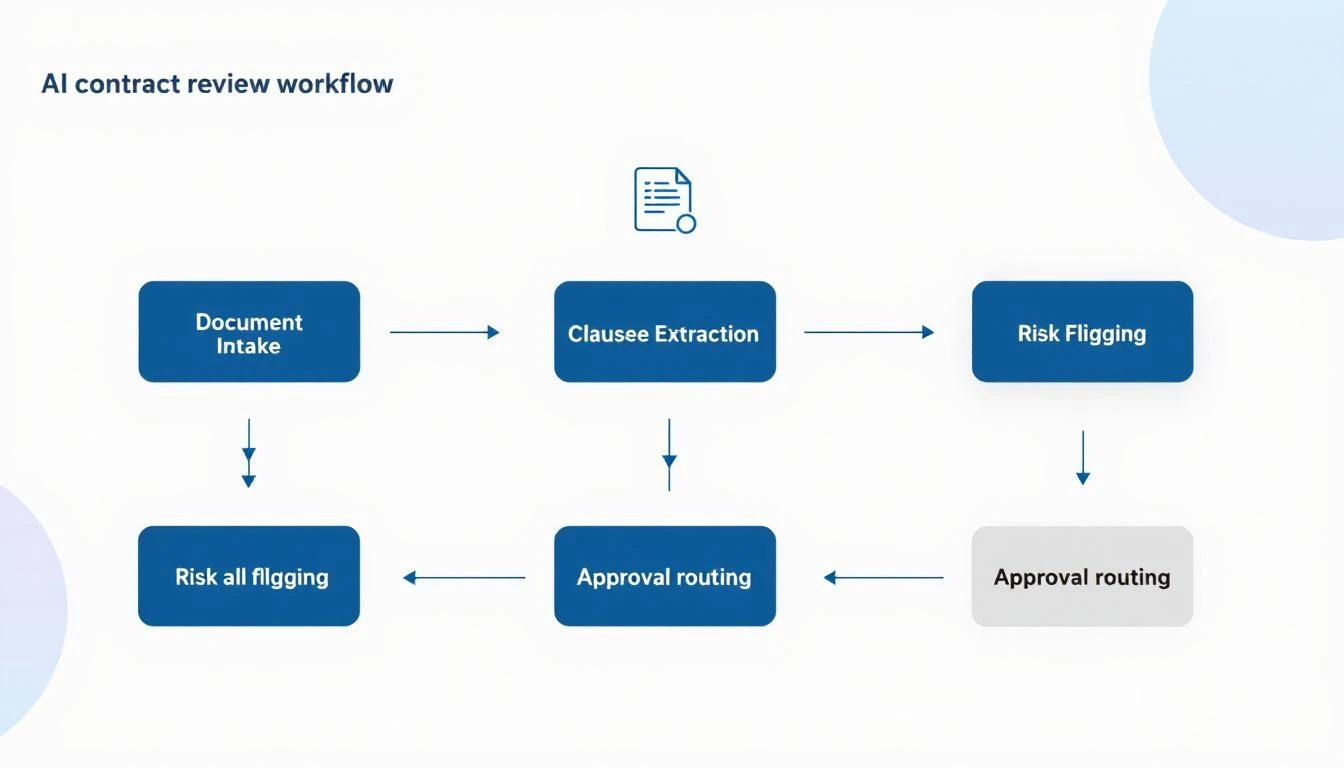
AI contract review workflow showing document intake, clause extraction, risk flagging, and approval routing

The Hidden Cost of Contract Bottlenecks​

Before we dive into the solution, let's quantify the problem:

Time Cost:

  • Average legal review time: 3-5 business days
  • Rush review requests: 48 hours minimum
  • Complex deals: 2-3 weeks with revisions

Revenue Impact:

  • 23% of deals stall during contract review (Gartner)
  • 15% of prospects go dark while waiting
  • Average deal delay costs $1,200-$5,000 in opportunity cost

Team Friction:

  • Sales blames legal for slow deals
  • Legal is overwhelmed with routine requests
  • Everyone loses visibility into where things stand

The solution isn't hiring more lawyers. It's automating the 80% that doesn't need human judgment.

How Claude Code Transforms Contract Review​

Claude Code's 200K context window means it can analyze an entire contractβ€”including all exhibits, schedules, and amendmentsβ€”in a single pass. No chunking, no lost context, no missed cross-references.

Here's what that enables:

1. Instant Risk Flagging​

Claude Code can scan any contract and flag clauses that deviate from your standard terms:

Analyze this MSA against our standard terms. Flag any clauses that:
1. Impose unlimited liability
2. Include auto-renewal provisions
3. Contain non-standard indemnification language
4. Restrict our ability to use customer logos/case studies
5. Include unusual payment terms (>Net 30)

For each flag, rate severity (Low/Medium/High/Critical) and
suggest standard language that could replace it.

Within seconds, you get a comprehensive risk assessment that would take a paralegal hours.

2. Redline Generation​

Instead of waiting for legal to mark up a contract, Claude Code can generate a redlined version with your preferred terms:

The customer sent a contract using their paper. Generate a 
redlined version that:
1. Replaces their liability cap with our standard ($1M or 12 months of fees)
2. Changes indemnification to mutual
3. Removes the audit clause or limits to once per year with 30 days notice
4. Adjusts termination for convenience to 30 days written notice
5. Adds our standard data security addendum language

Output as a tracked-changes document with comments explaining each change.

3. Plain English Summaries​

Help your sales team understand what they're sending for signature:

Summarize this contract in plain English for a non-legal audience:
1. What we're agreeing to provide
2. What the customer is agreeing to pay
3. Key obligations on both sides
4. Main risks to be aware of
5. Important dates and deadlines

Keep it to one page maximum.

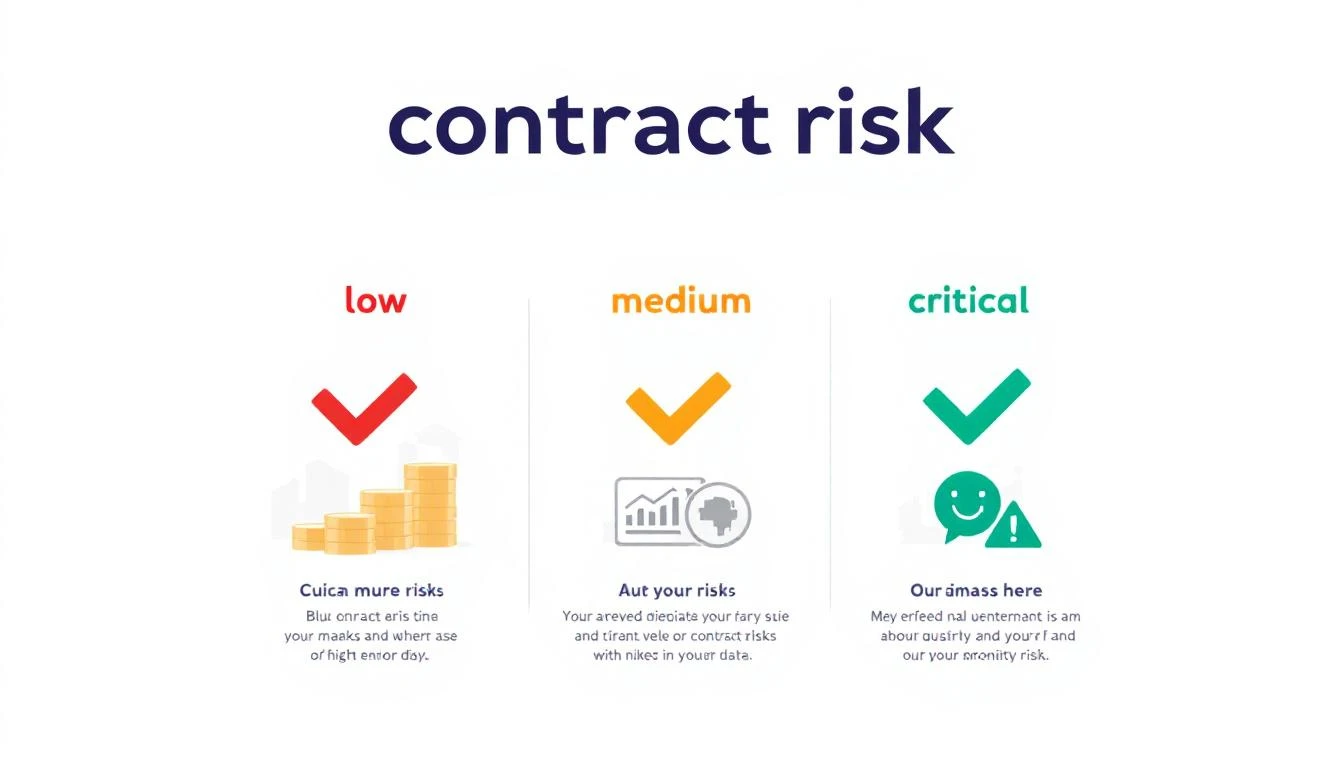
Contract risk assessment showing low, medium, high, and critical risk levels with corresponding actions

Building Your AI Contract Review Workflow​

Here's a practical implementation that any sales ops team can deploy:

Step 1: Create Your Clause Library​

Before Claude Code can flag deviations, it needs to know your standards. Build a reference document:

## Standard Contract Terms Reference

### Liability Cap
ACCEPTABLE: Liability limited to 12 months of fees paid
ACCEPTABLE: Liability limited to $1,000,000
REQUIRES REVIEW: Any unlimited liability language
REQUIRES REVIEW: Liability caps below $500,000

### Payment Terms
ACCEPTABLE: Net 30
ACCEPTABLE: Net 45 with approval
REQUIRES REVIEW: Net 60+
REQUIRES REVIEW: Payment upon completion only

### Termination
ACCEPTABLE: 30 days written notice
ACCEPTABLE: Termination for cause with 30-day cure period
REQUIRES REVIEW: No termination for convenience
REQUIRES REVIEW: Penalties for early termination

[Continue for all key clauses...]

Step 2: Build the Review Prompt​

You are a contract analyst assistant. Your job is to review 
contracts against our standard terms and flag anything that
requires human legal review.

REFERENCE TERMS:
[Paste your clause library here]

CONTRACT TO REVIEW:
[Paste customer contract]

OUTPUT FORMAT:
1. EXECUTIVE SUMMARY (2-3 sentences)
2. RISK SCORE (Green/Yellow/Red)
3. FLAGGED CLAUSES (with page/section reference)
4. RECOMMENDED CHANGES
5. QUESTIONS FOR LEGAL (if any Red flags)

Step 3: Integrate Into Your Workflow​

Option A: Manual Review

  • Rep uploads contract to Claude Code
  • Gets instant analysis
  • Decides whether to escalate to legal

Option B: Automated Triage

  • Contracts flow through a central inbox
  • Claude Code auto-analyzes each one
  • Green = auto-approve, Yellow = sales review, Red = legal review

Option C: Full Integration

  • Connect to your CLM (Ironclad, DocuSign, PandaDoc)
  • Trigger Claude Code analysis on document upload
  • Route based on risk score automatically

Real Prompts That Work​

Quick Risk Assessment​

Review this contract for deal-breaking clauses. 
I need to know in 60 seconds if this is signable
as-is or needs changes. Focus on: liability,
indemnification, auto-renewal, and payment terms.

Competitive Analysis​

Compare this customer's proposed terms to industry 
standard SaaS agreements. Are they asking for
anything unusual? What leverage do we have to
push back?

Negotiation Prep​

The customer rejected our standard liability cap 
and wants unlimited liability. Generate 3
alternative positions we could offer, ranked
from most to least favorable to us, with talking
points for each.

Post-Signature Obligation Tracking​

Extract all obligations, deadlines, and milestones 
from this signed contract. Output as a checklist
with responsible party and due date for each item.

The Results You Can Expect​

Teams implementing AI-assisted contract review typically see:

MetricBeforeAfterImprovement
Average review time3-5 days4-8 hours80% faster
Legal escalation rate100%20-30%70% reduction
Deals stalled in legal23%8%65% improvement
Contract errors caught60%95%35% more

The key insight: you're not replacing legal. You're letting them focus on the 20% of contracts that actually need their expertise.

Common Objections (And How to Handle Them)​

"Legal will never approve this." Start with low-risk contracts (renewals, standard deals). Prove the accuracy before expanding scope. Position it as "triage," not "replacement."

"What about confidentiality?" Claude Code processes data in-session without training on your inputs. Use enterprise agreements with appropriate data handling terms.

"Our contracts are too complex." The 200K context window handles even the most complex agreements. Start with the standard sections and expand.

"What if it misses something?" Build a human review step for flagged items. The AI catches the obvious issues; humans verify the edge cases.

Getting Started Today​

  1. Audit your current process - How long do contracts actually take? Where are the bottlenecks?

  2. Build your clause library - Document your standard terms and acceptable variations

  3. Test on historical deals - Run Claude Code on 10 signed contracts and compare to what legal actually flagged

  4. Start with renewals - Low-risk, high-volume, perfect for automation

  5. Measure and expand - Track time savings, error rates, and legal escalations

Free Tool

Try our AI Lead Generator β€” find verified LinkedIn leads for any company instantly. No signup required.

The Competitive Advantage​

While your competitors are waiting for legal to review their fifteenth standard MSA of the week, you're sending signed contracts back the same day.

That's not just efficiencyβ€”it's a competitive moat.

The deals you close faster are deals your competitors never get a chance to compete for.


Ready to eliminate your contract bottleneck? Book a demo to see how MarketBetter helps sales teams accelerate every stage of the deal cycle.

Related reading:

AI-Powered Sales Commission Calculator with Claude Code: Automate RevOps Complexity [2026]

Β· 8 min read
MarketBetter Team
Content Team, marketbetter.ai

The average RevOps team spends 40+ hours per month calculating commissions.

Spreadsheets break. Formulas have errors. Reps dispute their payouts. And when comp plans change mid-quarter, everything needs to be rebuilt from scratch.

Meanwhile, your sales team loses trust every time their commission is wrongβ€”even by a few dollars.

Claude Code offers a better way. Its 200K context window can hold your entire comp plan, deal data, and calculation logic in a single session. Here's how to build a commission calculator that handles real-world complexity.

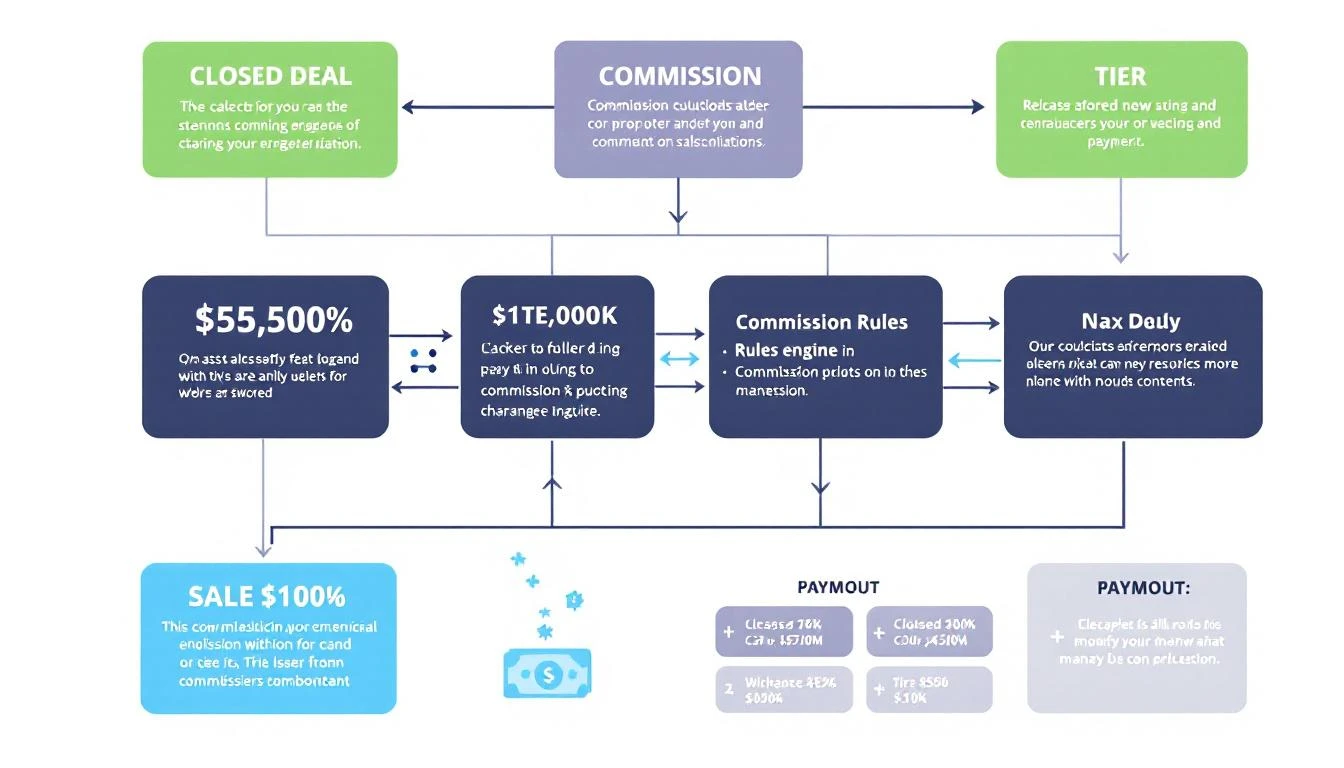
Sales commission calculation flow showing deal closure, rules engine, tier calculations, and payout

The Commission Calculation Problem​

Before we solve it, let's acknowledge why it's hard:

Complexity Layers​

A "simple" commission structure often includes:

  • Base rates that vary by product, region, or segment
  • Tiers that accelerate as reps hit quota thresholds
  • Splits between AEs, SDRs, SEs, and CSMs
  • SPIFs for strategic initiatives (new product push, multi-year deals)
  • Clawbacks for churned customers
  • Overrides for managers on team deals
  • Caps and floors on certain deal types
  • Pro-ration for mid-quarter hires or territory changes

The Spreadsheet Trap​

Most teams start with Excel. By month 6, you have:

Commission_Calculator_v14_FINAL_FINAL_v2_JohnFix_ACTUALLY_FINAL.xlsx

With nested IFs that no one understands:

=IF(AND(B2="Enterprise",C2>50000,D2="New"),
IF(E2>1,G2*0.12*1.15,G2*0.12),
IF(AND(B2="Mid-Market",C2>25000),
IF(F2="SPIF",G2*0.10*1.25,G2*0.10),
G2*0.08))

When something breaksβ€”and it willβ€”good luck debugging that.

The Trust Problem​

57% of sales reps have received an incorrect commission statement (Xactly). When reps don't trust their comp, they:

  • Spend time manually verifying every deal
  • Lose motivation during payout disputes
  • Leave for companies with "cleaner" comp plans

Trust in compensation is trust in leadership.

The Claude Code Solution​

Claude Code's strengths align perfectly with commission calculation:

  1. Natural language rules - Describe your comp plan in English, not formulas
  2. 200K context - Hold the entire comp plan + all deals in one session
  3. Explainable logic - Ask "why did this deal pay $X?" and get a real answer
  4. Adaptable - Change the plan mid-quarter without rebuilding

Step 1: Document Your Comp Plan​

Instead of nested formulas, describe your plan clearly:

# Sales Commission Plan - Q1 2026

## Base Rates

### Account Executives
- New Business: 10% of first-year ACV
- Expansion: 8% of expansion ACV
- Renewal: 3% of renewal ACV

### SDRs
- Qualified Meeting: $100 per SAL
- Opportunity Created: $250 per SQL that converts to opportunity
- Deal Credit: 2% of won ACV (capped at $2,000 per deal)

### Sales Engineers
- Technical Win: $500 per closed-won where SE was primary
- Deal Credit: 3% of won ACV for complex deals (>$50K)

## Tier Accelerators

| Quota Attainment | Multiplier |
|------------------|------------|
| 0-80% | 1.0x |
| 80-100% | 1.15x |
| 100-120% | 1.30x |
| 120%+ | 1.50x |

## SPIFs (Q1)
- New product (DataSync): Additional 2% on any deal including DataSync
- Multi-year: Additional 5% for 2+ year commitments
- Competitive displacement: Additional $1,000 for wins against Competitor X

## Splits
- SDR + AE on same deal: SDR gets meeting bonus + 2% deal credit; AE gets standard rate
- AE + SE on complex deal: SE gets technical win bonus; AE gets standard rate
- Two AEs on deal: Split based on documented territory/role agreement

## Clawbacks
- Customer churns within 6 months: 100% clawback
- Customer churns 6-12 months: 50% clawback
- Downgrade within 12 months: Clawback on difference

## Caps and Floors
- No cap on accelerated earnings
- Minimum $500 payout per closed-won deal (protects small deal motivation)
- Manager override: 5% of team deals, capped at $50K/quarter

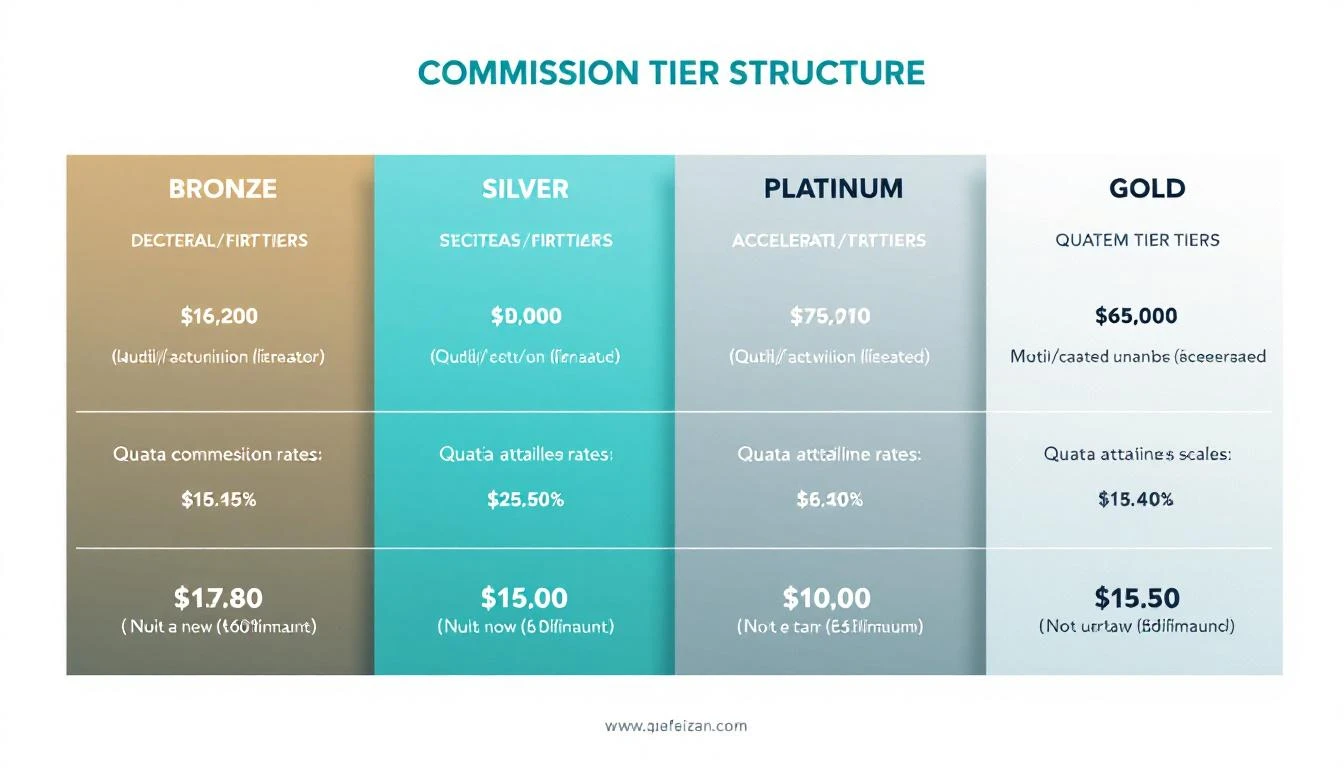
Commission tier structure showing progression from base rate through accelerator levels

Step 2: Build the Calculator​

Feed your comp plan to Claude Code:

You are a commission calculator for a B2B SaaS sales team. 

COMMISSION PLAN:
[Paste your entire comp plan document]

CALCULATION RULES:
1. Apply base rates first
2. Apply tier multipliers based on current quota attainment
3. Apply applicable SPIFs
4. Calculate splits according to deal roles
5. Check for clawbacks on previously paid commissions
6. Apply caps/floors
7. Show your work at each step

For each deal, output:
- Gross commission before modifiers
- Applicable tier multiplier
- SPIFs applied
- Split breakdown (if multiple parties)
- Final commission per person
- Reasoning for each decision

If anything is ambiguous, flag it for human review rather than guessing.

Step 3: Process Deals​

async function calculateCommission(deal, repProfile) {
const prompt = `
Calculate commission for this deal:

DEAL:
- Company: ${deal.company}
- ACV: $${deal.acv}
- Type: ${deal.type} (New/Expansion/Renewal)
- Products: ${deal.products.join(', ')}
- Contract term: ${deal.termMonths} months
- Close date: ${deal.closeDate}
- Displaced competitor: ${deal.displacedCompetitor || 'None'}

REP:
- Name: ${repProfile.name}
- Role: ${repProfile.role}
- Quota: $${repProfile.quota}
- YTD Closed: $${repProfile.ytdClosed}
- Current attainment: ${repProfile.attainment}%

OTHER PARTIES ON DEAL:
${deal.splits.map(s => `- ${s.name} (${s.role}): ${s.contribution}`).join('\n')}

Show all calculations step by step.
`;

return await claude.calculate(prompt);
}

Step 4: Handle Edge Cases​

Claude Code shines on the weird stuff:

EDGE CASE HANDLING:

Deal: Multi-year with mid-contract expansion
- Customer signed 3-year deal in January ($100K ACV)
- Expanded in March (+$25K ACV, same rep)

Question: How do we calculate the expansion commission?

REASONING:
1. Original deal: 3-year, so multi-year SPIF applies (10% + 5% = 15%)
2. Expansion: Same contract term, inherits multi-year status
3. Expansion rate: 8% base + 5% multi-year = 13%
4. Rep attainment: Now at 125% with original deal
5. Tier multiplier: 1.50x applies to expansion

CALCULATION:
$25,000 Γ— 13% Γ— 1.50x = $4,875

FLAG: Verify if expansion should inherit multi-year SPIF
(policy may differ by team).

Practical Workflows​

Monthly Commission Run​

async function runMonthlyCommissions(month, year) {
// Get all closed deals
const deals = await crm.getClosedDeals({ month, year });

// Get all rep profiles
const reps = await getRepProfiles();

// Calculate each deal
const commissions = [];
for (const deal of deals) {
const calc = await calculateCommission(deal, reps[deal.ownerId]);
commissions.push({
deal: deal,
calculation: calc,
breakdown: parseBreakdown(calc)
});
}

// Check for clawbacks
const clawbacks = await checkClawbacks(month, year);

// Generate report
return {
totalPayout: sum(commissions.map(c => c.breakdown.finalAmount)),
byRep: groupByRep(commissions),
clawbacks: clawbacks,
flaggedForReview: commissions.filter(c => c.breakdown.hasFlags)
};
}

Rep Self-Service​

Let reps verify their own commissions:

async function repCommissionQuery(repId, question) {
const repProfile = await getRepProfile(repId);
const recentDeals = await getRecentDeals(repId);
const commissionHistory = await getCommissionHistory(repId);

const prompt = `
A sales rep is asking about their commission.

REP PROFILE:
${JSON.stringify(repProfile)}

RECENT DEALS:
${JSON.stringify(recentDeals)}

COMMISSION HISTORY (Last 3 months):
${JSON.stringify(commissionHistory)}

QUESTION:
${question}

Answer clearly, show relevant calculations, reference
specific deals and comp plan provisions.
`;

return await claude.answer(prompt);
}

Example queries:

  • "Why did the Acme deal only pay $2,400?"
  • "What's my commission if I close the pending BigCorp deal?"
  • "Am I on track for the 120% accelerator this quarter?"

Plan Modeling​

Model comp plan changes before implementing:

async function modelPlanChange(proposedChange, historicalDeals) {
const prompt = `
We're considering this comp plan change:
"${proposedChange}"

Analyze the impact using last quarter's deals:
${JSON.stringify(historicalDeals)}

Show:
1. Total payout difference (old plan vs new)
2. Impact per rep
3. Which deal types are affected most
4. Potential unintended consequences
5. Recommendation
`;

return await claude.analyze(prompt);
}

Example: "What if we increase the new business rate from 10% to 12% but cap it at 110% attainment?"

Advanced Patterns​

Multi-Currency Handling​

CURRENCY RULES:
- All commissions paid in USD
- Deals closed in other currencies: use exchange rate at close date
- Exchange rate source: Company treasury rates (monthly)

EXAMPLE:
Deal closed in EUR: €50,000
Close date: February 15, 2026
Treasury rate (Feb 2026): 1.08 EUR/USD
USD equivalent: $54,000

Commission calculated on $54,000 USD value.

Territory Changes Mid-Quarter​

TERRITORY CHANGE HANDLING:

Rep A had Territory X from Jan 1 - Feb 15
Rep B took over Territory X on Feb 16

Deal in Territory X closed March 10

RULE:
- If deal was in pipeline before transfer:
Original rep (A) gets full commission
- If deal entered pipeline after transfer:
New rep (B) gets full commission
- If deal was in active stage during transfer:
Split 50/50 or per documented agreement

This deal entered pipeline Jan 25, so Rep A gets full commission.

Clawback Automation​

async function processClawbacks() {
// Find churned customers
const churns = await crm.getChurns({ lookbackMonths: 12 });

for (const churn of churns) {
// Find original commission
const originalCommission = await findCommission(churn.dealId);

// Calculate clawback
const monthsSinceDeal = monthsBetween(
originalCommission.closeDate,
churn.churnDate
);

let clawbackRate;
if (monthsSinceDeal <= 6) clawbackRate = 1.0;
else if (monthsSinceDeal <= 12) clawbackRate = 0.5;
else clawbackRate = 0;

if (clawbackRate > 0) {
await createClawback({
repId: originalCommission.repId,
dealId: churn.dealId,
amount: originalCommission.amount * clawbackRate,
reason: `Customer churned at ${monthsSinceDeal} months`
});
}
}
}

Results to Expect​

Teams using AI-powered commission calculation typically see:

MetricBeforeAfterImpact
Calculation time40+ hrs/month2-4 hrs/month90% reduction
Error rate8-12%<1%90%+ fewer disputes
Rep trust score62%91%47% improvement
Time to resolve disputes3-5 daysSame day80% faster
Plan change implementation2-3 weeks1-2 days85% faster

The biggest win: reps stop wasting mental energy worrying about comp. That energy goes back into selling.

Free Tool

Try our AI Lead Generator β€” find verified LinkedIn leads for any company instantly. No signup required.

Getting Started​

  1. Document your current plan - Write it in plain English, not spreadsheet formulas

  2. Identify edge cases - What causes disputes today? Document the rules

  3. Start with one team - Run parallel calculations for one month

  4. Build rep self-service - Let them query their own commissions

  5. Add clawback automation - Remove manual tracking of churns


Ready to automate your commission complexity? Book a demo to see how MarketBetter helps RevOps teams operate at scale.

Related reading:

Claude Code for Lead Generation: Automate Prospect Research End-to-End (Tutorial)

Β· 6 min read

The average SDR spends 6 hours per week researching prospects. That's 6 hours of:

  • Googling company names
  • Scanning LinkedIn profiles
  • Reading news articles
  • Looking for pain points to reference

What if you could do all that in 30 seconds?

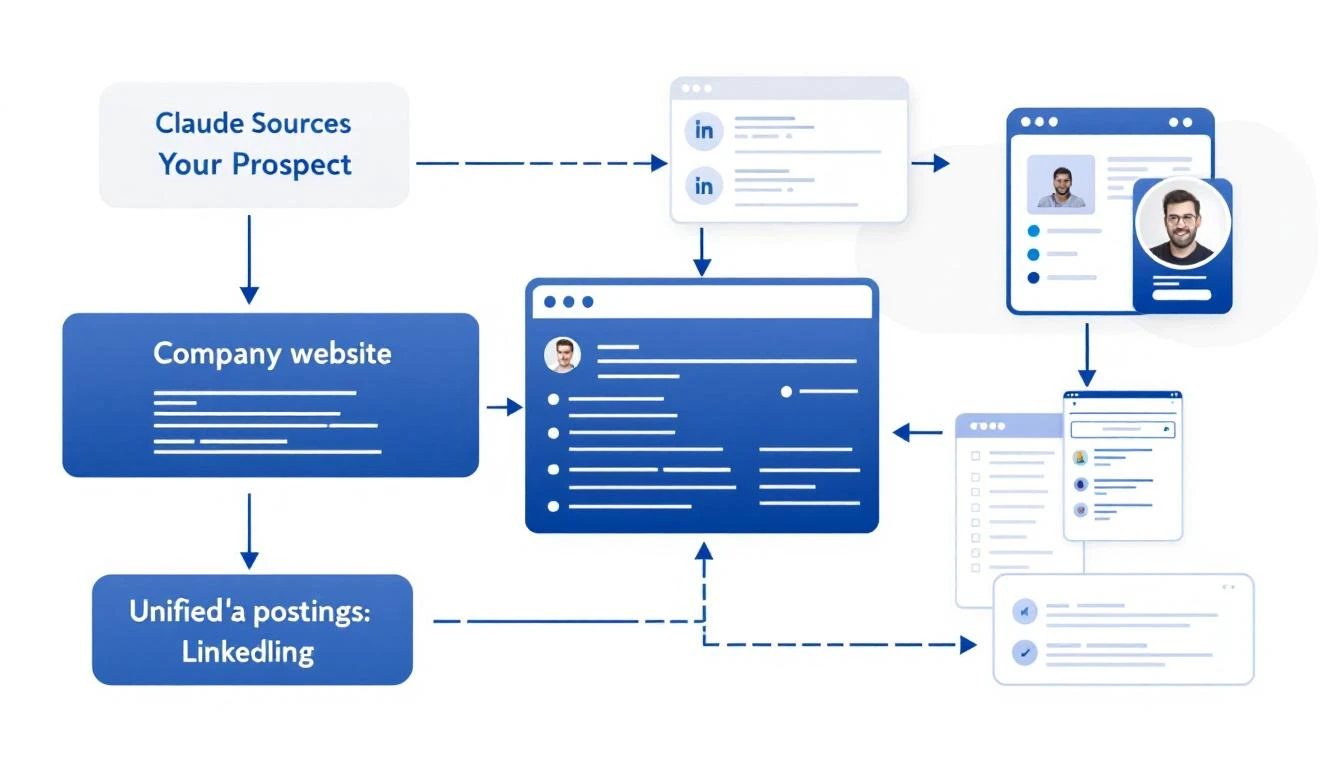
Claude Codeβ€”Anthropic's AI with tool use and code executionβ€”can turn a prospect name into a complete research brief automatically. Here's exactly how to set it up.

Claude Code researching prospects from multiple data sources

What Good Lead Research Actually Looks Like​

Before we automate, let's define what we're building. A great prospect brief includes:

  1. Company Overview: What they do, company size, industry
  2. Recent News: Funding, product launches, leadership changes
  3. Tech Stack: What tools they already use (if visible)
  4. Pain Point Signals: Job postings, complaints, market trends
  5. Personalization Hooks: Specific details for your outreach

This used to take 10-15 minutes per prospect. Now it takes seconds.

The Claude Code Approach​

Claude Code can:

  • Execute searches and aggregate results
  • Read web pages and extract key information
  • Structure unstructured data into useful formats
  • Reason about what matters for your use case

Here's a prompt template that generates complete prospect briefs:

Research this company for a B2B sales outreach:

**Company:** {\{company_name\}}
**Our Product:** AI-powered SDR platform that turns intent signals into pipeline

**Create a prospect brief with:**

1. **Company Overview**
- What they do (one sentence)
- Employee count and headquarters
- Industry and target market

2. **Recent Activity (Last 6 Months)**
- Funding or acquisitions
- Product launches
- Leadership changes
- Press coverage

3. **Sales-Relevant Signals**
- Are they hiring for SDRs, sales ops, or demand gen?
- Any complaints about lead quality or outbound efficiency?
- What CRM/sales stack do they use? (check job postings)

4. **Personalization Hooks**
- 3 specific details I can reference in an email
- Potential pain points based on their situation
- Suggested angle for outreach

5. **Recommended Next Step**
- Best channel to reach them (email, LinkedIn, phone)
- Suggested first message angle

Be specific. Use actual data, not generic statements.

Setting Up Automated Research​

Option 1: OpenClaw + Claude (Always-On)​

If you want research to run automatically when new leads come in:

# OpenClaw config
cron:
jobs:
- name: "New Lead Research"
schedule:
kind: every
everyMs: 900000 # Every 15 minutes
payload:
kind: agentTurn
message: |
Check HubSpot for contacts added in the last 15 minutes.
For each new contact, create a prospect brief and add it
to the contact notes field.

This runs in the background, enriching leads as they arrive.

Option 2: Claude Code CLI (On-Demand)​

For manual research when you need it:

# Install Claude Code
npm install -g @anthropic-ai/claude-code

# Run research
claude-code research "Acme Corp"

Option 3: VS Code Extension​

If you work in VS Code, Claude Code integrates directly:

  1. Highlight a company name
  2. Cmd+Shift+P β†’ "Claude: Research Prospect"
  3. Get a brief in your sidebar

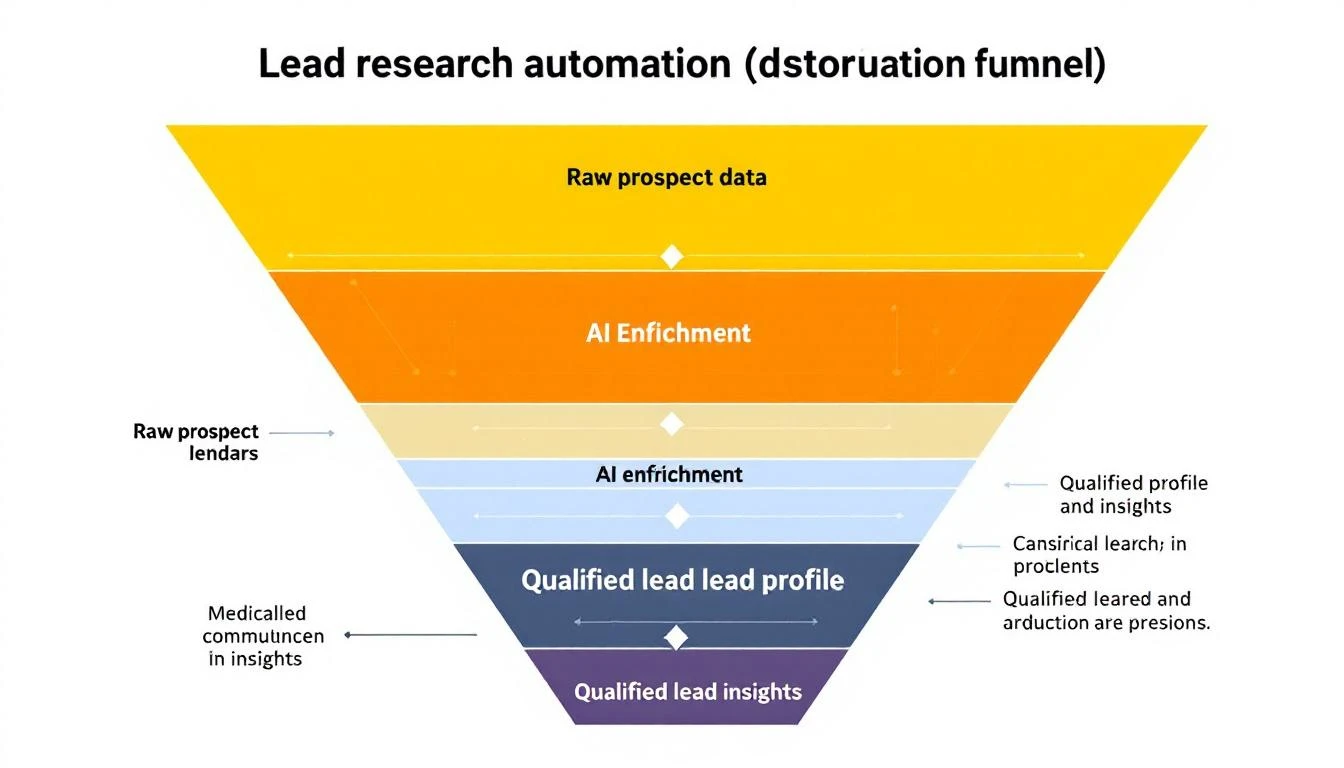
Lead research funnel: Raw data to enriched profile

Real Research Output Example​

Here's what Claude Code actually produces for a real company:


Company: Hologram (hologram.io)

Overview: IoT connectivity platform providing global cellular for devices. ~150 employees, HQ in Chicago. Series B ($65M from Battery Ventures).

Recent Activity:

  • Feb 2026: Launched Hyper network for low-latency IoT
  • Jan 2026: Partnership with AWS IoT Core announced
  • Hiring: 3 open SDR roles, 2 demand gen positions

Sales Signals:

  • Job posting mentions "scaling outbound motion" and "improving lead quality"
  • Uses HubSpot (seen in job req), Outreach for sequences
  • Active on G2 responding to reviews (cares about buyer perception)

Personalization Hooks:

  1. Reference the Hyper launch: "Saw the Hyper network announcementβ€”congrats"
  2. Note the hiring push: "Looks like you're scaling the SDR team"
  3. Connect to IoT/connectivity angle: "We work with several IoT companies..."

Recommended Approach: LinkedIn β†’ Email sequence. Their team is active on LinkedIn. Reference specific content they've posted.


This took 15 seconds to generate. A human would need 10-15 minutes minimum.

Enrichment Sources Claude Code Can Access​

When you give Claude Code research tasks, it can pull from:

SourceWhat It Finds
Company websiteProducts, pricing, team page
LinkedInEmployee count, org structure, recent posts
Job boardsHiring signals, tech stack clues
News sitesFunding, partnerships, launches
G2/CapterraReviews, complaints, competitor comparisons
CrunchbaseFunding history, investors, competitors

The key is structuring your prompt to tell Claude what matters for your specific outreach.

Advanced: Building a Research Pipeline​

For high-volume prospecting, build a full pipeline:

[New Lead] 
↓
[Basic Enrichment]
- Company size, industry
- Contact title, seniority
↓
[ICP Scoring]
- Match against ideal customer profile
- Score 1-100
↓
[Deep Research] (if score > 70)
- Full prospect brief
- Personalization hooks
↓
[Routing]
- Hot leads β†’ Slack alert + call queue
- Warm leads β†’ Automated sequence
- Cold leads β†’ Nurture list

Each step can be automated with Claude Code + OpenClaw.

Common Mistakes to Avoid​

1. Researching Every Lead Equally

Not every lead deserves 10 minutes of research. Use basic enrichment to score first, then deep-dive on high-potential prospects only.

2. Ignoring Negative Signals

Good research includes disqualifying information. If a company just laid off their sales team, that's important context.

3. Stale Data

Information decays. Set up refresh cycles for long-nurture prospects.

4. Over-Personalizing

Mentioning 5 specific details in an email feels creepy. Pick the ONE most relevant hook.

Measuring Research Quality​

Track these metrics:

  • Time per lead: Should drop from 10-15 min to under 1 min
  • Reply rates: Better research β†’ better personalization β†’ higher replies
  • Qualification accuracy: Are AI-scored leads actually converting?
  • Rep adoption: Is your team actually using the briefs?

The MarketBetter Advantage​

MarketBetter does this automatically for every website visitor:

  1. Identify: Know which companies visit your site
  2. Enrich: Pull firmographic and technographic data
  3. Research: AI generates prospect briefs
  4. Prioritize: Score and route to the right rep
  5. Act: Get a daily playbook of exactly who to contact

No manual research required. No copy-pasting between tools.


Ready to automate your lead research? See how MarketBetter turns visitor identification into actionable prospect intelligence. Book a demo.

Codex vs Claude Code vs ChatGPT for Sales: The 2026 GTM Showdown

Β· 6 min read

Three AI tools. All capable. But which one should your GTM team actually use?

With GPT-5.3-Codex dropping February 5, 2026, the landscape just shifted. Again. This guide breaks down OpenAI Codex, Claude Code, and ChatGPT for sales and marketing use casesβ€”with specific recommendations for each workflow.

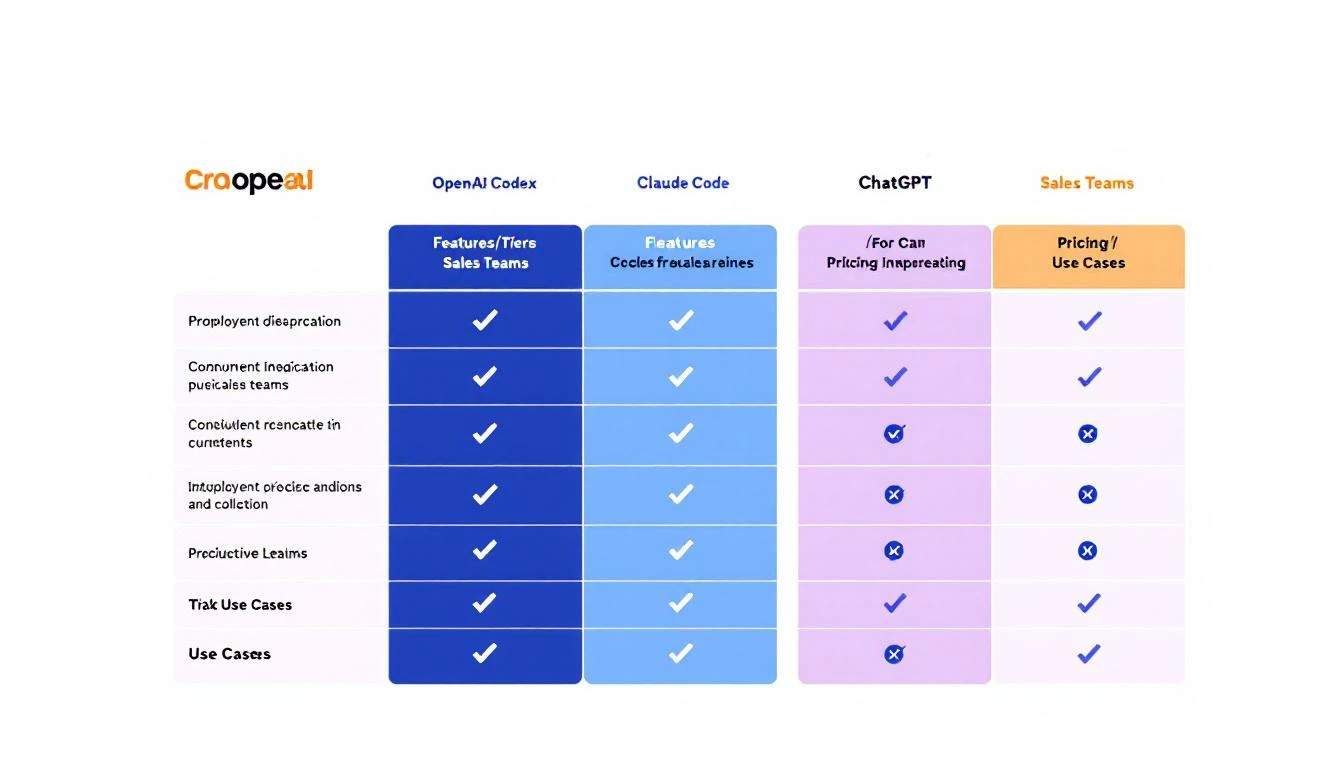
Comparison matrix: Codex vs Claude vs ChatGPT for GTM

Quick Summary: Which AI for Which Task​

Use CaseBest ToolWhy
Code generation/scriptsCodexPurpose-built, best performance
Long research/analysisClaude200K context, better reasoning
Quick answers/chatChatGPTFast, good enough for simple tasks
Email personalizationClaudeNuanced writing, follows instructions
Pipeline automationCodex + OpenClawAgentic capabilities, mid-turn steering
Sales call prepClaudeBetter at synthesis and summary
Proposal generationClaudeLonger document handling

Now let's dig into the details.

OpenAI Codex (GPT-5.3-Codex)​

Released: February 5, 2026
What it is: OpenAI's most capable agentic coding model

Key Features​

  • 25% faster than GPT-5.2-Codex
  • Mid-turn steering: Direct the agent while it's working (killer feature)
  • Runs in Codex app, CLI, IDE extension, or Codex Cloud
  • Multi-file changes: Can edit entire codebases
  • Built for autonomy: Designed to work on complex tasks without constant prompting

GTM Use Cases for Codex​

  1. Building Sales Automation Scripts

    • Write HubSpot/Salesforce API integrations
    • Build custom lead scoring models
    • Create data sync workflows
  2. Pipeline Monitoring Systems

    • Alert systems for stale deals
    • Automated reporting dashboards
    • Integration scripts between tools
  3. Custom Sales Tools

    • Chrome extensions for LinkedIn
    • Email template generators
    • Proposal automation systems

Codex Pricing (2026)​

  • Codex CLI: Free tier available, pay per API call
  • Codex Cloud: ~$50/user/month (team features)
  • Enterprise: Custom pricing

When NOT to Use Codex​

  • Simple email writing (overkill)
  • Non-technical tasks (use Claude or ChatGPT)
  • Quick research (Claude's context window is better)

Claude Code (Anthropic)​

What it is: Claude 3.5/4 with tool use and code execution
Integrated into: VS Code, terminal, OpenClaw

Key Features​

  • 200K context window: Can analyze entire documents, codebases, or conversation histories
  • Precise instruction following: Better at nuanced tasks
  • Constitutional AI: More reliable safety guardrails
  • Tool use: Can browse web, execute code, interact with APIs

GTM Use Cases for Claude​

  1. Prospect Research

    • Deep-dive company analysis
    • Competitive intelligence reports
    • Personalization hook identification
  2. Email Writing

    • Personalized outreach at scale
    • Multi-touch sequence creation
    • Reply handling suggestions
  3. Document Analysis

    • Analyzing sales call transcripts
    • Extracting insights from RFPs
    • Summarizing long email threads
  4. Sales Coaching

    • Call analysis and feedback
    • Objection handling suggestions
    • Win/loss pattern identification

Claude Pricing (2026)​

  • Claude.ai: $20/month Pro, $30/month Teams
  • API: $3-15 per million tokens (varies by model)
  • OpenClaw: Free (bring your own API key)

When NOT to Use Claude​

  • Heavy code generation (Codex is faster)
  • Real-time chat (ChatGPT has lower latency)
  • Tasks requiring strict format adherence (can be verbose)

ChatGPT (GPT-4o/4-Turbo)​

What it is: OpenAI's general-purpose assistant
Best for: Quick tasks, brainstorming, general questions

Key Features​

  • Lowest latency: Fastest responses
  • Plugins and GPTs: Extensible for specific use cases
  • Web browsing: Built-in search
  • Voice mode: Conversational interface

GTM Use Cases for ChatGPT​

  1. Quick Research

    • "What does [company] do?"
    • "Who are [competitor]'s biggest customers?"
    • "What's the average deal size in [industry]?"
  2. Brainstorming

    • Subject line ideas
    • Objection responses
    • Campaign angles
  3. Light Automation

    • Simple data formatting
    • Template generation
    • Quick calculations

ChatGPT Pricing (2026)​

  • Free: Basic access
  • Plus: $20/month
  • Team: $25/user/month
  • Enterprise: Custom

When NOT to Use ChatGPT​

  • Complex, multi-step workflows (use Codex)
  • Long document analysis (Claude's context is better)
  • Tasks requiring precise formatting (can be inconsistent)

Three AI tools side by side with key differentiators

Head-to-Head: The Details​

Context Window​

ToolContext WindowImplication
Claude200K tokensCan analyze ~500 pages at once
ChatGPT128K tokensGood for most tasks
CodexVaries by taskDesigned for code, not documents

Winner for GTM: Claude. When researching prospects or analyzing long conversations, context matters.

Instruction Following​

Claude excels at following precise instructions. If you say "write exactly 3 bullet points," you get 3 bullet points.

ChatGPT tends to add extra context or caveats.

Codex is excellent for technical instructions but can over-engineer simple requests.

Winner for GTM: Claude for content, Codex for technical tasks.

Agentic Capabilities​

Codex was built for autonomous work. The mid-turn steering feature lets you redirect it without starting over.

Claude can be agentic via OpenClaw but requires more setup.

ChatGPT's agentic features are limited.

Winner for GTM: Codex for automation, Claude via OpenClaw for custom agents.

Speed​

ToolResponse TimeThroughput
ChatGPTFastestBest for high-volume
ClaudeMediumGood for quality
CodexVariesDesigned for complex tasks

Winner for GTM: Depends on use case. ChatGPT for quick tasks, Codex for batch processing.

The Best Stack for GTM Teams​

Based on our analysis, here's the optimal setup:

For SDRs​

  • Primary: Claude (via OpenClaw for automation)
  • Secondary: ChatGPT (quick questions)
  • When needed: Codex (building custom tools)

For Sales Ops​

  • Primary: Codex (building automation)
  • Secondary: Claude (analysis and research)
  • When needed: ChatGPT (quick prototyping)

For Marketing​

  • Primary: Claude (content and research)
  • Secondary: ChatGPT (brainstorming)
  • When needed: Codex (programmatic SEO, automation)

Integration Comparison​

OpenClaw Compatibility​

ToolOpenClaw SupportSetup
ClaudeNativeAdd API key
GPT-4NativeAdd API key
CodexVia APIRequires custom config

OpenClaw works best with Claude due to Anthropic's tool use design.

CRM Integration​

  • Codex: Best for building custom integrations
  • Claude: Best for enrichment and research tasks
  • ChatGPT: Limited native integration

Real-World Performance: Email Personalization​

We tested all three on the same task: Write a personalized cold email for a VP of Sales at a 200-person SaaS company.

Claude Output​

Followed the template exactly. Referenced specific company details. Professional but warm tone. 94 words (as requested).

ChatGPT Output​

Added extra context we didn't ask for. Good personalization but verbose. 147 words (missed the target).

Codex Output​

Technical and formal. Suggested code-like structures. Not ideal for email writing.

Winner: Claude for email personalization.

The Bottom Line​

There's no single best tool. The right answer depends on your workflow:

  • Building automation? β†’ Codex
  • Writing content? β†’ Claude
  • Quick questions? β†’ ChatGPT
  • Running AI agents 24/7? β†’ OpenClaw + Claude

The smartest teams use multiple tools for different tasks rather than forcing one tool to do everything.


Want AI that's already integrated? MarketBetter combines visitor identification, AI-powered playbooks, and automated outreach in one platform. No prompt engineering required. Book a demo.

Free Tool

Try our AI Lead Generator β€” find verified LinkedIn leads for any company instantly. No signup required.