21 posts tagged with "marketing automation"

View All Tags

The 12 Best Marketing Automation Software Platforms for 2026

· 35 min read

Choosing the right marketing automation software is less about finding a single 'best' tool and more about finding the right fit for your team's size, goals, and technical stack. A small e-commerce brand has vastly different needs than an enterprise B2B sales team, yet both rely on automation to scale engagement and drive revenue. This guide moves beyond generic feature lists to provide an actionable comparison of the top platforms available today.

We'll dive into specific use cases, implementation hurdles, and the critical question: 'What is the actual day-to-day experience of using this tool?' We will analyze each of the best marketing automation software options through the lens of real-world scenarios, helping you map features directly to your specific marketing and sales challenges. For demand generation managers and sales development representatives (SDRs), this means understanding which platform best handles lead scoring, MQL-to-SQL handoffs, and complex nurture sequences.

This resource is designed to be a practical evaluation framework. Each platform review includes screenshots, direct links, and a breakdown of pros, cons, and ideal customer profiles. By the end, you'll have a clear framework to shortlist vendors, ask the right questions during demos, and select the software that will truly accelerate your growth. For another comprehensive look at leading solutions, explore this list of top marketing automation platforms which offers additional perspectives on B2B-focused tools. Our goal is to equip you with the insights needed to make a confident, strategic investment.

1. HubSpot Marketing Hub

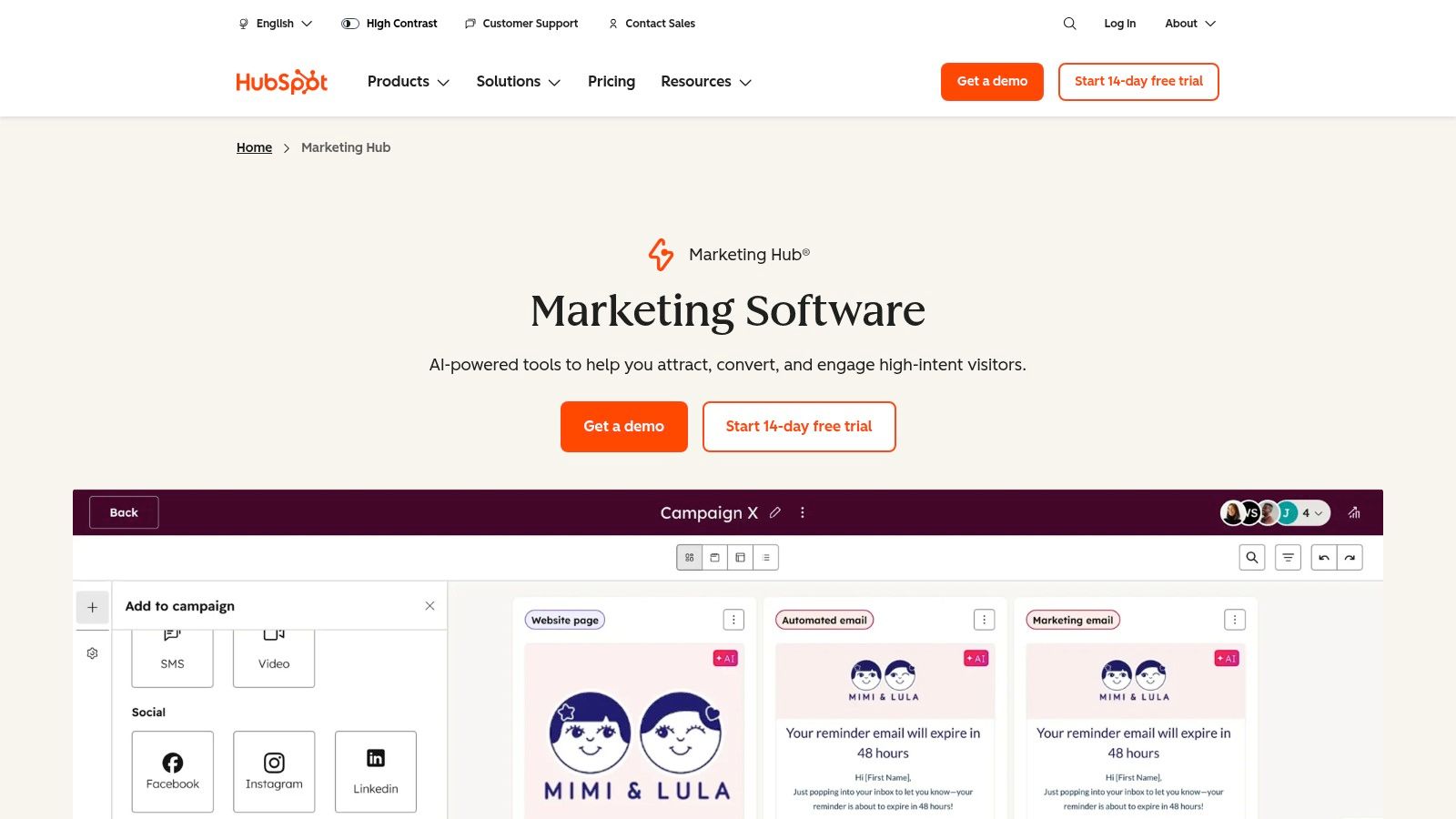
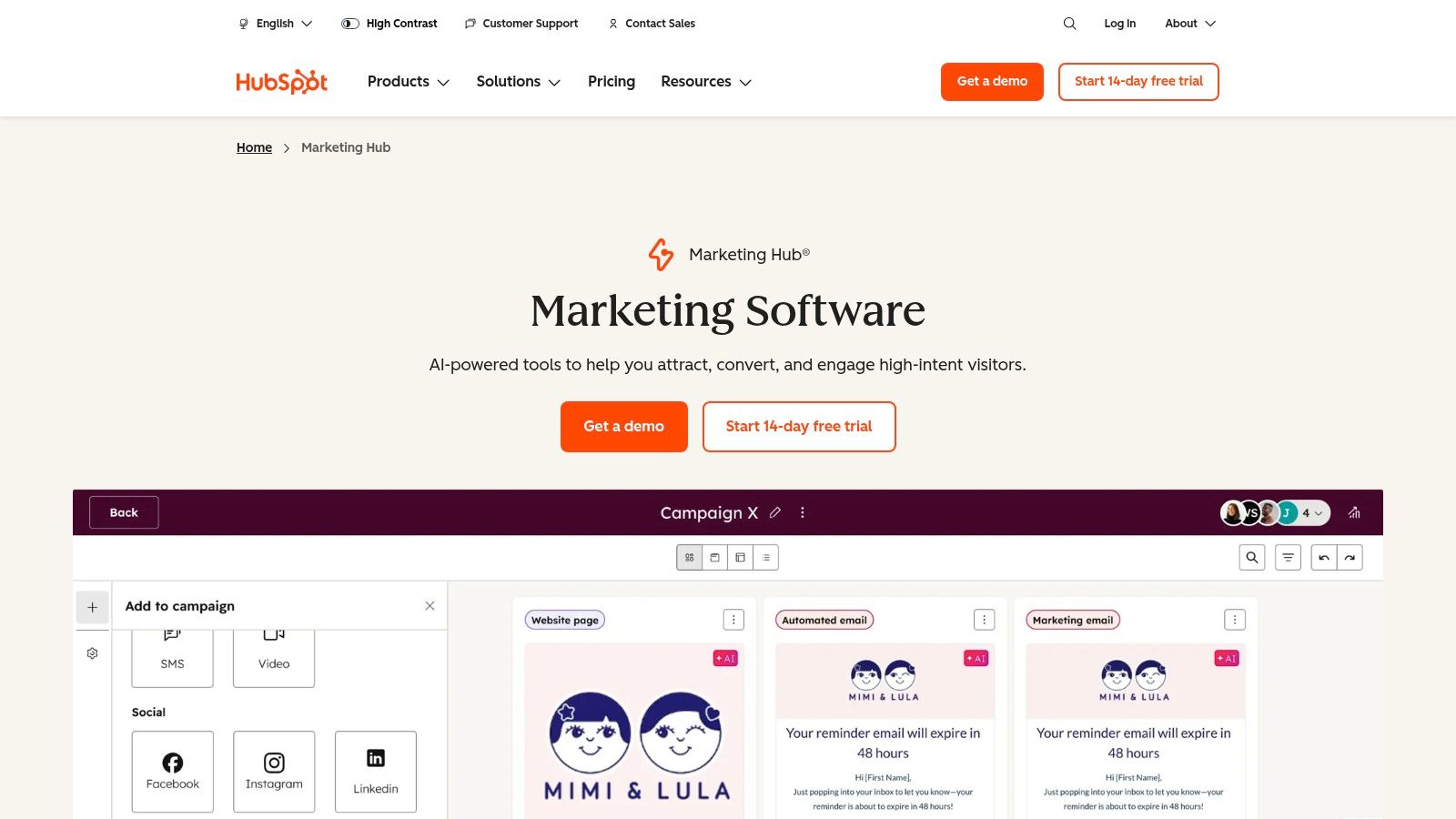
HubSpot Marketing Hub stands out as an all-in-one platform, making it one of the best marketing automation software choices for teams that prioritize ease of use and tight CRM integration. Its core strength lies in its native connection to the HubSpot CRM, eliminating the complex and often fragile data syncing required when using separate marketing and sales platforms. This unified approach provides a single source of truth for customer data, empowering both marketing and sales teams.

HubSpot Marketing Hub

The platform is particularly well-suited for B2B organizations focused on inbound marketing. Users can create sophisticated lead nurturing campaigns using a drag-and-drop visual workflow builder, which is significantly more intuitive than the list-based builders found in tools like Mailchimp. You can automate everything from email sequences and internal notifications to lead scoring and task creation for sales development representatives.

Key Differentiators & Use Cases

  • Native CRM & Sales Hub Alignment: Unlike platforms like Marketo that require third-party connectors, HubSpot’s marketing automation is built on its CRM. Actionable Tip: If your sales team already uses HubSpot CRM, this platform is a clear front-runner. A sales rep can see a lead's complete marketing engagement history (e.g., emails opened, pages viewed, forms submitted) directly on the contact record without switching tabs.
  • Visual Workflow Builder: The intuitive interface allows demand generation managers to map out complex customer journeys visually. For example, you can create a branch that sends a different email sequence to leads who visited the pricing page versus those who downloaded a whitepaper.
  • Revenue Attribution: The Pro and Enterprise tiers offer multi-touch revenue attribution, connecting marketing campaigns directly to closed-won deals. This helps VPs of Sales and Marketing justify their budget by proving ROI.

Pricing and Implementation

  • Pricing Model: HubSpot's pricing is based on the number of "Marketing Contacts" and the feature tier (Starter, Professional, Enterprise). Be mindful that costs can escalate quickly as your contact list grows, a key difference from volume-based models like Brevo's.
  • Onboarding: Professional and Enterprise plans require a mandatory, paid onboarding service. While an added cost, this process ensures teams are properly trained and can achieve a faster time-to-value. To get the most out of the platform, it is crucial to understand and apply marketing automation best practices.

Pros & Cons

ProsCons
Unified Platform: Single vendor for CRM, marketing, sales, and service reduces integration complexity.Cost at Scale: Contact-based pricing can become very expensive for large lists.
User-Friendly Interface: Strong onboarding, documentation, and an intuitive UI lower the learning curve.Mandatory Onboarding Fee: Added upfront cost for Pro and Enterprise tiers.
Large App Ecosystem: Hundreds of native integrations allow for easy extension of core functionality.Less Flexible Than Specialized Tools: May lack the depth of features found in point solutions.

Website: https://www.hubspot.com/products/marketing

2. Adobe Marketo Engage

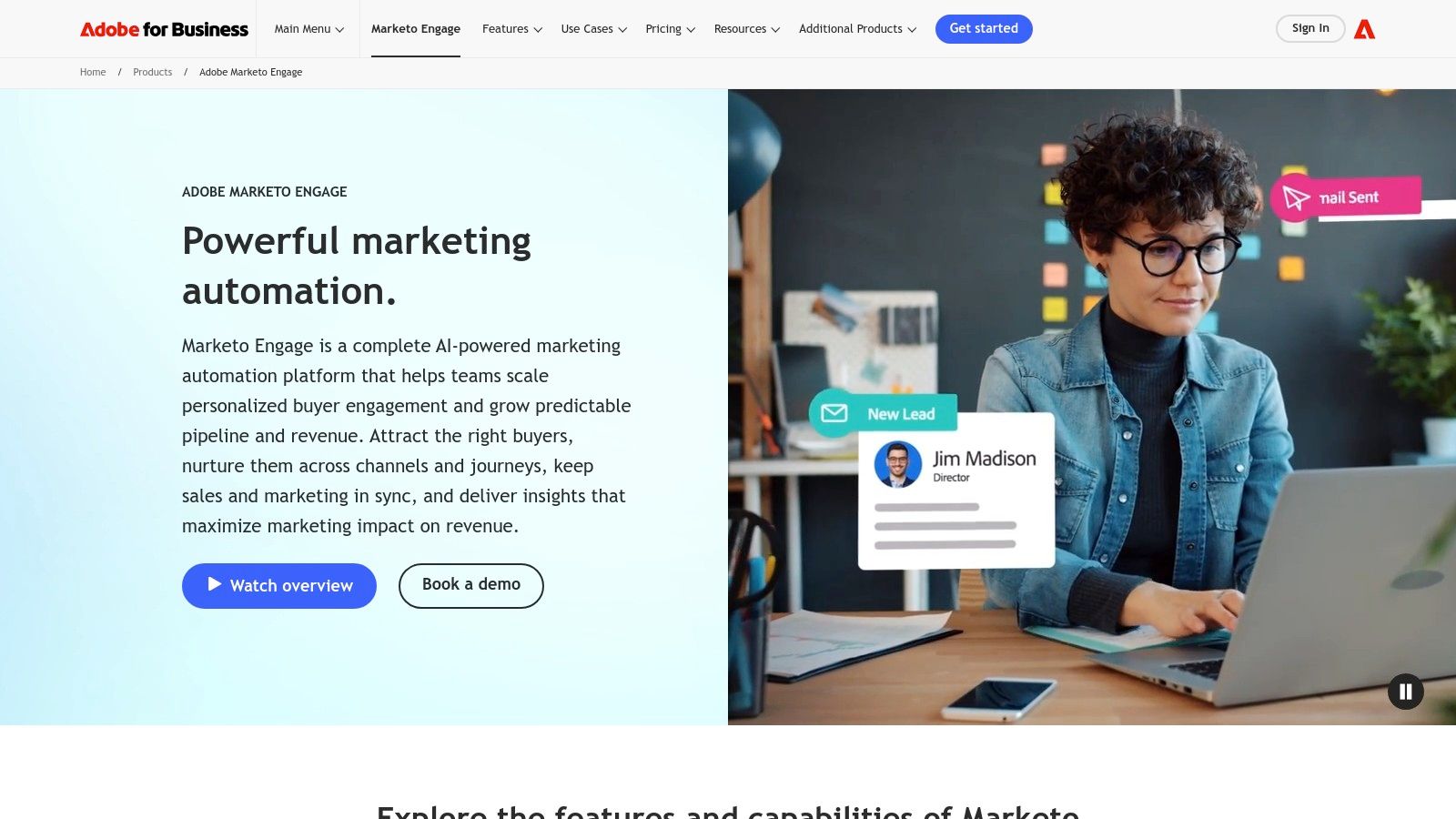
Adobe Marketo Engage is a powerhouse in the enterprise B2B space, positioning itself as one of the best marketing automation software solutions for large, complex organizations. Its primary advantage is the sheer depth of its lead management, scoring, and segmentation capabilities. Unlike more SMB-focused platforms like HubSpot, Marketo is built to handle intricate, multi-channel programs and provides the governance required for global teams operating across different regions or business units.

Adobe Marketo Engage

The platform excels at orchestrating sophisticated account-based marketing (ABM) strategies and long sales cycles. Demand generation managers can leverage "Smart Campaigns" to build nuanced nurturing streams that adapt based on a lead's behavior, demographic data, and sales activity. This level of control is ideal for companies with mature marketing operations that need to manage lead lifecycles with precision, ensuring sales development representatives receive only highly qualified, sales-ready leads.

Key Differentiators & Use Cases

  • Advanced Lead & Account Management: Marketo provides granular control over lead scoring, routing, and lifecycle stages. A demand generation manager can, for instance, create separate workspaces and lead models for different product lines, preventing data cross-contamination.
  • Enterprise-Grade Governance: Features like partitioning and user roles allow large marketing organizations to maintain brand consistency and data security. A central marketing operations team can set up global templates while giving regional marketers the autonomy to run their own campaigns.
  • Powerful Native Integrations: With deep, bi-directional syncs for major CRMs like Salesforce and Microsoft Dynamics, Marketo ensures that critical data flows seamlessly between marketing and sales. Actionable Tip: If you use Salesforce but need more advanced marketing governance than Pardot offers, Marketo is your top choice.

Pricing and Implementation

  • Pricing Model: Pricing is entirely quote-based and requires engaging with a sales representative. It is generally positioned at the higher end of the market, targeting enterprise and upper-mid-market companies.
  • Onboarding: A successful Marketo implementation almost always requires certified expert resources, either through Adobe's professional services or a third-party consultancy. The platform has a steep learning curve, and a "do-it-yourself" approach is not recommended for achieving ROI.

Pros & Cons

ProsCons
Robust for Complex Programs: Unmatched flexibility for building multi-step, trigger-based campaigns and ABM.High Total Cost of Ownership: Quote-based pricing is expensive and implementation requires experts.
Mature Governance Features: Ideal for large organizations needing to manage multiple teams and brands.Steep Learning Curve: The interface is less intuitive than modern alternatives like HubSpot.
Deep CRM Integration: Native, bi-directional syncs with Salesforce and Microsoft Dynamics are best-in-class.Sales-Led Process: No self-serve options; purchasing requires lengthy sales engagement.

Website: https://business.adobe.com/products/marketo.html

3. Salesforce Marketing Cloud Account Engagement (Pardot)

Salesforce Marketing Cloud Account Engagement, widely known by its former name Pardot, is a purpose-built B2B marketing automation platform designed for organizations deeply embedded in the Salesforce ecosystem. Its primary advantage is the unparalleled, native integration with Salesforce CRM, making it one of the best marketing automation software choices for sales-led companies. This tight sync ensures that all marketing engagement data, from email opens to form submissions, is immediately visible on lead and contact records, empowering sales teams with real-time intelligence.

Salesforce Marketing Cloud Account Engagement (Pardot)

The platform excels at connecting marketing actions directly to sales outcomes through shared data and reporting. Demand generation managers can leverage powerful tools like lead scoring, grading, and automated nurturing programs to qualify leads before they are ever assigned to a sales development representative. This alignment is crucial for organizations that need to prove marketing’s contribution to the sales pipeline and revenue, a key focus in effective marketing automation for B2B.

Key Differentiators & Use Cases

  • Native Salesforce CRM Integration: Unlike platforms requiring API connectors, Pardot lives within the Salesforce environment. Actionable Tip: Choose Pardot if your single most important requirement is flawless data sync and shared reporting with your Salesforce Sales Cloud instance.
  • Lead Scoring & Grading: Pardot offers a dual system for lead qualification. Scoring tracks a lead’s engagement level (behavior), while grading measures their fit against your ideal customer profile (demographics). This helps prioritize the hottest and best-fit leads for sales outreach.
  • Engagement Studio: This is Pardot’s visual journey builder. A marketing manager can create complex nurturing paths, for example, sending an automated follow-up from the assigned sales rep if a high-value prospect visits the pricing page more than twice.

Pricing and Implementation

  • Pricing Model: Pricing is structured in tiers (Growth, Plus, Advanced, Premium) based on feature sets and contact limits. Costs are often negotiated as part of a larger Salesforce package and typically require annual contracts.
  • Onboarding: Implementation often requires a certified Salesforce partner or consultant to ensure correct configuration, especially for complex data mapping and campaign alignment. This upfront investment is key to maximizing the platform's value.

Pros & Cons

ProsCons
Seamless Salesforce Alignment: Unmatched data governance and sync for teams using Salesforce CRM.Complexity & Learning Curve: Can be less intuitive than modern competitors like HubSpot or ActiveCampaign.
Strong B2B Focus: Features like scoring, grading, and prospect tracking are tailored for sales cycles.Cost & Annual Contracts: Can be a significant investment, with costs escalating with contacts and add-ons.
Advanced Analytics: Higher tiers offer B2B Marketing Analytics Plus for deep, customizable reporting.Less Flexible Email Editor: The email builder feels dated compared to other platforms, sometimes requiring HTML.

Website: https://www.salesforce.com/marketing/b2b-automation/pricing/

4. Salesforce Marketing Cloud Engagement (B2C cross‑channel)

Salesforce Marketing Cloud Engagement is an enterprise-grade solution built for large B2C or B2B2C brands that require massive scale and sophisticated cross-channel personalization. Unlike its B2B-focused sibling Pardot, its strength lies in orchestrating complex customer journeys across email, mobile (SMS, push notifications), and advertising. This makes it one of the best marketing automation software choices for retail, travel, and media companies managing millions of consumer contacts.

Salesforce Marketing Cloud Engagement (B2C cross‑channel)

The platform’s core is Journey Builder, a powerful visual workflow tool designed for creating triggered, multi-step communication flows. A B2C marketer can, for example, build a journey that sends an abandoned cart email, followed by an SMS with a discount code 24 hours later, and then adds the user to a social media retargeting audience if they still haven’t converted. This level of multi-channel orchestration is significantly more advanced than what is typically found in B2B-focused platforms.

Key Differentiators & Use Cases

  • True Cross-Channel Orchestration: Journey Builder allows marketers to seamlessly integrate email, SMS, push notifications, and social advertising into a single automated workflow. This is critical for consumer brands aiming to provide a consistent experience across touchpoints.
  • Einstein AI Engine: The built-in AI capabilities provide predictive insights, such as optimizing send times for individual contacts to maximize engagement or recommending the next best product to feature in an email, driving personalization at scale.
  • Deep Salesforce Data Connectivity: For companies using Salesforce CRM or Commerce Cloud, Marketing Cloud offers unparalleled data integration. Actionable Tip: If you're a B2C enterprise using Salesforce Commerce Cloud, this platform is purpose-built to leverage that data for hyper-personalized campaigns.

Pricing and Implementation

  • Pricing Model: Pricing is enterprise-focused and highly customized based on edition (Pro, Corporate, Enterprise), contact volume, and message sends. It represents a significant investment compared to mid-market tools.
  • Onboarding: Implementation is a complex process, almost always requiring certified partners or Salesforce professional services. The platform's breadth necessitates a dedicated team and a structured, lengthy setup project to ensure success.

Pros & Cons

ProsCons
Strong for large‑scale email/mobile orchestration: Built to handle massive volume and complexity.Enterprise pricing and significant implementation effort: High cost and resource-intensive setup.
Mature enterprise services and support tiers: Robust support network for large organizations.Feature breadth can be overkill for smaller teams: Overly complex for companies without dedicated resources.
Powerful AI and personalization features: Einstein AI drives sophisticated, data-driven marketing.Steeper learning curve: Requires specialized knowledge to operate effectively compared to more intuitive tools.

Website: https://www.salesforce.com/marketing/engagement/pricing/

5. ActiveCampaign

ActiveCampaign positions itself as a customer experience automation platform, making it one of the best marketing automation software options for SMBs and mid-market companies that need more than just email. Its strength lies in its approachable yet powerful visual automation builder, which extends beyond email to include SMS, site messages, and sales pipeline automation. This multi-channel capability allows businesses to create cohesive customer journeys that meet buyers where they are.

The platform is designed for businesses focused on growth, offering sophisticated segmentation and dynamic content features at a more accessible price point than enterprise-level competitors. Users can easily build workflows that tag contacts based on behavior, trigger messages when a prospect visits a key webpage, or automatically move deals in the built-in CRM. This makes it a strong contender for teams that have outgrown simpler tools like Mailchimp but are not ready for the complexity of Marketo.

Key Differentiators & Use Cases

  • Multi-Channel Visual Automations: A demand generation manager can create a single workflow that sends an initial email, follows up with an SMS message if there's no click, and then creates a task for a sales development representative in the CRM. This is managed within one intuitive, drag-and-drop interface.
  • Inclusive Onboarding & Migration: Unlike many platforms that charge for setup, ActiveCampaign includes 1:1 onboarding and free migration services in its plans. Actionable Tip: If your team is small and migrating from another tool, this free service can save you thousands in setup costs and weeks of effort.
  • Predictive Features & Conditional Content: The platform uses machine learning to offer predictive sending (delivering emails at the optimal time for each contact) and predictive content. For more details, you can learn more about AI in marketing automation. This allows for a level of personalization that is typically found in more expensive software.

Pricing and Implementation

  • Pricing Model: Pricing is based on the number of contacts and the chosen feature tier (Marketing or Sales bundles). The tiers unlock features like SMS, landing pages, and advanced reporting.
  • Onboarding: The included free migration and one-on-one strategy sessions ensure a smoother implementation process and help teams get value from the tool faster than a self-service setup.

Pros & Cons

ProsCons
Strong Support & Migration: Included onboarding and free migration make it easy to get started.Opaque High-Tier Pricing: Some packaging and enterprise pricing require speaking to sales.
Powerful & Approachable Automation: A great balance of advanced features and user-friendliness.Advanced Reporting Gated: The most valuable reporting features are reserved for higher tiers.
Integrated Sales CRM: Provides a unified view of the customer journey for marketing and sales.Learning Curve for Deepest Features: While approachable, mastering all features takes time.

Website: https://www.activecampaign.com/

6. Mailchimp

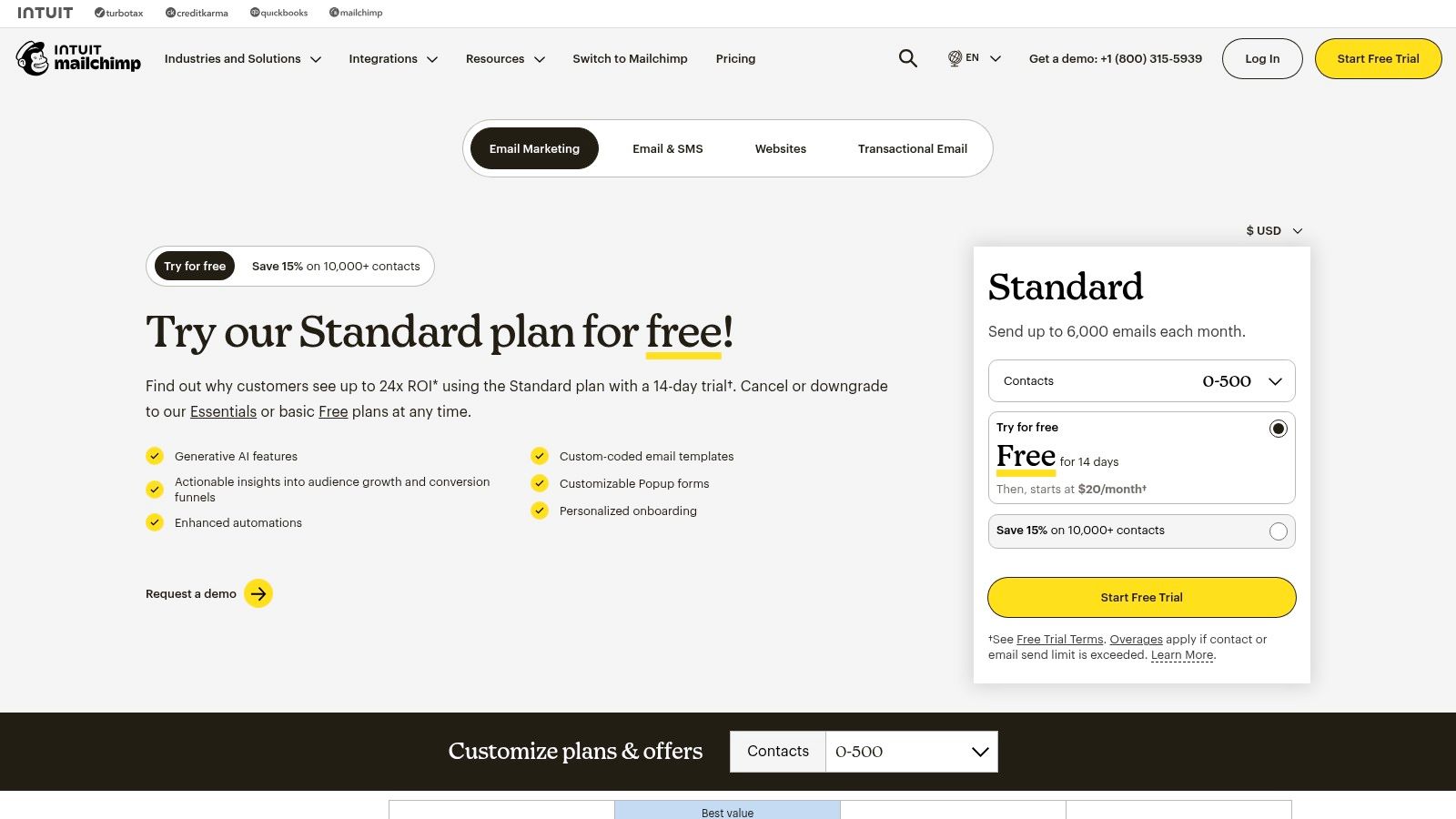
Mailchimp is often the entry point into email marketing for small businesses and ecommerce brands, but it has evolved into a capable platform that makes it one of the best marketing automation software options for those prioritizing simplicity and speed. Its core value is a gentle learning curve, allowing users to quickly set up email campaigns, landing pages, and basic automation sequences without extensive technical knowledge. This makes it an ideal choice for teams without a dedicated marketing operations manager.

Mailchimp

The platform has expanded beyond simple email blasts to include "Customer Journeys," a visual workflow builder for automating multi-step campaigns. While not as advanced as the logic in platforms like ActiveCampaign or HubSpot, it's perfect for common use cases like welcome series, abandoned cart reminders, or re-engagement campaigns. Its extensive template library and AI content features further accelerate the content creation process for lean marketing teams.

Key Differentiators & Use Cases

  • Speed to Value: Where other platforms require significant setup, a small business owner can connect their ecommerce store (like Shopify) and have an automated abandoned cart email running in under an hour.
  • Accessible Automation: The "Customer Journeys" builder is straightforward, enabling marketers to build rules-based automations (e.g., "if a contact clicks a link, add a tag") without needing to understand complex database logic.
  • Broad Integration Ecosystem: Mailchimp integrates with thousands of apps, especially popular in the ecommerce and creative professional spaces. Actionable Tip: If you are a solopreneur or small business using tools like Squarespace, Canva, and Calendly, Mailchimp's extensive and simple integrations make it a superior choice over more complex B2B platforms.

Pricing and Implementation

  • Pricing Model: Mailchimp offers tiered plans (including a free tier) based on both contact count and email sends. It's crucial to monitor both metrics, as overage charges can apply if you exceed your plan's limits.
  • Onboarding: Implementation is almost entirely self-service. The platform provides extensive documentation and tutorials, making it accessible for users who prefer to learn and build on their own schedule without a mandatory onboarding fee.

Pros & Cons

ProsCons
Fast Setup and User-Friendly: Excellent for beginners and teams needing to launch campaigns quickly.Limited Automation Logic: Lacks the advanced branching and behavioral triggers of more robust platforms.
Generous Free Tier: A free plan is available for new businesses to start building their email list.Costs Escalate with Overage: Exceeding contact or send limits can lead to unexpected charges.
Extensive Template Library: A vast collection of pre-designed templates speeds up email creation.Advanced Features Gated: Critical features like A/B testing and advanced segmentation are reserved for higher-priced plans.

Website: https://mailchimp.com/pricing/

7. Klaviyo

Klaviyo has carved out a dominant position as the best marketing automation software for direct-to-consumer (DTC) ecommerce brands. Its primary strength is its incredibly deep integration with platforms like Shopify, BigCommerce, and WooCommerce. This allows it to pull rich customer data, such as purchase history, browsing behavior, and cart contents, directly into its system for hyper-personalized marketing. Unlike general-purpose platforms like Mailchimp or HubSpot, Klaviyo is built from the ground up to drive online sales.

Klaviyo

The platform empowers ecommerce managers to create sophisticated automation "flows" for common retail scenarios like abandoned carts, browse abandonment, and post-purchase follow-ups. Its segmentation engine is commerce-grade, allowing users to build dynamic lists based on predictive analytics, such as "predicted next order date" or "customer lifetime value." This is a significant step up from the tag-based segmentation found in many email service providers.

Key Differentiators & Use Cases

  • Deep Ecommerce Integration: Klaviyo’s native connection to storefronts provides unparalleled data access. Actionable Tip: If you run a Shopify store, Klaviyo is the industry standard. Its one-click integration gives you access to pre-built automation flows that can start generating revenue on day one.
  • Unified Email & SMS Automation: The platform orchestrates email and SMS messages within the same workflow builder. This allows for creating cohesive journeys, such as sending an abandoned cart email, followed by an SMS reminder with a discount code two hours later if the user hasn't converted.
  • Revenue-Centric Reporting: Every campaign and automation flow directly reports the revenue it generated. This makes it easy for marketing leaders to prove ROI and optimize their strategy based on what actually drives sales, not just opens and clicks.

Pricing and Implementation

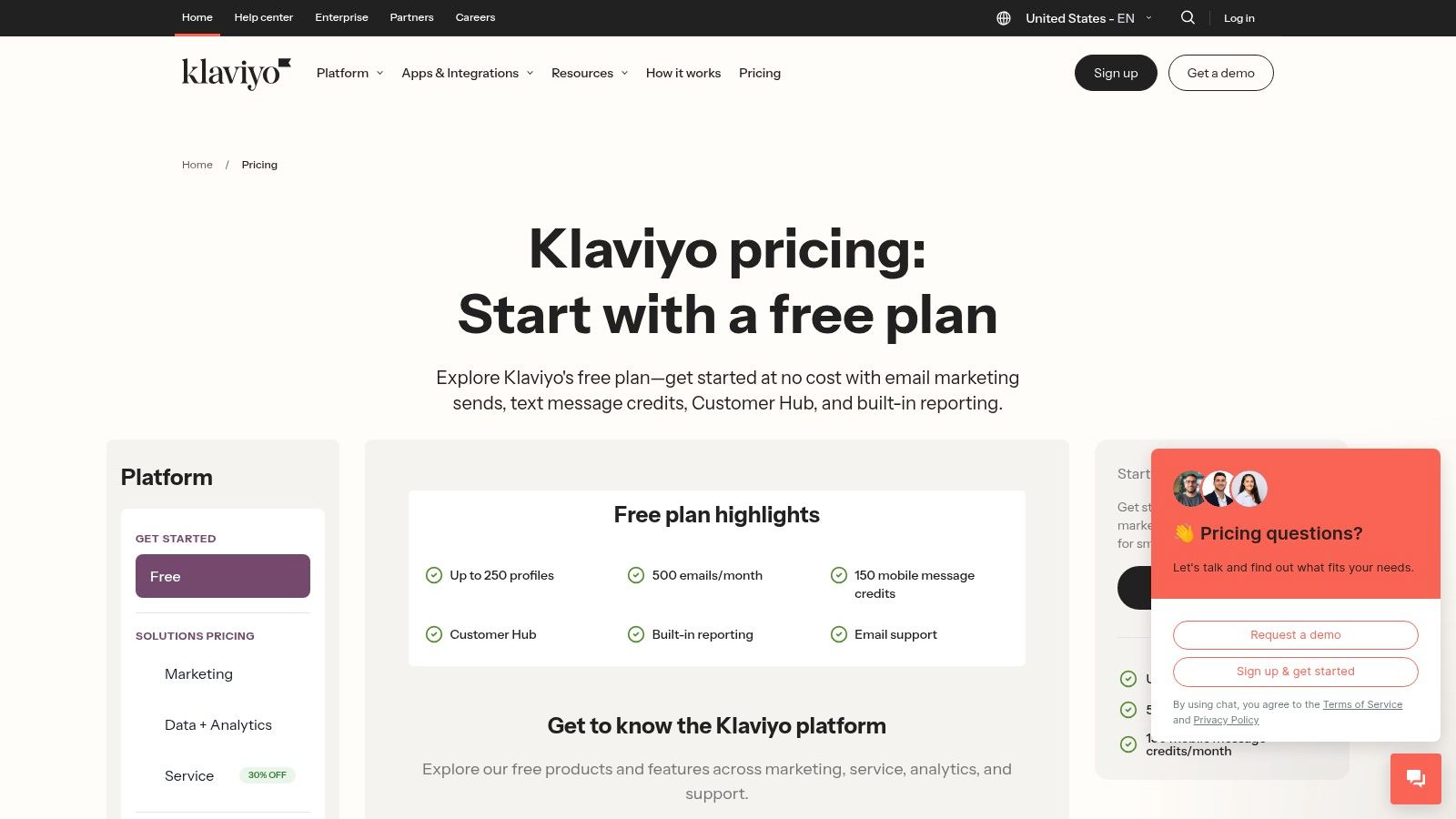
  • Pricing Model: Klaviyo offers a free tier for up to 250 contacts. Paid plans scale based on the number of email contacts and SMS credits purchased. The model is flexible, allowing businesses to grow without large upfront commitments.
  • Onboarding: Implementation is relatively straightforward, especially with major ecommerce platforms, thanks to one-click integrations. The platform provides extensive documentation and pre-built templates ("playbooks") to help users get started quickly and effectively.

Pros & Cons

ProsCons
Strong Revenue Attribution: Clear, built-in reporting on how marketing activities drive sales.Niche Focus: Less suitable for B2B or non-ecommerce businesses.
Advanced Segmentation: Powerful, commerce-focused segmentation capabilities.Cost Can Escalate: High-volume SMS and large contact lists can become expensive.
Excellent Ecommerce Playbooks: Pre-built, proven automation templates speed up time-to-value.Relies on Storefront Data: Value is maximized when connected to a compatible ecommerce stack.

Website: https://www.klaviyo.com/pricing

8. Brevo (formerly Sendinblue)

Brevo, formerly known as Sendinblue, has carved out a unique space in the market by offering a powerful suite of tools on a pricing model that prioritizes send volume over contact list size. This makes it an exceptionally cost-effective choice for businesses with large audiences but moderate sending frequencies. While many platforms scale costs aggressively with contact growth, Brevo's approach provides budget predictability, making it one of the best marketing automation software options for startups and SMBs.

Brevo (formerly Sendinblue)

The platform consolidates email marketing, SMS, WhatsApp campaigns, live chat, and a sales CRM into a single dashboard. Its automation workflow builder is surprisingly robust for its price point, allowing users to create multi-step, multi-channel journeys based on user behavior like email opens, link clicks, or website visits. This allows a small marketing team to automate welcome series, abandoned cart reminders, and lead nurturing sequences without the enterprise-level investment.

Key Differentiators & Use Cases

  • Volume-Based Pricing: Unlike HubSpot or ActiveCampaign, which charge per contact, Brevo's core plans are based on email volume. Actionable Tip: If you have a large contact list (e.g., >20,000) but only send a monthly newsletter, Brevo will be significantly cheaper than contact-based alternatives.
  • All-in-One Communication Hub: The platform integrates transactional emails (like password resets), SMS, and WhatsApp messaging directly into its automation workflows. This is ideal for e-commerce brands wanting to send an order confirmation via email and a shipping notification via SMS from the same system.
  • Generous Free Plan: The free tier is highly functional, offering marketing automation for up to 2,000 contacts, making it a perfect entry point for small businesses to test and validate their automation strategies before committing to a paid plan.

Pricing and Implementation

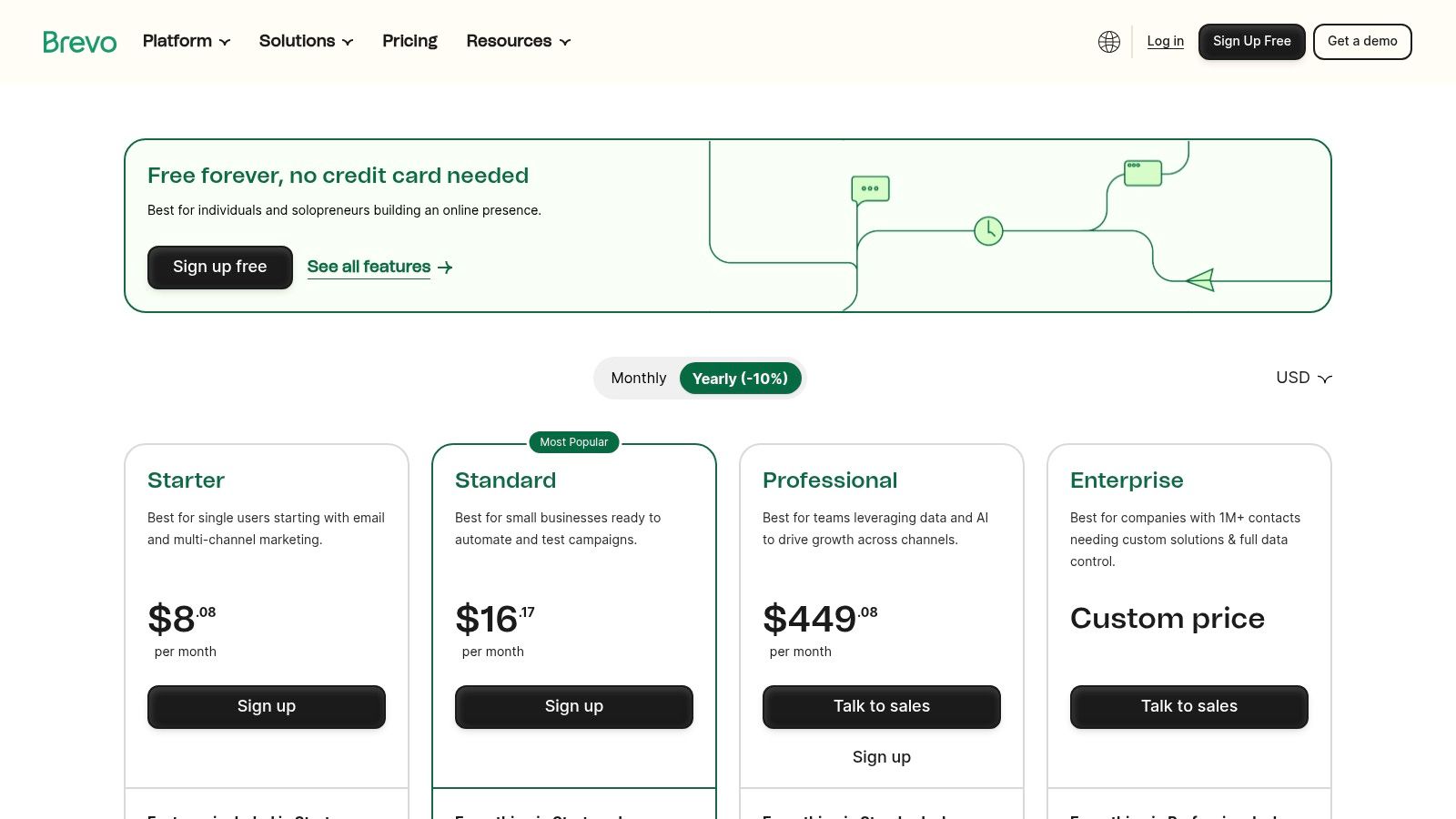
  • Pricing Model: Primarily based on the number of emails sent per month, with higher tiers unlocking advanced features and removing daily sending caps. There is no charge for storing unlimited contacts on most paid plans.
  • Onboarding: Brevo is largely self-service, with a straightforward setup process and extensive documentation. This lack of a mandatory onboarding fee makes it much more accessible for teams with limited budgets compared to enterprise platforms.

Pros & Cons

ProsCons
Cost-Effective at Scale: Send-based pricing is highly affordable for large contact lists.Daily Sending Caps on Free Plan: The free plan limits sends to 300 emails per day.
Multi-Channel Capabilities: Natively supports email, SMS, WhatsApp, and live chat automation.Fewer Native Integrations: The app ecosystem is smaller than leaders like HubSpot.
Robust Free Tier: Includes automation for up to 2,000 contacts, ideal for testing.Basic CRM Functionality: The built-in CRM is less advanced than dedicated sales platforms.

Website: https://www.brevo.com/pricing/

9. Iterable

Iterable positions itself as a customer activation platform, making it one of the best marketing automation software options for B2C and data-rich B2B companies that need to orchestrate real-time, personalized communication at massive scale. Its primary strength is its ability to ingest vast amounts of first-party data and use AI to trigger hyper-relevant messages across email, SMS, push notifications, and in-app channels. This makes it a powerful choice for businesses with complex, event-driven customer lifecycles.

Iterable

Unlike all-in-one suites like HubSpot, Iterable is designed to be a core component of a composable martech stack, integrating deeply with data warehouses like Snowflake or CDPs like Segment. Its "Studio" workflow builder allows marketers to create sophisticated cross-channel journeys, using AI-powered "Predictive Goals" to optimize paths toward specific outcomes, such as conversion or retention. This is ideal for growth marketers and CRM managers at enterprise-level companies.

Key Differentiators & Use Cases

  • Real-time Data Activation: Iterable can ingest and act on behavioral data in milliseconds. A consumer tech company could use this to send a push notification with a discount code the instant a user abandons their shopping cart in a mobile app.
  • AI-Powered Personalization: The platform's explainable AI helps marketers understand why certain users are targeted for specific campaigns. For example, it can identify users most likely to churn and automatically enroll them in a re-engagement sequence.
  • Cross-Channel Orchestration: Actionable Tip: If your strategy involves coordinating messages across email, SMS, and in-app notifications, compare Iterable's "Studio" directly with Braze's "Canvas." Both are visual journey builders, but their AI features and data models differ, making one potentially a better fit for your specific use case.

Pricing and Implementation

  • Pricing Model: Pricing is entirely quote-based and tailored to enterprise needs, factoring in contact volume, message sends, and feature set. It is a premium-priced solution.
  • Onboarding: Implementation requires a strong data foundation. To realize its full value, your organization must have clean, well-structured first-party data and the technical resources to integrate it via API or through a CDP.

Pros & Cons

ProsCons
Designed for High Scale: Built to handle billions of messages and real-time data points for large user bases.Enterprise-Level Pricing: Quote-based model is typically out of reach for SMBs.
Composable & Flexible: Integrates seamlessly into modern, best-of-breed martech stacks.Requires Data Maturity: Value is limited without solid first-party data infrastructure.
Strong Partner Ecosystem: Extensive support for migration and integration with other enterprise tools.Steeper Learning Curve: More complex than all-in-one platforms; requires technical expertise.

Website: https://iterable.com/

10. Braze

Braze excels as a customer engagement platform built for real-time, cross-channel conversations, positioning it as one of the best marketing automation software options for B2C and mobile-first brands. Its core strength is orchestrating sophisticated messaging across email, push notifications, in-app messages, and web. Unlike CRM-centric platforms like HubSpot, Braze is designed from the ground up to process massive streams of behavioral data and trigger personalized communications in the moment.

Braze

The platform is ideal for product marketers and lifecycle managers at consumer tech companies, e-commerce sites, or media brands who need to influence user behavior directly within their app or website. You can build complex, multi-step user journeys that react instantly to user actions. For example, a user abandoning a shopping cart can trigger a push notification, an in-app message, and an email in a coordinated sequence based on their engagement with each channel.

Key Differentiators & Use Cases

  • Mobile-First Orchestration: Braze's specialty is its deep integration with mobile applications. A product manager can trigger an in-app message offering a tutorial to a user who struggles with a new feature, a capability far beyond what traditional B2B automation tools offer.
  • Extensive Data & Behavioral Targeting: The platform ingests a wide array of event data, allowing for hyper-granular segmentation. You can target users based on their last app open, purchase history, or even custom events you define, enabling highly relevant and timely messaging.
  • AI-Assisted Content & Delivery: Features like AI-powered copy suggestions and intelligent timing help optimize campaign performance. Actionable Tip: During a demo, ask to see how the AI personalization engine differs from Iterable’s. Focus on which platform's model better supports your goal, whether it's optimizing for conversion, engagement, or churn reduction.

Pricing and Implementation

  • Pricing Model: Braze does not offer public pricing; it is a custom, enterprise-level solution. Pricing is typically based on a combination of monthly active users (MAUs), data points, and message volume.
  • Onboarding: The implementation process can be non-trivial, often requiring developer resources to integrate the SDK and set up data streams correctly. However, Braze offers mature education and guided onboarding to support this.

Pros & Cons

ProsCons
Excellent for mobile and app-centric use cases: Unmatched capabilities for push and in-app messaging.Enterprise-Level Pricing: The cost structure is not suitable for small or mid-sized businesses.
Real-Time Data Processing: Enables instant, behavior-driven communication.Complex Implementation: Requires technical expertise and developer involvement to set up.
Mature Education & Enablement: Strong resources and support to help teams succeed with the platform.Less focused on B2B sales alignment: Not a replacement for a CRM in a traditional sales cycle.

Website: https://www.braze.com/

11. Oracle Eloqua

Oracle Eloqua is a powerhouse in the enterprise B2B space, making it one of the best marketing automation software solutions for large, complex organizations. Its key advantage is its ability to manage massive contact databases and intricate global campaigns with robust governance and control. Eloqua is designed for marketing teams that require sophisticated segmentation, advanced lead and account scoring, and deep integration with enterprise-level systems like Oracle's own CX suite and various CRMs.

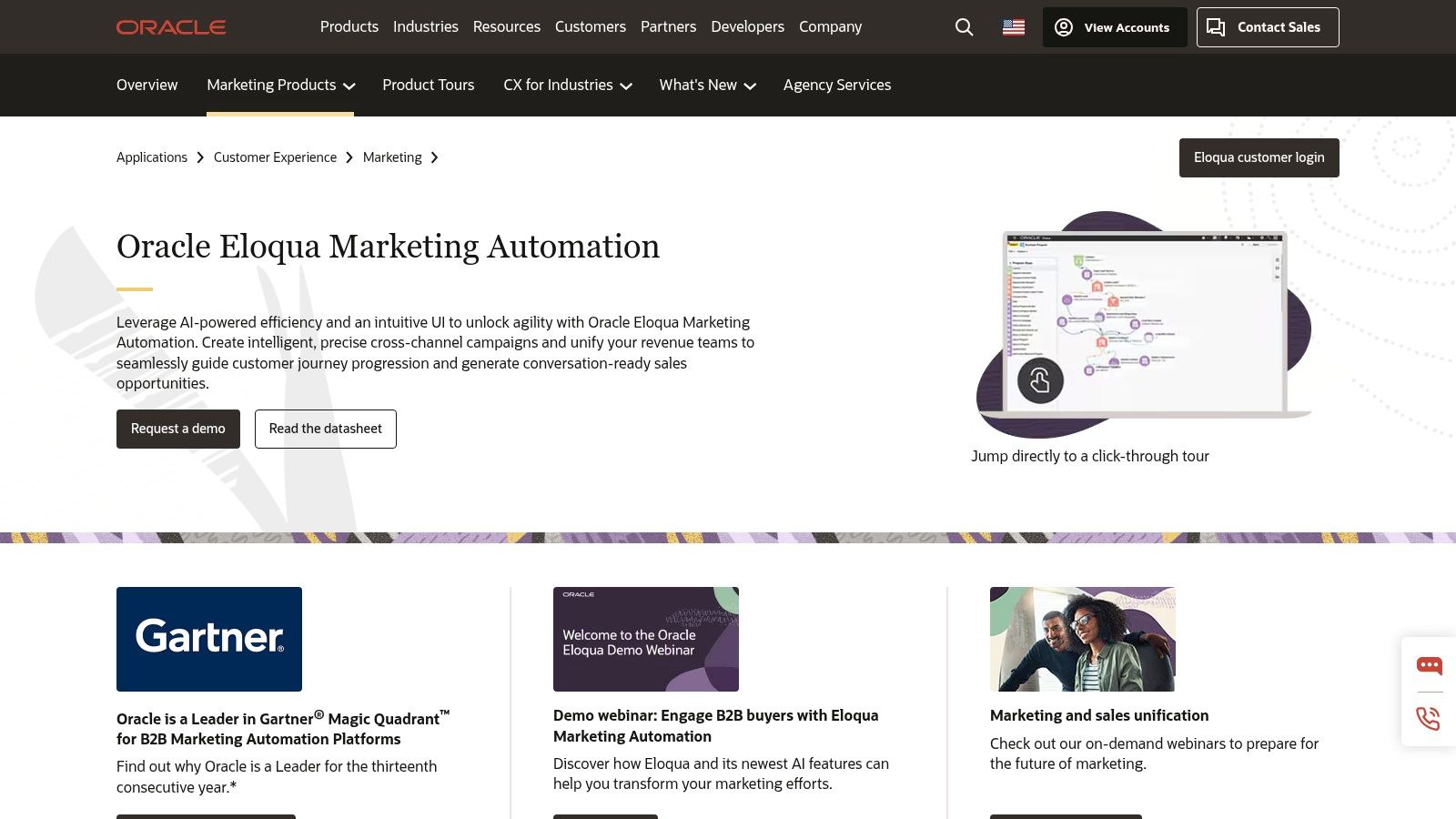
Oracle Eloqua

The platform excels at orchestrating complex, multi-channel campaigns tailored to specific account-based marketing (ABM) strategies. Unlike more SMB-focused tools, Eloqua provides granular control over user permissions, data privacy, and campaign approvals. This makes it a direct competitor to Adobe Marketo, often appealing to enterprises already invested in the Oracle technology stack.

Key Differentiators & Use Cases

  • Enterprise-Grade Scalability & Governance: Eloqua is built to handle databases with tens of millions of contacts without performance degradation. For a global marketing operations director, this means they can enforce brand consistency and data compliance across different regions and teams from a single platform.
  • Advanced Segmentation and Personalization: The platform allows for highly complex segmentation logic that combines demographic, firmographic, and real-time behavioral data. A demand generation manager can create dynamic segments for an ABM campaign, personalizing content based on a contact's role, industry, and engagement level with the sales team.
  • Oracle CX Suite Integration: For companies already invested in the Oracle ecosystem (e.g., Oracle Sales, Oracle Advertising), Eloqua offers seamless connectivity. Actionable Tip: If your company is an existing Oracle customer, choosing Eloqua can significantly reduce integration complexity and cost compared to bringing in an outside platform like Marketo.

Pricing and Implementation

  • Pricing Model: Pricing is entirely quote-based and positioned at the premium, enterprise end of the market. It is typically suited for organizations with significant marketing budgets.
  • Onboarding: Implementation is a complex process that often requires certified consultants and a dedicated internal project team. The timeline can span several months, reflecting the platform's depth and the need for custom configuration.

Pros & Cons

ProsCons
Scales to very large datasets: Built for enterprise needs with millions of contacts.Premium, quote-based pricing: High cost of entry and ownership.
Rich integration catalog: Over 500 pre-built integrations with major CRM and MarTech platforms.Steep learning curve: Requires significant training and often specialized expertise.
Robust governance features: Granular user permissions and controls for large, global teams.Long implementation timelines: Not a plug-and-play solution.

Website: https://www.oracle.com/cx/marketing/automation/

12. Comparison Marketplaces (Capterra & G2)

While not a software platform itself, using comparison marketplaces like Capterra and G2 is a critical first step in finding the best marketing automation software for your specific needs. These sites act as comprehensive directories, aggregating peer reviews, feature lists, and vendor data to help you create a qualified shortlist. They provide an invaluable, high-level view of the market, allowing you to filter options by company size, industry, and required features before committing to vendor demos.

These marketplaces are particularly useful for demand generation managers and marketing leaders tasked with the initial research phase. Instead of relying solely on vendor-produced marketing materials, you can leverage verified user feedback to identify common pain points and hidden benefits. G2's Grid reports, for instance, visually map out platforms based on market presence and user satisfaction, offering a quick way to identify established leaders and emerging contenders.

Key Differentiators & Use Cases

  • Verified Peer Reviews: Both platforms offer reviews from verified users. This helps VPs of Sales and Marketing assess real-world performance and user satisfaction beyond a vendor's sales pitch, uncovering insights on implementation difficulty or customer support quality.
  • Side-by-Side Comparisons: Users can select several platforms and compare their features, pricing, and ratings in a structured format. This is an actionable way to quickly eliminate tools that lack critical functionality, such as native CRM integration or advanced A/B testing.
  • Category-Specific Shortlisting: Actionable Tip: Use the filters on these sites to create your initial list. For example, filter by "B2B," "integrates with Salesforce," and "serves companies 200-500 employees." This will narrow a list of 100+ vendors down to a manageable 5-10 for deeper investigation.

Pricing and Implementation

  • Pricing Model: Access to research, reviews, and comparison tools on these sites is completely free for buyers. Vendors pay for sponsored placements and lead generation features.
  • Onboarding: There is no onboarding process. The primary action is to use the filters and guides to build a list of 2-3 top contenders, then engage with those vendors directly for demos or trials. Be aware that some content may require an email submission.

Pros & Cons

ProsCons
Free to Research: Provides a no-cost way to build a longlist and validate vendor claims.Sponsored Placements: The default sorting can be influenced by vendors who pay for premium listings.
Transparent User Feedback: Deep, recent, and verified reviews offer candid insights into usability.Outdated Information: Pricing details and feature sets shown can occasionally lag behind vendor updates.
Comprehensive Filtering: Allows for granular sorting to quickly find relevant solutions for your niche.Gated Content: Some in-depth reports or buyer's guides may require you to provide contact information.

Website: https://www.capterra.com/marketing-automation-software/

Top 12 Marketing Automation Platforms Comparison

ProductCore featuresUX & Quality (★)Price & Value (💰)Target audience (👥)Unique edge (✨ / 🏆)
HubSpot Marketing HubVisual workflows, email/SMS, landing pages, attribution★★★★💰 Mid–High; contact tiers can grow costly👥 B2B teams wanting CRM + marketing in one✨ Native CRM alignment & fast time‑to‑value; 🏆 onboarding
Adobe Marketo EngageAccount/lead nurturing, ABM, dynamic content, integrations★★★★💰 Quote‑based; enterprise pricing👥 Complex B2B programs / large marketing ops🏆 Powerful ABM & program governance
Salesforce Pardot (Account Engagement)Engagement programs, scoring, native Salesforce reporting★★★★💰 Mid–High; contact/add‑ons raise cost👥 Salesforce‑centric B2B sales‑led orgs✨ Tight native Salesforce data + reporting; 🏆 CRM alignment
Salesforce Marketing Cloud EngagementJourney Builder, omni‑channel messaging, Einstein optimizations★★★★💰 Enterprise; significant implementation👥 Large B2C or B2B2C brands at scale🏆 Cross‑channel orchestration at enterprise scale
ActiveCampaignVisual automations, email/SMS/WhatsApp, CRM automation★★★★💰 SMB‑friendly tiers; onboarding included👥 SMB → mid‑market growing databases✨ 1:1 onboarding & easy launch
MailchimpJourneys, A/B testing, templates, AI content★★★💰 Free tier → paid; limits/overages apply👥 SMBs & e‑commerce starters✨ Fast setup, large template ecosystem
KlaviyoCommerce segmentation, email+SMS, product feed personalization★★★★💰 Usage/SKU dependent; SMS costs add up👥 DTC/e‑commerce brands (Shopify, BigCommerce)🏆 Deep ecommerce data & revenue attribution
Brevo (Sendinblue)Email, transactional, SMS, automation; volume pricing★★★💰 Volume‑based; affordable free tier👥 Send‑heavy small teams / budget buyers✨ Cost‑efficient volume pricing
IterableReal‑time activation, AI personalization, cross‑channel★★★★💰 Enterprise / quote‑based👥 Data‑rich orgs needing real‑time personalization🏆 Real‑time AI personalization & composability
BrazeMulti‑channel orchestration, mobile/app focus, templates★★★★💰 Enterprise; non‑public pricing👥 Mobile‑first brands & app-centric marketing🏆 Strong mobile/app messaging capabilities
Oracle EloquaCross‑channel campaign builder, scoring, 500+ integrations★★★★💰 Premium / quote‑based👥 Very large enterprises with complex needs🏆 Enterprise governance & integration depth
Comparison Marketplaces (Capterra & G2)Vendor filters, buyer guides, verified reviews, grids★★★💰 Free to research👥 Buyers shortlisting & validating vendors✨ Peer reviews, grids & quick shortlists for selection

How to Turn Marketing Signals into Sales Actions

Navigating the landscape of the best marketing automation software can feel overwhelming. We've explored a dozen powerful platforms, from enterprise giants like Adobe Marketo Engage and Salesforce Marketing Cloud to SMB-focused solutions like ActiveCampaign and Klaviyo. Each offers a unique combination of features designed to attract, nurture, and convert leads at scale. However, the core takeaway is this: selecting a tool is only half the battle. The true measure of success lies in your ability to translate automated marketing efforts into tangible sales activities and, ultimately, revenue.

The most sophisticated lead scoring model or nurturing sequence is ineffective if it doesn't trigger immediate, intelligent action from your sales team. A high-intent signal, like a prospect viewing your pricing page for the third time, loses its value with every hour that passes. The critical junction where marketing intelligence meets sales execution is where ROI is either realized or lost.

Synthesizing Your Options: A Final Framework

To make your decision actionable, let’s distill the key considerations down to a simple framework. As you evaluate which platform is right for you, filter your choices through these three critical lenses:

  1. Ecosystem and Integration: How seamlessly will this tool integrate with your existing CRM (like Salesforce or HubSpot)? A platform like HubSpot Marketing Hub offers unparalleled native integration for users already within its ecosystem. In contrast, a tool like Marketo or Pardot is built for deep, complex integrations with enterprise-level CRMs, but requires more technical resources to manage.
  2. Primary Use Case: What is your core business objective? For e-commerce businesses focused on customer lifetime value, a platform like Klaviyo or Braze, with their deep event-tracking and personalization capabilities, is a clear winner. For B2B organizations with long sales cycles, a solution like Salesforce Account Engagement (Pardot) or Oracle Eloqua provides the robust lead nurturing and account-based marketing features necessary to succeed.
  3. Team Skillset and Scalability: Be honest about your team's technical capabilities. Mailchimp and Brevo offer user-friendly interfaces that allow smaller teams to get up and running quickly. On the other hand, platforms like Iterable or the full Salesforce Marketing Cloud suite provide immense power but demand a dedicated team of specialists to unlock their full potential. Choose a tool that meets you where you are but provides a clear path for future growth.

Bridging the Gap from Automation to Action

The fundamental challenge that persists across all these platforms is the "last mile" problem. Your new marketing automation software will generate thousands of valuable buyer signals. It will tell you who is engaged, what content they're consuming, and when they demonstrate intent. But what happens next?

For the Sales Development Representative (SDR) or Business Development Representative (BDR), this flood of data can be more paralyzing than empowering. They are left to manually sift through CRM notifications, interpret marketing activities, and decide who to contact next. This manual process introduces friction and delay, allowing high-intent leads to go cold. The key is not just to generate signals but to operationalize them instantly. This means turning a "whitepaper download" signal into a prioritized, actionable task in an SDR's queue with context and tools for immediate execution. This is the crucial link that transforms your marketing automation investment from a cost center into a revenue-generating engine.


The best marketing automation software generates signals, but you need a system to turn those signals into conversations and pipeline. marketbetter.ai acts as the AI-powered task engine for your SDRs, sitting directly in Salesforce and HubSpot to translate marketing intent into prioritized sales actions. Stop letting high-value leads slip through the cracks and empower your team to act instantly by visiting marketbetter.ai.

What Is Dynamic Content? A Practical Guide to Personalization

· 23 min read

So, what exactly is dynamic content? At its core, it’s digital material that changes on the fly based on who's looking at it—their behavior, their preferences, their location. Instead of blasting everyone with the same generic message, it creates a personalized experience by adapting what someone sees on a website, in an email, or inside an app.

Understanding Dynamic Content in Simple Terms

Picture walking into your favorite coffee shop. The barista greets you by name and asks, "The usual today?" That small, personal touch feels good. It builds a connection and makes you want to come back.

Dynamic content brings that exact feeling to the digital world. It transforms a website from a static billboard into a living, responsive conversation.

It works by using data—like your location, browsing history, or past purchases—to show you things you'll actually care about. If you want to go a bit deeper on the mechanics, this is a great explainer on What Is Dynamic Content?. The goal is simple: make every interaction more relevant and ditch the one-size-fits-all approach for good.

Static vs Dynamic Content

The easiest way to really get what dynamic content is all about is to put it side-by-side with its opposite: static content. A static website is like a printed brochure. Every single person who picks it up sees the exact same information, images, and offers. It's fixed. Unchanging.

Dynamic content, on the other hand, is like a personal shopper. It quickly figures out who you are and what you might be looking for, then presents you with the perfect options. This isn't just a gimmick; it's a cornerstone of modern marketing.

The fundamental difference is simple: Static content speaks at an audience, while dynamic content speaks to an individual. It’s the shift from broadcasting a single message to having millions of personalized conversations at once.

Static Content vs Dynamic Content at a Glance

Let’s lay out the key differences in a table to make it crystal clear. Think of static content as that billboard on the highway everyone sees, while dynamic content is the personal shopper who knows your style.

FeatureStatic Content (The Billboard)Dynamic Content (The Personal Shopper)
User ExperienceUniform, one-size-fits-all. Everyone sees the same thing.Unique journey tailored to each visitor’s interests and needs.
PersonalizationImpossible. The message is fixed.Built around personalization, showing relevant offers or messages.
PerformanceCan load quickly but often has lower engagement.Drives higher engagement, conversions, and long-term loyalty.
Use CasesBasic info pages, blogs, company "About Us" sections.E-commerce recommendations, targeted ads, personalized emails.

This side-by-side view really highlights why the shift toward dynamic experiences is so critical for any brand that wants to connect with its customers, not just talk at them.

Here are the practical takeaways:

  • User Experience: Static is predictable and impersonal. Dynamic creates a unique journey for every single person based on their interests.

  • Personalization: With static content, you can't personalize anything. Dynamic content is built for it, using data to show relevant products or messages. To see how this plays out in the real world, check out our guide on effective marketing personalization strategies.

  • Performance: A static page might have a slight edge on initial load speed, but dynamic content absolutely crushes it in the metrics that matter—engagement, conversion rates, and customer loyalty.

This distinction isn't just academic. It directly shapes how customers see your brand and whether they decide you're worth their time and money.

The Engine Behind Personalized Experiences

Ever wonder how a retailer's website knows to show you a winter coat in January while a visitor in Florida sees swimsuits? It’s not magic. It’s a well-oiled machine humming just beneath the surface. To really get what dynamic content is, you need to peek under the hood at the three core parts that make it all happen.

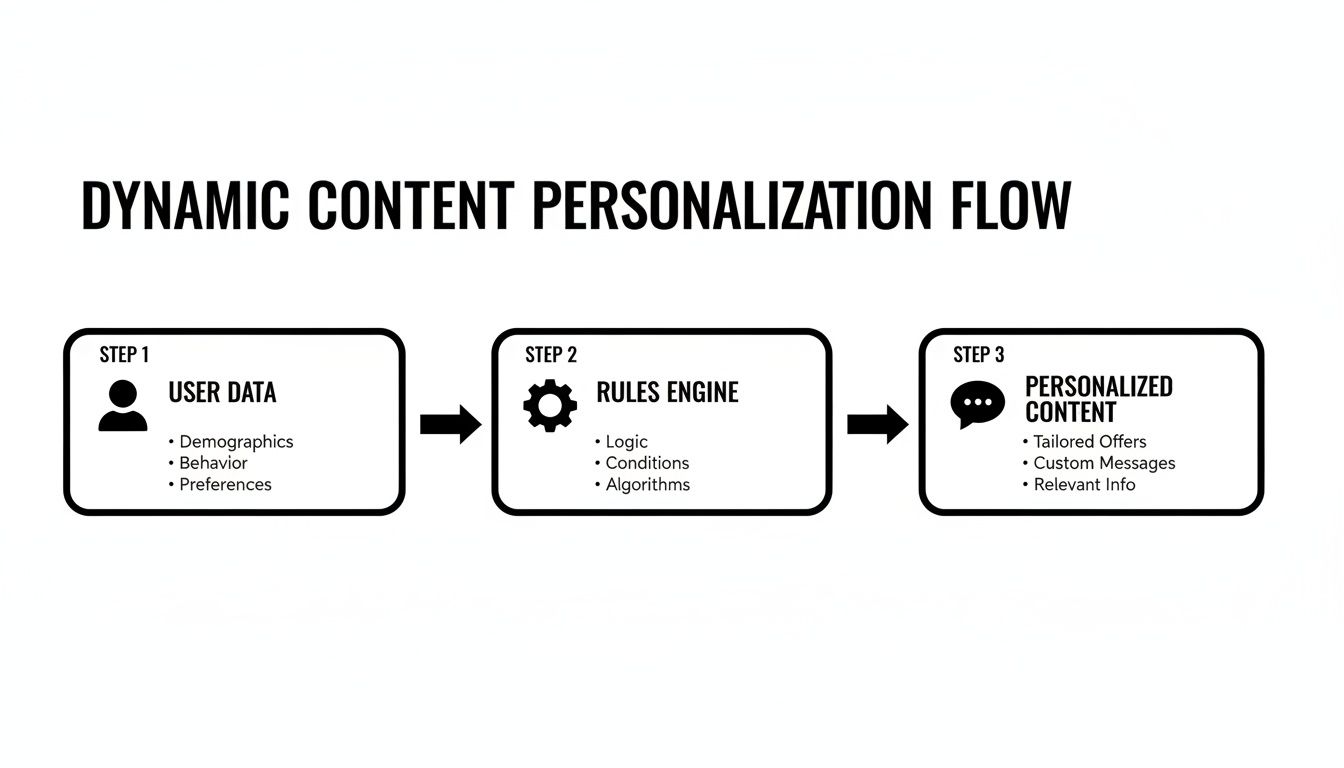
Think of it like a simple conversation: listening, thinking, and then speaking. First, the system "listens" by gathering clues about the user. Next, it "thinks" by applying a set of rules to that information. Finally, it "speaks" by delivering the perfect piece of content.

This diagram breaks down that simple but powerful flow—from raw user data to a perfectly timed, personalized message.

Diagram illustrating the dynamic content personalization flow from user data through a rules engine to personalized content.

As you can see, the process is all about turning anonymous data points into a relevant, one-to-one experience by filtering them through a decision-making engine.

Step 1: Data Collection — The Listening Phase

Every dynamic interaction starts with data. This is the "listening" phase, where your website or app is quietly collecting clues about who the visitor is and what they're looking for. This information can stream in from all over the place.

Some of the most valuable data points include:

  • Behavioral Data: Which pages did they visit? What products did they click on? Did they ditch a full shopping cart?
  • Contextual Data: What’s their geographic location? Are they browsing on a phone or a desktop? What time of day is it?
  • Demographic Data: For known users, this could be their age, industry, or job title, often pulled straight from your CRM.

To get even sharper, marketers often look at external signals, like intent data, to understand what topics a user is actively researching across the wider web. It adds another layer of insight.

Step 2: Rules Engine — The Thinking Brain

Once the data is in, it’s fed into the "thinking" brain of the operation: the rules engine. This is where the logic lives. A rules engine runs on simple "if-then" statements that you get to define.

For example, a rule might be as basic as:

  • IF a visitor is from Canada, THEN show them the winter collection banner.
  • IF a visitor is a returning customer, THEN greet them with a "Welcome Back" message and personalized recommendations.

These rules can be straightforward or incredibly complex, layering multiple conditions to create hyper-targeted audience segments. The engine’s job is to instantly check a user’s data against these rules and decide which content variation to serve up.

The rules engine is the critical bridge between raw data and a relevant experience. It’s where abstract information like location or click history is translated into a concrete, actionable decision about what content to display.

This is where you can start getting sophisticated. A basic engine just follows the commands you set. But more advanced systems use AI and machine learning to analyze data and make predictive decisions on their own, without you having to write an "if-then" rule for every possible scenario.

Step 3: Content Delivery — The Speaking Part

The final piece is content delivery—the "speaking" part. After the rules engine makes its split-second decision, the system serves the right content to the user in real time. The generic homepage banner gets swapped for the personalized version, and the user is none the wiser.

This whole process happens in the blink of an eye. The visitor never sees the logic whirring in the background; they just get a webpage that feels like it was made just for them. It’s this seamless execution that makes dynamic content so powerful. To pull this off effectively, you need a solid handle on your data, which is where a strong customer data platform integration becomes essential.

Bringing Dynamic Content to Life in Your Marketing

Knowing the theory is great, but seeing dynamic content actually drive results? That's the real win. It's time to move from concepts to concrete plays and look at how these strategies transform generic marketing messages into powerful, personalized experiences that actually work.

Every single use of dynamic content should tie back to a real business goal—whether that's more conversions, better engagement, or just earning some long-term loyalty. The trick is to start with a clear "why" and then figure out the "how."

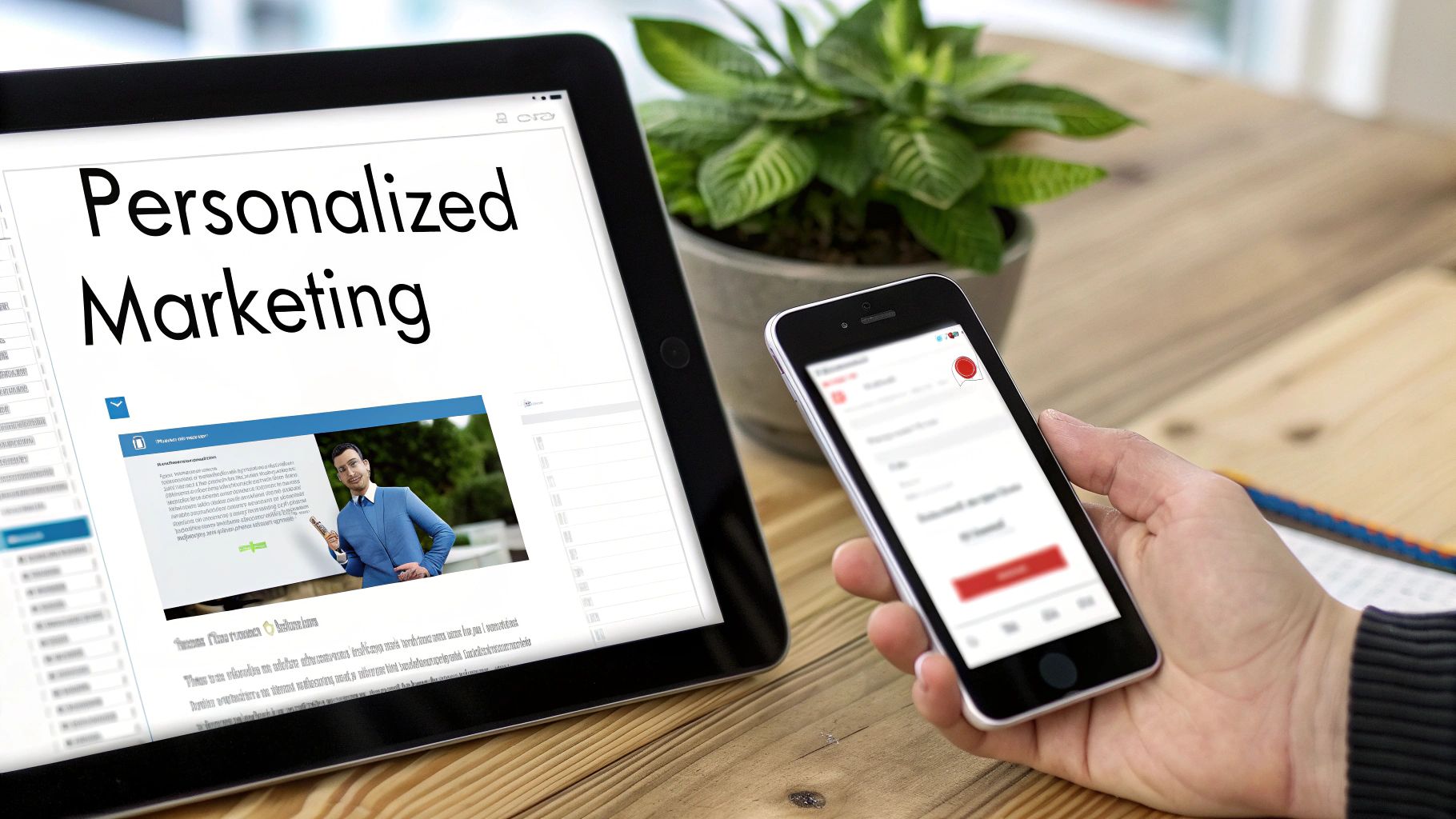
A person holding a smartphone next to a tablet displaying 'Personalized Marketing' on a wooden desk.

This isn't about one-off tricks. Effective personalization is a sequence of targeted touchpoints, each designed to guide a user through their own unique journey with your brand.

Dynamic Website Personalization

Your website is your digital storefront. It's often the first real impression someone gets. Instead of laying out a generic welcome mat for everyone, you can create a tailored experience from the moment they land. And this goes way beyond just plugging in their first name.

Think about these practical examples:

  • Smarter Hero Banners: A B2B software company could show a hero image that speaks directly to a visitor's industry. Someone from a healthcare company sees a hospital case study, while a visitor from the finance world sees a testimonial from a bank. Same page, completely different feel.
  • Location-Based Offers: A retail brand can instantly show a promotion for the nearest physical store or highlight products that are trending in the visitor's city. It makes the offer feel immediate and far more relevant.
  • Custom CTA Buttons: The call-to-action can change based on where someone is in their journey. A brand-new visitor might see a "Learn More" button, but a returning lead who has already downloaded a guide sees "Request a Demo." It’s a simple, smooth way to guide them down the funnel.

When you swap static elements for dynamic ones, your website stops being a passive brochure and becomes an active participant in the sales conversation. It starts anticipating what users need instead of just waiting for them to find it.

Hyper-Personalized Email Campaigns

Email is where dynamic content really flexes its muscles. It's the difference between a generic email blast that gets instantly archived and a one-to-one conversation that people actually open and click.

Here’s a quick breakdown of a static vs. dynamic email:

Email ElementStatic Approach (Everyone gets this)Dynamic Approach (Personalized for you)
Subject Line"Our Weekly Newsletter Is Here!""John, Here Are 3 Products You'll Love"
Product SectionShows the same 5 best-sellers to all subscribers.Displays products the user previously viewed but didn't buy.
OfferA generic 10% off coupon for everyone.A special offer on an item left in the user's abandoned cart.

The difference is night and day. The dynamic approach speaks directly to what you know about the user, making the content impossible to ignore. It’s not just a hunch; dynamic strategies can generate three times more leads per dollar than paid ads and boost email open rates by a whopping 26%.

Dynamic In-App and Ad Content

This thinking shouldn't be confined to your website or inbox. You can (and should) extend this personalized strategy to your in-app messages and digital ads to create a single, seamless experience everywhere your brand shows up.

Here’s how to put it into action:

  1. Custom In-App Notifications: If a user hasn't tried a key feature in your app, you can send a push notification with a quick tutorial. It’s a smart way to re-engage them based on their actual behavior inside the product.
  2. Smarter Retargeting Ads: Go beyond showing a generic ad to everyone who visited your site. Instead, serve up a dynamic ad that features the exact product someone looked at. It’s a powerful reminder that brings their interest right back to the forefront.
  3. Lifecycle-Aware Banners: Inside a SaaS app, a brand-new user might see a banner with links to onboarding guides. A seasoned power user, on the other hand, could see an invitation to a webinar on advanced features.

Many of these complex, data-driven campaigns are now managed through advanced platforms. If you're curious about the tech making this possible, you can learn more about how AI is used for marketing automation in our detailed guide.

When you start implementing these strategies, you stop broadcasting and start communicating. Every dynamic element you add works to build a stronger, more relevant connection with your audience—and that has a direct impact on engagement and your bottom line.

Measuring the Real-World Impact of Your Strategy

A great strategy is only as good as the results it delivers. Rolling out dynamic content just feels right, but to get budget and keep stakeholders happy, you need to back up that gut feeling with cold, hard data. It’s time to move past assumptions and connect your personalization efforts to actual business outcomes.

The goal here is simple: translate fuzzy benefits like "better engagement" into specific, measurable wins. Instead of just hoping for the best, you need a clear way to track the key performance indicators (KPIs) that prove your strategy is actually working.

Key Metrics That Prove Your Success

When you swap a static, one-size-fits-all experience for a dynamic one, you’re fundamentally changing how people interact with your brand. The right metrics will tell that story for you, showing exactly where personalization is paying off.

Focus on tracking these core performance indicators:

  • Engagement Metrics: Are people sticking around? Look for a lower bounce rate and a higher time on page. These are the clearest signs that your content is relevant enough to hold attention.
  • Conversion Metrics: This is where the money is. Keep a close eye on your click-through rate (CTR) for personalized calls-to-action and, most importantly, the overall conversion rate for your main goals, whether that's a sign-up or a sale.
  • Loyalty and Revenue Metrics: For the long game, track Customer Lifetime Value (CLV). A truly personalized journey encourages repeat business and builds loyalty, directly boosting how much each customer is worth to you over time.

Comparing Dynamic vs Static with A/B Testing

To build an undeniable business case, you have to put your new dynamic approach head-to-head with the old static version. This is where A/B testing becomes your secret weapon. It’s the cleanest way to isolate the impact of personalization and show a direct return on your investment.

Here’s a simple framework to get your tests running:

  1. Isolate One Variable: Don't try to boil the ocean. Start small by testing a single dynamic element, like a personalized hero banner or a targeted call-to-action.
  2. Define Your Audience Split: Serve the static version (Control Group A) to 50% of your audience and the new dynamic version (Test Group B) to the other 50%.
  3. Set a Clear Goal: Decide what success looks like before you start. Is it a higher CTR on the banner? More form submissions?
  4. Run the Test and Analyze: Let it run long enough to get statistically significant results, then compare the performance of Group A versus Group B. The numbers won't lie.

A well-structured A/B test kills all the guesswork. It gives you clear, quantitative proof that showing the right message to the right person drives a better outcome than a generic blast.

There’s a reason the content analytics market is projected to grow at an 18.9% CAGR. Companies that use these insights to deliver truly personalized experiences are seeing a 20% uplift in engagement. You can discover more insights about content analytics on Grand View Research. By measuring what matters, you can confidently prove the real-world impact of your dynamic content strategy.

Building Your First Dynamic Content Campaign

Alright, let's move from theory to action. Getting your first dynamic content campaign off the ground can feel like a huge lift, but it’s really about breaking the process down into manageable chunks. This is your roadmap for getting started.

Success here doesn’t start with cool tech. It starts with strategy—knowing exactly what you want to accomplish and who you're talking to.

Step 1: Define Your Goals and Audience Segments

Before you touch a line of code or design a single graphic, you have to nail two questions: What business result are we chasing? And who, specifically, are we trying to influence? Without sharp answers, you're just making noise.

Your goals need to be concrete. "Increase engagement" is a wish. "Reduce bounce rate by 15% on our pricing page for enterprise visitors" is a goal. It's specific, measurable, and gives you a clear target.

Once you have that goal, think about the distinct groups of people who will see different versions of your content. These are your segments.

For example, a B2B software company might slice its audience like this:

  • By Industry: Show a healthcare-focused case study to visitors clicking in from a hospital network.
  • By Company Size: Display an enterprise pricing plan to someone whose IP address traces back to a Fortune 500 company.
  • By Behavior: Offer a product demo popup to a user who has visited the pricing page three times this week.

Step 2: Organize Your Data and Pick Your Tools

With your goals and segments clear, it's time to check the fuel tank: your data. What information are you actually collecting on your customers, and is it organized in a way that’s usable? This data is what your system will use to decide which content to show to whom.

This is also the perfect time to look at your tech stack. It doesn’t need to be some complicated, multi-headed beast, but it must be able to execute the rules you plan on setting.

Here’s a quick way to think about your options:

Tool CategoryBest ForKey Function
Email Service Provider (ESP)Basic email personalization (e.g., first name, city).Segmenting lists and inserting simple dynamic fields.
All-in-One Marketing PlatformWebsite and email personalization based on known data (like a lead's lifecycle stage).Connecting website behavior to your CRM for a single view of the customer.
Dedicated Personalization EngineAdvanced, real-time personalization for anonymous and known visitors.Using AI and complex rule sets to deliver hyper-relevant experiences on the fly.

The right tool depends entirely on your ambition. A simple name-merge in an email? Your ESP is fine. Real-time website changes based on browsing behavior? You’ll need a dedicated engine.

Step 3: Create and Launch Your Content Variations

Now for the fun part. You get to create the different versions of content—the headlines, images, and calls-to-action—that each of your segments will see. The magic is in making each variation speak directly to that specific group's pain points or context.

Let’s say you’re personalizing the hero section of your homepage for different industries. You’d create:

  • A headline, image, and CTA for the Finance segment.
  • A different headline, image, and CTA for the Healthcare segment.
  • And a default version for anyone who doesn't fit a defined segment.

Always, always have a default version of your content. This is your safety net. It ensures any visitor who doesn't match a specific rule still gets a coherent, functional experience, preventing any weird gaps or broken pages.

Once your variations are built and the rules are plugged into your platform, you're ready to go live. But this isn't the end. It's the beginning.

Step 4: Test and Optimize Continuously

Launching the campaign isn't the finish line; it’s the starting gun. The best dynamic content strategies are built on a relentless cycle of testing and optimization. You have to measure everything.

Run A/B tests to get clean, data-backed answers. Is your personalized CTA actually getting more clicks than the generic one? Did that industry-specific banner really lower the bounce rate? Let the numbers guide your next move. This process of launching, measuring, and refining is how you turn a good campaign into a great one.

Inspiring Examples of Dynamic Content in Action

Theory is one thing, but seeing how the pros do it is where the real lightbulbs go off. Let's look at how some of the biggest brands use dynamic content to build real connections with their customers. These aren't just clever tricks; they're proven strategies that turn generic broadcasts into personal handshakes.

Think of this as a playbook you can borrow from for your own marketing.

Three large digital display screens on a tiled wall in a modern public space.

We'll break down how these companies use data to create experiences that feel like they were made just for you, stacking them up against the old-school static approach to really show the difference.

Amazon: The Recommendation Powerhouse

It's impossible to talk about this stuff without mentioning Amazon. Their product recommendation engine is the gold standard—it’s like having a personal shopper who knows what you want before you do.

  • The Old Way (Static): An e-commerce site shows every single visitor the same "Top Sellers" or "New Arrivals" list. It’s a one-size-fits-all approach that completely ignores individual tastes.
  • The Amazon Way (Dynamic): Amazon is always watching. It tracks your browsing history, past purchases, and even the items you hover over but don't buy. With that data, it populates your homepage with sections like "Inspired by your shopping trends" and "Frequently bought together," making the entire store feel like it was curated for you and you alone.

The Takeaway: Amazon’s strategy isn’t just about showing you more stuff; it’s about anticipating your needs. They use behavioral data to create a discovery loop that keeps you clicking, drives up the average order value, and makes you want to come back.

Netflix: The Art of the Personalized Thumbnail

Netflix has figured out that the image you see can be the deciding factor in whether you click "play." They’ve turned thumbnail selection into a data-driven art form, using dynamic content to grab your attention in a sea of options.

So how do they pick the perfect image for you? It all comes down to your viewing history.

If You Watch...You Might See a Thumbnail Featuring...
Lots of action moviesAn explosion or a high-speed car chase.
Dramas with strong female leadsA powerful close-up of the main actress.
Stand-up and sitcomsA shot of the cast in a laugh-out-loud moment.

This isn't just guesswork. Netflix runs thousands of A/B tests to see which thumbnail gets the most clicks from different audience segments. It's why you and a friend can look at the exact same movie title and see completely different artwork, each one optimized to match your viewing habits.

Skyscanner: The Localized Travel Companion

Travel sites like Skyscanner have perfected the art of using contextual data to make life easier for their users. Their whole game is about removing friction and getting you the right information, faster.

Here’s what that looks like in practice:

  • The Clunky Way (Static): You land on the homepage and have to manually type in your departure city every single time. It’s a small hassle, but it adds up and feels repetitive.
  • The Smart Way (Dynamic): Skyscanner uses your IP address to guess your location. It then automatically pre-fills the "From" field with your nearest major airport, saving you a step and making the whole process feel way more intuitive.

This simple use of location data shows a deep respect for the user's time. By anticipating a basic need, Skyscanner builds a little bit of trust and smooths the path to booking a flight. When people ask what is dynamic content at its best, it's this—a tool for creating smarter, more helpful, and ultimately more profitable customer experiences.

Questions We Hear All the Time

So, you're sold on the idea, but the practical side of things is still a bit fuzzy. That’s perfectly normal. Let's tackle the most common questions marketers have when they're getting ready to make the switch from static to dynamic.

Do I Need a Ton of Data to Get Started?

Honestly, you can get going with a lot less than you'd think. Forget massive data warehouses for a minute. The best first steps use simple, powerful data points you probably already have.

  • User Location: Easy win. Show different store hours or offers based on a visitor's city or country.
  • Visitor Status: Is this their first visit? Greet them with an intro offer. Are they a returning customer? Welcome them back by name.
  • Device Type: Optimize the layout and buttons for someone tapping on a phone versus clicking on a desktop.

The trick is to start small and focused. Pick one audience segment, set a clear goal, and prove the concept works with the data you have. Once you see the lift, you’ll have the business case to scale up.

Is This Going to Wreck My SEO?

This is a big one, but the short answer is no—when done right, it actually helps. Modern personalization platforms are smart enough to show a stable, default version of your page to search engine crawlers like Googlebot. This means your core content always gets indexed without a hitch.

But here's the real magic: dynamic content sends positive signals that search engines absolutely love.

When you give people a more relevant experience, they stick around longer. Your bounce rates drop and time-on-page goes up. Those are powerful signals that tell Google your site is high-quality, which can give your rankings a nice boost over time.

Wait, Isn't This Just A/B Testing?

I get this question all the time. It's a common mix-up, but they serve two completely different—and complementary—purposes. Think of it like this: A/B testing is about finding the best message, while dynamic content is about delivering it to the right person.

A/B testing is a hunt for the single best "winner." You show random groups of people different versions of a page to see which one performs best overall. The goal is to find one universally superior option for everyone.

Dynamic content isn't looking for one winner. Its whole job is to serve up different, highly relevant experiences to different people at the same time. Visitor A sees one version, Visitor B sees another, and both are "correct" because they're personalized.

Simply put: A/B testing finds the best generic message. Dynamic content delivers the right message to the right individual.


Ready to stop broadcasting one message and start having millions of personalized conversations? marketbetter.ai is the integrated AI platform that makes creating, managing, and scaling dynamic content straightforward. Explore how marketbetter.ai can elevate your marketing strategy today.

10 Actionable Omnichannel Marketing Examples to Inspire You in 2025

· 28 min read

Omnichannel is not just a marketing trend; it is the new standard for customer engagement. It represents the art and science of creating a single, unified experience for customers across every touchpoint, from their first social media interaction to an in-store purchase and post-sale support. The core challenge is moving from theory to reality. Success requires a fundamental shift: stop thinking in siloed channels and start building a cohesive ecosystem where digital and physical worlds merge seamlessly.

This article provides the blueprint. We will dissect 10 powerful omnichannel marketing examples from industry leaders like Nike, Sephora, and Starbucks. Instead of offering surface-level descriptions, we will break down the specific strategies, tactics, and technologies behind their success. You will gain actionable insights into how they orchestrate customer journeys that are both context-aware and deeply personal.

For each example, we will provide a comprehensive analysis covering:

  • The Strategic Goal: What specific business problem were they trying to solve?
  • Channel Integration: How did they connect digital and physical touchpoints?
  • Execution Details: A look at the specific tactics and tools used.
  • Performance Metrics: The tangible results and ROI of their approach.
  • Actionable Takeaways: Replicable methods you can adapt for your own business.

We will also explore how an AI-powered platform like marketbetter.ai can help you orchestrate these complex journeys, transforming your customer engagement from fragmented to fluid. This deep dive moves beyond the buzzword to give you a clear, strategic framework for building a truly connected and profitable customer experience.

1. Starbucks Mobile App & In-Store Integration

Starbucks stands as a premier example of omnichannel marketing, masterfully blending its digital and physical customer experiences. The core of its strategy is the seamless integration between its mobile app and its brick-and-mortar stores. This creates a cohesive journey where customers can browse, order, pay, and earn rewards across channels without friction. A user can start their order on the mobile app while commuting, pay digitally using a stored card or rewards points, and then walk into the store to pick up their beverage, often bypassing the main queue entirely. This convenience is a powerful differentiator.

Hands exchanging a takeaway coffee and a smartphone at a cafe counter with an 'ORDER READY' sign.

Comparative Edge: Unlike many retailers whose apps are merely digital storefronts, Starbucks transforms its app into a central hub for the entire customer relationship. The app's Order & Pay feature now accounts for over 25% of all transactions, a testament to its successful adoption and deep integration into the daily habits of its customers.

Strategic Breakdown

The brilliance of this omnichannel marketing example lies in its data-driven personalization. Every transaction, whether in-app or in-store via the app, feeds into a unified customer profile. This allows Starbucks to deliver hyper-personalized offers, such as "double star" days on a customer's favorite drink or suggesting a new pastry based on their purchase history.

Key Insight: The Starbucks model proves that a successful omnichannel strategy isn't just about being present on multiple channels; it's about making those channels communicate in real-time to enhance the customer experience and drive business intelligence.

Actionable Takeaways for Your Business

  • Unify Customer Data: Invest in a CRM or CDP that can sync customer data from all touchpoints, including your app, website, and physical POS systems. This is the foundation for personalization.
  • Prioritize Convenience: Identify friction points in your customer journey. Can a mobile pre-order system reduce wait times? Can digital payments speed up checkout?
  • Incentivize Channel Integration: Use your loyalty program to encourage customers to connect their in-store and online activities, just as Starbucks Rewards links every purchase to a single account.

2. Nike's Digital-First Retail Strategy

Nike has redefined athletic retail by fusing its powerful digital ecosystem with its physical stores, creating an immersive, high-touch shopping journey. The strategy revolves around the Nike app, which acts as a remote control for the in-store experience, effectively erasing the line between online browsing and in-person shopping. Customers can use the app to check real-time inventory, reserve products for pickup, and even unlock exclusive rewards or content simply by walking into a store. This transforms a simple shopping trip into a personalized, interactive event.

Customer uses a smartphone for augmented reality virtual shoe try-on in a modern retail store.

This digital integration empowers both the customer and the store associates. Shoppers can use features like AR-powered virtual shoe try-ons, while employees are equipped with mobile devices to provide on-the-spot service, check stock, and process sales anywhere on the floor. The success is evident in apps like SNKRS, which boasts over 100 million downloads, turning product drops into major cultural moments.

Strategic Breakdown

Comparative Edge: Nike’s approach is a masterclass in using technology to add value, not just to facilitate transactions. While many retailers focus on "buy online, pick up in-store," Nike goes further by making its app an indispensable in-store companion. This creates a data feedback loop where online behavior informs the physical experience, and vice versa, allowing for deeply personalized member benefits and product recommendations.

Key Insight: A truly effective omnichannel strategy uses technology to enhance the physical environment, creating unique, engaging experiences that cannot be replicated online-only. Nike proves that retail stores can be powerful hubs for brand engagement, not just sales.

Actionable Takeaways for Your Business

  • Empower In-Store Staff: Equip your retail teams with mobile tools that provide access to customer profiles, inventory data, and a mobile POS. This untethers them from the cash register and turns them into versatile consultants.
  • Bridge Digital and Physical with Value: Develop app features that are specifically designed for in-store use. Think product scanning for reviews, access to exclusive in-store content, or easy booking for appointments or events.
  • Pilot and Iterate: Start with high-traffic flagship locations to test new technologies like AR or mobile checkout. Gather customer feedback and refine the experience before a wider rollout.

3. Sephora's Beauty Insider Program & Cross-Channel Experience

Sephora sets the gold standard for omnichannel marketing in the beauty industry by building its entire customer experience around the wildly successful Beauty Insider loyalty program. The strategy masterfully erases the lines between its mobile app, website, and physical stores, creating a single, unified ecosystem. A customer can use the app's Virtual Artist feature to try on lipstick shades, add their favorite to a wish list, and later receive a notification about an in-store event where they can get a sample, all while their purchase history and preferences sync across every touchpoint.

Customer uses a mobile app to interact with an in-store display, showcasing modern retail technology.

Comparative Edge: Unlike competitors whose loyalty programs are simple point-collection systems, Sephora's Beauty Insider program, with its 25 million-plus members, acts as a personalized beauty passport. The app allows customers to book in-store makeovers, scan products for reviews and information, and access exclusive tutorials, making it an indispensable tool both at home and in the aisle.

Strategic Breakdown

The power of Sephora's omnichannel marketing example is how it uses technology not as a gimmick, but as a genuine utility to enhance the shopping experience. The Beauty Insider program is the data backbone, capturing every interaction to fuel hyper-personalization. For instance, in-store associates can access a customer's online purchase history and wish lists to provide tailored recommendations, bridging the digital-physical gap effectively. This deep integration makes every channel smarter and more responsive to the individual shopper's needs.

Key Insight: Sephora proves that a loyalty program should be more than a transaction ledger; it should be the central thread that connects all channels, enriching the customer journey with data-driven value at every step.

Actionable Takeaways for Your Business

  • Elevate Your Loyalty Program: Transform your rewards program into a multi-channel hub. Integrate features that are useful both online and in-store, like appointment booking, product scanning, and exclusive content.
  • Arm Associates with Data: Equip your front-line staff with tools (like tablets) that provide access to a customer's unified profile. This allows them to offer a level of service that feels personal and informed.
  • Leverage Technology for Utility: Use AI and AR not just for novelty but to solve real customer problems, like Sephora’s Virtual Artist helps with shade matching. Explore more about how technology drives these kinds of marketing personalization strategies.

4. Target's Buy Online, Pick Up In Store (BOPIS)

Target has become a dominant force in retail by perfecting the "Buy Online, Pick Up In Store" (BOPIS) model, effectively transforming its physical stores into hyper-local fulfillment centers. The strategy flawlessly merges the convenience of e-commerce browsing with the immediacy of in-person shopping. Customers can purchase from a massive online inventory and, often within a couple of hours, pick up their order via in-store pickup or its popular Drive Up service without ever leaving their car. This approach directly addresses the consumer demand for speed and flexibility.

Comparative Edge: While many retailers offer BOPIS, Target has made it a core, highly efficient component of its business model, not just a tacked-on feature. In fact, over 95% of Target's digital and physical sales are fulfilled by its stores. This deep integration of inventory, digital interfaces, and in-store operations sets a high standard for operational excellence that few can match.

Strategic Breakdown

The genius of Target's BOPIS strategy lies in its operational excellence and how it leverages existing assets: its physical stores. Instead of building expensive, dedicated e-commerce warehouses, Target activated its entire network of nearly 2,000 stores as last-mile distribution hubs. This decentralized model reduces shipping costs and times significantly. The system relies on real-time inventory tracking, efficient in-store picking processes for employees, and a seamless customer notification system via the app and email.

Key Insight: Target proves that a successful omnichannel strategy can transform a potential liability (large physical store footprints) into a powerful competitive advantage by using them to solve the last-mile delivery challenge more efficiently than pure-play e-commerce rivals.

Actionable Takeaways for Your Business

  • Integrate Inventory Systems: Your first step must be to ensure your website's inventory syncs perfectly with your physical store's stock levels. Inaccurate data is the fastest way to create a frustrating BOPIS experience.
  • Optimize In-Store Fulfillment: Designate specific areas and train staff for efficient order picking and packing. This minimizes disruption to in-store shoppers and speeds up order readiness. To streamline these notifications and inventory updates, businesses can implement powerful e-commerce marketing automation.
  • Communicate Proactively: Use automated alerts to inform customers the moment their order is received, being processed, and ready for pickup. Clear communication manages expectations and enhances satisfaction.

5. Amazon's Seamless Online-to-Offline Integration

Amazon has evolved from an e-commerce giant into the quintessential example of a complete omnichannel ecosystem. The company masterfully connects its online marketplace with physical retail locations like Amazon Go and Whole Foods, creating a unified customer journey. A customer can add an item to their cart online, see related product recommendations based on a past Whole Foods purchase, and choose from multiple fulfillment options like Prime delivery or in-store pickup, all within a single, consistent account. This strategy turns every touchpoint into a cohesive part of the larger Amazon experience.

Comparative Edge: Unlike competitors who might treat their online and physical stores as separate business units, Amazon uses them to reinforce each other. Prime members, for example, receive exclusive discounts at Whole Foods, which not only drives foot traffic but also deepens loyalty to the Prime subscription service. This flywheel effect, where each channel strengthens the others, is a hallmark of their sophisticated omnichannel marketing that is difficult for siloed companies to replicate.

Strategic Breakdown

The genius of Amazon's approach is its relentless focus on building a proprietary, data-rich ecosystem. By owning the technology stack from the "Just Walk Out" tech in Amazon Go stores to the complex logistics of Prime Now, Amazon captures unparalleled data at every interaction. This data then fuels its powerful recommendation engine, personalizing the experience whether a customer is browsing online, shopping at Whole Foods, or using an Alexa device.

Key Insight: Amazon proves that a true omnichannel strategy is about building an inescapable ecosystem. By connecting disparate services through a unified account and a compelling membership program (Prime), they make it more convenient for customers to stay within their network than to leave.

Actionable Takeaways for Your Business

  • Create Ecosystem Effects: Connect your different products or services. If you have a subscription service, offer exclusive benefits at your physical locations or on your e-commerce site to incentivize cross-channel engagement.
  • Invest in a Unified Customer ID: Ensure that a customer is recognized as the same person whether they are on your app, website, or in your store. This is the technical foundation for any true omnichannel personalization.
  • Leverage Physical Data Online: Use insights from in-store purchases to inform online marketing. If a customer frequently buys a certain brand in-store, feature it prominently for them on your website and in email campaigns.

6. Adidas's Digital-First Brand Experience

Adidas has masterfully pivoted from a traditional product company to a digital-first brand, creating an integrated ecosystem that blurs the lines between online and offline commerce. Their strategy focuses on building a direct-to-consumer relationship through a network of interconnected digital platforms, including their mobile apps, e-commerce site, social channels, and technologically enhanced physical stores. This creates a cohesive brand world where a customer can discover a new shoe in an Instagram story, enter a raffle for it on the CONFIRMED app, and then try on a related apparel item in-store using a digitally connected fitting room.

Comparative Edge: Unlike competitors who may treat their app as just another sales channel, Adidas uses apps like CONFIRMED to cultivate a community around its most sought-after products. By offering exclusive content, raffles for limited-edition sneakers, and behind-the-scenes stories, Adidas transforms a simple transaction into a high-engagement brand experience, driving both loyalty and incredible demand.

Strategic Breakdown

The core of this powerful omnichannel marketing example is its use of exclusivity and community to drive channel adoption. Instead of just asking customers to download an app, Adidas gives them compelling, can't-get-anywhere-else reasons to do so. This data is then used to personalize the experience across all touchpoints, from targeted push notifications about an upcoming drop to in-store recommendations based on app activity. It’s a symbiotic loop where digital engagement enhances the physical experience and vice-versa.

Key Insight: Adidas proves that an omnichannel strategy thrives when it creates unique value propositions for each channel that work together. Exclusivity on one channel (the app) can drive traffic and excitement across the entire ecosystem.

Actionable Takeaways for Your Business

  • Create Channel-Exclusive Value: Don't just replicate your website on your app. Offer app-only products, early access, or exclusive content to incentivize downloads and create a "fear of missing out" (FOMO).
  • Bridge Digital and Physical Worlds: Use in-store technology like QR codes or NFC tags to connect physical products to rich digital content, reviews, or related items in your app.
  • Leverage Social for Commerce and Community: Move beyond simple promotions on social media. Host live shopping events, run interactive polls, and use influencer partnerships to create authentic conversations that naturally lead to commerce.

7. Walmart's Omnichannel Logistics and Fulfillment Network

Walmart transformed its massive physical footprint into a powerful, decentralized fulfillment network, creating one of the most effective omnichannel marketing examples in retail. Instead of treating its e-commerce and brick-and-mortar operations as separate entities, Walmart leverages its 4,700+ stores as mini-distribution centers. This integration allows for a seamless flow of inventory and services, supporting options like Buy Online, Pick Up In-Store (BOPIS), curbside pickup, and ship-from-store. A customer can order groceries online for same-day delivery fulfilled by their local store, or purchase a non-grocery item online and pick it up within hours.

Comparative Edge: This strategy directly competes with Amazon's centralized warehouse model by using existing infrastructure to offer unparalleled speed and convenience for local customers. The Walmart+ subscription service, with over 20 million members, bundles these fulfillment benefits with other perks, creating a sticky ecosystem that blends digital convenience with physical accessibility.

Strategic Breakdown

The genius of Walmart’s approach is turning a potential liability, its vast network of expensive physical stores, into its greatest omnichannel asset. By empowering local store associates with mobile devices and real-time inventory data, each location becomes a node in a dynamic logistics web. This allows Walmart to fulfill online orders faster and more cost-effectively than shipping from a distant warehouse, meeting modern consumer expectations for speed.

Key Insight: A successful omnichannel strategy can be built by re-imagining the role of existing physical assets. Walmart proved that stores aren't just for in-person shopping; they can be the backbone of a sophisticated, hyper-local e-commerce fulfillment operation.

Actionable Takeaways for Your Business

  • Leverage Physical Locations: If you have physical stores, view them as fulfillment centers. Implement ship-from-store and BOPIS options to reduce shipping times and costs while driving foot traffic.
  • Empower Frontline Staff: Equip your store associates with the technology (like handheld scanners and mobile apps) and training needed to accurately and efficiently pick, pack, and manage online orders.
  • Integrate Inventory Systems: Your website's inventory must sync in real-time with each store's stock. A customer should never be able to order an item for pickup that is out of stock at their chosen location.

8. Ulta Beauty's Integrated Services and Digital Ecosystem

Ulta Beauty has redefined the retail experience by seamlessly merging its physical services with a powerful digital ecosystem. The core of its strategy is the symbiotic relationship between its in-store beauty services like salons and skin bars, and its e-commerce platform and mobile app. This creates a holistic journey where a customer can discover a service online, book an appointment through the app, receive personalized product recommendations during their visit, and then easily repurchase those products later online. This fusion of service and retail is a prime omnichannel marketing example that builds deep, lasting customer loyalty.

Comparative Edge: Unlike competitors who might treat services as a separate business unit, Ulta integrates them directly into the retail journey. The mobile app features GLAMlab, an AI-powered virtual try-on tool, and a skin analysis feature that provides tailored suggestions, bridging the gap between digital exploration and physical purchase in a way that product-only retailers cannot.

Strategic Breakdown

The genius of Ulta's omnichannel strategy lies in its use of services as a powerful data collection and sales conversion tool. An in-store haircut or facial is not just a transaction; it is an opportunity for a trained professional to understand a customer's needs and recommend specific products. This information feeds into the customer's unified profile, allowing the app and website to provide hyper-relevant product suggestions and content long after the appointment ends. The Ultamate Rewards program further connects every touchpoint, rewarding customers for both product purchases and service appointments.

Key Insight: Ulta's model demonstrates that integrating high-touch physical services with a data-rich digital platform creates a powerful "stickiness." Services drive store traffic and create personalized consultations, while the digital ecosystem captures those insights to drive ongoing e-commerce sales.

Actionable Takeaways for Your Business

  • Link Services to Sales: If you offer services, ensure they are not siloed from your retail operations. Equip service professionals with tools to access customer purchase history and make data-informed product recommendations.
  • Digitize Service Booking: Implement a seamless online and in-app booking system for any appointments or consultations you offer. Use appointment confirmations and reminders as opportunities for upselling or cross-selling relevant products.
  • Create a Unified Loyalty Program: Design a rewards program that recognizes and incentivizes all forms of customer engagement, including both service appointments and product purchases, across all channels.

9. Uniqlo's Data-Driven Omnichannel Personalization

Japanese apparel brand Uniqlo provides a powerful omnichannel marketing example by placing data at the core of its customer experience. The company excels at unifying customer behavior across its mobile app, website, and physical stores to create a deeply personalized and efficient shopping journey. This data-driven approach allows Uniqlo to connect online browsing habits with in-store purchases, fueling everything from product recommendations to localized inventory management. A customer might scan a product barcode in-store to check online stock, which then informs the personalized offers they see in the app later that day.

Comparative Edge: Unlike competitors that often treat their digital and physical channels as separate entities, Uniqlo sees them as two sides of the same coin. With its app boasting over 50 million downloads, the brand has created a massive, connected ecosystem. In-store digital terminals allow shoppers to access the full online inventory, order out-of-stock items for home delivery, and view exclusive content, effectively erasing the line between brick-and-mortar and e-commerce.

Strategic Breakdown

Uniqlo’s strategic brilliance lies in its ability to translate a unified customer view into tangible operational advantages and a better shopping experience. By analyzing data from all touchpoints, Uniqlo can accurately predict demand for specific styles in particular locations, optimizing inventory to reduce stockouts and markdowns. This means a store in a colder climate is more likely to be stocked with HEATTECH items, based not on guesswork, but on the aggregated purchase and browsing data of local customers.

Key Insight: A truly effective omnichannel strategy uses unified customer data not just for marketing personalization, but to drive core business operations like inventory, logistics, and product development, creating a virtuous cycle of customer satisfaction and efficiency.

Actionable Takeaways for Your Business

  • Build a Data Foundation: Your first step is to centralize customer information. Investing in a robust system is crucial for collecting and syncing data from your app, website, and physical stores. Learn more about customer data platform integration to get started.
  • Empower In-Store Teams: Equip your physical stores with technology that connects to your digital ecosystem. In-store terminals or tablets that allow customers and staff to access online inventory can prevent lost sales and improve service.
  • Personalize at Scale: Use customer data to tailor marketing beyond just using a first name. Segment your audience based on cross-channel purchase history to send relevant product recommendations and offers that reflect their genuine preferences.

10. ASOS's Social Commerce and Digital Community Integration

ASOS has pioneered a digital-first approach to omnichannel marketing, focusing on the seamless integration of social media, e-commerce, and community engagement. The brand treats its social channels not just as marketing outlets but as core components of the shopping experience itself. This strategy allows customers to discover, engage, and purchase products directly within the platforms where they spend most of their time, creating a frictionless path from inspiration to checkout. A user might see a style on an Instagram Reel, click the tagged product, and complete the purchase without ever leaving the app.

and collaborating with a diverse range of influencers. This creates a powerful sense of authenticity and social proof that resonates deeply with its Gen Z audience. Unlike traditional retailers that rely on polished, top-down campaigns, ASOS builds its brand from the ground up, letting its community dictate trends and styles.

Strategic Breakdown

The genius of ASOS's strategy is its ability to use social channels as a two-way street for data and engagement. By monitoring trends and conversations on platforms like TikTok and Instagram, the company gains real-time insights into what consumers want, allowing it to rapidly adapt its product offerings and marketing messages. This feedback loop ensures that ASOS remains culturally relevant and that its inventory aligns with fast-moving fashion cycles. Their integration of virtual try-on tools further bridges the digital-physical gap, reducing purchase anxiety and improving conversion rates.

Key Insight: The ASOS model demonstrates that in a digital-first world, the most effective omnichannel strategy is one that builds a community, not just a customer base. Integrating commerce directly into social platforms transforms passive browsing into active purchasing.

Actionable Takeaways for Your Business

  • Embed Commerce in Content: Utilize features like Instagram Shopping, TikTok Shop, and Pinterest Product Pins to make your social content instantly shoppable. Reduce the number of clicks needed to get from discovery to purchase.
  • Champion User-Generated Content: Actively encourage and feature customer photos and videos. Create branded hashtags and run contests to build a library of authentic content that serves as powerful social proof.
  • Leverage Social Listening: Use social media monitoring tools to understand emerging trends, customer sentiment, and competitor activity. Let these insights inform your product development and marketing campaigns.

10-Brand Omnichannel Marketing Comparison

ExampleImplementation Complexity 🔄Resource Requirements 💡Speed / Efficiency ⚡Expected Outcomes ⭐📊Ideal Use Cases
Starbucks Mobile App & In-Store IntegrationHigh — POS + real-time backend integration; staff workflowsSignificant: backend systems, POS integration, training, data/privacy controlsHigh — order-ahead and digital payments reduce wait timesIncreased repeat purchases; digital ≈25%+ of sales; 13% comp growth (2019)QSR/coffee chains and high-frequency retail with loyalty focus
Nike's Digital-First Retail StrategyHigh — AR, inventory sync, mobile POS across storesHigh: AR tech, app development, in-store devices, trained staffMedium–High — AR reduces returns; mobile POS speeds checkoutStrong DTC growth ($9B digital revenue 2023); higher conversion and personalizationApparel/footwear brands targeting tech-savvy customers and flagship pilots
Sephora Beauty Insider & Cross-ChannelHigh — loyalty, AR try-on, service booking integrationHigh: loyalty platform, AR, in-store service systems, data integrationMedium — virtual try-on speeds decisions; bookings require schedulingLarge loyalty base (25M+); members drive 80%+ in-store transactions; higher CLVBeauty and premium retailers combining services and product sales
Target BOPIS (Buy Online, Pick Up In Store)Medium — inventory & fulfillment workflow changes; pickup opsModerate: inventory integration, fulfillment staffing, app notificationsHigh — same‑day pickup and curbside reduce delivery time/costHigher online-to-store conversion; increased add-on sales; BOPIS high conversion ratesBig-box and mass retailers with wide assortments and physical footprints
Amazon Online-to-Offline EcosystemVery High — unified accounts, logistics, cashierless storesMassive: proprietary tech, logistics network, retail real estate, data systemsVery High — Prime, cashierless, same-day options minimize frictionEcosystem drives loyalty; $575B revenue (2023); Prime members spend ~2.5xLarge marketplaces seeking end-to-end control and scale across channels
Adidas Digital-First Brand ExperienceHigh — live commerce, exclusive drops, social integrationsHigh: app features, social/live production, supply chain readinessMedium — live drops create urgency; fulfillment must scale quicklyNotable e‑commerce growth (32% in 2022); strong engagement from youthLifestyle and limited-release brands focused on community and drops
Walmart Omnichannel Logistics & FulfillmentHigh — store-as-fulfillment, ship-from-store orchestrationSignificant: associate tools, store layout changes, inventory systemsHigh — same‑day delivery and BOPIS scale via store networkImproved delivery costs/times; same‑day services growth; e‑commerce ↑7% (2023)Large-format retailers leveraging dense store networks for local fulfillment
Ulta Beauty Integrated Services & Digital EcosystemMedium–High — booking systems + inventory and service integrationModerate–High: trained professionals, booking platform, AI recommendationsMedium — bookings drive scheduled traffic; app eases conversionComparable sales ↑13%; services >15% of store sales; higher basket valueBeauty retailers blending in-store services with product retail
Uniqlo Data-Driven Omnichannel PersonalizationHigh — unified customer data platform, dynamic allocationHigh: CDP, analytics, inventory optimization systemsMedium — optimized inventory reduces markdowns; in-store terminals speed discoveryRevenue ↑11% (2023); digital ≈40%+ of sales; better assortment fit by locationApparel retailers optimizing assortments and local merchandising via data
ASOS Social Commerce & Digital CommunityMedium — social shoppable integrations, UGC and virtual try-onModerate: social commerce tooling, content creation, influencer programsHigh — social commerce enables impulse buys and fast acquisitionHigh social engagement (35%+ Instagram); social channels drive new-customer acquisitionDigital-first fashion brands targeting Gen Z and social-native shoppers

Your Next Move: Building Your Own Omnichannel Engine

Throughout this deep dive into premier omnichannel marketing examples, a powerful, unifying thread has emerged. The strategies employed by giants like Nike, Starbucks, and Sephora are not random acts of multichannel presence; they are meticulously engineered ecosystems designed around a single, immovable center: the customer. They prove that true omnichannel excellence isn't about being everywhere, but about being cohesive, convenient, and contextually relevant wherever your customer chooses to engage.

From Sephora's Beauty Insider program that turns every interaction into a loyalty-building moment to Target's mastery of BOPIS logistics that erases the line between digital cart and physical store, the lesson is clear. The goal is to make the transition between your app, website, social media, and physical locations so fluid that the customer doesn't even notice the channel switch. They only experience one unified, helpful, and personalized brand journey.

Deconstructing Success: Core Principles to Apply Now

While the scale of Amazon's fulfillment network or Nike's global digital footprint might seem out of reach, the core principles are universally applicable. Distilling these diverse omnichannel marketing examples down to their essence reveals a replicable blueprint for success:

  1. Data as the Foundation: Every standout example, from Uniqlo's AI-powered recommendations to Starbucks' personalized offers, is built on a foundation of unified customer data. They don't just collect data; they centralize it to create a single, dynamic customer profile that informs every marketing action.
  2. Friction is the Enemy: The most successful strategies are born from an obsession with removing customer friction. Adidas makes it easy to check in-store stock from its app, and Walmart’s multiple fulfillment options cater to the customer's immediate need for convenience. Your first step should be to map your own customer journey and ruthlessly identify and eliminate these pain points.
  3. Value Exchange is Paramount: Customers willingly share data and engage across channels when they receive tangible value in return. This could be the convenience of a pre-ordered coffee (Starbucks), the exclusive access and rewards of a loyalty program (Ulta Beauty), or the hyper-personalized shopping experience that makes them feel understood (ASOS).

Your Actionable Roadmap to an Omnichannel Future

Moving from inspiration to implementation is the most critical step. Don't try to replicate these complex systems overnight. Instead, adopt a phased, strategic approach focused on high-impact integrations.

  • Start Small, Integrate Smart: Begin by connecting your two most critical channels. This might be integrating your e-commerce inventory with your physical store's point-of-sale system or linking your CRM data to your email marketing platform to personalize campaigns based on purchase history.
  • Prioritize a Single Customer View: Your immediate priority should be breaking down data silos. A platform that can unify data from your website, mobile app, and in-store transactions is no longer a luxury; it's a foundational requirement for modern marketing. This unified view is what powers the personalization and consistency seen in our top examples.
  • Leverage Technology as a Force Multiplier: This is where a platform like marketbetter.ai becomes your strategic partner. Instead of manually trying to connect disparate systems, our AI-powered engine is designed to unify customer data, automate the creation of personalized content across your key channels, and continuously optimize campaigns for maximum impact. It allows you to execute a sophisticated omnichannel strategy without requiring an enterprise-level budget or a massive data science team.

The landscape is constantly evolving, driven by new technologies and shifting consumer expectations. To truly future-proof your omnichannel engine and find inspiration for tomorrow's market, explore these 7 key omnichannel retail trends for 2025 to stay ahead of the curve.

Ultimately, the journey to omnichannel mastery is an investment in customer-centricity. It's a commitment to understanding and serving your audience on their terms, creating experiences that are not only seamless but also memorable and loyalty-inspiring. The examples we’ve explored prove that when done right, an omnichannel strategy is the most powerful engine for sustainable growth and lasting brand affinity.


Ready to stop just admiring great omnichannel marketing and start building your own? marketbetter.ai provides the unified data platform and AI-powered tools you need to connect your channels, personalize every interaction, and drive measurable results. See how our platform can turn the strategies from these examples into your reality at marketbetter.ai.

Build Your Ultimate Marketing Tech Stack for Growth

· 28 min read

A marketing tech stack is the collection of software that marketing teams use to actually get work done—planning campaigns, running them, and seeing what worked. Think of it like a professional chef's kitchen. It’s not just a pile of pots and pans; it's a curated set of tools like CRMs, analytics platforms, and automation software that all work together. This integrated system is the engine that drives modern marketing.

Decoding Your Marketing Technology Arsenal

Imagine trying to build a house with nothing but a hammer. You could probably put a basic frame together, but it would be wobbly, inefficient, and definitely wouldn't pass inspection. The same logic applies to marketing. If you’re leaning on just one or two disconnected tools, like using an email platform that doesn't sync with your sales CRM, you’re limiting your ability to connect with customers, understand what they’re doing, and prove your impact on the business.

A marketing tech stack, or "martech stack," fixes this by combining specialized tools into a single, cohesive system. It’s not just a random shopping spree on a software marketplace; it's a strategically assembled group of technologies designed to support each other. Actionable Tip: To see this in action, map your current customer journey from first touch to final sale. Identify where data is being dropped or manually transferred. Those gaps are the first places to target for better tool integration. For example, your website's analytics tool should be feeding data into your email marketing platform, which then updates customer profiles inside your CRM. That interconnectedness is what makes a stack so powerful.

The Shift from Optional to Essential

Not too long ago, having a few solid marketing tools was a nice-to-have, a competitive edge. Today, it’s table stakes. It’s a fundamental requirement for survival, let alone growth. The reason is pretty simple: customer expectations have completely changed. People now demand personalized experiences, relevant content, and smooth interactions everywhere they engage with you. A well-designed martech stack is really the only way to deliver on that promise at scale.

You can see this shift reflected in where companies are putting their money. The global martech market isn’t just growing; it's exploding.

In 2024, the market was valued at $465.18 billion and is projected to skyrocket to over $1.38 trillion by 2030. On average, marketing teams now dedicate 31.4% of their total budgets just to technology. That alone tells you how central it's become to modern strategy. Explore the full market trends to see how these investments are shaping the future of marketing.

This spending isn't just about collecting shiny new software. It’s about building a robust foundation to automate the repetitive grunt work, get much deeper customer insights, and, most importantly, prove marketing’s direct contribution to revenue.

Why a Strategic Stack Matters More Than Ever

A thoughtfully constructed marketing tech stack does a lot more than just make a marketer's job easier. It directly impacts the bottom line by turning marketing from what some executives still see as a cost center into a predictable revenue driver. Here's a direct comparison of a team with and without a strategic stack:

  • Improved Efficiency: Without a stack, a marketer might spend 5 hours a week manually exporting email lists and importing them into another system. With an integrated stack, this task is automated, freeing up those 5 hours for high-value strategic work.
  • Deeper Customer Understanding: When you integrate data from different touchpoints—website visits, email clicks, social media engagement—you can finally build a comprehensive, 360-degree view of your audience.
  • Enhanced Personalization: A generic email blast might get a 2% click-through rate. A personalized email, powered by data from your stack showing a user's browsing history, can easily achieve a 5-7% rate, directly boosting conversions.
  • Data-Driven Decision Making: You can finally stop relying on guesswork. With the right analytics and reporting tools, you can measure exactly what’s working, what isn’t, and optimize your campaigns for much better results.

Deconstructing the Core Components of a Modern Stack

Building a marketing tech stack can feel like assembling a high-performance engine without the instruction manual. With thousands of tools clamoring for your attention, it’s easy to get lost. The secret? Stop thinking about individual software and start thinking in terms of core functions.

Think of it like building a car. You need an engine, a chassis, and a navigation system. Your martech stack is no different—it requires distinct, powerful components that work together to drive your marketing forward. By grouping tools into these foundational pillars, you get a clear map for navigating the crowded landscape.

Diagram illustrating a marketing tech stack with personalization, automation, data, and personal profiles.

This isn’t just about collecting logos for a slide. A winning stack is a strategic system, one designed to turn raw data into automated, deeply personal customer experiences.

Let's break down the essential pillars that every modern stack is built on.

The table below outlines these foundational pillars, their primary jobs, and the types of tools that fit within each.

Core Marketing Tech Stack Components and Functions

PillarCore FunctionExample Tool Types
Data & AnalyticsCollecting, unifying, and interpreting customer data to guide strategy.CRM, Analytics Platforms, CDP, Business Intelligence (BI) Tools
Content & ExperienceCreating, managing, and delivering consistent brand messaging and experiences.CMS, SEO Tools, Digital Asset Management (DAM), Landing Page Builders
Automation & EngagementExecuting campaigns and nurturing leads at scale across multiple channels.Marketing Automation, Email Marketing, Social Media Management, AdTech
Management & OperationsOrganizing workflows, fostering team collaboration, and ensuring efficiency.Project Management Software, Collaboration Platforms, Budgeting Tools

Each of these pillars is crucial. A stack missing any one of them will struggle to perform, much like a car missing a wheel.

The Brain: Data and Analytics

This is the central nervous system of your entire marketing operation. It’s where you collect, store, and make sense of customer data to understand behavior, track performance, and make smart decisions. Without a solid data foundation, the rest of your stack is flying blind.

Tools in this pillar are all about answering the big questions: "Who are our most valuable customers?" and "Which campaigns are actually driving revenue?"

  • Customer Relationship Management (CRM): This is your single source of truth. A platform like Salesforce is a powerhouse for large sales-driven organizations, offering deep customization. In comparison, HubSpot's CRM is known for its user-friendly interface, making it a great choice for teams that need to get up and running quickly.
  • Analytics Platforms: Tools like Google Analytics give you a clear view of website traffic and user behavior, helping you see how people find and engage with you online.
  • Customer Data Platforms (CDP): A CDP is built to unify messy customer data from multiple sources into a persistent, single customer profile. To see how these systems tie everything together, check out our guide on customer data platform integration.

The martech landscape is always in motion, with the number of available solutions ballooning to an incredible 15,384 in 2025. One key shift is that while CDPs remain important, cloud data warehouses are emerging as the true core of modern data architecture, offering more power and flexibility.

The Voice: Content and Experience

If data is the brain, then content is the voice your brand uses to speak to the world. This pillar covers all the tools you use to create, manage, and deliver compelling experiences across your website, blog, and social channels. It’s all about making sure your message is consistent, engaging, and easy to find.

A specialized tool, like a ChatGPT rank tracker free tool, can easily slot into this pillar to sharpen your SEO and content strategy.

  • Content Management System (CMS): The backbone of your digital presence. Platforms like WordPress offer unmatched flexibility with a vast ecosystem of plugins, making it ideal for custom sites. In contrast, a CMS integrated into an all-in-one suite like HubSpot provides simplicity but less customization.
  • SEO Tools: You can't just create content; it has to be discoverable. Tools like Semrush offer a broad suite of features including competitor analysis and PPC data, while a tool like Ahrefs is often praised for its superior backlink index. The right choice depends on whether you need an all-around tool or best-in-class backlink data.

The Conductor: Management and Operations

Finally, you need the tools that keep your marketing team organized, productive, and pulling in the same direction. These platforms are the conductors of your marketing orchestra, making sure every instrument plays in perfect harmony.

A well-managed stack isn’t about having the most tools. It’s about having the right tools working together seamlessly to make your team’s life easier.

This category covers everything from high-level campaign planning to day-to-day communication.

  • Project Management Software: Forget endless email chains and missed deadlines. Tools like Asana are great for task-driven, recurring workflows, while Trello excels with its visual Kanban board approach, ideal for managing content pipelines.
  • Collaboration Platforms: Real-time communication is non-negotiable for agile marketing teams. Platforms like Slack or Microsoft Teams keep everyone aligned, making file sharing and quick decisions a breeze.

Choosing the Right Tools for Your Business

Picking the right software for your marketing stack can feel like wandering through a massive trade show floor, with hundreds of vendors vying for your attention. The trick is to walk in with a plan, not just chase the shiniest new toy. A little discipline here goes a long way, ensuring you end up with tools that solve real problems, play nicely together, and actually get used by your team.

The most common mistake? Starting with the tool. Before you even look at a demo, you need to know what you’re trying to accomplish. Actionable Step: Define 3-5 key business goals (e.g., boost lead quality by 20%, cut content production time in half) and write them down. Every tool you evaluate must directly support one of these goals.

Once you know your goals, you can map them back to specific needs. Don't fall for a laundry list of features; fall for a solution that fixes your biggest headaches.

Create Your Vendor Evaluation Scorecard

To keep things objective, build a vendor scorecard. It's a simple but powerful way to rate tools against a consistent set of criteria—the stuff that actually matters to your business. This little document stops you from getting wowed by a slick sales pitch and keeps the decision grounded in reality.

Your scorecard should hit a few key areas:

  • Core Functionality: Does this thing actually solve the main problem I have? How well does it handle the absolute must-have functions?
  • Integration Capabilities: How easily does it connect to our existing systems, especially the CRM and data warehouse? Bad integrations create painful data silos and endless manual work.
  • Ease of Use: Is the interface intuitive? A powerful tool that nobody can figure out is just an expensive paperweight.
  • Support and Community: What kind of customer support can we expect? Is there an active user community where the team can troubleshoot and learn from others?
  • Total Cost of Ownership (TCO): Look past the sticker price. You need to factor in implementation fees, training costs, and any required add-ons to see the real investment.

Assessing Integration and Total Cost

Integration isn’t just a checkbox; it's the glue that holds your entire marketing stack together. A tool that can't talk to your CRM or analytics platform will quickly become an expensive, isolated island of data. Always, always ask vendors for specific examples of integrations with the tools you already rely on.

Likewise, calculating the Total Cost of Ownership (TCO) is non-negotiable. One platform might look cheaper on paper but requires a pricey consultant to get it running. Another might have a higher monthly fee but includes unlimited support and training, saving you a fortune in the long run.

The true cost of a marketing tool isn't just the price tag. It's the combined cost of the software, implementation, training, and the internal resources needed to manage it effectively.

Run a Pilot Program Before You Commit

Never sign a big software contract without a trial run. The only way to truly vet a tool is to run a pilot program with the people who will be in it every day. This hands-on testing will uncover usability quirks and integration snags that you’d never catch in a polished demo.

Actionable Step: Set clear success metrics for the pilot. For instance, if you're testing a new automation platform, the goal might be to "build and launch three specific nurture campaigns within 30 days." This gives you concrete data to base your final decision on, not just feelings.

This is also where curated lists can save you a ton of research time. If you're focused on paid media, for example, starting with a comparison of the top Facebook Ads automation tools can narrow the field quickly.

By getting your team involved from the start, you also build internal buy-in, which dramatically boosts the odds of successful adoption later. This structured process turns a daunting choice into a smart, strategic decision. And as you get deeper, it’s worth looking ahead—our guide on AI marketing automation tools can give you a peek into where the industry is heading.

Comparing Stack Architectures: All-in-One vs. Best-of-Breed

Picking your marketing tech stack architecture is a lot like choosing a car. You can buy a reliable, all-in-one family sedan that does everything pretty well, or you can build a custom hot rod from the best parts on the market. Both will get you down the road, but they offer wildly different experiences.

This is the core debate: the unified all-in-one suite versus the specialized best-of-breed approach. There’s no single "right" answer here. The best fit comes down to your team's size, technical chops, budget, and where you plan on driving your business.

A desk with a monitor, tablet, and laptop displaying business software interfaces, highlighting 'All-in-one vs Best'.

The All-in-One Suite: The Unified Command Center

An all-in-one platform like HubSpot or Salesforce Marketing Cloud is your central command center. Think of it as a Swiss Army knife for marketing—it has a tool for almost every job, all neatly folded into one package. The big draw is simplicity. Everything is built to work together from day one.

This approach is a godsend for teams that value ease of use and need a single source of truth for their data. You get one vendor, one bill, one support number, and a consistent interface for your marketing automation, CRM, and content. It just works.

But that convenience has a price. While an all-in-one suite is good at many things, it’s rarely the absolute best at any single one. You might find its SEO tools can't hang with a dedicated platform, or its social scheduling is a bit basic. You also run the risk of vendor lock-in, making it a massive headache to ever leave because your entire marketing world lives in that one ecosystem.

The Best-of-Breed: The Composable Powerhouse

The best-of-breed (or "composable") approach is the polar opposite. Instead of one tool to rule them all, you hand-pick the top-performing software for each specific task and stitch them together. Your stack might look something like Salesforce for CRM, Marketo for automation, Semrush for SEO, and Slack for team chat.

This route gives you incredible power and flexibility. Your team uses the most advanced tools on the market, letting you build a high-performance marketing engine tailored to your exact needs. If a better analytics tool comes along next year, you can swap it in without blowing up your entire operation.

The catch? It’s a lot more work. Juggling multiple vendors, contracts, and invoices adds a layer of administrative pain. The real challenge, though, is getting all these different systems to talk to each other. This requires dedicated tech resources or integration platforms (iPaaS) to keep data flowing smoothly. The integration headache is the single biggest drawback to this powerful model.

A best-of-breed stack offers maximum capability but demands technical maturity. An all-in-one suite provides streamlined efficiency but may limit functional depth. The choice reflects your company's core priorities.

The decision between these two models really comes down to an honest look at your organization. Do you have the in-house talent to manage complex integrations? Or does your team need a user-friendly system they can run with immediately? Nailing this down is the first real step toward building a tech stack that actually helps you win.

All-in-One Suite vs. Best-of-Breed Stack Comparison

To make the decision clearer, here’s a side-by-side look at how these two architectures stack up across key business criteria. Use this table to map your own team’s needs, budget, and technical skills to the approach that makes the most sense.

CriteriaAll-in-One Suite (e.g., HubSpot)Best-of-Breed/Composable (e.g., Salesforce + Marketo + Slack)
FunctionalityBroad features covering most needs; a "jack of all trades, master of none."Deep, specialized functionality from category-leading tools.
Ease of UseHigh. Unified interface and pre-built integrations make for a smoother user experience.Variable. Requires users to learn multiple systems, each with its own UI/UX.
IntegrationSeamless. All components are designed to work together out of the box.Complex. Requires significant technical effort or iPaaS tools to connect disparate systems.
Flexibility & CustomizationLimited. You're confined to the vendor's ecosystem and feature roadmap.High. You can swap tools in and out as needs change or better technology emerges.
Data ManagementCentralized. A single, unified database provides a "single source of truth."Decentralized. Risk of data silos if integrations aren't managed properly.
Vendor ManagementSimple. One contract, one point of contact for support and billing.Complex. Involves managing multiple contracts, invoices, and support relationships.
Cost StructureOften a single, predictable subscription fee. Can be cost-effective for broad needs.Can be higher overall due to multiple subscriptions, plus hidden costs for integration/dev work.
InnovationSlower. Tied to a single vendor's development cycle and priorities.Faster. Can adopt new, cutting-edge tools from innovative startups as they appear.
Best ForTeams prioritizing simplicity, unified data, and speed-to-value without deep technical staff.Mature teams with specific, advanced needs and the technical resources to manage complexity.

Ultimately, there's no universally "better" option. An all-in-one suite is perfect for a team that needs to get up and running quickly with a solid, integrated foundation. A best-of-breed stack is built for the expert team that needs elite performance from every single tool in its arsenal and has the resources to make it all sing in harmony.

Actionable Sample Stacks for Different Business Stages

Theory is one thing, but seeing a marketing tech stack in the wild is another. A stack isn't a one-size-fits-all purchase; it’s a living thing that evolves right alongside your company. What works for a five-person startup will absolutely cripple a global enterprise, and vice versa.

To make this real, I've mapped out three sample stacks for distinct business stages. Think of these less as rigid prescriptions and more as battle-tested blueprints you can adapt for your own needs. They show how the mission changes at each phase of growth—and how your tools have to change with it.

Wooden blocks with business icons, a laptop, and the text 'Starter to Enterprise' on a desk.

The Lean Startup Stack

When you’re just starting, the name of the game is "do more with less." Every tool has to be affordable, dead simple to use, and focused on the absolute essentials. The goal isn’t fancy automation—it's about planting your flag, figuring out who your first customers are, and getting some initial traction without lighting your cash on fire.

This stack is all about getting the foundational jobs done without the fluff.

  • Analytics: Google Analytics is the non-negotiable first step. It’s free, shockingly powerful, and gives you the core website traffic and user behavior data you need.
  • Email & Basic CRM: Mailchimp is perfect for pulling double duty here. You get simple email campaigns and basic contact management to start building a list and nurturing those first precious leads.
  • Social Media: The free or low-cost tiers of Hootsuite or Buffer are lifesavers. They let you schedule posts across platforms, which buys you back precious time while keeping your social presence consistent.
  • Content: A simple CMS like WordPress gives you a home base. It’s the foundation for your blog and website, letting you publish content without needing to call a developer for every tiny change.

The entire strategy here is pure efficiency. Each tool is picked for its low cost and high utility, allowing a tiny team to cover all the bases without getting lost in complexity.

The Scaling Mid-Market Stack

Once your business hits product-market fit and the growth curve starts ticking up, your tech stack needs to grow up, too. The focus shifts from just getting things done to automating workflows, integrating systems, and building a single source of truth for your customer data. All those manual processes that worked before are now serious bottlenecks.

This is where you either go all-in on a unified platform or start building a tightly integrated "best-of-breed" stack. The mission is to build repeatable, scalable marketing programs that can run without constant manual intervention.

  • CRM & Automation Hub: This becomes the heart of your operation. HubSpot is the classic all-in-one choice, pulling together marketing automation, a solid CRM, and sales tools. Or, you might go for a more composable stack, pairing a powerhouse CRM like Salesforce with a dedicated automation platform like Pardot or Marketo.
  • Advanced SEO: Organic traffic is now a critical growth engine. A tool like Semrush or Ahrefs becomes indispensable for deep keyword research, spying on competitors, and running technical site audits.
  • Data Integration: To kill off data silos before they multiply, a Customer Data Platform (CDP) like Segment is huge. It pulls in customer data from everywhere—your website, app, CRM—and pipes a clean, unified version out to every other tool in your stack.

The mid-market stack is all about the strategic shift from doing things to automating systems. You're building a cohesive engine where data flows freely, enabling real personalization and far more efficient campaigns.

The Enterprise Powerhouse Stack

At the enterprise level, the martech stack is a completely different beast. It’s a sophisticated ecosystem built for massive scale, deep customization, and omnichannel personalization. The off-the-shelf tools of the past give way to powerful, configurable platforms designed to handle immense data volumes and mind-bendingly complex business rules.

The focus here is on bulletproof data architecture and granular control.

  • Experience Cloud: A comprehensive suite like Adobe Experience Cloud often becomes the core. It provides enterprise-grade, interconnected tools for analytics, content management, personalization, and campaign orchestration.
  • Data Warehouse: This is the central nervous system. A cloud data warehouse like Snowflake or Google BigQuery acts as the single repository for all marketing and customer data, becoming the fuel for your business intelligence tools.
  • Advanced Analytics & BI: Basic analytics just won't cut it anymore. Enterprise teams use tools like Tableau to visualize the complex data sitting in their warehouse, uncovering the deep strategic insights that drive major business decisions.

This stack is built for raw power and surgical precision. It gives large, global marketing organizations the control they need to manage complex campaigns and prove marketing's dollar-for-dollar impact on the bottom line.

How to Measure the ROI of Your Marketing Tech Stack

So you’ve invested in a powerful marketing tech stack. That’s the easy part. Now you have to prove its worth. If you can’t show how it’s making or saving the business money, you're just running an expensive hobby.

But when you can demonstrate a clear return on investment (ROI), your stack stops being a line-item expense and becomes a strategic asset in the eyes of the C-suite.

The good news is, measuring this value isn't as daunting as it sounds. It really just comes down to tracking how your tech moves the needle in three key areas: operational efficiency, marketing performance, and long-term strategic growth. With the right metrics, you can build a rock-solid case backed by cold, hard data.

Tracking Efficiency Gains

The first, and most immediate, return you’ll see is time. Your marketing team’s time. Automation tools are built to take over the repetitive, soul-crushing tasks, freeing up your people to focus on strategy and creative work—the stuff that actually requires a human brain.

Actionable Tip: To quantify this, calculate the hours saved on tasks now handled by software. For instance, if your marketing automation platform saves each of your five team members four hours per week on manual email workflows and lead routing, you've just reclaimed 20 hours a week. That’s half of a full-time employee’s salary in strategic thinking time, a direct boost to productivity and a cut in operational drag.

Measuring Performance Metrics

Performance gains are where your stack proves it can directly make the company money. These are the numbers that connect your team's day-to-day activities to actual financial outcomes. The goal here is to show your tools are making your campaigns not just faster, but cheaper and more effective.

Key metrics to keep your eyes on:

  • Lower Customer Acquisition Cost (CAC): Your integrated tools should give you better targeting and personalization, which means less wasted ad spend and more of the right people converting.
  • Increased Conversion Rates: With solid analytics and A/B testing capabilities, you can continuously optimize landing pages and campaigns to squeeze more value out of every visitor.
  • Shorter Sales Cycles: A tightly integrated CRM and automation platform nurtures leads far more effectively, guiding them through the funnel and into the hands of sales much faster.

A well-tuned marketing tech stack should act as a performance multiplier. It doesn’t just do the work; it makes the work you do more valuable by improving key financial indicators like CAC and lead-to-customer conversion rates.

By comparing these metrics from before and after you implemented a new tool, you can isolate its direct financial uplift. For a deeper look at the math, our guide on how to calculate marketing ROI breaks down the formulas.

Assessing Strategic Impact

Finally, the most powerful way to measure ROI is to look at the long-term strategic impact. This goes beyond immediate campaign wins to show how your tech stack is contributing to the overall health and growth of the business. These are the metrics that really get leadership’s attention.

Focus on big-picture KPIs like:

  • Increased Customer Lifetime Value (CLV): Personalization engines and robust CRMs help create better customer experiences, which leads directly to higher retention and more repeat business over time.
  • Improved Attribution Modeling: Advanced analytics tools finally let you connect revenue to specific marketing channels with confidence, proving exactly where your budget is delivering results.

When you combine the story of efficiency, performance, and strategic impact, you build an undeniable case for your technology investments. This data-driven approach doesn’t just justify your budget—it positions the marketing team as a core engine for sustainable business growth.

Common Questions (and Straight Answers) About Martech Stacks

Building and running a marketing tech stack is never a straight line. No matter how carefully you plan, real-world questions always pop up. Here are the most common hurdles I see marketing leaders face, along with some no-nonsense advice.

How Often Should I Review My Martech Stack?

Treating your stack like a "set it and forget it" project is a recipe for wasted money and frustrated teams. It’s a living, breathing part of your marketing engine, and it needs regular check-ups to stay in fighting shape.

Here is an actionable review schedule that works best for most companies:

  • Annually: This is your deep-dive audit. Pull everyone into a room and question everything. Is our marketing automation platform still the right fit for our 3-year plan? Are we getting real value from that expensive analytics tool? This is the time to re-evaluate big contracts and make strategic shifts.
  • Quarterly: Think of this as a quick health check. Look for underused tools, integration gaps, or new features you haven’t turned on yet. It’s the perfect time for smaller tweaks and optimizations that keep things running smoothly.
  • Continuously: The best insights often come from the people in the trenches. Keep an open channel for your team to flag issues or suggest better tools. Their daily frustrations are your best early-warning system.

What's the Biggest Mistake to Avoid When Building a Stack?

The single most expensive mistake you can make is buying tools before you have a strategy. It's the classic "shiny object syndrome"—a hot new AI tool hits the market, and suddenly everyone feels like they need it, without a clear problem to solve.

This approach always ends the same way: a cluttered, disconnected mess of subscriptions that nobody really uses.

A marketing tool without a clear business problem to solve is just expensive noise. The goal isn't to collect software; it's to build a system that drives results.

Actionable Tip: Before you even think about booking a demo, force your team to answer these three questions:

  1. What specific business goal will this tool help us hit? (e.g., "increase lead-to-meeting conversion by 15%")
  2. What painful problem does it solve for our team or our customers? (e.g., "stop reps from wasting 5 hours a week on manual data entry")
  3. How will we know if it's working in the first 90 days? What’s the metric?

When you start with strategy, every tool you buy becomes a direct investment in a business outcome, not just another line item on the credit card statement.

How Do I Ensure My Team Actually Uses the New Tools?

Low adoption is the silent killer of martech ROI. A brilliant piece of software is worthless if it just sits there collecting digital dust. The secret to getting your team on board isn't force—it's involvement.

People support what they help create. To drive real adoption, take these actionable steps:

  • Involve them early. Don't just announce a new tool and hand over logins. Bring your power users and team leads into the evaluation process. When they have a say in choosing the software, they’ll have a personal stake in making it work.
  • Provide great training. A link to a knowledge base isn't training. Invest in proper onboarding sessions, designate an internal "champion" for the tool, and offer office hours for the first few weeks. Build their confidence, and they'll build new habits.
  • Show them the "why." This is the most important part. You have to connect the dots between the new tool and their daily work. Clearly demonstrate how it eliminates a tedious task, saves them time, or helps them hit their numbers faster. Once they see the personal benefit, adoption becomes a non-issue.

Ready to build a smarter, more efficient stack? marketbetter.ai integrates AI across content, campaigns, and customer journeys, giving your team the power to prove ROI and drive growth. See how our AI-powered platform can transform your marketing efforts at https://www.marketbetter.ai.

The Modern B2B Inbound Lead Gen Playbook

· 25 min read

Inbound lead gen isn't about shouting into the void with cold outreach. It’s the art of attracting customers to your business with genuinely valuable content and experiences. Think of it as a magnetic approach that pulls interested prospects toward you, creating warmer, more qualified leads who are already looking for the exact solution you provide.

This shift—from pushing messages out to pulling an audience in—is the entire game for sustainable B2B growth.

Why Inbound Lead Gen Is Crushing It in B2B Today

Let's be real: B2B buyers are smarter and more self-sufficient than ever. They’re deep into their research online—reading blogs, comparing solutions, watching demos—long before they ever want to talk to a salesperson. This is precisely where inbound marketing shines. It meets buyers exactly where they are with helpful information, not an unsolicited pitch.

The philosophy is simple: earn attention, don't buy it.

An outbound strategy, like a mass cold email blast, is a pure interruption. You're fighting for a sliver of a prospect's time they never planned on giving you. Inbound, on the other hand, builds a lasting asset. When a potential customer stumbles upon your definitive guide that solves one of their biggest headaches, you're not just another vendor. You're a trusted authority.

Inbound vs. Outbound: The Core Difference

This difference in approach creates a massive difference in results. Sure, outbound can sometimes generate a quick spark of interest (often low-quality), but inbound builds a predictable engine for growth that runs for you. Let's compare the two head-to-head.

FeatureInbound Lead Gen (Magnetic)Outbound Lead Gen (Megaphone)
ApproachAttract prospects with valuable content (SEO, blogs, social).Interrupt prospects with direct outreach (cold calls, email blasts).
Lead QualityHigher quality; leads are actively researching a solution.Lower quality; leads are often unqualified and not in-market.
CostLower cost-per-lead over time as content assets compound.Higher cost-per-lead; requires constant manual effort and ad spend.
ScalabilityHighly scalable; a single blog post can generate leads for years.Difficult to scale; requires hiring more reps to make more calls.

Inbound marketing is about creating a system where your ideal customers find you, trust you, and actually want to do business with you. It transforms your marketing from a line item expense into a revenue-generating asset that appreciates over time.

The Real-World Impact on Your Pipeline

This isn't just a philosophical debate; the numbers don't lie.

Recent studies show inbound tactics generate 54% more leads than outbound marketing, all while slashing the cost per lead by a whopping 62%. The advantage gets even starker when you look at closing rates. SEO-driven leads, for instance, have a lead-to-close rate that is seven times higher than outbound leads.

To really make this work, you need to build an automated lead generation system that consistently pulls in, nurtures, and converts your ideal customers. That strategic foundation is what separates a few lucky wins from sustainable, cost-effective growth.

Defining Your Audience and Setting Clear Goals

Every great inbound lead gen program starts with a moment of intense clarity, not a flurry of content creation. Before you touch a keyboard to write a blog post or design a landing page, you have to be crystal clear on two things: who you're talking to and what you're trying to accomplish.

Without that foundation, you're just making noise.

Trying to market to everyone is the fastest way to resonate with no one. The real first step is nailing down a detailed Ideal Customer Profile (ICP). This goes way beyond surface-level details like company size or industry. A truly useful ICP defines the specific DNA of the companies that get the most value from what you sell—and, in turn, are the most profitable for you.

A laptop on a wooden desk displays a customer profile webpage with 'Ideal Customer PROFILE' text overlay.

Crafting a B2B Ideal Customer Profile

A weak ICP sounds like, "We sell to mid-market tech companies." That's not a profile; it's a guess.

A strong, actionable ICP gets surgically precise: "We target Series B to D SaaS companies with 200-1,000 employees, a dedicated marketing team of at least 10 people, and a clear need to improve content creation velocity."

See the difference? That level of detail is what allows you to actually target your marketing. Once you have that company-level foundation, you can start building out personas for the key people inside those accounts. You have to remember that in B2B, you're never selling to just one person.

The buying committee is a real thing, and each member has their own agenda.

  • The Champion (e.g., Content Marketing Manager): They're in the trenches, worrying about content quality and workflow headaches.
  • The Decision-Maker (e.g., CMO/VP Marketing): They live and die by ROI, campaign performance, and hitting board-level targets.
  • The Influencer (e.g., Marketing Ops): Their world is about smooth tech integrations and making sure the process doesn't break.

When you understand these distinct roles, you can stop creating generic content and start speaking directly to each person’s problems. A deep-dive guide on customer segmentation strategies in our guide, for example, is tailor-made for that marketing director trying to get their team to focus on the right accounts.

From Personas to Actionable SMART Goals

Okay, so you know exactly who you're talking to. Now what? You need to set goals that actually mean something. "Get more leads" isn't a goal; it's a wish. It’s useless for guiding a team.

This is where the SMART framework—Specific, Measurable, Achievable, Relevant, and Time-bound—comes in. It’s a classic for a reason. It forces you to turn vague ambitions into concrete targets that create real accountability.

The difference is night and day.

Vague GoalSMART Goal
Increase website conversions.Increase the conversion rate on our main demo request landing page from 2.5% to 4% by the end of Q3.
Generate more MQLs.Generate 150 new Marketing Qualified Leads (MQLs) from organic blog traffic in Q2.
Lower acquisition costs.Reduce our Customer Acquisition Cost (CAC) for inbound leads from $550 to $475 within the next six months.

These are goals you can build a plan around. They give your team a finish line to run toward, transforming your inbound strategy from a collection of random activities into a focused, data-driven growth engine.

The connection between a well-defined audience and sharp, measurable goals is the most critical link in any inbound lead gen strategy. One without the other is a recipe for wasted resources and disappointing results.

By anchoring your entire plan in who you're talking to and what success looks like, you create a powerful filter for every decision you make. Suddenly, every blog post, every ad campaign, and every dollar spent has a clear purpose: driving your business toward its most important objectives.

Creating Content That Attracts and Converts

Alright, you’ve defined your goals and you know exactly who you’re talking to. Now comes the fun part: building the engine for your entire inbound lead gen machine. I’m talking about content.

But let's be clear. This isn't about tossing random blog posts into the void and hoping someone bites. It's a calculated process. We're going to map specific content formats to each stage of the buyer's journey to attract, engage, and ultimately, get them to raise their hand.

Think of it like this: every piece of content you create has a job to do. It’s supposed to guide a prospect from one room to the next, building trust and momentum along the way. Your goal is a content calendar where every single asset—from a short video to a deep-dive whitepaper—is pulling its weight.

Mapping Content to the Buyer's Journey

The content that grabs the attention of someone just realizing they have a problem is worlds away from what a buyer needs when they're comparing you against two competitors. This is one of the most common places I see strategies fall apart. You can't offer a demo to someone who doesn't even have a name for their pain point yet.

Let's break down how to get this right:

  • Awareness Stage: Your ideal customer is feeling the pain, but they can't quite diagnose it. Your job here is to educate, not to sell. Think helpful blog posts like "5 Signs Your Manual Reporting is Costing You Money," easy-to-digest infographics, or short, sharp educational videos.
  • Consideration Stage: They've put a name to their problem and are now actively hunting for solutions. This is where you can start to introduce your brand as a credible answer. Webinars that go deep, detailed case studies, and comprehensive guides that compare different approaches are gold here.
  • Decision Stage: The prospect has a shortlist, and you're on it. Now, your content needs to scream, "Here's why you should choose us." This is the time to roll out the big guns: product demos, free trials, one-on-one consultations, and crystal-clear pricing pages.

The best inbound programs don’t just create content; they create a content experience. Each piece should feel like the natural next step, guiding a prospect from a vague problem to a clear solution—with your brand as the trusted expert.

From Brainstorming to a Repeatable Framework

So, how do you stop guessing what to write about and start creating things your audience is actually searching for? You need a system.

Start by talking to your sales and customer success teams. Seriously, book the time. They are on the front lines every single day, hearing the raw, unfiltered challenges your customers face. Their insights are your topic goldmine.

Once you have a list of ideas, fire up a keyword research tool to validate them. You're looking for phrases with decent search volume and an intent that perfectly matches your ICP's problems. This two-step dance—internal interviews plus external data—is the key to making sure your content is both relevant and discoverable. To really nail this down, check out this complete content marketing strategy guide.

B2B Content Funnel Mapping

To help you visualize this, here's a table that breaks down which content formats work best at each stage of the funnel. Think of it as your cheat sheet for matching the right asset to the right audience at the right time.

Funnel StagePrimary GoalEffective Content FormatsKey Metrics
Top of Funnel (Awareness)Attract & EducateBlog Posts, Infographics, Social Media, Short Videos, ChecklistsWebsite Traffic, Social Engagement, Keyword Rankings, Video Views
Middle of Funnel (Consideration)Build Trust & Provide SolutionsCase Studies, Webinars, Whitepapers, Ebooks, Comparison GuidesLead Magnet Downloads, Webinar Registrations, Time on Page
Bottom of Funnel (Decision)Convert & CloseDemos, Free Trials, Consultations, Pricing Pages, TestimonialsDemo Requests, Trial Sign-ups, Conversion Rate, Sales Inquiries

Using a map like this takes the guesswork out of your content calendar. You're no longer just creating "stuff"—you're strategically deploying assets designed to move people forward.

Comparing Content Distribution Tactics

Creating a brilliant piece of content is only half the job. A game-changing whitepaper that nobody ever sees is just a fancy PDF sitting on your server. Your distribution strategy is what turns that asset into a lead-generating powerhouse.

You've got a few key levers to pull, and a balanced approach usually wins.

ChannelPrimary Goal & Use CaseKey Advantage
SEOLong-term organic discovery. This is for grabbing people who are actively searching for answers to their problems.Builds a compounding asset that generates leads around the clock without you having to constantly feed it ad dollars.
LinkedInPrecise audience targeting. Perfect for pushing content to specific job titles, industries, and company sizes.There is simply no better platform for B2B targeting. You can put your content right on the screen of your ICP.
Email NewslettersNurturing existing contacts. Ideal for re-engaging your list and guiding them deeper into the funnel.You own this channel. It's a direct, reliable line to your warmest audience—people who have already said yes.

Ultimately, the right mix depends on your immediate goals. For sustainable, long-term growth, SEO is your bedrock. For hyper-targeted ABM plays, LinkedIn is your scalpel. And to get the most value from the audience you've already earned, email is your most trusted tool.

Building Your Lead Capture and Scoring Machine

Getting traffic to your site is a great start, but it's really just the first half of the inbound lead gen playbook. The real work begins when you have to turn that hard-won traffic into actual, actionable leads your sales team can run with. This is where you build the machine that separates anonymous visitors from qualified prospects.

It all starts with optimizing every single conversion point, from your landing pages and forms to the very first conversation a prospect has with your brand. A huge piece of this puzzle is using smart tools like lead generation chatbots to engage and qualify visitors 24/7. These bots can handle the initial questions and gather key info without any friction, keeping the momentum going even when your team is offline.

Think about the path a buyer takes—it's not a straight line. They move from being vaguely aware of a problem to actively considering solutions, and finally, making a decision.

A three-stage customer journey diagram with icons for Awareness (magnifying glass), Consideration (checklist), and Decision (handshake).

This journey underscores a critical point: your capture strategy needs to meet buyers where they are, offering the right thing at the right moment.

Designing Intelligent Forms and Landing Pages

Let's be honest, not all forms are created equal. Slapping the wrong one on a landing page is a surefire way to tank your conversion rates. The guiding principle is simple: the value of what you're offering must feel greater than the "cost" of filling out the form.

For a top-of-funnel asset—say, a quick checklist or an infographic—keep the barrier to entry almost nonexistent. Name and email. That's it. If you start asking for their phone number, company size, and job title right away, you’re creating friction for someone who's just kicking the tires.

This is where progressive profiling is a game-changer. When that same person comes back for a more substantial, middle-of-funnel piece like a detailed whitepaper or a case study, you can ask for a little more. Smart forms will recognize them and swap out the fields they've already filled in for new ones, letting you build a richer profile over time without being intrusive.

Form TypeBest ForTypical FieldsKey Benefit
Short-Stack FormTop-of-funnel assets (checklists, infographics)First Name, EmailMaximizes conversion volume by reducing friction.
Progressive ProfilingMid-funnel assets (webinars, case studies)Job Title, Company Size (on 2nd visit)Gathers deeper qualifying data without overwhelming new leads.
Long-Form / DemoBottom-of-funnel requests (demo, consultation)All relevant fields, including custom questionsCaptures high-intent leads with all necessary info for sales.

Setting Up a Practical Lead Scoring System

Okay, so the leads are coming in. Now what? You need a system to sift through them and separate the curious browsers from the people who are actually ready to talk to sales. That’s exactly what lead scoring is for. It's a method of assigning points to leads based on who they are and how they're interacting with you.

A solid scoring model ensures your sales team doesn't waste a single minute on unqualified leads and can pour all their energy into the opportunities most likely to close. It’s the critical bridge between marketing activity and sales results.

You can start by defining criteria that fall into two main buckets.

1. Firmographic and Demographic Data (Who They Are) This is all about how well a lead fits your Ideal Customer Profile (ICP). You assign points based on the explicit data they give you.

  • Job Title: A "VP of Marketing" might get +15 points, while a "Student" gets -10.
  • Company Size: If you target enterprise, a company with 1,000+ employees could be worth +20 points.
  • Industry: A lead from a target industry like "B2B SaaS" might get +10 points.

2. Behavioral Data (What They Do) This is where you track engagement to gauge their interest and intent. These actions signal they're actively researching a solution like yours.

  • High-Value Page Visits: Someone checking out your pricing page? That’s a strong signal. Give them +15 points.
  • Content Downloads: Downloading a "Decision Stage" case study is a big deal. That could be worth +20 points.
  • Email Engagement: If they’re consistently opening and clicking your emails, add +5 points for each action to reflect that interest.

Your lead scoring threshold—the magic number that turns a lead into a Marketing Qualified Lead (MQL) ready for sales—shouldn't be set in a vacuum. It needs to be a collaborative decision, the handshake agreement that gets marketing and sales perfectly aligned on what a "good" lead really looks like.

Building a model from scratch can feel complicated, but it's an essential part of an efficient inbound engine. If you're ready to go deeper, our playbook on AI-powered lead scoring offers a complete framework for building a predictive and highly effective system. When you combine firmographic fit with behavioral intent, you create a powerful machine that doesn’t just capture leads—it intelligently qualifies them to drive real revenue.

Turning Interest into Pipeline with Smart Nurture Sequences

Alright, so you’ve got a new lead in the system. Your content worked. But let’s be real for a second: 96% of the people who land on your website aren't ready to buy anything. Not even close.

This is the moment where your inbound lead gen machine shifts gears—from simply capturing a name and email to actually building a relationship. And smart automation is how you do this at scale without drowning your team in manual follow-ups.

The goal here isn't to blast them with sales pitches. It's about guiding them, giving them value, and building trust so that when they are ready to talk, they think of you first.

Desk flatlay with a smartphone, flowchart notebook, laptop, and a plant, illustrating 'AUTOMATED NURTURE'.

Different Leads Need Different Conversations

A generic, one-size-fits-all nurture sequence is a massive missed opportunity. The smartest thing you can do is match the follow-up to the action that triggered it. This simple shift is what makes your automation feel helpful instead of robotic.

Let’s look at two of the most common nurture campaigns you’ll build.

Campaign TypeWelcome SequenceTopic-Specific Drip
TriggerSomeone subscribes to your newsletter.Someone downloads a specific whitepaper (e.g., "AI in Marketing").
GoalIntroduce your brand, set expectations, build a foundation.Reinforce your expertise on that one topic and guide them deeper.
Content FocusYour "greatest hits" content, company story, what makes you unique.More on the original topic: case studies, related blogs, webinar invites.
Example Email #1"Welcome! Here’s What to Expect...""Your AI Whitepaper + 3 More Resources to Check Out"

See the difference? One is a handshake; the other is a direct follow-up to a conversation they already started.

How to Write Emails That Don't Get Ignored

Here’s the golden rule for nurturing: educate, don't sell. Your job in these early emails is to become a trusted advisor. If every message screams "Book a demo!", you're just training people to hit the delete button.

A few tips I’ve learned for writing emails that people actually open and read:

  • One Goal Per Email: Don't throw the kitchen sink at them. Don't cram five links and three CTAs into one email. Each message should have a single, clear purpose. Is it to share a case study? Invite them to a webinar? Stick to one thing.
  • Go Beyond [First Name]: Personalization is more than just a name merge. Use dynamic content in your marketing automation platform to reference the exact thing they downloaded or the industry they're in. It shows you're paying attention.
  • Write Like a Person: Ditch the corporate-speak. Use a conversational tone, ask questions, and make it feel like it came from a human, not an automation bot.

Your nurture emails should feel less like a marketing blast and more like a helpful colleague forwarding an article they know you'll find useful. That’s how you earn the right to eventually ask for their time.

A 5-Email Nurture Flow You Can Steal

Let’s make this real. Imagine someone just downloaded your "Ultimate Guide to B2B SEO." Here’s a simple, effective nurture sequence you can build out.

  1. Email 1 (Immediately): Deliver the Goods.

    • Subject: Here's your SEO Guide!
    • Content: Keep it simple. A quick thank you and a clear, can't-miss-it link to the guide. Nothing else. Just deliver on your promise, instantly.
  2. Email 2 (Day 2): Offer a Quick Win.

    • Subject: One quick SEO tip from the guide
    • Content: Pull out one super actionable tip from the guide and spell it out in the email. This adds value right away and encourages them to actually open that PDF.
  3. Email 3 (Day 4): Show, Don't Tell.

    • Subject: How [Client Name] grew organic leads by 45%
    • Content: A relevant case study is pure gold. It takes the ideas from the guide and makes them feel real and achievable for a company just like theirs.
  4. Email 4 (Day 7): Zoom Out a Little.

    • Subject: Is your content strategy ready for SEO?
    • Content: Connect their initial interest (SEO) to a related, bigger-picture challenge (content strategy). This starts to position you as a broader strategic partner. Link to a relevant blog post or webinar on the topic.
  5. Email 5 (Day 10): The Gentle Pivot (Soft CTA).

    • Subject: A simpler way to manage your SEO & content
    • Content: Now you can start to introduce your solution. Briefly explain how your product or service helps solve the challenges you've been talking about. Instead of a hard "Book a call" push, offer something lower commitment, like a short video demo or a free tool.

This isn't rocket science. It's a strategic flow that builds trust and qualifies interest over time, turning a cold download into a warm, sales-ready conversation. This is the engine that drives your whole inbound strategy.

Measuring and Optimizing Your Inbound Engine

An inbound strategy isn't a "set it and forget it" machine. The moment you stop measuring, you start losing ground. This is where you graduate from just doing marketing activities to running a predictable, data-driven system that proves its value to the business. It’s how a good strategy becomes a great one.

Your starting point has to be a dedicated marketing dashboard. This is your single source of truth, the place your entire team looks to understand what's working. We're not talking about tracking every vanity metric under the sun; we're focused on the handful of KPIs that draw a straight line from your marketing spend to actual revenue.

Core Funnel Conversion Metrics

To really get a feel for the health of your inbound engine, you have to watch how leads move through each stage. These three conversion rates are non-negotiable. They tell a powerful story about where your process is humming along and where it's breaking down.

  • Visitor-to-Lead Rate: How good are you at turning anonymous website traffic into actual contacts? A low number here is a red flag. It usually points to a mismatch between your content and your audience, or weak, uninspired calls-to-action.
  • Lead-to-MQL Rate: This tells you if you're attracting the right people. If this rate is tanking, your lead magnets might be great at pulling in a crowd, but it's the wrong crowd—one that doesn't fit your ideal customer profile.
  • MQL-to-SQL Rate: This is the ultimate test of your alignment with the sales team. A low conversion rate here screams that there's a disconnect. What marketing calls "qualified" and what sales considers "ready to talk" are two different things.

The numbers don’t lie. If your MQL-to-SQL rate is consistently below your target, it's time to pull a sales leader into a room and recalibrate your lead scoring model together. That alignment is the bedrock of an efficient pipeline.

Attribution and the Power of A/B Testing

Beyond just tracking the flow, you need to know which channels and content are actually pulling their weight. That's the whole point of marketing attribution. Is the company blog driving more qualified demos than your LinkedIn ad campaigns? Attribution models give you the data to answer these questions, so you can double down on what works and cut the dead weight.

This data-first mindset is absolutely critical, especially when you realize that more than 50% of marketers see lead generation as a top priority. With businesses pouring over 40% of their digital marketing budgets into this function, you have to be able to prove your ROI. You can explore more lead generation statistics and trends to see just how high the stakes are.

Once you have your baseline metrics locked in, the real fun begins: optimizing for incremental gains with A/B testing. This is all about making small, controlled changes to see what moves the needle. Don't try to test five things at once; you'll never know what actually worked. Focus on one variable at a time for clean, actionable results.

Element to TestExample A (Control)Example B (Variation)Potential Impact
Landing Page Headline"Our Industry-Leading Software""Cut Your Reporting Time by 50%"Conversion Rate
CTA Button Copy"Submit""Get Your Free Guide"Click-Through Rate
Email Subject Line"Company Newsletter - June""A quick question about your goals?"Open Rate

This constant cycle—measure, analyze, test, repeat—is what separates stagnant programs from high-growth inbound engines. Every test, win or lose, gives you a new insight that helps you build a smarter, more effective lead generation machine over time.

Got Questions About B2B Inbound? We've Got Answers.

Even if you’ve been running B2B marketing for years, inbound can feel like its own beast. Let's tackle a few of the questions I hear all the time from teams trying to get their inbound engine humming.

How Long Does This Inbound Thing Actually Take?

Look, if you need leads tomorrow, paid ads are your friend. But if you want a sustainable, compounding asset, you need to play the long game.

Expect it to take a solid six to nine months to see real, repeatable momentum from inbound. The first few months are all about laying the foundation—creating content, building topical authority, getting your SEO legs under you. Unlike outbound's sugar rush, inbound is about building trust and an audience that comes to you. It’s an investment that works for you 24/7 once it’s up and running.

MQL vs. SQL: Why the Jargon Matters

This one trips up a lot of teams and is a classic source of friction between sales and marketing. Getting it right is non-negotiable.

  • Marketing Qualified Lead (MQL): This is someone who fits your Ideal Customer Profile (ICP) and has shown interest. They downloaded your case study or signed up for a webinar. They’re a good fit, but they aren't ready for a sales call just yet.
  • Sales Qualified Lead (SQL): This is an MQL that the sales team has looked at, accepted, and agrees is ready for a direct conversation. They've crossed a threshold—defined by your lead scoring—that signals real buying intent.

The handoff from MQL to SQL isn't just a status change in your CRM; it's the most critical moment in your entire funnel.

"But Does Inbound Work for Our Super Niche Industry?"

Yes. In fact, it often works better.

When you're in a highly specialized B2B space, your goal isn’t to attract thousands of leads. It's to attract the right few dozen. Blasting a huge outbound list is a waste of time and money here.

Inbound lets you create incredibly specific content that speaks directly to the unique pains of that tiny, high-value market. You’re not shouting into a void; you’re whispering the exact right thing to the only people who need to hear it. This is how you become the go-to expert and pull in the deals that truly matter.


Ready to build an inbound engine that consistently delivers qualified leads? The marketbetter.ai platform gives you the tools to create high-performing content, automate nurture sequences, and measure your ROI with precision. See how it works at https://www.marketbetter.ai.

12 Best AI Tools for B2B Marketing to Scale Growth in 2025

· 35 min read

In today's B2B landscape, staying competitive means moving faster, personalizing at scale, and proving ROI with data-driven precision. Manual processes and siloed tools just can't keep up with the demands of complex buying cycles. The solution? Artificial intelligence. AI is fundamentally changing how marketers identify target accounts, create compelling content, and engage buyers across the entire customer journey. But with a crowded market, how do you choose the right AI tools for B2B marketing to build a modern, effective tech stack?

This guide cuts through the noise. We provide an in-depth, comparative analysis of the 12 best platforms designed to solve core B2B challenges, from account-based marketing (ABM) execution to sales intelligence and campaign optimization. For B2B teams, the right AI can be the difference between hitting a quota and falling short, especially when integrated into a well-defined sales process. Understanding the fundamentals of outreach remains critical; for a deeper dive on this, A Modern Outbound Lead Generation Playbook provides a solid framework for structuring these efforts.

This resource is designed to be actionable. Instead of generic marketing copy, you'll find a detailed breakdown of each tool, covering:

  • Primary use cases and ideal buyer personas.
  • Key features, honest pros and cons, and pricing tiers.
  • Actionable advice and comparisons to help you decide.

We'll help you navigate platforms like HubSpot, 6sense, and marketbetter.ai to select, pilot, and scale the technology that will drive measurable pipeline growth for your business this year.

1. marketbetter.ai

Best for: All-in-one revenue generation and pipeline acceleration.

marketbetter.ai positions itself not just as another tool, but as a comprehensive AI-native revenue engine designed to replace fragmented martech stacks. It’s a standout choice among ai tools for b2b marketing because it unifies intent data, AI-driven content generation, and multi-channel campaign automation into a single, cohesive platform. This integrated approach directly addresses a major pain point for B2B teams: managing multiple point solutions like Clay, Apollo, and n8n, which often leads to data silos and workflow inefficiencies. By consolidating these functions, it provides a single source of truth for go-to-market execution.
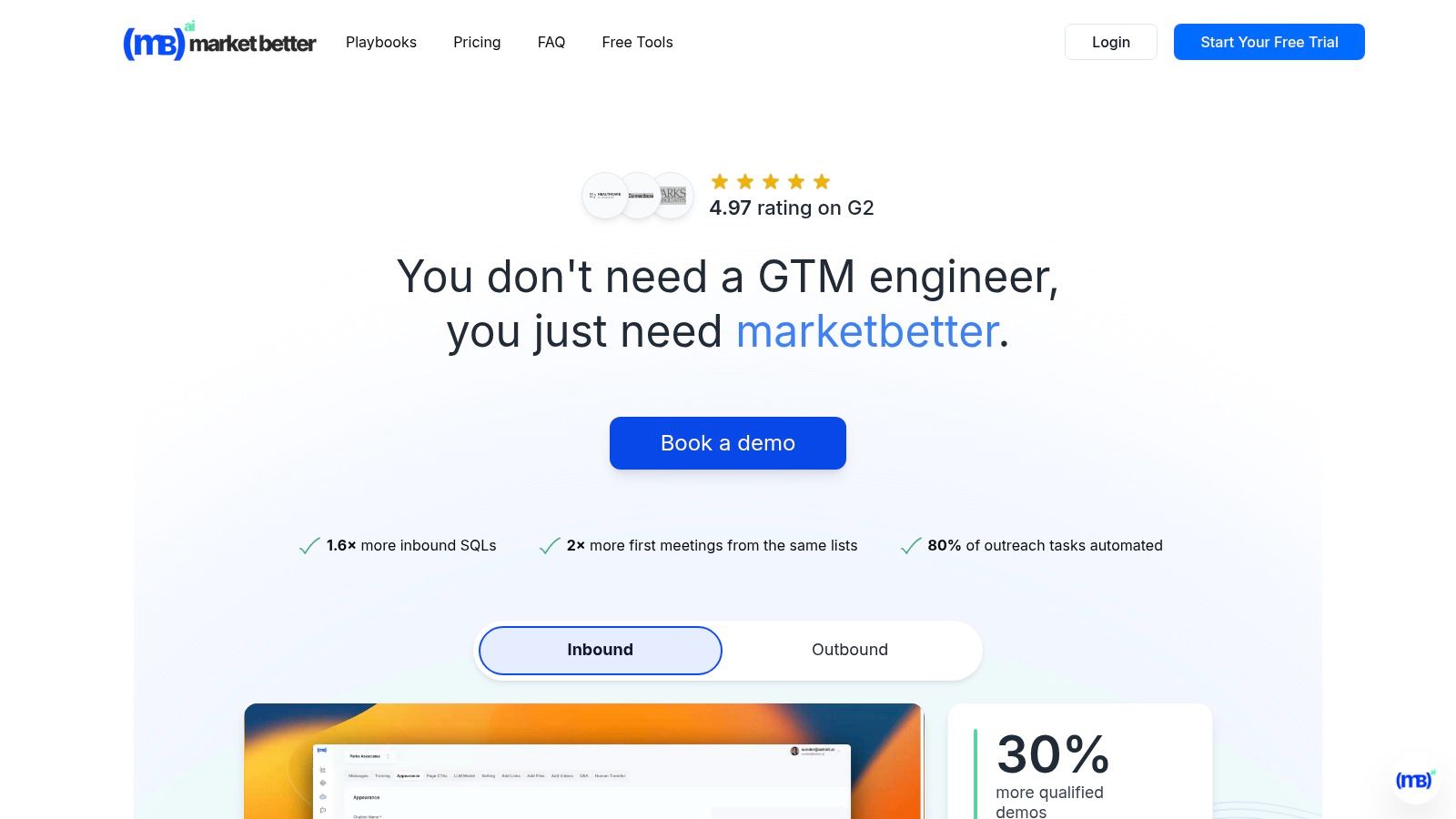
marketbetter.ai platform interface showing analytics and campaign performance

The platform automates the entire top-of-funnel process, from identifying anonymous website visitors and enriching account data to triggering personalized, multi-channel outreach sequences across email, LinkedIn, and even automated voice calls. Its AI continuously optimizes campaigns based on real-time analytics, ensuring that marketing efforts are always directed toward the highest-potential accounts.

Key Features and Differentiators

  • Unified Revenue Engine: Combines intent data, account enrichment, AI personalization, and automated multi-channel sequences in one place. This holistic system replaces the need for separate tools for data, sequencing, and analytics.
  • AI Content & Personalization: Generates hyper-personalized outreach content at scale, moving beyond simple mail-merge fields to create relevant messaging based on account fit, intent signals, and buyer personas.
  • AI Voice Assistant: A unique feature that automates lead qualification and meeting booking over the phone, freeing up sales development representatives (SDRs) to focus on high-value conversations.
  • Rapid Time-to-Value: Offers pre-built playbooks and no-cost, turnkey integrations with major CRMs (Salesforce, HubSpot) and collaboration tools (Slack, Teams), enabling teams to get started in minutes.

Actionable Use Case

A mid-market demand generation manager can use marketbetter.ai to instantly identify high-intent accounts visiting their pricing page. The platform automatically enriches these accounts with firmographic and contact data, scores their fit against the ideal customer profile, and triggers a personalized, multi-channel sequence. An AI-generated email is sent, followed by an automated LinkedIn connection request and a call from the AI voice assistant to qualify interest and book a demo, with every touchpoint logged back to Salesforce.

Pros and Cons

ProsCons
Consolidated Platform: Replaces multiple point tools, reducing martech bloat and providing a single source of truth.Opaque Pricing: No public pricing is available; tailored for mid-market and enterprise budgets, likely excluding smaller startups.
Proven ROI: Strong customer proof points report significant lifts in SQLs, booked meetings, and overall campaign ROI.Requires Change Management: Implementation involves replacing existing workflows and tools, which requires team buy-in.
Deep Automation: Automates up to 80% of outreach tasks, including AI voice calls, freeing up significant team resources.Compliance Considerations: Relies on IP tracking and automation, necessitating a thorough review of privacy and compliance policies.
Enterprise-Ready: Features enterprise-grade security, compliance controls, and strong customer validation (4.97 G2 rating).

Website: https://www.marketbetter.ai

2. HubSpot Marketing Hub

Best for: SMB and mid-market teams seeking a unified CRM and marketing automation platform.

HubSpot Marketing Hub has evolved from a popular inbound marketing tool into a comprehensive platform where AI is deeply embedded across the entire marketing and sales funnel. Unlike standalone AI content generators, HubSpot integrates its AI features directly with its native CRM, allowing B2B teams to create, automate, and analyze campaigns within a single, unified system. This makes it one of the most practical AI tools for B2B marketing for teams seeking an all-in-one solution.

HubSpot Marketing Hub

The platform's AI assists in everything from generating blog post ideas and drafting email copy to optimizing send times and predicting audience segments likely to convert. For B2B marketers, this means less time switching between tools and more time focusing on strategy, as the AI handles repetitive tasks while leveraging customer data for smarter decision-making.

Key Features and Use Cases

  • AI Content Assistant: Draft blog posts, social media updates, and marketing emails directly within the editor. It's particularly useful for overcoming writer's block and generating first drafts that are already SEO-optimized.
  • Predictive Lead Scoring: Automatically identifies and prioritizes high-quality leads based on behavioral data, helping sales teams focus their efforts where it matters most.
  • AI-Powered Reporting: Build custom reports and dashboards by simply asking questions in natural language, uncovering insights without needing to be a data analyst.
  • Smart Automation: The platform's AI optimizes marketing automation workflows by suggesting logical next steps and identifying engagement patterns. If you're looking to dive deeper, you can learn more about AI's role in marketing automation.

How it Compares & Actionable Advice

Compared to Salesforce (Pardot): HubSpot is generally considered more user-friendly and faster to implement, making it a better choice for teams without dedicated Salesforce administrators. Its all-in-one model with a native CRM contrasts with Pardot's reliance on a separate Sales Cloud instance.

Actionable Advice: If your team prioritizes ease of use and needs a single system for both marketing automation and CRM, HubSpot is your top contender. Start with the free tools to understand the ecosystem, and leverage HubSpot Academy's free courses to train your team before upgrading to a paid tier.

ProCon
All-in-one platform with native CRMContact-based pricing can become expensive
Strong educational resources (HubSpot Academy)Advanced AI features are locked in higher tiers
Excellent for teams needing quick time-to-valueLess customizable than some enterprise competitors

Official Website: https://www.hubspot.com/products/marketing/professional

3. Salesforce Marketing Cloud Account Engagement (formerly Pardot)

Best for: Salesforce-centric organizations needing deep marketing and sales alignment.

Salesforce Marketing Cloud Account Engagement, widely known by its former name Pardot, is a B2B marketing automation powerhouse deeply embedded within the Salesforce ecosystem. Its core strength lies in leveraging Einstein AI to bridge the gap between marketing activities and sales outcomes. Unlike more content-focused AI platforms, Pardot excels at using AI to analyze prospect behavior, predict sales readiness, and provide actionable insights directly within the CRM, making it one of the most effective AI tools for B2B marketing for revenue-focused teams.
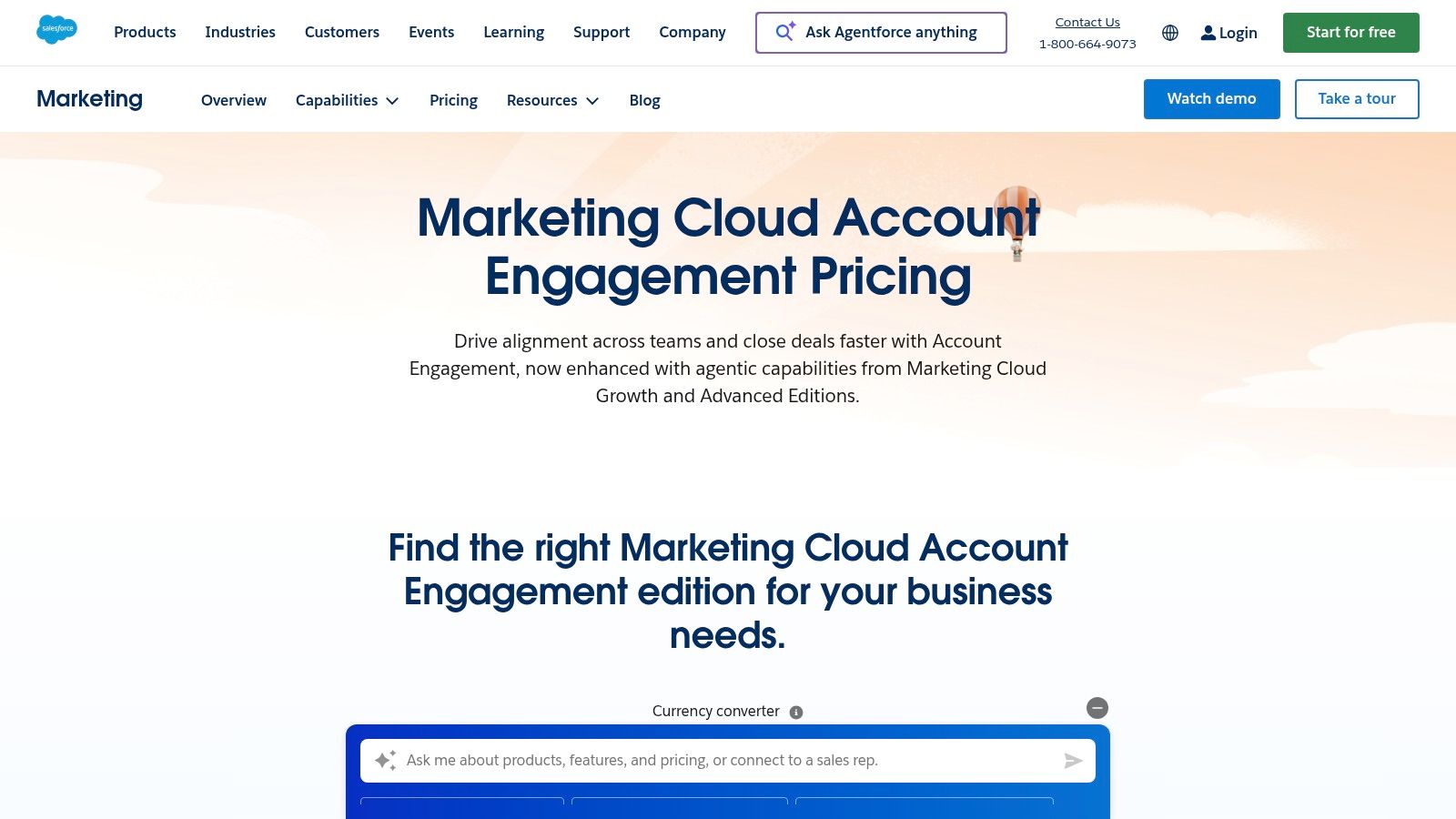
Salesforce Marketing Cloud Account Engagement (formerly Pardot)

This tight CRM alignment means that every AI-driven insight is immediately actionable for the sales team. The platform moves beyond simple lead generation to focus on pipeline acceleration and proving marketing's contribution to revenue, a critical function for B2B organizations needing to justify their marketing spend. For companies already standardized on Salesforce, adopting Pardot is a natural extension that enriches their existing data with predictive intelligence.

Key Features and Use Cases

  • Einstein Behavior Scoring: Moves beyond traditional scoring by using AI to analyze engagement patterns and identify which prospects are most likely to convert. This allows sales teams to prioritize their outreach with precision.
  • Einstein Campaign Insights: Automatically monitors campaign performance and alerts marketers to significant trends or anomalies, such as an email performing better with a specific audience segment.
  • B2B Marketing Analytics: Provides sophisticated, AI-enhanced dashboards that connect marketing efforts directly to sales pipeline and revenue, enabling true ROI attribution.
  • Native Salesforce Integration: Ensures all data is unified between marketing and sales, eliminating data silos and creating a single source of truth for every customer interaction.

How it Compares & Actionable Advice

Compared to Marketo: Pardot offers tighter, more native integration with Salesforce Sales Cloud, making it the default choice for teams deeply invested in that ecosystem. Marketo provides greater flexibility to integrate with other CRMs and is often seen as more configurable for complex, non-linear nurture campaigns.

Actionable Advice: If "what's in Salesforce" is the ultimate source of truth for your business, Pardot is the most logical choice. Before purchasing, conduct an audit of your Salesforce data quality. Pardot's AI (Einstein) is only as good as the data it analyzes; clean data is a prerequisite for success.

ProCon
Seamless Salesforce CRM alignmentEntry price is higher than many SMB tools
Mature analytics for revenue attributionRequires Salesforce proficiency for best results
Strong governance for complex organizationsAI features are tied to specific, higher-cost editions

Official Website: https://www.salesforce.com/products/marketing-cloud/pricing/b2b-marketing-automation/

4. Adobe Marketo Engage

Best for: Enterprise B2B teams with complex, multi-channel buyer journeys.

Adobe Marketo Engage is an enterprise-grade marketing automation platform designed for complex, long-cycle B2B sales processes. While known for its robust lead management and nurturing capabilities, its AI features, particularly in the Prime tier, elevate it into a powerful tool for large-scale personalization and journey optimization. Unlike platforms built around a central CRM, Marketo focuses on deep marketing automation that integrates with various CRMs, making it a highly configurable hub for sophisticated demand generation teams.

Adobe Marketo Engage

For organizations managing intricate buyer journeys across multiple segments, Marketo's AI provides predictive insights to streamline campaign strategy. It analyzes engagement data to forecast the best content for specific audience segments, moving beyond simple rule-based automation. This makes it one of the more advanced AI tools for B2B marketing for enterprises needing precise control and governance over their marketing programs.

Key Features and Use Cases

  • Predictive Audiences: Utilizes AI to analyze behavioral and firmographic data to automatically identify and build high-potential audience segments for targeted campaigns.
  • AI-Driven Personalization: Powers dynamic content and offers on websites and in emails, ensuring that each prospect receives the most relevant messaging based on their real-time behavior and predictive profile.
  • Intelligent Journey Analytics: Moves beyond standard reporting by using AI to analyze customer journey maps, identifying bottlenecks and opportunities for optimization to accelerate the sales funnel.
  • Account-Based Marketing (ABM) Automation: Combines lead and account-level data to orchestrate complex, multi-touch ABM campaigns, with AI helping to prioritize the most engaged accounts.

How it Compares & Actionable Advice

Compared to HubSpot: Marketo is a more powerful and customizable platform but comes with a significantly steeper learning curve and higher cost. It's built for large marketing operations teams that require granular control over every aspect of their campaigns, whereas HubSpot is designed for broader ease of use.

Actionable Advice: Choose Marketo if you have a dedicated marketing operations team and a need for highly sophisticated, multi-touch nurture programs that span months or even years. To justify the investment, map out your most complex customer journey and use it as a benchmark during the demo process to see if Marketo can truly automate and optimize it.

ProCon
Highly configurable for sophisticated nurture programsPricing is sales-driven and can be significant
Strong ecosystem and enterprise-grade governanceSteeper learning curve than SMB-focused tools
Deep APIs for complex integrationsAI features are primarily in premium add-on packages

Official Website: https://business.adobe.com/products/marketo/value-add-ons

5. 6sense Revenue AI

Best for: Mature B2B teams executing a sophisticated account-based marketing (ABM) strategy.

6sense Revenue AI positions itself as a central nervous system for B2B go-to-market teams, moving beyond simple analytics to proactively identify and engage in-market accounts. Unlike many tools that focus on a single marketing function, 6sense uses AI to unify marketing and sales efforts around a critical metric: revenue. This platform excels at uncovering the "dark funnel" of anonymous buyer research, making it one of the most powerful AI tools for B2B marketing for companies pursuing a sophisticated account-based marketing (ABM) strategy.

6sense Revenue AI

The platform's core strength lies in its ability to predict which accounts are ready to buy, often before they ever fill out a form. For B2B marketers, this means shifting from a reactive, lead-based approach to a proactive, account-centric model. Instead of waiting for hand-raisers, teams can use 6sense's intent data to orchestrate timely, relevant outreach across multiple channels, from targeted ads to personalized emails.

Key Features and Use Cases

  • Predictive Intent and Account Discovery: The AI analyzes billions of data points to identify accounts actively researching solutions like yours. This allows teams to prioritize outreach and tailor messaging based on an account's specific stage in the buying journey.
  • AI Email Agents & Conversational Outreach: 6sense can deploy AI agents to handle initial email conversations, qualify interest, and schedule meetings, freeing up sales development representatives to focus on high-value interactions.
  • LinkedIn Ad Campaign Management: Directly activate and manage targeted LinkedIn ad campaigns based on 6sense's real-time intent data, ensuring ad spend is focused exclusively on accounts that are in-market.
  • Broad Ecosystem Integrations: The platform connects seamlessly with major CRM and MAP systems like Salesforce, HubSpot, and Marketo, making it a powerful layer of intelligence on top of your existing tech stack. For those interested in the mechanisms behind this, you can explore the role of predictive analytics in marketing.

How it Compares & Actionable Advice

Compared to Demandbase: Both are leaders in the ABM space. 6sense is often praised for the accuracy of its predictive analytics and its focus on uncovering anonymous intent signals. Demandbase offers a more integrated B2B advertising DSP (Demand-Side Platform), giving teams more direct control over their ad campaigns within the platform.

Actionable Advice: If your biggest challenge is identifying in-market accounts before they contact you, 6sense is a top contender. To build a business case, ask your sales team for their top 10 dream accounts, then ask the 6sense team to show you the intent signals for those specific accounts during a demo. This makes the value proposition tangible.

ProCon
Strong ABM results reported by usersNo public pricing; enterprise-oriented sales motion
Clear focus on agentic AI to improve GTM efficiencyRequires solid data foundations for best performance
Broad integrations with existing martech stacksCan have a steep learning curve for new users

Official Website: https://6sense.com/solutions/

6. Demandbase One

Best for: Enterprise GTM teams wanting an integrated ABM and advertising platform.

Demandbase One is a comprehensive B2B go-to-market platform built around account-based marketing (ABM) and powered by deep AI-driven account intelligence. Unlike tools focused solely on content or lead generation, Demandbase provides a unified view of target accounts, identifying buying signals across the web and orchestrating actions across sales and marketing channels. This makes it one of the most powerful AI tools for B2B marketing for mature organizations executing sophisticated ABM strategies.
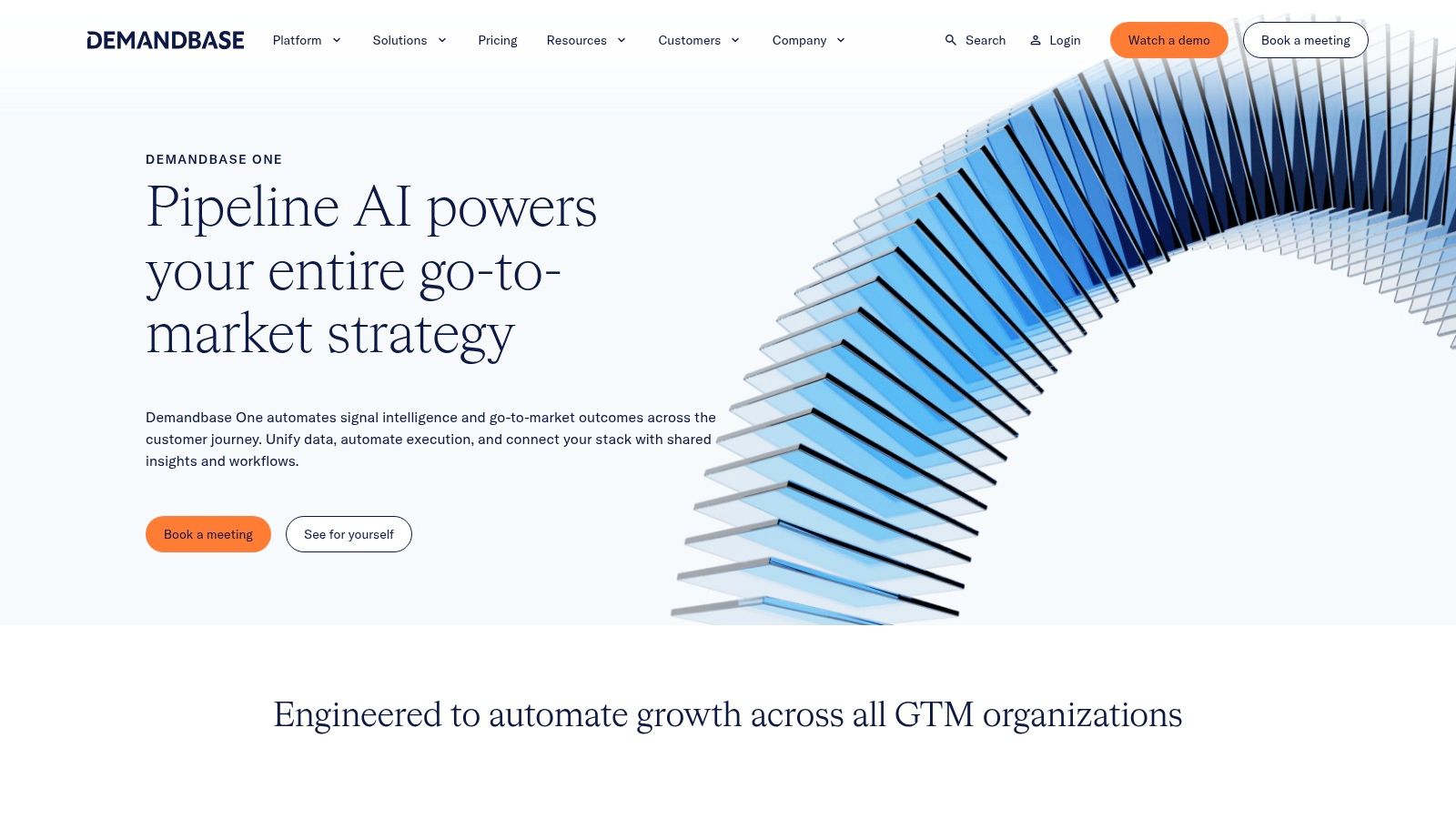
Demandbase One

The platform's AI moves beyond simple lead scoring to map entire buying groups within target companies, tracking intent and engagement signals to pinpoint exactly when an account is ready to buy. For B2B teams, this means shifting from a broad, high-volume approach to a highly targeted, efficient strategy that aligns sales and marketing efforts on the accounts most likely to close.

Key Features and Use Cases

  • AI-Powered Account Intelligence: Identifies in-market accounts by analyzing third-party intent data, website engagement, and CRM activity. It helps marketers discover net-new opportunities and prioritize existing ones.
  • AI-Optimized Advertising: The platform’s B2B-native Demand-Side Platform (DSP) uses AI to target specific buying groups within accounts, optimizing ad spend to reach decision-makers, not just anyone at a target company.
  • Cross-Channel Orchestration: Triggers automated, personalized actions across advertising, sales outreach, and website experiences based on real-time account behavior, ensuring a consistent message.
  • Buying Group & Journey Mapping: AI automatically identifies key personas within a target account and maps their journey, giving sales and marketing teams a clear view of who to engage and when.

How it Compares & Actionable Advice

Compared to 6sense: Demandbase's key differentiator is its tightly integrated, B2B-focused DSP, providing a single platform for both identifying intent and activating advertising campaigns. Teams that want to manage their programmatic advertising in the same place they manage their account intelligence may prefer Demandbase.

Actionable Advice: If a significant portion of your marketing budget is dedicated to display advertising, Demandbase should be on your shortlist. During your evaluation, prepare a list of your top 20 target accounts and ask the vendor to demonstrate how their platform would build an audience and launch an ad campaign targeting the buying committee within those companies.

ProCon
Full-funnel ABM platform with integrated B2B DSPCustom pricing and discovery process required
Explainable AI with configurable scoring modelsBest suited for teams with existing ABM maturity
Strong native integrations with Salesforce and HubSpotCan be complex to implement without dedicated resources

Official Website: https://www.demandbase.com/products/

7. ZoomInfo MarketingOS

Best for: Teams needing a premium data foundation to fuel their ABM and sales campaigns.

ZoomInfo MarketingOS positions itself as an activation layer built directly on top of its industry-leading B2B data foundation. Unlike platforms that require separate data procurement and activation tools, ZoomInfo combines AI-powered audience building, advertising, and website personalization into a cohesive system. This makes it one of the most powerful AI tools for B2B marketing for teams focused on account-based marketing (ABM) who need to activate intelligence at scale.
ZoomInfo MarketingOS

The platform leverages AI to analyze vast datasets, identifying companies and contacts exhibiting purchase intent signals. For B2B marketers, this means moving beyond static lists to dynamic, AI-curated audiences that are actively in-market. This data-first approach ensures that advertising spend and marketing efforts are focused on high-potential accounts, directly connecting intelligence to execution within a single workflow.

Key Features and Use Cases

  • AI-Powered Audience Building: Uses buyer intent signals, predictive scoring, and website visitor tracking to automatically create and refine target account lists for campaigns.
  • Multi-Channel ABM Activation: Natively launch display and social advertising campaigns targeting your AI-generated audiences, ensuring consistent messaging across channels.
  • Website Personalization & Chat: Dynamically adapts your website content and chat experiences for visitors from target accounts, increasing engagement and conversion rates.
  • Data Enrichment & Workflows: Automatically enriches inbound leads from forms with comprehensive company and contact data, enabling faster and more effective follow-up. ZoomInfo is a foundational tool for teams looking to supercharge their outbound lead generation.

How it Compares & Actionable Advice

Compared to Apollo.io: ZoomInfo is the enterprise-grade choice, offering more comprehensive data, particularly for North American markets, and a broader suite of ABM activation features. Apollo.io is the more accessible, SMB-friendly option with transparent pricing and a stronger focus on sales sequencing.

Actionable Advice: If data accuracy and depth are your absolute top priorities and your primary market is North America, ZoomInfo is the industry standard. Before signing a contract, provide a sample list of 50 target contacts or accounts to your sales rep and ask for an enrichment report to validate the data quality against your own records.

ProCon
Vast U.S.-centric B2B data coverageNo public pricing; annual contracts can be costly
Single vendor for data and ABM executionUser feedback often cites strict contract terms
Strong integrations with major sales/marketing toolsData accuracy can vary outside of North America

Official Website: https://www.zoominfo.com/

8. Apollo.io

Best for: SMB and growth teams needing an affordable, all-in-one prospecting and engagement platform.

Apollo.io has positioned itself as an indispensable tool for B2B sales and marketing teams, integrating a massive contact database with powerful AI-driven engagement features. While primarily known for prospecting and data enrichment, its AI capabilities streamline the entire top-of-funnel process, from identifying ideal customers to crafting personalized outreach. This makes it one of the most effective AI tools for B2B marketing for teams focused on high-volume, data-driven outbound campaigns.

The platform's AI assists in writing personalized emails at scale, ensuring each message resonates without manual effort. For B2B marketers, Apollo.io consolidates prospecting, enrichment, and AI-powered sequencing into a single, affordable workflow. This integration allows growth teams to quickly build targeted lists, engage prospects with relevant messaging, and push qualified leads directly into their CRM.

Key Features and Use Cases

  • AI-Assisted Email Writing: Generates personalized email copy based on prospect data, helping teams create effective outreach sequences quickly and overcome writer's block.
  • Intent Data: Uses AI to identify accounts actively researching solutions like yours, allowing marketing and sales to prioritize outreach to the most engaged prospects.
  • Automated Prospecting and Sequencing: Finds contacts matching your Ideal Customer Profile (ICP) and enrolls them into automated, multi-channel sequences that include AI-optimized emails.
  • Data Enrichment and CRM Sync: Keeps your CRM data clean and up-to-date by automatically enriching contact and company records, ensuring your marketing campaigns are built on accurate information.

How it Compares & Actionable Advice

Compared to ZoomInfo: Apollo.io is the scrappy, high-value disruptor to ZoomInfo's enterprise dominance. It offers a very similar feature set (data, sequencing, enrichment) at a much more accessible price point, including a generous free tier. ZoomInfo generally has the edge on data quality, especially in the US, but Apollo is rapidly catching up.

Actionable Advice: If you are a startup or SMB, start with Apollo.io's free plan. It provides enough credits to test the data quality for your specific industry and persona. Use it to build a small, targeted list and run a test sequence. This no-cost pilot will tell you if the platform is a fit before you spend a dollar.

ProCon
Excellent value for SMB and mid-market teamsCredit-based system can become costly at scale
All-in-one prospecting and engagement platformData accuracy can vary and requires ICP validation
Generous free tier for getting startedLess focused on inbound/content than HubSpot

Official Website: https://www.apollo.io/

9. LinkedIn Marketing Solutions

Best for: Reaching specific B2B personas and decision-makers in a professional context.

LinkedIn Marketing Solutions has become an indispensable channel for B2B marketers, and its evolution into one of the most powerful AI tools for B2B marketing is driven by its deep integration of machine learning into its advertising platform. While not a standalone content tool, its AI optimizes ad delivery, audience targeting, and campaign bidding, making it essential for reaching professional audiences with unparalleled precision. The platform leverages AI to connect advertisers with the right buyer groups based on job titles, company data, and user behavior.

The core strength of LinkedIn's AI is its ability to learn from campaign performance in real-time. It automatically adjusts bids and audience delivery to maximize objectives like lead generation or brand awareness. For B2B teams, this means ad spend is more efficiently allocated to high-potential prospects, moving beyond simple demographic targeting to predictive audience optimization. This makes it a must-test paid channel for demand generation and account-based marketing (ABM) strategies.

Key Features and Use Cases

  • Predictive Audiences: AI-powered feature that finds new audiences similar to your existing high-performing customer segments, expanding reach to relevant professionals who are more likely to convert.
  • AI-Optimized Ad Formats: Includes Sponsored Content, Conversation Ads, and Lead Gen Forms. The platform’s AI determines the best ad format and placement to show each user to maximize engagement.
  • Dynamic Bidding Strategies: Automatically manages bids to achieve campaign goals, such as maximizing clicks or conversions, by predicting the likelihood of a user taking a desired action.
  • Creator Collaboration: The platform uses AI to help brands identify and collaborate with relevant industry creators and influencers through programs that enhance credibility and video inventory.

How it Compares & Actionable Advice

Compared to other ad platforms (Google/Meta): LinkedIn's primary advantage is its professional context and data. You can target users by job title, seniority, company size, and industry with a high degree of accuracy unmatched by other platforms. The trade-off is typically a higher cost-per-click (CPC) and cost-per-lead (CPL).

Actionable Advice: Don't just run ads; use LinkedIn's Matched Audiences feature. Upload a list of target accounts from your ABM platform (like 6sense or Demandbase) or your CRM. This allows you to focus your ad spend laser-precisely on the companies you already know are a good fit, dramatically improving your ROI.

ProCon
Unmatched B2B targeting and native lead-gen formsHigher CPMs/CPLs versus other social channels
Strong U.S. reach and brand-safe environmentSelf-serve platform has a significant learning curve
AI-driven audience expansion finds new prospectsManaged services are limited to larger ad spends

Official Website: https://www.linkedin.com/business/marketing

10. G2

Best for: Validating vendor claims with real-world user reviews and competitive analysis.

While not an AI tool itself, G2 is an indispensable resource for discovering, vetting, and comparing them. As the largest B2B software review marketplace, it serves as a critical first step for any marketing team building its tech stack. For those looking for AI tools for B2B marketing, G2 provides an aggregated view of the landscape, complete with user reviews, feature comparisons, and market presence grids that help teams shortlist vendors efficiently.

Instead of relying solely on vendor websites, marketers can use G2 to understand real-world user experiences and how different platforms perform in specific industries or company sizes. This peer-driven insight is invaluable for validating marketing claims and identifying potential drawbacks before committing to a demo or a purchase, making it a crucial due diligence platform.

Key Features and Use Cases

  • Category Grids and Peer Reviews: Use the filterable grids to compare tools based on user satisfaction and market presence. The reviews provide honest, actionable feedback on implementation, support, and feature effectiveness.
  • Price/Feature Summaries: Get a quick, high-level overview of a tool's capabilities and pricing tiers, which helps in creating an initial shortlist without visiting dozens of websites.
  • Vendor and Market Analysis: G2's reports and market presence indicators offer a strategic view of who the established leaders are versus emerging challengers in the AI marketing space.

How it Compares & Actionable Advice

Compared to Capterra: G2's review process is often considered more in-depth, and its Grid reports provide a clearer visualization of a tool's market position (Leader, High Performer, etc.). Capterra has a very broad catalog and is excellent for discovering a wide range of options, particularly for small businesses.

Actionable Advice: Don't just look at the overall score. Use G2's filters to read reviews from users at companies of a similar size and industry to your own. Pay close attention to reviews that mention "Implementation" and "Support," as these are often the areas where a tool's true colors show. Use the "Compare" feature to see a head-to-head breakdown of your top 2-3 choices.

ProCon
Up-to-date peer feedback and market indicatorsSponsored placements exist, so look beyond badges
Efficient research hub before contacting vendorsPricing information may be incomplete; verify on vendor sites
Direct comparisons between competing solutionsReviews can sometimes lack specific B2B context

Official Website: https://www.g2.com/categories/account-based-marketing

11. Capterra

Best for: Discovering a wide range of software options and creating an initial longlist.

While not an AI tool itself, Capterra is an indispensable resource for discovering and vetting them. It serves as a comprehensive B2B software marketplace where marketers can find, compare, and read verified user reviews on hundreds of AI-enabled platforms. For B2B teams just beginning to build their tech stack, it provides a structured way to survey the landscape of AI tools for B2B marketing, moving from broad categories to specific solutions.

The platform’s real value lies in its detailed filtering system and side-by-side comparison features. Marketers can shortlist tools based on pricing models, specific features like lead scoring or content generation, and suitability for small businesses versus enterprise clients. This makes the initial research phase far more efficient than relying on general search engine results.

Key Features and Use Cases

  • Advanced Filtering: Narrow down a vast catalog of AI tools by deployment type (cloud, on-premise), user rating, target business size, and specific marketing functions.
  • Verified User Reviews: Gain insights from real-world users, helping you understand a tool's practical strengths and weaknesses beyond the vendor's marketing copy.
  • Buyers Guides and Comparisons: Access curated reports and articles that break down software categories and directly compare leading products, helping you make an informed decision.
  • Direct Vendor Links: Once you’ve identified a promising tool, Capterra provides direct links to request a demo, start a free trial, or view the vendor’s pricing page.

How it Compares & Actionable Advice

Compared to G2: Capterra's interface is very user-friendly for discovery and is particularly strong for SMB software. Its strength is in the breadth of its listings. G2 provides deeper competitive analysis through its proprietary Grid scoring and is often the go-to for mid-market and enterprise software evaluation.

Actionable Advice: Use Capterra at the very beginning of your search. Start with a broad category like "AI Marketing Tools" and use the filters for "Business Size" and "Key Features" to create a longlist of 5-10 potential vendors. From there, you can visit vendor websites or dive deeper into reviews on a platform like G2.

ProCon
Broad coverage of AI marketing toolsListings can skew toward vendors with active profiles
Verified reviews provide authentic user feedbackTechnical detail varies significantly by listing
Useful for discovering niche or new AI solutionsLacks hands-on testing or expert deep dives

Official Website: https://www.capterra.com/ai-marketing-tools-software/

12. Salesforce AppExchange — Marketing Category

Best for: Salesforce customers looking to enhance their marketing capabilities with vetted, integrated apps.

For B2B teams already embedded in the Salesforce ecosystem, the AppExchange is less a single tool and more a curated gateway to hundreds of specialized applications. It functions as the official marketplace where marketers can find, vet, and install AI-powered apps that integrate seamlessly with Sales Cloud, Service Cloud, and Marketing Cloud. This makes it an essential resource for extending core Salesforce functionality with best-in-class AI tools for B2B marketing without complex integration projects.

Salesforce AppExchange — Marketing category

Unlike discovering tools in the open market, the AppExchange provides a layer of trust and security, as apps undergo a Salesforce security review. Marketers can confidently add capabilities like predictive analytics, account-based marketing intelligence, or advanced content personalization, knowing the data flows directly into their central CRM. This allows for a highly customized marketing stack built around a single source of truth.

Key Features and Use Cases

  • Curated and Vetted Apps: Discover marketing apps with detailed user reviews, ratings, and release histories. This is ideal for finding specialized AI solutions for lead scoring, data enrichment, or analytics that go beyond native Salesforce features.
  • Seamless Integration: Install applications directly into your Salesforce instance, often with just a few clicks. This drastically reduces implementation time and ensures data alignment across sales and marketing teams from day one.
  • Advanced Filtering: Users can filter apps by Salesforce edition, pricing models (including free trials), compliance standards, and specific cloud compatibility, making it easy to find solutions that fit both technical requirements and budget.
  • Consolidated Vendor Management: Procuring apps through the AppExchange simplifies billing and vendor relationships, as many can be managed through your existing Salesforce account.

How it Compares & Actionable Advice

Compared to open market tools: The biggest advantage is guaranteed, pre-built integration with Salesforce. The trade-off can sometimes be a more limited selection or higher cost compared to standalone tools. However, the time and resources saved on custom integration often outweigh the price difference.

Actionable Advice: Before searching the AppExchange, clearly define the specific capability you're missing in your native Salesforce setup (e.g., "We need better lead-to-account matching" or "We need predictive lead scoring"). Use these specific keywords in your search. Always check the "Reviews" and "Last Updated" date to ensure the app is actively maintained and well-regarded by other users.

ProCon
Trusted ecosystem with strong security alignmentBest value is exclusively for Salesforce customers
One-click installs simplify implementationApp overlap is possible; evaluate redundancy
Apps leverage existing CRM data for better ROIFinding the right app requires careful research

Official Website: https://appexchange.salesforce.com/category/marketing

Top 12 AI B2B Marketing Tools — Feature Comparison

ProductCore CapabilitiesUnique Strength ✨Target Audience 👥Pricing & Value 💰Quality ★
marketbetter.ai 🏆AI content, multi‑channel automation, personalization, real‑time analytics✨ Integrated AI revenue engine; AI voice assistant; turnkey CRM writeback👥 Mid‑market → Enterprise B2B marketing teams💰 Enterprise pricing (no public); high ROI focus★4.97 (G2) 🏆
HubSpot Marketing HubAI writing & SEO, automation, native CRM, reporting✨ CRM + marketing in one; large partner ecosystem👥 SMB → Enterprise B2B teams💰 Tiered plans + free tier; predictable pricing★4.5
Salesforce Marketing Cloud Account Engagement (Pardot)Einstein scoring, B2B analytics, lead nurturing✨ Tight Salesforce CRM alignment & governance👥 Salesforce‑centric mid → enterprise💰 Enterprise-priced; higher entry★4.3
Adobe Marketo EngageLead management, advanced nurturing, personalization✨ Highly configurable for complex buyer journeys👥 Enterprise B2B with sophisticated nurture needs💰 Sales‑driven pricing; can be significant★4.1
6sense Revenue AIPredictive intent, in‑market account discovery, AI email agents✨ Agentic AI for ABM & pipeline conversion👥 Midmarket & enterprise ABM teams💰 No public pricing; enterprise sales motion★4.2
Demandbase OneIntent & engagement scoring, B2B DSP, orchestration✨ Full‑funnel ABM + integrated B2B DSP👥 ABM‑mature mid → enterprise teams💰 Custom pricing; discovery required★4.0
ZoomInfo MarketingOSData enrichment, audience building, ad activation✨ Large U.S. B2B dataset + end‑to‑end ABM stack👥 Data‑driven sales & marketing teams💰 No public pricing; annual contracts common★4.1
Apollo.ioProspecting, sequences, enrichment, dialer, AI writing✨ Transparent, low‑entry pricing with free tier👥 SMB & growth/outbound teams💰 Low‑entry + free options; credit limits apply★4.3
LinkedIn Marketing SolutionsSponsored content, Conversation Ads, Lead Gen Forms✨ Unmatched B2B targeting & native lead gen👥 B2B demand gen & ABM advertisers💰 CPM/CPL higher; ROI depends on creative★4.4
G2Peer reviews, category grids, vendor links, buyer insights✨ Real‑time peer feedback & 'Best Of' signals👥 Buyers researching software vendors💰 Free research (vendor promos possible)★4.6
CapterraCatalog, filters, buyer guides, vendor links✨ Easy shortlist & SMB‑friendly discovery👥 SMB buyers & tool evaluators💰 Free to use★4.5
Salesforce AppExchange — MarketingCurated marketing apps, filters, installs, compliance✨ Trusted Salesforce marketplace & governance👥 Organizations on Salesforce💰 Varies by app; many trials available★4.2

Making Your Choice: A Framework for Selecting the Right AI Marketing Tool

We've explored a comprehensive landscape of AI tools for B2B marketing, from all-in-one platforms like HubSpot and Salesforce Marketing Cloud to specialized powerhouses like 6sense and Demandbase. The sheer number of options can feel overwhelming, but the central takeaway is clear: AI is no longer a futuristic concept but a present-day necessity for driving B2B growth, efficiency, and revenue. The right tool doesn't just automate tasks; it elevates your strategic capabilities.

The key is to move from a general understanding of "what's out there" to a specific diagnosis of "what we need right now." The most successful AI adoption stories begin not with a fascination for technology but with a deep-seated business problem. By anchoring your search in a real-world challenge, you transform a feature comparison exercise into a strategic investment decision.

Your Actionable Selection Framework

Choosing the right AI partner is a critical decision that will shape your marketing team's effectiveness for years to come. Instead of getting lost in feature lists, follow this structured, three-step approach to make a confident and impactful choice.

  1. Identify Your Single Biggest Bottleneck: Before you look at any more demos, look inward. Where is the most significant friction in your marketing funnel?

    • Is it Content Velocity? If your team struggles to produce high-quality, relevant content at scale, platforms with strong generative AI capabilities should be at the top of your list. For more granular guidance, reviewing detailed comparisons of AI marketing tools can offer deeper insights into which platforms excel specifically at content creation.
    • Is it Lead Quality and Intent? If your sales team is wasting cycles on unqualified leads, prioritize Account-Based Marketing (ABM) and intent data platforms like 6sense, Demandbase, or ZoomInfo. These tools are built to pinpoint in-market buyers with precision.
    • Is it Campaign Personalization? If your engagement metrics are flat due to generic messaging, look to tools like Marketo Engage or a unified platform like marketbetter.ai that use AI to deliver hyper-personalized experiences across channels.
    • Is it Proving ROI? If you struggle to connect marketing activities to revenue, you need a solution with robust analytics and attribution modeling, a core strength of integrated CRM and marketing automation platforms.
  2. Audit Your Existing Tech Stack: A new tool must enhance, not complicate, your current workflow.

    • Consolidate or Integrate? Does your team suffer from "tool fatigue"? An all-in-one platform like marketbetter.ai or HubSpot could consolidate costs and data, creating a single source of truth. Conversely, if you have a deeply embedded system like Salesforce, a specialized tool from the AppExchange that integrates seamlessly might be the smarter, lower-friction choice.
    • Check for Native Integrations: Always prioritize tools with pre-built, native integrations for your critical systems (CRM, sales engagement, data warehouses). Custom API work is expensive, time-consuming, and adds a long-term maintenance burden.
  3. Run a Focused Pilot Program: Avoid a full-scale, company-wide rollout from day one. Instead, design a small, controlled experiment to validate the tool’s value.

    • Define Clear Success Metrics: What does success look like in 90 days? Is it a 15% increase in MQL-to-SQL conversion rate? A 20% reduction in content production time? A 10% lift in pipeline from a target account list? Make it specific, measurable, and tied to a business outcome.
    • Select a Champion Team: Empower a small, motivated group of users to pilot the tool. Their feedback will be invaluable for identifying real-world challenges, refining workflows, and building a case for a wider rollout.

By methodically addressing your primary pain point, assessing your tech stack, and validating your choice with a disciplined pilot, you can confidently select and implement one of the powerful AI tools for B2B marketing from this list. This structured approach ensures your investment delivers tangible, measurable business impact and positions your marketing organization for a new era of intelligent growth.


Ready to unify your B2B marketing efforts and see how AI can drive real pipeline? marketbetter.ai integrates powerful AI across content creation, personalization, and analytics into a single, intuitive platform designed to eliminate tool fatigue and prove ROI. Discover how our solution can streamline your entire workflow by visiting marketbetter.ai today.

Top AI Content Marketing Tools for Enterprise Teams in 2025

· 29 min read

Welcome to your definitive, actionable guide to the top AI content marketing tools available today. We've gone beyond surface-level feature lists to provide a deep, comparative analysis tailored specifically for marketing decision-makers at mid-market and enterprise companies. This isn't just another list; it's a strategic resource built to solve a critical problem: identifying which AI solution will actually drive results for your specific business needs.
This guide is designed for practical application. For each of the 12 platforms reviewed, you will find:

  • Detailed feature analysis with screenshots for clarity.
  • Direct comparisons to help you differentiate between similar tools.
  • Integration and security notes for seamless tech stack adoption.
  • Actionable implementation tips to get you started quickly.

Whether you're a CMO focused on strategic impact, a content manager aiming for higher velocity, or a marketing operations leader optimizing your tech stack, this resource will help you navigate the crowded landscape. We'll compare point solutions like Jasper and Copy.ai against integrated platforms like HubSpot, helping you make an informed investment. For instance, while some tools excel at long-form content, others are essential for social media. To accelerate your professional networking, leveraging an AI LinkedIn Post Generator Playbook can significantly enhance your content strategy and engagement.

Our goal is to equip you with the insights needed to select the best AI content marketing tools that align with your team's workflow, security requirements, and business goals. Let's dive in.

1. marketbetter.ai

Best for: All-in-one, revenue-focused Go-to-Market execution.

For marketing and sales leaders seeking to consolidate their tech stack and directly tie AI efforts to revenue, marketbetter.ai stands out as our top choice. It’s an AI-native, end-to-end platform that moves beyond isolated content generation to orchestrate the entire go-to-market motion. Unlike single-point solutions like Jasper or Copy.ai that only write blog posts or social copy, marketbetter.ai integrates AI content creation with automated, multi-channel outbound sequencing, campaign optimization, and real-time analytics. This unified approach eliminates the tool sprawl common in marketing departments, with customers reporting the replacement of up to four separate tools.

This platform is one of the most comprehensive ai content marketing tools available, designed specifically for mid-market and enterprise B2B teams. It generates on-brand content for blogs, ads, and emails, but its real power lies in connecting that content directly to action. It automates prospect research, personalizes outreach across email, LinkedIn, and voice, and handles follow-ups and calendar handoffs, writing all activity back to your CRM.

marketbetter.ai

Key Features and Strategic Impact

What sets marketbetter.ai apart is its measurable impact on pipeline velocity. The platform reports significant lift for its users, including a 1.6× increase in inbound SQLs and a 2× rise in first meetings booked. This is achieved by creating a seamless, AI-driven workflow that turns market signals into qualified conversations.

  • Unified Content & Campaign Engine: Generate a blog post, then immediately create and launch a multi-channel distribution campaign with personalized emails and social copy targeting ideal customer profiles, all within one interface.
  • Automated Sequencing & Engagement: Go beyond static content by automating sequences across email, LinkedIn, and even voice calls. The AI manages follow-ups and hands off booked meetings directly to sales calendars, with full data sync to Salesforce, HubSpot, or Dynamics.
  • Enterprise-Grade & Secure: Built for serious B2B teams, it offers robust security features like encryption in transit and at rest, privacy compliance, and detailed audit logs.
  • Rapid Implementation: Deployment is fast. With a simple tracking code, pre-built templates, and no-cost integrations for tools like Slack, Gmail, and LinkedIn Ads, teams can be operational in minutes, not months.

Actionable Tip

A demand generation manager can use marketbetter.ai to identify a target account list, generate a hyper-relevant article, then instantly build a multi-touch sequence to engage key decision-makers at those accounts with personalized messaging derived from the article. The AI handles the outreach and follow-up, freeing up the team to focus on strategy while the platform generates and tracks meetings.

Pricing and Access

Marketbetter.ai does not list public pricing, opting for a demo-led sales process. This positions it for teams focused on ROI rather than the lowest upfront cost. You can get started with a free trial or by booking a demo to receive a custom quote.

FeatureDetails
Ideal UserMid-market to enterprise B2B marketing and sales teams.
Primary Use CaseConsolidating content generation, campaign automation, and sales engagement to accelerate pipeline and revenue.
IntegrationsSalesforce, HubSpot, Dynamics, Slack/Teams, Gmail/Outlook, LinkedIn Ads, webhooks (no extra cost).
Standout MetricSite-reported 3× higher campaign ROI and automation of 80% of outreach tasks.
LimitationsPricing requires a demo; may be too comprehensive for very small startups or teams without a defined go-to-market process.
Social ProofStrong customer testimonials (CallRail, Kajeet) and a 4.97/5 G2 rating.

Learn more at marketbetter.ai.

2. Jasper

Jasper is a generative AI platform built from the ground up for marketing and sales teams. Unlike general-purpose AI writers, Jasper excels at maintaining a consistent brand voice across all generated content, from blog posts and social media updates to ad copy and email campaigns. It serves as a central hub for planning, creating, and orchestrating multi-channel content, making it one of the most comprehensive ai content marketing tools for teams that require governance and scale.

Jasper pricing page screenshot

The platform’s key differentiator is its focus on enterprise-grade workflows. Compared to Copy.ai's self-serve model, Jasper is built for top-down brand governance. The Business plan introduces a no-code AI app builder and customizable AI agents, allowing marketing ops teams to create repeatable processes and automate campaign orchestration. This moves beyond simple text generation into true content operations.

Key Details & Recommendations

  • Best Use Case: Mid-market to enterprise marketing teams that need to enforce brand consistency across multiple writers and channels. The platform’s collaboration features and campaign-level tools are ideal for coordinated marketing efforts.
  • Actionable Tip: Start by thoroughly training Jasper on your brand voice. Upload your style guides, best-performing content, and product catalogs to create a robust knowledge base. This initial investment is critical for generating truly on-brand assets.
  • Pricing: The Pro plan is suitable for individuals, but teams needing collaboration, SSO, and governance features must opt for the custom-priced Business plan. A 7-day free trial is available. You can learn more about Jasper and other top AI platforms to compare which fits your budget.
  • Security: Jasper is SOC 2 compliant, a crucial consideration for enterprises handling sensitive customer or company data within their content workflows.

Website: https://www.jasper.ai/pricing

3. Copy.ai

Copy.ai positions itself as an AI-powered go-to-market platform designed for speed and efficiency. It combines a user-friendly chat interface with a powerful workflow builder, allowing marketing and sales teams to automate repeatable content tasks. Unlike platforms like Jasper that require extensive setup for brand voice, Copy.ai excels at rapid deployment for creating everything from blog briefs and social media posts to sales emails and ad copy, making it one of the most accessible ai content marketing tools for teams that prioritize self-serve onboarding.

Copy.ai

The platform’s core differentiator is its focus on workflow automation. Users can build custom "Agents" that connect to different data sources and execute multi-step content processes, like enriching leads from a CRM and then drafting personalized outreach sequences. This is a more technical approach than Writesonic's template-driven model, allowing for scalable, automated systems for common go-to-market activities—a significant advantage for lean teams looking to maximize output without increasing headcount.

Key Details & Recommendations

  • Best Use Case: Go-to-market teams (sales and marketing) in small to mid-sized businesses that need to automate repetitive content creation and outreach processes. Its strength lies in building simple, scalable workflows without needing deep technical expertise.
  • Actionable Tip: Start by identifying your most time-consuming, repeatable content task, such as writing weekly social media posts or drafting first-touch sales emails. Build a simple workflow for that single process to learn the platform and demonstrate immediate ROI before expanding to more complex automations.
  • Pricing: Offers a free plan for individuals and tiered paid plans (Pro, Team, Enterprise) that scale based on user seats and advanced features like workflow credits. The self-serve pricing model allows teams to get started quickly, with guided onboarding available for larger deployments.
  • Security: Copy.ai is SOC 2 Type II compliant, ensuring enterprise-grade security for teams that need to connect the platform to their CRM or other sensitive data sources.

Website: https://www.copy.ai/prices

4. Writesonic

Writesonic is an AI writing suite designed for speed and volume, particularly excelling at long-form content generation for SEO and e-commerce. It offers a broad toolkit with over 100 templates for articles, blogs, product descriptions, and social media posts. Unlike Jasper, which focuses heavily on brand voice management, Writesonic prioritizes rapid, bulk content creation, making it one of the most practical ai content marketing tools for teams and individuals under pressure to publish consistently.

Writesonic

The platform's main differentiator is its straightforward, output-focused interface combined with flexible pricing. While Jasper is built for enterprise-level brand governance, Writesonic appeals to users who need a powerful engine for drafting content quickly. Features like its bulk generation mode allow users to produce multiple articles or descriptions simultaneously, a significant time-saver for e-commerce stores or affiliate marketing sites.

Key Details & Recommendations

  • Best Use Case: Solo marketers, SEO specialists, and small teams that require a high volume of long-form content like blog posts and product descriptions. Its competitive entry pricing makes it accessible for those not needing enterprise-level collaboration.
  • Actionable Tip: Use the "Bulk Generate" feature for product descriptions to maintain a consistent structure across hundreds of SKUs. For blog posts, leverage the one-click article writer to create a first draft, then spend your time refining and adding unique insights.
  • Pricing: Writesonic offers a Free Trial and a Small Team plan starting at $19/month with user and word limits. The Business plan offers higher limits and more features, while the Enterprise plan provides custom pricing, SSO, and dedicated support. Audiosonic text-to-speech minutes are available as an add-on.
  • Security: The platform offers SOC 2 compliance on its Enterprise plan, making it a viable option for larger organizations that require verified data security and privacy controls for their content operations.

Website: https://writesonic.com

5. Semrush

Semrush is an established powerhouse in online visibility, and its platform now integrates powerful AI features directly into its SEO and content marketing workflows. Tools like ContentShake AI and the broader Content Marketing Toolkit allow teams to move seamlessly from data-driven keyword research to AI-assisted content creation and optimization. This direct link between SEO analytics and generative AI is what makes it one of the most effective ai content marketing tools for performance-focused marketers.

Unlike pure-play AI writers like Jasper or Writesonic, Semrush's strength lies in grounding every AI-generated draft in hard performance data. It helps you identify content gaps, analyze competitor strategies, and then use AI to create articles engineered to rank for specific keywords. With features like one-click WordPress publishing and AI-generated images, it streamlines the entire content production pipeline from ideation to publication.

Key Details & Recommendations

  • Best Use Case: SEO-led marketing teams who want to use AI to scale content production without sacrificing data-driven optimization. It is ideal for organizations where content performance is measured directly by organic traffic and keyword rankings.
  • Actionable Tip: Begin by using the Topic Research and Keyword Magic Tool to build a content plan based on opportunities. Feed these data-backed topics into ContentShake AI to ensure your AI-generated drafts are strategically aligned with your SEO goals from the start.
  • Pricing: Semrush offers modular pricing with separate plans for its different toolkits (SEO, Content Marketing, etc.). This can be cost-effective if you only need specific functions, but costs can accumulate for full-suite access and multiple user seats.
  • Integration: The platform’s one-click WordPress export is a significant time-saver for content teams. Beyond that, its App Center offers integrations with various third-party tools, extending its capabilities. You can discover how to align Semrush's tools with a broader strategy to maximize your investment.

Website: https://www.semrush.com

6. Surfer

Surfer bridges the gap between AI content creation and technical on-page SEO. Unlike Semrush, which offers a broad suite of marketing tools, Surfer is hyper-focused on producing articles optimized to rank in search engines from the moment they are published. It analyzes top-ranking pages for a target keyword to provide data-driven guidelines on structure, keyword density, and internal linking, making it one of the most effective ai content marketing tools for teams focused on organic traffic.

Surfer

The platform’s standout feature is its Content Editor, which integrates SERP analysis with LLM insights to guide writers in real-time. This actionable, data-first approach removes the guesswork from SEO, allowing marketing teams to create content that satisfies both user intent and search engine algorithms. Integrations with Google Docs and WordPress streamline the workflow from creation to publication.

Key Details & Recommendations

  • Best Use Case: SEO-focused content teams and agencies that need to produce high-volume, rank-ready articles consistently. It's ideal for organizations where organic search performance is a primary marketing KPI.
  • Actionable Tip: Use Surfer’s Audit tool on your existing high-value content first. This will identify immediate optimization opportunities and help you understand Surfer’s data-driven recommendations before you start creating new articles from scratch.
  • Pricing: Surfer operates on a subscription model supplemented by AI credits for article generation. These credits can be purchased in flexible bundles, allowing teams to scale content creation on-demand. However, unlocking the full feature set requires higher-tier plans.
  • Flexibility: The on-demand credit system offers a clear advantage for budget planning and scaling content velocity. Teams can purchase credits as needed for major content pushes without being locked into a higher monthly subscription.

Website: https://surferseo.com/ai

7. HubSpot Marketing Hub

HubSpot Marketing Hub is an AI-powered marketing automation platform that integrates content creation directly with its foundational CRM. While tools like marketbetter.ai focus on the entire Go-to-Market motion including sales, HubSpot embeds AI assistance across its marketing suite, from blogging and email to social media and landing pages. This unified approach makes it one of the most powerful ai content marketing tools for teams aiming to connect content performance directly to customer lifecycle data and revenue.

HubSpot Marketing Hub

The platform’s core advantage is its end-to-end operational view. Marketers can use AI to draft a blog post, then immediately build an automated email nurture sequence around it, and finally track every lead's interaction through the CRM. This tight integration provides clear attribution, connecting content efforts to closed deals in a way that standalone AI writers cannot.

Key Details & Recommendations

  • Best Use Case: Marketing teams already using or planning to adopt the HubSpot CRM. It’s ideal for organizations that want to centralize their marketing operations and leverage AI to enhance existing workflows rather than just generate text in isolation.
  • Actionable Tip: Leverage the native CRM data to personalize AI-generated content. Use smart rules and contact properties to inform the AI, creating dynamic email campaigns or landing page copy that adapts to specific audience segments for higher engagement.
  • Pricing: AI features are included across various tiers, from Starter to Enterprise. However, the true power of automation and advanced reporting is unlocked in the Professional and Enterprise plans, which come with significant monthly costs and often require onboarding fees.
  • Security: As an established enterprise platform, HubSpot offers robust security features, including SOC 2 and SOC 3 compliance, making it suitable for organizations with stringent data governance and privacy requirements.

Website: https://www.hubspot.com/products/marketing

8. Canva (Magic Studio / Canva Business)

Canva has evolved from a simple design tool into a comprehensive, AI-powered content creation platform. Its Magic Studio suite integrates generative AI directly into the visual editing workflow, allowing marketing teams to produce on-brand assets at an unprecedented speed. Unlike standalone AI image generators like Adobe Firefly, Canva combines text, design, and video creation with vast template libraries, brand kits, and a content planner, making it one of the most versatile ai content marketing tools for teams that prioritize visual content production.

Canva (Magic Studio / Canva Business)

The platform's primary advantage is its unified environment. A marketing manager can use Magic Write to draft social media copy, instantly convert it into a video script with Magic Video, and generate corresponding visuals with Magic Design, all without leaving the editor. This dramatically reduces the friction and tool-switching typically associated with multi-format content campaigns, making it a powerhouse for agile marketing operations.

Key Details & Recommendations

  • Best Use Case: Marketing teams focused on high-velocity social media, advertising, and presentation creation. The platform excels at empowering non-designers to produce professional, on-brand visual assets quickly.
  • Actionable Tip: Immediately configure your Brand Kit. Upload logos, color palettes, and fonts, and create branded templates. This ensures that every piece of AI-generated content adheres to company guidelines, maintaining consistency across all channels.
  • Pricing: While a free version exists, meaningful AI usage requires the Canva Pro or Canva for Teams plan. These paid tiers provide higher credit limits for Magic Studio features, Brand Kits, and the content planner. You can discover how Canva compares to other social media tools to find the best fit for your team.
  • Collaboration: The Canva for Teams plan offers real-time collaboration, approval workflows, and centralized asset management. This is essential for teams needing to streamline their review process and maintain a single source of truth for creative assets.

Website: https://www.canva.com

9. Adobe Firefly

Adobe Firefly is a family of creative generative AI models designed for the safe creation of commercial content. Unlike Canva's all-in-one approach, Firefly is a specialized image generator deeply integrated into Adobe's professional ecosystem, including Photoshop and Adobe Express. It excels at generating high-quality, commercially viable images, vectors, and text effects that align with existing design workflows.

Adobe Firefly

The platform’s key differentiator is its enterprise-ready governance and commercial safety. Since Firefly is trained on Adobe Stock's licensed library and public domain content, the outputs are designed to be commercially safe, indemnifying businesses from copyright claims. This makes it one of the few ai content marketing tools that provides a clear and defensible path for using AI-generated visuals in brand campaigns. The generative credit system offers predictable cost management, a crucial feature for teams at scale.

Key Details & Recommendations

  • Best Use Case: Enterprise and mid-market marketing teams that rely on Adobe Creative Cloud for design and content creation. It is ideal for producing on-brand visuals for social media, ad campaigns, and website assets without leaving the established Adobe workflow.
  • Actionable Tip: Leverage Firefly's integration within Adobe Express to empower non-designers on your marketing team. They can use text-to-image and generative fill features to create campaign assets that remain consistent with brand templates managed by the core design team.
  • Pricing: Firefly is included in many Creative Cloud plans with a set number of monthly generative credits. Standalone Premium plans are available, and credit packs can be purchased to supplement usage. A free tier is offered with a limited number of credits.
  • Security: As part of the Adobe ecosystem, Firefly benefits from enterprise-grade security and content credentialing, providing transparency and trust for all generated assets.

Website: https://www.adobe.com/products/firefly

10. Notion AI

Notion AI embeds generative AI capabilities directly within its connected workspace, transforming it from a mere documentation tool into an integrated content operations hub. Instead of using separate apps for planning and drafting, marketing teams can manage editorial calendars, write creative briefs, and generate first drafts all in one place. This consolidation is Notion AI’s core advantage over standalone AI writers like Jasper, as it keeps AI-driven creation tightly coupled with project management and knowledge bases.

Notion AI

The platform excels at contextual tasks like summarizing meeting notes into action items, expanding on brief outlines, or translating content into different languages directly on the page. For teams already using Notion for their content lifecycle management, adding the AI features eliminates the friction of context-switching, making it a powerful accelerator for brainstorming, research, and initial content production.

Key Details & Recommendations

  • Best Use Case: Marketing teams that have centralized their content operations, knowledge management, and project tracking within Notion. It’s ideal for streamlining the workflow from brief to draft without leaving the platform.
  • Actionable Tip: Create and save custom AI block templates for repeatable tasks like generating blog post outlines from a brief, writing social media posts from a long-form article, or creating standardized meeting summaries. This leverages Notion’s database structure for consistent AI-powered outputs.
  • Pricing: Notion AI is an add-on for $8 per member/month (billed annually) for all paid plans. It is included by default in the custom-priced Enterprise plan. Unlike some competitors, it is not available as a standalone purchase or for free plan users.
  • Security: Notion offers enterprise-grade security controls, including SAML SSO and advanced security features on its Enterprise plan. Data submitted to Notion AI is not used to train models for other customers.

Website: https://www.notion.so/product/ai

11. Grammarly for Work

While often seen as a grammar checker, Grammarly for Work has evolved into a comprehensive AI writing partner that enforces brand consistency wherever content is created. It moves beyond basic spelling and punctuation to provide real-time suggestions on clarity, tone, and brand style, acting as a distributed quality control layer across your entire marketing team’s digital footprint. Its generative AI features, including ideation, rewriting, and a conversational chat, make it a versatile tool for both polishing final drafts and kickstarting the creative process.

Grammarly for Work

Unlike dedicated AI writing platforms like Jasper that require users to work within a specific interface, Grammarly’s strength is its ubiquity. Through browser extensions, desktop apps, and deep integrations, it brings AI assistance directly into the tools your team already uses, from Google Docs and email clients to social media platforms. This seamless integration makes it one of the most practical ai content marketing tools for standardizing content quality at scale with minimal friction.

Key Details & Recommendations

  • Best Use Case: Enterprise marketing and sales teams that need to ensure brand and style guide compliance across a high volume of daily communications, from internal emails to external ad copy. It excels at improving the polish and consistency of content created by non-writers.
  • Actionable Tip: Invest time in setting up your brand style guide within the Business plan. Define your brand tones, add custom vocabulary (like product names), and create snippets for frequently used phrases. This centralizes governance and ensures every team member writes on-brand.
  • Pricing: Business plans are required for team-level features like style guides and centralized billing. Invoicing is available for teams with 10 or more seats purchasing an annual plan. It is also available via procurement channels like AWS Marketplace for streamlined purchasing.
  • Security: Grammarly is SOC 2 (Type 2) and ISO 27001/27017/27018 certified, providing enterprise-grade security and data privacy assurances for organizations that handle sensitive information.

Website: https://www.grammarly.com

12. AppSumo – AI Stack

AppSumo is not a single tool, but a marketplace where hundreds of emerging software companies, including many ai content marketing tools, launch with lifetime deals. Its "AI Stack" is a curated collection that allows marketing teams to discover and test niche applications for a one-time cost, providing an affordable way to experiment with new capabilities without committing to a monthly subscription. This makes it an excellent resource for finding specialized solutions for tasks like video repurposing, AI-powered SEO analysis, or unique creative generation.

AppSumo – AI Stack

The platform's primary value for marketing leaders is as an innovation pipeline. In contrast to investing in a single, comprehensive platform like HubSpot, teams can use AppSumo to acquire several single-purpose AI tools for the price of one month's subscription to a major vendor. While this approach carries risks regarding a tool's long-term viability, the user reviews and generous 60-day refund policy help mitigate poor investments. It is a strategic way to build a custom, cost-effective AI marketing stack.

Key Details & Recommendations

  • Best Use Case: Agile marketing teams and entrepreneurs looking to test new AI capabilities or find highly specific, low-cost solutions for tasks not covered by their core platforms. It's ideal for exploration and supplementing an existing toolset.
  • Actionable Tip: Vet each deal carefully. Read user reviews on AppSumo, check the company's external website and social media for signs of an active roadmap, and test the tool extensively within the 60-day refund window before integrating it into critical workflows.
  • Pricing: The main draw is the one-time payment for a lifetime deal (LTD), often ranging from $49 to $99. These deals are for a limited time. For established tools, AppSumo also offers annual subscription discounts.
  • Security: Due diligence is on the buyer. Since these are often newer companies, you must verify the security compliance (e.g., SOC 2, GDPR) of each individual tool you purchase, especially if you plan to process sensitive data.

Website: https://appsumo.com/collections/ai-stack/

Top 12 AI Content Marketing Tools Comparison

ProductCore features★ Quality💰 Price / value👥 Target audience✨ Unique selling point
marketbetter.ai 🏆AI content, campaign optimization, multichannel sequencing, CRM write‑back★ 4.97 (G2); enterprise‑ready💰 Demo / free trial; consolidates 4+ tools for ROI👥 Mid‑market & enterprise B2B marketing teams✨ Holistic AI stack: content → campaigns → engagement; fast time‑to‑value
JasperOn‑brand content apps, Canvas workspace, agents, visual suite★ High; SOC2 & enterprise features💰 Pro / Business tiers; 7‑day trial👥 Marketing teams needing brand workflows✨ Brand voice + visual generation + AI agents
Copy.aiChat, agents, workflow builder, model access★ Good; self‑serve UX💰 Self‑serve pricing; scalable credits👥 Teams & solo marketers automating content ops✨ Fast setup + workflow automation for repeatable tasks
WritesonicLong‑form articles, bulk generation, Audiosonic (TTS)★ Good for long‑form💰 Competitive entry pricing; credits/unlimited options👥 Solo marketers & small teams needing bulk content✨ Bulk long‑form generation + text‑to‑speech add‑on
SemrushContent Toolkit, SEO data, AI drafting & optimization★ High (SEO‑driven)💰 Modular pricing; add‑ons can raise cost👥 SEO‑focused marketing teams✨ Deep SEO data + AI optimization & 1‑click exports
SurferAI articles via credits, Content Editor, SERP/LLM insights★ Good (SEO optimization)💰 Credit‑based; flexible per‑article scaling👥 Content teams focused on ranking✨ On‑demand credits + SERP‑aware editor
HubSpot Marketing HubMarketing automation, CRM integration, analytics★ High (enterprise ops)💰 Tiered (Starter→Enterprise); onboarding fees👥 Mid→enterprise teams needing end‑to‑end platform✨ Native CRM + omnichannel automation & attribution
Canva (Magic Studio)Design editor, Magic Write/Design/Video, brand kits★ High (visual content)💰 Free → Pro/Business; higher AI limits on paid👥 Social & design teams, agencies✨ Fast on‑brand visuals with extensive templates
Adobe FireflyGenerative image/video, Photoshop/Express integration★ High (design quality); commercial use💰 Credit system; Pro integrations👥 Design teams using Adobe workflows✨ Adobe‑native generative tools + governed credits
Notion AIAI drafting, meeting notes, research mode, embedded blocks★ Good (collaboration + drafting)💰 Included in Business/Enterprise; limited on free👥 Teams centralizing briefs, editorial workflows✨ Embedded AI inside collaborative workspace
Grammarly for WorkReal‑time suggestions, brand style, AI chat, extensions★ Excellent (copy polish & consistency)💰 Seat‑based; invoice options for teams👥 Teams focused on writing quality & governance✨ Brand style controls + broad app integrations
AppSumo – AI StackMarketplace of AI deals, lifetime offers, curated collections★ Variable (deal‑dependent)💰 One‑time deals; potentially high value👥 Early‑stage teams, tool explorers✨ Discover niche tools & score lifetime bargains

Making Your Final Decision: How to Choose the Right AI Tool for Your Team

Navigating the expansive landscape of AI content marketing tools can feel overwhelming. We've explored a wide array of options, from comprehensive platforms like marketbetter.ai and HubSpot to specialized powerhouses like Surfer for SEO and Adobe Firefly for visuals. The central takeaway is clear: the "best" tool is not a one-size-fits-all solution. Instead, it is the one that most precisely aligns with your unique marketing workflow, strategic goals, and operational realities.

The right AI integration is a strategic force multiplier, capable of breaking down content bottlenecks, personalizing customer journeys at scale, and directly tying marketing efforts to revenue. Conversely, the wrong tool can become expensive "shelfware," adding complexity without delivering tangible ROI. Your final decision should hinge less on a flashy feature list and more on a deep understanding of your team's most significant challenges.

A Practical Framework for Selection

Before committing to a subscription, it's crucial to move from theoretical benefits to practical application. A structured evaluation process will ensure you invest in a solution that empowers your team rather than encumbering it. Follow these actionable steps to make an informed choice.

1. Audit Your Current Workflow and Identify Core Needs

First, map out your entire content lifecycle, from ideation to publication and analysis. Pinpoint the exact stages where your team experiences the most friction.

  • For Ideation & First Drafts: If your primary bottleneck is simply getting words on the page, generative AI tools like Jasper or Copy.ai excel at producing high-quality initial drafts and creative copy variations quickly.
  • For SEO & Performance: If your content struggles to rank and drive organic traffic, a specialized SEO tool is non-negotiable. Surfer and the SEO features within Semrush provide the data-driven insights needed to optimize content for search engines effectively.
  • For Unified Operations & Revenue Attribution: If your pain point is a disconnected martech stack and an inability to prove ROI, an integrated platform is the answer. A solution like marketbetter.ai is designed to connect content creation directly to your CRM and sales pipeline, providing a holistic view of performance that standalone writing tools cannot offer.

2. Run a Pilot Program with a Real-World Project

Demos are useful, but a hands-on trial is where you discover a tool's true value and limitations. Take advantage of the free trials offered by vendors.

  • Assemble a Small Team: Include a content writer, an SEO specialist, and a campaign manager.
  • Assign a Specific Task: Task the team with creating a complete content package, such as a blog post, corresponding social media captions, and an email newsletter announcement.
  • Measure Everything: Track the time saved, gauge the quality of the output, and note any difficulties with the user interface or integration. This provides concrete data for your business case.

3. Scrutinize Integration, Security, and Scalability

For mid-market and enterprise teams, a tool's ability to fit within the existing technology ecosystem is paramount.

  • Integration: Does the tool offer native integrations with your CRM (e.g., Salesforce), marketing automation platform, and communication tools (e.g., Slack)? A lack of seamless integration can create new data silos.
  • Security: Verify the vendor's security credentials. Look for SOC 2 compliance, GDPR adherence, and clear data privacy policies, especially when handling sensitive customer information.
  • Scalability: Consider your team's future needs. Can you easily add new users? Does the pricing model support growth, or will it become prohibitively expensive as you scale your content operations?

4. Calculate the True Total Cost of Ownership (TCO)

Look beyond the advertised monthly fee. The initial price is only one part of the equation.

  • Hidden Costs: Factor in potential one-time setup fees, charges for additional seats or usage credits, and the cost of any necessary training.
  • Consolidation Savings: Calculate the potential savings from replacing multiple niche tools. An all-in-one platform like HubSpot Marketing Hub or marketbetter.ai might have a higher initial cost but can deliver significant savings and operational efficiency by consolidating your stack.

As you integrate these powerful AI content marketing tools, maintaining brand authenticity and trust is vital. It's wise to consider how you will verify the originality and accuracy of AI-generated assets. For this purpose, you can use a solution like the aibusted platform to help ensure your content remains credible.

Ultimately, the goal is to choose a partner, not just a product. The right AI tool will evolve with you, empowering your team to not only create more content faster but to create smarter, higher-performing content that drives measurable business growth.


Ready to see how a unified AI platform can connect your content strategy directly to revenue? marketbetter.ai is the all-in-one solution designed for B2B marketing teams to plan, create, and measure content performance within a single, integrated workflow. Discover how marketbetter.ai can transform your content marketing ROI today.
10 Actionable Best Practices for Email Campaigns in 2025

· 26 min read

In a world of overflowing inboxes, simply sending an email isn't enough. To truly capture attention and drive results, you need a strategy that's smart, targeted, and relentlessly optimized. The difference between a campaign that converts and one that’s ignored lies in the details-the nuanced tactics that build trust and compel action. This is where mastering the best practices for email campaigns becomes a critical differentiator, transforming your email program from a simple broadcast tool into a powerful revenue engine.

This guide cuts through the noise to deliver an authoritative collection of actionable strategies. We move beyond generic advice like "know your audience," providing specific comparisons and implementation checklists for everything from advanced segmentation and mobile-first creative to A/B testing protocols and compliance essentials. For instance, we'll compare the impact of a static, one-size-fits-all newsletter against a dynamically personalized one driven by user behavior, showing you exactly how to set up the latter.

Each practice is designed not just to be understood, but to be implemented immediately for measurable impact. You will learn how to clean your contact lists to improve deliverability, craft subject lines that demand to be opened, and design calls-to-action that guide subscribers seamlessly toward conversion. To master automated email sequences and customer journeys, a deeper dive into implementing effective drip campaign strategies can be highly beneficial. Let's explore the strategies that separate the campaigns that get deleted from the ones that drive real business growth.

1. Segmentation and Personalization: Treat Subscribers Like Individuals, Not a Monolith

One of the most critical best practices for email campaigns is to move beyond generic, one-size-fits-all email blasts. Segmentation is the practice of dividing your email list into smaller, more targeted groups based on specific criteria. Personalization then uses the data from those segments to tailor your message, making the recipient feel understood and valued.

Imagine the difference in impact. A generic campaign sends a 20% off coupon for all products to your entire list. In contrast, a segmented campaign sends a targeted offer: a 20% coupon for hiking boots only to subscribers who previously purchased outdoor gear or browsed hiking-related content on your site. The latter is far more likely to convert because it aligns directly with the recipient's demonstrated interests.

How to Implement Effective Segmentation

Start by defining meaningful segments based on the data you collect. Avoid overly broad categories; instead, get granular for maximum impact.

  • Behavioral Segmentation: Group users based on their actions (or inactions).

    • Actionable Step: Create a segment of "cart abandoners" who added an item to their cart in the last 48 hours but didn't complete the purchase. Send them a personalized reminder, perhaps with a small incentive.
    • Actionable Step: Identify "lapsed customers" who haven't purchased in six months and create a re-engagement campaign with a special "we miss you" offer.
  • Demographic Segmentation: Use basic information to tailor content.

    • Actionable Step: A clothing retailer can segment by gender to send promotions for menswear to men and womenswear to women. Another layer could be location, sending promotions for winter coats to subscribers in colder climates.
  • Purchase History Segmentation: Leverage past buying habits.

    • Actionable Step: If a customer frequently buys organic coffee beans, segment them into a "coffee enthusiast" group. Alert them first when a new single-origin blend arrives, reinforcing their VIP status.

Key Insight: The goal of segmentation isn't just to divide your list; it's to create an experience that feels like a one-on-one conversation. This approach transforms your email from an advertisement into a valuable service, drastically improving open rates, click-through rates, and overall ROI.

2. Mobile-Responsive Design: Guarantee a Flawless Experience on Every Screen

Ignoring mobile optimization is one of the fastest ways to lose subscriber engagement. A crucial element of best practices for email campaigns is ensuring every message is built with a mobile-responsive design. This approach uses flexible layouts and CSS media queries to automatically adapt your email's content to fit the screen it's being viewed on, from a wide desktop monitor to a narrow smartphone display.

A flat lay workspace showing a smartphone with 'MOBILE-READY EMAIL' text, surrounded by office supplies.

Comparison: An email that forces a mobile user to pinch, zoom, and scroll horizontally to read its content will be deleted in seconds. In contrast, a responsive email, like one from Airbnb showcasing travel deals, presents images, text, and call-to-action buttons in a clean, single-column layout that is effortless to navigate on a phone. This seamless experience respects the user's context and significantly boosts readability and interaction.

How to Implement Mobile-Responsive Design

Building for mobile-first doesn't mean sacrificing the desktop experience; it means creating a universal one. Modern email builders and frameworks like MJML handle much of the technical work, but marketers should still adhere to core principles.

  • Adopt a Single-Column Layout: While multi-column layouts work on desktop, they often become jumbled on mobile. A single-column structure stacks content vertically, creating a natural and intuitive scrolling experience for mobile users.

  • Use Large, Touch-Friendly Buttons: Small text links are difficult to tap accurately with a fingertip. Actionable Step: Design call-to-action (CTA) buttons that are at least 44x44 pixels to provide an ample touch target, reducing frustration and increasing click-through rates.

  • Optimize Fonts and Images: Use a legible font size (16px for body text is a good starting point) and compress images to ensure they load quickly on mobile networks. Actionable Step: Use an image compression tool like TinyPNG before uploading images to your email service provider.

  • Test Extensively Before Sending: Your email will look different in Gmail on an iPhone versus Outlook on a Windows desktop. Actionable Step: Use tools like Litmus or Email on Acid to preview and test your campaign across dozens of different devices and email clients to catch rendering issues before they reach your subscribers.

Key Insight: Mobile-responsive design is no longer an optional enhancement; it's a fundamental requirement for success. By prioritizing the mobile experience, you ensure your message is clear, accessible, and actionable for the majority of your audience, directly protecting your campaign's potential for engagement and conversion.

3. Subject Line Optimization: Crafting the Irresistible First Impression

The subject line is arguably the most crucial element of your email. It's the digital equivalent of a headline or a handshake; it's the gatekeeper that determines whether your carefully crafted message gets opened or ignored. Mastering this is one of the most impactful best practices for email campaigns you can implement, directly influencing your open rates and overall campaign performance.

Comparison: One email arrives with the subject "Our New Products Are Here." Another lands in your inbox saying, "Alex, Your Next Adventure Awaits [New Gear Inside]." The first is generic and easily overlooked, while the second uses personalization and curiosity to create a compelling reason to click. A great subject line makes a promise that the email content must deliver on.

How to Implement Effective Subject Line Optimization

Optimizing subject lines is both an art and a science. It requires creativity backed by rigorous testing to understand what resonates with your specific audience.

  • Clarity with a Hint of Curiosity: Your primary goal is to be clear, but that doesn't mean you have to be boring.

    • Comparison: Instead of "July Newsletter," try "5 Marketing Trends You Can't Ignore This July." The first is a label; the second is a benefit-driven hook.
  • Urgency and Exclusivity: Prompt immediate action by creating a sense of scarcity or importance, but use this tactic sparingly to avoid fatigue.

    • Actionable Step: For a limited-time offer, test subject lines like "Last Chance: 25% Off Ends Tonight" against a softer approach like "Your 25% Discount is Waiting."
  • Personalization and Relevance: Go beyond just using a first name. Reference past purchases, location, or recent behavior.

    • Actionable Step: Implement dynamic fields to reference a subscriber's local city or a product category they recently viewed. For more detail on this, explore these strategies to improve your email open rates.

Key Insight: Your subject line isn't just a label; it's the most powerful lever you have to earn a subscriber's attention in a crowded inbox. A/B test a single variable at a time, like a question versus a statement or the inclusion of an emoji, to continuously refine your approach and learn what truly motivates your audience to open.

4. Clear Call-to-Action (CTA): Guide Subscribers to the Next Step

An engaging email is only effective if it drives action. This is where the Call-to-Action (CTA) comes in, serving as the critical link between your message and the desired outcome. One of the most vital best practices for email campaigns is to design prominent, action-oriented CTAs that eliminate ambiguity and make it effortless for subscribers to know exactly what to do next.

Comparison: A vague email might end with a simple link that says "click here." In contrast, a well-designed email features a brightly colored, clickable button with clear, urgent text like "Shop the Flash Sale Now." The first creates confusion and friction, while the second creates a clear, compelling path to conversion, drastically improving click-through rates and campaign performance.

How to Implement Powerful CTAs

Your CTA's design and copy should be intentional, drawing the eye and inspiring an immediate click. Focus on clarity, visibility, and psychology.

  • Design for Visibility and Action: Your CTA button should be impossible to miss.

    • Actionable Step: Use a contrasting color for your CTA button that stands out from the email's background color. Use a tool like a color wheel to find a complementary but bold color.
    • Actionable Step: Place a "Shop Now" button both "above the fold" for immediate engagement and again at the end of the email to capture readers who scroll through the entire message.
  • Use Strong, Action-Oriented Copy: The text on your button should tell the user exactly what will happen when they click.

    • Comparison: Instead of a passive "Learn More," use the more engaging "Explore Classes." Similarly, "Start Clipping" is far more specific and benefit-driven than a generic "Submit."
    • Actionable Step: Test first-person language like "Claim My Discount" versus the standard "Claim Your Discount." This subtle shift can create a stronger sense of ownership and increase clicks.
  • Optimize for Mobile: A significant portion of emails are opened on mobile devices, where thumbs are the primary navigation tool.

    • Actionable Step: Ensure your CTA buttons are at least 44x44 pixels and have ample white space around them. This accommodates fingertip tapping and prevents frustrating mis-clicks.

Key Insight: A great CTA doesn't just ask for a click; it completes the narrative of your email. It should feel like the natural, logical, and exciting next step for the subscriber, transforming passive interest into active engagement and ultimately driving your campaign's success.

5. List Hygiene and Permission-Based Marketing: Quality Over Quantity

While a large email list might seem impressive, its value plummets if it's filled with invalid addresses and unengaged contacts. One of the most foundational best practices for email campaigns is prioritizing list quality through rigorous hygiene and a permission-based approach. This means only emailing people who have explicitly agreed to hear from you and regularly removing those who are no longer interested.

Comparison: A "dirty" list riddled with bounces and inactive subscribers signals to Internet Service Providers (ISPs) like Gmail and Outlook that you might be a spammer, severely damaging your sender reputation. In contrast, a clean, opted-in list with a 99%+ delivery rate ensures higher inbox placement, better engagement, and compliance with crucial regulations like GDPR and CAN-SPAM.

How to Implement Effective List Hygiene

Maintaining a healthy list is an ongoing process, not a one-time task. It involves both preventative measures and regular clean-up routines to protect your sender score and campaign performance.

  • Implement Double Opt-In: This is the gold standard for permission. After a user signs up, send a confirmation email requiring them to click a link to verify their address. This process confirms their interest and prevents typos or fake addresses from being added to your list.

  • Automate Bounce Management: Immediately remove hard bounces (permanent delivery failures, like an invalid email address) from your list. Actionable Step: Log into your Email Service Provider (ESP) and confirm that your account is set to automatically remove or suppress hard bounces.

  • Segment and Sunset Inactive Subscribers: Don't keep emailing contacts who never open your messages. Actionable Step: Create a segment of subscribers who haven't engaged (opened or clicked) in the last 6 months. Send them a final re-engagement campaign asking if they still want to hear from you. If there's no response, remove them. It’s better to have a smaller, engaged list than a large, silent one.

Key Insight: Think of your email list as a garden, not a warehouse. It requires regular weeding (removing inactive subscribers) and careful planting (gaining explicit permission) to flourish. A healthy list is the bedrock of successful email marketing, directly impacting deliverability, engagement, and ultimately, your return on investment.

6. Timing and Frequency Optimization: Send the Right Message at the Right Moment

Sending a perfectly crafted email is only half the battle; sending it at the wrong time or too often can render it completely ineffective. This is where optimizing your send time and frequency becomes one of the most crucial best practices for email campaigns. The goal is to land in the inbox when your subscriber is most likely to be engaged, without overwhelming them to the point of annoyance.

Comparison: A B2B newsletter with industry insights sent at 10 PM on a Saturday will likely be ignored. The same email sent at 10 AM on a Tuesday, when your audience is actively working and looking for professional content, has a much higher chance of being opened and read. Similarly, emailing a customer daily about a sale might feel aggressive, while a weekly curated digest feels helpful and welcome.

How to Implement Effective Timing and Frequency

Start with established industry benchmarks, but always test and adapt based on your specific audience's behavior. The ideal schedule is a moving target that requires continuous monitoring and adjustment.

  • Optimize Send Times: Don't guess when your audience is online; use data to make informed decisions.

    • Actionable Step: Review the last 10 campaigns in your ESP's analytics. Identify the days and times that consistently produced the highest open and click-through rates, and use that as a baseline for your next send.
    • Actionable Step: Leverage tools like Klaviyo or Mailchimp that offer send-time optimization features. These platforms analyze past engagement data for each individual subscriber and automatically send the email at the time they are most likely to open it.
  • Calibrate Send Frequency: Balance staying top-of-mind with respecting the inbox.

    • Actionable Step: Instead of blasting your entire list with every promotion, create segments. Send a "new arrivals" email once a week to your general audience, but send more frequent, targeted emails (like back-in-stock alerts) only to those who have explicitly signed up for them.
    • Actionable Step: Implement an email preference center where subscribers can choose how often they hear from you (e.g., daily, weekly, or only for major announcements). This gives them control and dramatically reduces unsubscribe rates.

Key Insight: Timing and frequency aren't about finding one perfect slot; they're about creating a communication cadence that aligns with your subscribers' routines and expectations. By respecting their time and inbox, you build trust and ensure your messages are seen as valuable resources rather than intrusive noise, directly boosting long-term engagement and loyalty.

7. Compelling Copy and Storytelling: Connect Emotionally to Drive Action

Beyond deliverability and design, the words you use are the heart of your email. One of the most vital best practices for email campaigns is crafting compelling copy that connects with subscribers on a human level. This means shifting from a purely transactional mindset, which focuses only on features and discounts, to a relational one that leverages storytelling and benefit-driven language.

Comparison: A generic email might say, "Our new CRM has a 128-bit encryption feature." A storytelling approach would frame it differently: "Worried about data security? Imagine the peace of mind knowing every client detail is protected by the same encryption trusted by global banks. That’s the security we built into our new CRM." The first states a fact; the second sells a feeling and a solution.

How to Implement Compelling Copywriting

Effective copy isn't about using fancy words; it's about using the right words to evoke emotion and inspire action.

  • Lead with Benefits, Not Features: Subscribers care about "what's in it for me?" Frame your message around the positive outcome they will experience.

    • Actionable Step: Before writing, list three features of your product. For each feature, write down the direct benefit it provides to the customer. Lead your copy with the benefit. (e.g., Feature: "Automated Reporting" -> Benefit: "Save 5 hours a week").
  • Adopt a Conversational Voice: Write like you speak. Use contractions (like "you're" and "it's") and avoid corporate jargon.

    • Actionable Step: Read your email copy out loud. If it sounds robotic or unnatural, rewrite it to sound more like a conversation you would have with a colleague or friend.
  • Use Storytelling and Social Proof: Humans are wired for stories. Weave narratives around your customers, your brand's mission, or the problem your product solves.

    • Actionable Step: For your next campaign, incorporate a short customer quote or a one-sentence testimonial near the call-to-action. This provides powerful social proof that builds trust with prospective buyers.

Key Insight: Great email copy doesn't just sell a product; it sells a transformation or a feeling. By focusing on your subscriber's needs, fears, and aspirations, you move from being a vendor in their inbox to a trusted partner, which is the ultimate key to driving conversions and long-term engagement.

8. Analytics and Performance Tracking: Measure What Matters to Improve Results

Executing an email campaign without tracking its performance is like navigating without a map. One of the most essential best practices for email campaigns is to rigorously measure key metrics to understand what's working, what isn't, and why. Analytics provides the data-driven feedback loop necessary for continuous improvement, turning guesswork into a predictable strategy for growth.

Comparison: Simply tracking open rate is a vanity metric; it tells you if your subject line worked but not if the business grew. In contrast, tracking conversion rate and revenue per email (RPE) are action metrics. They show exactly which campaigns generate the most revenue, allowing you to double down on successful tactics and refine underperforming ones.

A laptop screen displays marketing campaign metrics and data with charts, next to a coffee mug and phone.

How to Implement Effective Performance Tracking

Start by defining your key performance indicators (KPIs) and establishing a consistent review cadence. This isn't a one-time check; it's an ongoing process of analysis and optimization.

  • Track Core Engagement Metrics: Monitor the foundational health of your campaigns.

    • Actionable Step: If your open rate is 15% but your click-through rate (CTR) is only 0.5%, this indicates your subject line is effective at grabbing attention, but the content or call-to-action inside the email is failing. Your next action is to A/B test the email body, not the subject line.
    • Actionable Step: Create a simple spreadsheet to log the open rate, CTR, and unsubscribe rate for every campaign. Over time, this will reveal trends and benchmarks for your specific audience.
  • Measure Business-Oriented Outcomes: Connect email activity to tangible business results.

    • Actionable Step: Use UTM parameters in all email links to track user journeys in Google Analytics. This allows you to see not just which email drove a click, but what pages the user visited afterward and whether they ultimately converted.
    • Actionable Step: Calculate the revenue per email (RPE) for different campaign types. You might find that your educational newsletters have a higher RPE over time than your direct discount offers, informing a shift in content strategy.
  • Analyze List Health and Growth: Ensure your audience remains engaged and growing.

    • Actionable Step: Once a month, check your list growth rate against your unsubscribe rate. A healthy program should be acquiring new, engaged subscribers faster than it loses old ones.

Key Insight: Effective tracking is not just about reporting numbers; it's about asking "why" and using the answers to make smarter decisions. Consistently analyzing your performance data is the single most reliable way to increase the ROI of your email marketing program over time.

9. Value-First Content Strategy: Build Trust Before You Sell

A truly effective email program prioritizes the subscriber's needs over the company's immediate sales goals. This is the core of a value-first content strategy, a powerful addition to any list of best practices for email campaigns. Instead of constantly pushing products, you focus on delivering genuinely helpful, educational, or entertaining content that builds trust and establishes your brand as an authority.

Comparison: A purely promotional campaign constantly asks for a sale ("20% Off Today!"), which can lead to fatigue and unsubscribes. In contrast, a value-first campaign gives before it asks ("3 Ways to Improve Your Workflow This Week"). When a promotional email eventually arrives from the value-first brand, it's received from a trusted source, not just another vendor, making the sales pitch far more effective.

How to Implement a Value-First Content Strategy

The key is to shift your mindset from "What can we sell?" to "What can we solve for our audience?" A common guideline is the 80/20 rule: 80% of your content should provide value, while only 20% is directly promotional.

  • Educate and Inform: Share expertise that helps subscribers do their jobs better or solve a common problem.

    • Actionable Step: Brainstorm the top 5 questions your customers ask your sales or support teams. Turn each question into a helpful "how-to" email.
  • Provide Actionable Resources: Give your audience tools and insights they can use immediately.

    • Actionable Step: Create a simple checklist or template related to your industry (e.g., a financial reporting checklist, a business invoice template). Offer it as a free download in your next newsletter to provide immediate, tangible value.
  • Share Stories and Trends: Connect with your audience by sharing relatable customer stories or insightful analysis of industry news.

    • Actionable Step: For your next campaign, share a short success story of how a client used your product. This provides social proof and practical ideas simultaneously.

Key Insight: A value-first strategy transforms your email list from a simple marketing channel into a loyal community. By consistently delivering value, you earn permission to sell. This approach nurtures leads over the long term, resulting in higher customer lifetime value and stronger brand advocacy.

10. Compliance and Deliverability Best Practices: Building Trust and Hitting the Inbox

Often overlooked, technical compliance and deliverability are foundational best practices for email campaigns that determine whether your message is ever seen. This involves adhering to legal regulations like GDPR and CAN-SPAM while also implementing technical email authentication standards. It's the difference between landing in the primary inbox and being flagged as spam or, worse, facing legal penalties.

Comparison: Sending an email without authentication (SPF, DKIM) is like sending a letter with no return address; ISPs are likely to treat it as suspicious and send it to junk. An authenticated email acts as a digital passport, proving your emails are legitimate and not from a malicious sender. This distinction can mean the difference between a 99% inbox placement rate and a 50% one.

How to Implement Effective Compliance and Deliverability

Start with a two-pronged approach: legal adherence and technical setup. Both are critical for maintaining a high sender reputation, which directly impacts inbox placement.

  • Legal Compliance: Ensure every email respects subscriber rights and global regulations.

    • Actionable Step: Check your email footer right now. Does it contain a clear, one-click unsubscribe link and your physical business address? If not, add them immediately to comply with the CAN-SPAM Act.
    • Actionable Step: Review your sign-up forms. Do you clearly state what users are subscribing to? For GDPR compliance, ensure consent is explicit and provable, not hidden in terms and conditions.
  • Technical Authentication: Set up DNS records to verify your sending domain.

    • Actionable Step: Use a free online tool like MXToolbox to check if your domain has SPF, DKIM, and DMARC records properly configured. Your ESP will have guides on how to set these up with your domain provider.

Key Insight: Compliance and deliverability aren't just about avoiding trouble; they are about building a sustainable, trustworthy channel. A strong sender reputation is a valuable asset that directly translates to higher open rates and better campaign performance, making these non-negotiable best practices for any serious email marketer.

Top 10 Email Campaign Best Practices Comparison

ItemComplexity 🔄Resource Needs ⚡Expected Outcomes 📊⭐Ideal Use Cases 💡Key Advantages ⭐
Segmentation and PersonalizationHigh 🔄 — data, segmentation logic, ongoing maintenanceModerate–High ⚡ — CRM/ESP, analytics, data/marketing timeHigher open/CTR and conversions; ~+26% engagement 📊Cross-sell, retention, lifecycle campaigns 💡More relevant messaging; improved ROI ⭐
Mobile-Responsive DesignModerate 🔄 — responsive templates + device testingModerate ⚡ — design/dev time, testing toolsBetter mobile UX and conversions; reaches 50–60% mobile users 📊B2C promos, transactional emails, mobile-first audiences 💡Consistent display across devices; higher mobile CTR ⭐
Subject Line OptimizationLow–Moderate 🔄 — copy testing and iterationLow ⚡ — copywriters, A/B testing toolsSignificant open-rate lift (20–50%) quickly 📊Campaign launches, newsletters, re-engagement sends 💡Cost-effective, measurable improvements to opens ⭐
Clear Call-to-Action (CTA)Low–Moderate 🔄 — design + placement testingLow ⚡ — designers, simple testsHigher CTRs and conversions (20–50% improvement) 📊Conversion-focused emails and landing traffic drives 💡Directs user action; improves tracking and UX ⭐
List Hygiene & Permission-Based MarketingModerate 🔄 — ongoing cleanup and complianceModerate ⚡ — verification tools, maintenance effortImproved deliverability; reduced spam complaints (30–50% gains) 📊All programs, especially regulated markets 💡Protects sender reputation and reduces costs ⭐
Timing and Frequency OptimizationModerate–High 🔄 — analysis, automation & testingModerate ⚡ — analytics, send-time toolsOpen-rate lift (15–45%); fewer unsubscribes 📊Newsletters, promos, behavior-triggered sends 💡Maximizes engagement windows; respects preferences ⭐
Compelling Copy and StorytellingModerate 🔄 — strategy and skilled writingModerate ⚡ — content creators, editorial timeHigher engagement, loyalty, and conversions over time 📊Brand-building, nurture sequences, long-form emails 💡Builds trust and memorability; drives action emotionally ⭐
Analytics and Performance TrackingModerate–High 🔄 — tracking & attribution setupHigh ⚡ — analytics platforms, data analystsData-driven improvements and clear ROI benchmarks 📊Optimization programs, reporting, budget allocation 💡Measures impact and guides continuous testing ⭐
Value-First Content StrategyModerate 🔄 — content planning and consistencyModerate ⚡ — writers, content calendar, curationIncreased loyalty and LTV (+20–40%) long-term 📊Retention, educational series, thought leadership 💡Builds authority and reduces churn; long-term payoff ⭐
Compliance & Deliverability Best PracticesHigh 🔄 — technical setup + legal monitoringModerate–High ⚡ — IT, legal, monitoring toolsHigh inbox placement (95%+); lower legal/penalty risk 📊Global sends, regulated industries, large lists 💡Protects legally and technically; ensures deliverability ⭐

Turning Best Practices into Standard Practice

Navigating the intricate landscape of modern email marketing can feel overwhelming, but mastering it is not about finding a single silver bullet. Instead, it’s about the consistent, disciplined application of proven principles. The 10 strategies we've explored, from granular segmentation and mobile-first design to robust analytics and compliance, are not just isolated tactics; they are interconnected pillars that support a powerful, revenue-generating engine. Ignoring one, such as list hygiene, can directly undermine another, like your deliverability and, ultimately, your analytics. The true art lies in transforming these individual best practices for email campaigns into your team's standard operating procedure.

Comparison: An average marketer might A/B test a subject line once a quarter. A great marketer, however, builds a systematic testing calendar, treating every send as a learning opportunity. They don’t just personalize with a first name; they use dynamic content blocks based on purchase history, creating a unique experience for each subscriber segment. This evolution from occasional effort to ingrained habit is what separates stagnant programs from those that achieve exponential growth.

Your Actionable Roadmap: From Insight to Implementation

To prevent this guide from becoming just another bookmarked article, it's crucial to take immediate, deliberate action. Don't try to overhaul your entire program overnight. Instead, adopt a phased approach that builds momentum and demonstrates clear wins.

Here is a practical, step-by-step plan to get started this week:

  • Step 1: Conduct a Quick Audit (This Afternoon): Review your last three campaigns against our 10-point checklist. Where are the most significant gaps? Is your CTA buried? Is your mobile experience clunky? A quick, honest assessment will immediately reveal your lowest-hanging fruit.
  • Step 2: Choose Your "First-Fix" (Tomorrow): Pick one or two areas to prioritize. If your deliverability is a concern, start with list hygiene and authenticating your domain with SPF, DKIM, and DMARC. If engagement is low, focus on subject line optimization and implementing a more compelling storytelling approach in your copy.
  • Step 3: Leverage AI for Efficiency (This Week): The modern marketer's toolkit is increasingly powered by artificial intelligence. Instead of struggling to brainstorm dozens of subject line variations, use AI to generate creative options. To significantly enhance your content, you can even explore the best sources for ChatGPT prompts for marketing to guide AI in crafting persuasive copy, segmenting audiences, or even outlining entire campaign workflows. This allows you to focus on strategy while technology handles the tactical execution.
  • Step 4: Set a Micro-Goal and Measure (Next Week): Define a specific, measurable goal for your chosen "first-fix." For example: "Improve our open rate by 2% on the next campaign by A/B testing five new subject line formats," or "Reduce our unsubscribe rate by 0.1% by cleaning 500 inactive subscribers from our main list." This creates accountability and provides tangible proof of progress.

By consistently applying this "Audit, Prioritize, Implement, Measure" cycle, these best practices cease to be abstract concepts. They become a core part of your operational rhythm, driving predictable and sustainable results. Each optimized subject line, every cleaned email list, and each well-timed automated workflow is a small victory that compounds over time, building a resilient, engaging, and highly profitable email marketing program that your audience values and your business depends on.


Ready to turn best practices into effortless standard practice? marketbetter.ai integrates this entire framework directly into your workflow, using AI to automate segmentation, optimize copy, and predict the perfect send times. Stop guessing and start growing by visiting marketbetter.ai to see how our platform can transform your email campaigns today.
Boost Growth With AI for B2B Marketing

· 20 min read

AI for B2B marketing taps into advanced algorithms to sift through complex customer data and automate critical tasks at scale. AI systems can spot high-value leads, craft tailored campaigns, and even replace those endless manual spreadsheets. This guide walks you from static lists to live, actionable insights—complete with head-to-head comparisons, clear action steps, and next steps you can implement today.
Why AI Transforms B2B Marketing

AI orchestrating data

Picture a B2B team juggling half a dozen disconnected spreadsheets. Each one feels like its own silo—data everywhere but nowhere in sync.

AI steps in as the conductor, pulling in streams of metrics, spotting hidden patterns, and steering campaigns on the fly.

  • Predictive segmentation replaces manual contact lists
  • Dynamic creatives outpace one-size-fits-all templates
  • Budget shifts in real time versus fixed allocations

At the same time, early adoption bumps like data silos and integration hurdles must be tackled head-on.

Comparing Manual Vs AI-Driven Processes

Old-school workflows drag campaign timelines and mask the insights you need. AI platforms gather every metric under one roof and automate the next best action, slashing cycle times by more than half.

Key takeaway AI-driven B2B marketing boosts efficiency by up to 40% and improves lead conversion.

Action Steps:

  1. Audit existing campaign workflows and identify 2 manual pain points.
  2. Benchmark current cycle times and set target reductions.
  3. Pilot an AI-driven segment or creative test in one campaign.

Adoption speeds differ across teams—often because of where data lives and how smoothly tools connect. Start by:

  • Mapping existing data sources and tagging missing fields
  • Choosing a pilot with obvious ROI potential
  • Monitoring performance weekly and tuning your models

These feedback loops let you refine your approach before scaling up.

Next In This Guide

Up next, we’ll unpack core AI concepts, weigh different implementation methods, and share real-world success stories.

You’ll discover how to gauge shifts in pipeline velocity and content engagement, building a data-driven case for a wider AI rollout.

Pro Tip Align AI metrics with sales KPIs to secure and sustain executive support.

With clear comparisons and a structured roadmap, you’ll deliver measurable results from AI initiatives in B2B marketing.

Understanding AI Concepts for B2B Marketing

Before you dive into vendor demos or write a single line of code, it helps to sketch out a clear picture of AI for B2B marketing. Picture AI as a toolkit brimming with specialized instruments—not a mysterious black box.

At its foundation, AI in this space breaks down into three main approaches:

  • Machine Learning
  • Natural Language Processing
  • Generative AI

Each of these fits specific use cases—from predictive lead scoring to automated content drafts—and choosing the right one starts with matching its strengths to your goals.

Machine Learning As Data Analyst

Machine Learning thrives on data pulled in from your CRM, web analytics, and engagement logs. Over time, it spots patterns in customer behavior and generates lead scores based on things like click paths and firmographic details.

For instance, an ML model might surface accounts with climbing engagement metrics as prime targets.

Key Takeaway
Machine Learning helps you invest in leads where the data signals are loudest—and that focus often translates into higher conversion rates.

Natural Language Processing As Translator

When you’re swimming in customer feedback, email threads, or social media chatter, NLP steps in to make sense of all that unstructured text. By applying sentiment analysis, it identifies enthusiastic advocates and critical detractors.

You could, for example:

  • Tag email sentiment to speed up urgent replies
  • Run social listening to catch emerging industry trends
  • Analyze chatbot transcripts to sharpen automated responses

Generative AI As Creative Partner

Generative AI serves as your idea factory. Feed it brand guidelines and a tone brief, then let it produce:

  • Blog post outlines
  • Ad copy variations
  • Email subject line experiments

Having multiple drafts on tap can dramatically speed up your content workflow.

AI Workflow From Data To Automation

A solid AI workflow ties data capture to real-world action. Here’s the sequence most teams follow:

  1. Data Ingestion: Gather CRM entries, web analytics, and third-party data.
  2. Model Training: Run your cleaned data through ML algorithms to detect patterns.
  3. Model Validation: Compare predictions against actual outcomes and tweak parameters.
  4. Decision Automation: Push lead scores and content suggestions into campaign tools.
  5. Continuous Monitoring: Keep an eye on performance, retrain models, and adjust triggers as new data flows in.

Pro Tip
A tidy, well-structured dataset at the ingestion stage can make or break your model’s accuracy—and the relevance of your campaigns.

According to a survey, 75% of B2B marketers globally already use AI tools for content creation, data analysis, and campaign optimization. 90% report productivity gains, 39% say content performance improved, and 12% note mixed results on quality. Learn more about these insights in the survey on SurferSEO.

To truly leverage AI, B2B marketers must first grasp how it transforms raw data into actionable insights, enabling them to master competitive marketing intelligence.

Check out our guide on predictive analytics in marketing for a detailed workflow from data ingestion to decision automation.

Action Steps

  • Map your top 3 use cases to ML, NLP, and Generative AI.
  • Audit your data sources for completeness and quality.
  • Define success metrics (e.g., lift in conversion rate or time saved).

This framework sets you up to compare different AI approaches side by side—and choose the one that fits your objectives like a glove. Stay tuned for practical checklists and tips coming up next.

Comparing AI Approaches For B2B Marketing

Choosing the right AI tool is like picking the right lens for a camera—you need clarity on what you want to capture. Do you need pinpoint lead scoring or a high-volume content engine? Your objectives and resources should steer the decision.

Below, you’ll find a concept map that lays out three pillars of AI in B2B marketing: machine learning, natural language processing, and generative AI.

Infographic about ai for b2b marketing

This visual highlights how ML digs into data patterns, NLP handles conversational text, and Gen AI powers large-scale content creation.

Comparison Of AI Approaches

Here’s a side-by-side look at three distinct methods. Use this snapshot to spot which approach matches your goals, budget, and team skills.

ApproachUse CaseProsCons
Rule-Based AILead qualification, workflow automationPredictable outcomes; quick setupRigid rules; struggles with nuance
Machine LearningDemand forecasting, account scoringLearns over time; tackles complexityNeeds clean data; less transparent
Generative AIScalable content creation, personalizationEndless variations; creative flexibilityQuality varies; higher compute cost

Use this table as your quick reference before you dive into vendor pitches.

Real-World Pros And Insights

Rule-based systems often win on speed to launch. Think of simple “if-then” triggers that qualify leads in minutes. A tech firm might set a form-response rule and instantly sort high-value prospects—but if your scenarios shift, those rules can crack.

On the flip side, machine learning layers in adaptability. One B2B team used ML on engagement logs and saw conversion rates climb by 18% over three months. The catch? You’ll need a steady stream of quality data and someone to tune the models.

Generative AI feels a bit like having a junior copywriter on demand. Marketing teams have spun out 50+ email or ad variations in under ten minutes. Still, you’ll want a human in the loop to fact-check and keep the tone on-brand.

And here are a few industry benchmarks to keep in mind:

  • 73% of B2B marketers lean on ML for predictive insights, improving forecast accuracy by 20%
  • Generative AI adoption climbed 45% last year, slashing content production time by half
  • 62% of companies rely on rule-based workflows for basic lead qualification

Decision Checklist

  1. Define Budget Range – Compare implementation and ongoing costs.
  2. Assess Data Readiness – Confirm your CRM and analytics data are clean and tagged.
  3. Evaluate Vendor Expertise – Look for case studies in your vertical.
  4. Pilot A Small Use Case – Start with lead scoring or a few content snippets.
  5. Review Scalability – Make sure the platform grows with your volume and complexity.

Key Takeaway: Match the approach to your team’s data maturity and outcome targets to boost ROI in AI for B2B marketing.

Action Steps

  • Pilot ML vs Gen AI: run both on a sample dataset and compare accuracy and speed.
  • Score rule-based workflows against machine-learned scores to measure lift.
  • Define vendor evaluation criteria based on pros, cons, and benchmarks above.

Vendor Selection Tips

  • Test integration with your CRM (for example, Salesforce or HubSpot) and CMS in a sandbox before signing on
  • Look for security certifications like SOC 2 or ISO 27001 to safeguard sensitive information
  • Confirm access to responsive support and training materials for faster onboarding
  • Compare customization options so you can tweak AI models to your marketing playbook
  • Scan community forums and peer reviews for real-world feedback, warts and all

With these insights and practical steps, you’ll be ready to pick the AI approach that delivers real, measurable value in your next B2B marketing campaign. Next, roll out your pilot, track key metrics, and iterate toward peak performance.

Implementing AI Personalization And Automation

Driving growth in B2B marketing isn’t just about more data—it’s about the right data, at the right time, for the right person. Personalization fuels engagement, and automation keeps your team focused on strategy rather than spreadsheets.

Here’s how to move from raw inputs to campaign-ready audiences:

  • Gather Data Sources: Pull CRM records, web behavior logs, and third-party intent feeds.
  • Segment With AI Models: Group contacts by browsing patterns and firmographic signals.
  • Build Dynamic Workflows: Automate emails, landing pages, and ads that shift based on real-time triggers.
  • Integrate Platforms: Connect your CRM and marketing stack for seamless data flow.
  • Monitor And Adjust: Track performance metrics, retrain models, and enforce privacy measures.

Think of your data as puzzle pieces. Alone, they don’t show much—but when AI spots the edges and corners, suddenly you see the big picture. Timestamped website clicks, whitepaper downloads and form fills often hint at buying intent days before a salesperson even reaches out.

Once your data is in place, AI-driven segmentation carves your audience into hyper-relevant cohorts. Each micro-segment then gets messaging crafted to its exact journey stage—no more guessing which email or offer will stick.

Building Real-Time AI Workflows

Dynamic workflows are where the magic happens: content adapts on the fly, delivering exactly what a prospect needs in that very moment. Picture a user who downloads your ROI case study—within seconds, they’re served a landing page packed with testimonials from companies just like theirs.

  • Select Triggers: Identify actions such as link clicks or form submissions.
  • Design Rules: Map those triggers to specific content variants and offers.
  • Configure Tools: Implement on platforms like Marketo or Pardot for execution.
  • Test Thoroughly: Run A/B experiments to confirm which variants perform best.
  • Launch And Scale: Start small, then widen the net as you monitor engagement.

Dynamic AI Workflow

With workflows live, your CRM becomes the central hub. Native connectors in Salesforce or HubSpot push AI scores and segment tags straight into contact records—no manual imports needed.

Always encrypt data at rest and in transit. And don’t skip regular audits of your model inputs to guard against bias or inadvertent PII exposure.

Tracking Key Metrics

Success hinges on clear KPIs: think conversion rate lift, average deal size, and engagement uplift. Start by comparing email click-through rates or account engagement scores before and after AI deployment.

83% of businesses say AI lets them scale personalization more effectively, and 87% agree it boosts automation efficiency. Organizations using AI-powered segmentation see higher engagement rates and are seven times more likely to exceed their goals compared to those without AI. Discover more insights about B2B marketing trends on Adobe

To practically apply ai for b2b marketing, exploring the best sales chatbot platforms can boost conversions and enhance customer interactions.
Check out our guide on AI marketing automation tools for a deep dive into platform comparisons and integration tips.

But remember—over-automation can feel robotic. Build in human reviews and set throttle points so every outreach still sounds like it came from a real person.

Rollout Checklist

  1. Pilot Segment – Start with 500 high-intent accounts for initial testing.
  2. Weekly Reviews – Measure engagement lift, click rates, and automation health.
  3. Data Audit – Confirm segmentation tags, purge stale or duplicate records.
  4. Human Oversight – Schedule spot checks on automated messages.
  5. Privacy Compliance – Validate encryption, consent logs, and data-flow rules.
  6. Scale Gradually – Broaden cohorts once KPIs show 15% lift in engagement.
  7. Document Findings – Share performance reports and lessons learned.
  8. Continuous Optimization – Iterate workflows and segments quarterly based on new insights.

Action Steps

  • Map your key triggers and design 3 workflow scenarios.
  • Test a dynamic email and landing page variation side by side.
  • Schedule bi-weekly performance reviews to refine triggers and content.

Evaluating Financial Impact Of AI In B2B Marketing

Investing in AI without hard figures can leave your finance team uneasy. In B2B marketing, you need clear benchmarks to justify every dollar.

For instance, swapping manual segmentation for AI-driven personalization often cuts campaign costs and lifts close rates. With that kind of proof, allocating budget becomes a whole lot easier.

  • Revenue Increase: Average uplift of 15–30% from predictive lead scoring
  • Cost Reduction: Automated workflows trim marketing spend by 20–25%
  • Lead Volume Boost: AI chatbots drive 10–20% more net leads

Financial Impact Metrics For AI Adoption

Key ROI figures, revenue growth percentages, cost savings, and market projections in one view.

MetricValueSource
Revenue Increase15–30%Industry Benchmarks
Cost Savings20–25%Market Surveys
Market Size Projection$107.5B by 2028DBS Website
Chatbot Adoption57% of B2BDBS Website
Lead Volume from Chatbots10–20% boostDBS Website

These numbers aren’t pulled from thin air. They come from surveys and market studies showing how AI reshapes budgets and performance.

Expert polls reveal that 65% of organizations report higher revenue after rolling out AI in marketing and sales. At the same time, 41% of teams see spending dip, and 26% of chatbot adopters note a 10–20% lift in leads. For the full breakdown, learn more about these findings.

Statistical Highlight
65% revenue growth and 41% cost reduction underscore AI’s measurable impact on marketing budgets.

Building Your Business Case

To get the green light, model different scenarios so stakeholders can see projected returns side by side with costs. Factor in everything: licensing, integration, training, even ongoing maintenance.

Budgets vary by company size. Small teams often plan for $50K–$100K a year. Midsize firms might set aside $200K–$500K, and enterprises frequently budget $1M+.

Follow these steps when you craft your proposal:

  • Calculate licensing and subscription fees
  • Estimate integration and customization expenses
  • Factor in internal training hours and vendor support
  • Account for maintenance, updates, and retraining

For a deeper dive on putting these figures into your spreadsheet, check out our guide on how to calculate marketing ROI.

Scenario Modeling Tips

Start by mapping current marketing costs across each channel. Then layer in AI-related expenses and forecast the gains you expect.

  • Licensing: Compare annual fees and seat-based models
  • Integration: Include setup, testing, and customization costs
  • Training: Estimate internal hours plus vendor-led workshops
  • Maintenance: Plan for periodic retraining and software updates

Run best-case and worst-case scenarios to show how swings in performance affect ROI. A simple sensitivity analysis can reveal which variables matter most.

Tip
Test small shifts—like a 5% change in lead volume—and see how your overall ROI adjusts.

With well-structured scenarios, your finance team will view AI investment as a low-risk, high-reward decision. Keep revisiting these models quarterly, involve sales, IT, and operations, and update your assumptions. That transparency ensures your AI initiatives stay on track as market conditions evolve.

Real World AI Case Studies In B2B Marketing

B2B AI case study overview

There’s nothing like seeing AI in motion to bridge the gap between idea and impact. Below are three stories—one from a mid-sized SaaS vendor, one from a global manufacturer, and one from a boutique consultancy. Each walks through goals, rollout steps, results, and the single insight you can apply right away.

Predictive Lead Scoring For Tech Provider

A mid-sized SaaS company was wrestling with a slow MQL-to-SQL funnel. Their fix? An AI-driven scoring model built on 20 variables spanning firmographics, engagement signals, and buying intent.

  • Data Cleansing: Unified fields, purged duplicates
  • Model Training: Fed historical pipeline data into a supervised ML engine
  • CRM Integration: Pushed fresh scores into Salesforce every 24 hours

In just three months, conversion rates jumped by 18%, and the average hand-off time fell by 30%. The big lesson: without clean, well-labeled data and routine drift checks, even the smartest model will underperform.

Automated Support With Chatbots

A global manufacturing firm faced a torrent of support tickets and sluggish response times. Their answer was an AI chatbot for first-level queries on web and mobile.

They assembled a knowledge base of 5,000 FAQs, trained the bot on past tickets, then linked it to CRM and ERP systems.

“The chatbot handles 65% of incoming questions without any human handoff,” says their operations director. “That freed our engineers to tackle the tough stuff.”

The outcome? A 45% drop in escalations and a shift from 4-hour resolutions to 1.5-hour averages. The secret: continuous updates fueled by agent feedback keep the bot sharp.

Generative AI For Consultancy Content

A boutique B2B consultancy needed to ramp up thought leadership without blowing its budget. They turned to a generative AI platform to draft blogs, white papers, and social posts.

Feed in brand voice guidelines and example articles, and the system spit out first drafts for 50+ assets in under a week.

  • Content Briefing: Defined tone, style, and audience
  • Draft Generation: Automated outlines and supporting copy
  • Human Review: Editors refined facts and brand alignment

This slashed writing time by 70% and tripled output, delivering a 60% cost cut per asset versus an all-manual process. The key? A human-in-the-loop step ensures quality never takes a back seat.

Practical Steps To Adapt These Cases

  1. Audit Data Sources – Confirm your datasets are clean and tagged.
  2. Pilot One Workflow – Start with lead scoring or a chatbot trial.
  3. Embed Human Oversight – Schedule review checkpoints to catch issues early.

  4. Measure Key Metrics – Track conversion lift, resolution times, and content velocity.

  5. Scale Gradually – Expand once you’ve demonstrated ROI.
  6. Review Models Quarterly – Guard against performance drift with retraining.

Key Takeaway: Effective AI in B2B marketing thrives on data readiness, phased pilots, and ongoing human checks.

Best Practices And Next Steps For AI Integration

Starting an AI initiative without a clear plan is like setting off on a road trip without a map—you’ll burn through resources and still wonder where you’re headed. Here, we’ll walk through how to pilot, govern, and scale AI in your B2B marketing efforts, step by step.

First, get everyone aligned on strategic goals before touching any data or code. That shared vision becomes your decision-making compass and prevents costly detours.

Think of your AI roadmap as a GPS: pick a destination, choose the fastest route, and follow the directions.

“When strategy and technology move in sync, your AI investment turns into an engine, not an expense.”

Pilot Projects And Team Setup

Every major AI deployment should begin with a tight pilot. It helps you validate assumptions fast and spot unexpected hurdles.

Pull together a cross-functional crew—marketing, IT, data science—and secure an executive sponsor who can clear roadblocks.

  • Define Pilot Scope: Select 1–2 high-impact use cases with clear KPIs.
  • Assign Roles: Who handles data ingestion? Who trains models? Who runs campaigns?
  • Set Timelines: Aim for a 6–8 week minimum viable test phase.

“A focused pilot with concrete success criteria accelerates buy-in and minimizes risk.”
– AI Strategy Lead

Once you’ve demonstrated value, evolve that team into a dedicated AI Center of Excellence. This hub will govern standards, share best practices, and oversee multiple projects.

  • AI Program Manager: Coordinates across teams.
  • Data Engineer: Keeps data pipelines clean.
  • ML Engineer: Tunes models and tracks performance.

A Center of Excellence ensures consistency and speeds up growth.

Governing Data And Model Monitoring

Healthy data and robust models require ongoing attention. Without governance, models drift and campaigns plateau.

ElementFocus AreaFrequency
Data Quality ChecksCompleteness & AccuracyWeekly
Bias AuditsFairness & Ethical RisksMonthly
Performance ReviewsKey Metrics & ROIQuarterly

Set up automated alerts for sudden dips in lead scores or relevance. That way, your AI stays sharp and reliable.

Vendor Evaluation And Change Management

Choosing the right AI vendor can make or break your initiative. Rather than chasing features, match platforms to your priorities and workflows.

  1. Identify Must-Have Features: segmentation, predictive analytics, content generation.
  2. Check Security Certifications: SOC 2, ISO 27001.
  3. Request Case Studies: find examples in your industry.
  4. Pilot Integrations: test connectors in your CRM/CMS sandbox.
  5. Negotiate SLAs: agree on uptime and support commitments.

Rolling out new tech also means winning hearts and minds:

  • Communicate benefits early and often.
  • Provide hands-on training sessions.
  • Gather feedback and iterate quickly.
CriteriaImportanceNotes
IntegrationHighNative CRM connectors required
CostMediumFactor TCO over 2 years
SupportHighResponse time under 4 hrs

Continuous Improvement And Ethical Oversight

Adopting AI is a marathon, not a sprint. After launch, establish a cycle of learning and optimization.

  • Quarterly Reviews: Measure results against your baseline.
  • Model Retraining: Refresh algorithms with new datasets.
  • Stakeholder Feedback: Collect input from sales and customer success.
  • Governance Updates: Tighten privacy and ethics policies.

Privacy must be baked in from day one:

  • Consent Audits: Verify opt-in status every quarter.
  • Legal Review: Ensure GDPR and CCPA compliance.
  • Audit Logs: Track data access and processing events.

Think of your AI like a garden—it needs regular watering and weeding to thrive. Ethical guardrails keep you from harvesting bias.

Set realistic timelines based on your maturity level:

Maturity LevelTimelineGoals
Early3–6 monthsPilot and initial team formation
Intermediate6–12 monthsDeploy multiple use cases
Advanced12+ monthsFull Center of Excellence and enterprise scale

By combining structured pilots, strong governance, and continuous iteration, you’ll build a marketing engine that delivers real, lasting AI impact.


Ready to accelerate your marketing with AI? Experience how marketbetter.ai streamlines content creation, campaign optimization, and customer personalization. Start Your Free Trial today and unlock your AI advantage.

10 Lead Scoring Best Practices for Unbeatable ROI in 2025

· 29 min read

Is your sales team drowning in "qualified" leads that go nowhere? It's a common story. Many businesses implement lead scoring with high hopes, only to create a system that adds noise instead of clarity, fueling friction between sales and marketing. The problem isn't the concept; it's the execution. Generic, "set-and-forget" models ignore the nuances of your ideal customer and fail to capture true buying intent. This leads to wasted sales cycles, missed opportunities, and a frustrating disconnect between effort and results.

A well-oiled lead scoring system is foundational to an efficient revenue engine. It ensures that every lead passed to sales has a high probability of closing, which is a critical step in building a predictable pipeline. For a deeper dive into how this fits into the bigger picture, this comprehensive SaaS sales funnel guide provides excellent context on structuring your entire revenue process for growth. Optimizing lead scoring is the first step to making that funnel work seamlessly.

In this guide, we will move beyond the basics. We'll break down 10 advanced, actionable lead scoring best practices that transform your scoring from a vanity metric into a powerful revenue driver. We'll provide specific comparisons and show you not just what to do, but precisely how to implement these strategies. Get ready to turn your lead flow into a predictable source of high-value pipeline, prove marketing ROI, and achieve scalable growth.

1. Define Clear Lead Scoring Criteria and Weightings

The foundation of any successful lead scoring model is a well-defined set of criteria and a logical weighting system. This practice involves identifying the specific attributes and behaviors that indicate a lead's sales-readiness and then assigning numerical values to each. Without this clarity, your scoring system becomes arbitrary, leading to inconsistent lead quality and a breakdown in trust between marketing and sales. This is one of the most critical lead scoring best practices because it ensures every stakeholder understands precisely what constitutes a "good" lead.

This foundational step transforms lead qualification from a subjective guessing game into a data-driven process. By codifying what your ideal customer profile (ICP) looks like and how they interact with your brand, you create a universal language for evaluating leads across the entire organization.

Define Clear Lead Scoring Criteria and Weightings

How to Implement and Compare Scoring Models

Implementing a criteria-based system requires a collaborative effort, primarily between your marketing and sales departments. The goal is to translate historical conversion data and sales team insights into a mathematical model.

Actionable Steps:

  1. Hold a Sales & Marketing Workshop: Get both teams in a room to analyze the last 10-20 closed-won deals. Identify common job titles, company sizes, industries, and the marketing touchpoints they engaged with before becoming a customer.
  2. Create a Scoring Matrix: Build a simple spreadsheet listing these attributes.
    • Explicit Data: Job Title, Company Size, Industry, Geographic Location.
    • Implicit Data: Website Visits, Email Opens, Content Downloads, Webinar Attendance.
  3. Assign Initial Points: Start with a baseline. A high-value attribute like "Director" title could be +15 points, while a high-intent action like a "Pricing Page Visit" could be +10 points.

Comparison of Weighting Philosophies:

  • Behavior-Heavy Model: This approach prioritizes actions over attributes. For example, a lead with a less-than-ideal title who requests a demo gets a higher score than a C-level executive who only opens a newsletter. This is best for high-volume, transactional sales cycles where recent intent is the strongest buying signal.
  • Fit-Heavy Model: This model prioritizes firmographic and demographic fit. A lead from a Fortune 500 company in your target industry gets a high score even with minimal engagement. This is ideal for account-based marketing (ABM) or enterprise sales where getting into the right account is the primary goal.

Key Insight: The goal isn't to copy a template but to build a model that reflects your unique customer journey. Start simple with 5-10 core criteria, document everything in a shared repository, and plan to review and adjust weights quarterly based on performance data. This iterative process is a hallmark of effective lead scoring.

2. Implement Behavioral Scoring for Engagement Signals

While demographic data tells you if a lead is a good fit, behavioral scoring reveals if they are genuinely interested. This practice involves tracking and scoring a lead's explicit actions, such as website visits, content downloads, email opens, and demo requests. These engagement signals provide real-time insight into a lead's buying intent, complementing static firmographic information. This is one of the most essential lead scoring best practices because it allows you to prioritize leads who are actively seeking a solution right now.

This dynamic layer of scoring transforms your system from a simple filter into a powerful intent-detection engine. By quantifying engagement, you can differentiate between a curious researcher and a motivated buyer, ensuring your sales team focuses its energy on the most promising opportunities.

How to Implement and Compare Scoring Models

Implementing behavioral scoring requires mapping the customer journey and assigning values to key interactions. The goal is to create a hierarchy of actions that correlate with sales-readiness, a process heavily popularized by platforms like HubSpot and Pardot.

Actionable Steps:

  1. List and Categorize Touchpoints: Create three buckets for all possible lead actions.
    • High-Intent Actions (25-50 points): "Contact Sales" form, demo request, pricing page view. These signal an active buying motion.
    • Mid-Intent Actions (10-15 points): Case study download, product webinar attendance, ROI calculator use. These show active research.
    • Low-Intent Actions (1-5 points): Newsletter open, blog post read, social media follow. These indicate top-of-funnel awareness.
  2. Implement in Your Marketing Automation Platform: Build the rules to assign these point values automatically as leads engage.

Comparison of Scoring Logic:

  • Simple Additive Scoring: This is the most common approach. A pricing page visit (+10) plus a demo request (+25) equals a score of 35. It's easy to implement but can be misleading if a lead performs many low-value actions.
  • Multiplicative or Weighted Scoring: A more advanced method where certain combinations are worth more. For example, a pricing page visit from a lead with a "Director" title might trigger a "hot lead" flag, multiplying their score or adding a significant bonus. This better reflects the value of high-fit, high-intent combinations.

Key Insight: Implement score decay to maintain accuracy. A lead who visited your pricing page six months ago is less "hot" than one who did so yesterday. Actionable Tip: Set up an automation rule to subtract 5 points for every 30 days of inactivity. This ensures your data reflects current engagement levels.

3. Align Sales and Marketing on Lead Quality Definitions

Even the most sophisticated lead scoring algorithm will fail if sales and marketing operate with different definitions of a "qualified lead." This practice involves creating a shared, documented understanding of what constitutes a Marketing Qualified Lead (MQL), Sales Accepted Lead (SAL), and Sales Qualified Lead (SQL). This alignment is one of the most crucial lead scoring best practices because it eliminates the friction that causes high-potential leads to be ignored or mishandled, ensuring both teams are working toward the same revenue goals.

This collaborative step shifts the dynamic from a "lead handoff" to a unified revenue engine. By establishing a common language and agreed-upon thresholds, marketing can confidently deliver leads that sales values, and sales can provide clear feedback to refine marketing's efforts.

Align Sales and Marketing on Lead Quality Definitions

How to Implement and Compare Alignment Strategies

Achieving alignment requires proactive communication and creating a formal Service Level Agreement (SLA) between the two departments. The goal is to move beyond assumptions and codify the entire lead management process, from generation to close.

Actionable Steps:

  1. Define and Document Lead Stages: Write down the exact criteria for each stage.
    • MQL: Must have a score of 75+ AND be from a company with >50 employees.
    • SAL: An MQL that sales reviews and accepts within 24 hours. They confirm the contact is reachable and the account is not an existing customer or active opportunity.
    • SQL: An SAL that has a discovery call booked.
  2. Build a Feedback Mechanism: Create a required "Disqualification Reason" field in your CRM for sales to use when rejecting an MQL. Common reasons include "No Budget," "Wrong Contact," or "Unresponsive."

Comparison of Systems:

  • Informal "Handoff" System: Marketing sends leads over a certain score to a general sales queue. Result: Low accountability, high lead rejection rates, and friction as sales claims leads are poor quality while marketing points to high scores.
  • Formal SLA-Driven System: Marketing commits to delivering a specific number of MQLs meeting the agreed-upon criteria. Sales commits to following up within a set timeframe and providing structured feedback. Result: Mutual accountability, a data-driven feedback loop for refining scoring, and higher conversion rates. For more on building this structure, explore our guide on sales enablement best practices.

Key Insight: Create a "lead council" with members from both marketing ops and sales leadership. Hold monthly meetings to review the MQL-to-SQL conversion rate and discuss rejected leads. This creates a formal, data-driven feedback mechanism that allows you to continuously refine scoring criteria and improve lead quality for the entire organization.

4. Incorporate Firmographic and Demographic Data

Beyond a lead's behavior, their inherent characteristics are often the most powerful predictors of future value. This practice involves scoring leads based on who they are (demographic data) and where they work (firmographic data). Attributes like job title, company size, industry, and annual revenue provide crucial context, ensuring you prioritize leads that perfectly match your ideal customer profile (ICP). This is a cornerstone of effective lead scoring best practices because it prevents sales teams from wasting time on enthusiastic but unqualified prospects.

This foundational layer of scoring grounds your model in reality. While high engagement is a positive signal, it means little if the lead is from a company too small to afford your solution or from an industry you don't serve. By systematically scoring these explicit data points, you build a qualification filter that aligns marketing efforts directly with business objectives.

How to Implement and Compare Scoring Models

Implementing firmographic and demographic scoring begins with a crystal-clear definition of your ICP. Sales and marketing must agree on the exact attributes that constitute a high-value lead. This data can be sourced from form submissions or enriched using tools like ZoomInfo, Clearbit, or Apollo.io.

Actionable Steps:

  1. Define Your ICP Tiers: Don't just have one ICP. Create tiers.
    • Tier 1 (Perfect Fit): Assign the highest scores (e.g., +20 for "Director" title, +15 for target industry).
    • Tier 2 (Good Fit): Assign moderate scores (e.g., +10 for "Manager" title, +5 for adjacent industry).
    • Tier 3 (Poor Fit): Assign zero or negative scores.
  2. Automate Data Enrichment: Integrate a tool like Clearbit or ZoomInfo to automatically append firmographic data to new leads. This ensures your scoring is based on accurate, complete information, not just what a lead self-reports on a form.

Comparison of Data Strategies:

  • Relying on Form Fills: This method is free but highly unreliable. Leads often enter inaccurate data for job titles or company sizes.
  • Using a Data Enrichment Tool: This costs money but provides standardized, accurate data. The ROI is realized through more precise scoring, better lead routing, and higher conversion rates. To get this right, you can explore how a customer data platform integration can help centralize this information for more accurate scoring.

Key Insight: Don't be afraid to use negative scoring. If a lead's attributes clearly disqualify them (e.g., student, competitor, wrong country), assign a significant negative score (like -100) to automatically filter them out. This keeps your MQL pipeline clean and focused on revenue-generating opportunities.

5. Use Negative Scoring to Disqualify Unsuitable Leads

While most scoring focuses on rewarding positive signals, an equally powerful practice is to penalize negative ones. This involves applying negative point values to attributes or behaviors that indicate a lead is a poor fit, actively disengaged, or even a competitor. This subtractive approach is one of the most effective lead scoring best practices for filtering out noise and ensuring your sales team's pipeline remains clean and focused on genuine opportunities.

This method actively purges your MQL pool of unqualified contacts, preventing sales from wasting valuable time on leads that will never convert. By automatically downgrading or disqualifying contacts based on specific red flags, you sharpen the accuracy of your entire lead management process.

How to Implement and Compare Negative Scoring Models

Implementing negative scoring requires close collaboration with sales to define undeniable disqualification criteria. The goal is to identify characteristics that consistently correlate with lost deals or customers who are a poor fit for your product or service.

Actionable Steps:

  1. Brainstorm a "Red Flag" List with Sales: Ask them, "What are the instant deal-breakers?"
    • Demographic/Firmographic: Job title contains "Student" or "Intern" (-50), email domain is "gmail.com" (-10), country is outside your service area (-100).
    • Behavioral: Visited "Careers" page (-25), unsubscribed from all emails (-1000).
  2. Create Two Tiers of Negative Scores:
    • Filtering Scores (-10 to -50): These lower a lead's priority but don't remove them entirely.
    • Disqualification Scores (-100 or more): These effectively remove a lead from sales consideration, moving them to a "nurture" or "unqualified" list.

Comparison of Approaches:

  • Aggressive Disqualification: This model uses large negative scores (-100) to immediately remove any lead with a red flag. This is best for teams with very high lead volume who must ruthlessly prioritize. The risk is creating false negatives.
  • Soft Penalty Model: This model uses smaller negative scores (-10 to -20). A competitor visiting the pricing page might get a penalty, but their score won't plummet to zero. This is better for markets where roles are fluid (e.g., a competitor today might be a prospect tomorrow) and you want to keep leads in the system for future nurturing.

Key Insight: Negative scoring isn't just about disqualification; it's about resource allocation. Document your "deal-breaker" criteria with sales leadership and review them quarterly. Start with 3-5 clear negative attributes and create audit trails to monitor for any "false negatives" that were incorrectly disqualified, ensuring your model remains accurate and fair.

6. Establish Lead Score Decay and Re-engagement Mechanisms

A lead's interest is not permanent; it has a shelf life. Implementing a score decay system ensures your lead scoring model reflects current engagement, not past behavior. This practice involves systematically reducing a lead's score over time when they show no new activity, preventing your pipeline from getting clogged with cold, irrelevant contacts. This is one of the most essential lead scoring best practices because it keeps your sales team focused on genuinely active opportunities and maintains the integrity of your MQL threshold.

This mechanism transforms your lead database from a static archive into a dynamic, responsive system. By automatically downgrading disengaged leads, you create a more accurate picture of your active funnel and build triggers for proactive re-engagement before a lead goes completely cold.

Establish Lead Score Decay and Re-engagement Mechanisms

How to Implement and Compare Decay Models

Implementing score decay requires defining rules that align with your typical sales cycle. The goal is to create automated workflows that reduce scores based on inactivity and trigger campaigns to win back attention.

Actionable Steps:

  1. Calculate Your Decay Timeline: Base it on your average sales cycle. A good rule is to start decaying a score after one-third of your sales cycle passes with no engagement. (e.g., for a 90-day cycle, start decay after 30 days of inactivity).
  2. Set the Decay Rate: A common starting point is subtracting 10% of the lead's score per month of inactivity.
  3. Build a Re-engagement Workflow: Create an automation rule that triggers when a lead's score drops below a certain threshold (e.g., from MQL status of 75 down to 40). This trigger should enroll them in a targeted email sequence designed to win them back, such as offering a new piece of content or a special trial.

Comparison of Decay Models:

  • Linear Decay Model: A lead loses a fixed number of points (e.g., -5 points) every week they are inactive. This is simple to implement and works well for shorter sales cycles.
  • Percentage-Based Decay Model: A lead loses a percentage of their current score over time. This is more complex but better reflects reality, as a very "hot" lead (score of 150) cools off faster than a lukewarm one (score of 50). This is better for longer, more variable sales cycles.

Key Insight: Your decay timeline should be directly proportional to your average sales cycle length. A good starting point is to trigger the first score reduction after one-third of your sales cycle passes with no engagement. Create different decay curves for different segments, such as excluding known long-cycle enterprise deals from aggressive decay while applying it to SMB leads.

7. Integrate Intent Data for Predictive Scoring

Relying solely on your own website and email engagement provides an incomplete picture of a lead's interest. Integrating third-party intent data elevates your scoring model from reactive to predictive by revealing buying signals that occur across the wider web. This advanced practice involves tracking which topics and keywords companies are actively researching, indicating a strong, often early, interest in your solution category. This is one of the most powerful lead scoring best practices for identifying in-market buyers before they even visit your site.

This proactive approach transforms your lead qualification by capturing purchase intent that internal behavioral data would otherwise miss. By identifying accounts researching your competitors or complementary solutions, you can engage prospects at the very beginning of their buying journey, gaining a significant competitive advantage.

How to Implement and Compare Intent Data Models

Implementing intent data requires partnering with specialized providers like Bombora, 6sense, or Demandbase to access their vast data co-ops. The goal is to match this external activity with the accounts in your database and score them based on the relevance and intensity of their research.

Actionable Steps:

  1. Define Your Intent Topics: Work with your provider to create a topic cluster that includes:
    • Your Brand Name: To track awareness.
    • Your Top 3 Competitors: To identify competitive bake-offs.
    • Core Problem Keywords: The pain points your solution solves (e.g., "lead attribution," "sales pipeline management").
  2. Integrate and Score: Connect the intent data platform to your marketing automation system. Create a rule to add a significant score (e.g., +40 points) to any lead from an account showing a "surge" on a high-priority topic.
  3. Trigger Sales Alerts: Set up an automation that sends an immediate notification to the account owner in sales when a target account shows a spike in intent, providing them with the context needed for timely outreach.

Comparison of Platforms:

  • Bombora: Excellent for topic-level intent data ("what" they are researching). It identifies when an account's content consumption on a specific topic spikes above its normal baseline.
  • 6sense/Demandbase: These platforms are more holistic, combining intent data with firmographic, technographic, and predictive analytics to tell you "who" is in-market and "when" they are likely to buy. They are often used for more mature ABM strategies. Many find that combining intent data with their internal scoring, as discussed in our guide to predictive analytics in marketing, yields the most accurate results.

Key Insight: Don't replace your existing scoring model; augment it. Weight high-relevance intent signals heavily, often accounting for 40-50% of a lead's total score. Start by activating workflows that trigger alerts to sales when a target account shows a surge in intent on one of your critical topics, enabling timely and hyper-relevant outreach.

8. Implement Account-Based Scoring for Enterprise Sales

Traditional lead scoring focuses on the individual, but in enterprise B2B sales, decisions are rarely made by one person. Account-based scoring shifts the focus from a single contact to the entire buying committee within a target organization. This approach acknowledges that a high score from a junior employee means less than moderate engagement from multiple key decision-makers. This is a crucial one of the lead scoring best practices for businesses with long, complex sales cycles, as it aligns marketing efforts with the reality of how enterprise deals are won.

This strategy transforms qualification by aggregating engagement signals across an entire company. Instead of just tracking one lead, you gain a holistic view of an account's collective interest, ensuring your sales team engages with organizations that are truly showing buying intent, not just individuals doing research.

How to Implement and Compare Scoring Models

Implementing account-based scoring requires mapping out your ideal buying committee and assigning scores based on roles and aggregated actions. Platforms like 6sense and Demandbase are built specifically for this, while tools like Marketo and Salesforce Einstein can be configured to support it.

Actionable Steps:

  1. Map Your Buying Committee: Identify the key personas involved in a purchase decision.
    • Champion (e.g., Manager, Director): End-user who feels the pain point.
    • Decision-Maker (e.g., VP, C-Suite): Controls the budget.
    • Influencer (e.g., IT, Ops): Has a say in the technical requirements.
  2. Weight Personas: Assign a multiplier to each persona's individual score. For example, a Decision-Maker's score could be multiplied by 1.5x, while an Influencer's is 1.2x.
  3. Aggregate at the Account Level: Create a custom "Account Score" field in your CRM that sums the weighted scores of all known contacts at that company. Set MQL thresholds at the account level (e.g., Account Score > 200).

Comparison of Approaches:

  • Lead-Centric Scoring: Prioritizes individuals. A company with one highly active intern (score: 120) would appear "hotter" than a company with three moderately engaged Directors (individual scores: 50 each). This is misleading for enterprise sales.
  • Account-Centric Scoring: In the same scenario, the first account's score remains low because the intern's role is not weighted heavily. The second account's aggregated score would be high, accurately reflecting broad interest from key decision-makers. This provides a far more accurate signal for sales.

Key Insight: The power of account-based scoring is its ability to reveal hidden opportunities. An account might look cold if you only see one contact's score, but aggregating engagement from 8-12 contacts could reveal it's your hottest prospect. Start by identifying the top 2-3 roles in your buying committee and weighting their actions most heavily.

9. Measure and Optimize Lead Scoring Model Performance

Implementing a lead scoring model is not a one-time setup; it is an ongoing process of refinement and validation. This practice involves continuously monitoring your model's effectiveness using key performance indicators (KPIs) like MQL-to-SQL conversion rates, sales cycle length, and win rates. Without consistent measurement, even the most thoughtfully designed model can become outdated and ineffective, leading to poor lead quality and wasted sales efforts. This iterative approach is one of the most crucial lead scoring best practices as it ensures your model adapts to market changes and delivers sustained ROI.

This data-driven feedback loop transforms your lead scoring from a static system into a dynamic strategic asset. By analyzing performance data, you can pinpoint weaknesses, validate assumptions, and make informed adjustments that directly improve sales efficiency and pipeline value.

How to Implement and Compare Performance Metrics

Effective optimization begins with establishing clear baseline metrics before making any changes. This allows you to accurately measure the impact of your adjustments. The core goal is to connect scoring changes to tangible business outcomes.

Actionable Steps:

  1. Create a Lead Scoring Dashboard: Build a report in your CRM or BI tool that tracks:
    • MQL-to-SQL Conversion Rate: The single most important metric for lead quality.
    • Conversion Rate by Score Range: Compare the win rate for leads with scores of 50-75 vs. 75-100 vs. 100+.
    • Sales Cycle Length by Score: Do higher-scoring leads close faster?
  2. Run A/B Tests: Don't guess if a change will work. Test it. For example, create a new scoring rule that gives +10 points for visiting a new case study page. Apply this rule to only 50% of new leads. After a month, compare the MQL-to-SQL conversion rate of the test group against the control group.
  3. Schedule Quarterly Reviews: Set a recurring meeting with sales and marketing leadership to review the dashboard and feedback, and to decide on the next A/B test.

Comparison of Optimization Approaches:

  • Reactive Tuning: Making changes only when sales complains. This leads to inconsistent, knee-jerk adjustments that often fail to address the root cause.
  • Proactive, Data-Driven Optimization: Using performance data and controlled A/B tests to make incremental improvements. This is a more scientific approach that ensures changes are based on evidence, not anecdotes, leading to sustained gains in lead quality and sales efficiency.

Key Insight: Treat your lead scoring model like a product that requires regular updates and feature enhancements. Establish a review cadence (e.g., quarterly) to analyze performance dashboards, gather qualitative feedback from sales, and run controlled experiments to test new scoring logic. The goal is continuous improvement, not one-time perfection.

10. Automate Lead Scoring and Routing Based on Predictive Models

Moving beyond manual rule-setting, predictive lead scoring uses machine learning algorithms to analyze historical conversion data and automatically identify the attributes and behaviors most likely to result in a sale. This advanced practice bypasses the need for constant human calibration by creating a dynamic, self-optimizing model. This is one of the most powerful lead scoring best practices for mature organizations because it scales intelligence across vast datasets and adapts in real-time to shifting market trends.

This automated approach transforms lead scoring from a static, rules-based system into a predictive engine. By learning from every closed-won and closed-lost deal, the model continuously refines its understanding of what makes a high-quality lead, ensuring sales teams are always focused on the opportunities with the highest probability of closing.

How to Implement and Compare Scoring Models

Implementing a predictive model requires clean, comprehensive historical data and a platform with machine learning capabilities. The goal is to train an algorithm to recognize complex patterns that are often invisible to humans.

Comparison of Scoring Models:

  • Rule-Based Scoring: You manually define rules and assign points (e.g., "Job Title is 'VP of Sales' = +15 points").
    • Pros: Transparent, easy to understand, full control.
    • Cons: Brittle, requires constant manual updates, can't uncover hidden correlations.
  • Predictive Scoring: The algorithm analyzes all available data from past conversions to determine their statistical importance. It assigns a score (often a probability from 1-100) based on how closely a new lead matches the profile of past successful customers.
    • Pros: Self-optimizing, highly accurate, uncovers non-obvious patterns.
    • Cons: Can be a "black box," requires large and clean historical data, more expensive.

Actionable Steps for Implementation:

  1. Conduct a Data Audit: Before investing in a tool, ensure you have sufficient data. You need at least 1,000 "converted" records and 1,000 "unconverted" records from the last 1-2 years with consistent data fields.
  2. Choose the Right Platform: Tools like Salesforce Einstein, HubSpot (Enterprise), and dedicated platforms like 6sense offer predictive capabilities. Evaluate based on your existing tech stack and data volume.
  3. Run in Parallel: Don't switch off your rule-based model overnight. Run the predictive model in the background for a month. Compare the quality of leads it identifies against your existing MQLs. Once you validate its accuracy, you can make it the primary system.

Key Insight: Don't abandon your rule-based system immediately. Use it as a baseline to validate the predictive model's accuracy. Before fully committing, ensure you have a large, clean dataset of at least 1,000 conversions (both won and lost) to train the model effectively. Plan to retrain the model quarterly to incorporate new data and maintain its predictive power.

10-Point Lead Scoring Best Practices Comparison

StrategyImplementation Complexity 🔄Resource Requirements ⚡Expected Outcomes ⭐ / 📊Ideal Use CasesKey Advantages / Tip 💡
Define Clear Lead Scoring Criteria and WeightingsMedium 🔄🔄Low–Medium ⚡⚡⭐⭐⭐ — Consistent, scalable qualification; measurable benchmarks 📊Establishing baseline scoring, cross-team alignmentReduces subjectivity; document rules centrally; start with 5–10 criteria 💡
Implement Behavioral Scoring for Engagement SignalsMedium–High 🔄🔄🔄Medium ⚡⚡⚡⭐⭐⭐⭐ — Prioritizes high-intent prospects; improves outreach timing 📊High-volume digital engagement, lead prioritizationCaptures real-time intent; weight demo/trial actions heavily 💡
Align Sales and Marketing on Lead Quality DefinitionsMedium 🔄🔄Low ⚡⚡⭐⭐⭐ — Faster follow-up, improved MQL→SQL conversion 📊Organizations with separate sales & marketing teamsCreates SLAs and accountability; hold monthly reviews and track MQL→SQL rates 💡
Incorporate Firmographic and Demographic DataLow–Medium 🔄🔄Medium ⚡⚡⚡⭐⭐⭐ — Better-fit targeting; fewer wasted outreach efforts 📊ICP-driven targeting, enterprise prospectingFilters poor-fit leads at scale; define ICP and use multiple enrichment sources 💡
Use Negative Scoring to Disqualify Unsuitable LeadsLow 🔄Low ⚡⭐⭐⭐ — Removes clear negatives; saves sales time 📊High-volume inbound lists, initial triagePrevents embarrassing outreach; keep audit trails and a 'review' bucket for borderline cases 💡
Establish Lead Score Decay and Re-engagement MechanismsMedium 🔄🔄🔄Medium ⚡⚡⚡⭐⭐⭐ — Keeps database fresh; can revive stalled leads with campaigns 📊Long sales cycles, large aging databasesTailor decay to sales cycle; trigger re-engagement at key thresholds 💡
Integrate Intent Data for Predictive ScoringHigh 🔄🔄🔄🔄High ⚡⚡⚡⚡⭐⭐⭐⭐ — Detects accounts in buying mode earlier; higher conversion rates 📊ABM, competitive/market-intent detection, enterprise salesWeight topic-level intent heavily; trial providers and combine with firmographics 💡
Implement Account-Based Scoring for Enterprise SalesHigh 🔄🔄🔄🔄High ⚡⚡⚡⚡⭐⭐⭐⭐ — Reflects committee buying behavior; improves win rates for target accounts 📊Enterprise B2B, ABM programsAggregate contact scores to account level; map buying committee roles first 💡
Measure and Optimize Lead Scoring Model PerformanceMedium 🔄🔄🔄Medium ⚡⚡⚡⭐⭐⭐⭐ — Continuous improvement; validates ROI and removes ineffective criteria 📊Mature ops focusing on optimization and growthUse cohort analysis & A/B tests; establish baselines before changes 💡
Automate Lead Scoring and Routing Based on Predictive ModelsHigh 🔄🔄🔄🔄High ⚡⚡⚡⚡⭐⭐⭐⭐ — Scales accuracy and routing; reduces manual maintenance 📊Large historical datasets, teams ready for ML-driven routingEnsure data quality, retrain regularly, use explainable AI and keep backup rules 💡

Putting It All Together: Your Blueprint for a High-Performance Scoring Engine

We've explored ten critical lead scoring best practices, moving from foundational principles to advanced, data-driven strategies. It's clear that modern lead scoring is far more than a simple points system; it's a dynamic, intelligent engine that fuels predictable revenue growth. By transforming raw prospect data into a prioritized queue of sales-ready opportunities, a well-calibrated model becomes the central nervous system of your entire go-to-market strategy.

The journey from a basic, static model to a high-performance engine is an iterative one. A simple model might only track explicit data like job titles and company size. In contrast, a sophisticated system integrates behavioral signals (like repeated pricing page visits), firmographic details (like technology stack), and negative scoring (to filter out students or competitors). The difference is profound: one provides a vague guess, while the other delivers a high-confidence prediction of purchase intent.

From Theory to Action: Your Implementation Roadmap

Mastering this discipline requires moving beyond theoretical knowledge to practical application. The key is to start small, prove value, and build complexity over time. Don't try to implement all ten practices at once. Instead, create a phased rollout plan that aligns with your current resources and strategic priorities.

Here’s a practical, three-stage approach to get started:

  1. Stage 1: Build the Foundation (Weeks 1-4): Your immediate priority is to stop the guesswork.

    • Action: Schedule a mandatory workshop between sales and marketing leaders to formally agree on the definition of a Marketing Qualified Lead (MQL) and Sales Qualified Lead (SQL). This is the cornerstone of all lead scoring best practices.
    • Action: Implement your first scoring model based on core demographic and firmographic data (job title, industry, company size) combined with simple negative scoring to filter out obvious mismatches.
  2. Stage 2: Introduce Dynamic Signals (Weeks 5-12): Now, you can start layering in real-time indicators of interest.

    • Action: Integrate behavioral scoring that tracks high-value actions like demo requests, webinar attendance, and pricing page views. Assign higher scores to these activities than to passive ones like blog reads.
    • Action: Establish a formal sales feedback loop. Create a dedicated Slack channel or a required CRM field for reps to mark leads as "poor fit" or "unqualified," with a mandatory reason. Review this feedback weekly to adjust scoring criteria.
  3. Stage 3: Advanced Optimization & Automation (Ongoing): With a solid model in place, you can focus on predictive capabilities and efficiency.

    • Action: Explore third-party intent data providers to add a predictive layer, scoring leads who are actively researching solutions like yours across the web, even before they visit your site.
    • Action: Automate lead routing based on score thresholds. For example, leads scoring over 100 are instantly assigned to an account executive, while those between 50-99 enter a targeted nurture sequence.

The True Value of a World-Class Scoring Model

Ultimately, a world-class scoring model redefines the relationship between sales and marketing. It shifts conversations from lead quantity to lead quality, fostering a partnership built on mutual trust and shared goals. When sales reps consistently receive leads that are well-informed, actively engaged, and aligned with your ideal customer profile, their productivity soars. They spend less time on fruitless prospecting and more time closing deals.

This data-driven alignment provides marketing with a clear, defensible metric for its contribution to the bottom line. It’s no longer just about generating clicks and downloads; it's about creating pipeline and revenue. To continue refining your approach, exploring additional frameworks can provide fresh perspectives. To further enhance your high-performance scoring engine, delve into these 8 Lead Scoring Best Practices for Peak Conversion to ensure your model is always optimized. By committing to this process of continuous improvement, you build a resilient, scalable system that delivers a powerful competitive advantage.


Ready to replace manual guesswork with an intelligent, automated lead scoring engine? marketbetter.ai integrates firmographic, behavioral, and predictive intent data to build and refine a scoring model that delivers truly sales-ready leads. See how our platform can help you implement these best practices and supercharge your revenue growth at marketbetter.ai.