
12 Best Marketing Automation Software Platforms for 2026
Choosing the right marketing automation software is less about finding a single 'best' tool and more about finding the right fit for your team's size, goals, and technical stack. A small e-commerce brand has vastly different needs than an enterprise B2B sales team, yet both rely on automation to scale engagement and drive revenue. This guide moves beyond generic feature lists to provide an actionable comparison of the top platforms available today.
We'll dive into specific use cases, implementation hurdles, and the critical question: 'What is the actual day-to-day experience of using this tool?' We will analyze each of the best marketing automation software options through the lens of real-world scenarios, helping you map features directly to your specific marketing and sales challenges. For demand generation managers and sales development representatives (SDRs), this means understanding which platform best handles lead scoring, MQL-to-SQL handoffs, and complex nurture sequences.
This resource is designed to be a practical evaluation framework. Each platform review includes screenshots, direct links, and a breakdown of pros, cons, and ideal customer profiles. By the end, you'll have a clear framework to shortlist vendors, ask the right questions during demos, and select the software that will truly accelerate your growth. For another comprehensive look at leading solutions, explore this list of top marketing automation platforms which offers additional perspectives on B2B-focused tools. Our goal is to equip you with the insights needed to make a confident, strategic investment.
1. HubSpot Marketing Hub
HubSpot Marketing Hub stands out as an all-in-one platform, making it one of the best marketing automation software choices for teams that prioritize ease of use and tight CRM integration. Its core strength lies in its native connection to the HubSpot CRM, eliminating the complex and often fragile data syncing required when using separate marketing and sales platforms. This unified approach provides a single source of truth for customer data, empowering both marketing and sales teams.
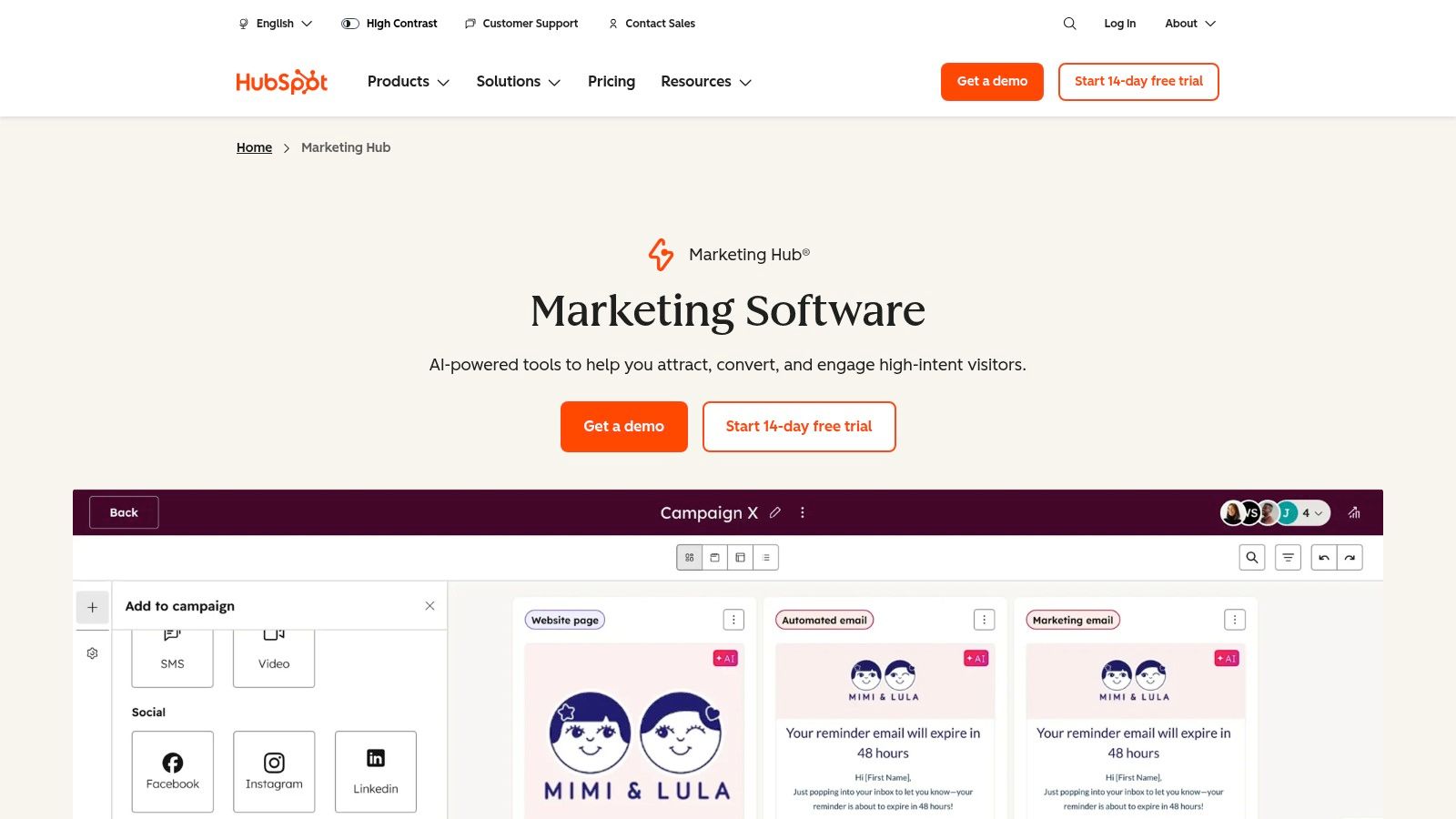
The platform is particularly well-suited for B2B organizations focused on inbound marketing. Users can create sophisticated lead nurturing campaigns using a drag-and-drop visual workflow builder, which is significantly more intuitive than the list-based builders found in tools like Mailchimp. You can automate everything from email sequences and internal notifications to lead scoring and task creation for sales development representatives.
Key Differentiators & Use Cases
- Native CRM & Sales Hub Alignment: Unlike platforms like Marketo that require third-party connectors, HubSpot’s marketing automation is built on its CRM. Actionable Tip: If your sales team already uses HubSpot CRM, this platform is a clear front-runner. A sales rep can see a lead's complete marketing engagement history (e.g., emails opened, pages viewed, forms submitted) directly on the contact record without switching tabs.
- Visual Workflow Builder: The intuitive interface allows demand generation managers to map out complex customer journeys visually. For example, you can create a branch that sends a different email sequence to leads who visited the pricing page versus those who downloaded a whitepaper.
- Revenue Attribution: The Pro and Enterprise tiers offer multi-touch revenue attribution, connecting marketing campaigns directly to closed-won deals. This helps VPs of Sales and Marketing justify their budget by proving ROI.
Pricing and Implementation
- Pricing Model: HubSpot's pricing is based on the number of "Marketing Contacts" and the feature tier (Starter, Professional, Enterprise). Be mindful that costs can escalate quickly as your contact list grows, a key difference from volume-based models like Brevo's.
- Onboarding: Professional and Enterprise plans require a mandatory, paid onboarding service. While an added cost, this process ensures teams are properly trained and can achieve a faster time-to-value. To get the most out of the platform, it is crucial to understand and apply marketing automation best practices.
Pros & Cons
| Pros | Cons |
|---|---|
| Unified Platform: Single vendor for CRM, marketing, sales, and service reduces integration complexity. | Cost at Scale: Contact-based pricing can become very expensive for large lists. |
| User-Friendly Interface: Strong onboarding, documentation, and an intuitive UI lower the learning curve. | Mandatory Onboarding Fee: Added upfront cost for Pro and Enterprise tiers. |
| Large App Ecosystem: Hundreds of native integrations allow for easy extension of core functionality. | Less Flexible Than Specialized Tools: May lack the depth of features found in point solutions. |
Website: https://www.hubspot.com/products/marketing
2. Adobe Marketo Engage
Adobe Marketo Engage is a powerhouse in the enterprise B2B space, positioning itself as one of the best marketing automation software solutions for large, complex organizations. Its primary advantage is the sheer depth of its lead management, scoring, and segmentation capabilities. Unlike more SMB-focused platforms like HubSpot, Marketo is built to handle intricate, multi-channel programs and provides the governance required for global teams operating across different regions or business units.
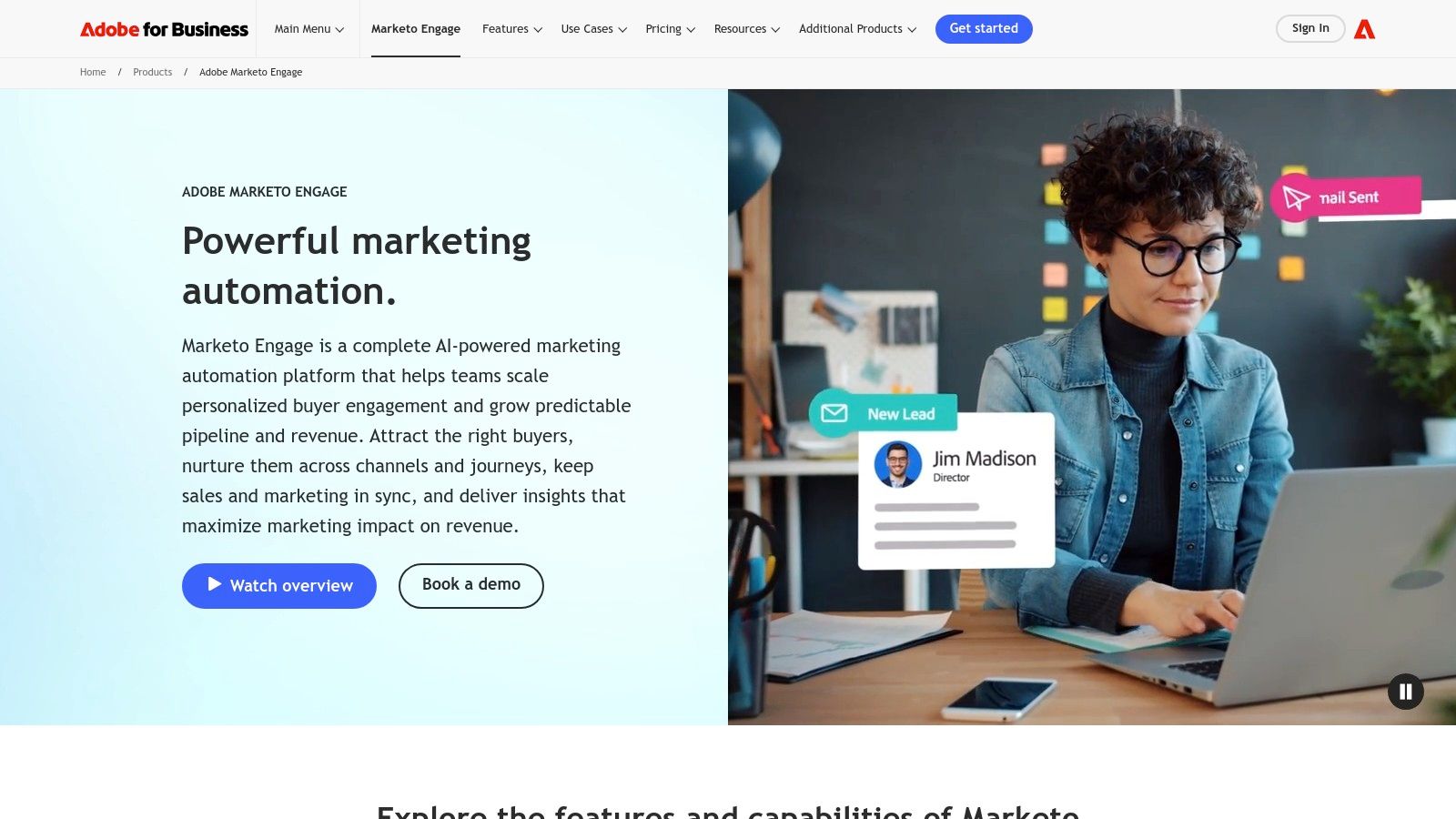
The platform excels at orchestrating sophisticated account-based marketing (ABM) strategies and long sales cycles. Demand generation managers can leverage "Smart Campaigns" to build nuanced nurturing streams that adapt based on a lead's behavior, demographic data, and sales activity. This level of control is ideal for companies with mature marketing operations that need to manage lead lifecycles with precision, ensuring sales development representatives receive only highly qualified, sales-ready leads.
Key Differentiators & Use Cases
- Advanced Lead & Account Management: Marketo provides granular control over lead scoring, routing, and lifecycle stages. A demand generation manager can, for instance, create separate workspaces and lead models for different product lines, preventing data cross-contamination.
- Enterprise-Grade Governance: Features like partitioning and user roles allow large marketing organizations to maintain brand consistency and data security. A central marketing operations team can set up global templates while giving regional marketers the autonomy to run their own campaigns.
- Powerful Native Integrations: With deep, bi-directional syncs for major CRMs like Salesforce and Microsoft Dynamics, Marketo ensures that critical data flows seamlessly between marketing and sales. Actionable Tip: If you use Salesforce but need more advanced marketing governance than Pardot offers, Marketo is your top choice.
Pricing and Implementation
- Pricing Model: Pricing is entirely quote-based and requires engaging with a sales representative. It is generally positioned at the higher end of the market, targeting enterprise and upper-mid-market companies.
- Onboarding: A successful Marketo implementation almost always requires certified expert resources, either through Adobe's professional services or a third-party consultancy. The platform has a steep learning curve, and a "do-it-yourself" approach is not recommended for achieving ROI.
Pros & Cons
| Pros | Cons |
|---|---|
| Robust for Complex Programs: Unmatched flexibility for building multi-step, trigger-based campaigns and ABM. | High Total Cost of Ownership: Quote-based pricing is expensive and implementation requires experts. |
| Mature Governance Features: Ideal for large organizations needing to manage multiple teams and brands. | Steep Learning Curve: The interface is less intuitive than modern alternatives like HubSpot. |
| Deep CRM Integration: Native, bi-directional syncs with Salesforce and Microsoft Dynamics are best-in-class. | Sales-Led Process: No self-serve options; purchasing requires lengthy sales engagement. |
Website: https://business.adobe.com/products/marketo.html
3. Salesforce Marketing Cloud Account Engagement (Pardot)
Salesforce Marketing Cloud Account Engagement, widely known by its former name Pardot, is a purpose-built B2B marketing automation platform designed for organizations deeply embedded in the Salesforce ecosystem. Its primary advantage is the unparalleled, native integration with Salesforce CRM, making it one of the best marketing automation software choices for sales-led companies. This tight sync ensures that all marketing engagement data, from email opens to form submissions, is immediately visible on lead and contact records, empowering sales teams with real-time intelligence.
The platform excels at connecting marketing actions directly to sales outcomes through shared data and reporting. Demand generation managers can leverage powerful tools like lead scoring, grading, and automated nurturing programs to qualify leads before they are ever assigned to a sales development representative. This alignment is crucial for organizations that need to prove marketing’s contribution to the sales pipeline and revenue, a key focus in effective marketing automation for B2B.
Key Differentiators & Use Cases
- Native Salesforce CRM Integration: Unlike platforms requiring API connectors, Pardot lives within the Salesforce environment. Actionable Tip: Choose Pardot if your single most important requirement is flawless data sync and shared reporting with your Salesforce Sales Cloud instance.
- Lead Scoring & Grading: Pardot offers a dual system for lead qualification. Scoring tracks a lead’s engagement level (behavior), while grading measures their fit against your ideal customer profile (demographics). This helps prioritize the hottest and best-fit leads for sales outreach.
- Engagement Studio: This is Pardot’s visual journey builder. A marketing manager can create complex nurturing paths, for example, sending an automated follow-up from the assigned sales rep if a high-value prospect visits the pricing page more than twice.
Pricing and Implementation
- Pricing Model: Pricing is structured in tiers (Growth, Plus, Advanced, Premium) based on feature sets and contact limits. Costs are often negotiated as part of a larger Salesforce package and typically require annual contracts.
- Onboarding: Implementation often requires a certified Salesforce partner or consultant to ensure correct configuration, especially for complex data mapping and campaign alignment. This upfront investment is key to maximizing the platform's value.
Pros & Cons
| Pros | Cons |
|---|---|
| Seamless Salesforce Alignment: Unmatched data governance and sync for teams using Salesforce CRM. | Complexity & Learning Curve: Can be less intuitive than modern competitors like HubSpot or ActiveCampaign. |
| Strong B2B Focus: Features like scoring, grading, and prospect tracking are tailored for sales cycles. | Cost & Annual Contracts: Can be a significant investment, with costs escalating with contacts and add-ons. |
| Advanced Analytics: Higher tiers offer B2B Marketing Analytics Plus for deep, customizable reporting. | Less Flexible Email Editor: The email builder feels dated compared to other platforms, sometimes requiring HTML. |
Website: https://www.salesforce.com/marketing/b2b-automation/pricing/
4. Salesforce Marketing Cloud Engagement (B2C cross‑channel)
Salesforce Marketing Cloud Engagement is an enterprise-grade solution built for large B2C or B2B2C brands that require massive scale and sophisticated cross-channel personalization. Unlike its B2B-focused sibling Pardot, its strength lies in orchestrating complex customer journeys across email, mobile (SMS, push notifications), and advertising. This makes it one of the best marketing automation software choices for retail, travel, and media companies managing millions of consumer contacts.
The platform’s core is Journey Builder, a powerful visual workflow tool designed for creating triggered, multi-step communication flows. A B2C marketer can, for example, build a journey that sends an abandoned cart email, followed by an SMS with a discount code 24 hours later, and then adds the user to a social media retargeting audience if they still haven’t converted. This level of multi-channel orchestration is significantly more advanced than what is typically found in B2B-focused platforms.
Key Differentiators & Use Cases
- True Cross-Channel Orchestration: Journey Builder allows marketers to seamlessly integrate email, SMS, push notifications, and social advertising into a single automated workflow. This is critical for consumer brands aiming to provide a consistent experience across touchpoints.
- Einstein AI Engine: The built-in AI capabilities provide predictive insights, such as optimizing send times for individual contacts to maximize engagement or recommending the next best product to feature in an email, driving personalization at scale.
- Deep Salesforce Data Connectivity: For companies using Salesforce CRM or Commerce Cloud, Marketing Cloud offers unparalleled data integration. Actionable Tip: If you're a B2C enterprise using Salesforce Commerce Cloud, this platform is purpose-built to leverage that data for hyper-personalized campaigns.
Pricing and Implementation
- Pricing Model: Pricing is enterprise-focused and highly customized based on edition (Pro, Corporate, Enterprise), contact volume, and message sends. It represents a significant investment compared to mid-market tools.
- Onboarding: Implementation is a complex process, almost always requiring certified partners or Salesforce professional services. The platform's breadth necessitates a dedicated team and a structured, lengthy setup project to ensure success.
Pros & Cons
| Pros | Cons |
|---|---|
| Strong for large‑scale email/mobile orchestration: Built to handle massive volume and complexity. | Enterprise pricing and significant implementation effort: High cost and resource-intensive setup. |
| Mature enterprise services and support tiers: Robust support network for large organizations. | Feature breadth can be overkill for smaller teams: Overly complex for companies without dedicated resources. |
| Powerful AI and personalization features: Einstein AI drives sophisticated, data-driven marketing. | Steeper learning curve: Requires specialized knowledge to operate effectively compared to more intuitive tools. |
Website: https://www.salesforce.com/marketing/engagement/pricing/
5. ActiveCampaign
ActiveCampaign positions itself as a customer experience automation platform, making it one of the best marketing automation software options for SMBs and mid-market companies that need more than just email. Its strength lies in its approachable yet powerful visual automation builder, which extends beyond email to include SMS, site messages, and sales pipeline automation. This multi-channel capability allows businesses to create cohesive customer journeys that meet buyers where they are.
The platform is designed for businesses focused on growth, offering sophisticated segmentation and dynamic content features at a more accessible price point than enterprise-level competitors. Users can easily build workflows that tag contacts based on behavior, trigger messages when a prospect visits a key webpage, or automatically move deals in the built-in CRM. This makes it a strong contender for teams that have outgrown simpler tools like Mailchimp but are not ready for the complexity of Marketo.
Key Differentiators & Use Cases
- Multi-Channel Visual Automations: A demand generation manager can create a single workflow that sends an initial email, follows up with an SMS message if there's no click, and then creates a task for a sales development representative in the CRM. This is managed within one intuitive, drag-and-drop interface.
- Inclusive Onboarding & Migration: Unlike many platforms that charge for setup, ActiveCampaign includes 1:1 onboarding and free migration services in its plans. Actionable Tip: If your team is small and migrating from another tool, this free service can save you thousands in setup costs and weeks of effort.
- Predictive Features & Conditional Content: The platform uses machine learning to offer predictive sending (delivering emails at the optimal time for each contact) and predictive content. For more details, you can learn more about AI in marketing automation. This allows for a level of personalization that is typically found in more expensive software.
Pricing and Implementation
- Pricing Model: Pricing is based on the number of contacts and the chosen feature tier (Marketing or Sales bundles). The tiers unlock features like SMS, landing pages, and advanced reporting.
- Onboarding: The included free migration and one-on-one strategy sessions ensure a smoother implementation process and help teams get value from the tool faster than a self-service setup.
Pros & Cons
| Pros | Cons |
|---|---|
| Strong Support & Migration: Included onboarding and free migration make it easy to get started. | Opaque High-Tier Pricing: Some packaging and enterprise pricing require speaking to sales. |
| Powerful & Approachable Automation: A great balance of advanced features and user-friendliness. | Advanced Reporting Gated: The most valuable reporting features are reserved for higher tiers. |
| Integrated Sales CRM: Provides a unified view of the customer journey for marketing and sales. | Learning Curve for Deepest Features: While approachable, mastering all features takes time. |
Website: https://www.activecampaign.com/
6. Mailchimp
Mailchimp is often the entry point into email marketing for small businesses and ecommerce brands, but it has evolved into a capable platform that makes it one of the best marketing automation software options for those prioritizing simplicity and speed. Its core value is a gentle learning curve, allowing users to quickly set up email campaigns, landing pages, and basic automation sequences without extensive technical knowledge. This makes it an ideal choice for teams without a dedicated marketing operations manager.
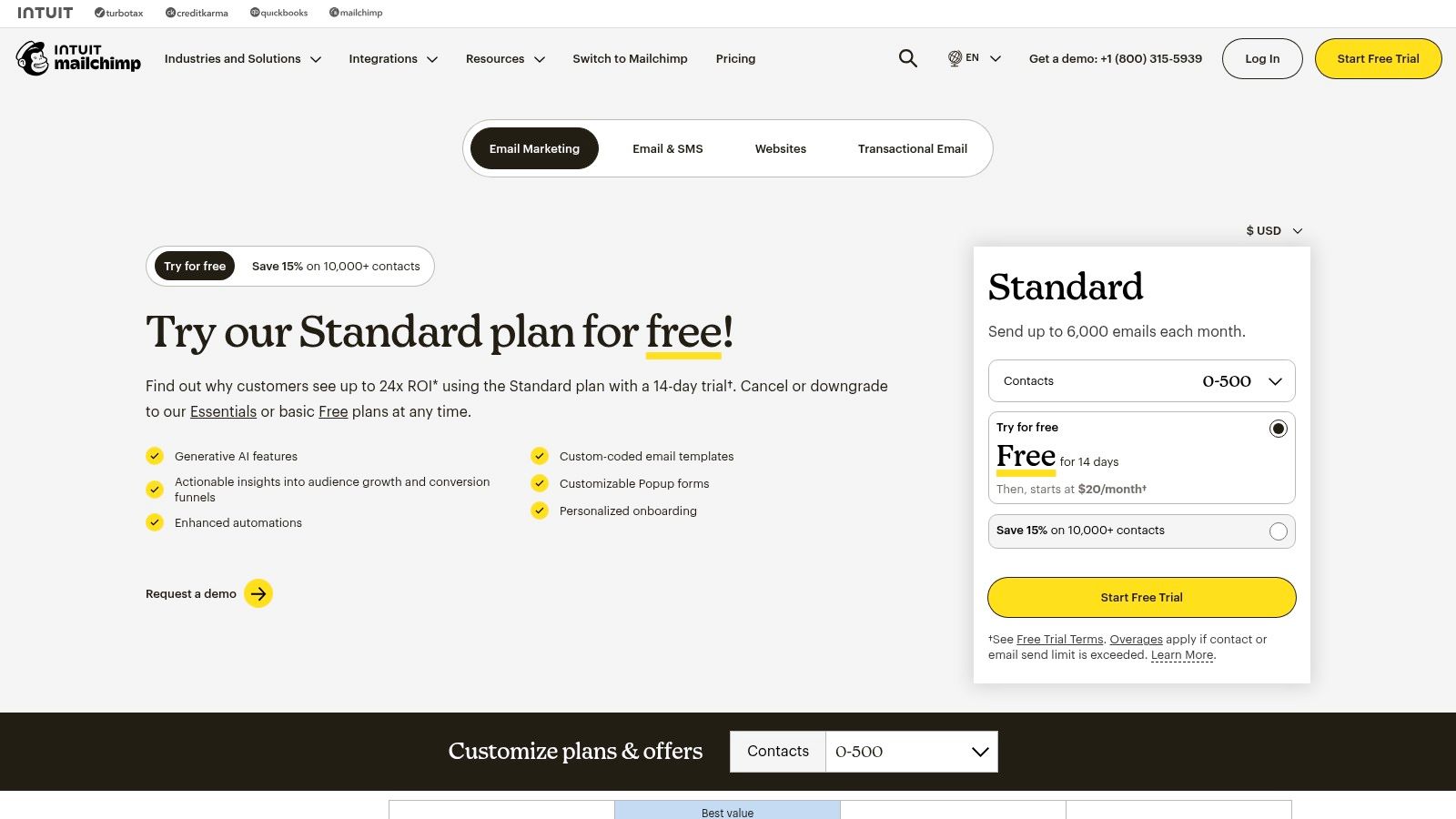
The platform has expanded beyond simple email blasts to include "Customer Journeys," a visual workflow builder for automating multi-step campaigns. While not as advanced as the logic in platforms like ActiveCampaign or HubSpot, it's perfect for common use cases like welcome series, abandoned cart reminders, or re-engagement campaigns. Its extensive template library and AI content features further accelerate the content creation process for lean marketing teams.
Key Differentiators & Use Cases
- Speed to Value: Where other platforms require significant setup, a small business owner can connect their ecommerce store (like Shopify) and have an automated abandoned cart email running in under an hour.
- Accessible Automation: The "Customer Journeys" builder is straightforward, enabling marketers to build rules-based automations (e.g., "if a contact clicks a link, add a tag") without needing to understand complex database logic.
- Broad Integration Ecosystem: Mailchimp integrates with thousands of apps, especially popular in the ecommerce and creative professional spaces. Actionable Tip: If you are a solopreneur or small business using tools like Squarespace, Canva, and Calendly, Mailchimp's extensive and simple integrations make it a superior choice over more complex B2B platforms.
Pricing and Implementation
- Pricing Model: Mailchimp offers tiered plans (including a free tier) based on both contact count and email sends. It's crucial to monitor both metrics, as overage charges can apply if you exceed your plan's limits.
- Onboarding: Implementation is almost entirely self-service. The platform provides extensive documentation and tutorials, making it accessible for users who prefer to learn and build on their own schedule without a mandatory onboarding fee.
Pros & Cons
| Pros | Cons |
|---|---|
| Fast Setup and User-Friendly: Excellent for beginners and teams needing to launch campaigns quickly. | Limited Automation Logic: Lacks the advanced branching and behavioral triggers of more robust platforms. |
| Generous Free Tier: A free plan is available for new businesses to start building their email list. | Costs Escalate with Overage: Exceeding contact or send limits can lead to unexpected charges. |
| Extensive Template Library: A vast collection of pre-designed templates speeds up email creation. | Advanced Features Gated: Critical features like A/B testing and advanced segmentation are reserved for higher-priced plans. |
Website: https://mailchimp.com/pricing/
7. Klaviyo
Klaviyo has carved out a dominant position as the best marketing automation software for direct-to-consumer (DTC) ecommerce brands. Its primary strength is its incredibly deep integration with platforms like Shopify, BigCommerce, and WooCommerce. This allows it to pull rich customer data, such as purchase history, browsing behavior, and cart contents, directly into its system for hyper-personalized marketing. Unlike general-purpose platforms like Mailchimp or HubSpot, Klaviyo is built from the ground up to drive online sales.
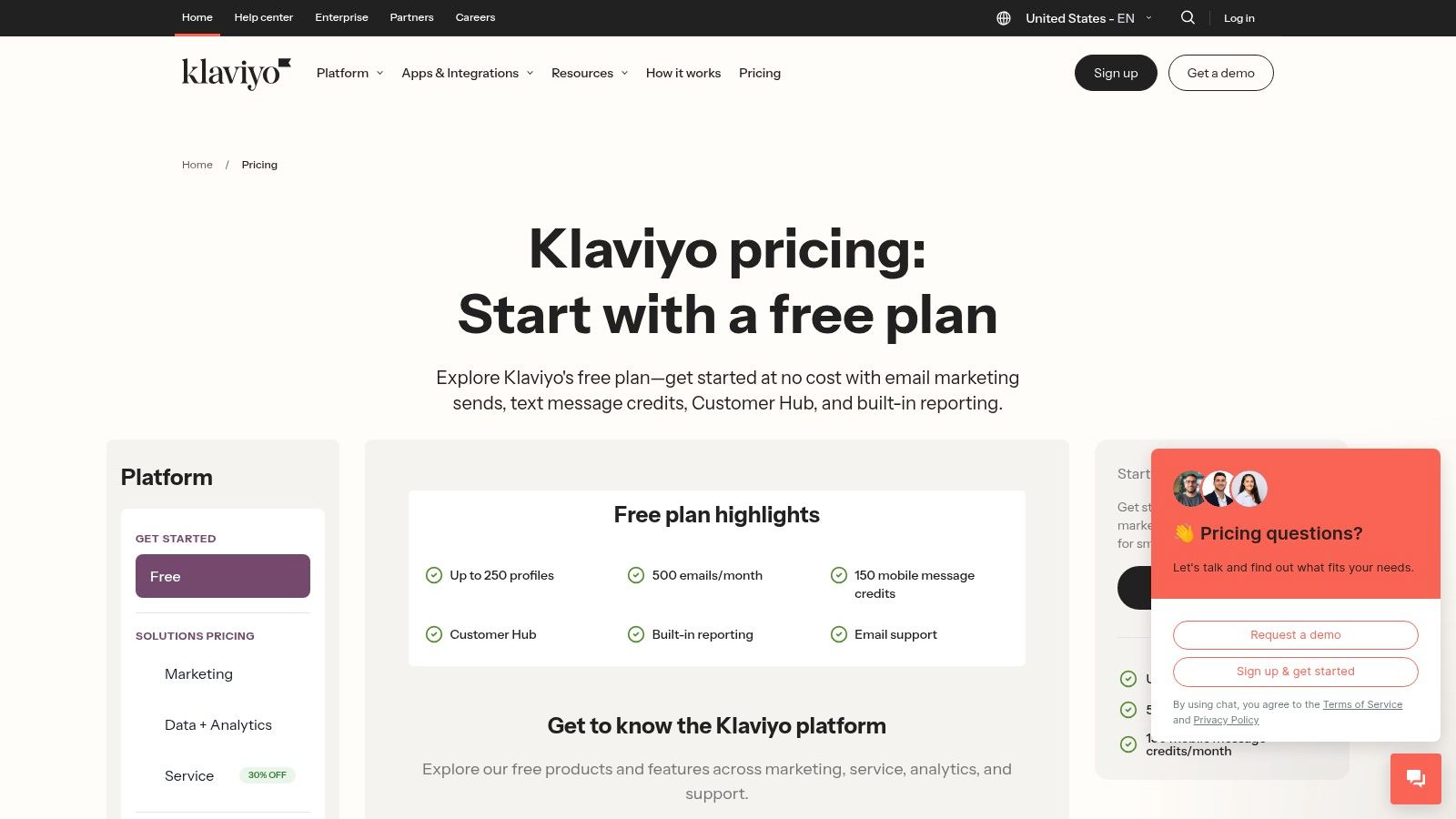
The platform empowers ecommerce managers to create sophisticated automation "flows" for common retail scenarios like abandoned carts, browse abandonment, and post-purchase follow-ups. Its segmentation engine is commerce-grade, allowing users to build dynamic lists based on predictive analytics, such as "predicted next order date" or "customer lifetime value." This is a significant step up from the tag-based segmentation found in many email service providers.
Key Differentiators & Use Cases
- Deep Ecommerce Integration: Klaviyo’s native connection to storefronts provides unparalleled data access. Actionable Tip: If you run a Shopify store, Klaviyo is the industry standard. Its one-click integration gives you access to pre-built automation flows that can start generating revenue on day one.
- Unified Email & SMS Automation: The platform orchestrates email and SMS messages within the same workflow builder. This allows for creating cohesive journeys, such as sending an abandoned cart email, followed by an SMS reminder with a discount code two hours later if the user hasn't converted.
- Revenue-Centric Reporting: Every campaign and automation flow directly reports the revenue it generated. This makes it easy for marketing leaders to prove ROI and optimize their strategy based on what actually drives sales, not just opens and clicks.
Pricing and Implementation
- Pricing Model: Klaviyo offers a free tier for up to 250 contacts. Paid plans scale based on the number of email contacts and SMS credits purchased. The model is flexible, allowing businesses to grow without large upfront commitments.
- Onboarding: Implementation is relatively straightforward, especially with major ecommerce platforms, thanks to one-click integrations. The platform provides extensive documentation and pre-built templates ("playbooks") to help users get started quickly and effectively.
Pros & Cons
| Pros | Cons |
|---|---|
| Strong Revenue Attribution: Clear, built-in reporting on how marketing activities drive sales. | Niche Focus: Less suitable for B2B or non-ecommerce businesses. |
| Advanced Segmentation: Powerful, commerce-focused segmentation capabilities. | Cost Can Escalate: High-volume SMS and large contact lists can become expensive. |
| Excellent Ecommerce Playbooks: Pre-built, proven automation templates speed up time-to-value. | Relies on Storefront Data: Value is maximized when connected to a compatible ecommerce stack. |
Website: https://www.klaviyo.com/pricing
8. Brevo (formerly Sendinblue)
Brevo, formerly known as Sendinblue, has carved out a unique space in the market by offering a powerful suite of tools on a pricing model that prioritizes send volume over contact list size. This makes it an exceptionally cost-effective choice for businesses with large audiences but moderate sending frequencies. While many platforms scale costs aggressively with contact growth, Brevo's approach provides budget predictability, making it one of the best marketing automation software options for startups and SMBs.
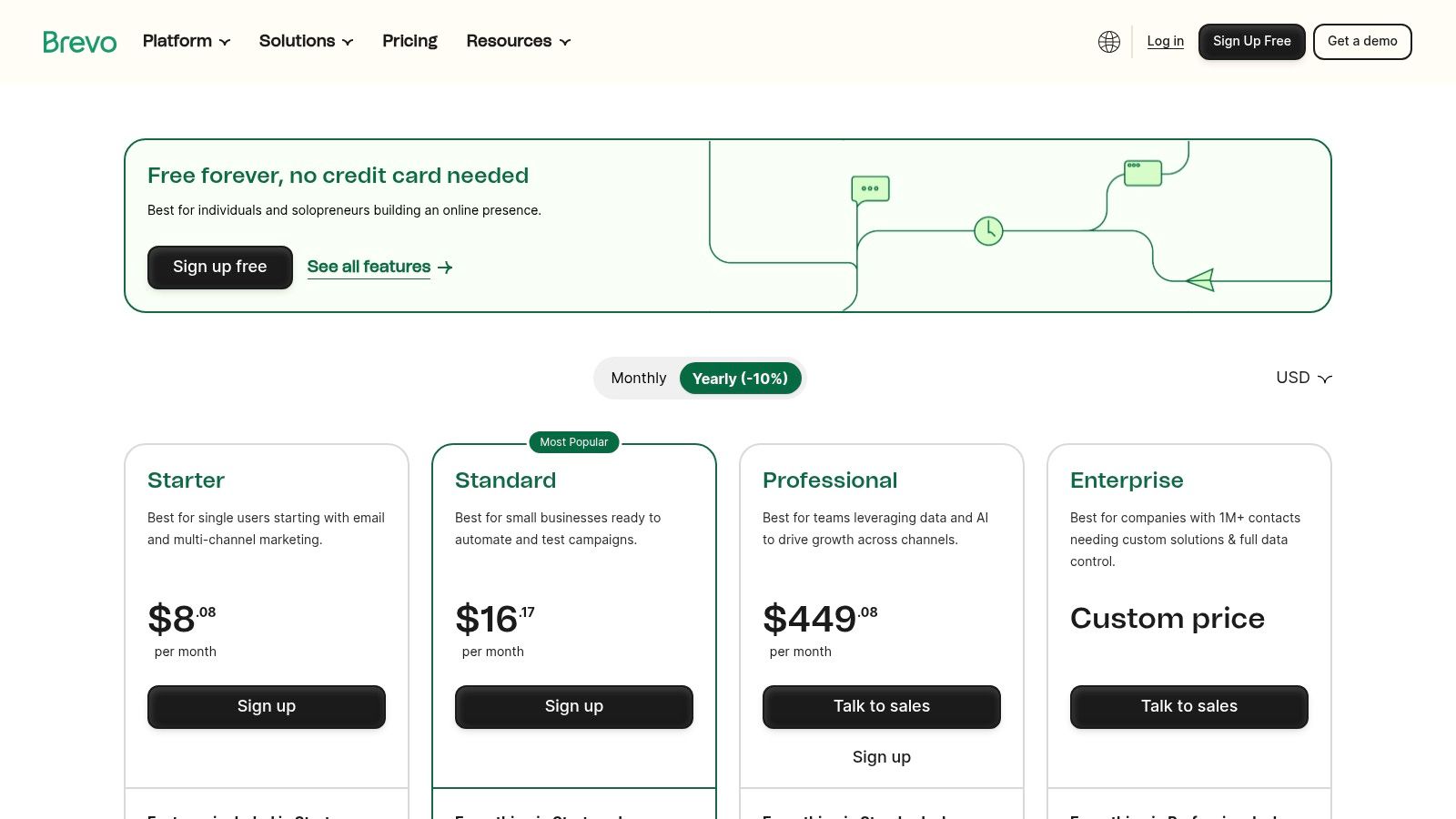
The platform consolidates email marketing, SMS, WhatsApp campaigns, live chat, and a sales CRM into a single dashboard. Its automation workflow builder is surprisingly robust for its price point, allowing users to create multi-step, multi-channel journeys based on user behavior like email opens, link clicks, or website visits. This allows a small marketing team to automate welcome series, abandoned cart reminders, and lead nurturing sequences without the enterprise-level investment.
Key Differentiators & Use Cases
- Volume-Based Pricing: Unlike HubSpot or ActiveCampaign, which charge per contact, Brevo's core plans are based on email volume. Actionable Tip: If you have a large contact list (e.g., >20,000) but only send a monthly newsletter, Brevo will be significantly cheaper than contact-based alternatives.
- All-in-One Communication Hub: The platform integrates transactional emails (like password resets), SMS, and WhatsApp messaging directly into its automation workflows. This is ideal for e-commerce brands wanting to send an order confirmation via email and a shipping notification via SMS from the same system.
- Generous Free Plan: The free tier is highly functional, offering marketing automation for up to 2,000 contacts, making it a perfect entry point for small businesses to test and validate their automation strategies before committing to a paid plan.
Pricing and Implementation
- Pricing Model: Primarily based on the number of emails sent per month, with higher tiers unlocking advanced features and removing daily sending caps. There is no charge for storing unlimited contacts on most paid plans.
- Onboarding: Brevo is largely self-service, with a straightforward setup process and extensive documentation. This lack of a mandatory onboarding fee makes it much more accessible for teams with limited budgets compared to enterprise platforms.
Pros & Cons
| Pros | Cons |
|---|---|
| Cost-Effective at Scale: Send-based pricing is highly affordable for large contact lists. | Daily Sending Caps on Free Plan: The free plan limits sends to 300 emails per day. |
| Multi-Channel Capabilities: Natively supports email, SMS, WhatsApp, and live chat automation. | Fewer Native Integrations: The app ecosystem is smaller than leaders like HubSpot. |
| Robust Free Tier: Includes automation for up to 2,000 contacts, ideal for testing. | Basic CRM Functionality: The built-in CRM is less advanced than dedicated sales platforms. |
Website: https://www.brevo.com/pricing/
9. Iterable
Iterable positions itself as a customer activation platform, making it one of the best marketing automation software options for B2C and data-rich B2B companies that need to orchestrate real-time, personalized communication at massive scale. Its primary strength is its ability to ingest vast amounts of first-party data and use AI to trigger hyper-relevant messages across email, SMS, push notifications, and in-app channels. This makes it a powerful choice for businesses with complex, event-driven customer lifecycles.
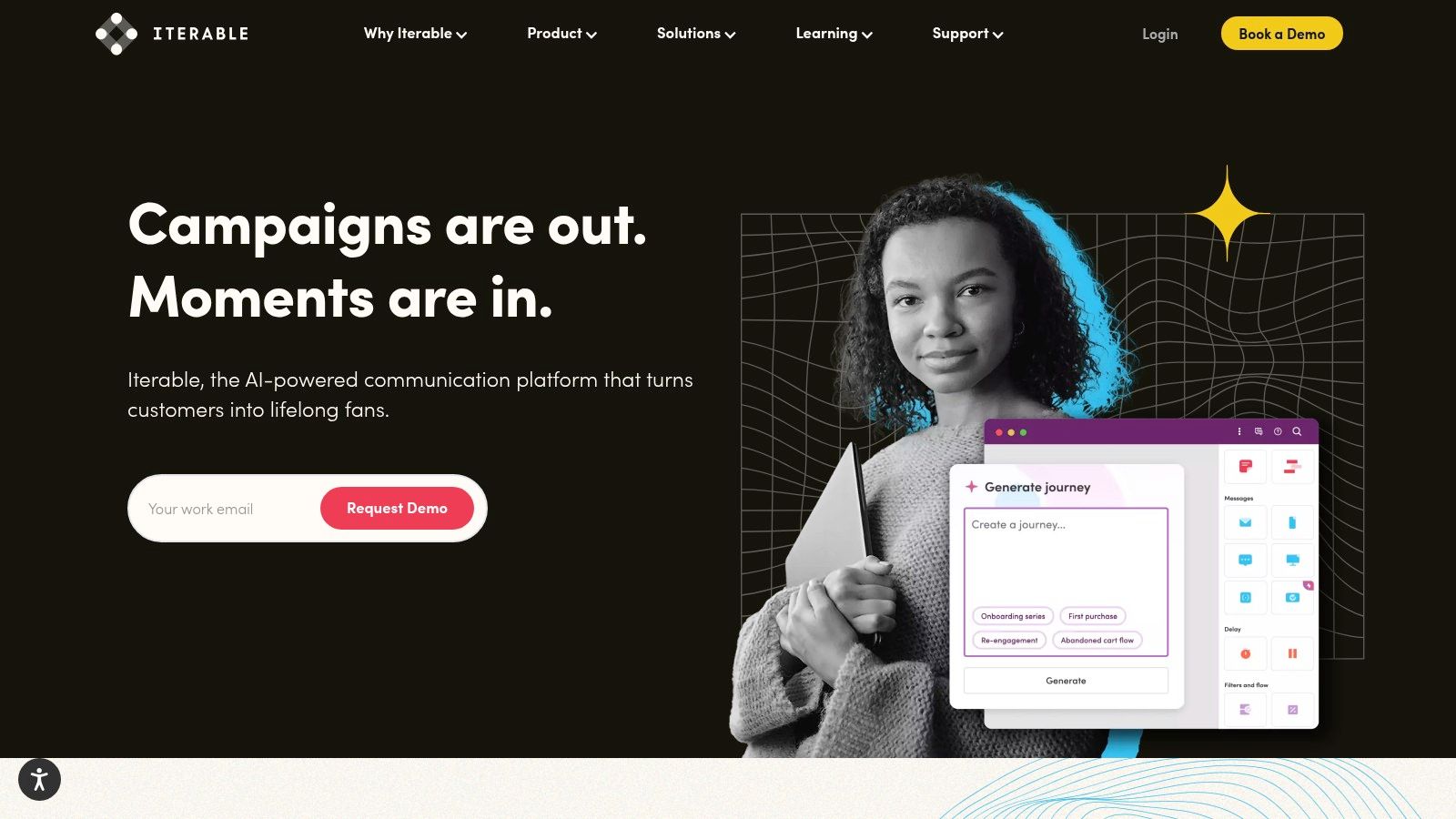
Unlike all-in-one suites like HubSpot, Iterable is designed to be a core component of a composable martech stack, integrating deeply with data warehouses like Snowflake or CDPs like Segment. Its "Studio" workflow builder allows marketers to create sophisticated cross-channel journeys, using AI-powered "Predictive Goals" to optimize paths toward specific outcomes, such as conversion or retention. This is ideal for growth marketers and CRM managers at enterprise-level companies.
Key Differentiators & Use Cases
- Real-time Data Activation: Iterable can ingest and act on behavioral data in milliseconds. A consumer tech company could use this to send a push notification with a discount code the instant a user abandons their shopping cart in a mobile app.
- AI-Powered Personalization: The platform's explainable AI helps marketers understand why certain users are targeted for specific campaigns. For example, it can identify users most likely to churn and automatically enroll them in a re-engagement sequence.
- Cross-Channel Orchestration: Actionable Tip: If your strategy involves coordinating messages across email, SMS, and in-app notifications, compare Iterable's "Studio" directly with Braze's "Canvas." Both are visual journey builders, but their AI features and data models differ, making one potentially a better fit for your specific use case.
Pricing and Implementation
- Pricing Model: Pricing is entirely quote-based and tailored to enterprise needs, factoring in contact volume, message sends, and feature set. It is a premium-priced solution.
- Onboarding: Implementation requires a strong data foundation. To realize its full value, your organization must have clean, well-structured first-party data and the technical resources to integrate it via API or through a CDP.
Pros & Cons
| Pros | Cons |
|---|---|
| Designed for High Scale: Built to handle billions of messages and real-time data points for large user bases. | Enterprise-Level Pricing: Quote-based model is typically out of reach for SMBs. |
| Composable & Flexible: Integrates seamlessly into modern, best-of-breed martech stacks. | Requires Data Maturity: Value is limited without solid first-party data infrastructure. |
| Strong Partner Ecosystem: Extensive support for migration and integration with other enterprise tools. | Steeper Learning Curve: More complex than all-in-one platforms; requires technical expertise. |
Website: https://iterable.com/
10. Braze
Braze excels as a customer engagement platform built for real-time, cross-channel conversations, positioning it as one of the best marketing automation software options for B2C and mobile-first brands. Its core strength is orchestrating sophisticated messaging across email, push notifications, in-app messages, and web. Unlike CRM-centric platforms like HubSpot, Braze is designed from the ground up to process massive streams of behavioral data and trigger personalized communications in the moment.
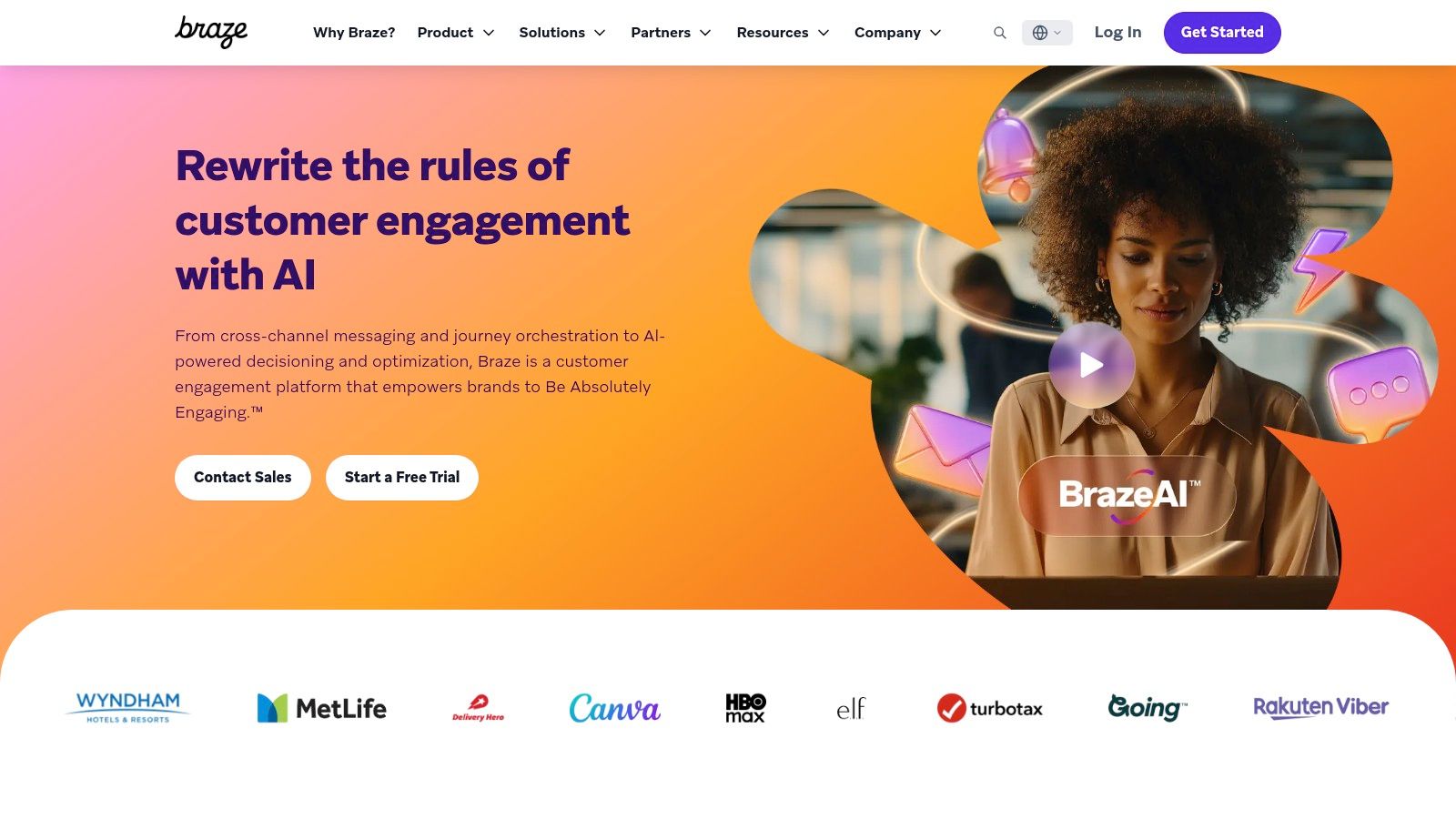
The platform is ideal for product marketers and lifecycle managers at consumer tech companies, e-commerce sites, or media brands who need to influence user behavior directly within their app or website. You can build complex, multi-step user journeys that react instantly to user actions. For example, a user abandoning a shopping cart can trigger a push notification, an in-app message, and an email in a coordinated sequence based on their engagement with each channel.
Key Differentiators & Use Cases
- Mobile-First Orchestration: Braze's specialty is its deep integration with mobile applications. A product manager can trigger an in-app message offering a tutorial to a user who struggles with a new feature, a capability far beyond what traditional B2B automation tools offer.
- Extensive Data & Behavioral Targeting: The platform ingests a wide array of event data, allowing for hyper-granular segmentation. You can target users based on their last app open, purchase history, or even custom events you define, enabling highly relevant and timely messaging.
- AI-Assisted Content & Delivery: Features like AI-powered copy suggestions and intelligent timing help optimize campaign performance. Actionable Tip: During a demo, ask to see how the AI personalization engine differs from Iterable’s. Focus on which platform's model better supports your goal, whether it's optimizing for conversion, engagement, or churn reduction.
Pricing and Implementation
- Pricing Model: Braze does not offer public pricing; it is a custom, enterprise-level solution. Pricing is typically based on a combination of monthly active users (MAUs), data points, and message volume.
- Onboarding: The implementation process can be non-trivial, often requiring developer resources to integrate the SDK and set up data streams correctly. However, Braze offers mature education and guided onboarding to support this.
Pros & Cons
| Pros | Cons |
|---|---|
| Excellent for mobile and app-centric use cases: Unmatched capabilities for push and in-app messaging. | Enterprise-Level Pricing: The cost structure is not suitable for small or mid-sized businesses. |
| Real-Time Data Processing: Enables instant, behavior-driven communication. | Complex Implementation: Requires technical expertise and developer involvement to set up. |
| Mature Education & Enablement: Strong resources and support to help teams succeed with the platform. | Less focused on B2B sales alignment: Not a replacement for a CRM in a traditional sales cycle. |
Website: https://www.braze.com/
11. Oracle Eloqua
Oracle Eloqua is a powerhouse in the enterprise B2B space, making it one of the best marketing automation software solutions for large, complex organizations. Its key advantage is its ability to manage massive contact databases and intricate global campaigns with robust governance and control. Eloqua is designed for marketing teams that require sophisticated segmentation, advanced lead and account scoring, and deep integration with enterprise-level systems like Oracle's own CX suite and various CRMs.
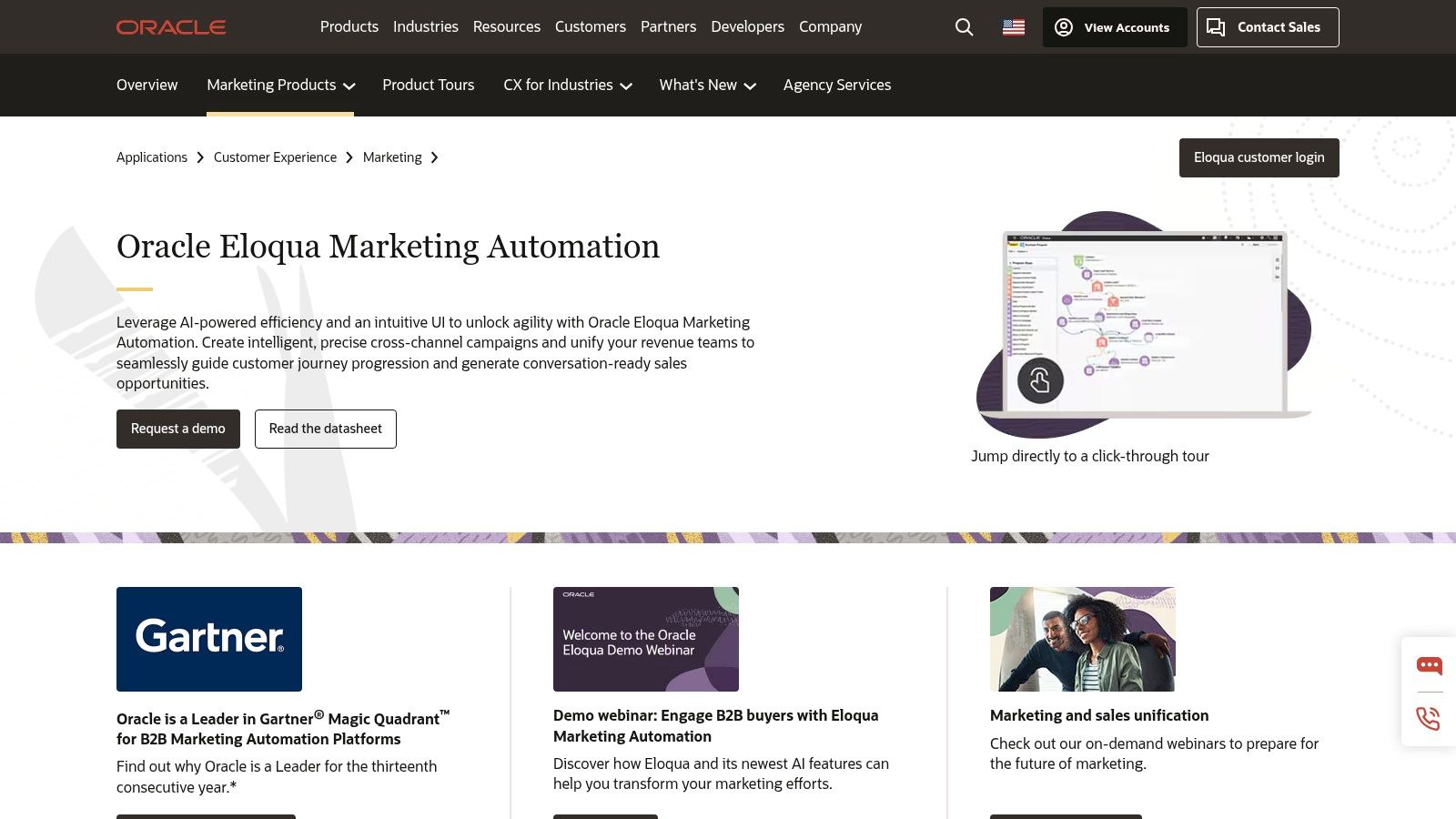
The platform excels at orchestrating complex, multi-channel campaigns tailored to specific account-based marketing (ABM) strategies. Unlike more SMB-focused tools, Eloqua provides granular control over user permissions, data privacy, and campaign approvals. This makes it a direct competitor to Adobe Marketo, often appealing to enterprises already invested in the Oracle technology stack.
Key Differentiators & Use Cases
- Enterprise-Grade Scalability & Governance: Eloqua is built to handle databases with tens of millions of contacts without performance degradation. For a global marketing operations director, this means they can enforce brand consistency and data compliance across different regions and teams from a single platform.
- Advanced Segmentation and Personalization: The platform allows for highly complex segmentation logic that combines demographic, firmographic, and real-time behavioral data. A demand generation manager can create dynamic segments for an ABM campaign, personalizing content based on a contact's role, industry, and engagement level with the sales team.
- Oracle CX Suite Integration: For companies already invested in the Oracle ecosystem (e.g., Oracle Sales, Oracle Advertising), Eloqua offers seamless connectivity. Actionable Tip: If your company is an existing Oracle customer, choosing Eloqua can significantly reduce integration complexity and cost compared to bringing in an outside platform like Marketo.
Pricing and Implementation
- Pricing Model: Pricing is entirely quote-based and positioned at the premium, enterprise end of the market. It is typically suited for organizations with significant marketing budgets.
- Onboarding: Implementation is a complex process that often requires certified consultants and a dedicated internal project team. The timeline can span several months, reflecting the platform's depth and the need for custom configuration.
Pros & Cons
| Pros | Cons |
|---|---|
| Scales to very large datasets: Built for enterprise needs with millions of contacts. | Premium, quote-based pricing: High cost of entry and ownership. |
| Rich integration catalog: Over 500 pre-built integrations with major CRM and MarTech platforms. | Steep learning curve: Requires significant training and often specialized expertise. |
| Robust governance features: Granular user permissions and controls for large, global teams. | Long implementation timelines: Not a plug-and-play solution. |
Website: https://www.oracle.com/cx/marketing/automation/
12. Comparison Marketplaces (Capterra & G2)
While not a software platform itself, using comparison marketplaces like Capterra and G2 is a critical first step in finding the best marketing automation software for your specific needs. These sites act as comprehensive directories, aggregating peer reviews, feature lists, and vendor data to help you create a qualified shortlist. They provide an invaluable, high-level view of the market, allowing you to filter options by company size, industry, and required features before committing to vendor demos.
These marketplaces are particularly useful for demand generation managers and marketing leaders tasked with the initial research phase. Instead of relying solely on vendor-produced marketing materials, you can leverage verified user feedback to identify common pain points and hidden benefits. G2's Grid reports, for instance, visually map out platforms based on market presence and user satisfaction, offering a quick way to identify established leaders and emerging contenders.
Key Differentiators & Use Cases
- Verified Peer Reviews: Both platforms offer reviews from verified users. This helps VPs of Sales and Marketing assess real-world performance and user satisfaction beyond a vendor's sales pitch, uncovering insights on implementation difficulty or customer support quality.
- Side-by-Side Comparisons: Users can select several platforms and compare their features, pricing, and ratings in a structured format. This is an actionable way to quickly eliminate tools that lack critical functionality, such as native CRM integration or advanced A/B testing.
- Category-Specific Shortlisting: Actionable Tip: Use the filters on these sites to create your initial list. For example, filter by "B2B," "integrates with Salesforce," and "serves companies 200-500 employees." This will narrow a list of 100+ vendors down to a manageable 5-10 for deeper investigation.
Pricing and Implementation
- Pricing Model: Access to research, reviews, and comparison tools on these sites is completely free for buyers. Vendors pay for sponsored placements and lead generation features.
- Onboarding: There is no onboarding process. The primary action is to use the filters and guides to build a list of 2-3 top contenders, then engage with those vendors directly for demos or trials. Be aware that some content may require an email submission.
Pros & Cons
| Pros | Cons |
|---|---|
| Free to Research: Provides a no-cost way to build a longlist and validate vendor claims. | Sponsored Placements: The default sorting can be influenced by vendors who pay for premium listings. |
| Transparent User Feedback: Deep, recent, and verified reviews offer candid insights into usability. | Outdated Information: Pricing details and feature sets shown can occasionally lag behind vendor updates. |
| Comprehensive Filtering: Allows for granular sorting to quickly find relevant solutions for your niche. | Gated Content: Some in-depth reports or buyer's guides may require you to provide contact information. |
Website: https://www.capterra.com/marketing-automation-software/
Top 12 Marketing Automation Platforms Comparison
| Product | Core features | UX & Quality (★) | Price & Value (💰) | Target audience (👥) | Unique edge (✨ / 🏆) |
|---|---|---|---|---|---|
| HubSpot Marketing Hub | Visual workflows, email/SMS, landing pages, attribution | ★★★★ | 💰 Mid–High; contact tiers can grow costly | 👥 B2B teams wanting CRM + marketing in one | ✨ Native CRM alignment & fast time‑to‑value; 🏆 onboarding |
| Adobe Marketo Engage | Account/lead nurturing, ABM, dynamic content, integrations | ★★★★ | 💰 Quote‑based; enterprise pricing | 👥 Complex B2B programs / large marketing ops | 🏆 Powerful ABM & program governance |
| Salesforce Pardot (Account Engagement) | Engagement programs, scoring, native Salesforce reporting | ★★★★ | 💰 Mid–High; contact/add‑ons raise cost | 👥 Salesforce‑centric B2B sales‑led orgs | ✨ Tight native Salesforce data + reporting; 🏆 CRM alignment |
| Salesforce Marketing Cloud Engagement | Journey Builder, omni‑channel messaging, Einstein optimizations | ★★★★ | 💰 Enterprise; significant implementation | 👥 Large B2C or B2B2C brands at scale | 🏆 Cross‑channel orchestration at enterprise scale |
| ActiveCampaign | Visual automations, email/SMS/WhatsApp, CRM automation | ★★★★ | 💰 SMB‑friendly tiers; onboarding included | 👥 SMB → mid‑market growing databases | ✨ 1:1 onboarding & easy launch |
| Mailchimp | Journeys, A/B testing, templates, AI content | ★★★ | 💰 Free tier → paid; limits/overages apply | 👥 SMBs & e‑commerce starters | ✨ Fast setup, large template ecosystem |
| Klaviyo | Commerce segmentation, email+SMS, product feed personalization | ★★★★ | 💰 Usage/SKU dependent; SMS costs add up | 👥 DTC/e‑commerce brands (Shopify, BigCommerce) | 🏆 Deep ecommerce data & revenue attribution |
| Brevo (Sendinblue) | Email, transactional, SMS, automation; volume pricing | ★★★ | 💰 Volume‑based; affordable free tier | 👥 Send‑heavy small teams / budget buyers | ✨ Cost‑efficient volume pricing |
| Iterable | Real‑time activation, AI personalization, cross‑channel | ★★★★ | 💰 Enterprise / quote‑based | 👥 Data‑rich orgs needing real‑time personalization | 🏆 Real‑time AI personalization & composability |
| Braze | Multi‑channel orchestration, mobile/app focus, templates | ★★★★ | 💰 Enterprise; non‑public pricing | 👥 Mobile‑first brands & app-centric marketing | 🏆 Strong mobile/app messaging capabilities |
| Oracle Eloqua | Cross‑channel campaign builder, scoring, 500+ integrations | ★★★★ | 💰 Premium / quote‑based | 👥 Very large enterprises with complex needs | 🏆 Enterprise governance & integration depth |
| Comparison Marketplaces (Capterra & G2) | Vendor filters, buyer guides, verified reviews, grids | ★★★ | 💰 Free to research | 👥 Buyers shortlisting & validating vendors | ✨ Peer reviews, grids & quick shortlists for selection |
Try our Marketing Plan Generator — generate a complete AI-powered marketing plan in minutes. No signup required.
How to Turn Marketing Signals into Sales Actions
Navigating the landscape of the best marketing automation software can feel overwhelming. We've explored a dozen powerful platforms, from enterprise giants like Adobe Marketo Engage and Salesforce Marketing Cloud to SMB-focused solutions like ActiveCampaign and Klaviyo. Each offers a unique combination of features designed to attract, nurture, and convert leads at scale. However, the core takeaway is this: selecting a tool is only half the battle. The true measure of success lies in your ability to translate automated marketing efforts into tangible sales activities and, ultimately, revenue.
The most sophisticated lead scoring model or nurturing sequence is ineffective if it doesn't trigger immediate, intelligent action from your sales team. A high-intent signal, like a prospect viewing your pricing page for the third time, loses its value with every hour that passes. The critical junction where marketing intelligence meets sales execution is where ROI is either realized or lost.
Synthesizing Your Options: A Final Framework
To make your decision actionable, let’s distill the key considerations down to a simple framework. As you evaluate which platform is right for you, filter your choices through these three critical lenses:
- Ecosystem and Integration: How seamlessly will this tool integrate with your existing CRM (like Salesforce or HubSpot)? A platform like HubSpot Marketing Hub offers unparalleled native integration for users already within its ecosystem. In contrast, a tool like Marketo or Pardot is built for deep, complex integrations with enterprise-level CRMs, but requires more technical resources to manage.
- Primary Use Case: What is your core business objective? For e-commerce businesses focused on customer lifetime value, a platform like Klaviyo or Braze, with their deep event-tracking and personalization capabilities, is a clear winner. For B2B organizations with long sales cycles, a solution like Salesforce Account Engagement (Pardot) or Oracle Eloqua provides the robust lead nurturing and account-based marketing features necessary to succeed.
- Team Skillset and Scalability: Be honest about your team's technical capabilities. Mailchimp and Brevo offer user-friendly interfaces that allow smaller teams to get up and running quickly. On the other hand, platforms like Iterable or the full Salesforce Marketing Cloud suite provide immense power but demand a dedicated team of specialists to unlock their full potential. Choose a tool that meets you where you are but provides a clear path for future growth.
Bridging the Gap from Automation to Action
The fundamental challenge that persists across all these platforms is the "last mile" problem. Your new marketing automation software will generate thousands of valuable buyer signals. It will tell you who is engaged, what content they're consuming, and when they demonstrate intent. But what happens next?
For the Sales Development Representative (SDR) or Business Development Representative (BDR), this flood of data can be more paralyzing than empowering. They are left to manually sift through CRM notifications, interpret marketing activities, and decide who to contact next. This manual process introduces friction and delay, allowing high-intent leads to go cold. The key is not just to generate signals but to operationalize them instantly. This means turning a "whitepaper download" signal into a prioritized, actionable task in an SDR's queue with context and tools for immediate execution. This is the crucial link that transforms your marketing automation investment from a cost center into a revenue-generating engine.
The best marketing automation software generates signals, but you need a system to turn those signals into conversations and pipeline. marketbetter.ai acts as the AI-powered task engine for your SDRs, sitting directly in Salesforce and HubSpot to translate marketing intent into prioritized sales actions. Stop letting high-value leads slip through the cracks and empower your team to act instantly by visiting marketbetter.ai.