How to Personalize Cold Emails at Scale with AI [2026 Guide]

· 8 min read

The average B2B professional receives 121 emails per day. Your cold email has about 2 seconds to prove it's not another generic pitch.

Here's the brutal math: A 50% open rate with 2% reply rate means 49 out of every 50 people who open your email decide it's not worth responding to.

The solution isn't sending more emails. It's sending emails that feel like they were written specifically for each person—because they were.

In this guide, I'll show you how to use AI coding agents (Claude Code, OpenClaw, and the new GPT-5.3 Codex) to personalize thousands of cold emails without spending hours on manual research.
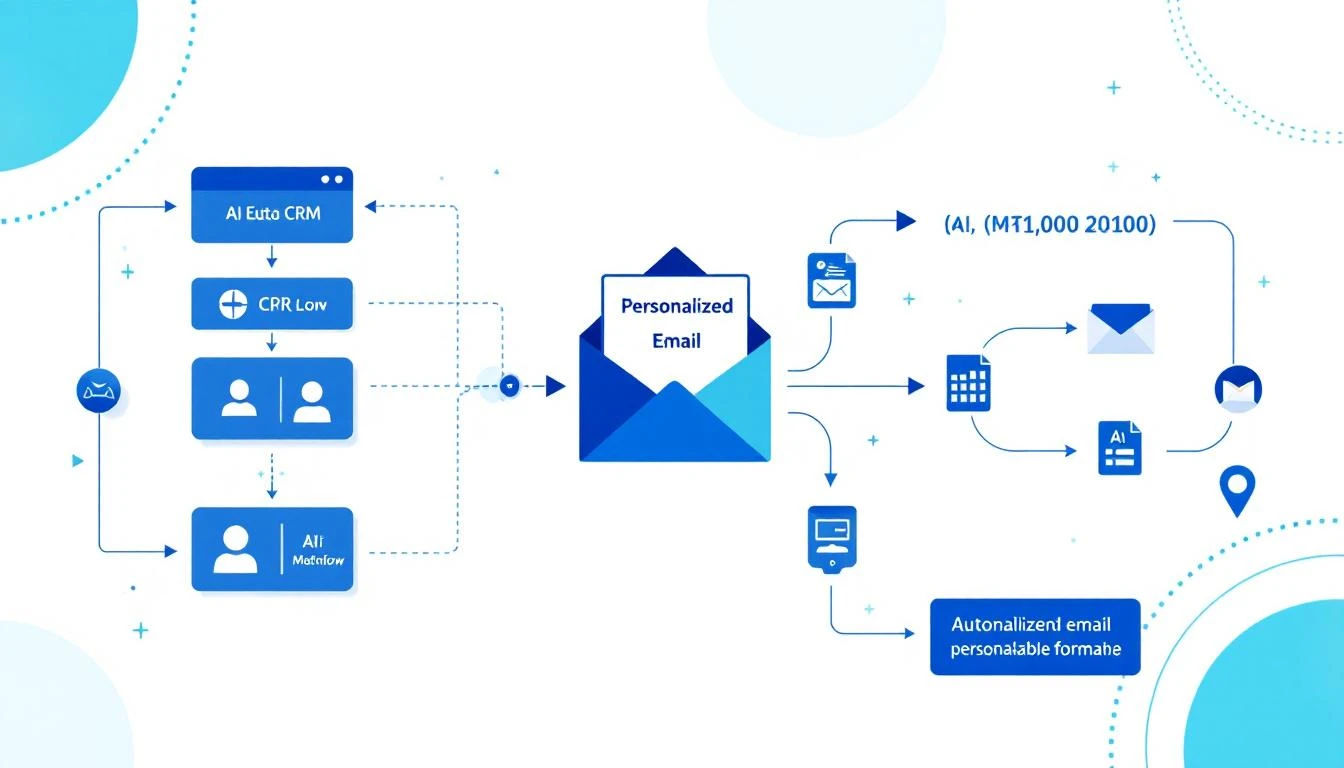
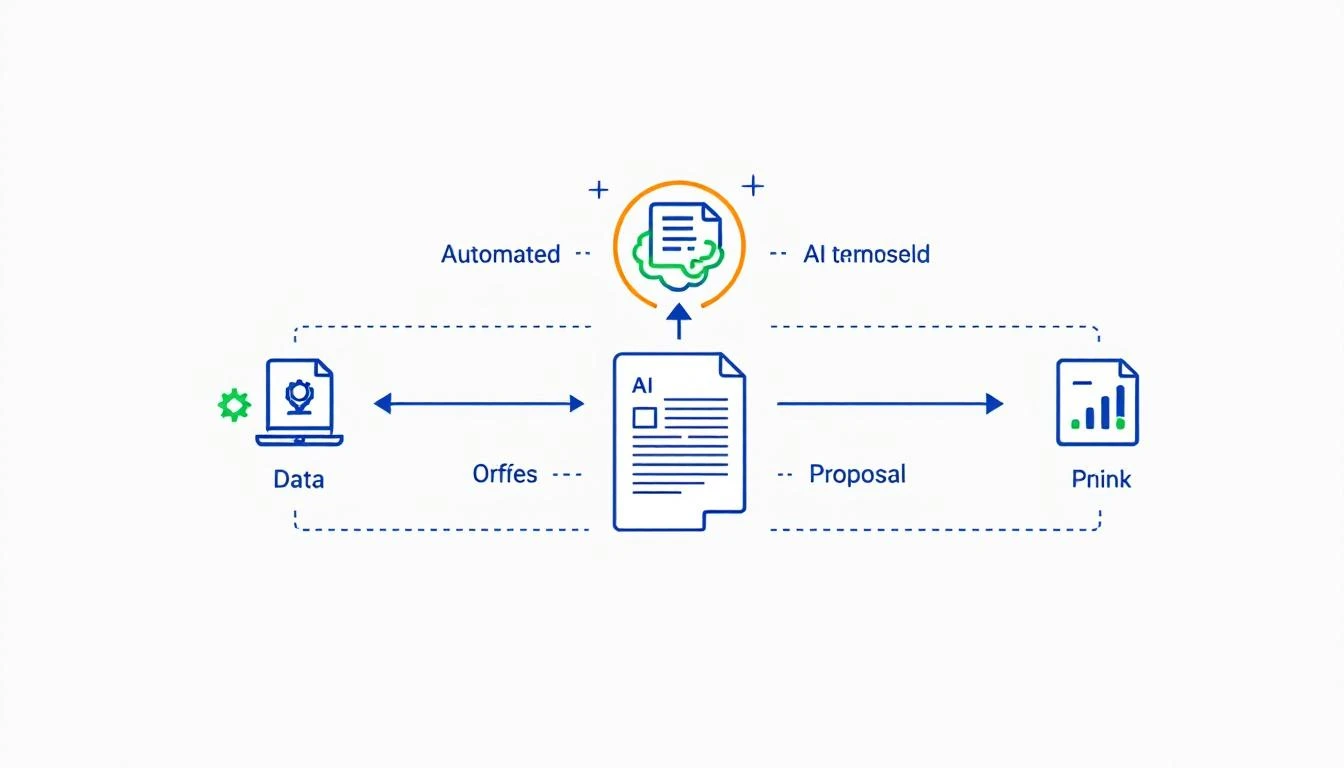
AI Email Personalization Workflow

Why Traditional Personalization Doesn't Scale

Most SDRs know they should personalize. But here's what "personalization" looks like in practice:

The Template Trap:

Hey \{first_name\},

I noticed \{company_name\} is hiring for \{job_title\}.
Companies like yours typically struggle with [generic pain point].

Can we chat?

This isn't personalization. It's mail merge with a slightly nicer coat of paint. Prospects see through it instantly.

True personalization requires:

  • Reading their LinkedIn posts
  • Understanding their company's recent news
  • Knowing their tech stack
  • Identifying specific challenges they've mentioned publicly
  • Connecting your solution to their actual situation

That takes 10-15 minutes per prospect. At 50 prospects per day, that's 8+ hours just on research. Impossible.

Enter AI Coding Agents

AI coding agents like Claude Code and OpenAI Codex don't just write emails. They research, analyze, synthesize, and create—all programmatically.

The key insight: You're not asking AI to write one email. You're building a system that writes thousands of unique emails based on real research.

The Three-Layer Personalization Stack

Layer 1: Company Intelligence

  • Recent funding, acquisitions, product launches
  • Tech stack (from BuiltWith, job postings)
  • Growth trajectory (hiring velocity, office expansion)
  • Industry-specific challenges

Layer 2: Person Intelligence

  • Recent LinkedIn activity
  • Conference talks, podcast appearances
  • Published articles or comments
  • Career trajectory and likely priorities

Layer 3: Timing Intelligence

  • Just raised funding? They're in growth mode
  • Just hired a VP of Sales? Process review incoming
  • Quarter end approaching? Budget discussions happening
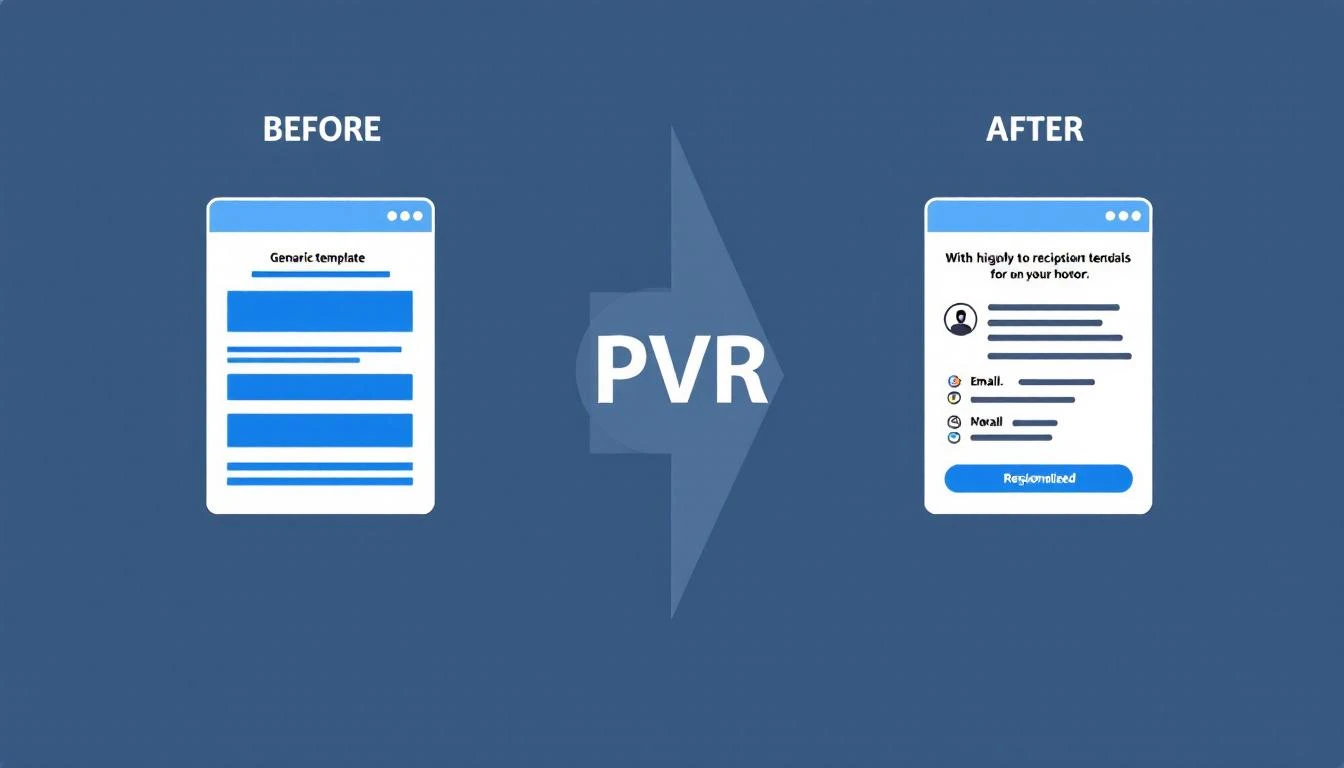
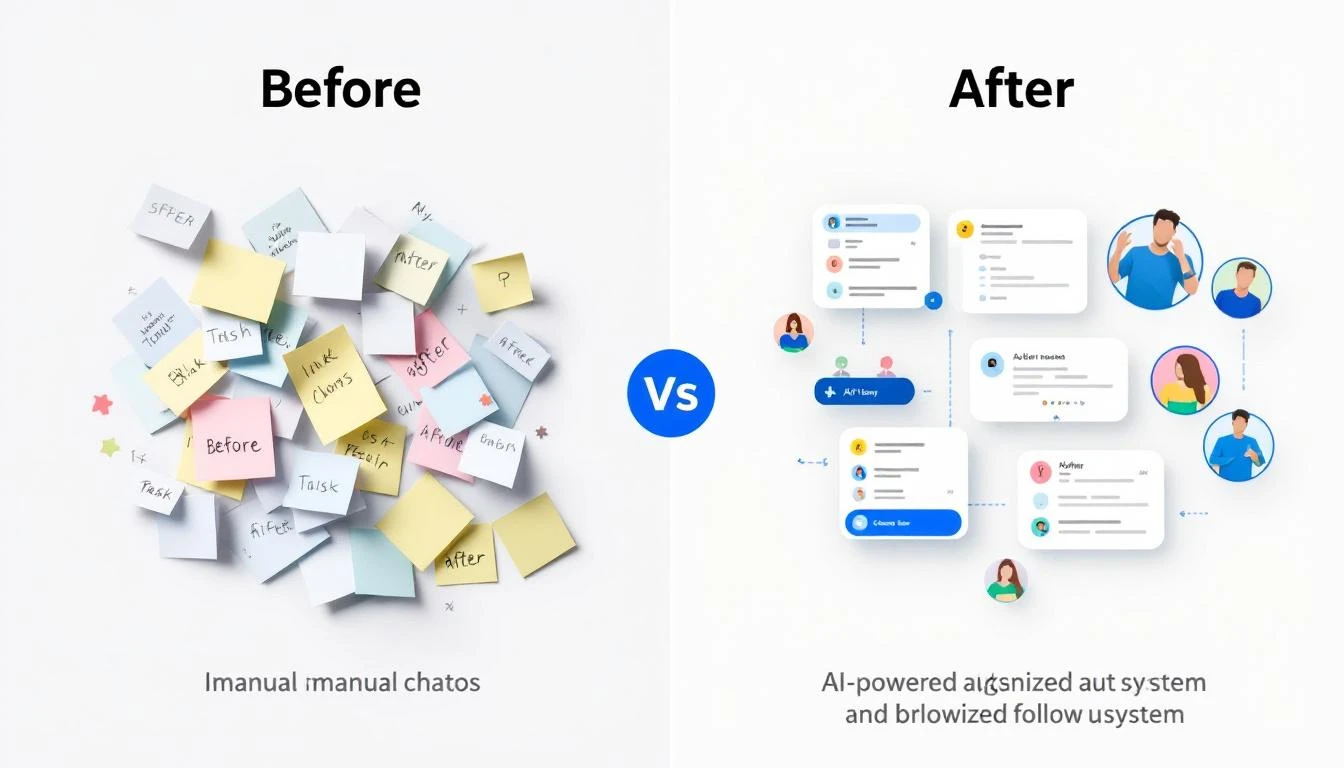
Before vs After Email Personalization

Setting Up Your AI Personalization System

Option 1: Claude Code for Single-Prospect Deep Dives

Claude Code excels at nuanced research synthesis. Use it when you have a small list of high-value accounts.

The Research Prompt:

Research [Company Name] and [Contact Name] for a cold outreach email.

Find:
1. Company: Recent news (last 6 months), funding stage, tech stack,
hiring patterns, competitive positioning
2. Person: LinkedIn activity, published content, career background,
likely priorities given their role
3. Timing: Any recent events that suggest they might be evaluating
new solutions

Based on this research, identify the single most compelling angle
for reaching out. Not generic—specific to what you found.

Output a 3-line email that references something specific you learned.

Claude's 200K context window means you can feed it entire LinkedIn profiles, company blogs, and news articles in a single prompt.

Option 2: OpenClaw for Automated Personalization at Scale

OpenClaw turns Claude into an always-on system. Set up a personalization agent that runs continuously:

Step 1: Create Your Research Agent

In your OpenClaw config, define an agent that processes your prospect list:

agents:
email-personalizer:
model: claude-sonnet-4-20250514
systemPrompt: |
You are a sales research specialist. For each prospect,
you conduct thorough research and generate a personalized
email angle.

Your output format:
- RESEARCH SUMMARY: [2-3 key findings]
- ANGLE: [The specific hook for this person]
- SUBJECT LINE: [Personalized subject]
- EMAIL BODY: [3-4 sentences max]

Step 2: Set Up the Automation Loop

OpenClaw can process prospects on a schedule using cron jobs:

cron:
- name: "Process prospect batch"
schedule: "0 */2 * * *" # Every 2 hours
action: "Process next 25 prospects from queue"

Step 3: Connect to Your Outbound Tools

OpenClaw integrates with HubSpot, Apollo, and most CRMs. Personalized emails can flow directly into your sequences.

Option 3: GPT-5.3 Codex for Real-Time Research

The new Codex (released Feb 5, 2026) has a killer feature: mid-turn steering.

This means you can watch Codex research a prospect in real-time and redirect it:

> Codex, research Sarah Chen at TechCorp for outreach

[Codex starts researching...]
"Found TechCorp raised Series B..."
"Sarah posted about hiring challenges..."

> Focus more on the hiring challenges angle

[Codex adjusts...]
"Sarah's recent posts mention SDR ramp time..."
"She commented on a post about sales automation..."

This interactive approach is perfect for high-stakes outreach where you want AI assistance but human judgment.

The Personalization Prompt Framework

After testing thousands of combinations, here's the framework that works best:

Research Phase

Analyze [Contact Name] at [Company] for cold outreach.

Sources to check:
- LinkedIn profile and recent activity (last 30 days)
- Company news and press releases
- Job postings (what they're hiring for reveals priorities)
- Company blog or podcast appearances
- G2/Capterra reviews of their product (if applicable)

Output:
1. THREE specific facts I can reference
2. ONE likely current challenge based on evidence
3. ONE timing trigger (if any)

Email Generation Phase

Using this research: [paste research output]

Write a cold email that:
- Opens with a specific observation (not a compliment)
- Connects to a likely challenge they face
- Offers a concrete reason to respond
- Is under 75 words
- Sounds like a human who did their homework, not an AI

Do NOT include:
- "I hope this finds you well"
- Generic company compliments
- Long explanations of what we do
- Multiple CTAs

Real Examples: Before and After

Before (Generic)

Subject: Quick question about your sales process

Hi Sarah,

I noticed TechCorp is growing quickly. Companies at your stage
often struggle with sales efficiency.

MarketBetter helps B2B companies increase SDR productivity by 70%.

Do you have 15 minutes this week?

Best,
[Name]

After (AI-Personalized)

Subject: Your SDR ramp time post

Sarah,

Your comment on Dave's post about 90-day ramp times being
unrealistic hit home—we've seen the same thing.

Curious: are you tracking which activities actually correlate
with faster ramp, or is it still mostly gut feel?

Happy to share what we've measured across 40 SDR teams if helpful.

[Name]

The difference: The second email proves you know who she is and what she cares about. That's worth 10x the response rate.

Measuring Personalization Quality

Not all personalization is equal. Use this scoring framework:

LevelDescriptionExample
0 - NonePure template"Hi {first_name}"
1 - SuperficialCompany name only"I see Acme is growing"
2 - BasicRole + company context"As VP Sales at a Series B..."
3 - ResearchedSpecific reference"Your comment on [post]..."
4 - InsightfulInference from research"Given your focus on [X], you probably care about [Y]..."

Target Level 3-4 for your top 20% of prospects, Level 2 for the rest.

AI makes Level 3-4 achievable at scale. That's the unlock.

The ROI Math

Let's compare approaches for 1,000 prospects:

Manual Personalization:

  • 15 min/prospect × 1,000 = 250 hours
  • At $30/hr SDR cost = $7,500
  • Plus opportunity cost of those hours

AI-Assisted Personalization:

  • OpenClaw setup: 2 hours
  • AI processing: ~$15 (API costs)
  • Human review (30 sec each): 8 hours
  • Total: ~$250 + 10 hours

10x cheaper, with better personalization quality.

Getting Started Today

If you have 1 hour:

  1. Take your top 10 prospects
  2. Use Claude Code to research each one
  3. Generate personalized emails
  4. Compare response rates to your templates

If you have 1 day:

  1. Set up OpenClaw with the email personalizer agent
  2. Connect to your CRM
  3. Process your next 100 prospects
  4. A/B test against your existing sequences

If you have 1 week:

  1. Build a full personalization pipeline
  2. Create feedback loops (which angles work?)
  3. Train the system on your winning messages
  4. Scale to your entire prospect database

Common Mistakes to Avoid

Mistake 1: Over-personalizing

  • Three personal references feels creepy
  • One strong reference is enough

Mistake 2: Wrong research sources

  • Old news isn't relevant
  • Focus on last 30-90 days

Mistake 3: Fake personalization

  • "I loved your recent post" (which one?)
  • Always be specific or don't mention it

Mistake 4: Forgetting to verify

  • AI can hallucinate facts
  • Always spot-check before sending

The Future: Continuous Personalization

The most advanced teams are moving beyond batch personalization to continuous personalization:

  • AI monitors prospect activity in real-time
  • Triggers personalized outreach when timing is optimal
  • Adjusts messaging based on engagement patterns
  • Learns from response data automatically

This is where OpenClaw shines—it's built for exactly this kind of persistent, intelligent automation.


Free Tool

Try our AI Lead Generator — find verified LinkedIn leads for any company instantly. No signup required.

Ready to Scale Your Outreach?

MarketBetter combines AI-powered personalization with a complete SDR workflow. Instead of just telling you who to contact, we tell you exactly what to say and when to say it.

Book a Demo to see how AI personalization fits into your sales motion.


Related reading:
AI-Powered Event & Webinar Promotion: The Complete Playbook [2026]

· 9 min read

Webinars convert 20-40% of attendees to pipeline. But most marketing teams treat promotion as an afterthought — blasting generic emails and hoping for registrations.

The result? 35% average registration rate, 40% show rate, and burned lists.

What if AI could personalize every touchpoint, optimize send times, and automatically follow up based on engagement?

This playbook shows you how.

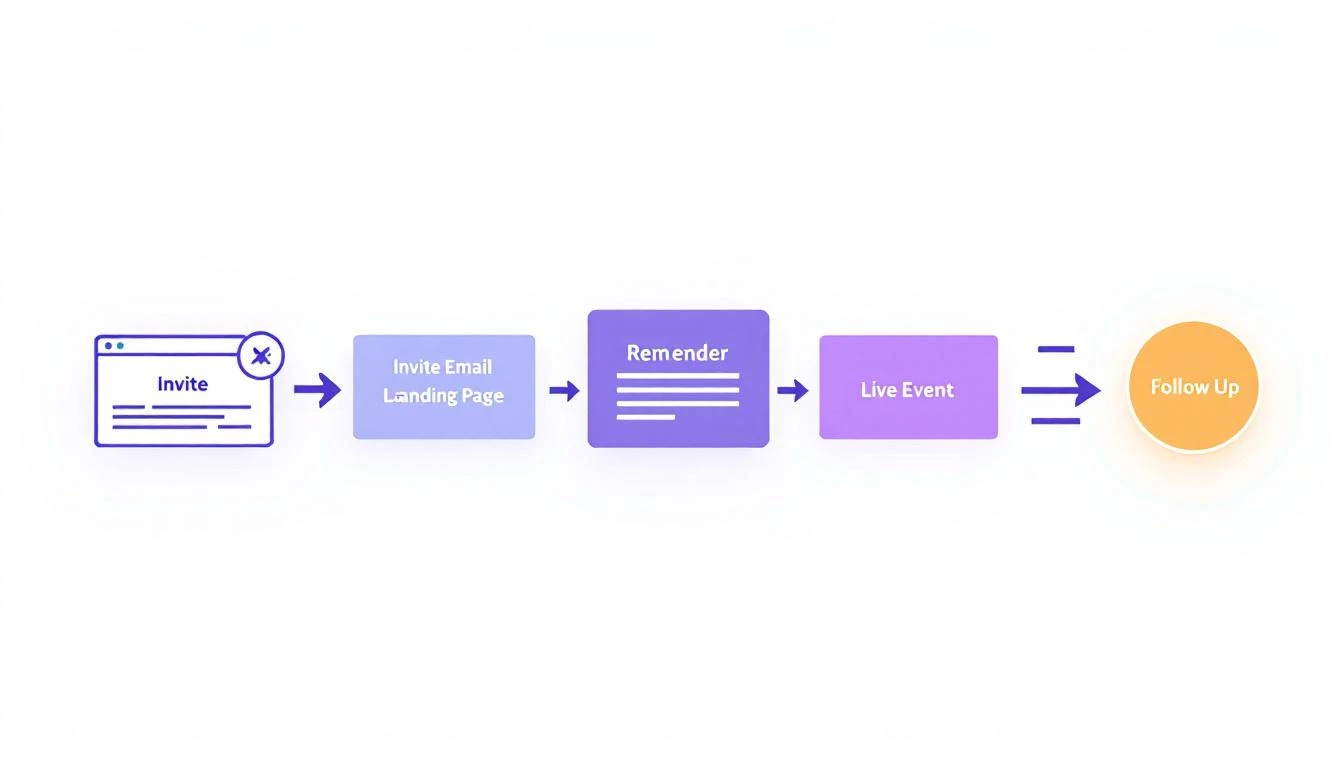
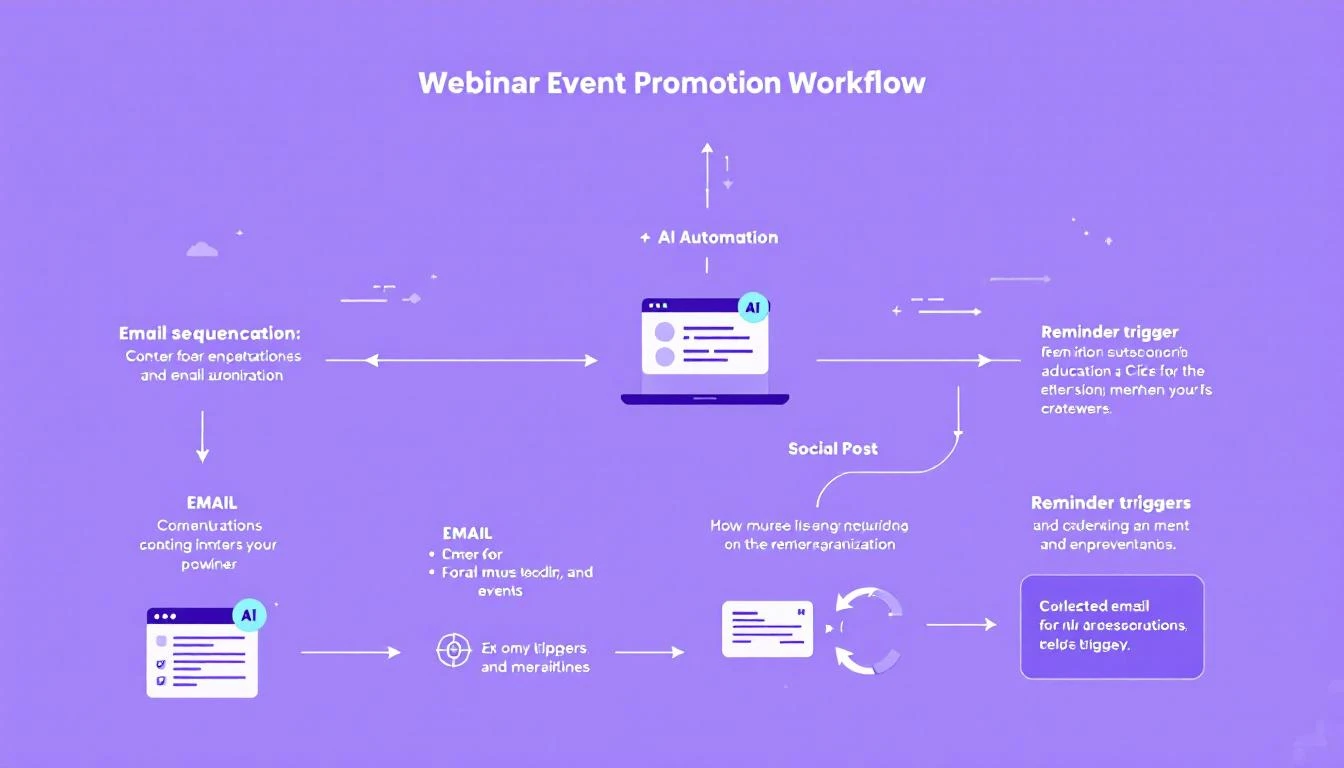
AI Event Promotion Workflow

The Webinar Promotion Problem

Traditional approach:

  1. Create landing page
  2. Send 3 emails to entire list
  3. Post on social twice
  4. Hope for registrations
  5. Send generic reminder
  6. Host webinar
  7. Send recording to everyone
  8. Move on

What's wrong with this:

  • Same message to early-stage and ready-to-buy prospects
  • No personalization beyond name merge
  • Timing is "when marketing gets around to it"
  • Follow-up treats all attendees the same
  • SDRs get a dump of names with no context

The AI difference:

  • Personalized invites based on prospect's interests and stage
  • Optimized send times per recipient
  • Dynamic messaging based on engagement
  • Intelligent follow-up based on attendance and behavior
  • SDRs get prioritized leads with talking points

The Full-Funnel AI Webinar Stack

Webinar Registration Funnel

Phase 1: Pre-Event (4-2 weeks out)

Audience Segmentation with AI

Don't blast your whole list. Use AI to identify the right targets:

const segmentAudience = async (event, contacts) => {
const prompt = `
Event: ${event.title}
Topic: ${event.topic}
Speakers: ${event.speakers}

For each contact, determine:
1. Relevance score (0-100)
2. Personalization angle
3. Best invite channel

Relevance factors:
- Job title alignment with topic
- Industry relevance
- Previous engagement with similar content
- Buying stage
- Past webinar attendance

Return contacts scored 60+ with personalization notes.
`;

return await claude.analyzeContacts(contacts, prompt);
};

Output example:

HIGH RELEVANCE (Score 80+) - 342 contacts
━━━━━━━━━━━━━━━━━━━━━━━━━━━━━━━━━━━━━━━━

1. Sarah Chen | VP Sales @ TechCorp | Score: 94
└─ Why: Attended 2 similar webinars, opened SDR content
└─ Angle: Reference her SDR team size challenge
└─ Channel: Email (high open rate) + LinkedIn DM

2. Mike Johnson | Director RevOps @ ScaleUp | Score: 88
└─ Why: Downloaded sales automation guide
└─ Angle: Tie to his RevOps automation interests
└─ Channel: Email only (LinkedIn not active)

MEDIUM RELEVANCE (Score 60-79) - 891 contacts
━━━━━━━━━━━━━━━━━━━━━━━━━━━━━━━━━━━━━━━━

Include in general email, no personalized outreach

Personalized Invite Generation

const generateInvite = async (contact, event) => {
const prompt = `
Generate a personalized webinar invite email:

Recipient: ${contact.name}, ${contact.title} @ ${contact.company}
Industry: ${contact.industry}
Previous engagement: ${contact.engagementHistory}
Pain points: ${contact.inferredPainPoints}

Event: ${event.title}
Date: ${event.date}
Speakers: ${event.speakers}
Key topics: ${event.topics}

Rules:
- Reference their specific situation
- Lead with what THEY get (not what we're presenting)
- Include specific agenda item that matches their interest
- Create urgency without being pushy
- Max 150 words
- End with clear CTA
`;

return await claude.generate(prompt);
};

Generic invite:

"Join our webinar on AI for sales teams. Learn best practices from industry experts. Register now!"

AI-personalized invite:

"Sarah — you mentioned on our last call that ramping new SDRs takes 90+ days. That's exactly what we're tackling in Thursday's session.

Our guest, the VP Sales at HubSpot, cut their ramp time to 45 days using AI-assisted training. I thought you'd want to hear how.

The session is at 11 AM PT — perfect for your team's pipeline review slot. Save your seat?"

Phase 2: Registration Drive (2-1 weeks out)

Smart Sequence with AI

# AI-powered email sequence
sequence:
email_1:
timing: "14 days before"
audience: "all_relevant"
personalization: "by_segment"

email_2_non_opener:
timing: "11 days before"
audience: "email_1_non_openers"
variation: "new_subject_line"

email_2_opener_not_registered:
timing: "11 days before"
audience: "email_1_openers_no_registration"
variation: "highlight_specific_agenda_item"

email_3:
timing: "7 days before"
audience: "high_priority_not_registered"
variation: "personal_note_from_speaker"

linkedin_dm:
timing: "5 days before"
audience: "top_100_not_registered_linkedin_active"
variation: "peer_social_proof"

last_chance:
timing: "1 day before"
audience: "engaged_not_registered"
variation: "fomo_angle"

Subject Line Optimization

Let AI generate and test multiple variants:

const generateSubjectLines = async (event, segment) => {
const prompt = `
Generate 5 subject line variants for this webinar invite:

Event: ${event.title}
Audience segment: ${segment.name}
Segment characteristics: ${segment.description}

Variants should test:
1. Question format
2. Number/stat lead
3. Personalized (company name)
4. Curiosity gap
5. Direct value proposition

Each under 50 characters. No spam triggers.
`;

return await claude.generate(prompt);
};

Output:

1. Question: "Is your SDR ramp time too long?"
2. Number: "45-day SDR ramp: Here's how"
3. Personalized: "[Company] + AI SDRs - quick sync?"
4. Curiosity: "The ramp hack HubSpot won't share"
5. Direct: "Cut SDR ramp time in half — live demo"

Phase 3: Pre-Event Engagement (1 week - day of)

Reminder Sequence with Value-Add

Don't just remind — add value:

3 days before:

"Your webinar is Thursday! In the meantime, here's a quick win: [relevant 2-min tip]. See you there."

1 day before:

"Tomorrow's the day. Here's what Mike from HubSpot will cover: [specific talking points]. Come with questions — we're keeping 15 min for Q&A."

1 hour before:

"Starting in 60 min. Quick prep: [one question to think about before the session]. Join link: [link]"

Personalized Calendar Blocks

AI can generate custom calendar invites:

const generateCalendarDescription = async (contact, event) => {
const prompt = `
Generate a calendar event description personalized for:

Attendee: ${contact.name}, ${contact.title}
Their interest: ${contact.inferredInterest}

Event: ${event.title}

Include:
- Why this is relevant to THEM specifically
- 3 questions they might want to ask
- Pre-work if any
- Join link

Keep under 200 words.
`;

return await claude.generate(prompt);
};

Phase 4: Post-Event Follow-Up (Day of - 1 week after)

This is where most teams drop the ball. AI fixes it.

Segment Attendees by Behavior

const segmentAttendees = async (event) => {
const attendees = await getAttendeeData(event.id);

const segments = {
hot_leads: [], // Attended full, asked questions, high fit
warm_leads: [], // Attended partial, no questions, good fit
nurture: [], // Attended, low fit or early stage
no_show_engaged: [],// Didn't show but registered, opened emails
no_show_cold: [] // Didn't show, no engagement
};

for (const attendee of attendees) {
const analysis = await claude.analyze(`
Analyze this attendee and categorize:

Attendance: ${attendee.duration} of ${event.duration}
Questions asked: ${attendee.questions}
Polls answered: ${attendee.pollResponses}
Resources downloaded: ${attendee.downloads}
ICP fit: ${attendee.icpScore}
Buying stage: ${attendee.buyingStage}

Categories:
- hot_leads: 80%+ attendance + questions OR high ICP + full attendance
- warm_leads: 50%+ attendance + good ICP, no questions
- nurture: attended but early stage or low fit
- no_show_engaged: didn't attend but opened 2+ emails
- no_show_cold: didn't attend, no recent engagement
`);

segments[analysis.category].push({
...attendee,
followUpPriority: analysis.priority,
suggestedAction: analysis.action,
talkingPoints: analysis.talkingPoints
});
}

return segments;
};

Automated Follow-Up by Segment

Hot leads (same day):

Subject: Quick question from today's session

{Name} — great to see you on today's webinar. You asked about [their question] — wanted to follow up directly.

We've helped 3 companies in [their industry] tackle that exact challenge. Happy to share what worked for them in a quick call.

Got 15 min this week?

Warm leads (next day):

Subject: Recording + the framework we promised

{Name} — thanks for joining yesterday's session. Here's the recording and the [resource] we mentioned.

One thing that stood out for companies like {Company}: [specific insight relevant to their industry].

Would it help to see how this applies to your team specifically?

No-shows who registered (same day):

Subject: Missed you today — here's what you missed

{Name} — no worries about missing today's session. Here's the recording: [link]

The part I thought you'd find most relevant (based on your role): [timestamp link to specific section].

Worth 10 min if you're tackling [their likely challenge].

Phase 5: SDR Handoff

Don't just dump names. Provide context:

🎯 HOT LEAD FROM WEBINAR: Sarah Chen
━━━━━━━━━━━━━━━━━━━━━━━━━━━━━━━━━━━━━

Company: TechCorp (200 employees, Series B)
Role: VP Sales
ICP Score: 92/100
Webinar: "AI SDR Automation" (Feb 6)

Engagement:
✓ Full attendance (47 min)
✓ Asked 2 questions
✓ Downloaded ROI calculator
✓ Visited pricing page after

Questions Asked:
1. "How does this integrate with Salesforce?"
2. "What's the typical ramp time for AI SDRs?"

Talking Points:
- She's concerned about Salesforce integration (we have it)
- Ramp time matters — mention our 2-week setup
- 200-person company = mid-market pricing tier

Suggested Opener:
"Sarah — saw your questions in yesterday's webinar.
The Salesforce integration you asked about is actually
our most popular — 80% of customers use it. Want to
see how it works with your setup?"

━━━━━━━━━━━━━━━━━━━━━━━━━━━━━━━━━━━━━

OpenClaw Implementation

Complete Agent Config

# webinar-promotion-agent.yaml
name: Webinar Promotion Engine
description: End-to-end webinar promotion automation

events:
new_webinar_created:
actions:
- segment_audience
- generate_invite_variants
- schedule_email_sequence
- create_social_content

registration_received:
actions:
- send_confirmation
- add_to_reminder_sequence
- create_calendar_event
- notify_sales_if_high_value

webinar_completed:
actions:
- segment_attendees
- generate_follow_ups
- create_sdr_handoff_cards
- schedule_follow_up_sequence
- log_metrics

workflows:
pre_event:
- task: audience_analysis
model: claude-3-5-sonnet
prompt: segment_and_personalize

- task: email_generation
model: claude-3-5-sonnet
prompt: personalized_invites

- task: send_sequence
tool: email_platform
timing: scheduled

post_event:
- task: attendee_analysis
model: claude-3-5-sonnet
prompt: segment_by_engagement

- task: follow_up_generation
model: claude-3-5-sonnet
prompt: personalized_follow_ups

- task: sdr_handoff
tool: crm
action: create_tasks_with_context

Metrics That Matter

Track these to measure AI impact:

MetricIndustry AvgWith AIImprovement
Email open rate22%38%+73%
Registration rate3% of list8% of list+167%
Show rate40%62%+55%
Post-webinar meeting rate8%19%+138%
Pipeline generated per webinar$50K$145K+190%

Why the improvement:

  • Personalized invites feel relevant, not spammy
  • Right people invited (not entire list)
  • Multi-channel approach catches more attention
  • Smart follow-up strikes while interest is hot
  • SDRs have context to convert interest to meetings

Quick Start: Your First AI Webinar

Week Before:

  1. Define your webinar topic and audience
  2. Configure AI audience segmentation
  3. Generate personalized invite variants
  4. Set up email sequence with smart branching
  5. Create social content calendar

Day Before:

  1. Review registration list
  2. Identify VIP attendees for special attention
  3. Prepare AI-assisted Q&A (common questions and suggested answers)
  4. Brief SDRs on expected hot leads

Day Of:

  1. Send 1-hour reminder
  2. Monitor registration page for late sign-ups
  3. Track attendance in real-time
  4. Capture questions for follow-up

Day After:

  1. Run attendee segmentation
  2. Generate personalized follow-ups
  3. Create SDR handoff cards
  4. Send appropriate recording emails
  5. Schedule no-show re-engagement

Free Tool

Try our Conference Scraper — scrape exhibitor lists from any conference website in seconds. No signup required.

Ready to Transform Your Webinar Results?

AI webinar promotion isn't about sending more emails. It's about sending the right message to the right person at the right time.

The tools exist. The playbook is here. The only question is whether your competitors will use it first.

Next steps:

  1. Audit your current webinar promotion process
  2. Identify the biggest friction point
  3. Book a demo with MarketBetter to see AI event promotion in action

Because webinars are too expensive to promote badly.

AI-Powered ICP Refinement: How to Sharpen Your Ideal Customer Profile with Claude Code [2026]

· 9 min read

Your ICP (Ideal Customer Profile) is probably wrong.

Not completely wrong—but almost certainly too broad, too static, and based on assumptions that were true 18 months ago.

The best-fit customers you signed this year likely share patterns that weren't in your original ICP. Meanwhile, you're still chasing profiles that consistently waste your team's time.

AI changes this. With Claude Code and your CRM data, you can build a continuously-learning ICP that gets sharper every time you win or lose a deal.

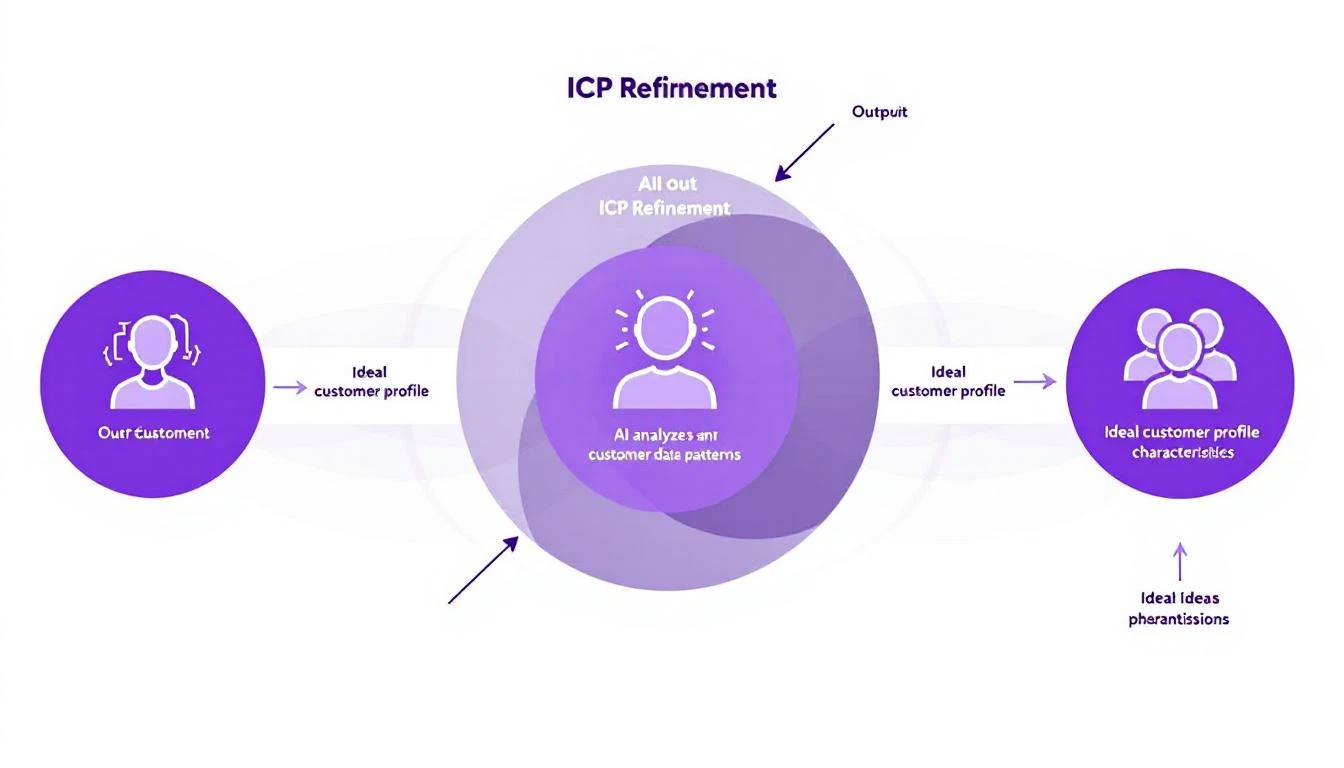
AI ICP Refinement Process

The Problem with Static ICPs

Most B2B companies define their ICP once—usually during a strategy offsite or board meeting—and rarely update it.

The typical ICP looks like:

Industry: SaaS, Tech, Healthcare Company Size: 50-500 employees Revenue: $10M-$100M Title: VP Sales, Director of Marketing Pain Points: Lead quality, pipeline velocity, team efficiency

This is... fine. But it's also so generic that it describes half of B2B.

Here's what's missing:

1. Behavioral Patterns

What did your best customers DO before buying? Not just who they are, but how they behaved:

  • Which content did they consume?
  • How many touchpoints before conversion?
  • Who was involved in the buying process?
  • What triggered the search?

2. Negative Signals

Who should you AVOID? Every sales team has learned the hard way that certain profiles waste time:

  • "Tire kickers" who explore but never buy
  • Companies that churn within 6 months
  • Deals that take 4x the normal sales cycle
  • Segments where you always lose to competitors

3. Success Patterns

Beyond closed-won, which customers become advocates?

  • Highest NPS scores
  • Fastest time-to-value
  • Most likely to expand
  • Best referral sources

Building Your AI ICP Engine

Let's build a system that continuously refines your ICP using Claude Code.

Step 1: Data Collection

First, gather all the signals:

# icp_data_collector.py
import os
from datetime import datetime, timedelta

def collect_icp_signals(lookback_months: int = 12) -> dict:
"""Collect all signals needed for ICP analysis"""

cutoff_date = datetime.now() - timedelta(days=lookback_months * 30)

return {
"deals": get_closed_deals(since=cutoff_date),
"engagement": get_engagement_data(since=cutoff_date),
"support": get_support_ticket_patterns(),
"expansion": get_upsell_cross_sell_data(),
"churn": get_churn_data(since=cutoff_date),
"referrals": get_referral_source_data(),
"content": get_content_engagement_by_deal(),
"sales_cycle": get_sales_cycle_analysis()
}

def get_closed_deals(since: datetime) -> list:
"""Pull closed deals with enriched data"""

deals = crm_client.get_deals(
status=["won", "lost"],
created_after=since
)

enriched = []
for deal in deals:
company_data = enrichment_client.enrich_company(deal["company_domain"])

enriched.append({
**deal,
"company": company_data,
"contacts": get_deal_contacts(deal["id"]),
"activities": get_deal_activities(deal["id"]),
"timeline": get_deal_timeline(deal["id"])
})

return enriched

Step 2: Pattern Analysis with Claude

Now use Claude's 200K context window to analyze the full picture:

from anthropic import Anthropic

client = Anthropic()

ICP_ANALYSIS_PROMPT = """
You are an expert B2B go-to-market analyst. Analyze the provided deal data to refine the Ideal Customer Profile.

Your analysis should identify:

1. FIRMOGRAPHIC PATTERNS
- Company size ranges that convert best (and worst)
- Industries with highest/lowest win rates
- Revenue ranges that correlate with deal size and success
- Geo patterns if relevant

2. BEHAVIORAL PATTERNS
- Pre-purchase content consumption patterns
- Engagement cadence of won vs lost deals
- Touchpoint sequence patterns
- Time-to-decision by segment

3. BUYING COMMITTEE PATTERNS
- Titles that must be involved for high win rate
- Ideal champion profile
- Red flag stakeholder patterns
- Decision-maker characteristics

4. TIMING PATTERNS
- Trigger events that precede purchase
- Budget cycle alignment
- Seasonal patterns
- Competitor displacement signals

5. NEGATIVE INDICATORS
- Profiles that waste the most sales time
- Patterns that predict churn
- Segments where competitors win
- Deal characteristics that signal "no"

6. SUCCESS PREDICTORS
- Patterns of best LTV customers
- Expansion likelihood signals
- Referral source patterns
- NPS correlation factors

Output a refined ICP with:
- Must-have criteria (non-negotiables)
- Nice-to-have criteria (prioritization signals)
- Disqualification criteria (walk away)
- Confidence score for each insight (based on data volume)
"""

def analyze_icp_patterns(data: dict) -> dict:
"""Use Claude to identify ICP patterns"""

response = client.messages.create(
model="claude-sonnet-4-20250514",
max_tokens=4000,
system=ICP_ANALYSIS_PROMPT,
messages=[
{"role": "user", "content": f"Analyze this data to refine our ICP:\n{json.dumps(data, indent=2)}"}
]
)

return parse_icp_analysis(response.content[0].text)

Step 3: Scoring Model Creation

Turn insights into actionable scores:

def create_icp_scoring_model(analysis: dict) -> dict:
"""Create a scoring model from ICP analysis"""

prompt = f"""
Based on this ICP analysis, create a lead scoring model:

Analysis: {json.dumps(analysis, indent=2)}

Create a scoring system where:
- 100 = Perfect fit (immediate priority)
- 75-99 = Strong fit (high priority)
- 50-74 = Moderate fit (standard priority)
- 25-49 = Weak fit (nurture only)
- 0-24 = Poor fit (deprioritize)

For each scoring factor, provide:
- Factor name
- Weight (how much it contributes to total score)
- Value mapping (e.g., "50-200 employees" = +15 points)
- Reasoning for the weight

Output as JSON with factors, weights, and value_mappings.
"""

response = client.messages.create(
model="claude-sonnet-4-20250514",
max_tokens=2000,
messages=[{"role": "user", "content": prompt}]
)

return json.loads(response.content[0].text)

def score_lead(lead: dict, scoring_model: dict) -> dict:
"""Score a lead against the ICP model"""

score = 0
breakdown = []

for factor in scoring_model["factors"]:
factor_score = calculate_factor_score(lead, factor)
weighted_score = factor_score * factor["weight"]
score += weighted_score

breakdown.append({
"factor": factor["name"],
"raw_score": factor_score,
"weighted_score": weighted_score,
"reason": factor["value_mappings"].get(str(lead.get(factor["field"])), "No match")
})

return {
"total_score": min(100, max(0, score)),
"tier": categorize_score(score),
"breakdown": breakdown,
"recommendations": generate_recommendations(breakdown)
}

AI ICP Scoring Matrix

Step 4: Continuous Learning Loop

The magic is in continuous refinement:

def update_icp_model(new_outcomes: list, current_model: dict) -> dict:
"""Update ICP model based on new deal outcomes"""

prompt = f"""
Current ICP model:
{json.dumps(current_model, indent=2)}

New deal outcomes to incorporate:
{json.dumps(new_outcomes, indent=2)}

Analyze how these new outcomes affect the model:

1. Do any new patterns emerge?
2. Should any weights be adjusted?
3. Are there new disqualification signals?
4. Did any assumptions prove wrong?

Output:
- Updated model (with changes highlighted)
- Confidence change for each factor
- Recommended actions (if any criteria should change)
- Anomalies worth investigating
"""

response = client.messages.create(
model="claude-sonnet-4-20250514",
max_tokens=3000,
messages=[{"role": "user", "content": prompt}]
)

return parse_model_update(response.content[0].text)

Real-World ICP Refinement Examples

Here's what AI-driven ICP refinement actually reveals:

Example 1: The Hidden Segment

Original ICP: "SaaS companies, 50-500 employees"

AI Discovery: "SaaS companies with 50-200 employees AND a dedicated sales ops function close at 3.2x the rate of those without. Companies 200-500 employees without sales ops actually have lower win rates than companies with 30 employees and ops."

Action: Split ICP into two segments: "Any size with Sales Ops" and "Under 100 without Ops." Deprioritize 100-500 without Ops.

Example 2: The Timing Signal

Original ICP: No timing criteria

AI Discovery: "Companies that visit the pricing page within 7 days of first touch close at 67% vs 23% for those who don't. But companies that visit pricing page BEFORE any sales contact have 89% win rate."

Action: Prioritize leads who've viewed pricing. Create fast-track process for inbound pricing page viewers.

Example 3: The Churn Predictor

Original ICP: "Any tech company fits"

AI Discovery: "Agencies and consultancies close at similar rates to direct companies, but churn at 4.3x the rate within 12 months. LTV is 67% lower."

Action: Add "Not an agency/consultancy" to disqualification criteria. Stop celebrating agency wins.

Example 4: The Champion Pattern

Original ICP: "Decision maker is VP Sales or CMO"

AI Discovery: "Deals with VP Sales as champion close faster, but deals with Director-level champion AND VP Sales involvement close at higher rates and expand more. Directors who can influence but not decide create more internal advocacy."

Action: Target Directors as champions, but ensure VP pathway. Update sales process to identify and engage both.

Implementing in Your Stack

OpenClaw Integration

Set up automated ICP refinement with OpenClaw:

# openclaw.yaml
agents:
icp-analyst:
prompt: |
You are an ICP refinement specialist. Every week:
1. Analyze new closed deals (won and lost)
2. Compare against current ICP model
3. Identify pattern changes or emerging segments
4. Generate updated scoring weights
5. Alert on significant findings

Be data-driven. Flag low-confidence insights.

cron: "0 6 * * 1" # Monday 6am

memory: true

lead-scorer:
prompt: |
Score new leads against the current ICP model.
For each lead, provide:
- Total score (0-100)
- Tier assignment
- Key factors (positive and negative)
- Recommended next action

Update CRM with scores automatically.

triggers:
- event: new_lead_created

CRM Sync

Keep ICP scores synced to your CRM:

def sync_icp_scores_to_crm():
"""Update all lead ICP scores in CRM"""

leads = crm_client.get_leads(status="open")
scoring_model = load_current_icp_model()

for lead in leads:
enriched_lead = enrich_lead_data(lead)
score_result = score_lead(enriched_lead, scoring_model)

crm_client.update_lead(lead["id"], {
"icp_score": score_result["total_score"],
"icp_tier": score_result["tier"],
"icp_factors": json.dumps(score_result["breakdown"]),
"icp_updated": datetime.now().isoformat()
})

Common ICP Refinement Mistakes

1. Overfitting to Recent Wins

If you just closed 3 healthcare deals, AI might overweight healthcare. Solution: Require minimum sample sizes (10+ deals) before adjusting weights.

2. Ignoring Lost Deals

Lost deals are as valuable as wins for ICP refinement. Make sure "closed lost" reasons are captured and analyzed.

3. Conflating Correlation with Causation

"Companies with ping pong tables convert better" might just mean "well-funded startups convert better." AI can find correlations; humans need to validate causation.

4. Annual Updates Instead of Continuous

Markets change fast. Your ICP should update monthly, not annually. Automate the analysis so it happens without effort.

The Impact: Before and After

MetricBefore AI ICPAfter AI ICPChange
Lead-to-Opportunity Rate12%24%+100%
Opportunity-to-Close Rate18%31%+72%
Average Sales Cycle67 days41 days-39%
Customer 12-month Retention78%91%+17%
Sales Team Confidence in Leads5.2/108.1/10+56%

The biggest win? Your team stops wasting time on leads that were never going to buy.

Getting Started

You don't need 12 months of data to start. Here's the minimum viable ICP refinement:

  1. Week 1: Export last 50 closed deals (won and lost) with company/contact data
  2. Week 2: Run Claude analysis to identify top 5 patterns
  3. Week 3: Implement basic scoring in a spreadsheet
  4. Week 4: Validate with sales team feedback
  5. Month 2: Automate with code and CRM integration

The patterns exist in your data. You just need AI to find them.


Free Tool

Try our Lookalike Company Finder — find companies similar to your best customers in seconds. No signup required.

Ready to Stop Guessing?

MarketBetter automatically scores and prioritizes leads based on ICP fit, engagement signals, and buying intent. Your SDRs work the best leads first—every time.

Book a Demo


Related Posts:

Build a Custom AI Lead Scoring Model with OpenAI Codex [2026]

· 7 min read
MarketBetter Team
Content Team, marketbetter.ai

Every SDR knows the pain: hundreds of leads in your CRM, but which ones deserve your attention first? Traditional lead scoring assigns arbitrary points—visited pricing page (+10), downloaded ebook (+5), company size over 100 (+15). But these rules miss context. They don't know that a Series A startup founder researching competitors is hotter than an enterprise IT manager who accidentally clicked your ad.

GPT-5.3 Codex, released February 5, 2026, changes everything. With mid-turn steering and the most capable agentic coding model to date, you can build custom lead scoring systems that actually understand your business—and update themselves as your market evolves.

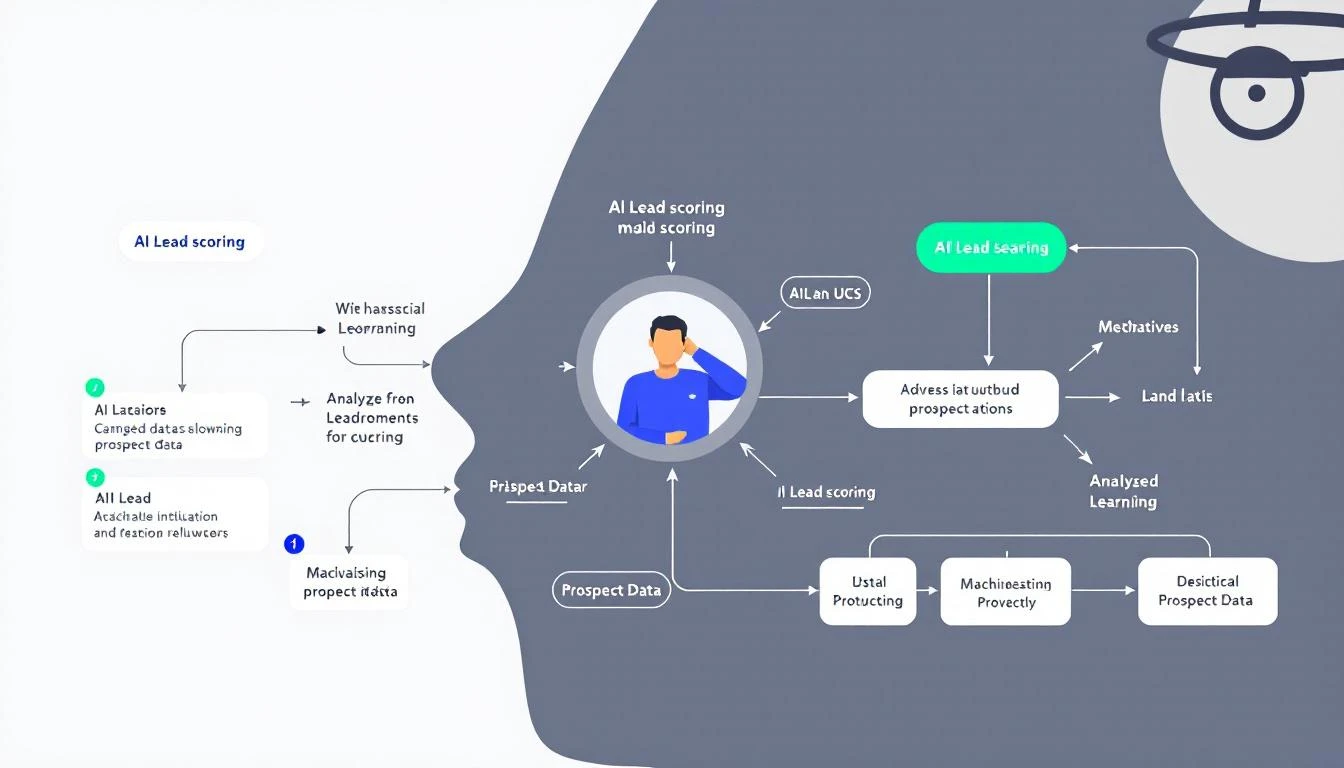
AI Lead Scoring Workflow

Why Traditional Lead Scoring Fails

The problem with rule-based lead scoring:

  1. Static rules don't adapt - Your market changes, but your +10 for pricing page visits doesn't
  2. Context blindness - A VP who visits once is more valuable than an intern who visits daily
  3. Signal overload - Modern GTM teams have too many intent signals to manually weight
  4. No pattern recognition - Rules can't see that your best customers always ask about integrations first

AI-powered lead scoring analyzes patterns across your entire customer history and dynamically weights signals based on what actually predicts closed deals—not what your team thinks predicts closed deals.

The Codex Advantage

OpenAI Codex (GPT-5.3) brings three features that make it perfect for building lead scoring systems:

1. Mid-Turn Steering

While Codex is analyzing your historical deal data, you can redirect it in real-time:

"Actually, focus more on the timing patterns—when in the buying cycle did won deals typically reach out?"

This is huge. Traditional AI coding tools make you wait until completion to review and restart. With Codex, you guide the analysis as it happens.

2. Multi-File Orchestration

Lead scoring requires pulling data from multiple sources:

  • CRM records (HubSpot, Salesforce)
  • Website behavior (page views, session duration)
  • Email engagement (opens, clicks, replies)
  • Intent signals (G2 visits, competitor research)

Codex navigates across files and APIs seamlessly, building integrations as it goes.

3. Cloud-Native Execution

Codex Cloud lets you run scoring jobs on a schedule without managing infrastructure. Deploy once, score continuously.

Building Your Scoring Model: Step by Step

Here's the practical workflow using Codex CLI:

Step 1: Install and Configure

npm install -g @openai/codex
codex auth login

Step 2: Define Your Scoring Criteria

Create a scoring-spec.md file that describes your ideal customer:

# Lead Scoring Model Specification

## High-Value Signals
- Title contains VP, Director, Head of, or C-level
- Company size 50-500 employees
- Industry: B2B SaaS, Technology, Professional Services
- Recent activity: visited pricing or demo page
- Engaged with competitor comparison content

## Medium-Value Signals
- Downloaded case study or ROI calculator
- Attended webinar
- Multiple team members from same company

## Low-Value Signals (or Negative)
- Generic email domain (gmail, yahoo)
- Student or intern title
- Company size under 10 employees

Step 3: Let Codex Build the Model

codex run "Build a lead scoring function based on scoring-spec.md. 
Pull closed-won deals from HubSpot, analyze common patterns,
and create a weighted scoring algorithm. Output should be a
reusable function that takes a contact object and returns 0-100 score."

Lead Scoring Funnel

Step 4: Steer Mid-Analysis

As Codex works, you'll see it pulling data and identifying patterns. Use mid-turn steering to refine:

"I see you're weighting company size heavily, but our best deals actually came from companies of all sizes—focus more on engagement velocity instead."

Codex adjusts in real-time without restarting.

Step 5: Deploy and Automate

Once your scoring function is built, deploy it to run on every new lead:

codex deploy scoring-function.js --trigger webhook --schedule "*/30 * * * *"

New leads get scored within minutes of entering your CRM.

Sample Scoring Output

Here's what an AI-generated lead score report looks like:

{
"lead_id": "contact_12345",
"name": "Sarah Chen",
"company": "TechScale Solutions",
"score": 87,
"scoring_breakdown": {
"title_signal": 25,
"company_fit": 20,
"engagement_velocity": 22,
"intent_signals": 15,
"recency_bonus": 5
},
"recommended_action": "Priority outreach - visited pricing 3x this week",
"similar_won_deals": ["Acme Corp", "DataFlow Inc"]
}

The model doesn't just give a number—it explains why and tells your SDR exactly what to do.

Integrating with Your SDR Workflow

A score means nothing if it doesn't drive action. Here's how to operationalize:

Priority Queues

Create three buckets:

  • Hot (80-100): Same-day response required
  • Warm (50-79): Sequence within 24 hours
  • Nurture (0-49): Add to automated campaigns

Daily Playbook Integration

If you're using MarketBetter's Daily SDR Playbook, lead scores automatically surface in your task list. The AI doesn't just tell you who—it tells you what to do and in what order.

Slack Notifications

Use OpenClaw to send instant alerts when high-scoring leads come in:

// openclaw-config.js
onLeadScored: async (lead) => {
if (lead.score >= 85) {
await slack.send({
channel: "#hot-leads",
message: `🔥 Hot lead: ${lead.name} at ${lead.company} (Score: ${lead.score})`
});
}
}

Real-World Results

Teams using AI lead scoring report:

  • 40% reduction in time spent qualifying leads
  • 2.3x increase in connection rates (SDRs call the right people)
  • 15% higher close rates (better leads = better outcomes)

The compounding effect is massive. When every SDR action is optimized, pipeline quality improves across the board.

Common Pitfalls to Avoid

1. Over-Indexing on Recency

Just because someone visited yesterday doesn't mean they're ready to buy. Balance recency with intent depth.

2. Ignoring Negative Signals

A lead who unsubscribed from emails or marked you as spam should score lower, even if their title looks perfect.

3. Set-and-Forget Mentality

Markets change. Re-train your model quarterly by analyzing recent closed-won and closed-lost deals.

4. Not Validating Against Reality

Track your predicted scores against actual outcomes. If 80+ scores aren't converting at higher rates, your model needs tuning.

Beyond Basic Scoring: Advanced Patterns

Once you have basic scoring working, Codex can build more sophisticated models:

Account-Level Scoring

Aggregate signals across all contacts at a company:

"Build an account score that combines individual contact scores
with company-level signals like recent job postings, funding news,
and technology stack changes."

Predictive Close Timing

Not just if they'll buy, but when:

"Analyze our won deals to identify the average time from
first touch to close for each lead score tier."

Churn Risk Scoring

Apply the same methodology to existing customers:

"Build a churn risk model based on product usage patterns,
support ticket frequency, and engagement with renewal content."

Getting Started Today

You don't need a data science team. With GPT-5.3 Codex, any GTM leader can build custom scoring in an afternoon:

  1. Export your closed deals from CRM (won and lost)
  2. Define your ideal signals in plain English
  3. Let Codex build the model, steering as needed
  4. Deploy and iterate based on results

The best part? When your model needs updating, just tell Codex what changed and let it adapt.

Free Tool

Try our AI Lead Generator — find verified LinkedIn leads for any company instantly. No signup required.

Conclusion

Lead scoring shouldn't be arbitrary point assignments decided in a meeting three years ago. With AI coding tools like Codex, you can build scoring systems that understand your specific business, learn from your actual customers, and evolve as your market changes.

The SDR who works the hottest leads first wins. Make sure your team has the AI to identify them.


Ready to put AI-powered lead scoring into action? MarketBetter's Daily SDR Playbook integrates intelligent lead prioritization with your entire outbound workflow. Book a demo to see how AI can transform your pipeline.

AI Meeting Follow-Up Automation with OpenClaw [2026]

· 9 min read
MarketBetter Team
Content Team, marketbetter.ai

Every sales rep knows the pain: you finish a great discovery call, and now you need to spend 20-30 minutes logging notes, updating the CRM, drafting follow-up emails, and creating tasks. Multiply that by 5-8 calls per day, and you're losing 2-3 hours daily to administrative work that doesn't close deals.

What if your meetings could follow up on themselves?

AI Meeting Follow-Up Workflow

In this guide, you'll learn how to build an automated meeting follow-up system using OpenClaw that captures action items, updates your CRM, drafts personalized follow-up emails, and creates calendar tasks—all within minutes of your call ending.

The Hidden Cost of Manual Follow-Up

Let's do the math on what manual meeting follow-up actually costs:

TaskTime per MeetingDaily (6 meetings)WeeklyMonthly
CRM notes5 min30 min2.5 hrs10 hrs
Follow-up email draft8 min48 min4 hrs16 hrs
Task creation3 min18 min1.5 hrs6 hrs
Calendar scheduling4 min24 min2 hrs8 hrs
Total20 min2 hrs10 hrs40 hrs

That's a full work week every month spent on post-meeting admin. For an SDR making $70,000/year, that's $16,000 in lost productivity annually—per rep.

Before and After: Manual vs Automated Follow-Up

What OpenClaw Brings to Meeting Follow-Up

OpenClaw is an open-source AI gateway that connects language models to your existing tools. For meeting follow-up, this means:

  • Transcript processing — Ingest transcripts from Zoom, Gong, Chorus, or any meeting tool
  • Intelligent extraction — Claude identifies action items, commitments, objections, and next steps
  • CRM integration — Automatically push structured data to HubSpot, Salesforce, or Pipedrive
  • Email drafting — Generate personalized follow-up emails based on conversation context
  • Task automation — Create to-dos and calendar events with proper assignments

The best part: it runs 24/7, processes meetings within minutes, and costs a fraction of enterprise alternatives.

Architecture Overview

Here's how the automated follow-up system works:

  1. Trigger — Meeting ends, transcript becomes available (via webhook or polling)
  2. Ingest — OpenClaw agent receives the transcript via cron job or message
  3. Process — Claude analyzes transcript, extracts structured data
  4. Execute — Agent updates CRM, drafts emails, creates tasks
  5. Notify — Rep receives Slack/WhatsApp summary with one-click approvals

Terminal: OpenClaw Processing a Meeting

Setting Up the Meeting Follow-Up Agent

Step 1: Create the Agent Configuration

First, define your meeting follow-up agent in OpenClaw:

# agents/meeting-followup.yaml
name: MeetingFollowUp
description: Processes meeting transcripts and automates follow-up tasks

triggers:
- type: webhook
path: /webhooks/meeting-complete
- type: cron
schedule: "*/15 * * * *" # Check for new transcripts every 15 min

tools:
- hubspot
- gmail
- calendar
- slack

prompts:
system: |
You are a meeting follow-up specialist. When given a transcript:

1. EXTRACT: Key discussion points, pain points mentioned, objections raised
2. IDENTIFY: Action items with owners (us vs them)
3. DETERMINE: Next steps and timeline commitments
4. DRAFT: Personalized follow-up email
5. UPDATE: CRM with structured notes

Always maintain the prospect's exact language for pain points.
Flag any buying signals or red flags.

Step 2: Define the Extraction Schema

Create a structured output format so every meeting produces consistent data:

interface MeetingExtraction {
// Basic info
meetingDate: string;
attendees: string[];
duration: number;

// Discussion
keyTopics: string[];
painPoints: {
description: string;
verbatimQuote: string;
severity: 'low' | 'medium' | 'high';
}[];

// Sales signals
buyingSignals: string[];
objections: {
objection: string;
response: string;
resolved: boolean;
}[];

// Next steps
actionItems: {
task: string;
owner: 'us' | 'them';
dueDate?: string;
}[];

// Outputs
crmNotes: string;
followUpEmail: {
subject: string;
body: string;
};
nextMeetingAgenda?: string[];
}

Step 3: Build the Processing Logic

Here's the core agent logic that processes each transcript:

// Process incoming transcript
async function processTranscript(transcript, meetingMetadata) {
// Extract structured data using Claude
const extraction = await claude.analyze({
model: 'claude-3-5-sonnet',
system: EXTRACTION_PROMPT,
messages: [
{
role: 'user',
content: `Meeting: ${meetingMetadata.title}
Date: ${meetingMetadata.date}
Attendees: ${meetingMetadata.attendees.join(', ')}

Transcript:
${transcript}`
}
],
response_format: { type: 'json_object' }
});

// Update CRM
await hubspot.updateDeal(meetingMetadata.dealId, {
notes: extraction.crmNotes,
next_step: extraction.actionItems[0]?.task,
last_meeting_date: meetingMetadata.date
});

// Create tasks for our action items
for (const item of extraction.actionItems.filter(a => a.owner === 'us')) {
await hubspot.createTask({
subject: item.task,
dueDate: item.dueDate || addDays(new Date(), 2),
associatedDealId: meetingMetadata.dealId
});
}

// Draft follow-up email
await gmail.createDraft({
to: meetingMetadata.prospectEmail,
subject: extraction.followUpEmail.subject,
body: extraction.followUpEmail.body
});

// Notify rep
await slack.sendMessage({
channel: meetingMetadata.repSlackId,
text: formatSummary(extraction)
});

return extraction;
}

Real-World Example: Discovery Call Processing

Let's walk through what happens when a discovery call ends:

Input: 45-minute discovery call with a VP of Sales at a mid-market SaaS company

Extracted Data:

{
"keyTopics": [
"Current SDR productivity challenges",
"Manual lead research taking 2+ hours daily",
"Inconsistent follow-up timing"
],
"painPoints": [
{
"description": "SDRs spending too much time on research",
"verbatimQuote": "My reps are spending half their day just trying to figure out who to call",
"severity": "high"
},
{
"description": "No systematic approach to prioritization",
"verbatimQuote": "Everyone just works their own list their own way",
"severity": "medium"
}
],
"buyingSignals": [
"Asked about implementation timeline",
"Mentioned budget is allocated for Q2",
"Requested pricing for 15 seats"
],
"objections": [
{
"objection": "Concerned about data accuracy",
"response": "Explained our multi-source verification",
"resolved": true
}
],
"actionItems": [
{
"task": "Send ROI calculator customized for 15 reps",
"owner": "us",
"dueDate": "2026-02-11"
},
{
"task": "Schedule technical deep-dive with their ops team",
"owner": "us",
"dueDate": "2026-02-14"
},
{
"task": "Review current CRM data quality",
"owner": "them",
"dueDate": "2026-02-12"
}
]
}

Auto-Generated Follow-Up Email:

Subject: Next Steps: ROI Calculator + Technical Deep-Dive

Hi Sarah,

Great conversation today about streamlining your SDR workflow.
I heard you loud and clear—your reps spending half their day on
research instead of selling is exactly the problem we solve.

As promised, I'm working on:
1. A customized ROI calculator for your 15-rep team (coming Tuesday)
2. Setting up a technical session with your ops team (targeting Friday)

On your end, you mentioned reviewing your current CRM data quality
to understand the baseline—that'll help us show the before/after
impact clearly.

Quick question: Would Thursday at 2pm CT work for the technical
deep-dive, or is Friday better?

Best,
[Rep Name]

Zoom Integration

// Webhook handler for Zoom recording completion
app.post('/webhooks/zoom', async (req, res) => {
const { recording_files, topic, start_time, participants } = req.body.payload;

// Find transcript file
const transcriptFile = recording_files.find(f => f.file_type === 'TRANSCRIPT');

if (transcriptFile) {
const transcript = await downloadZoomTranscript(transcriptFile.download_url);
await processTranscript(transcript, {
title: topic,
date: start_time,
attendees: participants.map(p => p.name)
});
}

res.sendStatus(200);
});

Gong Integration

// Poll Gong for completed calls
async function pollGongCalls() {
const recentCalls = await gong.getCalls({
fromDateTime: subtractHours(new Date(), 1),
toDateTime: new Date()
});

for (const call of recentCalls) {
if (call.transcript && !processedCalls.has(call.id)) {
await processTranscript(call.transcript, {
title: call.title,
date: call.started,
attendees: call.parties.map(p => p.name),
dealId: call.crmData?.dealId
});
processedCalls.add(call.id);
}
}
}

Fireflies.ai Integration

// Fireflies webhook for transcript ready
app.post('/webhooks/fireflies', async (req, res) => {
const { transcript_url, meeting_title, attendees, date } = req.body;

const transcript = await fetch(transcript_url).then(r => r.text());

await processTranscript(transcript, {
title: meeting_title,
date: date,
attendees: attendees
});

res.sendStatus(200);
});

Advanced: Sentiment-Based Follow-Up Timing

Not all meetings are equal. A call where the prospect was enthusiastic deserves faster follow-up than one where they seemed hesitant. Add sentiment analysis to your extraction:

// Analyze overall meeting sentiment
const sentimentAnalysis = await claude.analyze({
messages: [{
role: 'user',
content: `Analyze the prospect's sentiment in this meeting.
Rate their engagement (1-10), buying intent (1-10),
and urgency (1-10).

Transcript: ${transcript}`
}]
});

// Adjust follow-up timing based on sentiment
const followUpDelay = calculateDelay(sentimentAnalysis);

function calculateDelay({ engagement, buyingIntent, urgency }) {
const score = (engagement + buyingIntent + urgency) / 3;

if (score >= 8) return 'immediate'; // Hot lead - same day
if (score >= 6) return 'next_day'; // Warm - next business day
if (score >= 4) return '2_days'; // Neutral - give them space
return '3_days'; // Cool - longer nurture
}

Handling Edge Cases

Multi-Person Meetings

When multiple prospects attend, split follow-ups appropriately:

// Identify primary and secondary contacts
const roles = await claude.analyze({
messages: [{
role: 'user',
content: `Based on this transcript, identify:
1. Primary decision maker
2. Technical evaluator (if present)
3. Champion/internal advocate (if present)

For each, extract their key concerns and interests.

Transcript: ${transcript}`
}]
});

// Create tailored follow-ups for each stakeholder
for (const stakeholder of roles.identified) {
await createPersonalizedFollowUp(stakeholder);
}

Meetings Without Clear Next Steps

Sometimes calls end ambiguously. Handle these gracefully:

if (extraction.actionItems.length === 0) {
// Create a "check-in" follow-up task
await hubspot.createTask({
subject: `Check-in: ${meetingMetadata.prospectCompany} - No clear next steps`,
dueDate: addDays(new Date(), 3),
notes: `Meeting ended without clear next steps.
Reach out to re-engage or close as stalled.

Key topics discussed: ${extraction.keyTopics.join(', ')}`
});

// Alert rep to the ambiguity
await slack.sendMessage({
channel: meetingMetadata.repSlackId,
text: `⚠️ No clear next steps from your call with ${meetingMetadata.prospectName}.
Review the summary and decide: pursue or pause?`
});
}

The ROI of Automated Follow-Up

Based on teams running this system:

MetricBeforeAfterImprovement
Time to CRM update8 minInstant100% faster
Time to follow-up email12 min2 min (review only)83% faster
Follow-up sent within 1 hour15%95%6x improvement
Action items completed on time60%92%+53%
Rep capacity (calls/day)69+50%

The speed-to-lead improvement alone often pays for the entire system. Prospects who receive personalized follow-ups within an hour of a call are 3x more likely to reply than those contacted the next day.

Getting Started with MarketBetter

While OpenClaw gives you the building blocks, MarketBetter provides the complete solution:

  • Pre-built meeting integrations — Zoom, Gong, Chorus, Teams, Google Meet
  • CRM sync — HubSpot, Salesforce, Pipedrive out of the box
  • Daily SDR Playbook — Meeting follow-ups feed directly into tomorrow's action items
  • Smart prioritization — High-sentiment calls get fast-tracked automatically

The meeting follow-up automation is just one piece of the AI SDR puzzle. Combined with lead research, personalized outreach, and pipeline monitoring, it creates a system where your reps spend 90% of their time actually selling.

Book a Demo →

Free Tool

Try our AI Lead Generator — find verified LinkedIn leads for any company instantly. No signup required.

Key Takeaways

  1. Manual follow-up costs ~40 hours/month per rep — That's $16,000+ in lost productivity annually
  2. OpenClaw enables DIY automation — Connect transcripts to CRM updates, emails, and tasks
  3. Structured extraction is key — Define schemas for consistent, actionable data
  4. Sentiment analysis improves timing — Hot leads get faster follow-up automatically
  5. Edge cases need handling — Multi-stakeholder meetings and ambiguous calls require special logic

Stop letting post-meeting admin steal your selling time. Whether you build with OpenClaw or go with a turnkey solution, automated meeting follow-up is no longer optional—it's the standard for high-performing sales teams in 2026.

How to Build an AI Objection Handler with Claude Code [2026]

· 8 min read

Every SDR knows the feeling: you're on a call, the prospect throws a curveball objection, and your mind goes blank.

"Your pricing is too high." "We're happy with our current solution." "Now's not a good time."

The best SDRs have battle-tested responses for every objection. But what if you could give every rep on your team that same expertise — instantly?

With Claude Code and AI coding agents, you can build an objection handler that provides real-time responses, personalized to your prospect and situation.

AI Objection Handler Workflow

Why Traditional Objection Handling Training Fails

Sales teams spend thousands on objection handling training. SDRs memorize scripts. Role-play sessions happen quarterly.

And then reality hits:

  • Reps forget the scripted responses under pressure
  • Objections evolve — buyers get more sophisticated
  • Context matters — the same objection requires different responses for a startup vs. enterprise
  • New reps can't access tribal knowledge from top performers

The result? 67% of lost deals cite "objections not adequately addressed" as a contributing factor.

The AI Objection Handler Solution

Instead of relying on memory, build a system that:

  1. Captures objections in real-time (from call transcripts or chat)
  2. Classifies the objection type instantly
  3. Generates a personalized response based on prospect context
  4. Learns from successful rebuttals over time

Here's how to build it with Claude Code.

Setting Up Your Objection Handler

Step 1: Define Your Objection Categories

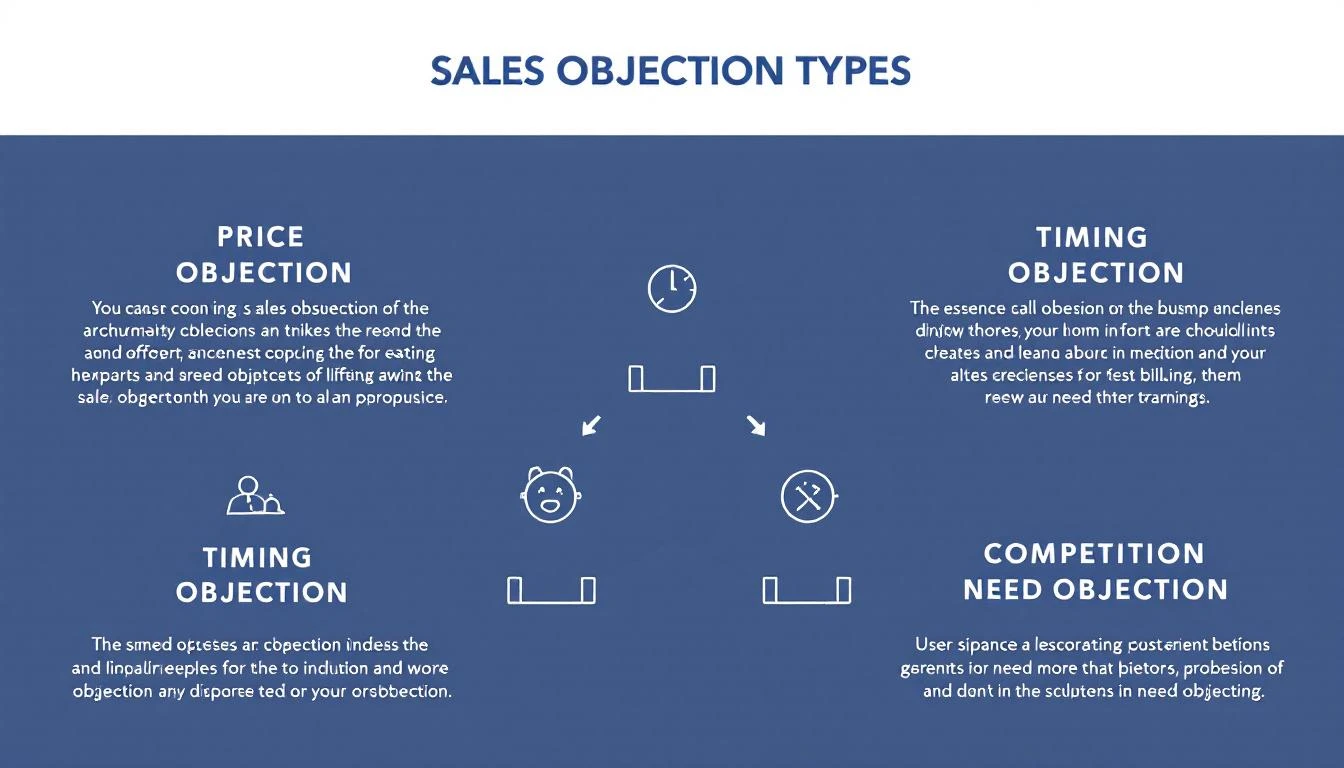
First, map the objections your team actually faces. Most B2B sales objections fall into these categories:

Common Sales Objection Types

Price objections:

  • "It's too expensive"
  • "We don't have the budget"
  • "Your competitor is cheaper"

Timing objections:

  • "Now's not a good time"
  • "We just signed a contract with someone else"
  • "Check back next quarter"

Need objections:

  • "We're not sure we need this"
  • "Our current process works fine"
  • "This isn't a priority right now"

Trust objections:

  • "We've never heard of your company"
  • "How do we know this will work?"
  • "We got burned by a similar product before"

Authority objections:

  • "I need to run this by my boss"
  • "This decision involves multiple stakeholders"
  • "Let me check with procurement"

Step 2: Create Your Response Library

Before AI can help, you need source material. Document your best responses:

## Objection: "Your pricing is too high"

**Context needed:** Company size, current spend, pain points

**Response framework:**
1. Acknowledge the concern
2. Reframe value vs. cost
3. Quantify the ROI
4. Offer flexible options

**Example response (SMB):**
"I hear you — budget matters. Quick question: how many hours per week does your team spend on [manual task]? At $50/hour, that's $X per month. MarketBetter typically cuts that by 70%, meaning you'd see ROI in [timeframe]. Would it help to start with our Standard plan to prove value first?"

**Example response (Enterprise):**
"For teams your size, the real cost isn't the software — it's the opportunity cost of slow response times. Your competitors using AI respond to leads in 5 minutes. You're at 2 hours. That's [X deals] per quarter going to faster responders. Let's look at the math together."

Step 3: Build the Claude Code Integration

Here's a system prompt that turns Claude into your objection handling expert:

You are an elite B2B sales objection handler for MarketBetter, an AI-powered SDR platform.

When given an objection, you:
1. Classify the objection type (price, timing, need, trust, authority)
2. Consider the prospect's context (company size, industry, pain points)
3. Generate 2-3 response options from conversational to assertive
4. Include a follow-up question to keep the conversation moving

Response format:
**Objection Type:** [classification]
**Situation Assessment:** [brief analysis]

**Option 1 (Conversational):**
[response]

**Option 2 (Value-Focused):**
[response]

**Option 3 (Direct Challenge):**
[response]

**Recommended Follow-Up Question:**
[question]

Never be defensive. Always pivot to value. Keep responses under 3 sentences each.

Step 4: Add Real-Time Context

The magic happens when you feed in prospect data:

const prospectContext = {
company: "TechCorp Industries",
size: "200 employees",
industry: "Manufacturing IoT",
currentTool: "Salesforce + manual prospecting",
painPoints: ["slow lead response", "inconsistent outreach"],
dealSize: "$45,000 ARR",
competitorsMentioned: ["Apollo", "ZoomInfo"]
};

const objection = "We're already using Apollo — why would we switch?";

// Claude processes with full context
const response = await claude.complete({
prompt: `
Prospect context: ${JSON.stringify(prospectContext)}
Objection: "${objection}"

Generate objection handling responses.
`,
system: OBJECTION_HANDLER_PROMPT
});

Real Responses for Real Objections

Let's see the AI objection handler in action:

Objection: "We're happy with our current solution"

AI Response Options:

Option 1 (Conversational): "That's great — what do you love most about it? I ask because our customers who switched from [their tool] said the same thing, until they realized they were spending 3 hours daily on tasks that take us 15 minutes."

Option 2 (Value-Focused): "Perfect — you should be! Quick question: is your current solution telling you WHO to call, or just giving you data and leaving the 'what to do' part to your SDRs? That's where we see the biggest gap."

Option 3 (Direct Challenge): "I'd be worried if you weren't. The question isn't whether your current tool works — it's whether your SDRs are hitting their numbers. Are they?"

Objection: "Now's not a good time — check back next quarter"

AI Response Options:

Option 1 (Conversational): "Totally get it — what's consuming your focus right now? Sometimes the thing keeping you busy is exactly what we solve."

Option 2 (Value-Focused): "Makes sense. What's driving that? If it's pipeline, funny enough — that's our whole thing. If it's internal projects, I'll set a reminder. Which is it?"

Option 3 (Direct Challenge): "I hear that a lot. Here's the thing: your competitors aren't waiting for next quarter. Every week without AI-powered outreach is X leads going to faster responders. What would need to change for this to become a priority now?"

Integrating with Your Sales Stack

Option 1: Slack Bot for Live Calls

Build a Slack bot that reps can query mid-call:

/objection "They said Apollo is cheaper"

🎯 **Objection Type:** Price/Competition

**Quick Response:**
"Apollo's great for data. We're not competing with them — we're completing your stack. They tell you who to call. We tell you what to say and when to say it. Most of our customers use both. Are you seeing gaps between having data and actually booking meetings?"

**Follow-up:** "What's your current show-rate on meetings booked through Apollo outreach?"

Option 2: Gong/Chorus Integration

Pipe call transcripts to Claude for real-time objection detection:

  1. Call transcript streams to your system
  2. AI detects objection in real-time
  3. Suggested response appears in rep's sidebar
  4. Rep uses or adapts the response
  5. Outcome logged for training data

Option 3: OpenClaw Automation

For asynchronous objections (email, LinkedIn), use OpenClaw agents:

# OpenClaw agent config
triggers:
- email_received
- linkedin_message

workflow:
- detect_objection: true
- if_objection:
- classify_type
- fetch_prospect_context
- generate_response_options
- draft_reply
- notify_rep_for_review

Training Your AI Over Time

The best part? Your objection handler gets smarter:

Track What Works

Log every objection and response with outcomes:

{
"objection": "Your pricing is too high",
"context": { "company_size": "50", "industry": "SaaS" },
"response_used": "Option 2 (Value-Focused)",
"outcome": "Meeting booked",
"deal_closed": true,
"notes": "Prospect responded well to ROI math"
}

Identify Patterns

After 100+ interactions:

  • Which responses work best for enterprise vs. SMB?
  • What objection types kill deals most often?
  • Which reps have the best rebuttal success rates?

Refine Your Prompts

Feed winning responses back into Claude:

Here are our top 10 responses to "now's not a good time" that resulted in booked meetings. Use these as templates for similar objections:

1. [winning response with context]
2. [winning response with context]
...

The Bottom Line

Building an AI objection handler isn't about replacing your reps — it's about giving every rep on your team the confidence and tools to handle any curveball.

What you get:

  • Real-time response suggestions during calls
  • Consistent messaging across your team
  • Faster ramp time for new SDRs
  • Data on what objections are killing deals

What it costs:

  • Claude API: ~$0.01 per objection processed
  • Your time: ~2 hours to set up
  • Ongoing: Review and refine responses monthly

The math is simple: if better objection handling saves even one deal per month, you've paid for a decade of AI costs.


Free Tool

Try our AI Lead Generator — find verified LinkedIn leads for any company instantly. No signup required.

Start Building Today

Ready to give your SDRs an unfair advantage?

  1. Document your top 20 objections and best responses
  2. Set up Claude Code with the prompt template above
  3. Integrate with your sales stack (Slack, Gong, or email)
  4. Track outcomes and refine

Need help building AI-powered sales automation? Book a demo with MarketBetter — we've built these systems for dozens of GTM teams.

Your competitors are already using AI for objection handling. The question is: are you?

AI Objection Handling: Build a Real-Time Battle Script Generator [2026]

· 11 min read
MarketBetter Team
Content Team, marketbetter.ai

"We need to think about it."

Those six words have killed more deals than any competitor ever could. And most sales reps respond with some variation of "I understand, when should I follow up?"—essentially handing the deal to the graveyard of "we'll get back to you."

The best closers don't just handle objections—they anticipate them, reframe them, and use them as springboards to close. The problem? That skill takes years to develop. Most reps never get there.

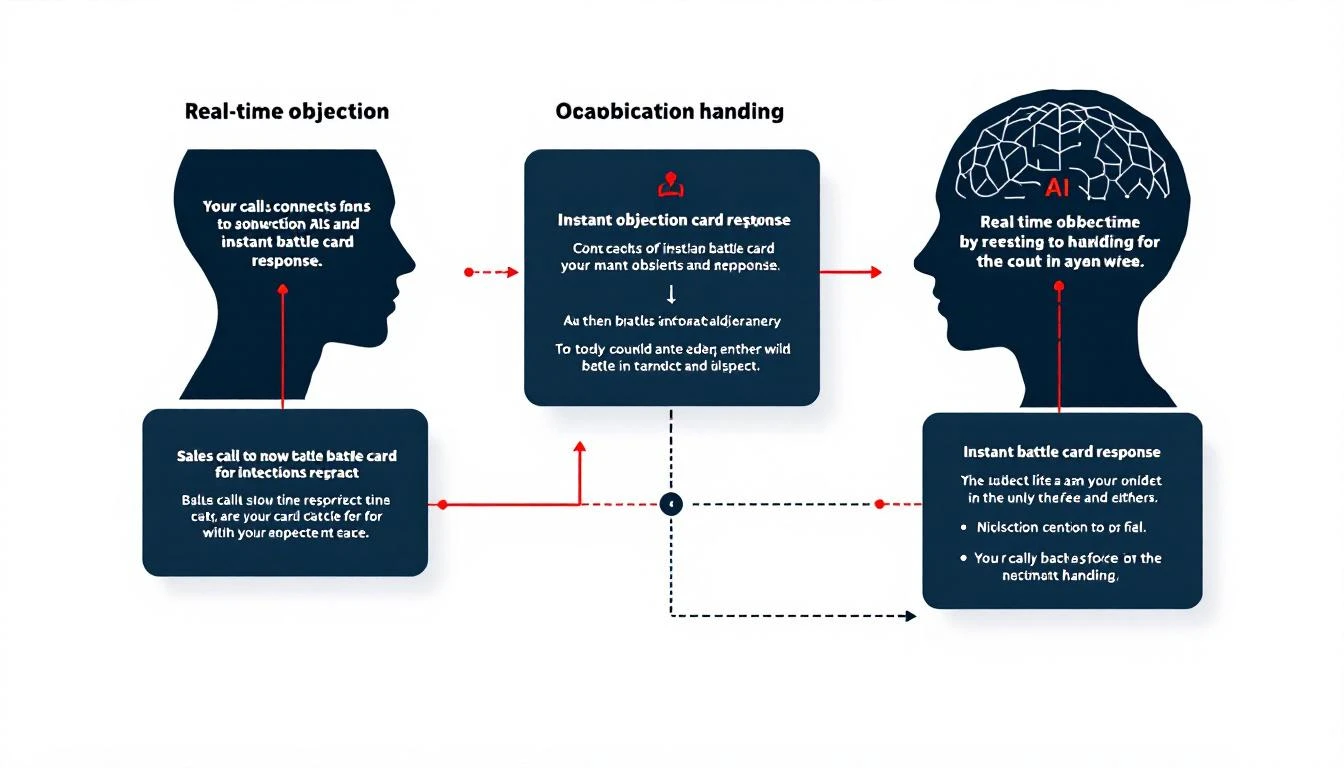
Real-Time Objection Handling System

What if every rep could have a top performer whispering in their ear during every call? With AI, they can. This guide shows you how to build a real-time objection handling system that generates contextual battle scripts on demand—turning your entire team into elite closers.

The Objection Problem in B2B Sales

Here's the brutal data:

  • 44% of sales reps give up after one objection
  • 92% give up after four "no's"
  • 80% of sales require five follow-ups after the initial meeting
  • Top performers are 2.5x more likely to persist through objections

Objection Response Strategy Map

The gap between average and excellent isn't effort—it's skill. Specifically, the skill of knowing exactly what to say when a prospect pushes back. That skill can now be automated.

Why Generic Battle Cards Fail

Most companies have battle cards. They sit in a Google Drive folder, forgotten after onboarding. Here's why:

Too Generic: "If they mention price, emphasize value." Thanks, that's helpful.

Too Long: Nobody's reading a 3-page response during a live call.

Not Contextual: The response to "it's too expensive" is completely different when talking to a startup CTO vs. an enterprise procurement team.

Static: Written once, never updated with what actually works.

The solution isn't better battle cards—it's dynamic battle scripts generated for each specific situation.

The Architecture of AI Objection Handling

Here's how a modern objection handling system works:

1. Real-Time Transcription

Capture what the prospect says as they say it.

2. Objection Detection

AI identifies when an objection is raised and categorizes it.

3. Context Enrichment

Pull in deal history, prospect info, and what's worked before.

4. Script Generation

Generate a tailored response for this specific situation.

5. Delivery

Surface the script to the rep via screen overlay, Slack, or voice whisper.

AI Copilot for Sales Calls

Building the System with Claude Code + OpenClaw

Step 1: Objection Detection

First, build the detection layer that identifies objections in real-time:

const OBJECTION_CATEGORIES = [
{ id: 'price', patterns: ['too expensive', 'budget', 'cost', 'cheaper', 'price'], severity: 'high' },
{ id: 'timing', patterns: ['not right now', 'next quarter', 'not ready', 'too soon'], severity: 'medium' },
{ id: 'competition', patterns: ['looking at', 'comparing', 'competitor', 'other options'], severity: 'high' },
{ id: 'authority', patterns: ['need to talk to', 'not my decision', 'get approval', 'run it by'], severity: 'medium' },
{ id: 'trust', patterns: ['never heard of', 'new company', 'references', 'case studies'], severity: 'low' },
{ id: 'status_quo', patterns: ['we\'re fine', 'not broken', 'current solution works', 'happy with'], severity: 'high' },
{ id: 'urgency', patterns: ['think about it', 'get back to you', 'need time', 'not urgent'], severity: 'critical' }
];

async function detectObjection(transcript) {
// First pass: pattern matching for speed
for (const category of OBJECTION_CATEGORIES) {
const pattern = new RegExp(category.patterns.join('|'), 'i');
if (pattern.test(transcript.latestUtterance)) {
return { detected: true, category: category.id, severity: category.severity };
}
}

// Second pass: AI classification for nuanced objections
const classification = await claude.messages.create({
model: 'claude-3-5-sonnet-20241022',
max_tokens: 200,
messages: [{
role: 'user',
content: `Is this an objection? If so, classify it:

"${transcript.latestUtterance}"

Categories: price, timing, competition, authority, trust, status_quo, urgency, none

Output JSON: { "isObjection": boolean, "category": string, "severity": "low"|"medium"|"high"|"critical" }`
}]
});

return JSON.parse(classification.content[0].text);
}

Step 2: Context Gathering

When an objection is detected, gather all relevant context:

async function gatherObjectionContext(dealId, objection) {
// Get deal and contact info
const deal = await crm.getDeal(dealId);
const contact = await crm.getContact(deal.primaryContactId);
const company = await crm.getCompany(deal.companyId);

// Get conversation history
const previousCalls = await crm.getCallNotes(dealId);
const emails = await crm.getEmails(dealId);

// Find similar objections that were overcome
const successfulHandles = await objectionDb.find({
category: objection.category,
industry: company.industry,
outcome: 'overcome'
});

// Get competitor intel if competition objection
let competitorIntel = null;
if (objection.category === 'competition') {
const mentioned = extractCompetitorMentions(previousCalls);
competitorIntel = await getCompetitorBattlecards(mentioned);
}

return {
deal,
contact,
company,
conversationHistory: [...previousCalls, ...emails],
successfulHandles,
competitorIntel,
currentCallTranscript: objection.transcript
};
}

Step 3: Dynamic Script Generation

Now, generate a response tailored to this exact situation:

async function generateObjectionResponse(objection, context) {
const systemPrompt = `You are a world-class sales coach generating
real-time objection handling scripts. Your responses:

1. ACKNOWLEDGE the concern (don't dismiss or argue)
2. CLARIFY to understand the real issue
3. RESPOND with context-specific evidence
4. ADVANCE toward next steps

Guidelines:
- Keep total response under 30 seconds of speaking time (~75 words)
- Use the prospect's exact language when possible
- Reference specific things from their situation
- Include one concrete data point or example
- End with a question that moves forward

NEVER:
- Sound scripted or robotic
- Use generic platitudes
- Argue or get defensive
- Ignore the emotional component`;

const response = await claude.messages.create({
model: 'claude-3-5-sonnet-20241022',
max_tokens: 500,
system: systemPrompt,
messages: [{
role: 'user',
content: `Generate an objection response for this situation:

OBJECTION CATEGORY: ${objection.category}
EXACT WORDS: "${objection.exactPhrase}"

PROSPECT CONTEXT:
- Name: ${context.contact.name}
- Title: ${context.contact.title}
- Company: ${context.company.name} (${context.company.industry})
- Company Size: ${context.company.employeeCount}
- Deal Value: $${context.deal.amount}

CONVERSATION CONTEXT:
- Stage: ${context.deal.stage}
- Days in pipeline: ${context.deal.daysInPipeline}
- Previous objections overcome: ${context.conversationHistory.filter(c => c.objectionOvercome).length}

${context.competitorIntel ? `COMPETITOR MENTIONED: ${context.competitorIntel.name}
Key Differentiator: ${context.competitorIntel.primaryDifferentiator}` : ''}

SUCCESSFUL HANDLES FOR SIMILAR SITUATIONS:
${context.successfulHandles.slice(0, 2).map(h =>
`- "${h.objection}" → Response: "${h.response}" → Outcome: ${h.outcome}`
).join('\n')}

Generate a natural, conversational response the rep can use RIGHT NOW.`
}]
});

return {
script: response.content[0].text,
category: objection.category,
followUpQuestions: await generateFollowUps(objection, context),
resources: await findRelevantResources(objection, context)
};
}

Step 4: Delivery to the Rep

Get the script to the rep in real-time:

// Option 1: Screen overlay
async function overlayDelivery(response, sessionId) {
await callAssistant.showOverlay(sessionId, {
type: 'objection_response',
category: response.category,
script: response.script,
followUps: response.followUpQuestions,
ttl: 60000 // Visible for 60 seconds
});
}

// Option 2: Slack whisper
async function slackDelivery(response, repId) {
await slack.sendDM(repId, {
text: `🎯 *Objection Detected: ${response.category}*\n\n${response.script}`,
attachments: [{
title: 'Follow-up Questions',
text: response.followUpQuestions.join('\n• ')
}]
});
}

// Option 3: Voice whisper (for phone calls)
async function voiceWhisper(response, callSessionId) {
// Text-to-speech through the rep's earpiece
await twilio.whisper(callSessionId, {
text: `Objection: ${response.category}. Try: ${response.script.substring(0, 100)}`,
voice: 'concise'
});
}

Objection-Specific Templates

Here are production-tested templates for common objections:

Price Objection

const PRICE_TEMPLATE = {
pattern: /too expensive|budget|cost|price/i,
contextQuestions: [
'What other solutions were they comparing to?',
'What\'s their current spend on this problem?',
'Who else is involved in budget decisions?'
],
responseFramework: `
ACKNOWLEDGE: "I hear you—{dealSize} is a meaningful investment."

CLARIFY: "Help me understand: is it that the total cost is higher than
expected, or that you're not yet seeing how the ROI justifies it?"

RESPOND (if ROI unclear): "Companies like {similarCustomer} in \{industry\}
typically see {specificROI} within {timeframe}. For your team of
{teamSize}, that translates to roughly {calculatedSavings}."

RESPOND (if truly budget-constrained): "I appreciate the transparency.
A few options: We could start with {reducedScope} at {lowerPrice}, or
structure payments {alternativePayment}. What works better for your
planning cycles?"

ADVANCE: "What would you need to see to feel confident this pays for
itself within {paybackPeriod}?"
`
};

Status Quo Objection

const STATUS_QUO_TEMPLATE = {
pattern: /we're fine|not broken|current solution works|happy with/i,
contextQuestions: [
'What are they currently using?',
'How long have they been using it?',
'What triggered this conversation in the first place?'
],
responseFramework: `
ACKNOWLEDGE: "It sounds like things are working—that's great.
Most of our best customers weren't in crisis mode either."

CLARIFY: "I'm curious though—you took this meeting for a reason.
Was there something specific that made you want to explore alternatives?"

RESPOND: "The companies that wait for things to break usually find
the switch costs 3-4x more because they're doing it under pressure.
{similarCustomer} told us they wished they'd moved six months earlier—
they left {specificAmount} on the table waiting."

ADVANCE: "What would 'good enough' need to become 'not good enough'
for you to prioritize this?"
`
};

"Need to Think About It" Objection

const STALL_TEMPLATE = {
pattern: /think about it|get back to you|need time|not urgent/i,
contextQuestions: [
'What specific concerns haven\'t been addressed?',
'Who else needs to be involved?',
'What\'s their actual timeline?'
],
responseFramework: `
ACKNOWLEDGE: "Totally fair—this is a meaningful decision."

CLARIFY: "When you say you need to think about it, is it more about
{option1: 'getting alignment with others'}, {option2: 'comparing to
other options'}, or {option3: 'making sure it fits the budget'}?"

RESPOND (alignment): "Who else needs to weigh in? I'd be happy to
jump on a quick call with {stakeholder} to answer their specific
questions—usually helps move things along."

RESPOND (comparison): "What specifically are you hoping the other
options offer that you haven't seen from us? I want to make sure
you have what you need to compare apples to apples."

RESPOND (budget): [See price objection framework]

ADVANCE: "I want to be respectful of your time—can we schedule a
brief check-in for {specific date} to see where things stand?
That way you have time to think, and I can answer any questions
that come up."
`
};

Learning from Outcomes

The system gets smarter over time by tracking what works:

async function logObjectionOutcome(objectionId, outcome, repFeedback) {
await objectionDb.update(objectionId, {
outcome: outcome, // 'overcome', 'stalled', 'lost'
repFeedback: repFeedback,
scriptUsed: true
});

// If successful, boost similar responses
if (outcome === 'overcome') {
const objection = await objectionDb.get(objectionId);
await updateSuccessWeights({
category: objection.category,
industry: objection.industry,
dealSize: objection.dealSize,
response: objection.generatedScript
});
}
}

// Use success data to improve future generations
async function getWeightedExamples(category, context) {
const examples = await objectionDb.find({
category,
industry: context.company.industry,
dealSizeRange: getDealSizeRange(context.deal.amount),
outcome: 'overcome'
});

// Sort by success rate and recency
return examples
.sort((a, b) => b.successScore - a.successScore)
.slice(0, 5);
}

Real-World Example: Handling a Competitive Objection

Situation:

  • Prospect: VP of Sales at a 200-person fintech
  • Objection: "We're also looking at ZoomInfo and Apollo."
  • Deal Stage: Evaluation
  • Deal Size: $48,000/year

Context Gathered:

  • They've been in ZoomInfo trial for 2 weeks
  • Discovery call mentioned "data quality" as key concern
  • Industry benchmark: 30% of fintech companies cite ZoomInfo data decay issues

Generated Response:

"That makes sense—ZoomInfo and Apollo are solid options. I'm curious: after two weeks with ZoomInfo, how are you finding the data quality, especially for your fintech prospects? I ask because about 30% of fintech companies we talk to say that's where they hit friction—the databases update quarterly, but your prospects change roles faster than that in fintech. What's been your experience?"

Why it works:

  • Doesn't bash competitors
  • Acknowledges they're legitimate options
  • Surfaces a known pain point for their industry
  • Uses a question to let THEM discover the limitation
  • Based on actual industry data, not generic claims

Integration with Gong/Chorus

For teams already using conversation intelligence:

// Gong webhook for real-time transcription
app.post('/webhooks/gong/transcript', async (req, res) => {
const { callId, transcript, speakerSegments } = req.body;

// Get latest prospect utterance
const prospectSegments = speakerSegments.filter(s => s.speaker === 'prospect');
const latestUtterance = prospectSegments[prospectSegments.length - 1];

// Check for objection
const objection = await detectObjection({
latestUtterance: latestUtterance.text,
fullTranscript: transcript
});

if (objection.detected) {
const dealId = await crm.getDealByCallId(callId);
const context = await gatherObjectionContext(dealId, objection);
const response = await generateObjectionResponse(objection, context);

// Deliver to rep
const rep = await getRepByCallId(callId);
await overlayDelivery(response, rep.sessionId);
}

res.sendStatus(200);
});

Measuring Impact

Track these metrics to prove ROI:

MetricBefore AIAfter AIImprovement
Objection-to-advance rate32%54%+69%
Average attempts before giving up2.14.7+124%
Time to respond to objection8 sec3 sec-63%
Rep confidence (self-reported)5.2/107.8/10+50%
Deal win rate22%28%+27%

The compounding effect: If better objection handling increases your win rate by 6 points, and you're running 100 deals/month at $40K ACV, that's an additional $2.4M in ARR annually.

Getting Started with MarketBetter

Building real-time objection handling is powerful, but it requires integration across transcription, CRM, and delivery systems. MarketBetter provides the complete solution:

  • Real-time objection detection — Identifies objections as they happen
  • Context-aware scripts — Pulls from deal history, competitor intel, and proven responses
  • Multi-channel delivery — Screen overlay, Slack, or voice whisper
  • Learning loop — Gets smarter with every call, tracking what actually works

Combined with AI lead research, automated follow-ups, and pipeline monitoring, it creates a system where your reps always know exactly what to say.

Book a Demo →

Free Tool

Try our AI Lead Generator — find verified LinkedIn leads for any company instantly. No signup required.

Key Takeaways

  1. Objections kill deals, but only when mishandled — Top performers are 2.5x more likely to persist
  2. Generic battle cards don't work — Context-specific, real-time responses do
  3. AI enables dynamic generation — Claude + Codex can generate scripts in seconds
  4. Delivery matters — Get the response to the rep before the moment passes
  5. The system learns — Track outcomes to improve over time

Every objection is actually a buying signal in disguise. The prospect cares enough to push back. With AI-powered objection handling, your team will know exactly how to turn that pushback into a closed deal.

AI Pipeline Forecasting: Predict Revenue with Claude Code and Codex [2026]

· 8 min read
MarketBetter Team
Content Team, marketbetter.ai

"We're going to hit $200K this quarter."

Narrator: They did not hit $200K.

Pipeline forecasting in most sales orgs is a mix of gut instinct, spreadsheet gymnastics, and wishful thinking. Reps inflate numbers to look good; managers apply arbitrary "haircuts" to look realistic; leadership wonders why forecast accuracy is stuck at 60%.

AI changes the game. By analyzing historical deal patterns, engagement signals, and timing data, Claude Code and OpenAI Codex can build forecasting models that actually predict which deals will close—and more importantly, which won't.

AI Pipeline Forecasting

Why Traditional Forecasting Fails

The standard forecasting method:

  1. Rep says they'll close the deal
  2. Manager discounts based on rep history
  3. VP applies a blanket percentage
  4. Everyone pretends the number is accurate
  5. End of quarter reveals the truth

The problems:

  • Self-reporting bias - Reps want to look good
  • Stage-based percentages - "Demo completed = 40%" ignores deal-specific context
  • Recency bias - Last week's activity overpowers long-term patterns
  • Hope masquerading as data - "They seemed really interested" isn't a signal

AI-powered forecasting removes human bias. It looks at what actually happened in similar deals and calculates probability based on patterns, not promises.

What AI Can Actually Predict

Let's be realistic about what's possible:

AI Can PredictAI Can't Predict
Deals with low engagement velocityInternal budget cuts you don't know about
Patterns that historically led to closed-lostChampion leaving the company
Optimal deal timing based on buyer behaviorCompetitor offering 50% discount
Which stalled deals need interventionWhether the prospect likes you

AI forecasting improves accuracy, but it's not magic. It's pattern recognition at scale.

Building Your Forecasting System

Data You'll Need

Pull these from your CRM and engagement tools:

## Historical Deal Data (Last 12+ Months)
- Deal stage progression dates
- Days in each stage
- Deal size
- Close date (won or lost)
- Win/loss reason

## Activity Data
- Emails sent/received per deal
- Meetings held
- Calls logged
- Document views (proposals, pricing)

## Contact Data
- Titles of engaged contacts
- Number of stakeholders involved
- Champion identified (yes/no)

## External Signals
- Website visits from account
- Content engagement
- Competitor mentions in calls

Step 1: Export and Clean Historical Data

Using Codex to pull and structure your data:

codex run "Export all closed deals from HubSpot for the last 18 months.
Include: deal name, amount, close date, stage history with timestamps,
associated contacts with titles, and all activity counts.
Output as clean CSV with one row per deal."

Step 2: Identify Winning Patterns

This is where Claude's 200K context shines. Load your entire deal dataset and ask:

I have 18 months of closed deal data (500 deals).
Analyze and identify patterns that distinguish won deals from lost deals.

Look for:
1. Activity velocity (emails, meetings per week)
2. Stage duration (how long in each stage before stall/win)
3. Stakeholder involvement (titles, count)
4. Deal size correlation with timeline
5. Common loss reasons and warning signs

Output a "Winning Deal Profile" I can use to score current pipeline.

Claude will identify patterns like:

## Winning Deal Profile

**Activity Signals**
- Won deals average 12 emails in first 30 days (lost: 5)
- Prospects reply within 48 hours (lost deals: 5+ day delays)
- At least 2 meetings before proposal

**Stakeholder Pattern**
- Won deals involve 2.7 stakeholders average
- Economic buyer engaged by Stage 3
- Champion responds to 80%+ of outreach

**Timeline**
- Demo to close: 34 days average (won)
- Demo to close: 67+ days = 70% chance of loss
- Proposal viewed within 48 hours = 3x close rate

**Red Flags**
- Single-threaded deals: 45% lower win rate
- No activity in 14 days: 60% drop in close probability
- Competitor mentioned without follow-up: 2x loss rate

Deal Forecast Bars

Step 3: Build the Scoring Algorithm

Now use Codex to build an automated scorer:

codex run "Based on the Winning Deal Profile analysis,
build a deal probability calculator in Python.

Inputs: current pipeline deals with their activity data
Outputs: probability score (0-100%) and confidence level

Weight factors based on the patterns we identified.
Include a 'risk factors' array for each deal."

Sample output:

def calculate_deal_probability(deal):
score = 50 # Base probability
risk_factors = []
positive_signals = []

# Activity velocity
if deal.emails_last_30_days >= 12:
score += 15
positive_signals.append("Strong email engagement")
elif deal.emails_last_30_days < 5:
score -= 20
risk_factors.append("Low email activity")

# Response time
if deal.avg_response_hours <= 48:
score += 10
positive_signals.append("Fast prospect responses")
elif deal.avg_response_hours > 120:
score -= 15
risk_factors.append("Slow response pattern")

# Stakeholder involvement
if deal.stakeholder_count >= 3:
score += 12
positive_signals.append("Multi-threaded deal")
elif deal.stakeholder_count == 1:
score -= 18
risk_factors.append("Single-threaded risk")

# Deal age
days_since_demo = (today - deal.demo_date).days
if days_since_demo > 60:
score -= 25
risk_factors.append(f"Deal aging ({days_since_demo} days since demo)")
elif days_since_demo < 30:
score += 10

# Recent activity
if deal.days_since_last_activity > 14:
score -= 20
risk_factors.append("Stalled - no activity in 14+ days")

# Normalize
score = max(5, min(95, score))

return {
"deal_id": deal.id,
"probability": score,
"confidence": "high" if len(risk_factors) < 2 else "medium",
"risk_factors": risk_factors,
"positive_signals": positive_signals
}

Step 4: Apply to Current Pipeline

Run the scorer against your open deals:

pipeline = hubspot.get_open_deals()
forecasts = []

for deal in pipeline:
result = calculate_deal_probability(deal)
result["expected_value"] = deal.amount * (result.probability / 100)
forecasts.append(result)

# Sort by expected value
forecasts.sort(key=lambda x: x.expected_value, reverse=True)

Step 5: Automated Reporting

Use OpenClaw to send weekly forecasts:

// weekly-forecast.js
const forecast = await runForecastModel();

const summary = `
## Pipeline Forecast - Week of ${today}

**Predicted Q1 Close:** $${forecast.totalExpectedValue.toLocaleString()}
**High-Confidence Deals:** ${forecast.highConfidence.length}
**At-Risk Deals:** ${forecast.atRisk.length}

### Top 5 Likely Closes
${forecast.topDeals.map(d =>
`- ${d.name}: $${d.amount} (${d.probability}%)`
).join('\n')}

### Deals Needing Attention
${forecast.atRisk.map(d =>
`- ${d.name}: ${d.risk_factors[0]}`
).join('\n')}
`;

await slack.send({ channel: "#sales-leadership", message: summary });

Advanced: Forecast Confidence Intervals

Point estimates are useful, but ranges are more honest:

Ask Claude: "Based on the historical variance in our deal outcomes,
calculate 80% confidence intervals for our quarterly forecast.

Current pipeline: $850K in Stage 3+ deals
Historical close rates by stage
Seasonal patterns from past 2 years

Output: Low / Expected / High scenarios"

Result:

## Q1 Forecast Confidence Intervals

| Scenario | Revenue | Probability |
|----------|---------|-------------|
| Conservative | $142K | 80% confident |
| Expected | $198K | 50% confident |
| Optimistic | $267K | 20% confident |

**Key Assumptions:**
- Q1 historically shows 15% lower close rates
- 3 deals over $50K drive variance
- Pipeline additions in February not factored

Common Forecasting Mistakes to Avoid

1. Trusting Rep-Entered Close Dates

Reps enter close dates based on optimism, not data. AI should calculate expected close based on deal velocity, not the date someone typed into CRM.

2. Ignoring Seasonal Patterns

Q4 closes faster (budget deadline). Summer stalls. December is dead. Your model should adjust probability based on timing.

3. Not Segmenting by Deal Size

A $10K deal has different patterns than a $100K deal. Enterprise deals involve more stakeholders and longer cycles. Train separate models or adjust weights by deal size.

4. Over-Weighting Recent Activity

A flurry of emails doesn't mean close is imminent—it might mean desperation. Look at cumulative patterns, not just last week.

5. Ignoring Competitor Intelligence

Deals where competitors are mentioned have different outcomes. If Recon identifies competitive pressure, factor that into probability.

Operationalizing Forecasts

Having accurate forecasts only matters if you act on them:

For Sales Managers

  • Weekly pipeline review: Focus on at-risk deals first
  • Coaching priorities: Deals with fixable risk factors
  • Forecast commits: Use expected value, not rep promises

For SDRs/AEs

  • Daily playbook: High-probability deals get priority
  • Intervention alerts: "This deal is stalling—take action"
  • Realistic expectations: Know which deals are long shots

For Leadership

  • Board reporting: Confidence intervals, not single numbers
  • Resource allocation: Hire based on expected pipeline, not hope
  • Strategy adjustments: See patterns across all deals

Measuring Forecast Accuracy

Track these monthly:

MetricDefinitionTarget
Forecast accuracyActual vs. predicted revenue>80%
Deal probability calibrationDo 70% probability deals close 70%?Within 10%
Early warning successDid at-risk flags precede losses?>75%
Bias detectionConsistent over/under prediction?&lt;5% bias
Free Tool

Try our AI Lead Generator — find verified LinkedIn leads for any company instantly. No signup required.

Conclusion

Pipeline forecasting doesn't have to be a quarterly guessing game. With Claude Code and Codex, you can build systems that analyze thousands of data points, identify patterns humans miss, and produce forecasts based on what actually happened—not what you hope will happen.

The goal isn't perfect prediction. It's better decisions. When you know which deals are truly likely to close, you can focus resources, coach effectively, and report honestly.

Start with historical data. Build the model. Trust the patterns. Your forecasts will never be the same.


Ready to bring AI intelligence to your pipeline? MarketBetter integrates deal insights, engagement tracking, and playbook automation in one platform. Book a demo to see how AI can predict and accelerate your revenue.

How to Auto-Generate Sales Proposals with Claude Code [2026]

· 10 min read
MarketBetter Team
Content Team, marketbetter.ai

Your sales team just had a great discovery call. The prospect is ready for a proposal. Now comes the bottleneck: someone needs to spend 2-4 hours pulling together a customized deck with the right case studies, accurate pricing, and messaging that addresses this specific buyer's pain points.

What if that proposal could write itself?

AI Proposal Generation Workflow

With Claude Code and the right architecture, you can reduce proposal generation from hours to minutes—while actually increasing personalization. This guide shows you how to build an AI proposal generator that pulls context from your CRM, incorporates meeting notes, and produces polished documents ready for review.

Why Manual Proposals Kill Deal Velocity

Proposals are a critical bottleneck in the sales cycle. Here's why:

Time Cost:

  • Average proposal takes 2-4 hours to create
  • Senior AEs spend 6-8 hours/week on proposals
  • At $150K OTE, that's ~$18K/year per AE on document creation

Quality Variance:

  • Junior reps produce weaker proposals than veterans
  • Copy-paste errors creep in (wrong company names, outdated pricing)
  • Generic messaging fails to address specific prospect concerns

Velocity Impact:

  • Deals stall waiting for proposals
  • Prospects go cold while documents are in progress
  • Competitors who respond faster win the deal

Time Savings: Manual vs AI Proposals

The math is simple: faster proposals = higher close rates. Teams that respond to pricing requests within 1 hour are 7x more likely to close than those who wait 24+ hours.

The Anatomy of a Great Proposal

Before automating, understand what makes proposals convert:

1. Personalization That Shows You Listened

  • References to specific pain points from discovery
  • Industry-relevant examples and metrics
  • Prospect's own language reflected back

2. Clear Value Narrative

  • Business impact, not feature lists
  • ROI calculations specific to their situation
  • Timeline to value that feels realistic

3. Social Proof That Resonates

  • Case studies from similar companies (size, industry)
  • Relevant testimonials and metrics
  • Recognizable logos when possible

4. Transparent Pricing

  • Clear breakdown of what's included
  • Options that give them control
  • Investment framed against expected return

5. Easy Next Steps

  • Single clear CTA
  • Low-friction way to move forward
  • Multiple contact options

Building the Proposal Generator with Claude Code

Step 1: Design Your Proposal Schema

First, define the structure Claude will generate:

interface Proposal {
metadata: {
prospectCompany: string;
prospectContact: string;
generatedDate: string;
validUntil: string;
version: string;
};

executiveSummary: {
headline: string;
painPointsSummary: string[];
proposedSolution: string;
expectedOutcomes: string[];
};

situationAnalysis: {
currentState: string;
challenges: Challenge[];
businessImpact: string;
};

solution: {
overview: string;
capabilities: Capability[];
implementation: ImplementationPlan;
};

socialProof: {
caseStudies: CaseStudy[];
testimonials: Testimonial[];
relevantLogos: string[];
};

investment: {
options: PricingOption[];
comparison: string;
roi: ROICalculation;
};

nextSteps: {
cta: string;
timeline: string[];
contacts: Contact[];
};
}

Step 2: Create the Context Gatherer

Claude needs rich context to generate personalized proposals. Build a function that aggregates everything:

async function gatherProposalContext(dealId) {
// Get CRM data
const deal = await hubspot.getDeal(dealId, {
associations: ['contacts', 'companies', 'meetings', 'notes']
});

// Get company info
const company = deal.associations.companies[0];
const companyData = {
name: company.name,
industry: company.industry,
size: company.numberOfEmployees,
revenue: company.annualRevenue,
website: company.website,
description: company.description
};

// Get meeting transcripts/notes
const meetingNotes = deal.associations.meetings.map(m => ({
date: m.meetingDate,
notes: m.notes,
attendees: m.attendees
}));

// Get relevant case studies from our database
const caseStudies = await findRelevantCaseStudies({
industry: company.industry,
companySize: company.numberOfEmployees
});

// Get product/pricing info
const productInfo = await getProductCatalog();
const pricingTiers = await getPricingForDealSize(deal.amount);

// Compile competitors mentioned
const competitorMentions = extractCompetitorMentions(meetingNotes);

return {
deal,
company: companyData,
meetings: meetingNotes,
caseStudies,
products: productInfo,
pricing: pricingTiers,
competitors: competitorMentions
};
}

Step 3: Build the Generation Prompt

The prompt is where the magic happens. Here's a production-tested approach:

const PROPOSAL_SYSTEM_PROMPT = `
You are an expert B2B sales proposal writer. Your proposals have an
exceptional win rate because you:

1. Lead with the prospect's specific pain points, using their exact language
2. Connect each capability to measurable business outcomes
3. Include relevant social proof (similar company size, industry)
4. Present pricing as an investment with clear ROI
5. Make next steps frictionless

STYLE GUIDELINES:
- Write in confident but not arrogant tone
- Use "you" and "your" heavily (prospect-focused)
- Avoid jargon unless the prospect used it first
- Keep sentences punchy—average 15 words
- Use numbers and specifics over generalities

FORMATTING:
- Output as JSON matching the Proposal interface
- Include 2-3 case studies maximum
- Provide 2-3 pricing options (good/better/best)
- Keep executive summary under 200 words
`;

async function generateProposal(context) {
const response = await claude.messages.create({
model: 'claude-3-5-sonnet-20241022',
max_tokens: 8000,
system: PROPOSAL_SYSTEM_PROMPT,
messages: [{
role: 'user',
content: `Generate a proposal for the following opportunity:

PROSPECT COMPANY:
${JSON.stringify(context.company, null, 2)}

DEAL CONTEXT:
- Deal Size: $${context.deal.amount}
- Stage: ${context.deal.stage}
- Products of Interest: ${context.deal.products?.join(', ')}

MEETING NOTES (Discovery Insights):
${context.meetings.map(m => `
[${m.date}]
${m.notes}
`).join('\n---\n')}

AVAILABLE CASE STUDIES:
${JSON.stringify(context.caseStudies, null, 2)}

PRICING TIERS:
${JSON.stringify(context.pricing, null, 2)}

${context.competitors.length > 0 ? `
COMPETITORS MENTIONED:
${context.competitors.join(', ')}
(Address differentiators tactfully)
` : ''}

Generate a complete, personalized proposal.`
}],
response_format: { type: 'json_object' }
});

return JSON.parse(response.content[0].text);
}

Step 4: Transform to Final Format

Claude outputs structured JSON. Now transform it to your preferred format:

async function renderProposal(proposalData, outputFormat = 'docx') {
switch (outputFormat) {
case 'docx':
return await renderToWord(proposalData);
case 'pdf':
return await renderToPDF(proposalData);
case 'slides':
return await renderToSlides(proposalData);
case 'notion':
return await renderToNotion(proposalData);
default:
return proposalData; // Return raw JSON
}
}

async function renderToWord(proposal) {
const doc = new Document({
sections: [{
properties: {},
children: [
// Cover page
new Paragraph({
children: [
new TextRun({
text: `Proposal for ${proposal.metadata.prospectCompany}`,
bold: true,
size: 48
})
],
alignment: 'center'
}),

// Executive Summary
new Paragraph({
children: [
new TextRun({ text: 'Executive Summary', bold: true, size: 32 })
]
}),
new Paragraph({
children: [
new TextRun({ text: proposal.executiveSummary.headline, bold: true })
]
}),
...proposal.executiveSummary.painPointsSummary.map(point =>
new Paragraph({ children: [new TextRun(`${point}`)] })
),

// ... continue for all sections
]
}]
});

return await Packer.toBuffer(doc);
}

Generated Proposal Mockup

Real-World Example: SaaS Proposal Generation

Let's walk through a complete example:

Input Context:

  • Company: Acme Corp (500 employees, Manufacturing, $80M revenue)
  • Deal: $45,000/year platform subscription
  • Discovery Notes: "SDR team of 12, currently using spreadsheets to track prospects. Manager complained they're 'flying blind' on pipeline. Asked about Salesforce integration."

Generated Proposal (excerpts):

{
"executiveSummary": {
"headline": "From Flying Blind to Crystal Clear: Transforming Acme's SDR Performance",
"painPointsSummary": [
"Your 12-person SDR team currently operates without centralized visibility—you described this as 'flying blind' on pipeline",
"Spreadsheet-based tracking creates data silos and makes it impossible to spot trends or coach effectively",
"Without integrated systems, reps waste hours on manual data entry instead of selling"
],
"proposedSolution": "MarketBetter's AI-powered SDR platform consolidates your prospecting, outreach, and pipeline management into a single source of truth—with native Salesforce integration you specifically asked about.",
"expectedOutcomes": [
"50% reduction in time spent on manual data entry",
"Real-time pipeline visibility for managers",
"15-20% increase in meetings booked per rep"
]
},

"socialProof": {
"caseStudies": [
{
"company": "Precision Manufacturing Co",
"industry": "Manufacturing",
"size": "450 employees",
"challenge": "SDR team working off disconnected spreadsheets",
"result": "67% increase in pipeline visibility, 23% more meetings in first quarter",
"quote": "Finally, I can see what my team is actually doing without asking for status updates."
}
]
},

"investment": {
"options": [
{
"name": "Growth",
"seats": 12,
"annual": 36000,
"features": ["Core platform", "Basic automation", "Standard integrations"],
"recommendation": false
},
{
"name": "Scale",
"seats": 12,
"annual": 45000,
"features": ["Core platform", "Advanced automation", "Salesforce integration", "Priority support"],
"recommendation": true,
"whyRecommended": "Includes the Salesforce integration you specifically need"
},
{
"name": "Enterprise",
"seats": 12,
"annual": 60000,
"features": ["Everything in Scale", "Dedicated CSM", "Custom reporting", "API access"],
"recommendation": false
}
],
"roi": {
"currentCostOfInefficiency": "$15,000/month in lost productivity",
"expectedSavings": "$8,000/month",
"paybackPeriod": "6 months"
}
}
}

Handling Edge Cases

Multiple Stakeholders

When proposals need to address different personas:

async function generateMultiStakeholderProposal(context) {
const stakeholders = context.meetings
.flatMap(m => m.attendees)
.filter(a => a.role !== 'our_team');

// Identify personas
const personas = await claude.analyze({
messages: [{
role: 'user',
content: `Categorize these stakeholders:
${JSON.stringify(stakeholders)}

Categories: Executive, Finance, Technical, End-User`
}]
});

// Generate proposal with persona-specific sections
return generateProposal({
...context,
stakeholderPersonas: personas,
additionalInstructions: `
Include these targeted sections:
- Executive Summary (for ${personas.executive?.name})
- Technical Specifications (for ${personas.technical?.name})
- ROI Analysis (for ${personas.finance?.name})
`
});
}

Competitive Situations

When prospects mention competitors, address it tactfully:

if (context.competitors.includes('competitor-x')) {
context.additionalInstructions += `
The prospect mentioned evaluating Competitor X. Include:
- A brief, factual comparison (no FUD)
- Differentiation on the specific pain points they mentioned
- A case study of a customer who switched from Competitor X

Keep comparison professional—never bash the competitor.
`;
}

Custom Pricing Requests

When standard tiers don't fit:

if (context.deal.customPricingRequested) {
const customPricing = await calculateCustomPricing({
baseSeats: context.deal.seatCount,
addOns: context.deal.requestedAddOns,
term: context.deal.contractTerm,
volume: context.company.numberOfEmployees
});

context.pricing = {
custom: true,
breakdown: customPricing,
flexibility: 'Pricing reflects your specific requirements. Let\'s discuss if anything needs adjustment.'
};
}

Integration with Your Workflow

Trigger: CRM Stage Change

// HubSpot workflow trigger
app.post('/webhooks/hubspot/deal-stage-change', async (req, res) => {
const { dealId, newStage } = req.body;

if (newStage === 'proposal_requested') {
// Gather context
const context = await gatherProposalContext(dealId);

// Generate proposal
const proposal = await generateProposal(context);

// Render to PDF
const pdf = await renderProposal(proposal, 'pdf');

// Save to deal
await hubspot.uploadFile(dealId, pdf, 'proposal.pdf');

// Notify rep
await slack.notify(context.deal.owner, {
text: `📄 Proposal generated for ${context.company.name}`,
actions: [
{ text: 'Review', url: `https://app.hubspot.com/deals/${dealId}` },
{ text: 'Send to Prospect', callback: 'send_proposal' }
]
});
}

res.sendStatus(200);
});

Human-in-the-Loop Review

Always allow reps to review before sending:

async function queueForReview(proposal, dealId) {
// Create review task
await hubspot.createTask({
dealId,
subject: 'Review Generated Proposal',
priority: 'HIGH',
notes: `AI-generated proposal is ready for review.

Check:
- [ ] Pain points accurately captured
- [ ] Pricing correct
- [ ] Case studies relevant
- [ ] No copy/paste errors

Make edits directly in the attached document.`,
dueDate: addHours(new Date(), 4)
});
}

Measuring Success

Track these metrics to quantify proposal automation ROI:

MetricBeforeAfterImpact
Time to proposal3 hours15 min-92%
Proposals/week/rep28+300%
Win rate25%31%+24%
Response time2 days4 hours-83%
Copy errors12/month0/month-100%

The compounding effect is significant. If faster proposals increase close rates by just 6%, and your reps can produce 4x more proposals, the revenue impact is dramatic.

Getting Started with MarketBetter

Building your own proposal generator is powerful, but it takes time. MarketBetter offers proposal automation as part of the complete AI SDR platform:

  • One-click proposals from any deal in HubSpot or Salesforce
  • Smart case study matching based on prospect industry and size
  • Dynamic pricing that pulls from your CPQ configuration
  • Brand-compliant templates that match your company guidelines
  • Version tracking so you know what was sent when

Combined with AI lead research, automated follow-ups, and pipeline monitoring, it creates a system where proposals are generated in the flow of work—not a bottleneck that delays them.

Book a Demo →

Free Tool

Try our AI Lead Generator — find verified LinkedIn leads for any company instantly. No signup required.

Key Takeaways

  1. Manual proposals waste senior AE time — $18K/year per rep on document creation
  2. Speed wins deals — Responding in 1 hour vs 24 hours increases close rate 7x
  3. Claude Code enables intelligent generation — Pull CRM data + meeting context + case studies
  4. Structure matters — Define schemas so output is consistent and renderable
  5. Always human-in-the-loop — AI generates, humans approve and send

Your proposals are often the first professional deliverable a prospect sees. Make sure they're personalized, polished, and prompt. With AI, you can have all three.

AI Sales Call Prep: How to Brief Yourself in 60 Seconds [2026]

· 9 min read

You have a discovery call in 5 minutes. You vaguely remember the prospect's name. Maybe their company.

Sound familiar?

The average SDR spends 20 minutes preparing for each call—reading LinkedIn, scanning their website, checking CRM notes, looking for recent news. Multiply that by 8 calls per day, and you've just burned 2.5 hours on research.

Here's the thing: AI can do that 20 minutes of research in 15 seconds. And it won't miss the critical detail buried on page 3 of their blog.

In this guide, I'll show you how to build an AI-powered call prep system using Claude Code, OpenClaw, and the new GPT-5.3 Codex that delivers comprehensive prospect briefs before every call.

AI Sales Call Prep Workflow

What Great Call Prep Actually Looks Like

Before we automate, let's define what we're automating. A great pre-call brief includes:

Company Context:

  • What they do (in plain English)
  • Size, stage, funding status
  • Recent news (last 90 days)
  • Competitive landscape
  • Tech stack relevant to your solution

Person Context:

  • Role and likely responsibilities
  • Time in role and at company
  • Career trajectory (where they came from)
  • Recent LinkedIn activity or content
  • Shared connections or experiences

Call Strategy:

  • Likely pain points based on role + company stage
  • Potential objections to prepare for
  • Discovery questions tailored to their situation
  • Specific value props that resonate with their profile

The question isn't whether this information is valuable. It's whether you can access it in the 60 seconds between calls.

The AI Call Prep Stack

Three tools, three use cases:

ToolBest ForSpeedDepth
Claude CodeDeep research, complex accounts30-60 secHighest
OpenClawAutomated briefs before every callInstantHigh
GPT-5.3 CodexReal-time research with steering15-30 secAdjustable

Option 1: Claude Code for Strategic Accounts

For your most important calls—C-suite prospects, large deal opportunities, competitive situations—you want maximum depth.

The Power Prompt:

I have a discovery call with [Name], [Title] at [Company] in 10 minutes.

Research and create a call brief:

## COMPANY CONTEXT
- What they do (2 sentences)
- Stage/funding/size
- Recent news (last 90 days only)
- Likely tech stack for [relevant category]
- Main competitors

## PERSON CONTEXT
- Background (previous roles)
- Time in current role
- Recent LinkedIn activity
- Any published content or podcast appearances

## CALL STRATEGY
- Top 3 likely pain points given their role + company stage
- 2 potential objections and how to handle them
- 3 discovery questions tailored to their situation
- The ONE thing they probably care most about

Format for quick scanning. I'm reading this in 60 seconds.

Claude's 200K context window means you can include their entire LinkedIn profile, recent company blog posts, and news articles directly in the prompt for deeper analysis.

Option 2: OpenClaw for Automated Pre-Call Briefs

This is where it gets powerful. OpenClaw can automatically generate briefs before every call on your calendar.

Setup: Calendar-Triggered Briefs

# openclaw.yaml configuration
cron:
- name: "Pre-call briefs"
schedule: "*/30 * * * *" # Every 30 minutes
action: |
Check calendar for calls in next 60 minutes.
For each call without a brief:
1. Extract prospect name and company from meeting title/invitee
2. Research using web search and LinkedIn
3. Generate call brief
4. Send to Slack #sales-briefs channel

What This Looks Like in Practice:

9:27 AM - Your phone buzzes:

📞 CALL BRIEF: Sarah Chen @ TechCorp (9:30 AM)

COMPANY: Series B dev tools startup ($18M raised).
Growing fast—15 SDR openings.

PERSON: VP Sales, 18 months in role.
Previously built SDR team at DataCo (acquired).
Active on LinkedIn re: sales productivity.

PAIN SIGNALS:
• Hiring velocity suggests scaling challenges
• Her posts mention ramp time frustrations
• No clear sales engagement tool in stack

OPENING: "Sarah, I saw your comment about 90-day ramp
times—we work with teams trying to compress that.
Curious what's driving the long ramp at TechCorp?"

OBJECTIONS TO PREP:
• "We're building in-house" → Pivot to speed/opportunity cost
• "Too early" → Prove ROI on smaller team first

This lands in Slack 3 minutes before every call. No manual research required.

Call Prep Checklist with AI Assistance

Option 3: GPT-5.3 Codex for Real-Time Research

The new Codex's mid-turn steering makes it perfect for interactive call prep. You can watch it research and redirect in real-time.

Live Call Prep Session:

You: Research John Martinez, CRO at CloudCorp for a call in 5 min

Codex: [Researching...]
"CloudCorp is a $50M ARR cloud infrastructure company..."
"John joined 8 months ago from Salesforce..."

You: Any recent funding or news?

Codex: [Adjusting...]
"They raised $30M Series C two months ago..."
"Press release mentions 'aggressive GTM expansion'..."

You: Given that, what should I ask about?

Codex: "Their GTM expansion likely means:
1. Rapid SDR hiring → scaling challenges
2. New territories → process consistency
3. Pressure to show ROI on the raise

Open with: 'John, congratulations on the Series C.
I saw the press release mentioned GTM expansion—
how's the team scaling going?'"

This real-time collaboration is impossible with batch AI. You're thinking alongside the AI, not just receiving its output.

Building Your Call Brief Template

Here's the template I've refined across thousands of calls:

## 📞 CALL BRIEF: [Name] @ [Company]
**Time:** [Date/Time]
**Type:** [Discovery/Demo/Negotiation]

---

### ⚡ 60-SECOND SUMMARY
[2-3 sentences: who they are, why they're talking to you]

---

### 🏢 COMPANY
- **What:** [Plain English description]
- **Size:** [Employees, revenue if known]
- **Stage:** [Funding, growth trajectory]
- **News:** [Last 90 days, bullets]
- **Tech:** [Relevant stack]

---

### 👤 PERSON
- **Role:** [Title, time in role]
- **Background:** [Previous roles, trajectory]
- **Activity:** [Recent posts, content, interests]
- **Vibe:** [Communication style if discernible]

---

### 🎯 STRATEGY
**Likely Cares About:**
1. [Priority 1]
2. [Priority 2]
3. [Priority 3]

**Opening Line:**
> "[Specific opener referencing their situation]"

**Discovery Questions:**
1. [Tailored question 1]
2. [Tailored question 2]
3. [Tailored question 3]

**Objection Prep:**
- "[Objection 1]" → [Handle]
- "[Objection 2]" → [Handle]

---

### ⚠️ LANDMINES
[Things NOT to say given what we know]

Integrating Call Prep Into Your Workflow

For HubSpot Users

OpenClaw can pull meeting details directly from HubSpot and push briefs back as contact notes:

integrations:
hubspot:
trigger: "meeting_created"
action: |
1. Fetch contact and company from meeting
2. Generate call brief
3. Add as note on contact record
4. Send summary to rep via Slack

Now every HubSpot meeting automatically has AI-generated research attached.

For Salesforce Users

Same concept—trigger on Event creation, research the attendees, push notes back to the Opportunity or Contact record.

For Calendar Purists

If you just use Google Calendar, OpenClaw can parse meeting titles and invitees to identify prospects:

Meeting: "Discovery Call - Sarah Chen (TechCorp)"
→ OpenClaw extracts: Sarah Chen, TechCorp
→ Researches both
→ Sends brief to your preferred channel

The 10-Minute Setup

Want to try this today without a full integration?

Quick Start with Claude Code:

  1. Open Claude in a new conversation
  2. Paste this prompt before each call:
I have a sales call in 10 minutes with [paste their LinkedIn URL].

Create a 60-second call brief including:
- Company summary (what they do, size, stage)
- Person summary (role, background, recent activity)
- 3 likely pain points
- 3 discovery questions
- Opening line that references something specific

Format for fast scanning. Be concrete, not generic.
  1. Read the brief, jump on the call

This takes less setup than opening 5 browser tabs. And it's better.

Measuring Call Prep ROI

Track these metrics:

MetricBefore AIAfter AIImpact
Prep time per call20 min1 min-95%
Calls where you knew their news~30%~95%+217%
"You did your homework" commentsRareCommonQualitative
Discovery call conversion rateBaseline+15-25%Revenue

The conversion rate lift comes from:

  • Better opening questions (they feel understood)
  • Relevant pain points (you're not fishing)
  • Prepared objection handling (you don't stumble)
  • Confidence (you're not winging it)

Common Mistakes to Avoid

Mistake 1: Reading the brief on the call

  • Review before, not during
  • The brief is prep, not a script

Mistake 2: Over-referencing your research

  • One specific reference is impressive
  • Three feels like you're stalking them

Mistake 3: Trusting AI blindly

  • AI can hallucinate facts
  • Verify anything you'll say out loud

Mistake 4: Skipping follow-up research

  • If something comes up on the call, dig deeper after
  • Update your CRM with new intel

Advanced: Real-Time Call Intelligence

The frontier isn't just pre-call research. It's during-call assistance.

Imagine: Your AI listens to the call and surfaces relevant information in real-time:

  • Prospect mentions a competitor → AI shows competitive positioning
  • They mention a pain point → AI surfaces relevant case study
  • They ask about pricing → AI shows relevant tier based on their size

This is coming. The call prep automation is step one.

The Compound Effect

When every SDR on your team has AI-generated briefs before every call:

  • Consistency: No more "cold" calls because someone didn't prep
  • Knowledge transfer: New reps have veteran-level research instantly
  • Scaling: 10 calls/day with research = what used to take 50 hours/week
  • Win rates: Prepared reps close more deals

One company we studied saw a 23% increase in discovery-to-demo conversion after implementing automated call prep. That's 23% more pipeline from the same activity.


Free Tool

Try our AI Lead Generator — find verified LinkedIn leads for any company instantly. No signup required.

Ready to Automate Your Call Prep?

MarketBetter's Daily SDR Playbook includes AI-generated call briefs for every scheduled meeting. Your reps see exactly who to call, what to say, and why it matters—before they pick up the phone.

Book a Demo to see automated call prep in action.


Related reading: