3 posts tagged with "sales tech"

View All Tags

What If You Could Run Your Entire Sales Stack From One Search Bar? [2026]

ยท 10 min read
sunder
Founder, marketbetter.ai

Open your laptop. Launch your CRM. Switch to your email platform. Pull up LinkedIn in another tab. Fire up your dialer. Open your enrichment tool. Check your intent data dashboard. Flip to Slack. Back to CRM to log the note.

That's not a workflow. That's a scavenger hunt.

And it's how the average SDR starts every single morning.

Sales reps switching between 12 different tools versus a unified command bar interface

The Productivity Tax Nobody Talks Aboutโ€‹

Here's a number that should make every sales leader uncomfortable: 23 minutes and 15 seconds.

That's how long it takes to fully regain focus after switching between tasks, according to research by Gloria Mark at UC Irvine. Not 23 seconds. Not 2 minutes. Twenty-three minutes of cognitive recovery โ€” every single time your rep alt-tabs from their CRM to check an email notification.

Now multiply that across the average SDR's day.

The typical sales rep uses 8 to 12 different tools daily. CRM. Email sequencer. Dialer. LinkedIn Sales Navigator. Enrichment platform. Intent data dashboard. Calendar. Slack. Analytics. Maybe a couple more. Salesforce's 2026 State of Sales report confirms that sellers use an average of 8 tools just to close deals.

Each tool switch isn't just a click โ€” it's a cognitive reset. Mark's research found that knowledge workers switch between windows and tabs 566 times per day on average. That's 566 micro-interruptions. 566 moments where your rep's brain has to ask: "Where was I? What was I doing?"

The cumulative cost? Workers spend nearly 4 hours per week just reorienting after switching between applications. Over a year, that's roughly 5 full working weeks lost to the overhead of navigating between tools. Not selling. Not prospecting. Just... switching.

The Real Numbers on SDR Timeโ€‹

Let's look at where SDR time actually goes, because the data is damning:

  • Only 2 hours per day are spent actively selling (Salesforce)
  • 65% of time goes to non-selling activities โ€” data entry, lead research, CRM updates
  • 37% of the workday is consumed by prospect research alone
  • 27% of time is spent on data entry and contact research

Finding a single decision-maker's email, tracking down their direct dial, and confirming their job title can take 5 to 15 minutes per prospect. Across 40 qualified prospects in a week, that's 4 to 10 hours โ€” gone.

And here's the kicker: 42% of sales reps say they feel overwhelmed by their tools. Those overwhelmed sellers are 45% less likely to hit quota.

We've been asking SDRs to be productive inside systems designed to fragment their attention.
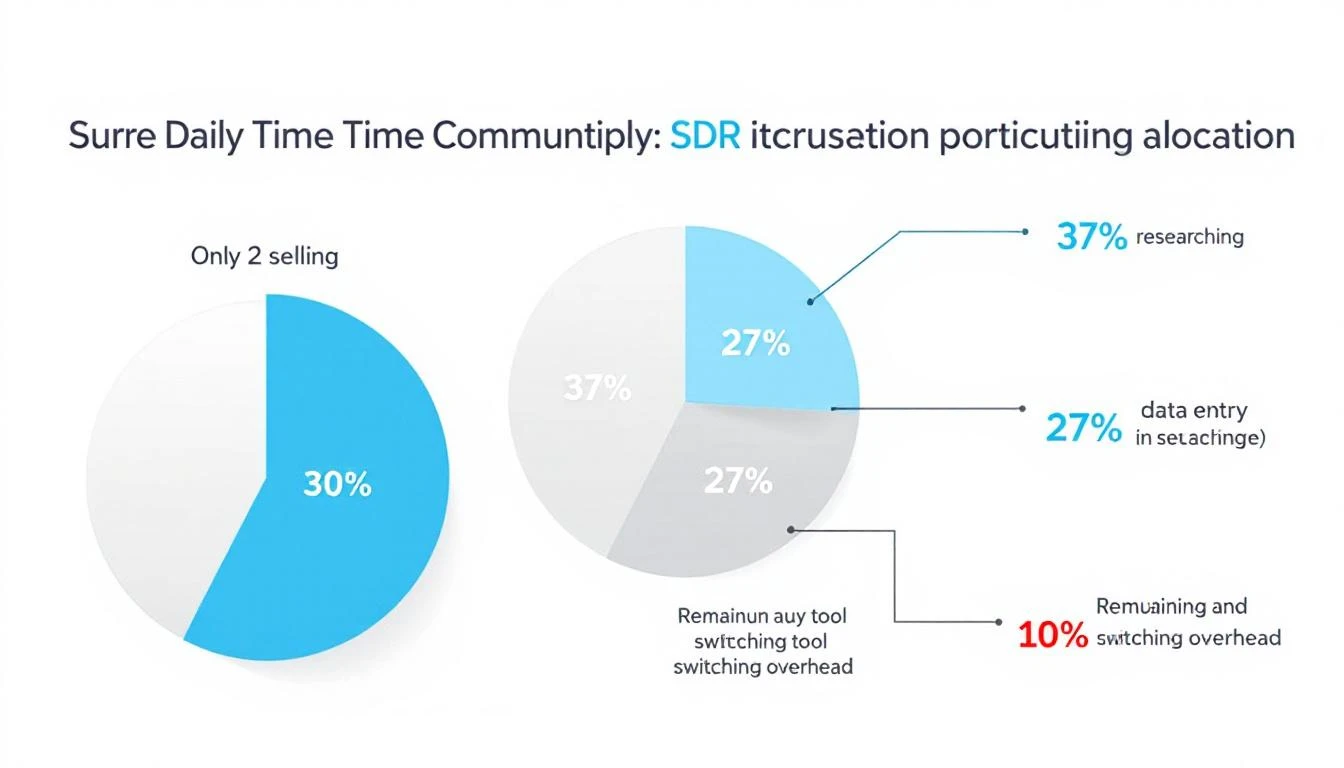
SDR daily time allocation breakdown showing only 2 hours of active selling

Something has to break.

What Context Switching Really Costs Your Pipelineโ€‹

The damage goes beyond lost minutes. Every context switch carries three hidden costs:

1. Decision fatigue compounds. Each tool has its own interface, its own logic, its own way of presenting information. Your rep doesn't just switch screens โ€” they switch mental models. By 2 PM, they're not making worse calls because they're lazy. They're making worse calls because their brain has been context-switching since 8 AM.

2. Speed-to-lead collapses. When a hot intent signal comes in โ€” a target account visiting your pricing page โ€” your rep needs to act in minutes, not hours. But if they're buried in their email sequencer and the signal is sitting in a separate intent dashboard they haven't checked since this morning? That lead gets called 3 days late. The moment is gone.

3. Institutional knowledge stays trapped. Every tool is a silo. Your CRM knows one thing. Your enrichment tool knows another. Your conversation intelligence platform has the call recordings. No single view shows your rep the full picture of a prospect โ€” their company's tech stack, recent funding, website visits, email engagement, and social activity โ€” in one place.

The result? SDRs spend more time hunting for context than using it.

The Command Bar Thesis: One Interface to Rule Them Allโ€‹

Here's the thought experiment: What if instead of 12 tabs, your reps had one search bar?

Not a Google search bar. Not a Slack search bar. A command interface โ€” a single Ctrl+K shortcut that could:

  • Search contacts across your entire database instantly
  • Pull up company research โ€” firmographics, tech stack, recent news โ€” without leaving the page
  • Launch workflows โ€” start a sequence, schedule a call, create a task โ€” with a keyboard shortcut
  • Ask your AI assistant questions like "What signals has Acme Corp shown this week?" and get an answer in seconds
  • Navigate your entire platform without touching a mouse

This isn't science fiction. It's the direction the entire GTM stack is moving.

The concept borrows from developer tools. Engineers have had command palettes for years โ€” VS Code's Ctrl+Shift+P, Raycast, Alfred, Spotlight. These interfaces let power users bypass menus, skip navigation, and execute actions at the speed of thought.

Sales has been stuck in the click-and-navigate era while engineering moved to the type-and-execute era years ago.

What a Unified Command Interface Means for SDR Velocityโ€‹

Let's get specific about the impact.

Morning routine โ€” before vs. after:

Before (traditional multi-tool setup):

  1. Open CRM, check assigned leads (2 min)
  2. Switch to intent data dashboard, scan for signals (3 min)
  3. Open enrichment tool, research top prospect (5 min)
  4. Switch to email sequencer, start a sequence (3 min)
  5. Open dialer, make first call (2 min to set up)
  6. Back to CRM to log the outcome (2 min)

That's 17 minutes and 6 tool switches before a single meaningful conversation. With each switch costing cognitive recovery time, the real cost is closer to 30-40 minutes.

After (unified command interface):

  1. Hit Ctrl+K, type prospect name โ€” full context appears (10 sec)
  2. See intent signals, enrichment data, engagement history in one view (15 sec)
  3. Type "start sequence" โ€” done (5 sec)
  4. Click to dial โ€” call launches in-platform (2 sec)
  5. Outcome auto-logged (0 sec)

Total: under a minute. Zero context switches. Zero cognitive recovery.

The math on recovered selling time:

If a unified platform eliminates even 50% of tool-switching overhead, that's roughly 2.5 hours per week returned to each rep. Across a 10-person SDR team, that's 25 hours per week โ€” essentially hiring a part-time rep for free.

At average SDR fully-loaded costs, tool-switching overhead costs organizations $150K+ annually in lost productivity per rep. And that's before you factor in the pipeline that never gets built because signals went cold while reps were alt-tabbing.

Why Consolidation Is Winning Over "Best of Breed"โ€‹

The sales tech stack has gotten expensive โ€” and bloated. The average B2B company spends $1,200-$2,400 per rep per month across their sales tools.

But here's what's changing: the "best of breed" era is ending.

For years, the conventional wisdom was to pick the best tool for each job. Best CRM. Best sequencer. Best dialer. Best enrichment. Best intent data. Stitch them together with integrations and pray they talk to each other.

That worked when sales teams had 3-4 tools. It broke when they had 12.

The integration tax is real. Data syncs fail silently. Contact records drift between systems. One tool updates a field that another tool doesn't see for 6 hours. Your rep calls a prospect who already replied to an email two hours ago โ€” because the CRM hadn't synced yet.

The future isn't 12 best-in-class tools loosely connected. It's one platform that does 80% of what those 12 tools do โ€” with everything connected natively, in real time, accessible from a single interface.

The Keyboard-First Sales Repโ€‹

There's a cultural shift happening alongside the technology shift.

The next generation of SDRs grew up on keyboard shortcuts. They use Cmd+Space to launch apps, Ctrl+K to search Notion, Cmd+T to open new tabs. They think in commands, not clicks.

Giving these reps a click-heavy, menu-driven sales platform is like giving a developer Notepad when they want VS Code. It works, technically. But it's fighting against how they naturally operate.

A command-first interface doesn't just save time. It changes the rep's relationship with their tools. Instead of the platform being something they navigate through, it becomes something they operate with. The tool disappears. The work stays.

That's the difference between a dashboard and a playbook. Dashboards show you data. Playbooks tell you what to do next. A command interface takes it one step further โ€” it lets you do the next thing without leaving the conversation.

What This Looks Like in Practiceโ€‹

Imagine this scenario:

Your rep gets a notification: a target account just visited the pricing page for the third time this week. Instead of switching to the intent dashboard, then the CRM, then the enrichment tool, then the sequencer, they hit Ctrl+K and type the company name.

Instantly, they see:

  • Who visited โ€” matched to specific contacts when possible
  • Company context โ€” industry, size, tech stack, recent funding
  • Engagement history โ€” every email opened, every page visited, every call made
  • AI recommendation โ€” "Call Sarah Chen (VP Sales) โ€” she opened your last email twice and visited pricing 3x this week. Here's a talk track based on their tech stack."
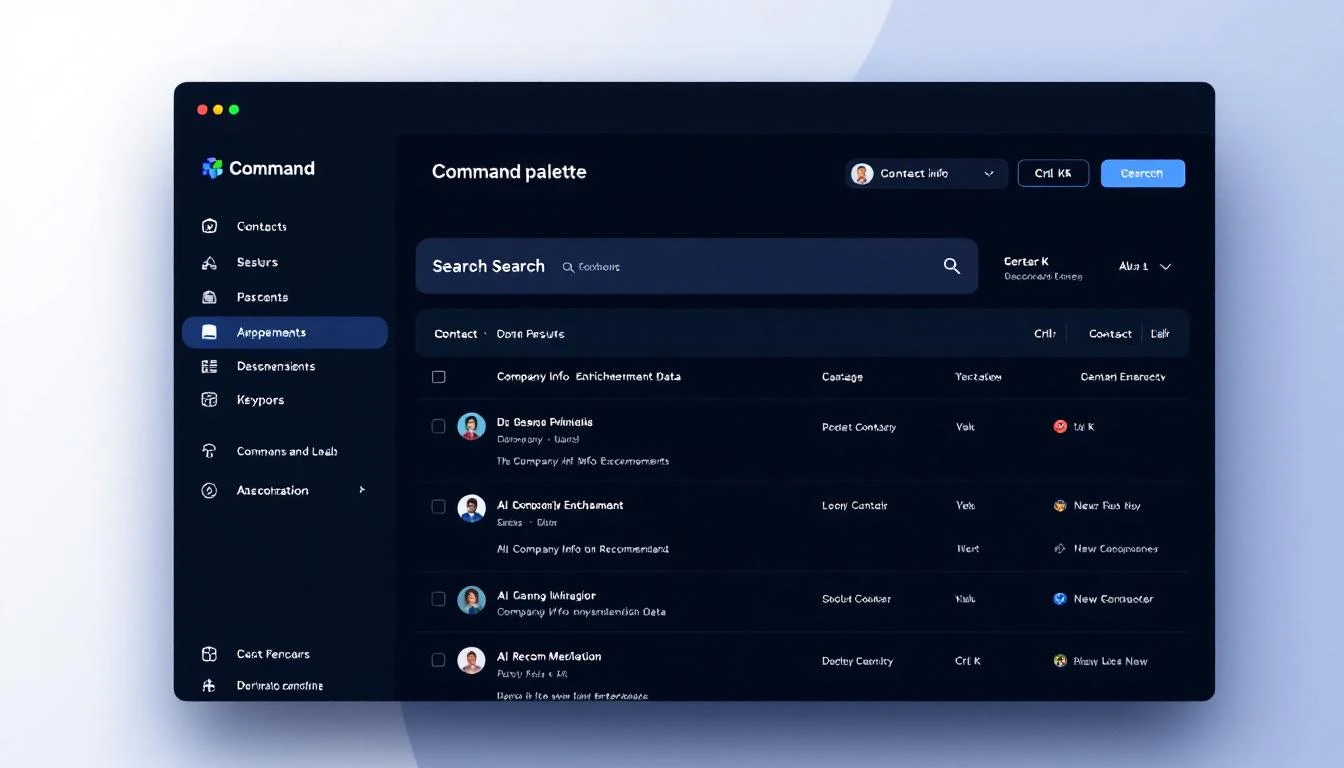
Command palette interface showing contact search with enrichment data and AI recommendations

One keystroke. Full context. Clear action. No tab-switching. No data hunting.

The rep makes the call in 30 seconds instead of 10 minutes. That's not a marginal improvement. That's a fundamentally different approach to speed-to-lead.

The Bottom Lineโ€‹

The sales productivity crisis isn't about lazy reps or bad training. It's a systems problem.

We've given SDRs a dozen specialized tools and told them to be productive while constantly switching between them. We've optimized each tool individually while ignoring the friction between them. We've measured activity metrics while the real bottleneck โ€” cognitive overhead from tool fragmentation โ€” went unmeasured and unaddressed.

The command bar isn't just a UI pattern. It's a philosophy: every action your rep needs should be one keystroke away.

One search bar. Full context. Instant action. Zero switching.

That's not a feature. That's a paradigm shift.


Want to see what a unified command interface looks like for sales? Book a demo โ†’

The Real Cost of Building a B2B Sales Tech Stack in 2026: A Data-Driven Breakdown

ยท 12 min read
MarketBetter Team
Content Team, marketbetter.ai

Here's a number that should terrify every VP of Sales: sellers who feel overwhelmed by their tech stack are 43% less likely to hit quota. Not slightly less likely. Nearly half as likely.

Yet somehow, the average B2B sales organization keeps adding tools. More point solutions. More logins. More invoices. The 2025 B2B sales benchmarks show organizations now average 8.3 tools per SDR at roughly $187 per rep per month โ€” and that's the conservative estimate.

We dug into the actual pricing of every major sales tool category to answer a question nobody wants to ask out loud: What does it really cost to equip an SDR team in 2026?

The answer isn't pretty.

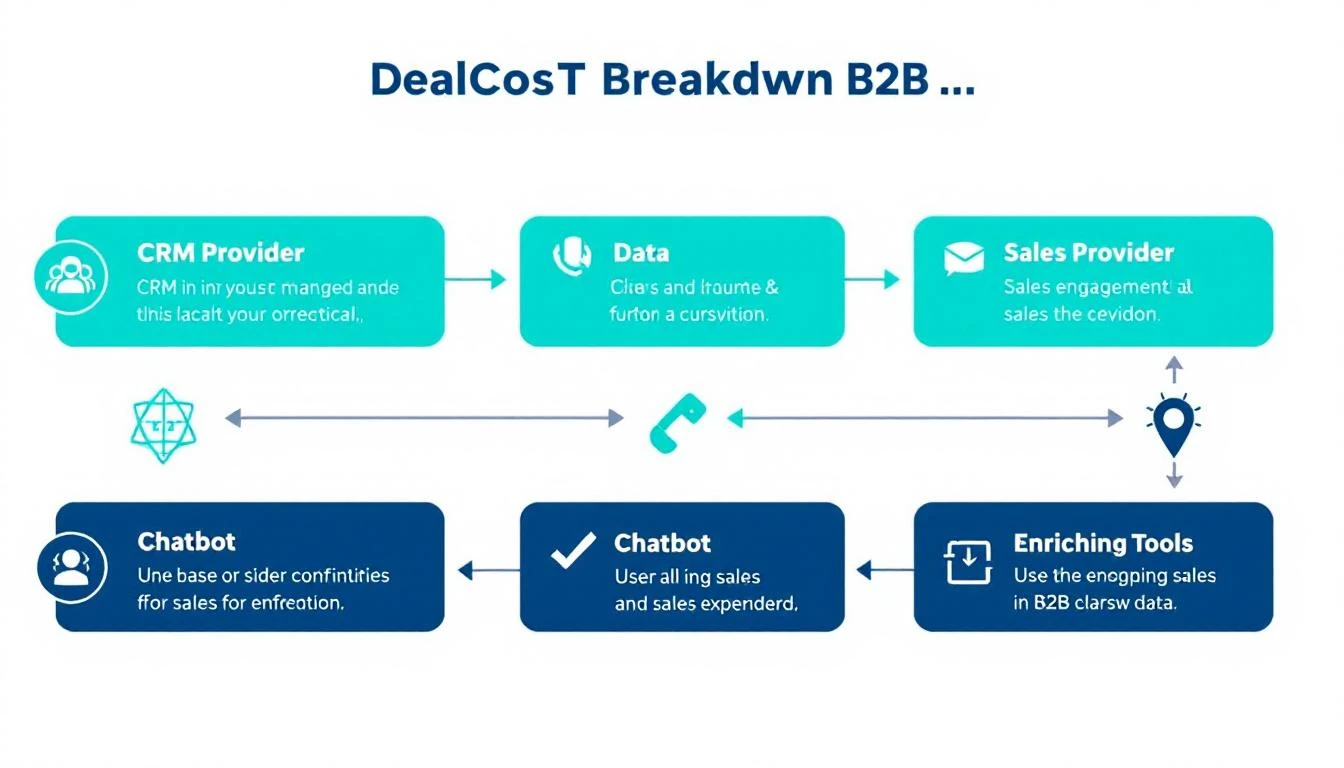
B2B Sales Tech Stack Cost Breakdown

The 7 Tool Categories Every SDR Team Pays Forโ€‹

Before we get to the numbers, let's map the categories. A fully equipped outbound SDR team typically needs tools across seven distinct functions:

  1. CRM โ€” The system of record (Salesforce, HubSpot)
  2. Data Provider โ€” Contact and company information (ZoomInfo, Apollo, Cognism)
  3. Sales Engagement โ€” Email sequences, cadences, multi-channel orchestration (Outreach, SalesLoft)
  4. Visitor Identification โ€” Website deanonymization and intent signals (Warmly, Clearbit, 6sense)
  5. Dialer โ€” Power/parallel dialing for phone outreach (Orum, Nooks, Kixie)
  6. Enrichment โ€” Data append, job change tracking, technographic data (Clearbit, Clay, Lusha)
  7. Conversation Intelligence โ€” Call recording, coaching, deal insights (Gong, Chorus)

Some teams add an eighth: chatbot or live chat for inbound conversion. Others add a ninth: ABM/advertising for targeted display campaigns. The sprawl adds up fast.

What Each Category Actually Costsโ€‹

We pulled publicly available pricing data, G2 reviews, analyst reports, and vendor disclosures to build a realistic picture of what each tool category costs per seat, per year. Where vendors hide pricing (looking at you, ZoomInfo and 6sense), we used reported ranges from customer reviews and industry benchmarks.

1. CRM: $0โ€“$1,800/user/yearโ€‹

ToolAnnual Cost Per UserNotes
HubSpot (Free)$0Limited features, fine for tiny teams
HubSpot Sales Hub Pro$1,080/yr ($90/mo)Most common SMB choice
Salesforce Sales Cloud Pro$1,200/yr ($100/mo)Enterprise standard
Salesforce Enterprise$1,980/yr ($165/mo)With forecasting + pipeline inspection
Pipedrive Advanced$396/yr ($33/mo)Budget-friendly alternative

Typical mid-market spend: $1,000โ€“$1,500/user/year

2. Data Provider: $600โ€“$15,000+/user/yearโ€‹

This is where the sticker shock hits. Data is the most expensive variable in any sales stack.

ToolAnnual Cost Per UserNotes
Apollo.io Basic$588/yr ($49/mo)Limited credits, common starter
Apollo.io Professional$1,188/yr ($99/mo)Uncapped emails, better data
Cognism$1,500โ€“$3,000/yr (est.)European data strength
Lusha Pro$432/yr ($36/mo)Phone number focused
ZoomInfo Professional$14,995+/yr (platform)Per-seat pricing unclear, annual contracts
ZoomInfo Advanced$24,995+/yr (platform)With intent data

Typical mid-market spend: $1,200โ€“$5,000/user/year (varies wildly by vendor)

3. Sales Engagement: $1,200โ€“$1,800/user/yearโ€‹

ToolAnnual Cost Per UserNotes
Outreach Standard$1,200โ€“$1,800/yr (est.)Custom pricing, annual only
SalesLoft Advanced$1,500โ€“$1,800/yr (est.)Now owned by Vista Equity
Apollo.io (built-in)Included in data planBasic sequencing
Instantly$360/yr ($30/mo)Email-only, volume play
Reply.io$708/yr ($59/mo)Multi-channel

Typical mid-market spend: $1,200โ€“$1,800/user/year for dedicated engagement platforms

4. Visitor Identification: $4,200โ€“$100,000+/yearโ€‹

This category has the widest pricing range in all of B2B sales tech. It's also where teams often get the least value for their spend.

ToolAnnual Cost (Platform)Notes
Warmly$8,400โ€“$18,000/yr ($700โ€“$1,500/mo)SMB-focused
Clearbit$12,000โ€“$50,000+/yrNow part of HubSpot
6sense Growth$25,000โ€“$60,000+/yrEnterprise ABM platform
6sense Enterprise$60,000โ€“$100,000+/yrFull suite
Demandbase$30,000โ€“$80,000+/yrEnterprise only
RB2B$4,200/yr ($350/mo)Startup, person-level ID

Typical mid-market spend: $8,000โ€“$30,000/year (platform-level, not per seat)

5. Dialer: $600โ€“$1,800/user/yearโ€‹

ToolAnnual Cost Per UserNotes
Orum$1,200โ€“$1,800/yr (est.)AI parallel dialer
Nooks$1,200โ€“$1,500/yr (est.)Virtual sales floor + dialer
Kixie$420/yr ($35/mo)Click-to-call, basic
PhoneBurner$1,668/yr ($139/mo)Power dialer

Typical mid-market spend: $1,000โ€“$1,500/user/year

6. Enrichment: $1,200โ€“$12,000/yearโ€‹

ToolAnnual CostNotes
Clay$4,788โ€“$9,588/yr ($399โ€“$799/mo)Waterfall enrichment, usage-based
Clearbit (standalone)$12,000โ€“$50,000+/yrEnterprise enrichment
Lusha (enrichment)$432โ€“$1,068/yrPhone + email append
People Data LabsUsage-basedAPI pricing

Typical mid-market spend: $3,000โ€“$8,000/year (platform-level)

7. Conversation Intelligence: $1,200โ€“$3,600/user/yearโ€‹

ToolAnnual Cost Per UserNotes
Gong$1,200โ€“$3,600/yr (est.)Market leader, custom pricing
Chorus (ZoomInfo)Bundled with ZoomInfoHard to price standalone
Fireflies.ai Pro$228/yr ($19/mo)AI meeting notes
Clari Copilot$1,200+/yr (est.)Revenue intelligence

Typical mid-market spend: $1,200โ€“$2,400/user/year

The Total: What a 5-Person SDR Team Actually Paysโ€‹

Let's put it all together. Here's what a typical B2B company with 5 SDRs spends across three common stack configurations:

Scenario A: Budget Stack (Startup, Series A)โ€‹

CategoryToolAnnual Cost
CRMHubSpot Sales Hub Starter$900 (2 seats free + 3 paid)
Data + EngagementApollo.io Professional$5,940 (5 ร— $99/mo)
Visitor IDRB2B$4,200
DialerKixie$2,100 (5 ร— $35/mo)
EnrichmentIncluded in Apollo$0
Conversation IntelFireflies.ai$1,140 (5 ร— $19/mo)
Total$14,280/year
Per SDR$2,856/year

Scenario B: Mid-Market Stack (Series B/C, 50-200 employees)โ€‹

CategoryToolAnnual Cost
CRMSalesforce Pro$6,000 (5 ร— $100/mo)
DataZoomInfo Professional$14,995 (platform)
EngagementOutreach$7,500 (5 ร— $125/mo est.)
Visitor IDWarmly$10,800 ($900/mo)
DialerOrum$7,500 (5 ร— $125/mo est.)
EnrichmentClay$5,988 ($499/mo)
Conversation IntelGong$9,000 (5 ร— $150/mo est.)
Total$61,783/year
Per SDR$12,357/year

Scenario C: Enterprise Stack (500+ employees)โ€‹

CategoryToolAnnual Cost
CRMSalesforce Enterprise$9,900 (5 ร— $165/mo)
DataZoomInfo Advanced$24,995 (platform)
EngagementOutreach + SalesLoft$12,000 (some teams run both)
Visitor ID6sense Growth$40,000 (platform)
DialerOrum Enterprise$10,000 (5 seats est.)
EnrichmentClearbit + Clay$18,000
Conversation IntelGong Enterprise$15,000 (5 seats est.)
ABM/AdsDemandbase$30,000
Total$159,895/year
Per SDR$31,979/year

Read that again. An enterprise sales team can easily spend $32,000 per SDR per year on software alone โ€” before salary, benefits, or management overhead.

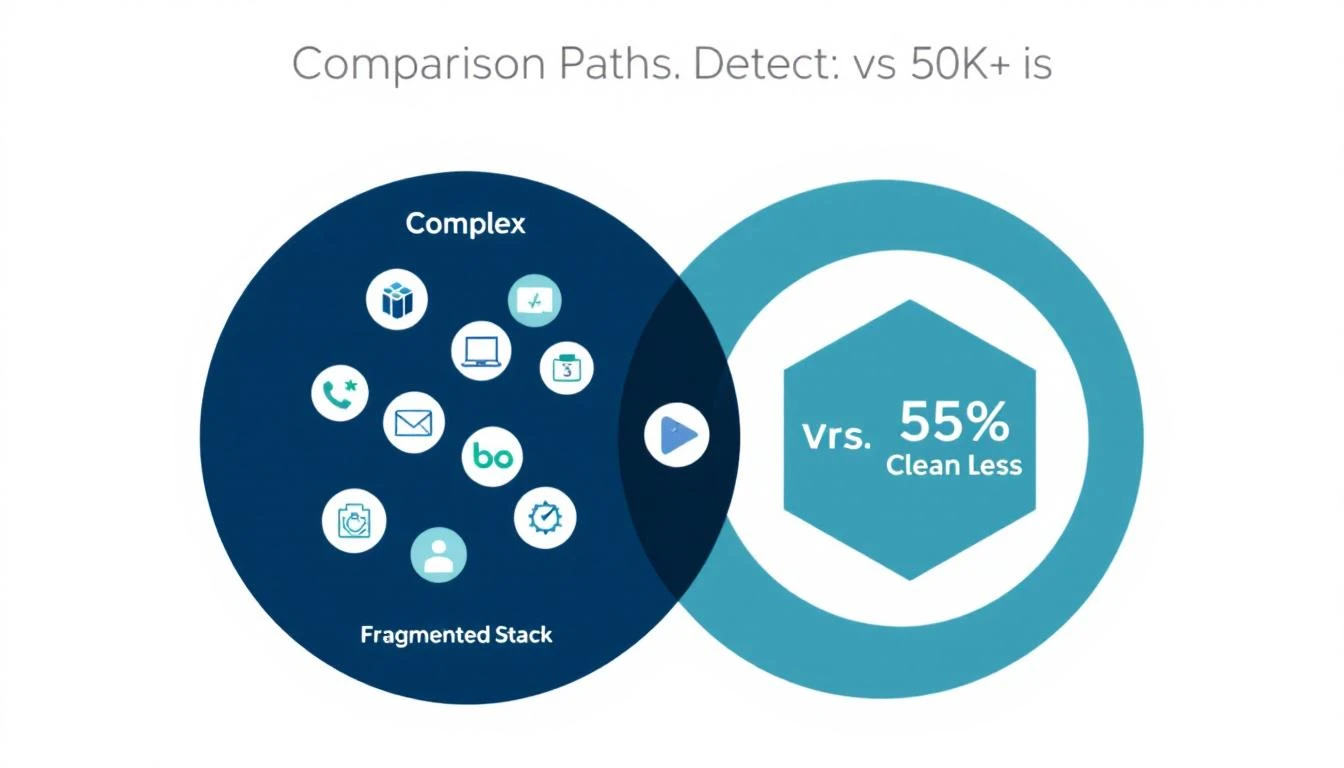
Fragmented vs Consolidated Tech Stack

The Hidden Costs Nobody Talks Aboutโ€‹

The tool licenses are just the invoice line items. The real costs are harder to see:

Integration Taxโ€‹

Every tool needs to connect to every other tool. CRM syncs with engagement. Engagement syncs with data. Data syncs with enrichment. That's a combinatorial explosion of API connections, each one a potential failure point.

Most mid-market teams spend 10-15 hours per month managing integrations, troubleshooting sync failures, and deduplicating records across platforms. At a RevOps salary, that's $3,000-$5,000/year in hidden labor.

Context-Switching Costโ€‹

Here's the stat that should change how you think about your stack: SDRs spend only 28% of their time actually selling. The rest? Logging activities, switching between tools, finding the right data, and formatting reports.

With 8+ tools, an SDR might tab-switch hundreds of times per day. Each switch costs 23 minutes of refocused attention (according to UC Irvine research on task switching). The cumulative productivity loss is staggering.

Ramp Time Multiplicationโ€‹

Average SDR ramp time is already 3.1-3.2 months. But that assumes they're learning one workflow. When you add 8 separate tools โ€” each with its own UI, its own logic, its own quirks โ€” ramp time quietly extends to 4-5 months.

And with average SDR tenure at just 14-16 months, that means you get roughly 9-10 months of productive output before you start over. You're paying ramp costs every single year for each seat.

Vendor Lock-In and Annual Contractsโ€‹

Most enterprise sales tools require annual contracts with 30-60 day cancellation windows. If a tool isn't working after month 3, you're paying for 9 more months of shelfware. ZoomInfo and 6sense are notorious for this โ€” teams report paying for features they never implemented.

The Real Fully Loaded Cost Per SDRโ€‹

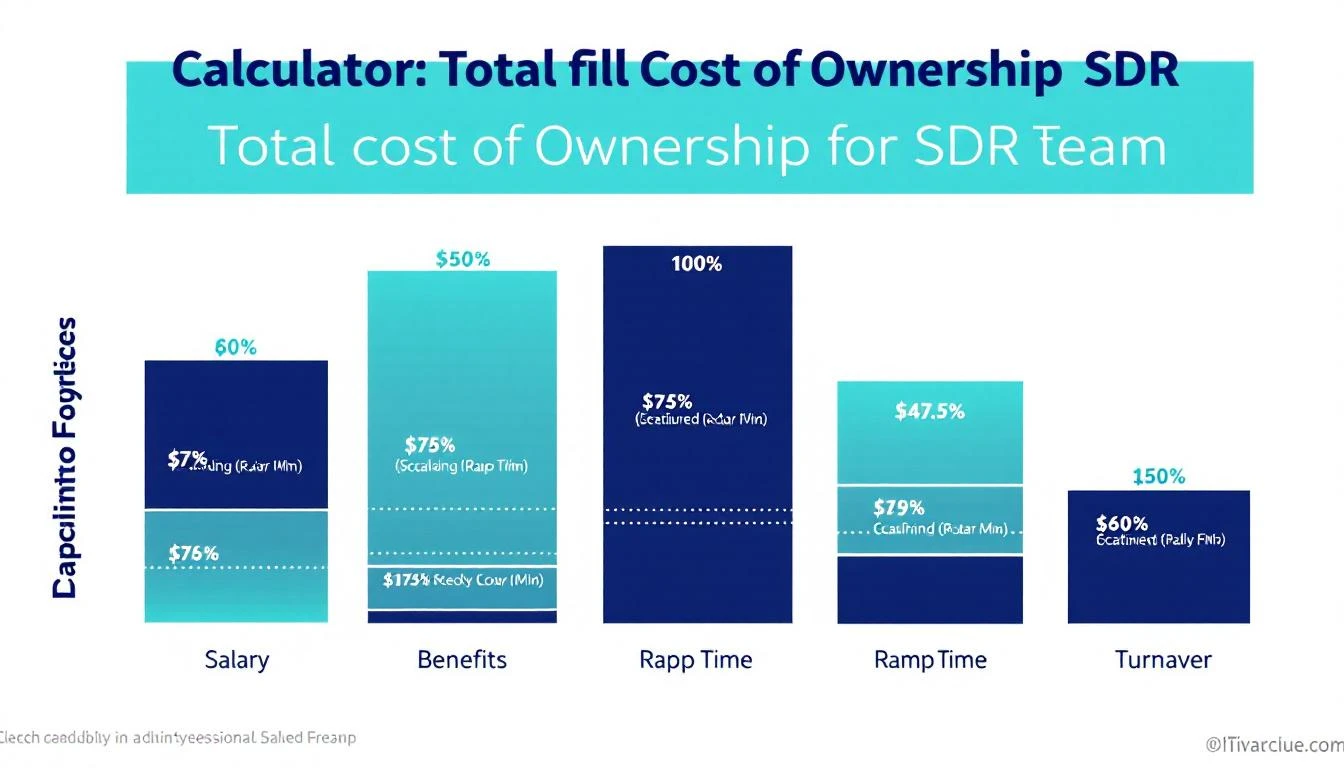
Let's combine tool costs with the human costs from industry benchmarks to see the full picture:

Cost ComponentConservativeMid-RangeEnterprise
Cash compensation (base + variable)$75,000$85,000$95,000
Benefits and payroll taxes (28%)$21,000$23,800$26,600
Tech stack (from scenarios above)$2,856$12,357$31,979
Management + enablement allocation$10,000$18,000$25,000
Recruiting + ramp + turnover (annualized)$10,000$20,000$30,000
Fully Loaded Annual Cost Per SDR$118,856$159,157$208,579

The turnover line is the killer. Replacing a single SDR costs an estimated $100,000+ when you factor in recruiting fees, lost pipeline, onboarding time, and management bandwidth. With average tenure at 14-16 months, you're essentially baking $35,000-$50,000 in annual churn cost into every SDR seat.

SDR Total Cost of Ownership

The Consolidation Opportunityโ€‹

Here's what the data tells us: most of the cost isn't in individual tools โ€” it's in having too many of them.

The hidden costs (integration tax, context-switching, extended ramp, shelfware) dwarf the visible ones. A team running 8 tools at $8,000/year each isn't actually paying $64,000 โ€” it's paying $64,000 + $15,000 in integration labor + $30,000 in lost productivity + $10,000 in extended ramp. The real cost is closer to $119,000.

What if you could collapse 5-6 of those tools into one?

That's the thesis behind platform consolidation in sales tech. Instead of a CRM + separate data provider + separate engagement platform + separate visitor ID + separate dialer + separate enrichment, you run a unified system that handles the full workflow:

  • Signal capture (visitor ID + intent data + job changes) โ†’ no separate 6sense or Warmly subscription
  • Contact enrichment (email + phone + firmographics) โ†’ no separate ZoomInfo or Clearbit contract
  • Sequence orchestration (email + phone + LinkedIn) โ†’ no separate Outreach or SalesLoft license
  • Dialer (click-to-call with AI prep) โ†’ no separate Orum subscription
  • Daily playbook (prioritized actions, not raw data) โ†’ no separate dashboard to interpret

The math gets compelling fast. A mid-market team paying $61,783/year across 7 tools could consolidate to a unified platform at $15,000-$25,000/year โ€” a 60-75% reduction in tool spend, plus the elimination of integration tax, faster ramp, and less context-switching.

The Decision Framework: Should You Consolidate?โ€‹

Not every team should consolidate tomorrow. Here's how to think about it:

Consolidate If...โ€‹

  • You have 6+ tools and your SDRs complain about tab-switching
  • Your RevOps team spends more than 10 hours/month on integration maintenance
  • New SDR ramp takes more than 3 months due to tool complexity
  • You're paying for features you don't use across multiple platforms
  • Your cost per held meeting is above $500

Stay Fragmented If...โ€‹

  • You have a dedicated RevOps team that manages integrations well
  • You've negotiated strong enterprise discounts with existing vendors
  • Your team is 20+ SDRs and switching costs are prohibitive in the short term
  • Specific tools are deeply embedded in your workflow with no alternative

The Audit Checklistโ€‹

Run this audit quarterly to find consolidation opportunities:

  1. List every tool with per-seat cost and actual monthly active users
  2. Identify overlap โ€” are 2+ tools providing the same data or function?
  3. Calculate integration hours โ€” how much RevOps time goes to keeping tools in sync?
  4. Survey your SDRs โ€” which tools do they actually open daily vs. never?
  5. Measure cost per held meeting โ€” the only metric that connects tool spend to pipeline

What the Smartest Teams Are Doing in 2026โ€‹

The trend is unmistakable. Only 19% of companies increased SDR headcount in 2025 โ€” the lowest growth rate across all sales functions (SaaStr). Teams aren't adding reps. They're making existing reps more productive by reducing the cognitive overhead of a fragmented stack.

The winners in 2026 are doing three things differently:

1. Choosing platforms over point solutions. Instead of best-of-breed for every function, they pick one platform that covers 70-80% of their needs and add 1-2 specialized tools for the rest. The integration savings alone pay for the trade-off.

2. Measuring cost per held meeting, not cost per tool. A $50,000/year platform that delivers 200 held meetings ($250 each) beats a $20,000 stack that only delivers 60 ($333 each). Total cost of ownership matters more than line-item pricing.

3. Prioritizing speed to lead over data volume. The MIT/InsideSales study still holds: 35-50% of sales go to the vendor that responds first. A tool that tells you WHO is interesting but useless. A tool that tells you WHO + WHAT TO DO + WHEN is worth 10x more.

The Bottom Lineโ€‹

The average B2B sales team is spending $47,000-$156,000/year on tools for a 5-person SDR team โ€” and getting maybe 60% of the value they're paying for. The other 40% leaks out through integration failures, context-switching, shelfware, and extended ramp times.

The question isn't "which tools should I buy?" It's "how few tools can I run while capturing 90% of the functionality?"

Every tool you eliminate isn't just a canceled invoice. It's one fewer login for your SDRs to remember, one fewer integration to maintain, one fewer vendor to negotiate with, and one less thing standing between your rep and a booked meeting.

The most expensive sales tech stack is the one your team doesn't use.


Ready to Consolidate Your Sales Tech Stack?โ€‹

MarketBetter combines visitor identification, intent signals, email sequences, smart dialer, AI chatbot, and a daily SDR playbook into one platform โ€” starting at $99/user/month.

Stop paying for 8 tools. Start booking meetings with one.

Book a demo โ†’