
How to Turn Website Visitors Into Pipeline in 24 Hours: A Step-by-Step Workflow [2026]

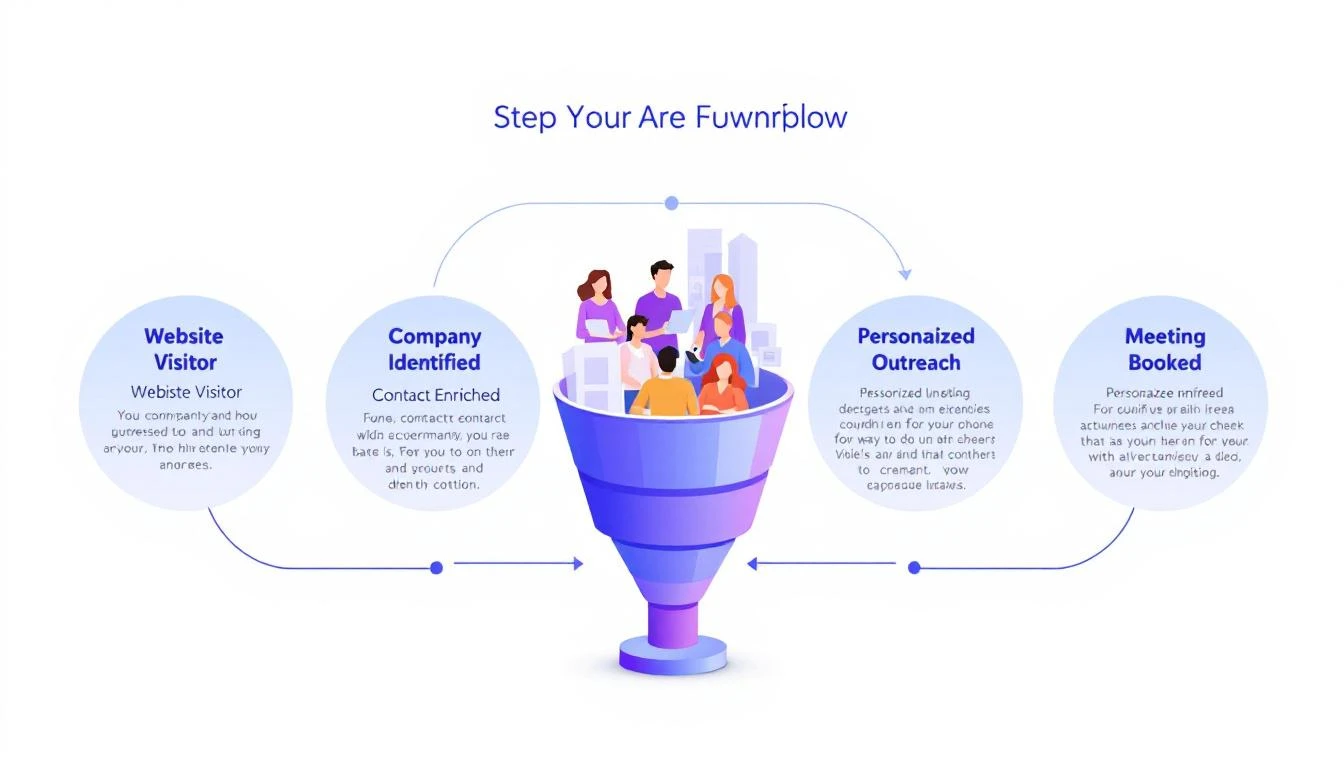
Here's a stat that should make every sales leader uncomfortable: 90% of website visitor identification data sits unused in dashboards. Companies pay $500–$2,000 per month for visitor ID tools, identify hundreds of companies visiting their site, and then... do nothing with it.
The problem isn't identification. The technology for website visitor identification works. Companies show up. Names get matched. Firmographic data populates.
The problem is what happens next.
Your sales team sees a notification that "Company X visited your pricing page." Great. Now what? Who at Company X should they contact? What should they say? How do they personalize outreach when they know nothing about the visitor's specific pain?
Most teams either ignore the data entirely or blast generic "I noticed you visited our website" emails that get deleted on sight.
This guide walks you through a repeatable 5-step workflow that takes you from anonymous website traffic to a booked meeting — consistently, in under 24 hours.
Why Most Visitor ID Programs Fail
Before we fix the workflow, let's understand why it breaks.
The typical visitor ID program looks like this:
- Install a pixel on your website
- Wait for data to populate a dashboard
- Check the dashboard (maybe once a day, maybe once a week)
- See a list of companies — some recognizable, most not
- Feel overwhelmed by the volume and close the tab
The gap between "identified" and "contacted" is where pipeline goes to die. According to research from Opensend, IP-to-company matching delivers 70–80% accuracy for B2B identification. That means the identification layer works. But identification without action is just expensive analytics.
Three structural problems kill most visitor ID programs:
1. No prioritization framework. Not every visitor is equal. Someone who spent 12 minutes on your pricing page and came back twice is a completely different signal than a bot crawler hitting your homepage for 3 seconds. Without scoring, every lead looks the same.
2. No enrichment workflow. Visitor ID gives you the company. You need the person. That means enrichment — finding the right contacts, their roles, their email addresses, their LinkedIn profiles. Doing this manually for 50+ identified companies per day isn't realistic.
3. No speed. The data that speed-to-lead research has proven for years applies here: 78% of buyers choose the vendor that responds first. If you're checking your visitor dashboard on Monday morning and reaching out Tuesday afternoon, your competitor who automated the response already booked the meeting.
The 5-Step Visitor-to-Pipeline Workflow
Here's the workflow that actually converts. Each step builds on the previous one, and the entire process should take less than 24 hours from first visit to first outreach.
Step 1: Identify and Filter (Automated — 0 Minutes)
Your visitor identification tool captures company-level data: company name, industry, size, pages visited, time on site, and session frequency.
But raw visitor data is noise. You need a filter.
Set up qualification criteria before you start outreach:
| Signal | Weight | Why It Matters |
|---|---|---|
| Visited pricing page | High | Active buying signal |
| Returned 2+ times in 7 days | High | Persistent interest |
| Spent 5+ minutes on site | Medium | Engaged, not bouncing |
| Company size matches ICP (50–500 employees) | High | Right fit |
| Viewed product/feature pages | Medium | Evaluating capabilities |
| Homepage only, single visit | Low | Could be anything |
| Blog post only, single visit | Low | Content consumer, not buyer |
The rule: Only pass visitors that hit at least two "High" signals or one "High" plus two "Medium" signals to the enrichment step. Everything else goes into a nurture bucket.
This filter alone eliminates 60–70% of noise and lets your team focus on the visitors who are actually evaluating solutions.
If you're using a platform with a daily SDR playbook, this filtering happens automatically. The playbook surfaces the visitors worth contacting, ranked by intent strength, so your reps don't waste time sorting through raw lists.
Step 2: Enrich to Contact Level (5–10 Minutes per Account)
Company-level identification is necessary but insufficient. You need names.
The enrichment workflow:
-
Identify the buying committee. For a B2B SaaS sale, this typically includes:
- The end user (SDR Manager, Demand Gen Manager)
- The economic buyer (VP Sales, VP Marketing, CRO)
- The technical evaluator (RevOps, Sales Ops)
-
Find 2–3 contacts per identified company. Don't email one person and hope for the best. Multi-thread from the start.
-
Gather enrichment data for each contact:
- Work email (verified, not guessed)
- LinkedIn profile URL
- Current role and tenure
- Recent activity (job change, promotion, company news)
The best lead enrichment tools can do this in seconds. Manual research on LinkedIn Sales Navigator takes 5–10 minutes per account. At scale, you need automation — researching 20 accounts manually every day burns 2+ hours that your SDR should spend on actual conversations.
Pro tip: Prioritize contacts who recently changed jobs. Job change signals are one of the strongest buying indicators — someone new in a role is 5x more likely to purchase new tools in their first 90 days. If your visitor ID catches a company where the VP Sales just started 2 months ago, that's a red-hot lead.
Step 3: Build Hyper-Personalized Context (10 Minutes per Account)
This is where most teams fail. They skip this step entirely and send generic outreach. Don't.
Here's the context you need to build for each qualified, enriched account:
From your visitor data:
- What specific pages did they visit? (This tells you their pain)
- How long did they spend? (This tells you their urgency)
- Did they return multiple times? (This tells you they're evaluating)
- What content did they engage with? (This tells you their knowledge level)
From enrichment data:
- What does this person's LinkedIn say about their priorities?
- Has their company raised funding, made acquisitions, or announced growth?
- Are they hiring for roles that indicate the problem you solve?
Combine into a "context brief":
"Sarah, VP Sales at Acme Corp (150 employees, SaaS). Visited pricing page + visitor ID feature page 3 times in 5 days. Company just raised Series B. Currently hiring 4 SDRs. Sarah joined 3 months ago from Gong."
That brief takes 10 minutes to build. But it gives your SDR everything they need to write outreach that feels personal — because it is personal.
This is fundamentally different from the "I noticed your company visited our website" approach. You're not leading with surveillance. You're leading with relevance.
Step 4: Execute Multi-Channel Outreach (15–20 Minutes per Account)
Single-channel outreach is dead. Email-only response rates hover around 1–2% for cold outreach. But research from SalesHive shows that multi-channel sequences — layering email, phone, and LinkedIn — can drive up to 287% more engagement and 300% more conversions compared to email alone.
Here's a 5-touch sequence framework for visitor-sourced leads:
Day 1 (within 4 hours of identification):
- LinkedIn: Connect with a personalized note referencing their role, not your product
- Email #1: Reference the specific problem your visitor data suggests, share a relevant insight
Day 2:
- Phone call: Direct dial. Reference the email. Keep it to 30 seconds — the goal is a conversation, not a pitch
Day 4:
- Email #2: Share a customer story from a similar company/industry. Include a specific metric
Day 7:
- LinkedIn: Engage with their content (comment, like). Send a follow-up message referencing something they posted
Day 10:
- Email #3: "Break-up" email. Direct ask: "Is this a priority for your team right now, or should I check back in Q3?"
Critical rules:
- Never mention you saw them on your website. It feels invasive. Instead, reference the problem their behavior suggests
- Lead with value, not features. "Companies your size typically lose 35% of leads to slow response time" beats "We have an AI chatbot"
- Personalize every touch. If your email could be sent to 100 people without changing a word, it's not personalized enough
- Email deliverability matters more than email volume. A 95% delivery rate beats a 70% delivery rate with 3x the sends
For teams running this at scale, multi-channel orchestration platforms automate the timing and channel switching. The SDR's job shifts from "manage the sequence" to "have the conversation when someone responds."
Step 5: Measure, Learn, Iterate (Weekly — 30 Minutes)
The workflow doesn't end when outreach goes out. You need a feedback loop.
Track these metrics weekly:
| Metric | Benchmark | What It Tells You |
|---|---|---|
| Visitors identified → outreach sent | >80% | Is the workflow running? |
| Outreach sent within 24 hours | >90% | Is speed-to-lead fast enough? |
| Email reply rate | >5% | Is personalization working? |
| Meeting booked rate (from visitor leads) | >3% | Is the full funnel converting? |
| Visitor-sourced pipeline as % of total | >25% | Is this channel material? |
For more on the metrics that matter, see our complete SDR metrics and KPIs guide.
Weekly iteration questions:
- Which page-visit patterns most often lead to meetings? Double down on driving traffic there
- Which outreach templates get the highest reply rates? Replicate the structure
- Which companies visit but don't convert? Analyze why — wrong ICP? Wrong messaging? Wrong timing?
- What's the average time from first visit to meeting booked? Target under 72 hours
Real Numbers: What This Workflow Actually Produces
Let's run the math on a realistic scenario.
Assumptions:
- 200 unique companies identified per month (common for B2B SaaS with 10K+ monthly visitors)
- 30% pass the qualification filter from Step 1 = 60 qualified visitors
- Each enriched to 2.5 contacts = 150 contacts in outreach
- Multi-channel sequence gets 8% reply rate = 12 conversations
- 25% of conversations convert to meetings = 3 meetings per month
Three meetings per month from a channel that didn't exist before. At a $30K ACV with a 25% close rate, that's $22,500 in new annual revenue per month — from website traffic you were already getting.
Scale the inputs (more traffic, better content driving ideal visitors to high-intent pages) and the math compounds. Companies running this workflow consistently report visitor-sourced pipeline becoming 15–30% of total pipeline within 6 months.
Compare this to the industry average: SDRs book 15 meetings per month across all channels. Adding 3 high-quality, warm meetings from visitor data is a 20% lift — from prospects who already showed buying intent by visiting your site.
The Two Approaches: DIY Stack vs. All-in-One
You can build this workflow two ways.
The DIY stack approach:
- Visitor ID: Leadfeeder, RB2B, or Clearbit Reveal ($200–$1,000/mo)
- Enrichment: Apollo, ZoomInfo, or Cognism ($500–$2,500/mo)
- Sequencing: Outreach, SalesLoft, or Instantly ($100–$500/mo per seat)
- CRM: HubSpot or Salesforce ($50–$300/mo per seat)
- LinkedIn: Sales Navigator ($100/mo per seat)
- Total: $1,000–$5,000/mo + significant integration and workflow management time
The DIY approach works, but you're stitching together 5 tools, managing data flow between them, and relying on your SDR to manually connect signals to actions. The real cost of a B2B sales tech stack often exceeds what teams budget.
The all-in-one approach: Platforms like MarketBetter consolidate visitor identification, enrichment, outreach, and a daily SDR playbook into one workspace. The visitor shows up, gets scored, contacts get enriched, and a prioritized task with personalization context lands in the SDR's daily playbook — automatically.
The difference isn't just cost. It's time-to-action. In the DIY stack, the handoff between identification and outreach takes hours or days. In a consolidated platform, it takes minutes.
For teams evaluating options, our best AI SDR tools guide and website visitor tracking software comparison break down the options in detail.
Common Mistakes (and How to Avoid Them)
Mistake 1: Treating every visitor equally. Fix: Implement the scoring framework from Step 1. Your pricing page visitor and your blog reader are not the same lead.
Mistake 2: Leading with "I saw you on our website." Fix: Never reference the visit directly. Lead with the problem your data suggests they have. "Companies scaling their SDR team often struggle with..." is better than "I noticed your team was on our site."
Mistake 3: Single-threaded outreach. Fix: Always contact 2–3 people per company. If the VP ignores you, the Director might not. Multi-threading increases deal velocity by 25-40% across industries.
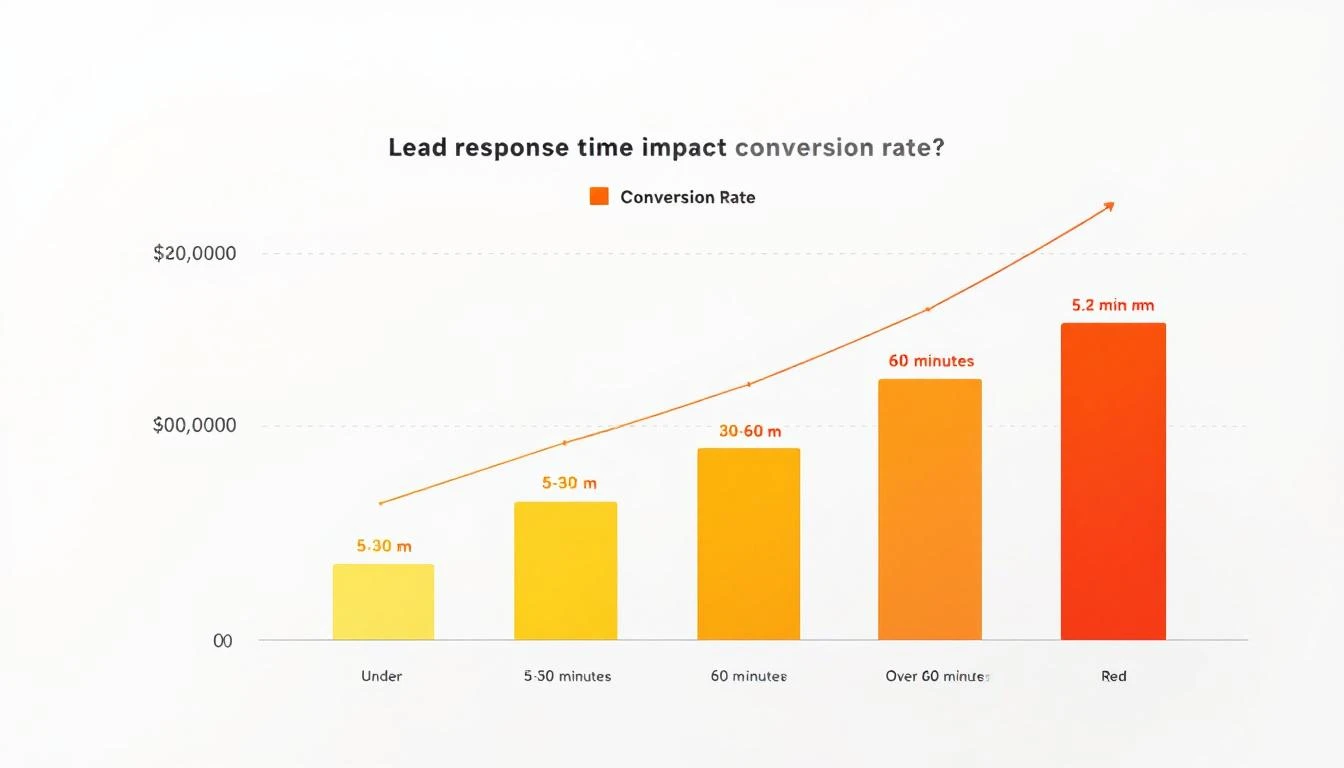
Mistake 4: Waiting too long. Fix: First outreach within 4 hours of identification. The speed-to-lead data is unambiguous — response in the first 5 minutes is 21x more effective than responding after 30 minutes.
Mistake 5: No feedback loop. Fix: Review metrics weekly. If reply rates drop below 3%, your personalization needs work. If meetings drop off, your qualification criteria are too loose.
The Bottom Line
Website visitor identification isn't a strategy. It's an ingredient. The strategy is the workflow that turns that ingredient into pipeline.
The 5-step workflow — Identify → Enrich → Contextualize → Execute → Iterate — gives you a repeatable process for converting anonymous interest into booked meetings. The teams that do this well don't just have better tools. They have better systems.
Most of your competitors have visitor ID installed. Almost none of them have a systematic workflow for acting on the data. That's your advantage — if you actually build the workflow.
Ready to see how MarketBetter automates this entire workflow? Book a demo and see your visitor data turned into a prioritized SDR playbook — automatically.