The Person Who Signs the Check Never Sees Your Email — Here's Why [2026]

Your SDR just sent the best cold email of their career. Personalized. Researched. Timed perfectly.
The director opens it, reads it, and thinks: "This is interesting. Let me loop in my VP and procurement."
So they forward it.
And just like that, your carefully crafted outreach is now buried in a forwarded thread — stripped of tracking, missing context, and invisible to you. The VP sees a wall of > characters. Procurement sees a random vendor name. Nobody replies.
Your deal just died, and you don't even know it happened.
This is the single-threaded selling trap. And if your outreach tool can't automatically CC the right people, loop in meeting attendees, and keep the full buying committee engaged — you're selling to one person while four others are making the decision without you.
The Buying Committee Problem: Why One Contact Is Never Enough
Let's start with the math that should terrify every sales leader.
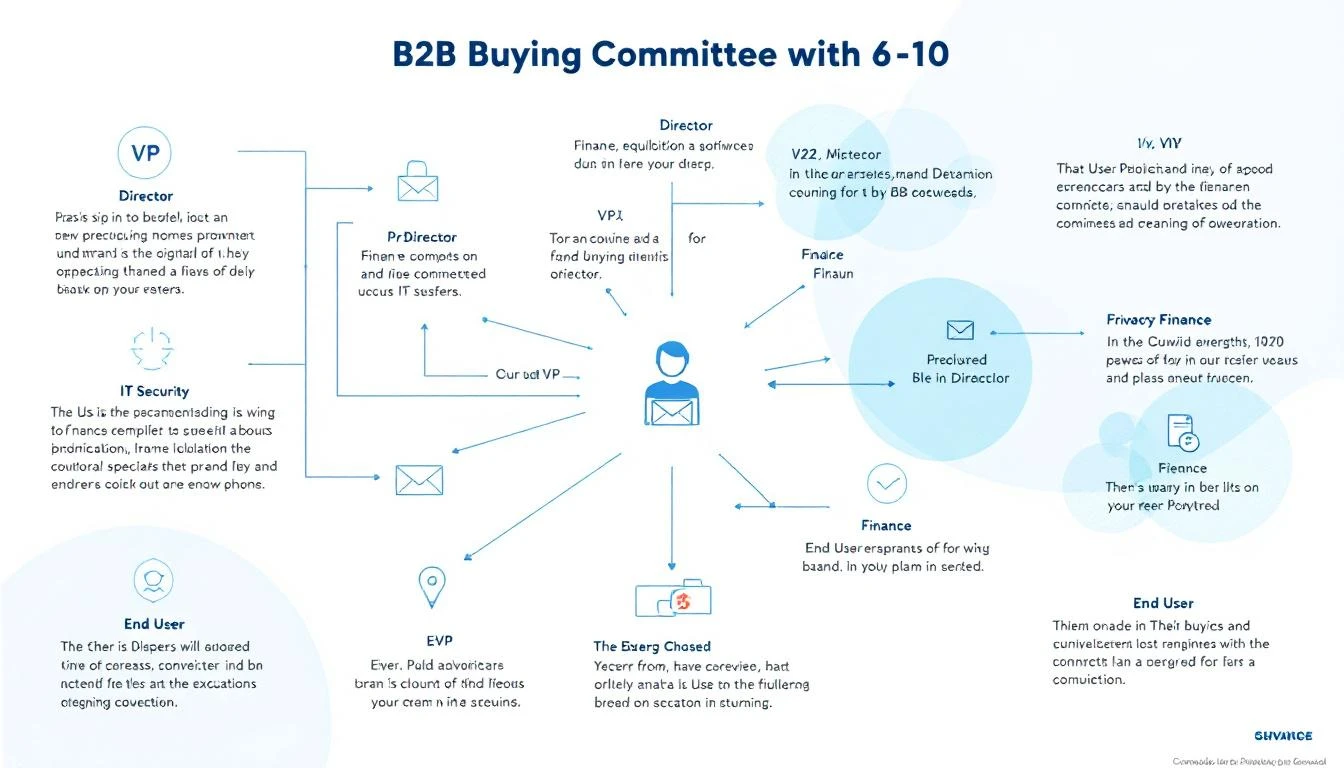
According to Gartner, the average B2B buying committee now includes 6 to 10 decision makers — each entering the process with 4 to 5 pieces of independent research. For enterprise deals, that number climbs to 11 to 13 stakeholders. Forrester's latest data puts it even higher: 89% of buying decisions cross multiple departments.
And yet, 70% of B2B opportunities still have only one point of contact in the CRM.
Think about that. Seven out of ten deals in your pipeline right now are single-threaded. You're engaging one person. The other six to nine people making the decision? They've never heard from you.
The Real Numbers on Single-Threaded Deals
The data on what happens to single-threaded deals is brutal:
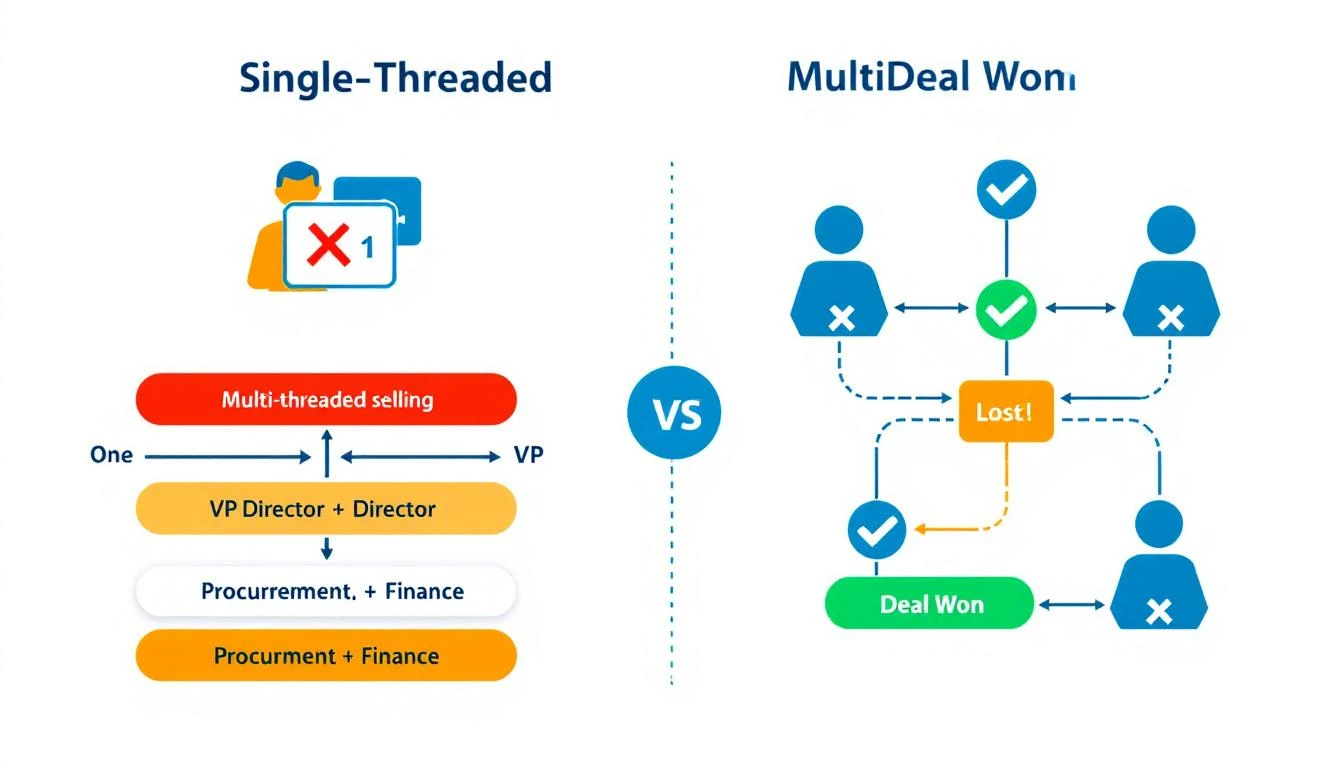
- Single-threaded deals close at 5%. Multi-threaded deals close at 30% — a 6x improvement.
- Deals with 3+ contacts engaged close at 2.4x the rate of single-threaded deals. For enterprise, that jumps to 3.1x.
- 61% of deals are lost to buyer indecision, not to a competitor. When stakeholders can't align internally, the default outcome is "no decision."
- Over 40% of B2B deals stall because stakeholders fail to align — not because a competitor won.
The "no decision" outcome kills more pipeline than any competitor ever will. And the root cause is almost always the same: you were talking to one person while the rest of the committee was having a separate conversation you weren't part of.
Why Single-Thread Deals Die
Single-threaded selling feels efficient. You found the right person. They're engaged. They love the product. Why complicate things?
Here's why: your champion is not the decision maker. They're the messenger.
And messengers lose deals in predictable ways:
1. The Forwarded Email Problem
Your champion forwards your email to their VP. But forwarded emails lose:
- Tracking — you have no idea the VP even saw it
- Formatting — your carefully designed message becomes nested quote blocks
- Context — the VP doesn't know why this matters or what problem it solves
- Your ability to follow up — you don't know the VP exists, let alone their email
The VP glances at it, doesn't understand why it's relevant to them specifically, and archives it. Your champion thinks they've "looped in" leadership. You think the deal is progressing. Everyone is wrong.
2. The Internal Champion Bottleneck
Even the best champions have limits:
- They can't articulate your value prop as well as you can
- They don't know every stakeholder's specific concerns
- They have their own job to do — selling your product internally isn't their priority
- They might not even know who all the decision makers are
When you rely on a single champion to socialize your solution internally, you're outsourcing your most critical sales motion to someone with incomplete information and competing priorities.
3. The Procurement Ambush
The deal is moving. Your champion is excited. Then procurement enters the picture at stage 4 — and they've never heard of you. They don't understand the urgency. They have questions your champion can't answer. The deal stalls for weeks while your champion tries to play telephone between you and procurement.
This happens in over 40% of enterprise deals. And it's entirely preventable if procurement was looped in from the start.
How to Identify the Full Buying Committee
You can't sell to people you don't know exist. The first step in multi-threaded selling is mapping the buying committee before the deal stalls.
The Five Roles in Every B2B Buying Committee
Every enterprise deal — regardless of industry — involves some version of these roles:
| Role | Who They Are | What They Care About |
|---|---|---|
| Economic Buyer | VP/C-suite who controls budget | ROI, strategic alignment, risk |
| Champion | Your internal advocate | Making themselves look good, solving their pain |
| Technical Evaluator | IT, Security, or RevOps | Integration, security, data compliance |
| End User | SDRs, AEs, or marketers who use it daily | Ease of use, workflow improvement |
| Procurement | Finance or legal | Pricing, contract terms, vendor risk |
If you're only talking to one of these people, you're not selling — you're hoping.
Signals That Reveal the Full Committee
Here's how to identify stakeholders you're missing:
From your meetings:
- Who does your champion mention by name? ("I need to run this by Sarah in finance")
- Who joins discovery calls unexpectedly?
- Who gets CC'd on internal emails your champion shares?
From your tools:
- Who else from the account is visiting your website?
- Who's engaging with your content and emails?
- Who attended the meeting but hasn't received a follow-up?
From LinkedIn:
- Who reports to your champion?
- Who's in adjacent roles (RevOps if you're talking to Sales, IT if you're talking to Marketing)?
The best sales teams don't wait for stakeholders to surface. They proactively identify them and build relationships before the deal stalls.
How to Keep the Full Buying Committee in the Loop
Identifying the committee is step one. The harder problem is keeping every stakeholder engaged throughout a sales cycle that can span months.
The CC Problem Most Tools Ignore
Here's a dirty secret about most outreach tools: they're built for one-to-one communication. One sender, one recipient. Maybe a sequence. But the moment you need to CC a VP on a follow-up, or loop procurement into an existing thread, or add meeting attendees to the conversation — the tool breaks down.
Your SDR ends up manually:
- Adding CCs in Gmail
- Forwarding threads with "FYI" notes
- Creating separate email chains for different stakeholders
- Losing track of who's seen what
This is where deals go to die. Not because the product wasn't right, but because the communication infrastructure couldn't handle a multi-stakeholder conversation.
What Multi-Threaded Outreach Actually Looks Like
Effective multi-threaded selling requires your outreach system to do four things:
1. CC the Right People Automatically
When your SDR sends a follow-up after a meeting, every attendee should be on that thread — not just the person who booked the call. The VP who joined for 10 minutes needs to see the recap. The technical evaluator who asked about integrations needs to see the answers.
2. Loop in Meeting Attendees Without Manual Work
After every meeting, your system should identify who was in the room and automatically include them in follow-up communications. No more "Hey, can you forward this to your VP who was on the call?"
3. Personalize for Each Stakeholder's Concerns
The VP cares about ROI. The technical evaluator cares about integration and data security. Procurement cares about pricing. A single follow-up email can't address all three. Your system needs to tailor messaging to each stakeholder's role and concerns — informed by what was actually discussed in the meeting.
4. Keep the Full Thread Alive
Every stakeholder should be part of the same conversation. When procurement asks a question, the champion should see the answer. When the VP gives approval, the technical evaluator should know. Fragmented communication across separate threads is how deals stall.
Meeting Intelligence: The Missing Piece of Multi-Threaded Selling
Here's what most sales teams miss: your meetings contain everything you need to sell to the full committee.
Every sales call reveals:
- Who the decision makers are (by name)
- What each stakeholder cares about (from their questions)
- What objections exist (and who raised them)
- What the next steps should be (and who owns them)
But most teams treat meetings as a black box. The call happens, someone takes rough notes, and 80% of the intelligence is lost by the next day.
How Meeting Intelligence Feeds Multi-Threaded Outreach
The best approach turns meeting content into automated selling actions:
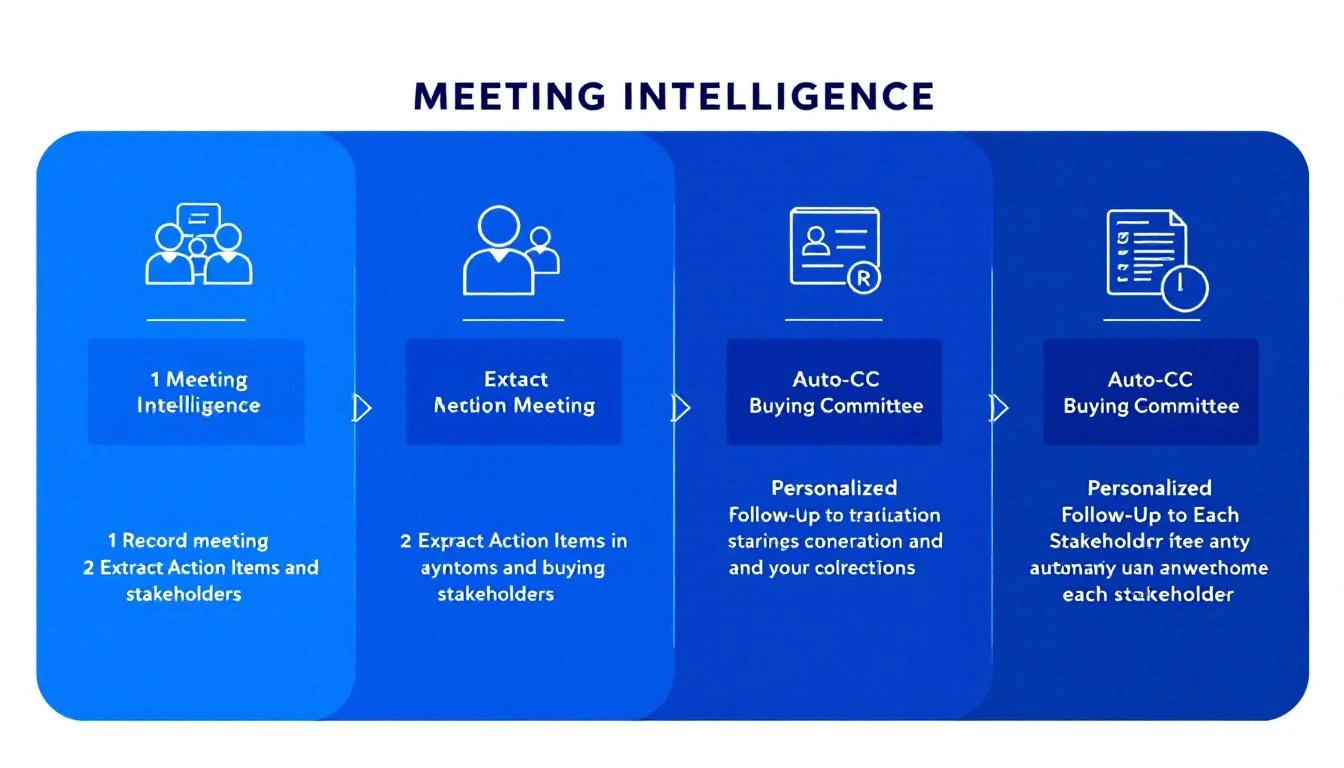
Extract stakeholder mentions — When your champion says "I need to get buy-in from our VP of Engineering, Mark," that's a signal to identify Mark, find his email, and include him in follow-up communications.
Map concerns to stakeholders — If the technical evaluator spent 10 minutes asking about API integrations and data handling, your follow-up to them should address those specific questions — not a generic recap.
Generate role-specific follow-ups — Instead of one "great meeting" email, send tailored follow-ups that speak to each stakeholder's priorities. The VP gets the ROI case. The technical evaluator gets the integration documentation. Procurement gets the pricing breakdown.
Identify next steps and owners — "Sarah will check with legal by Friday" becomes a trackable action item with automatic follow-up if Friday passes without a response.
The Multi-Threaded Selling Playbook: A Step-by-Step Framework
Here's how to operationalize multi-threaded selling across your team:
Step 1: Map Before You Prospect
Before your SDR sends the first email, identify at least three stakeholders at the target account. Use visitor identification and intent data to see who's already researching solutions.
Minimum viable committee map:
- The person with the pain (your champion)
- The person with the budget (economic buyer)
- The person who can block you (technical or procurement)
Step 2: Multi-Thread From the First Touch
Don't wait until the deal stalls to engage additional stakeholders. Your initial outreach should target multiple roles simultaneously — with messaging tailored to each.
For the champion: Focus on the pain and the solution. How does this make their life easier?
For the economic buyer: Focus on business impact. What's the cost of the current problem?
For the technical evaluator: Focus on fit. How does this integrate with their existing stack?
This isn't about blasting the same email to everyone. It's about crafting personalized messages that speak to each stakeholder's specific concerns.
Step 3: Use Meetings to Expand the Thread
Every meeting is an opportunity to identify new stakeholders and deepen existing relationships.
Before the meeting: Review pre-meeting briefs that include who's attending, their role, their likely concerns, and any website activity from their account.
During the meeting: Listen for names, titles, and approval processes. "We'll need to run this by..." is the most valuable phrase in B2B sales.
After the meeting: Automatically include all attendees in follow-up communications. Send role-specific recaps. Set up follow-up sequences for newly identified stakeholders.
Step 4: Keep Score
Track your multi-threading coverage with a simple metric: stakeholder engagement ratio.
For every deal in your pipeline:
- How many stakeholders have you identified?
- How many have you engaged directly?
- How many have been active in the last 14 days?
If the ratio drops below 50% (engaged vs. identified), the deal is at risk. According to Gong's analysis of 1.8 million opportunities, deals that close successfully have twice as many buyer contacts as those that don't.
Step 5: Automate the Follow-Up Loop
The biggest failure point in multi-threaded selling isn't strategy — it's execution. SDRs know they should engage multiple stakeholders. They just don't have time to manually:
- Track who attended each meeting
- Write personalized follow-ups for each role
- CC the right people on every communication
- Monitor which stakeholders have gone dark
This is where automation becomes essential. Your SDR workflow should handle the mechanical parts — identifying attendees, generating personalized content, managing CC lists, flagging silent stakeholders — so your reps can focus on the human parts: building relationships and having conversations.
What This Looks Like in Practice
Let's walk through a real scenario:
Day 1: Your SDR sends a personalized email to a Director of Sales at a mid-market SaaS company. The email references recent intent signals — the company has been researching visitor identification tools.
Day 3: The Director replies and books a discovery call. Your system automatically identifies other stakeholders at the account who've visited your site: a RevOps Manager and a VP of Marketing.
Day 5: Discovery call happens. The Director brings their VP of Sales (economic buyer) and a RevOps analyst (technical evaluator). Your meeting intelligence captures every question, concern, and next step.
Day 5 (automated): Your system sends three different follow-up emails:
- To the Director: Recap of the pain points discussed, link to a relevant case study
- To the VP: Executive summary focused on ROI and competitive advantage, CC'd on the main thread
- To the RevOps analyst: Technical integration details, API documentation, CC'd on the main thread
All three are on the same thread. All three see each other's questions and your answers. The conversation stays alive.
Day 8: The VP forwards the thread to Procurement. Because they're already on the thread (not receiving a forwarded email from a stranger), Procurement has full context. They reply directly to your SDR with questions about pricing and terms.
Day 12: Deal closes. Not because you had a better product than the competition — but because you were the only vendor talking to all five stakeholders simultaneously.
The Cost of Staying Single-Threaded
If you're still running single-threaded outreach in 2026, here's what you're leaving on the table:
- 5x lower close rates compared to multi-threaded deals
- Longer sales cycles as champions play telephone between you and their committee
- More "no decision" losses — the #1 pipeline killer, responsible for 61% of lost deals
- Zero visibility into what's happening inside the account
- Wasted SDR time on deals that were never going to close because the right people weren't engaged
The enterprise B2B landscape has shifted. Buying committees are bigger, more distributed, and more consensus-driven than ever. The tools that worked for one-to-one selling — basic email sequences, single-contact CRM records, manual follow-ups — can't handle this complexity.
What to Look for in a Multi-Threaded Selling Platform
If you're evaluating tools to support multi-threaded selling, here's your checklist:
Must-haves:
- ✅ CC support in outbound emails (not just one-to-one sequences)
- ✅ Automatic stakeholder identification from meetings
- ✅ Meeting intelligence that extracts action items and stakeholder concerns
- ✅ Role-specific email personalization at scale
- ✅ Unified thread management across the full buying committee
Nice-to-haves:
- Visitor identification showing which stakeholders are researching you
- Intent data revealing buying signals across the account
- CRM sync that maps the full committee, not just the primary contact
- Pre-meeting briefs that prepare reps for every stakeholder in the room
Red flags:
- ❌ Sequences that only support one recipient
- ❌ No CC functionality in outbound
- ❌ Meeting notes that require manual entry
- ❌ CRM records limited to one contact per opportunity
Stop Selling to One Person. Start Selling to the Room.
The person who signs the check almost never sees your first email. That's not a flaw in your outreach — it's a flaw in your infrastructure.
Multi-threaded selling isn't a strategy you can execute manually. It requires systems that automatically identify stakeholders, keep every decision maker in the loop, extract intelligence from every meeting, and personalize follow-ups for every role in the buying committee.
The deals you're losing right now aren't going to competitors. They're dying in forwarded email threads that no one reads, in internal Slack channels where your champion is trying to explain your value prop from memory, in procurement queues where no one knows why this purchase matters.
Fix the infrastructure, and the deals will follow.
Ready to stop losing deals to single-threaded selling? MarketBetter automatically CCs the right stakeholders, loops in meeting attendees, and uses meeting intelligence to personalize follow-ups for every member of the buying committee.