AI Sales Territory Planning: Automate Account Assignment with Claude Code & Codex [2026]

Β· 7 min read
MarketBetter Team
Content Team, marketbetter.ai

Territory planning is broken.

Every quarter, sales ops spends weeks shuffling spreadsheets. Reps complain about unbalanced books. Leadership wonders why coverage gaps exist. And by the time territories are "final," someone has already resigned and the whole thing needs redoing.

Here's the reality: humans aren't built to optimize multi-variable assignment problems across hundreds of accounts and dozens of reps. But AI is.

Let me show you how to build an AI-powered territory planning system that runs continuously, balances automatically, and adapts in real-time.

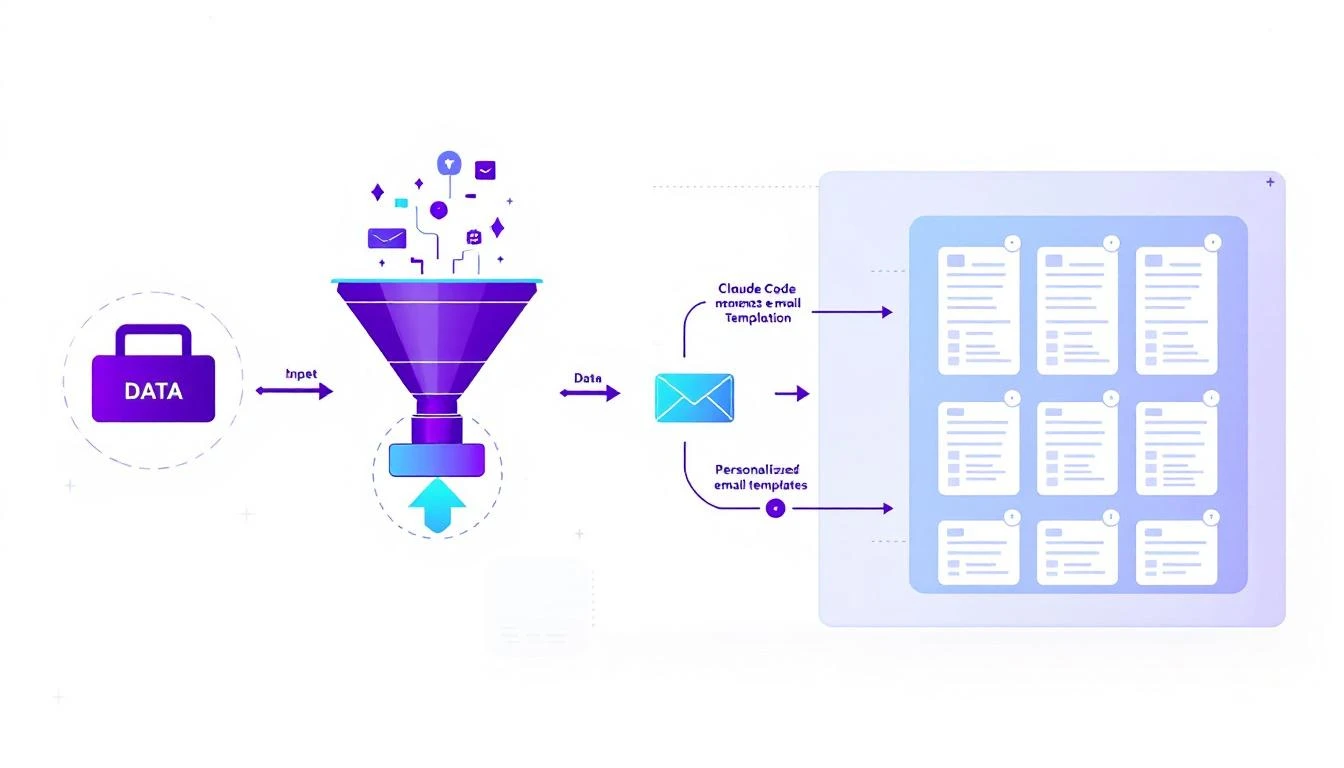
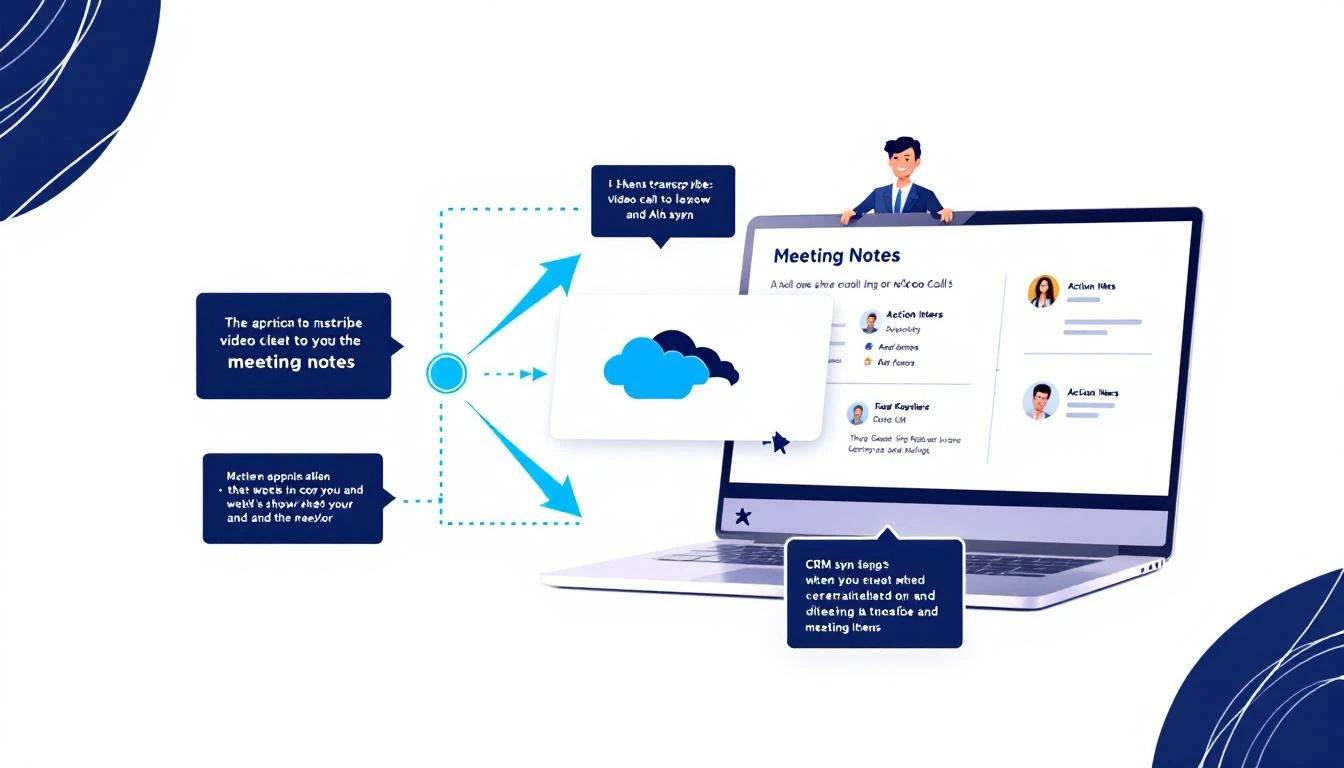
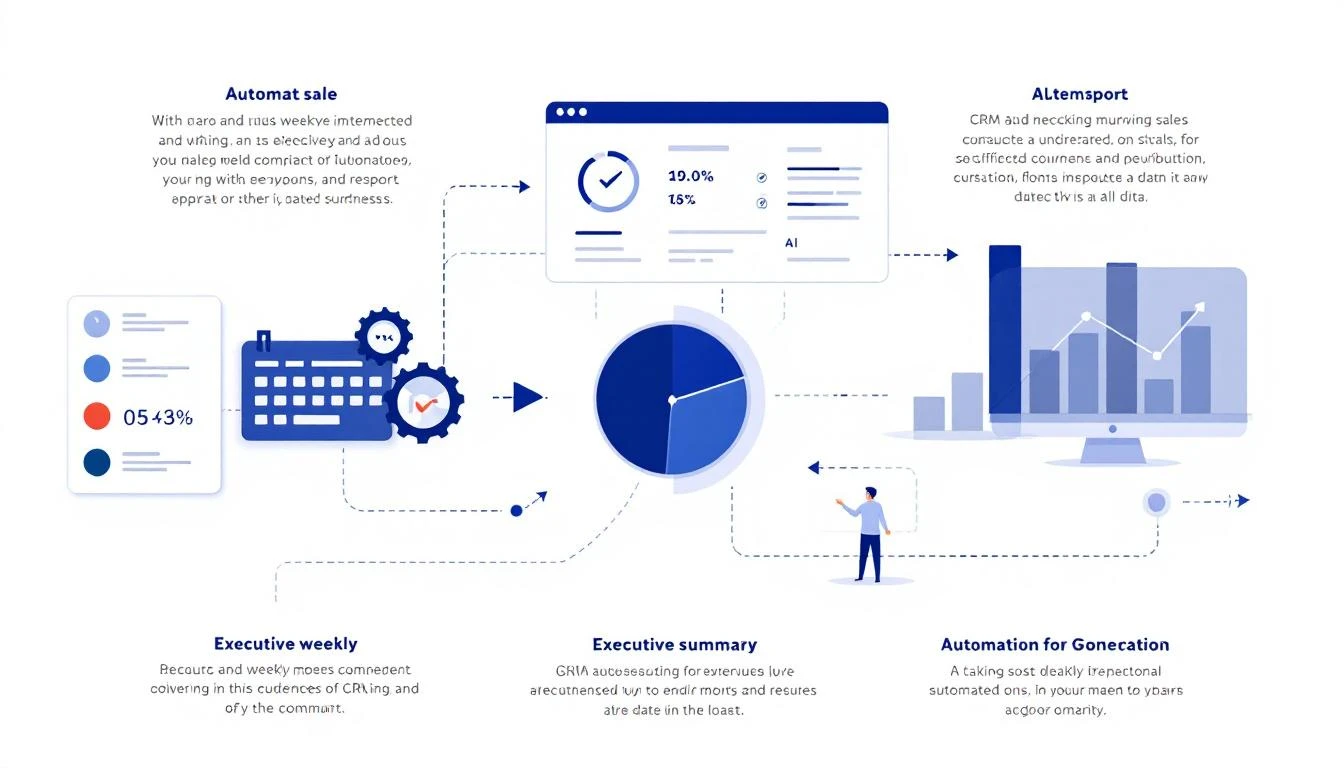
AI territory planning diagram showing account analysis and automatic assignment

Why Traditional Territory Planning Fails​

Let's diagnose the problem:

1. It's a point-in-time exercise Territories are set quarterly or annually. Meanwhile, accounts churn, reps leave, and market conditions shift weekly.

2. It's based on incomplete data Most territory plans use company size and geography. What about propensity to buy? Engagement signals? Competitive pressure?

3. It's politically fraught Every rep thinks their territory is worse. Optimization becomes negotiation. Data loses to politics.

4. It's impossible to balance perfectly You're trying to optimize for revenue potential, workload capacity, travel efficiency, industry expertise, and rep tenure simultaneously. Humans give up and approximate.

AI doesn't give up. AI optimizes.

The AI Territory Planning Framework​

An intelligent territory system does four things:

  1. Scores accounts on multiple dimensions
  2. Models rep capacity realistically
  3. Optimizes assignment mathematically
  4. Rebalances continuously as conditions change

Let's build each component.

Step 1: Multi-Dimensional Account Scoring​

Forget simple revenue potential. Modern territory planning needs to score accounts on:

  • Revenue potential (company size, budget indicators)
  • Propensity to buy (engagement, intent signals)
  • Competitive pressure (incumbent vendor, switching cost)
  • Effort required (sales cycle complexity, stakeholder count)
  • Strategic value (logo value, reference potential)

Here's how Claude Code handles this:

# Multi-dimensional account scoring with Claude Code
def score_account_for_territory(account):
"""
Generates comprehensive account score for territory optimization
"""

# Revenue potential (0-100)
revenue_score = calculate_revenue_potential(
employees=account['employees'],
funding=account['funding_amount'],
tech_stack=account['tech_stack'],
growth_rate=account['yoy_growth']
)

# Propensity to buy (0-100)
propensity_score = calculate_propensity(
website_visits=account['website_visits_90d'],
content_engagement=account['content_downloads'],
intent_signals=account['bombora_score'],
champion_presence=account['has_known_champion']
)

# Effort required (inverse - lower is better)
effort_score = calculate_effort(
stakeholder_count=account['typical_stakeholders'],
sales_cycle_days=account['avg_cycle_days'],
procurement_complexity=account['has_formal_procurement']
)

# Strategic value multiplier
strategic_multiplier = 1.0
if account['is_target_logo']:
strategic_multiplier = 1.5
if account['reference_potential']:
strategic_multiplier *= 1.2

# Composite score
composite = (
(revenue_score * 0.35) +
(propensity_score * 0.35) +
((100 - effort_score) * 0.20) +
(account['competitive_advantage'] * 0.10)
) * strategic_multiplier

return {
'account_id': account['id'],
'composite_score': composite,
'revenue_potential': revenue_score,
'propensity': propensity_score,
'effort': effort_score,
'strategic_value': strategic_multiplier,
'recommended_tier': 'A' if composite >= 75 else 'B' if composite >= 50 else 'C'
}

Why this matters: Reps shouldn't just get "equal revenue potential." They should get balanced portfolios where high-effort accounts are offset by quick wins.

Step 2: Realistic Rep Capacity Modeling​

Every rep isn't equal. Territory planning should account for:

  • Experience level (senior reps can handle more complexity)
  • Current pipeline (don't overload reps mid-quarter)
  • Skill alignment (industry expertise, deal size experience)
  • Geographic efficiency (travel time matters)
# Rep capacity model
def model_rep_capacity(rep):
"""
Calculates realistic account capacity for each rep
"""

# Base capacity adjusted for tenure
base_capacity = 50 # accounts
tenure_adjustment = min(rep['months_tenure'] / 12, 1.5) # Max 1.5x

# Current workload penalty
current_deals = rep['active_opportunities']
workload_factor = max(0.5, 1 - (current_deals / 30)) # Reduces as pipeline fills

# Skill-based adjustments
skill_capacity = {
'enterprise': 25, # Fewer, larger deals
'mid_market': 50, # Balanced
'smb': 100 # Volume play
}
segment_capacity = skill_capacity.get(rep['primary_segment'], 50)

# Geographic spread penalty
# More states/regions = less efficient = fewer accounts
geo_penalty = 1 - (min(rep['state_count'], 10) * 0.03) # 3% penalty per state, max 30%

effective_capacity = int(
segment_capacity *
tenure_adjustment *
workload_factor *
geo_penalty
)

return {
'rep_id': rep['id'],
'base_capacity': segment_capacity,
'effective_capacity': effective_capacity,
'limiting_factors': identify_limiting_factors(rep),
'ideal_account_profile': build_ideal_profile(rep)
}

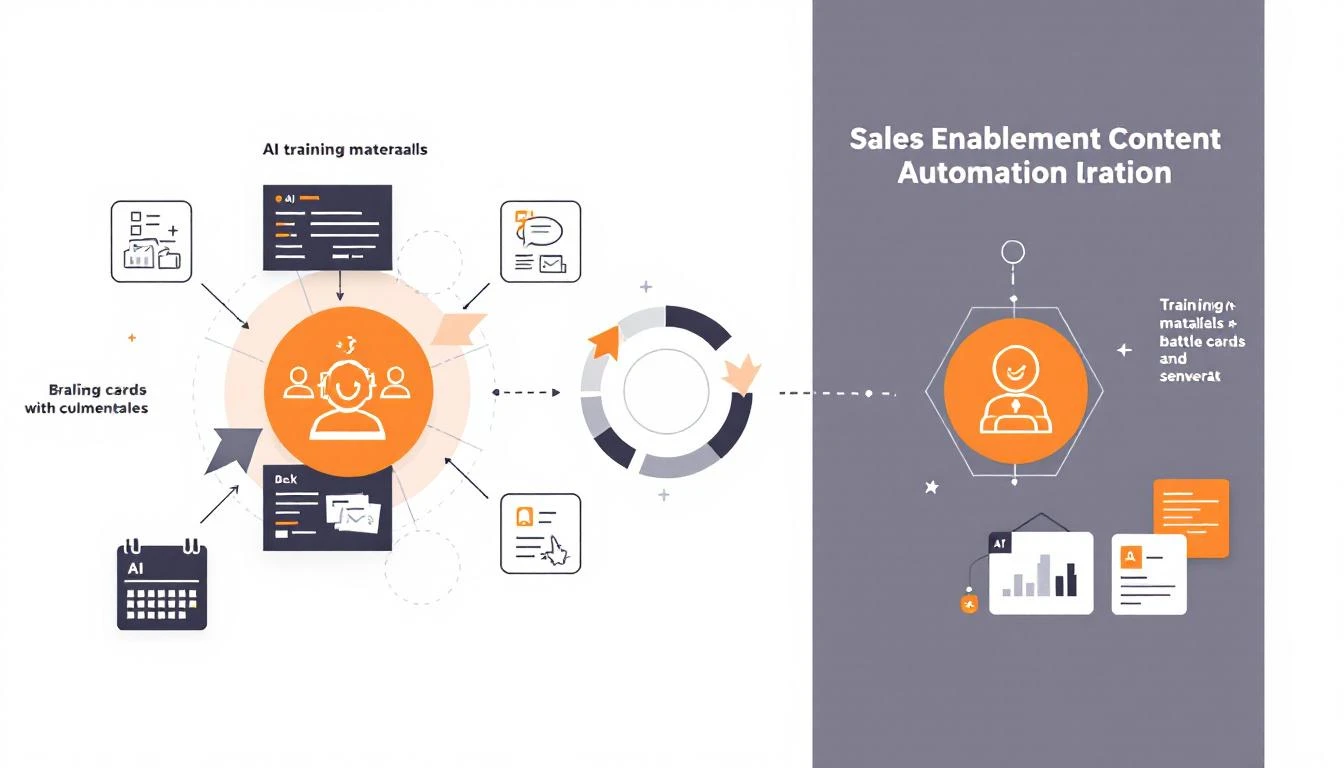
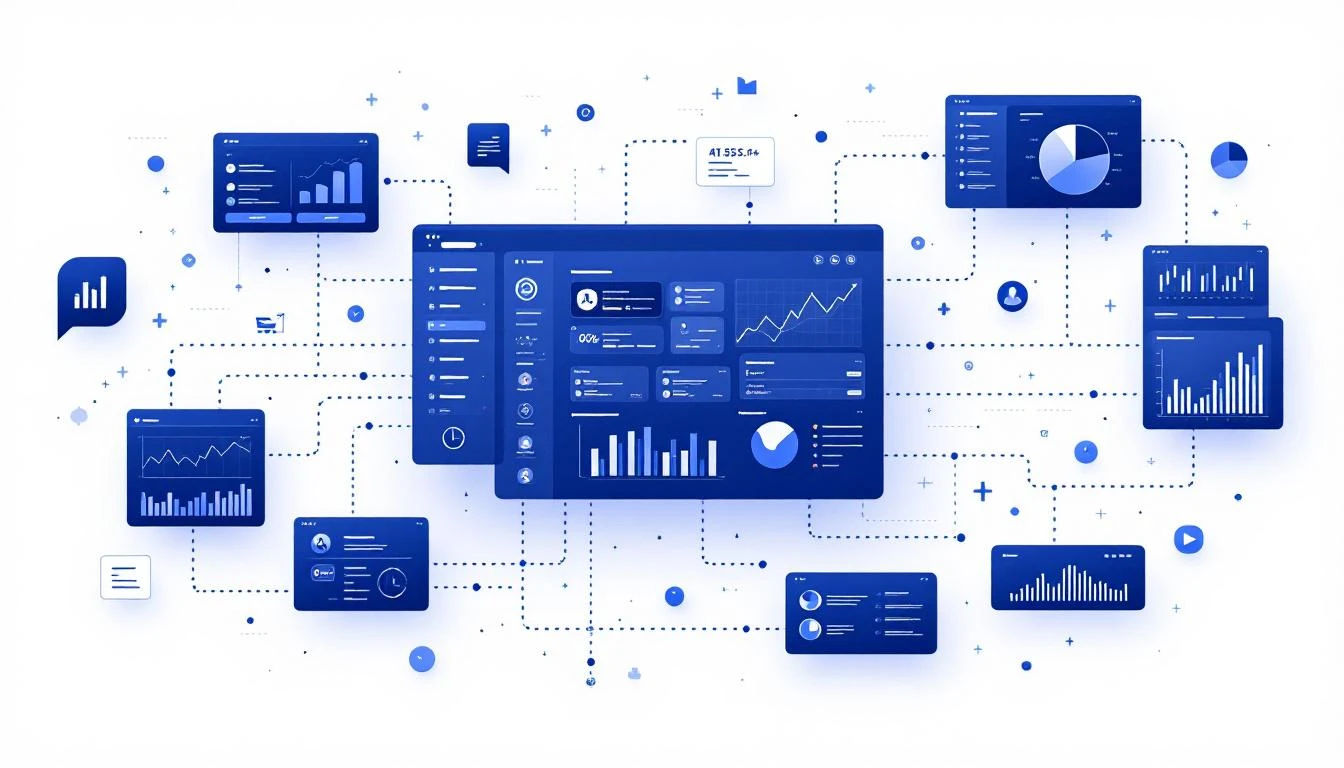
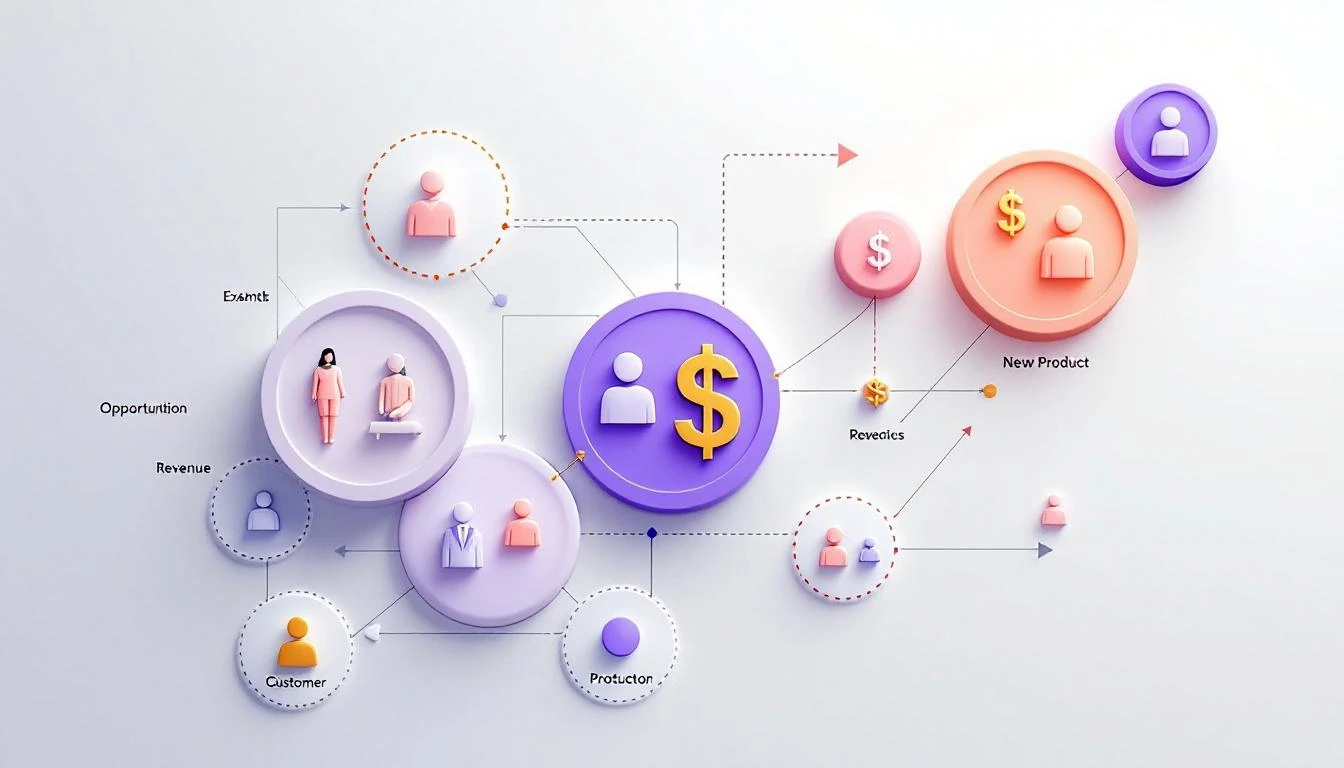
Territory planning dashboard showing distribution and performance metrics

Step 3: Optimization Algorithm with Codex​

Now for the magic: using Codex GPT-5.3 to generate the optimization logic.

// Territory optimization using Codex
// Prompt: Generate an account-to-rep assignment algorithm that optimizes for:
// - Balanced revenue potential across reps
// - Skill alignment (industry, deal size)
// - Geographic clustering (minimize travel)
// - Even workload distribution

async function optimizeTerritories(accounts, reps) {
// Score all accounts
const scoredAccounts = accounts.map(a => scoreAccountForTerritory(a));

// Model rep capacities
const repCapacities = reps.map(r => modelRepCapacity(r));

// Initialize assignment matrix
const assignments = new Map();
reps.forEach(r => assignments.set(r.id, []));

// Sort accounts by composite score (highest first)
scoredAccounts.sort((a, b) => b.composite_score - a.composite_score);

// Assign each account to optimal rep
for (const account of scoredAccounts) {
let bestRep = null;
let bestFitScore = -Infinity;

for (const rep of reps) {
const capacity = repCapacities.find(c => c.rep_id === rep.id);
const currentAssignments = assignments.get(rep.id);

// Skip if at capacity
if (currentAssignments.length >= capacity.effective_capacity) continue;

// Calculate fit score
const fitScore = calculateFitScore(account, rep, currentAssignments);

if (fitScore > bestFitScore) {
bestFitScore = fitScore;
bestRep = rep;
}
}

if (bestRep) {
assignments.get(bestRep.id).push(account);
}
}

return assignments;
}

function calculateFitScore(account, rep, currentAssignments) {
let score = 0;

// Industry alignment (+20 if match)
if (rep.industry_expertise.includes(account.industry)) {
score += 20;
}

// Geographic proximity (+15 if same region)
if (rep.primary_region === account.region) {
score += 15;
}

// Deal size alignment (+10 if match)
if (accountFitsRepDealSize(account, rep)) {
score += 10;
}

// Balance penalty (avoid overloading high-value accounts to one rep)
const currentTotalScore = currentAssignments.reduce(
(sum, a) => sum + a.composite_score, 0
);
const averageLoad = currentTotalScore / (currentAssignments.length || 1);
if (averageLoad > 65) { // Already skewing high
score -= 5;
}

// Cluster bonus (accounts near existing assignments)
const nearbyAccounts = currentAssignments.filter(
a => distanceBetween(a.location, account.location) < 50
);
score += nearbyAccounts.length * 3; // +3 per nearby account

return score;
}

Step 4: Continuous Rebalancing with OpenClaw​

Territories shouldn't be static. Use OpenClaw to continuously monitor and rebalance:

# Continuous territory monitoring
schedule:
kind: cron
expr: "0 7 * * MON" # Weekly Monday check

payload:
kind: agentTurn
message: |
Run weekly territory health check:

1. CAPACITY CHECK
- Any rep over 90% capacity utilization?
- Any rep under 50% capacity utilization?
- Flag imbalances

2. COVERAGE GAPS
- Unassigned accounts with score > 60?
- Accounts in territories of departed reps?
- New accounts from enrichment not yet assigned?

3. PERFORMANCE ALIGNMENT
- Reps underperforming on A accounts?
- Reps overperforming on C accounts? (potential reassignment)
- Account tier changes based on new data?

4. TRIGGER EVENTS
- Rep departures or new hires?
- Major account events (funding, M&A)?
- Significant score changes?

For any issues found:
- Propose specific reassignments
- Calculate impact on balance metrics
- Create task for Sales Ops review

What this catches:

  • Rep A resigned last weekβ€”their 45 accounts need reassignment
  • 12 new accounts from enrichment haven't been assigned
  • Account XYZ raised $50Mβ€”score jumped from 45 to 78, should move to A tier
  • Rep B's territory is 40% C accounts but they're crushing quotaβ€”give them more A accounts

The Metrics That Matter​

After implementing AI territory planning, track:

MetricWhat Good Looks Like
Score variance across reps&lt; 10% deviation from mean
Coverage gaps0 unassigned accounts > score 50
Time-to-assign (new accounts)&lt; 24 hours
Rebalancing frequencyWeekly micro-adjustments vs quarterly overhauls
Rep satisfactionReduced territory complaints

Implementation: Which Tool For What​

ComponentBest ToolWhy
Account scoringClaude CodeComplex multi-variable analysis
Optimization algorithmCodex GPT-5.3Code generation and mathematical optimization
Continuous monitoringOpenClaw24/7 scheduled execution, task creation
Rebalancing recommendationsClaude CodeNuanced analysis of edge cases
Integration codeCodex GPT-5.3CRM/data warehouse connectors

Quick Start Implementation​

Week 1: Data audit

  • Export current account and rep data
  • Identify all variables for scoring (revenue, engagement, geography, etc.)
  • Document current assignment logic (if any)

Week 2: Scoring model

  • Build account scoring with Claude Code
  • Test against known good/bad accounts
  • Calibrate weights based on historical win rates

Week 3: Optimization deployment

  • Generate assignment algorithm with Codex
  • Run against current territories (shadow mode)
  • Compare AI recommendations vs current state

Week 4: Continuous monitoring

  • Deploy OpenClaw monitoring agent
  • Configure weekly rebalancing checks
  • Build approval workflow for reassignments
Free Tool

Try our AI Lead Generator β€” find verified LinkedIn leads for any company instantly. No signup required.

The Bigger Picture​

Territory planning isn't about equal slices of a pie. It's about optimal coverage of a market.

AI doesn't care about politics. It doesn't have favorite reps. It optimizes for the outcome you defineβ€”whether that's revenue coverage, workload balance, or win rate.

The companies outperforming on quota attainment aren't the ones with the best reps. They're the ones with the best systems for pointing those reps at the right accounts.

Build that system.


Want to see how MarketBetter helps sales teams identify and prioritize the right accounts automatically?

Book a Demo β†’

AI SEO Workflow: Optimize 50+ Posts/Month With Claude Code [2026]

Β· 10 min read
MarketBetter Team
Content Team, marketbetter.ai

Your content is great. Your rankings are not.

You've published 50 blog posts. Maybe 3 rank on page one. The rest languish on page 4, getting zero traffic, providing zero pipeline.

Here's the uncomfortable truth: Writing good content and writing content that ranks are two different skills. And AI can bridge that gap.

In this guide, I'll show you how to use Claude Code, OpenClaw, and the new GPT-5.3 Codex to systematically optimize every piece of content for searchβ€”without becoming an SEO expert yourself.

AI SEO Optimization Workflow

Why AI + SEO Is a Perfect Match​

Traditional SEO requires:

  • Keyword research across multiple tools
  • Competitor content analysis
  • On-page optimization checklists
  • Meta tag crafting
  • Internal linking strategies
  • Content gap identification

Each task is analytical and pattern-basedβ€”exactly what AI excels at.

The old way: Pay an SEO agency $5-10K/month to do this manually. The new way: Claude does it in seconds, for pennies.

The AI SEO Optimization Stack​

TaskToolTime
Keyword researchClaude Code + web search2 minutes
Competitor analysisClaude Code3 minutes
Content optimizationClaude Code or Codex5 minutes
Meta tag generationClaude Code30 seconds
Internal linkingOpenClaw automationAutomatic
Content gap analysisClaude Code5 minutes

Total time per post: ~15 minutes vs 2+ hours manual.

Step 1: AI-Powered Keyword Research​

The Traditional Way​

  1. Open Ahrefs/SEMrush
  2. Search your topic
  3. Export 200 keywords
  4. Manually analyze difficulty vs volume
  5. Pick winners (hopefully)

The AI Way​

Claude Code Prompt for Keyword Research:

I'm writing a blog post about [TOPIC] for a B2B [INDUSTRY] audience.

Research and provide:

1. PRIMARY KEYWORD
- High search intent (people ready to buy/evaluate)
- Reasonable difficulty for a site with ~30 DA
- Format: "[keyword]" - [estimated monthly volume]

2. SECONDARY KEYWORDS (5-7)
- Related terms to include naturally
- Mix of head terms and long-tail
- Include at least 2 question-based keywords

3. SEMANTIC KEYWORDS (10-15)
- LSI terms that signal topical authority
- Industry-specific terminology
- Related concepts Google expects to see

4. COMPETITOR ANALYSIS
- Who ranks #1-3 for the primary keyword?
- What's their word count?
- What angles are they using?
- What's MISSING from their content?

Output in a format I can reference while writing.

Example Output:

PRIMARY KEYWORD:
"ai sales automation" - ~2,400/mo

SECONDARY KEYWORDS:
- "ai for sales teams" - ~1,200/mo
- "automated sales outreach" - ~800/mo
- "ai sdr tools" - ~600/mo
- "sales automation software" - ~3,200/mo
- "how to automate sales process" - ~400/mo

SEMANTIC KEYWORDS:
AI, machine learning, sales productivity, lead scoring,
email automation, CRM integration, prospecting, outbound,
personalization, sequences, workflow automation...

COMPETITOR ANALYSIS:
#1: HubSpot (8,200 words, comprehensive guide)
Angle: Broad overview, beginner-focused
Missing: Specific AI tool comparisons, 2026 landscape

#2: Salesforce (4,100 words, product-focused)
Angle: How their tools solve this
Missing: Neutral perspective, alternatives

GAP OPPORTUNITY:
Write a 2026-specific comparison of AI coding agents
(Claude, Codex, OpenClaw) for sales automation.
More technical depth, practical implementation.

Now you know exactly what to target and how to differentiate.

Bonus: Automated Keyword Tracking​

Set up OpenClaw to track your keywords weekly:

cron:
- name: "Weekly Keyword Tracking"
schedule:
kind: cron
expr: "0 8 * * 1" # Monday 8 AM
payload:
kind: systemEvent
text: |
Check current rankings for our tracked keywords:
1. ai sales automation
2. sdr productivity tools
3. [other keywords]

Search each on Google, note our position.
Compare to last week.
Send report to #seo-tracking channel.
sessionTarget: main

Step 2: Optimizing Existing Content​

Got posts that aren't ranking? AI can diagnose and fix them.

AI SEO Analysis Process

The Content Audit Prompt​

Analyze this blog post for SEO optimization:

[PASTE YOUR CONTENT]

Target keyword: [YOUR KEYWORD]

Evaluate:

1. TITLE TAG ANALYSIS
- Is the keyword in the title?
- Is it compelling for CTR?
- Is it under 60 characters?
- Suggested improvement if needed

2. META DESCRIPTION
- Does it include the keyword?
- Does it compel clicks?
- Is it 150-160 characters?
- Suggested improvement

3. CONTENT STRUCTURE
- H1 includes keyword? Y/N
- H2s use secondary keywords? Which ones?
- Content depth vs competitors
- Missing sections to add

4. ON-PAGE SIGNALS
- Keyword density (aim for 1-2%)
- First 100 words include keyword? Y/N
- Image alt text opportunities
- Internal linking opportunities

5. SPECIFIC FIXES
List 5-10 specific changes to improve rankings:
- [Change 1]
- [Change 2]
...

6. REWRITTEN SECTIONS
Provide optimized versions of:
- Title tag
- Meta description
- Introduction (first 100 words)
- Any weak H2s

Example Audit Output​

TITLE TAG ANALYSIS:
Current: "How We Improved Sales Productivity"
Issue: No keyword, vague, won't rank
Improved: "AI Sales Automation: How to 10x SDR Productivity [2026]"

META DESCRIPTION:
Current: None set (Google auto-generating)
Improved: "Learn how to automate your sales process with AI.
Step-by-step guide to using Claude Code and OpenClaw for
prospecting, outreach, and pipeline management."

CONTENT STRUCTURE:
- H1: ❌ No keyword (fix: include "AI Sales Automation")
- H2s: ❌ Missing "automated outreach", "ai prospecting"
- Depth: 1,200 words vs competitor average of 3,500
- Missing: Comparison section, tool recommendations, FAQs

SPECIFIC FIXES:
1. Add "ai sales automation" to H1
2. Expand from 1,200 to 3,000+ words
3. Add section on tool comparison (Claude vs Codex vs...)
4. Add FAQ schema at bottom (5-7 questions)
5. Include 3+ internal links to related posts
6. Add image with alt text "ai sales automation workflow"
7. Add statistics (cite sources)
8. Include case study or example
9. Update publish date to current
10. Add table of contents for scannability

Using Codex for Real-Time Optimization​

GPT-5.3 Codex's mid-turn steering makes it perfect for iterative optimization:

> Codex, analyze this post for SEO

[Codex reviewing...]
"Title doesn't include target keyword..."
"Content is thin compared to competitors..."

> Focus on the content gaps

[Codex adjusting...]
"Competitors cover these topics you're missing:
- Implementation timeline
- Cost comparison
- Common mistakes..."

> Write me those sections

[Codex drafts sections...]

Step 3: Automated Meta Tag Generation​

Meta tags are tedious. Let AI handle them.

The Meta Generation Prompt​

Generate optimized meta tags for this content:

Title: [YOUR H1]
Target Keyword: [KEYWORD]
Content Summary: [2-3 sentences]

Provide:

1. SEO TITLE (under 60 chars)
- Include keyword near beginning
- Add year [2026] for freshness
- Make it click-worthy

2. META DESCRIPTION (150-160 chars)
- Include keyword naturally
- Include a benefit or curiosity hook
- Soft CTA if appropriate

3. URL SLUG
- Short, keyword-rich
- No dates in URL
- Lowercase, hyphens only

4. OG TITLE (for social)
- Can be slightly longer/catchier
- Optimized for social CTR

5. OG DESCRIPTION (for social)
- More conversational
- Focus on intrigue/value

6. SCHEMA SUGGESTIONS
- Article type
- FAQ schema questions
- HowTo schema if applicable

Batch Processing with OpenClaw​

For multiple posts, automate:

# In your OpenClaw workspace
agents:
meta-optimizer:
model: claude-sonnet-4-20250514
systemPrompt: |
You generate SEO-optimized meta tags.
Always include the target keyword.
Always add [2026] to titles.
Keep titles under 60 chars.
Keep descriptions 150-160 chars.

Then process your backlog:

"Optimize meta tags for all posts in /blog/ folder 
that were published before January 2026"

Step 4: AI-Powered Internal Linking​

Internal links boost SEO and keep readers on site. But manually maintaining them is a nightmare.

The Linking Analysis Prompt​

Analyze our blog for internal linking opportunities.

Our posts:
1. [Post Title 1] - URL - Keywords: [...]
2. [Post Title 2] - URL - Keywords: [...]
[... list all posts]

For each post, identify:

1. OUTBOUND LINKS (links this post should have)
- Related posts to link to
- Specific anchor text to use
- Natural insertion points

2. INBOUND LINKS (posts that should link to this)
- Which other posts should reference this one
- Suggested anchor text

Output as a linking map I can implement.

Set up OpenClaw to check for linking opportunities in new posts:

cron:
- name: "New Post Link Check"
trigger: "file_created"
path: "/blog/*.mdx"
action: |
Analyze new post for internal linking.
Suggest 3-5 links to existing content.
Suggest which existing posts should link back.
Create PR with link additions.

Step 5: Content Gap Analysis​

What should you write next? AI can analyze your competitors and identify gaps.

The Gap Analysis Prompt​

Analyze content gaps for [YOUR DOMAIN] in [YOUR NICHE].

Competitors to analyze:
- [Competitor 1 blog URL]
- [Competitor 2 blog URL]
- [Competitor 3 blog URL]

Our existing content:
- [List your post titles/topics]

Identify:

1. TOPICS THEY COVER THAT WE DON'T
- Topic
- Estimated search volume
- Difficulty
- Our angle opportunity

2. KEYWORDS THEY RANK FOR THAT WE DON'T
- Keyword
- Competitor position
- Our opportunity

3. CONTENT FORMATS WE'RE MISSING
- Comparison posts?
- How-to guides?
- Listicles?
- Case studies?

4. RECOMMENDED CONTENT CALENDAR (next 30 days)
- Week 1: [Topic] targeting [keyword]
- Week 2: [Topic] targeting [keyword]
...

Prioritize by: traffic potential Γ— ease of ranking

The Complete AI SEO Workflow​

Here's the workflow we use at MarketBetter:

For New Content​

  1. Research (Claude Code): Keywords, competitor analysis, angle identification
  2. Outline (Claude Code): Structure based on what's ranking
  3. Write (Human + Claude): Core content with AI assistance
  4. Optimize (Claude Code): On-page SEO audit
  5. Meta Tags (Claude Code): Title, description, schema
  6. Links (OpenClaw): Internal linking check
  7. Publish and track

For Existing Content​

Monthly audit process:

cron:
- name: "Monthly Content Audit"
schedule:
kind: cron
expr: "0 9 1 * *" # 1st of month
payload:
kind: agentTurn
message: |
Run content audit:
1. Pull posts from last 6 months
2. Check rankings for target keywords
3. Identify underperforming posts (<100 monthly visits)
4. Generate optimization recommendations
5. Create GitHub issues for each post needing updates
model: claude-sonnet-4-20250514
sessionTarget: isolated

Measuring AI SEO Impact​

Track these metrics:

MetricBaselineAfter AI Optimization
Avg. time per optimization2 hours15 minutes
Posts optimized per week2-310-15
Keywords tracked~20100+
Page 1 rankingsXX + 30%
Organic trafficBaseline+50-100%

The leverage is massive. You're not just fasterβ€”you can do work that wasn't possible manually.

Common SEO Mistakes AI Catches​

  1. Keyword stuffing - AI knows when density is too high
  2. Missing keywords in H1 - Caught every time
  3. Thin content - AI compares to competitors automatically
  4. Broken internal links - Automated checking
  5. Outdated information - AI flags old dates and stats
  6. Missing schema - Suggests appropriate markup
  7. Poor meta descriptions - Rewrites for CTR

Advanced: Predictive SEO​

The frontier is predictive SEOβ€”AI identifying ranking opportunities before you write.

Analyze emerging search trends in [NICHE] for the next 90 days.

Based on:
- Rising search terms
- Industry events/announcements
- Seasonal patterns
- Competitor content velocity

Predict:
1. Topics likely to gain search volume
2. Keywords we should target NOW before competition
3. Content formats that will resonate
4. Timing recommendations

Early movers on trending topics capture disproportionate traffic. AI makes prediction systematic.


Free Tool

Try our AI SEO Checker β€” see how AI models like ChatGPT and Claude talk about your brand. No signup required.

Ready to Rank?​

MarketBetter's content engine uses AI-powered SEO optimization for every blog post and landing page we publish. The result: 4x content output with better rankings.

Book a Demo to see how we're using AI to win search.


Related reading:

AI Win/Loss Analysis: Surface Deal Patterns Claude Code Finds in Hours [2026]

Β· 8 min read
MarketBetter Team
Content Team, marketbetter.ai

Your CRM is a graveyard of insights.

Every closed dealβ€”won or lostβ€”contains signals about what works and what doesn't. But most teams never extract those signals. They're too busy chasing the next deal to autopsy the last one.

The result? Reps repeat the same mistakes. Winning patterns stay trapped in the heads of top performers. And leadership makes decisions based on vibes instead of data.

AI changes this. With Claude Code's 200K context window, you can load hundreds of deal records, call transcripts, and email threadsβ€”and extract patterns that humans would never spot.

Win Loss Analysis

Why Win/Loss Analysis Gets Ignored​

Be honest: when was your last systematic win/loss review?

The barriers:

  1. Time - Who has 2 hours to review every lost deal?
  2. Objectivity - Reps don't want to document their own failures
  3. Data access - Insights are scattered across CRM, calls, emails
  4. Analysis skills - Pattern recognition at scale requires statistical thinking
  5. Action gap - Even with insights, translating to playbook changes is hard

AI solves all five. It's infinitely patient, has no ego, can access all data sources, excels at pattern recognition, and can generate specific recommendations.

What AI Can Discover​

Here's what Claude found in a real 200-deal analysis:

## Winning Patterns Identified

### Timing
- Won deals: Average 28 days demo-to-close
- Lost deals: Average 67 days demo-to-close
- Inflection point: Deals not closed by Day 45 have 70% loss rate

### Stakeholder Involvement
- Won deals: 2.8 stakeholders average
- Lost deals: 1.4 stakeholders average
- Key finding: Deals with finance involved by Stage 3 close at 3.2x rate

### Communication
- Won deals: 15.3 email exchanges average
- Lost deals: 8.7 email exchanges average
- Prospect-initiated emails: 2.4x higher in won deals

### Competitive
- 43% of losses mentioned competitor in final call
- When competitor mentioned, win rate drops from 34% to 18%
- Exception: When we addressed competitor in first call, win rate recovered to 29%

### Pricing
- "Too expensive" cited in 27% of losses
- BUT: Deals with ROI discussion before proposal had 4.2x higher win rate
- Finding: Price objection is proxy for value not established

You can't see these patterns by reviewing deals one at a time. You need to analyze them all at once.

Building Your Win/Loss Analysis System​

Step 1: Gather Your Data​

Export from your CRM, call recording tool, and email:

# Codex: Export closed deals with full context
codex run "Export all closed deals from HubSpot from 2025.
Include for each deal:
- All stage transitions with dates
- Associated contacts with titles
- All logged activities (calls, emails, meetings)
- Notes fields
- Close reason (if lost)
- Deal amount
- Industry and company size

Output as JSON with one file per deal."

Step 2: Load Call Transcripts​

If you use Gong, Chorus, or similar:

# Pull transcripts for closed deals
codex run "For each deal in closed-deals/,
find and attach all call transcripts from Gong.
Create a summary of key discussion points per call."

Step 3: Run the Analysis​

This is where Claude's context window shines:

# Prompt for Claude

I'm loading data from 150 closed deals (75 won, 75 lost).

For each deal, I have:
- CRM record with stages, timeline, amount
- Contact list with titles
- Activity log (emails, calls, meetings)
- Call transcript summaries
- Close reason (for lost deals)

Analyze this data and identify:

## 1. Timing Patterns
- Average time in each stage (won vs. lost)
- Where do deals stall?
- What's the "point of no return" after which deals rarely close?

## 2. Stakeholder Patterns
- Which titles correlate with wins?
- Multi-threading impact
- When should economic buyer be involved?

## 3. Activity Patterns
- Email/call volume differences
- Who initiates contact (us vs. them)?
- Meeting frequency and types

## 4. Competitive Patterns
- How often are competitors mentioned?
- Which competitors do we lose to most?
- What objections do competitors raise against us?

## 5. Objection Patterns
- Most common objections in lost deals
- Objections that appeared in WON deals (how were they overcome?)
- Objections that are deal-killers

## 6. Messaging Patterns
- What topics correlate with wins?
- What phrases appear in winning call transcripts?
- What questions do winning deals ask?

Output actionable findings with specific recommendations.

Win Loss Tree

Step 4: Generate Recommendations​

After analysis, ask Claude to create playbook updates:

Based on the win/loss analysis, generate:

## 1. Updated Qualification Criteria
Current: BANT
Recommended changes based on what actually predicts wins

## 2. Stage-Specific Actions
For each sales stage, what must happen to maintain win probability?

## 3. Red Flag Alerts
Signals that should trigger manager intervention

## 4. Competitive Playbook Updates
Specific responses to competitor objections that worked

## 5. Training Priorities
Skills gaps evident from lost deal patterns

Sample Analysis Output​

Here's a real (anonymized) analysis result:

# Win/Loss Analysis: Q4 2025

**Dataset:** 147 closed deals ($2.3M total pipeline)
- Won: 52 deals, $892K (35% win rate, 39% of value)
- Lost: 95 deals, $1.4M

---

## Key Finding #1: The 30-Day Cliff

Deals not progressing past discovery within 30 days have
an 82% chance of loss.

**Current behavior:** Reps nurture stalled deals for 60-90 days
**Recommendation:** Implement "Day 30 Decision" - either advance
or disqualify. Reallocate time to higher-probability deals.

**Expected impact:** 15% reduction in wasted effort,
8% increase in win rate (more focus on viable deals)

---

## Key Finding #2: Multi-Threading Is Non-Negotiable

Single-threaded deals: 18% win rate
Multi-threaded (2+): 41% win rate
Multi-threaded (3+): 58% win rate

**Current behavior:** Only 34% of deals involve 2+ contacts
**Recommendation:**
- Block demo scheduling until 2 contacts identified
- Add "champion + economic buyer" to Stage 3 requirements
- Create "introduce a colleague" email template

**Expected impact:** 12-18% increase in win rate

---

## Key Finding #3: ROI Before Pricing

Deals where ROI was discussed before pricing: 47% win rate
Deals where pricing came first: 19% win rate

**Current behavior:** Pricing often shared in first discovery call
**Recommendation:**
- Remove pricing from discovery decks
- Create ROI calculator to use in discovery
- Pricing only after value quantified

**Expected impact:** Reduce "too expensive" objection by 40%

---

## Key Finding #4: Competitor Strategy

Top competitor losses:
1. Warmly (31% of competitive losses)
2. Apollo (24%)
3. ZoomInfo (18%)

**Warmly losses:** Prospects cited "more signals"
- Win-back opportunity: Our playbook converts signals to action
- Winning talk track: "Signals without workflow creates noise, not pipeline"

**Apollo losses:** Prospects cited "better database"
- Reality: Apollo doesn't do visitor ID or playbook
- Gap: We're not differentiating early enough

**Recommendation:** Competitor mention in Stage 1 triggers battlecard
delivery and follow-up question: "What would success look like
with [Competitor]?"

---

## Key Finding #5: Champion Indicators

Deals with strong champion: 61% win rate
Deals without: 14% win rate

**Champion behaviors (in won deals):**
- Forwarded our content internally (identified in 78% of wins)
- Introduced us to colleagues (identified in 65% of wins)
- Asked about implementation timeline (identified in 71% of wins)

**No-champion signals:**
- "I'll share this with my team" (never follows up)
- All communication through champion only
- No questions about internal process

**Recommendation:** Create "champion test" checklist.
If 3+ no-champion signals, either find new champion or disqualify.

---

## Immediate Actions

1. **Sales process change:** Add multi-threading requirement to Stage 2
2. **Training:** ROI conversation workshop (2 hours)
3. **Enablement:** Update battlecards for Warmly and Apollo
4. **Tooling:** Create champion indicator dashboard
5. **Metrics:** Track "Days in Stage" with 30-day alerts

Automating Ongoing Analysis​

Don't do this onceβ€”automate it:

# openclaw cron config
- name: "monthly-win-loss"
schedule: "0 9 1 * *" # First of every month
task: |
Export closed deals from last month
Run win/loss analysis
Compare patterns to historical baseline
Generate insights report
Send to #sales-leadership

Monthly analysis catches trends early. Quarterly is too late.

From Analysis to Action​

Insights mean nothing without execution:

1. Update Your Sales Process​

If multi-threading matters, make it a stage requirement. Don't just recommend itβ€”enforce it in CRM.

2. Build Training Around Patterns​

Found that ROI conversations drive wins? Don't just tell repsβ€”run a workshop with roleplay.

3. Create Real-Time Alerts​

If deals stalling past 30 days are doomed, alert managers at Day 25. Intervene before it's too late.

4. Track Leading Indicators​

Traditional metrics (win rate, deal size) are lagging. Track the behaviors that predict wins:

  • Multi-threading rate
  • Days to Stage 3
  • ROI discussion completion
  • Champion identification

5. Close the Loop​

Quarterly, compare new win/loss data to see if changes worked. Iterate.

The Compound Effect​

Here's why AI-powered win/loss analysis matters:

  • First month: You identify 3 key patterns
  • Second month: You implement process changes
  • Third month: Win rate increases 5%
  • Sixth month: Team internalizes new behaviors
  • End of year: 15-20% win rate improvement

That's not marginal. On a $2M pipeline, that's $300-400K in additional closed revenue.

Free Tool

Try our AI Lead Generator β€” find verified LinkedIn leads for any company instantly. No signup required.

Conclusion​

Your closed deals contain the playbook for your future wins. But only if you extract the patterns.

AI makes win/loss analysis practical for the first time. No more quarterly post-mortems that get ignored. No more gut-feel assumptions about what works. Instead: data-driven insights that compound over time.

Load your deals into Claude. Ask the right questions. Build better playbooks. Win more.


Want AI-powered deal intelligence built into your workflow? MarketBetter tracks every touchpoint, surfaces patterns, and helps your team replicate winning behaviors. Book a demo to see how AI can improve your win rate.

Automated Quote Generation with AI: Build a Quote Engine with Codex GPT-5.3 [2026]

Β· 9 min read
MarketBetter Team
Content Team, marketbetter.ai

The average B2B quote takes 2-5 days to generate.

That's 2-5 days where your prospect is talking to competitors. 2-5 days where urgency dies. 2-5 days of back-and-forth between sales, finance, and legal.

Meanwhile, the company with automated quoting sends a professional, accurate quote in 15 minutesβ€”while your team is still "checking pricing with leadership."

Let me show you how to build an AI-powered quote engine that turns complex pricing into instant proposals.

AI quote generation workflow showing data flowing to automated quote creation

Why Manual Quoting Kills Deals​

Let's trace a typical quote request:

  1. Day 1: Prospect asks for pricing
  2. Day 1: Rep checks standard pricing, realizes it needs customization
  3. Day 2: Rep emails sales manager for approval on discount
  4. Day 2-3: Manager is in meetings, responds next morning
  5. Day 3: Rep creates quote in CPQ tool (or worse, Excel)
  6. Day 3-4: Quote sent to legal for contract review
  7. Day 4-5: Legal returns redlined version
  8. Day 5: Quote finally sent to prospect

By day 5, your prospect has already received two competitor quotes.

The fix: AI that knows your pricing logic, understands approval thresholds, and generates compliant quotes instantly.

The AI Quote Generation Framework​

An intelligent quoting system does four things:

  1. Understands complex pricing (tiers, add-ons, volume discounts)
  2. Applies business rules (discount limits, approval requirements)
  3. Generates professional documents (branded, legally compliant)
  4. Routes for approval only when necessary

Let's build each component.

Step 1: Pricing Intelligence with Claude Code​

Your pricing isn't simple. It has:

  • Base tiers
  • Per-seat pricing
  • Volume discounts
  • Multi-year commitments
  • Add-on modules
  • Partner discounts
  • Promotional offers

Claude Code can model all of this:

# Pricing engine with Claude Code
class AIQuoteEngine:
def __init__(self):
self.base_pricing = load_pricing_config()
self.discount_rules = load_discount_rules()
self.approval_matrix = load_approval_matrix()

def calculate_quote(self, requirements):
"""
Generates optimal quote based on prospect requirements
"""

# Base calculation
quote = {
'base_products': [],
'add_ons': [],
'discounts': [],
'total_arr': 0,
'total_monthly': 0
}

# Calculate base tier
tier = self.determine_tier(requirements['seats'])
base_price = self.base_pricing[tier]['per_seat'] * requirements['seats']

quote['base_products'].append({
'name': f'{tier.title()} Plan',
'quantity': requirements['seats'],
'unit_price': self.base_pricing[tier]['per_seat'],
'subtotal': base_price
})

# Add-ons
for addon in requirements.get('add_ons', []):
addon_price = self.calculate_addon_price(addon, requirements['seats'])
quote['add_ons'].append(addon_price)

# Apply discounts
discounts = self.calculate_discounts(requirements, quote)
quote['discounts'] = discounts

# Calculate totals
subtotal = (
sum(p['subtotal'] for p in quote['base_products']) +
sum(a['subtotal'] for a in quote['add_ons'])
)
discount_amount = sum(d['amount'] for d in discounts)

quote['subtotal'] = subtotal
quote['discount_total'] = discount_amount
quote['total_arr'] = subtotal - discount_amount
quote['total_monthly'] = quote['total_arr'] / 12

# Check approval requirements
quote['approval_required'] = self.check_approval_requirements(quote, requirements)

return quote

def calculate_discounts(self, requirements, quote):
"""
Applies all eligible discounts based on business rules
"""
discounts = []
subtotal = quote['subtotal']

# Volume discount
if requirements['seats'] >= 50:
volume_discount = subtotal * 0.15 # 15% for 50+ seats
discounts.append({
'type': 'volume',
'description': 'Volume discount (50+ seats)',
'percentage': 15,
'amount': volume_discount
})
elif requirements['seats'] >= 25:
volume_discount = subtotal * 0.10 # 10% for 25-49
discounts.append({
'type': 'volume',
'description': 'Volume discount (25+ seats)',
'percentage': 10,
'amount': volume_discount
})

# Multi-year commitment
if requirements.get('contract_years', 1) >= 3:
commitment_discount = subtotal * 0.20 # 20% for 3-year
discounts.append({
'type': 'commitment',
'description': '3-year commitment discount',
'percentage': 20,
'amount': commitment_discount
})
elif requirements.get('contract_years', 1) >= 2:
commitment_discount = subtotal * 0.10 # 10% for 2-year
discounts.append({
'type': 'commitment',
'description': '2-year commitment discount',
'percentage': 10,
'amount': commitment_discount
})

# Partner discount
if requirements.get('partner_referral'):
partner_discount = subtotal * 0.05 # 5% partner referral
discounts.append({
'type': 'partner',
'description': 'Partner referral discount',
'percentage': 5,
'amount': partner_discount
})

return discounts

Quote configuration flow showing pricing rules and discount application

Step 2: Business Rule Enforcement with Codex​

Codex GPT-5.3 excels at generating the logic that enforces your business rules:

// Approval matrix generated with Codex
const APPROVAL_MATRIX = {
// Discount thresholds
discount: {
standard: {
maxPercentage: 20,
approver: null // No approval needed
},
elevated: {
maxPercentage: 30,
approver: 'sales_manager'
},
exceptional: {
maxPercentage: 40,
approver: 'vp_sales'
},
executive: {
maxPercentage: 50,
approver: 'cro'
}
},

// Deal size thresholds
dealSize: {
standard: {
maxArr: 50000,
approver: null
},
significant: {
maxArr: 150000,
approver: 'sales_manager'
},
strategic: {
maxArr: 500000,
approver: 'vp_sales'
},
enterprise: {
maxArr: Infinity,
approver: 'cro'
}
},

// Special terms
specialTerms: {
extendedPayment: {
trigger: 'net_60_or_greater',
approver: 'finance'
},
customSla: {
trigger: 'non_standard_sla',
approver: 'legal'
},
dataRequirements: {
trigger: 'custom_data_handling',
approver: 'security'
}
}
};

async function determineApprovals(quote, requirements) {
const approvals = [];

// Check discount level
const totalDiscount = quote.discount_total / quote.subtotal * 100;
for (const [level, rule] of Object.entries(APPROVAL_MATRIX.discount)) {
if (totalDiscount <= rule.maxPercentage) {
if (rule.approver) {
approvals.push({
type: 'discount',
level: level,
approver: rule.approver,
reason: `Discount of ${totalDiscount.toFixed(1)}% exceeds standard threshold`
});
}
break;
}
}

// Check deal size
for (const [level, rule] of Object.entries(APPROVAL_MATRIX.dealSize)) {
if (quote.total_arr <= rule.maxArr) {
if (rule.approver && !approvals.find(a => a.approver === rule.approver)) {
approvals.push({
type: 'deal_size',
level: level,
approver: rule.approver,
reason: `Deal size of $${quote.total_arr.toLocaleString()} requires approval`
});
}
break;
}
}

// Check special terms
if (requirements.paymentTerms >= 60) {
approvals.push({
type: 'special_terms',
approver: 'finance',
reason: `Extended payment terms: Net ${requirements.paymentTerms}`
});
}

return approvals;
}

Step 3: Document Generation​

Now let's generate the actual quote document:

# Quote document generator using Claude
async def generate_quote_document(quote, prospect, requirements):
"""
Generates professional quote document with Claude
"""

prompt = f"""
Generate a professional sales quote document.

QUOTE DATA:
{json.dumps(quote, indent=2)}

PROSPECT:
- Company: {prospect['company_name']}
- Contact: {prospect['contact_name']}
- Title: {prospect['contact_title']}
- Email: {prospect['email']}

REQUIREMENTS:
- Use case: {requirements.get('use_case', 'SDR automation')}
- Timeline: {requirements.get('timeline', 'Q1 start')}
- Special notes: {requirements.get('notes', 'None')}

GENERATE:
1. Professional cover letter (2-3 paragraphs)
- Reference specific pain points discussed
- Highlight ROI based on their team size
- Create urgency around timeline

2. Quote summary
- Clear line items with pricing
- Discounts broken out separately
- Total clearly displayed

3. What's included section
- Feature bullet points
- Implementation support
- Training/onboarding

4. Terms and conditions summary
- Payment terms
- Contract length
- Valid until date (14 days from today)

5. Next steps
- How to proceed
- Contact information
- Scheduling link for questions

Format as markdown that can be converted to PDF.
Tone: Professional but warm. We're partners, not vendors.
"""

document = await claude.generate(prompt)

# Convert to PDF
pdf_bytes = markdown_to_pdf(document, template='quote_template')

return {
'markdown': document,
'pdf': pdf_bytes,
'filename': f'Quote_{prospect["company_name"]}_{datetime.now().strftime("%Y%m%d")}.pdf'
}

Step 4: Automated Workflow with OpenClaw​

Tie it all together with OpenClaw for end-to-end automation:

# Quote automation workflow
trigger: quote_requested

steps:
- name: gather_requirements
action: parse_quote_request
extract:
- seats
- add_ons
- contract_length
- special_requirements

- name: enrich_prospect
action: fetch_prospect_data
sources:
- crm
- enrichment_api

- name: calculate_quote
action: run_quote_engine
engine: ai_quote_calculator

- name: check_approvals
action: evaluate_approval_matrix
on_approval_needed:
- route_to_approvers
- notify_rep_of_pending

- name: generate_document
action: create_quote_pdf
template: professional_quote

- name: deliver_quote
condition: no_approval_needed OR approval_granted
action: send_to_rep
channel: slack_dm
attachments:
- quote_pdf
- quote_summary
message: |
βœ… Quote ready for \{prospect_name\}

πŸ’° Total ARR: ${total_arr}
πŸ“Š Discount: {discount_percentage}%
πŸ“… Valid until: {expiry_date}

[Download Quote]({pdf_link})
[View in CRM]({crm_link})

- name: log_activity
action: update_crm
record_type: quote
attach_document: true

Real-World Example: Quote Generation in Action​

Scenario: Rep gets pricing request on a call

Before AI (5-day process):

  1. Rep notes requirements
  2. Emails pricing team
  3. Waits for response
  4. Gets Excel with numbers
  5. Creates quote in Word
  6. Sends to legal
  7. Finally delivers quote

With AI (15-minute process):

Rep: "Zenith, I need a quote for Acme Corp. 30 seats, Growth plan, 
2-year commitment. They want the Analytics add-on."

Zenith: "Generating quote now...

πŸ“Š Quote Summary for Acme Corp:
━━━━━━━━━━━━━━━━━━━━━━━━━━━━
Growth Plan (30 seats) $54,000/year
Analytics Add-on $6,000/year
━━━━━━━━━━━━━━━━━━━━━━━━━━━━
Subtotal $60,000/year

Discounts Applied:
β€’ Volume (30 seats) -$6,000 (10%)
β€’ 2-year commitment -$5,400 (10%)
━━━━━━━━━━━━━━━━━━━━━━━━━━━━
Total ARR $48,600/year
Monthly $4,050/month

βœ… No approval required (within standard discount threshold)

[Download PDF] [Send to Prospect] [Edit Quote]"

The rep can review, customize if needed, and sendβ€”all within minutes of the request.

Handling Edge Cases​

AI quoting needs to handle complexity:

Custom Pricing Requests​

async def handle_custom_request(requirements, standard_quote):
"""
When prospect asks for pricing outside standard parameters
"""

if requirements.get('custom_discount_request'):
# Analyze if request is reasonable
analysis = await claude.generate(f"""
Analyze this custom pricing request:

Standard quote: ${standard_quote['total_arr']}/year
Requested discount: {requirements['custom_discount_request']}%

Account context:
- Company size: {requirements['company_employees']}
- Industry: {requirements['industry']}
- Competitors mentioned: {requirements.get('competitors', 'None')}

Provide:
1. Is this discount reasonable given context?
2. Counter-offer suggestion if not
3. Value-adds to offer instead of additional discount
4. Approval recommendation
""")

return {
'analysis': analysis,
'requires_escalation': True,
'suggested_response': generate_counter_offer(analysis)
}

Multi-Product Bundles​

def calculate_bundle_pricing(products, seats):
"""
Intelligent bundling with optimal discount application
"""

# Calculate standalone prices
standalone_total = sum(
get_product_price(p, seats) for p in products
)

# Check for bundle eligibility
bundles = find_applicable_bundles(products)

if bundles:
best_bundle = max(bundles, key=lambda b: b['savings'])
bundle_price = standalone_total * (1 - best_bundle['discount'])

return {
'pricing_method': 'bundle',
'bundle_name': best_bundle['name'],
'standalone_price': standalone_total,
'bundle_price': bundle_price,
'savings': standalone_total - bundle_price,
'savings_percentage': best_bundle['discount'] * 100
}

return {
'pricing_method': 'a_la_carte',
'total_price': standalone_total
}

Measuring Quote Automation Impact​

Track these metrics:

MetricBefore AIAfter AIImpact
Quote turnaround2-5 days&lt; 1 hour95%+ faster
Quotes per rep/week5-815-253x throughput
Quote accuracy85%99%+Fewer revisions
Win rate25%32%Faster = higher win
Average discount28%22%Consistent enforcement

Implementation Roadmap​

Week 1: Pricing Model

  • Document all pricing tiers and rules
  • Define discount thresholds and approvals
  • Build pricing calculator with Claude Code

Week 2: Approval Workflow

  • Map approval matrix by deal size/discount
  • Build routing logic with Codex
  • Test with edge cases

Week 3: Document Generation

  • Create quote template
  • Build PDF generation pipeline
  • Test with sample quotes

Week 4: Integration & Launch

  • Connect to CRM
  • Deploy OpenClaw automation
  • Train team on new process
Free Tool

Try our AI Lead Generator β€” find verified LinkedIn leads for any company instantly. No signup required.

The Speed Advantage​

In B2B sales, speed is a competitive moat.

The company that delivers an accurate quote in 15 minutes isn't just more efficientβ€”they're demonstrating that they understand urgency. They're showing what it's like to work with them.

Your competitors are still emailing spreadsheets back and forth. You're closing deals.

Build the advantage.


Want to see how MarketBetter helps sales teams respond to prospects faster with AI-powered automation?

Book a Demo β†’

How to Build Self-Updating Competitive Battlecards with Claude Code [2026]

Β· 8 min read
MarketBetter Team
Content Team, marketbetter.ai

Your sales rep is on a call. The prospect just mentioned they're also evaluating Competitor X. Your rep scrambles through Slack, Google Docs, maybe last quarter's slidesβ€”if they can find them. By the time they've located the battlecard, the moment's passed.

Sound familiar?

Competitive battlecards are only useful if they're accurate and accessible. But maintaining them? That's where most teams fail. Competitor pricing changes, new features launch, positioning shiftsβ€”and your battlecards become relics of a market that no longer exists.

Claude Code, with its 200K context window and precise instruction-following, can build battlecards that update themselves. Here's how.

Competitive Battlecard System

Why Battlecards Go Stale​

The traditional battlecard lifecycle:

  1. Creation - Someone (usually product marketing) interviews sales and researches competitors
  2. Distribution - PDF or doc gets shared in Slack/email
  3. Decay - Within 30 days, information is outdated
  4. Abandonment - Reps stop trusting or using them
  5. Crisis - Big deal lost to competitor, leadership asks "where are our battlecards?"

The problem isn't willpowerβ€”it's that manual maintenance doesn't scale. Your product marketing team has enough to do without refreshing 10 competitor battlecards every month.

The Claude Code Solution​

Claude's strengths align perfectly with battlecard automation:

  • 200K context window - Load entire competitor websites, reviews, documentation, and press releases in one session
  • Precise formatting - Output structured markdown or JSON that feeds directly into your sales tools
  • Research depth - Cross-reference multiple sources to validate claims
  • Natural synthesis - Turn raw data into rep-friendly talking points

Architecture: Self-Updating Battlecards​

Here's the system we'll build:

β”Œβ”€β”€β”€β”€β”€β”€β”€β”€β”€β”€β”€β”€β”€β”€β”€β”€β”€β”€β”€β”€β”€β”€β”€β”€β”€β”€β”€β”€β”€β”€β”€β”€β”€β”€β”€β”€β”€β”€β”€β”€β”€β”€β”€β”€β”€β”€β”€β”€β”€β”€β”€β”€β”€β”€β”€β”€β”€β”
β”‚ Weekly Cron Job β”‚
β””β”€β”€β”€β”€β”€β”€β”€β”€β”€β”€β”€β”€β”€β”€β”€β”€β”€β”€β”€β”€β”€β”€β”€β”€β”€β”€β”€β”€β”€β”€β”€β”€β”€β”€β”€β”€β”€β”€β”€β”€β”€β”€β”€β”€β”€β”€β”€β”€β”€β”€β”€β”€β”€β”€β”€β”€β”€β”˜
β”‚
β–Ό
β”Œβ”€β”€β”€β”€β”€β”€β”€β”€β”€β”€β”€β”€β”€β”€β”€β”€β”€β”€β”€β”€β”€β”€β”€β”€β”€β”€β”€β”€β”€β”€β”€β”€β”€β”€β”€β”€β”€β”€β”€β”€β”€β”€β”€β”€β”€β”€β”€β”€β”€β”€β”€β”€β”€β”€β”€β”€β”€β”
β”‚ Data Sources β”‚
β”‚ - Competitor pricing pages β”‚
β”‚ - G2/Capterra reviews (last 90 days) β”‚
β”‚ - LinkedIn job postings β”‚
β”‚ - Press releases/funding announcements β”‚
β”‚ - Feature changelogs β”‚
β””β”€β”€β”€β”€β”€β”€β”€β”€β”€β”€β”€β”€β”€β”€β”€β”€β”€β”€β”€β”€β”€β”€β”€β”€β”€β”€β”€β”€β”€β”€β”€β”€β”€β”€β”€β”€β”€β”€β”€β”€β”€β”€β”€β”€β”€β”€β”€β”€β”€β”€β”€β”€β”€β”€β”€β”€β”€β”˜
β”‚
β–Ό
β”Œβ”€β”€β”€β”€β”€β”€β”€β”€β”€β”€β”€β”€β”€β”€β”€β”€β”€β”€β”€β”€β”€β”€β”€β”€β”€β”€β”€β”€β”€β”€β”€β”€β”€β”€β”€β”€β”€β”€β”€β”€β”€β”€β”€β”€β”€β”€β”€β”€β”€β”€β”€β”€β”€β”€β”€β”€β”€β”
β”‚ Claude Code Analysis β”‚
β”‚ - Extract key changes since last update β”‚
β”‚ - Compare features/pricing to your product β”‚
β”‚ - Identify new weaknesses and strengths β”‚
β”‚ - Generate rep-friendly talking points β”‚
β””β”€β”€β”€β”€β”€β”€β”€β”€β”€β”€β”€β”€β”€β”€β”€β”€β”€β”€β”€β”€β”€β”€β”€β”€β”€β”€β”€β”€β”€β”€β”€β”€β”€β”€β”€β”€β”€β”€β”€β”€β”€β”€β”€β”€β”€β”€β”€β”€β”€β”€β”€β”€β”€β”€β”€β”€β”€β”˜
β”‚
β–Ό
β”Œβ”€β”€β”€β”€β”€β”€β”€β”€β”€β”€β”€β”€β”€β”€β”€β”€β”€β”€β”€β”€β”€β”€β”€β”€β”€β”€β”€β”€β”€β”€β”€β”€β”€β”€β”€β”€β”€β”€β”€β”€β”€β”€β”€β”€β”€β”€β”€β”€β”€β”€β”€β”€β”€β”€β”€β”€β”€β”
β”‚ Output β”‚
β”‚ - Markdown battlecard (for docs/Notion) β”‚
β”‚ - JSON feed (for CRM/sales tools) β”‚
β”‚ - Slack notification (when major changes detected) β”‚
β””β”€β”€β”€β”€β”€β”€β”€β”€β”€β”€β”€β”€β”€β”€β”€β”€β”€β”€β”€β”€β”€β”€β”€β”€β”€β”€β”€β”€β”€β”€β”€β”€β”€β”€β”€β”€β”€β”€β”€β”€β”€β”€β”€β”€β”€β”€β”€β”€β”€β”€β”€β”€β”€β”€β”€β”€β”€β”˜

Step-by-Step Implementation​

Step 1: Define Your Battlecard Template​

Create a template that Claude will populate:

# Battlecard: [Competitor Name]

**Last Updated:** [Date]
**Confidence Level:** High/Medium/Low

## Quick Facts
- **Founded:**
- **Employees:**
- **Funding:**
- **Primary Market:**

## Positioning
[How they describe themselves]

## Pricing
| Tier | Price | Key Features |
|------|-------|--------------|
| ... | ... | ... |

## Strengths (Be Honest)
-
-
-

## Weaknesses (Where We Win)
-
-
-

## Recent Changes (Last 90 Days)
-
-

## Objection Handlers

**"[Competitor] is cheaper"**
> [Response]

**"[Competitor] has [Feature]"**
> [Response]

**"We're already using [Competitor]"**
> [Response]

## Kill Shot Questions
Questions that expose their weaknesses:
1.
2.
3.

## Customer Proof Points
- [Customer] switched from [Competitor] because...
- [Metric] improvement after switching

## Sources
- [URL 1]
- [URL 2]

Step 2: Build the Research Agent​

Using OpenClaw to orchestrate Claude Code:

// battlecard-updater.js

const competitors = [
{
name: "Warmly",
website: "https://warmly.ai",
g2: "https://www.g2.com/products/warmly/reviews",
linkedin: "https://linkedin.com/company/warmly-ai"
},
{
name: "Common Room",
website: "https://commonroom.io",
g2: "https://www.g2.com/products/common-room/reviews",
linkedin: "https://linkedin.com/company/commonroomhq"
}
// Add more competitors
];

async function updateBattlecard(competitor) {
const prompt = `
Research ${competitor.name} and update their battlecard.

Data sources to check:
- ${competitor.website}/pricing
- ${competitor.g2} (focus on reviews from last 90 days)
- Recent news/press releases
- ${competitor.linkedin}/jobs (hiring patterns indicate focus areas)

Compare against our product (MarketBetter):
- We have Daily SDR Playbook (tells reps WHO + WHAT TO DO)
- We include smart dialer, visitor ID, email automation
- We're transparent on pricing

Output format: Use the battlecard template exactly.
Be honest about their strengthsβ€”reps need to trust this.
For weaknesses, focus on real gaps your research validates.
`;

// Claude Code execution
const battlecard = await claude.run(prompt, {
tools: ['web_search', 'web_fetch'],
maxTokens: 8000
});

return battlecard;
}

Competitive Radar

Step 3: Detect and Alert on Changes​

Don't just updateβ€”notify when something significant changes:

async function detectSignificantChanges(oldCard, newCard) {
const prompt = `
Compare these two battlecard versions and identify significant changes:

OLD VERSION:
${oldCard}

NEW VERSION:
${newCard}

Significant changes include:
- Pricing changes (up or down)
- New feature launches
- New funding rounds
- Executive changes
- Positioning shifts
- New customer wins in our target market

Output JSON:
{
"hasSignificantChanges": true/false,
"changes": ["change 1", "change 2"],
"urgency": "high/medium/low",
"salesAlert": "One sentence for Slack"
}
`;

return await claude.run(prompt);
}

Step 4: Schedule Weekly Updates​

Using OpenClaw's cron capabilities:

# openclaw-config.yaml
cron:
- name: "battlecard-warmly"
schedule: "0 6 * * 1" # Monday 6am
task: "node battlecard-updater.js warmly"

- name: "battlecard-common-room"
schedule: "0 6 * * 2" # Tuesday 6am
task: "node battlecard-updater.js common-room"

Spread competitors across different days to stay under rate limits and give yourself time to review.

Step 5: Deliver to Sales​

Multiple output formats for different use cases:

Notion/Docs - Markdown files auto-synced

# Auto-commit to docs repo
git add battlecards/
git commit -m "Update battlecards - $(date)"
git push

CRM Integration - JSON for HubSpot custom properties

await hubspot.updateCompanyProperty(
competitorId,
'battlecard_summary',
battlecard.quickSummary
);

Slack Alerts - Real-time notifications

if (changes.urgency === 'high') {
await slack.send({
channel: '#sales-alerts',
message: `🚨 Competitor Alert: ${competitor.name}\n${changes.salesAlert}`
});
}

Sample Battlecard Output​

Here's what Claude produces for a real competitor:

# Battlecard: Common Room

**Last Updated:** February 9, 2026
**Confidence Level:** High

## Quick Facts
- **Founded:** 2020
- **Employees:** ~150 (based on LinkedIn)
- **Funding:** $50M+ (Series B)
- **Primary Market:** PLG SaaS companies

## Positioning
"The intelligent community growth platform"
They aggregate signals from community, product, and social to identify engaged users.

## Pricing
| Tier | Price | Key Features |
|------|-------|--------------|
| Team | $625/mo | Basic signal aggregation |
| Business | Custom | Advanced workflows, integrations |
| Enterprise | Custom | Full platform, dedicated support |

## Strengths (Be Honest)
- Excellent at aggregating community signals (Discord, Slack, GitHub)
- Strong PLG motionβ€”they understand product-led companies
- Good integrations with Segment, Amplitude

## Weaknesses (Where We Win)
- **No SDR workflow** - Shows signals but doesn't tell reps what to DO
- **No dialer** - Reps need separate tool for calls
- **Community-first focus** - Weaker on traditional B2B outbound
- **No visitor identification** - Relies on known users only

## Recent Changes (Last 90 Days)
- Launched AI-powered "person scoring" (January 2026)
- New Salesforce integration in beta
- Hiring heavily for enterprise sales (5 AE roles posted)

## Objection Handlers

**"Common Room shows us more signals"**
> "Signals without action create more noise, not more pipeline. MarketBetter doesn't just show you who's engagedβ€”we tell your SDRs exactly what to do next. How much time does your team spend deciding what to do with Common Room's signals?"

**"We love their community aggregation"**
> "That's valuable for PLG. But for outbound, you need visitor identification, email automation, and a dialer in one place. Are you planning to buy 3 tools or 1?"

**"Common Room is better known"**
> "Brand recognition doesn't close deals. Ask to see their customer outcomes in B2B outbound. We'll show you ours."

## Kill Shot Questions
1. "How does Common Room help your SDRs prioritize their day?"
2. "What's your current stack for cold calling those leads?"
3. "How long does it take to go from signal to first touch?"

## Customer Proof Points
- Hologram switched from signal aggregation tools because they needed action, not just alerts
- Average time-to-first-touch dropped 73% with MarketBetter's playbook

## Sources
- https://commonroom.io/pricing (Feb 2026)
- https://g2.com/products/common-room/reviews
- LinkedIn job postings analysis

Advanced: The 10-Minute Competitive Brief​

For deals in late stages, Claude can generate a custom brief:

async function generateDealBrief(dealId, competitors) {
const dealContext = await hubspot.getDeal(dealId);

const prompt = `
Generate a competitive brief for this specific deal:

DEAL CONTEXT:
- Company: ${dealContext.company}
- Size: ${dealContext.employees} employees
- Industry: ${dealContext.industry}
- Main pain point: ${dealContext.painPoint}
- Competitors mentioned: ${competitors.join(', ')}

For each competitor, provide:
1. Why this specific prospect might choose them
2. Why they should choose us instead (be specific to their pain point)
3. One question to ask that positions us favorably

Keep it under 500 wordsβ€”this is for a quick pre-call review.
`;

return await claude.run(prompt);
}

Measuring Battlecard Effectiveness​

Track these metrics to prove ROI:

MetricHow to Measure
Win rate vs. specific competitorsTag deals in CRM
Battlecard access frequencyAnalytics on doc/Notion
Time to first touch after competitor mentionCRM + call tracking
Rep confidence scoresQuarterly survey

If you're winning more deals against tracked competitors, your battlecards are working.

Free Tool

Try our Tech Stack Detector β€” instantly detect any company's tech stack from their website. No signup required.

Conclusion​

Competitive battlecards shouldn't be a quarterly projectβ€”they should be a living system that updates itself. Claude Code's 200K context window lets you ingest entire competitor ecosystems, and OpenClaw's automation keeps everything current without human maintenance.

The result? Your reps walk into every competitive deal armed with intelligence that's days old, not months. That's the difference between losing on "we went with the other guys" and winning on "we knew exactly what to say."


Want AI-powered competitive intelligence built into your sales workflow? MarketBetter surfaces competitor mentions and gives your SDRs instant context. Book a demo to see it in action.

Real-Time Competitive Intel Alerts with OpenClaw + Claude [2026]

Β· 9 min read
MarketBetter Team
Content Team, marketbetter.ai

Your competitors launched a new feature last week. Changed their pricing yesterday. Hired a VP of Sales this morning.

You found out... just now, reading this.

In fast-moving markets, competitive intelligence isn't a quarterly reportβ€”it's a real-time feed. This guide shows you how to build an automated competitive intel system using OpenClaw and Claude that monitors competitors 24/7 and alerts your team the moment something changes.

Competitive intelligence alert system showing AI monitoring competitor websites and sending notifications

Why Real-Time Competitive Intel Matters​

The traditional approach to competitive intelligence:

  1. Sales rep hears something on a call
  2. Mentions it in Slack (maybe)
  3. Product marketing adds it to a doc (eventually)
  4. Battlecard gets updated (quarterly, if lucky)

Result: Your team learns about competitor changes weeks or months after they happen.

The Cost of Slow Intel​

ScenarioImpact
Competitor drops pricingLost deals while you're priced higher
New feature announcementSales team blindsided on calls
Key hire at competitorStrategic move you missed
Customer case study publishedThey're winning your prospects
Positioning changeYour battlecards are outdated

Real-time intel changes the game. Instead of quarterly catch-up, you get:

  • Immediate Slack alerts when competitors update pricing pages
  • Daily summaries of competitor blog posts and announcements
  • Automatic battlecard updates with new objection handling
  • Early warning on strategic moves (funding, hiring, partnerships)

The Architecture​

Here's what we're building:

[Competitor Websites] β†’ [OpenClaw Monitors] β†’ [Claude Analysis] β†’ [Alerts]
↓ ↓ ↓ ↓
- Pricing pages - Browser - Change - Slack
- Feature pages - Cron jobs - Summarize - Email
- Blog/News - Snapshots - Assess - CRM
- LinkedIn - Recommend
- Job postings

Diagram showing competitor website monitoring with alerts for pricing and feature changes

Step 1: Define What to Monitor​

Start by listing your top competitors and what to track:

# competitors.yml
competitors:
warmly:
name: "Warmly"
website: "https://warmly.ai"
monitors:
- type: pricing
url: "https://warmly.ai/pricing"
check: daily
alert_on: any_change
- type: features
url: "https://warmly.ai/features"
check: daily
alert_on: new_content
- type: blog
url: "https://warmly.ai/blog"
check: hourly
alert_on: new_posts
- type: linkedin
url: "https://linkedin.com/company/warmly-ai"
check: daily
alert_on: new_posts, employee_changes
- type: jobs
url: "https://warmly.ai/careers"
check: weekly
alert_on: new_roles

sixsense:
name: "6sense"
website: "https://6sense.com"
monitors:
- type: pricing
url: "https://6sense.com/pricing"
check: daily
# ... etc

Priority Monitoring Matrix​

Not all intel is equal. Prioritize:

Monitor TypePriorityAlert SpeedWhy
Pricing changesCriticalImmediateDirect deal impact
New product featuresHighSame dayBattlecard update
Leadership hiresHighSame dayStrategic signal
Blog postsMediumDaily digestContent/positioning
Job postingsLowWeeklyLong-term signals

Step 2: Build the Monitoring Agent​

Create an OpenClaw agent dedicated to competitive intelligence:

# agents/recon.md - Competitive Intelligence Agent

You are Recon πŸ”­, MarketBetter's competitive intelligence specialist.

## Your Mission

Monitor competitors and surface actionable intelligence for the GTM team.

## What You Track

- Pricing pages (changes, new tiers, discounts)
- Feature announcements (new capabilities, deprecations)
- Blog content (positioning, case studies, thought leadership)
- Job postings (what roles = what they're building)
- LinkedIn activity (announcements, key hires)
- Funding/M&A news
- Customer wins/losses

## Daily Routine

1. Check all competitor pricing pages for changes
2. Scan competitor blogs for new posts
3. Review LinkedIn company pages
4. Search news for competitor mentions
5. Summarize findings in #competitive-intel Slack channel

## Alert Priorities

🚨 IMMEDIATE (Slack + ping team):
- Pricing changes
- Major feature launches
- Funding announcements
- Key executive hires

πŸ“Š DAILY DIGEST:
- New blog posts
- Minor feature updates
- Job posting changes
- LinkedIn activity

πŸ“‹ WEEKLY SUMMARY:
- Positioning shifts
- Content strategy analysis
- Market share signals

## Output Format

For each finding:
1. What changed (be specific)
2. Why it matters (business impact)
3. Recommended action (update battlecard, adjust messaging, etc.)

Step 3: The Monitoring Cron Jobs​

Set up OpenClaw cron jobs for each monitoring frequency:

// cron-config.js - Competitive monitoring schedule

const monitors = [
{
name: "pricing-monitor",
schedule: "0 */4 * * *", // Every 4 hours
task: `
Check these competitor pricing pages for changes:
- https://warmly.ai/pricing
- https://6sense.com/pricing
- https://apollo.io/pricing

Compare to last snapshot. If ANY pricing, tier, or feature change detected:
1. Summarize what changed
2. Assess competitive impact
3. Alert #competitive-intel immediately
4. Update competitor database
`
},
{
name: "blog-monitor",
schedule: "0 */2 * * *", // Every 2 hours
task: `
Check competitor blogs for new posts:
- https://warmly.ai/blog
- https://6sense.com/resources/blog
- https://apollo.io/blog

For new posts:
1. Summarize key points
2. Identify positioning/messaging themes
3. Note any customer mentions or case studies
4. Add to daily digest
`
},
{
name: "linkedin-monitor",
schedule: "0 9 * * *", // Daily at 9am
task: `
Check competitor LinkedIn pages for:
- New announcements
- Employee count changes
- Key hire announcements
- Customer testimonial posts

Flag anything significant for review.
`
},
{
name: "jobs-monitor",
schedule: "0 9 * * 1", // Weekly on Monday
task: `
Analyze competitor job postings:
- What roles are they hiring for?
- What skills/technologies mentioned?
- What does hiring pattern suggest about strategy?

Summarize strategic implications.
`
}
];

Step 4: Page Change Detection​

Use OpenClaw's browser capabilities to detect changes:

// competitor-monitor.js

const monitorPricingPage = async (competitor) => {
const { url, name } = competitor;

// Fetch current page content
const browser = await openclaw.browser.launch();
const page = await browser.newPage();
await page.goto(url);

// Get pricing content
const content = await page.evaluate(() => {
// Extract pricing-specific elements
const pricing = document.querySelectorAll('[class*="pricing"], [class*="plan"], [class*="tier"]');
return Array.from(pricing).map(el => el.textContent).join('\n');
});

// Get previous snapshot
const previousSnapshot = await db.getSnapshot(name, 'pricing');

// Compare with Claude
if (previousSnapshot) {
const analysis = await claude.analyze({
prompt: `
Compare these two versions of ${name}'s pricing page.

PREVIOUS:
${previousSnapshot.content}

CURRENT:
${content}

Identify:
1. Any pricing changes (amounts, tiers, features per tier)
2. New or removed plans
3. Messaging/positioning changes
4. New social proof or customer logos

If significant changes found, format as an ALERT.
If no meaningful changes, respond with "NO_CHANGES"
`
});

if (!analysis.includes('NO_CHANGES')) {
await alertTeam(name, 'pricing', analysis);
}
}

// Save current snapshot
await db.saveSnapshot(name, 'pricing', content);

await browser.close();
};

Step 5: Claude Analysis Layer​

Raw change detection isn't enough. Claude adds the "so what?":

// analyze-change.js

const analyzeCompetitorChange = async (competitor, changeType, rawChange) => {
const context = await db.getCompetitorContext(competitor);

const analysis = await claude.messages.create({
model: "claude-sonnet-4-20250514",
max_tokens: 1500,
messages: [{
role: "user",
content: `
You are a competitive intelligence analyst for MarketBetter.

COMPETITOR: ${competitor}
CHANGE TYPE: ${changeType}

CHANGE DETECTED:
${rawChange}

COMPETITOR CONTEXT:
${JSON.stringify(context, null, 2)}

Provide analysis in this format:

## Summary
[One sentence: what changed]

## Business Impact
[How does this affect MarketBetter competitively?]

## Recommended Actions
- [Action 1 with owner]
- [Action 2 with owner]

## Talking Points for Sales
[2-3 bullet points sales can use immediately]

## Battlecard Update
[Specific text to add/update in battlecard]
`
}]
});

return analysis.content[0].text;
};

Step 6: Alert System​

Send alerts through the right channels:

// alert-system.js

const alertTeam = async (competitor, changeType, analysis) => {
const severity = getSeverity(changeType);

// Slack alert
await slack.send('#competitive-intel', {
text: `${severity.emoji} Competitive Intel: ${competitor}`,
blocks: [
{
type: "header",
text: {
type: "plain_text",
text: `${severity.emoji} ${competitor}: ${changeType.toUpperCase()} Change Detected`
}
},
{
type: "section",
text: {
type: "mrkdwn",
text: analysis
}
},
{
type: "divider"
},
{
type: "context",
elements: [{
type: "mrkdwn",
text: `Detected at ${new Date().toISOString()} | <${competitor.website}|View page>`
}]
}
]
});

// If critical, also ping key people
if (severity.level === 'critical') {
await slack.send('#sales-leadership', {
text: `🚨 @channel Competitor pricing change detected: ${competitor}. Check #competitive-intel for details.`
});
}

// Log to database for trending
await db.logCompetitorChange({
competitor,
changeType,
analysis,
severity: severity.level,
timestamp: new Date()
});
};

const getSeverity = (changeType) => {
const severities = {
pricing: { level: 'critical', emoji: '🚨' },
features: { level: 'high', emoji: '⚑' },
leadership: { level: 'high', emoji: 'πŸ‘”' },
blog: { level: 'medium', emoji: 'πŸ“' },
jobs: { level: 'low', emoji: 'πŸ’Ό' }
};
return severities[changeType] || { level: 'low', emoji: 'ℹ️' };
};

Step 7: Automatic Battlecard Updates​

The best intel system updates sales materials automatically:

// battlecard-updater.js

const updateBattlecard = async (competitor, analysis) => {
// Get current battlecard from Notion/Google Docs
const battlecard = await notion.getPage(competitor.battlecardId);

// Have Claude suggest specific updates
const updates = await claude.analyze({
prompt: `
Current battlecard for ${competitor}:
${battlecard.content}

New intelligence:
${analysis}

Suggest SPECIFIC edits to the battlecard:
1. What to add
2. What to update
3. What to remove (if outdated)

Format as diff-style changes.
`
});

// Create draft update (human reviews before publish)
await notion.createComment(competitor.battlecardId, {
text: `πŸ€– Suggested updates based on new intel:\n\n${updates}\n\n_Review and apply as needed._`
});

// Notify product marketing
await slack.send('@product-marketing', {
text: `Battlecard update suggested for ${competitor}. Check Notion for details.`
});
};

Daily Digest Format​

Aggregate lower-priority intel into a daily digest:

# πŸ“Š Competitive Intel Digest - Feb 9, 2026

## Pricing Changes
None detected today βœ…

## New Content
- **Warmly**: "How We Helped Acme Corp 3x Pipeline" (case study)
- Key claim: 3x pipeline in 60 days
- Our counter: Our average is 2.5x in 30 days with playbook

- **6sense**: "The Death of the MQL" (thought leadership)
- Positioning: Intent data makes MQLs obsolete
- Our angle: Intent without action is just noise

## Job Postings
- **Apollo**: Hiring 5 SDR positions in EMEA
- Signal: Expanding European presence
- Action: Monitor for EMEA pricing/features

## LinkedIn Activity
- **Warmly** CEO posted about "exciting news coming next week"
- Monitor closely for announcement

---
*Generated by Recon πŸ”­ | Next digest: Tomorrow 9am*

Connecting to MarketBetter​

MarketBetter's competitive intelligence goes deeper than monitoring:

  • Real-time battlecards in the SDR playbook
  • Competitive mentions flagged from call recordings
  • Win/loss analysis tied to specific competitors
  • Rep coaching on competitor objection handling

Your SDRs don't check a separate docβ€”competitive intel is embedded in their daily workflow.

See how MarketBetter arms your team against competitors β†’

Free Tool

Try our Tech Stack Detector β€” instantly detect any company's tech stack from their website. No signup required.

Implementation Checklist​

Ready to build your competitive intel system?

  • List top 5-10 competitors to monitor
  • Identify pages to track (pricing, features, blog, jobs)
  • Set up OpenClaw agent with monitoring prompts
  • Configure cron jobs for each monitor type
  • Build change detection with browser automation
  • Add Claude analysis layer
  • Set up Slack alerts by severity
  • Create daily digest template
  • Connect to battlecard system
  • Test with manual changes

The best competitive intel isn't collectedβ€”it's automated. With OpenClaw + Claude, your team knows about competitor moves in hours, not months.


Building more GTM automation? Check out our guides on pricing intelligence automation and training custom AI agents.

Build an AI-Powered Competitive Win/Loss Repository [2026]

Β· 10 min read
Sunder Iyer
Founder, marketbetter.ai

You just lost a $75K deal to Gong.

The rep says "they went with a cheaper option." But was it really price? Or was it features? Timeline? A relationship with the competitor's AE?

Without a system to capture and analyze this, you'll lose the next deal the same way.

Most companies have:

  • Scattered Slack messages about losses
  • A battlecard doc nobody updates
  • Tribal knowledge in the heads of senior reps
  • CRM fields that say "Closed Lost - Competitor" with no detail

What you need is a living competitive intelligence repository that:

  • Automatically captures win/loss reasons from every deal
  • Identifies patterns across hundreds of outcomes
  • Generates and updates battlecards based on real data
  • Surfaces insights before your next competitive deal

Let's build it.

Competitive win/loss repository diagram

The Cost of Not Knowing Why You Lose​

Quick math:

  • You lose 40% of deals to competitors
  • Average deal size: $50K
  • 100 competitive deals per year
  • That's $2M lost to competitors annually

If you could win just 5 more of those deals by understanding why you're losing, that's $250K in new revenue.

But most teams can't answer basic questions:

  • Which competitor do we lose to most often?
  • At what stage do competitive deals usually slip?
  • What objections appear before we lose to Competitor X?
  • What do we do differently in deals we WIN against competitors?

The Repository Architecture​

Here's what we're building:

β”Œβ”€β”€β”€β”€β”€β”€β”€β”€β”€β”€β”€β”€β”€β”€β”€β”€β”€β”€β”€β”€β”€β”€β”€β”€β”€β”€β”€β”€β”€β”€β”€β”€β”€β”€β”€β”€β”€β”€β”€β”€β”€β”€β”€β”€β”€β”€β”€β”€β”€β”€β”€β”€β”€β”€β”€β”€β”€β”
β”‚ DATA SOURCES β”‚
β”œβ”€β”€β”€β”€β”€β”€β”€β”€β”€β”€β”€β”€β”€β”€β”€β”€β”¬β”€β”€β”€β”€β”€β”€β”€β”€β”€β”€β”€β”€β”€β”€β”€β”€β”¬β”€β”€β”€β”€β”€β”€β”€β”€β”€β”€β”€β”€β”€β”€β”€β”€β”€β”€β”€β”€β”€β”€β”€β”€
β”‚ CRM Outcomes β”‚ Call Records β”‚ Exit Surveys β”‚
β”‚ (Win/Loss) β”‚ (Gong/Chorus) β”‚ (Lost Deal Forms) β”‚
β””β”€β”€β”€β”€β”€β”€β”€β”¬β”€β”€β”€β”€β”€β”€β”€β”€β”΄β”€β”€β”€β”€β”€β”€β”€β”¬β”€β”€β”€β”€β”€β”€β”€β”€β”΄β”€β”€β”€β”€β”€β”€β”€β”€β”€β”€β”€β”¬β”€β”€β”€β”€β”€β”€β”€β”€β”€β”€β”€β”˜
β”‚ β”‚ β”‚
β–Ό β–Ό β–Ό
β”Œβ”€β”€β”€β”€β”€β”€β”€β”€β”€β”€β”€β”€β”€β”€β”€β”€β”€β”€β”€β”€β”€β”€β”€β”€β”€β”€β”€β”€β”€β”€β”€β”€β”€β”€β”€β”€β”€β”€β”€β”€β”€β”€β”€β”€β”€β”€β”€β”€β”€β”€β”€β”€β”€β”€β”€β”€β”€β”
β”‚ AI ANALYSIS ENGINE β”‚
β”‚ - Reason extraction from transcripts β”‚
β”‚ - Pattern detection across deals β”‚
β”‚ - Competitor strength/weakness mapping β”‚
β”‚ - Win factor identification β”‚
β””β”€β”€β”€β”€β”€β”€β”€β”€β”€β”€β”€β”€β”€β”€β”€β”€β”€β”€β”€β”€β”€β”€β”€β”€β”€β”¬β”€β”€β”€β”€β”€β”€β”€β”€β”€β”€β”€β”€β”€β”€β”€β”€β”€β”€β”€β”€β”€β”€β”€β”€β”€β”€β”€β”€β”€β”€β”€β”˜
β”‚
β–Ό
β”Œβ”€β”€β”€β”€β”€β”€β”€β”€β”€β”€β”€β”€β”€β”€β”€β”€β”€β”€β”€β”€β”€β”€β”€β”€β”€β”€β”€β”€β”€β”€β”€β”€β”€β”€β”€β”€β”€β”€β”€β”€β”€β”€β”€β”€β”€β”€β”€β”€β”€β”€β”€β”€β”€β”€β”€β”€β”€β”
β”‚ COMPETITIVE KNOWLEDGE BASE β”‚
β”‚ β”Œβ”€β”€β”€β”€β”€β”€β”€β”€β”€β”€β”€β”€β”€β” β”Œβ”€β”€β”€β”€β”€β”€β”€β”€β”€β”€β”€β”€β”€β” β”Œβ”€β”€β”€β”€β”€β”€β”€β”€β”€β”€β”€β”€β”€β” β”‚
β”‚ β”‚ Competitor β”‚ β”‚ Battlecards β”‚ β”‚ Win/Loss β”‚ β”‚
β”‚ β”‚ Profiles β”‚ β”‚ (Dynamic) β”‚ β”‚ Patterns β”‚ β”‚
β”‚ β””β”€β”€β”€β”€β”€β”€β”€β”€β”€β”€β”€β”€β”€β”˜ β””β”€β”€β”€β”€β”€β”€β”€β”€β”€β”€β”€β”€β”€β”˜ β””β”€β”€β”€β”€β”€β”€β”€β”€β”€β”€β”€β”€β”€β”˜ β”‚
β””β”€β”€β”€β”€β”€β”€β”€β”€β”€β”€β”€β”€β”€β”€β”€β”€β”€β”€β”€β”€β”€β”€β”€β”€β”€β”¬β”€β”€β”€β”€β”€β”€β”€β”€β”€β”€β”€β”€β”€β”€β”€β”€β”€β”€β”€β”€β”€β”€β”€β”€β”€β”€β”€β”€β”€β”€β”€β”˜
β”‚
β–Ό
β”Œβ”€β”€β”€β”€β”€β”€β”€β”€β”€β”€β”€β”€β”€β”€β”€β”€β”€β”€β”€β”€β”€β”€β”€β”€β”€β”€β”€β”€β”€β”€β”€β”€β”€β”€β”€β”€β”€β”€β”€β”€β”€β”€β”€β”€β”€β”€β”€β”€β”€β”€β”€β”€β”€β”€β”€β”€β”€β”
β”‚ OUTPUTS β”‚
β”‚ - Real-time deal alerts β”‚
β”‚ - Rep coaching recommendations β”‚
β”‚ - Auto-updating battlecards β”‚
β”‚ - Competitive trends dashboard β”‚
β””β”€β”€β”€β”€β”€β”€β”€β”€β”€β”€β”€β”€β”€β”€β”€β”€β”€β”€β”€β”€β”€β”€β”€β”€β”€β”€β”€β”€β”€β”€β”€β”€β”€β”€β”€β”€β”€β”€β”€β”€β”€β”€β”€β”€β”€β”€β”€β”€β”€β”€β”€β”€β”€β”€β”€β”€β”€β”˜

Step 1: Capture Win/Loss Data​

From CRM (Structured Data)​

Set up required fields for closed deals:

// hubspot-fields.js

const requiredClosedLostFields = {
primary_loss_reason: {
type: 'enumeration',
options: [
'Competitor - Lost on Price',
'Competitor - Lost on Features',
'Competitor - Lost on Relationship',
'Competitor - Lost on Brand/Trust',
'No Decision - Status Quo',
'No Decision - Budget Cut',
'No Decision - Priority Shift',
'Timing - Not Ready',
'Internal - Poor Qualification'
]
},
competitor_lost_to: {
type: 'enumeration',
options: ['Gong', 'Outreach', 'Salesloft', 'Apollo', 'ZoomInfo', '6sense', 'Other']
},
loss_detail_notes: {
type: 'textarea',
description: 'Specific details about why we lost'
}
};

const requiredClosedWonFields = {
primary_win_reason: {
type: 'enumeration',
options: [
'Product Fit - Features',
'Product Fit - Integration',
'Pricing/Value',
'Relationship/Trust',
'Speed/Timeline',
'No Competitor (Greenfield)'
]
},
competitors_beaten: {
type: 'enumeration',
options: ['Gong', 'Outreach', 'Salesloft', 'Apollo', 'ZoomInfo', '6sense', 'None', 'Other'],
multiple: true
},
win_detail_notes: {
type: 'textarea'
}
};

From Call Recordings (Unstructured Data)​

This is where AI really shinesβ€”extracting competitive intel from conversation transcripts:

// transcript-analysis.js

const analyzeTranscriptForCompetitiveIntel = async (transcript) => {
const prompt = `
Analyze this sales call transcript for competitive intelligence.

Extract:
1. Competitors mentioned (explicitly or implied)
2. Comparison statements made by the prospect
3. Objections raised that relate to competitors
4. Features or capabilities the prospect compared
5. Pricing discussions involving competitors
6. Sentiment toward us vs competitors

Format as JSON:
{
"competitors_mentioned": ["name"],
"comparisons": [
{
"competitor": "name",
"topic": "what was compared",
"prospect_preference": "us|them|neutral",
"quote": "relevant quote from transcript"
}
],
"competitive_objections": [
{
"objection": "the objection",
"competitor_context": "how competitor relates",
"how_handled": "what rep said" | null
}
],
"feature_gaps_mentioned": ["feature we lack that competitor has"],
"our_advantages_mentioned": ["things prospect liked about us vs them"]
}

Transcript:
${transcript}
`;

const analysis = await claude.complete(prompt);
return JSON.parse(analysis);
};

From Exit Surveys​

Create a simple lost deal survey that captures qualitative data:

// lost-deal-survey.js

const lostDealSurvey = {
questions: [
{
id: 'primary_reason',
text: 'What was the main reason you chose not to move forward with us?',
type: 'single_choice',
options: [
'Went with a competitor',
'Decided to keep current solution',
'Project/budget was cancelled',
'Timing wasn\'t right',
'Product didn\'t meet our needs',
'Pricing was too high',
'Other'
]
},
{
id: 'competitor_chosen',
text: 'If you went with a competitor, which one?',
type: 'text',
conditional: { question: 'primary_reason', value: 'Went with a competitor' }
},
{
id: 'competitor_advantage',
text: 'What did they offer that we didn\'t?',
type: 'textarea',
conditional: { question: 'primary_reason', value: 'Went with a competitor' }
},
{
id: 'what_would_change',
text: 'What would have made you choose us instead?',
type: 'textarea'
}
]
};

Step 2: Pattern Analysis​

Now we analyze across all data sources to find patterns:

// pattern-analysis.js

const analyzeCompetitorPatterns = async (competitor) => {
// Get all deals where this competitor was involved
const lostToCompetitor = await getDealsLostTo(competitor);
const wonAgainstCompetitor = await getDealsWonAgainst(competitor);

const analysis = {
competitor,
summary: {
totalDeals: lostToCompetitor.length + wonAgainstCompetitor.length,
winRate: wonAgainstCompetitor.length / (lostToCompetitor.length + wonAgainstCompetitor.length),
avgDealSizeWon: average(wonAgainstCompetitor.map(d => d.amount)),
avgDealSizeLost: average(lostToCompetitor.map(d => d.amount))
},

// Why we lose
lossReasons: groupAndCount(lostToCompetitor, 'primary_loss_reason'),
// Example: { 'Lost on Price': 12, 'Lost on Features': 8, 'Lost on Relationship': 3 }

// Why we win
winReasons: groupAndCount(wonAgainstCompetitor, 'primary_win_reason'),
// Example: { 'Product Fit - Integration': 15, 'Speed/Timeline': 9 }

// Stage analysis
lossStageDistribution: groupAndCount(lostToCompetitor, 'stage_when_lost'),
winStageDistribution: groupAndCount(wonAgainstCompetitor, 'stage_when_won'),

// Feature gaps (aggregated from transcripts)
featureGaps: await aggregateFeatureGaps(competitor),

// Our advantages
ourAdvantages: await aggregateAdvantages(competitor),

// Common objections
commonObjections: await aggregateObjections(competitor)
};

// Generate AI summary
analysis.aiSummary = await generateCompetitorSummary(analysis);

return analysis;
};

Step 3: Dynamic Battlecard Generation​

Static battlecards go stale. Generate them from live data:

// battlecard-generator.js

const generateBattlecard = async (competitor) => {
const patterns = await analyzeCompetitorPatterns(competitor);

const prompt = `
Create a sales battlecard for competing against ${competitor}.

Data:
- Win rate against them: ${(patterns.summary.winRate * 100).toFixed(0)}%
- Top loss reasons: ${JSON.stringify(patterns.lossReasons)}
- Top win reasons: ${JSON.stringify(patterns.winReasons)}
- Feature gaps they exploit: ${JSON.stringify(patterns.featureGaps)}
- Our key advantages: ${JSON.stringify(patterns.ourAdvantages)}
- Common objections: ${JSON.stringify(patterns.commonObjections)}

Format the battlecard as:

## Quick Facts
[3-4 bullet points a rep needs to know immediately]

## Where We Win
[Specific scenarios/criteria where we beat them]

## Where We Struggle
[Honest assessment of their advantages]

## Objection Responses
[Top 3-5 objections with talk tracks]

## Landmines to Set
[Questions to ask that expose their weaknesses]

## Proof Points
[Customer quotes/stats that help against this competitor]

Be specific. Use real data. No generic platitudes.
`;

const battlecard = await claude.complete(prompt);

return {
competitor,
generatedAt: new Date(),
dataPoints: patterns.summary.totalDeals,
content: battlecard,
metadata: patterns.summary
};
};

Example generated battlecard:


Battlecard: vs Gong​

Generated from 47 competitive deals (Last updated: Feb 9, 2026)

Quick Facts​

  • Win rate: 38% (improving from 31% last quarter)
  • We lose most often in Discovery stage (before we demo)
  • They struggle with smaller teams (&lt;20 reps)
  • Our integration story is our biggest advantage

Where We Win​

  • Teams using HubSpot β€” Our native integration beats their Salesforce-first approach
  • Price-sensitive buyers β€” We're 40% cheaper at comparable tiers
  • Speed to value β€” Our implementation averages 2 weeks vs their 6-8
  • SDR-heavy teams β€” Our workflow focus resonates more than their analytics focus

Where We Struggle​

  • Enterprise sales teams β€” Their brand recognition wins executive deals
  • Call recording as primary need β€” Their core product is stronger
  • Companies with Salesforce β€” Their integration is tighter
  • Existing Gong customers β€” Switching costs are high

Objection Responses​

"Gong is the market leader"

"They're great for call analytics. But you mentioned your biggest challenge is SDR efficiency, not call scoring. MarketBetter was built specifically for SDR workflowsβ€”it tells your reps exactly what to do, not just what happened. Let me show you the Daily Playbook."

"Your call recording isn't as robust"

"You're rightβ€”if deep conversation intelligence is your #1 priority, Gong does that well. But from what you've described, you need your reps to book more meetings, not analyze more calls. Would you rather have perfect call transcripts or 2x the meetings to transcribe?"

"We already have Gong"

"Many of our customers use both. Gong for calls, MarketBetter for the workflow. The question is: once Gong shows you what happened on a call, what tells your reps what to do next? That's the gap we fill."

Landmines to Set​

  • "How long did Gong implementation take?" (Usually 2+ months)
  • "How many of your reps actually log in weekly?" (Often &lt;50%)
  • "What happens after Gong scores a call?" (Usually nothing automated)
  • "Can you show me your daily SDR workflow in Gong?" (They can't)

Proof Points​

  • CallRail switched from Gong: "We needed action, not just analytics"
  • 3 customers running both: Use case differentiation
  • Implementation time: 14 days average vs 60 for Gong

Win/loss analysis repository flow

Step 4: Real-Time Deal Alerts​

When a competitive deal is identified, surface relevant intelligence:

// deal-alerts.js

const onDealUpdated = async (deal) => {
// Check if competitor was added
if (deal.changed.competitor && deal.competitor) {
const battlecard = await getBattlecard(deal.competitor);
const patterns = await analyzeCompetitorPatterns(deal.competitor);

// Alert rep with relevant intel
await slack.postMessage({
channel: deal.owner.slackId,
blocks: [
{
type: 'header',
text: { type: 'plain_text', text: `βš”οΈ Competitive Deal: ${deal.name} vs ${deal.competitor}` }
},
{
type: 'section',
text: {
type: 'mrkdwn',
text: `*Win rate vs ${deal.competitor}:* ${(patterns.summary.winRate * 100).toFixed(0)}%\n*Key to winning:* ${patterns.winReasons[0]}\n*Watch out for:* ${patterns.lossReasons[0]}`
}
},
{
type: 'actions',
elements: [
{
type: 'button',
text: { type: 'plain_text', text: 'πŸ“‹ Full Battlecard' },
url: battlecard.url
},
{
type: 'button',
text: { type: 'plain_text', text: '🎯 Similar Wins' },
action_id: 'show_similar_wins',
value: JSON.stringify({ competitor: deal.competitor, dealId: deal.id })
}
]
}
]
});
}
};

Step 5: Continuous Learning​

The repository improves over time:

// learning-loop.js

// Weekly analysis
const weeklyCompetitiveReview = async () => {
const competitors = await getActiveCompetitors();

for (const competitor of competitors) {
const currentPatterns = await analyzeCompetitorPatterns(competitor);
const lastWeekPatterns = await getHistoricalPatterns(competitor, '7d');

// Detect significant changes
const winRateChange = currentPatterns.summary.winRate - lastWeekPatterns.summary.winRate;

if (Math.abs(winRateChange) > 0.1) {
// 10% win rate change is significant
await slack.postMessage({
channel: '#competitive-intel',
text: `πŸ“Š *Win rate vs ${competitor} ${winRateChange > 0 ? 'improved' : 'declined'}* by ${Math.abs(winRateChange * 100).toFixed(0)}%\n\nNew patterns detected:\n${await summarizeChanges(currentPatterns, lastWeekPatterns)}`
});
}

// Check if battlecard needs refresh
const battlecard = await getBattlecard(competitor);
const daysSinceUpdate = daysBetween(battlecard.generatedAt, new Date());
const newDataPoints = currentPatterns.summary.totalDeals - battlecard.dataPoints;

if (daysSinceUpdate > 30 || newDataPoints > 10) {
// Regenerate battlecard
const newBattlecard = await generateBattlecard(competitor);
await saveBattlecard(newBattlecard);

await slack.postMessage({
channel: '#competitive-intel',
text: `πŸ”„ Updated battlecard for ${competitor} (${newDataPoints} new data points)\n\n*Key changes:*\n${await summarizeBattlecardChanges(battlecard, newBattlecard)}`
});
}
}
};

Implementation Checklist​

Week 1: Data Capture

  • Add required fields to CRM for closed deals
  • Create lost deal survey workflow
  • Set up transcript analysis pipeline (if using Gong/Chorus)

Week 2: Analysis Engine

  • Build pattern analysis functions
  • Create competitor profile structure
  • Implement aggregation logic

Week 3: Battlecards

  • Design battlecard template
  • Build generation pipeline
  • Set up storage and versioning

Week 4: Distribution

  • Create deal alerts
  • Build Slack integration
  • Set up weekly review automation

The Payoff​

Teams with systematic win/loss analysis see:

MetricWithout RepositoryWith Repository
Competitive win rate35%48%
Time to prep for competitive deals2 hours15 minutes
Battlecard usage by reps12%78%
Objection response consistencyLowHigh

That 13-point win rate improvement on competitive deals? On $2M in competitive pipeline, that's $260K in new wins.

Free Tool

Try our AI Lead Generator β€” find verified LinkedIn leads for any company instantly. No signup required.

What's Next?​

Once your repository is running:

  1. Add market intelligence β€” Pull competitor pricing changes, feature announcements, hiring signals
  2. Build coaching workflows β€” Route reps to training based on loss patterns
  3. Create executive reporting β€” Monthly competitive landscape summaries
  4. Enable product feedback β€” Surface feature gaps to product team systematically

Ready to stop losing deals to the same competitor twice? Book a demo to see how MarketBetter combines competitive intelligence with AI-powered SDR workflows.

Related reading:

Build a Conversational Sales Assistant in Slack with OpenClaw [2026]

Β· 7 min read
Sunder Iyer
Founder, marketbetter.ai

Your SDRs are alt-tabbing between 8 different tools right now. CRM, email, LinkedIn, enrichment, calendar, Slack, docs, and whatever else lives in their workflow.

What if they could just ask a question in Slack and get an answer?

"Hey, what's the latest on the Acme deal?"
"Who from our team last talked to Sarah at TechCorp?"
"What objections did we hear from manufacturing companies last quarter?"

This isn't science fiction. With OpenClaw and Claude, you can build a conversational sales assistant that:

  • Answers natural language questions about your pipeline
  • Pulls context from CRM, email, and call transcripts
  • Suggests next actions based on deal stage
  • Automates the tedious stuff your reps hate

Here's how to build it.

Slack sales bot architecture diagram

Why Slack? Why Now?​

Slack is where your team already lives. They're not going to adopt another dashboard, but they will ask a question in a channel they're already watching.

The numbers back this up:

  • Reps spend 65% of their time on non-selling activities
  • Context switching costs 23 minutes of refocus time per interruption
  • Questions that take 5 minutes to research in multiple tools take 10 seconds with AI

A Slack-native assistant meets reps where they are. No new tabs. No new logins. Just type and get answers.

What We're Building​

By the end of this guide, you'll have a bot that can:

  1. Answer deal questions β€” "What stage is Acme Corp at?" pulls from HubSpot
  2. Surface contact intel β€” "Tell me about Sarah Chen" shows enrichment data + interaction history
  3. Provide competitive context β€” "What do we know about Gong?" pulls from your battlecards
  4. Suggest next steps β€” "What should I do with stalled deals?" gives prioritized recommendations
  5. Log activities β€” "Log a call with John at Acme - discussed pricing" updates CRM

Prerequisites​

Before we start:

  • OpenClaw installed and configured (setup guide)
  • Slack workspace with ability to create apps
  • HubSpot or Salesforce API access
  • 30 minutes

Step 1: Create Your Slack App​

Head to api.slack.com/apps and create a new app:

  1. Click "Create New App" β†’ "From scratch"
  2. Name it "Sales Assistant" (or whatever fits your team)
  3. Select your workspace

OAuth Scopes needed:

  • app_mentions:read β€” Respond when mentioned
  • channels:history β€” Read channel messages
  • channels:read β€” See channel info
  • chat:write β€” Send messages
  • users:read β€” Look up user info

Install the app to your workspace and grab the Bot Token (xoxb-...).

Step 2: Configure OpenClaw​

Update your OpenClaw config to add Slack as a channel:

# ~/.openclaw/config.yaml
channels:
slack:
enabled: true
botToken: "xoxb-your-token-here"
signingSecret: "your-signing-secret"
capabilities:
- channels
- directMessages

For detailed Slack setup, check the OpenClaw docs.

Step 3: Connect Your Data Sources​

The magic happens when your assistant can pull from multiple sources. Here's a basic setup:

// agents/sales-assistant/tools.js

// HubSpot connection
const getDeals = async (query) => {
const deals = await hubspot.crm.deals.searchApi.doSearch({
filterGroups: [{
filters: [{
propertyName: 'dealname',
operator: 'CONTAINS_TOKEN',
value: query
}]
}]
});
return deals.results;
};

// Contact lookup with enrichment
const getContact = async (name) => {
const contact = await hubspot.crm.contacts.searchApi.doSearch({
filterGroups: [{
filters: [{
propertyName: 'firstname',
operator: 'CONTAINS_TOKEN',
value: name.split(' ')[0]
}]
}]
});

// Enrich with additional context
const enriched = await enrichContact(contact);
return enriched;
};

// Activity history
const getRecentActivities = async (dealId) => {
const activities = await hubspot.crm.deals.associationsApi
.getAll(dealId, 'engagements');
return activities;
};

Step 4: Build the Agent Prompt​

This is where you define your assistant's personality and capabilities:

# Sales Assistant - System Prompt

You are a sales assistant for the \{company_name\} team. You live in Slack
and help reps work faster by answering questions and automating tasks.

## Your Capabilities

1. **Deal Intelligence** - Look up any deal by name, company, or rep
2. **Contact Research** - Pull contact info, history, and enrichment data
3. **Competitive Intel** - Access battlecards and win/loss analysis
4. **Activity Logging** - Create CRM activities from natural language
5. **Next Best Actions** - Suggest what reps should do based on deal stage

## Your Personality

- Concise - Slack isn't the place for essays
- Helpful - Always provide actionable info
- Proactive - If you notice something, mention it

## Response Format

For deal lookups, use:
**{Deal Name}** - {Stage}
- Owner: {rep_name}
- Value: \{amount\}
- Last Activity: {date} - {description}
- Next Step: {recommendation}

For contacts, use:
**{Name}** at {Company}
- Title: {title}
- Last Contact: {date}
- Key Context: {relevant_notes}

Step 5: Add Slash Commands (Optional but Powerful)​

For frequent actions, slash commands are faster than typing questions:

// /deal [name] - Quick deal lookup
app.command('/deal', async ({ command, ack, respond }) => {
await ack();

const deal = await getDeals(command.text);

if (deal) {
await respond({
blocks: formatDealCard(deal)
});
} else {
await respond(`No deal found matching "${command.text}"`);
}
});

// /log [activity] - Quick activity logging
app.command('/log', async ({ command, ack, respond }) => {
await ack();

// Parse natural language: "/log call with John at Acme - discussed pricing"
const parsed = parseActivity(command.text);

await createActivity(parsed);
await respond(`βœ… Logged: ${parsed.type} with ${parsed.contact}`);
});

Slack sales assistant conversation example

Real Conversations with the Bot​

Here's what it looks like in practice:

Rep: @SalesBot what's happening with the Datadog deal?

Bot:

Datadog Enterprise - Proposal Sent

  • Owner: Marcus
  • Value: $48,000/yr
  • Last Activity: Feb 6 - Email: "Shared ROI calculator"
  • Days in stage: 8

⚠️ No response in 4 days. Suggest: Follow-up call or champion check-in.


Rep: @SalesBot tell me about Jennifer Walsh

Bot:

Jennifer Walsh at Cloudflare

  • Title: VP of Sales Operations
  • Reports to: CRO (Mike Chen)
  • Last Contact: Jan 28 (Demo call)
  • LinkedIn: 2,400 followers, posts about RevOps

Context from CRM: "Budget owner for sales tools. Previous Outreach customer. Concerned about implementation timeline."


Rep: @SalesBot what objections are we hearing from fintech companies?

Bot:

Top objections from Fintech (last 90 days):

  1. Security/Compliance (43% of deals) - They need SOC 2, ask about data handling
  2. Integration complexity (28%) - Worried about Salesforce custom objects
  3. Existing vendor lock-in (21%) - Usually with ZoomInfo or 6sense

Win rate when security objection surfaces: 34% Win rate when handled with compliance deck: 67%

πŸ“Ž Fintech Security Battlecard

Advanced: Proactive Deal Alerts​

Don't just wait for questionsβ€”push insights when they matter:

// OpenClaw cron job - runs every morning at 8am
const morningBriefing = async () => {
const stuckDeals = await getDealsStuckInStage(7); // 7+ days
const upcomingRenewals = await getRenewalsNext30Days();
const hotLeads = await getHighIntentVisitors();

for (const rep of salesTeam) {
const repDeals = stuckDeals.filter(d => d.owner === rep.id);
const repRenewals = upcomingRenewals.filter(d => d.owner === rep.id);

if (repDeals.length > 0 || repRenewals.length > 0) {
await slack.postMessage({
channel: rep.slackId,
text: formatMorningBrief(repDeals, repRenewals, hotLeads)
});
}
}
};

Example morning message:

β˜€οΈ Morning Brief for Marcus

Stuck Deals (7+ days in stage):

  • Datadog Enterprise - Proposal Sent - 8 days
  • MongoDB - Demo Scheduled - 12 days

Renewals in 30 days:

  • TechCorp ($24K) - Renews Feb 28

Hot Website Visitors:

  • Stripe (3 visits yesterday, pricing page)
  • Notion (Downloaded case study)

Performance Impact​

Teams using conversational Slack assistants see:

  • 40% reduction in time spent looking up information
  • 25% increase in CRM data quality (easier to log = more logs)
  • 3x faster response to deal questions from leadership
  • Happier reps (seriously, they love this)

Common Pitfalls to Avoid​

1. Making the bot too chatty Nobody wants a wall of text in Slack. Keep responses tight.

2. Not handling "I don't know" When the bot can't find something, be clear about it. Don't hallucinate deals.

3. Forgetting permissions Make sure the bot only shows reps their own deals (or team deals if appropriate).

4. Over-automating Some things should stay manual. Don't auto-send emails without human review.

What's Next?​

Once your basic assistant is running:

  1. Add more data sources β€” Connect Gong/Chorus for call insights
  2. Build approval workflows β€” "Draft an email to Jennifer" β†’ rep approves β†’ sends
  3. Create team dashboards β€” Weekly pipeline summaries posted to #sales
  4. Enable voice β€” Let reps dictate notes that get logged to CRM

The goal isn't to replace repsβ€”it's to give them superpowers.

Free Tool

Try our AI Lead Generator β€” find verified LinkedIn leads for any company instantly. No signup required.

Get Started​

Want to see this in action with your own data? Book a demo and we'll show you how MarketBetter's AI SDR workflows combine with Slack to create a seamless selling experience.

Already using OpenClaw? Check out our other integration guides:


The best tool is the one your team actually uses. Meet them in Slack.

CRM Hygiene Automation with OpenAI Codex: Clean Your Data in Hours, Not Weeks [2026]

Β· 8 min read
MarketBetter Team
Content Team, marketbetter.ai

Your CRM is a mess.

Duplicate contacts everywhere. Job titles that say "VP Sales" next to "Vice President of Sales" next to "vp, sales." Phone numbers in 47 different formats. Company names spelled three different ways.

You know it's killing your sales team. You've tried to fix it. Maybe you even hired an intern to manually clean records for a summer.

It's still a mess.

Here's the truth: CRM hygiene is an automation problem, not a manual labor problem. And with OpenAI Codex (GPT-5.3, released February 5, 2026), you can finally solve it.

This guide shows you how to build an automated CRM cleaning system that runs continuously, catches duplicates before they spread, and standardizes data as it enters your system.

CRM data hygiene workflow with AI automation

Why Your CRM Data Is Always Dirty​

Before we fix it, let's understand why CRM hygiene is so hard:

The Compounding Problem​

Every week, your team adds new contacts. Every contact has slightly different formatting:

  • Web forms let users type anything
  • Integrations pull data in their own format
  • Manual entry follows no standard
  • Imported lists vary wildly

One dirty record isn't a problem. A thousand is chaos. Ten thousand makes your CRM nearly useless.

The Hidden Costs​

Bad CRM data costs more than you think:

Direct costs:

  • Sales reps waste 30+ minutes daily searching for the right contact
  • Marketing sends duplicate emails (annoying prospects)
  • Lead routing breaks when data doesn't match rules
  • Reporting becomes unreliable

Opportunity costs:

  • Deals fall through the cracks
  • Follow-ups get missed
  • Personalization fails when data is wrong
  • Territory assignments break down

Research shows the average B2B company loses $15M annually due to bad data. For a 50-person sales team, that's $300K per rep.

The Codex Approach to CRM Hygiene​

Instead of manual cleanup or rigid rule-based tools, GPT-5.3-Codex lets you build intelligent data cleaning that:

  1. Understands context β€” Knows "IBM" and "International Business Machines" are the same company
  2. Handles edge cases β€” Figures out complex duplicates humans would miss
  3. Scales infinitely β€” Processes thousands of records per minute
  4. Learns patterns β€” Gets better at catching your specific data issues

What You Can Automate​

Data ProblemCodex Solution
Duplicate contactsFuzzy matching on name + email + company
Inconsistent job titlesStandardize to canonical titles
Phone number formatsParse and normalize to E.164
Company name variationsMatch to canonical company record
Missing dataEnrich from public sources
Invalid emailsValidate syntax and deliverability
Outdated recordsFlag for verification

Building Your CRM Hygiene System​

Here's the architecture for an automated cleaning pipeline:

Step 1: Extract Data for Cleaning​

First, pull records that need attention:

# Install Codex CLI
npm install -g @openai/codex

# Create extraction script
codex "Write a Node.js script that:
1. Connects to HubSpot API
2. Fetches contacts created in the last 24 hours
3. Exports to JSON with fields: id, email, firstname, lastname, company, jobtitle, phone
4. Handles pagination for large result sets"

Step 2: Duplicate Detection​

The hardest hygiene problem is finding duplicates that aren't exact matches. Codex excels here:

codex "Create a duplicate detection function that:
1. Takes an array of contact objects
2. Groups potential duplicates using fuzzy matching on:
- Email (exact and domain-based)
- Name (Levenshtein distance < 3)
- Phone (normalized comparison)
3. Scores each potential match 0-100
4. Returns clusters of likely duplicates with confidence scores
5. Use the fuzzball library for string matching"

The key insight: Codex understands that "John Smith at Acme" and "J. Smith at ACME Inc." are probably the same person, even though a simple rule would miss it.

CRM duplicate detection and data merge workflow

Step 3: Field Standardization​

Job titles are the worst. Everyone writes them differently. Here's how to standardize:

codex "Build a job title standardization function:

Input: Raw job title string
Output: Standardized title from this list:
- CEO / Founder
- VP Sales
- VP Marketing
- Sales Director
- Marketing Director
- SDR Manager
- Account Executive
- SDR / BDR
- Marketing Manager
- Other

Examples to handle:
- 'Vice President of Sales Operations' β†’ 'VP Sales'
- 'Head of Demand Gen' β†’ 'VP Marketing'
- 'Sr. Account Exec' β†’ 'Account Executive'
- 'Business Development Rep' β†’ 'SDR / BDR'

Use Claude or GPT-4 for classification when rules are ambiguous."

Step 4: Phone Number Normalization​

Phone numbers are surprisingly complex. International formats, extensions, typos:

codex "Create a phone normalization function using libphonenumber:
1. Parse any phone format
2. Detect country from context (default to US)
3. Output E.164 format: +15551234567
4. Handle extensions separately
5. Return null for unparseable numbers
6. Add validation flag for likely invalid numbers"

Step 5: Company Name Matching​

Match company variations to canonical records:

codex "Build a company name matcher:

1. Maintain a lookup table of known companies with variations:
{'salesforce': ['Salesforce', 'salesforce.com', 'SFDC', 'Salesforce Inc.']}

2. For new company names:
- Check against lookup table
- Use fuzzy matching for close matches
- Query Clearbit or similar for enrichment
- Add new variations to lookup table

3. Return canonical company name or flag for manual review"

Step 6: Continuous Cleaning Pipeline​

Now connect everything into an automated pipeline:

codex "Create a cron job that runs every hour:

1. Fetch new/modified contacts from last hour
2. Run duplicate detection against existing database
3. Standardize job titles
4. Normalize phone numbers
5. Match company names
6. Write cleaned data back to CRM
7. Flag high-confidence duplicates for merge
8. Alert on data quality issues via Slack

Use OpenClaw for scheduling and Slack integration."

Real-World Results​

When you implement automated CRM hygiene:

Before​

  • 23% duplicate rate
  • 47 different job title variations
  • 12% invalid phone numbers
  • 3 hours/week per rep spent searching

After​

  • 2% duplicate rate (new duplicates caught in &lt;1 hour)
  • 12 standardized job titles
  • Phone numbers normalized, invalid flagged
  • Search time reduced by 80%

ROI Calculation​

For a 10-person sales team:

  • Time saved: 3 hours/week Γ— 10 reps Γ— $50/hour = $1,500/week
  • Annual savings: $78,000
  • Implementation time: ~8 hours with Codex
  • Ongoing cost: ~$50/month in API calls

Payback period: Less than 1 week

Pro Tips for CRM Hygiene Automation​

Start with the Worst Fields​

Don't try to clean everything at once. Identify your biggest data quality problems:

  1. What fields break your lead routing?
  2. What data issues cause the most rep complaints?
  3. Which fields are used in reporting but known to be unreliable?

Clean those first. Get wins. Expand.

Build a Review Queue​

Not everything should be auto-merged. Create a review workflow:

  • Auto-merge: Exact email duplicates with same company
  • Review queue: Fuzzy matches over 80% confidence
  • Ignore: Low-confidence matches

Version Control Your Rules​

Keep your standardization logic in git:

// job-titles.config.js
module.exports = {
mappings: {
'vp sales': 'VP Sales',
'vice president sales': 'VP Sales',
'head of sales': 'VP Sales',
// ... hundreds more
},

// Version for tracking changes
version: '2.3.1',
lastUpdated: '2026-02-09'
};

When someone complains about a miscategorization, you can track and fix it.

Monitor Data Quality Metrics​

Build a dashboard that shows:

  • Duplicate rate over time
  • Field completeness percentages
  • Standardization coverage
  • Records flagged for review

Alert when metrics drift outside acceptable ranges.

Integrating with MarketBetter​

If you're using MarketBetter's Daily SDR Playbook, clean CRM data makes it dramatically more effective:

  • Lead routing works β€” Contacts reach the right rep
  • Personalization hits β€” Job titles and company names are accurate
  • Deduplication prevents spam β€” Prospects don't get double-contacted
  • Reporting is reliable β€” You can trust your pipeline numbers

MarketBetter integrates with HubSpot to pull contact data. The cleaner that data, the better your playbook recommendations.

Want to see clean data powering intelligent SDR workflows? Book a demo and we'll show you how the Daily SDR Playbook turns accurate CRM data into closed deals.

Common Mistakes to Avoid​

Over-Automating Too Fast​

Don't auto-merge everything on day one. Build confidence:

  1. Week 1: Run in audit mode (log what would change)
  2. Week 2: Auto-fix obvious issues, queue ambiguous ones
  3. Week 3: Lower thresholds as you validate accuracy
  4. Ongoing: Refine based on rep feedback

Ignoring the Source​

Cleaning dirty data is treating symptoms. Also fix the sources:

  • Tighten web form validation
  • Standardize integration mappings
  • Train reps on data entry standards
  • Add validation to manual entry

Not Tracking What Changed​

Always log changes:

{
recordId: 'contact_12345',
field: 'jobtitle',
oldValue: 'VP, Sales & Marketing',
newValue: 'VP Sales',
rule: 'job_title_standardization_v2.3',
timestamp: '2026-02-09T04:15:00Z'
}

When someone asks "why did this change?", you can answer.

Getting Started Today​

You don't need a massive project to start improving CRM hygiene:

This week:

  1. Install Codex CLI (npm install -g @openai/codex)
  2. Export your contacts to JSON
  3. Use Codex to identify duplicates
  4. Manually review and merge the worst offenders

This month:

  1. Build automated duplicate detection
  2. Standardize your top 3 problem fields
  3. Set up daily cleaning cron job

This quarter:

  1. Full pipeline automation
  2. Source-level validation
  3. Quality dashboards and alerting

The goal isn't perfectionβ€”it's continuous improvement. Get 1% better every day.

Free Tool

Try our AI Lead Generator β€” find verified LinkedIn leads for any company instantly. No signup required.

Further Reading​


Clean CRM data is the foundation of effective sales. Stop letting dirty data slow your team down.

Customer Success Automation with OpenClaw: The Complete Guide [2026]

Β· 8 min read
MarketBetter Team
Content Team, marketbetter.ai

Your CSM team is drowning.

They're manually checking dashboards, writing one-off emails, and reacting to churn signals instead of preventing them. Meanwhile, expansion opportunities slip through the cracks because nobody noticed the usage spike.

The math doesn't work: a typical CSM manages 50-200 accounts. They can't possibly give each one proactive attention.

AI can.

This guide shows you how to build a customer success automation system with OpenClaw that monitors, alerts, and acts β€” 24/7.

Customer Success Automation Flow

Why Customer Success Needs Automation​

The stakes are high:

  • Acquiring a new customer costs 5-25x more than retaining one
  • A 5% increase in retention can boost profits by 25-95%
  • 70% of companies say it's cheaper to retain than acquire

The problem:

  • CSMs spend 40% of time on admin tasks (Gainsight research)
  • 67% of churn is preventable if addressed early
  • Expansion signals are missed because CSMs are firefighting

The opportunity: What if AI handled the monitoring, alerting, and routine outreach β€” freeing CSMs for high-value strategic conversations?

The Customer Success Automation Stack​

Component 1: Health Score Monitoring​

Track these signals continuously:

Customer Health Score Dashboard

Product usage metrics:

  • Login frequency (daily, weekly, monthly active)
  • Feature adoption (are they using what they bought?)
  • Depth of usage (power users vs. surface-level)
  • Usage trends (growing, stable, declining)

Engagement metrics:

  • Support ticket volume and sentiment
  • NPS/CSAT responses
  • Email open and response rates
  • Meeting attendance with CSM

Business metrics:

  • Contract value and renewal date
  • Expansion opportunities (usage nearing limits)
  • Invoice payment patterns
  • Contact turnover (champion still there?)

Component 2: Signal Detection​

Configure alerts for critical moments:

Churn risk signals:

  • Usage dropped 30%+ week-over-week
  • No login in 14+ days
  • Support tickets increased with negative sentiment
  • Champion left the company
  • Competitor mentioned in support tickets
  • Approaching renewal with low engagement

Expansion signals:

  • Usage at 80%+ of contracted limits
  • New team members being added
  • Power user emerging
  • Requests for new features (they want more)
  • Positive NPS response with expansion interest

Lifecycle signals:

  • Onboarding milestone missed
  • 90-day mark approaching (critical adoption window)
  • Renewal in 60 days
  • Customer anniversary (good time for check-in)

Component 3: Automated Actions​

Not every signal needs a human. Automate:

Tier 1 (Full automation):

  • Usage tips based on behavior
  • Feature announcement emails
  • Milestone celebration messages
  • Resource recommendations
  • Renewal reminder sequences

Tier 2 (AI draft + human review):

  • Churn intervention emails
  • Expansion opportunity outreach
  • Escalation to management
  • Personalized QBR prep

Tier 3 (Human-led, AI-assisted):

  • High-value renewal negotiations
  • Executive sponsor relationships
  • Crisis management
  • Strategic account planning

Building with OpenClaw​

Here's the complete automation setup:

Agent Configuration​

# customer-success-agent.yaml
name: Customer Success Monitor
schedule: "*/30 * * * *" # Every 30 minutes

data_sources:
- product_analytics: "amplitude"
- crm: "hubspot"
- support: "zendesk"
- billing: "stripe"

triggers:
churn_risk:
- usage_drop: ">30% week_over_week"
- no_login: ">14 days"
- support_sentiment: "negative + >3 tickets"
- champion_left: true

expansion_opportunity:
- usage_limit: ">80% contracted"
- user_growth: ">20% month_over_month"
- feature_request: "upgrade tier"

lifecycle:
- onboarding_incomplete: ">30 days"
- renewal_approaching: "<60 days"
- anniversary: "annual"

actions:
churn_risk:
- calculate_health_score
- generate_rescue_playbook
- draft_outreach_email
- notify_csm_slack
- escalate_if_high_value

expansion_opportunity:
- identify_expansion_path
- draft_expansion_email
- create_crm_opportunity
- notify_csm_slack

lifecycle:
- check_milestone_completion
- send_appropriate_content
- schedule_csm_touchpoint

Health Score Calculation​

// Claude-powered health score with reasoning
const calculateHealthScore = async (account) => {
const metrics = await gatherMetrics(account);

const prompt = `
Analyze this customer's health and provide:
1. Overall health score (0-100)
2. Breakdown by category
3. Primary risk factors
4. Recommended actions

Account: ${account.name}
Contract Value: ${account.arr}
Renewal Date: ${account.renewalDate}

Usage Metrics:
- DAU trend: ${metrics.dauTrend}
- Feature adoption: ${metrics.featureAdoption}
- Login frequency: ${metrics.loginFrequency}

Engagement Metrics:
- Last CSM meeting: ${metrics.lastMeeting}
- Support tickets (30d): ${metrics.recentTickets}
- Email response rate: ${metrics.emailResponseRate}

Business Metrics:
- NPS score: ${metrics.nps}
- Expansion history: ${metrics.expansionHistory}
- Champion status: ${metrics.championStatus}

Historical context:
- Similar accounts that churned showed: ${patterns.churnIndicators}
- Similar accounts that expanded showed: ${patterns.expansionIndicators}
`;

const analysis = await claude.analyze(prompt);

return {
score: analysis.score,
breakdown: analysis.breakdown,
risks: analysis.risks,
actions: analysis.recommendedActions,
reasoning: analysis.reasoning
};
};

Sample Output​

πŸ₯ CUSTOMER HEALTH REPORT: DataFlow Inc.
━━━━━━━━━━━━━━━━━━━━━━━━━━━━━━━━━━━━━━━━━

Overall Health: 62/100 ⚠️ AT RISK

Category Breakdown:
β”œβ”€ Usage: 45/100 πŸ”΄ Declining
β”œβ”€ Engagement: 70/100 🟑 Moderate
β”œβ”€ Business: 78/100 🟒 Healthy
└─ Sentiment: 55/100 🟑 Concerned

Risk Factors:
1. Usage dropped 35% over past 3 weeks
2. Champion (VP Sales) left 2 weeks ago
3. 4 support tickets this month (up from avg 1)
4. No login from executive sponsor in 45 days

What's Working:
βœ“ Contract renewed 8 months ago
βœ“ Invoice payments on time
βœ“ 3 power users still active

Recommended Actions:
1. URGENT: Identify new champion (old VP's replacement)
2. Schedule health check call within 5 days
3. Send personalized "we noticed" email addressing usage drop
4. Review support tickets for common themes
5. Consider executive-to-executive outreach

Draft Email (Ready to send):
━━━━━━━━━━━━━━━━━━━━━━━━━━━━━━━━━━━━━━━━━
Subject: Quick check-in on MarketBetter

Hi [New VP Name],

Congrats on the new role at DataFlow! I'm [CSM Name], your success manager at MarketBetter.

I noticed some changes in how your team's using the platform lately. I'd love to spend 15 minutes understanding your priorities and making sure we're aligned.

Any chance you're free [suggested time] this week?

[CSM Name]
━━━━━━━━━━━━━━━━━━━━━━━━━━━━━━━━━━━━━━━━━

Expansion Detection​

const detectExpansionOpportunity = async (account) => {
const signals = {
usageLimits: await checkUsageLimits(account),
userGrowth: await analyzeUserGrowth(account),
featureRequests: await getFeatureRequests(account),
engagementTrend: await calculateEngagementTrend(account)
};

const prompt = `
Analyze this account for expansion readiness:

Account: ${account.name}
Current Plan: ${account.plan}
Contract Value: ${account.arr}

Signals:
- Usage vs limits: ${signals.usageLimits}
- User growth (90d): ${signals.userGrowth}
- Recent feature requests: ${signals.featureRequests}
- Engagement trend: ${signals.engagementTrend}

Determine:
1. Is there an expansion opportunity? (yes/no/maybe)
2. What type? (seats, tier upgrade, new product)
3. Estimated value
4. Best timing
5. Recommended approach

Our expansion playbooks:
- Seat expansion: triggered at 80% user utilization
- Tier upgrade: triggered by feature requests + high adoption
- New product: triggered by adjacent need expressed
`;

return await claude.analyze(prompt);
};

Slack Notifications​

const notifyCSM = async (alert) => {
const message = {
channel: "#cs-alerts",
blocks: [
{
type: "header",
text: { type: "plain_text", text: alert.emoji + " " + alert.title }
},
{
type: "section",
fields: [
{ type: "mrkdwn", text: `*Account:*\n${alert.account}` },
{ type: "mrkdwn", text: `*CSM:*\n${alert.csm}` },
{ type: "mrkdwn", text: `*ARR:*\n$${alert.arr}` },
{ type: "mrkdwn", text: `*Risk Level:*\n${alert.riskLevel}` }
]
},
{
type: "section",
text: { type: "mrkdwn", text: `*Why:*\n${alert.reasoning}` }
},
{
type: "actions",
elements: [
{ type: "button", text: "View Account", url: alert.crmUrl },
{ type: "button", text: "Draft Email", value: `draft_${alert.accountId}` },
{ type: "button", text: "Dismiss", value: `dismiss_${alert.alertId}` }
]
}
]
};

await slack.postMessage(message);
};

Real-World Workflows​

Workflow 1: Churn Prevention​

Day 0: Usage drops 40% week-over-week
└─ AI detects anomaly
└─ Checks: no holiday, no known issue
└─ Health score: 62 β†’ 48
└─ Alert sent to CSM

Day 1: AI drafts "checking in" email
└─ CSM reviews and sends
└─ Opens but no reply

Day 3: No response
└─ AI drafts follow-up with value reminder
└─ CSM adds personal touch, sends
└─ Customer replies: "Busy with reorg"

Day 4: AI schedules call for next week
└─ Prepares talking points based on account history
└─ Flags potential champion change risk

Day 10: Call happens
└─ CSM uses AI-prepared playbook
└─ Identifies new champion
└─ Gets commitment on re-engagement plan

Day 30: Usage recovered to baseline
└─ Health score: 48 β†’ 72
└─ Renewal risk reduced
└─ AI logs successful intervention

Workflow 2: Expansion Capture​

Week 1: User count at 85% of contracted seats
└─ AI detects expansion trigger
└─ Checks: positive sentiment, stable usage
└─ Creates expansion opportunity in CRM
└─ Drafts "planning for growth" email

Week 2: 2 feature requests for advanced tier
└─ AI correlates with expansion opportunity
└─ Updates opportunity with feature data
└─ Drafts custom proposal outline

Week 3: CSM presents expansion proposal
└─ AI provided: usage stats, ROI calculation, feature mapping
└─ Customer interested, needs budget approval

Week 4: AI monitors for decision signals
└─ Detects new finance contact viewing pricing page
└─ Alerts CSM: "Finance reviewing β€” good sign"
└─ Drafts ROI summary for finance review

Week 5: Expansion closed
└─ 20 additional seats + tier upgrade
└─ $45K ARR increase
└─ AI logs successful playbook for future reference

Measuring Success​

Track these metrics:

MetricBefore AIAfter AIImpact
Churn rate8.5%5.2%-39%
Net Revenue Retention105%118%+13pp
Expansion rate12%24%+100%
CSM response time (risk alerts)18 hours2 hours-89%
Accounts per CSM75120+60%
CSM time on admin40%15%-63%

The math for a $5M ARR company:

  • Reducing churn from 8.5% to 5.2% = $165K saved annually
  • Increasing expansion from 12% to 24% = $600K additional ARR
  • Total impact: $765K

Implementation cost: ~$50K (tooling + setup time) ROI: 15x in year one.

Implementation Roadmap​

Phase 1: Foundation (Weeks 1-2)​

  • Connect data sources (product analytics, CRM, support)
  • Define health score components
  • Set initial alert thresholds
  • Configure Slack integration

Phase 2: Automation (Weeks 3-4)​

  • Deploy OpenClaw agent
  • Build email templates
  • Create escalation rules
  • Test with pilot CSM

Phase 3: Intelligence (Weeks 5-6)​

  • Add Claude-powered analysis
  • Build expansion detection
  • Create proactive playbooks
  • Train CSM team

Phase 4: Scale (Ongoing)​

  • Refine thresholds based on outcomes
  • Expand automation coverage
  • Build predictive models
  • Add new use cases

Free Tool

Try our Lookalike Company Finder β€” find companies similar to your best customers in seconds. No signup required.

Get Started Today​

Customer success is too important for spreadsheets and gut feelings.

AI doesn't replace your CSM team β€” it makes them superhuman. Every account gets proactive attention. Every signal gets detected. Every opportunity gets captured.

Your next steps:

  1. Map your current health score components
  2. Identify your top 3 automation opportunities
  3. Book a demo with MarketBetter to see customer success automation in action

Your best customers shouldn't churn because you were too busy with the squeaky wheels.