
Your Reps Are Winging Sales Calls — Here's What Happens When AI Writes the Script [2026]

Your SDR opens the dialer. The prospect is a VP of Sales at a mid-market SaaS company. Your rep glances at a generic script:
"Hi {Name}, this is {Rep} from {Company}. We help companies like yours improve their sales process. Do you have a few minutes?"
The VP hangs up in 8 seconds. Your rep moves to the next call. Rinse, repeat, 80 times a day.
Here's what your rep didn't know:
- That VP just evaluated a competitor last week
- Their company posted a Director of Sales Enablement job 3 days ago — they're scaling
- They have 3 stalled deals in HubSpot that haven't moved in 45 days
- They visited your pricing page twice yesterday
All of that context was sitting in your CRM, your website analytics, and publicly available signals. Nobody connected the dots. Nobody put it in the script.
That's the gap AI closes.
The Cold Call Success Rate Problem
Let's start with the brutal numbers.
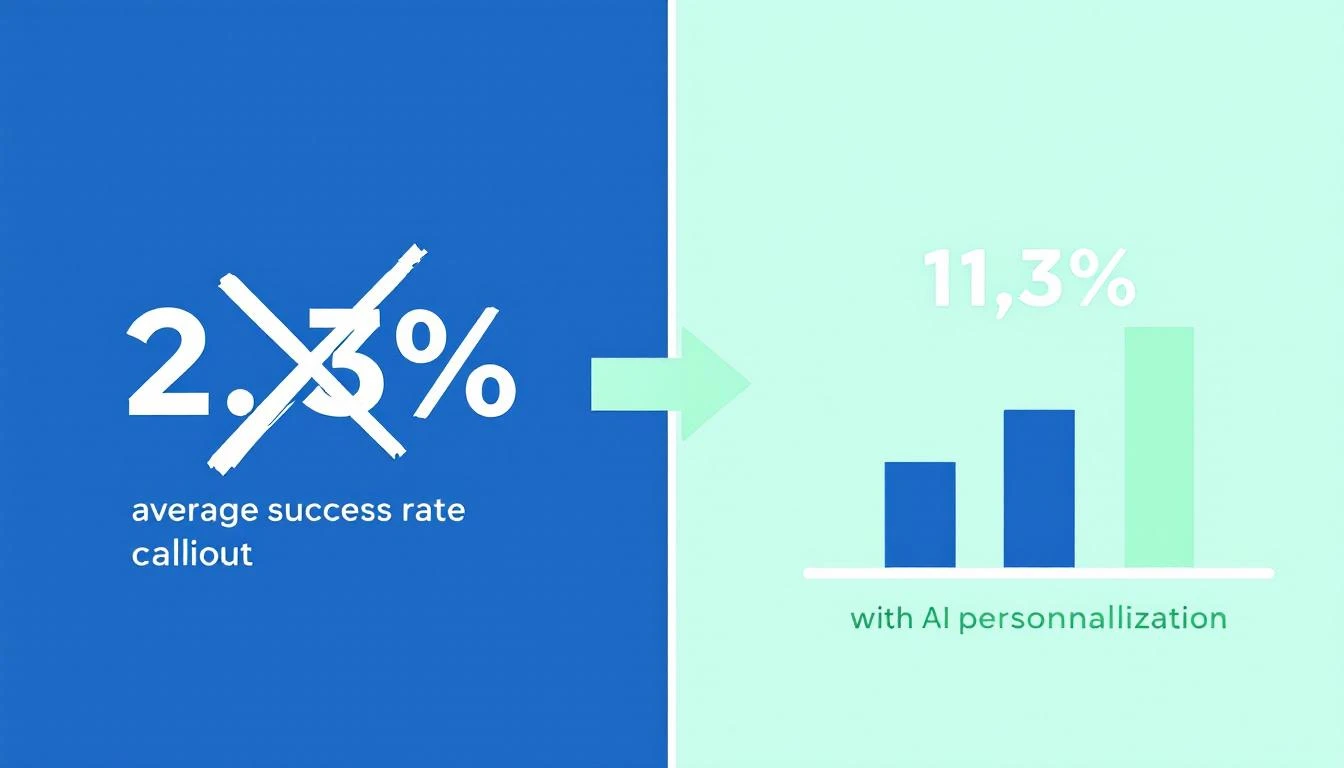
The average cold calling success rate in 2026 is 2.7%. That means for every 100 calls your SDR makes, fewer than 3 turn into anything. Cognism's 2026 report — which analyzed over 200,000 calls — found that teams using generic scripts and spray-and-pray tactics sit at or below that average.
But here's the number that matters: teams using AI-powered personalization and real-time context are hitting 6.7% to 11.3% success rates. That's 3-4x the industry average.
Outreach's 2025 dataset showed it plainly: personalized cold calls with AI-generated context had a 36% higher meeting conversion rate than generic calls.
The difference isn't talent. It's context.
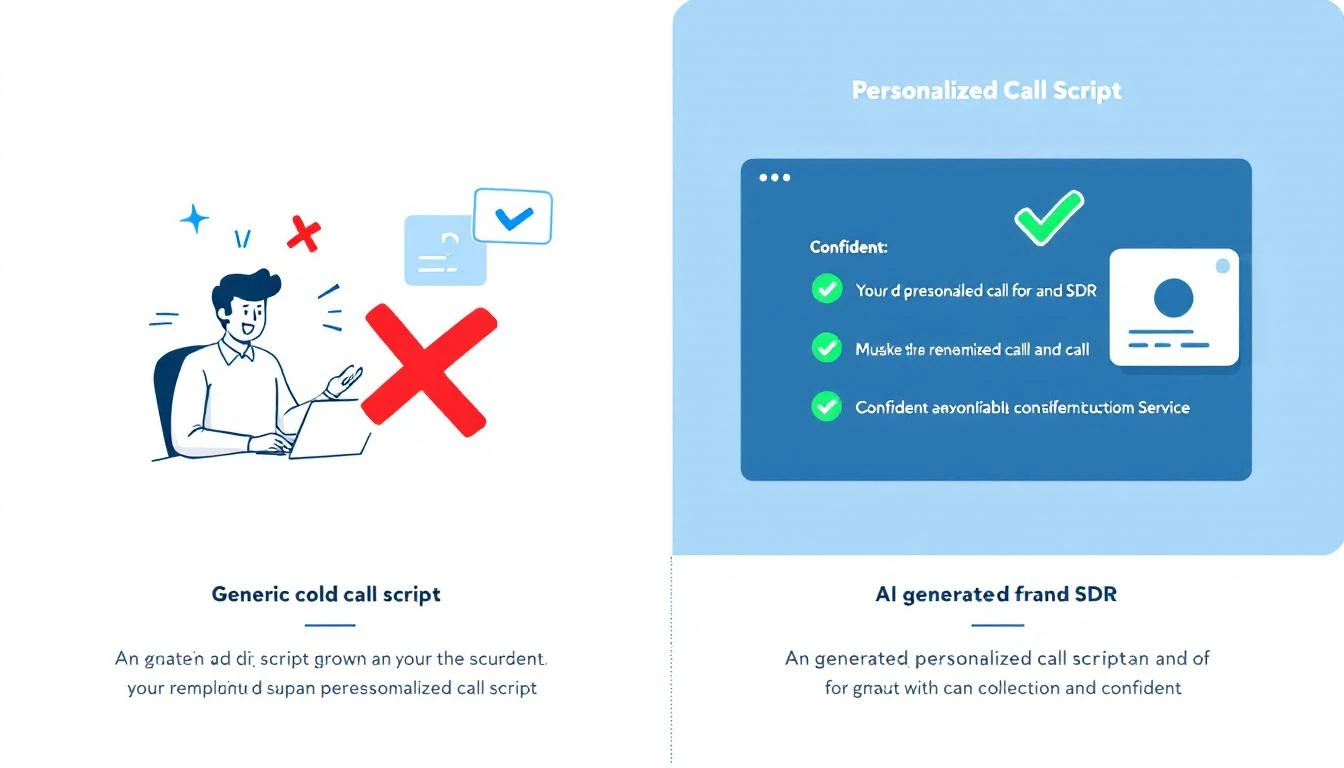
What a Generic Script Actually Looks Like
Here's what most SDR teams are working with today. If this looks familiar, that's the problem.
The "Standard" Cold Call Script:
"Hi Sarah, this is Mike from Acme Software. We're an AI-powered sales platform that helps companies improve their outbound efficiency. I was wondering if you had a few minutes to learn how we've helped companies like yours increase their pipeline by 40%?"
What's wrong with this:
- No research signal. Nothing tells Sarah you know anything about her company
- Generic value prop. "Improve outbound efficiency" could be any of 200 vendors
- No trigger. Why are you calling TODAY? What changed?
- Permission-based opener. "Do you have a few minutes?" is an invitation to say no
- Zero personalization. Swap the name and this works for literally anyone
Your rep might as well be reading from a cereal box. The prospect can tell — and they hang up.
This is what we mean by "winging it." Even teams that HAVE scripts are winging it if the script doesn't reflect what you already know about the prospect.
What an AI-Generated Call Script Looks Like
Now here's the same call — but the script was generated 30 seconds before the dial, using everything the system knows about this specific prospect.
AI-Generated Script (Anonymized):
"Hi Sarah — quick question. I noticed Datastream just posted a Director of Sales Enablement role, and your team's been evaluating outbound tools. We work with a few mid-market SaaS companies that were in a similar spot — scaling their SDR team while deals were stalling in pipeline. Curious if that resonates, or if I'm off base?"
What changed:
- Hiring signal → "posted a Director of Sales Enablement role" (from job board data)
- Competitor evaluation → "evaluating outbound tools" (from intent data)
- Company context → "mid-market SaaS" (from CRM enrichment)
- Pipeline awareness → "deals stalling in pipeline" (from CRM sync)
- Pattern interrupt → "Curious if that resonates, or if I'm off base?" (earns the conversation instead of asking permission)
The prospect doesn't hear a script. They hear someone who did their homework. That's the difference between a hang-up and a 4-minute conversation.
Where the Data Comes From
AI-generated scripts aren't magic. They're the result of connecting data sources your team already has — but nobody's stitching together manually.
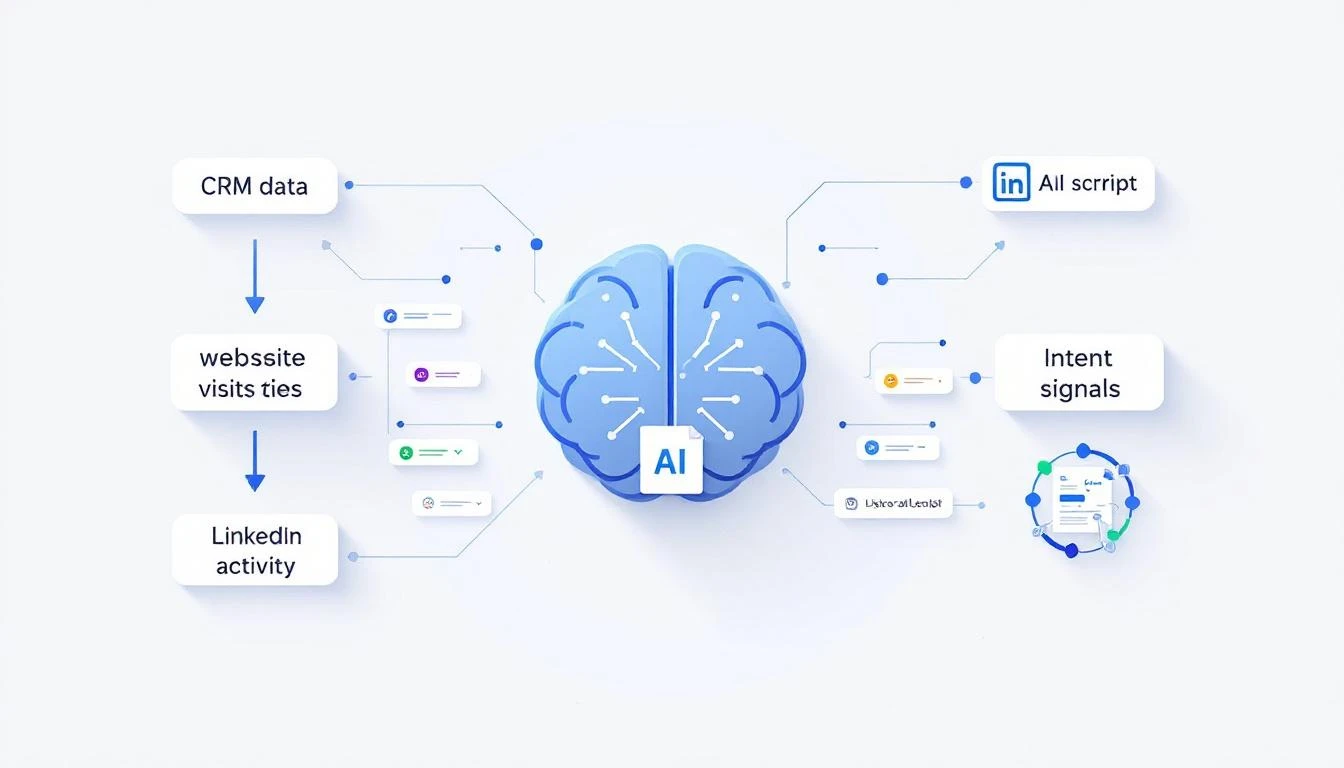
Here's what feeds into a good AI call script:
1. CRM Data (HubSpot, Salesforce)
- Deal stage and velocity (are deals stalling?)
- Last activity date (when did someone last engage?)
- Contact role and title
- Previous conversation notes
- How your reps spend their time matters — if they're manually pulling this context, they're losing hours per day
2. Website Visitor Intelligence
- Which pages did this prospect visit? (Pricing = high intent)
- How many visits in the last 7 days?
- Identifying anonymous visitors turns nameless traffic into call-ready context
3. Intent Signals
- Are they researching your category on third-party review sites?
- Did they engage with competitor content?
- Intent data reveals who's in-market before they raise their hand
4. Public Signals
- Recent job postings (hiring = budget, scaling, change)
- Funding announcements
- Leadership changes
- Company news and press releases
5. Conversation History
- Past email threads (what objections came up?)
- Previous call notes
- LinkedIn engagement (did they view your profile?)
When all five data sources feed into a single script generator, every call opens with context the prospect didn't expect you to have.
Before and After: A Real SDR's Day
Let's make this concrete. Here's what changes when you move from static scripts to AI-generated ones.
BEFORE: Static Scripts
| Metric | Result |
|---|---|
| Calls per day | 80 |
| Connect rate | 4% |
| Conversations | 3.2 |
| Meetings booked | 0.3 |
| Time spent on pre-call research | 0 min (no time) |
| Script personalization | None — same script for every call |
The rep blasts through a list. They don't research because there's no time. Every call sounds the same. Prospects hear it. Connect rates stay low.
AFTER: AI-Generated Scripts
| Metric | Result |
|---|---|
| Calls per day | 60 (fewer, but targeted) |
| Connect rate | 8% |
| Conversations | 4.8 |
| Meetings booked | 1.2 |
| Time spent on pre-call research | 0 min (AI does it) |
| Script personalization | Unique per prospect |
Fewer calls, more conversations, 4x the meetings. The math works because every call is a quality at-bat, not a coin flip.
This is the same pattern we see across SDR workflow optimization — less tool-switching, more selling.
How to Build AI-Generated Call Scripts (Step by Step)
You don't need to build this from scratch. But you do need to understand the components.
Step 1: Connect Your Data Sources
Your AI script generator is only as good as the data it can access. At minimum, you need:
- CRM integration (bidirectional sync with HubSpot or Salesforce)
- Website visitor tracking (who's on your site right now)
- Intent data feed (who's researching your category)
Most teams already have these tools. The problem is they're siloed. Your CRM doesn't talk to your visitor ID tool, which doesn't talk to your intent data provider. The best SDR tools in 2026 solve this by consolidating signals into one place.
Step 2: Define Your Script Framework
AI needs guardrails. You're not replacing the script — you're making it dynamic. Define:
- Opening structure: Pattern interrupt + signal reference + relevance check
- Value prop library: 3-5 core value props matched to different buyer personas
- Objection responses: Pre-loaded but contextual
- Call-to-action: Meeting request calibrated to deal stage
A good framework follows the same principles as a proven cold call script template — but with dynamic slots that AI fills per prospect.
Step 3: Generate Scripts in Real-Time
The script should be ready before the rep clicks "dial." That means:
- AI pulls the latest data on the prospect (CRM, signals, research)
- It identifies the strongest hook (what's the most relevant signal?)
- It generates a personalized opener, talking points, and objection prep
- The rep sees the script in their dialer view — no tab-switching, no research time
This is the difference between an AI approach to prospecting and the old way. The AI does the prep work. The rep does the human work — building rapport and listening.
Step 4: Feed Outcomes Back Into the System
After each call, the outcome feeds back:
- Connected, booked meeting → What signals correlated with success?
- Connected, no interest → What objections came up? Update the script library
- No answer → Adjust optimal call times
- Voicemail → Generate a personalized voicemail script for next attempt
This creates a feedback loop. Scripts get better over time because they learn from what actually works for YOUR prospects, not generic best practices.
The Multi-Channel Advantage
Call scripts are just the start. Once you have AI generating personalized context, the same engine powers every channel:
- Voicemail drops — personalized to the signal that triggered the call
- Follow-up emails — reference the call attempt with the same context (cold email best practices)
- LinkedIn messages — short, signal-driven connection requests
- Pre-meeting briefs — when the meeting is booked, AI generates a full brief with company background, stakeholder map, and pricing guidance
The key insight: all-channel personalization from a single context engine. Your rep doesn't re-research for every touchpoint. The AI carries the context across every interaction.
This is what separates real cold calling best practices in 2026 from the playbooks that worked in 2020.
What "Good" Looks Like: 3 AI-Generated Script Examples
Here are three anonymized examples of what AI-generated scripts look like in practice — each pulling from different signal types.
Example 1: Hiring Signal
"Hey Chris — saw that TechFlow is hiring two SDR managers. Usually when teams are scaling outbound, the biggest bottleneck isn't headcount — it's ramping new reps fast enough. We've helped a few teams cut SDR ramp time from 3 months to 3 weeks using AI-generated playbooks. Worth a 15-minute look?"
Signals used: Job posting data, company size, SDR ramp benchmarks
Example 2: Competitor Evaluation Signal
"Hi Dana — I'll be direct. I know your team's been looking at {Competitor}. A few of our customers switched from them because they got the data but not the 'what to do next' part. If you're still evaluating, might be worth seeing how we handle that differently. Open to a quick comparison?"
Signals used: Intent data (competitor research), CRM stage, product differentiation
Example 3: Website Visitor + Stalled Deal
"Jessica — we noticed someone from CloudBase has been on our pricing page a few times this week. I also see we've been in conversation for a while but things went quiet around January. Wanted to check in — has anything changed on your end, or can I send over something more specific to where you are now?"
Signals used: Visitor ID, CRM deal stage, last activity date, page visits
Each script took zero prep time from the rep. The AI had the context. The rep just had to be human.
Why Static Scripts Are Costing You Pipeline
Let's quantify the cost of winging it.
Assume a team of 5 SDRs, each making 80 calls/day:
With static scripts (2.7% success rate):
- 400 calls/day × 2.7% = 10.8 meetings/week
- At $500 average deal value per meeting: $5,400/week in pipeline
With AI-generated scripts (8% success rate):
- 300 calls/day (fewer, targeted) × 8% = 24 meetings/week
- At $500 average: $12,000/week in pipeline
That's an extra $6,600 per week — over $340K annually — from the same team. No new hires. No new tools (assuming your tools are already connected). Just better scripts.
The SDR productivity crisis isn't about effort. It's about context. Your reps are working hard. They're just working blind.
Getting Started: What to Do This Week
You don't need to overhaul your entire stack. Here's a practical starting point:
-
Audit your current scripts. When was the last time they were updated? Do they reference any prospect-specific data? If the answer is "never" and "no," you know the problem.
-
Inventory your data sources. What signals do you already collect that never make it into a call script? CRM notes, website visits, intent data — most teams have more context than they use.
-
Pick your highest-value call list. Start with your top 20 target accounts. Manually build AI-assisted scripts for those calls using the framework above. Measure the difference.
-
Evaluate tools that automate this. The right platform connects your data sources and generates scripts automatically. Look for CRM sync, visitor intelligence, intent signals, and AI content generation in one system.
-
Measure what matters. Track connect rate, conversation rate, and meetings-per-call — not just dial volume. The goal isn't more calls. It's more conversations that convert.
The Bottom Line
Your SDRs aren't bad at cold calling. They're under-equipped.
A generic script is a guess. An AI-generated script is an informed conversation starter. The data shows the difference: 36% more meetings, 3-4x higher success rates, and reps who actually look forward to picking up the phone because they know something about the person on the other end.
The question isn't whether AI will write your call scripts. It's whether your competitors are already doing it.
Ready to see AI-generated call scripts in action? Book a demo →