
Best AI Tools for Content Creation and Social Media Management [2026]

Short answer: the best tools for content creation and social media management in 2026 are HeyGen or Synthesia for avatar-led video generation, Opus Clip for turning long-form recordings into short clips, Descript for AI-assisted editing, Canva Magic Studio for brand-kit-enforced templates at volume, Frame.io for review and approval, and Make or n8n to wire the stages together. No single tool runs the whole pipeline — the teams shipping 30+ brand videos a month are chaining 4 to 6 of these, not searching for one platform that does everything.
That is the answer to the question. The rest of this post is the part most listicles skip: how the stages fit together, what each one actually costs, and where the pipeline breaks if you automate the wrong step.
Why Video Pipelines Need Automation Now
The volume expectation changed faster than team sizes did. Short-form video is the top ROI-driving content format for 49% of marketers, videos under 60 seconds generate roughly 2.5x more engagement per impression than other content types, and businesses now put an average of 31% of their marketing budget into video. On the B2B side, 87% of buyers say video influenced a purchase decision.
A brand that posted one produced video a month in 2023 is now expected to ship clips weekly across LinkedIn, YouTube Shorts, TikTok, and Instagram — each with its own aspect ratio, caption style, and hook structure. Doing that manually means a production bottleneck or a burned-out designer. Doing it with disconnected AI tools means brand drift: five tools, five slightly different versions of your look.
A pipeline solves both. Not "more AI tools" — a defined sequence where content moves from brief to published clip with automation handling the repetitive stages and humans reviewing the ones that carry risk.
The Five Stages of an AI Video Content Pipeline
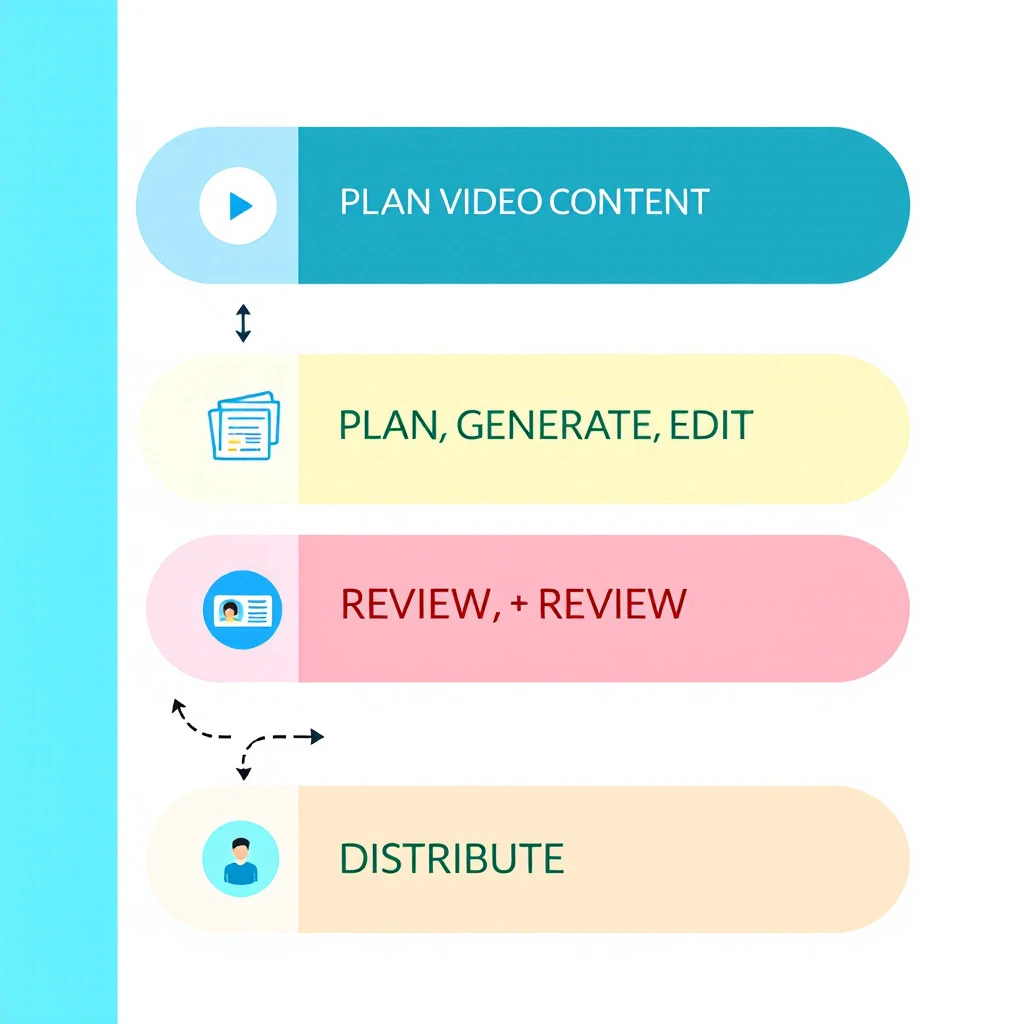
Every functioning pipeline we have seen — in-house or agency — reduces to the same five stages:
- Plan — decide what gets made, for which channel, tied to which campaign
- Generate — produce the raw video: avatar presenter, screen recording, text-to-video, or repurposed long-form
- Edit — cut, caption, resize, and polish
- Review — brand, legal, and quality approval before anything goes public
- Distribute and measure — publish per channel and feed performance back into planning
Automation belongs in stages 2, 3, and 5. Stages 1 and 4 are where humans earn their keep — we will come back to that.
Best Tools by Pipeline Stage
Stage 2: Video Generation
HeyGen — best for avatar-led brand video. Creator at $29/month, Pro at $49, Business at $149 with collaboration and 4K export. Over 100 avatars and 175+ languages, and the avatar naturalness is currently the strongest in the category. If your brand content includes explainer or spokesperson-style video without booking a studio, this is the default pick.
Synthesia — best for scale and localization. Free tier covers 10 minutes of video per month; the Starter plan runs $14/month billed annually. With 240+ avatars and 160+ languages, it is the common enterprise choice for training and product content localized into many markets.
Canva Magic Studio — best for template-driven volume. Canva Pro (roughly $15–18/month in 2026) unlocks Brand Kit, Video 2.0, and Bulk Create. Bulk Create is the sleeper feature: upload a CSV of product names or stats, map columns to a video template, and generate every variant in one pass. For brand consistency at volume, brand-kit enforcement matters more than generation quality — Canva applies your logos, colors, and fonts automatically so the intern's output matches the design lead's.
We compared the broader generation category in our best AI content creation tools breakdown if you want the full field beyond video.
Stage 2b: Repurposing Long-Form into Clips
Opus Clip — best clip extractor. Free plan with watermark, Starter at $15/month, Pro at $29. Point it at a webinar, podcast, or demo recording and its ClipAnything model scores moments by visual, audio, and sentiment cues, then outputs captioned vertical clips. For B2B brands sitting on hours of webinar footage, this is the highest-leverage $15 in the stack.
Descript — best full editing environment. From $24/month. Edit video by editing the transcript, remove filler words in one click, and overdub corrections. Opus Clip and Descript are complements, not competitors: Opus finds the moments, Descript is where you fix them.
Stage 3: Editing and Brand QA
Beyond Descript, this stage is mostly about copy and voice. Grammarly Business handles style-guide enforcement and tone settings for captions and descriptions; Writer goes deeper for enterprises — upload your style guide, approved terminology, and banned words, and it flags deviations in real time across every writer. If your video captions, titles, and descriptions are drifting off-brand, the fix lives here, not in the video tool. Our content optimization tools guide covers this category in depth.
Stage 4: Review and Approval
Frame.io — the standard for video review. Free for 2 members, Pro at $15/member/month, Team at $25. Time-coded comments, frame-level annotations, version control, and — critically — unlimited free reviewers on shared links, so stakeholders can approve without paid seats. The Adobe Premiere integration pulls comments straight into the editing timeline.
Filestage — better for mixed-asset approval. If your review flow covers video plus images, PDFs, and copy in one place, Filestage's structured approval steps fit marketing teams better than Frame.io's video-first design.
Do not automate this stage. AI-generated video fails in ways that are obvious to humans and invisible to the pipeline — wrong pronunciation of your own product name, an avatar gesture that reads wrong, a stat that got garbled. Every public asset gets human eyes. The automation win is routing (asset lands in the review queue automatically), not judgment.
Stage 5: Orchestration and Distribution
This is what makes it a pipeline instead of a pile of tools:
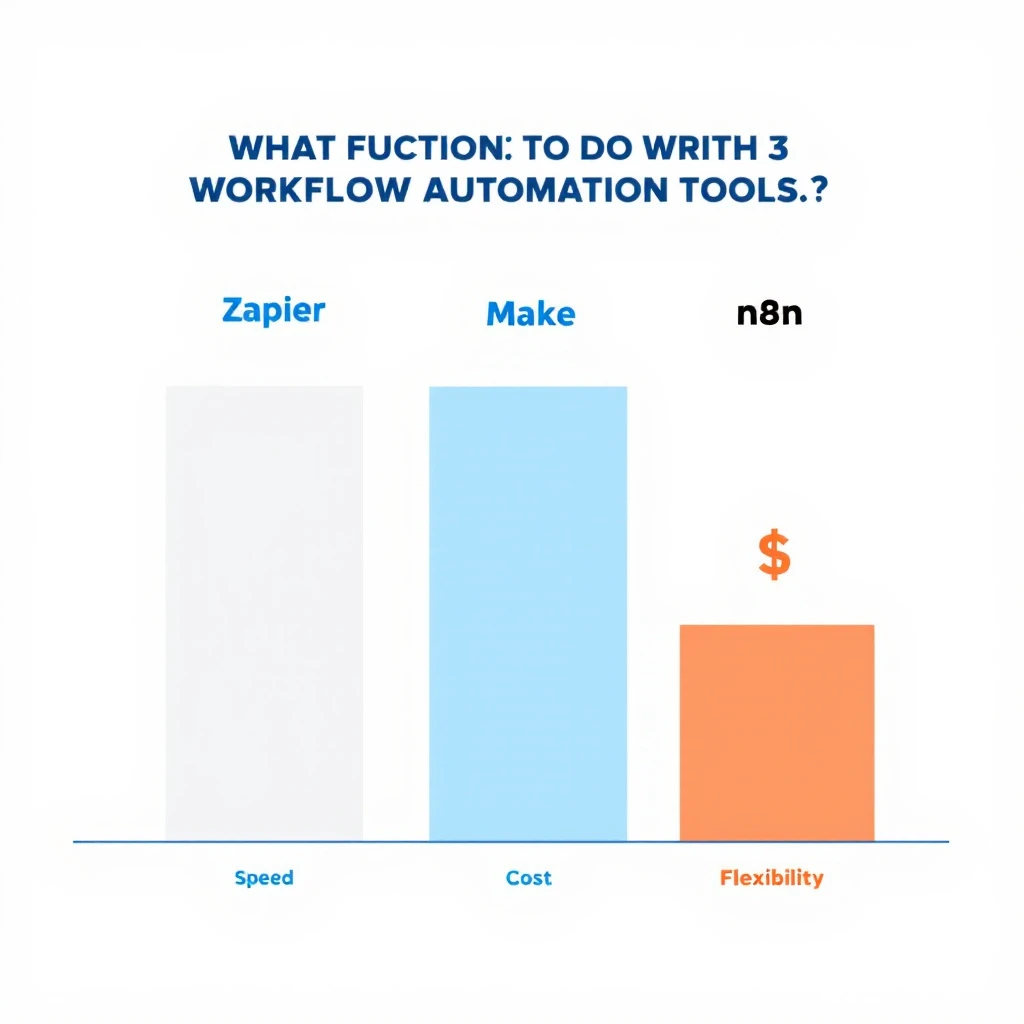
| Tool | Best for | Pricing signal | Trade-off |
|---|---|---|---|
| Zapier | Fastest setup, 8,000+ integrations | ~$20/month for 750 tasks | Costs climb fast at video-pipeline volume |
| Make | Visual branching logic at mid-market price | Roughly 60% cheaper than Zapier per operation | Steeper learning curve |
| n8n | Self-hosted, unlimited executions, AI-agent nodes | Free self-hosted | You own the maintenance |
A typical wiring: new webinar recording lands in Drive → Make sends it to Opus Clip → finished clips post to a Frame.io review queue → approval triggers scheduling to LinkedIn and YouTube → performance data writes back to a Sheet that feeds next month's planning. Every arrow in that sentence is an automation; every node a human could touch is optional except review.
Enterprise AI Content Pipelines: What Changes at Scale
The second question buyers ask — usually phrased as "enterprise AI content pipeline automation solutions for brand videos" — is really a governance question. At enterprise scale the hard problems are not generation quality. They are:
- Brand control: hundreds of people producing content means brand kits enforced in the tool (Canva Business, Frame.io Enterprise workspaces), not in a PDF nobody reads
- Voice governance: Writer-style terminology enforcement across every caption and script, with banned-word lists that legal actually maintains
- Approval trails: who signed off on which version, retrievable when compliance asks
- Localization: Synthesia-class translation across 100+ languages without re-shooting
Enterprise stacks therefore look like: Synthesia or HeyGen Business for generation, Writer for language governance, Frame.io Enterprise for approval, and n8n self-hosted (data residency) for orchestration. The per-seat math matters less than the risk math — one off-brand video in a regulated industry costs more than the entire annual stack.
The Review-and-Editing Question, Answered Directly
The third question in this cluster: "what is the best AI content pipeline tool for content review and editing?" The honest answer is a pair, not a single tool: Descript for editing, Frame.io for review. Descript because transcript-based editing is the fastest way for a non-editor to make real changes; Frame.io because approval needs time-coded comments and version history, which editing tools do not provide. If your review problem is copy rather than video — captions, scripts, descriptions — the answer is Writer for enterprises and Grammarly Business for everyone else.
A 30-Day Pipeline Build Plan
- Week 1: Pick one channel and one format (e.g., LinkedIn vertical clips from webinars). Set up Opus Clip + a Frame.io review project. Ship 3 clips manually to learn the friction points.
- Week 2: Add generation. Stand up HeyGen or Canva with your brand kit loaded. Template the two formats you repeat most.
- Week 3: Wire orchestration. Make or n8n scenario: recording in → clips out → review queue → scheduled post. Keep a human approval gate.
- Week 4: Add measurement. Pipe post performance into a sheet; kill the format that underperforms, double the one that works.
That sequencing matters. Teams that start by buying an "all-in-one AI content platform" spend week one in onboarding calls; teams that start with one automated format have shipped a dozen assets by day 30. It is the same crawl-then-automate logic we recommend in our AI tools for content marketing guide and our marketing tech stack breakdown.
Where the Pipeline Meets Pipeline (the Revenue Kind)
A brand video pipeline that ends at "published" is only half wired. The other half is knowing who watched and what to do about it.
This is where MarketBetter fits. Video drives buyers to your site — and MarketBetter identifies the companies those visitors work for, scores the buying signal, and tells your SDR team exactly who to contact and what to say. Content teams measure views; revenue teams need the next step. If your videos are generating traffic that nobody follows up on, you have a distribution pipeline feeding a hole.
Sales teams also flip this pipeline around: personalized video in cold outreach uses the same generation tools to make one-to-one assets — see our guides to AI video tools for sales teams and personalizing sales video at scale. Same stack, opposite direction: brand video is one-to-many, sales video is one-to-one, and the winners run both off shared templates.
FAQ
What are the top AI content pipeline automation tools for video-based brand content? HeyGen or Synthesia (generation), Opus Clip (repurposing), Descript (editing), Canva Magic Studio (brand-templated volume), Frame.io (review), and Make or n8n (orchestration). Chain 4 to 6 of them; no single tool covers the full pipeline well.
What are enterprise AI content pipeline automation solutions for brand videos on social media? Enterprise stacks prioritize governance: Synthesia or HeyGen Business for generation with localization, Writer for brand-voice enforcement, Frame.io Enterprise for auditable approvals, and self-hosted n8n for orchestration with data residency.
What is the best AI content pipeline and automation tool for content review and editing? Descript for editing (transcript-based, fast for non-editors) plus Frame.io for review (time-coded comments, versioning, free reviewers). For copy review at scale, Writer (enterprise) or Grammarly Business.
Can one platform automate the entire video content pipeline? Not well. All-in-one platforms trade quality at every stage for convenience. The practical approach is best-of-breed tools per stage connected by an orchestrator, with a human approval gate before publishing.
Turning video viewers into pipeline? MarketBetter identifies the companies visiting your site from your content, scores their intent, and hands your SDRs a specific next action — not just a dashboard. Book a demo →