
B2B Email Deliverability: The Complete Guide for Sales Teams [2026]

Here's a number that should keep every SDR manager up at night: 17% of cold emails never reach the inbox. That's nearly one in five messages your team sends vanishing before a prospect even has the chance to ignore them.
And it's getting worse. Google and Yahoo rolled out strict sender authentication requirements that moved from "best practice" to "enforced or rejected." Microsoft Outlook's inbox placement dropped to 75.6% — the lowest of any major provider. The SaaS industry specifically sees only 80.9% deliverability.
If your outbound pipeline depends on email (and in B2B, it does), deliverability isn't a technical nice-to-have. It's the foundation everything else sits on. The best copy, the sharpest personalization, the most compelling offer — none of it matters if your emails hit spam.
This guide covers everything a B2B sales team needs to know about email deliverability in 2026: the technical setup, the benchmarks that matter, the warming process, and the ongoing practices that separate teams landing in the inbox from teams burning domains.
What Email Deliverability Actually Means (And Why Most Teams Get It Wrong)
Most sales teams confuse "delivery rate" with "deliverability." They're not the same thing.
Delivery rate tells you an email was accepted by the receiving server. Your ESP might show 98% delivery — but that includes emails dumped into spam folders, promotions tabs, and quarantine. It means the server took the email. Not that anyone saw it.
Deliverability (or inbox placement rate) measures whether your email landed in the primary inbox where someone might actually read it. This is the number that matters for outbound sales.
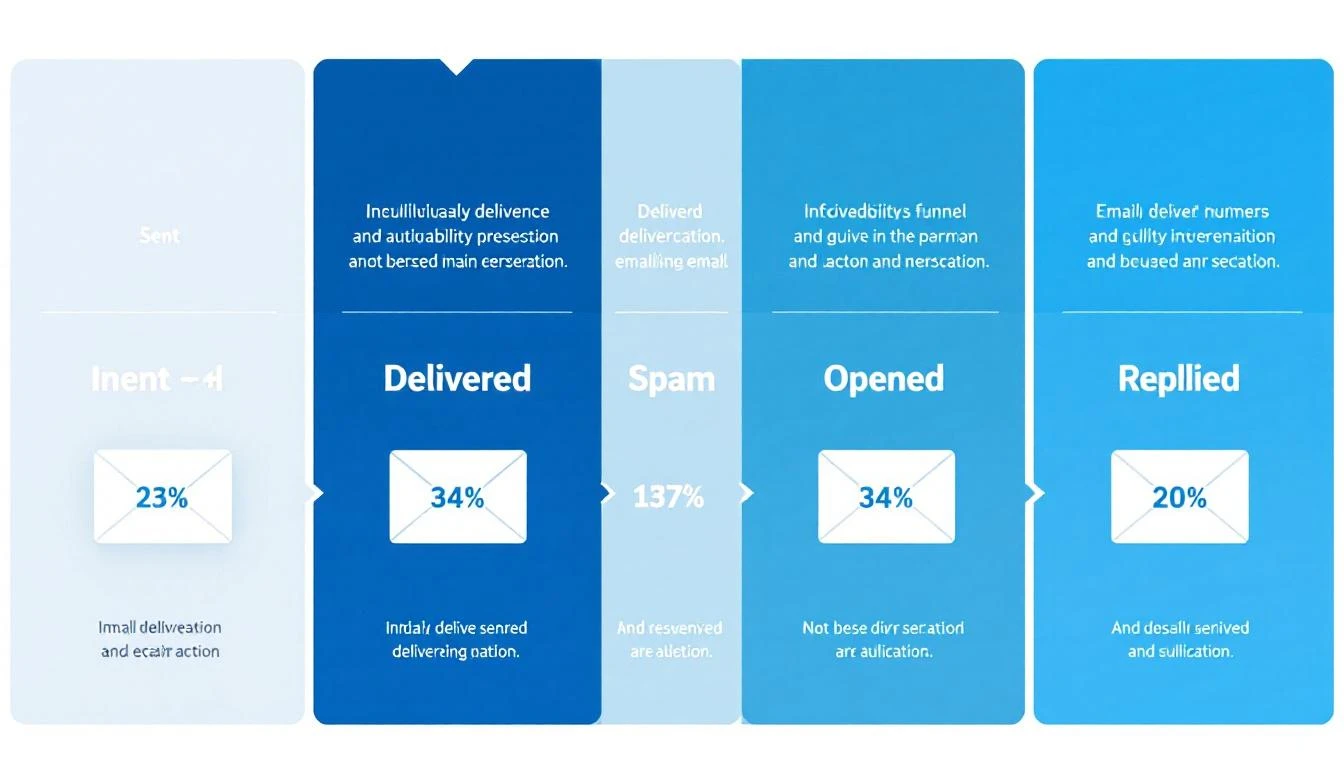
Here's how the funnel typically breaks down for B2B cold email in 2026:
| Stage | Average Rate | What It Means |
|---|---|---|
| Delivery Rate | 92-98% | Server accepted the email |
| Inbox Placement | 75-87% | Email reached the primary inbox |
| Open Rate | 15-28% | Recipient saw and opened it |
| Reply Rate | 1-8% | Recipient responded |
| Meeting Conversion | 0.2-2% | Reply turned into a booked call |
The gap between delivery (98%) and inbox placement (75-87%) is where deals disappear. That 11-23% gap represents emails sitting in spam folders — delivered but invisible.
Why SDR leaders should care: If your team sends 1,000 emails per week and 15% land in spam, that's 150 prospects who never see your message. At even a conservative 5% reply rate on those lost emails, that's 7-8 conversations — potentially 2-3 meetings — gone every single week.
The 2026 Deliverability Landscape: What Changed
The email deliverability landscape shifted dramatically starting February 2024, when Google and Yahoo began enforcing new sender requirements. By 2026, these aren't optional guidelines — they're table stakes.
Google and Yahoo's Sender Requirements
For anyone sending more than 5,000 emails per day:
- SPF and DKIM authentication are mandatory on every sending domain
- DMARC records must be published (minimum
p=none) - One-click unsubscribe (RFC 8058 compliant) required on marketing emails
- Spam complaint rate must stay below 0.3% — exceed it and your emails face rate limiting or outright rejection
- TLS encryption for email transmission
- Valid forward and reverse DNS records on sending IPs
For all senders (even below 5,000/day), SPF or DKIM authentication is now required. The days of sending unauthenticated email are over.
Microsoft's Tightening Grip
Microsoft Outlook has become the hardest inbox to reach, with deliverability dropping to 75.6% — compared to Google's 87.2% and Yahoo's 86%. Outlook's spam filtering has become more aggressive, and their Sweep functionality moves bulk emails out of the primary inbox.
For B2B teams, this matters disproportionately. Enterprise prospects often use Microsoft 365 / Outlook. If your emails consistently hit spam on Outlook, you're missing a huge slice of your TAM.
Industry-Specific Reality
Deliverability varies dramatically by industry (source: Validity 2025 Benchmark Report):
| Industry | Inbox Placement | Spam Rate |
|---|---|---|
| Mining & Minerals | 98% | 1.7% |
| Healthcare | 94.7% | 4.5% |
| Construction | 93.4% | 4.5% |
| Telecom | 88.9% | 5% |
| Software/SaaS | 80.9% | 7.6% |
| Manufacturing | 82.2% | 7.8% |
If you're selling software to software companies — which describes most of MarketBetter's ICP — you're operating in one of the hardest deliverability environments. Your technical setup needs to be flawless.
The Technical Foundation: SPF, DKIM, and DMARC
Email authentication is no longer optional. 57.3% of B2B emailers now authenticate their emails to meet Google and Microsoft's sender rules (up from roughly 30% two years ago). If you're in the other 42.7%, you're actively hurting your inbox placement.
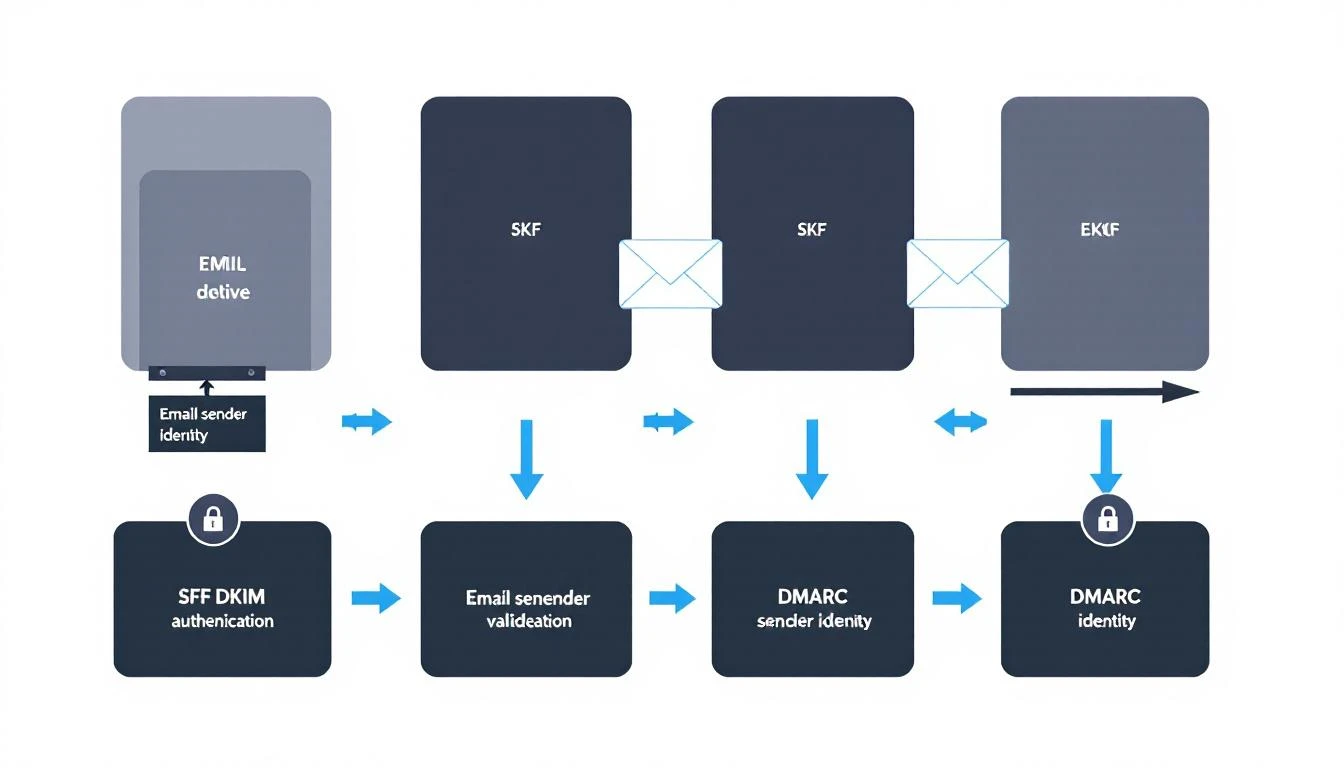
Here's what each protocol does and how to set it up correctly.
SPF (Sender Policy Framework)
What it does: Tells receiving servers which IP addresses are authorized to send email from your domain.
How it works: You publish a DNS TXT record listing every server that legitimately sends mail for your domain. When a recipient's server gets an email claiming to be from your domain, it checks your SPF record. If the sending IP isn't listed, the email fails SPF.
Setup checklist:
- Identify every service that sends email from your domain (CRM, marketing platform, sales engagement tool, transactional email service)
- Create a single SPF record that includes all authorized senders
- Keep your SPF record under 10 DNS lookups (the protocol limit)
- Test with
nslookup -type=txt yourdomain.comor MXToolbox
Common mistakes:
- Multiple SPF records (only one is allowed per domain)
- Exceeding the 10-lookup limit by including too many third-party services
- Forgetting to add new sending tools when you adopt them
DKIM (DomainKeys Identified Mail)
What it does: Adds a cryptographic signature to your outgoing emails that proves the message wasn't tampered with in transit and genuinely came from your domain.
How it works: Your email server signs each outgoing message with a private key. The corresponding public key lives in your DNS records. Receiving servers use the public key to verify the signature.
Setup checklist:
- Generate DKIM key pairs through your email service provider
- Publish the public key as a DNS TXT record (usually at
selector._domainkey.yourdomain.com) - Use 2048-bit keys minimum (1024-bit is increasingly rejected)
- Rotate keys annually as a security best practice
Why it matters for sales teams: DKIM is the strongest signal to inbox providers that your emails are legitimate. Without it, even well-crafted cold emails look suspicious to spam filters.
DMARC (Domain-based Message Authentication, Reporting, and Conformance)
What it does: Ties SPF and DKIM together and tells receiving servers what to do when emails fail authentication checks.
How it works: Your DMARC record specifies a policy:
p=none— Monitor only (report failures but deliver anyway)p=quarantine— Send failing emails to spamp=reject— Block failing emails entirely
Recommended approach for sales teams:
- Start with
p=noneto see what's happening without blocking anything - Review DMARC reports for 2-4 weeks to identify legitimate senders that might fail
- Move to
p=quarantineonce you've fixed any issues - Eventually move to
p=rejectfor maximum protection
The minimum for Google's requirements: A DMARC record with p=none and either SPF or DKIM alignment. But the recommendation is to have both SPF and DKIM passing with DMARC alignment.
The Authentication Checklist
Before sending a single cold email, verify:
- SPF record published and valid (single record, under 10 lookups)
- DKIM keys generated and DNS records published for every sending service
- DMARC record published (start with
p=noneandruafor reports) - SPF and/or DKIM aligned with your From domain
- TLS enabled on your sending infrastructure
- Forward and reverse DNS (PTR records) match on sending IPs
- Test with Mail-Tester, MXToolbox, or Google Postmaster Tools
Domain Architecture for Outbound Sales
One of the most impactful (and underrated) deliverability decisions is how you structure your sending domains. Never send cold outbound from your primary domain.
The Subdomain Strategy
Use dedicated subdomains for different email types:
mail.yourcompany.com→ Transactional emails (signup confirmations, password resets)outreach.yourcompany.com→ Cold outbound (SDR prospecting)news.yourcompany.com→ Marketing newslettersyourcompany.com→ Internal and 1:1 business communication only
Why this matters: If your cold outbound damages the reputation of outreach.yourcompany.com, your primary domain stays clean. Your CEO's emails still land in the inbox. Your customer success team's renewals still get delivered. You've contained the blast radius.
Multiple Domain Strategy (For High-Volume Teams)
If you're sending more than 100 cold emails per day per SDR, consider multiple sending domains:
yourcompany-team.comyour-company.iotryyourcompany.com
Each domain gets its own authentication (SPF, DKIM, DMARC), warming schedule, and reputation. If one gets burned, the others keep running.
Important: These domains should be visually similar to your main domain. Recipients should recognize them as belonging to your company. Random domains that don't match your brand look phishy and hurt trust.
Dedicated IPs vs. Shared IPs
Shared IPs (what most email services provide by default): Your reputation is pooled with other senders. Good for teams sending under 50K emails per month — the shared pool typically has better aggregate reputation than a new dedicated IP would.
Dedicated IPs: Your reputation is entirely yours. Better for teams sending 50K+ emails per month. Requires careful warming and ongoing monitoring, but gives you full control.
For most B2B sales teams (sending 500-5,000 emails per week), shared IPs through a reputable provider are the right call.
The Domain Warming Playbook
A new domain with zero sending history is a red flag to inbox providers. Warming builds trust gradually — mimicking natural email behavior until your domain has enough positive signals to handle cold outbound volume.
The 8-Week Warming Schedule
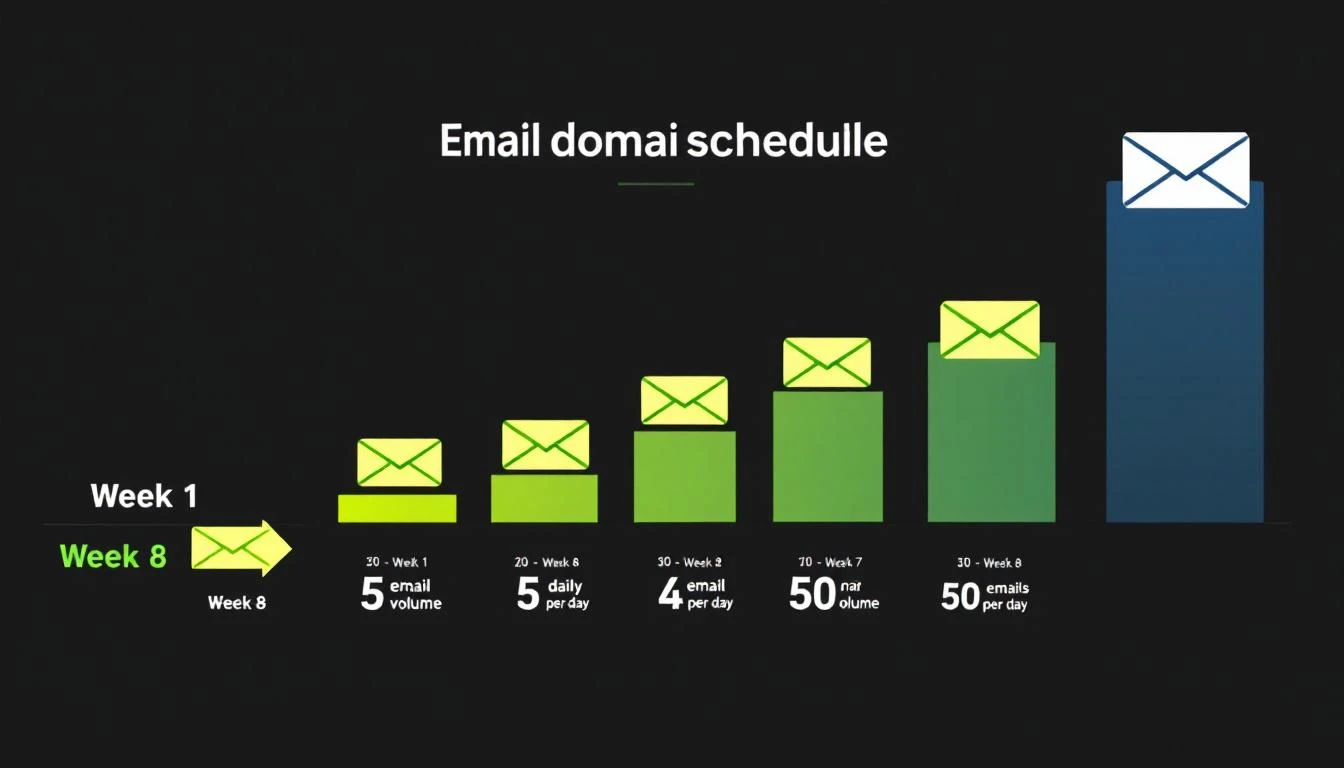
Here's a proven warming schedule for new outbound domains:
| Week | Daily Volume Per Inbox | Who to Email | Goal |
|---|---|---|---|
| Week 1-2 | 5-10 emails | Internal team, friends, known contacts | Generate opens + replies |
| Week 3-4 | 15-25 emails | Warm prospects, newsletter subscribers | Maintain high engagement |
| Week 5-6 | 30-40 emails | Mixed warm + cold prospects | Test cold engagement |
| Week 7-8 | 40-50 emails | Full cold outreach | Reach steady state |
Critical rules during warming:
- Never skip straight to high volume. A brand-new domain sending 500 emails looks like a spammer's tactic.
- Engagement matters more than volume. Opens, replies, and clicks signal legitimacy. Send to people who will actually respond during the first 2-3 weeks.
- Monitor bounce rate daily. If bounces exceed 3%, pause and clean your list.
- Use warming tools. Services like Instantly's warmup network, Warmup Inbox, or TrulyInbox automatically generate engagement signals on your domain.
Signs Your Domain Is Ready
Move to full cold outbound only when:
- Warming tool shows 90%+ inbox placement for 3-5 consecutive days
- Google Postmaster Tools shows your domain reputation as "Medium" or "High"
- Your bounce rate on test sends is under 2%
- You're getting genuine replies (not just warming tool responses)
Signs Your Domain Is Burning
Stop sending and investigate immediately if:
- Inbox placement drops below 80%
- Bounce rate exceeds 5% on any day
- You receive a spam complaint notification from Google Postmaster Tools
- Your domain shows up on a blacklist (check via MXToolbox)
List Quality: The Deliverability Multiplier
The single fastest way to destroy deliverability is sending to bad data. 60% of B2B senders now clean their email lists regularly to avoid spam traps and bounces (Mailgun 2025 Survey).
The Math on Bad Data
Average B2B contact data decays at 22-30% per year — people change jobs, companies get acquired, domains expire. If your list is 12 months old and hasn't been cleaned, nearly a third of your emails are going to invalid addresses.
High bounce rates trigger spam filters fast. Here's the risk curve:
| Bounce Rate | Impact |
|---|---|
| Under 2% | Healthy — no deliverability impact |
| 2-5% | Warning zone — clean your list immediately |
| 5-8% | Dangerous — active damage to sender reputation |
| Over 8% | Critical — pause all outbound, full list audit required |
List Hygiene Best Practices
-
Verify before you send. Run every new list through an email verification tool (ZeroBounce, NeverBounce, Hunter) before loading into your sequence. Remove invalid, catch-all, and role-based addresses.
-
Re-verify monthly. Even verified addresses go bad. Set a monthly cadence to re-check addresses that haven't engaged.
-
Remove non-engagers. If a contact hasn't opened any email in 3+ months across multiple attempts, remove them. Continued sends to non-engagers signal spam behavior.
-
Watch for spam traps. ISPs seed fake addresses into public databases. If you're scraping emails rather than using verified enrichment, you're at high risk of hitting traps.
-
Don't buy lists. Purchased lists have the highest bounce rates and spam trap density of any data source. Use intent-based prospecting instead.
Content and Sending Practices That Protect Deliverability
Technical setup gets you to the inbox. Your sending behavior keeps you there.
What Triggers Spam Filters in 2026
Modern spam filters use machine learning, not keyword matching. But certain patterns still raise red flags:
High-risk behaviors:
- Sending identical copy to hundreds of recipients (even with {{first_name}} tokens)
- Including more than 2 links in a cold email
- Using link shorteners (bit.ly, etc.) — these are heavily penalized
- Attachments in cold outreach (PDF prospecting decks are a spam magnet)
- All-caps subject lines or excessive punctuation (!!! ???)
- Image-heavy emails with minimal text
Low-risk best practices:
- Plain-text or minimal HTML formatting
- One clear CTA per email
- Personalization beyond just the first name (reference their company, role, recent activity)
- Natural language that reads like a human wrote it
- Consistent sending volume (no sudden spikes)
The Volume Discipline
Once your domain is warmed, maintain sending discipline:
- Per inbox: Max 50 cold emails per day
- Per domain: Don't exceed 200 emails per day across all inboxes
- Spacing: Minimum 60-second gap between sends (random intervals are better)
- Weekly pattern: Send Tuesday-Thursday for best engagement, avoid Mondays and Fridays
Platforms like MarketBetter handle this automatically through built-in email automation with intelligent throttling and domain health monitoring. Instead of managing sending limits manually across multiple tools, the daily SDR playbook orchestrates outreach volume within safe deliverability thresholds.
Follow-Up Sequences and Deliverability
Follow-ups are essential — reply rates improve by 50%+ with consistent follow-ups, yet 48% of reps never send a second message. But follow-ups also multiply your sending volume and deliverability risk.
Follow-up rules:
- Cap sequences at 3-4 emails total (initial + 2-3 follow-ups)
- Space follow-ups 3-5 business days apart
- Vary your copy significantly between touches (don't just re-send)
- Auto-remove contacts who reply or bounce from the sequence
- Don't follow up on contacts who've unsubscribed from a prior campaign
Monitoring and Maintaining Deliverability
Deliverability isn't a "set it and forget it" setup. It requires ongoing monitoring.
Essential Monitoring Tools
| Tool | What It Monitors | Cost |
|---|---|---|
| Google Postmaster Tools | Domain reputation, spam rate, DMARC pass rate | Free |
| MXToolbox | Blacklist status, DNS records, authentication | Free/Paid |
| SenderScore | IP reputation score (0-100) | Free |
| Mail-Tester | Per-email spam score analysis | Free (limited) |
| Validity Everest | Inbox placement testing across ISPs | Paid |
A SenderScore of 80+ means you're likely to land in the inbox. Below 70, and you're in trouble.
The Weekly Deliverability Audit
Every Monday, check:
- Google Postmaster Tools — Is domain reputation still "Medium" or "High"?
- Bounce rates — Did any day last week exceed 2%?
- Spam complaints — Are you under 0.1%? (0.3% is the maximum, but you want headroom)
- Blacklist status — Run a quick MXToolbox check on your sending IPs and domains
- Authentication — Spot-check that SPF, DKIM, and DMARC records are still valid (DNS changes can break them)
When Things Go Wrong: The Recovery Playbook
If you discover deliverability problems:
- Stop sending immediately on the affected domain/IP
- Diagnose the cause — Check bounce logs, spam complaints, blacklist status
- Fix the root cause — Bad list? Authentication failure? Content trigger?
- Request blacklist delisting if applicable (most blacklists have a removal process)
- Re-warm the domain from a reduced volume, following the warming schedule
- Monitor daily until reputation recovers (typically 2-4 weeks)
How Deliverability Fits Into Your Broader Sales Stack
Email deliverability doesn't exist in isolation. It's one layer in the sales execution stack — and how your tools work together matters as much as any individual configuration.
The best-performing outbound teams in 2026 don't just optimize deliverability. They layer it with intent signals to send fewer, better-targeted emails. When you know which companies are actively researching solutions like yours, you can reduce volume while increasing relevance — which improves deliverability AND conversion simultaneously.
This is the approach that platforms like MarketBetter take: instead of sending 10,000 generic emails and hoping the deliverability math works out, the daily SDR playbook identifies the 50 accounts showing real buying signals and tells your team exactly who to contact and what to say. Fewer emails, higher engagement, better deliverability, more meetings.
Related resources for building your outbound stack:
- Best Sales Prospecting Tools 2026 — The platforms that feed your email pipeline
- Best Sales Engagement Software 2026 — Tools that manage your sending sequences
- Best Cold Email Software 2026 — Platforms built specifically for cold outbound
- Cold Email Templates That Convert — What to say once your emails land in the inbox
- Best AI SDR Tools 2026 — AI-powered outbound that handles deliverability automatically
- The Real Cost of a B2B Sales Tech Stack — What you'll actually spend on tools
- How to Improve Email Open Rates — Optimization once deliverability is solved
- Best Website Visitor Identification Tools — Turn anonymous traffic into warm outbound targets
The Deliverability Scorecard: Where Does Your Team Stand?
Score your current setup (1 point each):
Technical Foundation (5 points)
- SPF record valid and under 10 lookups
- DKIM enabled with 2048-bit keys on all sending services
- DMARC record published with at least
p=none - Separate sending domain/subdomain for cold outbound
- TLS enabled, DNS records valid
Domain Health (5 points)
- Domain warmed for 4+ weeks before cold outbound
- SenderScore above 80
- Not on any blacklists
- Google Postmaster Tools domain reputation "Medium" or higher
- Spam complaint rate below 0.1%
List Quality (5 points)
- All emails verified before first send
- Bounce rate under 2% over last 30 days
- Non-engagers removed after 3 months
- No purchased or scraped lists in use
- Monthly re-verification cadence in place
Sending Practices (5 points)
- Max 50 cold emails per inbox per day
- 60+ second spacing between sends
- Follow-up sequences capped at 3-4 emails
- Personalization beyond {{first_name}}
- No link shorteners, minimal attachments
Scoring:
- 16-20: Deliverability pro — you're in the top tier
- 11-15: Solid foundation — fix the gaps before scaling
- 6-10: At risk — prioritize fixes before sending more volume
- 0-5: Stop sending — your emails are almost certainly hitting spam
What to Do Next
If you scored below 16 on the scorecard above, here's your priority list:
- Today: Check your SPF, DKIM, and DMARC records. Fix any that are missing or broken.
- This week: Set up Google Postmaster Tools and check your domain reputation.
- Next two weeks: If you don't have a separate outbound domain, buy one and start warming.
- Ongoing: Implement weekly monitoring using the audit checklist above.
For teams that want deliverability managed automatically as part of a complete outbound sales platform — including visitor identification, intent signals, email sequences, and daily SDR prioritization — book a demo with MarketBetter to see how it works.
Sources: Validity 2025 Benchmark Report, Mailgun 2025 State of Email Deliverability, Mailmodo B2B Email Stats 2025, Instantly.ai 2026 Cold Email Benchmark Report, Martal Group 2025 B2B Cold Email Statistics, Google Workspace Email Sender Guidelines, Belkins 2025 Cold Email Response Rate Study.