
The AI SDR Due Diligence Checklist: 10 Questions That Separate $50K Mistakes from Pipeline Machines [2026]

The AI SDR market will hit $15 billion by 2030. Venture capital has poured over $400 million into AI SDR startups in the last two years alone. Every vendor claims their platform will "revolutionize your pipeline."
Here's the number they don't put on their landing page: 50-70% of AI SDR tools churn within a year — roughly double the turnover rate of the human reps they're supposed to replace.
That's not a market with a product problem. That's a market with a buying problem. Teams are evaluating AI SDRs on demo polish, feature checklists, and pricing instead of the questions that actually predict whether the tool will generate pipeline 12 months from now.
This checklist is built from patterns we've observed across dozens of B2B sales teams evaluating AI SDR platforms. It's designed to cut through vendor hype and surface the structural differences that determine whether you'll renew or churn.
Why Most AI SDR Evaluations Fail
The typical evaluation process looks like this:
- VP of Sales sees a LinkedIn post about AI SDRs
- Team evaluates 3-4 vendors based on demos
- Signs an annual contract based on the best presentation
- Three months later, SDRs hate it, adoption stalls, meetings booked are garbage
- Churn at renewal
The root cause is almost always the same: the evaluation focused on what the tool does instead of what it produces.
A platform can send 10,000 emails a day. That's not a capability worth paying for — that's a liability. The question isn't volume. The question is: does it generate qualified meetings that close?
Here are the 10 questions that answer that.
Question 1: What Signals Does the Platform Actually Ingest?
Why it matters: The quality of your outreach is capped by the quality of your signals. A platform that only uses static firmographic data (company size, industry, job title) is just a fancy email blaster. You need behavioral and intent signals.
What to ask:
- Does it identify companies visiting your website? At what match rate?
- Does it track individual-level behavior (pages viewed, time on site, return visits)?
- Does it ingest third-party intent data (G2, Bombora, TrustRadius)?
- Can it detect champion job changes (a key account contact moves to a new company)?
- Does it monitor email engagement signals (opens, clicks, replies) in real time?
Red flag: If the vendor can't explain where their signals come from or says "we use AI to find intent," push harder. Intent data has a specific supply chain — Bombora panels, publisher co-ops, website pixel data. Vague answers mean vague signals.
Green flag: The platform layers multiple signal types (website visits + email engagement + third-party intent + job changes) and lets your team weight them based on your ICP.
Question 2: What Happens Between the Signal and the Action?
This is the single most revealing question in any AI SDR evaluation. Most platforms stop at surfacing signals. They show you a dashboard of companies visiting your website or accounts showing intent. Then your SDR has to figure out what to do about it.
What to ask:
- When a high-intent signal fires, what does the SDR see? A dashboard notification? A prioritized task? An auto-drafted email ready to send?
- How does the platform prioritize which signals matter most today?
- Does the SDR get a daily playbook — a ranked list of exactly who to contact, how, and why?
- Or is it "here are your signals, good luck"?
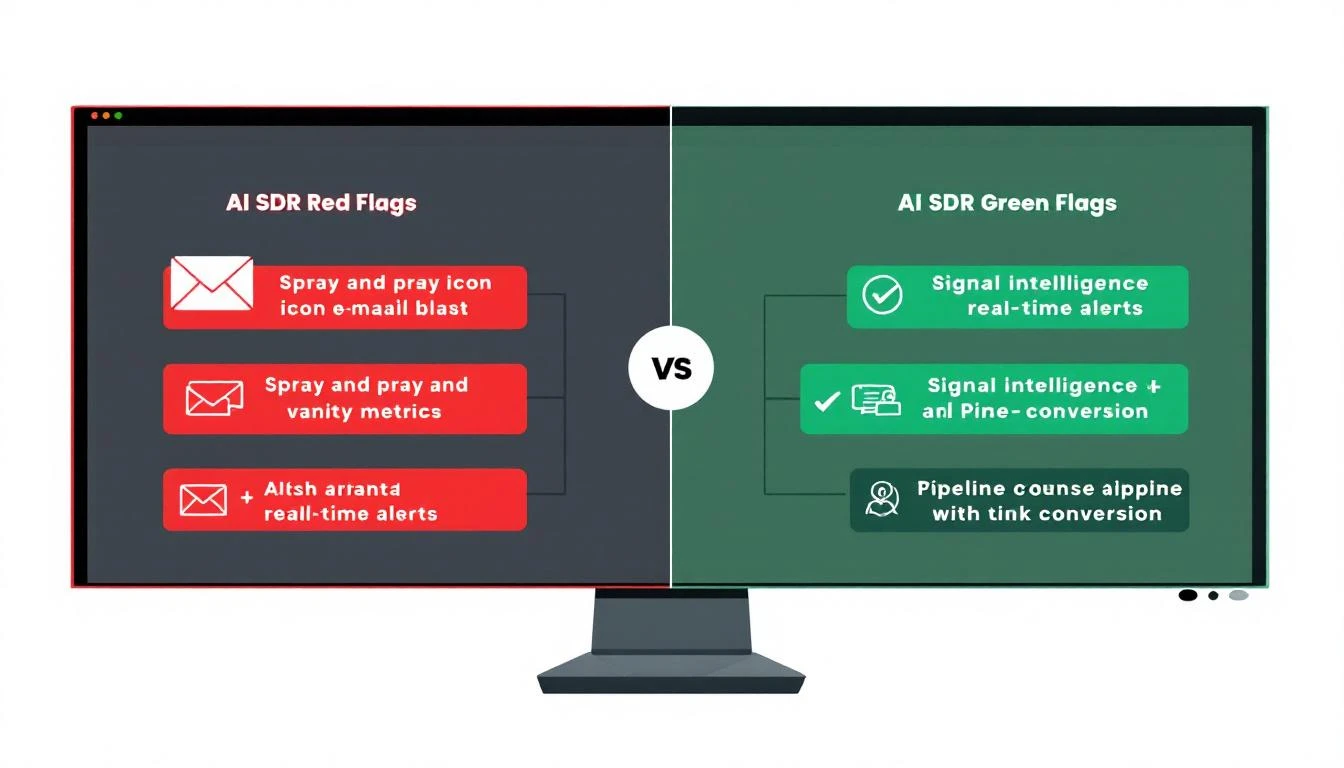
Red flag: If the answer is "we surface the data and your team takes action," you're buying a dashboard, not an SDR platform. Dashboards don't book meetings. Workflows do.
Green flag: The platform converts signals into specific, sequenced actions — call this person, send this email, follow up on LinkedIn — ranked by likelihood to convert. Your SDR opens the app and knows exactly what to do for the next 8 hours.
The fundamental question: Does this platform tell my SDRs WHO to contact, or does it tell them WHO to contact AND WHAT TO DO NEXT?
Question 3: How Does Personalization Actually Work?
Every AI SDR platform claims "hyper-personalization." This word has been beaten into meaninglessness. You need to understand the mechanics.
What to ask:
- Show me a real email the platform generated. Not a cherry-picked example — pull one from a live campaign.
- What data inputs does personalization draw from? (Company website? LinkedIn profile? Recent funding rounds? Technographic data? Or just
{first_name}and{company}?) - Can the platform personalize based on the specific page a prospect visited on our website?
- How does it handle accounts where enrichment data is thin?
Red flag: If "personalization" means inserting the prospect's name, company, and industry into a template, that's mail merge with a markup. GPT-4 can do that for $0.002 per email.
Green flag: Personalization is contextual — it references why you're reaching out (they visited your pricing page three times this week), what you can solve for them (based on their tech stack or hiring patterns), and how to frame the message (based on their role and the problems that role typically faces).
Question 4: What's the Real Match Rate on Visitor Identification?
Website visitor identification is table stakes in 2026. But match rates vary wildly — from 15% to 70% — depending on the vendor's data partnerships, IP resolution methodology, and enrichment depth.
What to ask:
- What's your average company-level match rate? (Honest answer: 30-65% depending on traffic mix)
- What's your individual-level match rate? (Honest answer: 15-40%)
- How do you handle VPN and remote worker traffic? (This is where most vendors' numbers collapse)
- Can I run a match rate test on my own traffic before signing?
Red flag: A vendor claiming 90%+ match rates is either lying or counting "partial matches" (identified the ISP but not the company). Ask for a test on your traffic — not their demo data.
Green flag: The vendor is transparent about match rate ranges, explains their methodology, and offers a proof-of-concept on your actual website traffic. They should be able to tell you exactly how many of your monthly visitors they can identify.
Question 5: How Does the Dialer Work — and Do They Have One?
Here's a dirty secret of the AI SDR market: most platforms don't have a dialer. They handle email and maybe LinkedIn. But research shows that responding to leads within 5 minutes makes you 21x more likely to qualify them. And phone is still the fastest channel for high-intent follow-up.
What to ask:
- Does the platform include a built-in dialer, or do I need a separate tool?
- Is the dialer connected to the same signal data that triggers emails and tasks?
- Can my SDR see website visit history and email engagement before picking up the phone?
- Does it support local presence dialing, call recording, and CRM logging?
Red flag: "We integrate with Aircall/Dialpad/RingCentral." Integration means context switching. Your SDR sees a signal in one tool, opens the dialer in another, and loses 3 minutes of context per call. Over a day, that's an hour of wasted time.
Green flag: The dialer is native to the platform, connected to the same signal and contact data that powers email sequences. When your SDR calls a prospect, they can see that the prospect visited the pricing page yesterday, opened the last email twice, and their company is on a G2 comparison page right now. That's a 45-second call prep instead of a 5-minute research session.
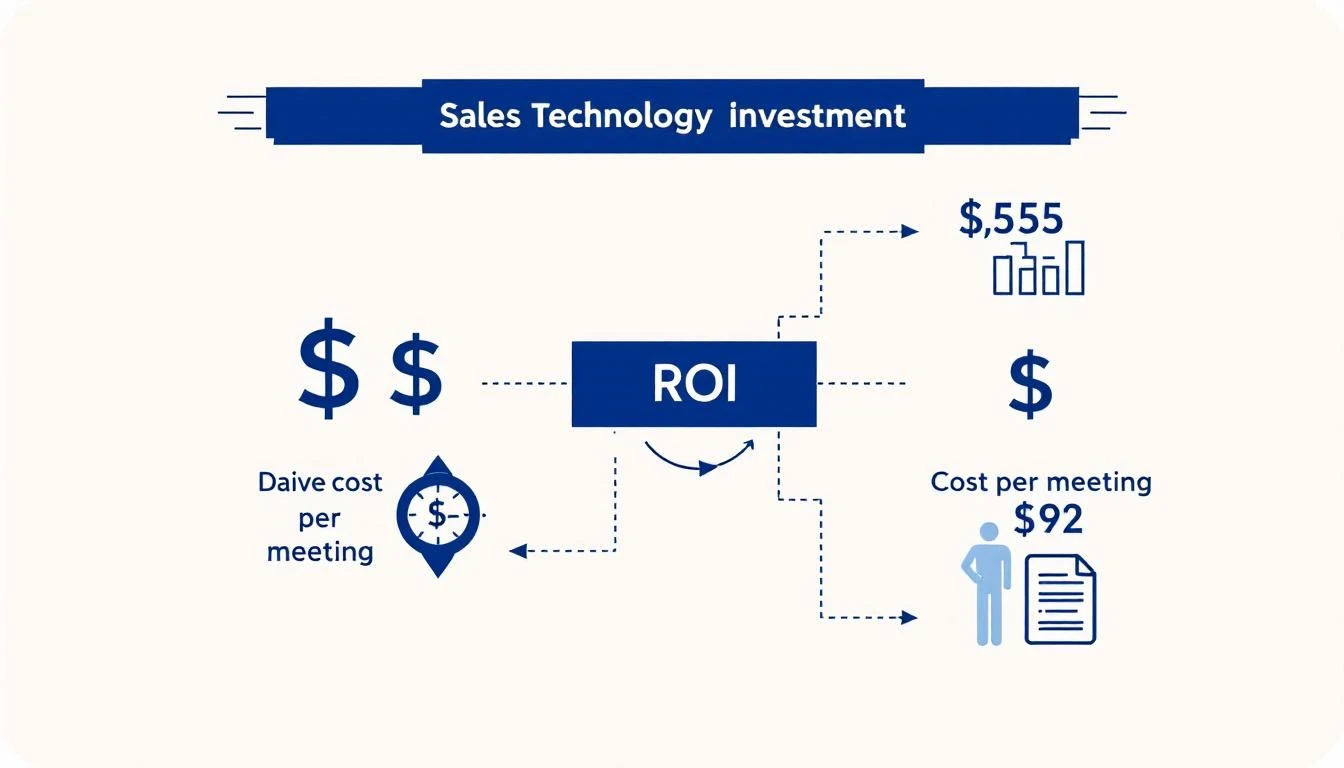
Question 6: What's the Actual Cost Per Meeting?
Annual contract price is a vanity metric. Cost per qualified meeting is the number that matters.
What to calculate:
| Component | How to Calculate |
|---|---|
| Platform cost | Annual contract ÷ 12 |
| SDR time cost | Hours spent on platform × fully-loaded hourly rate |
| Data costs | Additional enrichment, intent data, or dialer costs not included |
| Integration costs | Time spent maintaining CRM sync, Zapier flows, etc. |
| Total monthly cost | Sum of above |
| Qualified meetings/month | Ask vendor for customer benchmarks (not projections) |
| Cost per meeting | Total cost ÷ qualified meetings |
What to ask:
- What's the average cost per qualified meeting for customers in my segment?
- Can you connect me with 3 references who will share their actual numbers?
- What's the median time to first meeting booked?
- What percentage of meetings booked through your platform progress to opportunity stage?
Red flag: If a vendor can't or won't share cost-per-meeting benchmarks from real customers, they either don't track it (bad) or the numbers aren't good (worse).
Green flag: The vendor shares real ROI data — not projections, not "potential" — from customers with similar team sizes and sales motions. The best vendors will confidently tell you: "Our average customer books X meetings per month at $Y per meeting."
Question 7: What Happens When a Key Contact Changes Jobs?
Champion tracking is one of the highest-ROI capabilities in B2B sales. When a VP who championed your deal at Company A moves to Company B, that's a warm lead at a new account — but only if you catch it within the first 30 days.
What to ask:
- Does the platform monitor job changes for contacts in my CRM?
- How frequently is this data refreshed? (Daily? Weekly? Monthly?)
- What happens when a change is detected? Does the SDR get a task, a drafted email, or just a notification?
- Can it detect not just the contact who left, but the new person filling their role at the original company?
Red flag: "We integrate with LinkedIn Sales Navigator for job change alerts." That's not a feature — that's a browser tab.
Green flag: Champion tracking is built into the platform's signal engine. When a job change fires, the SDR gets a prioritized task with context: who moved, where they went, what they bought from you before, and a personalized outreach draft. The best platforms also flag the replacement hire at the original account as a retention risk.
Question 8: How Does the Platform Handle Email Deliverability?
You can build the most personalized, signal-driven outreach in the world. If it lands in spam, it's worthless. Email deliverability is infrastructure, not a feature — and most AI SDR platforms treat it as an afterthought.
What to ask:
- Does the platform manage domain warm-up and sender reputation?
- How does it handle send limits across multiple mailboxes?
- Does it support custom tracking domains to avoid shared domain blacklists?
- What's the average inbox placement rate across your customer base?
- If my domain gets flagged, what's the remediation process?
Red flag: If the vendor sends from a shared domain or shared IP pool, your deliverability is at the mercy of every other customer on that pool. One bad actor — or one customer blasting 10,000 cold emails a day — and your domain reputation tanks.
Green flag: The platform manages dedicated sending infrastructure per customer, includes warm-up automation, monitors bounce rates and spam complaints in real time, and automatically throttles send volume when deliverability signals degrade.
Question 9: What Does the SDR's Daily Experience Actually Look Like?
This question is the adoption killer. If your SDRs don't use the platform every day, nothing else matters. And the reason most SDRs abandon AI tools isn't capability — it's UX.
What to ask:
- Walk me through a typical SDR's first 30 minutes in the platform.
- How many clicks does it take to go from "I just opened the app" to "I'm doing productive outreach"?
- Can my SDRs do everything in one tab, or do they need to jump between your platform, CRM, dialer, and LinkedIn?
- What does the daily playbook look like? Is it a list of prioritized tasks, or a dashboard they have to interpret?
Red flag: If the demo shows 6 different tabs, 3 dashboards, and a "powerful but flexible" interface that "your team can customize to their workflow" — your SDRs will use it for 2 weeks and go back to spreadsheets.
Green flag: The SDR opens the app, sees a ranked list of exactly what to do today (call this person, email this person, follow up on LinkedIn with this person), and can execute every action without leaving the platform. One tab. One workflow. Zero interpretation required.
The measure of a great SDR platform isn't what it can do. It's how little your SDR has to think about what to do next.
Question 10: What Breaks at Scale?
Every platform works beautifully with 2 SDRs and 500 prospects. The question is what happens at 10 SDRs and 50,000 contacts.
What to ask:
- How does the platform handle territory deduplication? (Two SDRs targeting the same account)
- What happens when multiple SDRs have overlapping prospect lists?
- How does it manage send volume across 10+ mailboxes without triggering deliverability issues?
- Can I see reports broken down by SDR, territory, and campaign — not just aggregate numbers?
- How does the platform handle multi-threading — multiple contacts at the same account getting sequenced simultaneously?
Red flag: "We handle dedup at the contact level." Contact-level dedup is table stakes. Account-level coordination is what matters. If two SDRs are simultaneously emailing different people at the same company with different messages, you look uncoordinated — and the prospect notices.
Green flag: The platform coordinates outreach at the account level, not just the contact level. It knows that SDR A is calling the VP of Sales at Acme while SDR B is emailing the Director of Marketing, and it spaces those touches to create a coordinated buying experience instead of an email barrage.
The 60-Second Evaluation Scorecard
Before your next vendor call, rate each area 1-5:
| Question | Score (1-5) | Notes |
|---|---|---|
| 1. Signal quality and sources | ||
| 2. Signal-to-action workflow | ||
| 3. Personalization depth | ||
| 4. Visitor ID match rate | ||
| 5. Native dialer | ||
| 6. Cost per meeting data | ||
| 7. Champion tracking | ||
| 8. Email deliverability infrastructure | ||
| 9. SDR daily experience | ||
| 10. Scale and coordination | ||
| Total | /50 |
40-50: Strong contender. Move to pilot. 30-39: Decent platform with gaps. Negotiate pricing to reflect missing capabilities. 20-29: You'll be buying additional tools to fill gaps. Factor total cost of ownership. Below 20: Walk away. This platform will churn.
The Bottom Line
The AI SDR market is flooded with tools that demo well and deliver poorly. The 50-70% annual churn rate isn't because AI doesn't work for sales — it's because most teams buy the wrong tool for the wrong reasons.
The right AI SDR platform doesn't just send more emails. It tells your SDRs exactly who to contact, why, and what to say — every single day. It turns signals into sequenced actions. It connects email, phone, and LinkedIn into a single workflow. And it produces a cost per meeting that justifies every dollar you spend.
Use this checklist. Score every vendor. Trust the math over the demo.
Your pipeline depends on it.
Want to see how MarketBetter scores against these 10 questions? Book a demo →