How OpenClaw Replaces ChiliPiper: AI-Powered Lead Routing Without the $1,000/Month Platform Fee

Let's get one thing out of the way: ChiliPiper is a good product. It does exactly what it promises — qualify leads from web forms, route them to the right rep, and book meetings instantly. Thousands of B2B teams rely on it every day.
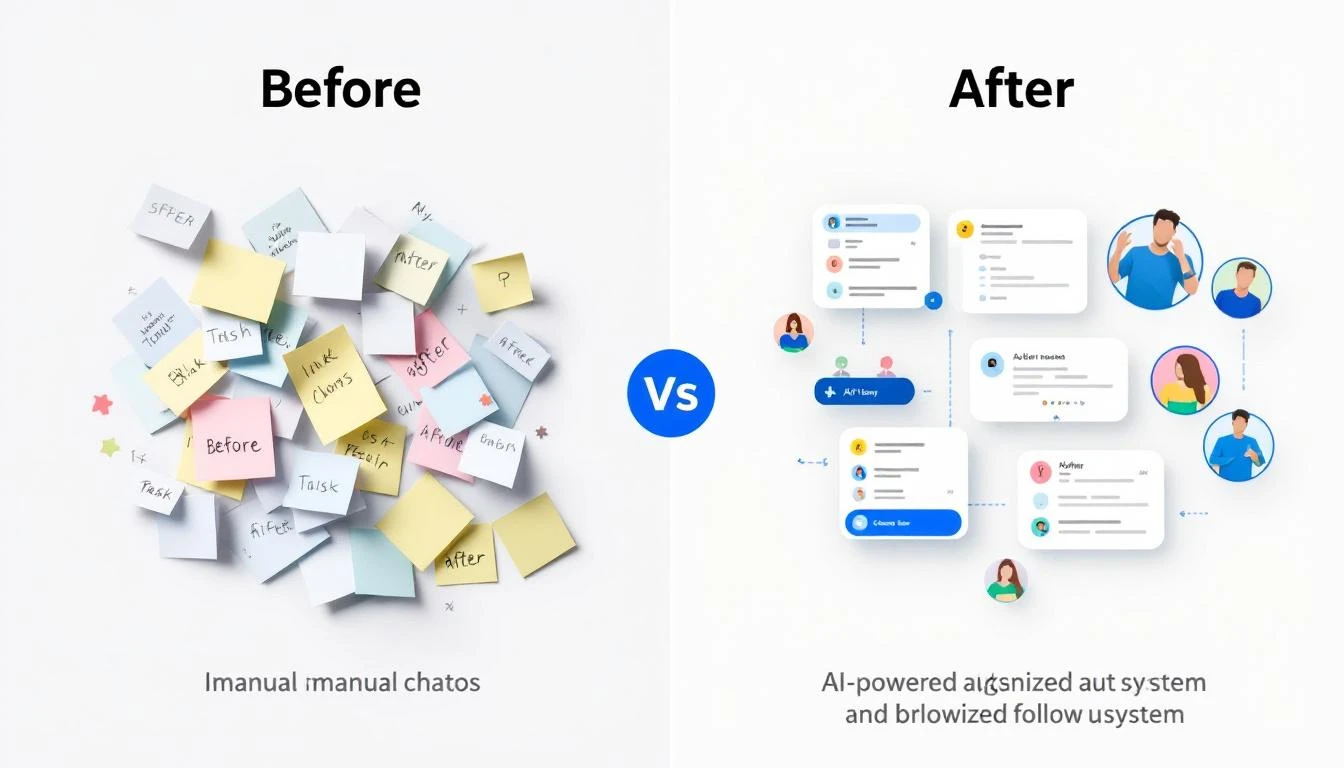
But here's the uncomfortable question nobody at ChiliPiper wants you to ask: why are you paying $1,000+ per month for what's essentially if/then routing logic?
Lead routing isn't rocket science. It's pattern matching. A lead comes in. You check a few fields — company size, industry, territory, existing account owner. You look up a rep's calendar. You send a calendar invite. You update the CRM. That's it.
ChiliPiper wraps this logic in a polished UI and charges you a per-seat fee plus a platform fee that scales with your lead volume. For a 10-person sales team processing 1,000+ leads per month, you're looking at $1,300 to $2,500 per month. That's $15,600 to $30,000 per year — for routing logic.
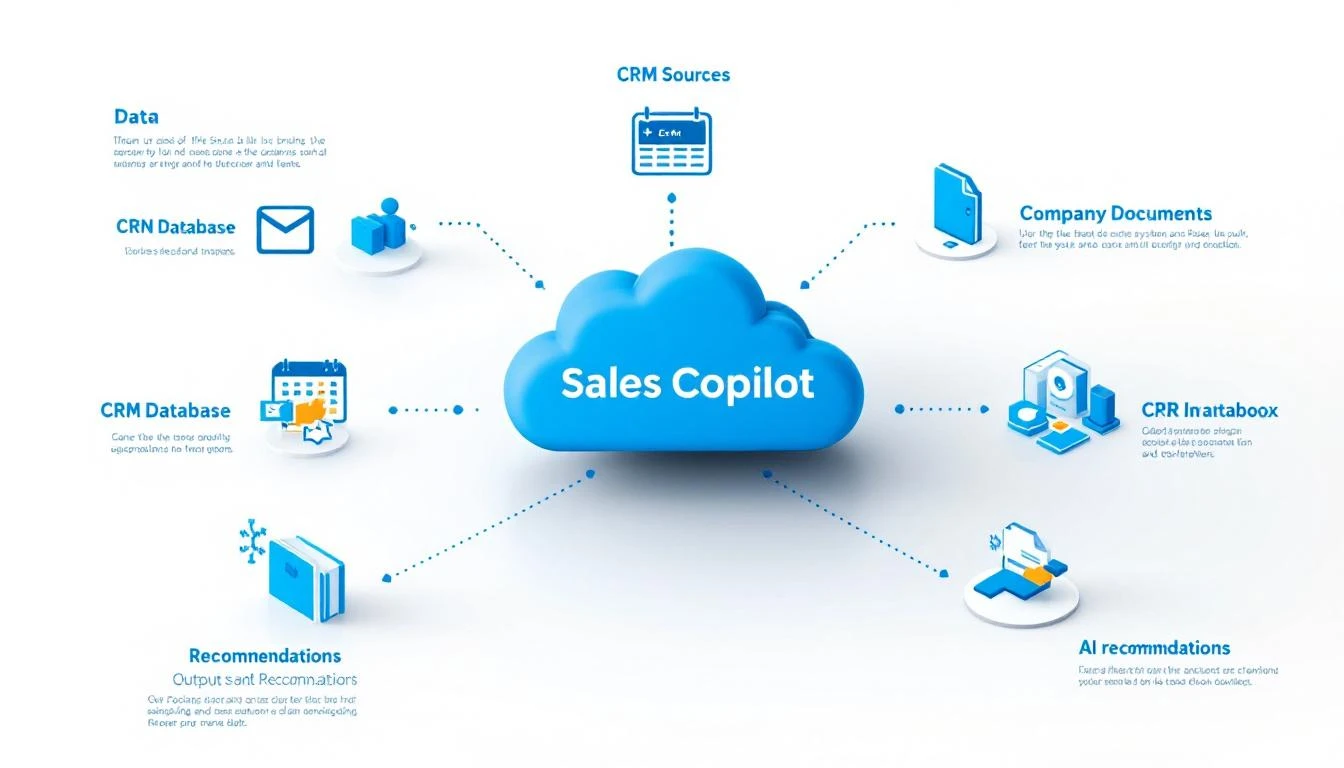
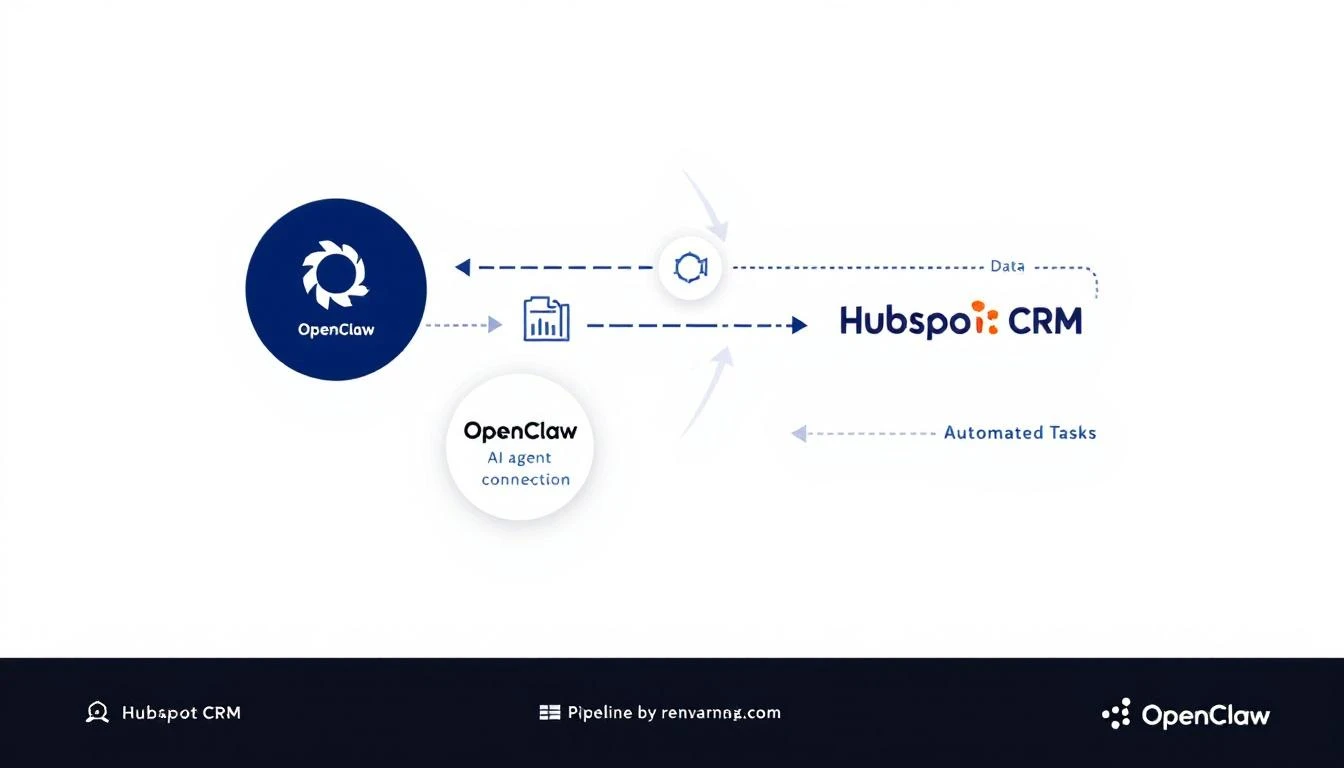
OpenClaw is an open-source AI agent platform that can replicate every core ChiliPiper workflow through automation. No per-seat fees. No platform fees. No lead volume tiers. Just an AI agent that talks to your CRM, your calendar, and your messaging tools.
This article breaks down exactly how — workflow by workflow.

What ChiliPiper Actually Does (And What You're Paying For)
Before we replace anything, let's understand what ChiliPiper's product suite includes:
-
Form Concierge — When a prospect fills out a form on your website, ChiliPiper instantly qualifies them, routes them to the right rep based on territory/account ownership, and shows available calendar slots. The prospect books a meeting before they leave the page.
-
Lead Routing — Round-robin distribution, account owner assignment, lead-to-account matching using CRM data. Ensures the right rep gets every lead.
-
Chat — AI-powered chat journeys on your website that qualify visitors and route them to live reps or booking pages.
-
Handoff — Automates the SDR-to-AE handoff. SDR books a discovery call, and ChiliPiper automatically finds AE availability and schedules the next meeting.
-
Concierge Live — Instant phone or video connection with qualified prospects the moment they fill out a form.
-
CRM Sync — Auto-logs all meetings, updates contact records, creates activities in Salesforce/HubSpot.
-
Enrichment — Auto-fills lead data from enrichment providers before routing decisions.
-
Spam Filtering — Filters out bot submissions and spam before they reach your team.
That's a solid product. But every single one of these capabilities is an API call, a calendar check, or a conditional rule. And that's exactly what AI agents are built to do.
ChiliPiper Pricing: What You're Actually Spending
Let's break down the real cost of ChiliPiper for a mid-market sales team:
Per-seat costs:
- Concierge: $30-45/user/month
- Chat: $30-45/user/month
- Handoff: $30-45/user/month
Platform fees (on top of per-seat):
- Concierge: $150-$1,500/month (tiered by lead volume)
- Chat: $1,000-$1,500/month platform fee
- Handoff: Separate platform fee
Real-world example — 10-person sales team, 1,000+ leads/month:
- 10 users × $35/user = $350/month in seat fees
- Platform fee at higher lead volume tier: $1,000-$1,500/month
- Total: $1,350-$1,850/month ($16,200-$22,200/year)
If you add Chat or Handoff modules, that number climbs to $2,000-$2,500/month.
OpenClaw cost for the same functionality:
- OpenClaw: Free (open source)
- LLM API costs for routing logic: ~$5-15/month (most routing decisions are simple and cheap)
- Calendar API: Free (Google/Microsoft)
- CRM API: Already included in your Salesforce/HubSpot plan
- Total: $5-15/month
That's a 99% cost reduction. Not a typo.
Workflow-by-Workflow Replacement Guide
Here's how OpenClaw replaces each ChiliPiper capability with specific, practical workflows.
1. Form Concierge → OpenClaw Form Handler
What ChiliPiper does: Intercepts form submissions, qualifies the lead based on form fields, routes to the right rep, displays calendar availability.
How OpenClaw does it:
OpenClaw can monitor form submissions through webhooks or by polling your CRM for new contacts. When a new lead arrives, the agent:
- Reads the form data (company, title, email, use case)
- Runs qualification logic (minimum company size? right industry? not a competitor?)
- Checks CRM for existing account matches (lead-to-account matching)
- Determines the right rep based on territory rules, round-robin, or account ownership
- Queries the rep's Google/Outlook calendar via API for available slots
- Sends the prospect a booking link or calendar invite automatically
The qualification rules are just natural language instructions to the AI agent. No complex rule builders. No drag-and-drop workflow editors. You tell the agent: "If company size is under 50 employees, send them to the self-serve signup. If they're in EMEA, route to the EMEA team. If they match an existing account, route to the account owner."
The agent handles the rest.
For teams that want the instant in-page scheduling experience, you can pair OpenClaw with MarketBetter's AI chatbot to qualify visitors in real time and trigger booking workflows through OpenClaw.
2. Lead Routing → OpenClaw CRM Logic
What ChiliPiper does: Round-robin assignment, territory-based routing, lead-to-account matching, weighted distribution.
How OpenClaw does it:
Lead routing is the core value proposition of ChiliPiper, and it's also the simplest thing to replicate with an AI agent. Here's why: routing is just decision logic applied to CRM data.
OpenClaw connects directly to Salesforce or HubSpot via API. When a new lead enters the system, the agent:
-
Checks for existing accounts — Queries the CRM for matching company domain or name. If a match exists, routes to the account owner. This is lead-to-account matching, and it's a single API call.
-
Applies territory rules — Reads the lead's location, industry, or company size and matches it against your territory definitions. These can be as simple as a document the agent references.
-
Runs round-robin — Maintains a simple rotation counter. Rep A got the last lead, so Rep B gets this one. OpenClaw's memory system persists this state between sessions.
-
Handles weighted distribution — Senior reps get 40% of leads, junior reps get 20%. The agent tracks distribution and adjusts assignments accordingly.
The beauty of the AI agent approach is flexibility. With ChiliPiper, you're constrained by their routing rules engine. With OpenClaw, you can express any routing logic in plain English. "Route enterprise leads (500+ employees) to the enterprise team, but if the lead is a past customer, always route to the win-back specialist regardless of size." Try building that in a dropdown menu.
For a deeper dive on building intelligent routing, check out our guide on building an AI-powered lead routing system.
3. Chat Qualification → OpenClaw + AI Chatbot
What ChiliPiper does: Deploys an AI chat widget on your website that qualifies visitors through conversation, then routes qualified prospects to live reps or booking flows.
How OpenClaw does it:
This is where MarketBetter's AI chatbot and OpenClaw work together as a powerful combination. MarketBetter already provides an AI chatbot that engages website visitors, asks qualifying questions, and identifies high-intent prospects.
OpenClaw adds the automation layer:
- When the chatbot identifies a qualified lead, it triggers an OpenClaw workflow
- OpenClaw enriches the lead (company data, technographics, intent signals)
- The agent routes the qualified lead to the right rep
- If the rep is available, it facilitates a live handoff
- If not, it books a meeting on the rep's calendar and confirms with the prospect
ChiliPiper charges $1,000-$99/user/month just for the platform fee on their Chat product. MarketBetter's chatbot with OpenClaw automation delivers the same outcome at a fraction of the cost.
4. SDR→AE Handoff → OpenClaw Meeting Scheduler
What ChiliPiper does: When an SDR books a discovery call, Handoff automatically finds the assigned AE's availability and schedules the follow-up meeting. No back-and-forth emails.
How OpenClaw does it:
This is one of ChiliPiper's best features — and one of the easiest to replicate. The entire workflow is:
- SDR completes a discovery call and marks the deal as qualified in the CRM
- OpenClaw detects the stage change (via CRM polling or webhook)
- The agent determines the assigned AE (based on territory, round-robin, or account assignment)
- Queries the AE's calendar API for available slots in the next 3-5 business days
- Sends a calendar invite to both the AE and the prospect
- Updates the CRM deal record with the scheduled meeting
- Sends a Slack notification to the AE with meeting context
Total time from qualification to scheduled AE meeting: seconds. No manual coordination. No "Hey, when are you free?" messages. No scheduling ping-pong.
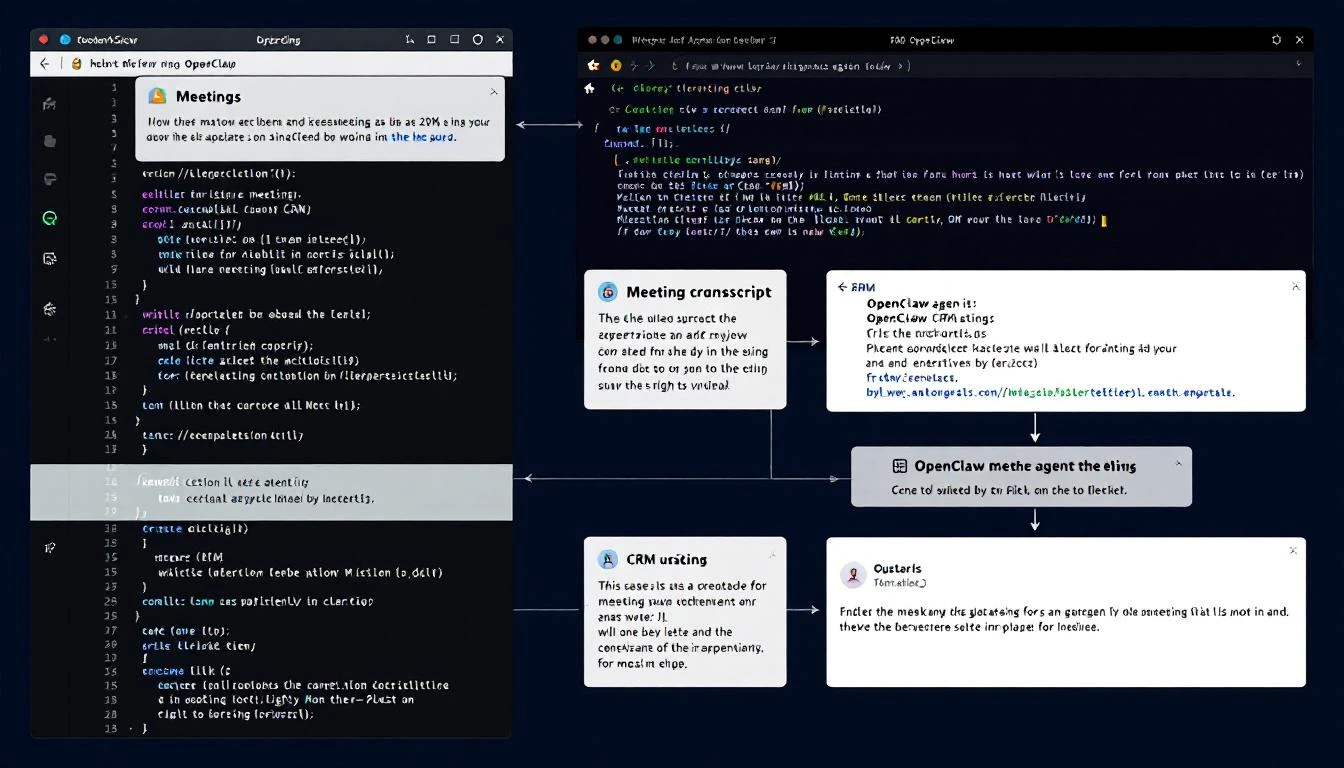
OpenClaw can even include context in the meeting invite — discovery call notes, key pain points mentioned, relevant case studies — so the AE walks into the meeting fully prepared. Try getting ChiliPiper to write custom meeting prep notes. That's the advantage of an AI agent over a rigid SaaS tool.
For more on automating the post-meeting workflow, see our guide on AI meeting follow-up automation.
5. CRM Auto-Logging → OpenClaw CRM Writes
What ChiliPiper does: Every meeting booked through ChiliPiper automatically creates/updates records in your CRM. Activities are logged, contact records are updated, deal stages advance.
How OpenClaw does it:
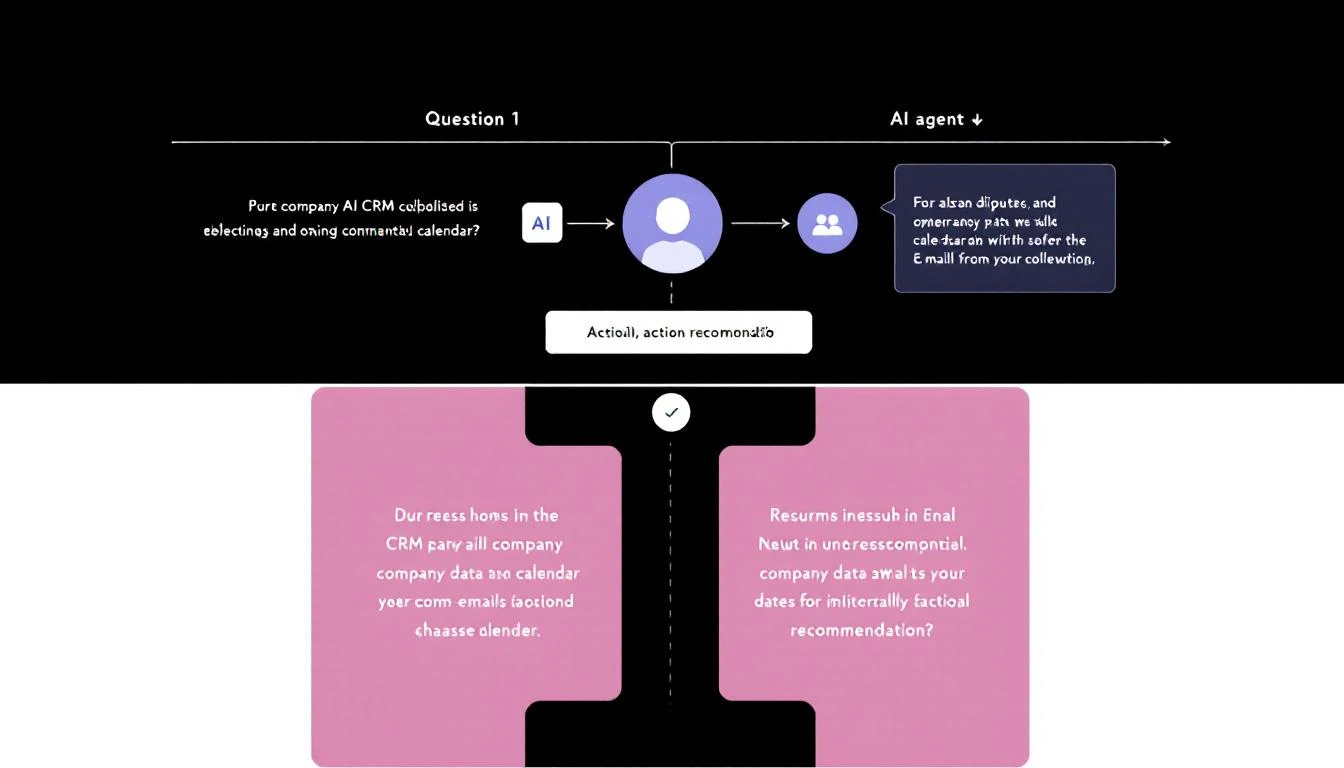
OpenClaw writes directly to your CRM via API. Every action the agent takes — routing a lead, booking a meeting, updating a contact — is logged in Salesforce or HubSpot automatically.
But here's where OpenClaw goes further: because it's an AI agent, it doesn't just log structured data. It can:
- Write contextual notes on contact records based on form responses
- Update custom fields with enrichment data
- Create tasks and reminders for reps based on deal context
- Generate meeting summaries and attach them to deal records
ChiliPiper logs that a meeting was booked. OpenClaw logs why the meeting was booked, what the prospect cares about, and what the rep should prepare. That's the difference between a logging tool and an intelligent assistant.
We covered this in depth in our OpenClaw + HubSpot CRM automation guide.
6. Lead Enrichment → OpenClaw API Orchestration
What ChiliPiper does: Auto-fills lead data from enrichment providers before routing decisions are made. Company size, industry, revenue — filled in before the rep sees the lead.
How OpenClaw does it:
OpenClaw can call any enrichment API — Clearbit, Apollo, ZoomInfo, or any of the best lead enrichment tools — as part of its routing workflow. When a new lead comes in:
- Agent receives the lead with basic info (name, email, company)
- Calls enrichment API to pull company data (size, industry, revenue, technographics)
- Updates the CRM record with enriched fields
- Uses the enriched data to make better routing decisions
- Includes relevant context in the rep notification
This isn't just replicating ChiliPiper's enrichment — it's improving on it. OpenClaw can call multiple enrichment sources and merge the results. It can cross-reference enrichment data with intent signals. It can even use the enriched data to pre-qualify leads before routing, saving your reps time on unqualified conversations.
7. Spam Filtering → OpenClaw Intelligence Layer
What ChiliPiper does: Filters bot submissions and obvious spam before they reach your sales team.
How OpenClaw does it:
An AI agent is actually better at spam detection than rule-based filters. OpenClaw can:
- Analyze email domains (free email = lower priority, not spam)
- Check company names against known spam patterns
- Cross-reference against CRM for existing legitimate contacts
- Use enrichment data to verify company existence
- Apply intelligent heuristics that adapt over time
ChiliPiper uses static rules. OpenClaw uses AI judgment. For borderline cases — the ones that actually matter — AI wins every time.
When ChiliPiper Still Makes Sense
We said this isn't a hit piece, and we meant it. Here's when ChiliPiper is the better choice:
You want zero setup. ChiliPiper is plug-and-play. Install the JavaScript snippet, configure your rules in the UI, and you're live. OpenClaw requires some configuration — defining workflows, connecting APIs, testing routing logic. If your team doesn't have anyone comfortable with basic API setup, ChiliPiper's purpose-built UI is genuinely easier.
You need enterprise reporting. ChiliPiper has built-in analytics — conversion rates by routing rule, time-to-book metrics, rep performance dashboards. OpenClaw can generate reports, but you'll need to build the reporting layer yourself or use your CRM's native analytics.
You're already deep in the ChiliPiper ecosystem. If your entire revenue operations workflow runs through ChiliPiper and your team is trained on it, switching costs are real. The savings need to justify the transition effort.
You process massive volume at enterprise scale. ChiliPiper has been battle-tested with companies routing tens of thousands of leads per month. They've handled the edge cases, the race conditions, the timezone nightmares. OpenClaw can handle high volume too, but you'll want to test thoroughly at your specific scale.
When OpenClaw Is the Clear Winner
You're already using OpenClaw or MarketBetter. If you have OpenClaw running for other sales automation — pipeline monitoring, deal alerts, lead qualification — adding routing and scheduling is incremental. One more workflow for an agent that's already running. No new vendor, no new contract, no new per-seat fee.
You need custom logic. The moment your routing rules go beyond what ChiliPiper's UI supports, you're stuck. OpenClaw handles any routing logic you can describe in English. Seasonal rules, product-specific routing, multi-factor qualification, dynamic territory adjustments — it's all just instructions to an AI agent.
You're cost-conscious. Saving $15,000-$25,000 per year is material for most B2B teams. That budget can go toward reps, tools, or marketing spend that directly generates pipeline.
You want a unified platform. Instead of ChiliPiper for routing, a separate tool for enrichment, another for CRM automation, and another for deal alerts — OpenClaw does all of it. One agent, multiple workflows, zero additional vendors.
Getting Started: Replace ChiliPiper This Week
Here's a practical roadmap for migrating from ChiliPiper to OpenClaw:
Day 1-2: Set up OpenClaw and connect your CRM. Follow our OpenClaw setup guide for GTM teams to get running. Connect your Salesforce or HubSpot API credentials.
Day 3: Build your routing logic. Define your territory rules, round-robin assignments, and lead-to-account matching logic. Start with your most common routing scenario and expand from there.
Day 4: Add calendar integration. Connect Google Calendar or Microsoft Outlook API. Test the booking flow end-to-end — new lead arrives, agent qualifies, checks calendar, sends invite.
Day 5: Run in parallel. Keep ChiliPiper active but run OpenClaw alongside it for a week. Compare routing decisions. Verify that OpenClaw routes leads the same way (or better).
Week 2: Go live. Once you're confident in the routing accuracy, turn off ChiliPiper and let OpenClaw handle the full workflow. Watch your SaaS bill drop by $1,000+ per month.
Try our AI Lead Generator — find verified LinkedIn leads for any company instantly. No signup required.
The Bigger Picture: SaaS Tools vs. AI Agents
ChiliPiper vs. OpenClaw isn't just about lead routing. It's about a fundamental shift in how B2B teams think about software.
The SaaS model gave us purpose-built tools for every workflow. Lead routing? That's a $1,500/month tool. CRM enrichment? Another tool. Meeting scheduling? Another tool. Deal alerts? Another tool. Each one charges per-seat, each one has a platform fee, and each one does exactly one thing.
AI agents collapse this entire stack. One agent that can route leads, enrich contacts, schedule meetings, update your CRM, send alerts, and generate reports. Not because it's a Swiss Army knife of half-baked features, but because all of these workflows are fundamentally the same thing: reading data, applying logic, taking action.
ChiliPiper built a great business turning routing logic into a SaaS product. But the era of paying $1,000/month for if/then logic is ending. AI agents do it better, cheaper, and with more flexibility.
The question isn't whether AI agents will replace point solutions like ChiliPiper. It's whether your team will be early or late to the shift.
Ready to see how MarketBetter and OpenClaw can replace your entire lead routing stack? Book a demo and we'll show you the exact workflows your team needs — configured and running in under an hour.