How Global IoT Platforms Coordinate Multi-Language SDR Teams Across 3 Continents With Signal-Based Territory Playbooks

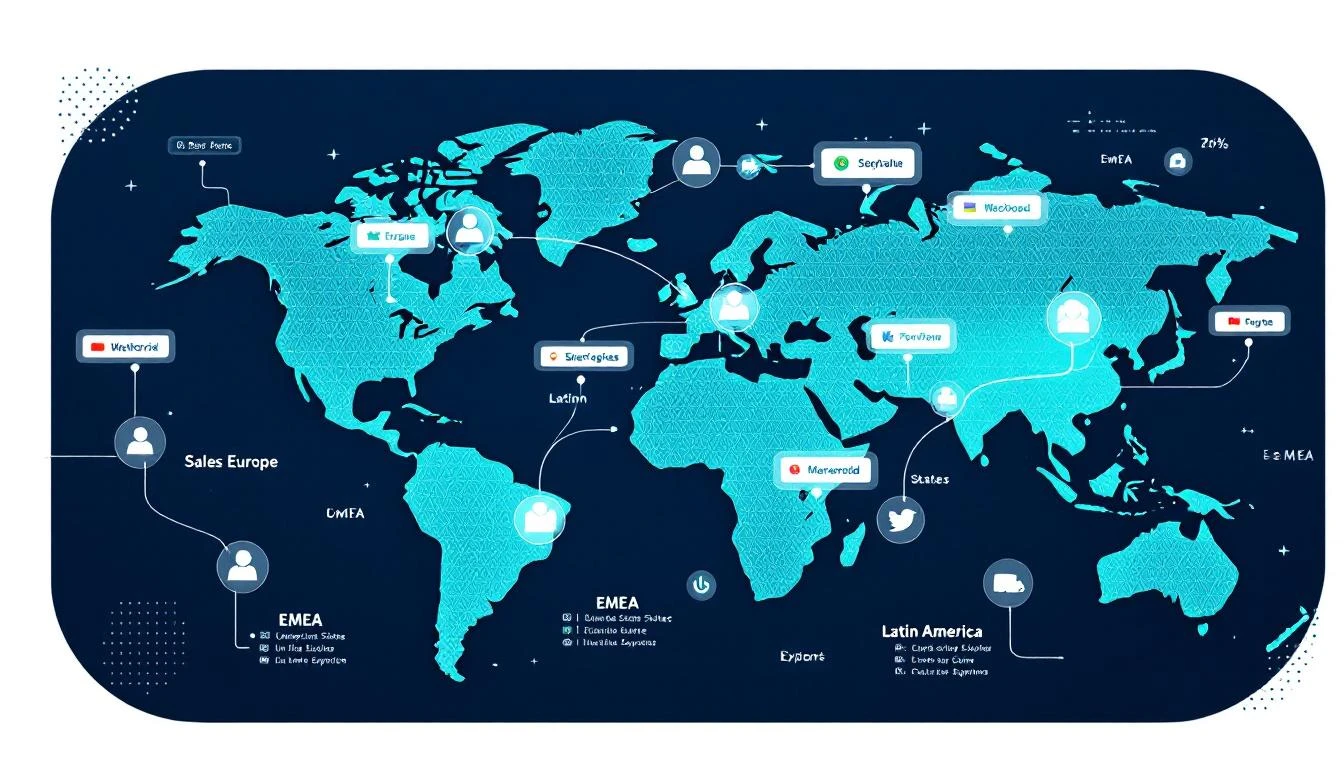
If you sell IoT connectivity into enterprises across multiple continents, you already know the coordination nightmare.
Your EMEA SDR is working a prospect in Germany while your US rep has a contact at the same company's North American headquarters. Meanwhile, your Latin American rep — the one who speaks fluent Spanish and has relationships across Mexico and Colombia — is nurturing leads at the same enterprise's regional offices.
Three reps. Three languages. Three time zones. One account. And none of them know what the others are doing.
This is the reality for every IoT and telecom platform that's scaled past a single-region sales motion. The technology scales globally. The sales coordination doesn't.
Here's how one enterprise IoT connectivity platform with SDRs spanning EMEA, the United States, and Latin America built a signal-based territory system that eliminated handoff chaos and turned their multi-language team from a coordination liability into a compounding advantage.
The Problem: Global Coverage, Local Chaos
This particular platform provides cellular connectivity infrastructure to enterprises — the kind of product that naturally attracts multinational buyers. A logistics company in Dallas might need IoT SIMs across warehouses in Mexico, fulfillment centers in Poland, and headquarters in Chicago.
Before implementing signal-based territory playbooks, their sales process looked like this:
Duplicate outreach everywhere. The EMEA rep would cold-email the CTO of a European subsidiary while the US rep was already in conversations with the same company's VP of Operations. Neither knew. The prospect received nearly identical pitches from two different people at the same vendor within 48 hours.
Language mismatches killing deals. Their Latin American pipeline required Spanish-language communication — not just translation, but culturally appropriate messaging for enterprise buyers in Mexico City, Bogotá, and São Paulo. When English-language sequences accidentally fired to LatAm contacts, response rates dropped to near zero.
No signal attribution across regions. When a company's German office visited the pricing page and their US office requested a whitepaper, those signals went to different reps with no connection. The buying committee spanned continents, but the intent picture was fragmented.
Territory disputes consuming manager time. Roughly 30% of their sales manager's week was spent arbitrating "who owns this account" conversations. With global enterprises, the answer was never simple.
The Shift: Territory-Based Signal Routing
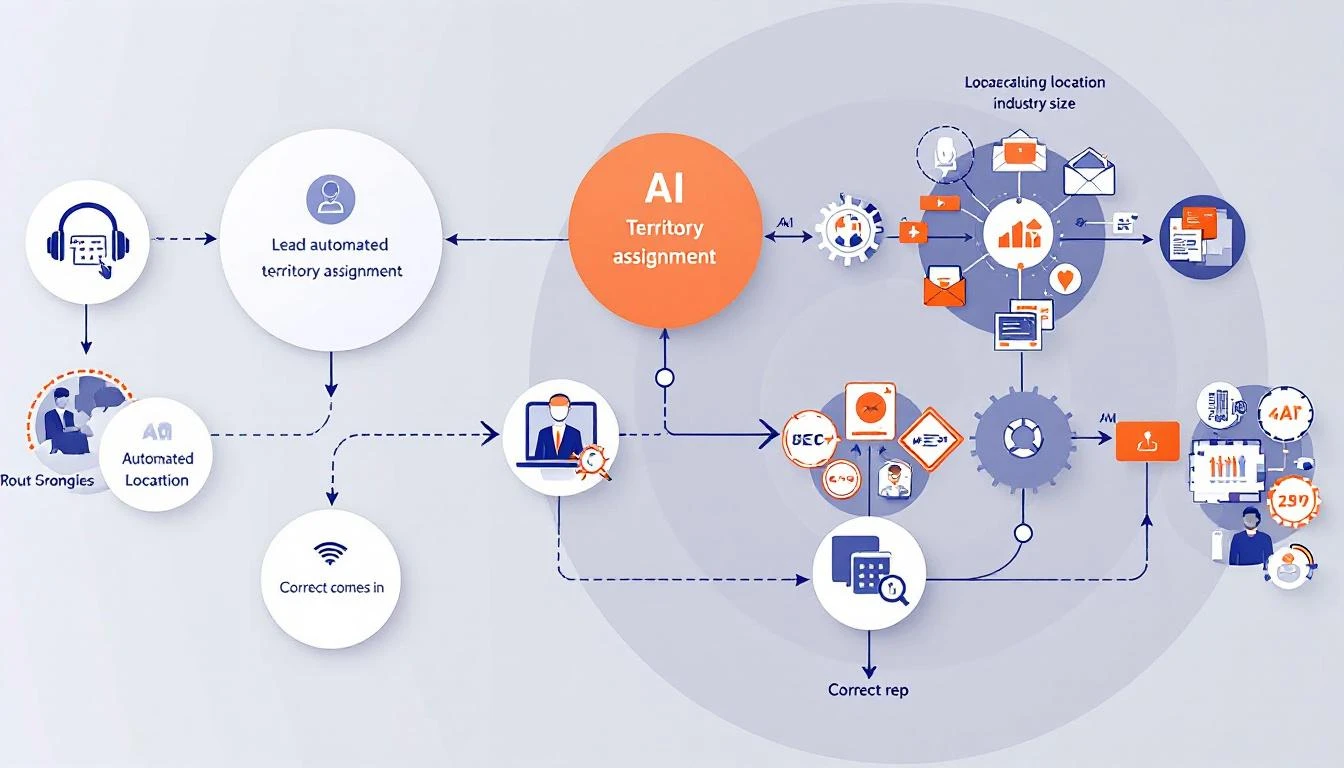
The transformation started with a deceptively simple principle: signals should route to the right rep automatically, based on territory rules — not manual assignment.
Here's what they built:
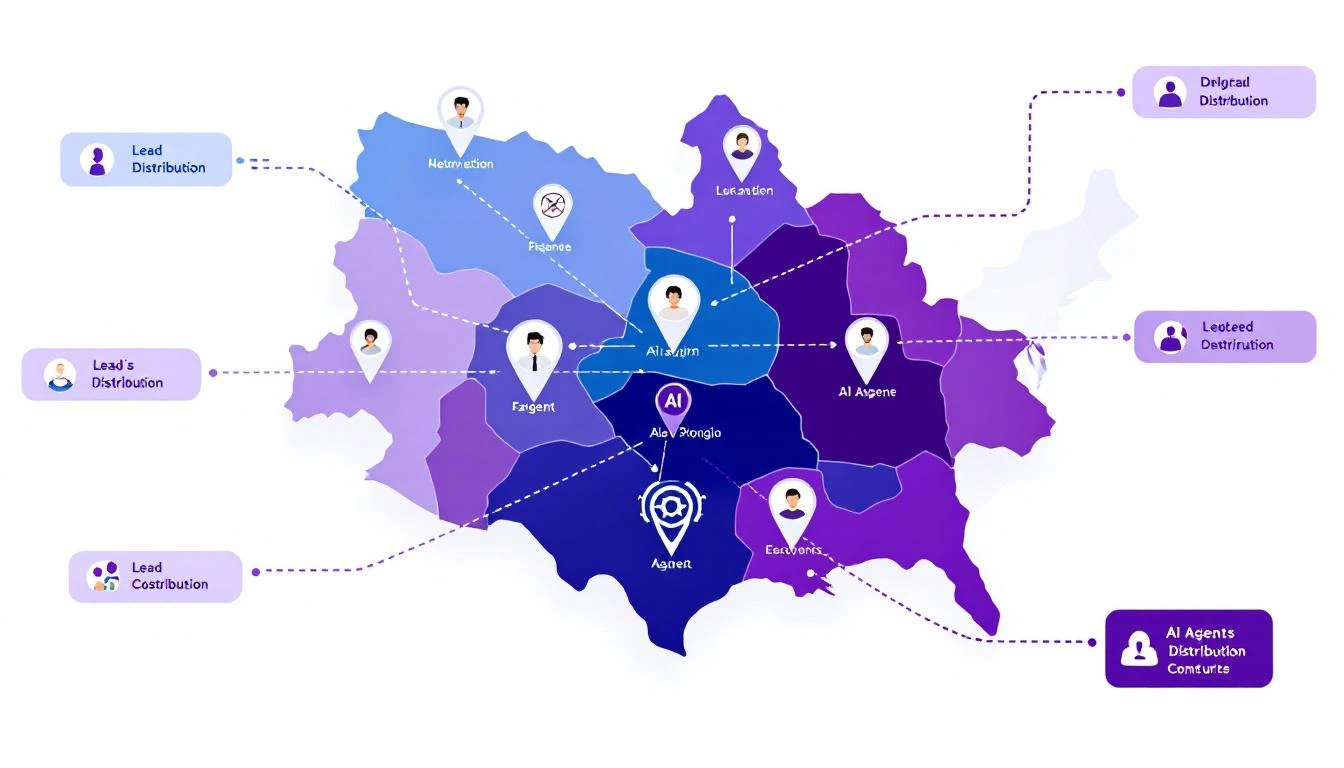
1. Geographic Signal Routing by Territory
Every intent signal — website visit, content download, champion job change, email engagement — now routes through territory logic before hitting any rep's queue.
The rules aren't complicated:
- IP geolocation determines initial territory assignment
- Company HQ location acts as the tiebreaker for global accounts
- Language preference (browser language, form submissions) overrides geography for LatAm contacts
- Named account lists lock strategic accounts to specific reps regardless of signal origin
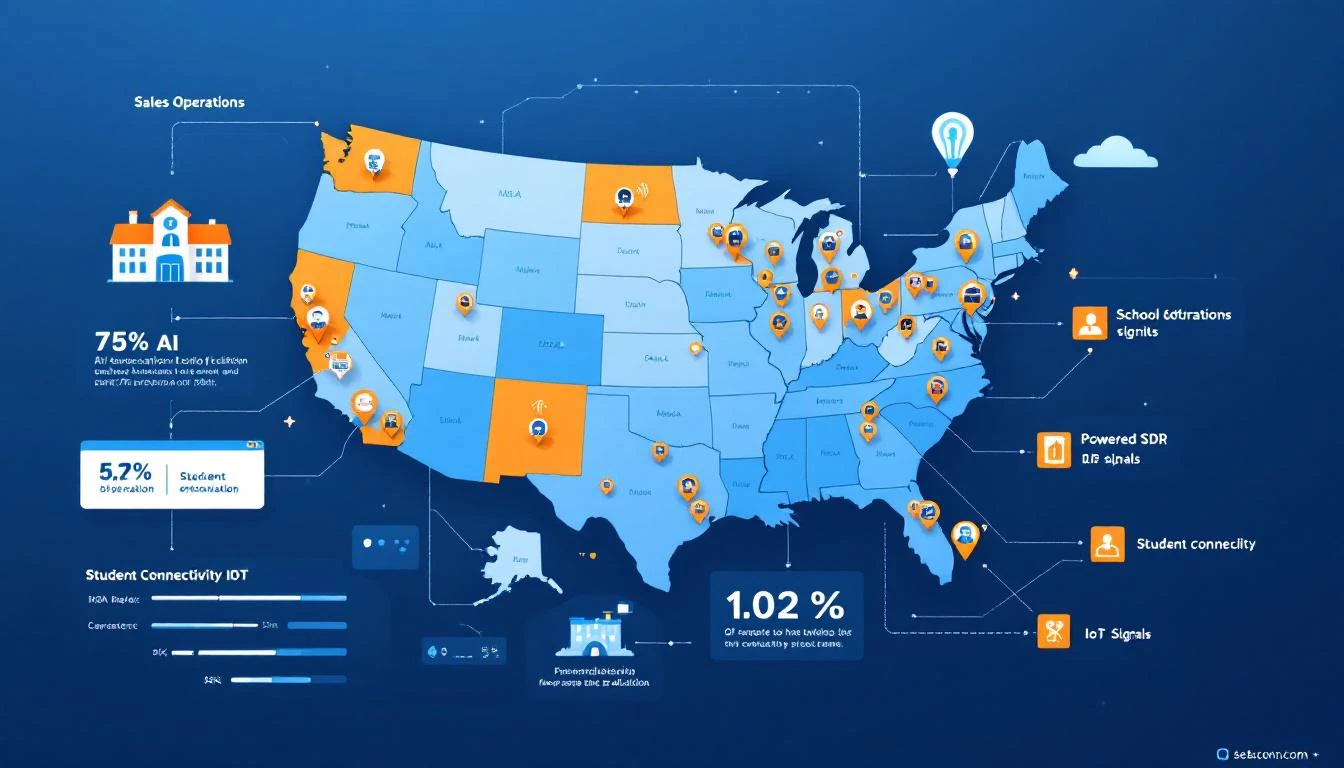
When a prospect from a German subsidiary visits the platform's pricing page, the signal routes to the EMEA SDR. When that same company's US headquarters downloads a case study, it routes to the US SDR — but both signals appear on a shared account timeline.
2. Multi-Language Playbook Architecture
This is where most global sales teams fall apart. They build one English playbook and "translate" it. That doesn't work.
This IoT platform built three native playbooks — not translations, but culturally distinct sequences:
US Playbook: Direct, ROI-focused, shorter sequences (4 touches over 12 days). American enterprise buyers expect specificity early: deployment timelines, integration compatibility, pricing ranges by the second email.
EMEA Playbook: Relationship-first, compliance-conscious, longer nurture (6 touches over 21 days). European buyers — especially in Germany, the Nordics, and the UK — want to understand data residency, GDPR compliance, and existing customer references in their region before engaging in a pricing conversation.
LatAm Playbook (Spanish): Relationship-driven with higher emphasis on personal connection, WhatsApp integration for follow-ups, and references to regional deployments. Their Spanish-speaking SDR wrote these sequences natively — not translated from English — with idioms, cultural references, and business etiquette that resonated in Mexico, Colombia, and Chile.
The results were immediate:
| Region | Response Rate (Before) | Response Rate (After) | Change |
|---|---|---|---|
| US | 4.2% | 7.8% | +86% |
| EMEA | 3.1% | 6.4% | +106% |
| LatAm | 1.8% | 9.2% | +411% |
The LatAm improvement was staggering — but predictable. Sending English-language cold emails to Spanish-speaking enterprise buyers in Mexico City was never going to work. The previous "strategy" wasn't a strategy; it was negligence disguised as global coverage.
3. Unified Account Intelligence Across Regions
The real unlock wasn't routing or language — it was the shared account view.
When their visitor identification system detects activity from a global account, every SDR who touches that account sees the full picture:
- The German office visited the IoT security documentation three times this week
- The US headquarters downloaded the enterprise pricing guide
- A director-level contact at the Colombian subsidiary opened every email in the LatAm sequence
Instead of three isolated SDRs working three isolated leads, the team sees one account with buying signals across three regions. The US SDR can reference the European team's interest in security when positioning to the American buyer. The LatAm rep knows the US office is already evaluating pricing, so they can align their timing.
This is signal orchestration at its most practical. Not a buzzword — a necessary coordination layer for any team selling globally.
4. Handoff Protocols That Actually Work
Before signal routing, handoffs between regions happened via Slack messages that got lost, forwarded emails that lacked context, and "hey, can you take this?" conversations in team meetings.
Now, territory transfers follow a structured protocol:
-
Signal triggers handoff suggestion. When a EMEA-routed account shows US-based buying signals (US IP visiting pricing, US phone number on a form), the system flags it for potential territory reassignment.
-
Context transfers automatically. The receiving SDR gets the full signal history, engagement timeline, and any notes from the originating rep — not a vague "this might be a lead."
-
Dual ownership for strategic accounts. For enterprises with genuine multi-region buying committees, both reps stay involved. The primary owner is whoever has the strongest champion relationship, and territory designation reflects coordination responsibility rather than credit assignment.
-
Revenue attribution is shared. This eliminated 90% of territory disputes overnight. When a deal closes with contacts across two regions, both reps get credit. The incentive shifted from "protect my territory" to "help this account advance."
The Numbers: What Changed
After six months running territory-based signal playbooks across all three regions:
Pipeline velocity increased 2.4x. Deals moved faster because the right rep engaged the right contact in the right language from the first touch. No more "let me transfer you to my colleague who handles your region."
Average deal size grew 35%. Multi-region visibility meant SDRs could identify and sell into the full global footprint of an account, not just the single office that happened to raise their hand first. A deal that would have been a single-region deployment became a three-continent rollout.
SDR productivity jumped measurably. With automatic signal routing, reps spent zero time figuring out if a lead was "theirs." Signals arrived pre-qualified by territory, pre-assigned by language, and pre-enriched with account context.
LatAm became their fastest-growing region. Having a native Spanish-speaking SDR with culturally appropriate sequences turned Latin America from an afterthought into a primary pipeline source. Within four months, LatAm represented 28% of new pipeline — up from 8%.
What This Means for Your IoT or Telecom Sales Team
If you're selling IoT connectivity, telecom infrastructure, or any technology product across multiple regions, here's the playbook:
Start With Territory Rules, Not More Reps
Most global sales teams try to solve coordination problems by hiring more people. That compounds the problem. Before adding headcount, implement signal routing that automatically assigns leads based on geography, language, and named account lists.
Territory planning automation isn't a luxury for global teams — it's table stakes.
Build Native Playbooks, Not Translations
If you have a Spanish-speaking SDR covering Latin America, let them write the LatAm playbook from scratch. Same for EMEA — let your European rep build sequences that reflect how European buyers actually purchase technology.
The performance difference between a translated playbook and a native one is 3-4x in response rates. That's not marginal. That's the difference between a region that generates pipeline and a region you're subsidizing.
Invest in Account-Level Signal Visibility
Individual lead-level signals are useful. Account-level signal aggregation across regions is transformational. When your US SDR can see that the European office is deep in evaluation, they can time their outreach to create a coordinated buying moment instead of a confused one.
This is where visitor identification tools pay for themselves many times over in a global context.
Make Territory Disputes Impossible, Not Adjudicated
If your sales manager spends any meaningful time deciding "who gets credit for this deal," your territory system is broken. Implement shared attribution for multi-region accounts. When both reps benefit from the deal closing, they stop fighting over ownership and start collaborating on advancement.
Don't Underestimate Language as a Pipeline Lever
For IoT and telecom companies, Latin America represents massive growth potential. But you can't capture it with English-only outreach. A single fluent Spanish-speaking SDR with proper signal routing and native sequences can outperform a team of three running translated content.
Language isn't a nice-to-have in global sales. It's the single biggest lever most teams haven't pulled.
The Bigger Picture
The IoT connectivity market is inherently global. Your customers deploy across borders. Your competitors sell across continents. The question isn't whether you need multi-region sales capability — it's whether your sales infrastructure can coordinate it without drowning in handoff chaos.
Signal-based territory playbooks aren't about technology. They're about giving every rep — whether they're in Dallas, London, or Mexico City — the same quality of intent data, the same account context, and the same ability to engage the right buyer in the right language at the right time.
The companies that figure this out don't just grow faster. They win the accounts that span continents — the largest, most strategic deals in IoT — because they're the only vendor who shows up coordinated when everyone else shows up fragmented.
That's not a marginal improvement. That's a structural advantage that compounds with every global account you land.
Want to see how signal-based territory routing works for global sales teams? Start a free trial or book a demo to see MarketBetter in action.