OpenAI Codex vs Claude Code vs ChatGPT: Complete GTM Comparison [2026]
Three AI tools. All capable. But which one should your GTM team actually use?
With GPT-5.3-Codex dropping February 5, 2026, the landscape just shifted. Again. This guide breaks down OpenAI Codex, Claude Code, and ChatGPT for sales and marketing use cases—with specific recommendations for each workflow.
Quick Summary: Which AI for Which Task
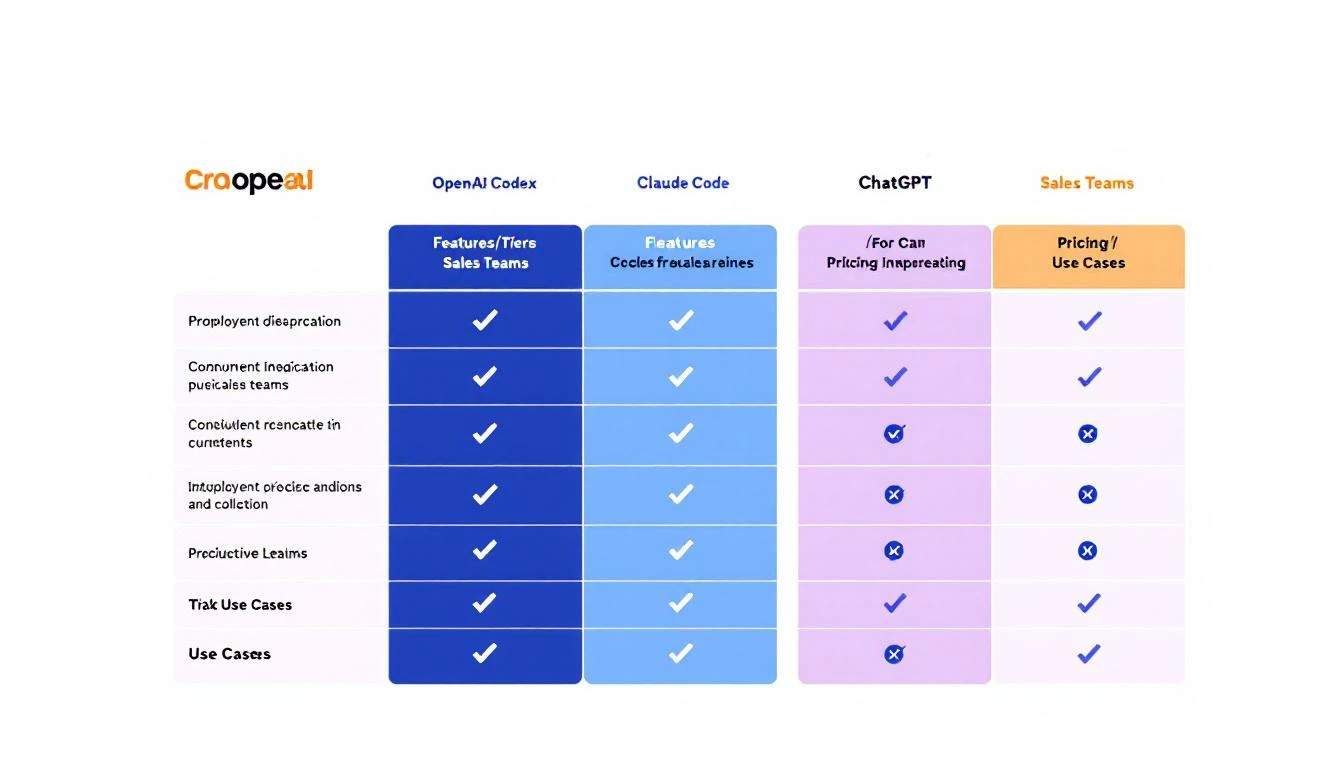
| Use Case | Best Tool | Why |
|---|---|---|
| Code generation/scripts | Codex | Purpose-built, best performance |
| Long research/analysis | Claude | 200K context, better reasoning |
| Quick answers/chat | ChatGPT | Fast, good enough for simple tasks |
| Email personalization | Claude | Nuanced writing, follows instructions |
| Pipeline automation | Codex + OpenClaw | Agentic capabilities, mid-turn steering |
| Sales call prep | Claude | Better at synthesis and summary |
| Proposal generation | Claude | Longer document handling |
Now let's dig into the details.
OpenAI Codex (GPT-5.3-Codex)
Released: February 5, 2026
What it is: OpenAI's most capable agentic coding model
Key Features
- 25% faster than GPT-5.2-Codex
- Mid-turn steering: Direct the agent while it's working (killer feature)
- Runs in Codex app, CLI, IDE extension, or Codex Cloud
- Multi-file changes: Can edit entire codebases
- Built for autonomy: Designed to work on complex tasks without constant prompting
GTM Use Cases for Codex
-
Building Sales Automation Scripts
- Write HubSpot/Salesforce API integrations
- Build custom lead scoring models
- Create data sync workflows
-
Pipeline Monitoring Systems
- Alert systems for stale deals
- Automated reporting dashboards
- Integration scripts between tools
-
Custom Sales Tools
- Chrome extensions for LinkedIn
- Email template generators
- Proposal automation systems
Codex Pricing (2026)
- Codex CLI: Free tier available, pay per API call
- Codex Cloud: ~$50/user/month (team features)
- Enterprise: Custom pricing
When NOT to Use Codex
- Simple email writing (overkill)
- Non-technical tasks (use Claude or ChatGPT)
- Quick research (Claude's context window is better)
Claude Code (Anthropic)
What it is: Claude 3.5/4 with tool use and code execution
Integrated into: VS Code, terminal, OpenClaw
Key Features
- 200K context window: Can analyze entire documents, codebases, or conversation histories
- Precise instruction following: Better at nuanced tasks
- Constitutional AI: More reliable safety guardrails
- Tool use: Can browse web, execute code, interact with APIs
GTM Use Cases for Claude
-
Prospect Research
- Deep-dive company analysis
- Competitive intelligence reports
- Personalization hook identification
-
Email Writing
- Personalized outreach at scale
- Multi-touch sequence creation
- Reply handling suggestions
-
Document Analysis
- Analyzing sales call transcripts
- Extracting insights from RFPs
- Summarizing long email threads
-
Sales Coaching
- Call analysis and feedback
- Objection handling suggestions
- Win/loss pattern identification
Claude Pricing (2026)
- Claude.ai: $20/month Pro, $30/month Teams
- API: $3-15 per million tokens (varies by model)
- OpenClaw: Free (bring your own API key)
When NOT to Use Claude
- Heavy code generation (Codex is faster)
- Real-time chat (ChatGPT has lower latency)
- Tasks requiring strict format adherence (can be verbose)
ChatGPT (GPT-4o/4-Turbo)
What it is: OpenAI's general-purpose assistant
Best for: Quick tasks, brainstorming, general questions
Key Features
- Lowest latency: Fastest responses
- Plugins and GPTs: Extensible for specific use cases
- Web browsing: Built-in search
- Voice mode: Conversational interface
GTM Use Cases for ChatGPT
-
Quick Research
- "What does [company] do?"
- "Who are [competitor]'s biggest customers?"
- "What's the average deal size in [industry]?"
-
Brainstorming
- Subject line ideas
- Objection responses
- Campaign angles
-
Light Automation
- Simple data formatting
- Template generation
- Quick calculations
ChatGPT Pricing (2026)
- Free: Basic access
- Plus: $20/month
- Team: $25/user/month
- Enterprise: Custom
When NOT to Use ChatGPT
- Complex, multi-step workflows (use Codex)
- Long document analysis (Claude's context is better)
- Tasks requiring precise formatting (can be inconsistent)
Head-to-Head: The Details
Context Window
| Tool | Context Window | Implication |
|---|---|---|
| Claude | 200K tokens | Can analyze ~500 pages at once |
| ChatGPT | 128K tokens | Good for most tasks |
| Codex | Varies by task | Designed for code, not documents |
Winner for GTM: Claude. When researching prospects or analyzing long conversations, context matters.
Instruction Following
Claude excels at following precise instructions. If you say "write exactly 3 bullet points," you get 3 bullet points.
ChatGPT tends to add extra context or caveats.
Codex is excellent for technical instructions but can over-engineer simple requests.
Winner for GTM: Claude for content, Codex for technical tasks.
Agentic Capabilities
Codex was built for autonomous work. The mid-turn steering feature lets you redirect it without starting over.
Claude can be agentic via OpenClaw but requires more setup.
ChatGPT's agentic features are limited.
Winner for GTM: Codex for automation, Claude via OpenClaw for custom agents.
Speed
| Tool | Response Time | Throughput |
|---|---|---|
| ChatGPT | Fastest | Best for high-volume |
| Claude | Medium | Good for quality |
| Codex | Varies | Designed for complex tasks |
Winner for GTM: Depends on use case. ChatGPT for quick tasks, Codex for batch processing.
The Best Stack for GTM Teams
Based on our analysis, here's the optimal setup:
For SDRs
- Primary: Claude (via OpenClaw for automation)
- Secondary: ChatGPT (quick questions)
- When needed: Codex (building custom tools)
For Sales Ops
- Primary: Codex (building automation)
- Secondary: Claude (analysis and research)
- When needed: ChatGPT (quick prototyping)
For Marketing
- Primary: Claude (content and research)
- Secondary: ChatGPT (brainstorming)
- When needed: Codex (programmatic SEO, automation)
Integration Comparison
OpenClaw Compatibility
| Tool | OpenClaw Support | Setup |
|---|---|---|
| Claude | Native | Add API key |
| GPT-4 | Native | Add API key |
| Codex | Via API | Requires custom config |
OpenClaw works best with Claude due to Anthropic's tool use design.
CRM Integration
- Codex: Best for building custom integrations
- Claude: Best for enrichment and research tasks
- ChatGPT: Limited native integration
Real-World Performance: Email Personalization
We tested all three on the same task: Write a personalized cold email for a VP of Sales at a 200-person SaaS company.
Claude Output
Followed the template exactly. Referenced specific company details. Professional but warm tone. 94 words (as requested).
ChatGPT Output
Added extra context we didn't ask for. Good personalization but verbose. 147 words (missed the target).
Codex Output
Technical and formal. Suggested code-like structures. Not ideal for email writing.
Winner: Claude for email personalization.
The Bottom Line
There's no single best tool. The right answer depends on your workflow:
- Building automation? → Codex
- Writing content? → Claude
- Quick questions? → ChatGPT
- Running AI agents 24/7? → OpenClaw + Claude
The smartest teams use multiple tools for different tasks rather than forcing one tool to do everything.
Want AI that's already integrated? MarketBetter combines visitor identification, AI-powered playbooks, and automated outreach in one platform. No prompt engineering required. Book a demo.
Try our AI Lead Generator — find verified LinkedIn leads for any company instantly. No signup required.