
Automate Event & Webinar Lead Follow-Up with OpenClaw [2026]
You ran a webinar. 500 people registered. 200 attended. Now comes the hard part: following up with every single lead before they forget who you are.
Most teams send a generic "Thanks for attending" email and call it a day. The leads go cold. The webinar ROI tanks.
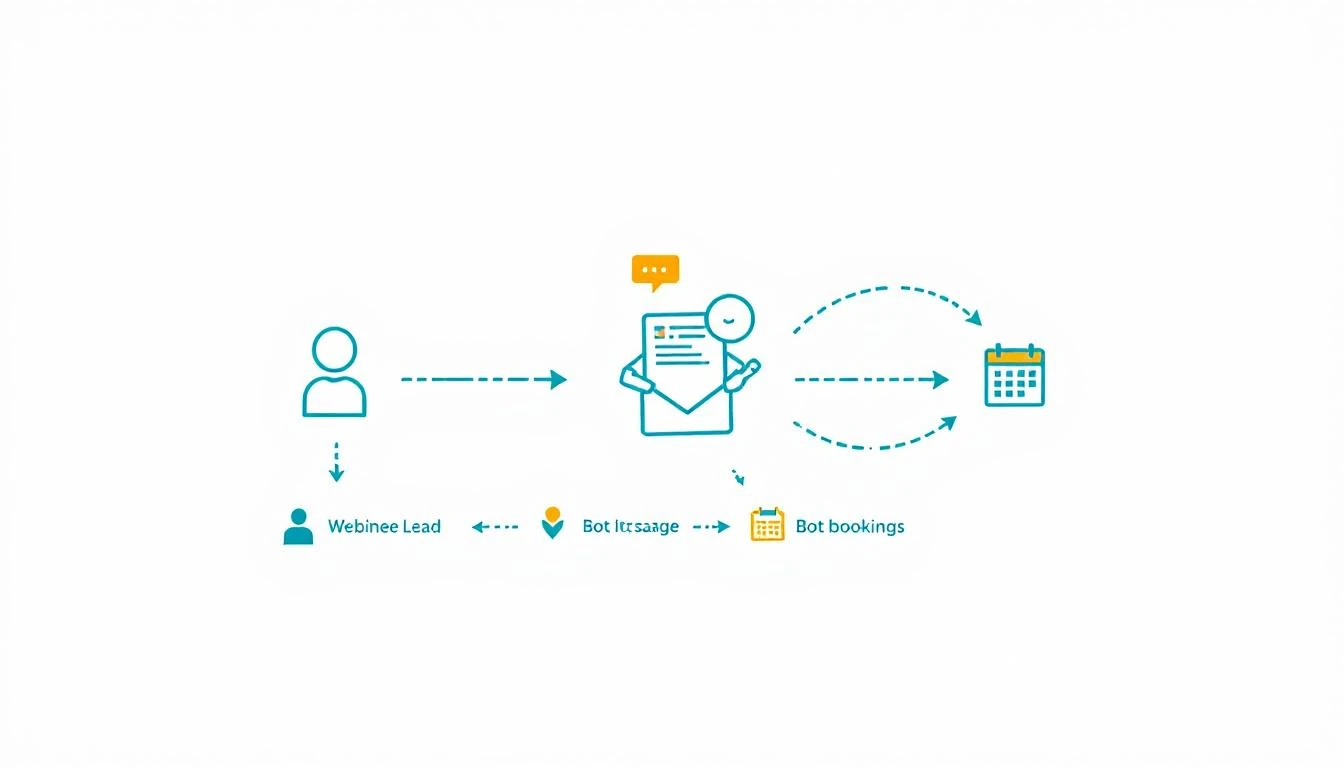
Here's how to build an automated follow-up system with OpenClaw that scores attendees, sends personalized sequences, and books meetings on autopilot.
Why Webinar Follow-Up Fails
The math is brutal:
- Within 24 hours: Lead interest drops 50%
- Within 48 hours: Lead interest drops 80%
- After 72 hours: You're basically cold calling again
Most teams don't even start follow-up until 48 hours post-event. By then, attendees have forgotten the content and moved on.
The solution isn't "follow up faster." The solution is "follow up instantly and intelligently."
The OpenClaw Event Follow-Up Architecture
OpenClaw runs 24/7, which makes it perfect for event automation. Here's the system:
Component 1: Attendee Scoring Agent
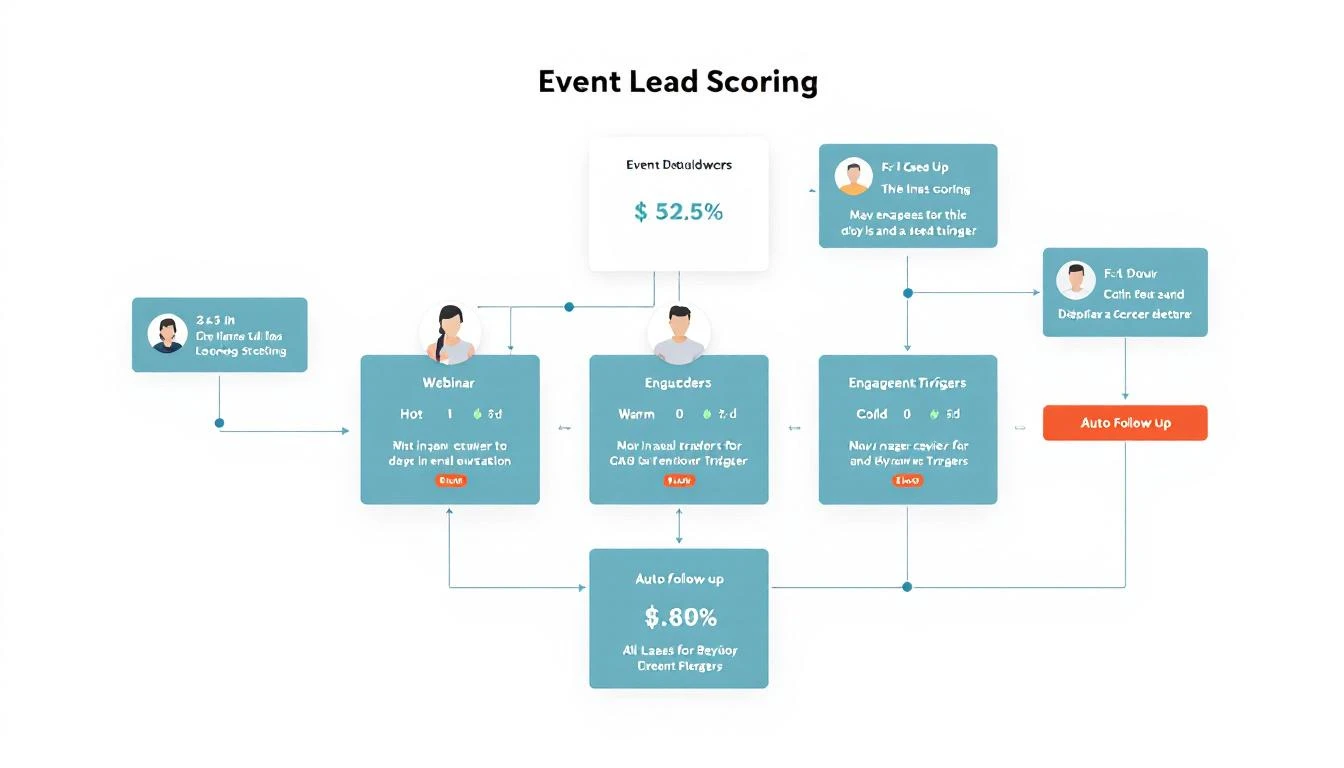
Not all attendees are equal. Before sending any follow-up, score each lead:
Scoring Criteria:
| Signal | Points |
|---|---|
| Attended live (vs. replay) | +20 |
| Stayed >75% of session | +15 |
| Asked a question | +25 |
| Clicked poll/CTA during webinar | +15 |
| Visited pricing page after | +30 |
| Downloaded resources | +10 |
| Already in CRM as lead/opportunity | +20 |
| ICP company size | +10-25 |
| ICP industry | +10-25 |
Score Tiers:
- Hot (80+): Immediate SDR outreach + personalized email
- Warm (50-79): Automated nurture sequence with meeting CTA
- Cool (20-49): Content nurture, resurface for next event
- Cold (<20): Newsletter only
Component 2: The Follow-Up Sequences
Hot Lead Sequence (OpenClaw executes automatically):
T+0 (immediately post-webinar):
- Email: "Thanks for your question about [specific topic]"
- Slack alert to assigned SDR
- Calendar hold suggestion for rep

T+4 hours:
- If no rep action: Send meeting link email
- Include relevant case study based on their industry

T+24 hours:
- LinkedIn connection request with personalized note
- Reference their company and webinar topic

T+48 hours:
- If no meeting booked: Rep phone call task
- Email: "Did our [topic] discussion answer your questions?"
Warm Lead Sequence:
T+0:
- Email: "Here's the [webinar] recording and key takeaways"
- Include personalized insight based on their role

T+24 hours:
- Email: Related blog post or case study
- Soft meeting CTA

T+72 hours:
- Email: "3 things you might have missed" with timestamps
- Direct meeting link CTA

T+7 days:
- Email: "Other [persona] found this valuable"
- Social proof + meeting CTA
Component 3: OpenClaw Configuration
Here's how to set this up in OpenClaw:
# openclaw.yaml
agents:
  event-followup:
    model: claude-sonnet-4-20250514
    schedule:
      - cron: "*/15 * * * *"  # Check every 15 minutes

    context:
      - path: /context/webinar-templates.md
      - path: /context/scoring-rules.md
      - path: /context/company-voice.md

    integrations:
      - hubspot:
          lists:
            - webinar-attendees-feb-2026
          actions:
            - create_contact
            - send_email
            - create_task

      - slack:
          channel: "#sales-alerts"
          alerts: true

      - calendar:
          check_availability: true
          suggest_times: true

    memory:
      - attendee-interactions.md
      - sequence-progress.md
The agent checks for new webinar registrations and attendees every 15 minutes, scores them, and initiates the appropriate sequence.
Component 4: Personalization Engine
Generic follow-ups get ignored. OpenClaw personalizes each touchpoint:
For the "Thanks for your question" email:
- Pull the attendee's actual question from webinar Q&A
- Reference their company's situation (from enrichment data)
- Connect their question to a relevant feature or case study
- Include a specific insight they might have missed
For the case study selection:
- Match attendee's industry to available case studies
- Match their company size tier
- Match their likely pain point (inferred from webinar topic + questions)
For the LinkedIn connection:
- Reference a specific moment from the webinar
- Mention something from their LinkedIn profile
- Keep it casual, not salesy
Real Example: SaaS Company's Results
A B2B SaaS client implemented this system for their monthly product webinars:
Before (manual follow-up):
- Follow-up start: 48-72 hours post-event
- Emails sent: Generic blast to all attendees
- Meetings booked: 3-5 per webinar
- Pipeline generated: $15K-25K
After (OpenClaw automation):
- Follow-up start: Immediately (within minutes)
- Emails sent: Personalized based on engagement and ICP fit
- Meetings booked: 18-22 per webinar
- Pipeline generated: $85K-120K
The 4x increase in meetings came from three factors:
- Speed (reaching leads while interest is hot)
- Relevance (personalized content based on engagement)
- Persistence (automated multi-touch sequence that humans would abandon)
Handling No-Shows
200 people attended, but 300 registered and didn't show. Don't ignore them:
No-Show Sequence:
T+1 hour post-event:
- Email: "We missed you! Here's the recording"
- Include a 2-minute highlight reel

T+24 hours:
- Email: "The one thing everyone asked about" (teaser)
- CTA to watch a specific segment

T+3 days:
- If watched: Move to warm sequence
- If not watched: One more email with different angle

T+7 days:
- Add to general nurture
- Invite to next relevant event
No-shows registered for a reason. Some had conflicts, some forgot, some lost interest. The recording follow-up recaptures many of them.
Integration with Event Platforms
OpenClaw connects to your webinar platform via webhooks or API polling:
Zoom Webinar:
- Webhook for attendee join/leave events
- API for Q&A and poll responses
- Attendee duration tracking
Webex Events:
- Similar webhook structure
- Engagement scoring from platform
ON24:
- Rich engagement data via API
- Content consumption tracking
Custom Events (in-person with badge scans):
- Import badge scan data via CSV or API
- Session attendance tracking
- Booth visit recording
Advanced: Multi-Event Attribution
When someone attends multiple webinars, your follow-up should reflect that:
IF attendee.event_count > 1:
  - Reference their attendance history
  - "You've been exploring [topic area] with us..."
  - Escalate to warmer sequence regardless of engagement score
  - Suggest a consolidated conversation about their interests
OpenClaw's memory system tracks all interactions across events, so you never send "Thanks for attending your first webinar" to someone who's been to five.
Getting Started
Here's your implementation timeline:
Week 1:
- Set up OpenClaw with your webinar platform integration
- Create scoring criteria based on your ICP
- Draft email templates for each tier
Week 2:
- Build and test sequences in staging
- Connect to CRM for contact creation and tasks
- Set up Slack alerts for hot leads
Week 3:
- Run with your next webinar
- Monitor and adjust scoring thresholds
- Refine personalization based on response rates
Week 4+:
- Optimize sequences based on conversion data
- Add more personalization variables
- Expand to handle in-person events
Try our Conference Scraper — scrape exhibitor lists from any conference website in seconds. No signup required.
The Easier Path
OpenClaw is powerful, but there's a learning curve. If you want event follow-up automation without the setup, MarketBetter includes it out of the box.
Connect your webinar platform, set your scoring criteria, and our AI handles the rest. Personalized sequences that adapt based on engagement. Automatic meeting booking for hot leads. Complete visibility into what's working.
Running events but struggling with follow-up? Book a demo and we'll show you how to turn your next webinar into pipeline.
Related reading: