
How to Build a Custom Sales Copilot with OpenClaw [2026 Tutorial]
"Who should I call next?"
"What's the context on this deal?"
"Draft me a follow-up email."
What if you could ask these questions and get instant, accurate answers—based on YOUR CRM, YOUR email history, YOUR calendar?
That's what a sales copilot does. And with OpenClaw, you can build one for free.
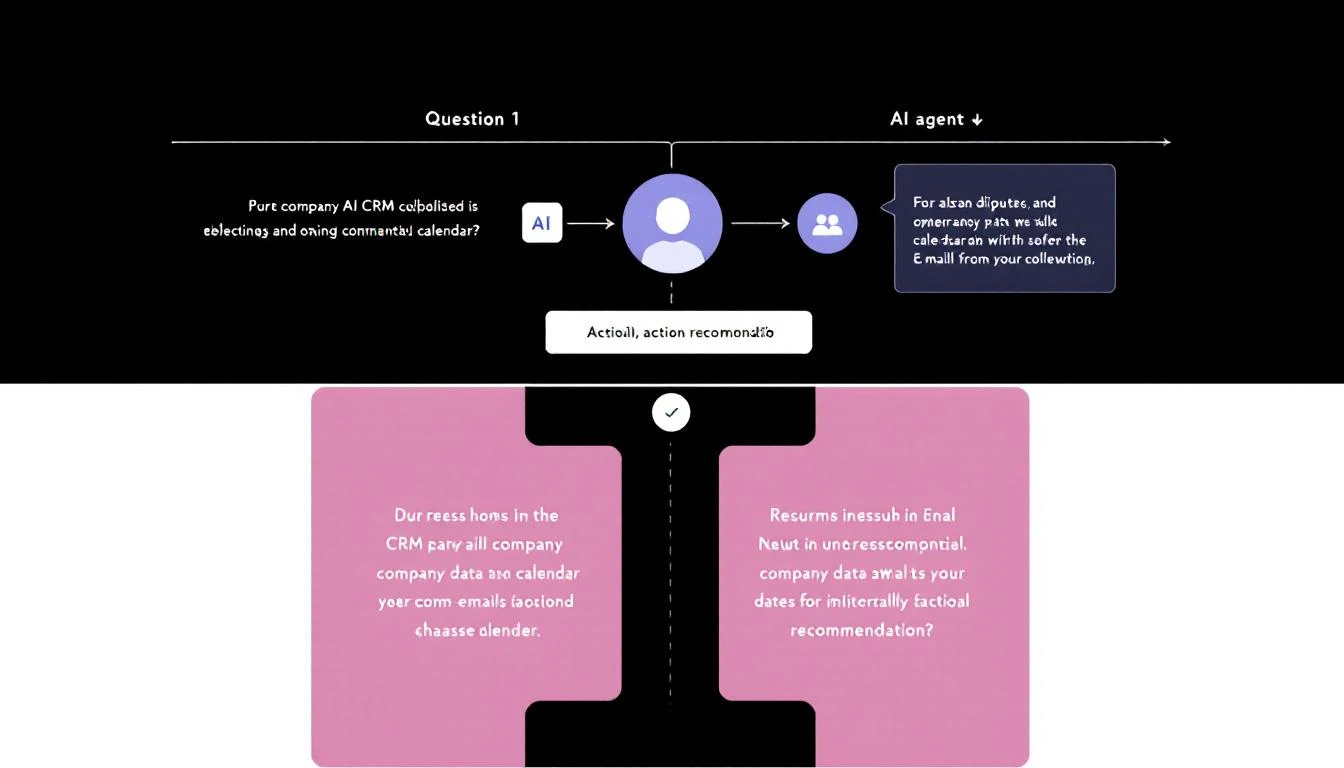
What is a Sales Copilot?
A sales copilot is an AI assistant that knows your business context:
- Your deals: Pipeline stages, deal values, next steps
- Your contacts: Communication history, preferences, pain points
- Your calendar: Upcoming meetings, prep needed
- Your emails: Recent exchanges, follow-ups due
Unlike generic ChatGPT, a copilot doesn't need you to paste context every time. It already knows.
Why Build Your Own (vs. Buying)?
Off-the-shelf AI SDR tools cost $35,000-50,000/year. They come with:
- Features you don't need
- Limitations on customization
- Data that lives on someone else's servers
OpenClaw is free and open source. You:
- Build exactly what you need
- Own your data completely
- Customize endlessly
Architecture Overview
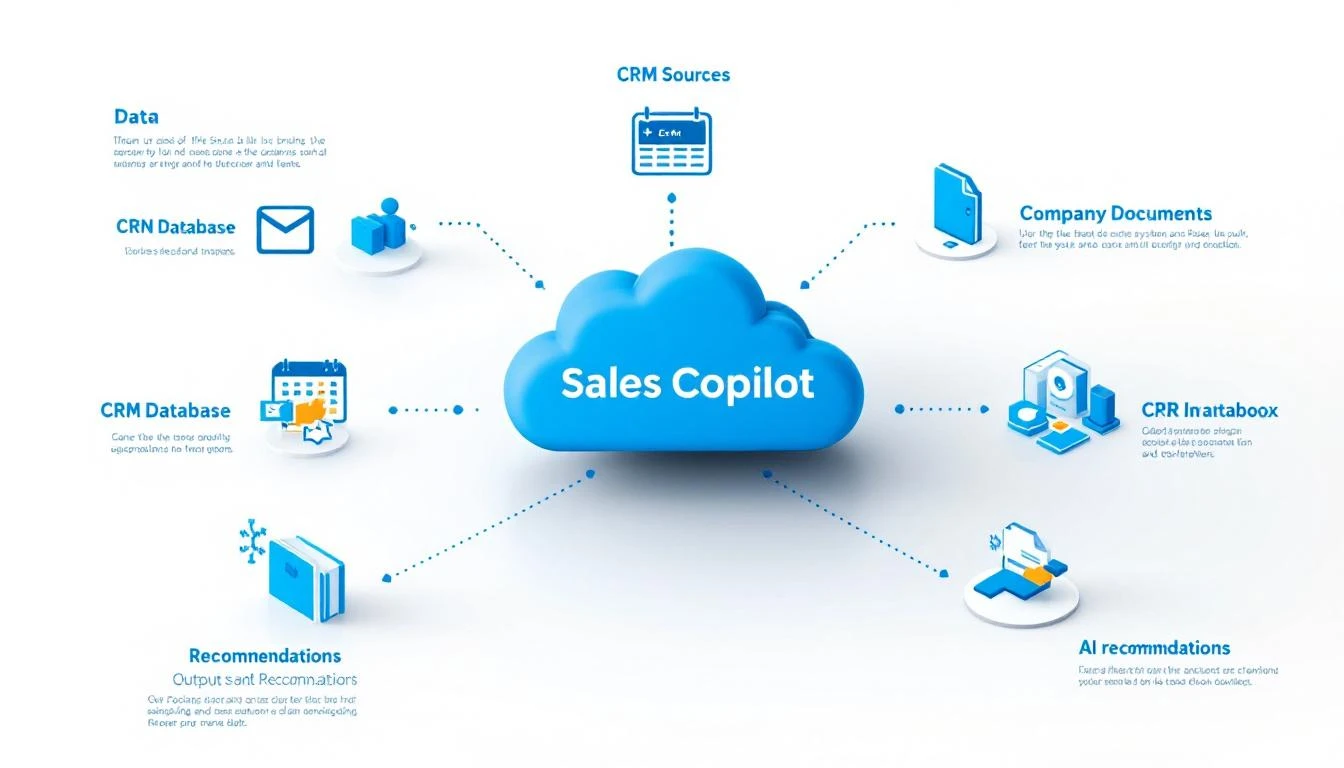
Here's what we're building:
[You via WhatsApp/Slack/Telegram]
           ↓
      [OpenClaw]
           ↓
   [Claude/GPT-4 API]
           ↓
┌─────────────────────┐
│   Your Data Sources │
│  • HubSpot CRM      │
│  • Gmail/Outlook    │
│  • Google Calendar  │
│  • Company Docs     │
└─────────────────────┘
           ↓
[Context-Aware Response]
OpenClaw acts as the bridge, connecting the AI to your tools.
Step 1: Install OpenClaw
npx openclaw@latest init
This creates your workspace with:
- Configuration files
- Memory system
- Agent definitions
Step 2: Connect Your Data Sources
HubSpot CRM
Create a Private App in HubSpot and add to your config:
# .openclaw/config.yaml
plugins:
  hubspot:
    enabled: true
    token: ${HUBSPOT_TOKEN}
Email (Microsoft 365)
Set up Graph API access:
plugins:
  ms365:
    enabled: true
    clientId: ${MS365_CLIENT_ID}
    tenantId: ${MS365_TENANT_ID}
    clientSecret: ${MS365_CLIENT_SECRET}
Google Calendar
plugins:
  gcal:
    enabled: true
    credentials: ${GCAL_CREDENTIALS_PATH}
Step 3: Define Your Copilot's Personality
Create a SOUL.md file that defines how your copilot behaves:
# SOUL.md - Sales Copilot

## Who I Am
I'm your sales copilot. I know your pipeline, your contacts,
and your calendar. I help you sell smarter.

## How I Communicate
- Direct and actionable
- I give specific recommendations, not generic advice
- I cite my sources (which deal, which email, etc.)
- I flag urgency when it matters

## What I Can Do
- Pull deal info from HubSpot
- Summarize email threads
- Check upcoming meetings
- Draft follow-up messages
- Alert you to stale deals

## What I Won't Do
- Send emails without your approval
- Make changes to CRM without confirmation
- Share your data anywhere
Step 4: Create Core Commands
Define common queries your copilot can handle:
"Who should I call today?"
# In your agent config
prompts:
  call_priority:
    message: |
      Check my HubSpot pipeline and identify:
      1. Deals that haven't had activity in 7+ days
      2. Deals with meetings scheduled this week
      3. High-value deals (>$10K) in negotiation stage

      Rank by urgency. For each, tell me:
      - Company name and deal value
      - Last contact date and method
      - Suggested talking point based on history
"Prep me for my next call"
prompts:
  meeting_prep:
    message: |
      My next meeting is in {{time_until}} with {{contact_name}}.

      Pull together:
      1. Company overview (from HubSpot + web research)
      2. Deal history and current stage
      3. All email exchanges in last 30 days
      4. Key talking points based on their pain points
      5. Potential objections to prepare for

      Format as a quick-reference briefing I can scan in 2 minutes.
"Draft a follow-up email"
prompts:
  follow_up:
    message: |
      I just finished a call with {{contact_name}} at {{company}}.

      Based on our email history and CRM notes, draft a follow-up email that:
      1. Thanks them for the call
      2. Summarizes key points we discussed
      3. Proposes clear next steps
      4. Maintains my usual tone (check recent sent emails)

      Keep it under 150 words.
Step 5: Set Up Proactive Alerts
Your copilot shouldn't just respond—it should reach out when needed:
# Cron jobs for proactive alerts
cron:
  jobs:
    - name: "Morning Pipeline Brief"
      schedule:
        kind: cron
        expr: "0 8 * * 1-5"  # 8am weekdays
      payload:
        kind: agentTurn
        message: |
          Good morning! Here's your pipeline brief:

          1. Meetings today (with quick context)
          2. Deals needing attention (stale or slipping)
          3. Follow-ups due
          4. Any hot signals (new website visitors, email opens)

          Keep it to 5-7 bullet points max.

    - name: "Stale Deal Alert"
      schedule:
        kind: cron
        expr: "0 14 * * 1-5"  # 2pm weekdays
      payload:
        kind: agentTurn
        message: |
          Check for deals over $5K that haven't been touched in 10+ days.
          If you find any, alert me with:
          - Deal name and value
          - Last activity
          - Suggested re-engagement approach
Step 6: Connect Your Messaging Channel
OpenClaw supports multiple channels:
WhatsApp (Personal)
openclaw whatsapp link
# Scan QR code with your phone
Slack
plugins:
  slack:
    enabled: true
    token: ${SLACK_BOT_TOKEN}
    channel: "#sales-copilot"
Telegram
plugins:
  telegram:
    enabled: true
    token: ${TELEGRAM_BOT_TOKEN}
Real Conversation Examples
Here's what interacting with your copilot looks like:
You: Who needs follow-up today?
Copilot: 3 follow-ups due:
-
Acme Corp ($24K) - Demo was 3 days ago, promised to send proposal. Send it now.
-
Initech ($12K) - They went quiet after pricing. Suggest: value-focused check-in email.
-
Hooli ($45K) - Contract review since Monday. Time for a nudge.
Want me to draft emails for any of these?
You: Yes, draft Acme proposal email
Copilot: Based on your call notes from Thursday:
Subject: Acme proposal as promised
Hi Sarah,
Great speaking Thursday about reducing your SDR ramp time. As promised, I've attached our proposal.
Key points covered:
- Visitor identification for 5K monthly visitors
- HubSpot integration (you mentioned this was critical)
- 90-day pilot option
Want to find 15 minutes next week to walk through it?
Best, [Your name]
Send, edit, or scrap?
Advanced: Adding Custom Tools
OpenClaw supports custom tools. Example: Add a "competitor check" tool:
// tools/competitor-check.js
module.exports = {
  name: 'check_competitor',
  description: 'Check if a prospect uses a competitor product',
  parameters: {
    company: { type: 'string', required: true }
  },
  async execute({ company }) {
    // Check BuiltWith, job postings, etc.
    const techStack = await fetchTechStack(company);
    return techStack.filter(t => COMPETITORS.includes(t));
  }
};
Now your copilot can answer: "Does Acme use any competitor products?"
Common Pitfalls
1. Too Much Context Don't dump your entire CRM into every prompt. Be selective about what context matters for each query.
2. No Memory Structure Use OpenClaw's memory files to store persistent context (ICP, competitors, etc.) so you don't repeat yourself.
3. Forgetting Permissions Your copilot has access to sensitive data. Keep it on a secure channel. Don't expose it to shared workspaces.
4. Over-Automation Start with assisted workflows (copilot drafts, you approve). Don't go full autonomous until you trust the outputs.
What's Next?
Once your basic copilot works, extend it:
- Add competitive intelligence lookups
- Connect to Gong/Chorus for call analysis
- Build a deal coaching mode
- Create a forecasting assistant
The foundation is the same—you're just adding more context and capabilities.
Don't want to build from scratch? MarketBetter comes with AI-powered playbooks built in. Visitor identification, lead prioritization, and recommended actions—no coding required. Book a demo.
Try our AI Lead Generator — find verified LinkedIn leads for any company instantly. No signup required.