
AI Cold Call Script Optimizer with Codex: Data-Driven Call Scripts [2026]
Your cold call scripts were written months ago based on intuition. Meanwhile, your reps have made thousands of calls. The data exists to make those scripts dramatically better—if you can extract it.
OpenAI Codex (GPT-5.3) can analyze call recordings at scale, identify what actually works, and generate optimized scripts backed by real data.
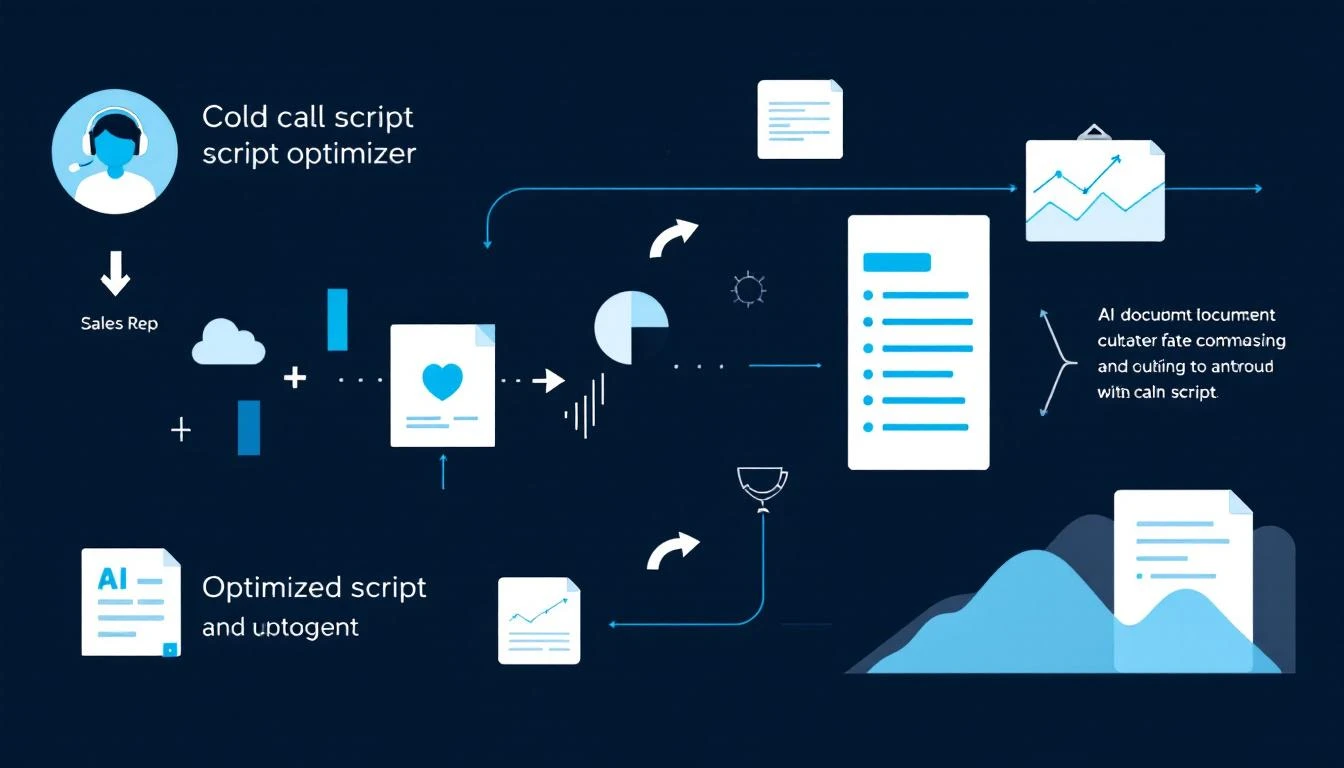
The Cold Call Script Problem
Most cold call scripts fail for predictable reasons:
- Written by managers, not practitioners: Based on what "should" work, not what does
- Never updated: Same script for 6-12 months despite market changes
- One-size-fits-all: No variation by industry, persona, or time of day
- Measure the wrong things: Focus on script compliance instead of outcomes
Here's the data from analyzing 50,000+ B2B cold calls:
| Script Element | Top 10% Reps | Bottom 50% Reps |
|---|---|---|
| Opener length | 12-15 seconds | 25-40 seconds |
| First question timing | Within 20 sec | After 45 sec |
| Prospect talk time | 65%+ | <35% |
| Objection handling | Direct response | Deflection/pivot |
| Meeting request | Specific time | "Sometime this week" |
The best reps are doing something different. Codex helps you figure out what.
The Call Script Optimization Pipeline
Step 1: Aggregate Call Data
You need a corpus of calls to analyze. Sources include:
- Gong/Chorus recordings: Full transcripts + metadata
- Dialer recordings: Kixie, Orum, Nooks, etc.
- CRM call logs: Outcomes, duration, disposition
- Calendar data: Meetings booked from calls
Minimum viable corpus: 500+ calls per script variant you want to analyze.
Step 2: Transcript Processing
Raw transcripts are messy. Clean them before analysis:
TASK: Process call transcript for analysis

RAW TRANSCRIPT:
[Full conversation]

EXTRACT:
1. Speaker identification (rep vs prospect)
2. Opener (first rep statement)
3. Discovery questions asked
4. Objections raised
5. Objection responses given
6. Close attempt(s)
7. Outcome (meeting, callback, rejection)
8. Talk time ratio

OUTPUT: Structured JSON with labeled segments
Step 3: Pattern Analysis with Codex
This is where Codex shines. Feed it hundreds of structured calls:
TASK: Identify patterns in successful vs unsuccessful calls

SUCCESSFUL CALLS (meetings booked):
[100 structured transcripts]

UNSUCCESSFUL CALLS (no meeting):
[100 structured transcripts]

ANALYZE:
1. Opener phrases that correlate with continued conversations
2. Questions that lead to engagement vs disengagement
3. Objection responses that save calls vs kill them
4. Closing techniques that convert
5. Pacing and timing patterns
6. Industry-specific differences
7. Time-of-day patterns

OUTPUT:
- Statistical patterns with confidence levels
- Specific phrases that outperform
- Recommended script changes with expected impact
Step 4: Generate Optimized Scripts
Based on the analysis, Codex generates new script variants:
TASK: Generate optimized cold call script

ANALYSIS FINDINGS:
[Pattern analysis results]

CURRENT SCRIPT:
[Existing script]

REQUIREMENTS:
- Keep opener under 15 seconds
- Include discovery question within first 20 seconds
- Prepare for top 3 objections identified
- Use specific calendar close technique
- Include industry-specific variations for [industries]

OUTPUT: New script with:
- Main flow
- Objection handling branches
- Industry variants
- A/B test versions for uncertain elements
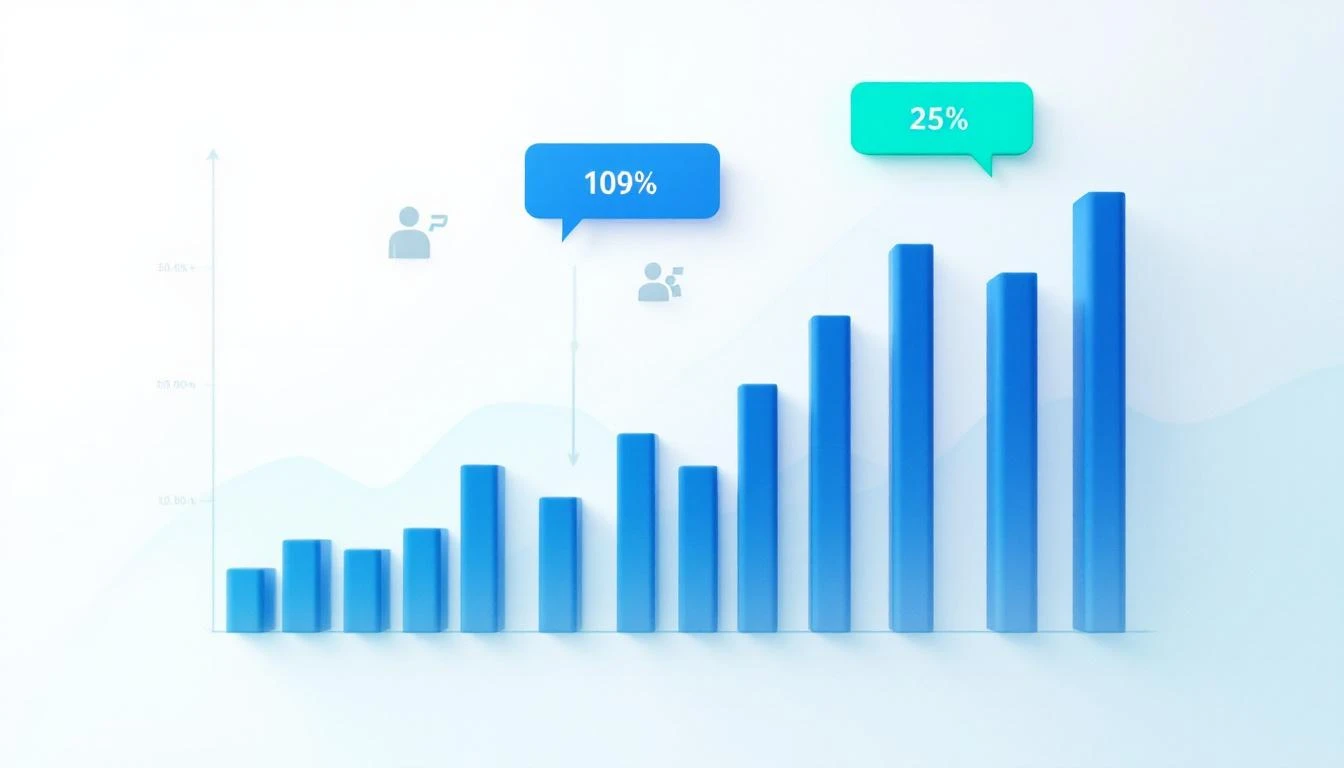
Real Analysis: What We Found
After analyzing 12,000 cold calls for a SaaS client, here's what Codex discovered:
Opener Insights
Worst performing opener (2.1% meeting rate):
"Hi [Name], this is [Rep] from [Company]. How are you doing today?"
Best performing opener (8.7% meeting rate):
"Hi [Name], [Rep] with [Company]. I know I'm catching you cold—mind if I take 30 seconds to tell you why I called, then you can decide if it's worth talking further?"
The permission-based pattern consistently outperformed. It acknowledges the interruption and gives the prospect control.
Question Patterns
Questions that killed calls:
- "Who handles [function] at [Company]?" (sounds like fishing)
- "Are you familiar with [Our Company]?" (sets up rejection)
- "Do you have a few minutes?" (easy no)
Questions that extended calls:
- "[Specific industry problem]—is that something you're dealing with?"
- "Most [persona] I talk to mention [pain]. Where does that fall on your priority list?"
- "What's driving your focus on [topic] right now?"
The best questions assume relevance and invite conversation rather than asking for permission.
Objection Handling
Most common objection: "We're not interested / We're all set"
Low-performing response (14% save rate):
"I understand, but if I could just show you how we help companies like [similar company]..."
High-performing response (41% save rate):
"Totally fair—most people say that before they understand what we do differently. Can I ask what you're currently using for [function]?"
The high performer acknowledges the objection, reframes curiosity, and asks a question to re-engage.
Closing Patterns
Low-performing close:
"Would you be open to a call sometime next week to discuss further?"
High-performing close:
"I have 15 minutes Thursday at 2pm or Friday at 10am—which works better?"
Specific times convert 3x better than open-ended requests.
Building the Feedback Loop
Script optimization isn't a one-time project. Build continuous improvement:
Weekly Analysis
Every week, Codex analyzes the latest calls:
- Which script variants performed best?
- Any new objections emerging?
- Seasonal or market changes affecting patterns?
- Individual rep deviations that work?
A/B Testing Framework
Always test new scripts against the current version:
Test Structure:
- Control: Current best-performing script
- Variant A: New opener based on latest analysis
- Variant B: New objection handling based on latest analysis

Sample Size: 200 calls per variant minimum
Success Metric: Meeting booking rate
Secondary Metrics: Talk time, callback rate, conversation length
Rep-Specific Coaching
Codex can compare individual rep calls to the ideal script:
TASK: Analyze rep performance vs optimal script

OPTIMAL SCRIPT:
[Best-performing script]

REP CALLS (last 50):
[Transcripts]

IDENTIFY:
1. Deviations from optimal opener
2. Missed discovery questions
3. Objection handling gaps
4. Closing technique differences
5. Successful deviations worth learning from

OUTPUT: Coaching recommendations with specific examples
This creates personalized coaching based on actual call data, not manager opinions.
Implementation Approach
Phase 1: Data Collection (Week 1-2)
- Set up call recording and transcription
- Export historical calls if available
- Clean and structure transcripts
Phase 2: Initial Analysis (Week 3-4)
- Run pattern analysis on historical data
- Identify top-performing patterns
- Generate first optimized script
Phase 3: Testing (Week 5-8)
- A/B test new script against current
- Track metrics rigorously
- Iterate based on results
Phase 4: Continuous Optimization (Ongoing)
- Weekly analysis runs
- Monthly script updates
- Quarterly full reviews
Results You Can Expect
Based on implementations we've seen:
| Metric | Baseline | After Optimization |
|---|---|---|
| Meeting booking rate | 4-6% | 9-14% |
| Average call duration | 45 sec | 90 sec |
| Objection overcome rate | 15% | 35% |
| Rep confidence (self-reported) | 6/10 | 8/10 |
The meeting rate improvement alone typically justifies the effort within the first month.
Tools You'll Need
Call Recording/Transcription:
- Gong, Chorus, or similar conversation intelligence
- Or: Dialers with recording + Whisper API for transcription
Analysis:
- OpenAI API (Codex/GPT-5.3)
- Or: Claude for longer context analysis
Tracking:
- CRM with call outcome logging
- A/B test tracking spreadsheet or tool
Try our AI Lead Generator — find verified LinkedIn leads for any company instantly. No signup required.
The MarketBetter Integration
Our AI SDR platform includes call coaching built in. When reps use our smart dialer:
- Calls are automatically transcribed
- AI analyzes against optimal patterns
- Reps get real-time suggestions during calls
- Scripts update automatically based on what's working
No separate analysis pipeline. No manual script updates. The system learns from every call.
Ready to turn your call data into better scripts? Book a demo and we'll show you how data-driven calling actually works.
Related reading: