
What's New: AI Lead Qualification, Smarter Emails, and Video Avatars

This was a big week. The team shipped features that touch every stage of the pipeline — from the first demo request, to the emails your SDRs send, to how your chatbot greets visitors. Here's what's new.
AI-Powered Demo Qualification
Your book-a-demo page just got a lot smarter.
Instead of every form submission landing in a calendar invite and hoping for the best, MarketBetter now uses AI to qualify leads in real-time — right when they submit the form. The system evaluates the prospect against your ICP criteria and routes them accordingly.
What this means for you:
- Qualified leads get booked instantly — no friction, no delay
- Unqualified submissions get a polite thank-you instead of wasting your SDR's time
- You can customize the qualification criteria to match your exact ICP — industry, company size, use case, whatever matters to your sales motion
If the AI qualification service is ever unavailable, the form automatically falls back to a standard submission flow. No leads get lost.
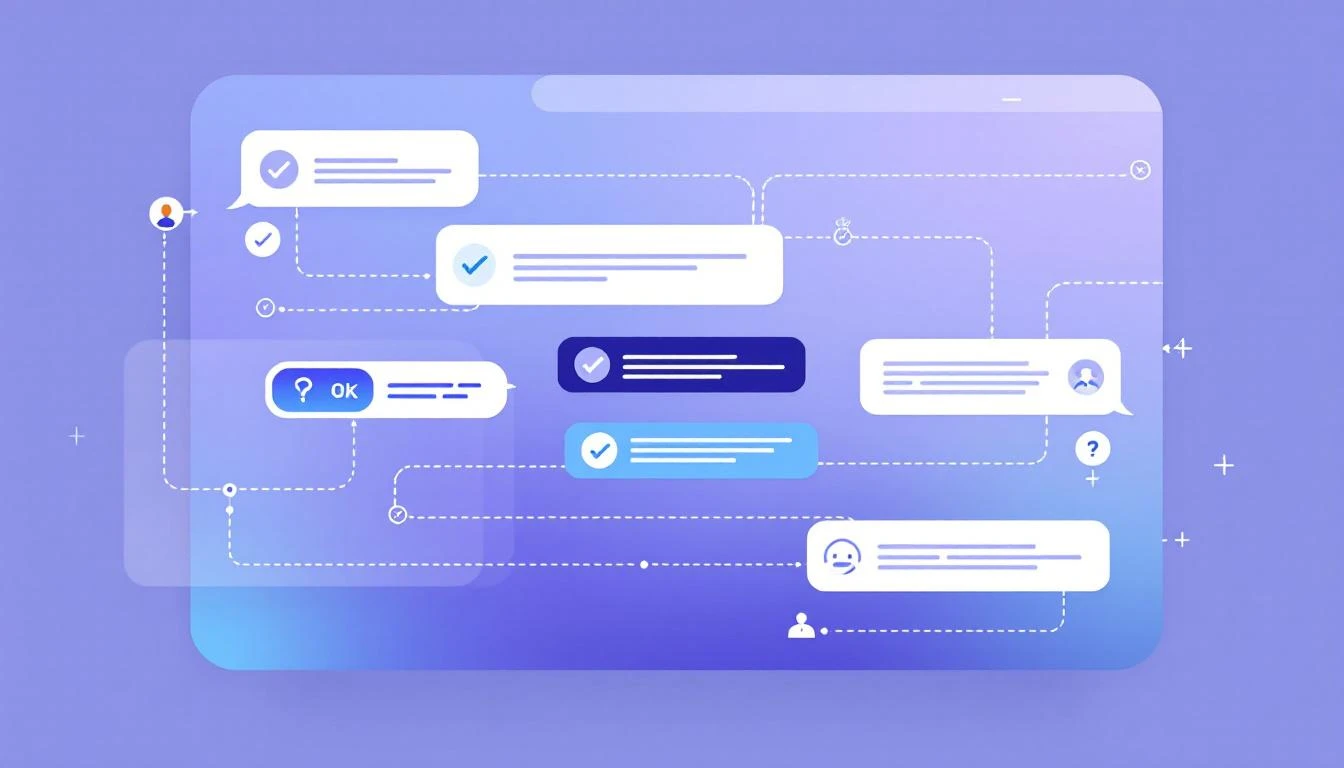
This is the kind of feature that compounds. Every unqualified meeting you don't take is 30 minutes your closer spends on a real opportunity instead.
3-Angle Email Intelligence
Your outbound emails just got significantly more persuasive.
Previously, MarketBetter generated personalized emails based on prospect data and intent signals. Now, the system plans three distinct angles for every prospect and rotates them across your email sequence:
-
Social Proof — References your actual customers that the prospect would recognize. No fabricated names — only real companies from your customer list, selected for relevance to the prospect's industry and role.
-
Collateral — Surfaces your best-matching content (case studies, whitepapers, blog posts) and includes real links. The system matches based on the prospect's industry and pain points, not generic content dumps.
-
Signal-Based — Leads with the specific intent signal or trigger that put this prospect on the list in the first place.
The result: Instead of three touches that feel like the same email reworded, each email in the sequence hits a different psychological angle. Social proof builds credibility. Collateral demonstrates expertise. Signals show you're paying attention.
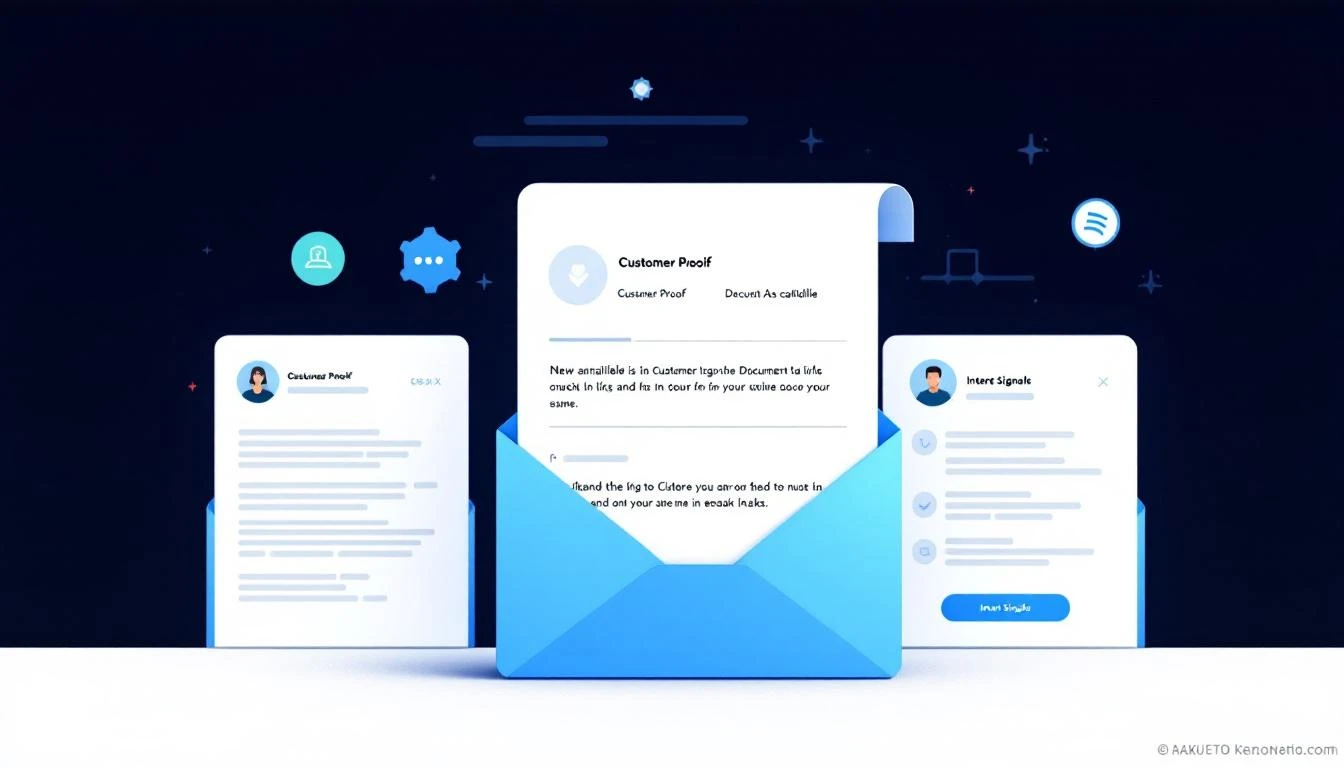
The system automatically leads with whichever angle is strongest for each prospect and rotates across touches. If social proof data isn't available for a particular prospect, it gracefully skips to the next angle — no awkward gaps or generic fallbacks.
Video Avatar for Your AI Chatbot
Your AI chatbot can now have a face.
We've integrated video avatar support directly into the chatbot settings. You can browse, search, and preview available avatars, then assign one to your chatbot with a click. The avatar appears as a live video presence when visitors interact with your chatbot — making the experience feel more human and engaging.
Setup is simple:
- Go to your chatbot settings
- Open the new Video Avatar tab
- Search and preview from a library of available avatars
- Select the one that fits your brand
This is particularly powerful for high-intent pages (pricing, demo request, product pages) where a human-like presence can increase engagement and conversion rates.
SDR Writing Style Customization
Every SDR has a voice. Now MarketBetter can match it.
A new Writing Style settings card lets you customize how the AI writes outreach on behalf of each SDR. Adjust tone, formality, and style preferences so that AI-generated emails sound like they came from that specific rep — not a generic template.
This is especially valuable for teams where different reps work different segments. An enterprise AE reaching out to a Fortune 500 VP needs a different voice than an SDR booking meetings with startup founders.
Seat Management and Billing Clarity
We completely rebuilt the billing and seat management experience:
- Clear seat controls — See exactly how many paid seats you're using and who occupies them. Add or remove seats directly from billing settings.
- Viewer vs. paid seats — Team members who only need read-only access (managers reviewing dashboards, for example) don't consume a paid seat. Only users who actively run campaigns, create audiences, or use the dialer need a paid seat.
- AI credit auto-recharge — Set a threshold and your AI credits automatically top up when they run low. No more paused campaigns because credits ran out overnight.
- Usage transparency — A redesigned usage page breaks down exactly where your AI credits and enrichment credits are going, by feature.
Pipeline Visualization Fixes
A quick but important one — if you had more than three pipeline stages, the chart legends were overlapping and the X-axis labels were colliding. Both fixed. Your pipeline view now scales cleanly regardless of how many stages you have.
That's the roundup. AI qualification, smarter emails, video chatbots, and billing clarity — all live now.
Want to see any of these in action? Book a demo →