
What's New: Teach Your AI How You Write, Campaign Templates, and a Unified Inbox

Three updates shipped today that make MarketBetter feel more like your sales tool — not a generic AI platform. Here's what's new.
Your AI, Your Voice
This is one I'm personally excited about. Every SDR writes differently. Some are punchy and direct. Others are consultative and warm. Your AI-generated emails should sound like you, not like a robot pretending to be you.
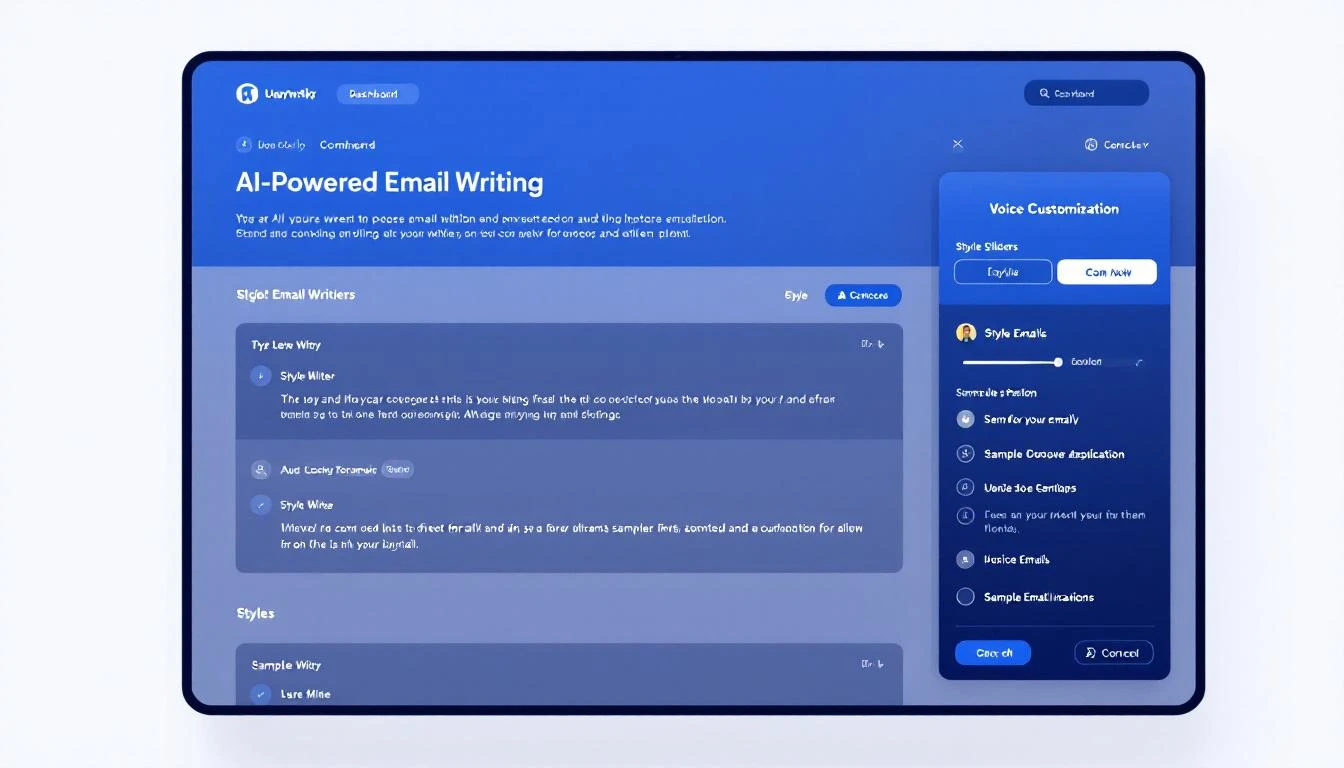
Starting today, you can teach MarketBetter exactly how you write:
- Style instructions — Describe your tone, approach, and preferences in plain English. "Keep it under 3 sentences. Always lead with a question. Never use exclamation marks." Whatever makes your outreach sound authentic.
- Sample emails — Paste two of your best-performing emails. The AI studies your structure, word choice, and cadence — then mirrors it in every email it generates.
This applies everywhere MarketBetter writes for you: automated sequences, one-off drafts, and follow-up suggestions. Your entire team can set their own voice, so every SDR's outreach sounds like it came from them.
Find it in Settings → Writing Style.
Campaign Templates: Launch in One Click
Building a new campaign from scratch takes time. Picking the audience, setting up workflows, choosing outreach steps — it adds up. Campaign templates skip all of that.
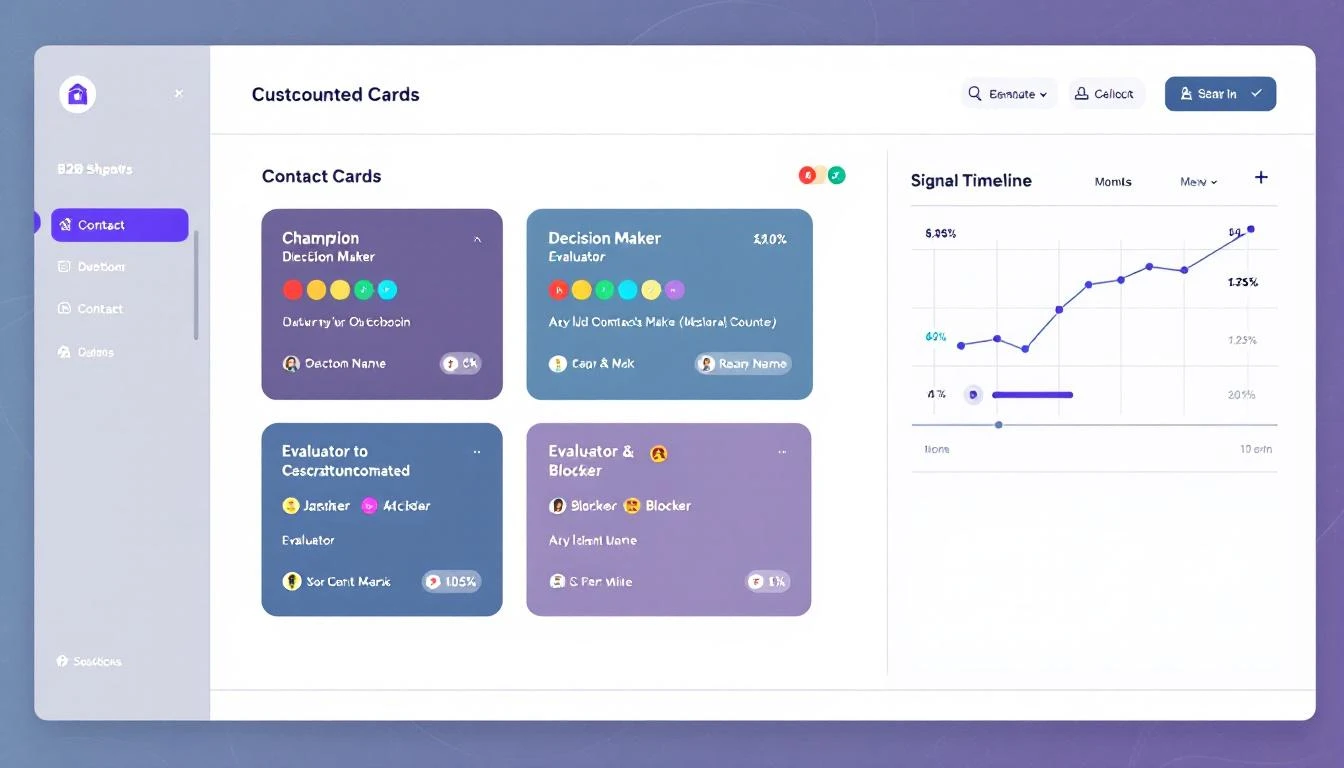
We're launching with a template we've seen work incredibly well across our customer base:
Closed Lost Deal Resurrector — Automatically targets deals your team lost in the past 6-12 months, then runs a re-engagement sequence tuned to what's changed since they said no. New budget cycle? Leadership change? Product update that fixes their objection? The AI finds the angle and writes the outreach.
Here's what makes templates powerful:
- One click to deploy — Select a template, pick your target, and it creates the audience + workflow for you. No manual setup.
- CRM-connected — Templates that pull from your CRM (like Closed Lost) come pre-configured with the right filters and fields. If you're on HubSpot, the deal stage filters are already set.
- Fully customizable — Templates are a starting point. Once deployed, you can tweak the audience criteria, adjust the workflow steps, or change the messaging — it's your campaign now.
More templates are coming. We're building playbooks for job-change outreach, competitor displacement, and expansion signals — all based on patterns we see working across hundreds of campaigns.
Unified Conversation Inbox
Your MarketBetter chat page now shows conversations from every source in one place — chatbot visitors, workflow-triggered conversations, and manual chats. No more switching between views to find a conversation.
Each conversation shows a source badge so you can tell at a glance whether someone came in through your website chatbot, was engaged by an automated workflow, or started a direct conversation. You can filter, search, and pick up any conversation regardless of how it started.
It's a small change that removes a real friction point: your SDRs no longer have to remember where a conversation happened to find it again.
What's Coming Next
We're working on more campaign templates, deeper CRM integrations for template targeting, and improvements to how the AI handles multi-threaded conversations. Stay tuned.
Want to see these features in action? Book a demo →