
How to Migrate from Salesloft to MarketBetter: A Complete Step-by-Step Guide

Switching sales engagement platforms is not a decision anyone makes lightly. Your team has built cadences, trained reps, and wired integrations into a system that — for better or worse — runs your outbound motion. Ripping that out and replacing it carries real risk.
This guide is for sales leaders and RevOps professionals who have already decided Salesloft is no longer the right fit and want a clear, practical roadmap for moving to MarketBetter. We will be honest about where the migration is straightforward and where it requires work.

Why Teams Are Moving Away from Salesloft
Before diving into the how, it helps to understand the why — because the reasons shape how urgently you should plan the switch and what you should prioritize during migration.
Pricing escalation after the mergers. Salesloft's acquisition by Vista Equity Partners, followed by the Drift merger in 2024 and the Clari merger in late 2025, has created pricing pressure across the board. Base plans run $125-180/user/month, with the dialer as an add-on ($40-60/user/month extra), Drift chatbot capabilities at $10,000/year, and Clari Copilot conversation intelligence at $100/user/month. Annual contracts come with 8-12% price increases baked in. A 10-person SDR team can easily spend $42,000-70,000/year when you add the tools needed for a complete workflow.
Feature bloat from three product lines. The Clari-Salesloft merger created what Forrester called "four products with three overlapping capabilities." Two years after acquiring Groove, that integration is still incomplete. Teams end up paying for overlapping functionality they never asked for while the features they actually need get less focused attention.
Rigid cadence architecture. Salesloft cadences are linear, multi-step sequences. They work, but they lack the flexibility modern outbound requires. Limited daily email caps throttle volume, LinkedIn automation within cadences is minimal, and there is no built-in email warm-up — which means deliverability problems compound silently.
AI as an add-on, not a foundation. Salesloft has been adding AI features, but they sit on top of a platform designed before AI was central to sales workflows. There is no intent data, no visitor identification, no AI research agent that prepares reps before every interaction. The AI that exists — Dynamic Email steps, Analytics Interpreter — is incremental rather than transformational.
Security concerns. The August 2025 Drift data breach compromised over 700 organizations through supply chain OAuth token exposure. Tracked by Mandiant as UNC6395 and flagged by FINRA as an "AI Supply Chain Attack," it exposed Salesforce instances, API keys, and cloud credentials for companies including Cloudflare and Palo Alto Networks. For security-conscious organizations, this raised fundamental trust questions.
Declining support quality. G2 support satisfaction scores have dropped from 4.3/5 in 2024 to 3.8/5 in 2026. Users report support tickets auto-closing after 48 hours regardless of resolution, multi-month response delays, and cycling through five different account managers in under a year.
None of this means Salesloft is a bad product. It pioneered the sales engagement category and still has a 4.5/5 on G2 from over 5,500 reviews. But the platform is in a period of significant organizational change, and many teams are deciding this is the right time to evaluate alternatives built for the current era of AI-driven sales.
What Maps Where: Salesloft to MarketBetter Feature Comparison
The first step in any migration is understanding what replaces what. Here is a direct feature mapping:
| Salesloft Feature | MarketBetter Equivalent | What Changes |
|---|---|---|
| Cadences | Plays (31+ types) | Flexible, modular step architecture vs. linear sequences. AI generates personalized content at each step. |
| Dialer | Smart Dialer | Twilio-based with AI-assisted call prep, live transcription, and automated logging. |
| Email Sequences | Email Campaigns | AI personalization, threading, multi-mailbox rotation, built-in warm-up. |
| Analytics | Multi-Play Analytics | Standardized analytics across all play types with engagement timelines. |
| CRM Sync (Salesforce, HubSpot) | CRM Integration | Salesforce, HubSpot, Dynamics 365, Pipedrive, and Zoho supported. |
| Conversations (call recording) | AI Research Agent + Meeting Brief Agent | AI researches prospects before calls and generates pre-meeting briefs automatically. |
| Drift Chatbot | Website Visitor ID + Automated Outreach | Identifies anonymous visitors and triggers outreach plays — no chatbot needed. |
What MarketBetter Adds That Salesloft Does Not Offer
- Website visitor identification — Know which companies are browsing your site before they fill out a form
- Intent signal detection — Trigger plays based on buying signals, not just manual enrollment
- AI research agents — Automated prospect research that feeds directly into personalized outreach
- Browser automation plays — Automated LinkedIn engagement, profile visits, and connection workflows
- LinkedIn enrichment — Real-time data enrichment from LinkedIn profiles
- 10+ data enrichment sources — Comprehensive contact and company data without third-party subscriptions
- Credit-based pricing — Pay for what you use rather than expensive per-seat licensing
- Daily AI playbook — Each rep gets a prioritized task list generated by AI every morning
Migration Steps: A Practical Walkthrough
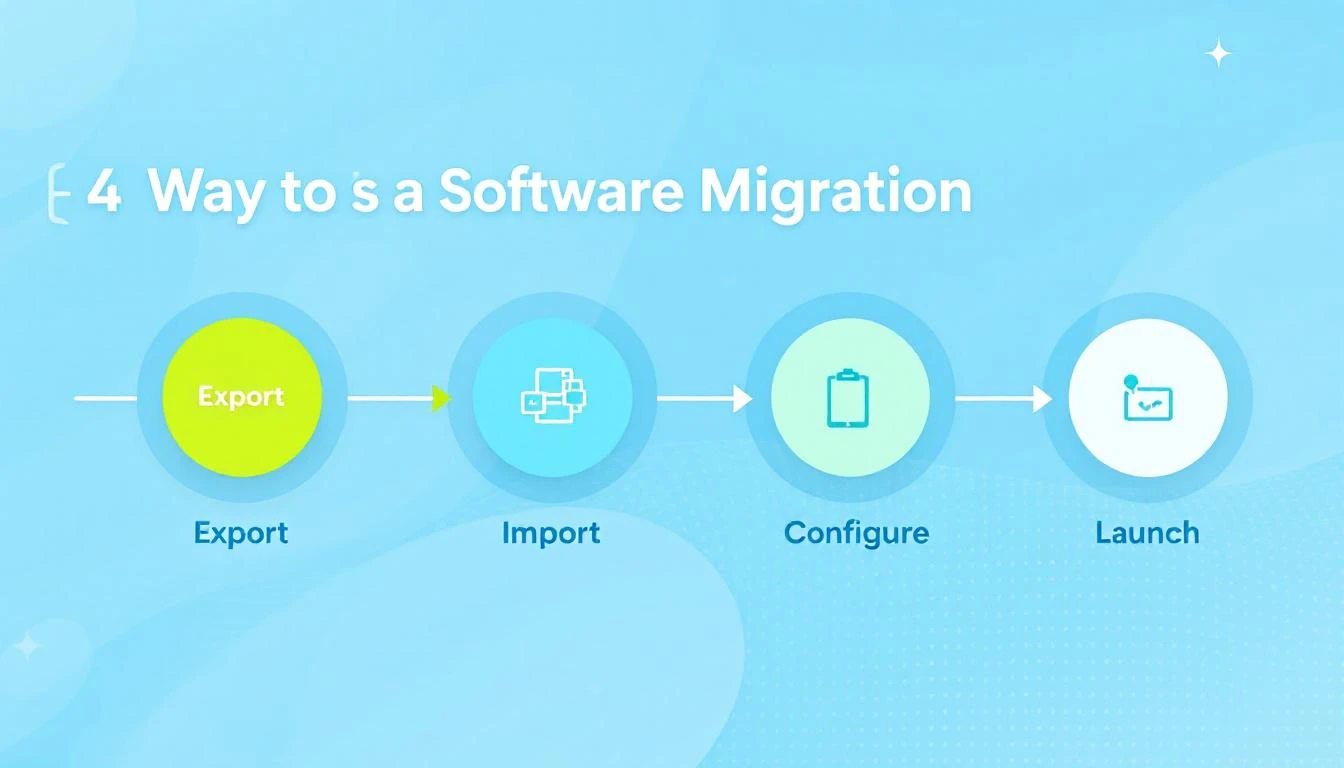
Step 1: Export Your Data from Salesloft (Days 1-3)
Start with a complete data audit. You need to export:
- Contacts and accounts — Export via Salesloft's People export (CSV) or the API. The API is rate-limited to 600 calls/minute at 100 records per page, so large databases take time.
- Cadence structures — Document your cadences, including step types, timing, and templates. Salesloft does not offer a one-click cadence export, so screenshot or manually record the structure of your top-performing cadences.
- Email templates — Export your template library. Copy the subject lines, body content, and any personalization tokens.
- Call recordings — If you need historical recordings, plan extra time. Bulk export of recordings requires API workarounds.
- Analytics baselines — Screenshot or export your key performance metrics. You will want these benchmarks to measure your MarketBetter performance against.
Be honest with yourself about what you actually need. Teams that try to migrate 100% of historical data typically spend 3-4 weeks on data quality issues alone. A selective migration — active contacts, top-performing templates, and current pipeline — takes 5-7 days and gets you running faster.
Step 2: Import into MarketBetter (Days 3-5)
MarketBetter supports two import paths:
- CSV upload — Map your exported Salesloft fields to MarketBetter fields. The import wizard handles most standard fields automatically. Custom fields may need manual mapping.
- API import — For larger datasets or ongoing sync needs, use the MarketBetter API to programmatically import contacts, companies, and historical engagement data.
During import, MarketBetter automatically enriches your contacts with data from 10+ sources — filling in gaps that Salesloft may not have had. This often improves your data quality as a side effect of migration.
Step 3: Rebuild Cadences as Plays (Days 5-10)
This is where migration takes the most thought — and where you gain the most value.
Salesloft cadences are linear: Step 1 (email), Step 2 (call), Step 3 (email), and so on. MarketBetter Plays are modular — each play is a sequence of configurable steps, but with 31+ play types available, you can build workflows that were impossible in Salesloft.
How to approach the rebuild:
- Start with your top 5 cadences. Do not try to recreate everything at once. Identify the cadences that drive 80% of your meetings booked.
- Map each cadence step to a play step. Email steps map directly. Call steps map to Smart Dialer steps. For LinkedIn steps, you now have dedicated browser automation plays that go far beyond what Salesloft offered.
- Let AI enhance your templates. Instead of copying templates verbatim, use MarketBetter's AI personalization to generate new versions. Feed in your best-performing templates as reference, and the AI will create personalized variants for each prospect.
- Add steps Salesloft could not do. This is the opportunity: add intent signal triggers, visitor identification steps, LinkedIn enrichment, and AI research steps that make every touchpoint smarter.
Step 4: Set Up CRM Integration (Days 5-7)
MarketBetter integrates with Salesforce, HubSpot, Dynamics 365, Pipedrive, and Zoho. Configuration involves:
- Connecting your CRM instance via OAuth
- Mapping fields between MarketBetter and your CRM
- Setting sync rules (bidirectional, one-way, or selective)
- Testing with a small batch of records before enabling full sync
If you are coming from Salesloft's Salesforce integration, the field mapping will feel familiar. MarketBetter's sync is bidirectional by default and logs all activities automatically.
Step 5: Configure Email and Dialer (Days 7-10)
Email setup:
- Connect your team's mailboxes (Google Workspace, Microsoft 365, or SMTP)
- Configure sending domains and DNS records (SPF, DKIM, DMARC)
- Set up multi-mailbox rotation to spread volume across addresses
- Enable the built-in warm-up for new or underutilized mailboxes
Dialer setup:
- Port existing phone numbers or provision new ones through MarketBetter's Twilio-based dialer
- Configure call recording preferences and compliance settings
- Set up voicemail drops and call disposition codes
Step 6: Train Your Team (Days 10-14)
This is where most migrations succeed or stall. A few practical tips:
- Start with the daily playbook. MarketBetter's AI-generated daily task list is the single most different workflow from Salesloft. Train reps on this first — it replaces the manual cadence queue.
- Run parallel for one week. If your Salesloft contract allows, keep both platforms active for the first week. Let reps compare workflows side by side.
- Assign a champion per team. One rep who learns the platform deeply and becomes the go-to resource for questions.
- Focus on outcomes, not features. Do not try to teach every capability in week one. Teach reps how to complete their daily workflow, and introduce advanced features over the following weeks.
Timeline and What to Expect
| Phase | Duration | What Happens |
|---|---|---|
| Data export and import | Days 1-5 | Extract from Salesloft, clean data, import into MarketBetter |
| Platform configuration | Days 5-10 | Rebuild plays, CRM integration, email/dialer setup |
| Team onboarding | Days 10-14 | Training, parallel running, workflow adoption |
| Ramp to productivity | Weeks 3-6 | Reps reach full speed, advanced features adopted |
| Full optimization | Days 30-60 | AI personalization tuned, play performance benchmarked |
Be realistic: the first two weeks involve real work from your RevOps team. Reps will be slower initially — that is normal. Most teams report reaching parity with their Salesloft productivity within 3-4 weeks, and exceeding it within 60 days as AI personalization and intent signals compound.
The hard part is not technical. Data moves. Integrations connect. The real challenge is change management — getting reps to trust a new workflow. The daily AI playbook helps here because it reduces the cognitive load of figuring out what to do next.
What You Gain After Migration
Once your team is running on MarketBetter, here is what changes:
AI at every step, not bolted on. Every email, call prep, LinkedIn message, and research task is enhanced by AI that understands your prospects, your product, and your historical performance. This is not a feature checkbox — it is the foundation of how the platform works.
Visitor identification creates pipeline you did not know existed. Anonymous website visitors become identified accounts with automated outreach plays. This is an entirely new pipeline source that did not exist in your Salesloft workflow.
Flexible play architecture replaces rigid cadences. With 31+ play types and modular step design, you can build workflows that adapt to prospect behavior rather than forcing every prospect through the same linear sequence.
Credit-based pricing scales with your business. Instead of paying $125-180 per seat per month plus add-ons for every feature, MarketBetter's credit-based model lets you pay for actual usage. For most teams, this means significant cost savings — especially as you scale.
One platform replaces your stack. Salesloft plus a dialer add-on plus Drift plus conversation intelligence plus a data provider plus a visitor identification tool — that stack collapses into a single platform. Fewer contracts, fewer integrations to maintain, fewer things to break.
Making the Decision
Migrating platforms is disruptive. There is no way around that. But staying on a platform that is getting more expensive, more complex, and less focused on your needs has its own cost — it is just harder to see because it accrues gradually.
If your Salesloft renewal is approaching and the quote came back higher than expected, if your team is paying for features they never use while lacking capabilities they actually need, or if you are tired of stitching together five tools to do what one platform should handle — it is worth having the conversation.
Book a demo and bring your current Salesloft workflows. We will map them to MarketBetter plays in real time so you can see exactly what the migration looks like for your team.
Further reading from our Salesloft series:
- MarketBetter vs SalesLoft: Legacy Sales Engagement vs AI-Powered SDR Platform
- SalesLoft Pricing Breakdown 2026: Plans, Add-On Costs, and Cheaper Alternatives
- SalesLoft Review 2026: Is It Still Worth It?
- Why Sales Teams Are Switching from Salesloft in 2026
- How to Replace Salesloft Without Losing Productivity
- Salesloft Competitors: The Complete Landscape for 2026