
How MarketBetter's Smart Dialer and AI Call Analysis Turn Conversations into Pipeline

Phone calls still close deals. Email open rates hover around 20%. LinkedIn InMail response rates are worse. But when an SDR gets a prospect on the phone, conversion rates jump by 5-10x compared to any text-based channel.
The problem has never been whether calling works. It is everything around it: the manual dialing, the tab switching, the note-taking while listening, the CRM logging after, the coaching sessions where managers try to reconstruct what happened from an SDR's memory. By the time all that overhead is handled, your rep has made 15 calls instead of 50.
MarketBetter's dialer eliminates that overhead. Your reps call directly from the browser — no phone hardware, no third-party dialer tab, no copy-pasting numbers. And after every conversation, AI analyzes the recording automatically: full transcript, sentiment score, key points, objections raised, and recommended next steps. The call goes from "something that happened" to structured, actionable data in your pipeline.
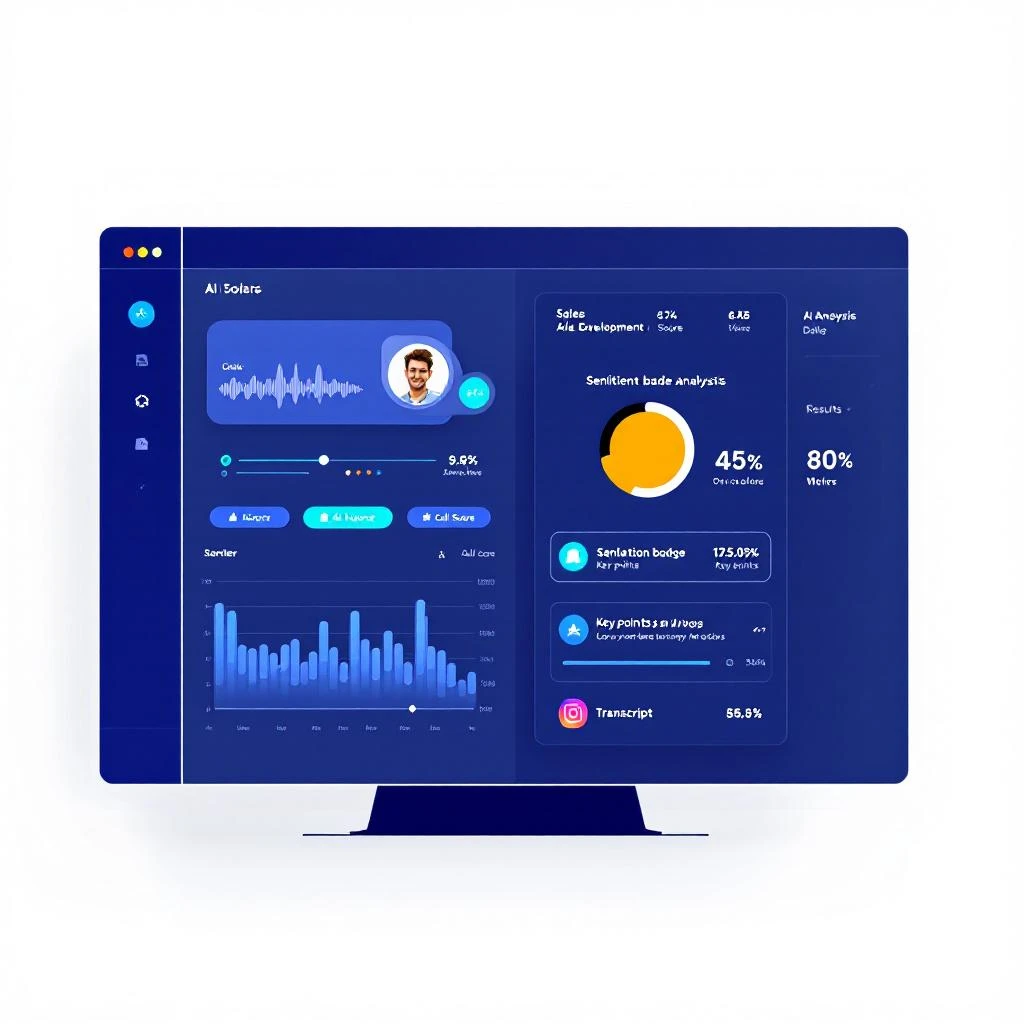
Two Ways to Call: Power Dialer and Click-to-Call
Not every calling scenario is the same. Sometimes you are working through a campaign list of 50 prospects. Other times you are following up with one specific person who just visited your pricing page. MarketBetter supports both patterns natively.
Power Dialer for Campaign Lists
When an SDR launches a dialer session from a campaign, MarketBetter sets up a persistent conference bridge in the browser. The SDR joins once, and the system starts dialing prospects sequentially — one after another, automatically.
Here is how the flow works:
-
The SDR clicks "Start Dialer" on a campaign. The system connects them to a conference bridge through the browser. No phone needed — it works through the Twilio Client SDK, so all you need is a headset and Chrome.
-
Prospects get dialed automatically. Once the SDR is connected, the system begins calling prospects from the campaign list. Each call goes out from one of your registered business phone numbers.
-
When someone answers, they are bridged in. The prospect joins the same conference the SDR is already on. The SDR sees the prospect's name, company, title, and AI-generated talking points on screen.
-
After the call, a countdown starts. When the conversation ends — whether the prospect hangs up or the SDR disconnects them — a configurable pause (1 to 60 seconds, default 5) gives the SDR time to jot notes before the next prospect is dialed automatically.
-
Repeat until the list is done. The SDR stays in the same session, same browser tab, same conference bridge. No redialing, no switching tabs, no hunting for the next number.
The key insight here is that the SDR never leaves the calling interface. In a traditional workflow, an SDR dials a number, waits, talks, hangs up, opens the CRM, logs the call, finds the next contact, copies the number, dials again. With MarketBetter's power dialer, steps 2 through 6 happen automatically.
Real-time status updates flow through WebSocket, so the SDR always sees where they are in the list — who is being dialed, who is ringing, who picked up. If a call hits an answering machine (detected automatically), the system moves on to the next prospect without the SDR lifting a finger.
Click-to-Call for Individual Prospects
For one-off calls — following up on a signal, returning a voicemail, calling a prospect who just opened your proposal — there is the direct call button.
It shows up everywhere a prospect appears in MarketBetter: the signals page, the tasks view, the prospects list. Click it, and you are connected in seconds. No session setup, no conference bridge, no queue. Just an instant browser-to-phone call.
Both calling modes capture the same data: recording, duration, disposition, and all AI analysis outputs. The difference is workflow, not capability.
AI Call Scripts: Your Rep Shows Up Prepared
Before a single call is placed, MarketBetter generates personalized talking points for each prospect using AI.
These are not generic cold call templates. The script generator pulls in the prospect's industry, job title, company context, and — critically — where they sit in your outreach sequence. If this is the first touch, the script is written as a cold open. If you emailed them three days ago and they opened it twice, the script references that prior engagement.
Each generated script includes:
- An opening line tailored to the specific prospect
- 3-4 talking points based on their role, industry, and any known pain points
- Objection responses for the four most common pushbacks: "not interested," "send me an email," "no time right now," and "we already have a solution"
- A clear call-to-action — typically booking a meeting or agreeing to a follow-up
The scripts also pull in your team's custom context. If you have documented your value proposition, common discovery questions, or customer proof points in MarketBetter, the AI weaves those into the talking points. Your messaging stays consistent across the team without every SDR memorizing the same playbook.
For voicemail drops, a separate script generator produces 25-30 second voicemail scripts in three flavors: standard introduction, quick follow-up, and value-focused messages. Each one is calibrated to the prospect and their position in the sequence.
What Happens After the Call: AI Analysis
This is where MarketBetter's dialer goes from "nice to have" to "how did we ever manage without this."
After every call with a recording, AI automatically processes the audio and produces a structured analysis. No one has to listen to recordings manually. No one has to remember what was said. The system handles it.
Full Transcript with Speaker Labels
Every conversation is transcribed with clear SDR and prospect labels. You can read an entire call in two minutes instead of listening to a ten-minute recording. Sales managers can review 20 calls in the time it used to take to review three.
Call Score (1-10)
Each call receives a numerical score:
- 1-3: Poor — the prospect was disengaged, hostile, or the SDR struggled significantly
- 4-6: Neutral — basic information exchanged, some interest but no clear next step
- 7-8: Good — genuine engagement, prospect showed interest, clear follow-up established
- 9-10: Excellent — strong buying signals, meeting booked, or immediate next steps agreed
The score is not a vague "how did it go" rating. It is based on the actual conversation content — what was discussed, how the prospect responded, whether concrete outcomes were established.
Sentiment Analysis
Every call is tagged as positive, neutral, or negative. Combined with the numerical score, this gives managers a quick heatmap of how the team's conversations are landing across different segments, industries, or times of day.
Key Points, Objections, and Next Steps
The AI extracts:
- Key discussion points — what topics came up, what the prospect cared about
- Objections raised — every pushback the prospect voiced, captured verbatim
- Next steps — what both parties agreed to do after the call
This is the data that traditionally lives in an SDR's head for about 30 minutes before it fades. With automated extraction, it persists in the system permanently, tied to the prospect record, searchable and reportable.
Smart Skipping
Not every call needs analysis. A 10-second call that hit a voicemail? A 5-second hangup? MarketBetter detects these automatically:
- Calls under 15 seconds are classified as short calls and skip analysis entirely
- Calls that hit answering machines (detected in real-time) are tagged as voicemail and excluded
This prevents wasted compute and keeps your analytics clean. When you look at call scores and sentiment trends, you are seeing real conversations, not noise.
Voicemail Drop: Leave a Message Without Dialing
Sometimes the goal is not a live conversation — it is getting your name and message into someone's voicemail inbox.
MarketBetter's voicemail drop delivers a pre-recorded audio message directly to a prospect's voicemail without their phone ever ringing. The prospect sees a missed voicemail notification and listens to your message on their own time.
You record your voicemail once — a warm, personal 30-second message — and the system delivers it to your entire prospect list. Each delivery is tracked: you know exactly who received it and who did not.
Voicemail drops are a first-class step in campaign sequences. You can build workflows like:
- Day 1: Send a personalized email
- Day 3: Drop a voicemail
- Day 5: Send a follow-up email referencing the voicemail
- Day 8: Power-dial anyone who opened the email
Each step is aware of the others. The follow-up email knows a voicemail was dropped. The power dialer script references the prior email and voicemail. The entire sequence feels coordinated to the prospect, not like disconnected spam from different systems.
Calls as Part of the Campaign Workflow
In most sales tools, the dialer is a separate product. You run email sequences in one tool, make calls in another, track engagement in a third, and try to piece together the full picture manually.
MarketBetter treats calls as native campaign steps alongside email, LinkedIn, and voicemail. A campaign sequence can start with a call, follow up with an email, drop a voicemail three days later, and then queue another call — all in one automated workflow.
When a call completes, the campaign engine automatically advances to the next step. If the call went well (high score, positive sentiment), you might fast-track them to a meeting-booking email. If the call went to voicemail, the system can branch to a different follow-up path. The AI analysis feeds directly into sequence logic.
This matters because buyers do not experience your outreach as isolated touches. They experience it as a relationship. When your call references the email they received yesterday, when your follow-up email summarizes what you discussed on the phone, when your voicemail acknowledges they have been busy — that coherence is what separates pipeline-generating outreach from background noise.
Real-Time Collaboration During Calls
The power dialer is not just for solo SDRs. MarketBetter supports multi-participant calling with role-based permissions:
- Primary SDR — runs the call, full audio and controls
- Secondary SDR — can join and participate in the conversation
- Observer — listens silently, useful for new hire onboarding
- Coach — monitors the call, can provide guidance without the prospect hearing
Managers can drop into live calls to coach in real time, not just review recordings after the fact. New SDRs can shadow experienced reps by joining as observers. The entire team can learn from real conversations as they happen.
In-Call Controls
During a call, the SDR has full control without leaving the browser:
- Mute/unmute — standard audio controls
- DTMF keypad — for navigating prospect-side IVR systems ("Press 1 for sales, press 2 for support")
- Disconnect current prospect — end the conversation and move to the next person in the queue
- Per-prospect notes — type notes during the call that are saved to the prospect record
- End session — wrap up the entire dialer session when done
Everything is keyboard-accessible for reps who prefer speed over clicking.
The Compound Effect
Each of these features is useful in isolation. A browser-based dialer saves time. AI scripts improve preparation. Post-call analysis eliminates manual logging.
But the real value is the compound effect when they work together:
- AI generates a personalized script based on the prospect's context and sequence position
- The power dialer connects the SDR without manual dialing
- The SDR reads the AI talking points during the call
- After the call, AI transcribes and analyzes the recording
- Key points and next steps are automatically captured in the prospect record
- The campaign engine advances to the next sequence step
- The follow-up email references what was discussed on the call
That entire chain happens without the SDR opening the CRM, writing notes, scheduling a follow-up, or updating a deal stage. The system handles the logistics. The human handles the conversation.
Getting Started
The dialer is available on all MarketBetter plans that include phone capabilities. To start using it:
- Connect your phone numbers — Register your business numbers in MarketBetter's settings. The system manages the Twilio integration automatically.
- Add call steps to your campaigns — In the sequence builder, add "Phone Call" or "Voicemail Drop" as steps alongside your emails.
- Launch a dialer session — Open a campaign with call steps and click "Start Dialer." Your browser becomes your phone.
- Review AI analysis — After calls, check the analysis tab on any prospect to see transcripts, scores, sentiment, and next steps.
No additional software to install. No Chrome extensions. No desktop app. Everything runs in the browser.
MarketBetter's dialer and AI call analysis are part of the platform's multi-channel campaign engine. For more on how AI coaching improves SDR performance, read how AI-generated scripts outperform manual approaches. To see how calls fit into the complete outreach workflow, check out the post-call workflow that closes deals.