
You're Burning Sequences on People Who Will Never Buy — Here's Who to Suppress [2026]

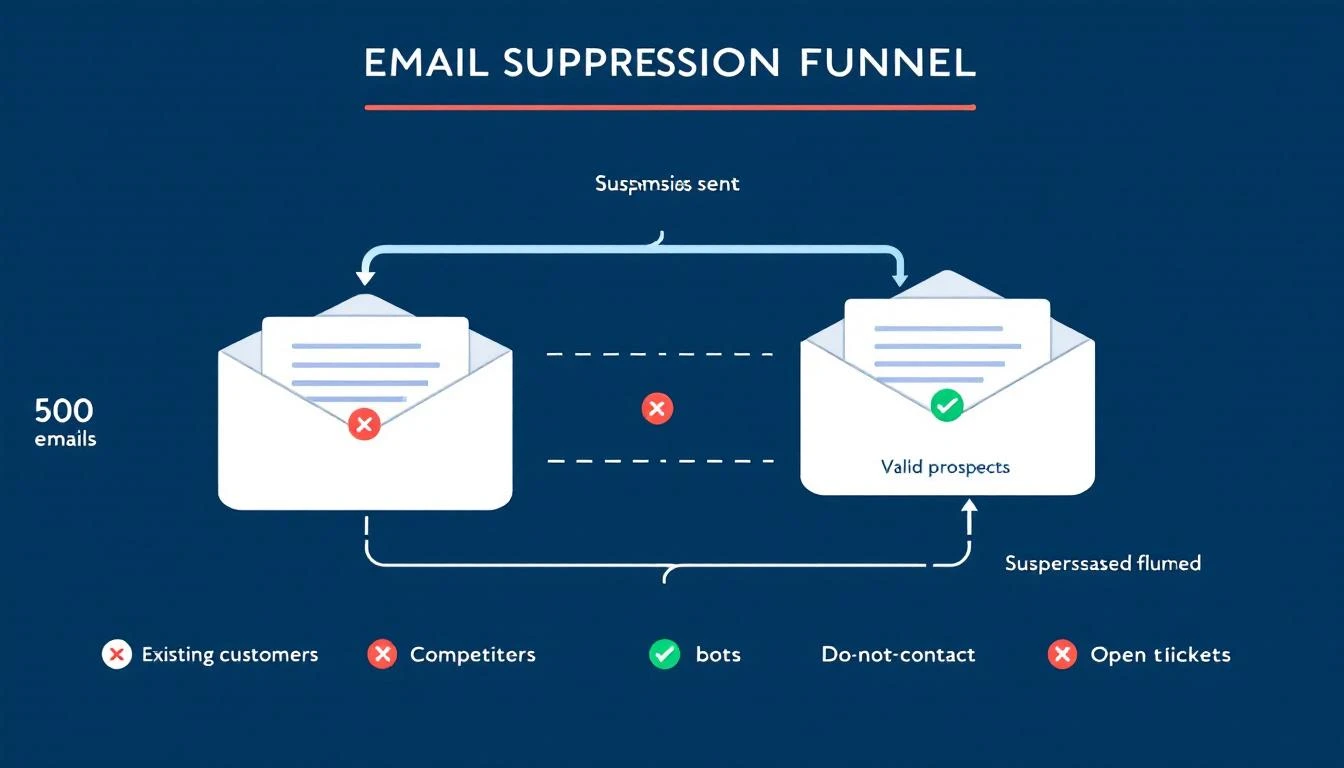
Your email platform just sent 500 outbound emails. Sounds productive, right?
Look closer:
- 47 went to existing customers who are now annoyed they're getting cold prospecting emails from a company they already pay
- 23 went to contacts who explicitly told your team "not interested" last quarter
- 12 went to people at companies with open support tickets — they're already frustrated, and now they're getting a sales pitch
- 8 went to competitors doing reconnaissance on your outreach cadence
That's 90 wasted sends. 18% of your entire batch. Every single one damages your sender reputation, burns email credits, and creates a terrible buyer experience.
The answer isn't "be more careful." SDRs juggling 200+ accounts don't have time to manually cross-reference CRM status, support tickets, and competitor lists before every send. The answer is automatic suppression — a system that prevents bad sends before they happen.
This guide covers who you should suppress, why each category matters, and what happens when you don't.
The Real Cost of Sending to the Wrong People
Most teams measure outbound success by volume: emails sent, sequences started, "touches" logged. But volume without precision is actively destructive.
Domain Reputation Damage
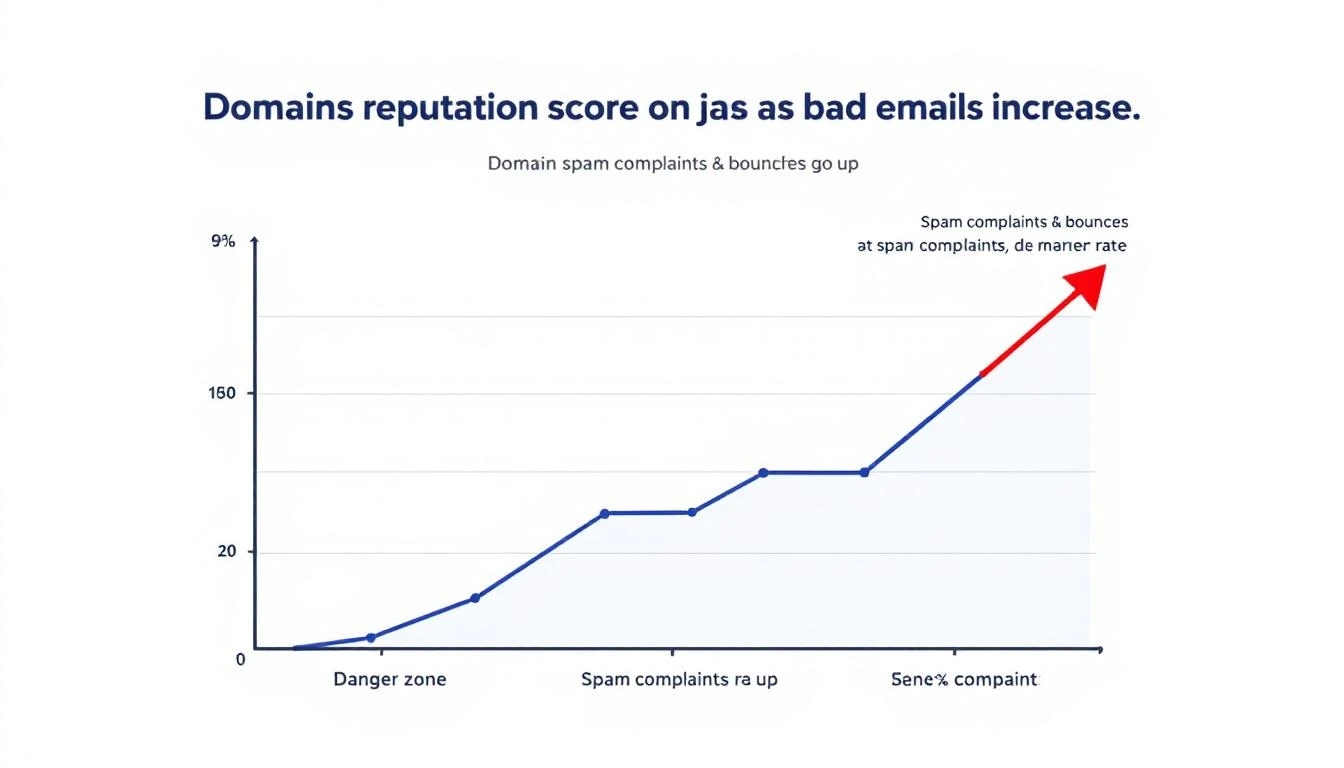
Gmail enforces a maximum spam complaint rate of 0.3% and recommends senders stay below 0.1%. For a 50,000-email campaign, that's just 50 complaints before you hit the danger zone — and 150 before active blocking begins.
Every email to someone who marks you as spam, ignores you consistently, or reports you as unwanted trains inbox providers to deprioritize your domain. Once your domain reputation drops, all your emails suffer — including the ones going to genuinely interested prospects.
According to ZeroBounce's 2026 Email List Decay Report, at least 23% of an email list degrades every year. Contacts change jobs, email addresses go stale, and preferences shift. Without active suppression, you're compounding bad sends quarter over quarter.
One case study showed open rates as low as 5% before list cleanup. After removing unengaged contacts and focusing on engaged subscribers, rates jumped to a consistent 52%. That's not a marginal improvement — it's a 10x difference from the same domain, same content, just smarter targeting.
Wasted Credits and Budget
Most outbound platforms charge per email or per contact in a sequence. Sending to people who will never buy isn't just ineffective — it's expensive. If 18% of your sends are wasted, you're burning nearly a fifth of your outbound budget on negative outcomes.
Pipeline Metric Inflation
Here's the insidious part: bad sends don't just cost money. They inflate your pipeline metrics and make your outbound look healthier than it is.
When bots click every link in your email (more on this below), your "engaged" count goes up. When existing customers open your prospecting email out of confusion, that registers as an "open." When a competitor clicks through to study your messaging, that's a "click."
Your dashboard says engagement is up. Reality says you're burning your domain talking to people who will never convert.
The 7 Contact Types You Must Suppress
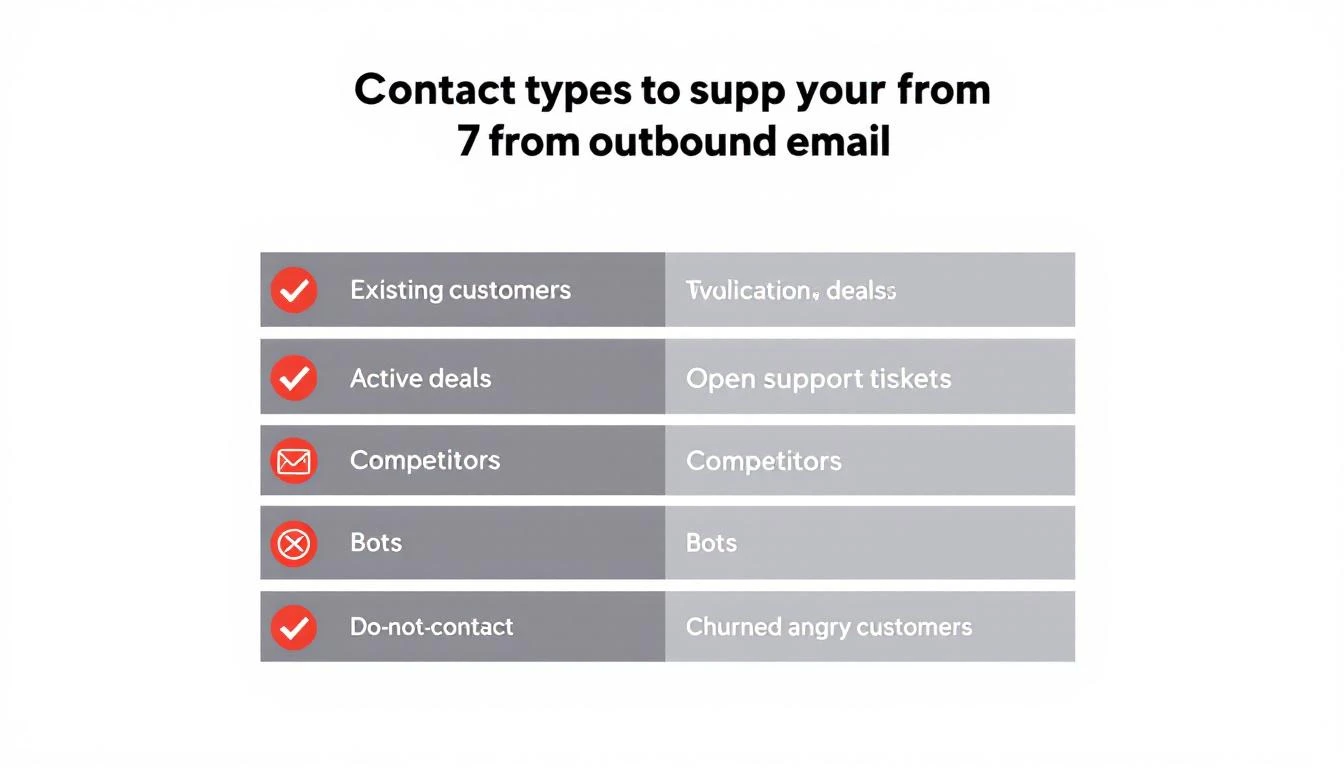
Not everyone in your CRM belongs in your outbound sequences. Here are the seven categories that should be automatically filtered out before any email sends.
1. Existing Customers
This is the most common — and most embarrassing — suppression failure.
What happens when you don't suppress: A customer paying you $3,000/month gets a cold email that says "I'd love to show you how our platform works." They feel invisible. They question whether your company even knows who they are. If they're on the fence about renewal, this might be the nudge toward churn.
How it should work: Any contact associated with an active account in your CRM should be automatically excluded from all prospecting sequences. No exceptions. If your CRM and outbound tool aren't synced in real time, this is your most urgent integration to fix.
This includes expansion targets within existing accounts. If you're prospecting a new department at a current customer, that requires a warm introduction from your CSM — not a cold sequence.
2. Active Deals in Pipeline
Contacts currently in an active sales cycle should never receive automated outbound sequences.
What happens when you don't suppress: Your AE is carefully nurturing a $50K deal. The prospect is in the evaluation stage. Then they get a generic "Are you looking for a solution?" email from your SDR sequence. The prospect is confused. The AE is furious. The deal might survive, but trust took a hit.
How it should work: Any contact tagged to an open opportunity in your CRM gets auto-suppressed from outbound sequences. When the deal closes (won or lost), suppression rules update accordingly — won deals move to customer suppression, lost deals enter a cool-down period before re-engagement.
3. Open Support Tickets
Contacts at companies with unresolved support issues are in a fragile state. A sales email during a support crisis is tone-deaf at best, deal-killing at worst.
What happens when you don't suppress: A prospect's team is dealing with an integration issue they've been waiting three days to resolve. While they're frustrated, your system sends them an upsell sequence about premium features. The message they receive: "We can't fix your current problems, but would you like to buy more?"
How it should work: When a support ticket is open and unresolved, all contacts at that account should be paused from marketing and sales sequences. Once the ticket is resolved and a satisfaction check has passed, sequences can resume. This requires your helpdesk and outbound systems to talk to each other — most don't by default.
4. Competitors
Competitors sign up for your content, download your resources, and sometimes even enter your outbound sequences. Every email you send them is free competitive intelligence.
What happens when you don't suppress: A competitor's product marketing team receives your full 8-touch outbound sequence. They now know your messaging angles, your cadence timing, your value props, and your CTAs. They use this to position against you. You've armed the competition and paid email credits for the privilege.
How it should work: Maintain a competitor domain list and automatically suppress any contact with a matching email domain. This list should include known competitors, their subsidiaries, and common domains used by competitive intelligence teams. Update it quarterly.
5. Bots and Non-Human Traffic
Automated bots now account for over 50% of all internet traffic. In B2B email specifically, link-scanning bots from corporate email security systems (Barracuda, Mimecast, Proofpoint) will click every link in your email within seconds of delivery.
What happens when you don't suppress: Your engagement metrics become meaningless. Bot clicks register as "interested" in your platform. SDRs waste time following up on phantom engagement. Pipeline reports show inflated interest that doesn't exist.
A contact who never opened your email shows 6 link clicks because their company's email security scanner pre-fetched every URL. Your SDR calls them and says "I noticed you were looking at our pricing page" — except they weren't. That's not personalization. That's embarrassment.
How it should work: Bot detection should analyze click patterns — timing (clicks within milliseconds of delivery), behavior (clicking every link in sequence), and user agents. Flagged bot interactions should be stripped from engagement metrics and excluded from follow-up triggers. This isn't optional anymore — without it, your entire engagement-based routing system is built on false data.
6. Do-Not-Contact and Opt-Out Lists
This one seems obvious, but compliance failures happen more often than teams admit. CAN-SPAM violations carry fines of up to $53,088 per email. GDPR penalties are even steeper.
What happens when you don't suppress: Someone unsubscribes from your marketing emails. Your outbound sequence tool, which runs on a separate system, doesn't know about the opt-out. They get another email. Now you have a compliance violation, a PR risk, and a burned contact who will warn their network about your company.
How it should work: Suppression lists must be centralized and synchronized across every sending system — marketing automation, sales sequences, one-off sends. When someone opts out anywhere, they're suppressed everywhere, immediately. This requires real-time sync, not nightly batch jobs.
7. Churned and Angry Customers
Not all churned customers are the same. Some left amicably — budget cuts, reorganization, timing wasn't right. Others left angry — product issues, broken promises, bad support experiences. The second group requires special handling.
What happens when you don't suppress: A customer who churned six months ago after a painful experience gets re-enrolled in your outbound sequence. The email lands. They remember everything that went wrong. Instead of a fresh start, you've reopened a wound. Worst case: they leave a public review about the experience.
How it should work: Churned accounts should be tagged with churn reason and sentiment. Amicable churns can re-enter sequences after a cooling period (6-12 months) with messaging that acknowledges the prior relationship. Angry churns should be manually reviewed before any re-engagement — never automated.
What Proper Suppression Actually Looks Like
Manual suppression doesn't work. The moment you rely on SDRs to check a spreadsheet or remember which accounts have open tickets, you've already lost.
Proper suppression is:
- Automatic — runs on every contact before every send, no human intervention
- Real-time — syncs with your CRM, helpdesk, and compliance systems continuously
- Centralized — one suppression layer that applies across all sending channels
- Auditable — you can see exactly why a contact was suppressed and when
- Reversible — when conditions change (ticket resolved, deal lost, cooling period ends), contacts re-enter the eligible pool
Most outbound tools offer basic suppression — unsubscribes and hard bounces. That's table stakes. The categories above require your outbound platform to integrate deeply with your CRM, support desk, and engagement analytics.
This is one of the reasons we built contact-level suppression directly into MarketBetter's workflow engine. Every contact is evaluated against suppression rules before any sequence step fires — not at the list level, but at the individual contact level, in real time.
The Bot Detection Problem Is Worse Than You Think
Let's zoom in on bot traffic because it's the suppression category most teams ignore — and it's the one silently destroying their pipeline metrics.
Nearly 1 in 3 web requests come from bots. In B2B email, the problem is compounded by corporate email security systems that pre-click every link to scan for malware. These aren't malicious bots — they're security tools doing their job. But they wreak havoc on engagement data.
Here's what bot-inflated metrics look like in practice:
| Metric | What Your Dashboard Says | What's Actually Happening |
|---|---|---|
| Link clicks | 340 clicks this week | 180 are bot pre-fetches |
| "Hot" leads | 45 contacts clicked pricing page | 20 were security scanners |
| Sequence engagement | 62% engagement rate | Real engagement is ~35% |
| SDR follow-ups triggered | 28 high-intent callbacks | 12 are based on fake signals |
When your SDRs prioritize follow-ups based on engagement scores inflated by bots, they're chasing ghosts. The real high-intent prospects — the ones who genuinely clicked once and spent 30 seconds on your pricing page — get buried under false positives.
Bot detection isn't a nice-to-have. It's a prerequisite for any engagement-based routing or prioritization system. Without it, you're optimizing against noise.
How Suppression Protects Your Domain Long-Term
Think of domain reputation like a credit score. Every good send (opened, read, replied to) builds it up. Every bad send (bounced, ignored, marked as spam) tears it down. And just like a credit score, damage is easier to inflict than repair.
Here's the flywheel:
Positive cycle: Clean list → high engagement → strong domain reputation → better inbox placement → even higher engagement
Negative cycle: Dirty list → low engagement → declining domain reputation → more emails hitting spam → even lower engagement → domain blocklisted
Teams stuck in the negative cycle often try to fix it with email warmup tools or deliverability platforms. Those help, but they're treating symptoms. The root cause is sending to people who shouldn't receive your emails in the first place.
ActiveCampaign's reputation repair guide recommends that teams in recovery should send only to recipients who engaged in the last 3 months — for 2 to 4 weeks straight. That's the equivalent of putting your outbound on life support while your domain heals.
Prevention through suppression is orders of magnitude cheaper than reputation repair.
Building Your Suppression Strategy: A Practical Framework
Here's how to implement suppression that actually works:
Step 1: Audit Your Current Sends
Pull your last 30 days of outbound. For each contact who received an email, check:
- Are they an existing customer? (CRM status = active)
- Are they in an active deal? (open opportunity)
- Do they have open support tickets?
- Is their domain on your competitor list?
- Did they previously opt out or request no contact?
- Did they churn? If so, what was the sentiment?
- Did their "engagement" come from bot patterns?
Most teams find that 10-25% of their sends are going to contacts who should have been suppressed. That's the size of the problem.
Step 2: Centralize Your Suppression Data
Your suppression logic needs data from:
- CRM — customer status, deal stage, account owner
- Helpdesk — open ticket status, resolution state
- Compliance — opt-out lists, do-not-contact requests
- Competitor intelligence — known competitor domains
- Engagement analytics — bot detection flags
If these systems don't talk to each other, suppression gaps are inevitable. The integration layer between these systems is where most suppression failures originate.
Step 3: Automate at the Contact Level
List-level suppression (excluding an entire list from a campaign) is insufficient. You need contact-level evaluation that checks every suppression rule before every individual send. A contact's status can change between when a sequence was built and when a specific email fires — they might become a customer, file a support ticket, or opt out mid-sequence.
This is the difference between basic email sequence tools and a platform built for intelligent outbound. Your system should continue the workflow chain even when individual contacts are suppressed — skipping the suppressed contact and moving to the next step for everyone else, rather than breaking the entire sequence.
Step 4: Monitor and Iterate
Track suppression rates by category. If competitor suppressions spike, your competitive landscape is shifting. If customer suppressions are high, your CRM sync might be lagged. If bot suppressions climb, email security tooling at your target accounts has changed.
Suppression data is intelligence. Use it.
The SDR Productivity Angle
Suppression isn't just about deliverability — it's about SDR time.
Every wasted send has a downstream cost: the SDR who reviews the "engagement," the follow-up call to someone who was never interested, the manual CRM note to disqualify. Multiply that by hundreds of contacts per week and you've got SDRs spending 20-30% of their time on contacts who never should have been in their queue.
Proper suppression gives SDRs something more valuable than more leads. It gives them cleaner leads. When every contact in their sequence is genuinely eligible — no customers, no competitors, no bots — their conversion rates improve and their confidence in the data goes up.
This is why the best outbound platforms don't just send emails — they decide who shouldn't receive them. The filtering is as important as the sending.
What to Do Right Now
If you're running outbound sequences today, here's your immediate action list:
- Check your CRM sync — is your outbound tool getting real-time customer status? Or is it running on a stale export from last week?
- Build a competitor domain list — start with your top 10 competitors. Add subsidiaries and known aliases.
- Audit bot engagement — look for contacts with clicks but zero time on page, or clicks that happened within 2 seconds of email delivery.
- Connect your helpdesk — ensure open support tickets trigger automatic sequence pauses.
- Centralize opt-outs — if someone unsubscribes from marketing, are they also removed from sales sequences?
Every day you delay, your domain reputation takes incremental damage and your SDRs waste time on the wrong people. The fix isn't more discipline — it's better systems.
Tired of burning outbound sequences on people who will never buy? MarketBetter automatically suppresses existing customers, competitors, bots, and do-not-contact lists at the contact level — before any email sends. Your SDRs only work contacts that can actually convert.
See how automatic suppression works →
Related reading: