
How to Automate Lead Research with Claude Code [Step-by-Step Tutorial]
The average SDR spends 6 hours per week researching prospects. That's 6 hours of:
- Googling company names
- Scanning LinkedIn profiles
- Reading news articles
- Looking for pain points to reference
What if you could do all that in 30 seconds?
Claude Code—Anthropic's AI with tool use and code execution—can turn a prospect name into a complete research brief automatically. Here's exactly how to set it up.
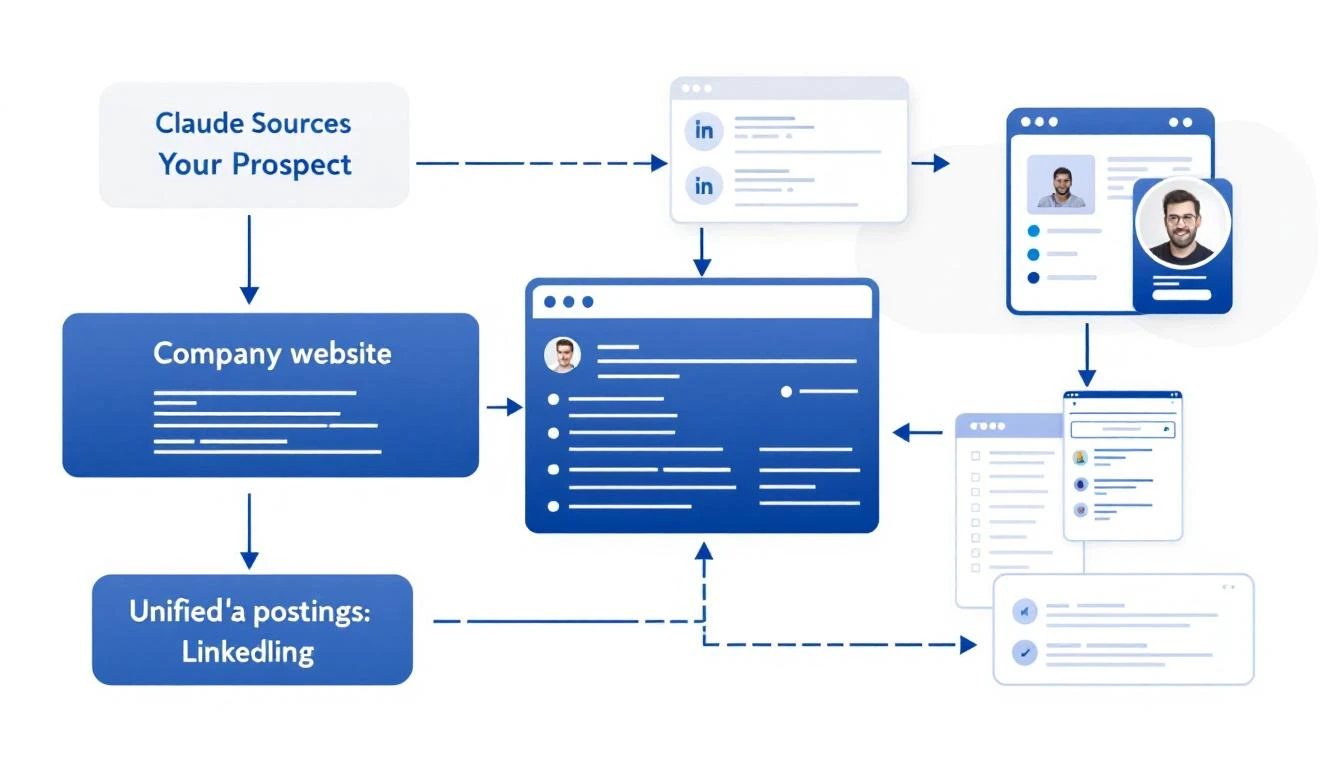
What Good Lead Research Actually Looks Like
Before we automate, let's define what we're building. A great prospect brief includes:
- Company Overview: What they do, company size, industry
- Recent News: Funding, product launches, leadership changes
- Tech Stack: What tools they already use (if visible)
- Pain Point Signals: Job postings, complaints, market trends
- Personalization Hooks: Specific details for your outreach
This used to take 10-15 minutes per prospect. Now it takes seconds.
The Claude Code Approach
Claude Code can:
- Execute searches and aggregate results
- Read web pages and extract key information
- Structure unstructured data into useful formats
- Reason about what matters for your use case
Here's a prompt template that generates complete prospect briefs:
Research this company for a B2B sales outreach:

**Company:** {\{company_name\}}
**Our Product:** AI-powered SDR platform that turns intent signals into pipeline

**Create a prospect brief with:**

1. **Company Overview**
   - What they do (one sentence)
   - Employee count and headquarters
   - Industry and target market

2. **Recent Activity (Last 6 Months)**
   - Funding or acquisitions
   - Product launches
   - Leadership changes
   - Press coverage

3. **Sales-Relevant Signals**
   - Are they hiring for SDRs, sales ops, or demand gen?
   - Any complaints about lead quality or outbound efficiency?
   - What CRM/sales stack do they use? (check job postings)

4. **Personalization Hooks**
   - 3 specific details I can reference in an email
   - Potential pain points based on their situation
   - Suggested angle for outreach

5. **Recommended Next Step**
   - Best channel to reach them (email, LinkedIn, phone)
   - Suggested first message angle

Be specific. Use actual data, not generic statements.
Setting Up Automated Research
Option 1: OpenClaw + Claude (Always-On)
If you want research to run automatically when new leads come in:
# OpenClaw config
cron:
  jobs:
    - name: "New Lead Research"
      schedule:
        kind: every
        everyMs: 900000  # Every 15 minutes
      payload:
        kind: agentTurn
        message: |
          Check HubSpot for contacts added in the last 15 minutes.
          For each new contact, create a prospect brief and add it
          to the contact notes field.
This runs in the background, enriching leads as they arrive.
Option 2: Claude Code CLI (On-Demand)
For manual research when you need it:
# Install Claude Code
npm install -g @anthropic-ai/claude-code

# Run research
claude-code research "Acme Corp"
Option 3: VS Code Extension
If you work in VS Code, Claude Code integrates directly:
- Highlight a company name
- Cmd+Shift+P → "Claude: Research Prospect"
- Get a brief in your sidebar
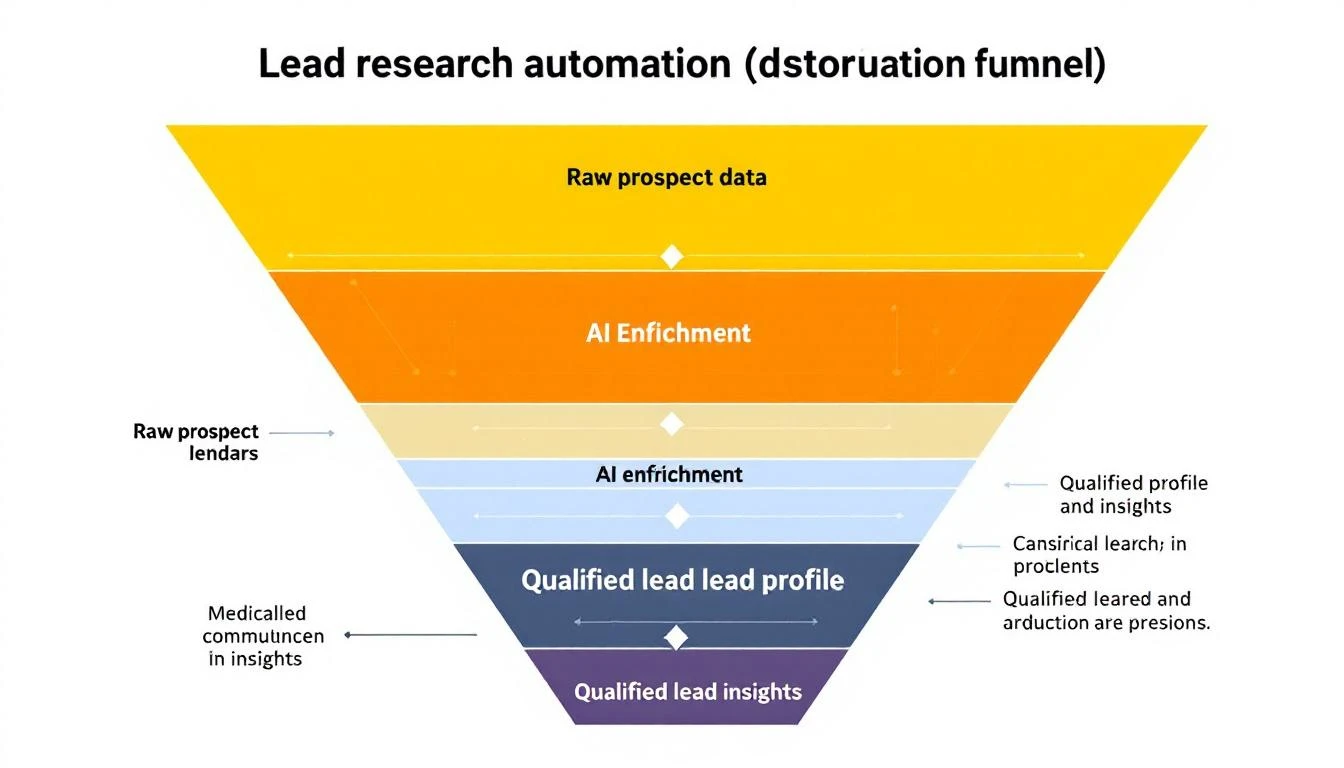
Real Research Output Example
Here's what Claude Code actually produces for a real company:
Company: Hologram (hologram.io)
Overview: IoT connectivity platform providing global cellular for devices. ~150 employees, HQ in Chicago. Series B ($65M from Battery Ventures).
Recent Activity:
- Feb 2026: Launched Hyper network for low-latency IoT
- Jan 2026: Partnership with AWS IoT Core announced
- Hiring: 3 open SDR roles, 2 demand gen positions
Sales Signals:
- Job posting mentions "scaling outbound motion" and "improving lead quality"
- Uses HubSpot (seen in job req), Outreach for sequences
- Active on G2 responding to reviews (cares about buyer perception)
Personalization Hooks:
- Reference the Hyper launch: "Saw the Hyper network announcement—congrats"
- Note the hiring push: "Looks like you're scaling the SDR team"
- Connect to IoT/connectivity angle: "We work with several IoT companies..."
Recommended Approach: LinkedIn → Email sequence. Their team is active on LinkedIn. Reference specific content they've posted.
This took 15 seconds to generate. A human would need 10-15 minutes minimum.
Enrichment Sources Claude Code Can Access
When you give Claude Code research tasks, it can pull from:
| Source | What It Finds |
|---|---|
| Company website | Products, pricing, team page |
| Employee count, org structure, recent posts | |
| Job boards | Hiring signals, tech stack clues |
| News sites | Funding, partnerships, launches |
| G2/Capterra | Reviews, complaints, competitor comparisons |
| Crunchbase | Funding history, investors, competitors |
The key is structuring your prompt to tell Claude what matters for your specific outreach.
Advanced: Building a Research Pipeline
For high-volume prospecting, build a full pipeline:
[New Lead]
    ↓
[Basic Enrichment]
    - Company size, industry
    - Contact title, seniority
    ↓
[ICP Scoring]
    - Match against ideal customer profile
    - Score 1-100
    ↓
[Deep Research] (if score > 70)
    - Full prospect brief
    - Personalization hooks
    ↓
[Routing]
    - Hot leads → Slack alert + call queue
    - Warm leads → Automated sequence
    - Cold leads → Nurture list
Each step can be automated with Claude Code + OpenClaw.
Common Mistakes to Avoid
1. Researching Every Lead Equally
Not every lead deserves 10 minutes of research. Use basic enrichment to score first, then deep-dive on high-potential prospects only.
2. Ignoring Negative Signals
Good research includes disqualifying information. If a company just laid off their sales team, that's important context.
3. Stale Data
Information decays. Set up refresh cycles for long-nurture prospects.
4. Over-Personalizing
Mentioning 5 specific details in an email feels creepy. Pick the ONE most relevant hook.
Measuring Research Quality
Track these metrics:
- Time per lead: Should drop from 10-15 min to under 1 min
- Reply rates: Better research → better personalization → higher replies
- Qualification accuracy: Are AI-scored leads actually converting?
- Rep adoption: Is your team actually using the briefs?
The MarketBetter Advantage
MarketBetter does this automatically for every website visitor:
- Identify: Know which companies visit your site
- Enrich: Pull firmographic and technographic data
- Research: AI generates prospect briefs
- Prioritize: Score and route to the right rep
- Act: Get a daily playbook of exactly who to contact
No manual research required. No copy-pasting between tools.
Ready to automate your lead research? See how MarketBetter turns visitor identification into actionable prospect intelligence. Book a demo.