
8 Unbeatable Cold Email Template For sales Examples to Steal in 2026
In today's crowded inbox, a generic cold email template for sales is a direct path to the trash folder. Prospects are smarter, more skeptical, and have less time than ever. Winning their attention requires more than just a template; it demands a strategy. This article breaks down eight battle-tested cold email frameworks, not just what to write, but why each one works, how to compare them, and how to make them actionable for your sales team.
We'll dissect the psychology behind each approach, from problem-first hooks that agitate a pain point to multi-touch sequences designed for long-term engagement. Understanding these fundamentals is crucial. To truly master high-reply cold emails, it's vital to understand the broader sales landscape, including the distinction between inbound and outbound sales, where this tactic is a key pillar of outbound strategy.
Each template comes with subject-line options, personalization hooks, and CTA variants. We will also provide short, actionable notes on how you can adapt and execute these strategies using AI-powered tools like MarketBetter.ai. This will help you turn market signals into high-value conversations without drowning your SDRs in manual prep work. Forget copy-and-paste tactics; you're about to learn how to build a repeatable outbound motion that actually generates pipeline.
1. The Problem-First Cold Email Template
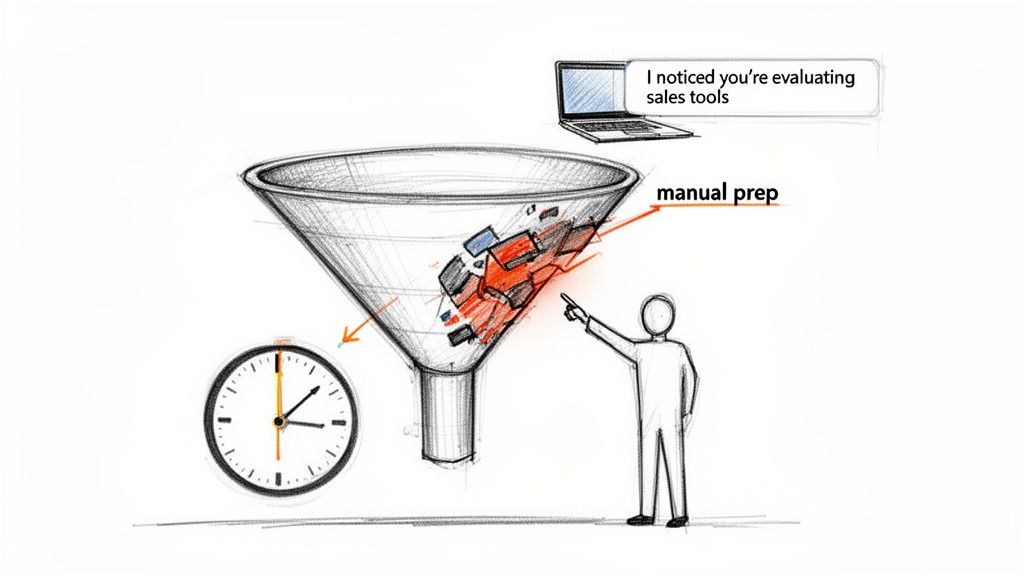
The Problem-First approach is a powerful cold email template for sales because it immediately shifts the focus from your product to the prospect's world. Instead of leading with a generic "My name is..." or "We do X," this template opens by identifying a specific, high-stakes business problem relevant to the prospect's role or industry. This strategy demonstrates empathy and research, showing you understand their challenges before you even mention a solution.
Actionable Comparison: While the Social Proof template builds trust with external validation, the Problem-First approach builds it by demonstrating internal understanding. It's more direct and works best when you have strong intelligence on a prospect's potential pain points. Platforms like HubSpot and Outreach.io popularized this signal-based strategy, with customer studies reporting reply rates over 35% when the opener is tied to a specific business trigger.
How to Implement This Template
1. Identify a High-Value Problem: Use tools like MarketBetter.ai to surface account context and buyer signals. For example, if intent data shows a company is researching CRM tools, your problem statement could focus on the inefficiencies of manual data entry.
- Actionable Step: Create a "Pain Point Matrix" that maps your top 3 buyer personas to their top 3 business problems. This gives your SDRs a quick-reference guide.
- Example Opener: "Saw your team is evaluating new sales tools. Most growing sales teams we speak with find their reps waste 15+ hours weekly on manual outreach prep. Is that a challenge your team is tackling?"
2. Position Your Solution Subtly: After stating the problem, connect it to your solution with a soft call-to-action (CTA). Avoid a hard sell; instead, ask a question to start a conversation.
- Actionable Step: Your CTA should propose a conversation about the problem, not a demo of your product. Frame it as a brief "strategy call" or "idea exchange."
- Example CTA: "If so, would you be open to a 15-minute call to share how we helped [Similar Company] automate this and reclaim 10 hours per rep weekly?"
3. Test and Iterate: Don't rely on a single pain point. A/B test 3-5 different problem statements for each prospect segment to see which one resonates most. Use reply data to refine your approach, a key tactic in modern email marketing to generate leads.
2. The Social Proof / Case Study Cold Email Template
The Social Proof / Case Study approach is a powerful cold email template for sales because it leverages third-party validation to build instant credibility. Instead of asking a prospect to believe your claims, you show them concrete results achieved by a similar company. This template opens by referencing a specific customer success story, immediately anchoring your value proposition in tangible outcomes rather than abstract features.
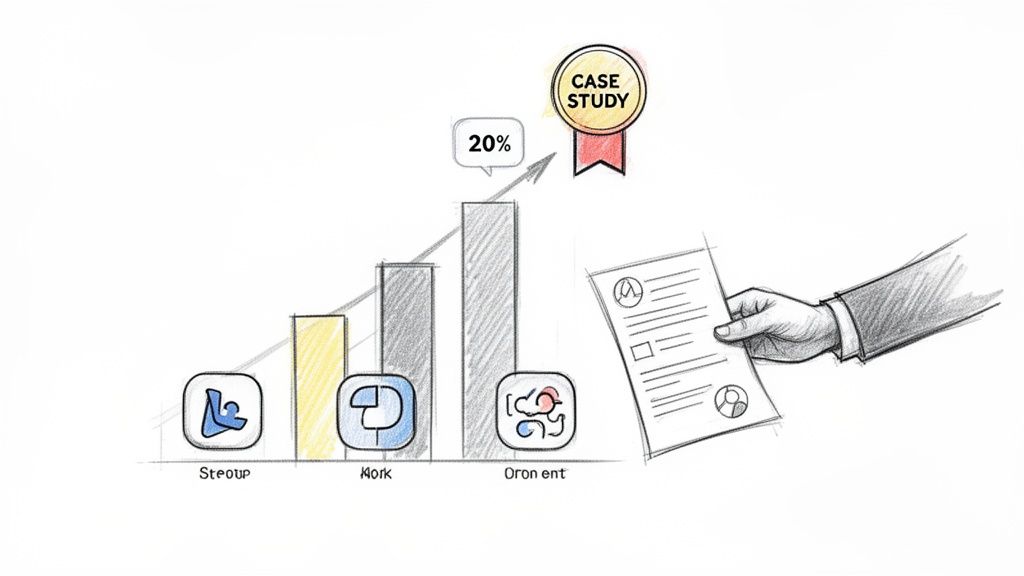
Actionable Comparison: Unlike the Curiosity template, which creates intrigue through ambiguity, this method builds trust through transparency and tangible proof. It's less about asking a clever question and more about presenting an undeniable result. Platforms like Salesloft and Gong have popularized this strategy, with data showing that emails citing specific customer metrics can increase reply rates by over 20% compared to generic outreach.
How to Implement This Template
1. Select a Hyper-Relevant Case Study: Use your CRM data or a tool like MarketBetter.ai to match a prospect with your most relevant customer story. Filter by industry, company size, or technology used for the strongest alignment.
- Actionable Step: Build a filterable case study library in a tool like Notion or your sales enablement platform. Tag each story with the customer's industry, size, and the specific problem solved.
- Example Opener: "We recently helped [Similar Company Name], another SaaS company in the marketing automation space, reduce SDR prep time by 6 hours/week. I’m reaching out because your team's structure seems very similar."
2. State the Outcome and Create Curiosity: Focus on the "what" (the result), not the "how" (your product). Frame the result as a one-sentence benefit and follow up with a soft, curiosity-driven call-to-action (CTA).
- Actionable Step: Translate every case study into a one-sentence "punchline" that highlights the most impressive metric (e.g., "40% increase in qualified meetings," "25% reduction in onboarding time").
- Example CTA: "Curious if your team faces similar admin overhead? If so, would you be open to learning how [Similar Company Name] achieved this efficiency gain?"
3. Rotate Your Assets and Test: To avoid message fatigue across your target accounts, maintain a library of 5-7 proven case studies. A/B test different outcomes (e.g., "increase revenue" vs. "reduce cost") to see which metric resonates most with a particular persona. This makes it a versatile cold email template for sales outreach.
3. The Curiosity / Question-Based Cold Email Template
The Curiosity-Based approach is a cold email template for sales that prioritizes engagement over pitching. Instead of presenting a problem or a solution, it leads with a thought-provoking question or an unexpected statement designed to pique the prospect's interest. This strategy disrupts the typical sales cadence by creating a knowledge gap, compelling the recipient to reply to satisfy their curiosity.
Actionable Comparison: This is the polar opposite of the Value-First template. Instead of laying out all the facts and figures upfront, this method withholds information to provoke a response. It’s a high-risk, high-reward play that can generate exceptional reply rates when the question is perfectly tuned to the persona. Popularized by sales leaders like Steli Efti and methodologies from Drift, it leverages the psychological principle of cognitive curiosity to bypass the recipient's automatic "delete" reflex.
How to Implement This Template
1. Craft a Persona-Specific Question: The question must be sharp, insightful, and directly relevant to the prospect's role. A generic question will fail; it must show you understand their world deeply enough to ask something they haven't fully considered.
- Actionable Step: Brainstorm five "uncommon but true" observations about your target persona's job. Turn these observations into questions. For example, "Did you know the average VP of Sales only hits their quota 2 out of 4 quarters?"
- Example Opener: "Most sales leaders we speak with find their top reps talk differently on calls, but can't pinpoint the pattern. Have you noticed this?"
2. Keep the Email Body Lean: This template works best when it's extremely short, often just two or three sentences. The goal is to get a reply, not to explain your entire value proposition. The question should do all the heavy lifting.
- Actionable Step: Set a hard limit of 50 words for the entire email body. If it's longer, it's not a true Curiosity template.
- Example CTA: "We analyzed 2 million sales calls to find that pattern. Curious to hear what we learned?"
3. Test and Sequence Your Questions: Don't bet on a single question. Use a tool like MarketBetter.ai to A/B test 3-5 different curiosity-driven questions for each segment. Plan a follow-up sequence that gradually reveals your perspective, turning the initial curiosity into a qualified conversation. Strong questions are also crucial for your email subject lines; you can find more detail in these email subject line best practices.
4. The Value-First / Before-After Cold Email Template
The Value-First, or "Before-After," template is a highly effective cold email template for sales that cuts through abstract claims by presenting a concrete transformation. Instead of listing features, it frames your solution within a clear narrative: "This was the painful reality before; this is the valuable outcome after." This method is ideal for technical or process-heavy solutions where demonstrating tangible impact is more persuasive than an emotional appeal.
Actionable Comparison: This template is more direct and data-driven than the Permission-Based approach. While the soft-ask template requests permission to share value, the Before-After template delivers the core value proposition upfront, aiming to persuade with a clear ROI story from the very first sentence. Sales engagement platforms like Outreach and Salesloft have championed this model, often showcasing case studies with reply rates boosted by 25-40% when specific before-after data is used.
How to Implement This Template
1. Quantify the "Before" State: Use real customer data to establish a baseline. Pull reports from Salesforce or your product analytics to find concrete numbers that represent the initial challenge.
- Actionable Step: Interview 3-5 of your best customers. Ask them, "Before you used our product, how did you measure X? What was the number?" Use their exact language and data.
- Example Opener: "Most BDR teams we work with spend 6+ hours daily on manual research and prep. Your recent hiring push for new reps suggests you might be feeling this admin strain."
2. Present the "After" State as an Achievable Outcome: Connect the "before" pain to the "after" gain with a clear, metric-driven statement. This makes the value of your solution undeniable.
- Actionable Step: Create a simple ROI calculator or a one-sheet that visually shows the "Before vs. After" transformation. You can link to this in your email for added impact.
- Example Pitch: "After implementing our platform, similar teams automate this work and reallocate that time to log 25+ extra conversations per rep, per week."
3. Make the CTA Outcome-Focused: Your call-to-action shouldn't be a generic request to "connect." Instead, it should offer to map the "after" state directly onto the prospect's team, making the next step feel both tangible and valuable.
- Example CTA: "Would a 15-minute call be worthwhile to map how your team could reclaim those hours and increase call volume by 30%?"
5. The Event / Newsjack Cold Email Template
The Event / Newsjack approach is a highly effective cold email template for sales because it capitalizes on timeliness and relevance. This strategy involves monitoring for specific company or industry triggers, like funding announcements, new executive hires, or product launches, and using that event as the reason for your outreach. By referencing a recent, specific event, you instantly show the prospect that your email is not a generic blast but a targeted message based on real-time developments.
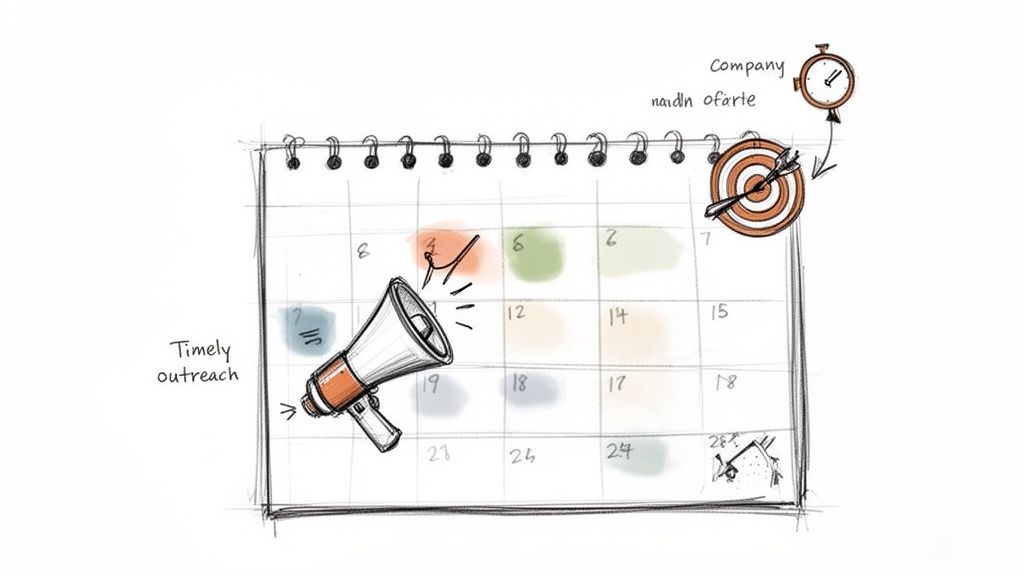
Actionable Comparison: This approach is faster and more opportunistic than the Referral template. While a referral relies on an existing relationship, a newsjack creates relevance from a public event. It's the perfect strategy for breaking into an account where you don't yet have an internal champion. Platforms like 6sense, Demandbase, and ZoomInfo have built their models on this intent-based strategy, proving that emails tied to trigger events can achieve significantly higher reply rates.
How to Implement This Template
1. Identify a Relevant Trigger Event: Use intent data platforms or even simple alerts to track key events. For example, if a target account announces a Series B funding round, that’s your cue.
- Actionable Step: Set up Google Alerts or use a platform like marketbetter.ai to create automated notifications for your top 20 target accounts for keywords like "funding," "new hire," and "expansion."
- Example Opener: "Saw [Company] just closed its Series B round on TechCrunch, congrats to the team. With that kind of growth, I'm curious: is streamlining your SDR motion on the agenda for Q1?"
2. Connect the Event to a Business Need: The event is the hook, but you must connect it to a likely challenge or priority. A new VP of Sales is probably evaluating their tech stack; a funding round means pressure to scale efficiently.
- Actionable Step: For each trigger event you track, pre-write a "challenge hypothesis." For a funding announcement, the hypothesis is "They now have pressure to scale efficiently." For a new executive hire, it's "They will be reviewing their current tech stack."
- Example CTA: "We've helped 3 other post-Series B SaaS companies cut sales ramp time by 40%. Would a quick call to share what's working for them be helpful as you plan your expansion?"
3. Act with Urgency and Automation: Timing is everything. The signal loses potency after 72 hours. Integrate tools like MarketBetter.ai's SDR Task Inbox with intent signals so tasks auto-populate with a newsjack email template the moment an event occurs. Log these emails separately in your CRM to track which event types drive the most replies.
6. The Permission-Based / Soft Ask Cold Email Template
The Permission-Based approach is an effective cold email template for sales because it flips the traditional dynamic. Instead of pushing for a meeting, it asks for permission to share value, which significantly lowers the prospect's psychological resistance. This method respects the recipient's time and inbox, framing your outreach as helpful rather than demanding. It's a low-friction strategy designed to start conversations, not force demos.
Actionable Comparison: This method is the opposite of a hard-sell template that pushes for a 30-minute demo. It’s more consultative and is a safer play than the high-risk Curiosity template, as it offers tangible value upfront instead of relying purely on intrigue. Modern sales platforms like HubSpot have championed this conversational approach, as it aligns perfectly with inbound principles and often yields higher engagement rates than aggressive, high-pressure CTAs.
How to Implement This Template
1. Offer Value First, Ask for Permission Second: Your opener should identify a relevant context, then offer a valuable resource. Use MarketBetter.ai to find triggers, like a company's recent hiring push, to make your offer highly specific and timely.
- Actionable Step: Create a "Value Menu" for your sales team—a list of 3-5 high-value, non-gated assets (e.g., a benchmark report, a checklist, an insightful article) that they can offer prospects.
- Example Opener: "Saw your team is hiring SDRs. Our team learned a few things about cutting ramp time from 60 to 30 days. Would it make sense to send those over?"
2. Make the Ask Low-Commitment: The core of this template is a soft call-to-action (CTA) that requires a simple "yes" or "no." Avoid asking for time on their calendar; instead, ask for permission to send information or to continue the dialogue.
- Actionable Step: A/B test your soft CTA. Compare "Happy to send it over?" with a more direct "Mind if I send over the one-pager?" Track reply rates to see which phrasing performs better for your audience.
- Example CTA: "If that sounds useful, would you be open to me sending over a one-page summary? It's a 2-minute read."
3. Prepare a Multi-Threaded Follow-Up: Segment your follow-up sequence based on the prospect's response. If they say yes, deliver the promised value immediately. Use MarketBetter.ai's AI-generated follow-ups to adapt your next steps based on whether their reply is enthusiastic or lukewarm, ensuring your next touchpoint is just as relevant.
7. The Multi-Touch / Sequence-Based Cold Email Template
The Multi-Touch / Sequence-Based approach is a powerful cold email template for sales because it recognizes that a single email is rarely enough. Instead of a one-off attempt, this strategy uses a coordinated sequence of 5-7 emails sent over 2-3 weeks. Each email serves a distinct purpose, building a compelling narrative from awareness and education to social proof and urgency. This method builds familiarity and delivers value over time, dramatically increasing the odds of getting a response.
Actionable Comparison: This is not a template but a system that combines other templates into a cohesive campaign. A single Problem-First email is a tactic; a sequence that starts with a Problem-First email, follows up with a Case Study, and then uses a Permission-Based ask is a strategy. This structured persistence is what separates amateur outreach from professional pipeline generation. This strategy was popularized by sales engagement platforms like Outreach.io and Salesloft, whose frameworks often see reply rates climb on the third or fourth touchpoint.
How to Implement This Template
1. Map Your Narrative Arc: Plan your sequence with a clear goal for each email. A common flow is: Awareness (Email 1), Education/Value (Email 2), Proof/Case Study (Email 3), Objection Handling (Email 4), and a final "break-up" or urgency-based CTA (Email 5).
- Actionable Step: Storyboard your sequence. For each touchpoint, define "What is the one thing I want the prospect to learn or feel?" This ensures your sequence tells a coherent story.
- Example Email 1 Opener: "Noticed your team is hiring for [Role], which often signals a new focus on [Business Challenge]. We help with that."
- Example Email 3 Snippet: "Following up on my last note, I thought you'd find this case study on how [Similar Company] solved [Business Challenge] insightful."
2. Automate Execution with AI: Use a tool like MarketBetter.ai's AI Cold Email to generate the entire 5-7 email sequence, including subject lines and variants, in one go. This ensures a consistent voice and message. Integrate it with an SDR Task Inbox to automate the sending and follow-up reminders.
3. Vary Timing and Test Angles: Space emails at least 3-4 days apart and vary send times to avoid seeming robotic. A/B test different sequences for different prospect segments. To master this, you can learn more about the best practices for email campaigns and discover how to optimize send times and content for maximum engagement.
4. Integrate with Other Channels: A sequence shouldn't be email-only. By the third or fourth touchpoint, if email engagement is low, use MarketBetter's integrated dialer to place a call. This multi-channel approach significantly boosts connection rates.
8. The Referral / Warm Intro Cold Email Template
The Referral / Warm Intro approach is a standout cold email template for sales because it instantly dissolves the "cold" aspect of the outreach. By leveraging a mutual connection, shared event, or direct referral, you create immediate trust and relevance. Instead of fighting for attention as a stranger, you enter the conversation with a degree of familiarity and social proof, dramatically lowering the recipient's natural guard.
Actionable Comparison: This is the highest-converting template, but it's the least scalable. Unlike the Event/Newsjack, which can be automated based on public data, this requires manual relationship mapping. Prioritize this template for your Tier 1, high-value accounts where the time investment is justified. This strategy, popularized by platforms like LinkedIn Sales Navigator, consistently delivers the highest reply rates, often exceeding 50% because it relies on human connection.
How to Implement This Template
1. Identify a Legitimate Connection: Use tools like MarketBetter.ai's account mapping or LinkedIn Sales Navigator to find mutual connections, past colleagues, or shared event attendee lists. A genuine connection is non-negotiable for this template's success.
- Actionable Step: Before every key sales call, spend 5 minutes on the prospect's LinkedIn profile looking for shared connections, schools, or past employers. Note these down for potential future outreach within the account.
- Example Opener (Mutual Connection): "Sarah Smith and I were discussing SDR enablement, and she mentioned your team is hiring. She thought you'd find this insight on ramping reps 30% faster useful."
2. State the Connection and Value Immediately: Lead with the referral in the very first sentence to capture attention. Immediately follow up with a concise value proposition that relates directly to the prospect's context.
- Actionable Step: Ask your referral for the "one-sentence intro" they would use. This ensures the message is authentic and aligns with how your connection would naturally communicate.
- Example Opener (Referral): "Kevin at [Similar Company] suggested I reach out. He mentioned your team is evaluating ways to streamline outbound without adding headcount, which is a challenge we've helped several post-Series-B teams solve."
3. Use a Soft, Conversational CTA: Since the introduction is already warm, the call-to-action can be low-pressure. Focus on continuing the conversation or providing further value rather than pushing for a meeting.
- Example CTA: "I found some research on Salesforce integration challenges your team might find relevant, based on our brief chat at SaaStr. Happy to send it over if you're interested?"
Comparison of 8 Sales Cold-Email Templates
| Template | Implementation Complexity 🔄 | Resource Requirements ⚡ | Expected Outcomes ⭐ / 📊 | Ideal Use Cases 💡 | Key Advantages ⭐ |
|---|---|---|---|---|---|
| The Problem-First Cold Email Template | 🔄 Medium — targeted account/persona research required | ⚡ Moderate — account signals, CRM + AI for scale | ⭐⭐⭐ High relevance; ↑ open & reply rates | 💡 First-touch SDRs in account-based outreach | ⭐ Research-driven personalization; builds trust quickly |
| The Social Proof / Case Study Cold Email Template | 🔄 Low–Medium — needs curated case studies | ⚡ Moderate — case library and up-to-date metrics | ⭐⭐⭐ Good credibility; reduces objections (📊 measurable proof) | 💡 Enterprise/mid-market with longer sales cycles | ⭐ Instant credibility; easy variant testing |
| The Curiosity / Question-Based Cold Email Template | 🔄 Low — simple structure but strong copy needed | ⚡ Low — creative copy + follow-up discipline | ⭐⭐⭐ Very high open rates; drives quality conversations | 💡 Consultative BDRs/AE roles and early engagement | ⭐ Intrigue-driven; low perceived sales pressure |
| The Value-First / Before-After Cold Email Template | 🔄 Medium — requires validated before/after data | ⚡ Moderate — customer metrics, Salesforce exports | ⭐⭐⭐ Highly persuasive for ROI-focused buyers (📊 outcome-oriented) | 💡 Technical/process-heavy solutions; RevOps/VP Sales | ⭐ Outcome-focused; creates urgency with concrete impact |
| The Event / Newsjack Cold Email Template | 🔄 High — needs real-time signals and speed | ⚡ High — intent platforms, news feeds, automation | ⭐⭐⭐ Very high relevance if timely; short impact window (📊 high reply probability) | 💡 High-velocity SDR teams responding to triggers | ⭐ Time-sensitive relevance; leverages buying signals |
| The Permission-Based / Soft Ask Cold Email Template | 🔄 Low — simple ask, requires follow-up discipline | ⚡ Low — content to deliver + sequence automation | ⭐⭐ High reply rates; may lengthen sales cycle | 💡 Relationship-driven, complex sales; skeptical buyers | ⭐ Low psychological resistance; easy engagement |
| The Multi-Touch / Sequence-Based Cold Email Template | 🔄 High — multi-step orchestration and testing | ⚡ High — sequences, CRM workflows, analytics | ⭐⭐⭐⭐ Multiplies conversion over time (📊 4–7x lift common) | 💡 Scaling outbound across larger lists; sequence-driven campaigns | ⭐ Builds narrative, addresses objections across touches |
| The Referral / Warm Intro Cold Email Template | 🔄 Medium — mapping networks and securing permission | ⚡ Moderate — relationship intel, referral programs | ⭐⭐⭐⭐⭐ Highest reply & conversion rates; low friction (📊 top performer) | 💡 Competitive enterprise markets; account-based referral motions | ⭐ Highest legitimacy/trust; fastest path to meetings |
Try our AI Lead Generator — find verified LinkedIn leads for any company instantly. No signup required.
From Template to Pipeline: Making Your Outreach Actionable
We've explored a powerful arsenal of eight distinct frameworks, from the directness of the Problem-First Cold Email Template to the subtlety of the Permission-Based / Soft Ask. Each template serves a unique purpose, designed to resonate with a specific prospect mindset and sales situation. But the most critical insight is this: the best cold email template for sales is not a static script. It is a dynamic starting point for a conversation.
Comparing these templates reveals a common DNA for success. The direct, value-driven approach of the Value-First / Before-After template shares the same core principle as the timely Event / Newsjack template: relevance is king. Both prove you've done your homework and aren't just sending another generic blast. Similarly, whether you are leveraging the credibility of the Social Proof template or the curiosity of the Question-Based template, the goal is always to earn the prospect's next three seconds of attention, not to close the deal in a single email.
Operationalizing Your Outreach Strategy
Reading about effective templates is one thing; building a predictable pipeline is another. The real challenge lies in bridging the gap between theory and execution. Your next step is to move from simply having a library of templates to building an operational system around them.
- Categorize and Test: Don't try to implement all eight templates at once. Start by selecting two or three that best align with your current GTM strategy. For example, pair the Problem-First template for your core ICP with the Event / Newsjack template for high-value accounts showing specific buying signals.
- Measure Relentlessly: Track open rates, reply rates, and meeting booked rates for each template variant. A low open rate might point to a weak subject line, while a high open rate but low reply rate often indicates a disconnect between your hook and your call-to-action. Use these metrics to iterate and refine.
- Build a Workflow, Not a Document: A Google Doc of templates is a start, but it doesn't scale. The goal is to embed these strategies directly into your sales team's daily workflow, making the "right" action the "easy" action. This is where you can transform your SDR team’s efficiency.
From Manual Effort to AI-Powered Execution
Ultimately, the goal of using a cold email template for sales is to create a repeatable engine for revenue growth. This requires consistency, personalization at scale, and flawless execution. You must ensure that every sales rep knows their next best action and has the perfect, context-aware message ready to go without spending hours on manual research.
This is precisely where technology acts as a force multiplier. Instead of just handing your team a list of templates, you can use an AI-powered platform to analyze buyer signals, prioritize the most engaged accounts, and generate personalized email variants on the fly. By integrating these templates into a smart execution platform, you transform a list of good ideas into a system that consistently generates pipeline and drives revenue.
Ready to turn these templates into a predictable revenue engine? marketbetter.ai integrates directly into your CRM, using AI to analyze buying signals and generate hyper-personalized email variants based on proven frameworks. Stop copying and pasting and start building a smarter, more efficient outbound process today at marketbetter.ai.