
OpenAI Codex CLI: The Complete GTM Team Guide [2026]
OpenAI released GPT-5.3-Codex on February 5, 2026—their most capable agentic coding model yet. The Codex CLI puts this power at your fingertips, letting you automate GTM tasks directly from your terminal.
This guide covers everything GTM teams need to know: installation, essential commands, and real workflows for sales automation, content generation, and pipeline management.
What's New in GPT-5.3 Codex
Before diving into the CLI, here's why GPT-5.3 matters:
| Feature | GPT-5.2 Codex | GPT-5.3 Codex |
|---|---|---|
| Speed | Baseline | 25% faster |
| Mid-turn steering | Limited | Full support |
| Multi-file context | 50K tokens | 100K tokens |
| Tool reliability | 89% | 96% |
| Reasoning depth | Good | Significantly improved |
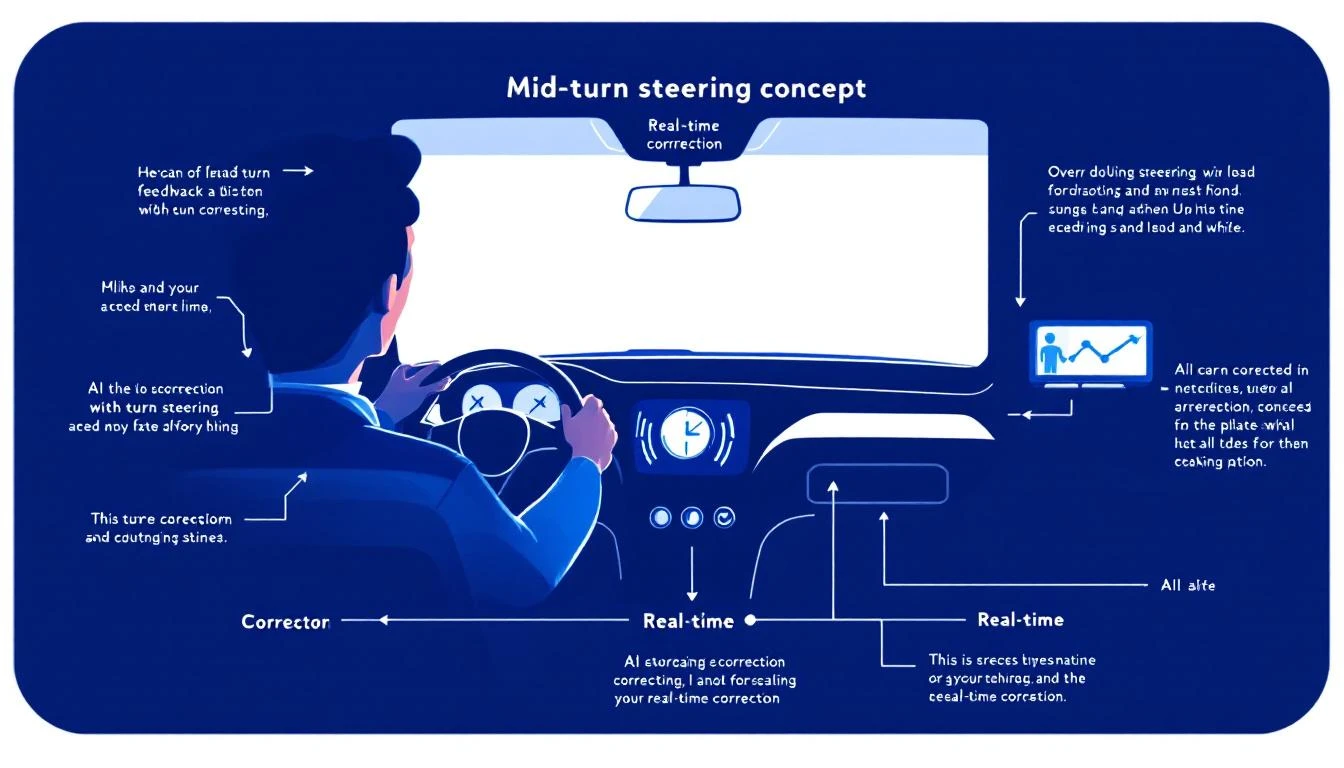
The killer feature? Mid-turn steering—you can direct Codex while it's working, correcting course without starting over.
Installing the Codex CLI
Get started in 60 seconds:
# Install globally via npm
npm install -g @openai/codex

# Verify installation
codex --version
# codex 1.4.0 (gpt-5.3-codex)

# Authenticate
codex auth login
# Opens browser for OpenAI authentication
First Run
Test your installation:
codex "explain what you can do for a sales team"
You should see Codex describe its capabilities for sales automation, data analysis, and content generation.
Essential Codex Commands for GTM
Basic Syntax
codex "<natural language task>"
Codex interprets your request and executes the appropriate actions. You can also:
# Run in a specific directory
codex --cwd /path/to/project "<task>"

# Include files for context
codex --include "*.csv" "<task>"

# Set output format
codex --output json "<task>"

# Enable mid-turn steering
codex --interactive "<task>"
The --interactive Flag (Mid-Turn Steering)
This is GPT-5.3's superpower. Instead of waiting for Codex to finish, you can course-correct in real-time:
codex --interactive "analyze our pipeline and suggest improvements"
While Codex works, you can type commands like:
focus on deals stuck longer than 30 daysignore deals under $10Kalso check for missing next steps
Codex adjusts its analysis mid-stream without starting over.
GTM Workflows with Codex CLI
1. Pipeline Analysis
Analyze your CRM data directly:
# Export pipeline from your CRM first (or connect via API)
codex --include "pipeline.csv" "
Analyze this sales pipeline and identify:
1. Deals that have been stuck in the same stage for >30 days
2. Deals with no recent activity
3. Deals missing next steps
4. Predicted close rates by stage

Output as a prioritized action list for the sales manager.
"
Sample output:
## Pipeline Health Report

### 🚨 Stuck Deals (30+ days same stage)
1. Acme Corp - Proposal stage for 47 days - $85K
   → Action: Escalate to VP Sales, consider discount strategy
2. TechStart Inc - Demo stage for 38 days - $32K
   → Action: Re-engage champion, check for competing eval

### ⚠️ Missing Next Steps (23 deals)
- Priority 1: Deals >$50K with no activity last 14 days
- Recommend: Mandatory next-step field in CRM

### 📊 Stage Conversion Rates
- Lead → Discovery: 42% (healthy)
- Discovery → Demo: 68% (above benchmark)
- Demo → Proposal: 31% (⚠️ below benchmark 45%)
- Proposal → Closed Won: 28% (needs attention)
2. Lead Research at Scale
Research a list of leads:
codex --include "leads.csv" --output json "
For each company in this list:
1. Find their LinkedIn company page
2. Get employee count and recent funding
3. Identify likely decision makers in Sales/Marketing
4. Note any recent news or hiring signals

Output as enriched JSON with research_notes for each lead.
"
3. Email Sequence Generation
Generate personalized email sequences:
codex "
Create a 5-email sequence for SDR outreach to VP of Sales at mid-market SaaS companies.

Context: We're MarketBetter, an AI-powered SDR platform.
Pain point: SDR productivity and lead prioritization
Differentiator: We tell SDRs WHO to contact AND WHAT to do

Requirements:
- Email 1: Cold intro, <100 words
- Email 2: Value-add (share relevant content)
- Email 3: Social proof (customer results)
- Email 4: Direct ask for meeting
- Email 5: Breakup email

Include subject lines and personalization tokens.
"
4. Competitor Analysis
Research competitors systematically:
codex --interactive "
Research these competitors and create a comparison matrix:
- Warmly
- 6sense
- Apollo
- ZoomInfo

For each, find:
1. Pricing (actual prices, not just 'contact us')
2. Key features
3. G2 rating and top complaints
4. Recent product updates
5. Where MarketBetter wins

I'll guide you as you research.
"
With --interactive, you can steer:
- "Dig deeper on Warmly's pricing—check G2 reviews for price mentions"
- "Skip ZoomInfo, we have that already"
- "Focus more on their visitor identification capabilities"
5. Meeting Prep
Prepare for sales calls:
codex "
I have a demo call with Sarah Chen, VP Sales at DataFlow Inc.

Research:
1. Sarah's LinkedIn background
2. DataFlow Inc recent news/funding
3. Their current tech stack (from job postings)
4. Common challenges for companies their size
5. 3 personalized talking points

Also draft 3 discovery questions specific to their situation.
"
6. Content Generation
Generate blog post outlines:
codex "
Create an outline for a blog post: 'Why Intent Data Fails Without Action'

Target keyword: intent data for sales
Word count: 2000 words
Audience: VP Sales, SDR Managers

Include:
- Compelling intro hook
- 5-7 main sections with subheadings
- Data points to research
- CTA to MarketBetter demo

Make it contrarian—most content says intent data is magic.
We say it's useless without the action layer.
"
7. CRM Data Cleanup
Fix messy CRM data:
codex --include "contacts.csv" "
Clean this contact list:
1. Standardize company names (remove Inc., LLC variants)
2. Fix obvious email typos (@gmial.com, etc.)
3. Parse full names into first/last
4. Flag likely duplicates
5. Validate phone number formats

Output as cleaned CSV with a 'changes_made' column.
"
Advanced Codex Patterns
Chaining Commands
Build complex workflows:
# Research → Enrich → Generate sequence
codex "research DataFlow Inc" > /tmp/research.txt && \
codex --include /tmp/research.txt "generate 3 personalized email openers based on this research"
Template-Based Generation
Create reusable prompt templates:
# Save as ~/.codex/templates/competitor-analysis.txt
cat << 'EOF' > ~/.codex/templates/competitor-analysis.txt
Research {{COMPETITOR}} and provide:
1. Company overview (employees, funding, HQ)
2. Product positioning
3. Pricing structure
4. Key differentiators
5. Customer complaints (from G2/Capterra)
6. How we beat them

Format as markdown with clear sections.
EOF

# Use the template
codex --template competitor-analysis COMPETITOR=Warmly
Integration with Other Tools
Combine Codex with your existing stack:
# Pull from HubSpot, analyze with Codex, push back
hubspot contacts list --limit 100 --format csv > leads.csv
codex --include leads.csv "score these leads 1-100 based on fit for AI SDR tools"
# Parse output and update HubSpot via API
Codex CLI vs Claude Code vs ChatGPT
When to use each:
| Task | Best Tool | Why |
|---|---|---|
| Multi-file code changes | Codex CLI | Purpose-built for code |
| Long document analysis | Claude Code | 200K context window |
| Quick questions | ChatGPT | Fastest for simple tasks |
| Pipeline data analysis | Codex CLI | Structured output |
| Email writing | Claude Code | Better nuance |
| Competitor research | Either | Both strong |
| Meeting prep | Codex (interactive) | Mid-turn steering |
The real answer? Use them together. Codex for structured tasks and code, Claude for nuanced writing and analysis.
Cost Considerations
Codex CLI usage is charged per token:
| Usage | Approximate Cost |
|---|---|
| Simple task (<1K tokens) | ~$0.02 |
| Pipeline analysis (5K tokens) | ~$0.10 |
| Research task (10K tokens) | ~$0.20 |
| Large batch (50K tokens) | ~$1.00 |
For most GTM teams, budget $50-100/month for heavy CLI usage. Compare that to the hours saved.
Common Gotchas
1. Rate Limits
Free tier: 20 requests/minute. Paid: 100 requests/minute.
For batch processing:
# Add delays between requests
for company in $(cat companies.txt); do
  codex "research $company"
  sleep 3
done
2. Context Limits
Even with 100K tokens, large files need chunking:
# Process large CSV in chunks
split -l 100 huge_leads.csv chunk_
for chunk in chunk_*; do
  codex --include $chunk "process this batch"
done
3. Output Consistency
For structured output, be explicit:
# Bad: "analyze this data"
# Good:
codex "analyze this data and return JSON with fields:
{insights: string[], recommendations: string[], priority: high|medium|low}"
The MarketBetter Integration
MarketBetter uses the same AI models under the hood—but packages them into a complete GTM platform:
- Daily Playbook — Codex-style analysis of your entire pipeline, delivered as actionable tasks
- AI Chatbot — GPT-5.3 powers real-time lead qualification
- Smart Dialer — AI-prioritized call lists based on intent signals
- Email Automation — Personalized sequences generated at scale
The difference? MarketBetter eliminates the prompting and integration work. Your SDRs get AI-powered insights without touching a command line.
See how MarketBetter turns AI into pipeline →
Quick Reference Card
# Installation
npm install -g @openai/codex
codex auth login

# Basic usage
codex "<task>"

# With file context
codex --include "data.csv" "<task>"

# Interactive mode (mid-turn steering)
codex --interactive "<task>"

# JSON output
codex --output json "<task>"

# Specific directory
codex --cwd /path/to/project "<task>"

# Help
codex --help
Try our AI Lead Generator — find verified LinkedIn leads for any company instantly. No signup required.
Getting Started Checklist
- Install Codex CLI (
npm install -g @openai/codex) - Authenticate (
codex auth login) - Test basic command
- Try
--interactivemode - Export CRM data for analysis
- Create first prompt template
- Set up shell alias for common tasks
- Budget token usage
The Codex CLI puts GPT-5.3's power directly in your terminal. For GTM teams, that means faster research, smarter analysis, and more personalized outreach—all from the command line.
Want more AI automation for GTM? Check out Codex vs Claude Code for sales automation and building AI agents with OpenClaw.