
Build an Inbound Lead Qualification Bot with OpenClaw [2026 Guide]

A website visitor fills out your "Book a Demo" form at 11 PM. Your SDR sees it at 9 AM. By then, they've already talked to two competitors.
Speed-to-lead is the #1 predictor of conversion. Respond within 5 minutes and you're 21x more likely to qualify the lead than if you wait 30 minutes.
But you can't afford to have SDRs working 24/7. So what do you do?
You build a qualification bot that:
- Responds instantly to every inbound lead
- Asks the right qualifying questions
- Scores leads based on your ICP
- Books meetings directly on your AE's calendar
- Passes unqualified leads to nurture sequences
And with OpenClaw, you can build this for free.
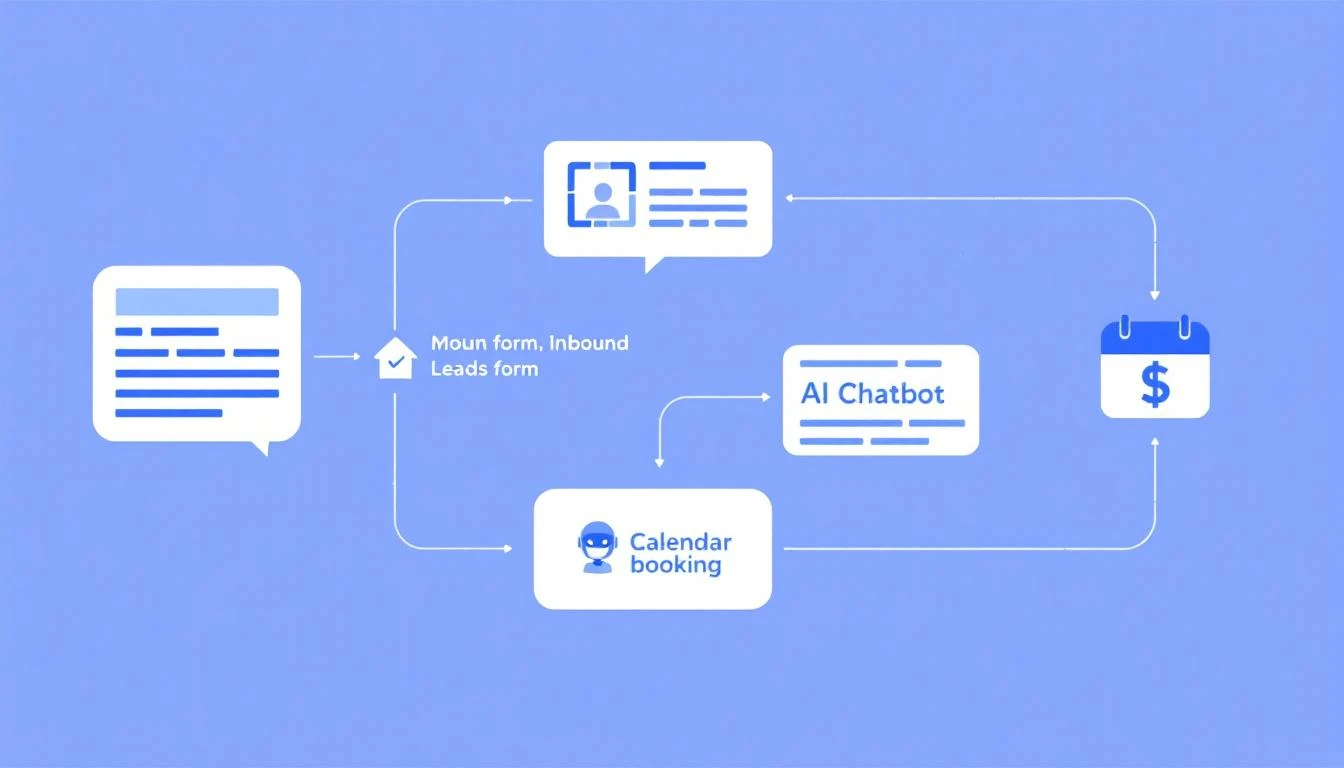
Why Most Chatbots Fail at Lead Qualification
Before we build, let's understand why existing solutions fall short:
Drift, Intercom, Qualified: The $$$$ Problem
These tools work. But they cost $10K-50K+ per year. For early-stage B2B companies, that's your entire marketing budget.
Generic Chatbot Builders: The Dumb Bot Problem
Tools like Chatfuel or ManyChat are designed for e-commerce FAQs, not B2B qualification. They follow rigid scripts and can't handle nuanced sales conversations.
DIY with GPT: The Context Problem
Building a chatbot with raw GPT API calls works—until you need it to remember the conversation, access your CRM, and actually book meetings.
OpenClaw solves all three:
- Free and open source (no $50K/year)
- Claude's reasoning handles nuanced conversations
- Built-in memory, CRM integrations, and calendar access
The Architecture
Here's what we're building:
[Website Chat Widget]
        ↓
[Webhook to OpenClaw]
        ↓
[Lead Qualification Agent]
        ↓
    ┌───┴───┐
    ↓       ↓
[Qualified]  [Nurture]
    ↓           ↓
[Book Meeting] [Add to Sequence]
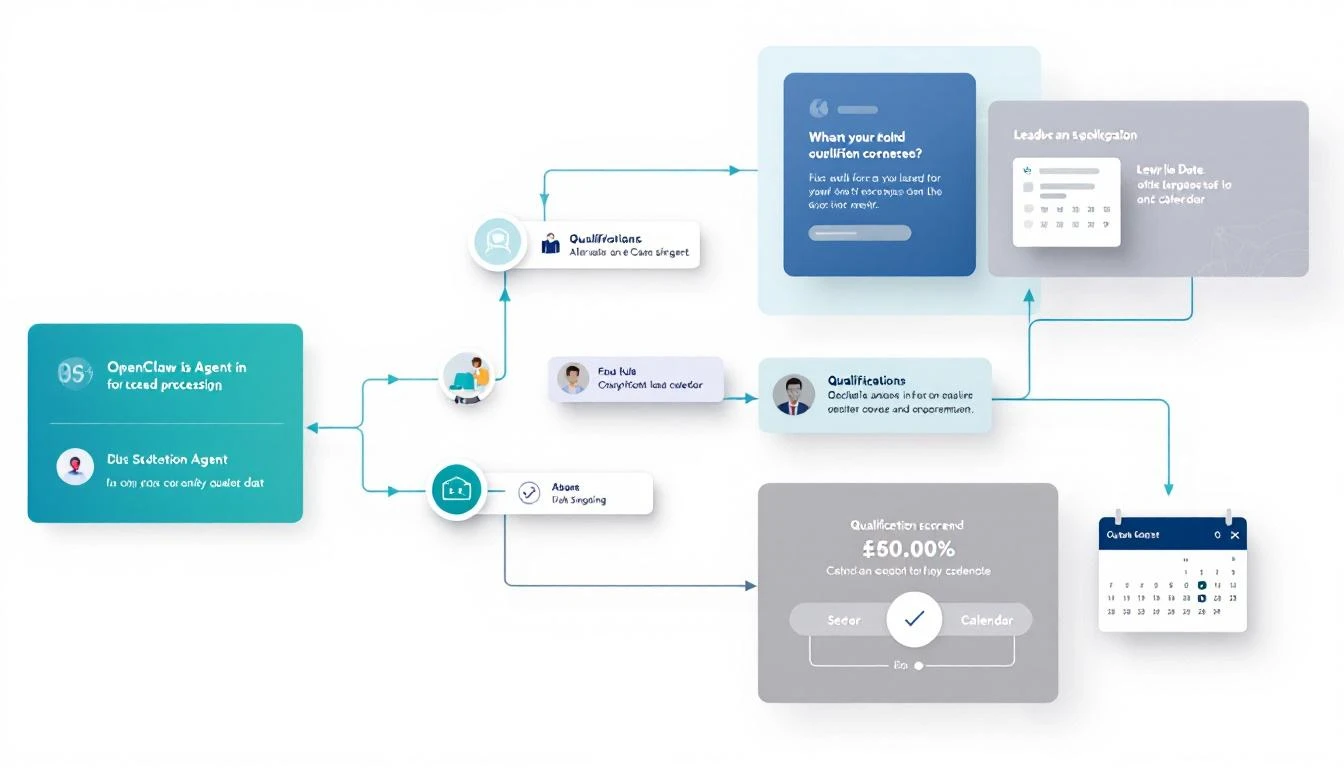
The agent:
- Receives the initial form data
- Engages in real-time chat to qualify
- Scores against your ICP criteria
- Routes to booking or nurture based on score
Prerequisites
- OpenClaw installed and running (see setup guide)
- A website with a chat widget (we'll use Crisp, but any webhook-capable chat works)
- HubSpot or your CRM of choice
- Calendly or Cal.com for booking
Step 1: Define Your Qualification Framework
First, write down your ICP criteria. Example for a B2B SaaS selling to sales teams:
# qualification-framework.yaml
qualification_criteria:
  must_have:
    - company_size: "50+ employees"
    - role: ["VP Sales", "Director Sales", "Head of Sales", "SDR Manager", "RevOps"]
    - budget_authority: true

  nice_to_have:
    - industry: ["SaaS", "Tech", "B2B Services"]
    - current_tools: ["Outreach", "Salesloft", "Apollo", "HubSpot"]
    - pain_points: ["SDR efficiency", "lead quality", "pipeline", "personalization"]

  disqualifiers:
    - company_size: "<20 employees"
    - role: ["Intern", "Student", "Job Seeker"]
    - intent: ["Competitor research", "Job inquiry"]

scoring:
  qualified_threshold: 70
  weights:
    company_size: 25
    role_match: 25
    budget_authority: 20
    pain_fit: 15
    timeline: 15
Step 2: Create the OpenClaw Agent
Create your qualification agent configuration:
# agents/lead-qualifier.yaml
name: LeadQualifier
description: Qualifies inbound leads and books meetings for qualified prospects

model: claude-sonnet-4-20250514
temperature: 0.3

system_prompt: |
  You are an AI sales development representative for MarketBetter.
  Your job is to qualify inbound leads and book meetings with our sales team.

  ## YOUR PERSONALITY
  - Friendly but professional
  - Curious about their challenges (not interrogating)
  - Helpful even if they're not a fit
  - Never pushy or aggressive

  ## QUALIFICATION CRITERIA
  MUST HAVE:
  - Company has 50+ employees
  - They're in a sales leadership role (VP, Director, Manager, RevOps)
  - They have authority to evaluate new tools

  NICE TO HAVE:
  - B2B company
  - Currently using sales tools (Outreach, Salesloft, Apollo)
  - Active pain around SDR efficiency or lead quality

  DISQUALIFIERS:
  - Fewer than 20 employees
  - Students/job seekers/interns
  - Competitor research (handle gracefully)

  ## SCORING
  Award points (0-100 total):
  - Company size match: 25 pts
  - Role match: 25 pts
  - Budget authority: 20 pts
  - Pain fit: 15 pts
  - Timeline (< 3 months): 15 pts

  Qualified = 70+ points

  ## CONVERSATION FLOW
  1. Thank them for reaching out
  2. Ask what prompted them to check out MarketBetter today
  3. Learn about their current setup (team size, tools, challenges)
  4. Probe on specific pain points naturally
  5. If qualified (70+), offer to book a meeting
  6. If not qualified, offer relevant resources and add to nurture

  ## TOOLS AVAILABLE
  - check_company(domain) - Get company info from Clearbit
  - calculate_score(criteria) - Calculate qualification score
  - book_meeting(email, name) - Send Calendly link and create HubSpot contact
  - add_to_nurture(email, reason) - Add to email nurture sequence

  ## KEY BEHAVIORS
  - Don't ask more than 3 questions in a row without providing value
  - If they mention a specific pain, acknowledge it specifically
  - Never say "I'm just a bot" - you're an SDR named Alex
  - If you're not sure about something, ask

tools:
  - name: check_company
    description: Enriches company data from their domain
    endpoint: /api/clearbit/company

  - name: book_meeting
    description: Creates HubSpot contact and sends Calendly link
    endpoint: /api/hubspot/book

  - name: add_to_nurture
    description: Adds lead to nurture sequence
    endpoint: /api/hubspot/nurture
Step 3: Build the Tool Endpoints
Create the API endpoints that your agent can call:
// api/hubspot/book.js
const HubSpot = require('@hubspot/api-client');

const hubspot = new HubSpot.Client({ accessToken: process.env.HUBSPOT_TOKEN });

async function bookMeeting(email, name, qualificationData) {
  // Create or update contact in HubSpot
  const contact = await hubspot.crm.contacts.basicApi.create({
    properties: {
      email,
      firstname: name.split(' ')[0],
      lastname: name.split(' ').slice(1).join(' '),
      lead_source: 'Inbound Chat',
      qualification_score: qualificationData.score,
      qualification_notes: qualificationData.notes,
      lifecyclestage: 'salesqualifiedlead'
    }
  });

  // Generate Calendly link with pre-filled info
  const calendlyLink = `https://calendly.com/your-team/demo?name=${encodeURIComponent(name)}&email=${encodeURIComponent(email)}`;

  // Log activity in HubSpot
  await hubspot.crm.timeline.eventsApi.create({
    eventTemplateId: 'chat_qualified',
    objectId: contact.id,
    tokens: {
      score: qualificationData.score,
      summary: qualificationData.notes
    }
  });

  return {
    calendlyLink,
    contactId: contact.id,
    message: `Great! Here's a link to book directly with our team: ${calendlyLink}`
  };
}

module.exports = { bookMeeting };
// api/clearbit/company.js
const Clearbit = require('clearbit')(process.env.CLEARBIT_KEY);

async function checkCompany(domain) {
  try {
    const company = await Clearbit.Company.find({ domain });

    return {
      name: company.name,
      size: company.metrics?.employees || 'Unknown',
      industry: company.category?.industry || 'Unknown',
      description: company.description,
      tech: company.tech || [],
      sizeCategory: categorizeSiz(company.metrics?.employees)
    };
  } catch (error) {
    return {
      name: domain,
      size: 'Unknown',
      industry: 'Unknown',
      sizeCategory: 'Unknown'
    };
  }
}

function categorizeSize(employees) {
  if (!employees) return 'Unknown';
  if (employees < 20) return 'too_small';
  if (employees < 50) return 'small';
  if (employees < 200) return 'mid_market';
  if (employees < 1000) return 'enterprise';
  return 'large_enterprise';
}

module.exports = { checkCompany };
Step 4: Connect Your Chat Widget
Most chat widgets support webhooks. Here's how to connect Crisp:
// webhooks/crisp.js
const express = require('express');
const { OpenClaw } = require('openclaw');

const app = express();
const openclaw = new OpenClaw();

// Crisp webhook endpoint
app.post('/webhooks/crisp', async (req, res) => {
  const { event, data } = req.body;

  if (event === 'message:send') {
    // Visitor sent a message
    const { website_id, session_id, content } = data;

    // Get or create OpenClaw session for this chat
    const session = await openclaw.getSession(`crisp:${session_id}`);

    // Process message through qualification agent
    const response = await session.send(content, {
      agent: 'lead-qualifier',
      metadata: {
        source: 'crisp',
        website_id,
        visitor_data: data.visitor
      }
    });

    // Send response back to Crisp
    await sendCrispMessage(website_id, session_id, response.message);
  }

  res.sendStatus(200);
});

async function sendCrispMessage(websiteId, sessionId, message) {
  await fetch(`https://api.crisp.chat/v1/website/${websiteId}/conversation/${sessionId}/message`, {
    method: 'POST',
    headers: {
      'Authorization': `Basic ${Buffer.from(CRISP_ID + ':' + CRISP_KEY).toString('base64')}`,
      'Content-Type': 'application/json'
    },
    body: JSON.stringify({
      type: 'text',
      content: message,
      from: 'operator'
    })
  });
}
Step 5: Sample Conversation
Here's what a qualification conversation looks like:
Visitor: Hi, I'm interested in learning more about MarketBetter
Bot (Alex): Hey! Thanks for reaching out 👋 I'm Alex from the MarketBetter team. What got you interested in checking us out today?
Visitor: We're looking for ways to make our SDR team more efficient. Currently spending too much time on manual research.
Bot: Oh yeah, manual research is a killer. How big is your SDR team currently?
Visitor: We have 8 SDRs. They probably spend 2-3 hours a day just researching accounts before outreach.
Bot: [Internal: check_company called for visitor domain → 150 employees, SaaS industry]
150-person SaaS company with 8 SDRs doing 2-3 hours of research each—that's basically 2 full headcounts worth of time just on research. Are you all using any tools for that currently, or mostly LinkedIn + Google?
Visitor: We have ZoomInfo for data but the research part is still manual. We tried Apollo's sequences but the personalization was too generic.
Bot: Makes sense—data is table stakes, but the what to do with it part is where most tools fall short.
Quick question: are you the one evaluating tools for the team, or is there someone else involved in that?
Visitor: I'm the VP of Sales, so yeah, my call.
Bot: [Internal: Score calculation → Company: 25, Role: 25, Pain: 15, Authority: 20, Timeline: TBD = 85+ points]
Perfect. Based on what you're describing—8 SDRs, manual research eating into selling time, need for real personalization—this is exactly what MarketBetter was built for.
Would you be up for a 20-minute call with one of our sales engineers? They can show you specifically how teams like yours are cutting that research time down to like 20 minutes a day per rep.
Visitor: Sure, that sounds good.
Bot: Awesome! Here's a link to grab time directly: [Calendly link]
I'll also send you a quick case study from a similar team (B2B SaaS, 10 SDRs) that saw 3x more meetings after switching. Look for it in your inbox!
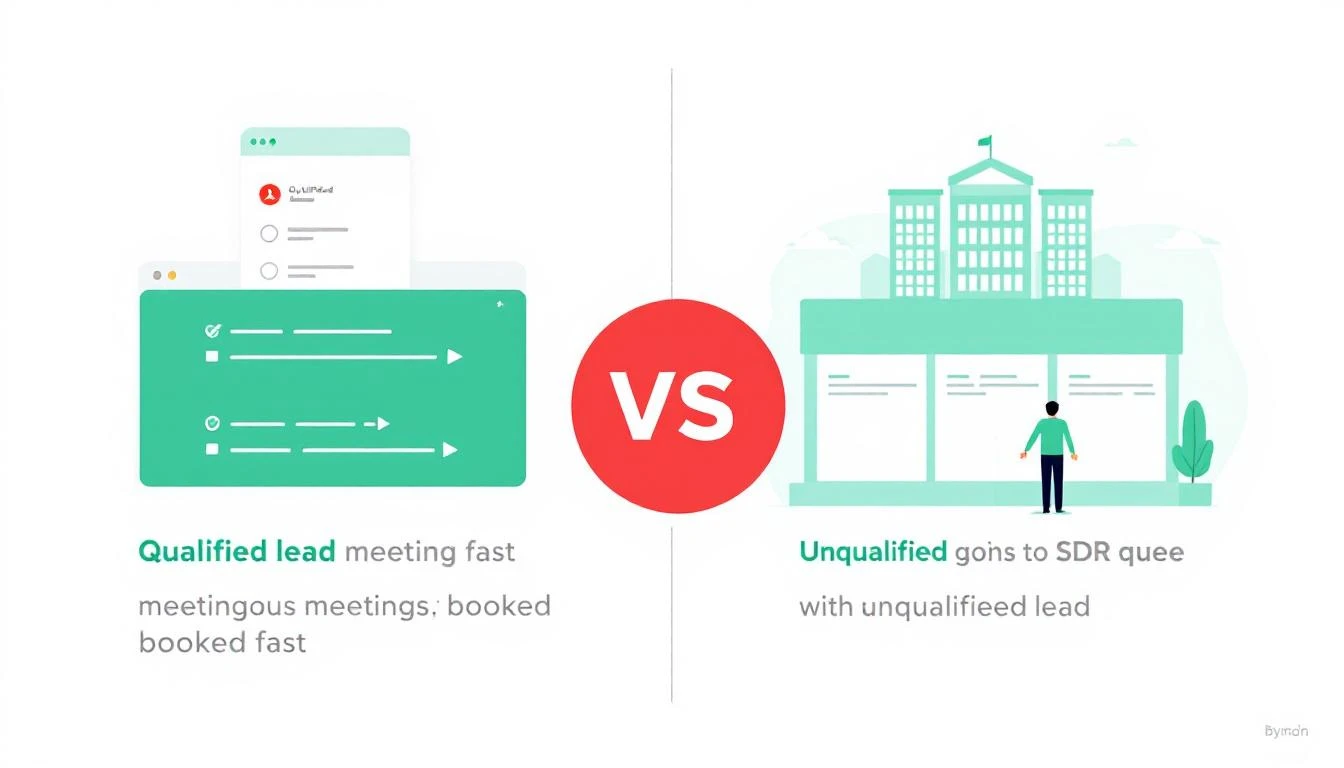
Result: Qualified lead, meeting booked, case study sent—all within 4 minutes at 11 PM on a Sunday.
Advanced: Handling Edge Cases
The "Just Browsing" Visitor
# In your agent prompt
If visitor seems early-stage or "just browsing":
1. Don't push for a meeting
2. Offer a relevant resource (ebook, case study, calculator)
3. Ask if they'd like occasional updates
4. Add to top-of-funnel nurture
The Competitor Researcher
# In your agent prompt
If you suspect competitor research:
1. Don't be defensive or hostile
2. Offer publicly available info
3. Politely suggest they book a demo if genuinely interested
4. Log in CRM as "Competitor - [Company Name]"
The Unqualified But Enthusiastic
# In your agent prompt
If they're excited but don't meet criteria (too small, wrong role):
1. Be honest: "We typically work with teams of 5+ SDRs..."
2. Offer free resources that might help them
3. Suggest checking back when they scale
4. Add to nurture for later
Metrics to Track
Once live, monitor these:
| Metric | Target | Why It Matters |
|---|---|---|
| Response time | <30 seconds | Speed-to-lead |
| Qualification accuracy | >85% | Are meetings actually qualified? |
| Conversion to meeting | >40% of qualified | Bot effectiveness |
| No-show rate | <20% | Lead quality |
| Pipeline from bot | Track $ | ROI |
The Cost Breakdown
| Component | Cost |
|---|---|
| OpenClaw | Free (self-hosted) |
| Claude API | ~$0.01-0.05 per conversation |
| Crisp (chat widget) | $25/month (Starter) |
| Clearbit (optional) | $99/month |
| Total | ~$125/month |
Compare that to Drift ($2,500/month minimum) or Qualified ($10,000/month+).
Why This Beats Human SDRs for First Response
Let me be clear: this doesn't replace SDRs. It augments them.
Bot does:
- 24/7 instant response
- Consistent qualification questions
- Zero fatigue or bad days
- Perfect CRM hygiene
- Immediate scoring and routing
SDRs do:
- Complex objection handling
- Relationship building
- Creative problem-solving
- Negotiation
- Closing
The bot handles the 80% of conversations that are straightforward so your SDRs can focus on the 20% that need human touch.
Taking It Live
- Start with a pilot — Run bot alongside human SDRs for 2 weeks
- Review conversations — Check for failure patterns
- Iterate the prompt — Refine based on real conversations
- Measure conversion — Compare bot-qualified vs. human-qualified
- Scale up — Expand to more pages/higher traffic
Try our AI Lead Generator — find verified LinkedIn leads for any company instantly. No signup required.
Ready to Never Miss a Lead Again?
MarketBetter's AI SDR playbook takes this further—not just qualifying inbound, but telling your entire team exactly who to contact and what to say, every single day.
Related reading: