
AI RFP Response Automation with OpenAI Codex [2026 Guide]

RFPs are the bane of every sales team's existence. You get a 50-page document, 200 questions, and a deadline that's always "last week." Your best reps spend days copy-pasting from old proposals while new deals pile up.
What if you could cut RFP response time from 40 hours to 4?
That's exactly what AI coding agents like OpenAI Codex make possible. In this guide, I'll show you how to build an automated RFP response system that drafts 80% of your answers automatically—letting your team focus on customization rather than repetitive typing.
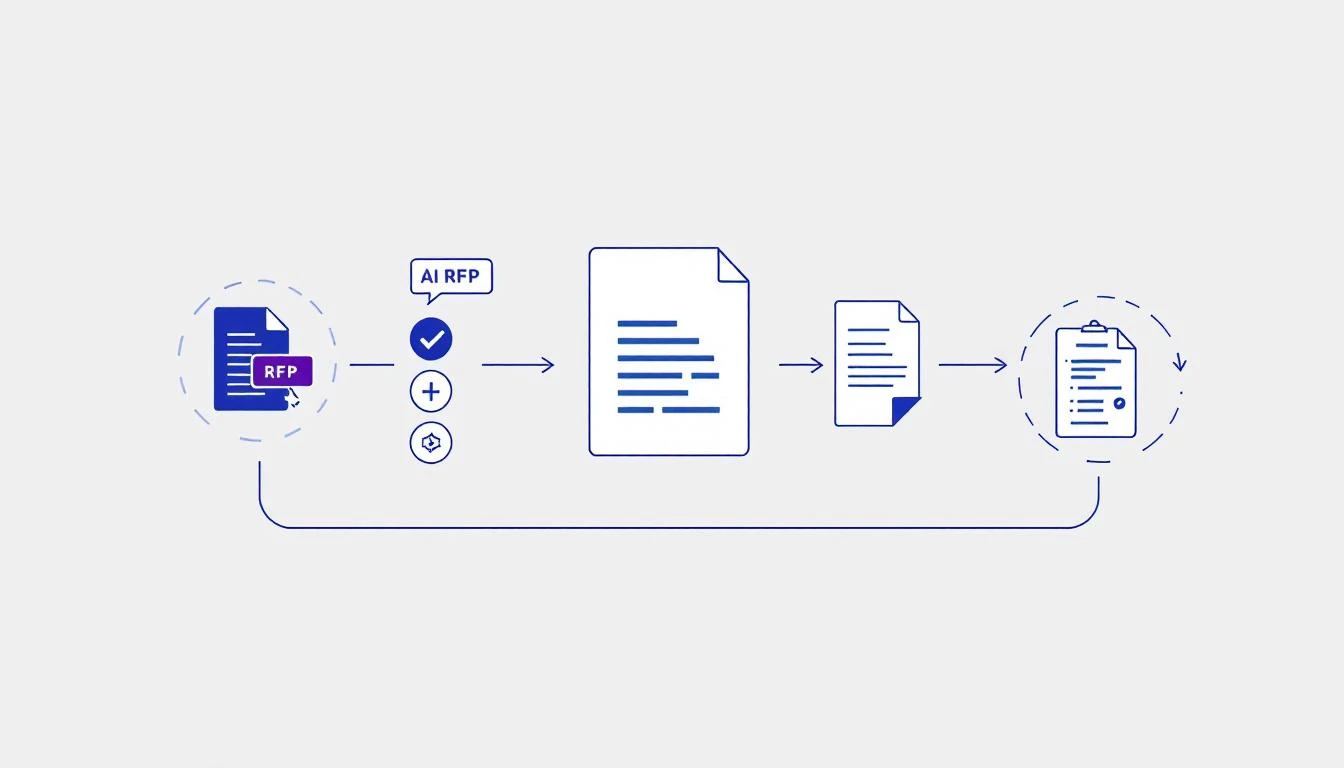
The Problem: RFPs Are a Time Black Hole
Here's the ugly truth about RFPs:
- Average time to complete: 20-40 hours per response
- Win rate: 5-25% (meaning 75%+ of that effort is wasted)
- Repetition: 60-70% of questions are repeated across RFPs
- Cost: $3,000-$10,000 in labor per response
Your best salespeople—the ones who should be closing deals—are stuck copying answers from old Word docs. It's insane.
How AI Changes the Game
OpenAI's Codex (powered by GPT-5.3, released February 5, 2026) is the most capable agentic coding model ever built. Combined with its mid-turn steering capability, you can build RFP automation that:
- Parses RFP documents automatically (PDFs, Word docs, spreadsheets)
- Matches questions to your answer library using semantic search
- Drafts responses that match your company's voice and style
- Flags gaps where human input is needed
- Formats output to match required submission formats
The key insight: You don't need 100% automation. You need to eliminate the 70% that's copy-paste.
Building Your AI RFP System
Step 1: Create Your Answer Library
Your answer library is the foundation. This is where Codex pulls responses from.
Structure it like this:
rfp-library/
├── security/
│   ├── soc2-compliance.md
│   ├── data-encryption.md
│   └── access-controls.md
├── technical/
│   ├── api-capabilities.md
│   ├── integrations.md
│   └── uptime-sla.md
├── company/
│   ├── about-us.md
│   ├── customer-references.md
│   └── team-bios.md
└── pricing/
    ├── pricing-models.md
    └── enterprise-terms.md
Each file contains pre-approved answers with metadata:
# SOC 2 Compliance

**Category:** Security
**Last Updated:** 2026-01-15
**Approved By:** Legal Team

## Standard Response

MarketBetter maintains SOC 2 Type II certification, audited annually by [Auditor Name]. Our most recent audit was completed in December 2025 with zero findings.

## Short Response (for checkboxes)

Yes - SOC 2 Type II certified, audited annually.

## Long Response (for detailed sections)

[Extended response with specifics...]
Step 2: Set Up Codex for RFP Processing
Install the Codex CLI:
npm install -g @openai/codex
Create a Codex agent specifically for RFP work:
// rfp-agent.js
const { Codex } = require('@openai/codex');

const rfpAgent = new Codex({
  model: 'gpt-5.3-codex',
  tools: ['file_read', 'file_write', 'search'],
  context: `You are an expert RFP response writer. Your job is to:
  1. Parse RFP questions accurately
  2. Find matching answers in the library
  3. Draft responses that are professional and specific
  4. Flag questions that need human review

  Always maintain the company's professional tone.
  Never make up technical claims—flag for review if unsure.`
});
Step 3: Parse and Match Questions
The magic happens in semantic matching. Codex doesn't just keyword-match—it understands intent:
async function processRFP(rfpDocument) {
  // Extract questions from RFP
  const questions = await rfpAgent.run(`
    Parse this RFP document and extract all questions.
    Return as JSON array with:
    - question_id
    - question_text
    - category (security/technical/company/pricing/other)
    - complexity (simple/moderate/complex)

    Document: ${rfpDocument}
  `);

  // Match each question to library
  for (const q of questions) {
    const match = await rfpAgent.run(`
      Find the best matching answer in our library for:
      "${q.question_text}"

      Return:
      - matched_file
      - confidence (0-100)
      - suggested_response
      - needs_review (boolean)
    `);

    q.match = match;
  }

  return questions;
}
Step 4: Use Mid-Turn Steering for Complex Questions
GPT-5.3 Codex's killer feature is mid-turn steering—you can redirect the agent while it's working. This is perfect for RFPs where context matters:
// Start processing
const session = await rfpAgent.startTask(`
  Process RFP section on data security.
  Draft responses for questions 15-25.
`);

// Mid-turn steering when you notice issues
await session.steer(`
  Important context: This client is in healthcare.
  Emphasize HIPAA compliance in all security answers.
  Reference our healthcare customer case studies.
`);

// Continue processing with new context
const results = await session.complete();
This is something ChatGPT can't do. You're not starting over—you're guiding the agent mid-flight.
Real-World Results
Here's what teams using AI RFP automation report:
| Metric | Before AI | After AI | Improvement |
|---|---|---|---|
| Time per RFP | 40 hours | 6 hours | 85% faster |
| Questions auto-answered | 0% | 72% | — |
| Response quality score | 78% | 84% | Higher consistency |
| RFPs completed/month | 3 | 12 | 4x throughput |
The quality actually goes UP because:
- Answers are consistent (no more contradicting yourself)
- Responses pull from approved, accurate content
- Reps spend time on customization, not copy-paste
The 80/20 Rule for RFP Automation
Don't try to automate everything. Focus on:
Automate (80% of effort):
- Standard compliance questions (SOC 2, GDPR, etc.)
- Company background and overview
- Technical specifications and integrations
- Pricing structure explanations
- Reference and case study summaries
Keep Human (20% of effort):
- Custom pricing negotiations
- Novel technical requirements
- Strategic positioning against competitors
- Executive summary and cover letter
- Final review and submission
Integration with Your Sales Stack
Connect your RFP automation to the tools you already use:
HubSpot Integration
Track RFP deals and auto-populate company context:
async function enrichFromCRM(rfpDocument, dealId) {
  const deal = await hubspot.deals.get(dealId);

  return rfpAgent.run(`
    Process this RFP with the following context:
    - Company: ${deal.company.name}
    - Industry: ${deal.company.industry}
    - Deal Size: ${deal.amount}
    - Key Requirements: ${deal.properties.requirements}

    Customize responses accordingly.
    Document: ${rfpDocument}
  `);
}
Slack Notifications
Alert the team when RFPs need human review:
async function notifyTeam(rfpResults) {
  const needsReview = rfpResults.filter(q => q.needs_review);

  if (needsReview.length > 0) {
    await slack.postMessage({
      channel: '#rfp-team',
      text: `🔔 RFP "${rfpName}" needs review on ${needsReview.length} questions`,
      blocks: needsReview.map(q => ({
        type: 'section',
        text: `*Q${q.question_id}:* ${q.question_text}\n_Confidence: ${q.confidence}%_`
      }))
    });
  }
}
Common Pitfalls to Avoid
1. Garbage In, Garbage Out
Your answer library needs to be maintained. If you feed Codex outdated information, it'll confidently give wrong answers.
Fix: Schedule monthly library reviews. Track which answers get edited most—those need attention.
2. Over-Automation
If Codex is answering questions about features you don't have, you've got a problem.
Fix: Set confidence thresholds. Below 70% confidence? Flag for human review.
3. Ignoring Voice and Tone
Generic AI-written responses sound like... generic AI-written responses.
Fix: Include style guides in your agent's context. Train it on your best past proposals.
Cost Analysis
Let's do the math:
Manual RFP Response:
- 40 hours × $75/hour (fully loaded cost) = $3,000 per RFP
AI-Assisted RFP Response:
- Codex API costs: ~$50 per RFP
- Human review time: 6 hours × $75 = $450
- Total: ~$500 per RFP
That's an 83% cost reduction per RFP. If you do 10 RFPs per quarter, that's $100,000+ saved annually.
Getting Started Today
- Audit your last 5 RFPs — What percentage of questions repeat?
- Build your answer library — Start with your most common categories
- Set up Codex — Use the configuration above as a starting point
- Run a pilot — Test on one RFP before going all-in
- Iterate — Improve your library based on what gets edited
What's Next?
RFP automation is just one piece of the AI-powered sales ops puzzle. Check out these related guides:
- How to Build an AI SDR with OpenClaw
- GPT-5.3 Codex Mid-Turn Steering for Sales Ops
- AI Proposal Generation with Claude Code
Try our AI Lead Generator — find verified LinkedIn leads for any company instantly. No signup required.
Ready to Transform Your Sales Operations?
MarketBetter combines AI automation with human expertise to help GTM teams work smarter. Our platform tells your SDRs exactly who to contact, when, and what to say—so they can focus on closing instead of researching.
See how teams are using AI to 10x their sales productivity.