
How to Generate Personalized Sales Decks with GPT-5.3 Codex [2026]
Every sales rep has done it: spent 2 hours customizing a deck for a prospect, only to have the meeting cancelled. Or worse — used the generic deck because they didn't have time to customize, and the prospect could tell.
Personalized sales decks close deals. Generic decks lose them. The data is clear:
- Personalized presentations are 68% more likely to advance to the next stage (Gong, 2025)
- Prospects who see industry-specific content are 2.3x more likely to engage (Highspot)
- The average rep spends 5-7 hours per week on deck customization (Seismic)
That's 5-7 hours of selling time burned on PowerPoint. GPT-5.3 Codex — OpenAI's newest agentic coding model, released February 5, 2026 — can do it in minutes.
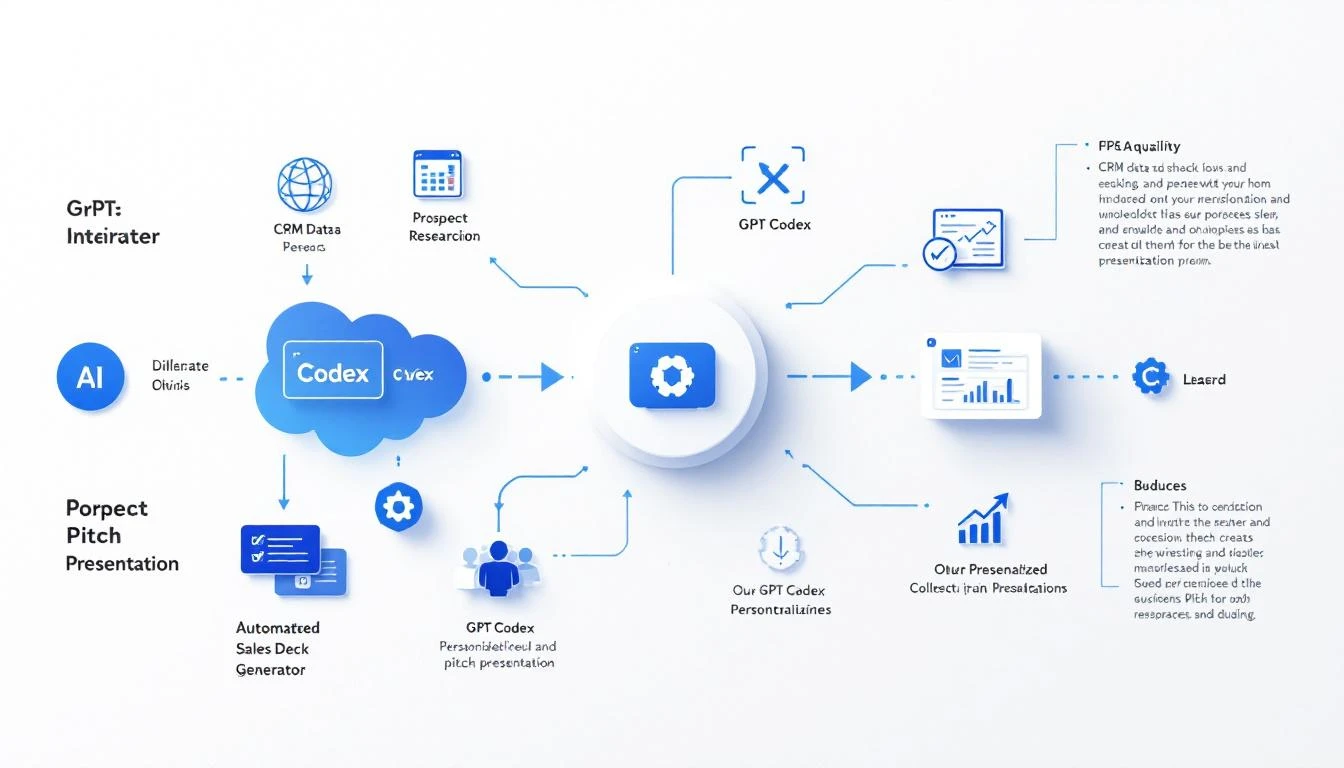
Why GPT-5.3 Codex Changes the Game
OpenAI's Codex line has been strong for code generation, but GPT-5.3 adds two capabilities that make it perfect for sales deck automation:
Mid-Turn Steering: This is the killer feature. With previous AI models, you'd submit a prompt and hope for the best. With GPT-5.3 Codex, you can direct the agent WHILE it's working. "Actually, emphasize the ROI section more." "Add a competitive comparison slide." "Tone down the technical details." The agent adjusts in real time without starting over.
25% Faster Than 5.2: Speed matters when your rep has 15 minutes before a call. GPT-5.3 generates personalized deck content in 2-3 minutes, not 10. That's the difference between "I'll just use the generic deck" and "Let me customize this real quick."
Multi-File Context: Codex can read your template deck, CRM data, prospect's website, and recent email thread simultaneously. It understands the full context of the deal, not just a prompt.
The Anatomy of a Great Personalized Deck
Before we automate anything, let's define what "personalized" actually means for a sales deck:
Level 1: Name and Logo (Table Stakes)
- Prospect's company name and logo on every slide
- Contact name on the intro slide
- Their industry mentioned in the title
Level 2: Relevant Use Cases (Where Most Stop)
- Industry-specific examples and case studies
- Metrics relevant to their role (VP Sales cares about different KPIs than VP Marketing)
- Competitive context (if they're evaluating alternatives)
Level 3: Deep Personalization (Where Deals Are Won)
- Reference specific pain points from discovery calls
- Include data from their own website (traffic estimates, tech stack)
- Map your features to THEIR specific workflow
- Show ROI calculations using THEIR numbers (company size, average deal size, current conversion rates)
- Address objections they've already raised
Most reps operate at Level 1, maybe Level 2. AI gets you to Level 3 every time.
Building the System
Step 1: Create Your Template Deck Structure
You need a modular deck template that AI can customize. Structure it as sections, not static slides:
Section 1: Opening (2-3 slides)
- Prospect-specific hook
- Agenda
- "Why we're talking" (based on discovery notes)
Section 2: Problem (3-4 slides)
- Industry challenges
- Prospect-specific pain points
- Cost of inaction (with their numbers)
Section 3: Solution (4-5 slides)
- Product overview (customized to their use case)
- Feature deep-dives (only features relevant to them)
- Live demo talking points
Section 4: Proof (2-3 slides)
- Case study from similar company (same industry, size, or use case)
- Specific metrics and outcomes
- Customer quote
Section 5: ROI (2 slides)
- ROI calculator with their inputs
- Payback period
Section 6: Next Steps (1-2 slides)
- Proposed timeline
- Implementation overview
- CTA
Step 2: Set Up Data Collection
Your Codex agent needs data from multiple sources:
From Your CRM:
- Company name, size, industry
- Deal stage and history
- Discovery call notes
- Key contacts and their roles
- Previous email correspondence
From Their Website:
- Company description and mission
- Product/service offerings
- Team size and key executives
- Technology stack (via BuiltWith or similar)
- Recent blog posts or press releases
From Public Data:
- LinkedIn company info
- Recent news and funding
- G2 reviews (if they're a SaaS company)
- Job postings (reveals priorities and pain points)
Step 3: Generate with Codex
Here's where GPT-5.3 Codex does its magic. You provide the template structure, the data sources, and the customization rules. Codex generates the content for each section.
The mid-turn steering is where it shines in practice. Your rep reviews the generated deck and can say:
"The ROI section uses a 50-employee assumption but they actually have 200. Recalculate."
"They mentioned on the discovery call that they're frustrated with their current tool's reporting. Add a slide comparing our reporting to typical competitor dashboards."
"Remove the enterprise security slide — they're a startup, they don't care about SOC 2 yet."
The agent adjusts the specific sections without regenerating the entire deck. This interactive workflow means the rep stays in control while AI does the heavy lifting.
Step 4: Output and Delivery
Codex can generate deck content in multiple formats:
- Markdown → Convert to Google Slides or PowerPoint via API
- HTML → For interactive web-based presentations
- Structured JSON → Feed into your existing deck template engine
The smartest approach: generate content as structured data, then inject it into your branded template. This ensures design consistency while allowing unlimited content customization.
Mid-Turn Steering in Action: A Real Example
Let's walk through how mid-turn steering transforms the deck creation workflow:
Initial prompt: "Generate a personalized sales deck for Acme Corp — 150-person B2B SaaS company in the cybersecurity space. VP of Sales is the buyer. They currently use Outreach for sequencing and HubSpot as CRM. Pain point: SDR team of 8 is struggling with lead quality and personalization at scale."
Codex generates the first draft — all sections populated with relevant content.
Rep reviews and steers:
- "The case study section shows a healthcare company. Find one in cybersecurity or tech instead."
- "Add a slide about our integration with HubSpot — they specifically asked about this."
- "The ROI calc assumes $50K average deal size. Update to $85K based on what they told us."
- "Add a competitive comparison slide showing us vs. Outreach for the use cases they care about."
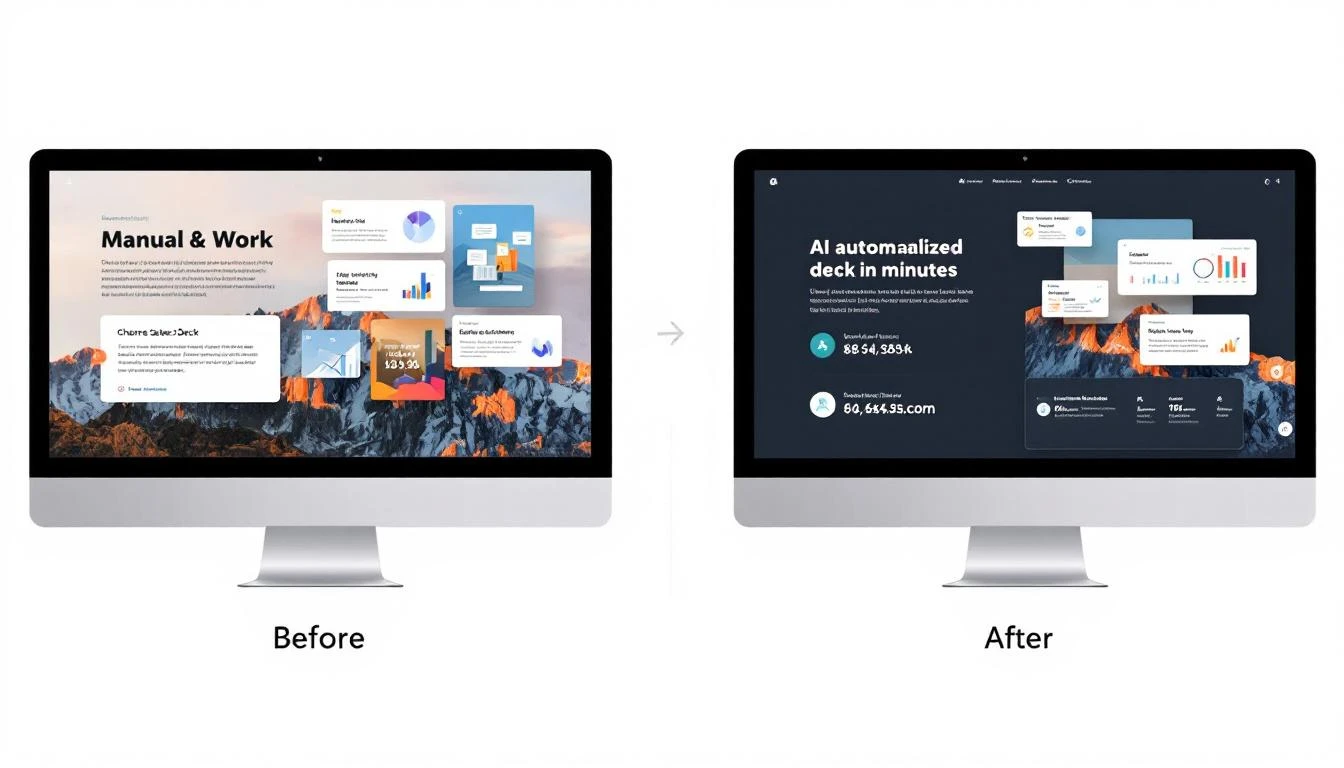
Each steering command adjusts just the relevant section. Total time: 5 minutes of review + steering, compared to 2+ hours of manual customization.
Results: What Teams See After Implementation
| Metric | Before AI Decks | After AI Decks | Impact |
|---|---|---|---|
| Deck prep time | 2-3 hours | 5-10 minutes | 92% reduction |
| Decks customized per week | 3-5 | 15-20 | 4x increase |
| Discovery→Demo advance rate | 45% | 62% | +17 points |
| Average deal size | Baseline | +12% | Larger deals via personalization |
| Rep satisfaction | "I hate making decks" | "This is actually useful" | Priceless |
OpenAI Codex vs. Claude Code for Deck Generation
Both are excellent, but they have different strengths:
| Capability | GPT-5.3 Codex | Claude Code |
|---|---|---|
| Mid-turn steering | ✅ Native | ❌ Not available |
| Speed | Very fast (25% faster than 5.2) | Fast |
| Context window | Large | 200K tokens (larger) |
| Long document handling | Good | Excellent |
| Code generation | Excellent | Excellent |
| Structured output | Excellent | Excellent |
| Cost | API pricing | API pricing |
Recommendation: Use Codex for interactive, rep-driven deck creation (mid-turn steering is the differentiator). Use Claude Code for batch processing — generating 20 decks overnight for tomorrow's meetings.
You can also combine them: Claude Code for initial research and data gathering (leveraging its massive context window), then Codex for the actual deck generation with rep-in-the-loop steering.
Advanced: Deck Performance Analytics
Once you're generating decks with AI, you can start tracking what works:
Slide-Level Analytics: Which slides do prospects spend the most time on? Which ones do they skip? Feed this data back into your template to optimize over time.
Content Pattern Analysis: Do case studies from their industry close better than generic ones? Does the ROI slide increase or decrease conversion? Let data drive your deck structure.
A/B Testing Decks: Generate two versions of key slides — one emphasizing cost savings, one emphasizing revenue growth — and track which closes better by segment.
Getting Started Today
You don't need a complex setup to start:
- Day 1: Structure your current best deck as a modular template (sections, not slides)
- Day 2: Set up Codex CLI (
npm install -g @openai/codex) and test with one prospect - Day 3: Build the CRM data pull (HubSpot API or Salesforce API)
- Week 2: Train your reps on mid-turn steering commands
- Month 2: Analyze deck performance and optimize templates
The biggest risk isn't that the AI generates bad content — it's that your reps won't trust it at first. Start with your most tech-forward rep, let them prove the ROI, and the rest will follow.
How MarketBetter Accelerates This
MarketBetter's Daily SDR Playbook already gathers the prospect intelligence you need for deck personalization — website visitor behavior, company data, intent signals, and engagement history. Instead of pulling data from 5 different sources, your Codex agent can pull from one.
Our platform tells you WHO to pitch and WHAT they care about. Codex turns that into HOW to pitch them. Together, they're the full-stack sales automation workflow.
Want to see prospect intelligence that powers personalized outreach? Book a demo and we'll show you how MarketBetter gives your reps the context they need to close.
Related reading: