
24/7 Lead Nurture Sequences with OpenClaw: Build an Always-On Follow-Up System [2026]

Your leads don't sleep. Neither should your follow-up.
The average B2B buyer needs 8-12 touches before they're ready to talk to sales. But here's the problem: your SDR team works 8 hours a day, 5 days a week. That's 40 hours out of 168.
76% of the week, your leads are getting zero attention.
OpenClaw changes this. It's a free, self-hosted gateway that runs AI agents 24/7 with memory, scheduling, and multi-channel reach. Here's how to build lead nurture sequences that never stop working.
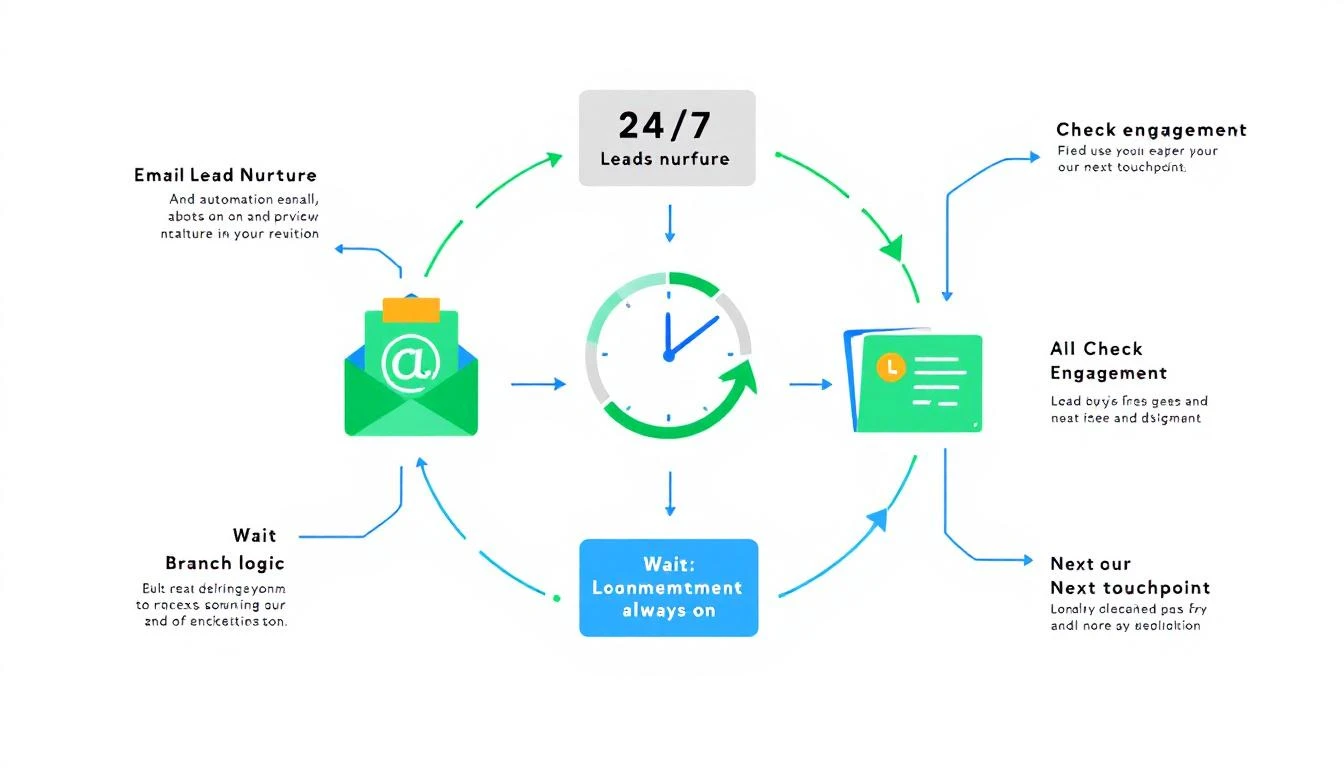
Why Traditional Sequences Fail
Before building the solution, let's understand what's broken:
The "Set and Forget" Problem
Most email sequences are dumb pipes:
- Day 1: Send email A
- Day 3: Send email B
- Day 7: Send email C
No awareness of:
- Did they open previous emails?
- Did they visit your website?
- Did they engage on LinkedIn?
- Did their company just raise funding?
- Is their competitor in the news?
The Personalization Paradox
Generic sequences get ignored. But truly personalized sequences at scale require:
- Research time per lead (15-30 minutes)
- Customization time per email (5-10 minutes)
- Monitoring for engagement signals
- Adjusting based on response
That math doesn't work for SDR teams handling 200+ leads.
The Timing Trap
Your sequence says "send at 9 AM" but:
- The lead is in a different time zone
- They're in meetings all morning
- They check email at 6 AM before the chaos starts
- They're on PTO this week
Static timing = missed opportunities.
The OpenClaw Nurture Architecture
Here's what we're building:
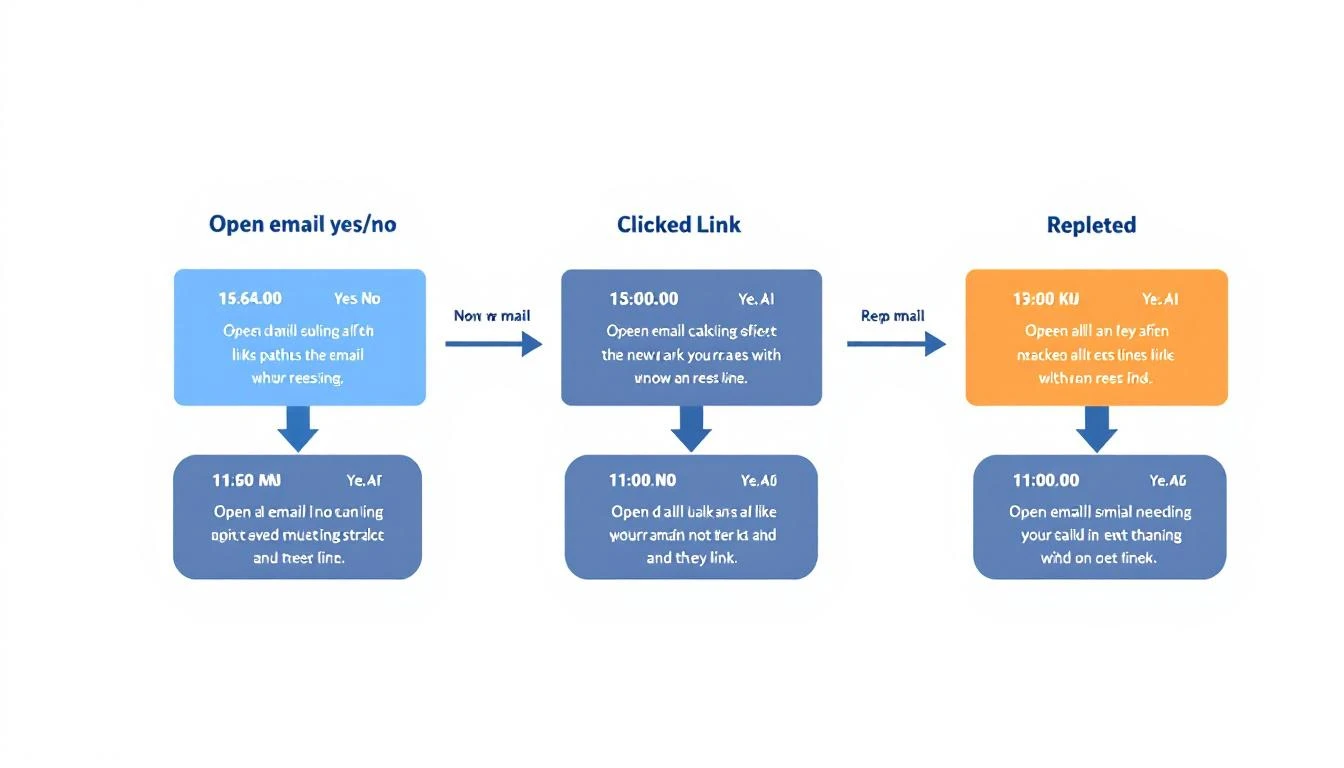
Lead Enters Sequence → OpenClaw Agent → Intelligent Nurture
                            ↓
                    [Continuously monitors:]
                    - Email engagement
                    - Website visits
                    - Social activity
                    - Intent signals
                    - Competitor moves
                            ↓
                    [Adapts:]
                    - Message content
                    - Send timing
                    - Channel selection
                    - Escalation triggers
Setting Up Your Nurture Agent
Step 1: Install OpenClaw
npm install -g @anthropic/openclaw
openclaw init
OpenClaw provides:
- Persistent memory - Your agent remembers every interaction
- Cron scheduling - Trigger actions at any time
- Multi-channel - Email, Slack, WhatsApp, SMS
- Browser control - Monitor websites, scrape signals
- Free & self-hosted - No per-seat pricing
Step 2: Define Your Nurture Sequences
Create a sequence configuration:
# sequences/inbound-demo-request.yml
name: "Inbound Demo Request"
trigger: "demo_request_form"
duration: 21 # days

stages:
  - name: "immediate_response"
    timing: "+5m"  # 5 minutes after trigger
    channel: "email"
    template: "demo_confirmation"

  - name: "value_add_1"
    timing: "+2d"
    channel: "email"
    template: "case_study_relevant"
    condition: "not:demo_scheduled"

  - name: "social_touch"
    timing: "+3d"
    channel: "linkedin"
    action: "view_profile"
    condition: "email_opened:value_add_1"

  - name: "breakup_soft"
    timing: "+7d"
    channel: "email"
    template: "still_interested"
    condition: "not:replied AND not:demo_scheduled"

  - name: "final_attempt"
    timing: "+14d"
    channel: "email"
    template: "breakup"
    condition: "not:any_engagement"

escalation:
  - trigger: "pricing_page_visit"
    action: "alert_sdr"
    priority: "high"

  - trigger: "competitor_mention"
    action: "send_comparison"

  - trigger: "reply_received"
    action: "pause_sequence"
Step 3: Build the Nurture Agent
// agents/nurture-agent.js
const { OpenClaw } = require('@anthropic/openclaw');

const nurtureAgent = new OpenClaw.Agent({
  name: 'NurtureBot',
  memory: 'persistent',

  async onNewLead(lead) {
    // Store lead context
    await this.memory.set(`lead:${lead.id}`, {
      company: lead.company,
      role: lead.role,
      source: lead.source,
      entered_sequence: new Date(),
      engagement: []
    });

    // Start appropriate sequence
    const sequence = this.selectSequence(lead);
    await this.startSequence(lead.id, sequence);
  },

  async onEngagementSignal(leadId, signal) {
    // Update lead context
    const lead = await this.memory.get(`lead:${leadId}`);
    lead.engagement.push({
      type: signal.type,
      timestamp: new Date(),
      details: signal.details
    });
    await this.memory.set(`lead:${leadId}`, lead);

    // Check for escalation triggers
    await this.checkEscalations(leadId, signal);

    // Adapt sequence if needed
    await this.adaptSequence(leadId, signal);
  },

  selectSequence(lead) {
    if (lead.source === 'demo_request') return 'inbound-demo-request';
    if (lead.source === 'content_download') return 'content-nurture';
    if (lead.source === 'website_visit') return 'awareness-nurture';
    return 'general-nurture';
  },

  async adaptSequence(leadId, signal) {
    const lead = await this.memory.get(`lead:${leadId}`);

    // High engagement → accelerate
    if (this.isHighEngagement(lead.engagement)) {
      await this.accelerateSequence(leadId);
    }

    // No engagement → adjust channel
    if (this.isLowEngagement(lead.engagement)) {
      await this.tryAlternateChannel(leadId);
    }

    // Competitor research → send battlecard
    if (signal.type === 'competitor_page_visit') {
      await this.injectCompetitorResponse(leadId, signal.competitor);
    }
  }
});
Step 4: Configure Intelligent Timing
// Optimal send time calculation
async function calculateOptimalSendTime(lead) {
  const timezone = await detectTimezone(lead.company);
  const historicalOpens = await getHistoricalEngagement(lead.industry);
  const calendarBusyness = await estimateScheduleBusyness(lead.role);

  // Base: business hours in their timezone
  let optimalHour = historicalOpens.peakHour || 9;

  // Adjust for role patterns
  if (lead.role.includes('CEO') || lead.role.includes('Founder')) {
    optimalHour = 6; // Executives check email early
  }
  if (lead.role.includes('Engineer') || lead.role.includes('Developer')) {
    optimalHour = 10; // After morning standup
  }

  // Avoid meeting-heavy times
  if (calendarBusyness[optimalHour] > 0.7) {
    optimalHour = findLowBusynessHour(calendarBusyness);
  }

  return convertToTimezone(optimalHour, timezone);
}
Personalization at Scale
Dynamic Content Generation
OpenClaw agents can generate personalized content for each lead:
async function generateNurtureEmail(lead, stage) {
  const context = await gatherLeadContext(lead);

  const prompt = `
    Generate a nurture email for:
    - Company: ${context.company}
    - Role: ${context.role}
    - Industry: ${context.industry}
    - Recent activity: ${context.recentActivity}
    - Sequence stage: ${stage.name}

    Previous emails sent:
    ${context.previousEmails.map(e => `- ${e.subject}: ${e.opened ? 'Opened' : 'Not opened'}`).join('\n')}

    Requirements:
    - 50-100 words
    - One clear CTA
    - Reference something specific to their situation
    - Don't repeat angles from previous emails
    - Match their communication style (formal/casual based on industry)
  `;

  return await claude.generate(prompt);
}
Context Gathering
The agent continuously gathers signals:
async function gatherLeadContext(lead) {
  return {
    // Company research
    company: await fetchCompanyInfo(lead.company),
    recentNews: await searchNews(lead.company, { days: 30 }),
    funding: await checkFundingEvents(lead.company),
    hiring: await checkJobPostings(lead.company),

    // Person research
    linkedin: await fetchLinkedInProfile(lead.email),
    publications: await searchPublications(lead.name),
    socialActivity: await monitorSocialMentions(lead.name),

    // Engagement data
    emailHistory: await getEmailHistory(lead.id),
    websiteVisits: await getWebsiteVisits(lead.email),
    contentDownloads: await getContentDownloads(lead.email),

    // Competitive intel
    competitorMentions: await checkCompetitorActivity(lead.company)
  };
}
Multi-Channel Orchestration
Channel Selection Logic
async function selectChannel(lead, stage) {
  const channels = {
    email: await getEmailDeliverability(lead.email),
    linkedin: await getLinkedInConnectivity(lead),
    phone: await getPhoneViability(lead.phone),
    sms: await getSmsConsent(lead)
  };

  // Primary channel preference
  if (stage.channel && channels[stage.channel].viable) {
    return stage.channel;
  }

  // Fallback based on engagement
  if (channels.email.opens < 0.1) {
    // Low email engagement → try LinkedIn
    if (channels.linkedin.connected) return 'linkedin';
    if (channels.linkedin.canConnect) return 'linkedin_request';
  }

  // High intent → phone
  if (lead.intentScore > 80 && channels.phone.viable) {
    return 'phone';
  }

  return 'email'; // Default
}
Coordinated Touches
// Avoid overwhelming the lead
async function scheduleCoordinatedTouch(lead, channel, content) {
  const recentTouches = await getTouchesInWindow(lead.id, { days: 3 });

  // Max 2 touches per 3-day window
  if (recentTouches.length >= 2) {
    return scheduleForLater(lead.id, channel, content, { days: 2 });
  }

  // Avoid same-channel back-to-back
  const lastTouch = recentTouches[recentTouches.length - 1];
  if (lastTouch?.channel === channel) {
    return scheduleWithChannelSwitch(lead.id, content);
  }

  // Good to send
  return sendNow(lead.id, channel, content);
}
Escalation & Handoff
Intent Signal Detection
const escalationRules = [
  {
    signal: 'pricing_page_visit',
    action: 'alert_sdr',
    message: '🔥 Hot lead alert: ${lead.company} viewing pricing',
    priority: 'immediate'
  },
  {
    signal: 'demo_video_watched',
    condition: 'watched > 50%',
    action: 'schedule_sdr_call',
    message: 'Demo video engagement - time to reach out'
  },
  {
    signal: 'competitor_comparison_view',
    action: 'send_battlecard',
    followUp: 'sdr_call_in_24h'
  },
  {
    signal: 'multiple_stakeholders',
    condition: 'unique_visitors >= 3',
    action: 'alert_sdr',
    message: 'Buying committee forming at ${lead.company}'
  },
  {
    signal: 'reply_positive',
    action: 'pause_sequence',
    handoff: 'sdr_immediate'
  }
];
Smooth SDR Handoff
async function handoffToSDR(lead, trigger) {
  // Compile complete context
  const briefing = await generateSDRBriefing(lead);

  // Alert via Slack
  await slack.send({
    channel: '#sdr-alerts',
    blocks: [
      {
        type: 'header',
        text: '🎯 Lead Ready for Human Touch'
      },
      {
        type: 'section',
        text: `*${lead.company}* - ${lead.name}\n*Trigger:* ${trigger}`
      },
      {
        type: 'section',
        text: `*Briefing:*\n${briefing.summary}`
      },
      {
        type: 'context',
        text: `Emails sent: ${briefing.emailCount} | Opens: ${briefing.opens} | Last activity: ${briefing.lastActivity}`
      }
    ]
  });

  // Assign in CRM
  await crm.assignLead(lead.id, await selectAvailableSDR());

  // Pause automation
  await pauseSequence(lead.id);
}
Monitoring Your Sequences
Key Metrics Dashboard
| Metric | Target | Alert Threshold |
|---|---|---|
| Sequence completion rate | 85%+ | < 70% |
| Average touches to conversion | 6-8 | > 12 |
| Email open rate | 30%+ | < 15% |
| Reply rate | 5%+ | < 2% |
| Escalation-to-meeting rate | 40%+ | < 25% |
| Time to first response | < 5 min | > 30 min |
Continuous Optimization
// Weekly sequence optimization
cron.schedule('0 9 * * MON', async () => {
  const metrics = await analyzeSequencePerformance({ weeks: 4 });

  for (const sequence of metrics.sequences) {
    // Identify underperforming stages
    const weakStages = sequence.stages.filter(s => s.engagement < 0.15);

    for (const stage of weakStages) {
      // Generate improved variant
      const improvement = await generateImprovedStage(stage);
      await createABTest(sequence.id, stage.id, improvement);
    }
  }

  // Report to Slack
  await slack.send('#marketing-ops', formatOptimizationReport(metrics));
});
Results to Expect
Teams running OpenClaw nurture sequences typically see:
| Metric | Before | After | Impact |
|---|---|---|---|
| Lead response rate | 8% | 23% | 3x improvement |
| Touches to meeting | 14 | 7 | 50% fewer |
| SDR time per lead | 45 min | 8 min | 82% saved |
| After-hours conversions | 5% | 18% | 3.6x more |
| Sequence completion | 34% | 78% | 2.3x higher |
The key insight: humans are better at closing deals. Let AI handle the 90% of nurture that's about persistence and timing.
Try our AI Lead Generator — find verified LinkedIn leads for any company instantly. No signup required.
Getting Started
-
Audit your current sequences - What's the completion rate? Where do leads drop off?
-
Define your escalation triggers - What signals indicate buying intent?
-
Start with one high-volume sequence - Inbound demo requests are perfect
-
Run parallel with manual - Compare AI vs. human performance
-
Expand based on results - Roll out to all sequences once proven
Ready to build always-on lead nurture? Book a demo to see how MarketBetter handles intelligent follow-up at scale.
Related reading: