
Multi-CRM Sync Automation with Codex: HubSpot + Salesforce Unified [2026]

Your company runs HubSpot for marketing. Sales uses Salesforce. The two don't talk.
Every week, someone manually exports contacts from HubSpot, cleans the data in Excel, and imports to Salesforce. Deals created in Salesforce never make it back to HubSpot. Marketing can't see which MQLs became opportunities.
The result: Marketing thinks their campaigns are working. Sales thinks marketing sends garbage leads. Nobody can prove anything because the data lives in two places.
Sound familiar? You're not alone. This is one of the most common problems in B2B GTM.
Enterprise solutions like Workato, Tray.io, or HubSpot's native Salesforce sync cost $20K-50K per year and still require massive configuration.
What if you could build a smarter sync for $100/month?
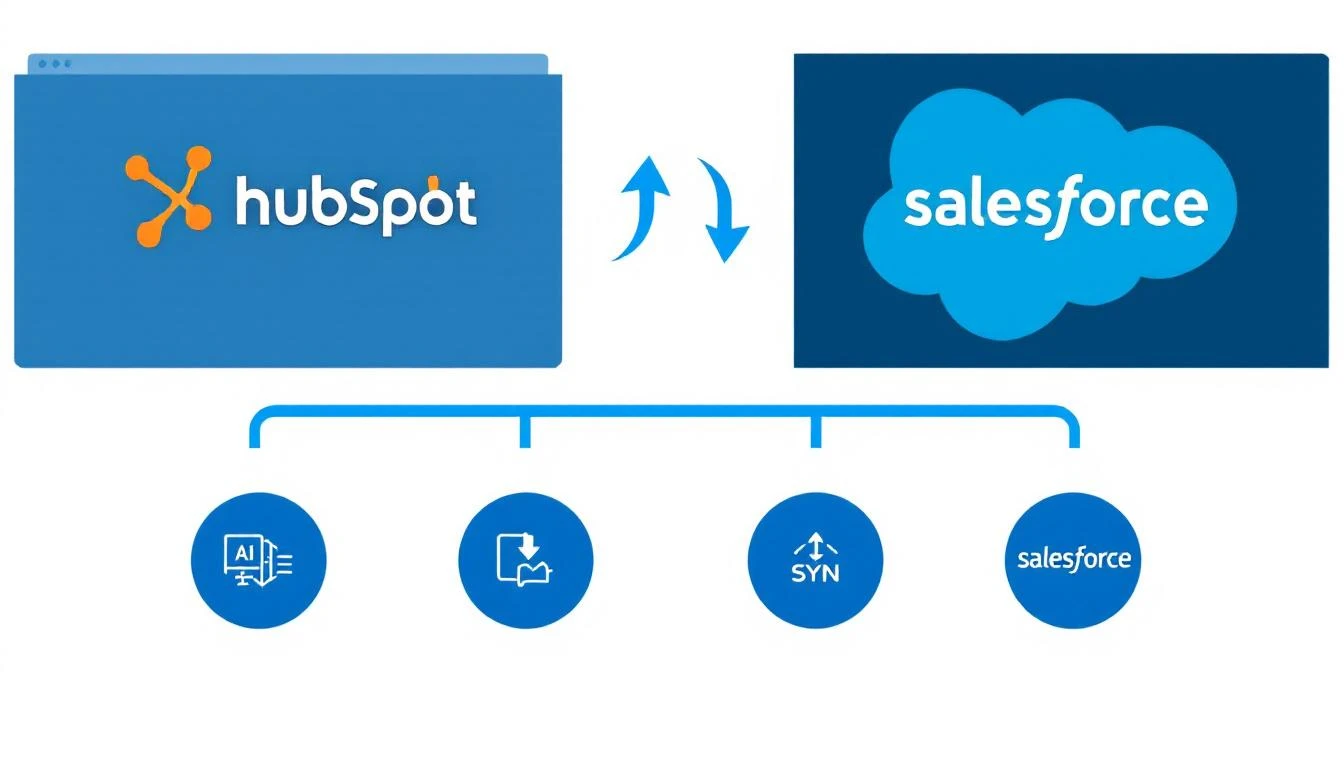
The Problem with Traditional Sync Tools
Native HubSpot-Salesforce Sync
HubSpot offers a native Salesforce integration. It works... sort of. Problems:
- One-way sync for many fields
- Limited conflict resolution
- No custom logic for edge cases
- Breaks when you have custom objects
iPaaS Tools (Workato, Tray, Zapier)
These are better but:
- $20K-50K+/year for enterprise plans
- Complex visual builders that become unmaintainable
- No intelligence—just "if this, then that"
- Can't handle nuanced business rules
The Real Challenge: Business Logic
The hard part isn't syncing fields. It's answering questions like:
- If a contact exists in both systems with different emails, which is correct?
- When a deal stage changes in Salesforce, how does that map to HubSpot lifecycle stages?
- If marketing updates a lead score in HubSpot, should it overwrite the Salesforce score?
- How do you handle records created by integrations vs. humans?
This is where AI shines.
The Architecture
Here's what we're building:
[HubSpot Webhook] ←→ [Sync Engine] ←→ [Salesforce Webhook]
                          ↓
                    [Codex Agent]
                          ↓
                 [Conflict Resolution]
                          ↓
              [Bidirectional Updates]
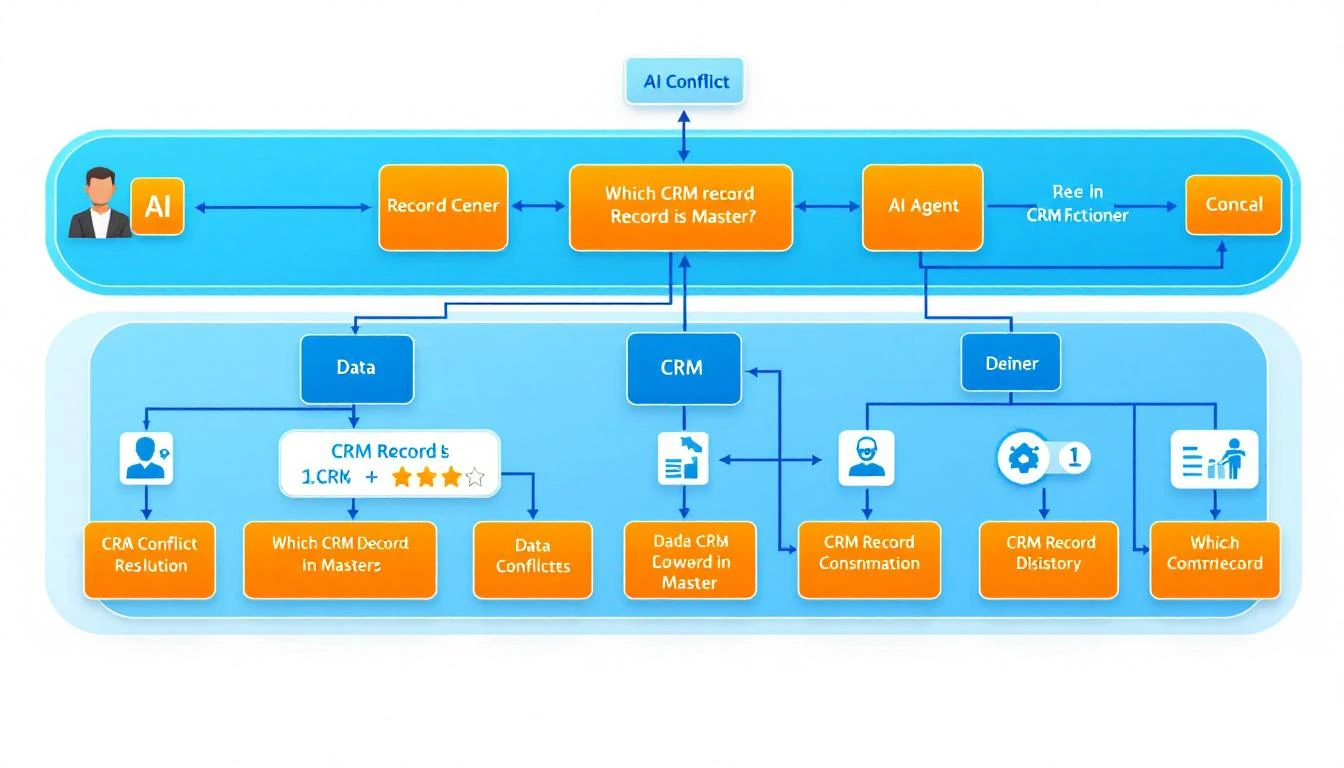
The Codex agent handles:
- Field mapping — Translates between CRM schemas
- Conflict resolution — Decides which record is authoritative
- Validation — Ensures data quality before sync
- Logging — Tracks every change for debugging
Prerequisites
- OpenAI Codex CLI installed
- HubSpot API key (Private App)
- Salesforce Connected App credentials
- Node.js 18+
- A database for sync state (PostgreSQL recommended)
Step 1: Define Your Sync Map
First, document how fields map between systems:
// config/field-map.js
module.exports = {
  contact: {
    // HubSpot field -> Salesforce field
    'email': 'Email',
    'firstname': 'FirstName',
    'lastname': 'LastName',
    'phone': 'Phone',
    'company': 'Company',
    'jobtitle': 'Title',
    'lifecyclestage': 'Status__c', // Custom field
    'hs_lead_score': 'Lead_Score__c',

    // Complex mappings
    'hs_analytics_source': {
      salesforce_field: 'LeadSource',
      transform: (value) => {
        const sourceMap = {
          'ORGANIC_SEARCH': 'Web',
          'PAID_SEARCH': 'Paid Search',
          'SOCIAL_MEDIA': 'Social',
          'EMAIL_MARKETING': 'Email',
          'DIRECT_TRAFFIC': 'Direct',
          'REFERRALS': 'Referral'
        };
        return sourceMap[value] || 'Other';
      }
    }
  },

  deal: {
    'dealname': 'Name',
    'amount': 'Amount',
    'closedate': 'CloseDate',
    'dealstage': {
      salesforce_field: 'StageName',
      transform: (stage) => {
        const stageMap = {
          'appointmentscheduled': 'Discovery',
          'qualifiedtobuy': 'Qualification',
          'presentationscheduled': 'Demo',
          'decisionmakerboughtin': 'Proposal',
          'contractsent': 'Negotiation',
          'closedwon': 'Closed Won',
          'closedlost': 'Closed Lost'
        };
        return stageMap[stage] || 'Unknown';
      }
    }
  },

  company: {
    'name': 'Name',
    'domain': 'Website',
    'industry': 'Industry',
    'numberofemployees': 'NumberOfEmployees',
    'annualrevenue': 'AnnualRevenue'
  }
};
Step 2: Build the Sync Engine Core
// lib/sync-engine.js
const HubSpot = require('@hubspot/api-client');
const jsforce = require('jsforce');
const fieldMap = require('../config/field-map');

class SyncEngine {
  constructor() {
    this.hubspot = new HubSpot.Client({ accessToken: process.env.HUBSPOT_TOKEN });
    this.salesforce = new jsforce.Connection({
      loginUrl: process.env.SF_LOGIN_URL,
      accessToken: process.env.SF_ACCESS_TOKEN,
      instanceUrl: process.env.SF_INSTANCE_URL
    });
    this.syncState = new SyncStateDB(); // Your state store
  }

  async syncHubSpotToSalesforce(objectType, hubspotId) {
    // Get HubSpot record
    const hsRecord = await this.getHubSpotRecord(objectType, hubspotId);

    // Check if already synced
    const existingSfId = await this.syncState.getSalesforceId(objectType, hubspotId);

    if (existingSfId) {
      // Update existing record
      return this.updateSalesforceRecord(objectType, existingSfId, hsRecord);
    } else {
      // Find or create in Salesforce
      const sfRecord = await this.findSalesforceMatch(objectType, hsRecord);

      if (sfRecord) {
        // Link existing and update
        await this.syncState.linkRecords(objectType, hubspotId, sfRecord.Id);
        return this.updateSalesforceRecord(objectType, sfRecord.Id, hsRecord);
      } else {
        // Create new
        return this.createSalesforceRecord(objectType, hsRecord, hubspotId);
      }
    }
  }

  async findSalesforceMatch(objectType, hsRecord) {
    // Use email for contacts, domain for companies, etc.
    if (objectType === 'contact') {
      const email = hsRecord.properties.email;
      if (!email) return null;

      const results = await this.salesforce.sobject('Contact')
        .find({ Email: email })
        .limit(1);

      return results[0] || null;
    }

    if (objectType === 'company') {
      const domain = hsRecord.properties.domain;
      if (!domain) return null;

      const results = await this.salesforce.sobject('Account')
        .find({ Website: { $like: `%${domain}%` } })
        .limit(1);

      return results[0] || null;
    }

    return null;
  }

  transformHubSpotToSalesforce(objectType, hsProperties) {
    const mapping = fieldMap[objectType];
    const sfFields = {};

    for (const [hsField, sfConfig] of Object.entries(mapping)) {
      const value = hsProperties[hsField];
      if (value === undefined || value === null) continue;

      if (typeof sfConfig === 'string') {
        // Simple mapping
        sfFields[sfConfig] = value;
      } else {
        // Complex mapping with transform
        sfFields[sfConfig.salesforce_field] = sfConfig.transform(value);
      }
    }

    return sfFields;
  }
}

module.exports = { SyncEngine };
Step 3: Intelligent Conflict Resolution with Codex
Here's where the AI magic comes in. When records conflict, Codex decides:
// lib/conflict-resolver.js
const { Codex } = require('@openai/codex');

const codex = new Codex({ apiKey: process.env.OPENAI_API_KEY });

async function resolveConflict(hubspotRecord, salesforceRecord, fieldName) {
  const prompt = `You are a CRM data quality expert. Resolve this field conflict:

FIELD: ${fieldName}

HUBSPOT VALUE:
Value: ${hubspotRecord[fieldName]}
Last Modified: ${hubspotRecord.updatedAt}
Modified By: ${hubspotRecord.updatedBy || 'Unknown'}
Source: ${hubspotRecord.source || 'Unknown'}

SALESFORCE VALUE:
Value: ${salesforceRecord[fieldName]}
Last Modified: ${salesforceRecord.LastModifiedDate}
Modified By: ${salesforceRecord.LastModifiedById || 'Unknown'}

BUSINESS RULES:
1. More recent updates generally win
2. Human edits beat automated updates
3. Sales-owned fields (title, phone) prefer Salesforce
4. Marketing-owned fields (lead source, score) prefer HubSpot
5. Email should match—if different, flag for review

OUTPUT FORMAT:
{
  "winner": "hubspot" | "salesforce" | "review_needed",
  "reason": "brief explanation",
  "confidence": 0.0-1.0
}`;

  const response = await codex.complete({
    model: 'gpt-5.3-codex',
    prompt,
    max_tokens: 200,
    response_format: { type: 'json_object' }
  });

  return JSON.parse(response.choices[0].text);
}

async function resolveRecordConflicts(hsRecord, sfRecord, mapping) {
  const resolutions = {};
  const reviewNeeded = [];

  for (const [hsField, sfConfig] of Object.entries(mapping)) {
    const sfField = typeof sfConfig === 'string' ? sfConfig : sfConfig.salesforce_field;

    const hsValue = hsRecord.properties[hsField];
    const sfValue = sfRecord[sfField];

    // Skip if same
    if (hsValue === sfValue) {
      resolutions[hsField] = { value: hsValue, source: 'same' };
      continue;
    }

    // Skip if one is empty
    if (!hsValue && sfValue) {
      resolutions[hsField] = { value: sfValue, source: 'salesforce' };
      continue;
    }
    if (hsValue && !sfValue) {
      resolutions[hsField] = { value: hsValue, source: 'hubspot' };
      continue;
    }

    // Conflict! Let Codex decide
    const resolution = await resolveConflict(
      { [hsField]: hsValue, updatedAt: hsRecord.updatedAt },
      { [sfField]: sfValue, LastModifiedDate: sfRecord.LastModifiedDate },
      hsField
    );

    if (resolution.winner === 'review_needed') {
      reviewNeeded.push({
        field: hsField,
        hubspotValue: hsValue,
        salesforceValue: sfValue,
        reason: resolution.reason
      });
    } else {
      resolutions[hsField] = {
        value: resolution.winner === 'hubspot' ? hsValue : sfValue,
        source: resolution.winner,
        confidence: resolution.confidence,
        reason: resolution.reason
      };
    }
  }

  return { resolutions, reviewNeeded };
}

module.exports = { resolveConflict, resolveRecordConflicts };
Step 4: Webhook Handlers
Set up webhooks for real-time sync:
// webhooks/hubspot.js
const express = require('express');
const { SyncEngine } = require('../lib/sync-engine');
const { resolveRecordConflicts } = require('../lib/conflict-resolver');

const router = express.Router();
const syncEngine = new SyncEngine();

router.post('/hubspot', async (req, res) => {
  const events = req.body;

  for (const event of events) {
    const { subscriptionType, objectId, propertyName, propertyValue } = event;

    // Handle contact updates
    if (subscriptionType === 'contact.propertyChange') {
      console.log(`📥 HubSpot contact ${objectId} updated: ${propertyName}`);

      try {
        await syncEngine.syncHubSpotToSalesforce('contact', objectId);
        console.log(`✅ Synced to Salesforce`);
      } catch (error) {
        console.error(`❌ Sync failed: ${error.message}`);
        // Queue for retry
        await retryQueue.add({ type: 'contact', id: objectId, source: 'hubspot' });
      }
    }

    // Handle deal updates
    if (subscriptionType === 'deal.propertyChange') {
      console.log(`📥 HubSpot deal ${objectId} updated: ${propertyName}`);
      await syncEngine.syncHubSpotToSalesforce('deal', objectId);
    }
  }

  res.sendStatus(200);
});

module.exports = router;
// webhooks/salesforce.js
const express = require('express');
const { SyncEngine } = require('../lib/sync-engine');

const router = express.Router();
const syncEngine = new SyncEngine();

// Salesforce Outbound Message handler
router.post('/salesforce', async (req, res) => {
  // Parse SOAP envelope (Salesforce uses SOAP for outbound messages)
  const notification = parseOutboundMessage(req.body);

  const { objectType, recordId, changedFields } = notification;

  console.log(`📥 Salesforce ${objectType} ${recordId} updated`);

  try {
    await syncEngine.syncSalesforceToHubSpot(objectType, recordId);
    console.log(`✅ Synced to HubSpot`);
  } catch (error) {
    console.error(`❌ Sync failed: ${error.message}`);
  }

  // Return ACK
  res.type('text/xml').send(`
    <soapenv:Envelope xmlns:soapenv="http://schemas.xmlsoap.org/soap/envelope/">
      <soapenv:Body>
        <notificationsResponse xmlns="http://soap.sforce.com/2005/09/outbound">
          <Ack>true</Ack>
        </notificationsResponse>
      </soapenv:Body>
    </soapenv:Envelope>
  `);
});

module.exports = router;
Step 5: Sync Dashboard
Build a simple UI to monitor syncs:
// api/sync-status.js
router.get('/status', async (req, res) => {
  const stats = await db.query(`
    SELECT
      object_type,
      COUNT(*) as total_synced,
      COUNT(CASE WHEN status = 'success' THEN 1 END) as successful,
      COUNT(CASE WHEN status = 'failed' THEN 1 END) as failed,
      COUNT(CASE WHEN status = 'pending_review' THEN 1 END) as pending_review,
      MAX(synced_at) as last_sync
    FROM sync_log
    WHERE synced_at > NOW() - INTERVAL '24 hours'
    GROUP BY object_type
  `);

  const conflicts = await db.query(`
    SELECT *
    FROM sync_conflicts
    WHERE resolved = false
    ORDER BY created_at DESC
    LIMIT 50
  `);

  res.json({
    stats,
    conflicts,
    health: conflicts.length === 0 ? 'healthy' : 'needs_attention'
  });
});
Cost Comparison
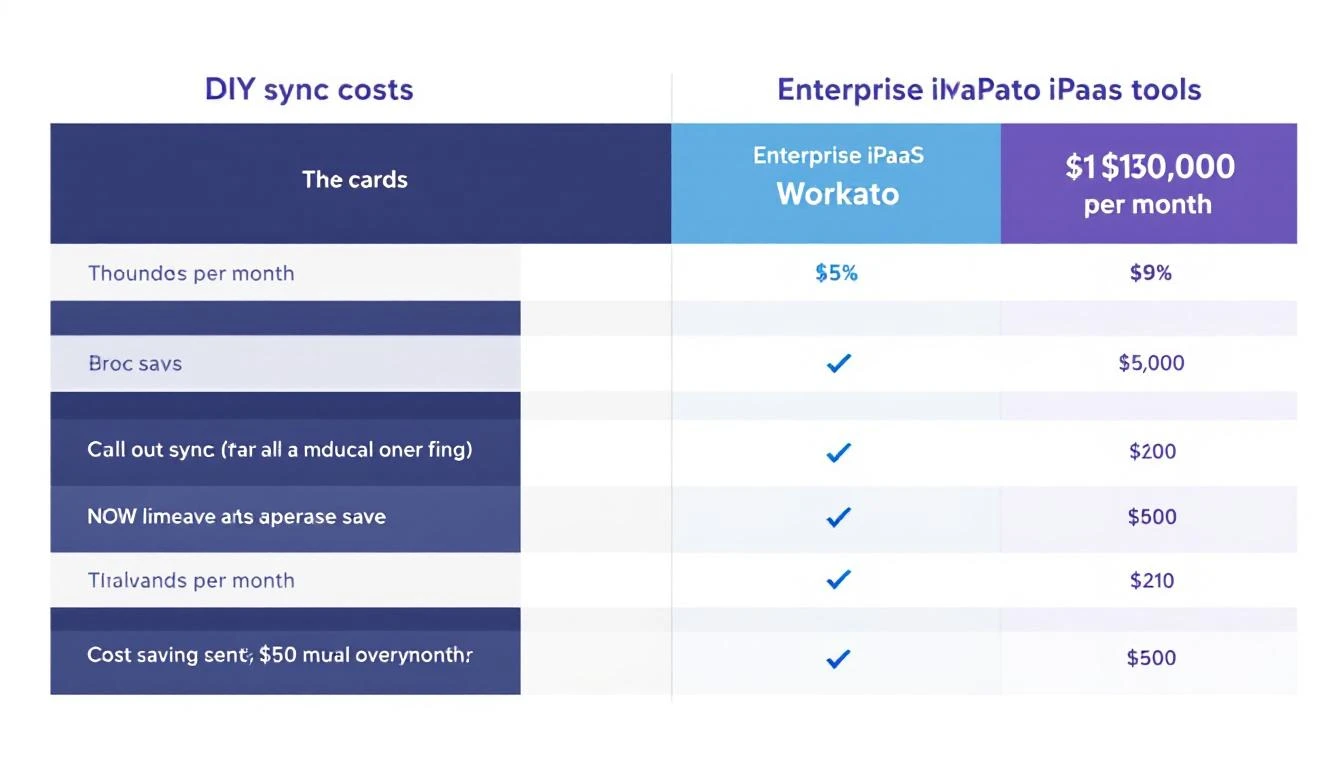
| Solution | Monthly Cost | Features |
|---|---|---|
| Native HubSpot-SF Sync | Included | Basic, one-way many fields |
| Workato | $2,000-5,000 | Full iPaaS, complex workflows |
| Tray.io | $1,500-3,000 | Visual builder, good for non-devs |
| Syncari | $1,000-2,500 | CRM-focused, good conflict resolution |
| DIY with Codex | $50-150 | Full control, AI conflict resolution |
The DIY approach costs ~95% less while giving you MORE intelligence in conflict resolution.
When This Makes Sense
Build your own when:
- You have engineering resources
- Your sync logic is complex/custom
- Cost is a factor
- You want full control and ownership
Use enterprise tools when:
- No engineering bandwidth
- Need compliance certifications
- Want vendor support
- Syncing many systems (not just 2)
Mid-Turn Steering for Bulk Syncs
When doing initial bulk sync (thousands of records), use Codex's mid-turn steering:
# Start bulk sync
codex run bulk-sync --source hubspot --target salesforce --object contacts

# Mid-run, adjust conflict rules
codex steer "For company size conflicts, prefer Salesforce values since sales updates those"

# Or pause problematic records
codex steer "Skip records from [email protected] domain - those are test records"
This lets you fine-tune the sync without starting over.
Common Gotchas
- Infinite loops — Mark records as "sync in progress" to prevent HubSpot→SF→HubSpot cycles
- Rate limits — Both APIs have limits; implement exponential backoff
- Timezone hell — Store all dates in UTC, convert on display
- Lookup fields — Sync Account before Contact (parent before child)
- Deleted records — Decide: soft delete or hard sync?
Try our AI Lead Generator — find verified LinkedIn leads for any company instantly. No signup required.
Want Unified Data Without the Sync Headaches?
MarketBetter aggregates signals from across your stack—CRM, website, email, intent—into one unified view. No more wondering which system has the truth.
Related reading: