
How to Build an AI Lead Qualification Bot with OpenClaw [2026]
Every minute a hot lead waits for a response, your conversion rate drops by 7%. But you can't have SDRs working 24/7—or can you?
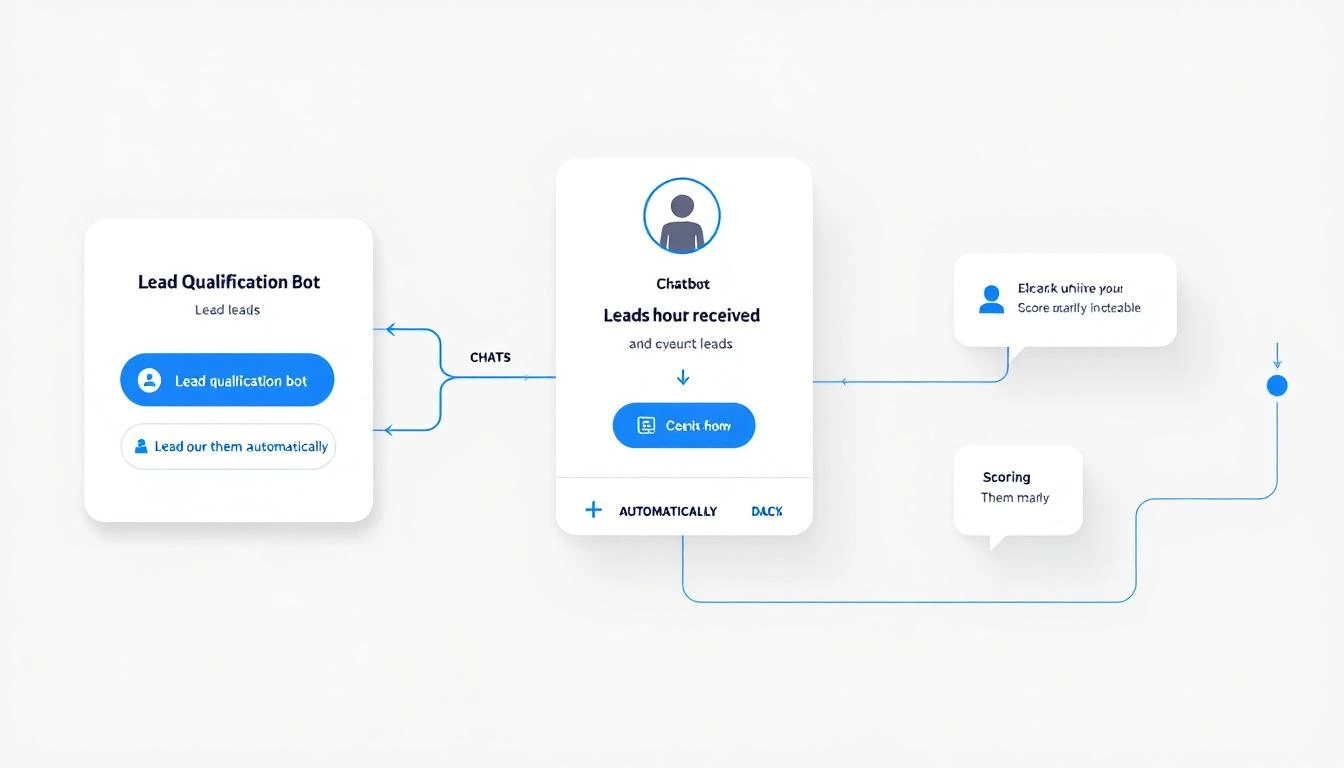
This guide walks you through building an AI-powered lead qualification bot using OpenClaw that works around the clock: asking the right questions, scoring leads in real-time, and instantly routing qualified prospects to your sales team.
Why Lead Qualification Bots Win
The math is brutal:
- 78% of deals go to the company that responds first
- Average response time for web leads: 47 hours
- Lead conversion drops 80% after the first 5 minutes
Traditional chatbots don't solve this. They're glorified FAQ systems that frustrate prospects with "I'll have someone contact you." By the time someone contacts them, they've already booked a demo with your competitor.
An AI qualification bot does real work:
| Traditional Chatbot | AI Qualification Bot |
|---|---|
| "Someone will contact you" | Asks qualifying questions in real-time |
| Static decision trees | Dynamic conversation flow |
| Routes all leads equally | Scores and prioritizes automatically |
| No context awareness | Remembers previous interactions |
| 9-5 availability | True 24/7 qualification |
The OpenClaw Advantage
Why OpenClaw for lead qualification?
- Always-on operation — Cron jobs keep your bot responsive 24/7
- Memory persistence — Bot remembers conversation context across sessions
- Multi-channel — Works on website chat, WhatsApp, Slack, or wherever leads arrive
- Browser automation — Can research leads in real-time (check LinkedIn, company website)
- CRM integration — Direct HubSpot, Salesforce, and API connections
- Free and self-hosted — No per-conversation pricing that scales badly
Let's build it.
Step 1: Define Your Qualification Criteria
Before writing any code, define what makes a qualified lead for your business.
BANT Framework (Classic)
- Budget: Can they afford your solution?
- Authority: Are they a decision-maker?
- Need: Do they have a problem you solve?
- Timeline: When are they looking to buy?
Modern Qualification Criteria
For most B2B SaaS, focus on:
qualification_criteria:
  must_have:
    - Company size: 50-500 employees
    - Role: Director+ in Sales, Marketing, or RevOps
    - Use case: Lead generation or SDR efficiency
    - Timeline: Active evaluation (next 3 months)

  nice_to_have:
    - Using competitor: Apollo, 6sense, ZoomInfo
    - Pain point: SDR productivity or lead quality
    - Trigger event: New funding, hiring SDRs

  disqualifiers:
    - Company size: <20 employees
    - No budget authority
    - Looking for free tools only
    - Student/job seeker
Scoring Matrix
| Criteria | Points | Weight |
|---|---|---|
| Director+ role | +20 | High |
| 50-500 employees | +15 | High |
| Active evaluation | +25 | Critical |
| Using competitor | +15 | Medium |
| Pain match | +20 | High |
| Budget confirmed | +30 | Critical |
| Timeline <3 months | +20 | High |
| Student/researcher | -100 | Disqualify |
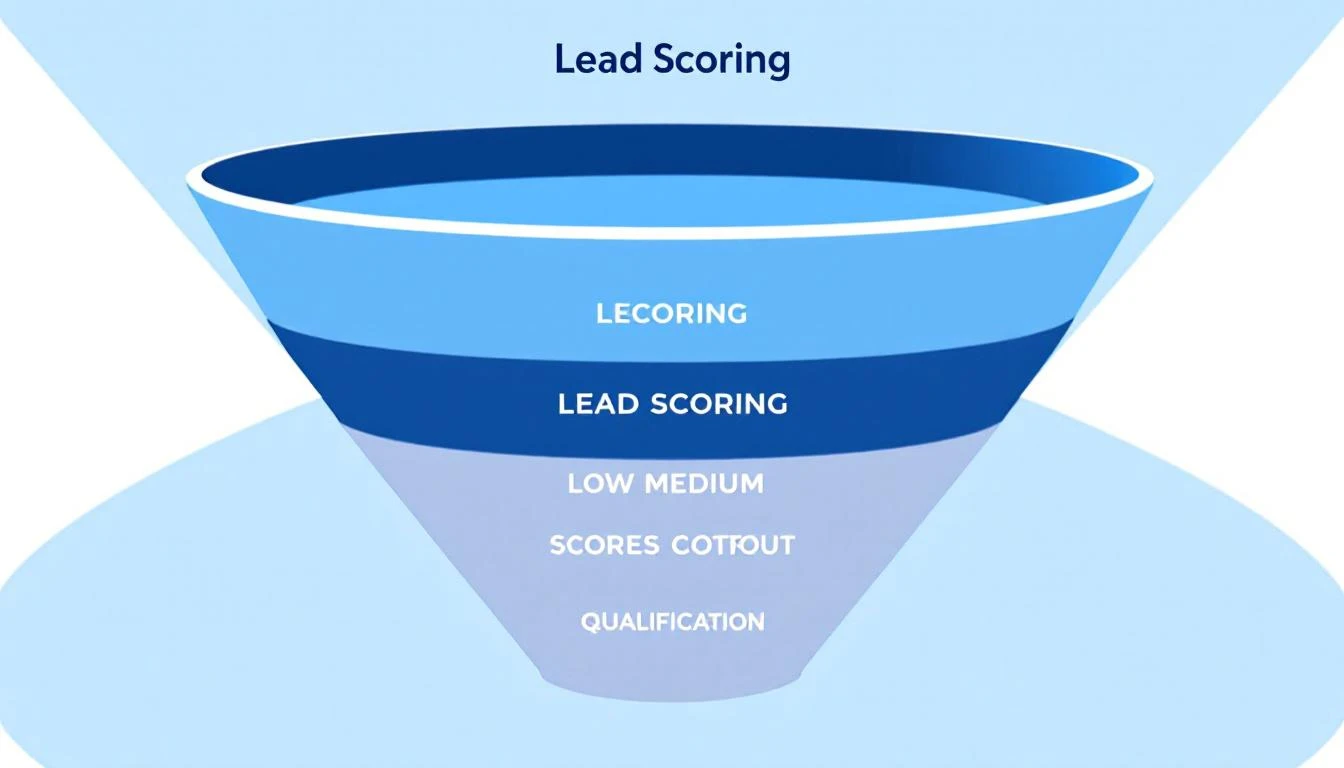
Score thresholds:
- 0-30: Nurture (add to email sequence)
- 31-60: Qualified (route to SDR)
- 61+: Hot (route to AE, alert Slack)
Step 2: Create the OpenClaw Agent
Set up your qualification bot in OpenClaw's AGENTS.md:
# lead-qualifier agent config
name: lead-qualifier
model: claude-sonnet-4-20250514
channels:
  - webchat
  - whatsapp

memory:
  - QUALIFICATION_RULES.md
  - ICP.md

cron:
  # Check for new leads every minute
  - schedule: "* * * * *"
    task: "Check for new unqualified leads in CRM and initiate qualification"
Step 3: The Qualification Conversation Flow
Here's the soul of your bot—the qualification prompt:
# QUALIFICATION_RULES.md

You are a friendly, professional lead qualification specialist for MarketBetter.
Your job is to have natural conversations that qualify leads while being helpful.

## CONVERSATION RULES

1. NEVER sound like a bot. Be conversational and human.
2. Ask ONE question at a time. Don't interrogate.
3. If they ask product questions, answer them—then continue qualifying.
4. Match their communication style (casual/formal).
5. If they're clearly not a fit, be respectful and offer resources.

## QUALIFICATION QUESTIONS

Ask these naturally throughout the conversation (not all at once):

1. **Company/Role**: "What company are you with? And what's your role there?"
2. **Team size**: "How big is your sales/SDR team currently?"
3. **Pain point**: "What brought you to MarketBetter today? What are you trying to solve?"
4. **Current tools**: "What tools are you using today for [their pain point]?"
5. **Timeline**: "Are you actively evaluating solutions, or just researching for now?"
6. **Budget**: "Do you have budget allocated for this, or would this be a new initiative?"

## SCORING (internal, don't share with lead)

After each response, update your internal score:
- Director/VP/C-level: +20
- 50-500 employees: +15
- 10-50 SDRs: +10
- Pain point matches our ICP: +20
- Active evaluation: +25
- Using competitor: +15
- Budget confirmed: +30
- Timeline < 3 months: +20

Disqualify immediately if:
- Student/researcher
- Company < 20 employees
- No commercial intent
- Competitor employee

## ROUTING ACTIONS

Score 0-30 (Nurture):
- Thank them warmly
- Offer to add to newsletter for tips
- Create lead in CRM as "Marketing Qualified"

Score 31-60 (Qualified):
- Offer to schedule a call with an SDR
- Use Calendly link: [link]
- Create opportunity in CRM

Score 61+ (Hot):
- Immediately alert Slack channel #hot-leads
- Offer to connect them with AE now
- Create high-priority task for AE

## EXAMPLE CONVERSATION

Lead: "Hi, I'm looking at lead generation tools"

You: "Hey! Happy to help. I'm Alex from MarketBetter.
What's got you looking at lead gen tools right now—any specific challenge you're trying to solve?"

Lead: "Our SDR team is spending too much time researching leads"

You: "Ah, that's a super common one. How big is your SDR team? Just trying to get a sense of the scale."

Lead: "We have about 15 SDRs"

You: "Got it—15 SDRs is a solid team. And you mentioned research is eating up their time...
are you using any tools today for lead research, or is it mostly manual?"

[Continue naturally until qualified]
Step 4: CRM Integration
Connect your bot to your CRM so qualified leads get created automatically:
// In your OpenClaw skills or scripts
const qualifyLead = async (conversation) => {
  // Extract qualification data from conversation
  const qualData = await claude.analyze({
    prompt: `Extract qualification data from this conversation:
    ${conversation}

    Return JSON: {
      name, email, company, role, teamSize, painPoint,
      currentTools, timeline, budgetConfirmed, score, notes
    }`
  });

  // Create/update lead in HubSpot
  const lead = await hubspot.createContact({
    email: qualData.email,
    firstname: qualData.name.split(' ')[0],
    lastname: qualData.name.split(' ').slice(1).join(' '),
    company: qualData.company,
    jobtitle: qualData.role,
    lifecyclestage: qualData.score > 30 ? 'salesqualifiedlead' : 'marketingqualifiedlead',
    lead_score: qualData.score,
    hs_lead_status: qualData.score > 60 ? 'HOT' : 'QUALIFIED',
    notes: qualData.notes
  });

  // Route based on score
  if (qualData.score > 60) {
    await slack.send('#hot-leads', {
      text: `🔥 Hot lead just qualified!`,
      blocks: [
        {
          type: "section",
          text: {
            type: "mrkdwn",
            text: `*${qualData.name}* from *${qualData.company}*\n` +
              `Score: ${qualData.score}/100\n` +
              `Pain: ${qualData.painPoint}\n` +
              `Timeline: ${qualData.timeline}`
          }
        },
        {
          type: "actions",
          elements: [
            {
              type: "button",
              text: { type: "plain_text", text: "View in HubSpot" },
              url: `https://app.hubspot.com/contacts/${lead.id}`
            }
          ]
        }
      ]
    });
  }

  return lead;
};
Step 5: Real-Time Lead Research
Here's where OpenClaw shines—your bot can research leads during the conversation:
// When lead provides company name
const enrichLead = async (companyName) => {
  // Use browser to research
  const research = await openclaw.browser.research({
    queries: [
      `${companyName} linkedin company`,
      `${companyName} crunchbase funding`,
      `${companyName} careers hiring`
    ]
  });

  // Claude summarizes findings
  const enrichment = await claude.analyze({
    prompt: `Summarize this company research for sales qualification:
    ${research}

    Extract: employee count, funding stage, recent news, tech stack hints, hiring signals`
  });

  return enrichment;
};
Now your bot can say things like:
"Oh nice, I see Acme Corp just raised a Series B—congrats! Are you looking at tools to help scale the team with that new funding?"
This level of personalization makes leads forget they're talking to a bot.
Step 6: Multi-Channel Deployment
Deploy your qualification bot across channels:
Website Chat
Embed OpenClaw's webchat widget on high-intent pages:
- Pricing page
- Demo request page
- Feature comparison pages
WhatsApp Business
For leads who prefer messaging:
# OpenClaw whatsapp channel config
whatsapp:
  number: "+1-XXX-XXX-XXXX"
  webhook: /api/whatsapp
  qualify_on: first_message
Slack Connect
For enterprise prospects already in Slack:
slack:
  workspace: marketbetter
  channel: #shared-[company]
  qualify_on: join
Step 7: Handle Edge Cases
Good bots handle the unexpected:
Product Questions Mid-Qualification
## PRODUCT QUESTIONS

If the lead asks product questions during qualification, ANSWER THEM.
Don't deflect with "let me have someone call you."

Use this knowledge base:
- [Link to product docs]
- [Link to feature matrix]
- [Link to pricing info]

After answering, naturally transition back to qualification:
"Does that answer your question? By the way, I want to make sure
I connect you with the right person—what's your role at [company]?"
Impatient Leads
## FAST QUALIFICATION

If lead seems impatient or says "just get me to sales":
- Don't force all questions
- Ask ONLY: company, role, and main use case
- Immediately offer calendar link
- Note in CRM: "Fast-tracked, needs full qualification on call"
Off-Hours Handling
## AFTER HOURS

If it's outside business hours (6pm-8am local):
- Still fully qualify
- Offer next-day call booking
- Set expectation: "Great! [AE name] will reach out first thing tomorrow morning"
- Create high-priority task for morning
Measuring Success
Track these metrics for your qualification bot:
| Metric | Target | Why It Matters |
|---|---|---|
| Response time | <30 seconds | Speed to lead |
| Qualification rate | >40% | Bot effectiveness |
| Handoff acceptance | >80% | Scoring accuracy |
| Demo show rate | >70% | Lead quality |
| Pipeline influenced | Track monthly | Revenue impact |
The MarketBetter Connection
MarketBetter's AI chatbot uses similar qualification intelligence—but goes further by connecting to your entire GTM stack:
- Website visitor identification to enrich leads before they chat
- Intent signals from their browsing behavior
- Seamless handoff to SDR playbook for follow-up
- Closed-loop reporting on which leads convert
The result? Leads are qualified, scored, and routed in seconds—not hours.
See MarketBetter's AI qualification in action →
Try our AI Lead Generator — find verified LinkedIn leads for any company instantly. No signup required.
Implementation Checklist
Ready to build your qualification bot?
- Define qualification criteria and scoring
- Create OpenClaw agent with qualification prompt
- Set up CRM integration (HubSpot/Salesforce)
- Configure Slack alerts for hot leads
- Deploy to website chat
- Add WhatsApp channel (optional)
- Set up lead enrichment research
- Configure off-hours handling
- Test with sample conversations
- Monitor and tune scoring thresholds
The best SDRs still beat bots in complex sales conversations. But for initial qualification? A well-built AI bot responds faster, works 24/7, and never forgets to ask the important questions.
Building more AI automation for GTM? Check out our guides on CRM hygiene automation and the complete OpenClaw setup guide.