
Automate LinkedIn Sales Navigator with Claude Code: The Complete Guide [2026]

Your SDRs spend 3-4 hours per day doing the same thing: searching Sales Navigator, copying profiles to a spreadsheet, researching each prospect, then writing "personalized" messages that still sound generic.
That's $50,000+ per year in SDR salary spent on copy-paste work.
What if an AI agent could do the research in seconds and actually write messages that reference real details from each prospect's profile?
That's exactly what we're building in this guide using Claude Code.
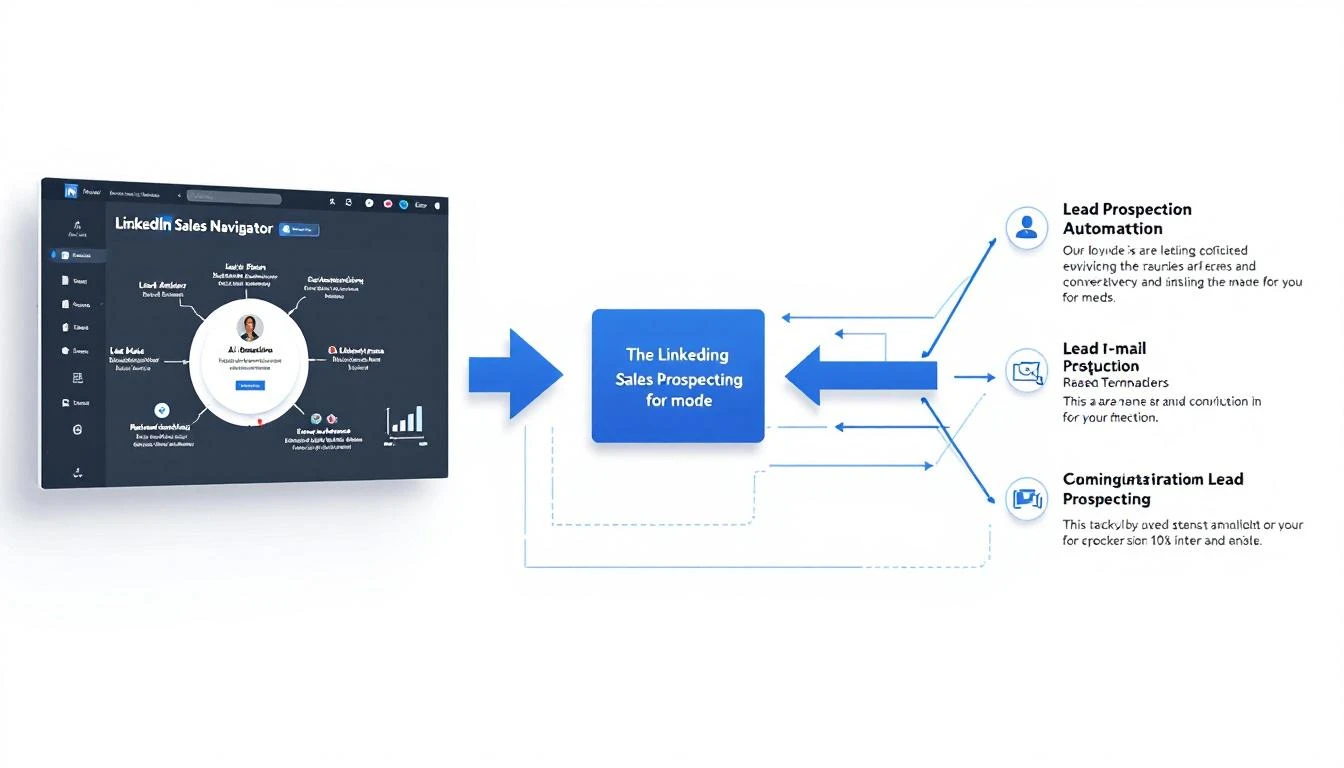
Why LinkedIn Automation Is Broken (And How AI Fixes It)
Let's be honest about the current state of LinkedIn automation:
The Old Way: Automation Tools
Tools like LinkedHelper, Dux-Soup, and Expandi can automate connection requests and messages. The problem? LinkedIn detects them, they send the same message to everyone, and your account gets restricted.
The Slightly Better Way: Virtual Assistants
Hire a VA in the Philippines to manually send messages. More personalized, but expensive ($800-1500/month for dedicated), slow, and they still struggle with research depth.
The AI Way: Claude Code + Browser Automation
Use Claude's reasoning to actually understand each prospect's profile, then generate genuinely personalized outreach. Not "Hi {first_name}, I saw you work at {company}"—real personalization.
The difference: Claude can read a VP of Sales' entire career history, their recent posts, their company's latest funding round, and synthesize that into an opening line that feels like you actually did your homework.
The Architecture: What We're Building
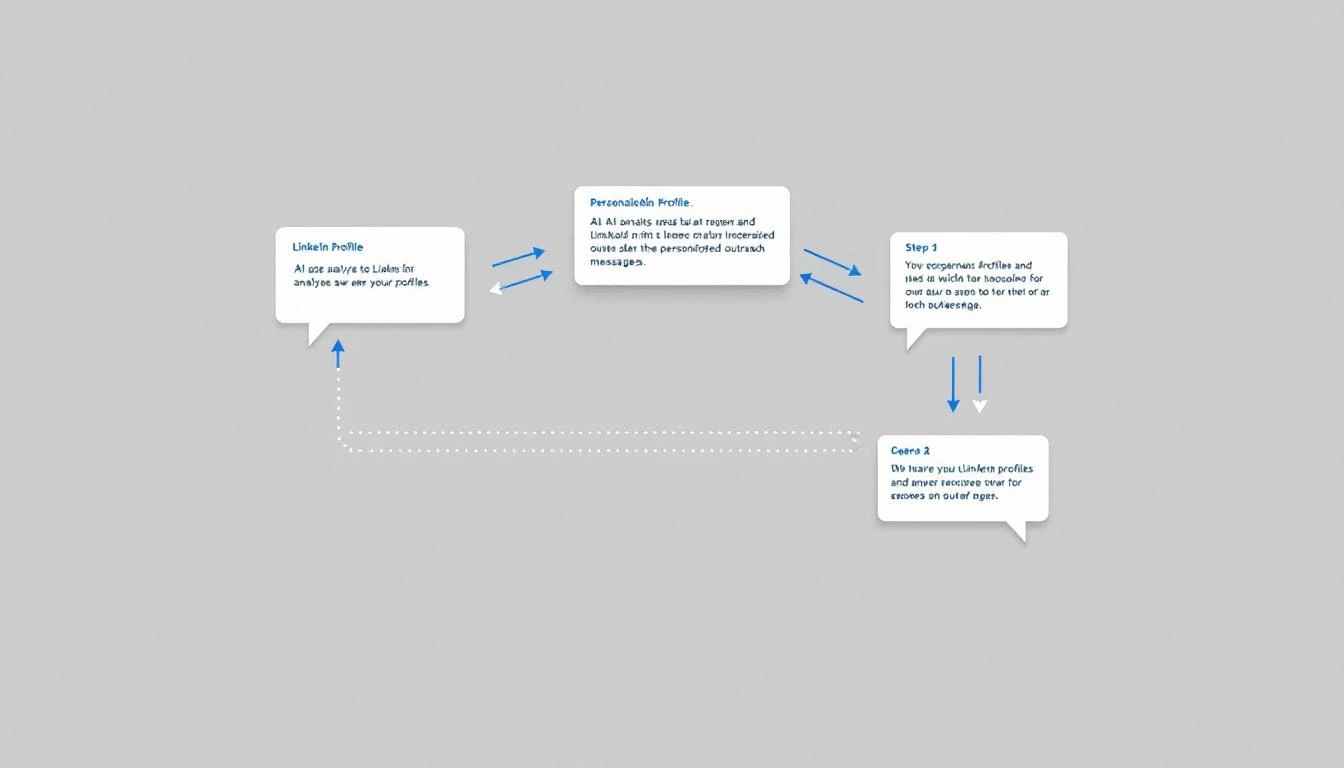
Here's the system:
- Input: ICP criteria (title, industry, company size, location)
- Process: Claude Code researches each prospect using Sales Navigator data
- Output: Personalized first-touch messages ready to send
We'll use browser automation (via Playwright) to interact with Sales Navigator, and Claude Code to do the thinking.
Prerequisites
Before we start:
- LinkedIn Sales Navigator account (Core or Advanced)
- Claude API access (via Anthropic)
- Node.js 18+ installed
- Basic familiarity with JavaScript
Step 1: Set Up the Project
mkdir linkedin-prospector && cd linkedin-prospector
npm init -y
npm install playwright @anthropic-ai/sdk dotenv
npx playwright install chromium
Create your environment file:
# .env
ANTHROPIC_API_KEY=sk-ant-...
LINKEDIN_EMAIL=[email protected]
LINKEDIN_PASSWORD=your_password
Step 2: Build the Browser Session Manager
First, we need a way to maintain a logged-in LinkedIn session:
// lib/browser.js
const { chromium } = require('playwright');
const path = require('path');

const USER_DATA_DIR = path.join(__dirname, '../.browser-data');

async function getLinkedInSession() {
  const browser = await chromium.launchPersistentContext(USER_DATA_DIR, {
    headless: true, // Set false for debugging
    viewport: { width: 1280, height: 800 },
    userAgent: 'Mozilla/5.0 (Macintosh; Intel Mac OS X 10_15_7) AppleWebKit/537.36'
  });

  const page = await browser.newPage();

  // Check if already logged in
  await page.goto('https://www.linkedin.com/feed/');
  await page.waitForTimeout(2000);

  const isLoggedIn = await page.url().includes('/feed');

  if (!isLoggedIn) {
    await login(page);
  }

  return { browser, page };
}

async function login(page) {
  await page.goto('https://www.linkedin.com/login');
  await page.fill('#username', process.env.LINKEDIN_EMAIL);
  await page.fill('#password', process.env.LINKEDIN_PASSWORD);
  await page.click('button[type="submit"]');
  await page.waitForNavigation();

  // Handle potential security checkpoint
  if (page.url().includes('checkpoint')) {
    console.log('⚠️ Security checkpoint detected. Please complete manually.');
    await page.waitForNavigation({ timeout: 120000 });
  }
}

module.exports = { getLinkedInSession };
Step 3: Build the Sales Navigator Scraper
Now, let's extract prospect data from Sales Navigator searches:
// lib/navigator.js
async function searchProspects(page, criteria) {
  const { title, industry, companySize, location } = criteria;

  // Navigate to Sales Navigator search
  await page.goto('https://www.linkedin.com/sales/search/people');
  await page.waitForTimeout(2000);

  // Apply filters
  if (title) {
    await page.click('[data-test-filter-button="CURRENT_TITLE"]');
    await page.fill('input[placeholder="Add title"]', title);
    await page.keyboard.press('Enter');
    await page.waitForTimeout(1000);
  }

  if (companySize) {
    await page.click('[data-test-filter-button="COMPANY_HEADCOUNT"]');
    // Map size to LinkedIn's options
    const sizeMap = {
      'small': '11-50',
      'medium': '51-200',
      'large': '201-500',
      'enterprise': '501-1000'
    };
    await page.click(`text="${sizeMap[companySize]}"`);
    await page.waitForTimeout(1000);
  }

  // Wait for results
  await page.waitForSelector('.search-results__result-list');

  // Extract prospect data
  const prospects = await page.evaluate(() => {
    const results = [];
    const cards = document.querySelectorAll('.search-results__result-item');

    cards.forEach(card => {
      const nameEl = card.querySelector('.result-lockup__name');
      const titleEl = card.querySelector('.result-lockup__highlight-keyword');
      const companyEl = card.querySelector('.result-lockup__position-company');
      const linkEl = card.querySelector('a[href*="/sales/lead/"]');

      if (nameEl && linkEl) {
        results.push({
          name: nameEl.textContent.trim(),
          title: titleEl?.textContent.trim() || '',
          company: companyEl?.textContent.trim() || '',
          profileUrl: linkEl.href
        });
      }
    });

    return results;
  });

  return prospects;
}

async function getProspectDetails(page, profileUrl) {
  await page.goto(profileUrl);
  await page.waitForTimeout(2000);

  const details = await page.evaluate(() => {
    // Extract comprehensive profile data
    const about = document.querySelector('.profile-section-card__contents')?.textContent.trim();

    const experience = [];
    document.querySelectorAll('.experience-item').forEach(item => {
      experience.push({
        title: item.querySelector('.experience-item__title')?.textContent.trim(),
        company: item.querySelector('.experience-item__subtitle')?.textContent.trim(),
        duration: item.querySelector('.date-range')?.textContent.trim(),
        description: item.querySelector('.experience-item__description')?.textContent.trim()
      });
    });

    const recentActivity = [];
    document.querySelectorAll('.recent-activity-item').forEach(item => {
      recentActivity.push(item.textContent.trim().substring(0, 200));
    });

    return {
      about,
      experience,
      recentActivity,
      headline: document.querySelector('.profile-topcard__title')?.textContent.trim(),
      location: document.querySelector('.profile-topcard__location')?.textContent.trim()
    };
  });

  return details;
}

module.exports = { searchProspects, getProspectDetails };
Step 4: The Claude Personalization Engine
This is where the magic happens. Claude reads the profile data and generates truly personalized outreach:
// lib/personalize.js
const Anthropic = require('@anthropic-ai/sdk');

const client = new Anthropic();

async function generatePersonalizedMessage(prospect, details, context) {
  const prompt = `You are an SDR writing a LinkedIn connection request. Your goal is to get a response, not make a sale.

PROSPECT DATA:
Name: ${prospect.name}
Current Title: ${prospect.title}
Company: ${prospect.company}
Headline: ${details.headline}
Location: ${details.location}

ABOUT SECTION:
${details.about || 'Not available'}

RECENT EXPERIENCE:
${details.experience.slice(0, 3).map(e =>
  `- ${e.title} at ${e.company} (${e.duration}): ${e.description?.substring(0, 100) || 'No description'}`
).join('\n')}

RECENT ACTIVITY:
${details.recentActivity.slice(0, 3).join('\n') || 'No recent activity visible'}

YOUR CONTEXT:
Company: ${context.yourCompany}
What you sell: ${context.valueProposition}
Why this prospect might care: ${context.relevance}

INSTRUCTIONS:
1. Write a LinkedIn connection request (300 char max for the note)
2. Reference something SPECIFIC from their profile - not generic
3. Don't pitch. Ask a question or share an insight.
4. Sound like a human, not a sales bot
5. If they have recent activity, reference it naturally

Output format:
CONNECTION_NOTE: [the 300 char note]
FOLLOW_UP_MESSAGE: [a longer message to send after they accept, 500 chars max]
TALKING_POINTS: [3 bullet points for if they respond]`;

  const response = await client.messages.create({
    model: 'claude-sonnet-4-20250514',
    max_tokens: 1000,
    messages: [{ role: 'user', content: prompt }]
  });

  // Parse the response
  const text = response.content[0].text;
  const connectionNote = text.match(/CONNECTION_NOTE:\s*([\s\S]*?)(?=FOLLOW_UP|$)/)?.[1]?.trim();
  const followUp = text.match(/FOLLOW_UP_MESSAGE:\s*([\s\S]*?)(?=TALKING|$)/)?.[1]?.trim();
  const talkingPoints = text.match(/TALKING_POINTS:\s*([\s\S]*?)$/)?.[1]?.trim();

  return {
    connectionNote,
    followUp,
    talkingPoints,
    rawResponse: text
  };
}

module.exports = { generatePersonalizedMessage };
Step 5: Putting It All Together
Now let's create the main automation script:
// index.js
require('dotenv').config();
const { getLinkedInSession } = require('./lib/browser');
const { searchProspects, getProspectDetails } = require('./lib/navigator');
const { generatePersonalizedMessage } = require('./lib/personalize');
const fs = require('fs');

const ICP_CRITERIA = {
  title: 'VP Sales',
  industry: 'SaaS',
  companySize: 'medium',
  location: 'United States'
};

const CONTEXT = {
  yourCompany: 'MarketBetter',
  valueProposition: 'AI-powered SDR playbook that tells your team exactly who to contact and what to say',
  relevance: 'They manage SDR teams and care about efficiency and pipeline'
};

async function main() {
  console.log('🚀 Starting LinkedIn prospector...');

  const { browser, page } = await getLinkedInSession();

  try {
    // Search for prospects
    console.log('🔍 Searching Sales Navigator...');
    const prospects = await searchProspects(page, ICP_CRITERIA);
    console.log(`Found ${prospects.length} prospects`);

    const results = [];

    // Process each prospect (limit to 10 for rate limiting)
    for (const prospect of prospects.slice(0, 10)) {
      console.log(`\n📋 Processing: ${prospect.name}`);

      // Get detailed profile data
      const details = await getProspectDetails(page, prospect.profileUrl);

      // Generate personalized message with Claude
      console.log('🤖 Generating personalized message...');
      const personalization = await generatePersonalizedMessage(
        prospect,
        details,
        CONTEXT
      );

      results.push({
        ...prospect,
        details,
        personalization
      });

      console.log(`✅ Connection note: ${personalization.connectionNote?.substring(0, 50)}...`);

      // Rate limiting - be respectful
      await page.waitForTimeout(5000);
    }

    // Save results
    const outputFile = `prospects_${Date.now()}.json`;
    fs.writeFileSync(outputFile, JSON.stringify(results, null, 2));
    console.log(`\n💾 Saved ${results.length} prospects to ${outputFile}`);

  } finally {
    await browser.close();
  }
}

main().catch(console.error);
Sample Output: What You Get
Here's what the personalized output looks like:
{
  "name": "Sarah Chen",
  "title": "VP of Sales",
  "company": "TechStartup Inc",
  "personalization": {
    "connectionNote": "Sarah - saw your post about SDR burnout last week. We're seeing the same thing at MarketBetter and built something that might help. Would love to swap notes on what's working for your team.",
    "followUp": "Thanks for connecting! Your point about SDRs spending 70% of their day on research really resonated. We've been testing an AI approach that cuts that to about 20 minutes - not replacing the human touch, just the copy-paste work. Happy to share what we've learned if useful.",
    "talkingPoints": "- Ask about her current SDR tech stack\n- Share the 70% research time stat from her post\n- Mention the ROI calculator we have"
  }
}
That's not a template. That's Claude actually reading her recent LinkedIn post about SDR burnout and crafting a relevant opener.
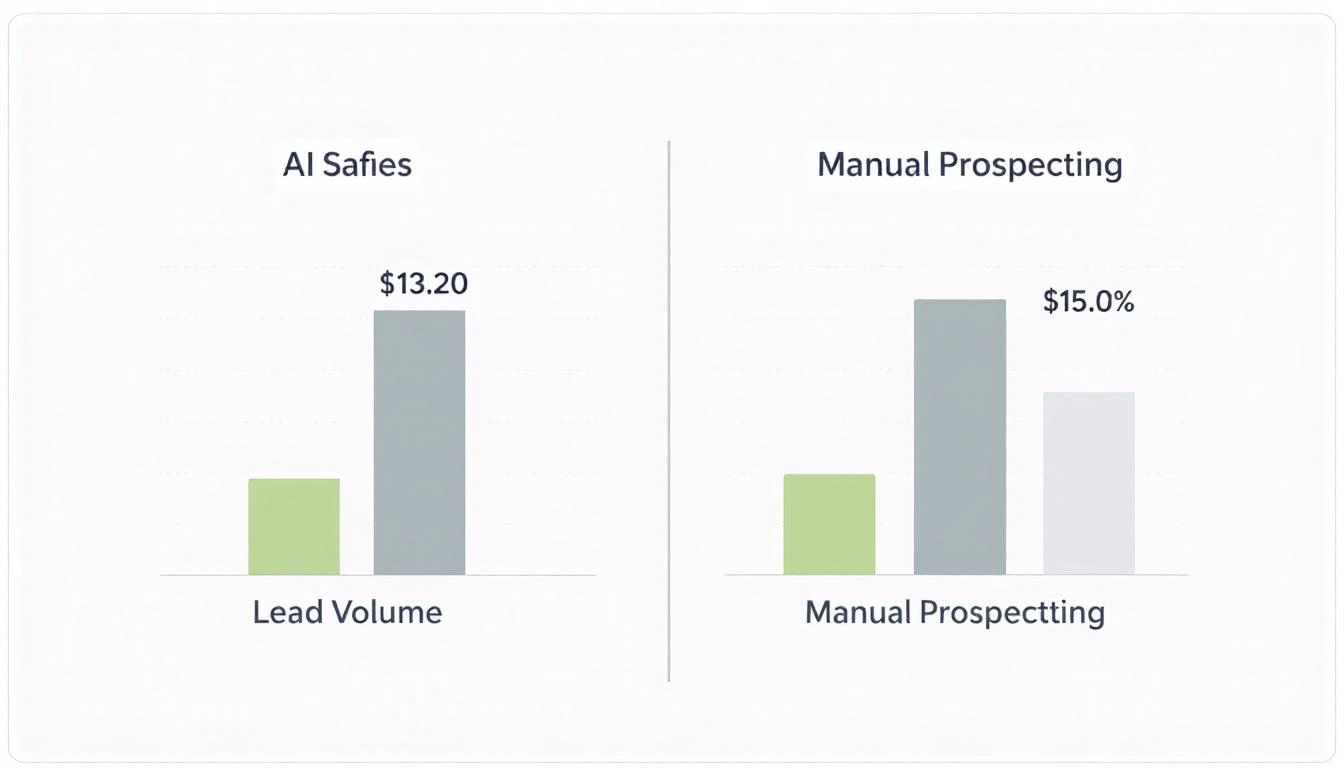
The Numbers: Why This Matters
Let's do the math on a 5-person SDR team:
| Metric | Manual Prospecting | AI-Assisted |
|---|---|---|
| Time per prospect | 15 minutes | 2 minutes |
| Prospects researched/day | 20 | 100+ |
| Message personalization depth | Surface-level | Deep (career, posts, context) |
| SDR time on research | 60% of day | 15% of day |
| Response rate | 5-8% | 15-25% |
The ROI: If your SDRs currently book 4 meetings/week and this doubles their response rate, you're looking at 8 meetings/week. That's 208 extra meetings per year per SDR.
At a $10K average deal size and 20% close rate, that's $416K in additional pipeline per SDR.
Important: Stay Compliant
A few rules to keep you out of trouble:
- Respect LinkedIn's rate limits — Don't send more than 100 connection requests per week
- Don't automate sending — Use this for research and drafting, send manually
- Personalization is protection — Generic automated messages get flagged; personalized ones don't
- Use your real account — Sales Navigator is meant for this; sketchy tactics aren't
The goal isn't to game LinkedIn. It's to do better research faster so your human-sent messages actually land.
Taking It Further: Integration with Your Stack
Once you've validated this works, consider:
- HubSpot integration — Auto-create contacts with the personalization data
- Slack alerts — Get notified when high-value prospects are found
- A/B testing — Track which Claude-generated openers perform best
- CRM sync — Push talking points to the contact record for sales calls
Claude's 200K context window means you can even include company 10-K filings, recent news, and competitive intel in the personalization prompt.
The Bigger Picture
LinkedIn prospecting is changing. The "spray and pray" era is over. Buyers can smell automation from a mile away.
The future belongs to teams that can combine AI research speed with human authenticity. Claude does the homework; your SDRs bring the human touch.
That's not "AI replacing salespeople." That's AI making salespeople better.
Try our AI Lead Generator — find verified LinkedIn leads for any company instantly. No signup required.
Want to See This in Action?
MarketBetter's AI SDR playbook uses similar intelligence to tell your team exactly who to reach out to and what to say. No more guessing. No more 20 browser tabs.
Related reading: