
The Complete Guide to AI Meeting Prep for Sales Teams [2026]
The best sales reps don't wing it. They walk into every call knowing the prospect's tech stack, recent company news, competitive landscape, likely objections, and the exact questions that will advance the deal.
The problem? Proper meeting prep takes 30-60 minutes per call. When you have 6-8 meetings a day, that's impossible. So most reps do a quick LinkedIn scan and hope for the best.
AI coding agents eliminate this trade-off. Claude Code, OpenClaw, and GPT-5.3 Codex can research a prospect, build a personalized agenda, prepare objection handlers, and draft follow-up templates in under 5 minutes per meeting.
This guide shows you the complete workflow — from morning prep to post-meeting follow-up.
Why Meeting Prep Is the Highest-ROI Sales Activity
Here's what the data says:
- Prepared reps convert 40% more meetings to pipeline (Gong)
- Personalized demos have a 68% higher close rate than generic ones
- Buyers say the #1 thing that differentiates a good rep is "understanding my business" — not product knowledge
- Top performers spend 6x more time on pre-call research than average reps
Yet most reps skip prep because it doesn't scale. AI makes it scale.
The AI Meeting Prep Stack
Here's how each tool contributes:
| Tool | Role in Meeting Prep |
|---|---|
| Claude Code | Deep prospect research, agenda building, objection preparation |
| GPT-5.3 Codex | Multi-file analysis, compiling research from multiple sources |
| OpenClaw | Automated daily prep delivery, scheduled research, Slack/WhatsApp alerts |
You don't need all three — any one can handle the basics. Combined, they create a prep engine that runs on autopilot.
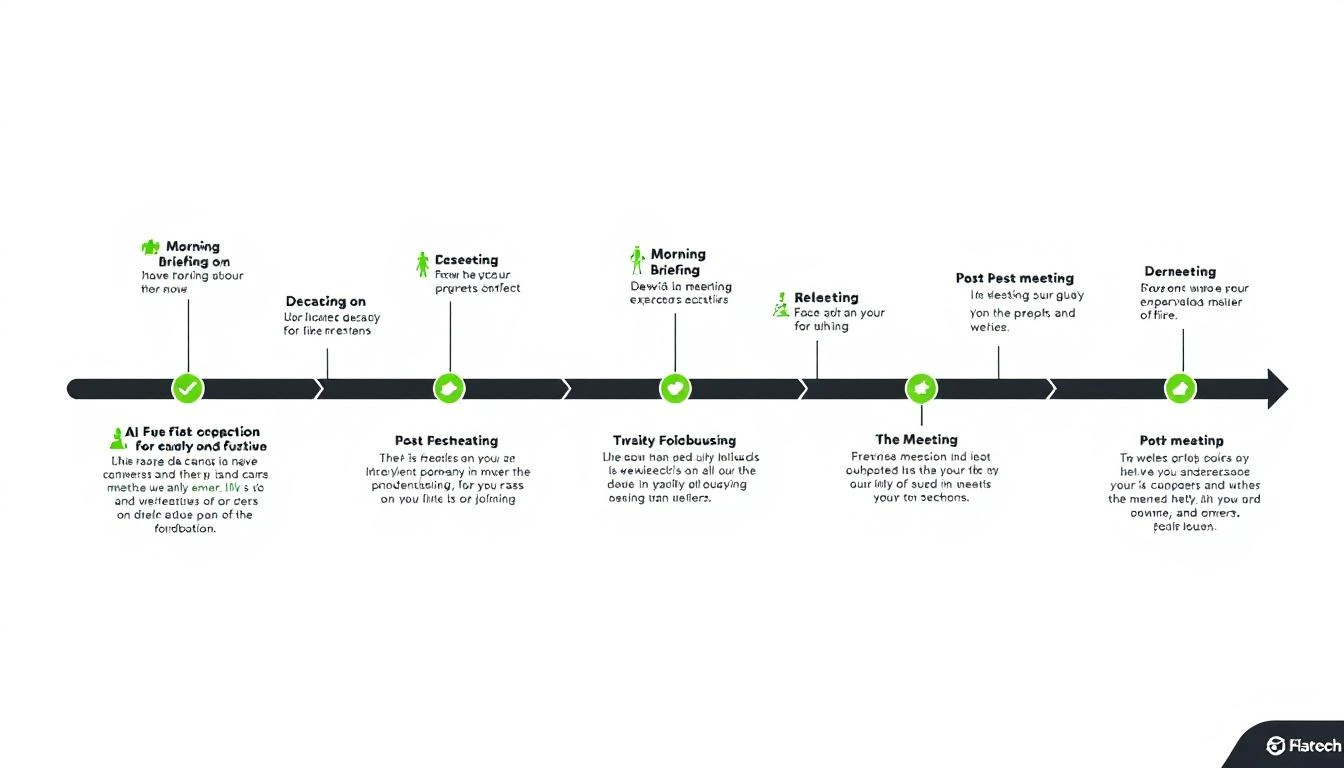
Phase 1: Automated Research (Pre-Meeting)
Company Intelligence
Feed Claude Code your meeting details and let it research:
I have a meeting with [Name], [Title] at [Company] tomorrow at [time].

Research and prepare:

COMPANY INTEL:
1. What does [Company] do? (in one sentence, from their perspective)
2. Recent news (last 90 days) — funding, product launches, exec changes, earnings
3. Tech stack (from job postings, BuiltWith, LinkedIn)
4. Company size, growth trajectory, recent hires
5. Their customers (who do THEY sell to?)

CONTACT INTEL:
6. [Name]'s background — previous roles, tenure, career trajectory
7. Recent LinkedIn activity — what are they posting/engaging with?
8. Mutual connections or shared experiences
9. Time in current role (new = proving themselves, tenured = protecting status quo)

COMPETITIVE INTEL:
10. What tools are they likely using today for [our product category]?
11. Any reviews they've left on G2/Capterra?
12. Competitors they might be evaluating alongside us
Industry Context
Don't just research the company — research their industry challenges:
For [Company] in the [industry] space:
1. What are the top 3 industry challenges right now?
2. What regulations or market shifts are affecting them?
3. What do their competitors look like?
4. Where is the industry heading in the next 12 months?

How do these industry trends connect to what we offer?
This lets you start the conversation with industry credibility, not product features.
Stakeholder Mapping
For multi-stakeholder deals, research every attendee:
Meeting attendees:
- [Name 1], [Title 1]
- [Name 2], [Title 2]
- [Name 3], [Title 3]

For each person:
1. What's their likely priority? (based on role)
2. What concerns will they have about our solution?
3. What metric do THEY care about? (VP cares about revenue, ops cares about efficiency)
4. Who is the likely decision maker vs. influencer vs. blocker?
5. What question would resonate most with each person?
Phase 2: Personalized Agenda Building
Generic agendas waste everyone's time. AI-generated agendas are specific to the prospect:
Based on the research above, create a meeting agenda:

1. OPENING (2 min)
   - Personalized icebreaker based on [recent company news or shared interest]
   - Context-setting question that shows I've done homework

2. DISCOVERY (15 min)
   - 5 questions specific to THEIR business challenges
   - Questions that uncover pain related to our solution
   - At least one question they haven't been asked by other vendors

3. VALUE DEMONSTRATION (15 min)
   - 3 use cases relevant to THEIR specific situation
   - ROI example using THEIR industry benchmarks
   - Live walkthrough of the feature most relevant to their stated challenge

4. COMPETITIVE POSITIONING (5 min)
   - Address likely concerns about [competitor they're probably using]
   - Differentiation points that matter for THEIR use case
   - Without bashing — focus on what we do uniquely well

5. NEXT STEPS (5 min)
   - Proposed timeline based on their likely decision process
   - Identify other stakeholders to involve
   - Clear commitment for next meeting
Discovery Questions That Actually Work
The best discovery questions come from research, not templates. Claude Code can generate questions based on what you know about the prospect:
Based on [Company]'s:
- Recent [event/news]
- Industry position
- Likely current tools
- Team size and structure

Generate 10 discovery questions that:
1. Show I understand their business
2. Uncover pain we can solve
3. Haven't been asked by every other vendor
4. Create urgency without being pushy
5. Reveal their decision process naturally
Example output might include:
- "I saw you recently hired 5 SDRs — how are you scaling their onboarding without increasing manager bandwidth?"
- "With [industry trend] affecting your sector, how has that changed how your team prioritizes accounts?"
- "You're currently using [tool X] for prospecting — what's the one thing you wish it could do that it can't?"
These questions feel like conversation, not interrogation.
Phase 3: Objection Preparation
Every meeting has predictable objections. AI prepares you for each:
For this meeting, the likely objections are:
1. [Based on their company size] — "We're too small for this"
2. [Based on their current tools] — "We already use [competitor]"
3. [Based on their industry] — "Our sales cycle is different"
4. [Based on the economy] — "Budget is tight right now"
5. [Based on stakeholders] — "I need to check with [person]"

For each objection, provide:
- A 2-sentence response framework
- A real example or data point to support it
- A follow-up question that advances the conversation
- What NOT to say (common mistakes)
The "Status Quo" Objection Playbook
Since 38% of deals are lost to "we're fine with what we have," this deserves special preparation:
[Prospect] is likely using [current solution/process].

Build a status quo disruption approach:
1. What's the HIDDEN cost of their current process? (time, missed opportunities, manual work)
2. What trigger event at their company suggests the status quo isn't working?
3. What question makes them quantify the pain of doing nothing?
4. What peer company example shows the risk of inaction?
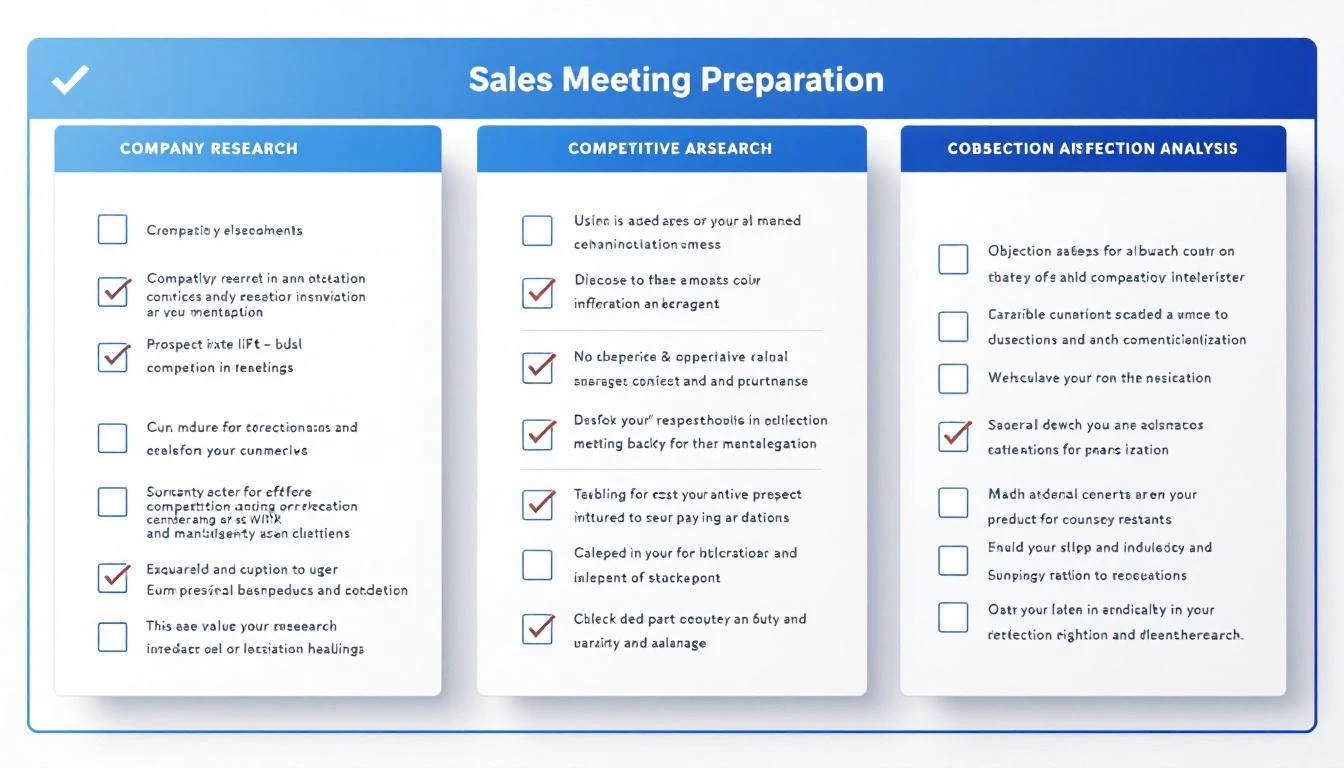
Phase 4: Automated Daily Prep with OpenClaw
Set up OpenClaw to deliver meeting prep automatically every morning:
The Morning Briefing Agent
Configure an agent that checks your calendar and prepares research for each meeting:
Every morning at 7 AM:
1. Check today's calendar for sales meetings
2. For each meeting, run the research workflow
3. Compile a briefing document for each meeting
4. Send via Slack/WhatsApp with key talking points

Format: One message per meeting, structured as:
📅 [Time] — [Company] meeting
👤 [Attendees with quick context]
🎯 [Top 3 things to know]
❓ [Top 3 questions to ask]
⚠️ [Main risk/objection to prepare for]
This means you wake up to a prepared day — every meeting briefed, every question ready, every risk anticipated.
Real-Time Meeting Support
OpenClaw can also provide real-time support during meetings:
- Message "@agent what's [Company]'s latest funding?" during a call
- Ask "@agent draft a follow-up email for [prospect]" right after hanging up
- Request "@agent update CRM notes for today's [Company] meeting"
Phase 5: Post-Meeting Follow-Up
The meeting isn't over when the call ends. AI handles the follow-up:
Meeting with [Company] just ended. Key outcomes:
- [Outcome 1]
- [Outcome 2]
- [Next step agreed]

Generate:
1. A follow-up email within 2 hours summarizing key points
2. Internal CRM notes capturing deal intel
3. Tasks for next steps with deadlines
4. Prep outline for the next meeting (if scheduled)
5. Internal Slack update for the sales team
Follow-Up Email Best Practices
AI-generated follow-ups should be:
- Specific — Reference actual discussion points, not generic thank-yous
- Action-oriented — Clear next steps with dates
- Value-adding — Include a relevant case study or resource mentioned in the call
- Multi-stakeholder aware — Different emails for different attendees
The Full Daily Workflow
Here's what a fully automated prep day looks like:
| Time | Activity | Tool |
|---|---|---|
| 7:00 AM | Morning briefing delivered | OpenClaw (automated) |
| 7:30 AM | Review prep, add personal notes | You |
| 9:00 AM | Meeting 1 — fully prepared | Prep docs ready |
| 9:45 AM | Follow-up email drafted | Claude Code |
| 10:00 AM | Meeting 2 — fully prepared | Prep docs ready |
| 10:45 AM | Follow-up email drafted | Claude Code |
| 12:00 PM | Midday pipeline review | OpenClaw alert |
| 1:00 PM | Afternoon meetings prepared | Already briefed |
| 5:00 PM | All follow-ups sent, CRM updated | AI + You |
Total AI prep time: ~5 minutes per meeting Previous manual prep time: ~45 minutes per meeting Time saved per day: 4+ hours
Scaling Meeting Prep Across Your Team
For sales leaders managing a team, automated prep is a force multiplier:
Team-Wide Prep Standards
Use a shared prompt template so every rep gets the same quality of preparation. Customize per rep based on their deal stage and skill level.
Manager Coaching Prep
Prepare managers for deal reviews and joint calls:
For tomorrow's meeting where [rep] and I are joining the [Company] call:
1. What has [rep] done well in this deal so far?
2. What's the main risk I should address?
3. What coaching opportunity does this meeting present?
4. What should I demonstrate vs. let [rep] handle?
Onboarding Acceleration
New reps ramp faster when they have AI-generated prep for every meeting. Instead of learning through trial and error, they walk in informed.
Try our AI Lead Generator — find verified LinkedIn leads for any company instantly. No signup required.
Getting Started
You can implement AI meeting prep today:
- Start manual — Copy the research prompts above into Claude Code before your next meeting
- Templatize — Save your best prompts for reuse
- Automate — Set up OpenClaw for daily morning briefings
- Scale — Roll out to your team with shared prompt templates
For teams that want meeting prep integrated with visitor identification, pipeline monitoring, and daily playbooks — MarketBetter combines it all into one SDR workflow.
The best reps are always prepared. AI just makes that possible at scale.
Want your SDRs prepared for every meeting, automatically? Book a demo and see how MarketBetter's daily playbook keeps your team ready for every conversation.