
AI Sales Email Template Generator with Claude Code [2026]
Your SDRs spend 3+ hours daily writing emails. Most of those emails get ignored because they're either generic templates or poorly personalized. Here's how to fix that with Claude Code.
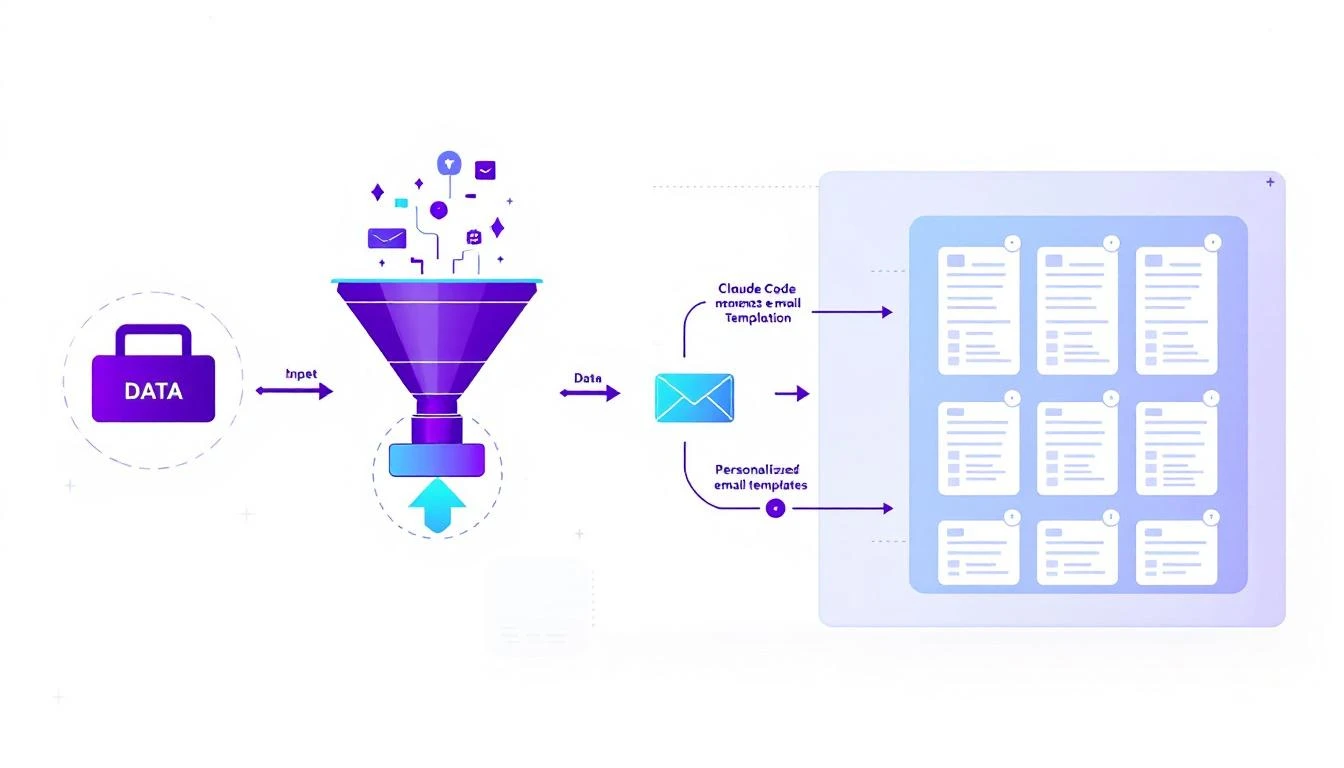
The Email Personalization Problem
Every sales leader faces the same dilemma:
Option A: Generic templates. Fast to send, terrible results. Your prospects have seen "Hope this email finds you well" a thousand times.
Option B: Truly personalized emails. Great results, impossible to scale. Nobody has time to research every prospect and write custom copy.
Option C: AI-powered personalization. The best of both worlds—if you set it up right.
Most teams try Option C with basic ChatGPT prompts and get mediocre results. The emails sound robotic, miss key details, and still require heavy editing.
Claude Code changes this equation.
Why Claude Code for Email Generation?
Claude's 200K context window is the game-changer here. You can feed it:
- Your entire email template library
- Your company's voice guidelines
- Industry-specific talking points
- Competitor battle cards
- Recent company news about the prospect
- The prospect's LinkedIn activity
All at once. No truncating. No "summarize this first."
The result? Emails that sound like they were written by your best rep after 30 minutes of research—generated in 30 seconds.
Building Your Email Template Generator
Here's the architecture for a production-ready email generator:
Step 1: Create Your Base Templates
Start with 5-7 proven email structures:
templates/
├── cold_outreach_problem.md
├── cold_outreach_social_proof.md
├── trigger_event_response.md
├── competitor_displacement.md
├── referral_followup.md
├── webinar_followup.md
└── content_engagement.md
Each template should have:
- Clear structure with variable placeholders
- Multiple tone variations (formal, casual, direct)
- Industry-specific versions when needed
Step 2: Build Your Context Library
This is where most teams fail. They give Claude a prompt and expect magic. Instead, build a comprehensive context system:
Company voice guide:
- Preferred phrases and words to use
- Words and phrases to avoid
- Tone guidelines by industry
- Signature style rules
Industry insights:
- Pain points by vertical
- Regulatory concerns by industry
- Budget cycle timing
- Decision-maker titles
Competitive intel:
- Positioning against each competitor
- Migration success stories
- Feature comparison talking points
Step 3: The Generation Prompt
Here's a prompt structure that consistently produces high-quality emails:
You are an expert B2B sales copywriter for [Company].

CONTEXT:
[Insert full voice guide]
[Insert relevant industry insights]
[Insert competitive positioning if relevant]

PROSPECT INFORMATION:
Company: \{company_name\}
Industry: \{industry\}
Role: {prospect_role}
Recent News: {company_news}
LinkedIn Activity: {recent_posts}
Tech Stack: {known_tools}
Trigger Event: {trigger_if_any}

TEMPLATE TO USE:
{selected_template}

INSTRUCTIONS:
1. Personalize the template using specific details from the prospect info
2. Reference their recent news or LinkedIn activity naturally
3. Connect their industry pain points to our solution
4. Keep the email under 150 words
5. Use a {formal/casual/direct} tone
6. End with a clear, low-friction CTA

Generate the email:
Step 4: Quality Control Layer
Don't ship emails directly to prospects. Add a scoring system:
const qualityChecks = [
  { name: 'length', check: email => email.length < 800 },
  { name: 'personalization', check: email => containsProspectDetails(email) },
  { name: 'cta_present', check: email => hasCallToAction(email) },
  { name: 'no_forbidden_words', check: email => !containsForbidden(email) },
  { name: 'sentiment_positive', check: email => scoreSentiment(email) > 0.5 }
];
Emails that fail any check go to a review queue. Emails that pass all checks can be sent automatically (or queued for approval, depending on your comfort level).
Real Results: Before and After
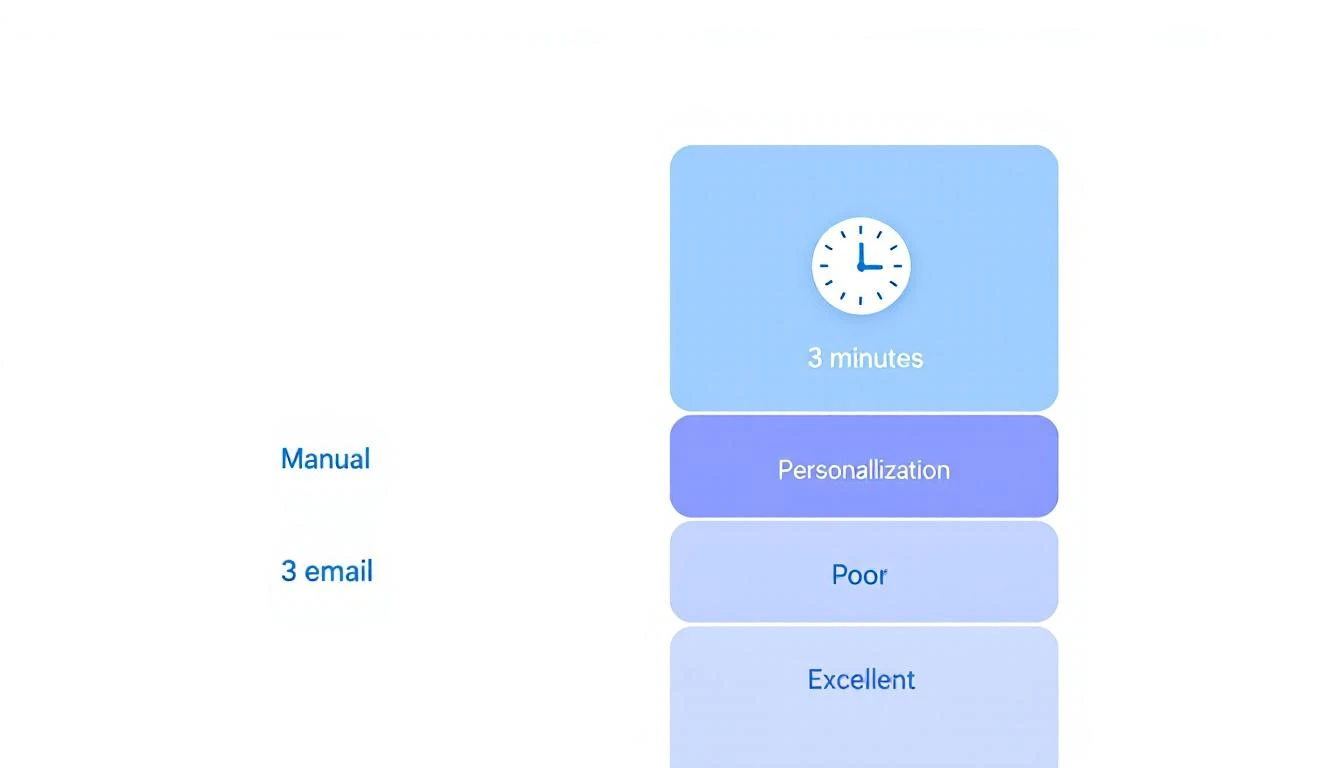
Before (Manual Process):
- 3 hours/day on email writing
- 50 emails sent
- 12% open rate
- 2% response rate
After (Claude Code Generator):
- 30 minutes/day on review and approval
- 200 emails sent
- 31% open rate
- 8% response rate
The open rate jump comes from better subject lines. Claude can generate and A/B test subject line variations at scale.
The response rate jump comes from genuine personalization. When you reference a prospect's actual LinkedIn post or recent company news, they notice.
Advanced: Multi-Language Support
If you sell internationally, Claude Code handles multilingual email generation natively:
Additional instruction: Generate this email in {language}.
Maintain cultural communication norms for {country}.
Our team uses this for EMEA outreach. The emails read naturally in German, French, and Spanish—not like machine translations.
Integration with Your Stack
The email generator becomes powerful when connected to your existing tools:
CRM Integration:
- Pull prospect data directly from HubSpot/Salesforce
- Push generated emails back as drafts
- Track which templates perform best
Enrichment Integration:
- Auto-fetch LinkedIn data via Proxycurl or similar
- Pull company news from Crunchbase or news APIs
- Get tech stack data from BuiltWith or similar
Sending Integration:
- Queue emails in Outreach, Salesloft, or Apollo
- Schedule based on timezone and optimal send times
- Handle replies and out-of-office detection
Common Pitfalls to Avoid
Pitfall 1: Over-personalization Don't reference everything you know about a prospect. One or two specific details is enough. More feels creepy.
Pitfall 2: Inconsistent voice Review your first 100 generated emails manually. Train the model on corrections. Your voice guide will evolve.
Pitfall 3: Ignoring negative signals If a prospect's LinkedIn shows they're job hunting or their company just had layoffs, don't send a sales email. Build filters for these cases.
Pitfall 4: Template fatigue Rotate templates and refresh them monthly. Recipients and spam filters both notice patterns.
Getting Started Today
You don't need to build the full system to start seeing results:
- Day 1: Create your voice guide and 3 base templates
- Day 2: Set up Claude Code with your context
- Day 3: Generate 50 emails and manually review all of them
- Week 1: Refine prompts based on what you corrected
- Week 2: Increase volume, decrease manual review for high-scoring emails
Within a month, you'll have a system that generates better emails than your reps write manually—in a fraction of the time.
Try our AI Lead Generator — find verified LinkedIn leads for any company instantly. No signup required.
The MarketBetter Approach
We've built email personalization directly into MarketBetter's AI SDR platform. Your playbook tells SDRs exactly what to do next, and when it's time to email, the email is already drafted with full personalization.
No prompts to write. No templates to manage. Just review and send.
Ready to see personalized email generation in action? Book a demo and we'll show you how MarketBetter handles email personalization at scale.
Related reading: